Customer Ratings & Reviews



- Model:
- QN55Q6FAAFXZA
- SKU:
- 6639213
Rating by feature
- Picture Quality
Rating 4.8 out of 5 stars
- Sound Quality
Rating 4.6 out of 5 stars
- Brightness
Rating 4.7 out of 5 stars
Customers are saying
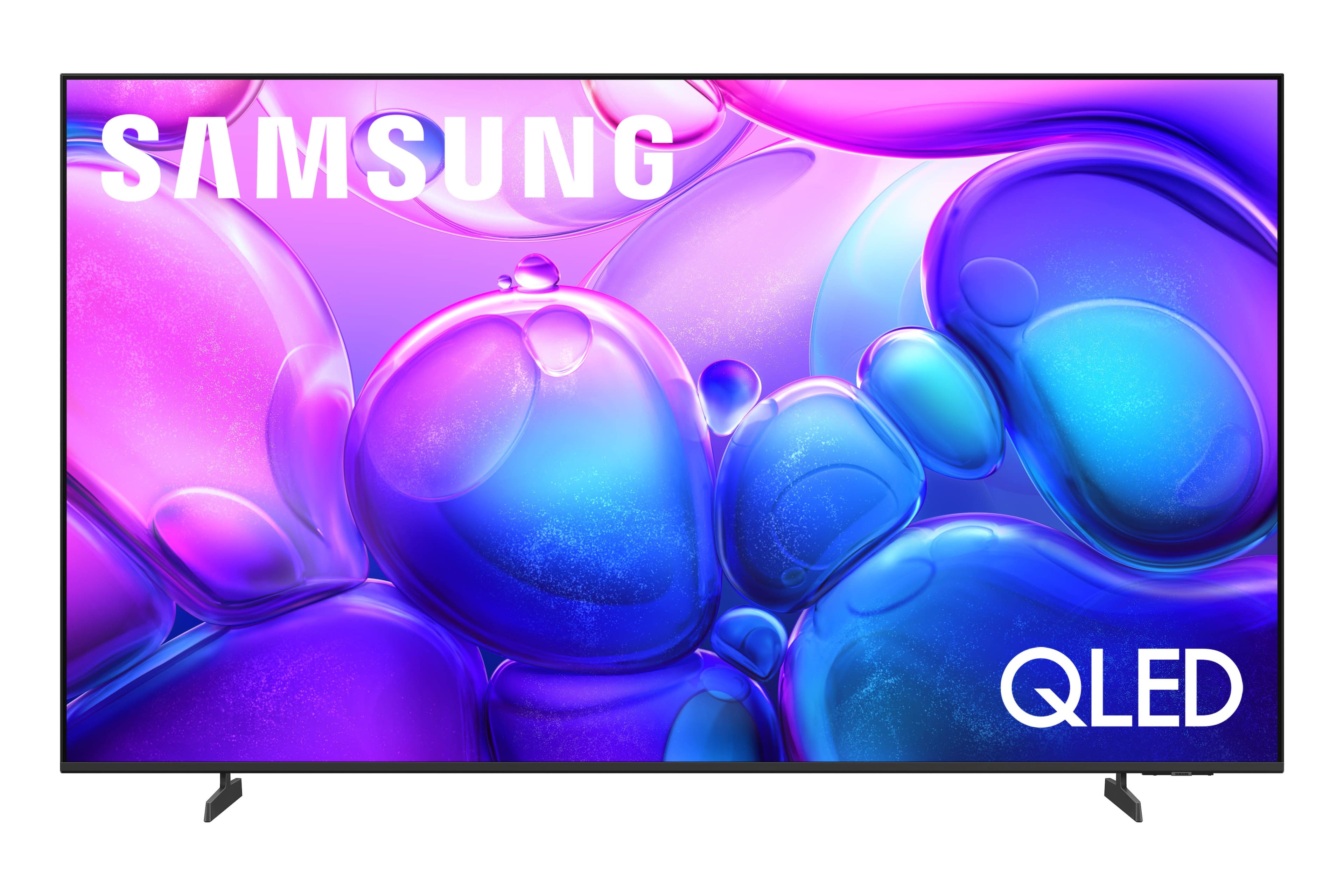
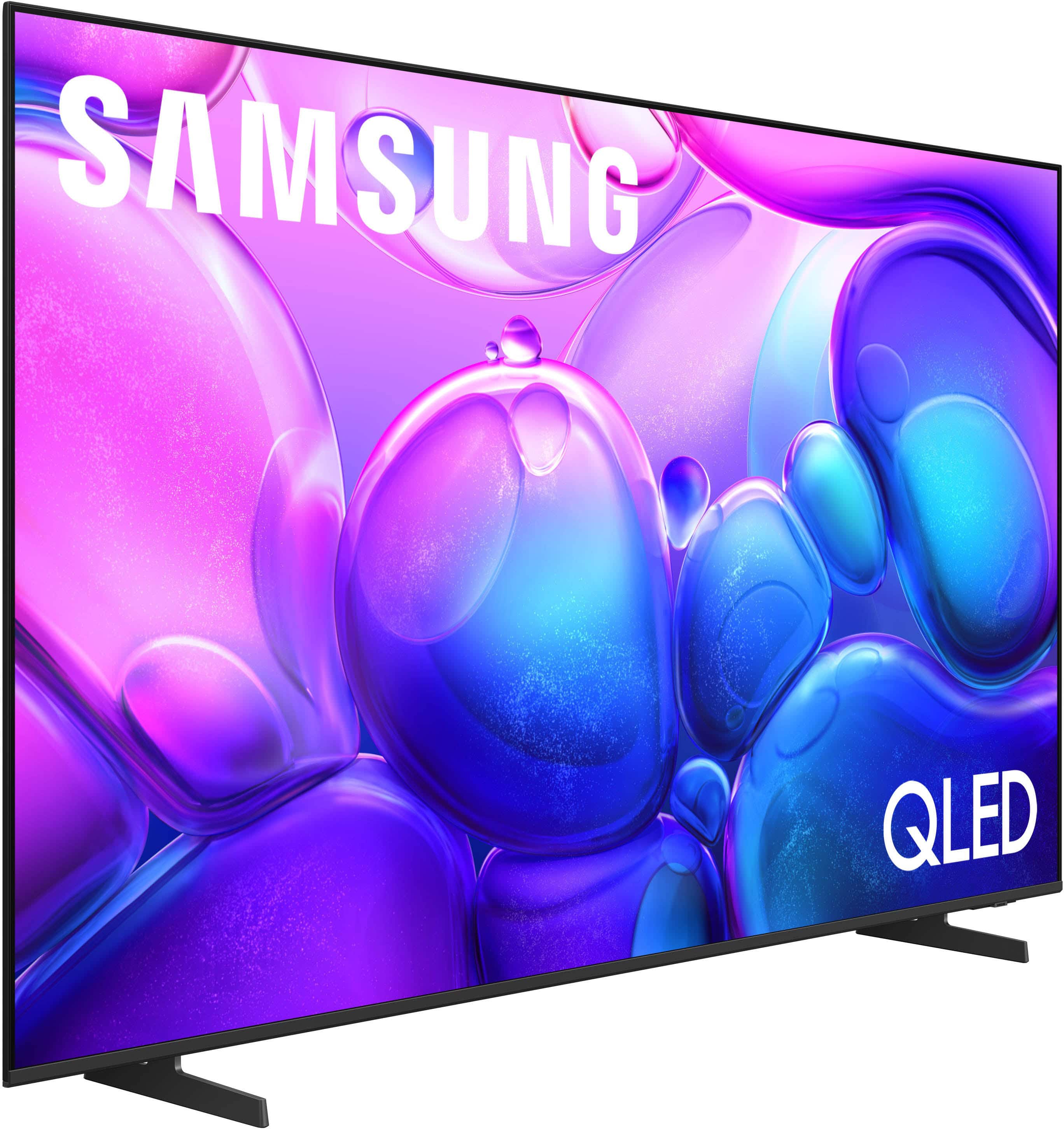
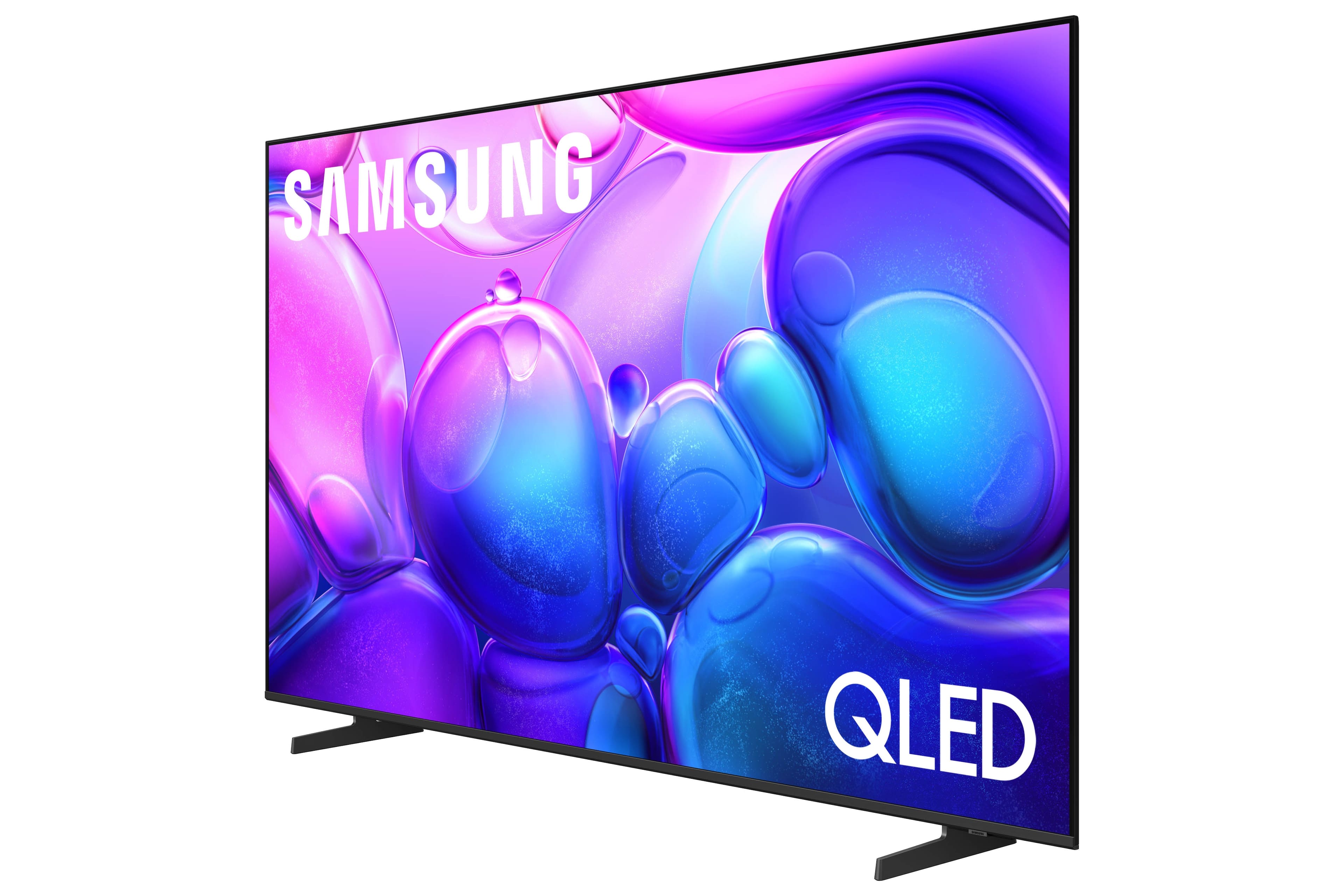
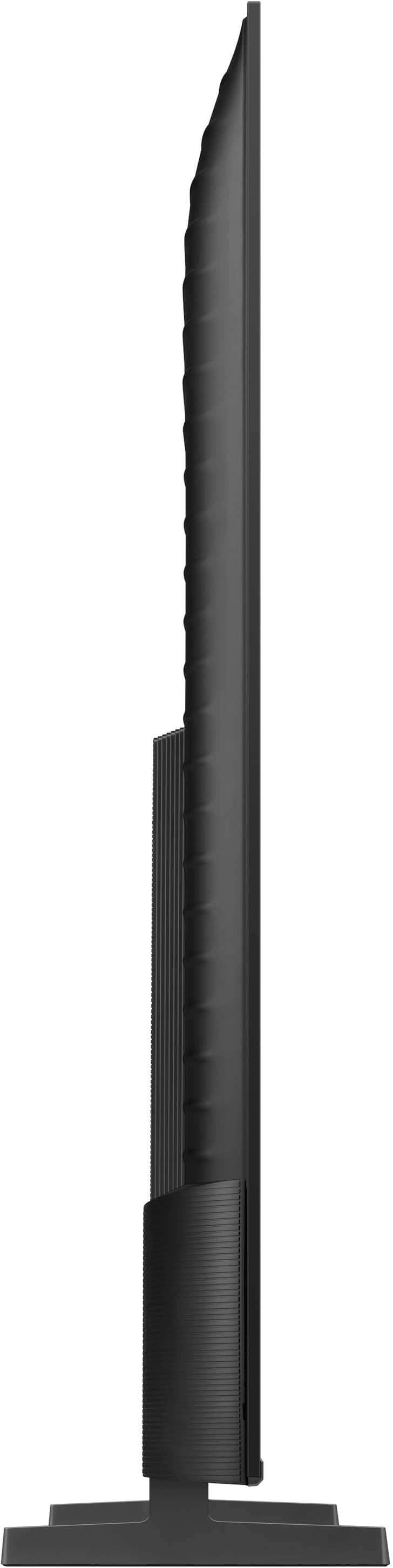
Customers admire the 55” Class Q6F Series QLED 4K UHD SamsungVision AI Smart Tizen TV (2025) for its excellent picture quality and easy setup. Many customers also appreciate the TV's size, lightweight design, and fast performance compared to older smart TVs. However, a few customers have noted connectivity limitations with certain devices.
This summary was generated by AI based on customer reviews.
Decent TV
||Posted .This reviewer received promo considerations or sweepstakes entry for writing a review.Great tv for the price. Don't like the placement of the buttons on the controller so I end up using my phone instead.
I would recommend this to a friendNew 55.
||Posted . Owned for 3 weeks when reviewed.This reviewer received promo considerations or sweepstakes entry for writing a review.So far so good. Cross my fingers. Samsung usually good and 4 year contract should keep it that way.
I would recommend this to a friendSamsung - OK
||Posted .This reviewer received promo considerations or sweepstakes entry for writing a review.You are getting what you pay for. They operating system is slow and sluggish to respond. Picture is good for the price point.
I would recommend this to a friendBrand response from Samsung
Posted .We appreciate your feedback regarding response time. For optimal performance, please ensure your TV is running the latest firmware. You can check this by going to: Home > left directional key > Settings > Support > Software Update
To further optimize performance, try running Device Care, which checks memory, clears unused cached data, and closes background apps: Home > left directional key > Settings > Support > Device Care > Start Device Care
If issues continue, please reach Samsung Support at 1-800-SAMSUNG (8AM – 9PM EST Mon – Fri, 8AM – 6PM Sat – Sun).
LiveChat is also available via the ‘Support’ link on our website.
~ Samsung Specialist
Great TV
||Posted .This reviewer received promo considerations or sweepstakes entry for writing a review.Great TV, great price. Bought for after surgery. Good hook ups. I would recommend.
I would recommend this to a friendTV maneuverability.
||Posted . Owned for 3 weeks when reviewed.This reviewer received promo considerations or sweepstakes entry for writing a review.It is a little confusing to maneuver. Maybe with time I'll figure it out.
I would recommend this to a friendSamsung
||Posted .This reviewer received promo considerations or sweepstakes entry for writing a review.Excellent Samsung TV 55”, we are very happy with it.
I would recommend this to a friendSamsung 55
||Posted . Owned for 1 month when reviewed.This reviewer received promo considerations or sweepstakes entry for writing a review.Nice picture and sound quality . Still works with Google
I would recommend this to a friendWorth it
||Posted .This reviewer received promo considerations or sweepstakes entry for writing a review.Great tv and QLED definitely sticks out when your gaming it’s perfect
I would recommend this to a friendI’m Habibah Mohamad
||Posted .This reviewer received promo considerations or sweepstakes entry for writing a review.I like Samsung products,thank you for selling them.
No, I would not recommend this to a friendBest tv
||Posted . Owned for 1 month when reviewed.This reviewer received promo considerations or sweepstakes entry for writing a review.Such a great tv! Good quality and amazing resolution
I would recommend this to a friendGreat Value
||Posted .This reviewer received promo considerations or sweepstakes entry for writing a review.Black Friday deal great for the price ! Looks good in the loft.
I would recommend this to a friendQuality control of store /customer service poor
||Posted . Owned for 2 weeks when reviewed.This reviewer received promo considerations or sweepstakes entry for writing a review.Tv works fine got home with the first one though and it was completely shattered. Went to return it less than 12 hours later and employees gave a hard time trying to exchange it out for a new one due to not knowing how it was shattered (massive hole in the side of the box maybe pointed to it) Same employee as when we bought it. Eventually they did exchange it and the new one is great
I would recommend this to a friendBrand response from Samsung
Posted .MitchellS,
We’re sorry to hear that Samsung’s Q6F TV didn’t initially meet your expectations. Thank you for giving us the chance to make things right - we appreciate your patience with the exchange process.
If you have any questions or need assistance with your new unit, we’re here to help – please don’t hesitate to reach out to us at 1-800-SAMSUNG, available daily from 8AM - 12AM EST. You can also visit the Samsung website and click on ‘Support’ for:
• Live Chat
• Manuals, Software, & Warranty Info
~ Samsung Specialist
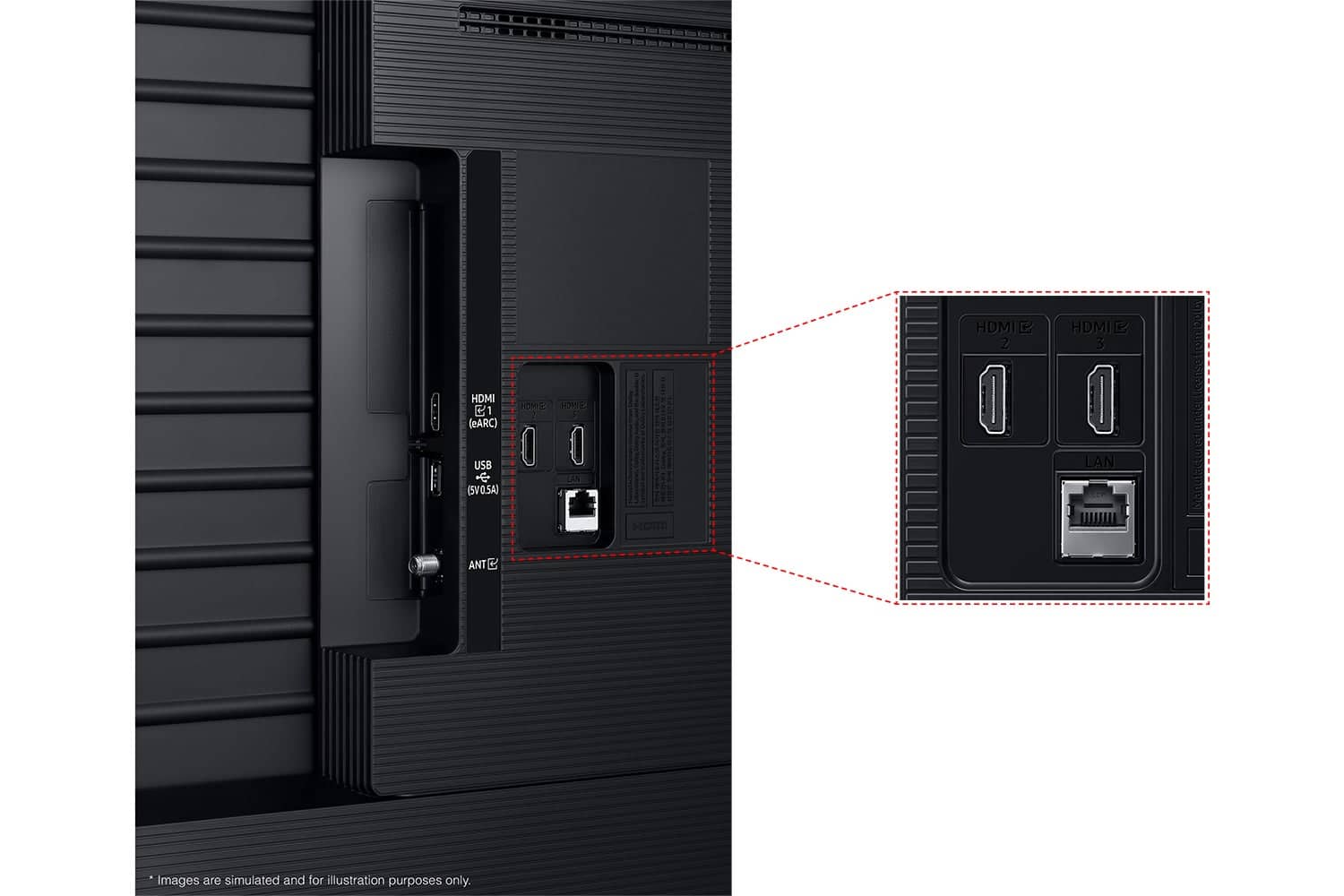
Not enough output slots
||Posted . Owned for 2 weeks when reviewed.This reviewer received promo considerations or sweepstakes entry for writing a review.Didn’t have enough output slots for our stuff, which I didn’t realize until I got it home. Never opened the box and returned it, so I can’t speak to the quality. But the price was good.
No, I would not recommend this to a friendBrand response from Samsung
Posted .Azrael,
Thank you for sharing your thoughts on the available inputs for the Q6F. If an Optical port is a crucial part of your setup needs, you’ll find that connection starting with our Q8F Series and above.
For future purchases, we recommend double-checking the product specs on Best Buy’s site to ensure the model you choose has the ports you need. You’ll find the full list under the “Specifications” tab (just beneath the Highlights section): https://www.bestbuy.com/site/samsung-43-class-q7f-series-qled-4k-uhd-samsungvision-ai-smart-tizen-tv-2025/6619443.p?skuId=6619443
Should you ever decide to give Samsung TVs another try and have questions or need help with settings, setup, or features, please know we’re here to help. Call us at 1-800-SAMSUNG, 8AM - 12AM EST, 7 days a week.
LiveChat with an agent as well as manuals, software, and warranty info can be found at the ‘Support’ link on our Samsung website.
We hope to regain you as a customer in the future.
~ Samsung Specialist
Disappointed In Color Quality
||Posted . Owned for 3 weeks when reviewed.This reviewer received promo considerations or sweepstakes entry for writing a review.I personally did not care for the quality of the color saturation. Even upon taking the Samsung remote control to use every aspect of improving the picture it made very little difference. We found only watching what was recorded or filmed in 2024 to present was brighter-clearer. I ended up exchanging for another Name brand and I’m Extremely pleased and Happy I did…
No, I would not recommend this to a friendBrand response from Samsung
Posted .DonnaH,
We're sorry to hear that your experience with the Q6F TV led to a return. Your feedback matters to us and will be shared with our product team.
If you decide to explore Samsung TVs again in the future, we’re always here to support you - whether it’s setup, features, or troubleshooting. Reach us anytime at 1-800-SAMSUNG (8AM – 12AM EST, 7 days a week), or visit the ‘Support’ section of our website for LiveChat, manuals, and more.
~ Samsung Specialist
Picture doesn’t display properly.
||Posted . Owned for 3 weeks when reviewed.This reviewer received promo considerations or sweepstakes entry for writing a review.I love Samsung but this tv has glitches and bars appear on the left of the screen. I had the tv two weeks and Beat Buy said I misssed my exchange window so now I have to work with Samsung to try to get the brand new Tv repaired. After an hour on the phone with Samsung no resolution yet. So now I’m stuck with a new TV with display issues.
No, I would not recommend this to a friendBrand response from Samsung
Posted .ChrisO,
Thank you for sharing your review. We’re sorry to hear that your experience with Support did not meet expectations. We’d appreciate the opportunity to assist and take a closer look into your concerns. Please contact us at 1-800-SAMSUNG, 8AM – 12AM EST, 7 days a week. LiveChat is also available by visiting the ‘Support’ link on our website.
~ Samsung Specialist
Should have bought a better model.
||Posted . Owned for 2 weeks when reviewed.This reviewer received promo considerations or sweepstakes entry for writing a review.Not as good a picture as thought. Clunky remote control.
No, I would not recommend this to a friendBrand response from Samsung
Posted .DavidP,
We appreciate your feedback on the picture quality of Samsung’s Q6F TV. If the image doesn’t quite match your preferences, there are several adjustments you can make to better suit your viewing environment and content type.
First, please ensure your TV is running the latest firmware, as updates may include important picture quality enhancements. Go to: Home > Left directional button > Settings > Support > Software Update > Update Now
To explore picture mode options, navigate to: Home > Left directional button > Settings > All Settings > Picture > Picture Mode. Options include:
• Standard – Ideal for general viewing
• Dynamic – Brighter and more vibrant for well-lit spaces
• Eco – Optimized for energy efficiency
• Movie – Best for viewing in low light
• Filmmaker Mode – Preserves the content creator’s intent and disables motion smoothing for supported content
You can further customize your image by going to: Settings > All Settings > Picture > Expert Settings, where you can adjust Brightness, Contrast, Color Tone, Sharpness, Contrast Enhancer and more.
If you’d like help finding the best picture settings for your preferences, please don’t hesitate to contact Samsung Support at 1-800-SAMSUNG, available 8AM – 12AM EST, 7 days a week. You can also LiveChat with an agent or explore additional resources on our website by clicking the ‘Support’ link.
~ Samsung Specialist
Wouldn't buy again
||Posted .This reviewer received promo considerations or sweepstakes entry for writing a review.Not the most user friendly TV. Constantly having to manuver around the multiple setting, apps I don't want / use to get to the ones I do.
No, I would not recommend this to a friendBrand response from Samsung
Posted .LindaK,
Thank you for sharing your feedback with us. To help you get the most from your TV, you can download the full e-Manual and more by visiting Samsung’s website, then navigating to: Support > Manual & Software > TVs & Home Theater. From there, you can search for and select your Q6F TV model to view or download the available guides.
The e-Manual & User Guide are also conveniently built into your TV: Settings > Support > Tips and User Guides.
Your TV includes Learn Menu Screen, an accessibility feature that provides audio guidance for on-screen menus. When enabled, your TV will announce the name and function of each menu item as you scroll, without making any changes. This feature is particularly helpful for users who are visually impaired or new to Smart TV menus. To enable, go to: Settings > All Settings > General & Privacy > Accessibility > Learn Menu Screen. To exit, press the Return key twice.
If you’d like more assistance with this feature, please reach Samsung Support at 1-800-SAMSUNG, available 8AM – 12AM EST, 7 days a week. LiveChat agents are also available through the ‘Support’ link on our website.
~ Samsung Specialist
so so
||Posted . Owned for 1 month when reviewed.This reviewer received promo considerations or sweepstakes entry for writing a review.it was ok. pg&e was doing work and cause a power surge and blew a led light within the monitor. was easier to buy a other tv over fixing it
No, I would not recommend this to a friendBrand response from Samsung
Posted .GlennjG,
We're sorry to hear of your experience. If there’s anything we can assist with, please don’t hesitate to call us at 1-800-SAMSUNG, available daily from 8AM - 12AM EST. You can also visit the Samsung website and click on ‘Support’ for:
• Live Chat
• Manuals, Software, & Warranty Info
~ Samsung Specialist
Still loving Best Buy
||Posted . Owned for 3 weeks when reviewed.This reviewer received promo considerations or sweepstakes entry for writing a review.There seems to be a problem with the TV it will get stuck on a segment or something or when changing programs it has and sticks on to static? Not sure what the problem is? I am exchanging it for the 7.
No, I would not recommend this to a friendBrand response from Samsung
Posted .NormaM,
We appreciate you taking the time to let us know about your experience with your TV. So that we can better troubleshoot this issue and provide steps towards a solution, please contact Samsung Support at 1-800-SAMSUNG, available daily from 8AM - 12AM EST. You can also chat with a LiveChat agent by clicking the ‘Support’ link on our website for:
• Live Chat
• Manuals, Software, & Warranty Info
• Creating a Service ticket
~ Samsung Specialist
Garbage
||Posted . Owned for 2 months when reviewed.This reviewer received promo considerations or sweepstakes entry for writing a review.complete garbage. less than two months after purchase a circuit board when out providing me with no picture. this is after several times having to unplug the set to reset it for the same issue only this time it was permanent. of course Best Buy was absolutely no help even with protection plan. Referred me to manufacture.
No, I would not recommend this to a friendBrand response from Samsung
Posted .PaulK,
It’s unfortunate to hear about your experience with Samsung’s Q6F TV. We’re committed to delivering quality, value, and the best possible product experience. This TV is backed by a 1-year limited manufacturer’s warranty, which includes authorized repair for eligible defects when purchased brand-new from an authorized retailer. To review full warranty terms, you can enter your model number here: https://www.samsung.com/us/support/warranty/
We’d appreciate the opportunity to assist further. Please contact Samsung Customer Support at 1-800-SAMSUNG (8AM – 12AM EST, 7 days a week), or connect with a LiveChat agent by clicking the ‘Support’ link on our website.
~ Samsung Specialist