Customer Ratings & Reviews
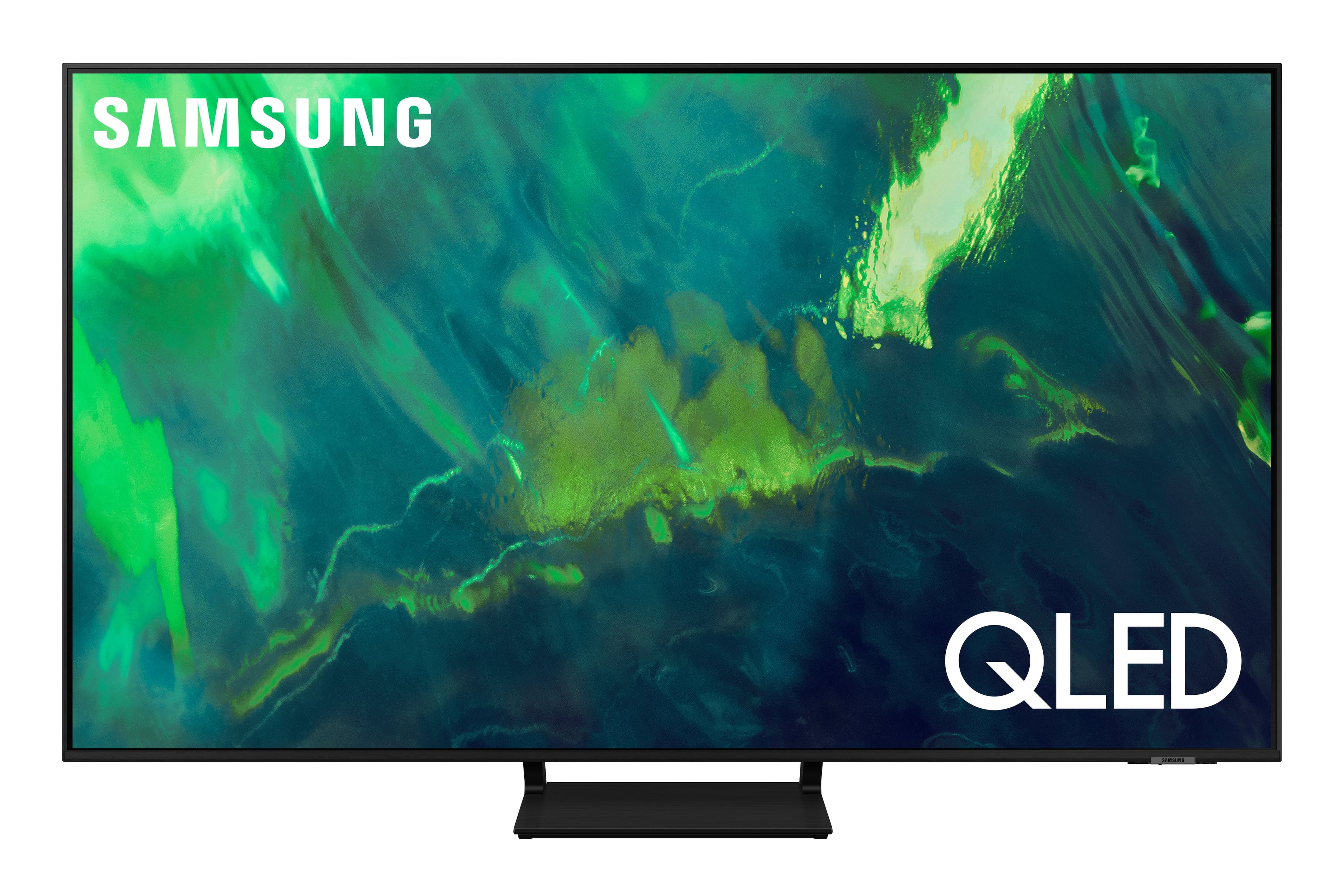
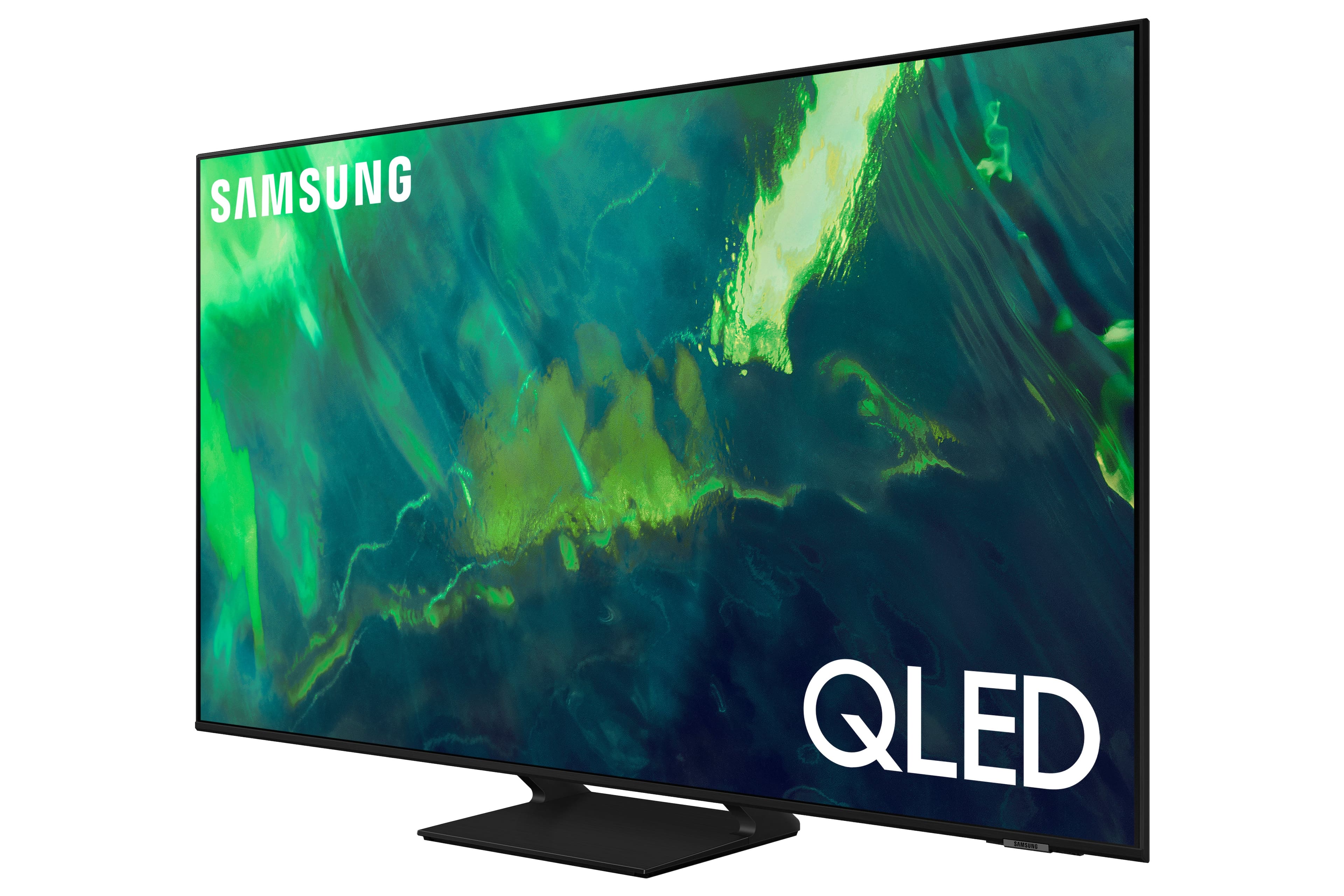


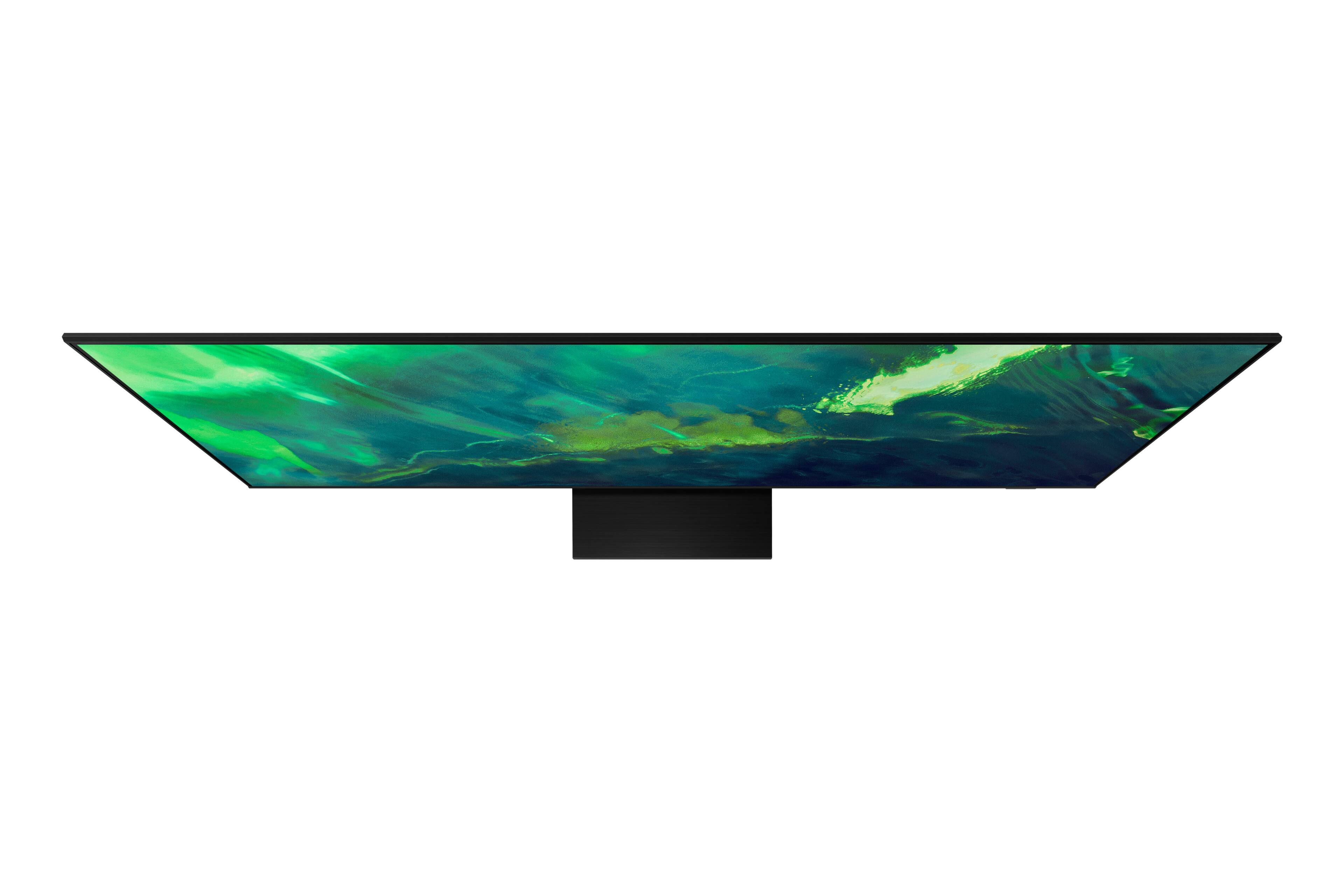
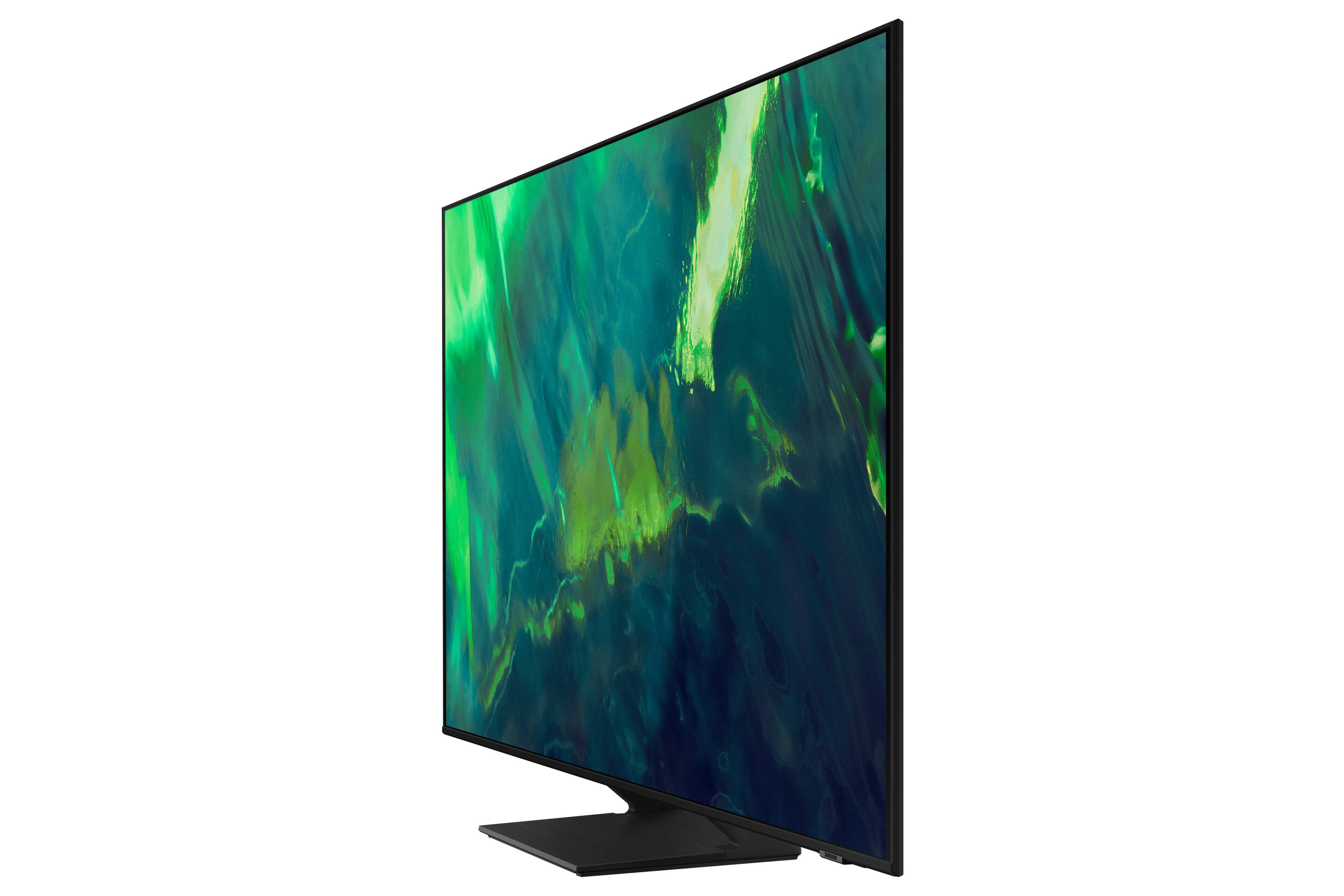
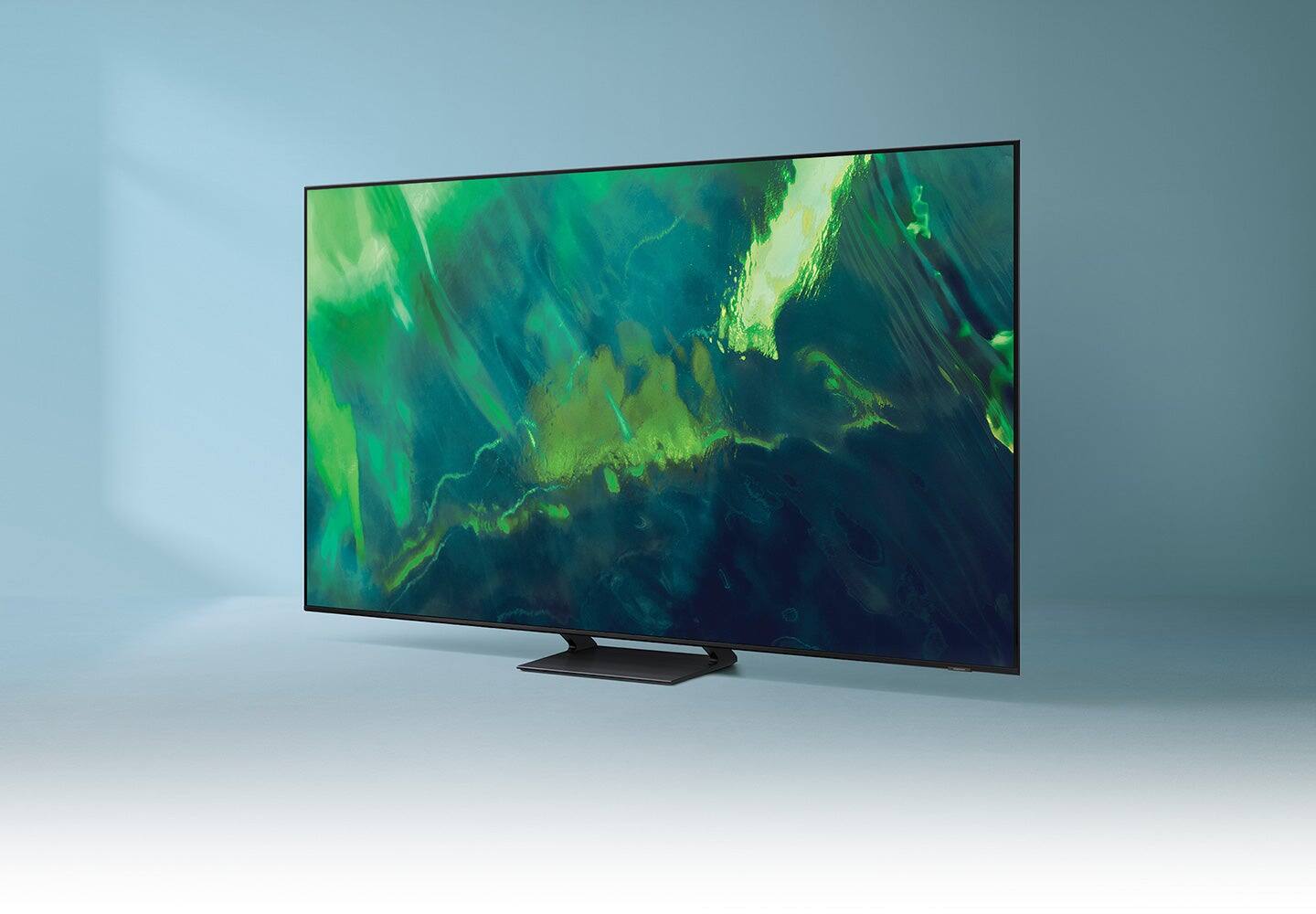
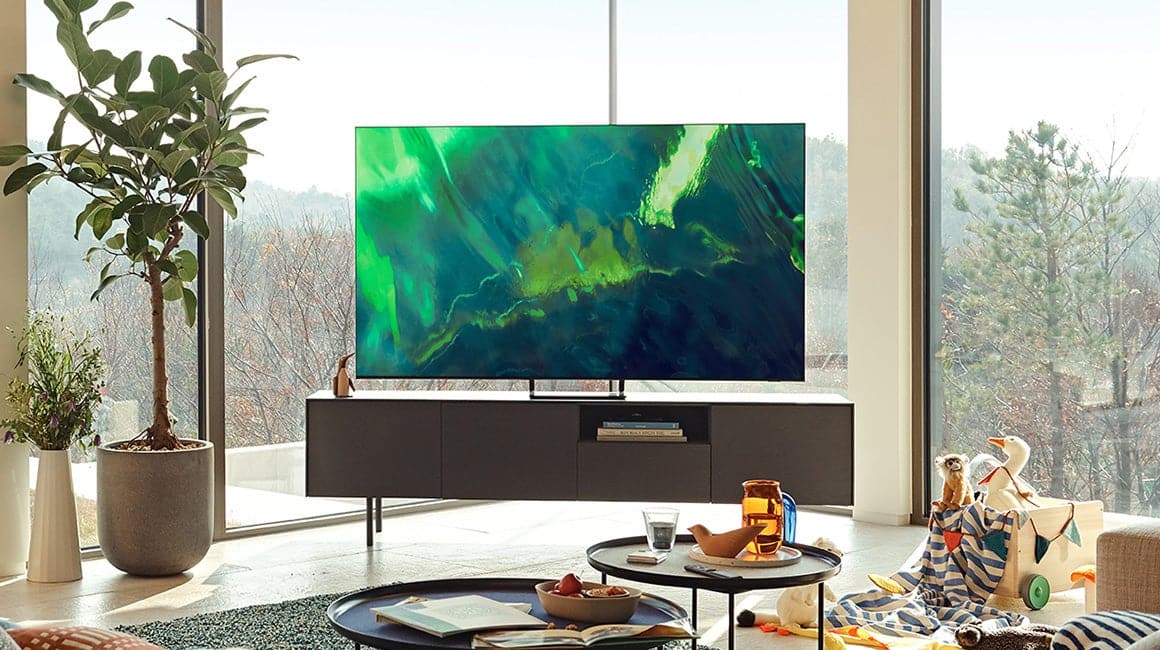
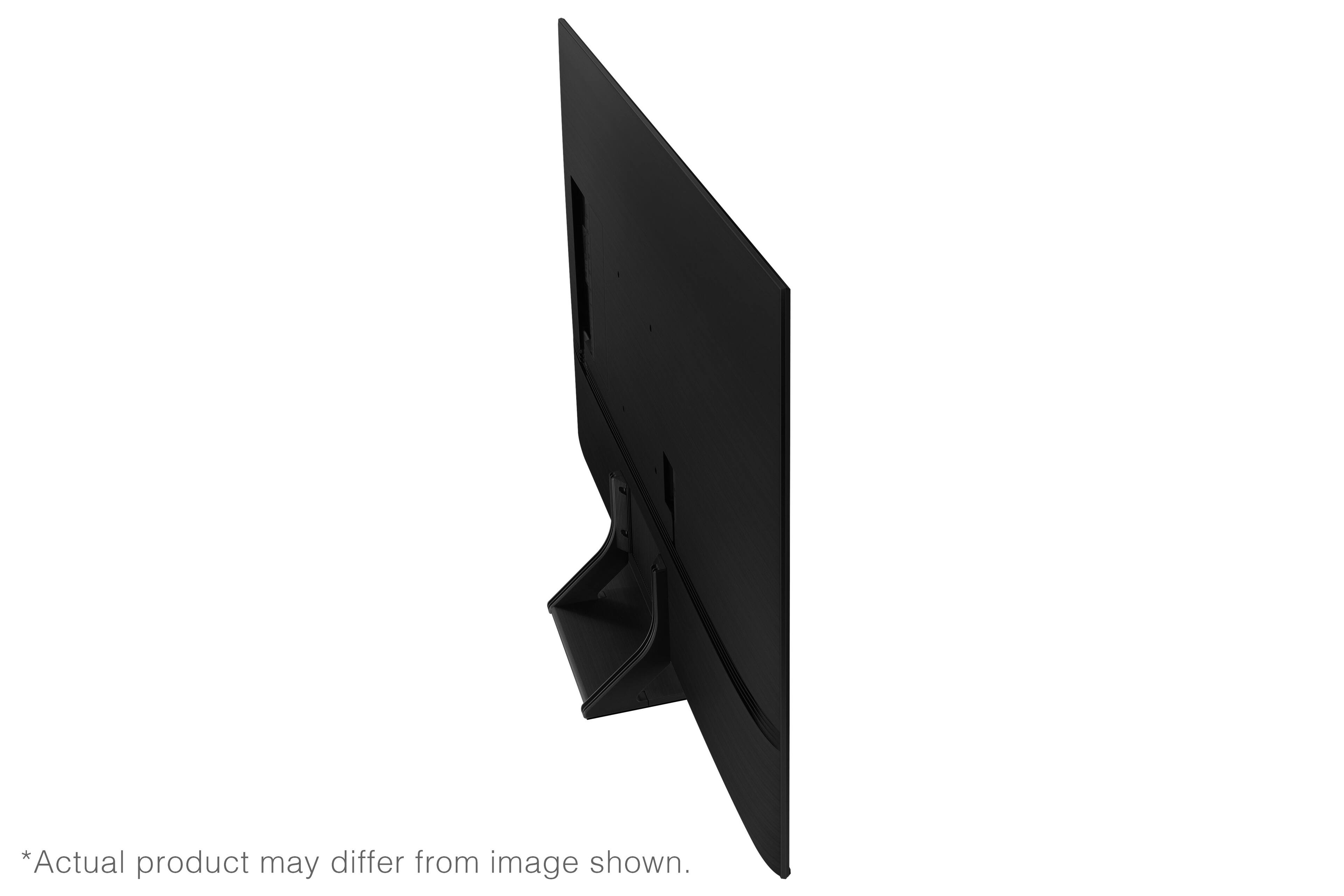











- Model:
- QN55Q70AAFXZA
- SKU:
- 6452056
Rating by feature
- Picture Quality
Rating 4.8 out of 5 stars
- Sound Quality
Rating 4.5 out of 5 stars
- Brightness
Rating 4.8 out of 5 stars
Customers are saying
Customers value the 55" Class Q70A Series QLED 4K UHD Smart Tizen TV for its exceptional picture quality, easy setup, and suitability for gaming. They appreciate the vibrant colors, sharp images, and excellent sound quality. While some find the TV to be expensive, many believe it is worth the investment.
This summary was generated by AI based on customer reviews.
Poor customer care
||Posted . Owned for more than 2 years when reviewed.This reviewer received promo considerations or sweepstakes entry for writing a review.Damaged and they will not replace contacted them several times no satisfaction
No, I would not recommend this to a friend- Pros mentioned:Picture quality
Picture good, Casting would not work
||Posted . Owned for 2 weeks when reviewed.This reviewer received promo considerations or sweepstakes entry for writing a review.Bought TV, all excited. Picture was good, but could not get casting to work at all with Android phones, TV would not show at all for casting. I spent an hour on phone with Samsung, they couldn't get it working either. Finally said return it as it is defective. When I returned it, Best Buy questioned me like a criminal, wouldn't believe casting didn't work. Finally, they exchanged it for different brand. Really makes me question if I want to be a Best Buy customer again.
No, I would not recommend this to a friendBrand response from Samsung
Posted .DVA6471,
Thank you for your review and for sharing the reasons that caused you to return this TV. Your feedback is important to us and will be shared with our internal teams.
We appreciate you sharing your in-store purchase experience with us. You may want to consider providing feedback directly to the Best Buy store where you made your purchase.
Should you ever decide to give Samsung TVs another try and have questions or need assistance with settings, setup, or features, please know we are always here to help. Call us at 1-800-SAMSUNG (ask for TVs), available 8AM - 12AM EST, 7 days a week.
For additional support resources, visit us on the Samsung website and click on the ‘Support’ link in the upper right corner of the homepage for:
1) Chat with Us/Product Help: To begin a chat or find solutions, choose ‘TVs & Home Theater’ and select your model & topic.
2) Manuals, Software, & Warranty Info
~ Samsung Specialist
Not a great experience
||Posted . Owned for 1 month when reviewed.This reviewer received promo considerations or sweepstakes entry for writing a review.Not happy a lot of shadowing and glitching I'm glad I got the total tech wich comes with 60 return will upgrade to oled it could just be this tv has issues
No, I would not recommend this to a friendBrand response from Samsung
Posted .MichaelP,
We appreciate your feedback on the interface and image quality of your Q60B TV. To ensure you've got the latest optimizations, please be sure your unit is running the latest firmware version. You can check by going to: Home > Menu > Settings > Support > Software Update.
If the picture you’re seeing is still not to your liking after updating firmware, there are several picture settings you may want to try adjusting.
Go to Home > Menu > Settings > All Settings > Picture > Picture Mode
...and select the mode that best fits your usage:
1) Standard: Is the default mode suitable for general viewing environments.
2) Movie: Is suitable for watching TV or movies in a dark room.
3) Dynamic: Makes the picture brighter and clearer in bright viewing environments.
4) Filmmaker Mode: You can watch the source content (e.g., movie) as it is. If the image is defined as Filmmaker Mode, it will automatically switch to Filmmaker Mode while watching.
You can also go to: Home > Menu > Settings > All Settings > Picture > Expert Settings to manually fine tune your image.
For further assistance with settings adjustments, please contact Samsung Customer Support at 1-800-SAMSUNG, 8AM - 12AM EST, 7 days a week. Or visit us on the Samsung website and click on the ‘Support’ link for:
• LiveChat
• Manuals, Software, & Warranty Info
~ Samsung Specialist
#6 SAMSUNG
||Posted . Owned for 3 weeks when reviewed.This reviewer received promo considerations or sweepstakes entry for writing a review.My family had been asking for a new unit for several months. Well, we got exactly what we wanted. Excellent clarity
I would recommend this to a friendNice TV but I returned it
||Posted . Owned for 3 weeks when reviewed.This reviewer received promo considerations or sweepstakes entry for writing a review.Great TV, but I returned it for a TCL Roku 6 series. Very pleased, but the $100 difference in price made a difference.
I would recommend this to a friend- Cons mentioned:Screen
Customer
Posted .This reviewer received promo considerations or sweepstakes entry for writing a review.This model of Samsung has a defect after two years the screen will start to darken. They are designed to go bad after the warranty runs out.
No, I would not recommend this to a friendBrand response from Samsung
Posted .Alex,
I'm sorry to hear you're experiencing issues with your 2021 Q70A TV. Samsung stands behind the quality and performance of our TVs with a limited 1-year manufacturer’s warranty when purchased brand-new from an authorized dealer.
If you're a couple months outside of your 1-year warranty, you can locate a service center in your area by following this link: https://www.samsung.com/us/support/service/locations/
Should you have any questions, please call us at 1-800-SAMSUNG, 8AM - 12AM EST, 7 days a week. LiveChat with an agent as well as manuals, software, and warranty info can be found at the ‘Support’ link on our Samsung website.
~ Samsung Specialist
Gaming OLED
||Posted . Owned for 1 month when reviewed.This reviewer received promo considerations or sweepstakes entry for writing a review.Excellent for gaming was the reason for purchase. Has an actual game setting menu that works great.
I would recommend this to a friendGood TV
||Posted . Owned for 1 month when reviewed.This reviewer received promo considerations or sweepstakes entry for writing a review.So far so good. It’s taken me a while to get used to all that it does but it’s much better than the previous one.
I would recommend this to a friendOkay for the price
||Posted .This reviewer received promo considerations or sweepstakes entry for writing a review.Performing fine. Initial set up had a few glitches, Had to call Customer support. Problems resolved on 2nd day. Sound on internal speakers okay but not good. Recommend purchase of secondary sound system
No, I would not recommend this to a friendBrand response from Samsung
Posted .Hi JJJJ,
Thank you for choosing Samsung's Q70A TV and for your review. I'm sorry to hear of your initial experience, but I'm very glad Customer Support was able to assist and your issues have been resolved! We appreciate your feedback on the sound quality of your new TV. There are several sound settings you can adjust to suit your personal sound preferences.
Change the Sound Mode by going to: Settings > Sound > Sound Mode
You can also customize the sound with Expert Settings by going to: Settings > Sound > Expert Settings
Your TV also features OTS Lite (Object Tracking Sound Lite) which means that there are strategically placed dynamic speakers that track the action and move the sound around you. If you plan on adding a Samsung Q-Series Soundbar, please take advantage of Q-Symphony which synchronizes both your TV speakers and soundbar to give you an excellent surround experience.
To assist you with possible sound settings adjustments for a better audio experience, or choosing a Samsung Soundbar to complement your viewing enjoyment, please reach out to us at 1-800-SAMSUNG (ask for TVs), available 8AM -12AM EST M-F (9AM – 6PM EST Sat). Or text HELP to 62913.
For additional support resources, visit us on the Samsung website and click on the ‘Support’ link in the upper right corner of the homepage for:
1) More ‘Contact Us’ options – LiveChat, Facebook, Twitter, Samsung Community, Samsung Members app
2) Manuals & Software
3) Warranty Info
4) Product Registration: For access to easy warranty support, convenient opt-in to special promos and offers, faster troubleshooting and service, and quick notification of system updates.
~ Samsung Specialist
Happy with Samsung
||Posted . Owned for 1 month when reviewed.This reviewer received promo considerations or sweepstakes entry for writing a review.I have not been able to get the color adjusted on all of the channels to my satisfaction. But besides that, I love the TV.
I would recommend this to a friendBrand response from Samsung
Posted .Samsung55,
Thank you for choosing Samsung's Q70A TV and for your review. Please know there are several picture settings you may want to try adjusting to your liking.
You can select the Picture Mode that provides the best viewing experience. Go to Home > Settings > Picture > Picture Mode
1) Standard: Is the default mode suitable for general viewing environments.
2) Natural: Reduces eye strain for a comfortable viewing experience.
3) Movie: Is suitable for watching TV or movies in a dark room.
4) Dynamic: Makes the picture brighter and clearer in bright viewing environments.
5) Filmmaker Mode: You can watch the source content (e.g., movie) as it is. If the image is defined as Filmmaker Mode, it will automatically switch to Filmmaker Mode while watching.
You can also go to: Settings > Picture > Expert Settings > to manually fine tune your image.
To ensure that your TV’s picture is optimized, be sure that you are always running the latest firmware update. You can check this by going to Settings > Support > Software Update or you can enable Auto Update for convenience.
For further assistance with settings adjustments, please contact Samsung Customer Support at 1-800-SAMSUNG (ask for TVs), available 8AM - 12AM EST, 7 days a week.
For additional support resources, visit us on the Samsung website and click on the ‘Support’ link in the upper right corner of the homepage for:
1) Contact Us: For additional Chat & Text options, choose ‘TVs & Home Theater’ and select your model & topic.
2) Manuals & Software
3) Warranty Info
4) Register a Product: For access to easy warranty support, convenient opt-in to special promos and offers, faster troubleshooting and service, and quick notification of system updates.
~ Samsung Specialist
Above average
||Posted . Owned for 2 weeks when reviewed.This reviewer received promo considerations or sweepstakes entry for writing a review.Hook up was easy bought with sound bar due to sound quality Samsung sound sound was good for short period then it went out returned it exchange for different brand
I would recommend this to a friendBIG
||Posted . Owned for 3 weeks when reviewed.This reviewer received promo considerations or sweepstakes entry for writing a review.Love my new bigger and better QLED TV. New technology tends to be a challenge but in time all is accomplished.
I would recommend this to a friendGreat but I'd rather use Sony next time
||Posted . Owned for 5 months when reviewed.This reviewer received promo considerations or sweepstakes entry for writing a review.So I use Sony Bravia but due to its quality and syncing issues with my rear speakers I decided to try Samsung. The TV has great features for video games and watching shows. I'm more upset about the Samsung app store since it doesn't have Crunchyroll or CBS. There's no Built-in google Chromecast built-in so I can't cast it on my phone without actually installing the chromecast. The built-in "casting" that's available for the TV only works if there is corresponding app in the Samsung and it does a weird PNP interface.
No, I would not recommend this to a friendBrand response from Samsung
Posted .Sugarplum,
Thanks for sharing your review of the Q70A TV. We value your feedback regarding app availability and will share it with our teams.
Please know your new TV allows for screen mirroring with both Android and iOS devices. To mirror any type of content from your mobile phone to the Q70A, please try the following:
- Use AirPlay if you are an iPhone or iPad user. Go to: Source > Connection Guide > Smartphone > Apple AirPlay
- If using an Android device, follow the above path and instead choose 'Screen Sharing (Smart View)'
If you need more help, we are here for you. Please call us at 1-800-SAMSUNG, 8AM - 12AM EST, 7 days a week. Our LiveChat agents are also available by clicking on the ‘Support’ link on our website.
~ Samsung Specialist
4k TV
||Posted . Owned for 1 month when reviewed.This reviewer received promo considerations or sweepstakes entry for writing a review.Affordable and 4k. Fits all current needs. No issues with setting up or linking to Samsung app.
I would recommend this to a friendLove it
||Posted . Owned for 1 month when reviewed.This reviewer received promo considerations or sweepstakes entry for writing a review.Amazing quality. Very light eazy to install and lighting fast navigation. Only lacks a bit in sound.
I would recommend this to a friendGreat TV!
||Posted . Owned for 1 month when reviewed.This reviewer received promo considerations or sweepstakes entry for writing a review.What a great television! I use it for PC gaming and regular computer work as well.
I would recommend this to a friendThin, decent picture and sound, slowish
||Posted .This reviewer received promo considerations or sweepstakes entry for writing a review.Love the thin tv for wall hanging. Picture and sound okay. Processor was a bit slow, so had to add an external fire stick to be able to stream some apps smoothly.
I would recommend this to a friendPerfect Viewing
||Posted . Owned for 3 weeks when reviewed.This reviewer received promo considerations or sweepstakes entry for writing a review.Color balance is perfect. My wife and I are very pleased with our new Samsung TV.
I would recommend this to a friendNew Samsung TV
||Posted . Owned for 1 month when reviewed.This reviewer received promo considerations or sweepstakes entry for writing a review.We had an old tv and the picture was pretty dark. So this new tv is quite bright, however we are learning to adjust colors and that is why I gave it 4 stars
I would recommend this to a friendSamsung
||Posted . Owned for 3 weeks when reviewed.This reviewer received promo considerations or sweepstakes entry for writing a review.The product was exactly what we wanted. Was extremally happy with the service that we received.
I would recommend this to a friend