Customer Ratings & Reviews
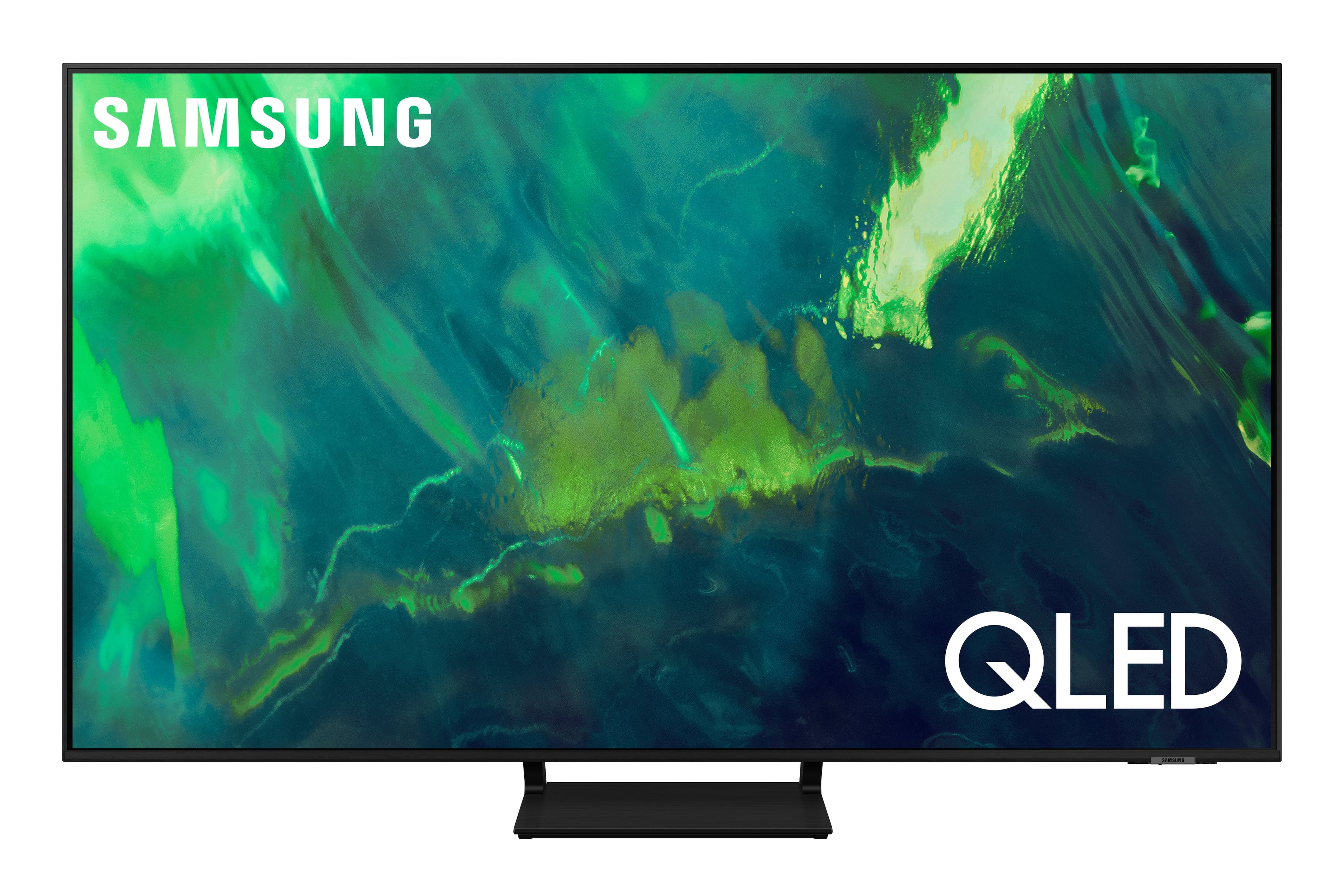
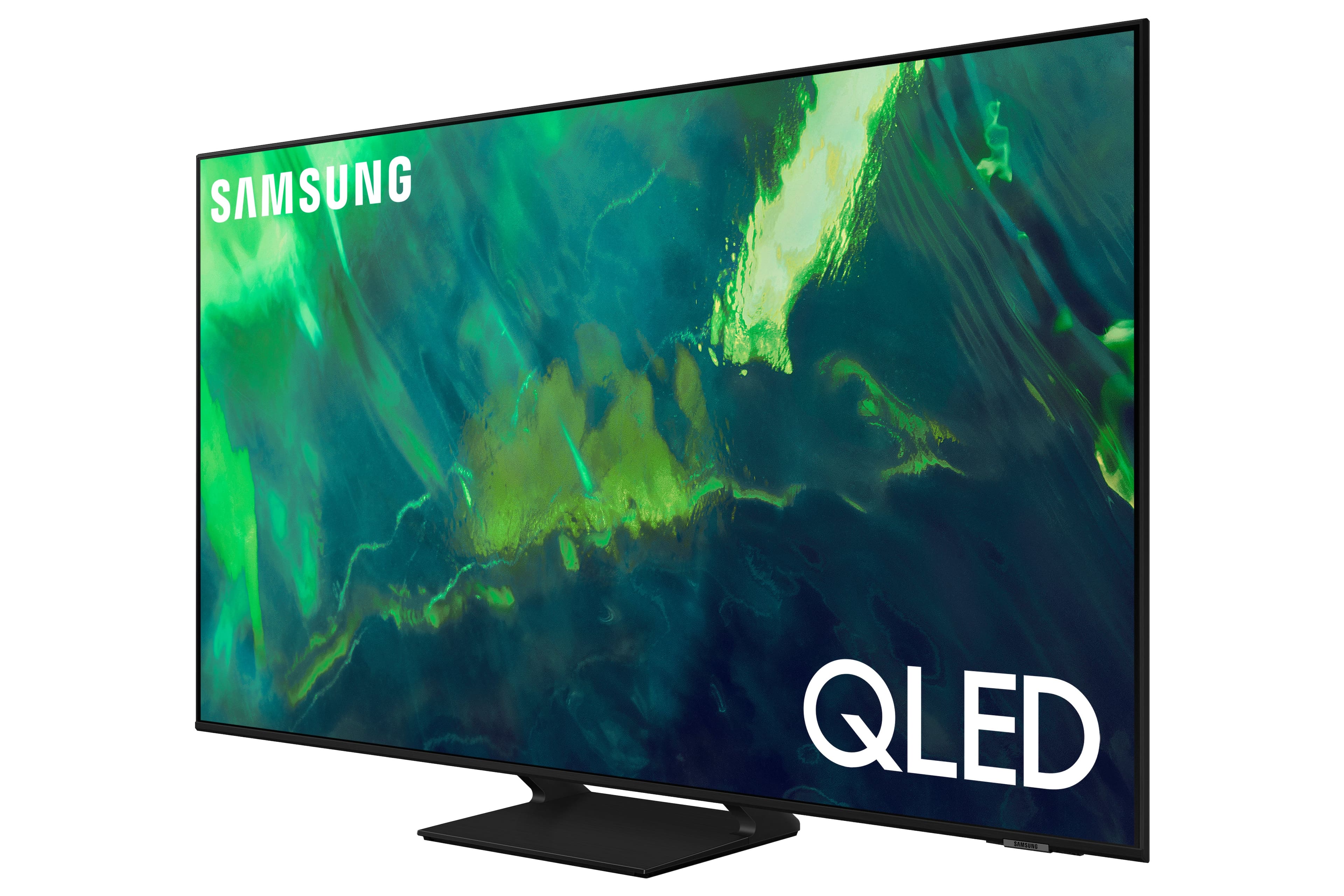



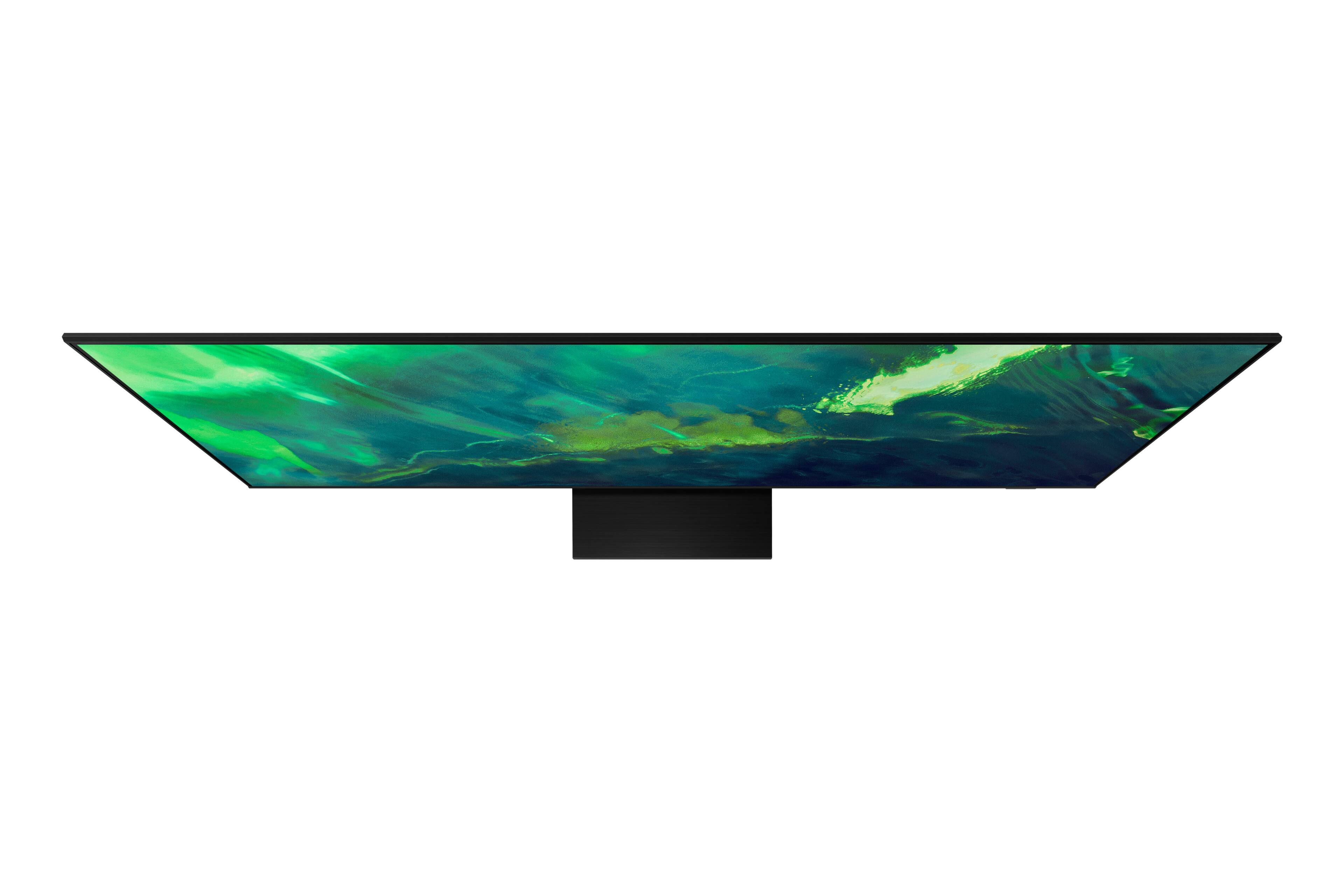
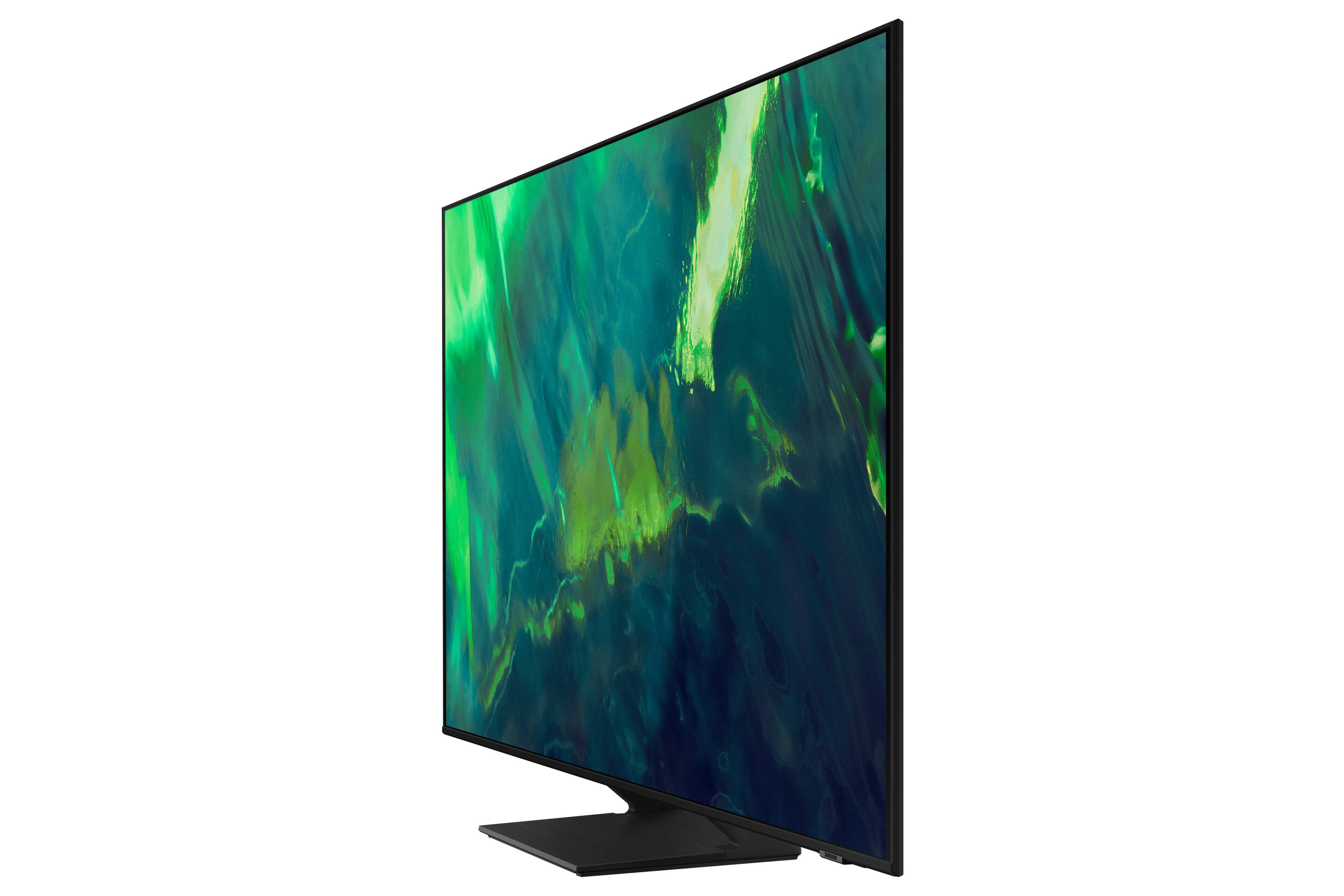











- Model:
- QN55Q70AAFXZA
- SKU:
- 6452056
Rating by feature
- Picture Quality
Rating 4.8 out of 5 stars
- Sound Quality
Rating 4.5 out of 5 stars
- Brightness
Rating 4.8 out of 5 stars
Customers are saying
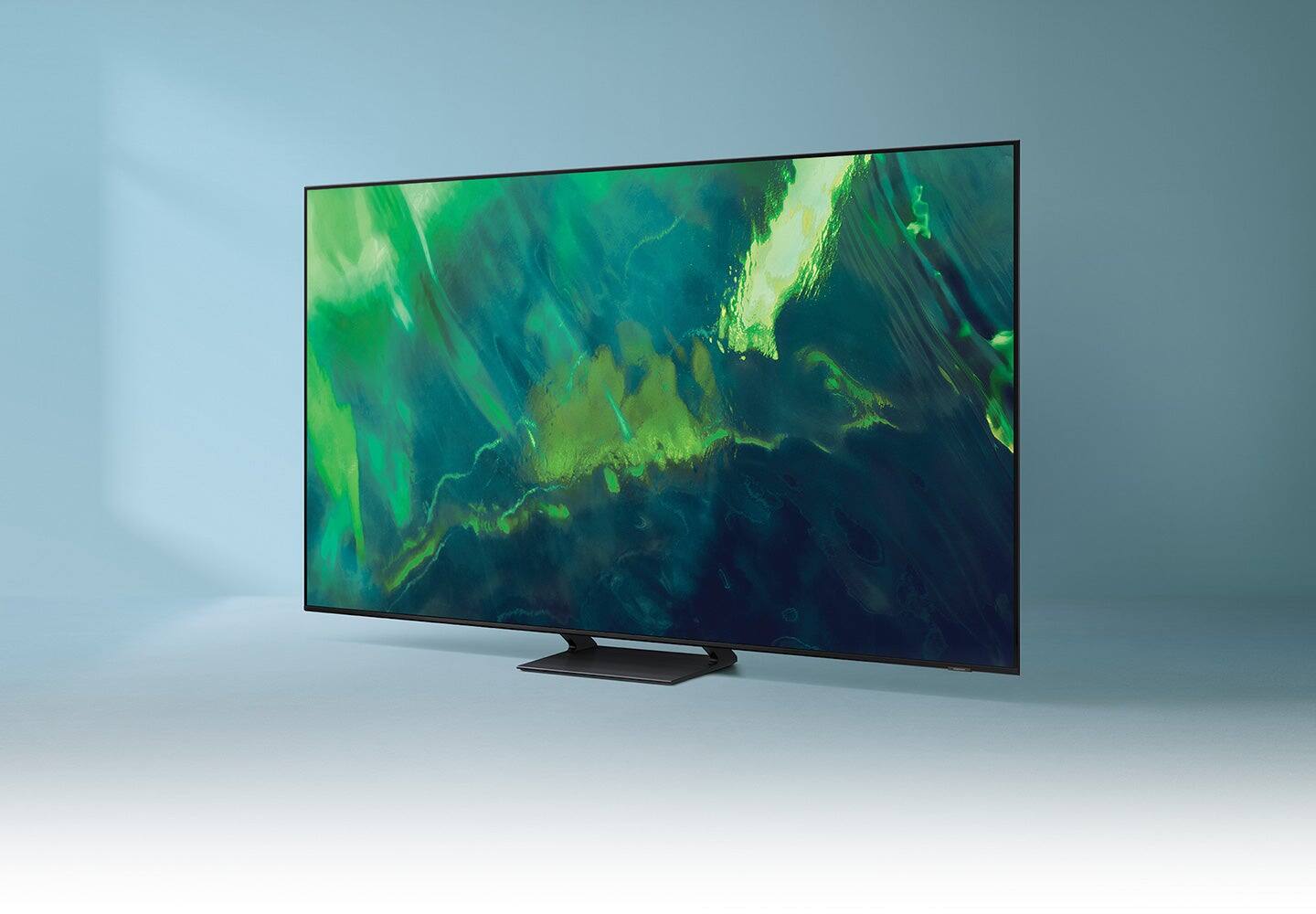
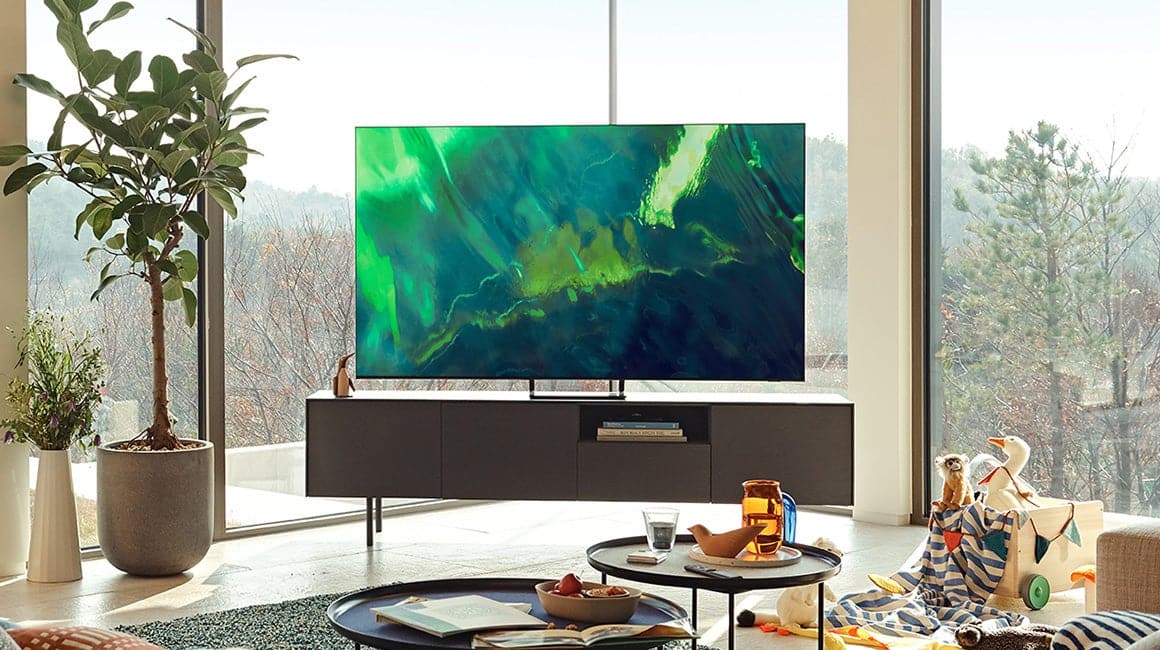
Customers value the 55" Class Q70A Series QLED 4K UHD Smart Tizen TV for its exceptional picture quality, easy setup, and suitability for gaming. They appreciate the vibrant colors, sharp images, and excellent sound quality. While some find the TV to be expensive, many believe it is worth the investment.
This summary was generated by AI based on customer reviews.
Look great
||Posted .This reviewer received promo considerations or sweepstakes entry for writing a review.Just bought this tv so far so good only time will tell
I would recommend this to a friendBrand response from Samsung
Posted .Lempylen:
Thank you for choosing the 2021 Q70A QLED TV. Have you tried out the great features like the Voice Assistants which allow you to control your TV with just your voice? Use built-in Samsung Bixby, Amazon Alexa and Google Assistant to easily change the channel, play music, control smart home devices and more — all you have to do is ask. With Multi View you can watch your favorite TV show and mirror your compatible phone at the same time, with multiple sound and layout options.
If you have any questions about features, settings, etc., Samsung Customer Support is here to help. You can reach us at 1-800-SAMSUNG (ask for TVs), available 8AM -12AM EST, 7 days a week. Or text HELP to 62913.
For additional support resources, visit us on the Samsung website and click on the ‘Support’ link in the upper right corner of the homepage for:
1) More ‘Contact Us’ options – LiveChat, Facebook, Twitter, Samsung Community, Samsung Members app
2) Manuals & Software
3) Warranty Info
4) Product Registration: For access to easy warranty support, convenient opt-in to special promos and offers, faster troubleshooting and service, and quick notification of system updates.
~ Samsung Solutions
Ok
||Posted . Owned for 3 weeks when reviewed.This reviewer received promo considerations or sweepstakes entry for writing a review.I like it ¡!!!!!!!!!!!!!!!!!!!!!!!!!!!!!!!!!!!!!!!!!
I would recommend this to a friendAdam rocks!
||Posted . Owned for 1 week when reviewed.This reviewer received promo considerations or sweepstakes entry for writing a review.Adam was essential to my purchasing experience !!!!
I would recommend this to a friendTV Purchase
||Posted .This reviewer received promo considerations or sweepstakes entry for writing a review.salesperson may effort to solve my problem, but not yet totally satisfied
No, I would not recommend this to a friendSamsungQ70A
||Posted .This reviewer received promo considerations or sweepstakes entry for writing a review.Over a great tv, could it be better, yes but considering it’s my first smart tv if does the job
I would recommend this to a friendDesigned for profits, not user experience.
||Posted . Owned for 8 months when reviewed.This reviewer received promo considerations or sweepstakes entry for writing a review.The menu system is slow and difficult to navigate. Trying to use voice functionality is frustratingly inconsistent; often the TV will recognize what you said and repeat it back to you but then nothing actually happens. For Instance, you'll say ESPN, the TV will repeat "ESPN" or "Here's what I found for ESPN" and then nothing will happen. You try it a few more times and eventually it'll take you to the channel. It is chock full of adds and bloatware that can't be deleted. You don't ever intend to get Disney+? Too bad, The Disney+ app is on your home screen forever, it can't be uninstalled and the icon can't be removed. Same with a bunch of other apps. It is infuriating that you can pay thousands of dollars for a television and then be subjected to constant advertisements from a device that you own. I also bought a couple small Roku TVs for other rooms and those have been great. Stay away from Samsung.
No, I would not recommend this to a friendBrand response from Samsung
Posted .Johnny,
Thank you for choosing Samsung's Q70A and for sharing your experience with built-in voice assistant functionality. Voice commands may differ depending on the Voice Assistant. Refer to the command examples for each Voice Assistant.
• Bixby: Press the microphone button on your remote > Explore Now
• Amazon Alexa: Settings > General > Voice > Amazon Alexa Settings
• Google Assistant: Settings > General > Voice > Google Assistant Settings
If voice recognition does not work with your remote and there is no response even if the Voice Assistant button is pressed, the connection between the remote control and the TV may be lost. Try pairing the remote control with the TV:
1) Long press the RETURN key and ENTER key together for about 10 seconds.
2) The RETURN key is on the left side of your remote and looks like a curved, backwards pointing arrow.
3) The ENTER key is the button in the center of your directional ring.
If your remote is still not working properly or its response is slow, please check the remaining battery of the Smart Remote by going to Settings > General > Power and Energy Saving > Available Remote Battery.
For further assistance with this feature, please contact Samsung Customer Support at 1-800-SAMSUNG (ask for TVs), available 8AM - 12AM EST, 7 days a week.
For additional support resources, visit us on the Samsung website and click on the ‘Support’ link in the upper right corner of the homepage for:
1) Chat with Us/Product Help: To begin a chat or find solutions, choose ‘TVs & Home Theater’ and select your model & topic.
2) Manuals, Software, & Warranty Info
~ Samsung Specialist
Tv
||Posted . Owned for 1 week when reviewed.This reviewer received promo considerations or sweepstakes entry for writing a review.This television is the type of upgrade i was looking for.
I would recommend this to a frienddied in a year and 20 days.
||Posted . Owned for 1 year when reviewed.This reviewer received promo considerations or sweepstakes entry for writing a review.it died and since it was 20 days past a year samsung will only send technician you pay for to repair you pay for. costs more than new tv to fix old one.
No, I would not recommend this to a friendBrand response from Samsung
Posted .Hi,
I'm sorry to hear of your experience with Samsung’s Q70A TV. If your TV is out of the 1-year Manufacturer's Warranty, you can locate a service center in your area by following this link: https://www.samsung.com/us/support/service/locations/
Should you have any questions or need assistance, please call us at 1-800-SAMSUNG, 8AM - 12AM EST, 7 days a week. LiveChat with an agent as well as manuals, software, and warranty info can be found at the ‘Support’ link on our Samsung website.
~ Samsung Specialist
Goodbuy
||Posted .This reviewer received promo considerations or sweepstakes entry for writing a review.Worked great out of the box but screen mirroring for my Apple devices was difficult.
I would recommend this to a friendTV Setup
||Posted . Owned for 3 weeks when reviewed.This reviewer received promo considerations or sweepstakes entry for writing a review.team was on time and courteous with TV set up and general instructions.
I would recommend this to a friendtv
||Posted .This reviewer received promo considerations or sweepstakes entry for writing a review.good job on bringing and removing the tv and selling another tv
No, I would not recommend this to a friendGreat Mid-Range TV unit
||Posted . Owned for 2 weeks when reviewed.This reviewer received promo considerations or sweepstakes entry for writing a review.Great to set, excellent blacks as it’s a VA panel and good color reproduction.
I would recommend this to a friendEasy set up
||Posted . Owned for 3 weeks when reviewed.This reviewer received promo considerations or sweepstakes entry for writing a review.Everything was easy to set up- only bummer is remote not user friendly
I would recommend this to a friendA good tv for the PS5
||Posted . Owned for 1 month when reviewed.This reviewer received promo considerations or sweepstakes entry for writing a review.It has been working good so far and my ps5 look beautiful on that screen
I would recommend this to a friendHappy with my purchase.
||Posted . Owned for 10 months when reviewed.This reviewer received promo considerations or sweepstakes entry for writing a review.Its a great television. Im very happy with the purchase.
I would recommend this to a friendMy samsung
||Posted .This reviewer received promo considerations or sweepstakes entry for writing a review.Love this item great brand and very trusted. Would always recommend
I would recommend this to a friendSamsungtvreview
||Posted . Owned for 2 months when reviewed.This reviewer received promo considerations or sweepstakes entry for writing a review.Not sure I like this tv as Hulu has had problems with Samsung tvs and are trying to get to the bottom of it. Meanwhile I continue to lose reception. I’ve spent as much as 3 hrs with Hulu at a time trying to get my tv back up on,y to have it happen all over again the next day
No, I would not recommend this to a friendBrand response from Samsung
Posted .JillNugenttelevisionpurch,
Thank you for taking the time to share your experience with the Hulu app. If your app is freezing, not loading, or crashing, you can try cold booting your TV by holding down the power button on your remote for 5+ sec until the TV turns off and on again, deleting and downloading the apps again, and completing full reset of Smart Hub to correct the issue.
Please also check that your TV is running the latest firmware version. Go to: Settings > Support > Software Update.
If you need more help, Samsung is here for you. Please call us at 1-800-SAMSUNG, 8AM - 12AM EST, 7 days a week. Our LiveChat agents are also available by clicking on the ‘Support’ link on our website.
~ Samsung Specialist
- Pros mentioned:Picture quality
Sound output does not match speaking
||Posted . Owned for 1 month when reviewed.This reviewer received promo considerations or sweepstakes entry for writing a review.The picture is good - However we cannot get the voice to match up on the TV with people talking no matter what we do. There is an audio delay - we are not using a sound bar, a home theatre, or anything other than the speaker from the TV.
No, I would not recommend this to a friendBrand response from Samsung
Posted .Eric,
Thank you for purchasing the Samsung Q70A TV and for sharing your experience with sound delays. Please be sure your firmware is up to date with version 1560.5 which includes updates to address any lip sync or audio delays that may be occurring. You can check this by going to: Settings > Support > Software Update.
If this firmware version is not yet available on your TV, you can download the update on a USB drive and manually update your TV:
1. On Samsung's website (upper right corner), go to: Support > Manuals & Software > Find your TV model.
2. Download the update and extract it to the root of a USB thumb drive. (Do not put it in any folders on the thumb drive.)
3. Connect the USB thumb drive to a USB port on your TV.
4. Navigate to Settings > Support > Software Update, select Update Now, and then select Yes.
5. Follow the on-screen instructions to install the updated software.
Should you ever have questions or need help, please call us at 1-800-SAMSUNG (ask for TVs), available 8AM -12AM EST M-F (9AM – 6PM EST Sat). Or text HELP to 62913.
For additional support resources, visit us on the Samsung website and click on the ‘Support’ link in the upper right corner of the homepage for:
1) More ‘Contact Us’ options – LiveChat, Facebook, Twitter, Samsung Community, Samsung Members app
2) Manuals & Software
3) Warranty Info
4) Product Registration: For access to easy warranty support, convenient opt-in to special promos and offers, faster troubleshooting and service, and quick notification of system updates.
~ Samsung Specialist
Still Thinking
||Posted . Owned for 3 weeks when reviewed.This reviewer received promo considerations or sweepstakes entry for writing a review.I'm still evaluating the product to see if I want to keep it.
I would recommend this to a friendBrand response from Samsung
Posted .Hi Evaluating,
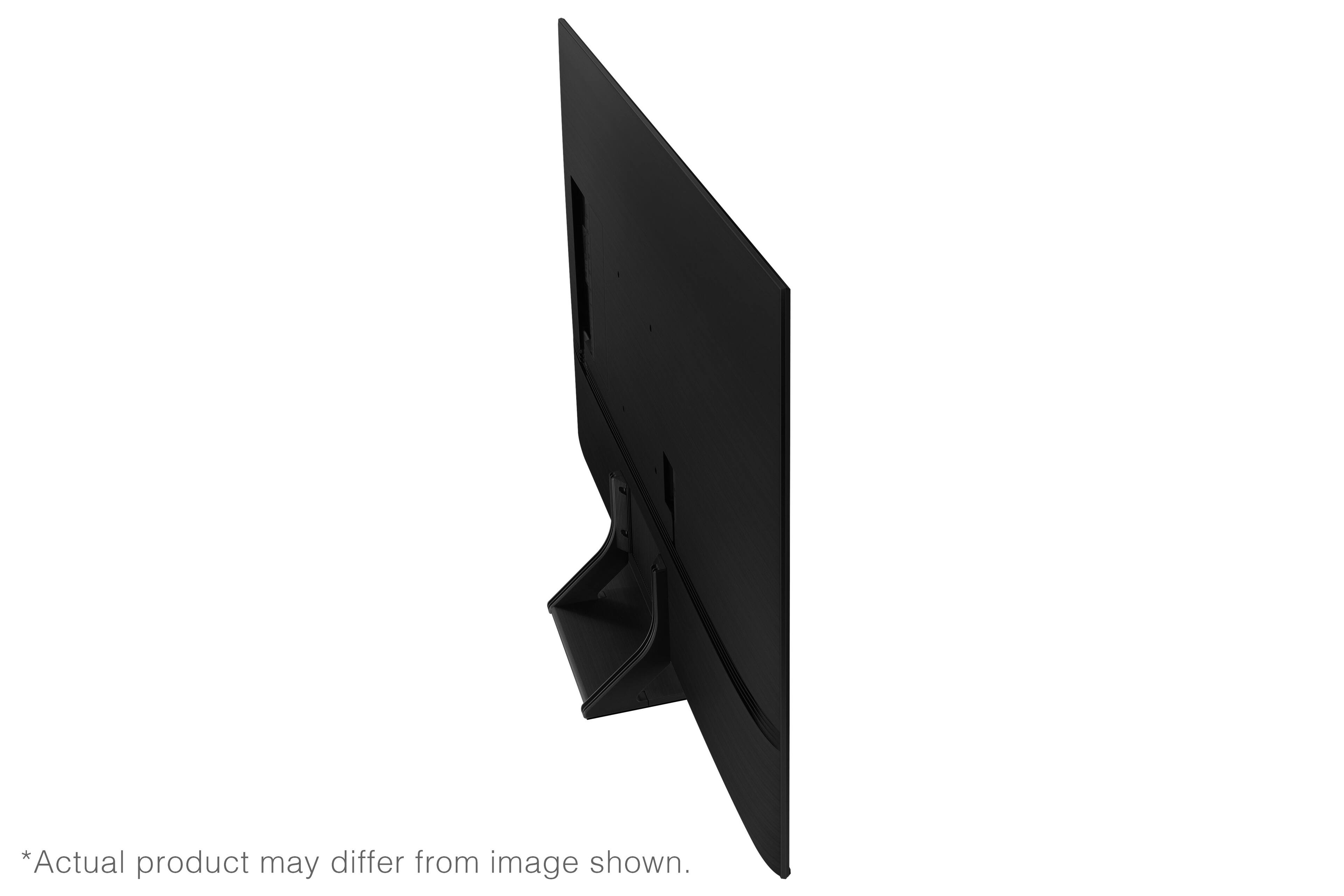
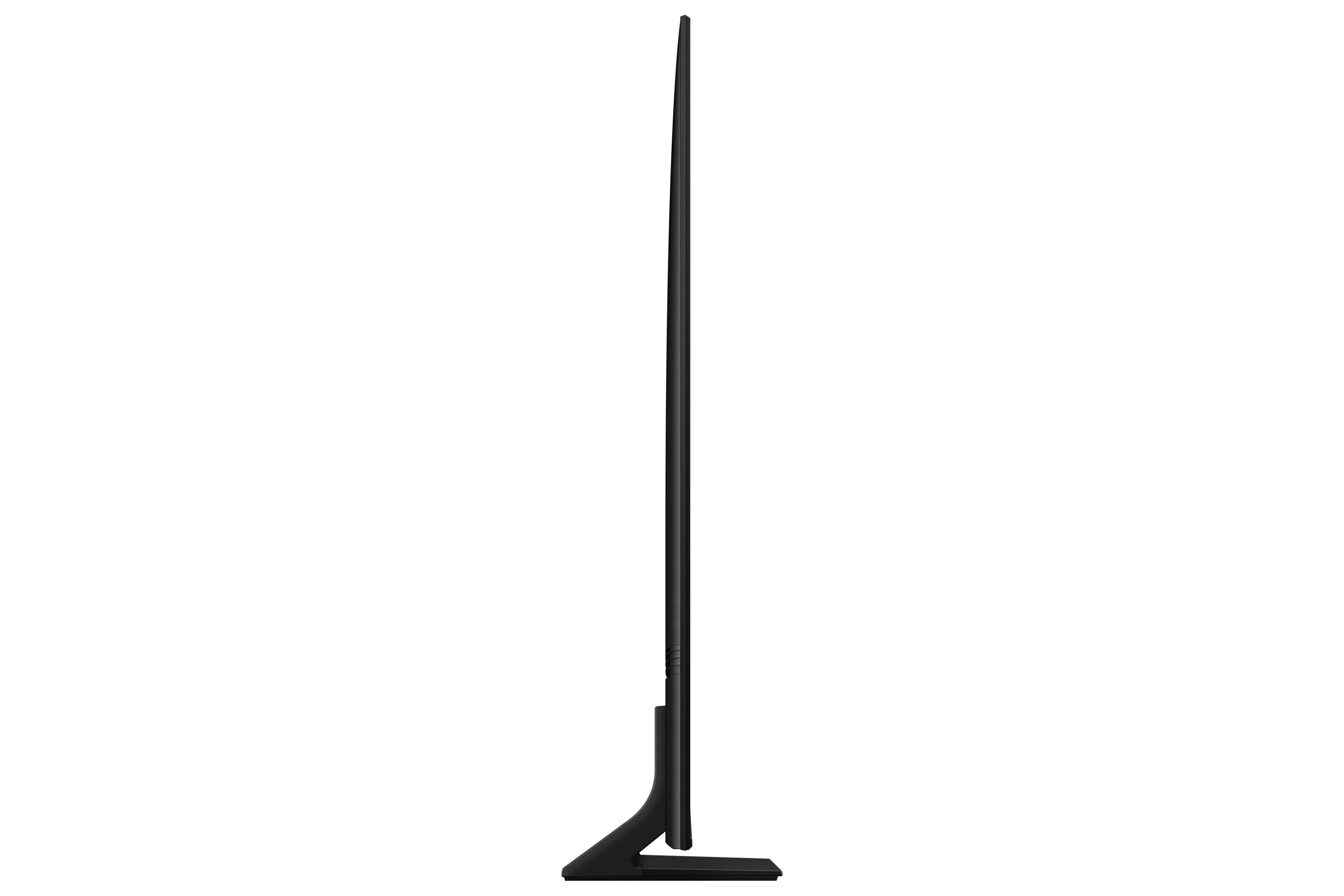
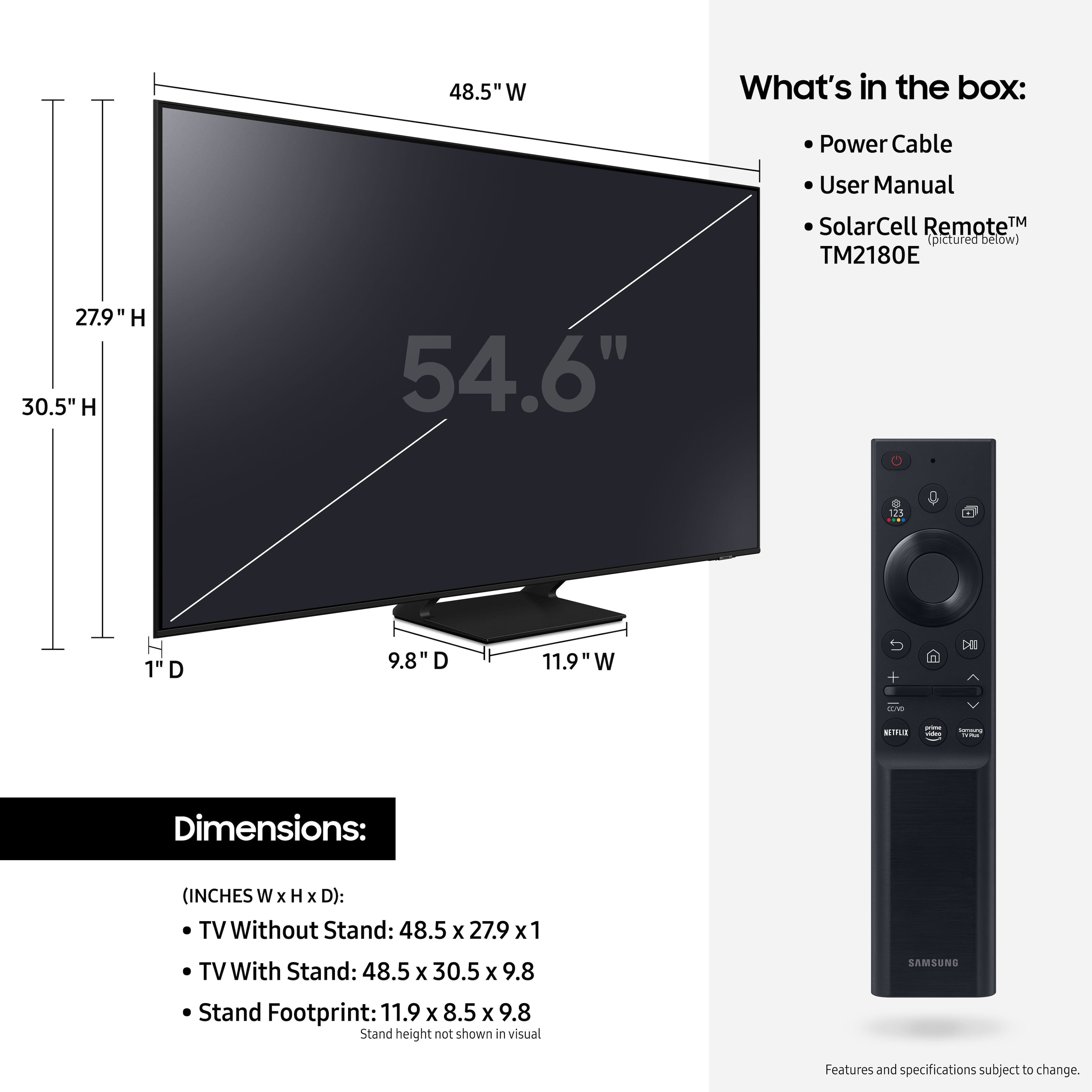
Thank you for choosing Samsung’s Q70A QLED TV. At only 1” thick, the sleek and slim AirSlim with minimalist details are designed to enhance your space. With Dual LED, a combination of warm and cool LEDs enhance contrast and improve viewing angles.
If you should have any questions or concerns with usage, features, or how to best optimize your settings, Samsung Customer Support is here to help. Call us at 1-800-SAMSUNG (ask for TVs), available 8AM - 12AM EST, 7 days a week.
For additional support resources, visit us on the Samsung website and click on the ‘Support’ link in the upper right corner of the homepage for:
1) Chat with Us/Product Help: To begin a chat or find solutions, choose ‘TVs & Home Theater’ and select your model & topic.
2) Register a Product: For access to easy warranty support, convenient opt-in to special promos and offers, faster troubleshooting and service, and quick notification of system updates.
3) Manuals & Software
4) Warranty Info
5) Contact Us
~ Samsung Specialist
Why I shop at Best Buy !
||Posted . Owned for 3 weeks when reviewed.This reviewer received promo considerations or sweepstakes entry for writing a review.It was easy........ and fast. I would do it again ...
I would recommend this to a friend