Customer Ratings & Reviews
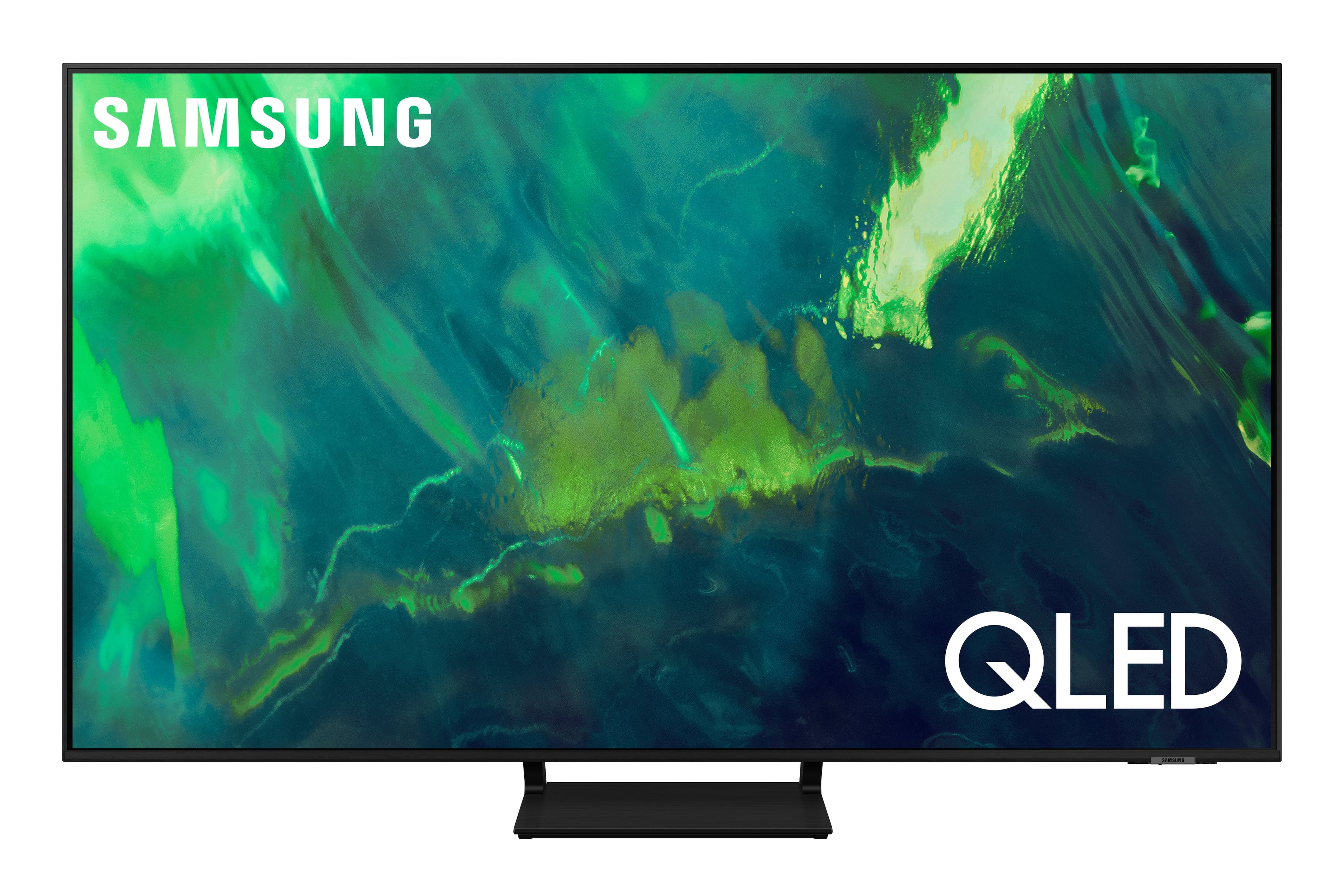
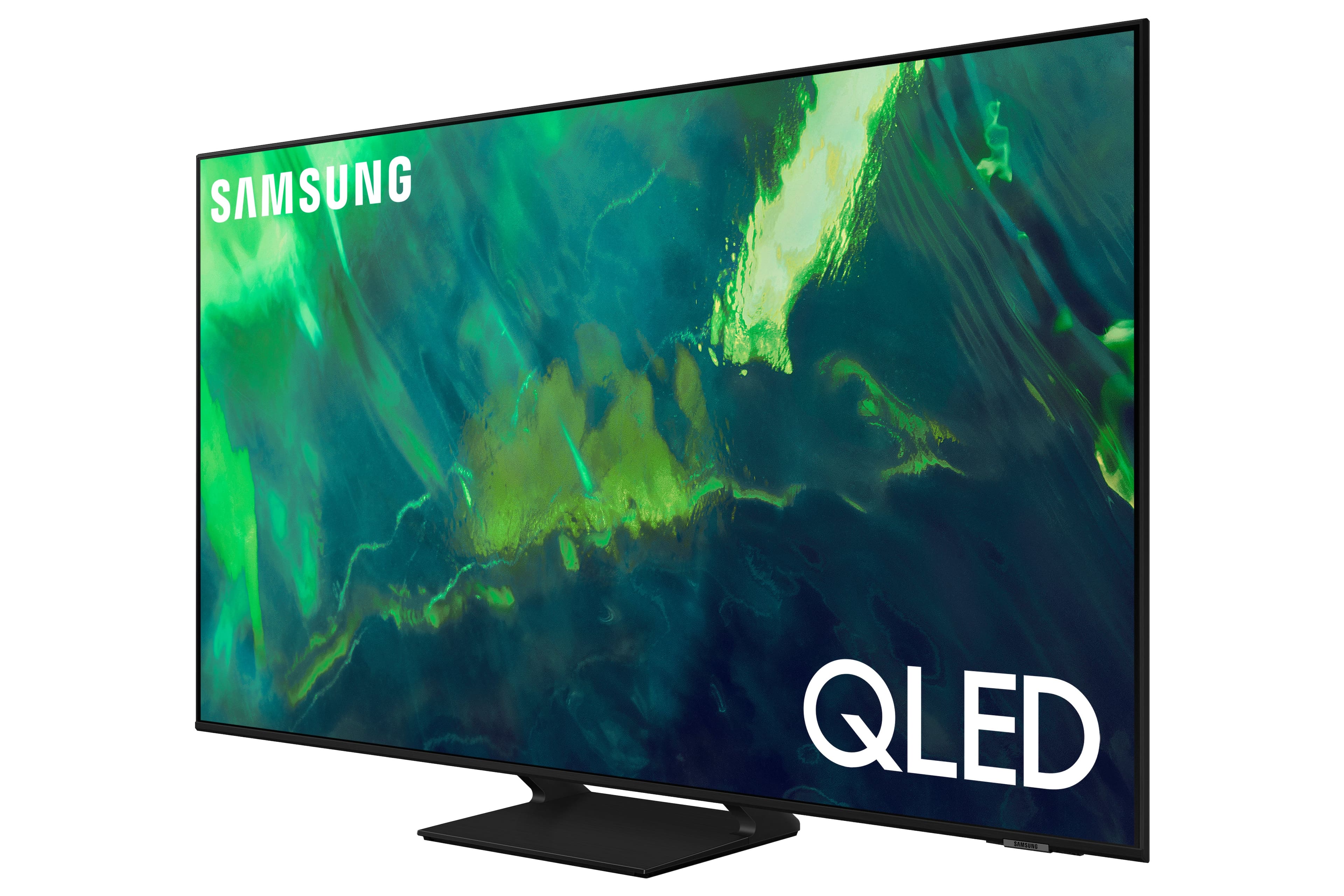


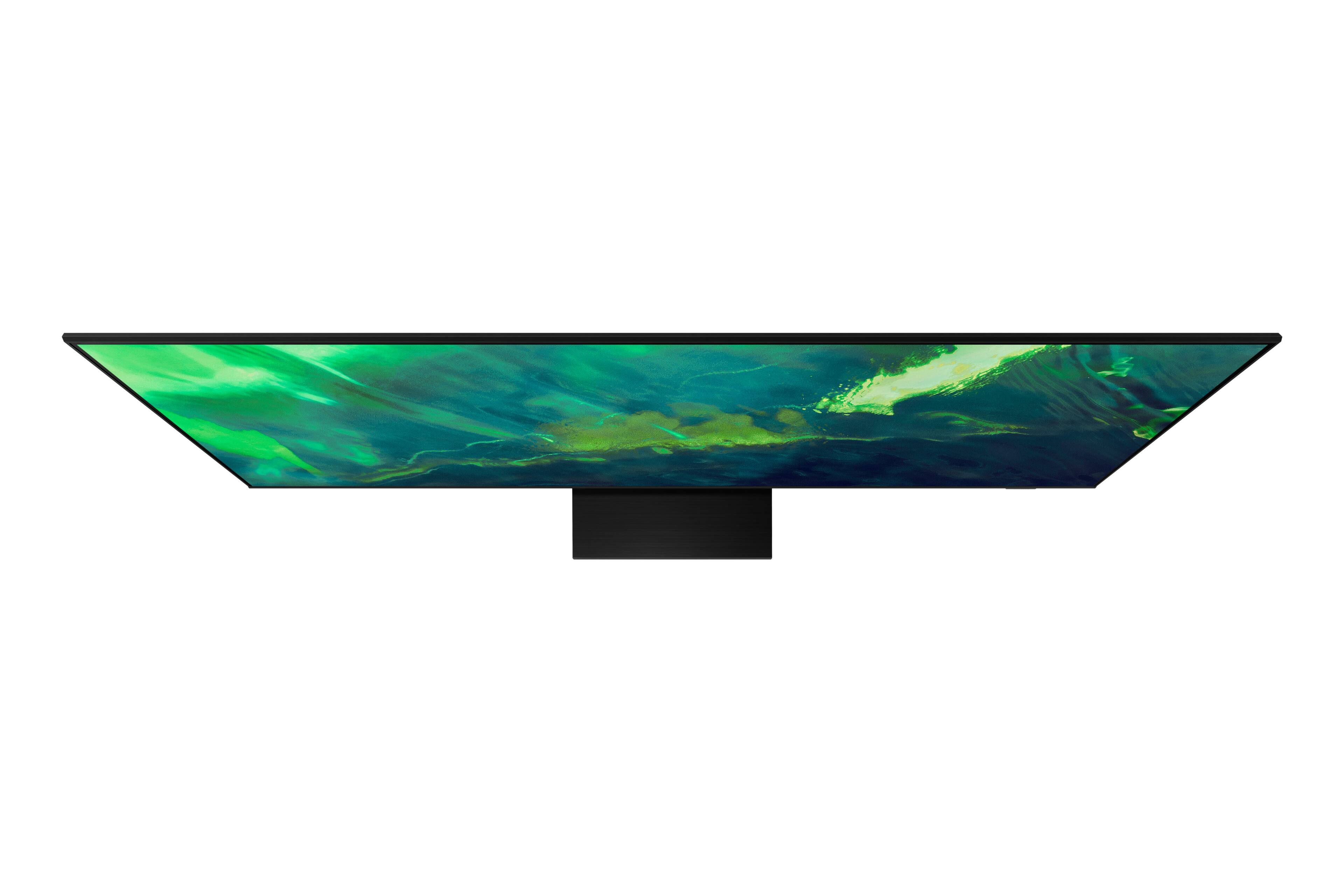
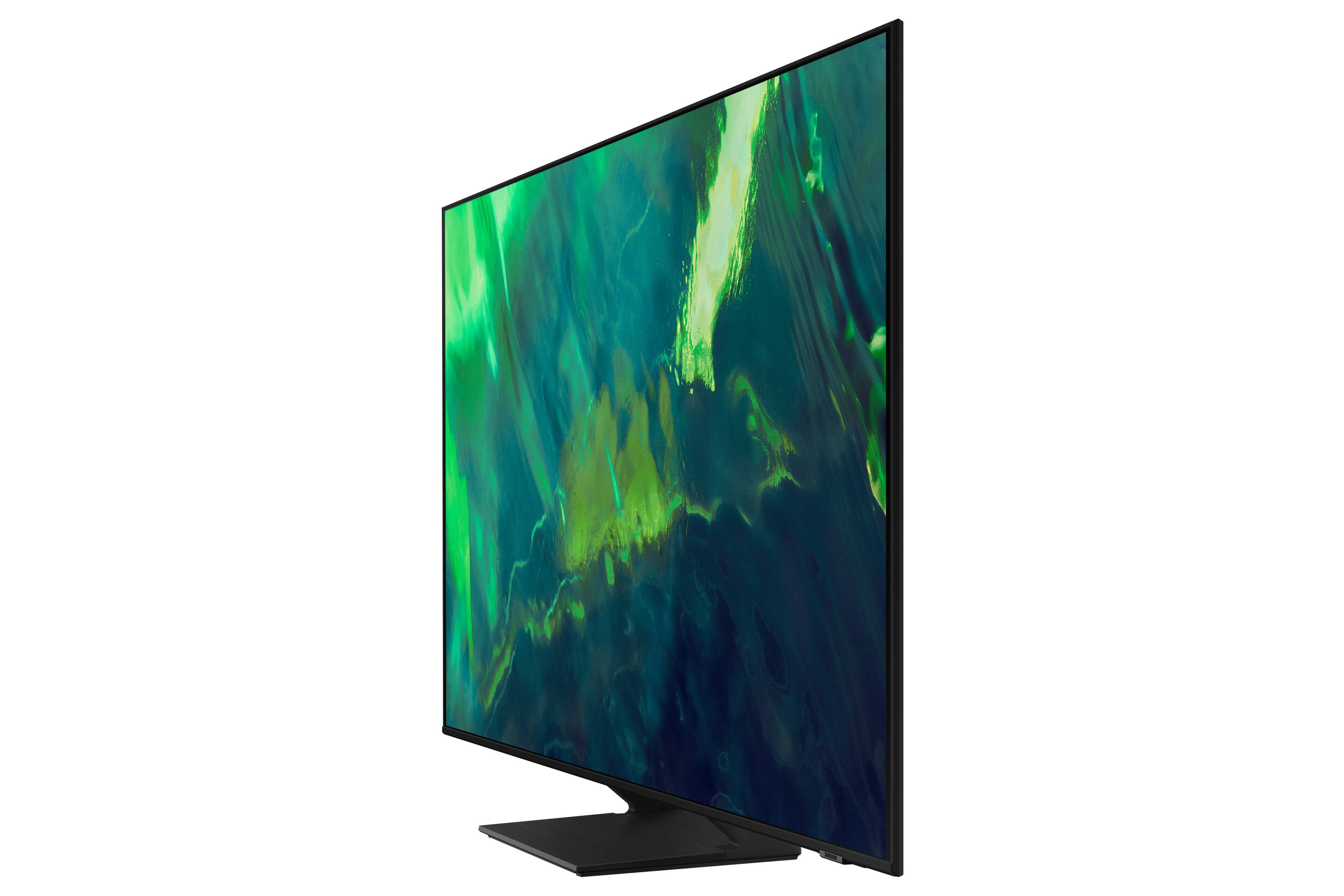
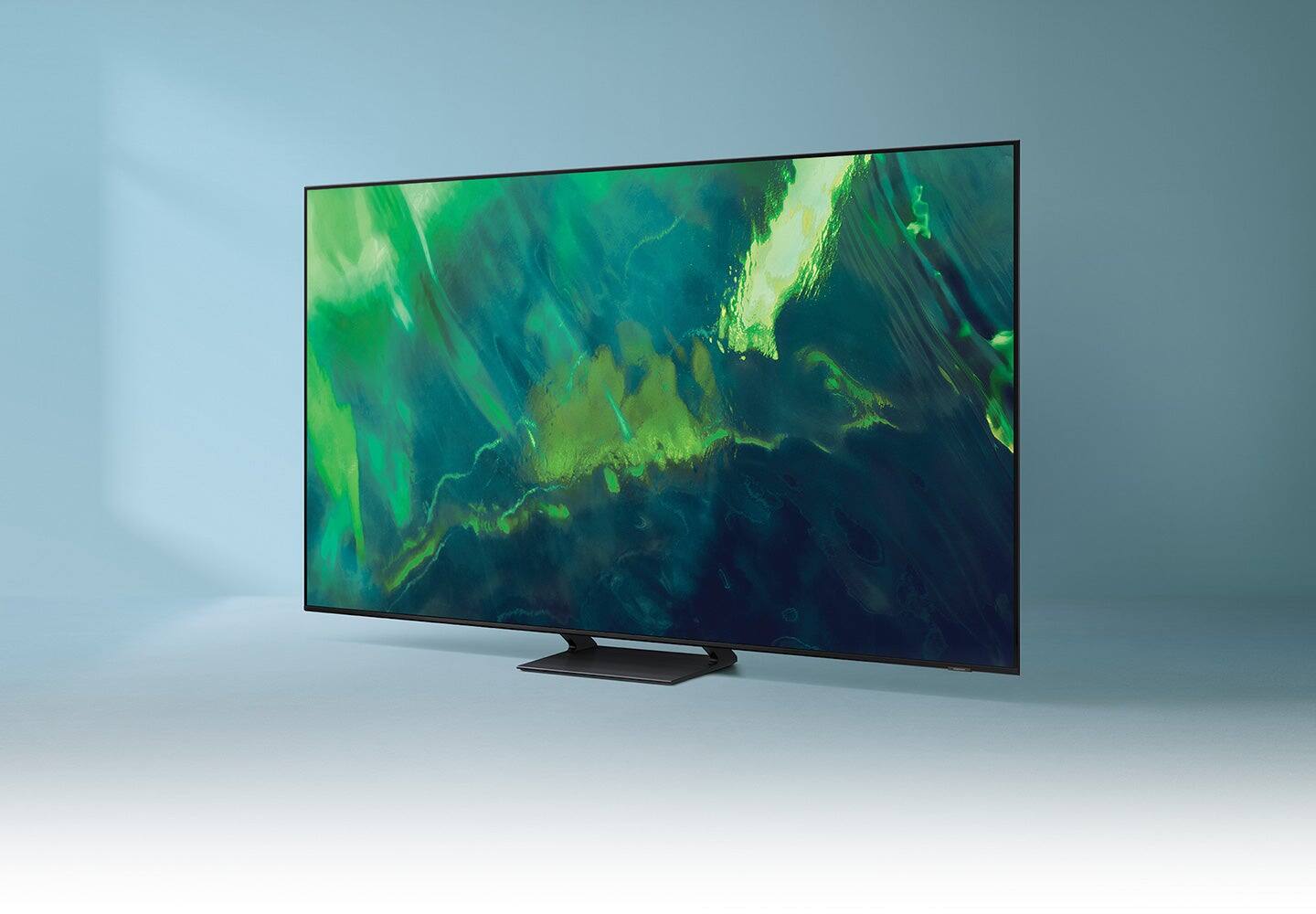
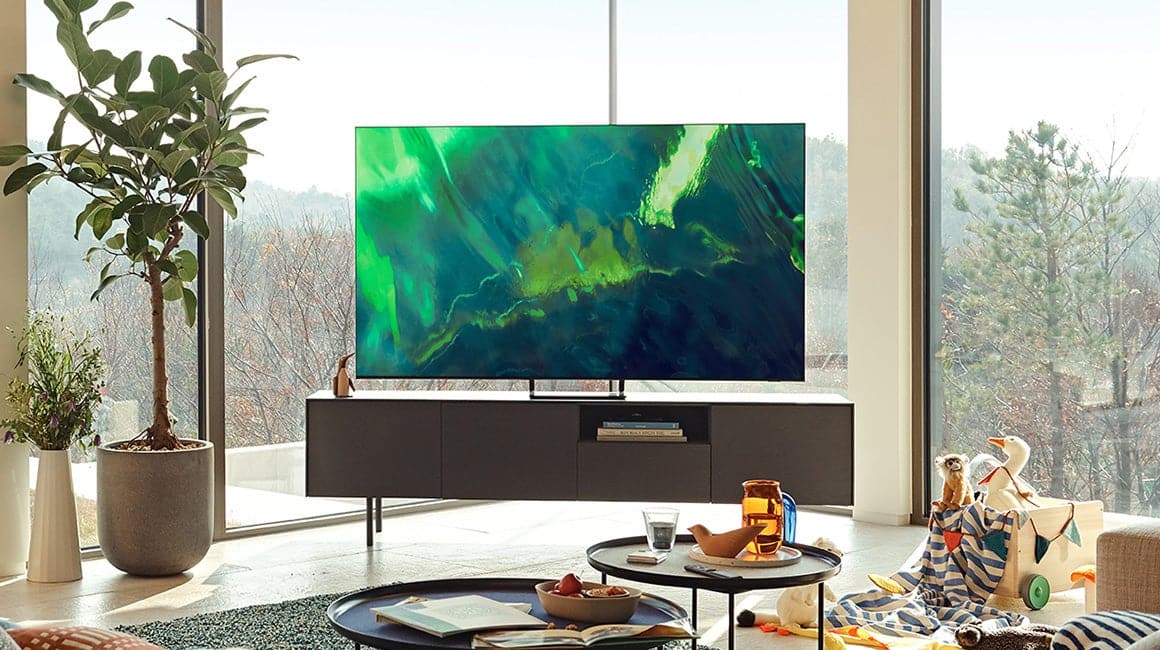
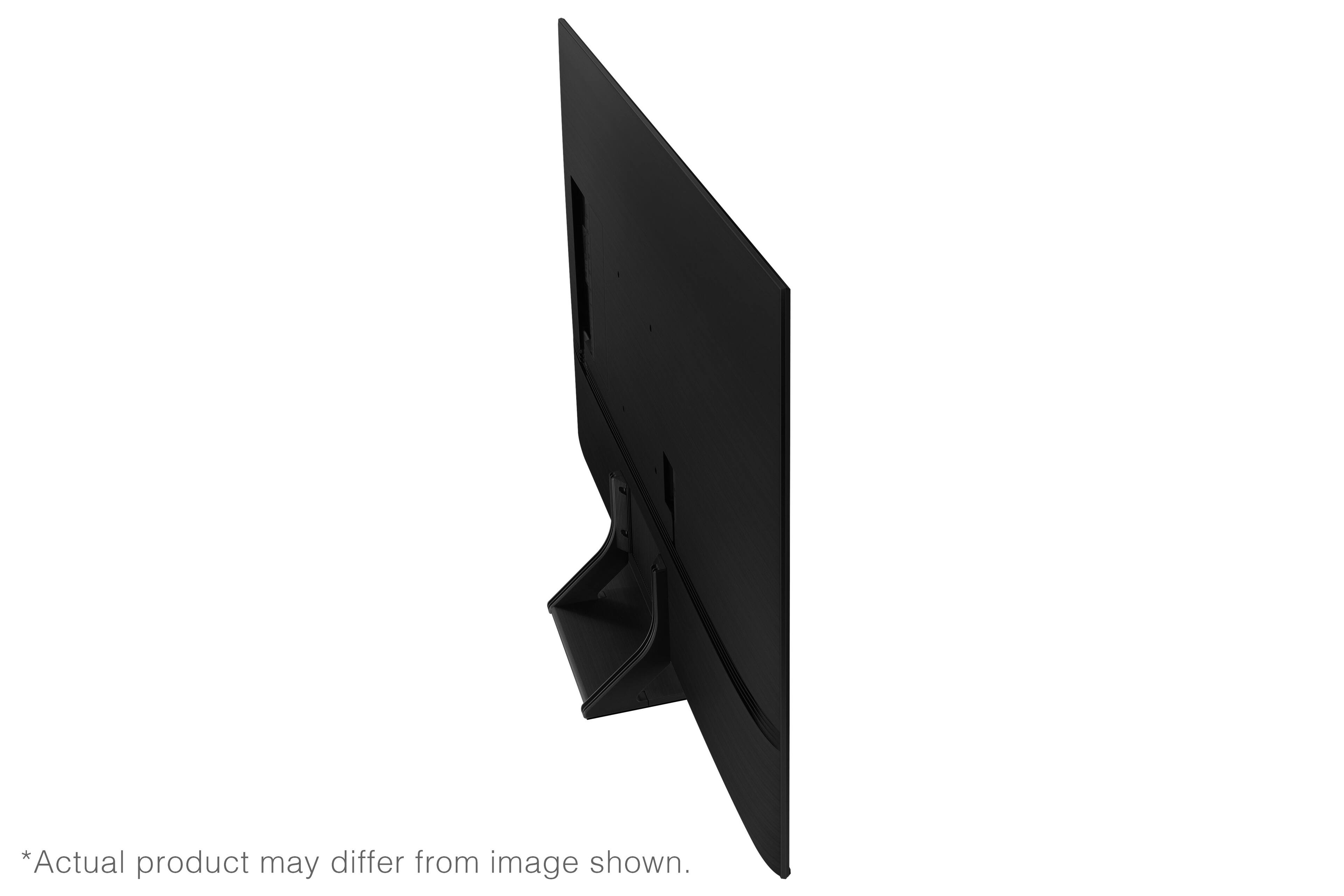
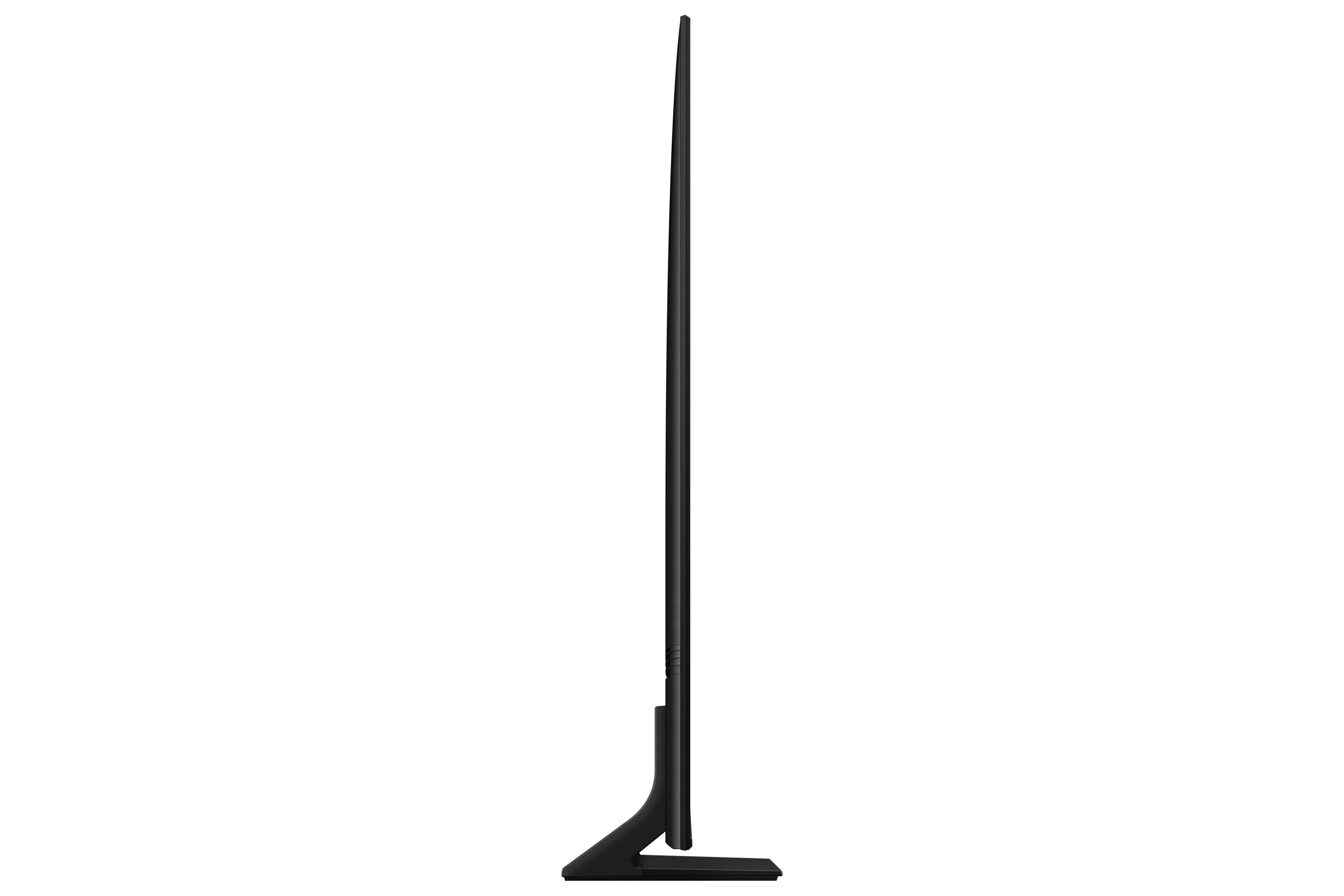
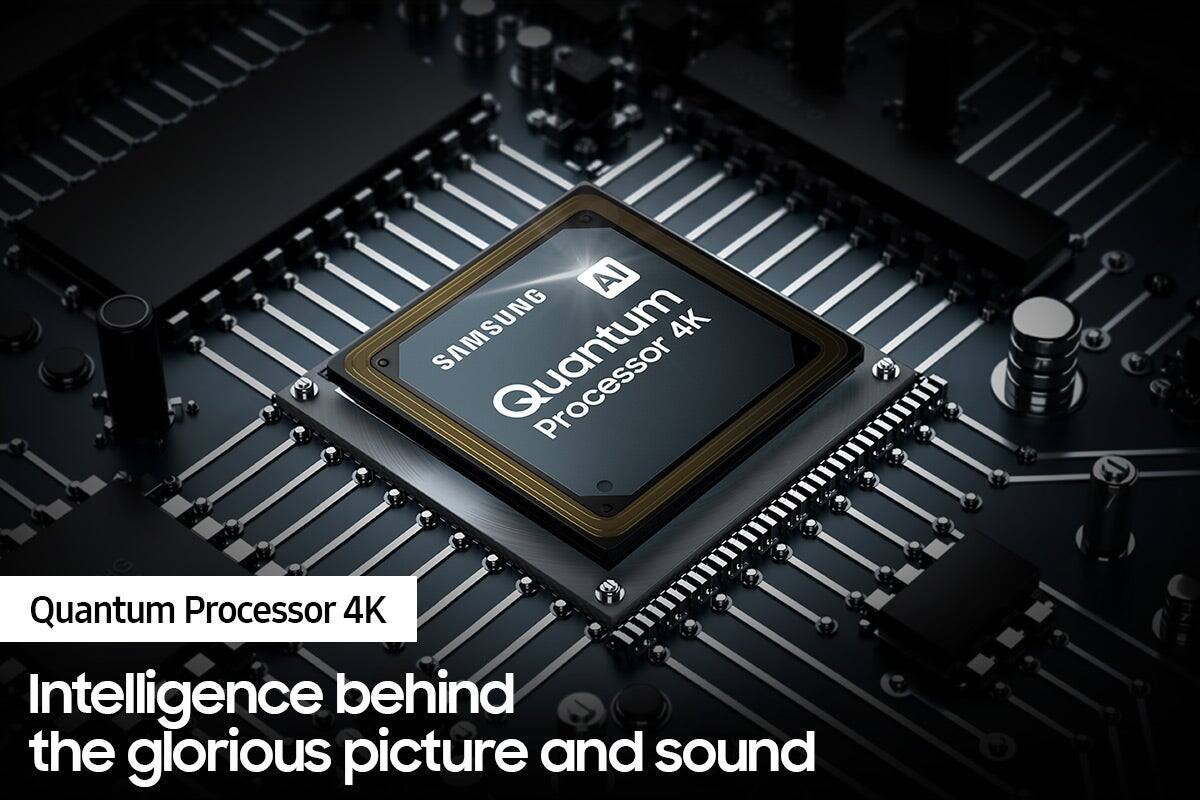

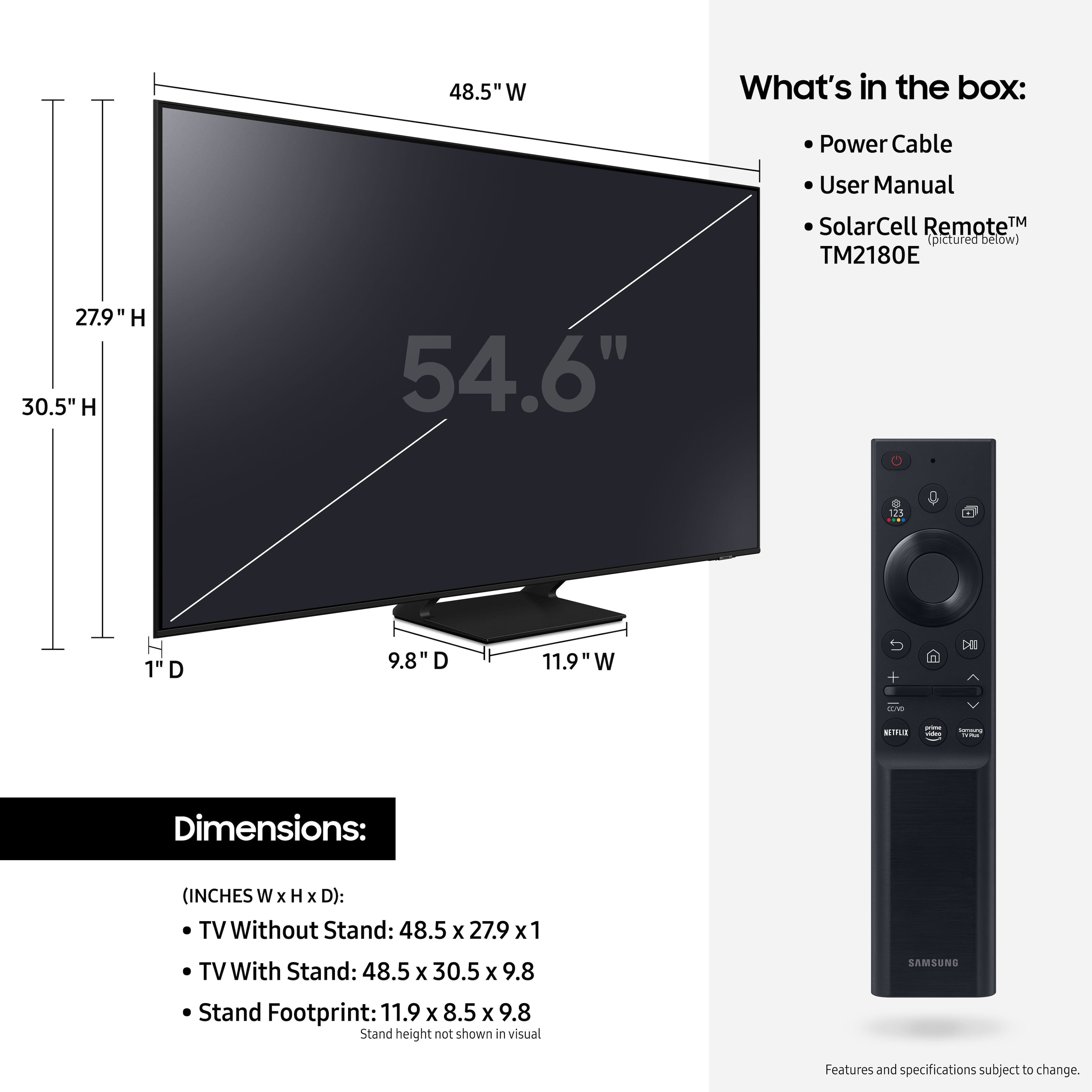









- Model:
- QN55Q70AAFXZA
- SKU:
- 6452056
Rating by feature
- Picture Quality
Rating 4.8 out of 5 stars
- Sound Quality
Rating 4.5 out of 5 stars
- Brightness
Rating 4.8 out of 5 stars
Customers are saying
Customers value the 55" Class Q70A Series QLED 4K UHD Smart Tizen TV for its exceptional picture quality, easy setup, and suitability for gaming. They appreciate the vibrant colors, sharp images, and excellent sound quality. While some find the TV to be expensive, many believe it is worth the investment.
This summary was generated by AI based on customer reviews.
Excellent
||Posted . Owned for 1 month when reviewed.This reviewer received promo considerations or sweepstakes entry for writing a review.Great product and excellent service. I love Samsung tv
I would recommend this to a friendBellasTV
||Posted . Owned for 1 month when reviewed.This reviewer received promo considerations or sweepstakes entry for writing a review.Good except sometimes the lips are out of sync so there you go.
I would recommend this to a friendBrand response from Samsung
Posted .Tvformeandbella,
Thank you for purchasing the Samsung Q70A TV and for sharing your experience with sound delays. Please be sure your firmware is up to date with version 1560.5 which includes updates to address any lip sync or audio delays that may be occurring. You can check this by going to: Settings > Support > Software Update.
If this firmware version is not yet available on your TV, you can download the update on a USB drive and manually update your TV:
1. On Samsung's website (upper right corner), go to: Support > Manuals & Software > Find your TV model.
2. Download the update and extract it to the root of a USB thumb drive. (Do not put it in any folders on the thumb drive.)
3. Connect the USB thumb drive to a USB port on your TV.
4. Navigate to Settings > Support > Software Update, select Update Now, and then select Yes.
5. Follow the on-screen instructions to install the updated software.
I hope this helps. Should you ever have questions or need help, please call us at 1-800-SAMSUNG (ask for TVs), available 8AM -12AM EST M-F (9AM – 6PM EST Sat). Or text HELP to 62913.
For additional support resources, visit us on the Samsung website and click on the ‘Support’ link in the upper right corner of the homepage for:
1) More ‘Contact Us’ options – LiveChat, Facebook, Twitter, Samsung Community, Samsung Members app
2) Manuals & Software
3) Warranty Info
4) Product Registration: For access to easy warranty support, convenient opt-in to special promos and offers, faster troubleshooting and service, and quick notification of system updates.
~ Samsung Specialist
al jenkins
||Posted . Owned for 3 weeks when reviewed.This reviewer received promo considerations or sweepstakes entry for writing a review.purchased ok store was short handed as everyone is now
I would recommend this to a friendGood tv but expensive
||Posted . Owned for 1 week when reviewed.This reviewer received promo considerations or sweepstakes entry for writing a review.Good tv but expensive. confusing setup with sound bar
I would recommend this to a friendBrand response from Samsung
Posted .1234,
Thank you for choosing Samsung's Q70A TV and for your review. I am sorry to hear you are experiencing difficulties connecting your soundbar. So we can better understand the problems you are experiencing and provide you with assistance, please contact Samsung Customer Support at 1-800-SAMSUNG (ask for TVs), available 8AM - 12AM EST, 7 days a week.
For additional support resources, visit us on the Samsung website and click on the ‘Support’ link in the upper right corner of the homepage for:
1) Chat with Us/Product Help: To begin a chat or find solutions, choose ‘TVs & Home Theater’ and select your model & topic.
2) Manuals, Software, & Warranty Info
We hope to hear from you.
~ Samsung Specialist
Samsung 55" Q70A
||Posted . Owned for 3 weeks when reviewed.This reviewer received promo considerations or sweepstakes entry for writing a review.Salesmen was good buying was easy very happy with TV
I would recommend this to a friendSamsung
||Posted . Owned for 1 month when reviewed.This reviewer received promo considerations or sweepstakes entry for writing a review.Think a solar powered remote control is rediculous!!!!
I would recommend this to a friendNot impressed
||Posted . Owned for 3 weeks when reviewed.This reviewer received promo considerations or sweepstakes entry for writing a review.Truthfully I can not tell a difference between this QLED and a regular LED when I’m just watching TV. If I would do it again I would save a couple of hundred dollars and get the regular one.
No, I would not recommend this to a friendBrand response from Samsung
Posted .Nick,
Thank you for sharing your thoughts on the picture quality of your Q70A TV. If the picture you are seeing out-of-the-box is not to your liking, there are several picture settings you may want to try adjusting.
You can select the Picture Mode that provides the best viewing experience. Go to Home > Settings > Picture > Picture Mode
1) Standard: Is the default mode suitable for general viewing environments.
2) Natural: Reduces eye strain for a comfortable viewing experience.
3) Movie: Is suitable for watching TV or movies in a dark room.
4) Dynamic: Makes the picture brighter and clearer in bright viewing environments.
5) Filmmaker Mode: You can watch the source content (e.g., movie) as it is. If the image is defined as Filmmaker Mode, it will automatically switch to Filmmaker Mode while watching.
You can also go to: Settings > Picture > Expert Settings > to manually fine tune your image.
For further assistance with settings adjustments, please contact Samsung Customer Support at 1-800-SAMSUNG (ask for TVs), available 8AM - 12AM EST, 7 days a week.
For additional support resources, visit us on the Samsung website and click on the ‘Support’ link in the upper right corner of the homepage for:
1) Chat with Us/Product Help: To begin a chat or find solutions, choose ‘TVs & Home Theater’ and select your model & topic.
2) Manuals, Software, & Warranty Info
~ Samsung Specialist
- Pros mentioned:Picture quality
Noise issues/static after turned off
||Posted . Owned for 1 month when reviewed.This reviewer received promo considerations or sweepstakes entry for writing a review.We purchased and returned 2 of this model tv. While the picture is great, there is a static noise that continues once the tv is turned off. It’s hard to explain, but like a bug ticking against glass. I didn’t feel comfortable leaving it plugged in and didn’t think a new tv should be making noises once turned off. Additionally, the stand was two black legs that sat straight out 6 inches apart in the middle. Not the greatest aesthetics. I would’ve overlooked if not for the static/noise issue, but it definitely was a design mistake and didn’t look the best.
No, I would not recommend this to a friendBrand response from Samsung
Posted .Hi OH10,
Thank you for your review of the Samsung Q70A TV and for sharing the issues that have caused you to return your unit. Please know the sound you were hearing from your TV indicates the expansion and contraction of the TV's outer casing, which may cause a popping noise. This does not indicate a product malfunction, and the TV is safe to use.
Should you ever decide to give Samsung TVs another try and have questions or need assistance with settings, setup, or features, please know we are always here to help. Call us at 1-800-SAMSUNG (ask for TVs), available 8AM - 12AM EST, 7 days a week.
For additional support resources, visit us on the Samsung website and click on the ‘Support’ link in the upper right corner of the homepage for:
1) Chat with Us/Product Help: To begin a chat or find solutions, choose ‘TVs & Home Theater’ and select your model & topic.
2) Manuals, Software, & Warranty Info
~ Samsung Specialist
Unhappy w/4K
||Posted . Owned for 1 month when reviewed.This reviewer received promo considerations or sweepstakes entry for writing a review.Picture quality with cable is not as good as 15 year-old Samsung we replaced. We haven't tried it with a 4k disc. Will continue trying to adjust picture quality to make it satisfactory.
No, I would not recommend this to a friendBrand response from Samsung
Posted .Brandi,
Thank you for sharing your thoughts on the picture quality of your Q70A TV. If the picture you are seeing out-of-the-box is not to your liking, there are several picture settings you may want to try adjusting.
You can select the Picture Mode that provides the best viewing experience. Go to Home > Settings > Picture > Picture Mode
1) Standard: Is the default mode suitable for general viewing environments.
2) Natural: Reduces eye strain for a comfortable viewing experience.
3) Movie: Is suitable for watching TV or movies in a dark room.
4) Dynamic: Makes the picture brighter and clearer in bright viewing environments.
5) Filmmaker Mode: You can watch the source content (e.g., movie) as it is. If the image is defined as Filmmaker Mode, it will automatically switch to Filmmaker Mode while watching.
You can also go to: Settings > Picture > Expert Settings > to manually fine tune your image.
For further assistance with settings adjustments, please contact Samsung Customer Support at 1-800-SAMSUNG (ask for TVs), available 8AM - 12AM EST, 7 days a week.
For additional support resources, visit us on the Samsung website and click on the ‘Support’ link in the upper right corner of the homepage for:
1) Chat with Us/Product Help: To begin a chat or find solutions, choose ‘TVs & Home Theater’ and select your model & topic.
2) Manuals, Software, & Warranty Info
~ Samsung Specialist
Poor service
||Posted . Owned for 1 week when reviewed.This reviewer received promo considerations or sweepstakes entry for writing a review.Waited 2 weeks for delivery tv failed fifteen days later waited 2 weeks for replacement
No, I would not recommend this to a friendBrand response from Samsung
Posted .LarryKveryunhappy,
We appreciate you sharing your experience with Samsung's Q70A TV. We recommend you contact Best Buy Customer Support or your local Best Buy store directly for assistance in correcting this situation. We hope your issue is resolved in a timely manner.
Should you have questions or concerns regarding the usage or setup of your TV once your issue has been resolved, please contact Samsung Customer Support at 1-800-SAMSUNG, 8AM - 12AM EST, 7 days a week. Or visit us on the Samsung website and click on the ‘Support’ link for:
• LiveChat
• Manuals, Software, & Warranty Info
~ Samsung Specialist
Just another tv
||Posted .This reviewer received promo considerations or sweepstakes entry for writing a review.Not so great difference between $500 and a $1000 tv..,, being thin, even sound is bad compared to my other Samsung tv
No, I would not recommend this to a friendBrand response from Samsung
Posted .Hi Tvbuyer,
Thank you for purchasing the Q70A TV and for sharing your feedback regarding the sound quality. There are several sound settings you can adjust to suit your personal sound preferences.
Change the Sound Mode by going to: Settings > Sound > Sound Mode
You can also customize the sound with Expert Settings by going to: Settings > Sound > Expert Settings
To assist you with possible sound settings adjustments for a better audio experience, or choosing a Samsung Soundbar to complement your viewing enjoyment, please reach out to us at 1-800-SAMSUNG (ask for TVs), available 8AM - 12AM EST, 7 days a week.
For additional support resources, visit us on the Samsung website and click on the ‘Support’ link in the upper right corner of the homepage for:
1) Chat with Us/Product Help: To begin a chat or find solutions, choose ‘TVs & Home Theater’ and select your model & topic.
2) Manuals, Software, & Warranty Info
~ Samsung Specialist
Samsung
||Posted . Owned for 1 month when reviewed.This reviewer received promo considerations or sweepstakes entry for writing a review.TV had issues with the sound and when characters were talking being off. I had turn it off and back on to fix it.
No, I would not recommend this to a friendBrand response from Samsung
Posted .Hi there,
Thank you for sharing your experience with sound delays. Please be sure your firmware is up to date with version 1904.0 which includes updates to address lip sync issues that you are experiencing. You can check this by going to: Settings > Support > Software Update.
If you need more help, Samsung is here for you. Please call us at 1-800-SAMSUNG, 8AM - 12AM EST, 7 days a week. Our LiveChat agents are also available by clicking on the ‘Support’ link on our website.
~ Samsung Specialist
Good, but not exceptional.
||Posted . Owned for 1 month when reviewed.This reviewer received promo considerations or sweepstakes entry for writing a review.Not what I expected. It's good, but picture is not any better than what I get on three older Samsung sets in my house.
I would recommend this to a friendBrand response from Samsung
Posted .Hi Richard,
Thank you for sharing your thoughts on the picture quality of your new 2021 Q70A QLED 4K Smart TV. If the picture you are seeing out-of-the-box are not to your liking, there are several picture settings you may want to try adjusting.
You can select the Picture Mode that provides the best viewing experience. Go to Home > Settings > Picture > Picture Mode
1) Standard: Is the default mode suitable for general viewing environments.
2) Natural: Reduces eye strain for a comfortable viewing experience.
3) Movie: Is suitable for watching TV or movies in a dark room.
4) Dynamic: Makes the picture brighter and clearer in bright viewing environments.
5) Filmmaker Mode: You can watch the source content (e.g., movie) as it is. If the image is defined as Filmmaker Mode, it will automatically switch to Filmmaker Mode while watching.
You can also go to: Settings > Picture > Expert Settings > to manually fine tune your image.
Intelligent Mode also enables the TV to recognize and analyze the surroundings, noise, content, and your usage patterns to provide the best viewing experience. You can enable Intelligent Mode by going to Home > Settings > General > Intelligent Mode Settings. Adaptive Picture, which is among the options, optimizes brightness and provides the best picture quality in real time, based on the lighting condition and the content you're viewing.
I hope you can use these adjustment recommendations to set the image to your liking. If you would like further assistance with settings, features, or functions, please reach out to Samsung Customer Support at 1-800-SAMSUNG (ask for TVs), available 8AM -12AM EST M-F (9AM – 6PM EST Sat). Or text HELP to 62913.
For additional support resources, visit us on the Samsung website and click on the ‘Support’ link in the upper right corner of the homepage for:
1) More ‘Contact Us’ options – LiveChat, Facebook, Twitter, Samsung Community, Samsung Members app
2) Manuals & Software
3) Warranty Info
4) Product Registration: For access to easy warranty support, convenient opt-in to special promos and offers, faster troubleshooting and service, and quick notification of system updates.
~ Samsung Specialist
singh
||Posted . Owned for 2 months when reviewed.This reviewer received promo considerations or sweepstakes entry for writing a review.the tv installation was not correct as it looks tilted. i request many times to fix it but so far nothing has happened. not satisfied with TV installation.
I would recommend this to a friendBrand response from Samsung
Posted .singh,
Thank you for choosing Samsung's Q70A TV and for your review. I am sorry to hear of your installation experience. If you received installation services from Best Buy, I recommend you contact the store directly for assistance. I hope your concerns are addressed quickly.
Should you ever need assistance or have questions about using this product, please know we are here to help. You can reach Samsung Support at 1-800-SAMSUNG (ask for TVs), available 8AM -12AM EST M-F (9AM – 6PM EST Sat). Or text HELP to 62913.
For additional support resources, visit us on the Samsung website and click on the ‘Support’ link in the upper right corner of the homepage for:
1) More ‘Contact Us’ options – LiveChat, Facebook, Twitter, Samsung Community, Samsung Members app
2) Manuals & Software
3) Warranty Info
4) Product Registration: For access to easy warranty support, convenient opt-in to special promos and offers, faster troubleshooting and service, and quick notification of system updates.
~ Samsung Specialist
Not as Sharp as Expected
||Posted . Owned for 3 weeks when reviewed.This reviewer received promo considerations or sweepstakes entry for writing a review.In my opinion standard LED Samsungs we have had looked sharper than the QLED.
No, I would not recommend this to a friendBrand response from Samsung
Posted .Cynerman,
I’m sorry to hear you’re not fully satisfied with the clarity of your Q70A TV. If you’re noticing blurring or juddering on the screen, try adjusting the Picture Clarity Settings to improve your image. Go to: Settings > Picture > Expert Settings > Picture Clarity Settings
- Off: Picture Clarity Settings will always be off
- Auto: Picture Clarity Settings will automatically activate and deactivate based on the type of program being watched
- Custom: Allows custom adjustments and settings to be used. By selecting the Custom option, you can access these advanced settings for Judder Reduction, LED Clear Motion, and Noise Reduction.
Should you need further assistance with features or other product usage, please reach out to Samsung Support at 1-800-SAMSUNG, 8AM - 12AM EST, 7 days a week. Or visit us on the Samsung website and click on the ‘Support’ link for:
• LiveChat
• Manuals, Software, & Warranty Info
~ Samsung Specialist
- Cons mentioned:Software
Awful.
||Posted . Owned for 1 month when reviewed.This reviewer received promo considerations or sweepstakes entry for writing a review.Software super buggy. Was trying to watch Netflix and sound was cutting in and out. Didn’t work well with my sonos soundbar. Traded this back in for an LG C1.
No, I would not recommend this to a friendBrand response from Samsung
Posted .Neil,
Thank you for your review of the Samsung Q70A TV and for sharing the issues that have caused you to return your unit. Your experience is important to us and will be shared with our product team.
It is possible that your unit needed minor troubleshooting, a firmware update, or adjustments in settings.
Should you ever decide to give Samsung TVs another try and have questions or need assistance with settings, setup, or features, please know we are always here to help. Call us at 1-800-SAMSUNG (ask for TVs), available 8AM - 12AM EST, 7 days a week.
For additional support resources, visit us on the Samsung website and click on the ‘Support’ link in the upper right corner of the homepage for:
1) Chat with Us/Product Help: To begin a chat or find solutions, choose ‘TVs & Home Theater’ and select your model & topic.
2) Manuals, Software, & Warranty Info
~ Samsung Specialist
Samsung / Boise Set up
||Posted .This reviewer received promo considerations or sweepstakes entry for writing a review.Too many issues in set up of TV, sound bar and with Spectrum.
No, I would not recommend this to a friendBrand response from Samsung
Posted .Hello Setup,
Thank you for choosing the Samsung Q70A TV and for your review. So we can better understand the problems you are experiencing and provide you with troubleshooting assistance or warranty service, please contact Samsung Customer Support at 1-800-SAMSUNG (ask for TVs), available 8AM -12AM EST, 7 days a week. Or text HELP to 62913.
For additional support resources, visit us on the Samsung website and click on the ‘Support’ link in the upper right corner of the homepage for:
1) More ‘Contact Us’ options – LiveChat, Facebook, Twitter, Samsung Community, Samsung Members app
2) Manuals & Software
3) Warranty Info
4) Product Registration: For access to easy warranty support, convenient opt-in to special promos and offers, faster troubleshooting and service, and quick notification of system updates.
We look forward to hearing from you.
~ Samsung Specialist
Don’t do it
||Posted . Owned for less than 1 week when reviewed.This reviewer received promo considerations or sweepstakes entry for writing a review.Decided to replace a 10 year old Samsung in the living room with this. Was excited to get it all set up , but the picture is awful. Looks washed out , I actually set my old tv beside it and put both of them on the Avengers movie on Prime and my ten year old tv looked ten times better. Even my wife ( who could care less ) agreed the old tv has a better picture. Maybe I got a lemon , because I have five Samsung TVs in the house and all are great except this one. But I guess I will start looking at Sony and LG for my next tv. Best Buy was awesome to work with as they allowed me to return it and refunded my card the 1k I spent on this junk. Sorry Samsung you have lost a lifelong customer
No, I would not recommend this to a friendBrand response from Samsung
Posted .Hi ctdawg,
Thank you for your review of the 2021 55” Q70A QLED TV and for sharing your thoughts regarding image quality which led you to return your unit. Please know that there are multiple image settings available on the Q70A such as Adaptive Picture and Expert Settings which could have been adjusted to your personal preferences.
Should you ever decide to give Samsung TVs another try and have questions or need assistance with settings, setup, or features, please know we are always here to help. Call us at 1-800-SAMSUNG (ask for TVs), available 8AM -12AM EST M-F (9AM – 6PM EST Sat). Or text HELP to 62913.
For additional support resources, visit us on the Samsung website and click on the ‘Support’ link in the upper right corner of the homepage for:
1) More ‘Contact Us’ options – LiveChat, Facebook, Twitter, Samsung Community, Samsung Members app
2) Manuals, Software, & Warranty Info
~ Samsung Specialist
Game mode = Screen Flickering
||Posted . Owned for 1 month when reviewed.This reviewer received promo considerations or sweepstakes entry for writing a review.It's ok. The game mode feature was the whole reason I got this TV, and I can't even use it without the screen flickering like crazy. Hurts your eyes. Really hope this gets fixed.
No, I would not recommend this to a friendBrand response from Samsung
Posted .Vaneykg17,
Thank you for purchasing Samsung's Q70A TV and for sharing your experience. So we can gather additional information and provide you with assistance specific to your usage scenario, please contact Samsung Customer Support at 1-800-SAMSUNG (ask for TVs), available 8AM - 12AM EST, 7 days a week.
For additional support resources, visit us on the Samsung website and click on the ‘Support’ link in the upper right corner of the homepage for:
1) Chat with Us/Product Help: To begin a chat or find solutions, choose ‘TVs & Home Theater’ and select your model & topic.
2) Manuals, Software, & Warranty Info
We hope to hear from you.
~ Samsung Specialist
Stay far away from this piece of junk.
||Posted . Owned for 1 week when reviewed.This reviewer received promo considerations or sweepstakes entry for writing a review.This is the worst brand of tv ever. The first on came with a big verticle line through the picture. The replacement came today. It lasted 4 hours before first the audio went away and the picture died 5 minutes later. Junk.
No, I would not recommend this to a friendBrand response from Samsung
Posted .ClareinChicago,
We appreciate your review of Samsung’s Q70A TV. So we can better understand the problems you are experiencing and provide you with troubleshooting assistance or warranty service, please reach out Samsung Customer Support at 1-800-SAMSUNG, 8AM - 12AM EST, 7 days a week. Or visit us on the Samsung website and click on the ‘Support’ link for:
1) LiveChat
2) Manuals, Software, & Warranty Info
~ Samsung Specialist