Customer Ratings & Reviews
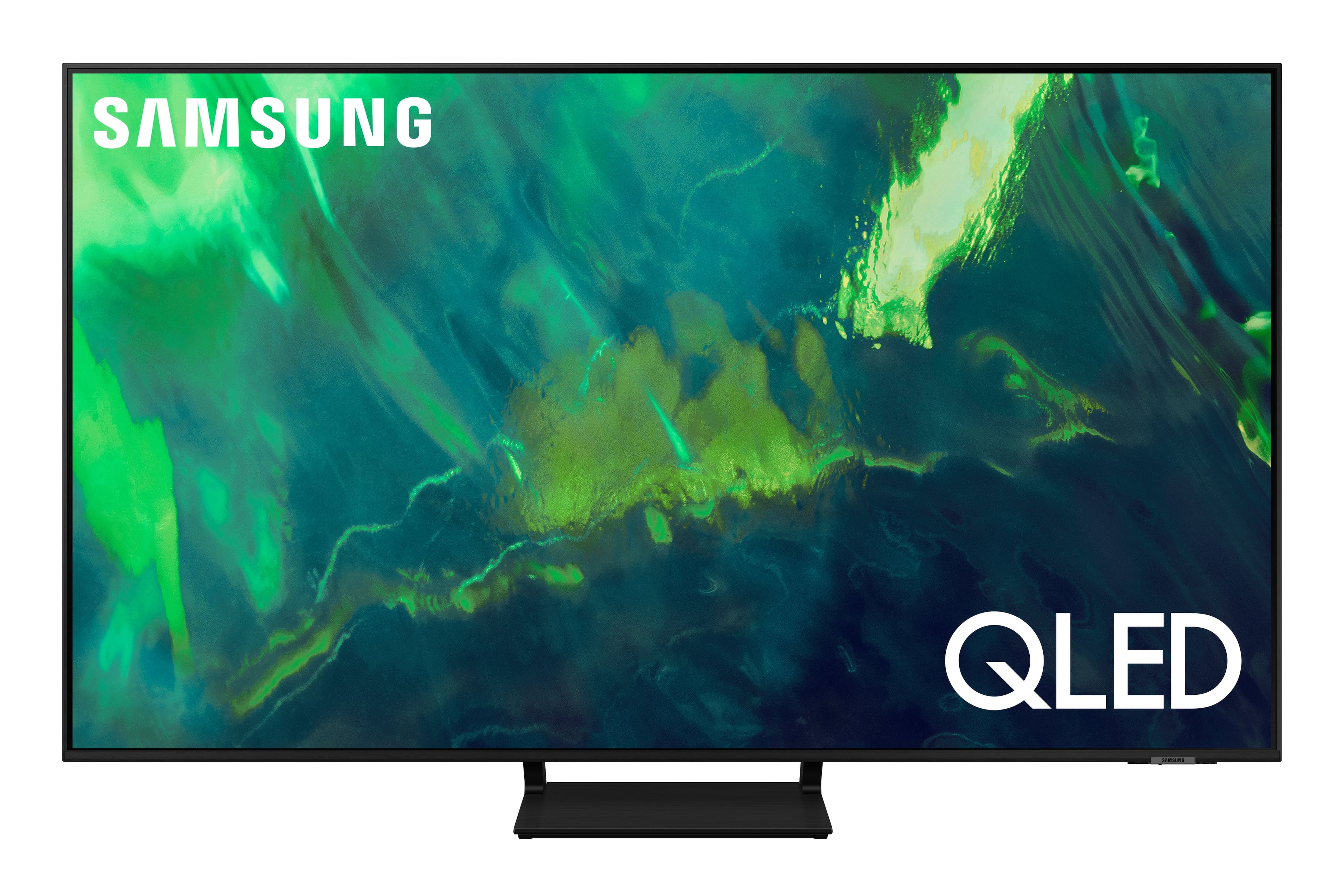
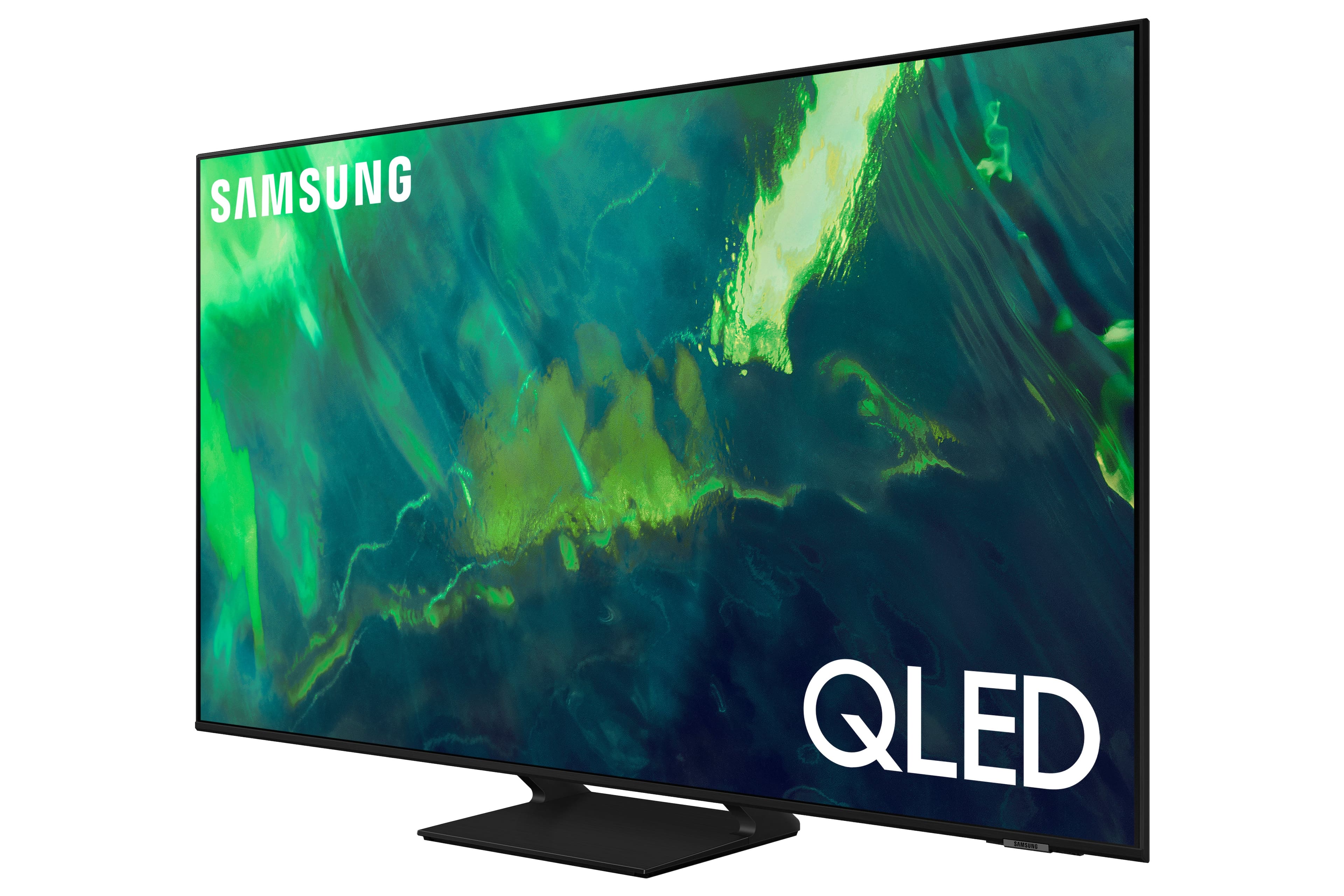


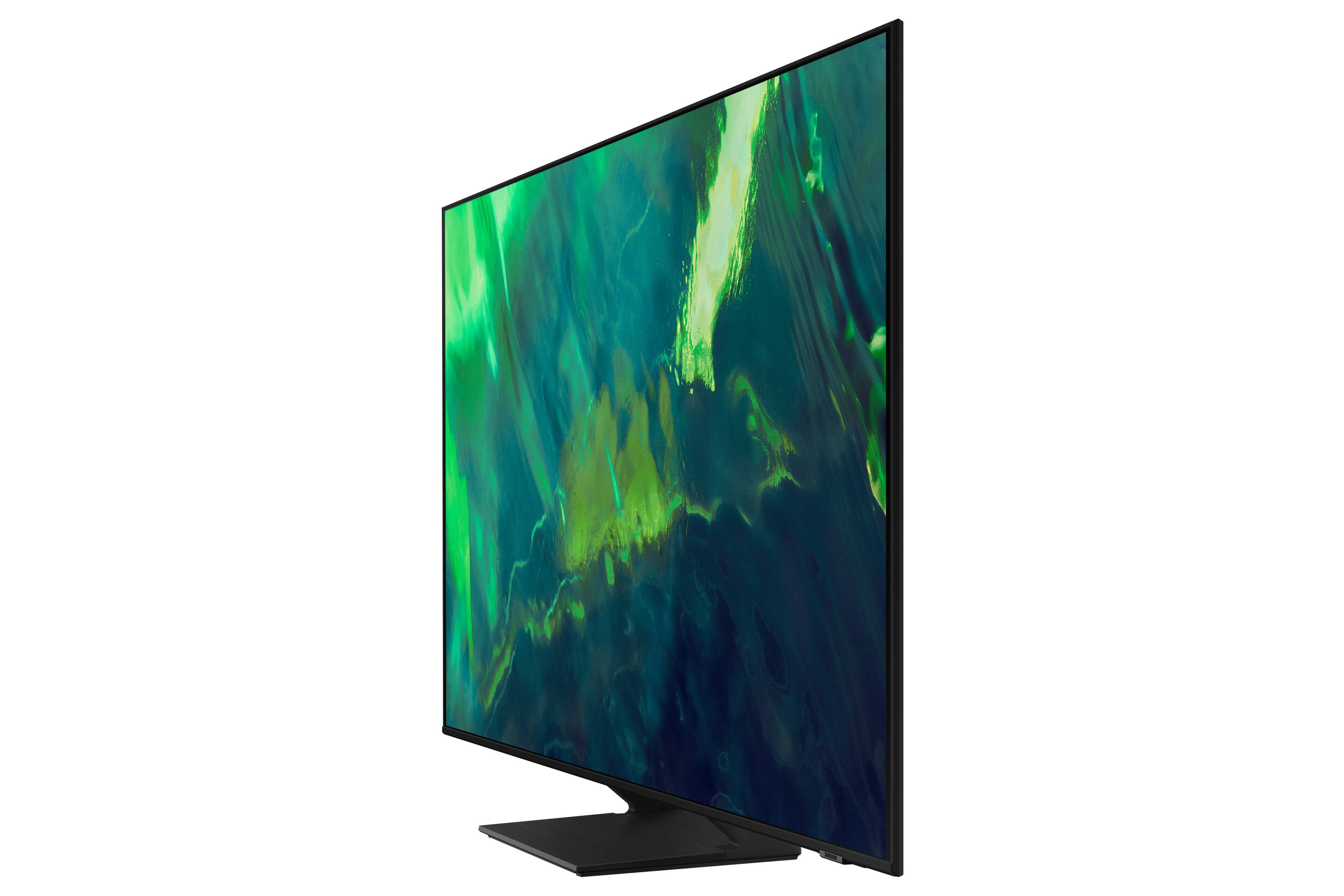
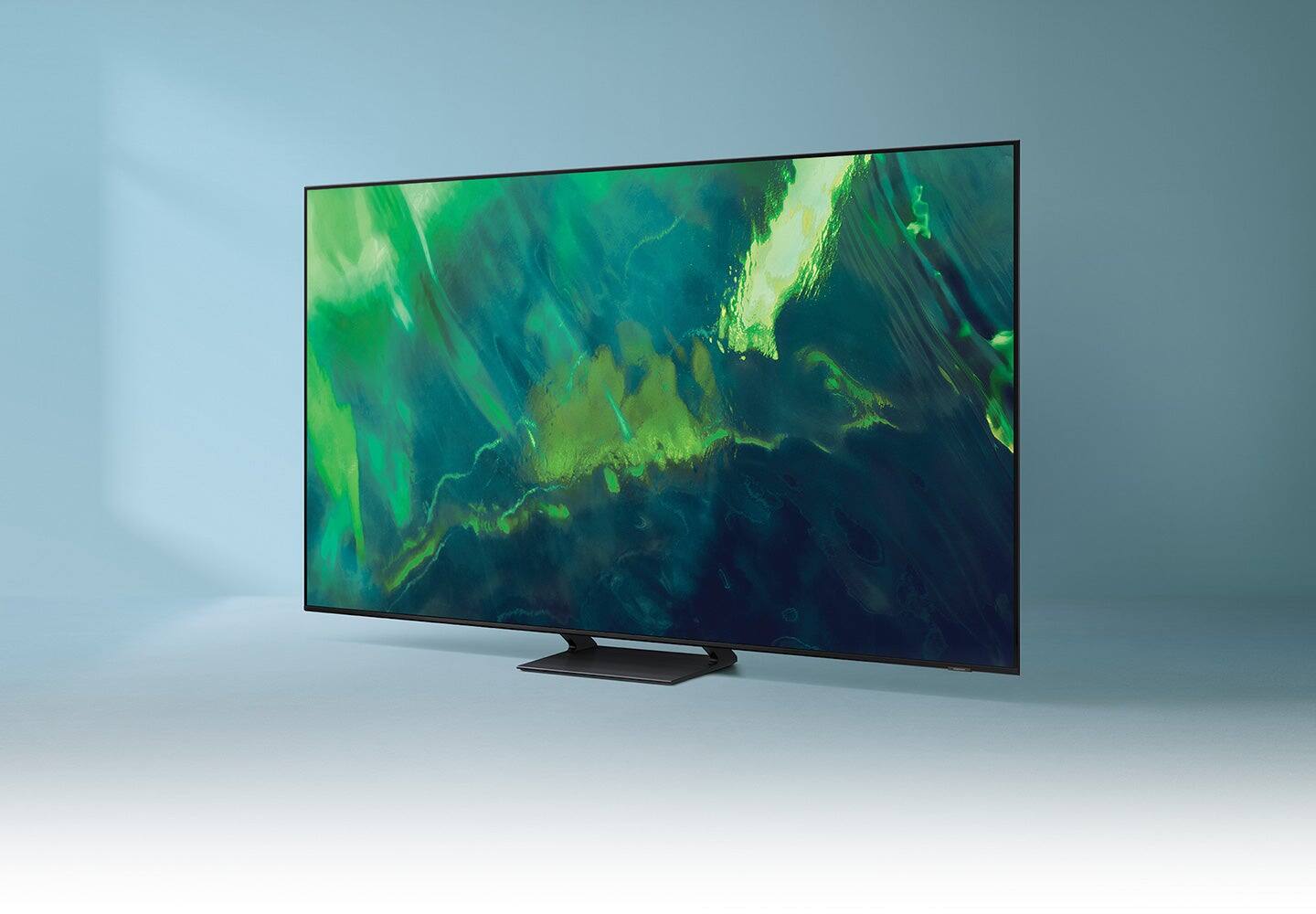
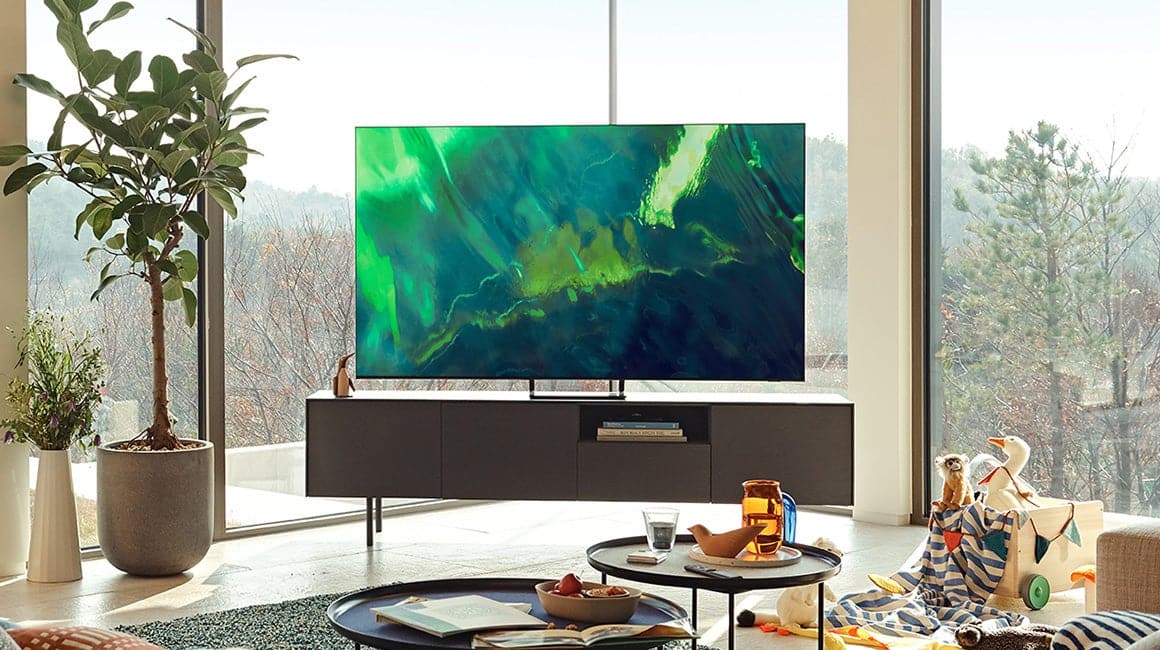
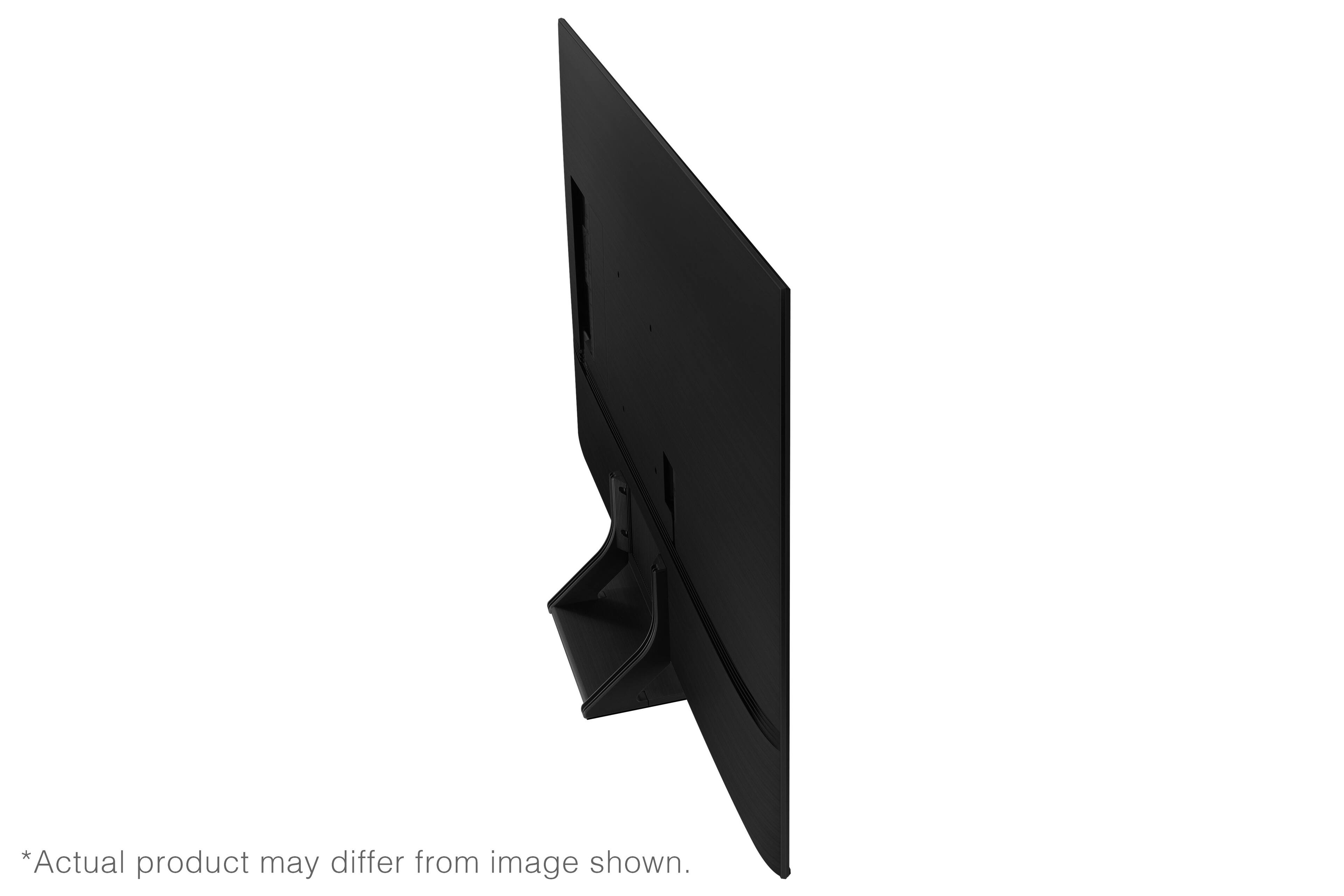
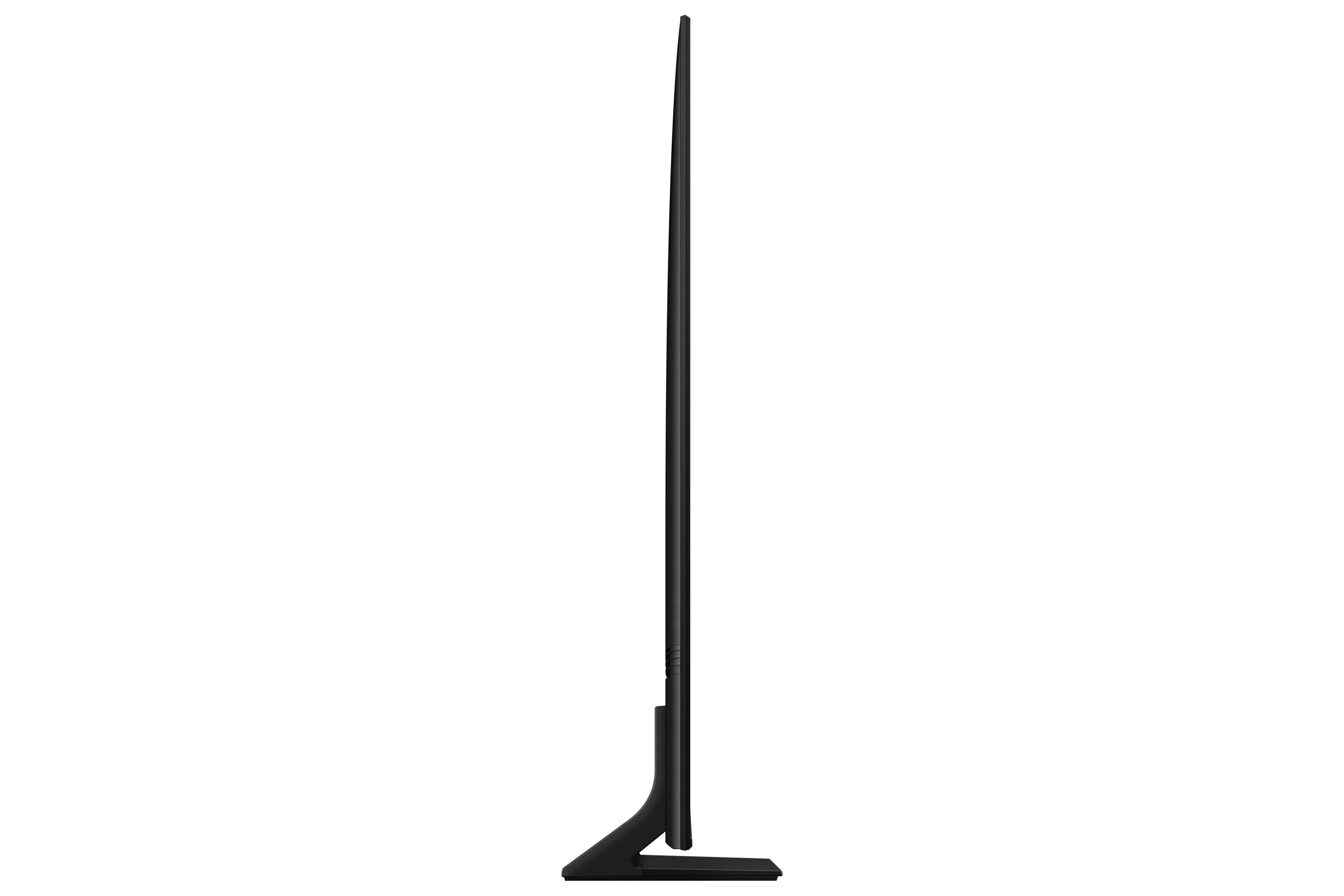
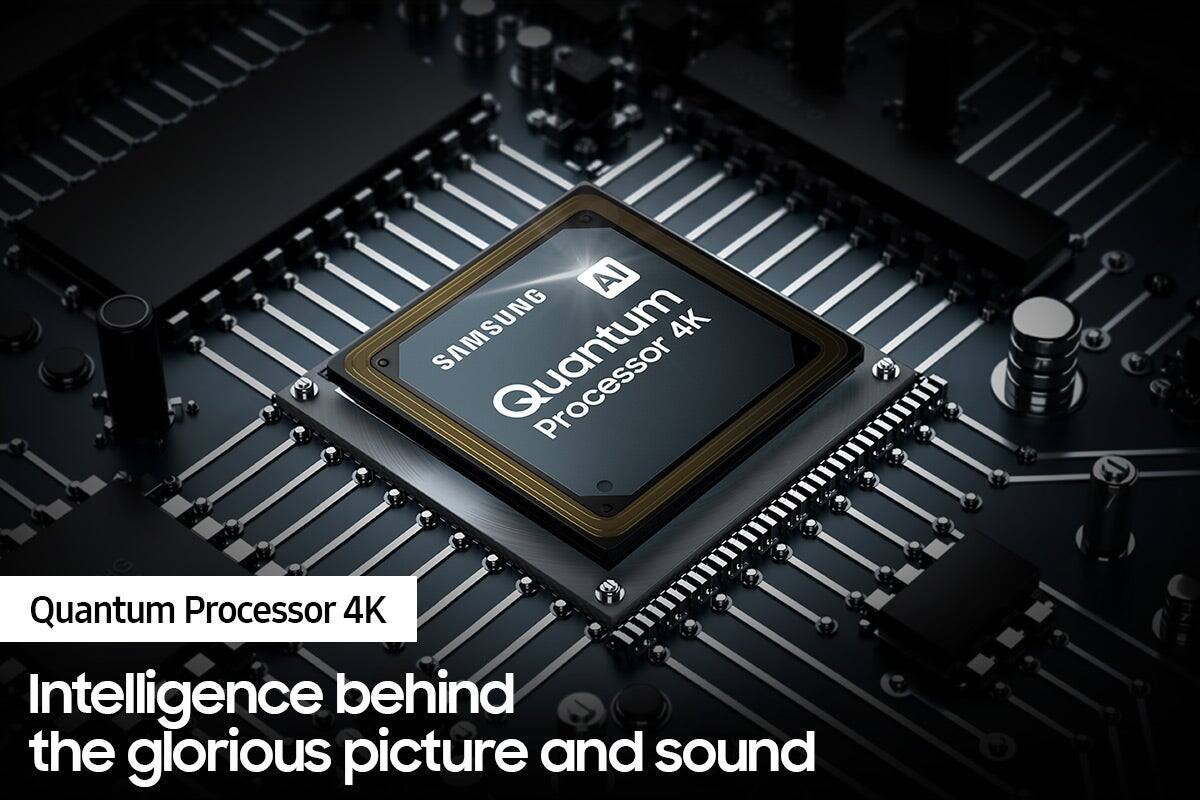

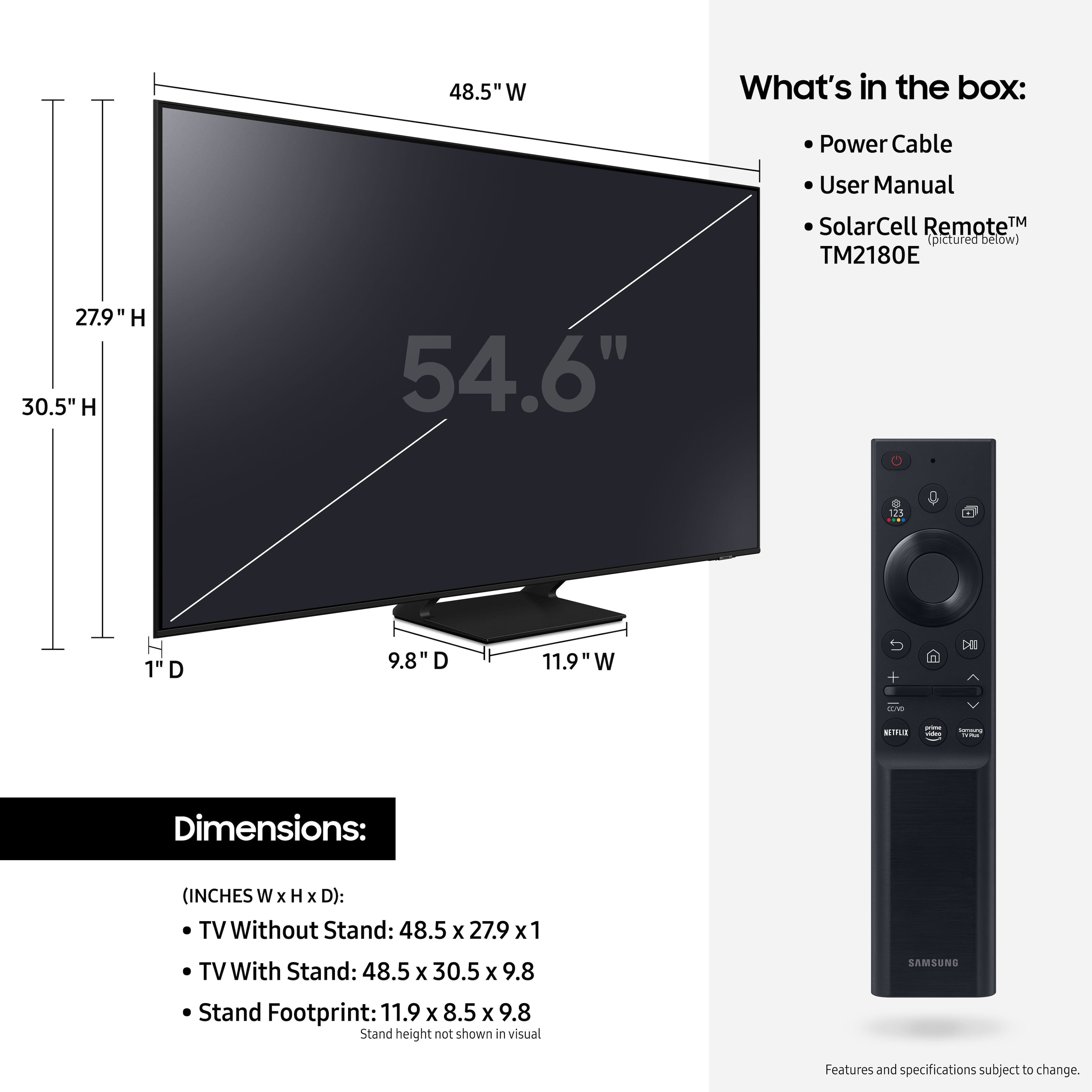









- Model:
- QN55Q70AAFXZA
- SKU:
- 6452056
Rating by feature
- Picture Quality
Rating 4.8 out of 5 stars
- Sound Quality
Rating 4.5 out of 5 stars
- Brightness
Rating 4.8 out of 5 stars
Customers are saying
Customers value the 55" Class Q70A Series QLED 4K UHD Smart Tizen TV for its exceptional picture quality, easy setup, and suitability for gaming. They appreciate the vibrant colors, sharp images, and excellent sound quality. While some find the TV to be expensive, many believe it is worth the investment.
This summary was generated by AI based on customer reviews.
- Cons mentioned:Screen
Very fragile.
||Posted . Owned for 6 months when reviewed.This reviewer received promo considerations or sweepstakes entry for writing a review.Went to mount it to the wall and turned on to see a broken screen. So im still paying off a tv that i can't use.
No, I would not recommend this to a friendBrand response from Samsung
Posted .House,
Thank you for your review of Samsung’s Q70A TV and for sharing your experience. We recommend you contact Best Buy Customer Support or your local Best Buy store directly for assistance in correcting this situation. We hope your issue is resolved in a timely manner.
Should you have questions or concerns regarding the usage or setup of your TV once your issue has been resolved, please contact Samsung Customer Support at 1-800-SAMSUNG (ask for TVs), available 8AM - 12AM EST, 7 days a week.
For additional support resources, visit us on the Samsung website and click on the ‘Support’ link in the upper right corner of the homepage for:
1) Chat with Us/Product Help: To begin a chat or find solutions, choose ‘TVs & Home Theater’ and select your model & topic.
2) Manuals, Software, & Warranty Info
~ Samsung Specialist
Samsung q70 55in
||Posted . Owned for 1 month when reviewed.This reviewer received promo considerations or sweepstakes entry for writing a review.Picture isnt all that great and makes a light tspping noise when tv is off and sound while its on is really inconsistent.
No, I would not recommend this to a friendBrand response from Samsung
Posted .Hi there,
Thank you for sharing your thoughts on the picture quality of your Q70A TV. If the image you’re seeing is not to your liking, there are several picture settings you may want to try adjusting.
Go to Home > Settings > Picture > Picture Mode
...and select the mode that best fits your usage:
1) Standard: Is the default mode suitable for general viewing environments.
2) Natural: Reduces eye strain for a comfortable viewing experience.
3) Movie: Is suitable for watching TV or movies in a dark room.
4) Dynamic: Makes the picture brighter and clearer in bright viewing environments.
5) Filmmaker Mode: You can watch the source content (e.g., movie) as it is. If the image is defined as Filmmaker Mode, it will automatically switch to Filmmaker Mode while watching.
You can also go to: Settings > Picture > Expert Settings > to manually fine tune your image.
Additionally, your TV's Auto Volume function automatically adjusts the sound to a certain level when changing channels or switching to another external input. Go to: Settings > Sound > Expert Settings > Auto Volume = On
You may also want to perform a Sound Test under Support > Self Diagnosis > Start Sound Test
So that we can better understand the noise emitted from your TV and provide you with further troubleshooting, please call us at 1-800-SAMSUNG, 8AM - 12AM EST, 7 days a week. Our LiveChat agents are also available by clicking on the ‘Support’ link on our website.
~ Samsung Specialist
Problematic and poor customer support
||Posted . Owned for 3 months when reviewed.This reviewer received promo considerations or sweepstakes entry for writing a review.About a month after purchasing TV started making creaking and popping sounds, to the point that the TV was almost unwatchable due to the sounds. Samsung sent out a technician to replace all the major parts, the noises still happen. Since then I've been given the run around by customer support about what the next steps to fix or replace this TV would be. Would not purchase if only to avoid Samsungs customer "service". Look elsewhere for a TV.
No, I would not recommend this to a friendBrand response from Samsung
Posted .Darryl,
Thank you for purchasing the Samsung Q70A TV and for your review. The expansion and contraction of the TV's outer casing may cause a popping noise. This does not indicate a product malfunction. The TV is safe to use.
Should you have additional questions or need help, please call us at 1-800-SAMSUNG (ask for TVs), available 8AM - 12AM EST, 7 days a week.
For additional support resources, visit us on the Samsung website and click on the ‘Support’ link in the upper right corner of the homepage for:
1) Contact Us: For additional Chat & Text options, choose ‘TVs & Home Theater’ and select your model & topic.
2) Manuals & Software
3) Warranty Info
4) Register a Product: For access to easy warranty support, convenient opt-in to special promos and offers, faster troubleshooting and service, and quick notification of system updates.
~ Samsung Specialist
- Cons mentioned:Dead pixels
Bad value for price
||Posted .This reviewer received promo considerations or sweepstakes entry for writing a review.Came with a dead pixel and is edge lit. Not a good value for the price.
No, I would not recommend this to a friendBrand response from Samsung
Posted .Person1,
I’m sorry to hear that you’re experiencing screen abnormalities on your Q70A TV. Please run a Picture Test to determine if the problem is caused by the TV. Picture Test displays a high-definition picture you can examine for flaws or faults. Go to Settings > Support > Device Care > Self Diagnosis > Picture Test
If this occurs on all sources and the picture test, this will require service. For help with setting up a service appointment, please contact Samsung Support at 1-800-SAMSUNG, 8AM - 12AM EST, 7 days a week.
Agents are also available via LiveChat and can be found at the ‘Support’ link on the Samsung website homepage.
~ Samsung Specialist
Samsunf pixel problem
||Posted . Owned for 4 months when reviewed.This reviewer received promo considerations or sweepstakes entry for writing a review.Bought the tv in august and it dec and its already got pixels going out i would not recommend this tv now to see if they will exchange it sanmsung
No, I would not recommend this to a friendBrand response from Samsung
Posted .Randomshopper,
We appreciate your feedback regarding the screen abnormalities you’re seeing on your Q70A TV. Please run a Picture Test to determine if the problem is caused by the TV. Picture Test displays a high-definition picture you can examine for flaws or faults. Go to Settings > Support > Device Care > Self Diagnosis > Picture Test
If this occurs on all sources and the picture test, this will require service. For help with setting up a service appointment, please contact Samsung Support at 1-800-SAMSUNG, 8AM - 12AM EST, 7 days a week. Our LiveChat agents are also available by clicking on the ‘Support’ link on our website.
~ Samsung Specialist
Title of what?
||Posted . Owned for 3 weeks when reviewed.This reviewer received promo considerations or sweepstakes entry for writing a review.I was sold a defective TV. TV needed an update to access internet. Called Samsung three times. Talked to three different people, none of which had correct knowledge of how to fix the problem. I finally pieced together how to fix it myself. This should never have happened.
No, I would not recommend this to a friendBrand response from Samsung
Posted .Hi,
Thank you for purchasing the Samsung Q70A TV and for sharing your experience with us.
We appreciate you sharing your experience you had in trying to resolve your TV issues, but I hope that your TV is now performing as expected.
Please know that Samsung is committed to providing the best possible product experience, quality, and value, and your feedback will be shared with our product and customer care teams.
If there is anything we can do to further assist and improve your user experience, please let us know by contacting Samsung Customer Support at 1-800-SAMSUNG (ask for TVs), available 8AM - 12AM EST, 7 days a week.
For additional support resources, visit us on the Samsung website and click on the ‘Support’ link in the upper right corner of the homepage for:
1) Contact Us: For additional Chat & Text options, choose ‘TVs & Home Theater’ and select your model & topic.
2) Manuals, Software, & Warranty Info
~ Samsung Specialist
Samsung 55" class Q70A Series QLED 4K UHD Smart TV
||Posted . Owned for 2 months when reviewed.This reviewer received promo considerations or sweepstakes entry for writing a review.We have had this product for a month. We need a new circuit board installed due to numerous error messages and not connecting with our WIFI.
No, I would not recommend this to a friendBrand response from Samsung
Posted .ghawkinson,
We appreciate you sharing the details of the issues you're experiencing. Should you need assistance in setting up a service appointment, please contact us at 1-800-SAMSUNG, 8AM - 12AM EST, 7 days a week. Our LiveChat agents are also available by clicking on the ‘Support’ link on our website.
~ Samsung Specialist
Worst TV I have ever bought.
||Posted . Owned for 3 weeks when reviewed.This reviewer received promo considerations or sweepstakes entry for writing a review.I’m not happy with my TV because I have had it since 3-18-22 and have had 3 episodes of losing my picture to crazy colors and cannot get Samsung to help me. Do not buy one!
No, I would not recommend this to a friendBrand response from Samsung
Posted .Hi Dpgrim2,
I'm sorry to hear you're experiencing issues with your Q70A TV's picture. Please give us the opportunity to look into this for you so we can provide additional settings adjustments or troubleshooting assistance. Call us at 1-800-SAMSUNG, 8AM - 12AM EST, 7 days a week. Our LiveChat agents are also available by clicking on the ‘Support’ link on our website.
~ Samsung Specialist
Poor products and service
||Posted . Owned for 1 month when reviewed.This reviewer received promo considerations or sweepstakes entry for writing a review.Stopped working after 3 uses. Poor power supply. Best Buy doesn’t warranty anything after 15 days
No, I would not recommend this to a friendBrand response from Samsung
Posted .JonathanR,
It’s unfortunate to hear of your experience with Samsung’s Q70A TV. Samsung is committed to providing the best possible product experience, quality, and value. We back this Samsung TV with a 1-year limited manufacturer's warranty, including authorized repair for manufacturer defect, if purchased brand-new directly from an authorized seller. You can see the full details of your warranty here: https://www.samsung.com/us/support/service/warranty/QN55Q70AAFXZA
Please give us the opportunity to assist you by contacting Samsung Customer Support at 1-800-SAMSUNG, 8AM - 12AM EST, 7 days a week. Our LiveChat agents are also available by clicking on the ‘Support’ link on our website.
~ Samsung Specialist
samsung 55in
||Posted . Owned for 2 weeks when reviewed.This reviewer received promo considerations or sweepstakes entry for writing a review.the technician took the samsung TV out of the box and it was defective. had to go back and buy a nother TV
No, I would not recommend this to a friendBrand response from Samsung
Posted .Hi there,
We appreciate you sharing the issues you initially experienced with your Q70A TV. Thank you for your patience in having to deal with the inconvenience of an exchange.
Should you need help with your new unit, please contact Samsung Customer Support at 1-800-SAMSUNG, 8AM - 12AM EST, 7 days a week. Our LiveChat agents are also available by clicking on the ‘Support’ link on our website.
~ Samsung Specialist
Unhappy customer
||Posted . Owned for 1 month when reviewed.This reviewer received promo considerations or sweepstakes entry for writing a review.Not the best quality and we have been having issues since we bought the TV. It’s going back to Best Buy
No, I would not recommend this to a friendBrand response from Samsung
Posted .55inchTV,
We appreciate your review of Samsung’s Q70A TV. So we can better understand the problems you are experiencing and provide you with troubleshooting assistance or warranty service, please reach out to Samsung Customer Support at 1-800-SAMSUNG, 8AM - 12AM EST, 7 days a week. Or visit us on the Samsung website and click on the ‘Support’ link for:
1) LiveChat
2) Manuals, Software, & Warranty Info
~ Samsung Specialist
- Pros mentioned:Ease of use, Picture quality
Home TV
Posted .This reviewer received promo considerations or sweepstakes entry for writing a review.I love this Samsung TV it is great and easy to operated, beautiful picture. the remote is so tiny and easy.
I would recommend this to a friend Trash
||Posted . Owned for 1 month when reviewed.This reviewer received promo considerations or sweepstakes entry for writing a review.I’m less than one month it wouldn’t turn on. Rarely watch tv so it’s no way I broke it, it’s just trash.
No, I would not recommend this to a friendBrand response from Samsung
Posted .Hello Datruth,
Thank you for sharing your experience with Samsung's Q70A TV not turning on. Please try a few troubleshooting steps that may help solve the issue:
1) Make sure that the AC power cord is securely plugged in to the TV and the wall outlet.
2) Make sure that the wall outlet is working and the power indicator at the bottom of the TV is lit and glowing a solid red. If it is off, the TV either does not have power, or it is on and the screen is black. If it is blinking, your TV may need service.
3) Try pressing the TV Power button at the bottom of the TV behind the Samsung logo to make sure that the problem is not with the remote control. If the TV turns on, your issue may be with the remote control.
If your issue persists, please contact Samsung Customer Support at 1-800-SAMSUNG (ask for TVs), available 8AM - 12AM EST, 7 days a week.
For additional support resources, visit us on the Samsung website and click on the ‘Support’ link in the upper right corner of the homepage for:
1) Contact Us: For additional Chat & Text options, choose ‘TVs & Home Theater’ and select your model & topic.
2) Manuals, Software, & Warranty Info
~ Samsung Specialist
not very happy
||Posted .This reviewer received promo considerations or sweepstakes entry for writing a review.it is ok. I am not overly happy with the tv and sound bar
No, I would not recommend this to a friendBrand response from Samsung
Posted .jojo,
Thank you for sharing your thoughts on Samsung's Q70A TV. So we can better understand the problems you are experiencing and provide you with troubleshooting assistance, please contact Samsung Customer Support at 1-800-SAMSUNG (ask for TVs), available 8AM - 12AM EST, 7 days a week.
For additional support resources, visit us on the Samsung website and click on the ‘Support’ link in the upper right corner of the homepage for:
1) Contact Us: For additional Chat & Text options, choose ‘TVs & Home Theater’ and select your model & topic.
2) Manuals, Software, & Warranty Info
We hope to hear from you.
~ Samsung Specialist
tank
||Posted . Owned for 3 weeks when reviewed.This reviewer received promo considerations or sweepstakes entry for writing a review.DISAPOINTED!!!!!!!!!!!!!!!!!!!!!!!!!!!!!!!!!!!!!!!!
No, I would not recommend this to a friendBrand response from Samsung
Posted .Hi tank,
I'm sorry to hear you're not enjoying your experience with Samsung's Q70A TV. So we can better understand the problems you are experiencing and provide you with troubleshooting assistance, please contact Samsung Customer Support at 1-800-SAMSUNG (ask for TVs), available 8AM - 12AM EST, 7 days a week.
For additional support resources, visit us on the Samsung website and click on the ‘Support’ link in the upper right corner of the homepage for:
1) Contact Us: For additional Chat & Text options, choose ‘TVs & Home Theater’ and select your model & topic.
2) Manuals, Software, & Warranty Info
We hope to hear from you.
~ Samsung Specialist
Nope
||Posted .This reviewer received promo considerations or sweepstakes entry for writing a review.Navigation buttons on remote don’t work during setup.
No, I would not recommend this to a friendBrand response from Samsung
Posted .Hi Mike!
Thank you for your review of Samsung’s Q70A TV and for sharing your experience with your remote not working. If you press any key on the remote, and the LED indicator at the top of your remote stays on for about 3 seconds rather than blinking, please try the following steps to reset your remote:
1) Long press the RETURN key and ENTER key together for about 10 seconds if your remote was once paired already with the TV, you do not need to re-pair it again. However, if it was not paired with the TV, pairing must be done after the reset.
2) The RETURN key is on the left side of your remote and looks like a curved, backwards pointing arrow.
3) The ENTER key is the button in the center of your directional ring.
I hope this helps, should you need further assistance, please contact Samsung TV Support.
1-800-SAMSUNG (ask for TVs), available 8AM -12AM EST M-F (9AM – 6PM EST Sat). Or text HELP to 62913.
For additional support resources, visit us on the Samsung website and click on the ‘Support’ link in the upper right corner of the homepage for:
1) More ‘Contact Us’ options – LiveChat, Facebook, Twitter, Samsung Community, Samsung Members app
2) Manuals & Software
3) Warranty Info
4) Product Registration: For access to easy warranty support, convenient opt-in to special promos and offers, faster troubleshooting and service, and quick notification of system updates.
~ Samsung Solutions
- Pros mentioned:Picture quality, Remote control
Great watcher
Posted .This reviewer received promo considerations or sweepstakes entry for writing a review.Awesome pics, great clarity, easy remote and love the center pedestal
I would recommend this to a friend - Pros mentioned:Picture quality
Picture quality is good, audio is ok
Posted .This reviewer received promo considerations or sweepstakes entry for writing a review.I liked the TV picture quality very much but the audio is not that good.
I would recommend this to a friend - Pros mentioned:Picture quality
Great smart Tv
Posted .This reviewer received promo considerations or sweepstakes entry for writing a review.Had my doubts before buying but so far am impressed. Still early days. If it can the record of my previous Vizio, will give it 5th star
I would recommend this to a friend Well worth the purchase from a not picky buyer.
Posted .This reviewer received promo considerations or sweepstakes entry for writing a review.I was initially feeling buyers remorse getting this and that quickly disappeared. The 120hz refresh combined with that 240 motion smoother thing makes it feel like a more than worthwhile upgrade over the 43 inch TCL from 2018 at 60hz. I don't manually tune my colors because a lot of these newer TV's are boosted in store and look unnatural and unnecessarily saturated. Everything's on auto for me and I'm happy with it. I'm not going for a hardcore home theater 100 percent accuracy challenge here so I'm good there. Refresh and motion smoothing are key with this TV. I use a receiver with it, so no comments on TV speaker sound. A bit more than I intended to spend walking in but I have no regrets. Lastly, pictures won't capture what you see, trust the review.
I would recommend this to a friend