Customer Ratings & Reviews
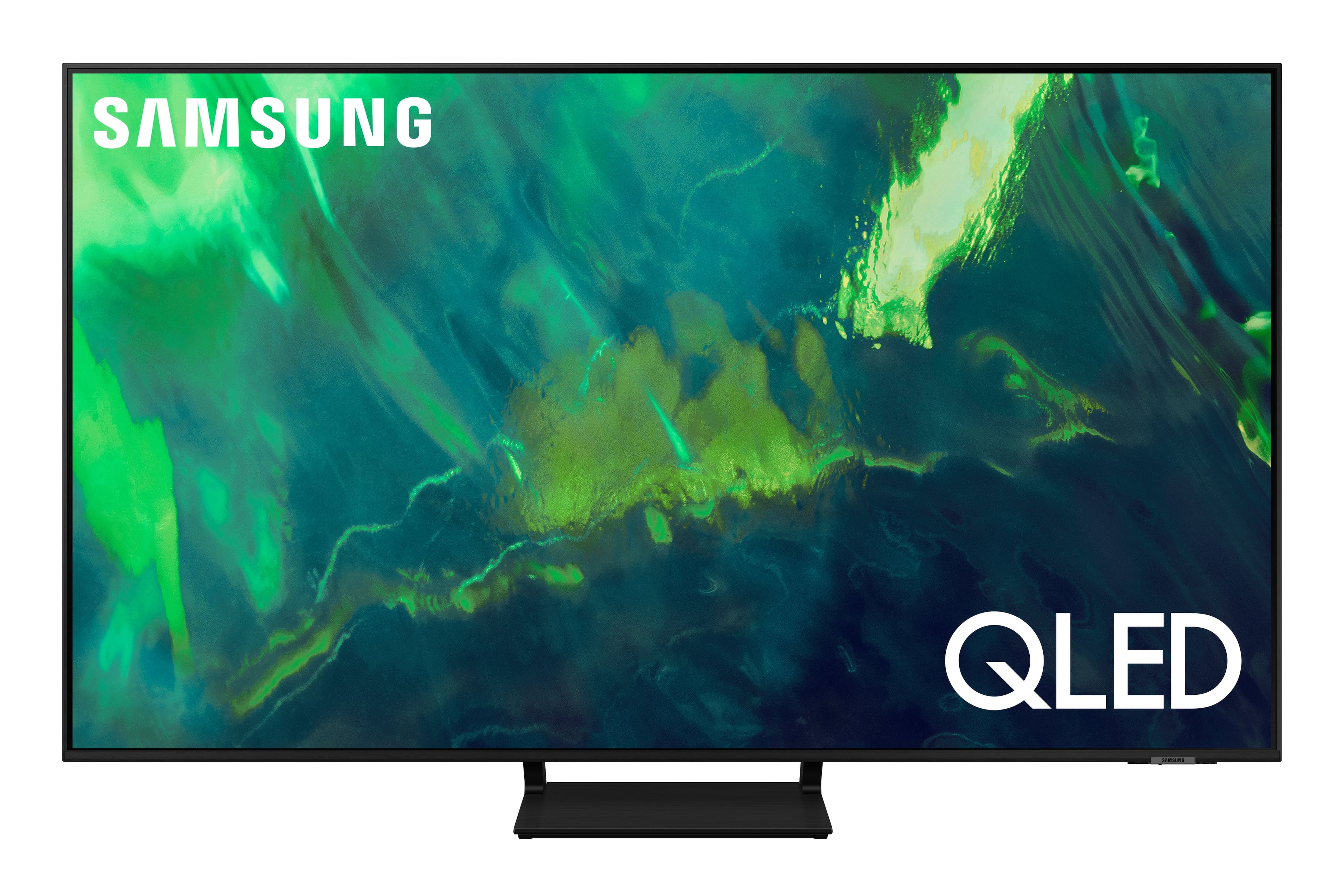
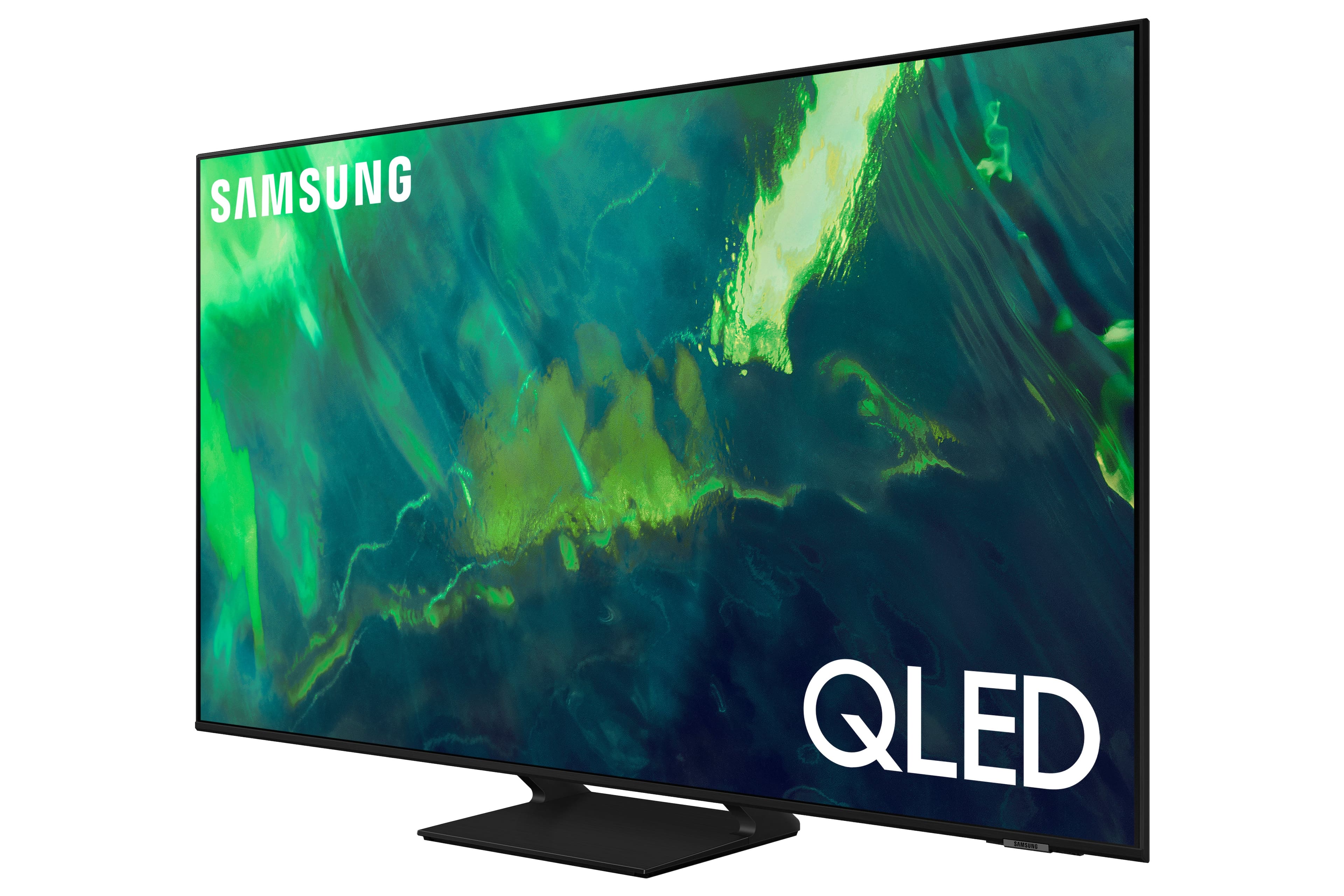


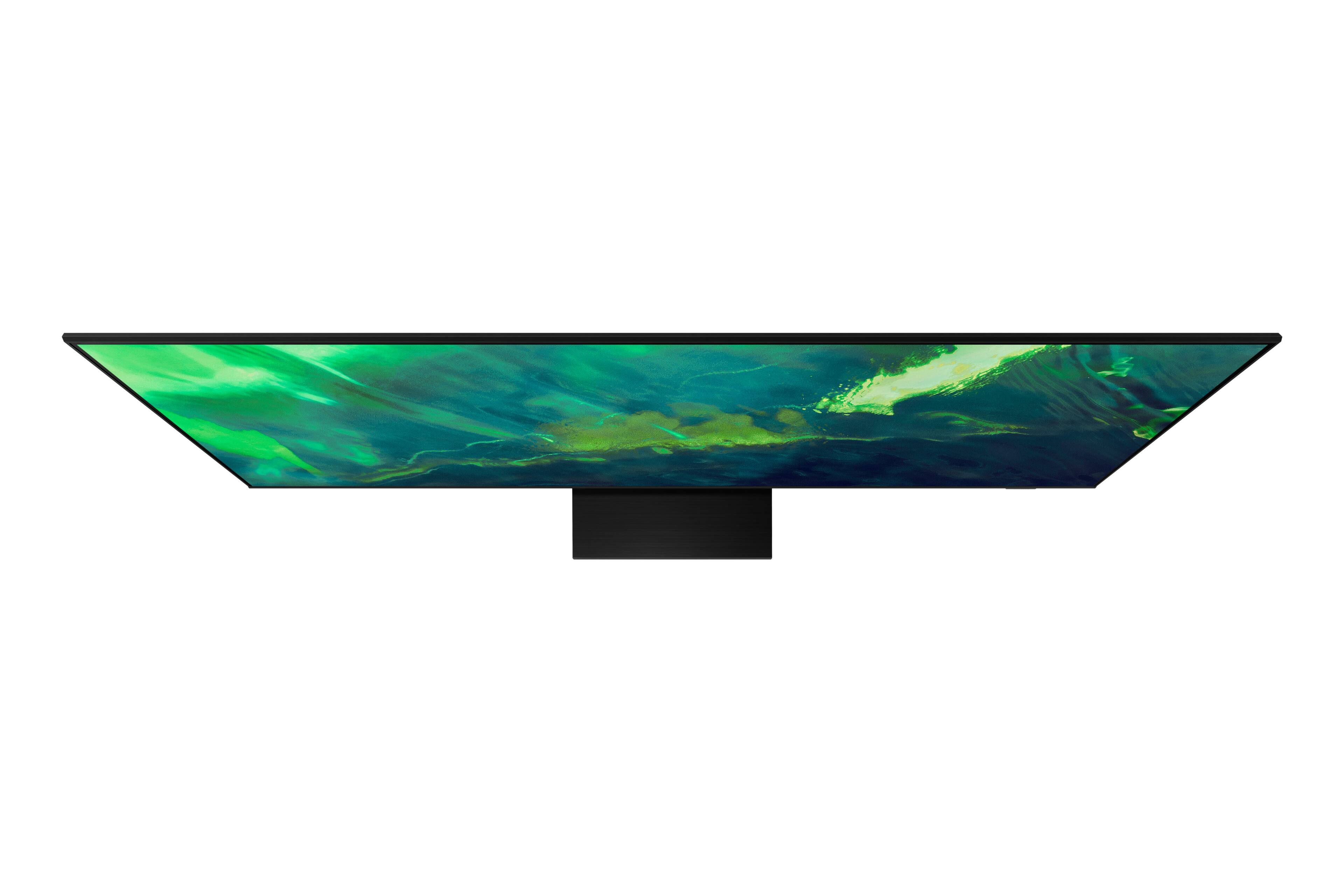
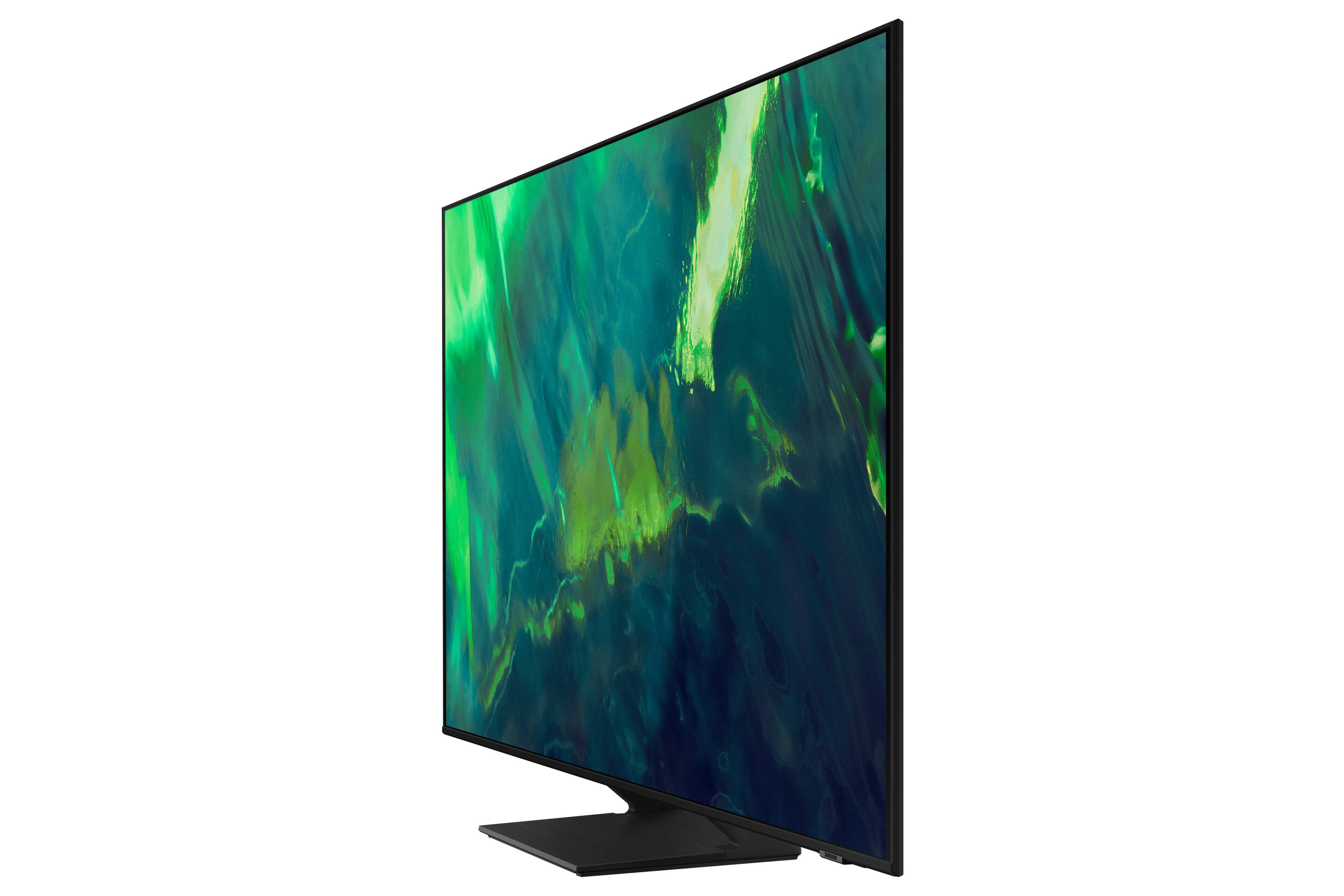
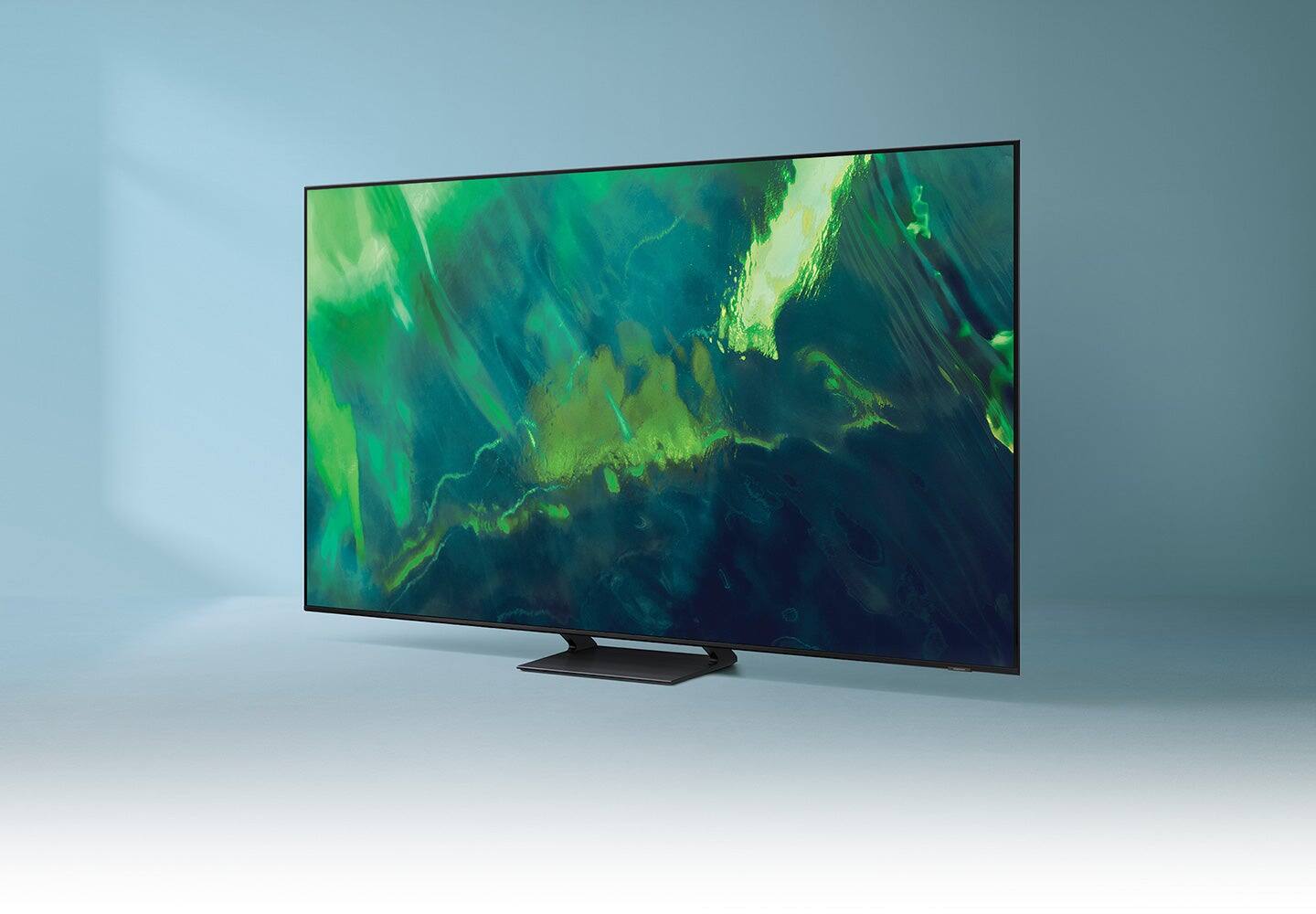
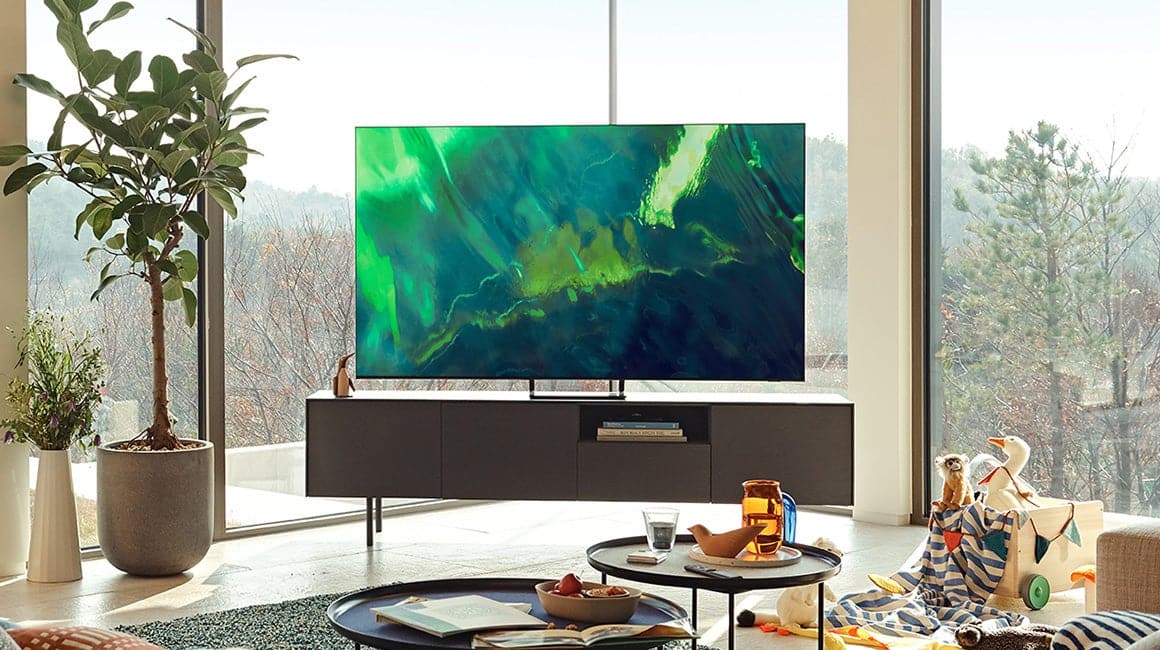
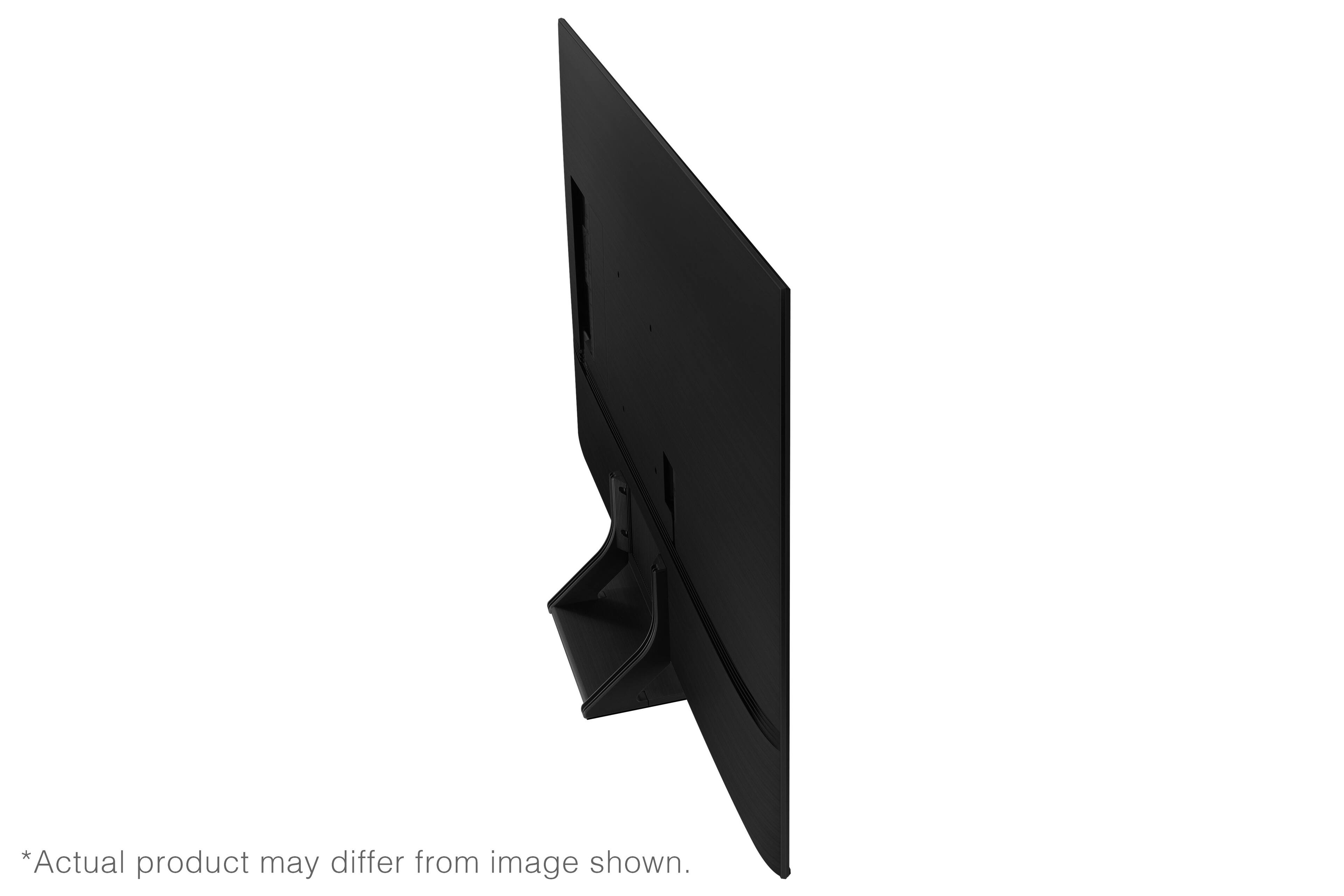
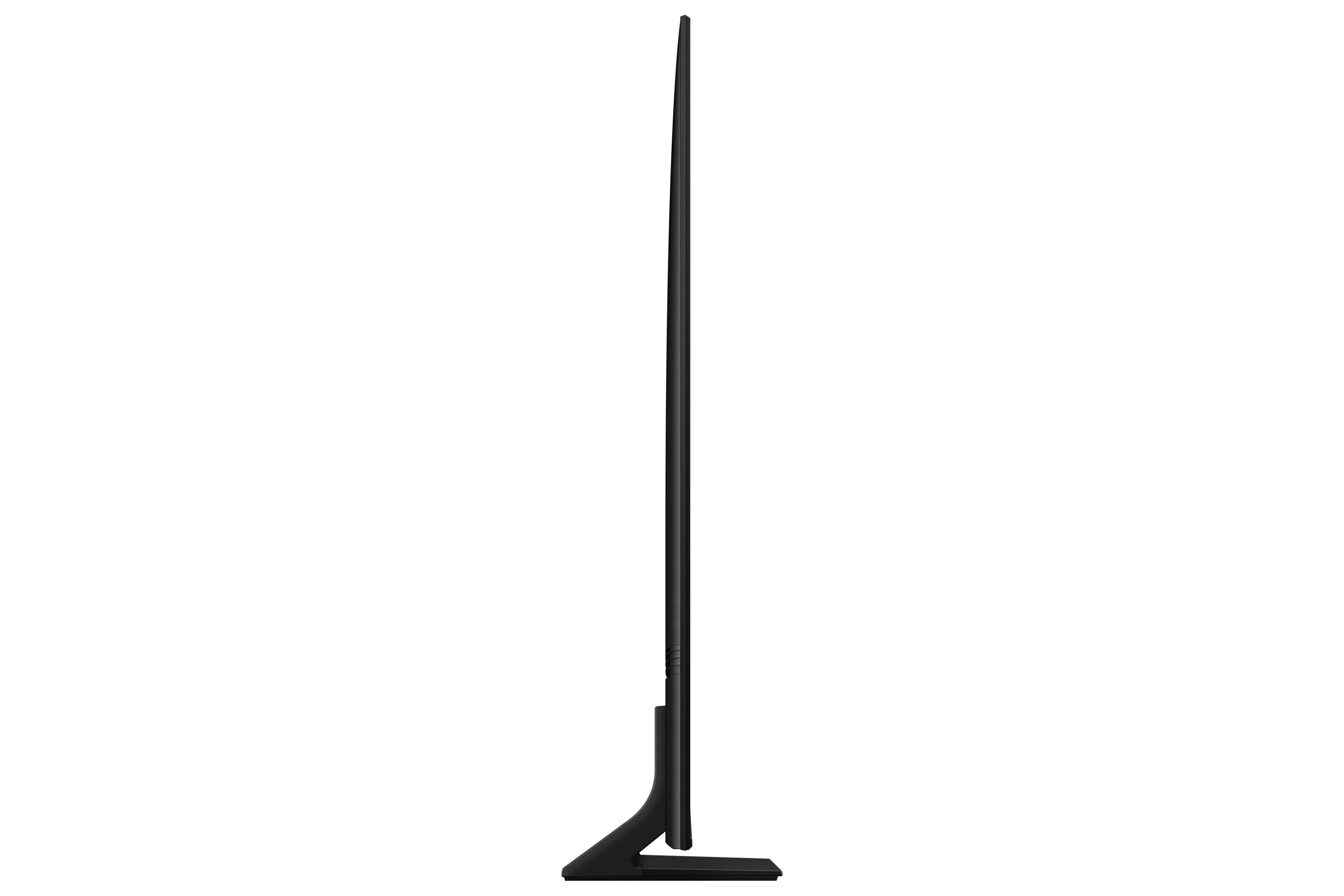
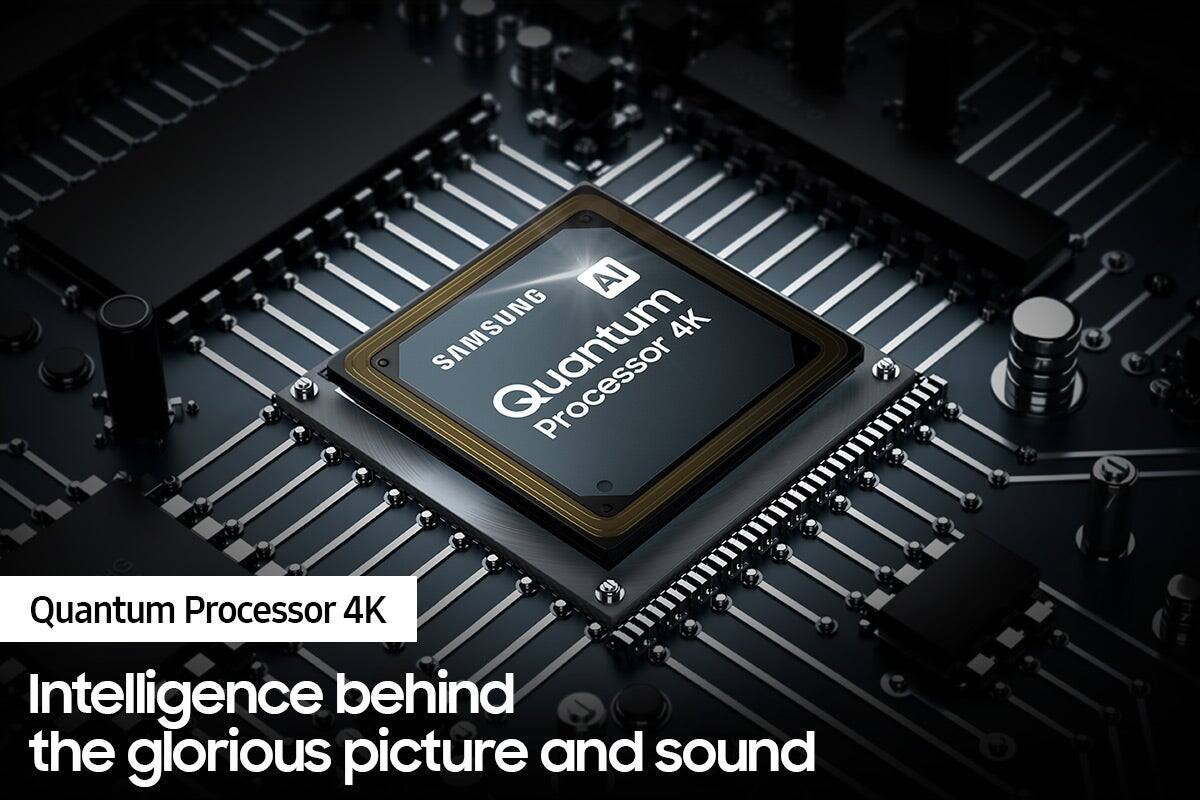

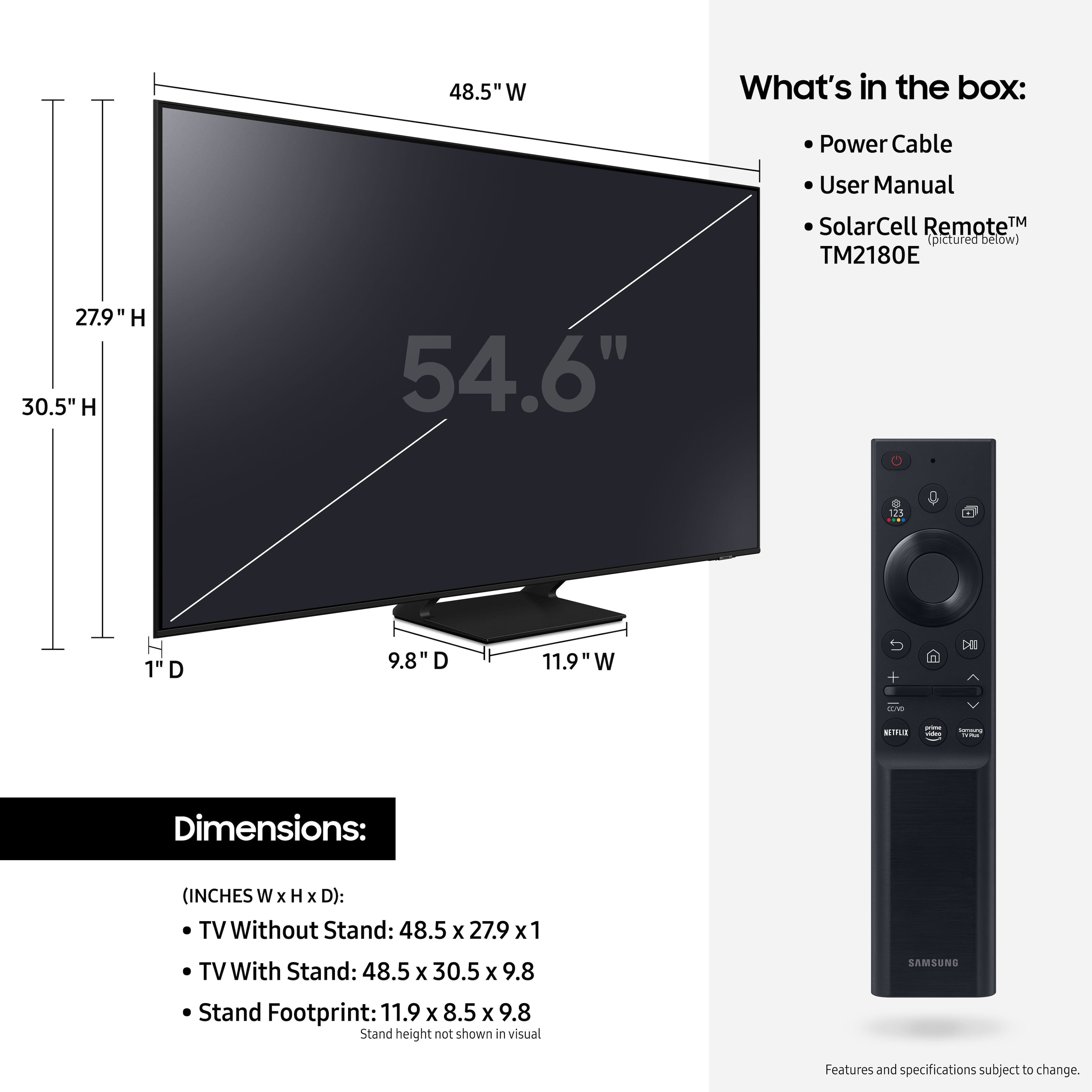









- Model:
- QN55Q70AAFXZA
- SKU:
- 6452056
Rating by feature
- Picture Quality
Rating 4.8 out of 5 stars
- Sound Quality
Rating 4.5 out of 5 stars
- Brightness
Rating 4.8 out of 5 stars
Customers are saying
Customers value the 55" Class Q70A Series QLED 4K UHD Smart Tizen TV for its exceptional picture quality, easy setup, and suitability for gaming. They appreciate the vibrant colors, sharp images, and excellent sound quality. While some find the TV to be expensive, many believe it is worth the investment.
This summary was generated by AI based on customer reviews.
- Pros mentioned:Picture quality
Very Pleased
Posted .This reviewer received promo considerations or sweepstakes entry for writing a review.We have enjoyed this tv much more than our previous, lower end 4K tv. The colors are bright, sharp and crisp at the distance we view. The quantom series really is a significant step up. The viewing angles are okay - another reason for the Samsung as opposed to the previous tv used. Currently, we are trying the dynamic mode for the picture and it is the best for us. There is some bleeding of the red in this mode. I haven't tried to correct it, so it must not be much of a problem. This is my first Samsung tv in a while and hope that it lasts better than the one purchased a few years back. We were okay with the tv speakers at first, but then decided to go back to our soundbar eventually.
I would recommend this to a friend - Pros mentioned:Picture quality
Pleased
Posted .This reviewer received promo considerations or sweepstakes entry for writing a review.Have had this TV a few weeks now. I am very pleased with the quality of it, and the picture is great! Also that the stand is in the middle an I didn't have to replace my stand with a bigger one.
I would recommend this to a friend Great Buy
Posted .This reviewer received promo considerations or sweepstakes entry for writing a review.TV has been good so far no issue at all. Great for movies tv shows and video games.
I would recommend this to a friend- Pros mentioned:Picture quality
Buyer Beware of Samsung Q70A!
Posted .This reviewer received promo considerations or sweepstakes entry for writing a review.This samsung Q7A has a great picture, BUT it is not able to load Youtube TV's app after you exit the app and then try to open it later. You must disconnect the power cord, then restart the TV, then it will load the app. Resetting the tv by holding the power button for 30 sec. doesn't seem to work, either. Samsung should get together with Youtube TV to make this right. Buyer Beware
No, I would not recommend this to a friendBrand response from Samsung
Posted .Patrick,
Thank you for choosing the Q80A QLED TV and taking the time to share your experience with the YouTube TV app. If your app is freezing, not loading, or crashing, you can try cold booting your TV by holding down the power button on your remote for 5+ sec until the TV turns off and on again, deleting and downloading the apps again, and completing full reset of Smart Hub to correct the issue.
Please also be sure you are running the latest firmware. You can check to see what software version your TV is using and if there is an available update through the settings on your TV. Go to: Settings > Support > Software Update.
Additionally, to optimize the smart TV performance, please try Device Care option under the Support Menu. Go to Settings > Support> Device Care > Start Device Care.
This improves your apps performance as it frees up unused cached memory and closes background apps.
I hope these tips help resolve your concerns. Should you need further assistance, please contact our Customer Support at 1-800-SAMSUNG (ask for TVs), available 8AM - 12AM EST, 7 days a week.
For additional support resources, visit us on the Samsung website and click on the ‘Support’ link in the upper right corner of the homepage for:
1) Chat with Us/Product Help: To begin a chat or find solutions, choose ‘TVs & Home Theater’ and select your model & topic.
2) Manuals, Software, & Warranty Info
~ Samsung Specialist
Jj
Posted .This reviewer received promo considerations or sweepstakes entry for writing a review.A very great tv games are wonderful on it apps are good as well
I would recommend this to a friendDiappointed
Posted .This reviewer received promo considerations or sweepstakes entry for writing a review.Could be a great tv but has so many gimmick,s that T becomes tedious to use. Also had thousands of shows to watch but seemed to be aimed at another audience than me. No option for public tv. The Samsung support group were clueless and mostly unresponsive with solutions.
No, I would not recommend this to a friend- Pros mentioned:Picture quality
Superb tv
Posted .This reviewer received promo considerations or sweepstakes entry for writing a review.74 yo customer buys nicest and most complicated tv ever. Absolutely love it. Fantastic picture. All the features wanted.
I would recommend this to a friend - Pros mentioned:Gaming
Great T.V
Posted .This reviewer received promo considerations or sweepstakes entry for writing a review.Great tv for all your needs movies, tv shows, and it supports next gen gaming PS5 and Xbox series X/S
I would recommend this to a friend - Pros mentioned:Ease of use
Excellent picture
Posted .This reviewer received promo considerations or sweepstakes entry for writing a review.set up was easy and it works extremely well. More info on how to set it up would have been helpful
I would recommend this to a friend - Pros mentioned:Picture quality
My tv
Posted .This reviewer received promo considerations or sweepstakes entry for writing a review.Great picture setup was easy no problems so far. Enjoy watching sports clarity is great
I would recommend this to a friend - Pros mentioned:Picture quality
First TV I've Had In 12 Years
Posted .This reviewer received promo considerations or sweepstakes entry for writing a review.Love it. Great for watching Athletes Unlimited Basketball, Olympic Games and Superbowl.
I would recommend this to a friend - Pros mentioned:Picture quality
Great purchase
Posted .This reviewer received promo considerations or sweepstakes entry for writing a review.Beautiful clarity on picture. Sound quality is not as good as expected
I would recommend this to a friend Samsung Qled 55" Q70
Posted .This reviewer received promo considerations or sweepstakes entry for writing a review.Very good TV at a good price. We'll see how long it lasts. My last Samsung only lasted 3 yrs. If this repeats, I'll try another brand.
I would recommend this to a friend- Pros mentioned:Picture quality
Samsung 55" Class Q70A Series
Posted .This reviewer received promo considerations or sweepstakes entry for writing a review.Best TV I have ever owned. Picture Quality is excellent.
I would recommend this to a friend Do not buy a Samsung QLED TV
Posted .This reviewer received promo considerations or sweepstakes entry for writing a review.Do not buy this TV. There is a defect in the QLED line that Samsung is aware of but will do nothing about. Bought one of these TVs and it lasted only 2 years before it wouldn’t turn on. Did some research and it turns out this problem is very common. Samsung will not help because my warranty just expired. Huge waste of money. This is the third Samsung TV I’ve owned and the first to give me a problem. Just had to buy a new TV, the second I’ve had to buy in two years because the Samsung was such a piece of junk. The Best Buy employee who helped me pick a new TV recommended a Sony because they are more reliable. Save yourself the hassle and money and don’t buy a Samsung.
No, I would not recommend this to a friendBrand response from Samsung
Posted .CoryP,
I'm sorry to hear of your experience with Samsung's Q70A TV. If your TV is out of the 1-year Manufacturer's Warranty, you can locate a service center in your area by following this link: https://www.samsung.com/us/support/service/locations/
If there’s anything we can further help with, please call us at 1-800-SAMSUNG, 8AM - 12AM EST, 7 days a week. Or visit us on the Samsung website and click on the ‘Support’ link for:
• LiveChat
• Manuals, Software, & Warranty Info
~ Samsung Specialist
- Pros mentioned:Picture quality
Beautiful tv
Posted .This reviewer received promo considerations or sweepstakes entry for writing a review.I really like samsung and the picture was real good
I would recommend this to a friend Not good
Posted .This reviewer received promo considerations or sweepstakes entry for writing a review.Bought this tv a year ago. Complicated to set up and operate. Cuts itself off for no reason at times, screen goes blank during episodes for no reason then jumps to something else I wasn’t watching. NOT worth $! Rokus are better!
No, I would not recommend this to a friendsamsungq70screen
Posted .This reviewer received promo considerations or sweepstakes entry for writing a review.So far , so good with the screen. Ken was over from the Geek Squad. The lip movement is off from the voice. He said it is the cable company that has to resolve this issue. I called xfinity... waiting for a call back.
I would recommend this to a friendBrand response from Samsung
Posted .samsungflatscreen,
Thank you for purchasing the Samsung Q70A TV and for sharing your experience with sound delays. Please be sure your firmware is up to date with version 1903.0 which includes updates to address any lip sync or audio delays that may be occurring. You can check this by going to: Settings > Support > Software Update.
If you need further assistance or have any questions, please contact Samsung Customer Support at 1-800-SAMSUNG (ask for TVs), available 8AM - 12AM EST, 7 days a week.
For additional support resources, visit us on the Samsung website and click on the ‘Support’ link in the upper right corner of the homepage for:
1) Chat with Us/Product Help: To begin a chat or find solutions, choose ‘TVs & Home Theater’ and select your model & topic.
2) Manuals, Software, & Warranty Info
~ Samsung Specialist
Newbie.
Posted .This reviewer received promo considerations or sweepstakes entry for writing a review.My first Smart TV. A bit confusing. Beautiful visually. Got it running, but still not voice activating. Looking forward to teh Geek Squad arriving in a few weeks. Meanwhile, I try to learn something new every day.
I would recommend this to a friendBrand response from Samsung
Posted .Hi NEWBIE,
Thank you for choosing Samsung’s Q70A TV and for sharing your experience. To assist you in learning the various features, functions, and settings of your TV and remote, you can download the Q70A TV's User Manual, e-Manual, Remote Control Leaflet, and Quick Setup Guide on Samsung's website under ‘Support’ (top right corner) > Manuals & Software > TVs & Home Theater. From there, you can select the Q70A TV under QLED 4K TVs > A Model Lineup to download the guides you would like. The e-Manual is also embedded into the TV itself under Settings > Support > Open e-Manual.
To setup and use your TV's voice assistant function, the TV must be connected to the internet. Go to Settings > General > Voice > Voice Assistant to select which Voice Assistant you would like to help control your TV (Bixby, Amazon Alexa, or Google Assistant)
To use the Voice Assistant, follow the instructions on the TV screen to enable the selected Voice Assistant. To enable the Settings menus for each Voice Assistant, log into each Voice Assistant.
To run your selected Voice Assistant, press and hold the button, say a command, and then release the button to run Voice Assistant. The Samsung Smart Remote may not recognize your voice when it is far away from you, turned upside down, or located in an environment with loud ambient noise. Use the Samsung Smart Remote less than 2 feet (1.5 m) from you with the remote control buttons facing upward.
Additionally, to give hands-free commands, you will need to enable the Voice Wake-Up feature (Settings > General > Voice> Voice Wake-up).
I hope these tips help. Should you ever have questions or need help, please call us at 1-800-SAMSUNG (ask for TVs), available 8AM - 12AM EST, 7 days a week.
For additional support resources, visit us on the Samsung website and click on the ‘Support’ link in the upper right corner of the homepage for:
1) Chat with Us/Product Help: To begin a chat or find solutions, choose ‘TVs & Home Theater’ and select your model & topic.
2) Register a Product: For access to easy warranty support, convenient opt-in to special promos and offers, faster troubleshooting and service, and quick notification of system updates.
3) Manuals & Software
4) Warranty Info
5) Contact Us
~ Samsung Specialist
Open Box BAD!
Posted .This reviewer received promo considerations or sweepstakes entry for writing a review.So...i decided to try a open box TV because it is for our Bedroom...BAD IDEA! The remote is not the correct one, no hardware package (no screws for the stand) No way to set up or control $700. TV Not to mention that I brought the 55" TV up the stairs by myself (and back down). Best Buy.com says "just bring it back" No offer for a discount on a different item Oh!, and it turns out its a 2021 model! Not a happy customer!
No, I would not recommend this to a friend