Customer Ratings & Reviews
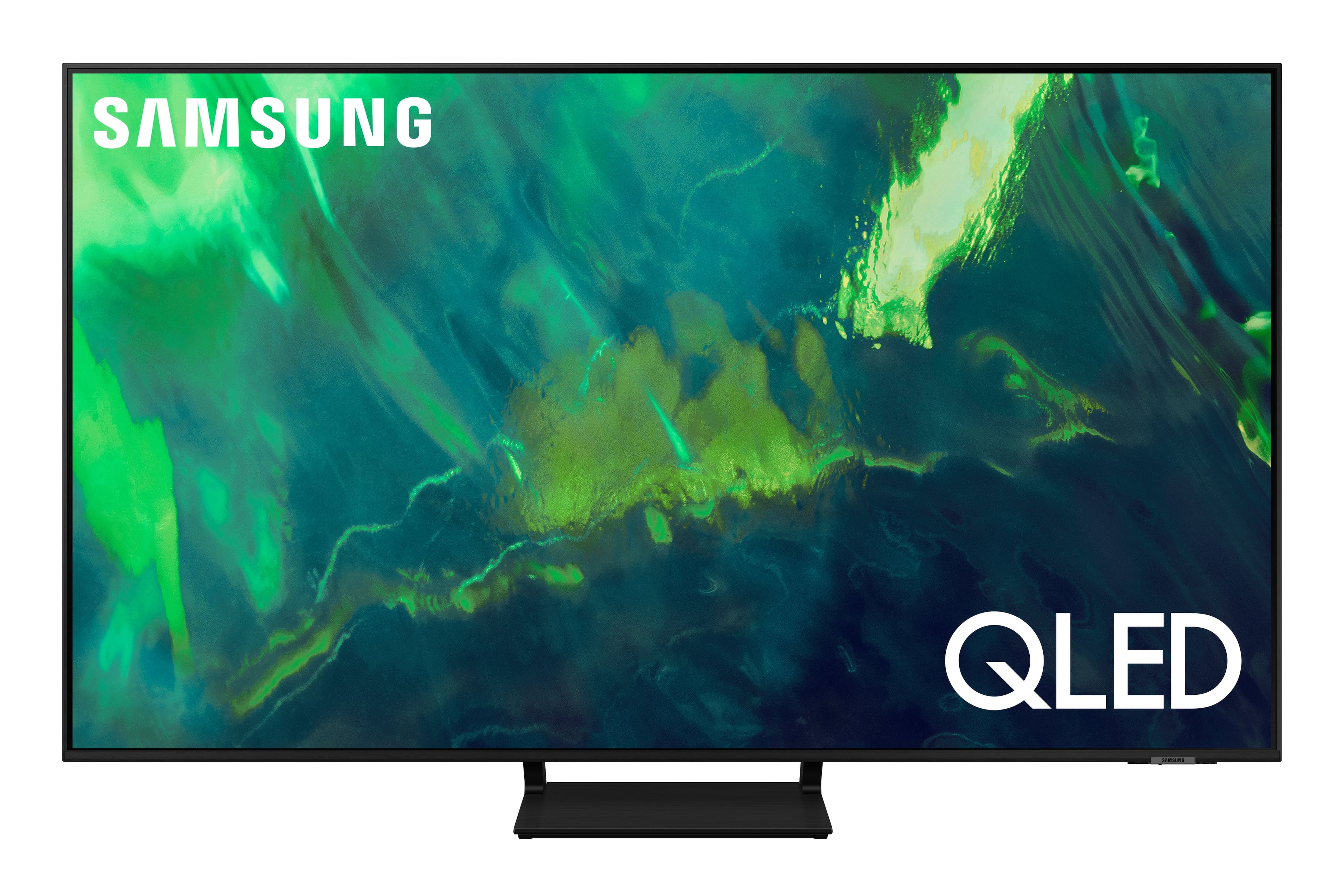
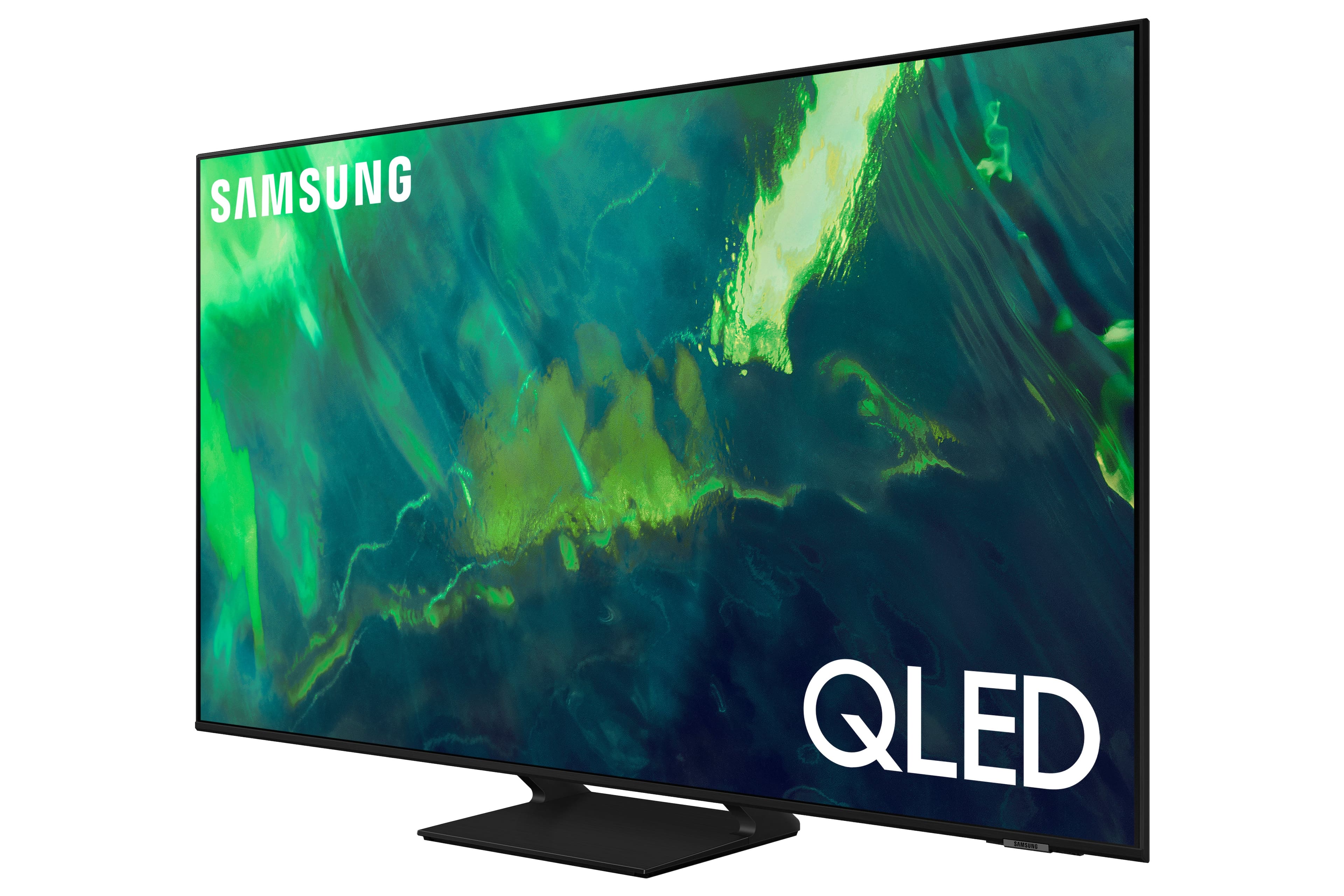


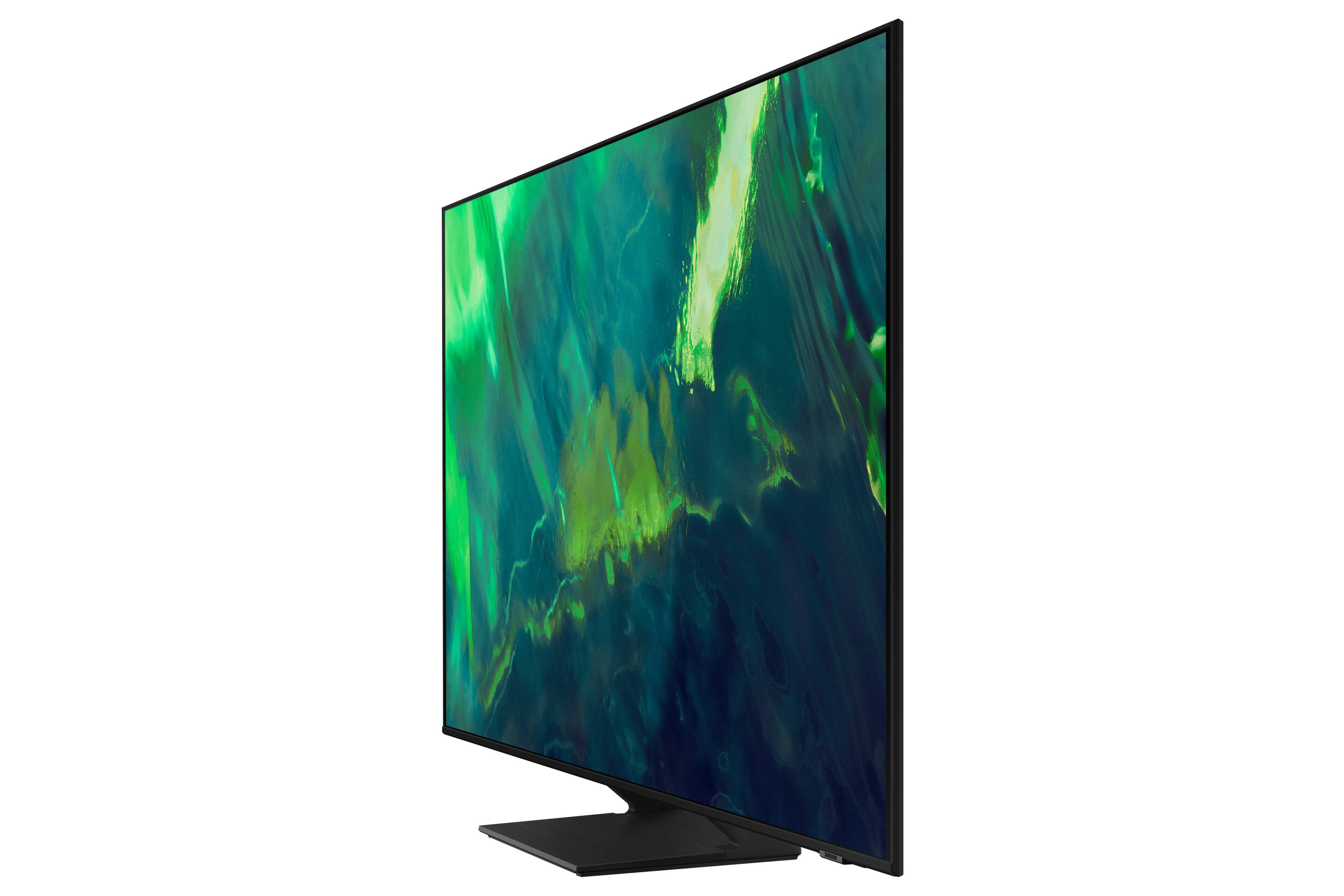
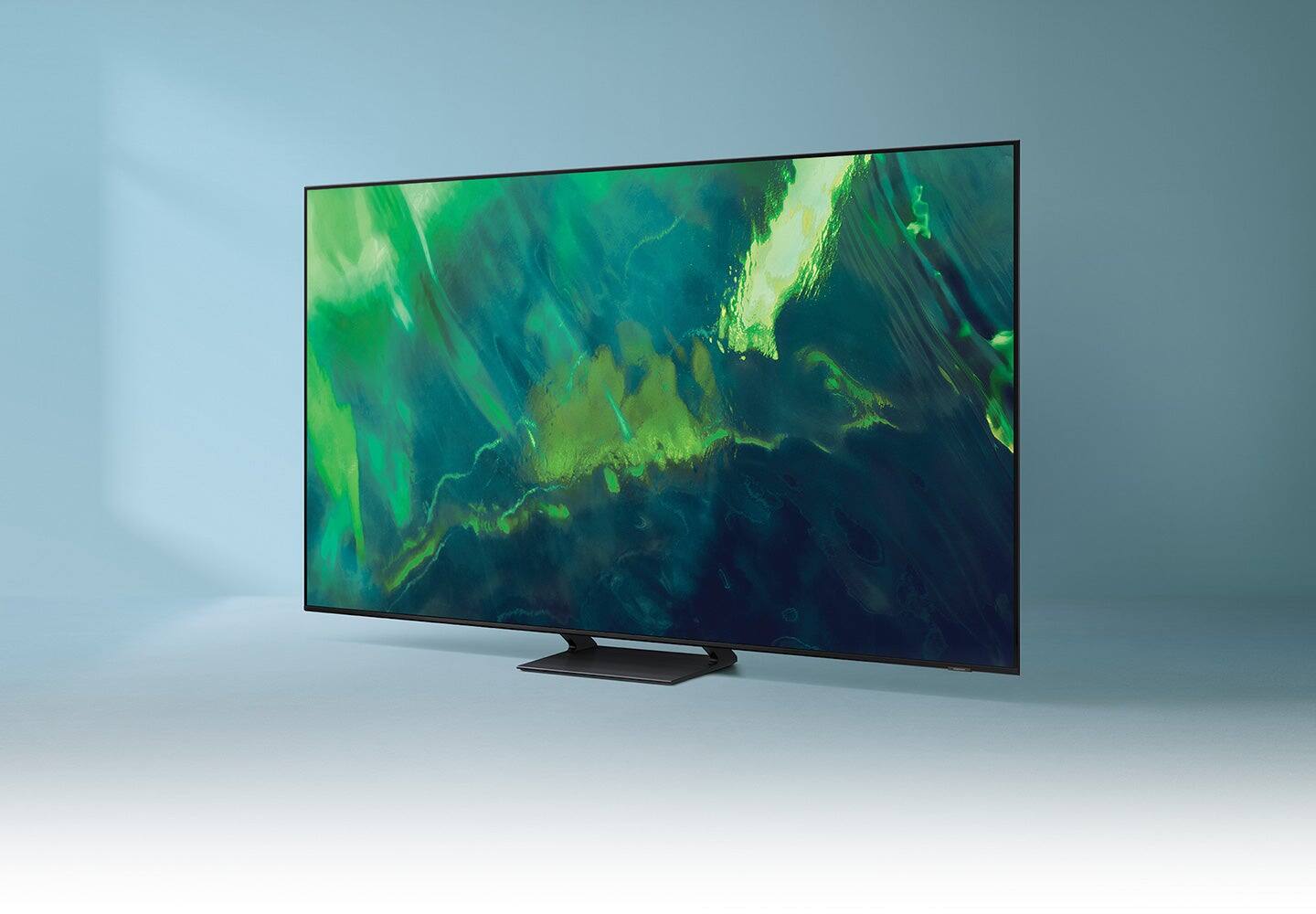
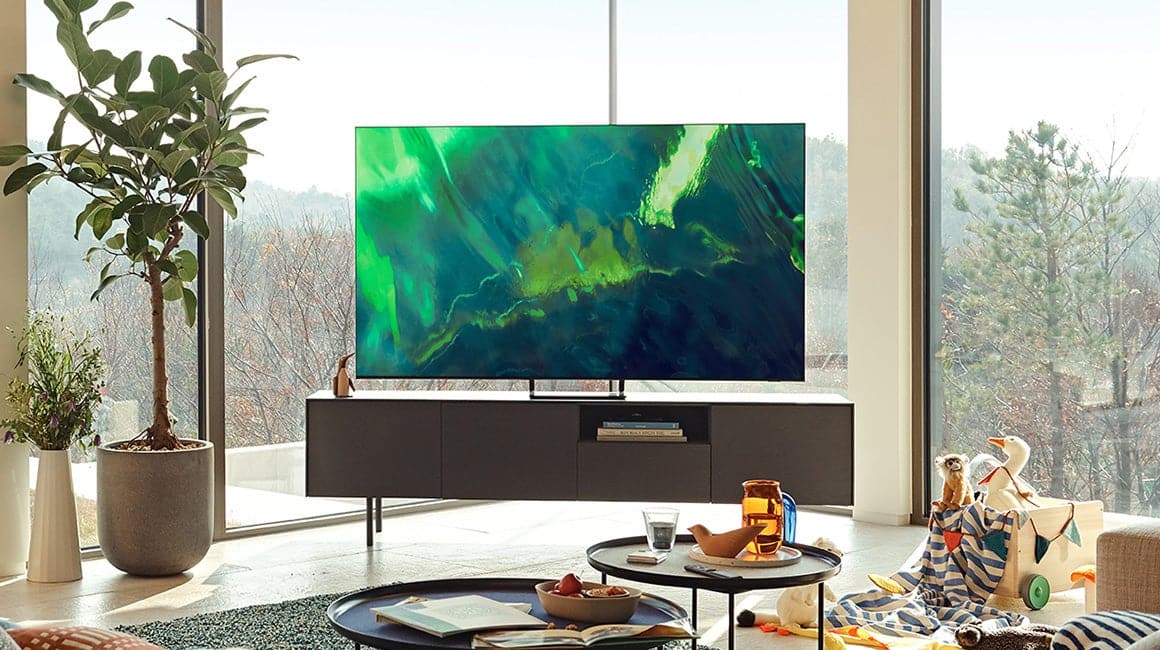
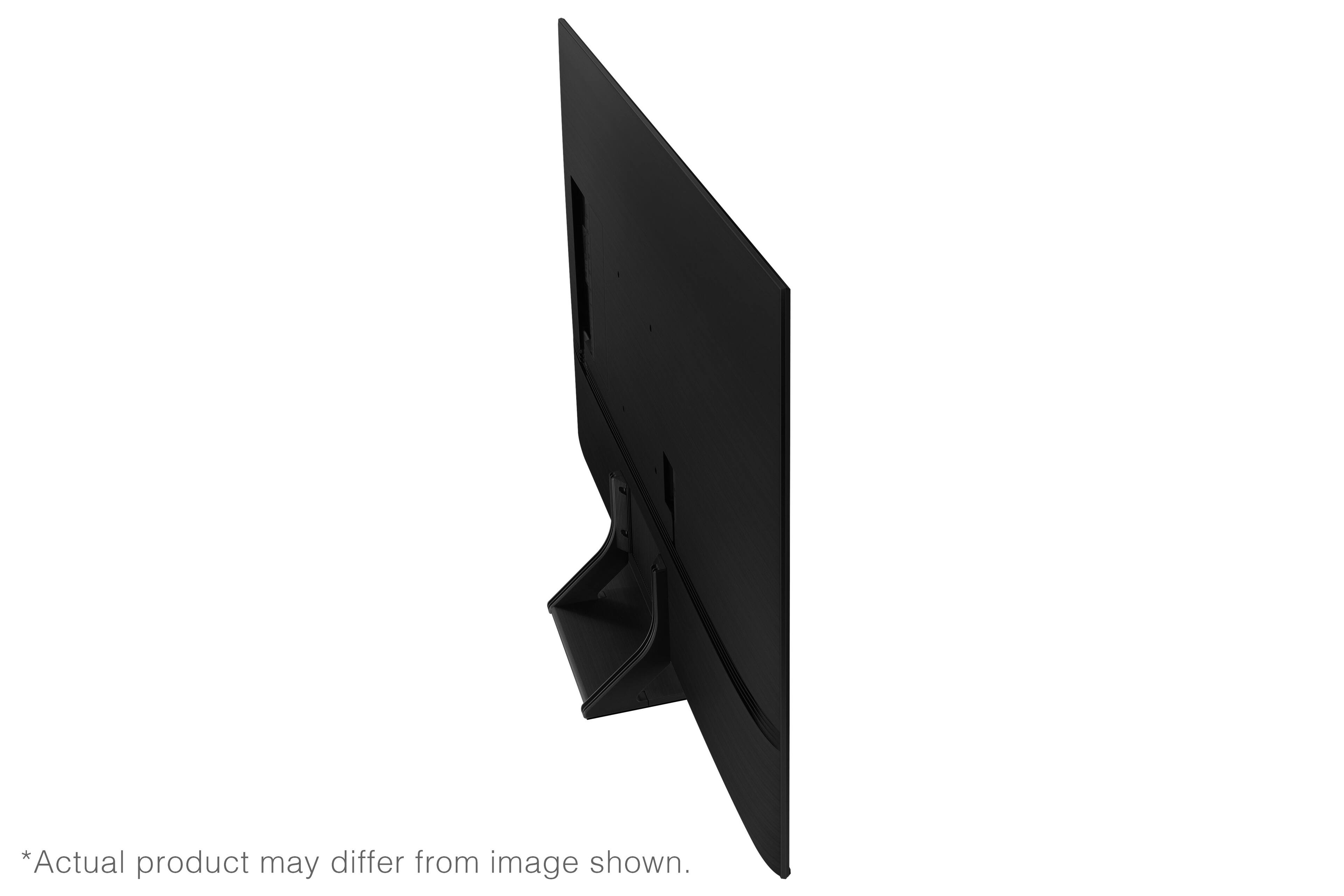
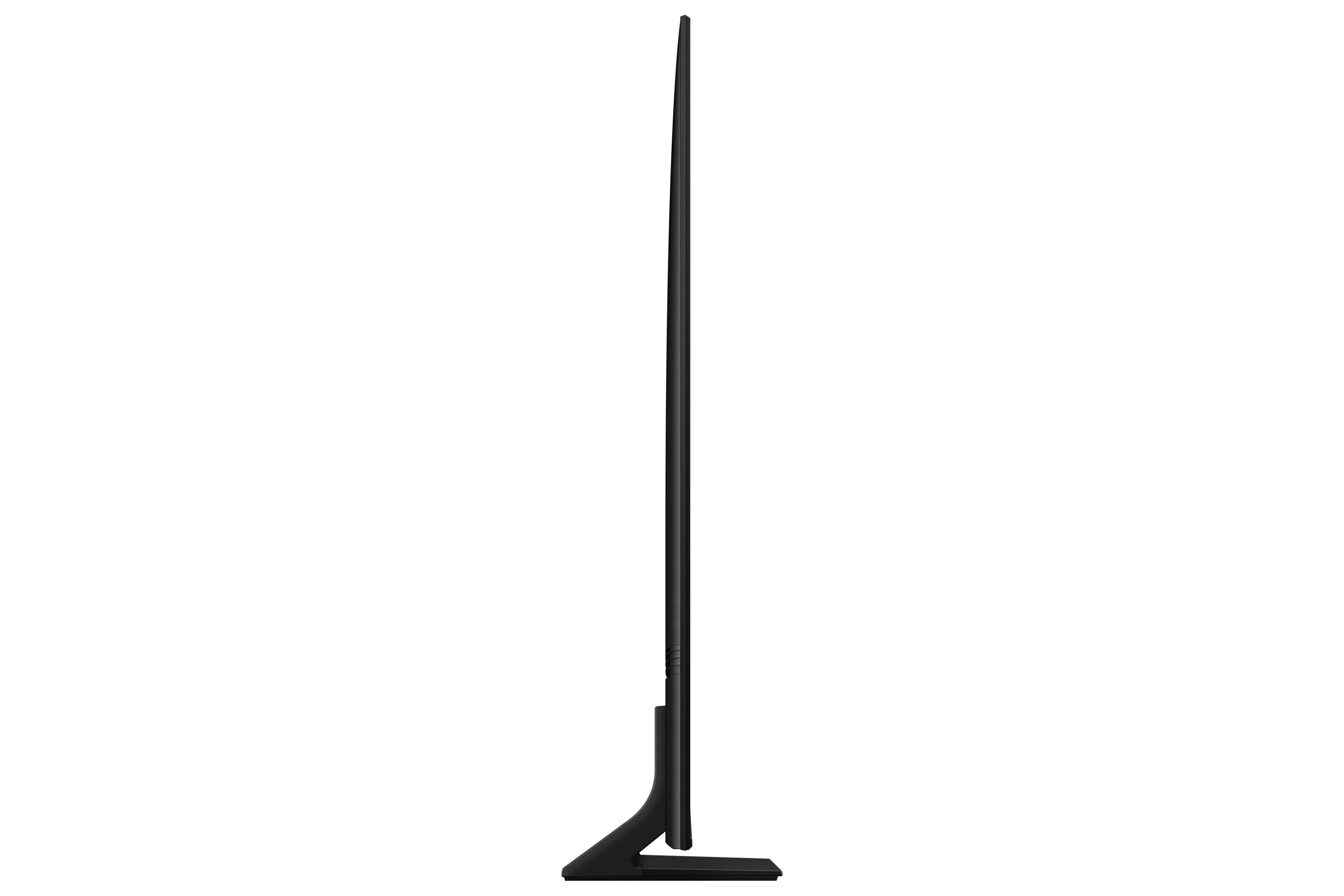
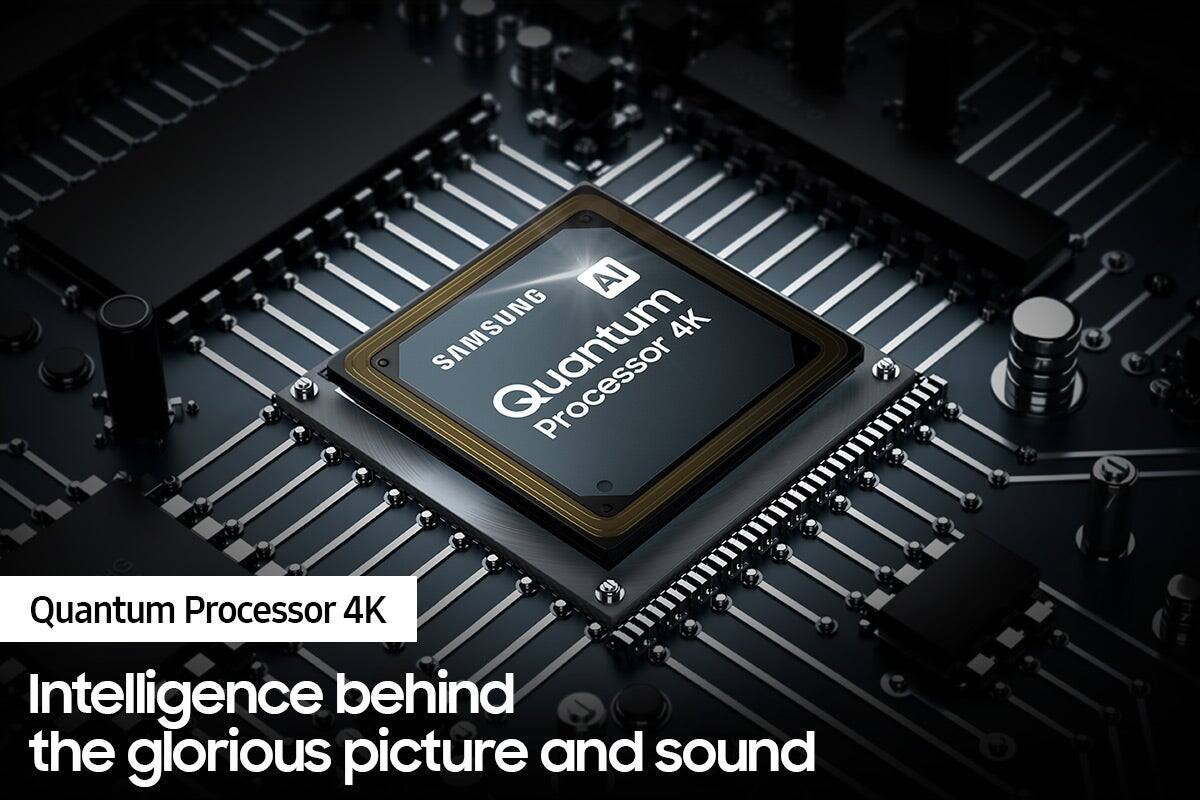

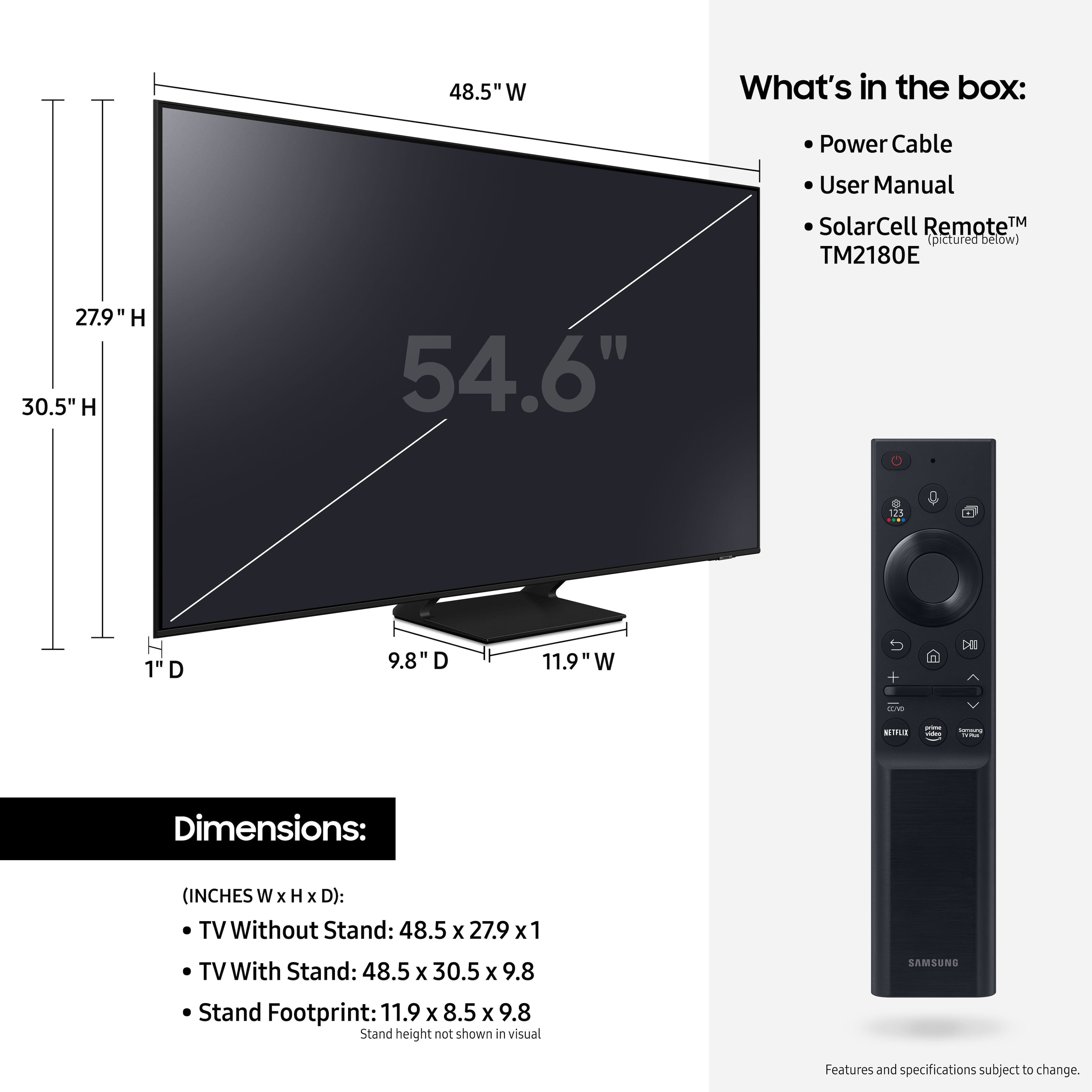









- Model:
- QN55Q70AAFXZA
- SKU:
- 6452056
Rating by feature
- Picture Quality
Rating 4.8 out of 5 stars
- Sound Quality
Rating 4.5 out of 5 stars
- Brightness
Rating 4.8 out of 5 stars
Customers are saying
Customers value the 55" Class Q70A Series QLED 4K UHD Smart Tizen TV for its exceptional picture quality, easy setup, and suitability for gaming. They appreciate the vibrant colors, sharp images, and excellent sound quality. While some find the TV to be expensive, many believe it is worth the investment.
This summary was generated by AI based on customer reviews.
This Samsung model still has issues with SONOS ARC
Posted .This reviewer received promo considerations or sweepstakes entry for writing a review.Doesn't play well with SONOS. I would think twice before buying this TV if you plan to pair with SONOS ARC soundbar. I have irregular and unpredictable intermittent sound "cut-outs" where the sound drops from the SONOS ARC. It's a well-known issue. This was supposed to have been resolved with various firmware updates but, in my case, the issue is ongoing and still hasn't been resolved. I have all of the latest firmware updates! Samsung blames SONOS. SONOS blames user or SAMSUNG. I don't know which is at fault.
No, I would not recommend this to a friendBrand response from Samsung
Posted .WH91307,
I am very sorry you are experiencing trouble connecting your Q70A to your Sonos Arc soundbar. Please be sure you are using a high-speed HDMI cable with Ethernet Channel sometimes called HDMI HEC cable. Also be sure to enable HDMI-eARC in the Expert Settings menu. Lastly, please also verify that you are running firmware version 1904.0. You can check to see what software version your TV is using and if there is an available update through the settings on your TV. Go to: Settings > Support > Software Update.
For further assistance, please contact Samsung Customer Support at 1-800-SAMSUNG (ask for TVs), available 8AM - 12AM EST, 7 days a week.
For additional support resources, visit us on the Samsung website and click on the ‘Support’ link in the upper right corner of the homepage for:
1) Chat with Us/Product Help: To begin a chat or find solutions, choose ‘TVs & Home Theater’ and select your model & topic.
2) Manuals, Software, & Warranty Info
~ Samsung Specialist
55 TV
Posted .This reviewer received promo considerations or sweepstakes entry for writing a review.This was our fifth Samsung TV and it maybe our best.
I would recommend this to a friendGood tv so far
Posted .This reviewer received promo considerations or sweepstakes entry for writing a review.So far so good. This was an upgrade from a 2015 so it has a number of new features we were looking for
I would recommend this to a friendNo Gracenote for guide information
Posted .This reviewer received promo considerations or sweepstakes entry for writing a review.This TV doesn't use Gracenote for its guide information like Sony and LG TVs. That means the guide information provided for shows and movies is very limited. Everything else is good about the TV except the remote is small and limited too. I returned the TV and got a Sony.
No, I would not recommend this to a friendBrand response from Samsung
Posted .Ratfink,
Thank you for sharing your review of the Q70A TV. We value your feedback and will share it with our teams.
Should you ever decide to give Samsung TVs another try and have questions or need assistance with settings, setup, or features, please know we are always here to help. Call us at 1-800-SAMSUNG (ask for TVs), available 8AM - 12AM EST, 7 days a week.
For additional support resources, visit us on the Samsung website and click on the ‘Support’ link in the upper right corner of the homepage for:
1) Chat with Us/Product Help: To begin a chat or find solutions, choose ‘TVs & Home Theater’ and select your model & topic.
2) Manuals, Software, & Warranty Info
~ Samsung Specialist
- Cons mentioned:Software
Poor quality.
Posted .This reviewer received promo considerations or sweepstakes entry for writing a review.Do not buy Samsung TVs. The software starts to fail within few years IF the TV even lasts that long. My two year old Samsung Q70 recently failed due to a blown motherboard. Samsung refused to help cover the $400 it would cost to fix. These things are wastes of money.
No, I would not recommend this to a friendBrand response from Samsung
Posted .PQFive,
It's unfortunate to hear of your experience. If your Q70A TV is out of the 1-year Manufacturer's Warranty, you can locate a service center in your area by following this link: https://www.samsung.com/us/support/service/locations/
Should you have any questions or need assistance, please call us at 1-800-SAMSUNG, 8AM - 12AM EST, 7 days a week. LiveChat with an agent as well as manuals, software, and warranty info can be found at the ‘Support’ link on our Samsung website.
~ Samsung Specialist
HORRIBLE STREAMING CAPABILITY
Posted .This reviewer received promo considerations or sweepstakes entry for writing a review.This is absolutely the worse TV for streaming there is. I bought it about 45 days ago and some days it will connect to Youtube streaming and other days you just must give up. The gyrations you must go through to connect takes forever on a good day. DO NOT BUY IF YOU ARE GOING TO STREAM!!!!
No, I would not recommend this to a friendBrand response from Samsung
Posted .Hi FRUSTRATED,
Thank you for choosing the Q70A QLED TV and taking the time to share your experience with streaming apps. If your apps are freezing, not loading, or crashing, you can try cold booting your TV by holding down the power button on your remote for 5+ sec until the TV turns off and on again, deleting and downloading the apps again, and completing full reset of Smart Hub to correct the issue.
You may also want to optimize the Smart TV performance with the self-diagnostic tool. This service checks memory and frees up unused cached memory and closes background apps. Go to Settings > Support > Device Care > Start Device Care
Please also be sure you are running the latest firmware. You can check to see what software version your TV is using and if there is an available update through the settings on your TV. Go to: Settings > Support > Software Update.
Should you need further assistance, please contact Samsung Customer Support at 1-800-SAMSUNG (ask for TVs), available 8AM - 12AM EST, 7 days a week.
For additional support resources, visit us on the Samsung website and click on the ‘Support’ link in the upper right corner of the homepage for:
1) Contact Us: For additional Chat & Text options, choose ‘TVs & Home Theater’ and select your model & topic.
2) Manuals, Software, & Warranty Info
~ Samsung Specialist
Broke a week after warranty exprired.
Posted .This reviewer received promo considerations or sweepstakes entry for writing a review.Loved this tv until it got stuck in a bootloop. Now its worthless!!!
No, I would not recommend this to a friendBrand response from Samsung
Posted .Turbolevo,
It’s unfortunate to hear you’re experiencing a power cycling issue with your Q70A TV. Please try a few troubleshooting steps that may help solve the issue:
1) Check the power cable for damage and proper connection.
2) If the cable is bent, broken, kinked, pinched, pressed excessively (possibly by a heavy object on top of it) or damaged, this is likely the cause of the issue. Replace the cable.
3) Unplug the TV from the wall outlet for 30 seconds, and then plug it back in.
4) If the power cycling allows enough time in between powering on and off, try updating the TV to the latest firmware. There is a risk, however. If the TV turns off during the software update, it could damage the TV. Updates can take up to 30 minutes depending on network speed, so if the TV is not turning off too frequently, try updating the software.
5) TVs which can connect to SmartThings can be turned on using compatible devices, sometimes automatically. However, if abnormal "power on" signals are sent through the wireless network, they will trigger this function and make the TV turn on. If you do not want this function, navigate to Settings > General > Network > Expert Settings > Power On with Mobile, and turn the setting off.
If the issue persists after these steps, the TV will likely need service. If your TV is out of the 1-year Manufacturer's Warranty, you can locate a service center in your area by following this link: https://www.samsung.com/us/support/service/locations
If we can help with anything else, please call us at 1-800-SAMSUNG, 8AM - 12AM EST, 7 days a week. Our LiveChat agents are also available by clicking on the ‘Support’ link on our website.
~ Samsung Specialist