Customer Ratings & Reviews
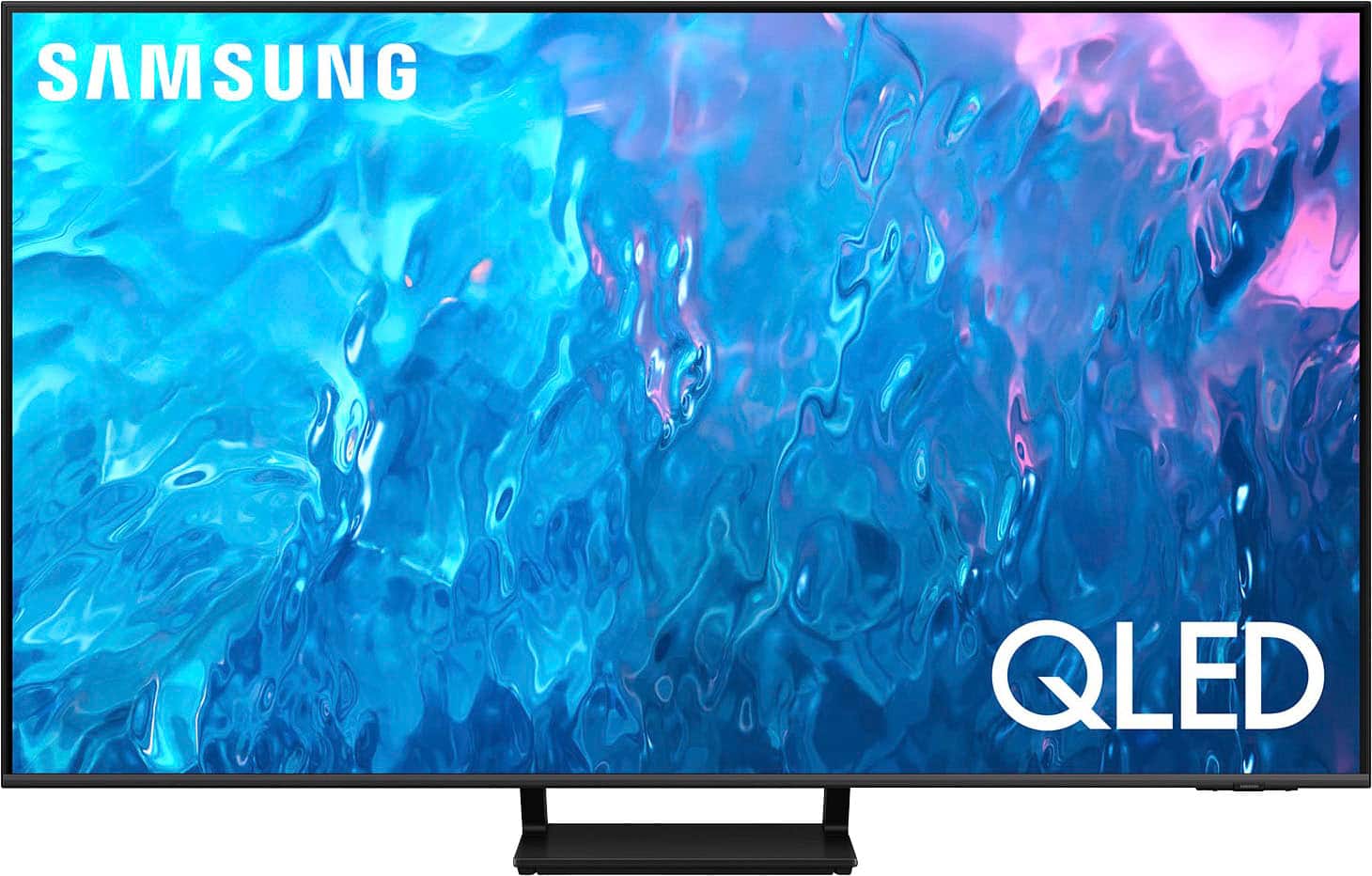
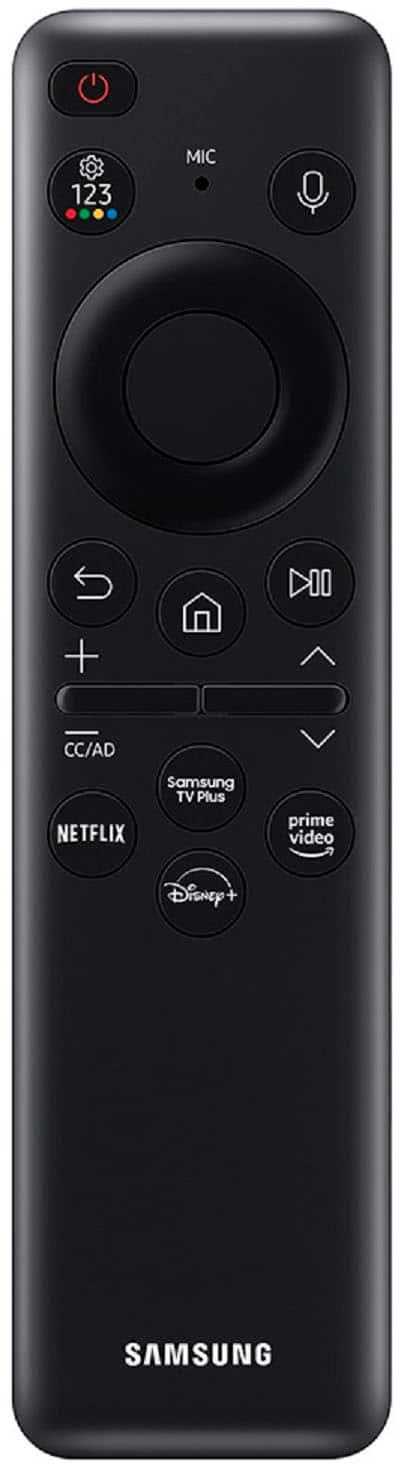
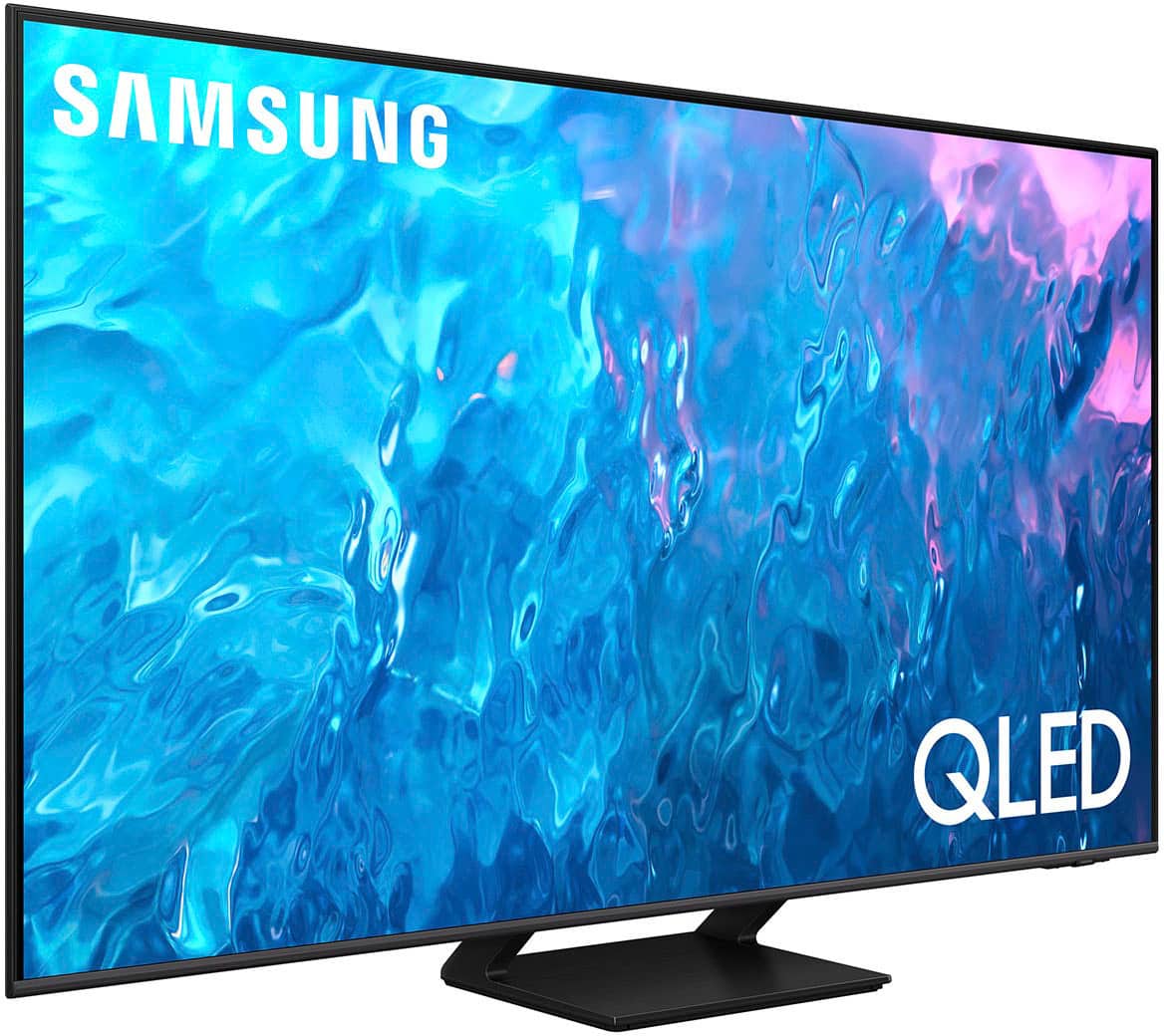
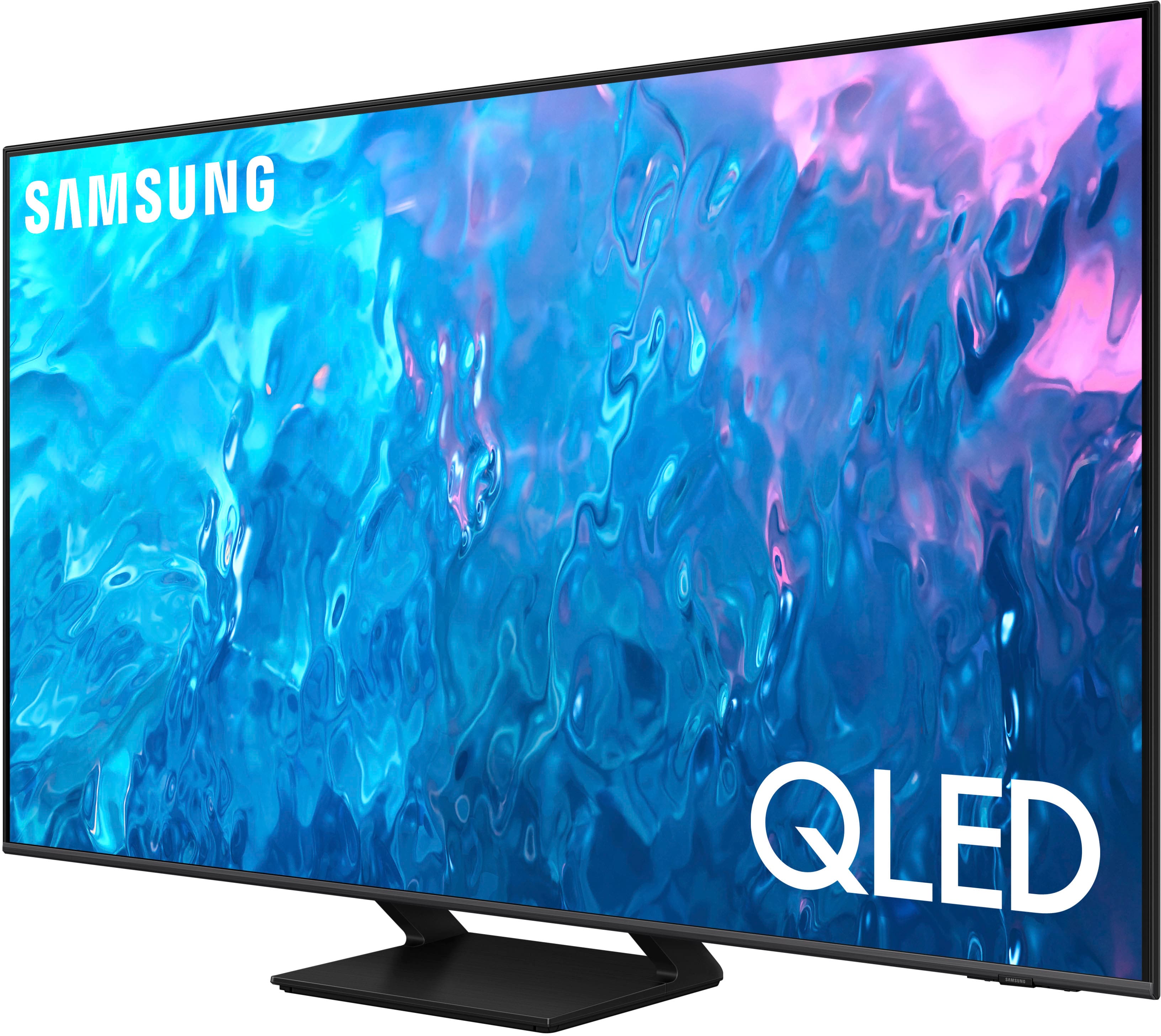




- Model:
- QN55Q70CAFXZA
- SKU:
- 6537339
Rating by feature
- Picture Quality
Rating 4.8 out of 5 stars
- Sound Quality
Rating 4.5 out of 5 stars
- Brightness
Rating 4.8 out of 5 stars
Customers are saying
Customers are impressed with the 55" Class Q70C QLED 4K UHD Smart Tizen TV (2023)'s picture quality, ease of use, and color accuracy. Many also praised the TV's setup process and value for the price. However, some users expressed dissatisfaction with the size and functionality of the remote control. A small number of customers also reported issues with the TV's volume.
This summary was generated by AI based on customer reviews.
"out of box screen issues"
Posted .This reviewer received promo considerations or sweepstakes entry for writing a review.Screen has black spots coming downward. I bought this TV for the "out of the box" price and this is so unfair I can't enjoy anything if those spots are in my way.
No, I would not recommend this to a friendDon’t buy a shelf item
||Posted . Owned for 1 month when reviewed.This reviewer received promo considerations or sweepstakes entry for writing a review.The tv was a shelf item that I purchased online. When I went to pick it up there as no accessories, not even a power cord. Do I didn’t pick it up. Had to go through the return process and then purchase a different tv. It should be clearly explained to buyers about what comes with a shelf item
No, I would not recommend this to a friend55,Samsung
||Posted . Owned for 1 month when reviewed.This reviewer received promo considerations or sweepstakes entry for writing a review.Sharpness not quite as expected. Geeks had to return twice for sync receiver to tv and remotes.
I would recommend this to a friendBrand response from Samsung
Posted .KevinR,
I’m sorry to hear you’re not fully satisfied with the sharpness of your Q70C TV. If you’re noticing blurring or juddering on the screen, try adjusting the Picture Clarity Settings to improve your image. Go to: Menu > Settings > All Settings > Picture > Expert Settings > Picture Clarity Settings
- Off: Picture Clarity Settings will always be off
- Auto: Picture Clarity Settings will automatically activate and deactivate based on the type of program being watched
- Custom: Allows custom adjustments and settings to be used. By selecting the Custom option, you can access these advanced settings for Judder Reduction, LED Clear Motion, and Noise Reduction.
You can also fine-tune your picture with expert settings such as brightness, contrast, sharpness and more (All Settings > Picture > Expert Settings).
If we can help with anything else, please call us at 1-800-SAMSUNG, 8AM - 12AM EST, 7 days a week. LiveChat with an agent as well as manuals, software, and warranty info can be found at the ‘Support’ link on our Samsung website.
~ Samsung Specialist
Review of product
||Posted . Owned for 3 weeks when reviewed.This reviewer received promo considerations or sweepstakes entry for writing a review.Very difficult to make connections to apps and other sources.
No, I would not recommend this to a friendBrand response from Samsung
Posted .GailW,
We appreciate your review of Samsung’s Q70C TV. So we can better understand the connectivity issues you’re experiencing and provide you with troubleshooting assistance, please reach out to Samsung Customer Support at 1-800-SAMSUNG, 8AM - 12AM EST, 7 days a week.
Our LiveChat agents are also available by clicking on the ‘Support’ link on our website.
~ Samsung Specialist
Stay away from Open-box buys
||Posted . Owned for 1 month when reviewed.This reviewer received promo considerations or sweepstakes entry for writing a review.Worst purchase EVVEEERRRR!!!! This was an open box buy and the screen was broken. The store had to have known this when placing it in my car. When I took it back they put the refund on a Best Buy Gift Card rather than refunding it to my orig purchase method. A bit shady but just trying to retain those sales rather than properly service a customer.
No, I would not recommend this to a friend- Cons mentioned:Remote control
TV Froze multiple times!
||Posted . Owned for 1 week when reviewed.This reviewer received promo considerations or sweepstakes entry for writing a review.TV froze multiple times during the Super Bowl, remote wouldnt fix the issue. Had to unplug and plug back in to get it to work.
No, I would not recommend this to a friendBrand response from Samsung
Posted .JacobQ,
We appreciate your feedback on the response time, and for optimal performance, we ask that you please ensure you've got the latest firmware version installed on your Q70C TV. You can check this by going to: Home > Menu > Settings > Support > Software Update.
You may also want to further optimize performance with the self-diagnostic tool, which checks memory, frees up unused cached memory, and closes background apps. Go to: Home > Menu > Settings > Support > Device Care > Start Device Care
I hope these tips help you enjoy your new product.
You can always contact us for further help at 1-800-SAMSUNG, 8AM - 12AM EST, 7 days a week. Our LiveChat agents are also available by clicking on the ‘Support’ link on our website.
~ Samsung Specialist
Doesn’t turn on half the time!
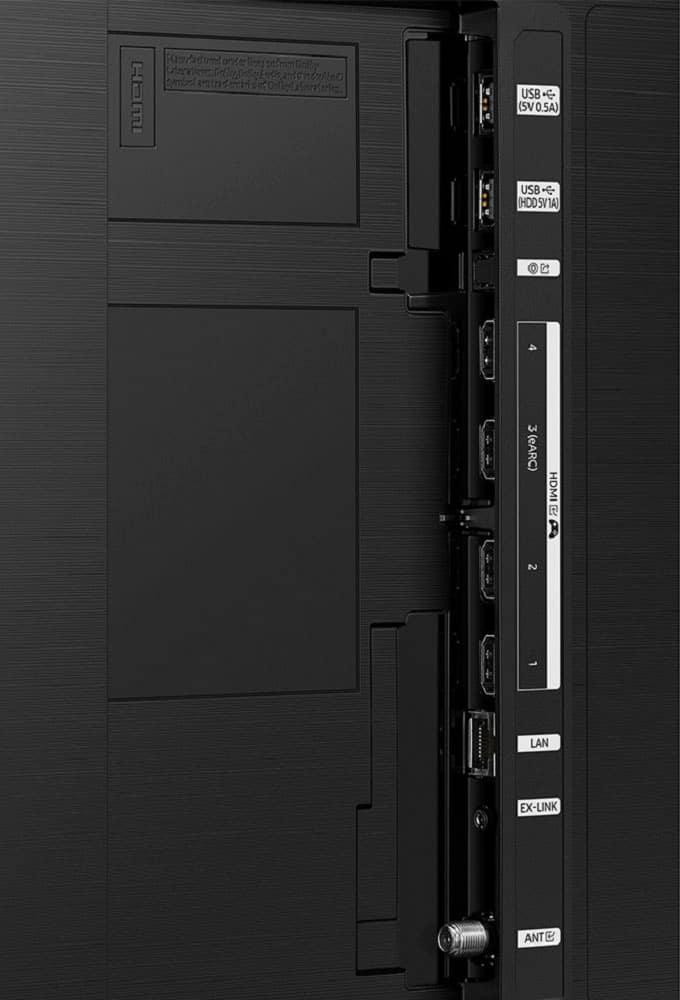
||Posted . Owned for 1 year when reviewed.This reviewer received promo considerations or sweepstakes entry for writing a review.Waste of money. Literally half the time if you try to turn it on it just flickers. It doesn’t recognize new hdmi cords accurately, and won’t recognize something is plugged in. Frustrating to initially set up as well.
No, I would not recommend this to a friendTv not working
||Posted . Owned for 4 months when reviewed.This reviewer received promo considerations or sweepstakes entry for writing a review.Not working as expected. Since day 1 I’ve been having a black screen.
No, I would not recommend this to a friendCorona Store dropped the ball.
||Posted . Owned for 1 month when reviewed.This reviewer received promo considerations or sweepstakes entry for writing a review.Unfortunately the TV has had problems from the get go. It was an open box certified by BestBy and the TV continues to illuminate even when I turn it off. Thankfully I bought the Geek Squad warranty but they have already been out three times working on it when it should have been addressed before it was even put out to be purchased.
I would recommend this to a friendBrand response from Samsung
Posted .DanM,
We appreciate your feedback on your Q70C TV. If purchased brand-new and unopened, please contact Samsung Customer Support and a representative will gladly help you. If purchased in open-box condition, we recommend contacting Best Buy directly for assistance. We hope your issue is resolved in a timely manner.
Should you have questions or concerns on usage or setup of your TV once your issue has been resolved, please call us at 1-800-SAMSUNG, 8AM - 12AM EST, 7 days a week. Our LiveChat agents are also available by clicking on the ‘Support’ link on our website.
~ Samsung Specialist
Defective product
||Posted . Owned for 3 weeks when reviewed.This reviewer received promo considerations or sweepstakes entry for writing a review.It was defective and had to be returned this information came from Samsung after I spent 3 hours trying to set it up
No, I would not recommend this to a friendTrash
||Posted . Owned for 1 month when reviewed.This reviewer received promo considerations or sweepstakes entry for writing a review.Terrible, doesn’t work well. Screen flickers a lot. Worst tv ive ever had
I would recommend this to a friendBrand response from Samsung
Posted .Rock,
We appreciate your review of Samsung’s Q70C TV. So we can better understand the issues you’re experiencing and provide you with troubleshooting assistance, please reach out to Samsung Customer Support at 1-800-SAMSUNG, 8AM - 12AM EST, 7 days a week. Or visit us on the Samsung website and click on the ‘Support’ link for:
• LiveChat
• Manuals, Software, & Warranty Info
~ Samsung Specialist
- Pros mentioned:Ease of use, Picture quality
Great Buy at Best Buy
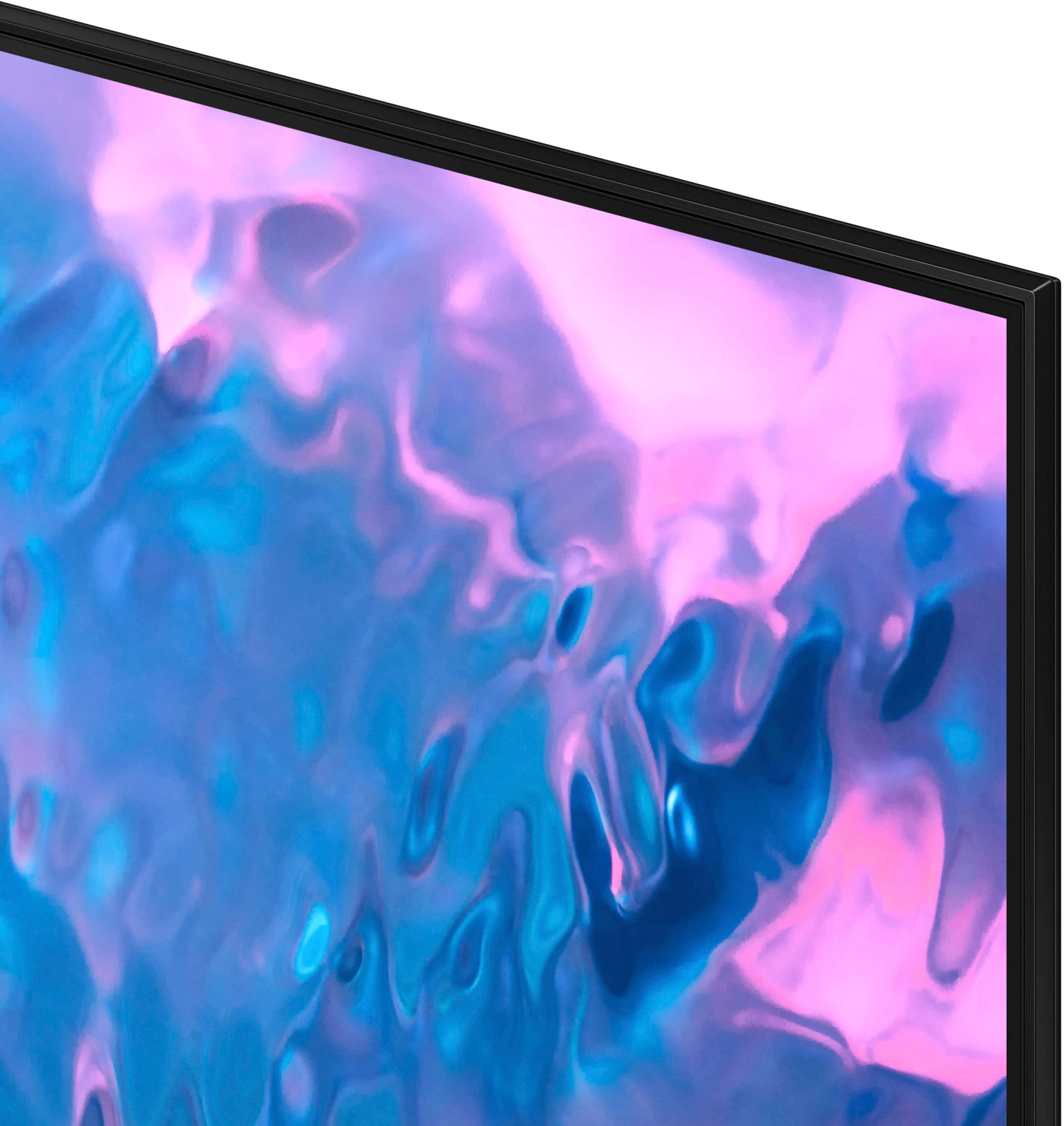
Posted .This reviewer received promo considerations or sweepstakes entry for writing a review.Picture quality is amazing! I love the sleek design and it was easy to mount.
I would recommend this to a friend - Pros mentioned:Ease of use, Picture quality, Price
Can't go wrong here!
Posted .This reviewer received promo considerations or sweepstakes entry for writing a review.What a great smart TV. It is easy to use and has an excellent picture. A great deal for the price!
I would recommend this to a friend - Pros mentioned:Picture qualityCons mentioned:Remote control
Samsung 55" Q70C QLED TV
Posted .This reviewer received promo considerations or sweepstakes entry for writing a review.TV has excellent picture . Needs sound bar for best results. Printed owners manual is useless. Customer site shows 240 page manual on internet. Tiny remote adds too many steps to change channels. A bit complex, but a good TV. I give it a 9 out of ten. Would buy again. 55" is just the right size for average living room. Paid $750 at BestBuy.
I would recommend this to a friend - Pros mentioned:Picture quality, Refresh rate
Happy with my Samsung
Posted .This reviewer received promo considerations or sweepstakes entry for writing a review.I found this model on sale. I wanted the faster refresh rate and this one performs. Good picture even in the darker scenes. Had to play with settings a bit to get picture where i liked. The only wish i had is a little better sound, but i am happy with this tv. Natures scens are beautiful and sports are great to watch and it handles video games in fine fashion.
I would recommend this to a friend - Pros mentioned:Picture quality
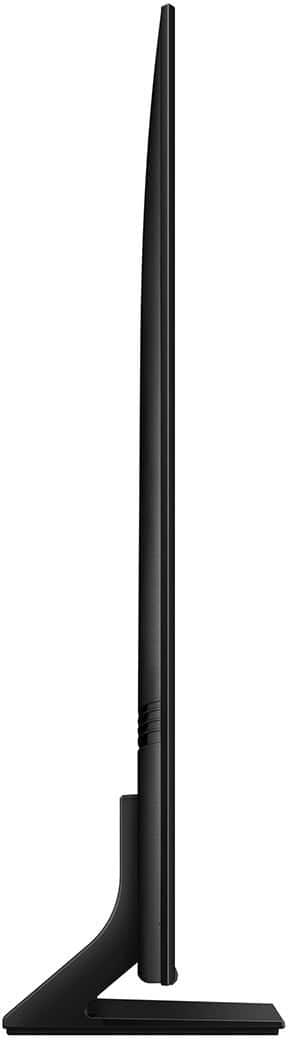
Nice ultra thin tv
Posted .This reviewer received promo considerations or sweepstakes entry for writing a review.Wonderful picture, price with open box was outstanding. Love how thin it is.
I would recommend this to a friend - Pros mentioned:Picture quality
Good TV, get it while it's on sale
Posted .This reviewer received promo considerations or sweepstakes entry for writing a review.So far this has been a good Tv. Colors are vibrant, good for games, and movies.
I would recommend this to a friend - Pros mentioned:Ease of use, Picture quality
Good tv
Posted .This reviewer received promo considerations or sweepstakes entry for writing a review.So far very nice tv. Easy to set up. Nice clear, bright picture.
I would recommend this to a friend - Pros mentioned:Picture quality
Got the 55 in
Posted .This reviewer received promo considerations or sweepstakes entry for writing a review.This TV is dope. The picture quality is excellent. Even when you're looking at the TV when someone is playing a video game from a position that is not directly in front of the screen. Also there's a button where you can turn off the mic. Bonus to me. Plus, sound doesn't totally suck without assistance.
I would recommend this to a friend - Pros mentioned:Picture quality
Great Viewing
Posted .This reviewer received promo considerations or sweepstakes entry for writing a review.Amazing picture and free Samsung network movies and videos. I was able to hook up my Wii so my grands could play Super Mario Brothers and Mario Cart. I can now do my exercises with my Wii fit now.
I would recommend this to a friend