Customer Ratings & Reviews




- Model:
- QN55Q70CAFXZA
- SKU:
- 6537339
Rating by feature
- Picture Quality
Rating 4.8 out of 5 stars
- Sound Quality
Rating 4.5 out of 5 stars
- Brightness
Rating 4.8 out of 5 stars
Customers are saying
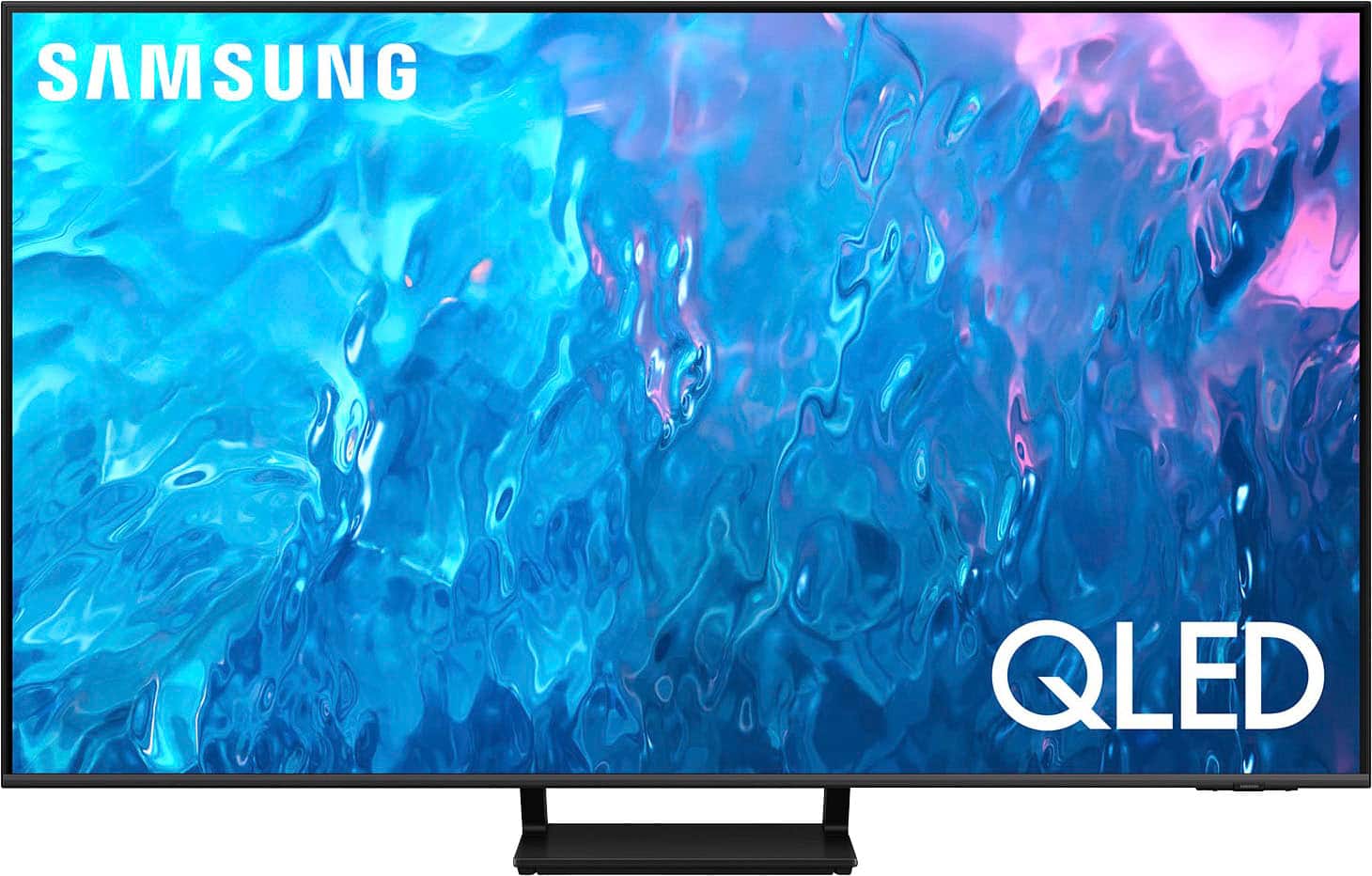
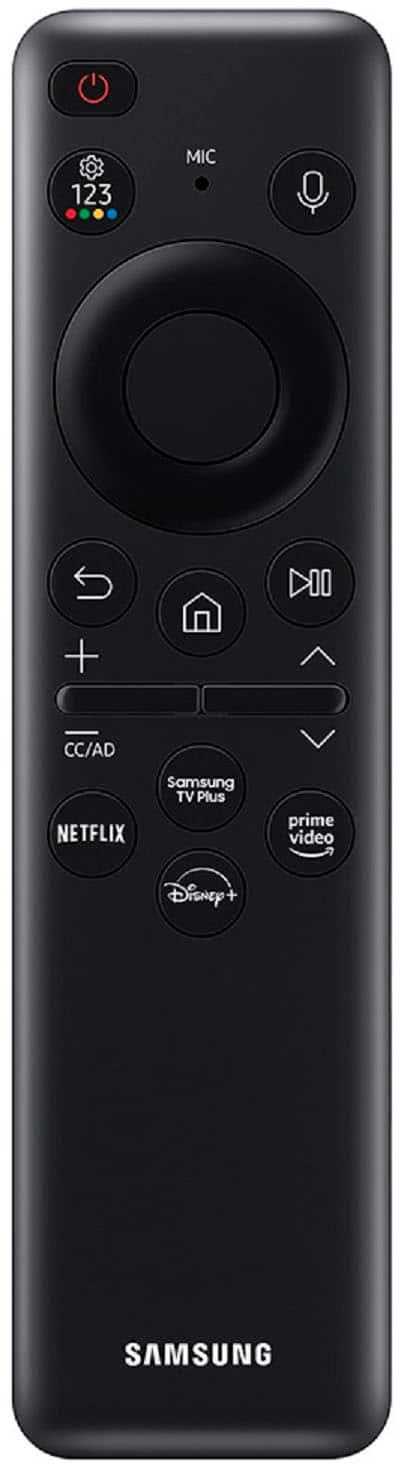
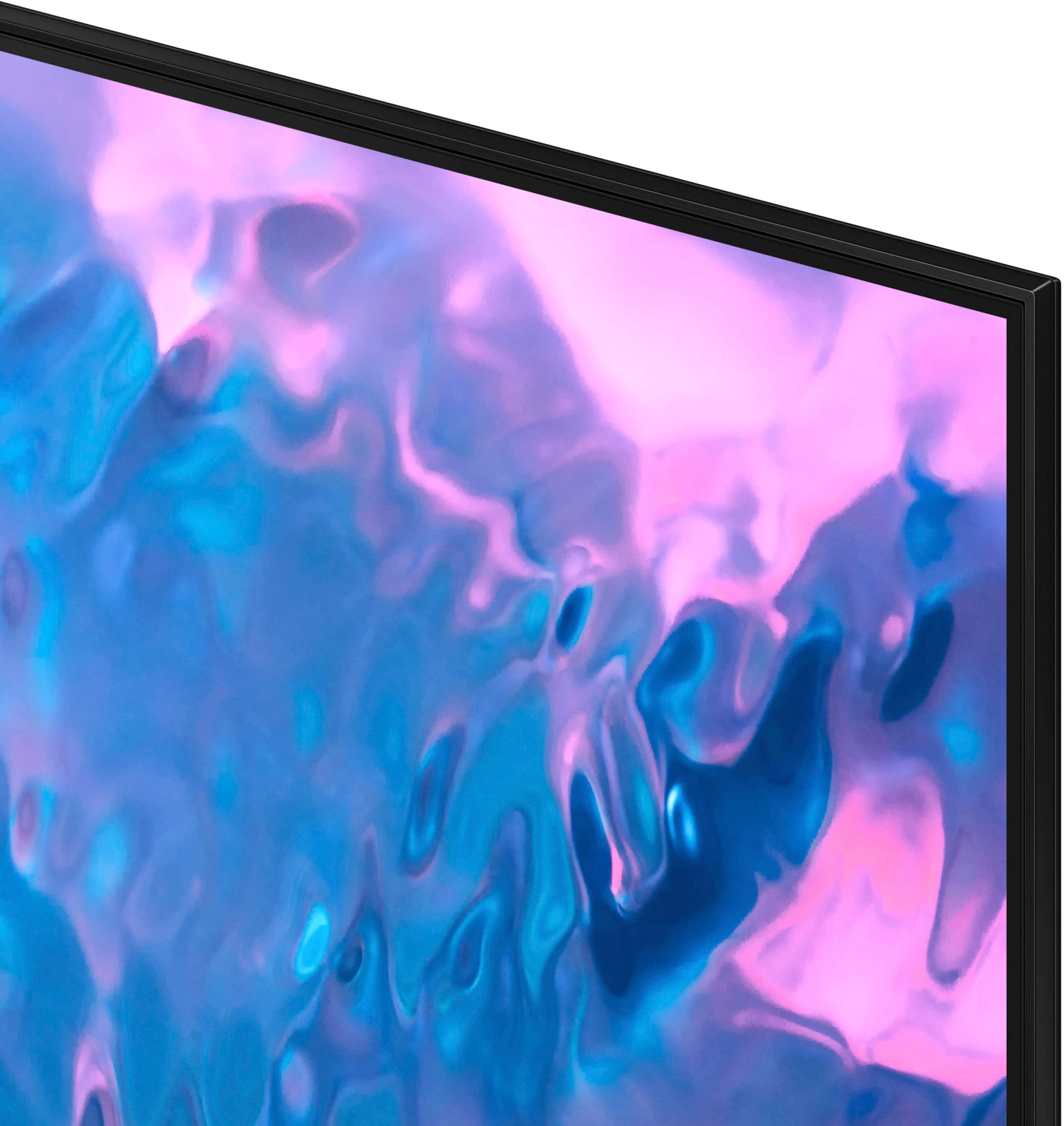
Customers are impressed with the 55" Class Q70C QLED 4K UHD Smart Tizen TV (2023)'s picture quality, ease of use, and color accuracy. Many also praised the TV's setup process and value for the price. However, some users expressed dissatisfaction with the size and functionality of the remote control. A small number of customers also reported issues with the TV's volume.
This summary was generated by AI based on customer reviews.
- Pros mentioned:Color, Picture quality
55" Samsung......
||Posted . Owned for 3 weeks when reviewed.This reviewer received promo considerations or sweepstakes entry for writing a review.excellent, TV, beautiful color, great sound. Very happy.......
I would recommend this to a friend - Pros mentioned:Picture quality
Another great QLED from Samsung
||Posted . Owned for 2 weeks when reviewed.This reviewer received promo considerations or sweepstakes entry for writing a review.GREAT clarity and very happy with the picture quality. An added value is the broad lineup of TV channels for free on the Samsung plus network which might allow you to reduce other cable/streaming service fees. This is our 4 Samsung TV and they are all great TVs for our viewing needs.
I would recommend this to a friend - Pros mentioned:Picture quality
This is a MUST have
||Posted . Owned for 1 year when reviewed.This reviewer received promo considerations or sweepstakes entry for writing a review.Image is crisp, can never go wrong with a Samsung, I feel lucky and blessed every time I get a chance to watch something new at home because this tv always makes it feel that much more special!
I would recommend this to a friend - Pros mentioned:Ease of use, Picture quality
Tv
||Posted . Owned for 1 month when reviewed.This reviewer received promo considerations or sweepstakes entry for writing a review.Great picture and clarity. Easy to set up with the sound bar.
I would recommend this to a friend - Pros mentioned:Ease of use, Picture quality
Samsung 55" Q70 QLED
||Posted . Owned for 2 months when reviewed.This reviewer received promo considerations or sweepstakes entry for writing a review.Great picture, simple to set up, easy to use remote.
I would recommend this to a friend - Pros mentioned:Picture quality
Great gaming TV
||Posted . Owned for 3 months when reviewed.This reviewer received promo considerations or sweepstakes entry for writing a review.Awesome picture. Great for playing next gen consoles.
I would recommend this to a friend - Pros mentioned:Color, Picture quality
Worth every dollar
||Posted . Owned for 3 weeks when reviewed.This reviewer received promo considerations or sweepstakes entry for writing a review.Very sharp picture and colors are brilliant and clear images
I would recommend this to a friend - Pros mentioned:Picture quality
Great picture quality and well performing smart TV
||Posted . Owned for 1 month when reviewed.This reviewer received promo considerations or sweepstakes entry for writing a review.Sometimes you wonder the difference between the higher end priced Samsung models and the lower end ones. I've owned probably 11 Samsung TVs in my lifetime. This one's picture quality is worth it. The smart TV applications also loads quickly the main default Tizen based UI is valuable. Highly recommend.
I would recommend this to a friend - Pros mentioned:Picture quality, Price
Samsung Tv
||Posted . Owned for 1 month when reviewed.This reviewer received promo considerations or sweepstakes entry for writing a review.Stunning picture quality at a good price. Enjoy the TV.
I would recommend this to a friend - Pros mentioned:Picture quality
Samsung quality @ Best Buy value price!
||Posted . Owned for 2 months when reviewed.This reviewer received promo considerations or sweepstakes entry for writing a review.Samsung Smart QLED TV is all that expected and at a very competitive price for a 55” screen. Color depth and clarity are top notch for any price point and having owned other Samsung devices, I know that their products last for awhile. Highly recommend!
I would recommend this to a friend - Pros mentioned:Picture quality
Samsung
||Posted . Owned for 3 weeks when reviewed.This reviewer received promo considerations or sweepstakes entry for writing a review.SAMSUNG is great. Picture is so crisp. Pretty nice. We are still figuring out to to work the apps but other than that we're good. Too bad for Best Buy, I wasn't born rich with $199 for to give away for a "pro" to set up my TV on a one time visit.
I would recommend this to a friend - Pros mentioned:Picture qualityCons mentioned:Remote control
Q led 70 TV
||Posted . Owned for 1 month when reviewed.This reviewer received promo considerations or sweepstakes entry for writing a review.The picture quality is great, sound average, the remote is not good. Very touchy, has a mind of its own and does not hold a charge very long.
I would recommend this to a friend - Pros mentioned:Picture quality, Refresh rate
great tv
||Posted . Owned for 2 months when reviewed.This reviewer received promo considerations or sweepstakes entry for writing a review.good picture , quality, 120 refresh rate for also.
I would recommend this to a friend - Pros mentioned:Picture quality
Nice clear Picture
||Posted . Owned for 7 months when reviewed.This reviewer received promo considerations or sweepstakes entry for writing a review.A picture is as good As my more expensive Samsung and a different room. It was a very easy set up. The sound quality is good, although with all flatscreen TVs, The sound bar would be a good purchase
I would recommend this to a friend - Pros mentioned:Picture quality
Samsung qled.
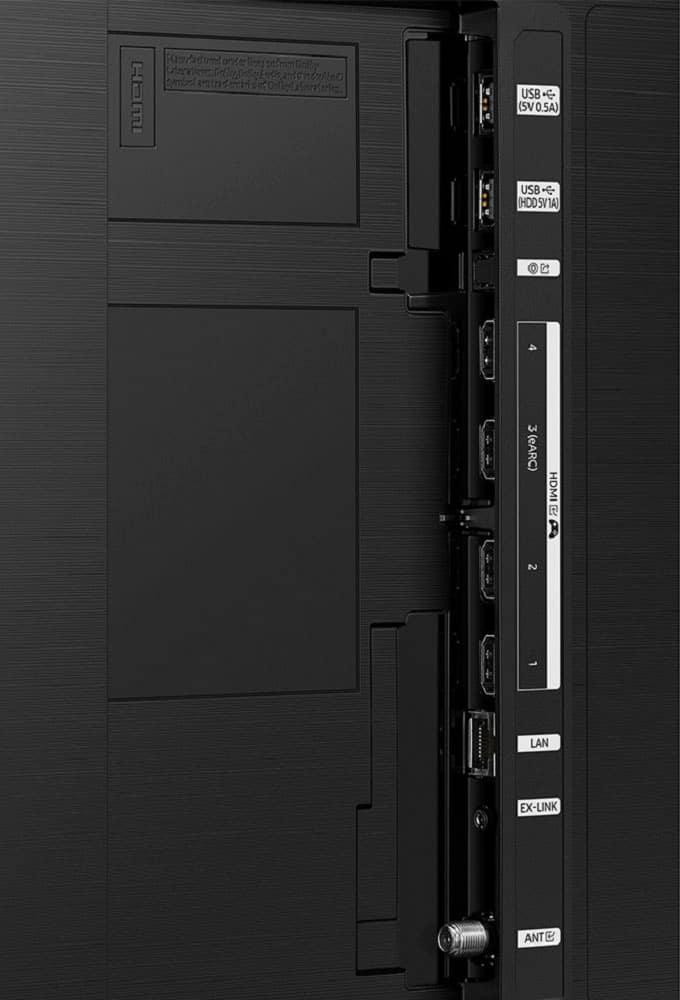
||Posted . Owned for 3 weeks when reviewed.This reviewer received promo considerations or sweepstakes entry for writing a review.Excellent picture quality, four hdmi ports (one e-arc) make it a great choice for those with multiple devices. Sound through tv speakers it good and adding a sound bar gives outstanding performance. Would recommend to anyone seeking a moderately priced do all flat screen.
I would recommend this to a friend - Pros mentioned:Picture qualityCons mentioned:Remote control
Great TV
||Posted . Owned for 1 month when reviewed.This reviewer received promo considerations or sweepstakes entry for writing a review.Great picture and sound! I wish the remote was larger and used replaceable batteries instead of rechargeable.
I would recommend this to a friend - Pros mentioned:Picture quality
Tv upgrade
||Posted . Owned for 2 months when reviewed.This reviewer received promo considerations or sweepstakes entry for writing a review.Ive been wanting to upgrade my tv for the longest time, but i was having second thoughts when i bought it for the price, as soon as i pluged it in man, i got to say that was the best quality ive ever seen , then realized, the price was so worht it. Love it!
I would recommend this to a friend - Pros mentioned:Picture quality
Great TV for the price
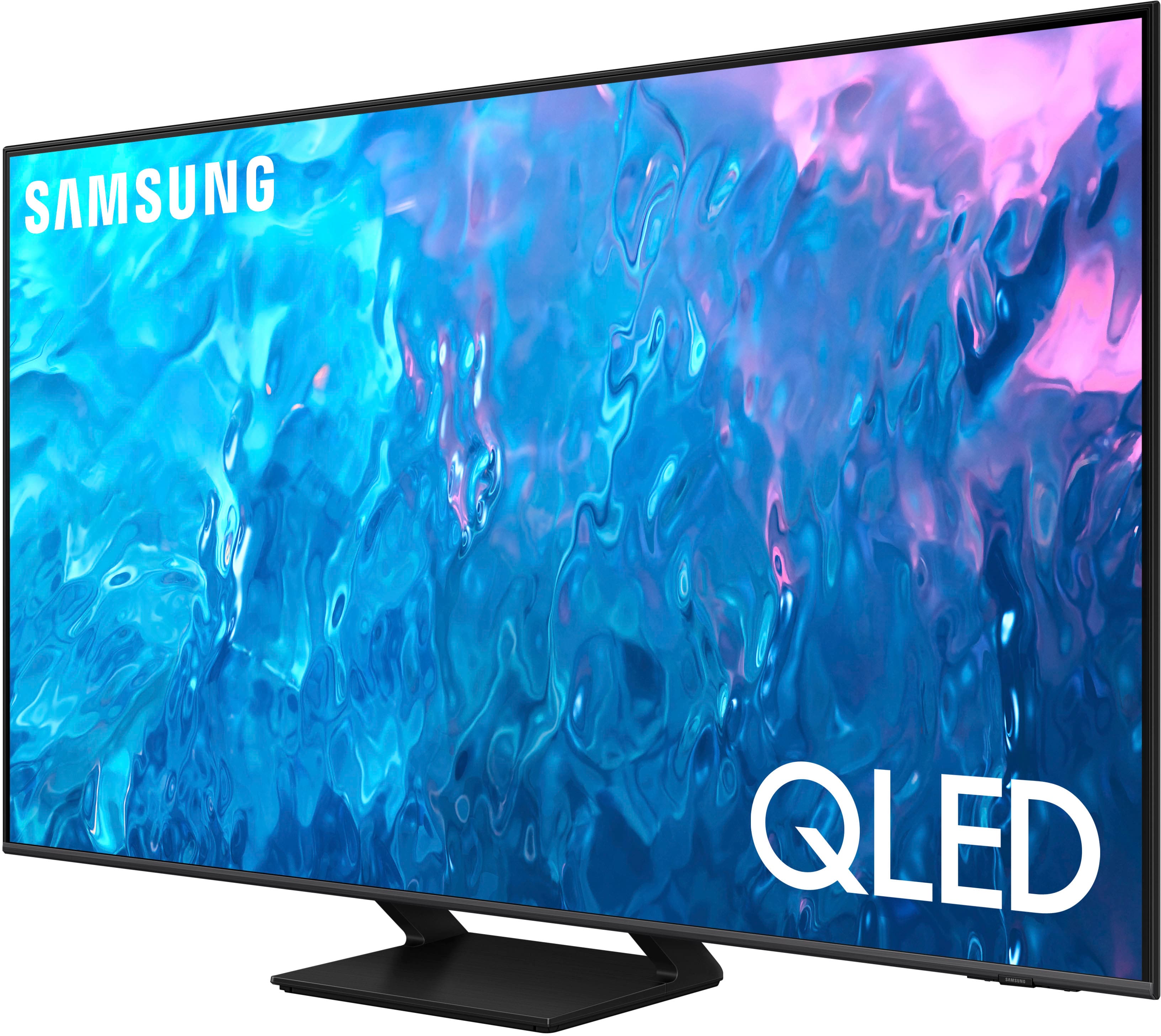
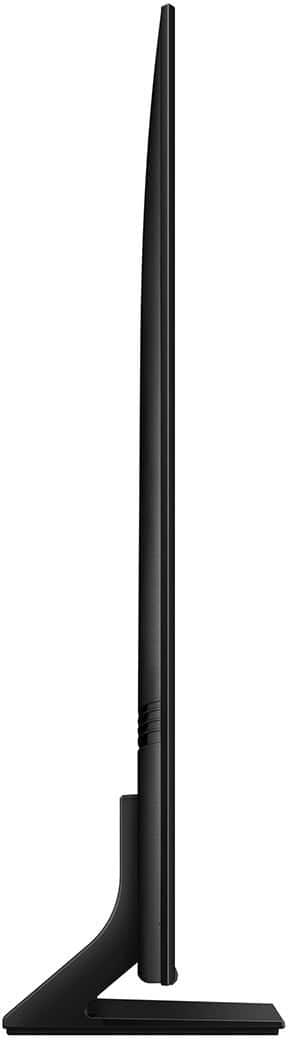
||Posted . Owned for 3 weeks when reviewed.This reviewer received promo considerations or sweepstakes entry for writing a review.Picture quality is fantastic and one of the better tv's I've bought for the price. I really like the center stand as opposed to the usual left and right stands. It allowed me to put a larger tv on the stand than the one that was there previously.
I would recommend this to a friend - Pros mentioned:Refresh rate
Samsung QLED 55 inch Q70C 4K HD
||Posted . Owned for 1 month when reviewed.This reviewer received promo considerations or sweepstakes entry for writing a review.I finally found the perfect tv for me. I’ve always owned Samsung tv’s, but this QLED 120hrz is everything I’ve ever searched for in a tv. Found it at my local Best Buy on sale which made me pull the trigger with no hesitation.
I would recommend this to a friend - Cons mentioned:Remote control
Nice TV but the controller is an issue
||Posted . Owned for 1 week when reviewed.This reviewer received promo considerations or sweepstakes entry for writing a review.The TV itself is nice. It wants but it wants to take over everything. Hard to use just the samsung controller. Wanted to use just the one controller but its not easy. Comcast Box - Not easy to get to guide or recordings Roku - Installed but when I go to it, it does not work. Have to use my Roku. Apps - Can't get to Closed Caps which I use a lot, have to go through ROKU. Also can't figure our how to add to home screen. I added MLB and it locked on that and had to unplug/reboot to get out of it.
No, I would not recommend this to a friendBrand response from Samsung
Posted .LarryMcVA,
Thank you for your review and for sharing your feedback on your connected device experience. You may want to refer to this support page on how to use your Solar Cell or third-party remote to control external devices: https://www.samsung.com/us/support/answer/ANS00089902/
If you're watching content on an app streamed via Roku, you'll need to enable Closed Caption within the device's settings. If you're watching an app directly from your App Store, most apps have an option within their own settings to enable Captions as well. You can also enable directly in the TV's settings under: All Settings > General & Privacy > Accessibility > Caption Settings
Also, here's how to add apps to your Home screen:
1. Go to Home > left directional button > Media > APPS
2. Click on Settings (upper right corner)
3. Next, find and select the app you want to add.
4. Select Add to Home from the drop-down menu. After the Home Screen appears, move the selected app to the desired location and press Select.
If your MLB app still is locked, you can also unlock it by following the above steps as well.
I hope these tips help you enjoy your new product.
You can always contact us for further help at 1-800-SAMSUNG, 8AM - 12AM EST, 7 days a week. Our LiveChat agents are also available by clicking on the ‘Support’ link on our website.
~ Samsung Specialist