Customer Ratings & Reviews
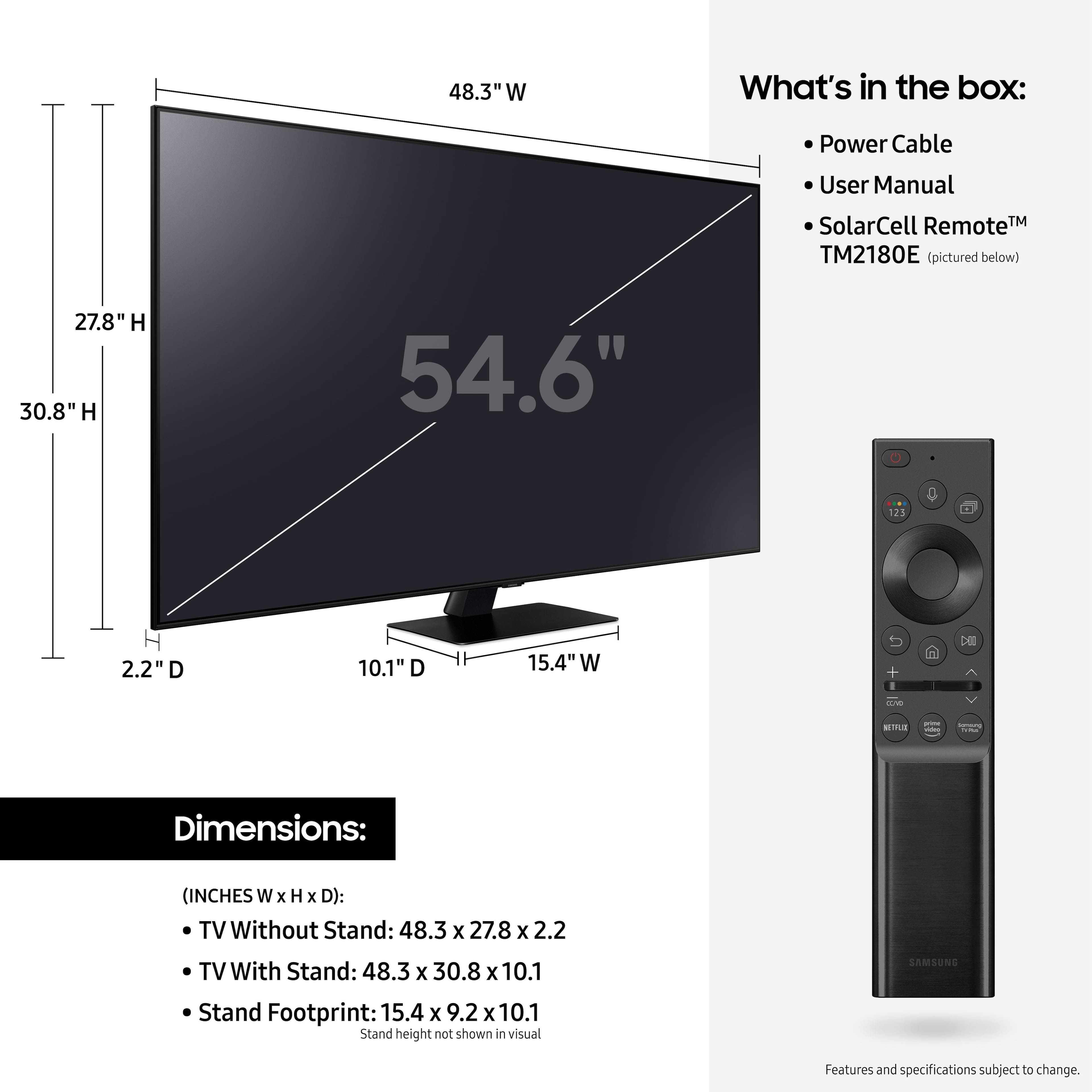
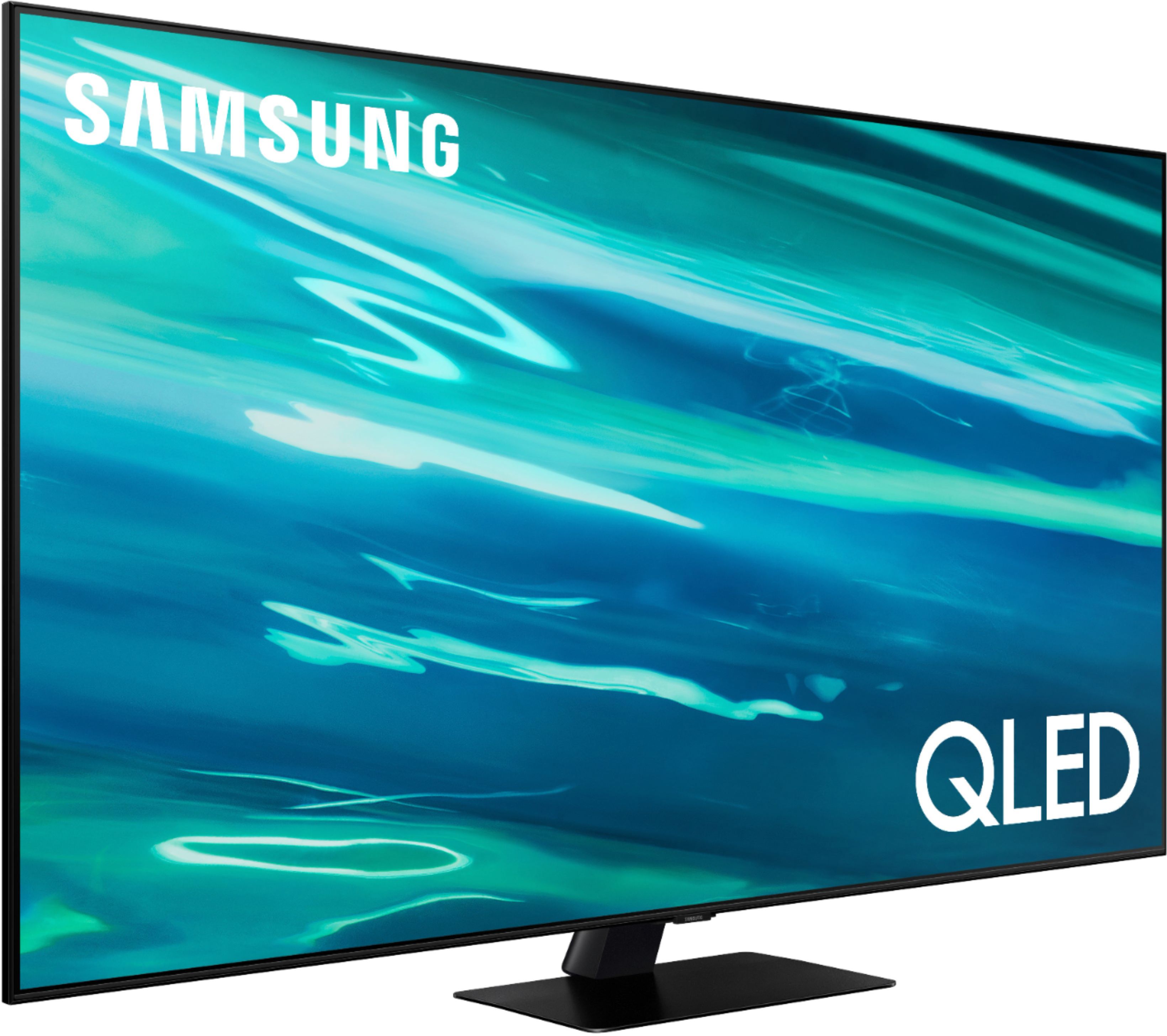
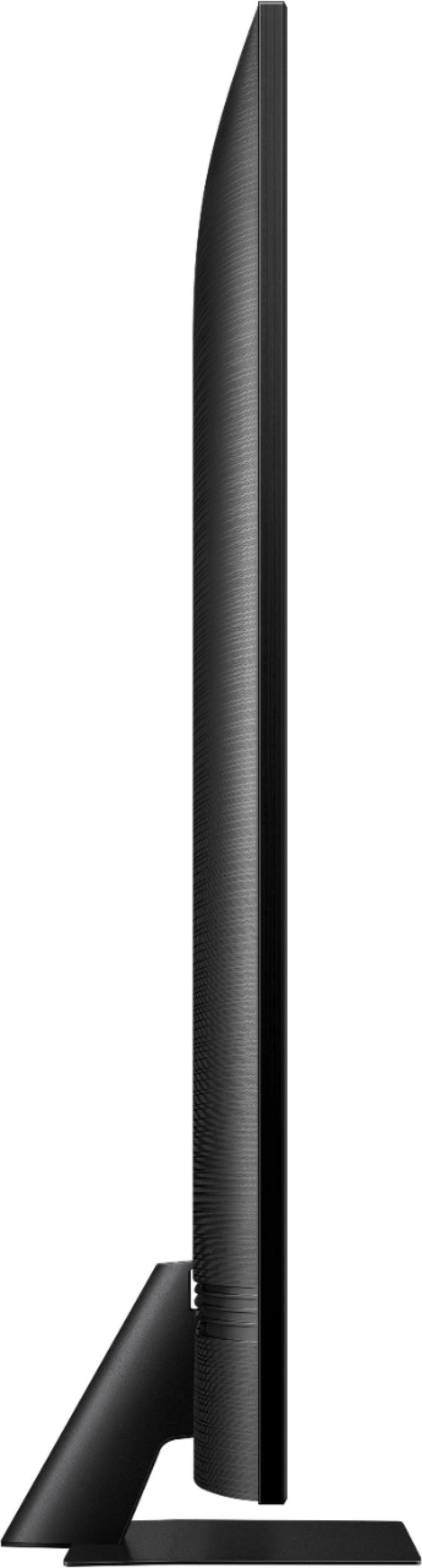
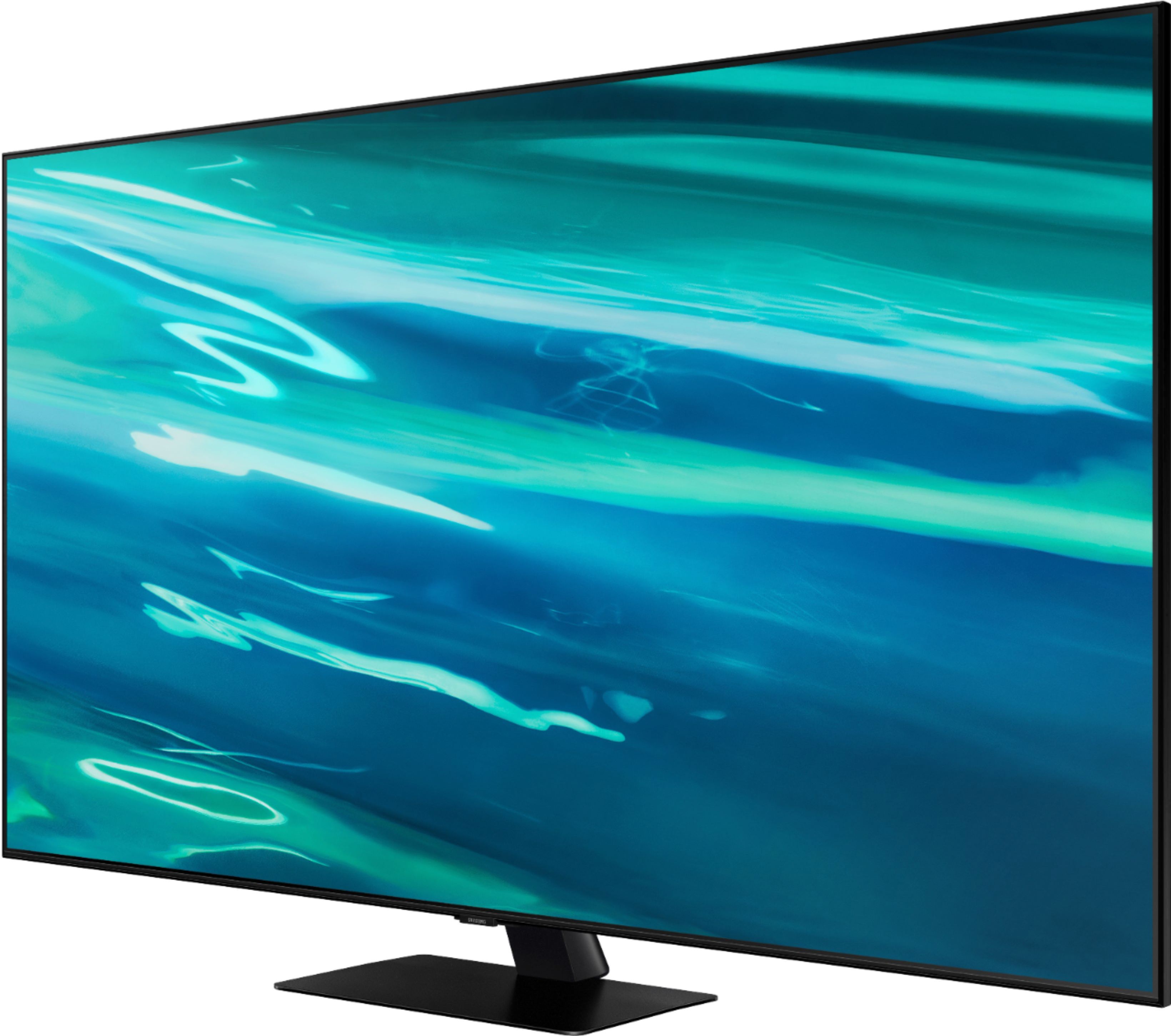
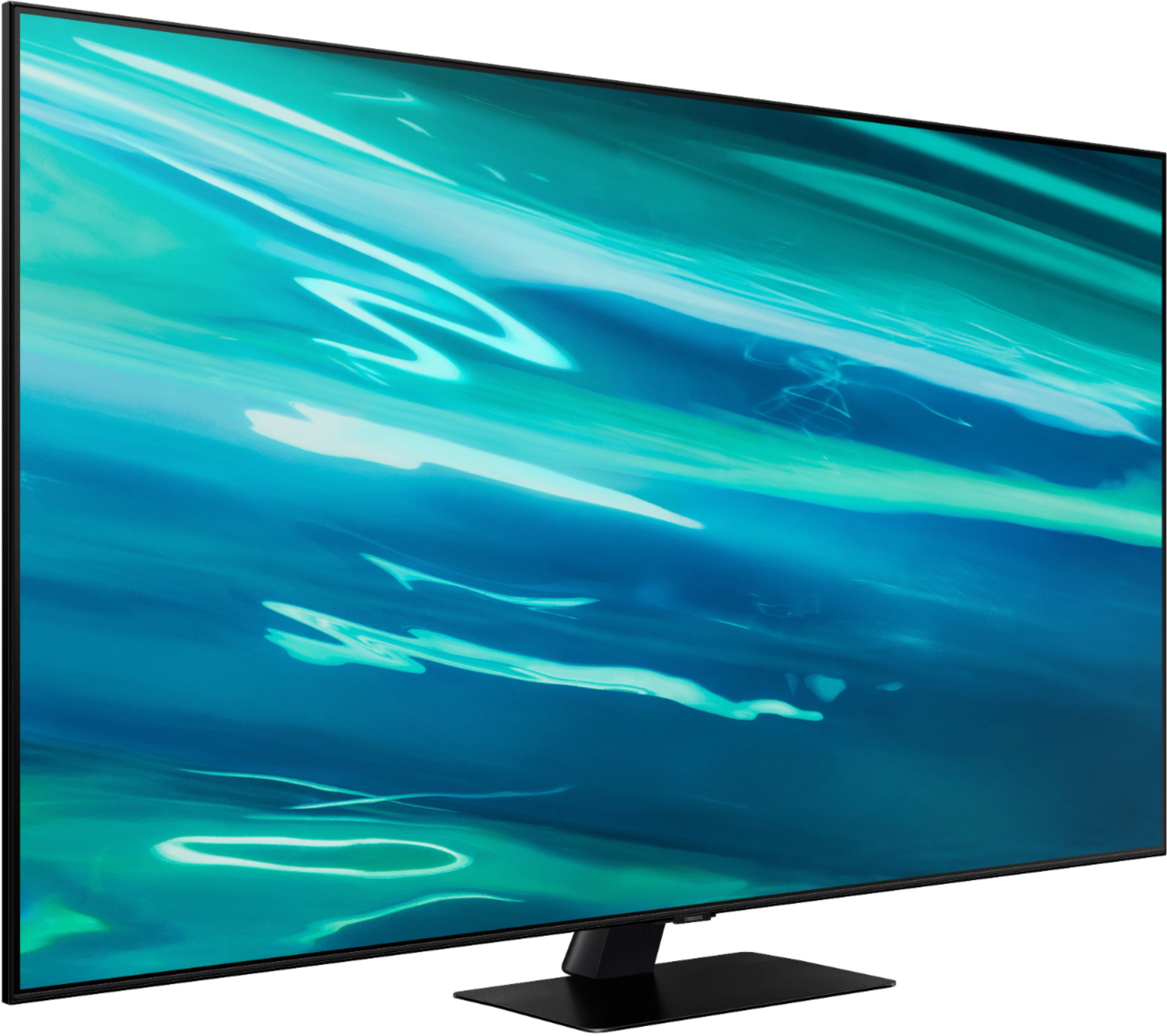
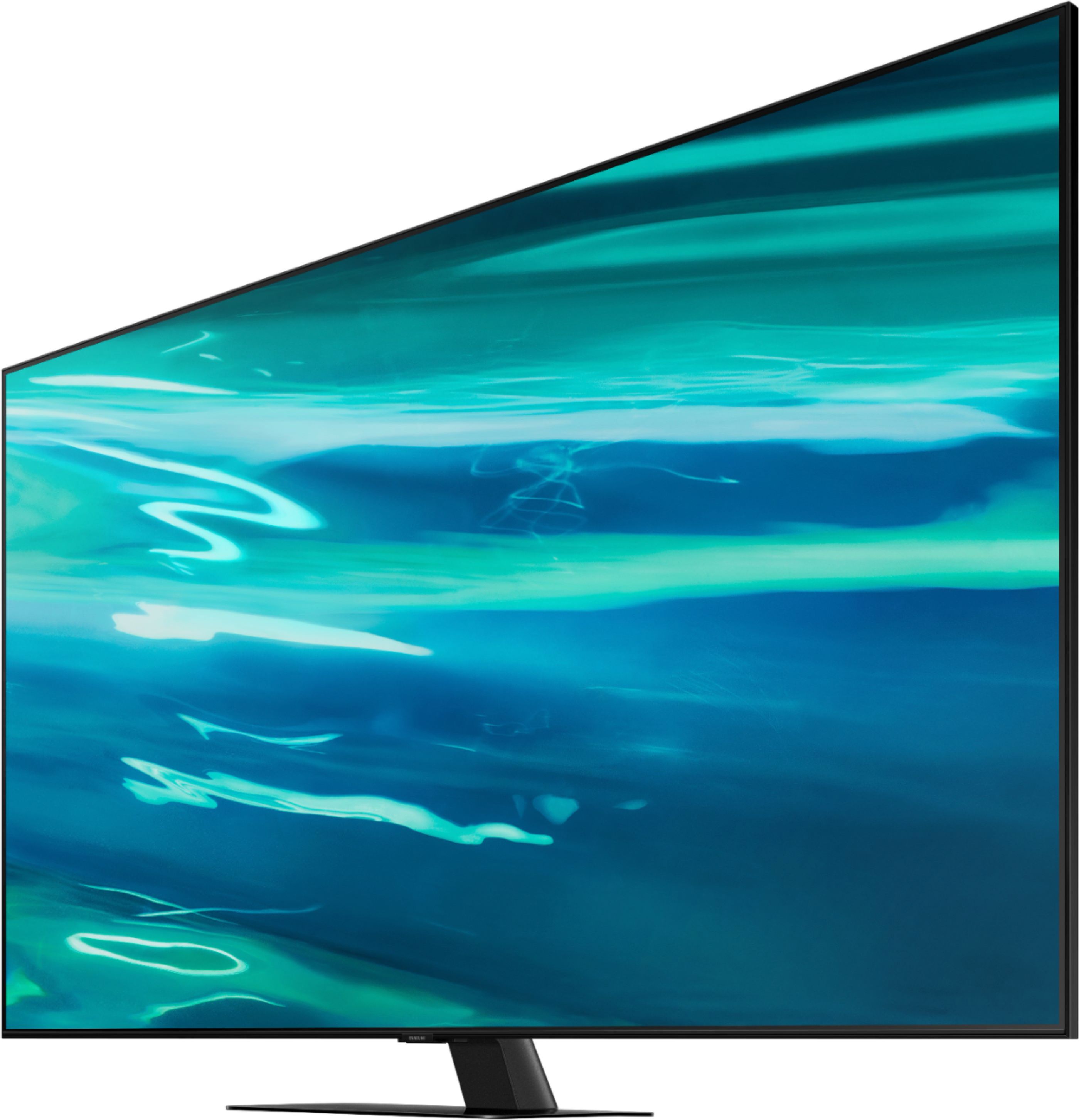
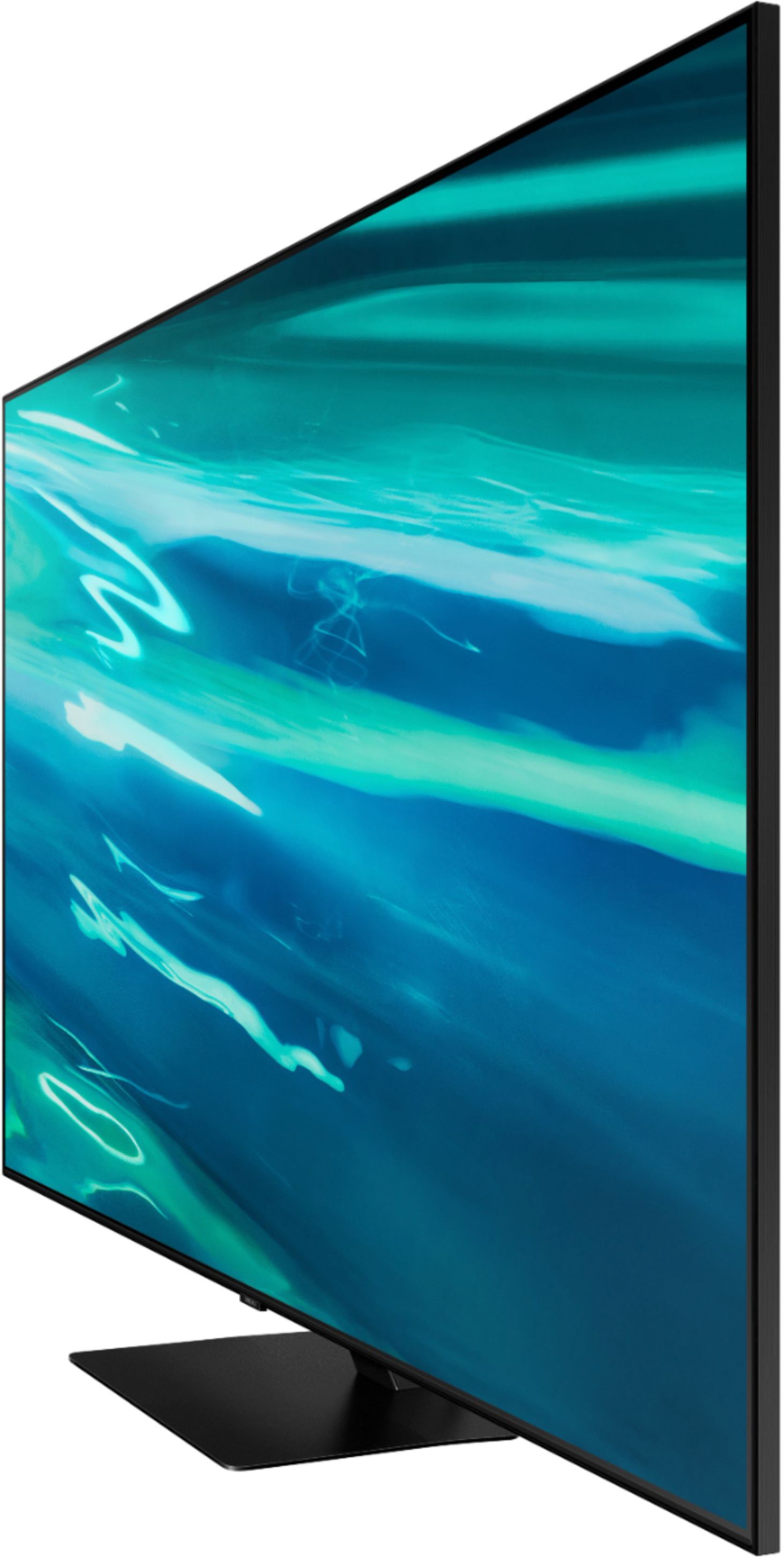

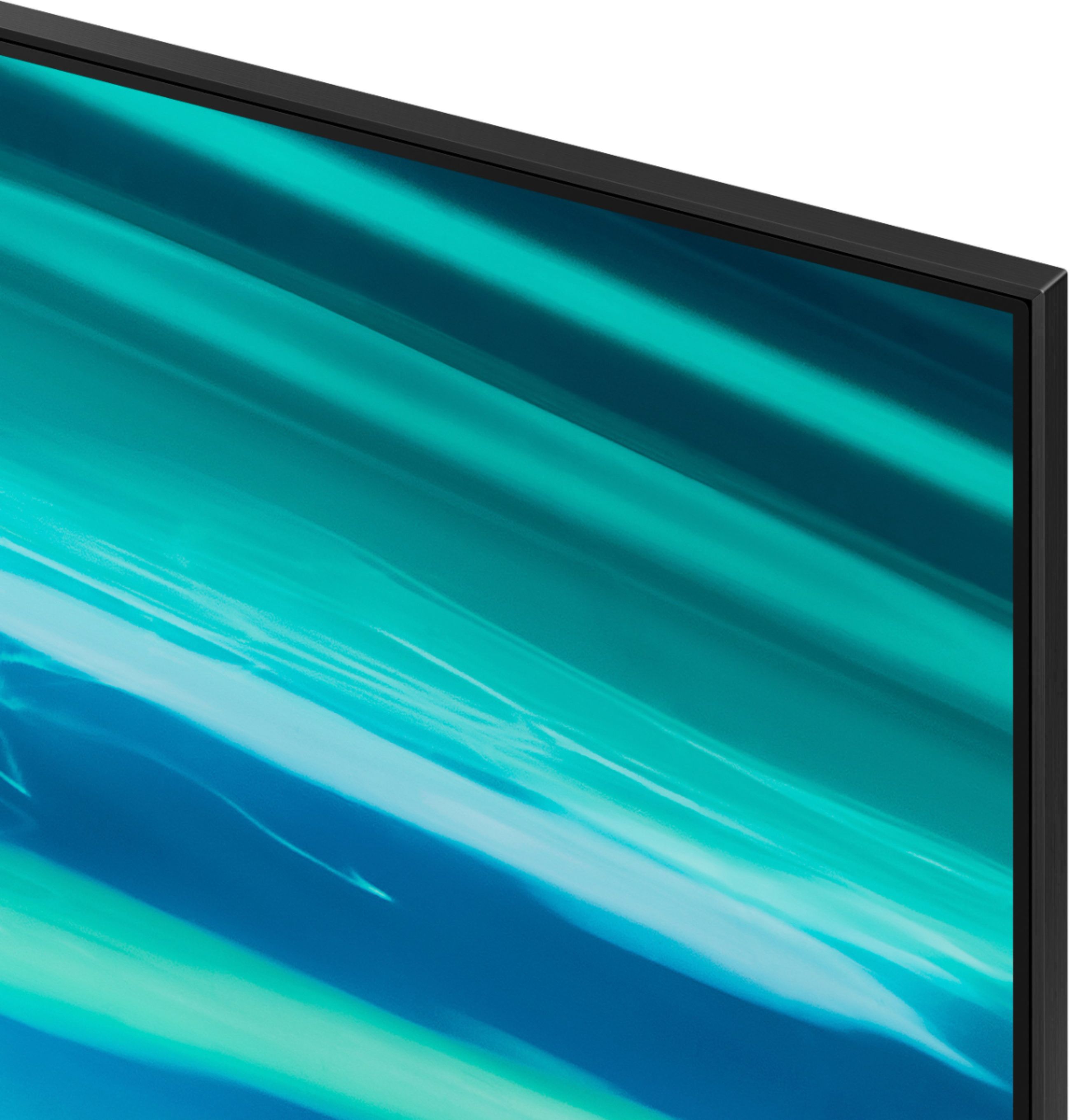
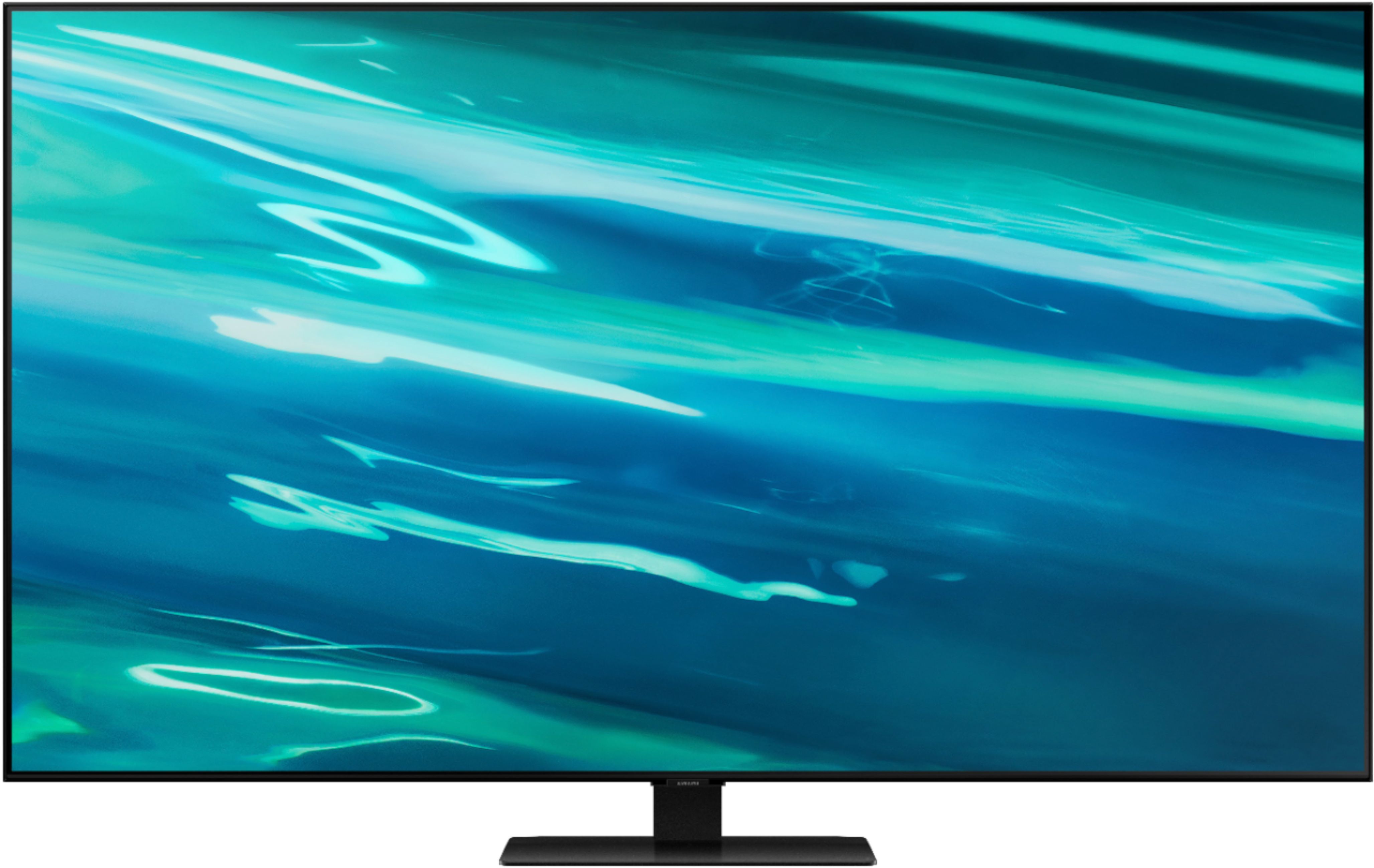






- Model:
- QN55Q80AAFXZA
- SKU:
- 6451481
Rating by feature
- Picture Quality
Rating 4.7 out of 5 stars
- Sound Quality
Rating 4.5 out of 5 stars
- Brightness
Rating 4.7 out of 5 stars
Customers are saying
Customers express satisfaction with the picture quality, describing it as great and worth the money. They also appreciate the easy setup process and find the gaming experience to be exceptional. However, some users have encountered issues with the remote control and a few have reported dead pixels and streaming problems.
This summary was generated by AI based on customer reviews.
- Pros mentioned:Picture quality
No more, "Wait, what did they say?"
||Posted . Owned for less than 1 week when reviewed.This reviewer received promo considerations or sweepstakes entry for writing a review.Researched this TV with multiple criteria (4k, 55" etc), and the final decision was made on the impact of the Active Voice Amplifier. When the tv detects background/ambient noise, it adjusts accordingly. This has made listening, and actually hearing shows and movies a much better experience!
I would recommend this to a friend - Pros mentioned:Picture quality
New Smart Samsung TV
||Posted . Owned for 3 weeks when reviewed.This reviewer received promo considerations or sweepstakes entry for writing a review.We love our new 55 inch Samsung Smart TV. The picture and sound are amazing. We have only bought Samsung TV's in the last 20 years, and we will continue to do so. The Geek Squad guys did a wonderful job setting it up and teaching us how to use our Smart TV.
I would recommend this to a friend A great TV!
||Posted . Owned for 1 month when reviewed.This reviewer received promo considerations or sweepstakes entry for writing a review.Great color contrast, wide viewing angles, and very small bezel. We like the center stand over legs at each end. Smart features are very responsive. While a little high on the price side, a boat load of features and a great picture make this an excellent TV.
I would recommend this to a friend- Pros mentioned:Picture quality
Assessment
||Posted . Owned for 1 month when reviewed.This reviewer received promo considerations or sweepstakes entry for writing a review.This TV has a great picture and vivid color. Our biggest complaint is that when viewing a program, the image on a fairly frequent occasion, either briefly freezes or digitally breaks up. Are getting conflicting feedback from Best Buy and Spectrum as to the cause: faulty TV or provider. Am uncertain how to resolve this.
I would recommend this to a friendBrand response from Samsung
Posted .LocarnoBdrm,
Thank you for choosing Samsung's Q80A TV and for your review. I am very sorry you are experiencing issues with a distorted picture. The issue may be due to an incorrect or faulty cable connection with an external device. Please check your connection by:
1) Disconnecting and reconnecting the power cables and HDMI cables on the back of your TV, then unplug the power cord and plug it back into the wall outlet
2) If the external device supports UHD video, use a dedicated HDMI cable (4K) for HDMI video playback.
3) If a component cable is used, make sure that the colored connectors are connected to the matching connectors on the external device and the TV.
4) If you are using a set-top box, check the cable connection. The cable you need to check depends on the type of set-top box.
5) Make sure that your access point is connected to the Internet. If not, disconnecting and reconnecting its power cable may be required.
6) If the problem persists, check the video output settings in the settings menu of the external device, and ensure that your TV supports the video output mode.
Should you need further assistance, please contact Samsung Customer Support at 1-800-SAMSUNG (ask for TVs), available 8AM - 12AM EST, 7 days a week.
For additional support resources, visit us on the Samsung website and click on the ‘Support’ link in the upper right corner of the homepage for:
1) Contact Us: For additional Chat & Text options, choose ‘TVs & Home Theater’ and select your model & topic.
2) Manuals & Software
3) Warranty Info
4) Register a Product: For access to easy warranty support, convenient opt-in to special promos and offers, faster troubleshooting and service, and quick notification of system updates.
~ Samsung Specialist
- Pros mentioned:Picture quality
like being at the movies
||Posted . Owned for 3 weeks when reviewed.This reviewer received promo considerations or sweepstakes entry for writing a review.the sound is great because I don't have to wear my hearing aids..... the picture is outstanding ....people look alive...like they are actually inside my house.....added netflix and can't wait to add more...
I would recommend this to a friend - Pros mentioned:Picture quality
Need more Tech Assist from someone
||Posted . Owned for 1 month when reviewed.This reviewer received promo considerations or sweepstakes entry for writing a review.Pretty much love the TV set itself. But we were convinced by Best Buy personnel to use Spectrum streaming on Samsung smart TV. Each blames the other, refuses to answer questions when strange things happen: Chiefs game broadcast was in Spanish, sight assist explanations occur during shows,
I would recommend this to a friendBrand response from Samsung
Posted .Hi Oops,
Thank you for purchasing the Samsung Q80A TV and sharing your review. I hope setup went smoothly with your new TV, and you are now enjoying the picture brought to you by the Direct Full Array backlight technology.
We appreciate you sharing your in-store purchase experience with us. You may want to consider providing feedback directly to the Best Buy store where you made your purchase.
If you should ever have questions on setup, features or operation, Samsung is ready to help you with enjoying your new TV. You can reach Samsung Support at 1-800-SAMSUNG (ask for TVs), available 8AM - 12AM EST, 7 days a week.
For additional support resources, visit us on the Samsung website and click on the ‘Support’ link in the upper right corner of the homepage for:
1) Chat with Us/Product Help: To begin a chat or find solutions, choose ‘TVs & Home Theater’ and select your model & topic.
2) Manuals, Software, & Warranty Info
~ Samsung Specialist
- Pros mentioned:Picture quality
Home Theater experience
||Posted . Owned for 1 month when reviewed.This reviewer received promo considerations or sweepstakes entry for writing a review.The Samsung QLED is sleek in design and very clear in picture quality. You get more screen with this newer model, so there's not the edge of the TV that takes away from your viewing. It's easy to navigate through channels and access to apps. This was a great choice.
I would recommend this to a friend - Pros mentioned:Picture quality
Love this tv!!
||Posted . Owned for 1 month when reviewed.This reviewer received promo considerations or sweepstakes entry for writing a review.Picture quality is so clear & color is intense. Great for watching sporting events which I love. Easily transitions from cable to streaming apps & pairs easily with other devices. Another great Samsung tv purchase that’s worth the investment.
I would recommend this to a friend - Pros mentioned:Picture quality
Great TV
||Posted . Owned for 1 month when reviewed.This reviewer received promo considerations or sweepstakes entry for writing a review.I bought the Samsung 55" 4K QLED TV. I love it. The picture is like looking through a window and the colors just pop. Amazing clarity. The salesman that I talked to was a Samsung specialist and answered all my questions without hesitation. Very satisfied.
I would recommend this to a friend - Pros mentioned:Picture quality
Great TV
||Posted . Owned for 3 weeks when reviewed.This reviewer received promo considerations or sweepstakes entry for writing a review.I did a lot of research before purchasing a new TV. I have always preferred Samsung TVs and I am very happy with this purchase! You get a lot without jumping to the high price point of the next models and jumping from a base model to the Q80 is worth it.
I would recommend this to a friend - Pros mentioned:Picture quality
Fantastic picture but internet issues
||Posted . Owned for 1 month when reviewed.This reviewer received promo considerations or sweepstakes entry for writing a review.Fantastic picture but internet issues. You have to power cycle it often for it to reconnect to the internet but it is not that big of an issue. Hold down power button on remote and it turns on and off in a matter of seconds. Picture and gaming on it is stunning.
I would recommend this to a friendBrand response from Samsung
Posted .Hi Hockman,
Thank you for your purchase of Samsung’s new 2021 Q80A TV. I am happy to hear that you are enjoying the 4K picture powered by our Quantum Processor 4K. With machine learning, this processor enhances pictures from any source into crisp 4K. We appreciate your feedback regarding the Internet connectivity issues you are experiencing. A network issue may be the cause. You may want to go through these steps to check your network connection:
1) Make sure that no items that can generate electromagnetic interferences are placed between the TV and the wireless/wired access point.
2) Check if the access point is turned on. If it is on, turn it off, wait 1 or 2 minutes, and then turn it on. Enter the correct password if required.
3) If the wireless connection fails, connect the TV to the access point via a LAN cable. If the TV can connect to the Internet normally via the wired connection, there might be a problem with the access point. In this case, try using a different access point.
4) Perform a network test to check if there is a network problem. Press the Home button on your remote. Navigate to Settings > Support > Device Care > Self Diagnosis> Smart Hub Connection Test
5) Try a cold reboot of your TV by pressing and holding the power button for 5+ seconds until the TV turns off and on again.
Please also be sure you are running the latest firmware. You can check to see what software version your TV is using and if there is an available update through the settings on your TV. Go to: Settings > Support > Software Update.
I hope this helps resolve your concerns. Should you need further assistance, please contact Samsung Customer Support at 1-800-SAMSUNG (ask for TVs), available 8AM -12AM EST, 7 days a week. Or text HELP to 62913.
For additional support resources, visit us on the Samsung website and click on the ‘Support’ link in the upper right corner of the homepage for:
1) More ‘Contact Us’ options – LiveChat, Facebook, Twitter, Samsung Community, Samsung Members app
2) Manuals & Software
3) Warranty Info
4) Product Registration: For access to easy warranty support, convenient opt-in to special promos and offers, faster troubleshooting and service, and quick notification of system updates.
~ Samsung Specialist
- Pros mentioned:Remote control
Untitled
||Posted . Owned for 1 month when reviewed.This reviewer received promo considerations or sweepstakes entry for writing a review.Works great but it's sometimes a little difficult to adjust the picture size to 4:3 for older Dvd's. And I don't like the way their set-up ad appears whenever I turn the set on or change the source. I do like the fact that all Samsung remote controllers work for all Samsung TVs.
I would recommend this to a friend - Pros mentioned:Picture quality
Happy
||Posted . Owned for 1 month when reviewed.This reviewer received promo considerations or sweepstakes entry for writing a review.Scott Maoja and his assistant were very knowledgeable and helpful. The installers were also very knowledgeable and helpful arriving on time and very professional. Purchased a Samsung 25" TV with Samsung woofer and sound bar. I am very pleased.
I would recommend this to a friend My Smart TV
||Posted . Owned for 3 weeks when reviewed.This reviewer received promo considerations or sweepstakes entry for writing a review.TV is great!!!! It's a little smarter than I am and the 243 page owners manual comes in handy every time I want to do anything. It's getting easier to manage my way through things and was a very smart choice.
I would recommend this to a friend- Pros mentioned:Picture quality
Crisp and bright
||Posted . Owned for 3 weeks when reviewed.This reviewer received promo considerations or sweepstakes entry for writing a review.If you're going Samsung don't go any lower than the Q80 model. I bought Q60 initially and the picture was very grainy. Big difference going to Q80. Picture is crisp and bright
I would recommend this to a friend - Pros mentioned:Picture quality
Great tv
||Posted . Owned for less than 1 week when reviewed.This reviewer received promo considerations or sweepstakes entry for writing a review.Excellent tv. Bought this because i already have the same in 65 and when u hook to a compatable denon receiever the tv speakers are utilized in conjunction with your surround sound. The quality is awesome and the gaming is perfect.
I would recommend this to a friend - Pros mentioned:Picture quality
Great tv and service
||Posted . Owned for 1 month when reviewed.This reviewer received promo considerations or sweepstakes entry for writing a review.Excellent tv. Great HD and the picture color is outstanding. Can’t go wrong with this tv. Also the service techs that came to install and set up the tv are absolutely amazing and high quality professionals who know what they are doing with expertise.
I would recommend this to a friend - Pros mentioned:Picture quality
Sold on Samsung TVs!
||Posted . Owned for 3 weeks when reviewed.This reviewer received promo considerations or sweepstakes entry for writing a review.Having already purchased a Samsung HDTV in the past, we were sold on the quality. When we upgraded to the QLED, again, we were so impressed with both the quality of the pic and the TV sound. It works well for the types of streaming TV that we enjoy.
I would recommend this to a friend - Pros mentioned:Picture quality
Not outstanding, but good
||Posted . Owned for 3 weeks when reviewed.This reviewer received promo considerations or sweepstakes entry for writing a review.Good size and picture quality for a Samsung IPS. As a pure TV, there are better options using VA or OLED, but this display is good as a mixed use TV/monitor in a bright space.
I would recommend this to a friend - Pros mentioned:Picture quality
Remote is Above My Skill Level
||Posted . Owned for 1 month when reviewed.This reviewer received promo considerations or sweepstakes entry for writing a review.It is a beautiful TV. The picture is amazing! It is very complicated. The remote is so far above my head, that I am missing out on some of the features. I will need to call and get some additional instruction.
I would recommend this to a friendBrand response from Samsung
Posted .Hi LearningCurve,
Thank you for choosing Samsung’s Q80A TV and for your review. We appreciate your feedback regarding the remote included with your TV. To assist you in the learning the various features, functions, and settings of the remote, you can download the Solar Cell Remote Guide directly from Samsung’s website under ‘Support’ (top right corner) > Manuals & Software > TVs & Home Theater. From there, you can select the Q80A under QLED 4K TVs > A Model Lineup. Additionally, you can find other guides and manuals to further assist you with your TV’s features.
I hope this helps! Should you ever have questions or need help, please call us at 1-800-SAMSUNG (ask for TVs), available 8AM - 12AM EST, 7 days a week.
For additional support resources, visit us on the Samsung website and click on the ‘Support’ link in the upper right corner of the homepage for:
1) Chat with Us/Product Help: To begin a chat or find solutions, choose ‘TVs & Home Theater’ and select your model & topic.
2) Register a Product: For access to easy warranty support, convenient opt-in to special promos and offers, faster troubleshooting and service, and quick notification of system updates.
3) Manuals & Software
4) Warranty Info
5) Contact Us
~ Samsung Specialist