Customer Ratings & Reviews
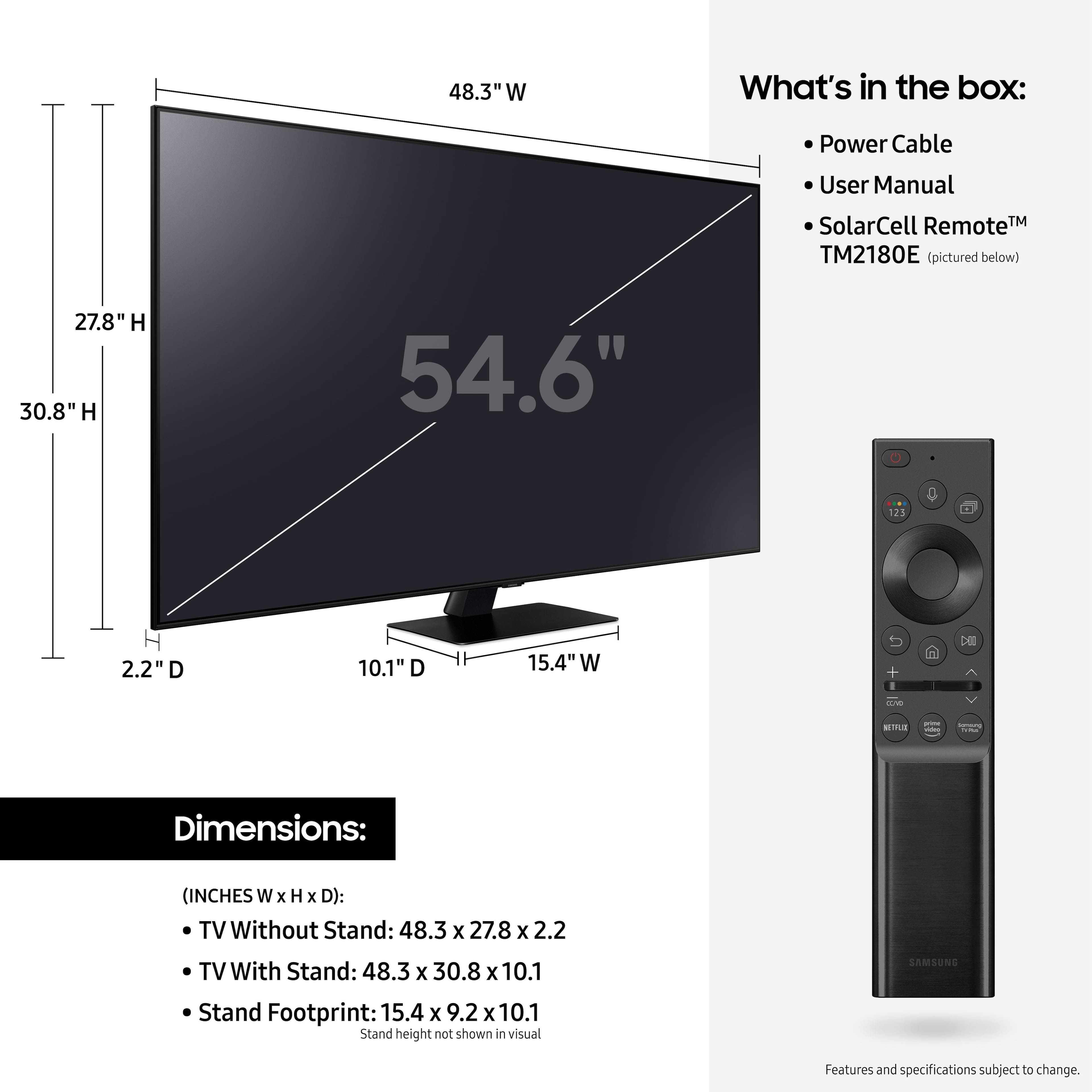
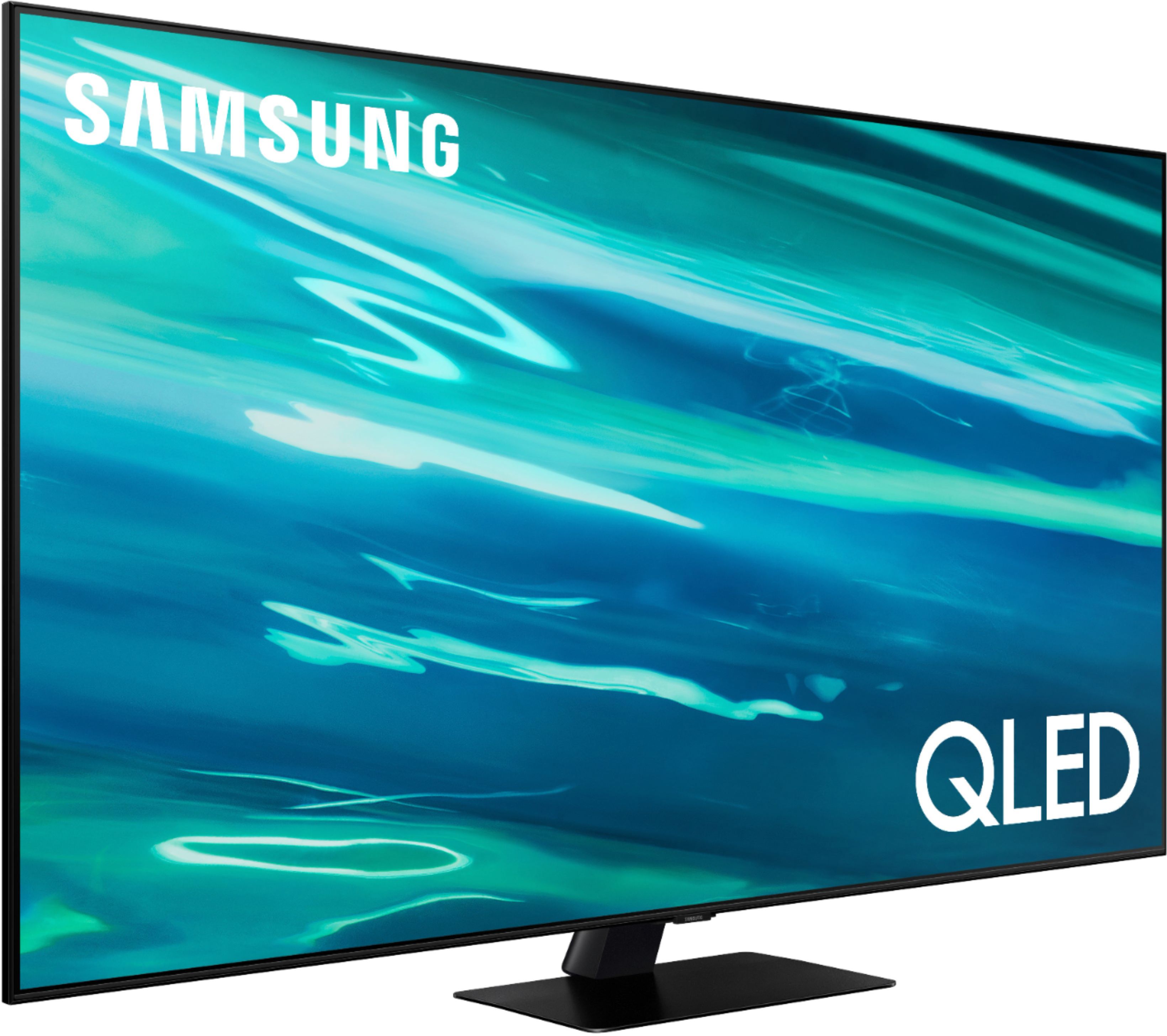
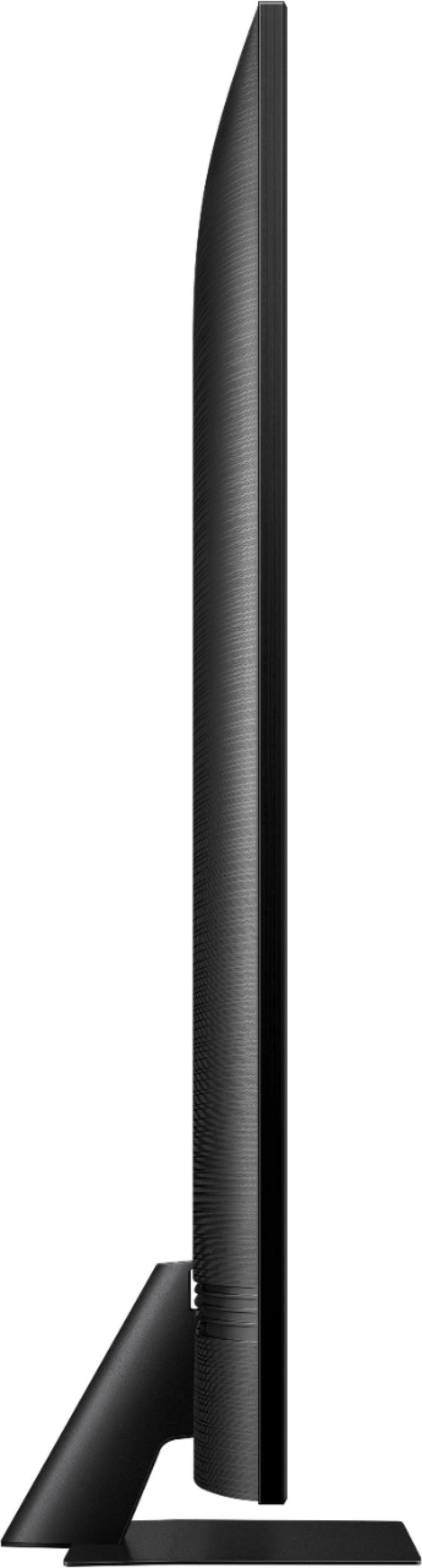
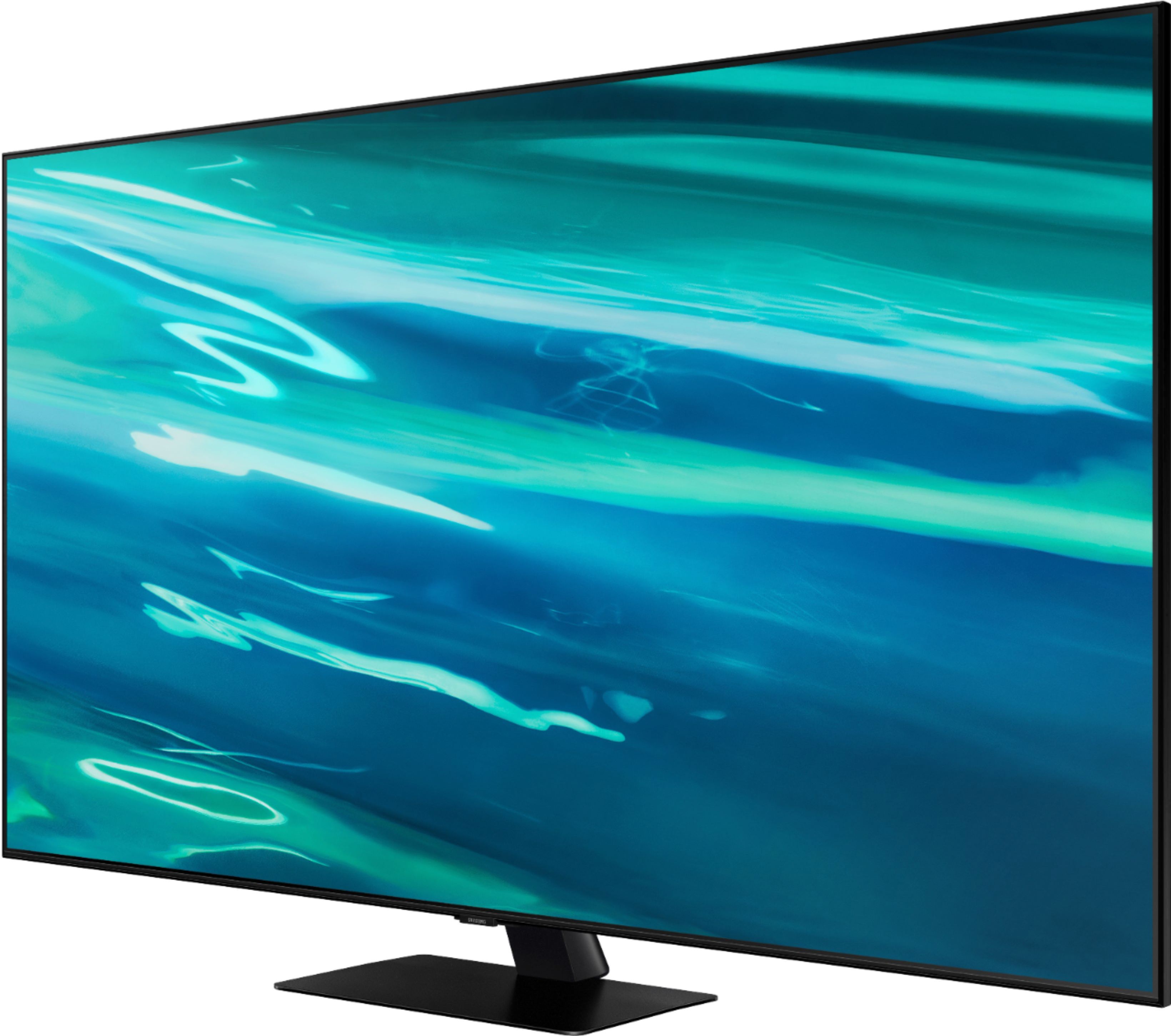
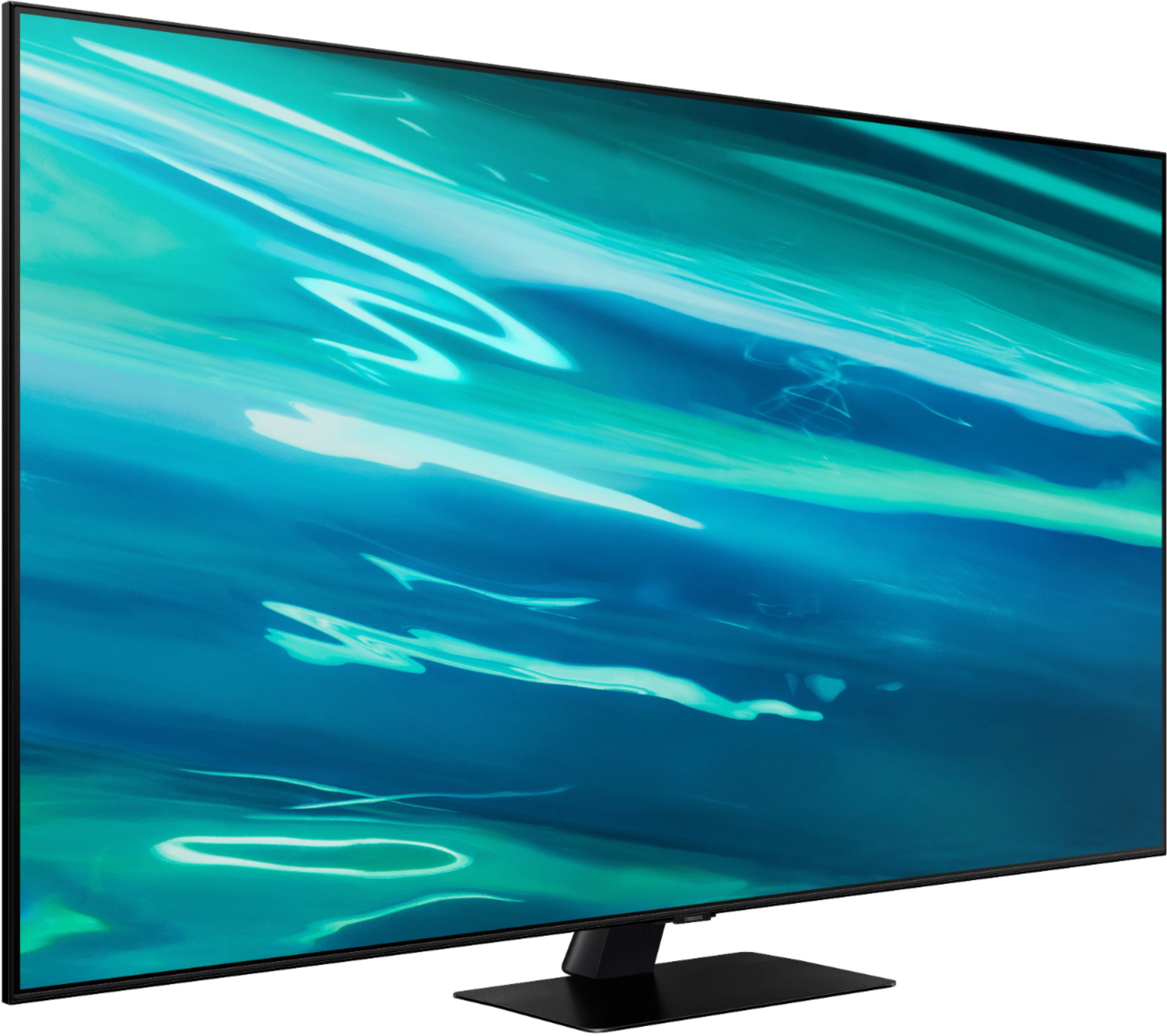
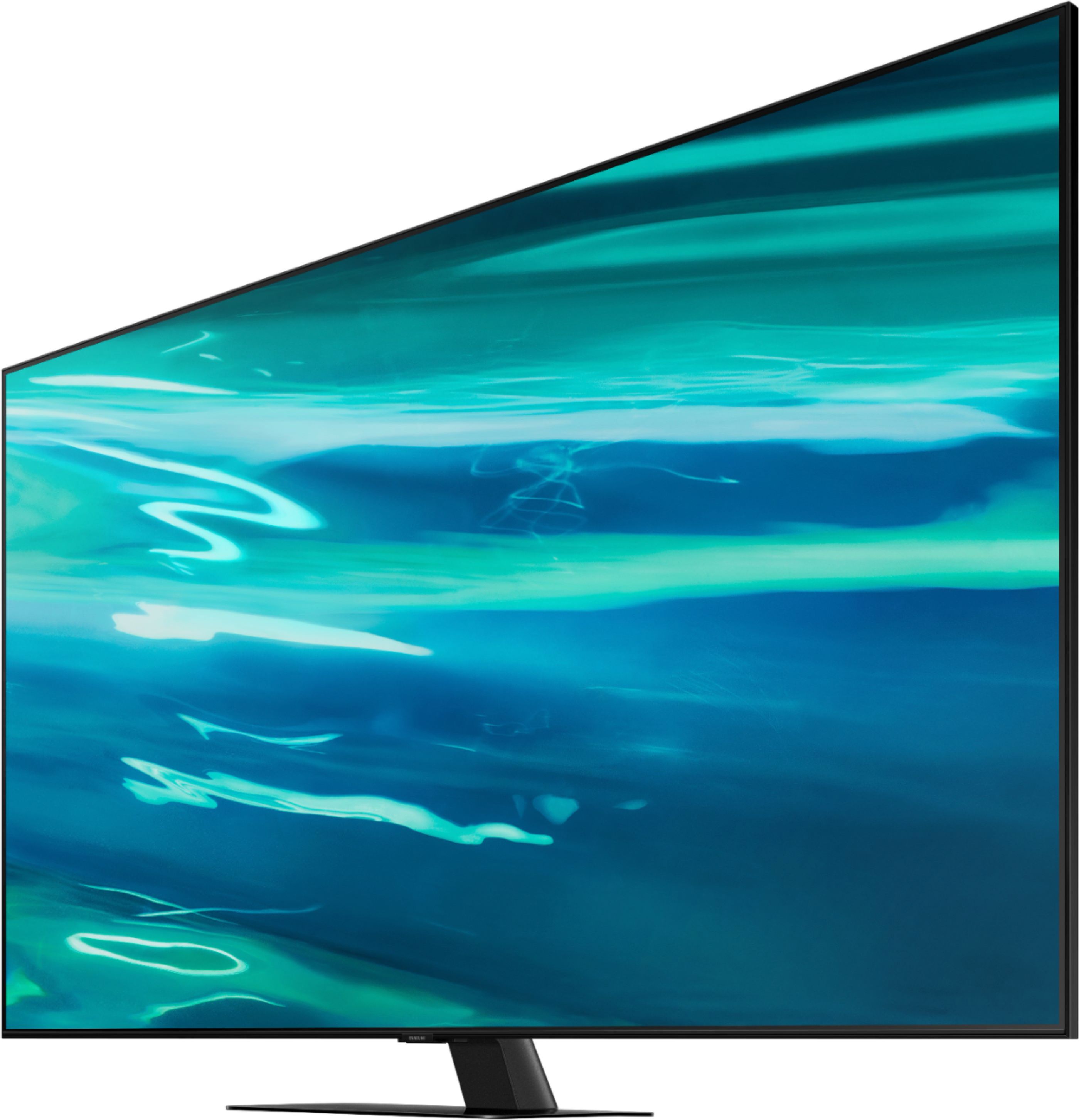
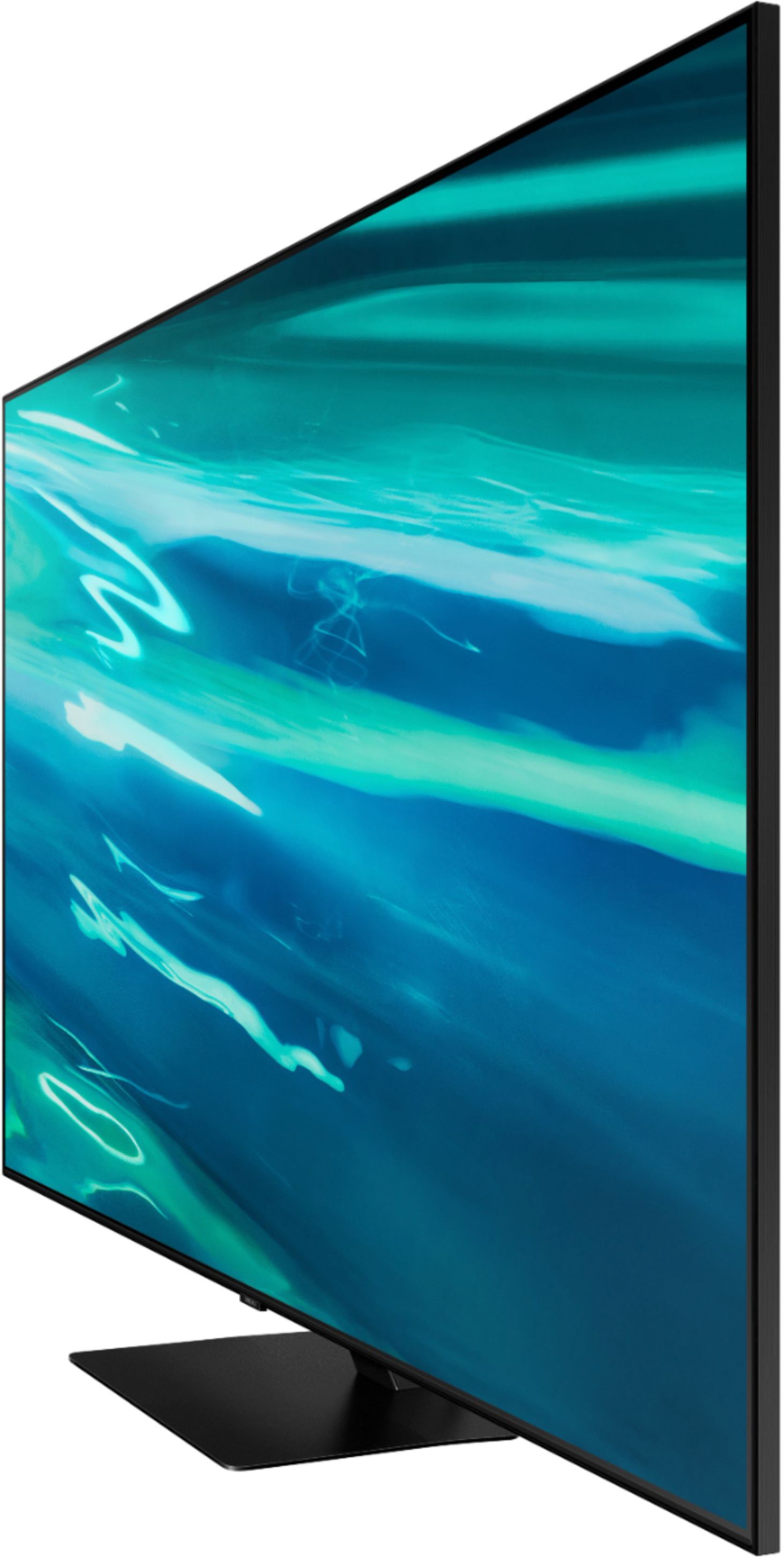

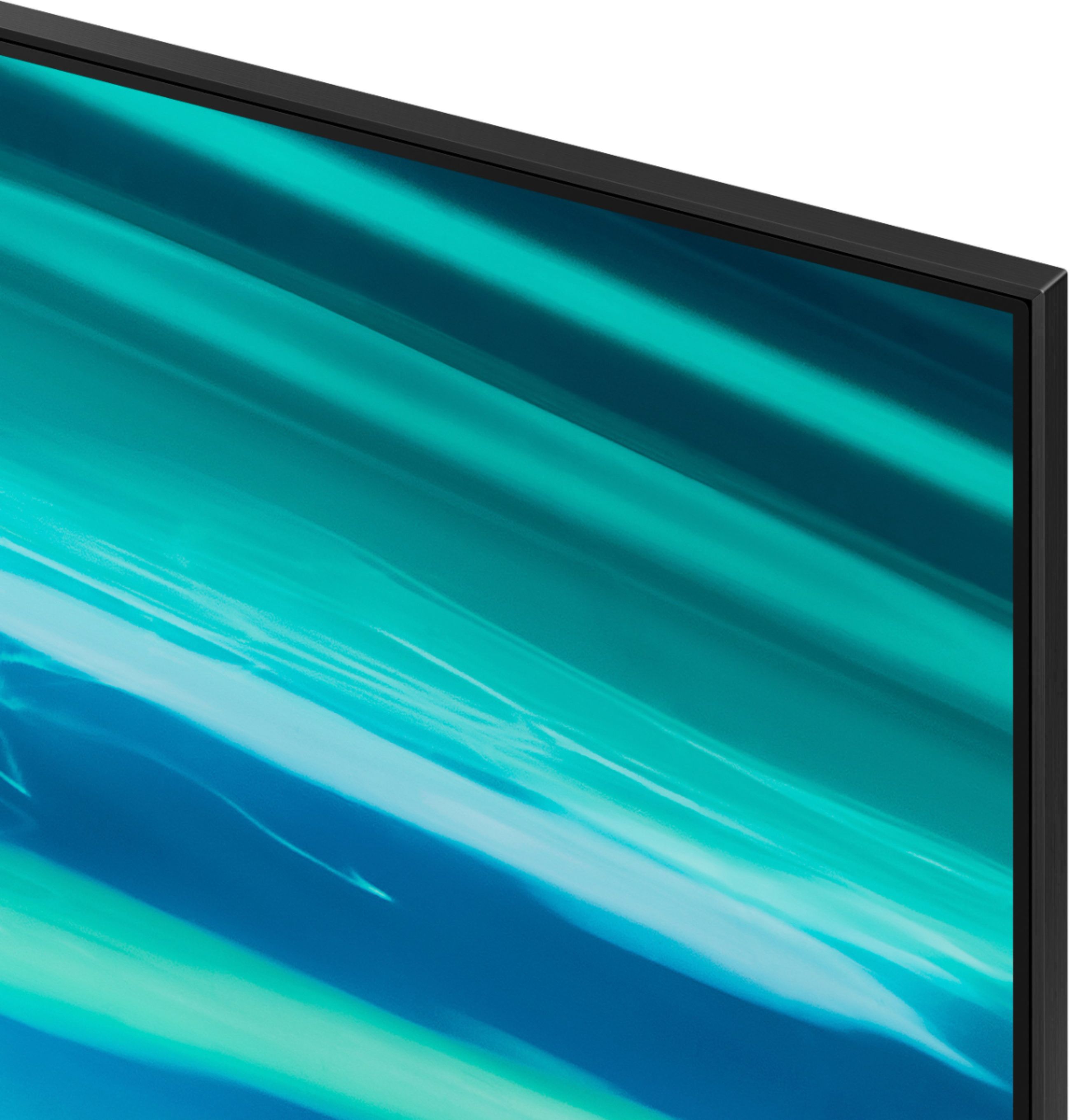
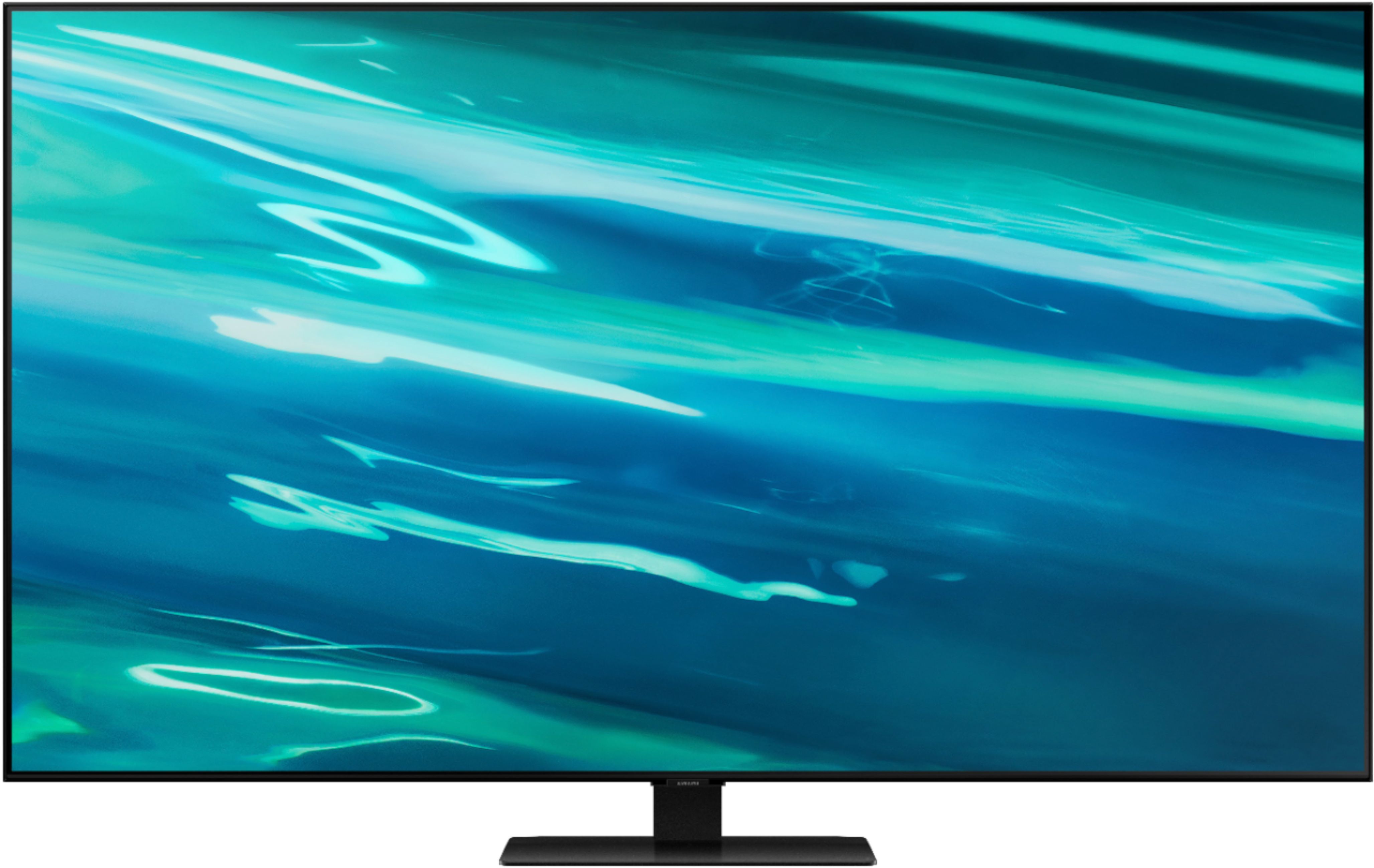






- Model:
- QN55Q80AAFXZA
- SKU:
- 6451481
Rating by feature
- Picture Quality
Rating 4.7 out of 5 stars
- Sound Quality
Rating 4.5 out of 5 stars
- Brightness
Rating 4.7 out of 5 stars
Customers are saying
Customers express satisfaction with the picture quality, describing it as great and worth the money. They also appreciate the easy setup process and find the gaming experience to be exceptional. However, some users have encountered issues with the remote control and a few have reported dead pixels and streaming problems.
This summary was generated by AI based on customer reviews.
Just an o.k. T.v.
||Posted . Owned for 1 month when reviewed.This reviewer received promo considerations or sweepstakes entry for writing a review.Thought the picture would be better for a mid grade tv. It’s just ok.
No, I would not recommend this to a friendBrand response from Samsung
Posted .Kritty1977,
Thank you for sharing your thoughts on the picture quality of your Q80A TV. If the picture you are seeing out-of-the-box is not to your liking, there are several picture settings you may want to try adjusting.
You can select the Picture Mode that provides the best viewing experience. Go to Home > Settings > Picture > Picture Mode
1) Standard: Is the default mode suitable for general viewing environments.
2) Natural: Reduces eye strain for a comfortable viewing experience.
3) Movie: Is suitable for watching TV or movies in a dark room.
4) Dynamic: Makes the picture brighter and clearer in bright viewing environments.
5) Filmmaker Mode: You can watch the source content (e.g., movie) as it is. If the image is defined as Filmmaker Mode, it will automatically switch to Filmmaker Mode while watching.
You can also go to: Settings > Picture > Expert Settings > to manually fine tune your image.
For further assistance with settings adjustments, please contact Samsung Customer Support at 1-800-SAMSUNG (ask for TVs), available 8AM - 12AM EST, 7 days a week.
For additional support resources, visit us on the Samsung website and click on the ‘Support’ link in the upper right corner of the homepage for:
1) Chat with Us/Product Help: To begin a chat or find solutions, choose ‘TVs & Home Theater’ and select your model & topic.
2) Manuals, Software, & Warranty Info
~ Samsung Specialist
TV
||Posted . Owned for 1 month when reviewed.This reviewer received promo considerations or sweepstakes entry for writing a review.Great television. Delivery workers geek squad were exceptional as always.
I would recommend this to a friendSatisfied Customer
||Posted . Owned for 1 month when reviewed.This reviewer received promo considerations or sweepstakes entry for writing a review.Well we looked for a long time and this is what we kept coming back to. Very satisfied!
I would recommend this to a friendmy review
||Posted . Owned for 1 month when reviewed.This reviewer received promo considerations or sweepstakes entry for writing a review.excellent service -very competent -handled installation speedy and professionally.
I would recommend this to a friendSamsung
||Posted . Owned for 3 weeks when reviewed.This reviewer received promo considerations or sweepstakes entry for writing a review.I have a 65" model and new what I wanted. The performance is no surprise.
I would recommend this to a friendThe team member that assist me was excellent and m
||Posted . Owned for 3 weeks when reviewed.This reviewer received promo considerations or sweepstakes entry for writing a review.The team member that assist me was excellent and made my purchase very easy
I would recommend this to a friendAwsome tv!
||Posted .This reviewer received promo considerations or sweepstakes entry for writing a review.This tv provides great and shart visuals. It makes me feel as if im there in person!
I would recommend this to a friendTV....
||Posted .This reviewer received promo considerations or sweepstakes entry for writing a review.Very lovely TV... Yes yes , yes, yes, yes, yes, ... Thanks
I would recommend this to a friendGo oled instead
||Posted . Owned for 7 months when reviewed.This reviewer received promo considerations or sweepstakes entry for writing a review.Ive had samsung for years and never had a problem till now the first one had it where you couldnt make out whites very well especially around words the blacks were way to over saturated and the second tv had lines going up and down.So i returned it and went with oled cx 48 inch and five year warranty incase of burn in but will never go back oled is absolutly amazing!!!
No, I would not recommend this to a friendBrand response from Samsung
Posted .Freddy,
Thank you for sharing your review of the Samsung Q80A TV. Your details regarding your picture quality are appreciated and will be shared with our internal teams.
Should you ever decide to give Samsung TVs another try and have questions or need assistance with settings, setup, or features, please know we are always here to help. Call us at 1-800-SAMSUNG (ask for TVs), available 8AM - 12AM EST, 7 days a week.
For additional support resources, visit us on the Samsung website and click on the ‘Support’ link in the upper right corner of the homepage for:
1) Chat with Us/Product Help: To begin a chat or find solutions, choose ‘TVs & Home Theater’ and select your model & topic.
2) Manuals, Software, & Warranty Info
~ Samsung Specialist
Good picture but…
||Posted .This reviewer received promo considerations or sweepstakes entry for writing a review.Some shows are pretty red-faced and sound goes louder at times. Not sure why this is happening.
I would recommend this to a friendGreat TV
||Posted .This reviewer received promo considerations or sweepstakes entry for writing a review.This is an amazing TV coming from a Vizio to Samsung I could not be more happy well worth it
I would recommend this to a friendBrand response from Samsung
Posted .Happy:
I am glad to hear that you are enjoying the upgrade to your new 2021 Q80A QLED 4K TV. I am happy to hear that you are enjoying the 4K picture powered by our Quantum Processor 4K. With machine learning, this processor enhances picture from any source into crisp 4K.
Samsung Customer Support is here to help if you need assistance or have questions regarding features, functions, setup and more. You can reach us at 1-800-SAMSUNG (ask for TVs), available 8AM -12AM EST, 7 days a week. Or text HELP to 62913.
For additional support resources, visit us on the Samsung website and click on the ‘Support’ link in the upper right corner of the homepage for:
1) More ‘Contact Us’ options – LiveChat, Facebook, Twitter, Samsung Community, Samsung Members app
2) Manuals & Software
3) Warranty Info
4) Product Registration: For access to easy warranty support, convenient opt-in to special promos and offers, faster troubleshooting and service, and quick notification of system updates.
~ Samsung Solutions
Dixie
||Posted . Owned for 1 month when reviewed.This reviewer received promo considerations or sweepstakes entry for writing a review.It’s about time Samsung fix their on/off thermal breaker problem hopefully this new one will be OK
I would recommend this to a friendSolid Purchase
||Posted . Owned for 1 month when reviewed.This reviewer received promo considerations or sweepstakes entry for writing a review.Solid purchase for a good price. It meets expectations and exceeds in some categories.
I would recommend this to a friendAwesome
||Posted . Owned for 1 month when reviewed.This reviewer received promo considerations or sweepstakes entry for writing a review.Great I like it alot and thank you. I enjoy shopping at BestBuy.
I would recommend this to a friendExcellent in my small media room
||Posted . Owned for 4 months when reviewed.This reviewer received promo considerations or sweepstakes entry for writing a review.quick and responsive, massive upgrade over my old 7 series Samsung
I would recommend this to a friendLooking for a quality Samsung product. This is it
||Posted . Owned for 2 weeks when reviewed.This reviewer received promo considerations or sweepstakes entry for writing a review.Looking for a quality Samsung product. This is it the queue LED is almost as good as their next level.
I would recommend this to a friend60"
||Posted . Owned for 3 weeks when reviewed.This reviewer received promo considerations or sweepstakes entry for writing a review.Wish it would have came in a 60" as our space was not sufficient for 65"
I would recommend this to a friendOwner
||Posted . Owned for 1 month when reviewed.This reviewer received promo considerations or sweepstakes entry for writing a review.Love this tv, would recommend this product.would but this product again.
I would recommend this to a friendWe love our new Samsung TV
||Posted . Owned for 1 month when reviewed.This reviewer received promo considerations or sweepstakes entry for writing a review.It was a breeze buying tv and then Rachel was great - installing tv on her own
I would recommend this to a friend55” TV
||Posted . Owned for 1 month when reviewed.This reviewer received promo considerations or sweepstakes entry for writing a review.Fantastic! I love my name TV and set up went smoothly. The geek squad are great.
I would recommend this to a friend