Customer Ratings & Reviews
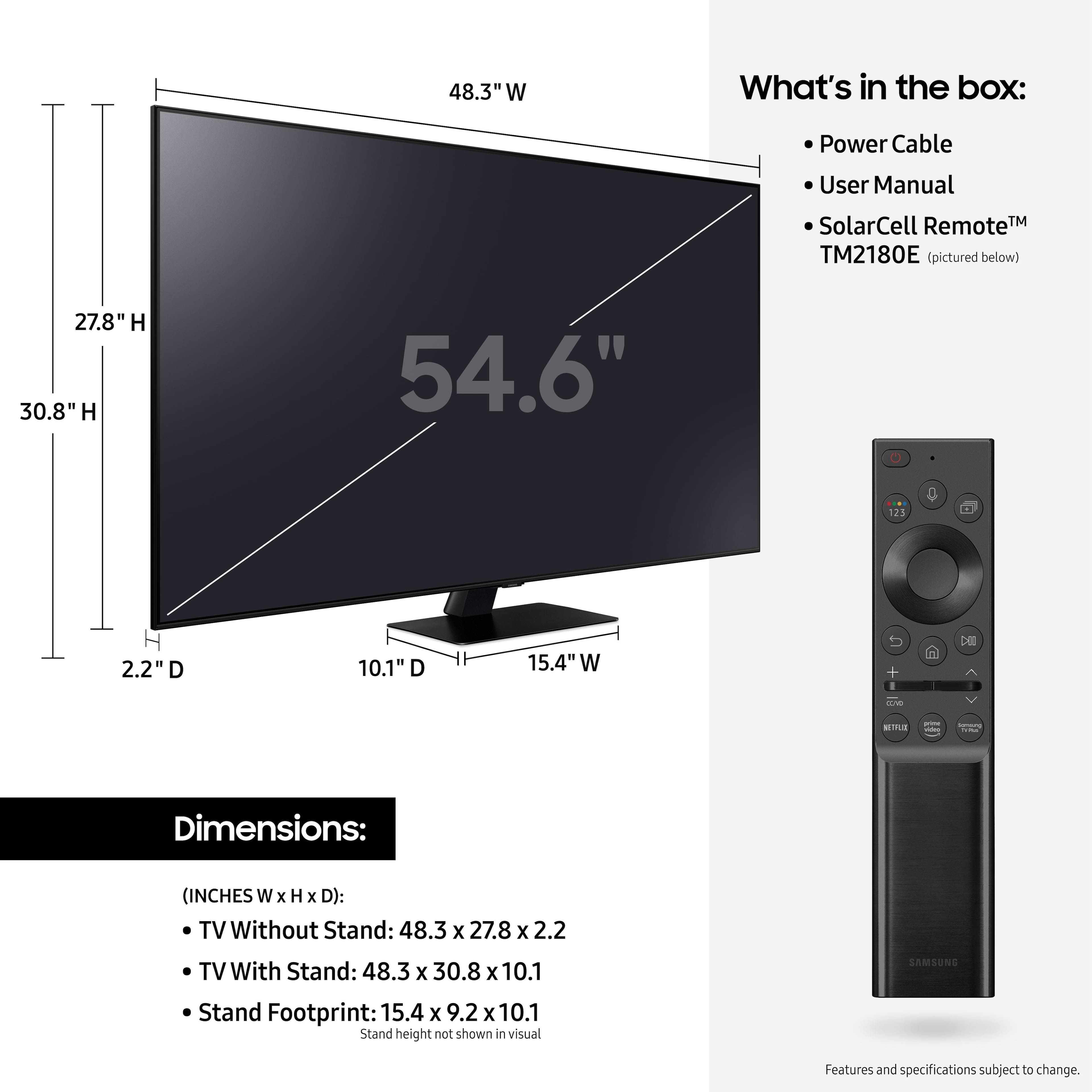
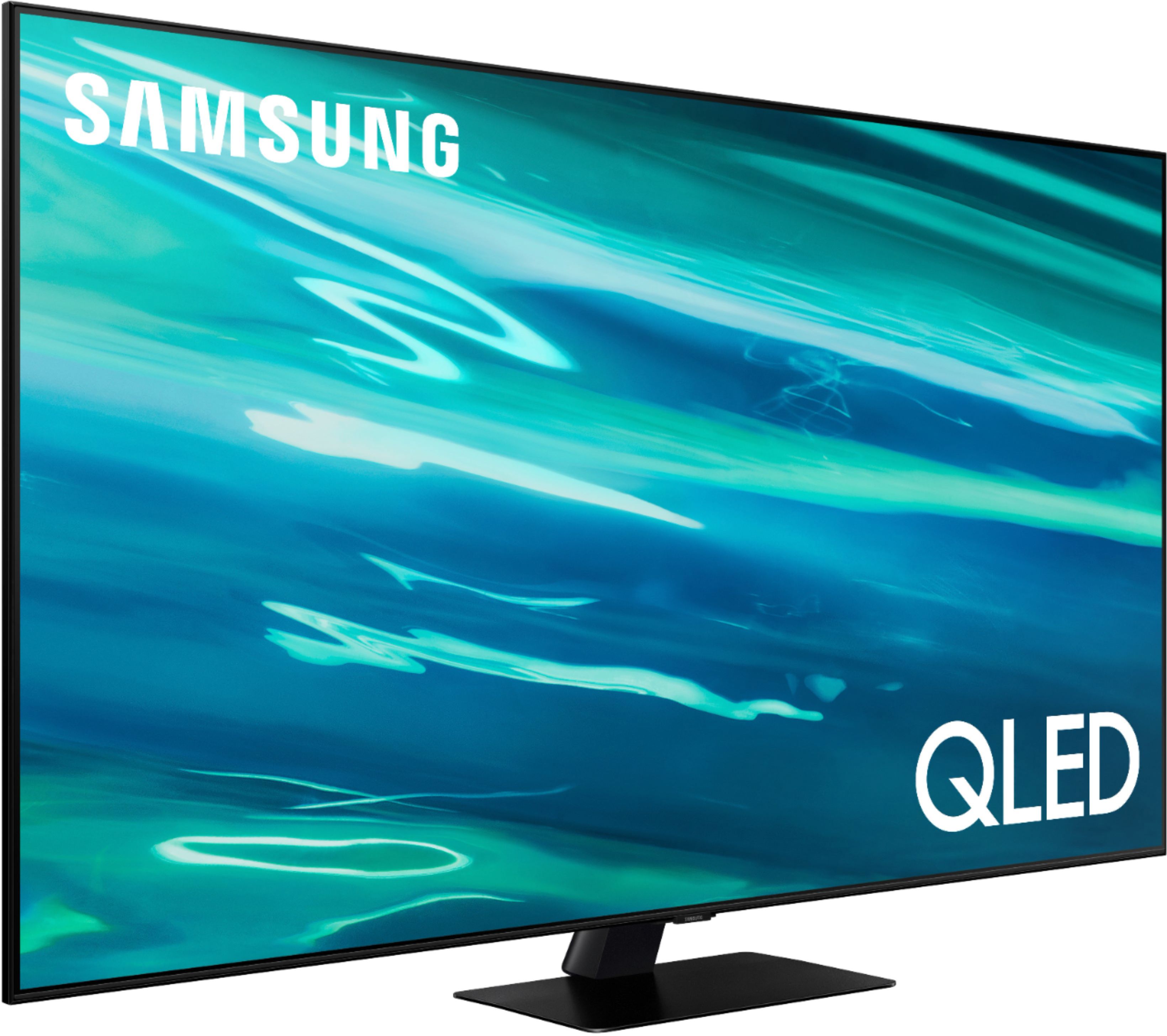
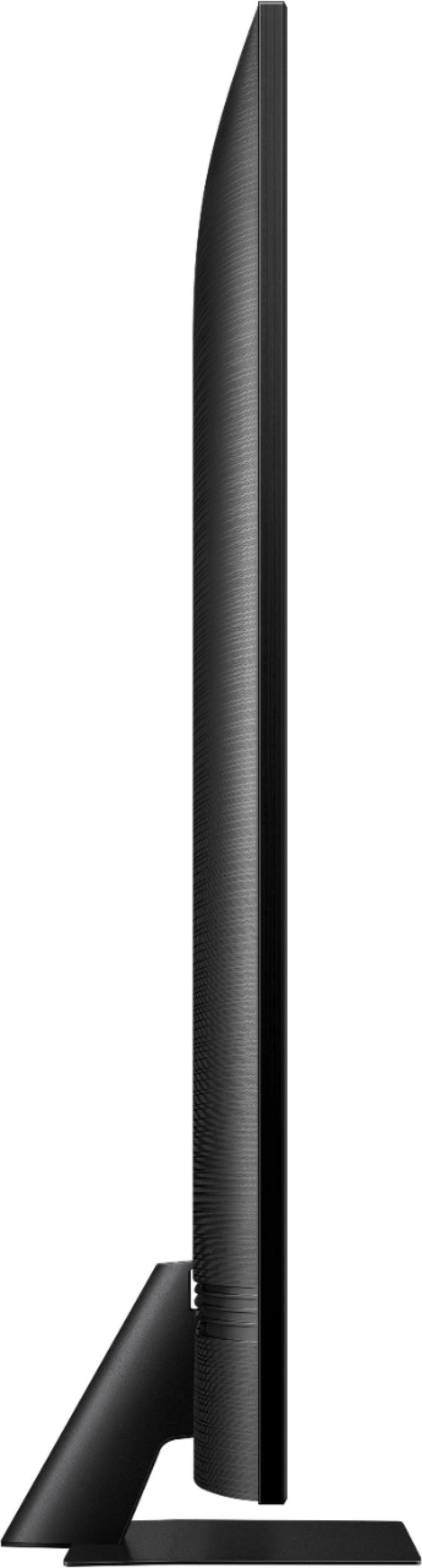
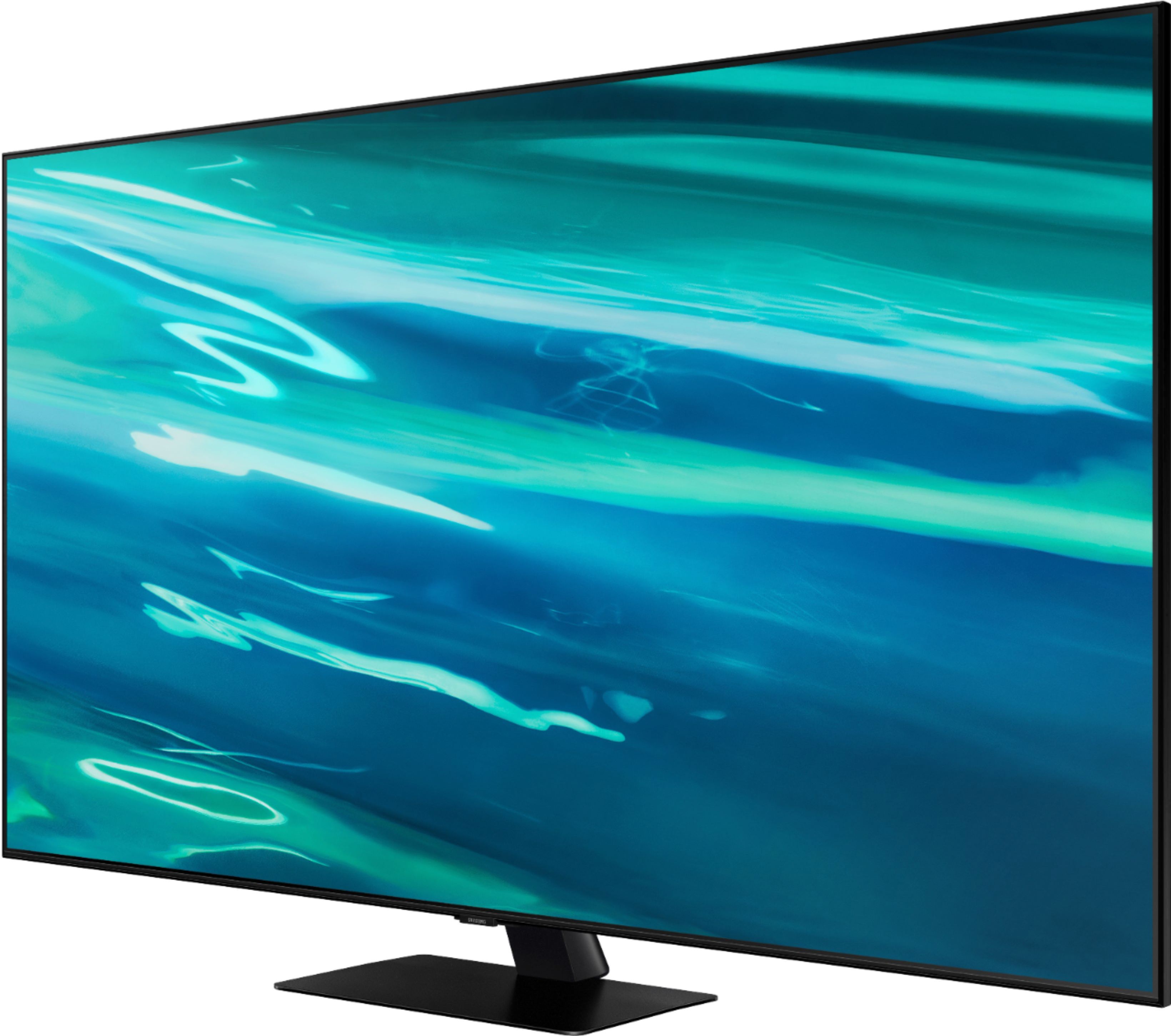
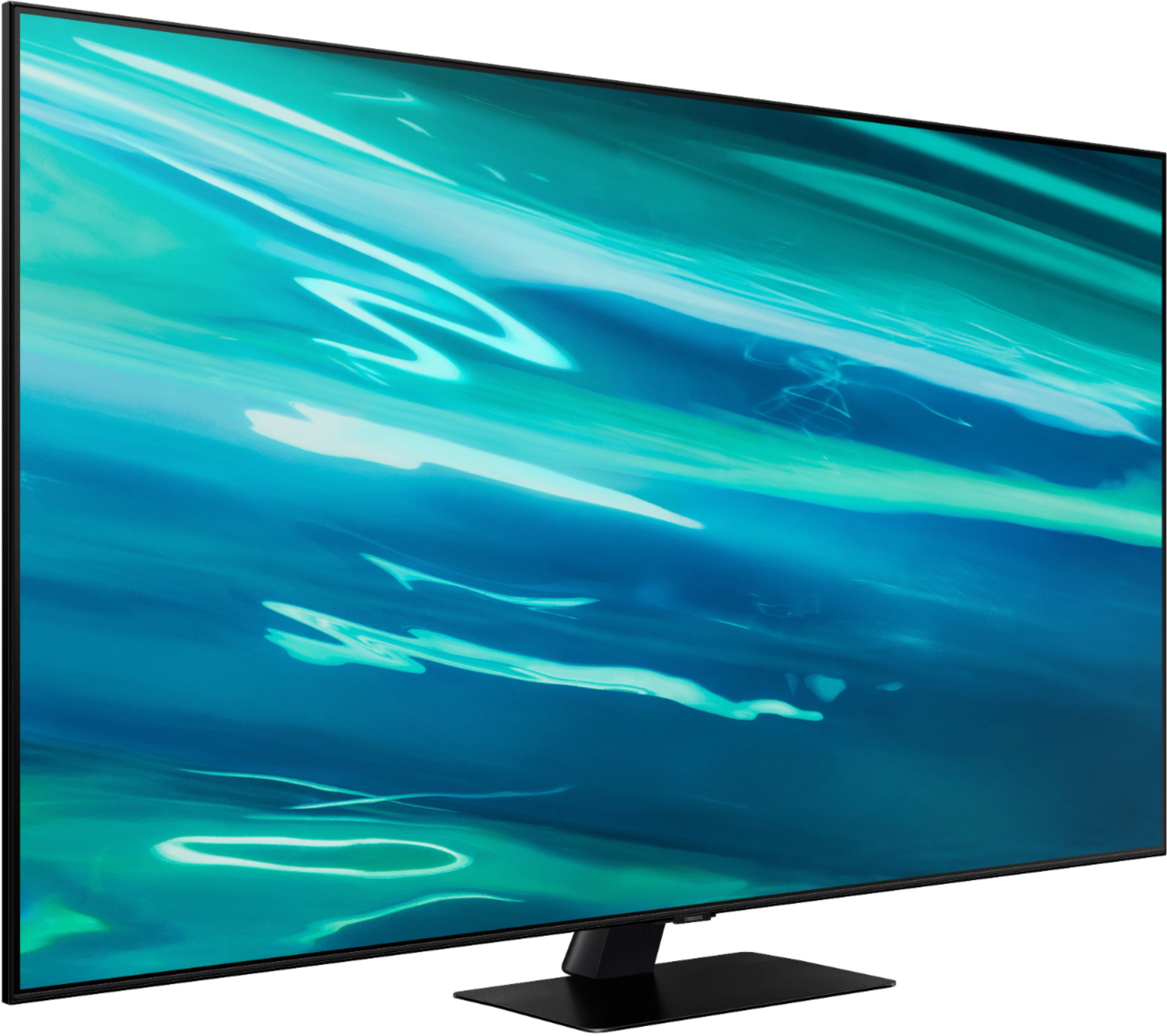
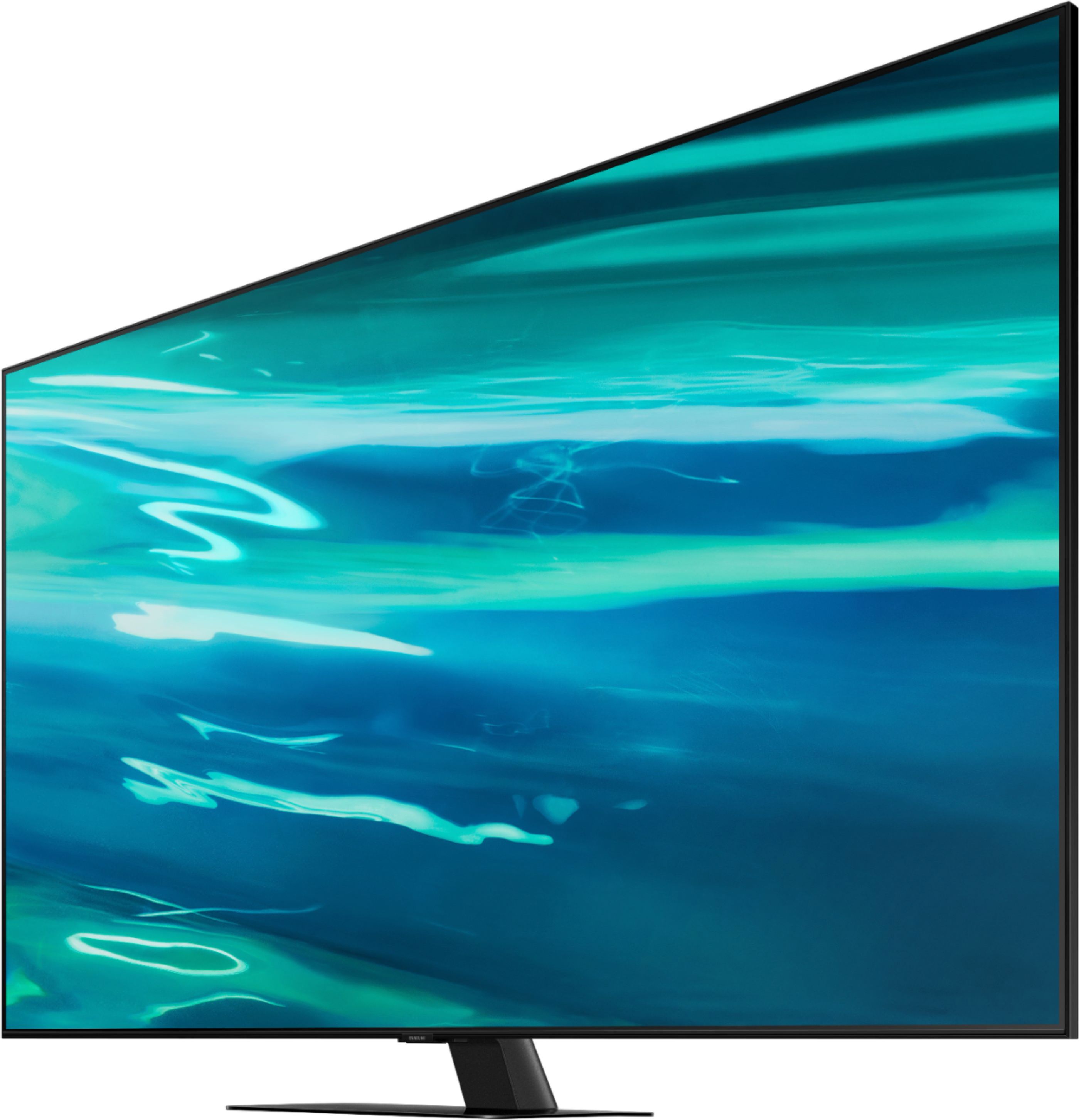
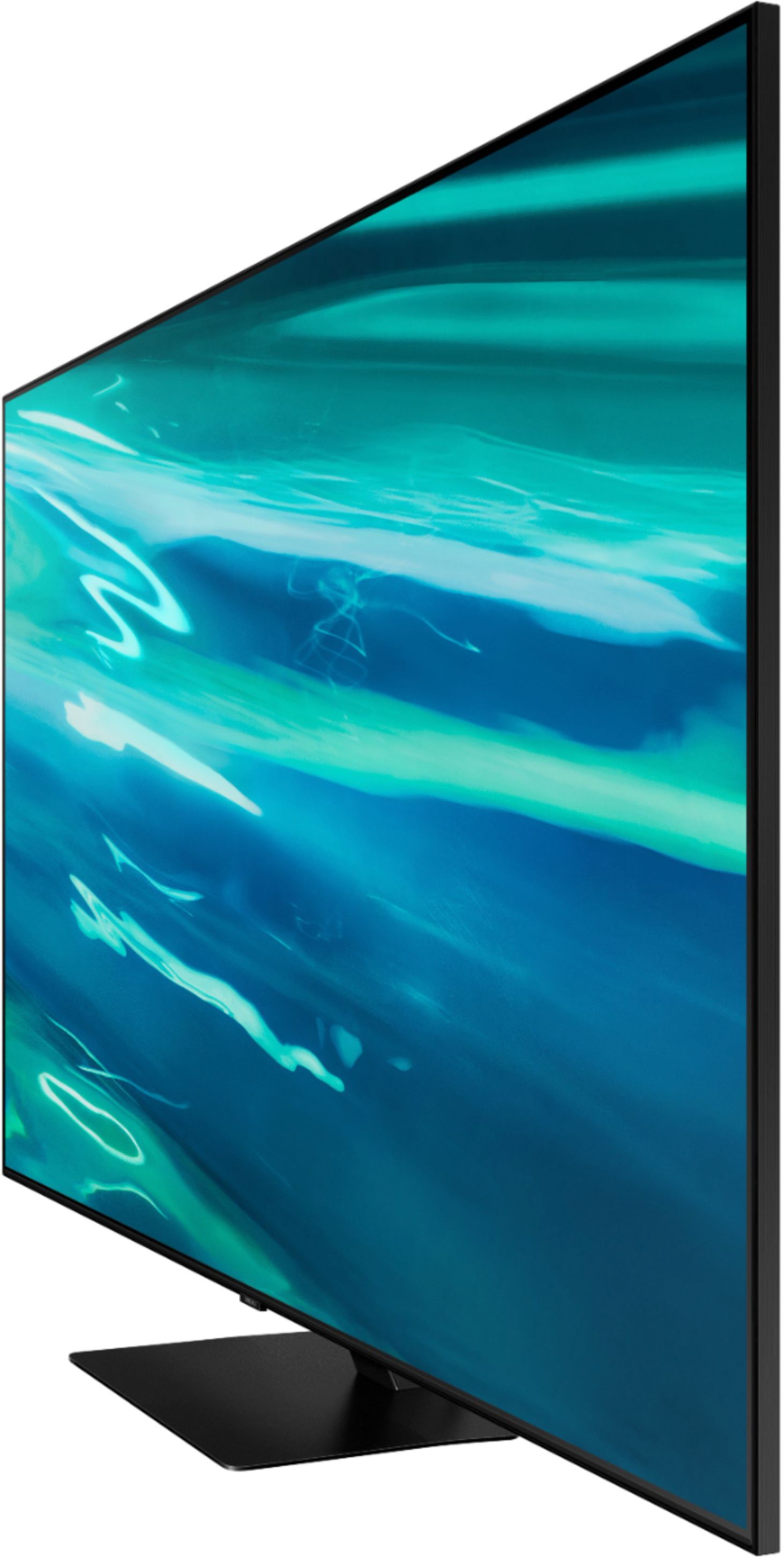

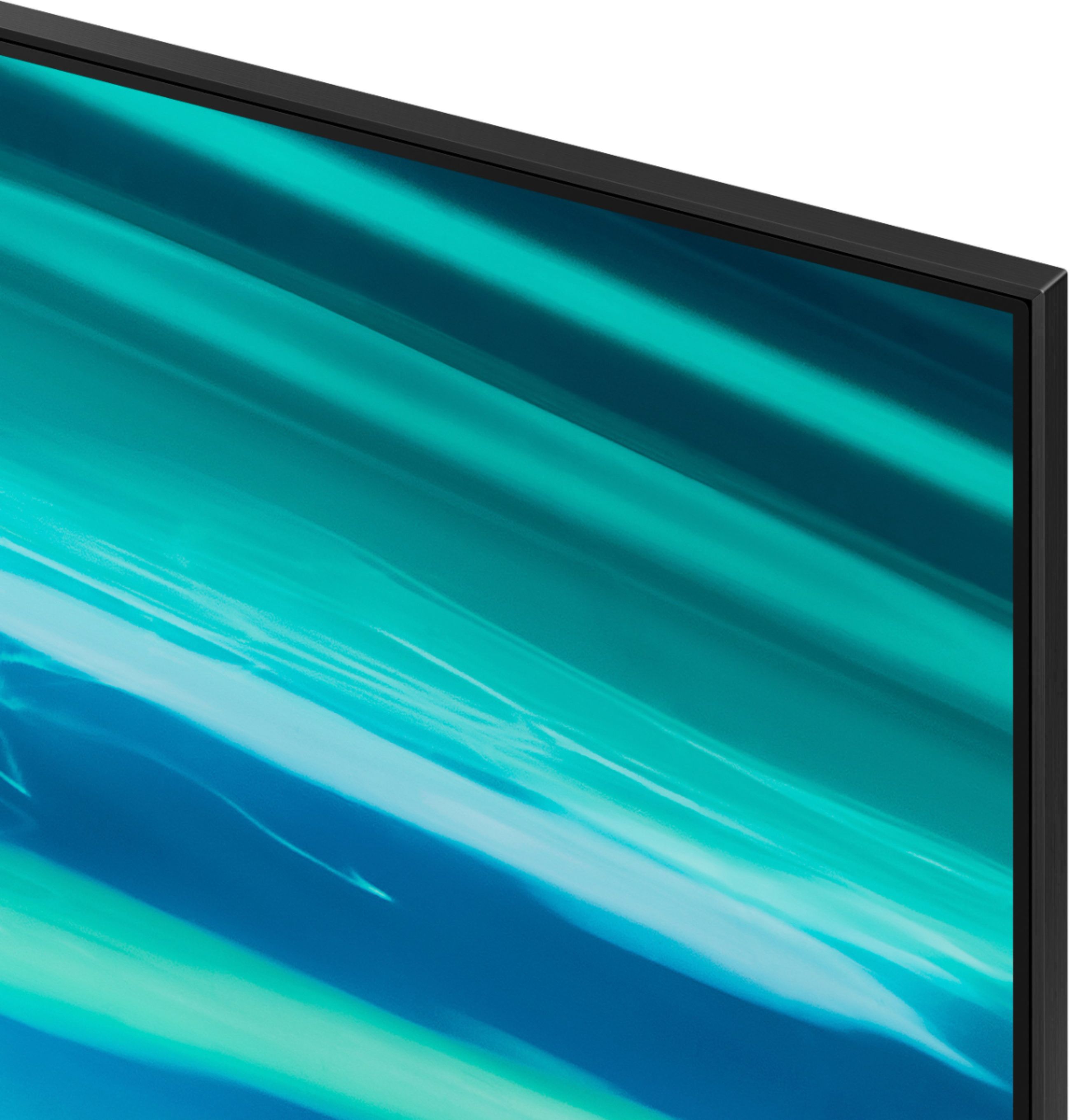
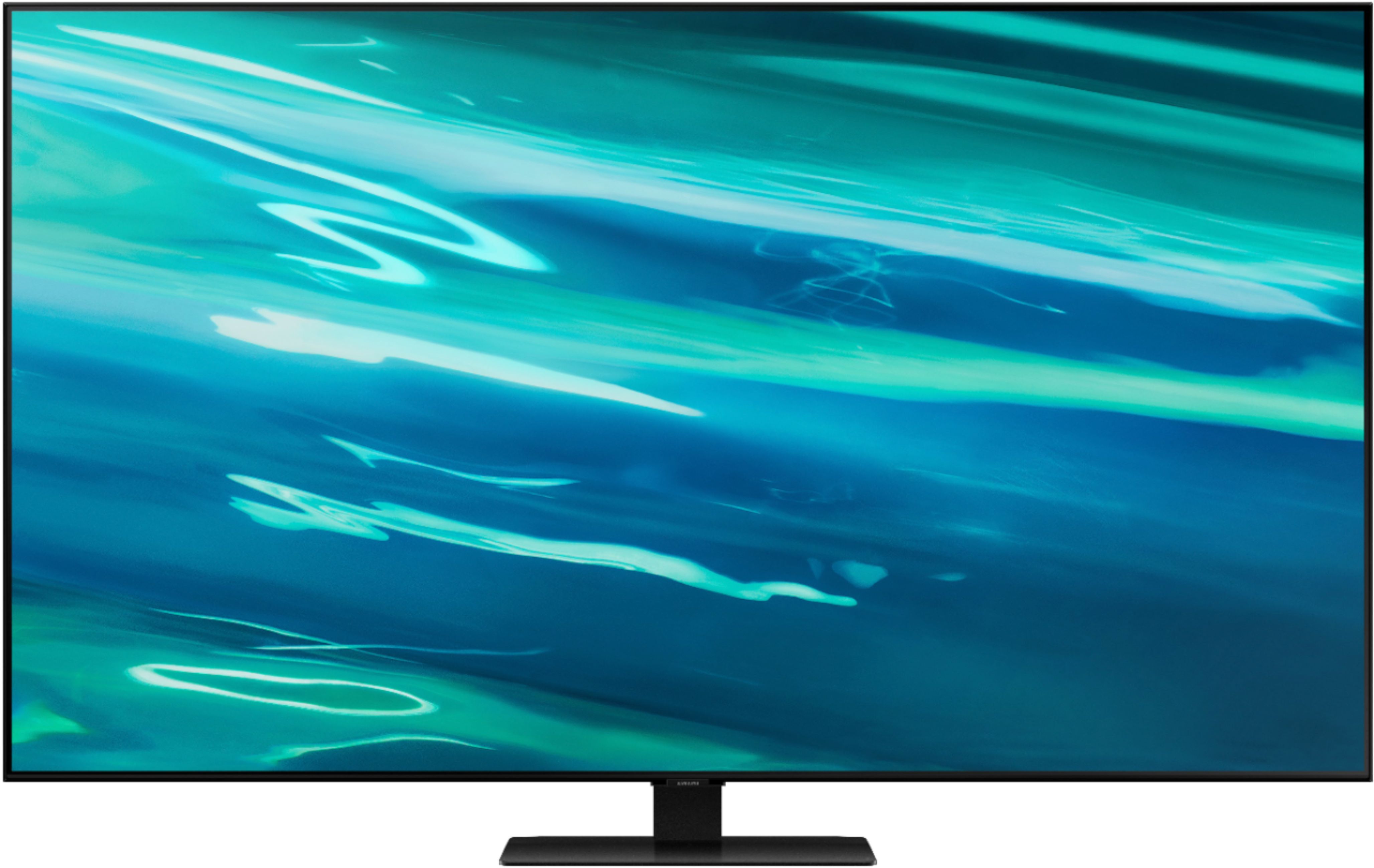






- Model:
- QN55Q80AAFXZA
- SKU:
- 6451481
Rating by feature
- Picture Quality
Rating 4.7 out of 5 stars
- Sound Quality
Rating 4.5 out of 5 stars
- Brightness
Rating 4.7 out of 5 stars
Customers are saying
Customers express satisfaction with the picture quality, describing it as great and worth the money. They also appreciate the easy setup process and find the gaming experience to be exceptional. However, some users have encountered issues with the remote control and a few have reported dead pixels and streaming problems.
This summary was generated by AI based on customer reviews.
Love my new TV
||Posted .This reviewer received promo considerations or sweepstakes entry for writing a review.I bought a new Sumsung TV and I absolutely love it.
I would recommend this to a friendNice
||Posted . Owned for 3 weeks when reviewed.This reviewer received promo considerations or sweepstakes entry for writing a review.Excellent TV. The price was competitive . Great Service
I would recommend this to a friendUsing as a large monitor
||Posted . Owned for 3 weeks when reviewed.This reviewer received promo considerations or sweepstakes entry for writing a review.works great. for this purpose text is easy to read.
I would recommend this to a friendPurple Clusters on Screen
||Posted . Owned for 1 month when reviewed.This reviewer received promo considerations or sweepstakes entry for writing a review.I observed the same defect as reviewer Arwyn. At first power on I saw several clusters (8-10) of purple spots, maybe a quarter of an inch in diameter. The clusters were all located about 7 inches up from bottom of screen, and spaced horizontally across the screen with various inches of separation. As was noted by Arwyn, clusters are most visible when surrounding screen area is darkened but back-light is still on. Upon examination of the clusters with magnifying eyepiece I could see that many tens of randomly spaced red pixels were stuck in the on state. I do not know if this unit left the factory with this defect, or if it happened in transport or storage. I do know one of the two shipping straps was missing from packaging when I took possession at Best Buy. I was going to let some time pass and then go back and purchase same Screen again, but seeing that others are having serious issues with this model I'll now be looking at other manufacturers.
No, I would not recommend this to a friendBrand response from Samsung
Posted .Thank you for sharing your experience with seeing clusters of purple spots on your 2021 Q80A TV screen. From your description of a linear array of spots, it is most likely that they are pressure points from packing & shipping.
Please reach out to Samsung Customer Support so we can gather further information on your issue and provide you with assistance. You can reach us at 1-800-SAMSUNG (ask for TVs), available 8AM -12AM EST, 7 days a week. Or text HELP to 62913.
Samsung TV
||Posted .This reviewer received promo considerations or sweepstakes entry for writing a review.We are enjoying our new Samsung TV each and every day.
I would recommend this to a friendSamsung QLED
||Posted . Owned for 1 month when reviewed.This reviewer received promo considerations or sweepstakes entry for writing a review.Very good so far! I'm giving 4 stars only because I haven't had it long enough.
I would recommend this to a friendAmazing TV
||Posted . Owned for 1 month when reviewed.This reviewer received promo considerations or sweepstakes entry for writing a review.Its amazing. One of the best TV's I have ever had.
I would recommend this to a friendGreatTV
||Posted .This reviewer received promo considerations or sweepstakes entry for writing a review.Love the TV.......................................
I would recommend this to a friendApp issue
||Posted . Owned for 3 weeks when reviewed.This reviewer received promo considerations or sweepstakes entry for writing a review.Some minor issues with apps that have to be reset sometimes
I would recommend this to a friendBrand response from Samsung
Posted .SamTV,
Thank you for choosing the Q80A QLED TV and taking the time to share your experience. If your apps are freezing, not loading, or crashing, you can try cold booting your TV by holding down the power button on your remote for 5+ sec until the TV turns off and on again, deleting and downloading the apps again, and completing full reset of Smart Hub to correct the issue.
Please also check that your TV is running the latest firmware version. Go to: Settings > Support > Software Update.
Should you need further assistance, please contact our Customer Support at 1-800-SAMSUNG (ask for TVs), available 8AM - 12AM EST, 7 days a week.
For additional support resources, visit us on the Samsung website and click on the ‘Support’ link in the upper right corner of the homepage for:
1) Chat with Us/Product Help: To begin a chat or find solutions, choose ‘TVs & Home Theater’ and select your model & topic.
2) Manuals, Software, & Warranty Info
~ Samsung Specialist
Review
||Posted . Owned for 1 month when reviewed.This reviewer received promo considerations or sweepstakes entry for writing a review.Love the Tv. Salesman was very knowledgeable and always fun to talk with.
I would recommend this to a friendSamsung TV
||Posted . Owned for 3 weeks when reviewed.This reviewer received promo considerations or sweepstakes entry for writing a review.Very friendly help and got what I wanted and needed.
I would recommend this to a friendGood
||Posted . Owned for 3 weeks when reviewed.This reviewer received promo considerations or sweepstakes entry for writing a review.Nice tv that shows very good and clear very easy to use
I would recommend this to a friend- Pros mentioned:Picture quality
Worked for 20 minutes. AVOID
||Posted . Owned for less than 1 week when reviewed.This reviewer received promo considerations or sweepstakes entry for writing a review.Got it all set up and hung... Then when you turn it off and on, the screen is blank. Sound comes on, but no screen. Unplug it and plug it back in and the screen works. Then later when you turn the TV on, black screen again. This is a known issue. The picture when it works is OK. Not the best you've seen. Lots of Jutter and choppines. Good colors and great blacks. But action scenes lurch and pause no matter how much you play with settings. This is the second Samsung TV in two weeks. Never had a problem in a decade of Samsung. They have just their way. AVOID THIS MODEL
No, I would not recommend this to a friendBrand response from Samsung
Posted .Hi Chaw794!
If you've switched on your TV and the sound comes through fine, but you're not seeing any picture; there are 3 potential issues.
1) A connection issue; the most common problem. Where there is a bad connection, faulty cables or improper installation.
2) An issue with the device connected to the TV. There may be a video output setting on the device that you must set properly before it will output to the TV.
3) There is something wrong with the TV, which will require a technician to assess the TV and find a solution.
Please give us the opportunity to assist you by contacting Samsung Customer Support via any of the following options:
1-800-SAMSUNG (ask for TVs), available 8AM -12AM EST M-F (9AM – 6PM EST Sat). Or text HELP to 62913.
For additional support resources, visit us on the Samsung website and click on the ‘Support’ link in the upper right corner of the homepage for:
1) More ‘Contact Us’ options – LiveChat, Facebook, Twitter, Samsung Community, Samsung Members app
2) Manuals & Software
3) Warranty Info
4) Product Registration: For access to easy warranty support, convenient opt-in to special promos and offers, faster troubleshooting and service, and quick notification of system updates.
~ Samsung Solutions
No audio anymore.
||Posted . Owned for more than 2 years when reviewed.This reviewer received promo considerations or sweepstakes entry for writing a review.Poor reactivity… very slow. Audio stopped working after a year of barely using it.
No, I would not recommend this to a friendSamsungno
||Posted .This reviewer received promo considerations or sweepstakes entry for writing a review.Voice and lips were out of sync. Adjusting the voice delay never made a difference. Contacted my cable, and router company and had a Samsung technician come out. And never could resolve the problem. Bought a Sony tv and the problem went away.
No, I would not recommend this to a friendBrand response from Samsung
Posted .Hi Samsung,
Thank you for your review the Samsung Q80A TV and for sharing your experience with sound delays. Please know the lip sync issue you were experiencing was addressed and has been corrected in a firmware update for your TV, which was released 7/1/21.
Should you ever decide to give Samsung TVs another try and have questions or need assistance with settings, setup, or features, please know we are always here to help. Call us at 1-800-SAMSUNG (ask for TVs), available 8AM -12AM EST M-F (9AM – 6PM EST Sat). Or text HELP to 62913.
For additional support resources, visit us on the Samsung website and click on the ‘Support’ link in the upper right corner of the homepage for:
1) More ‘Contact Us’ options – LiveChat, Facebook, Twitter, Samsung Community, Samsung Members app
2) Manuals, Software, & Warranty Info
~ Samsung Specialist
Okay if you don’t want to spend more.
||Posted . Owned for 1 month when reviewed.This reviewer received promo considerations or sweepstakes entry for writing a review.Returned and purchased the LGC1 OLED. Having 1 HDMI 2.1 port sucked. Picture looked okay but I wasn’t blown away with it for the price. The Q90A is definitely way better, but the OLED is so much nicer for gaming.
No, I would not recommend this to a friendBrand response from Samsung
Posted .JimO,
Thank you for sharing your review of the Samsung Q80A TV. Your feedback is greatly appreciated and will be shared with our internal teams.
Should you ever decide to give Samsung TVs another try and experience issues, or need assistance with usage, please know we are always here to help. You can reach us at 1-800-SAMSUNG (ask for TVs), available 8AM - 12AM EST, 7 days a week.
For additional support resources, visit us on the Samsung website and click on the ‘Support’ link in the upper right corner of the homepage for:
1) Contact Us: For additional Chat & Text options, choose ‘TVs & Home Theater’ and select your model & topic.
2) Manuals, Software, & Warranty Info
~ Samsung Specialist
QLED TV
||Posted .This reviewer received promo considerations or sweepstakes entry for writing a review.Can’t enjoy the QLED because the greedy corporate channels and or networks charge extra for the high definition channels, so the QLED was a waste of money. I regret buying this model.
No, I would not recommend this to a friendNot happy with the open box...
||Posted . Owned for 1 week when reviewed.This reviewer received promo considerations or sweepstakes entry for writing a review.The only thing I can about open box items is that don't buy them. Because it is very painful when you open this kind of big tv and are ready to set up and find out that something is missing.....???????
No, I would not recommend this to a friendBrand response from Samsung
Posted .nms786,
We appreciate you sharing your feedback regarding parts missing from your Q80A TV. We recommend contacting Best Buy directly for assistance. We hope your issue is resolved in a timely manner.
Should you have questions or concerns regarding the usage or setup of your TV once your issue has been resolved, please contact Samsung Customer Support at 1-800-SAMSUNG (ask for TVs), available 8AM - 12AM EST, 7 days a week.
For additional support resources, visit us on the Samsung website and click on the ‘Support’ link in the upper right corner of the homepage for:
1) Chat with Us/Product Help: To begin a chat or find solutions, choose ‘TVs & Home Theater’ and select your model & topic.
2) Manuals, Software, & Warranty Info
~ Samsung Specialist
Nope
||Posted .This reviewer received promo considerations or sweepstakes entry for writing a review.I love Samsung but not this display. Sound board did weird stuff too. Turned off by itself a couple times.
No, I would not recommend this to a friendBrand response from Samsung
Posted .Hi Archer,
Thank you for choosing Samsung’s Q80A TV and for sharing your experience. To ensure your TV is fully optimized, please be sure your firmware is up to date with version 1901.0 which includes sound quality and input device performance updates. You can check this by going to: Settings > Support > Software Update.
If this firmware version is not yet available on your TV, you can download the update on a USB drive and manually update your TV:
1. On Samsung's website (upper right corner), go to: Support > Manuals & Software > Find your TV model.
2. Download the update and extract it to the root of a USB thumb drive. (Do not put it in any folders on the thumb drive.)
3. Connect the USB thumb drive to a USB port on your TV.
4. Navigate to Settings > Support > Software Update, select Update Now, and then select Yes.
5. Follow the on-screen instructions to install the updated software.
Should you need further assistance, please contact Samsung Customer Support at 1-800-SAMSUNG (ask for TVs), available 8AM - 12AM EST, 7 days a week.
For additional support resources, visit us on the Samsung website and click on the ‘Support’ link in the upper right corner of the homepage for:
1) Chat with Us/Product Help: To begin a chat or find solutions, choose ‘TVs & Home Theater’ and select your model & topic.
2) Manuals, Software, & Warranty Info
~ Samsung Specialist
The Absolute Worst
||Posted . Owned for 2 weeks when reviewed.This reviewer received promo considerations or sweepstakes entry for writing a review.If possible, I would give this 0 stars. I got this in exchange for a returned Samsung Q80T. This TV, along with every other Samsung TV purchase I’ve now made has made me swear off the brand for the rest of my life. How can such a cheaply made, shoddy, and buggy TV be so expensive? -The screen looked like it had gravel thrown at it with dark splotches and dead pixels everywhere. -The inputs did NOT work properly and my Nintendo Switch’s signal was intermittently cut off, resulting in my head to head Mario Kart battle ending in countless crashes. -The remote’s solar panel couldn’t hold a sufficient charge and died in no time. -The construction was sub-par at best, featuring wires poking out through the slots where the TV stand is inserted and screwed on. -The display’s clarity was far below what I’d expect for a $1,300 TV. You couldn’t pay me to keep this TV and I returned it immediately for a Sony X-900H.
No, I would not recommend this to a friendBrand response from Samsung
Posted .PS5Player:
Thank you for your review of the Samsung Q80A TV and for sharing the issues that have caused you to return your unit. Your experience is very important to us and will be shared with our product team.
Should you ever decide to give Samsung TVs another try and have questions or need assistance with issues, settings, setup, or features, please know we are always here to help. Call us at 1-800-SAMSUNG (ask for TVs), available 8AM -12AM EST, 7 days a week. Or text HELP to 62913.
For additional support resources, visit us on the Samsung website and click on the ‘Support’ link in the upper right corner of the homepage for:
1) More ‘Contact Us’ options – LiveChat, Facebook, Twitter, Samsung Community, Samsung Members app
2) Manuals, Software, & Warranty Info
We hope to regain you as a customer in the future.
~ Samsung Solutions