Customer Ratings & Reviews
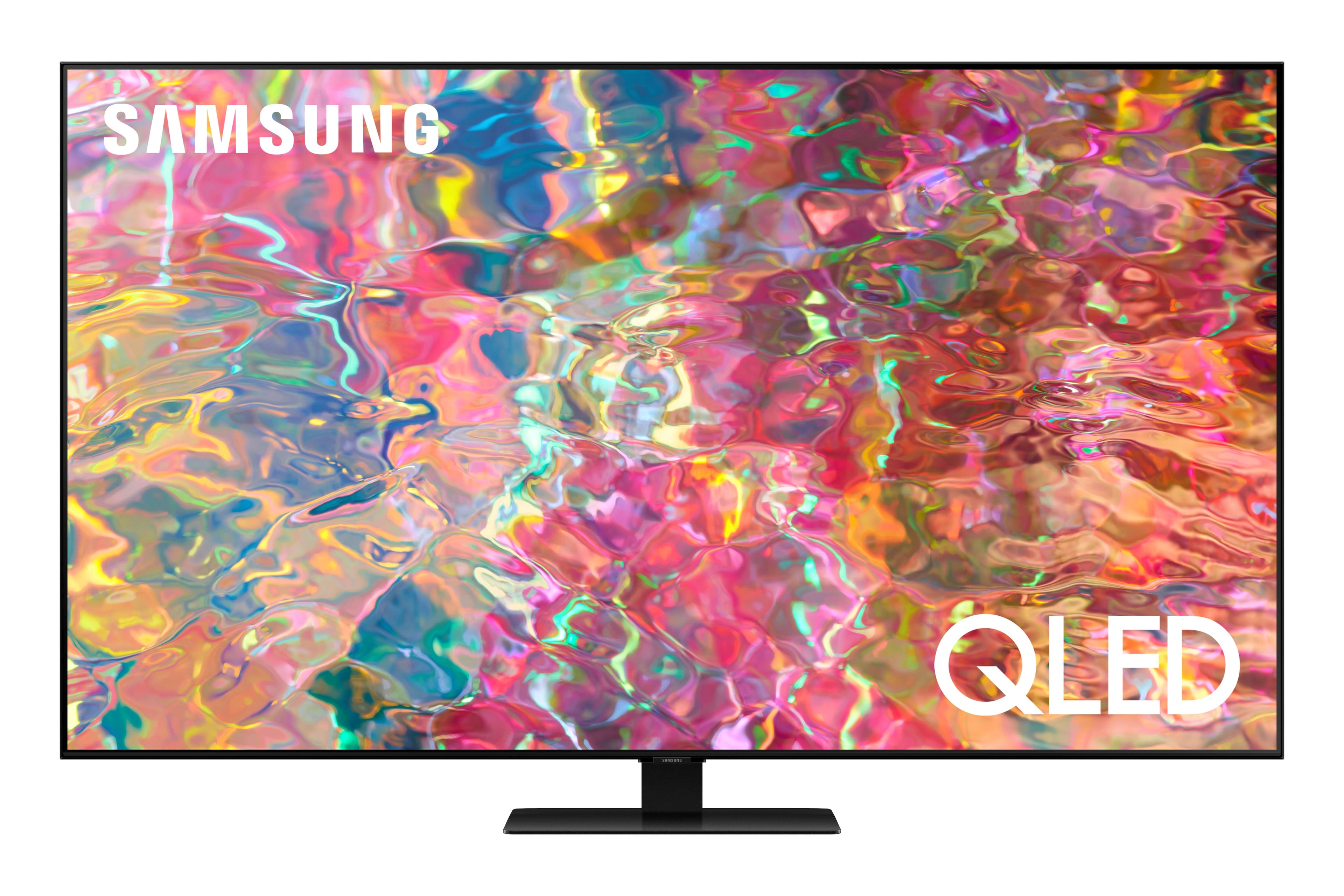
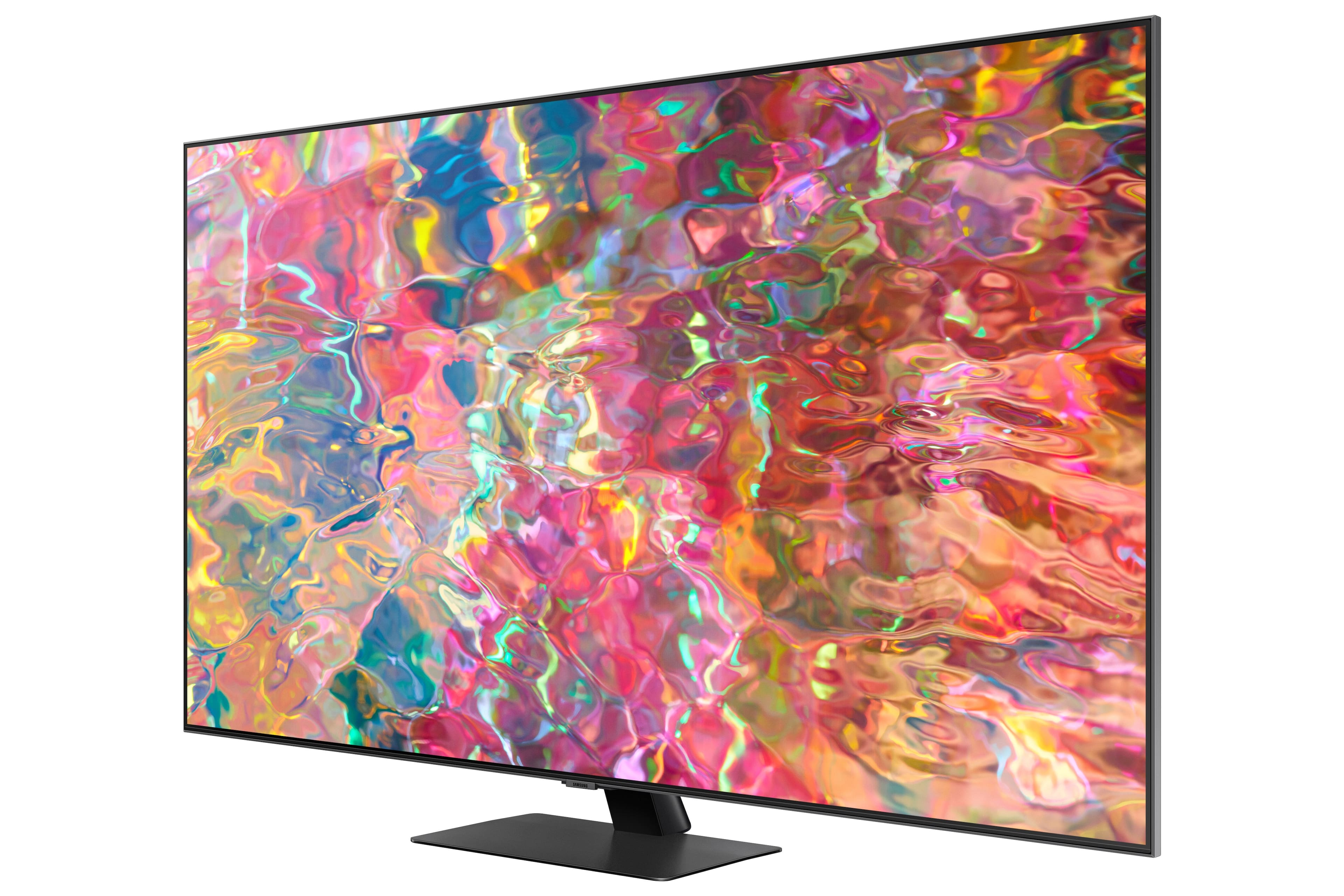
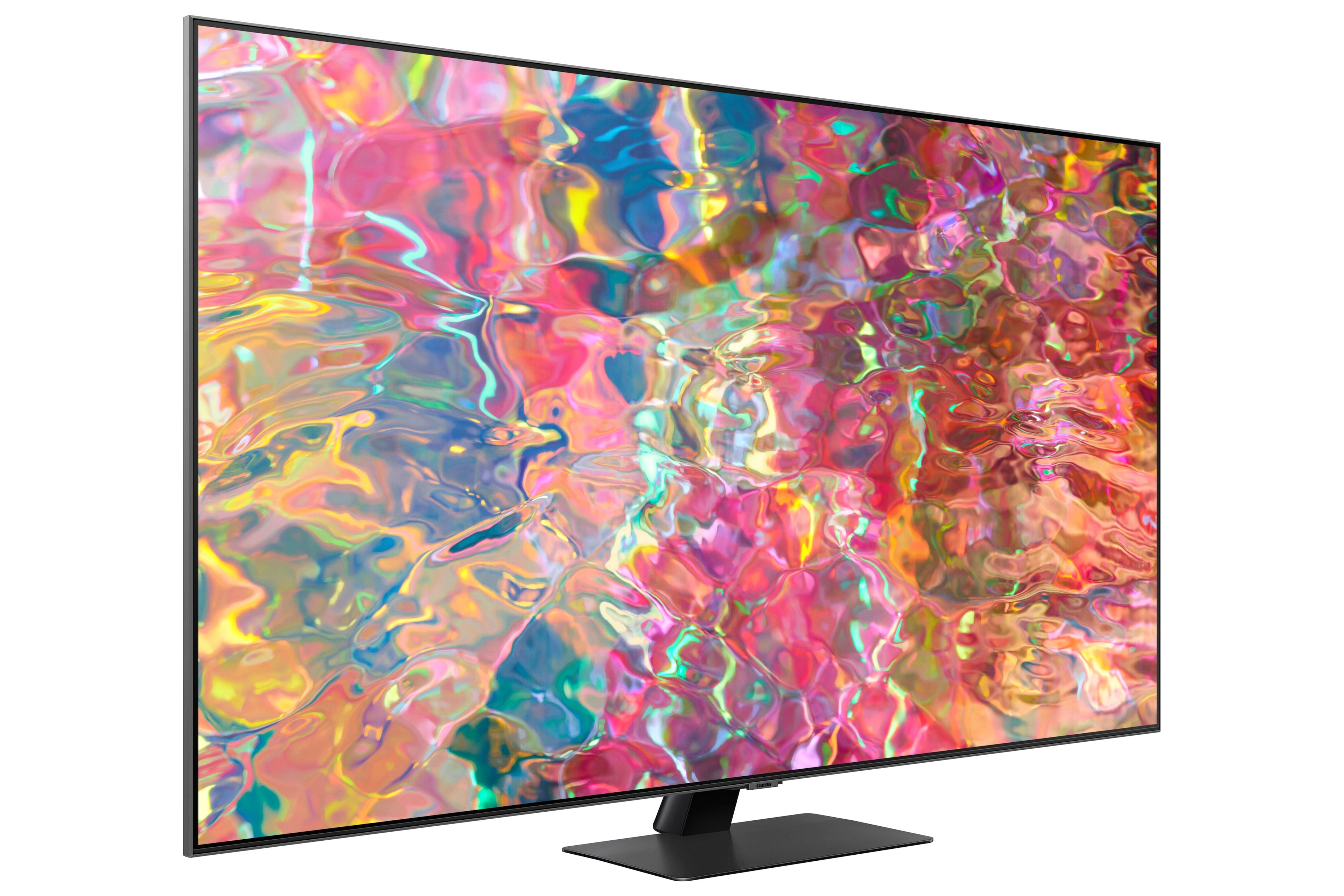
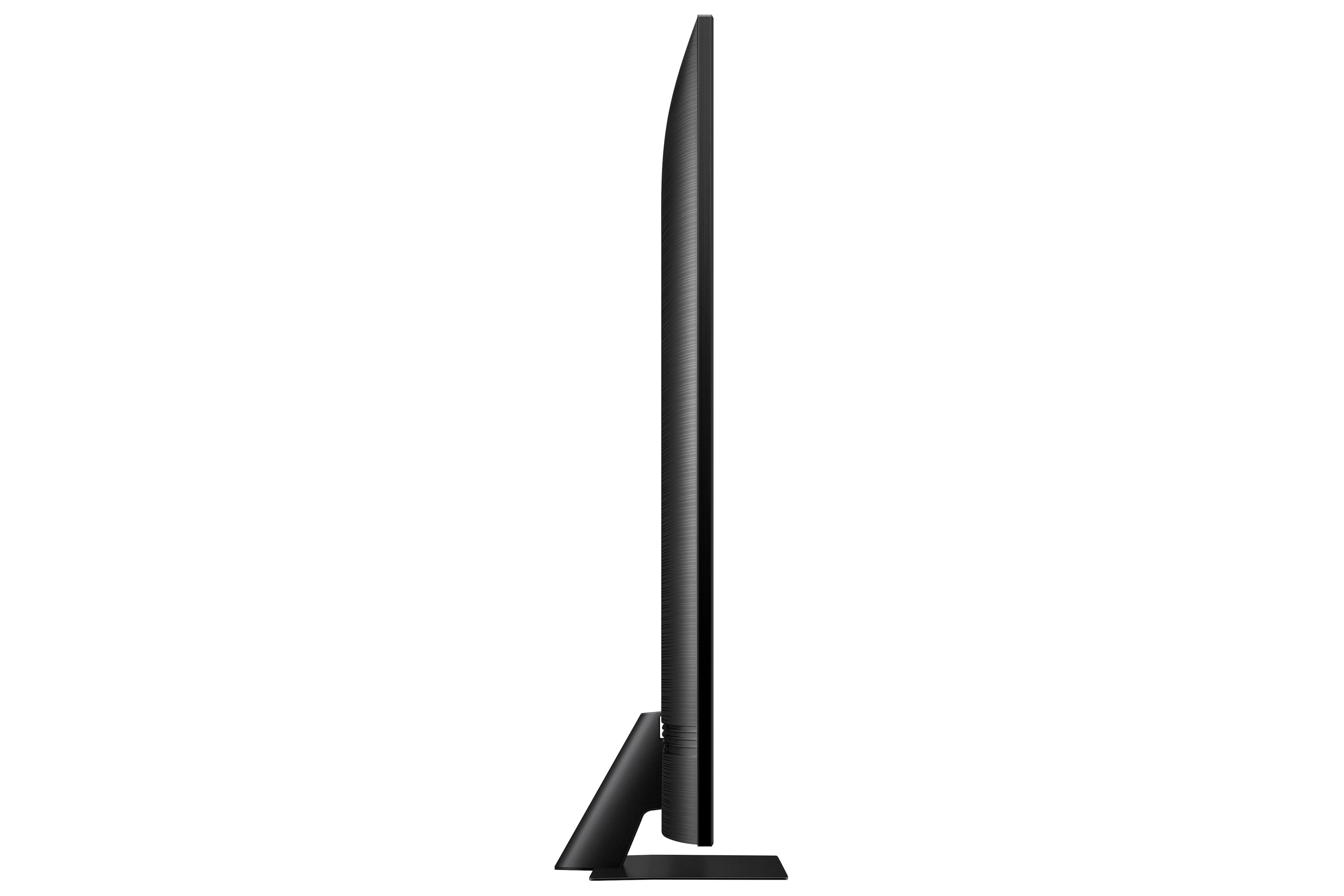

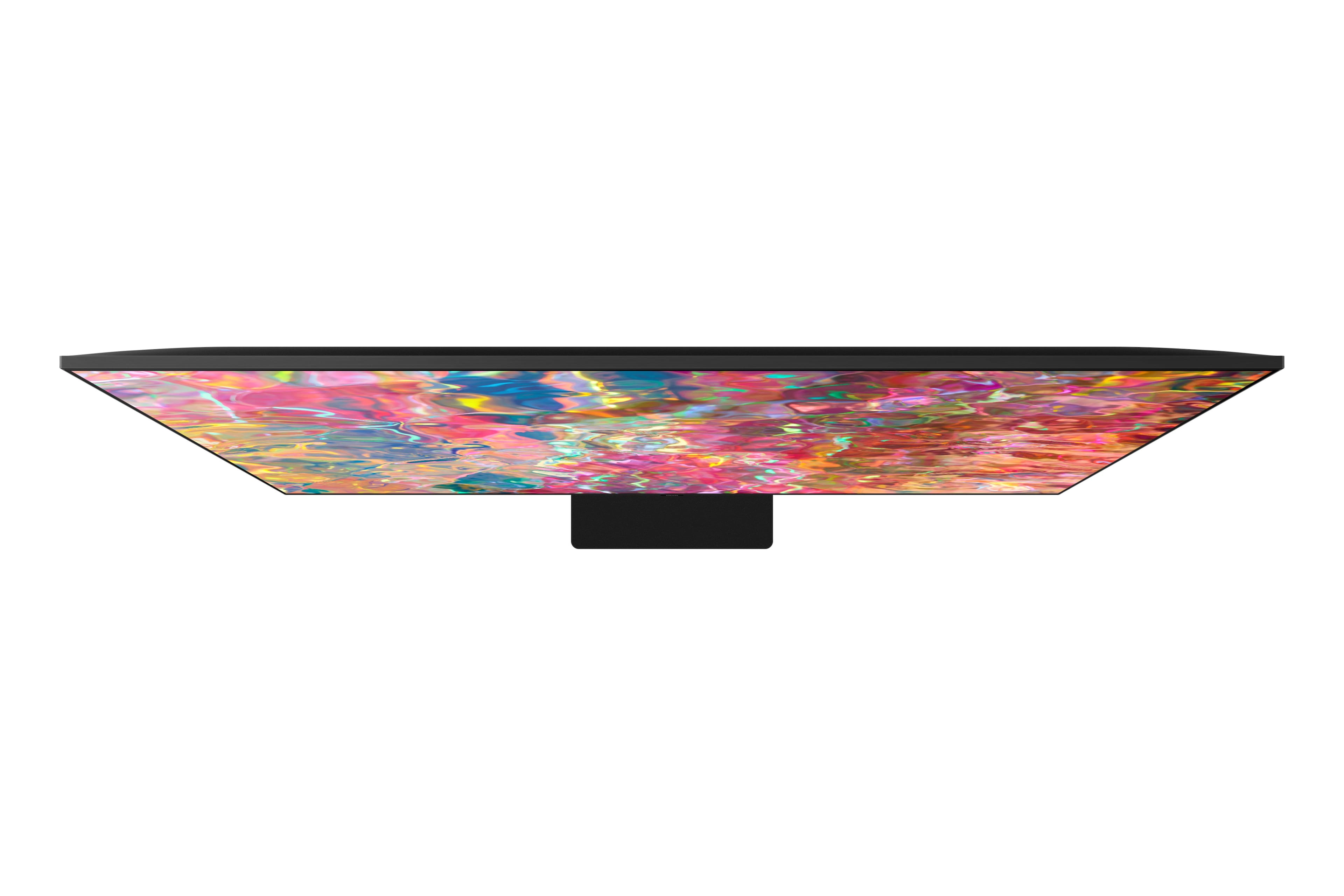
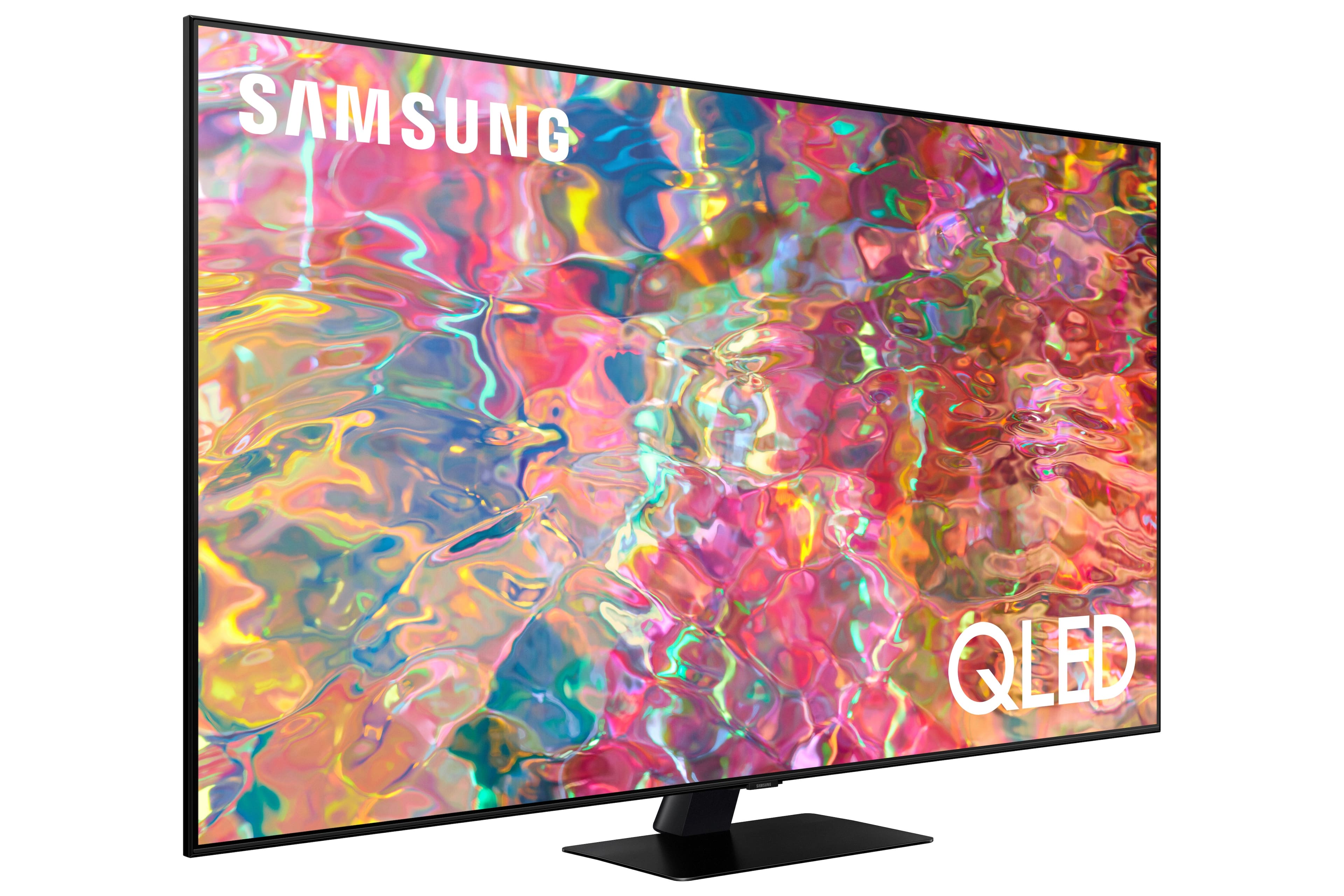
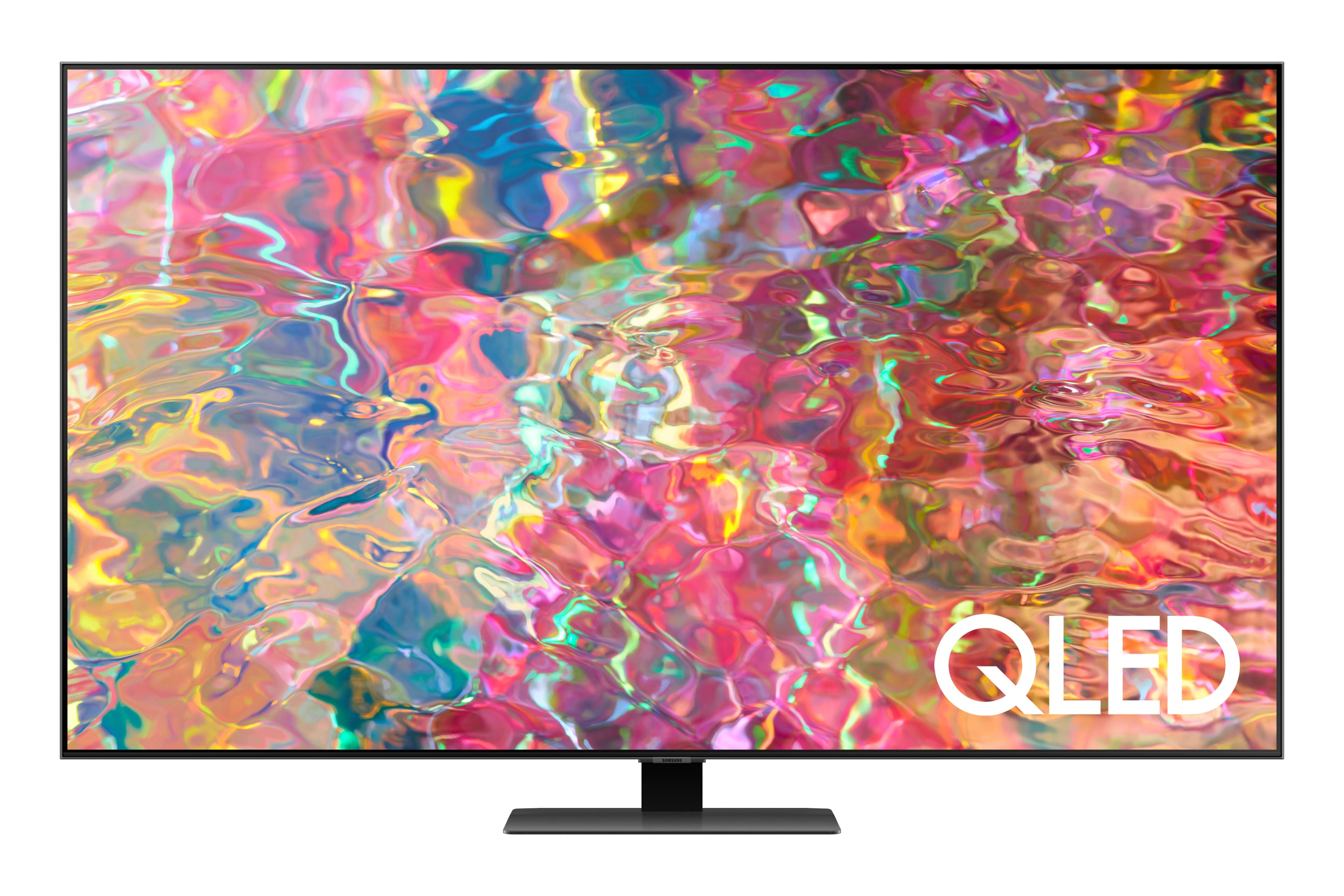
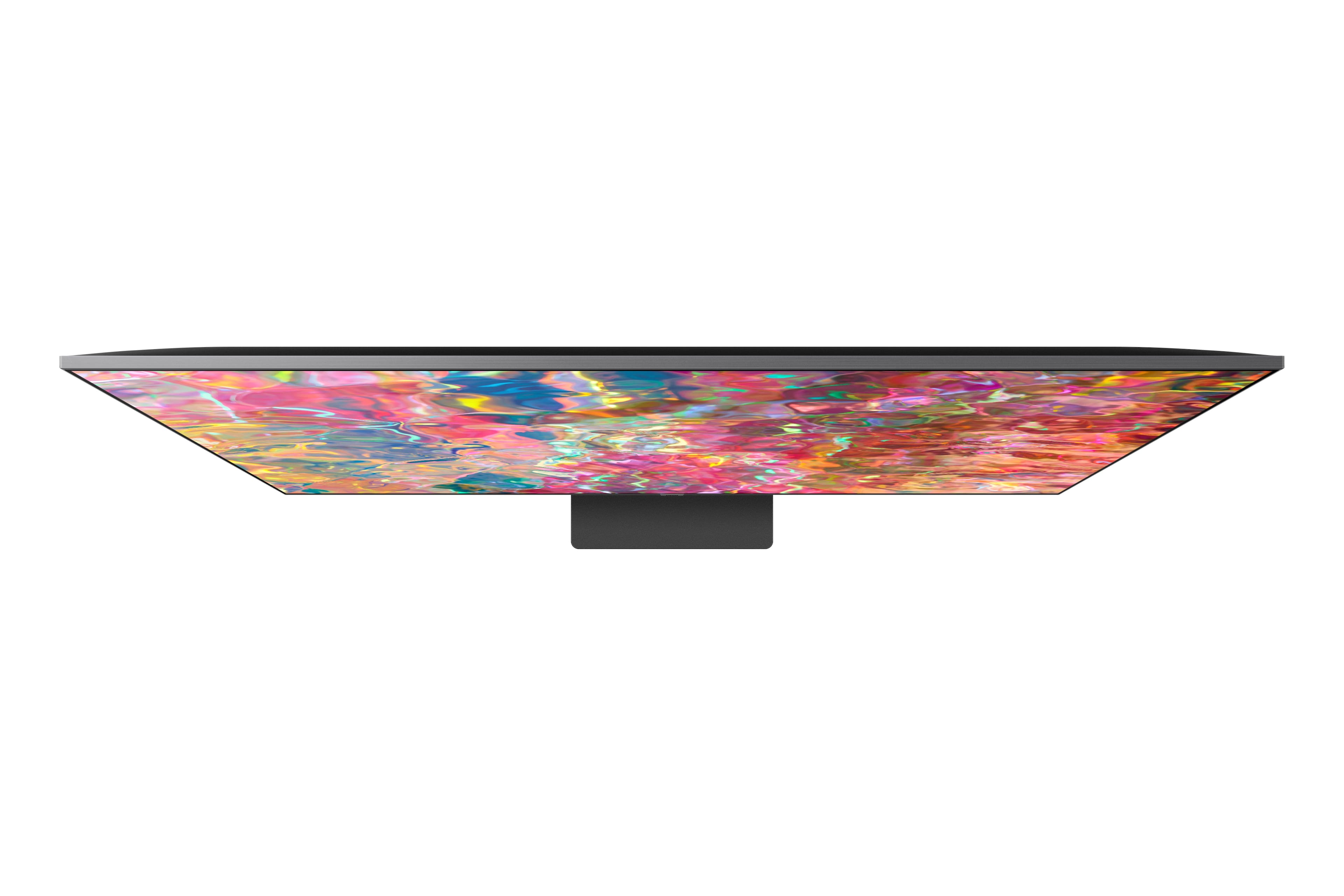
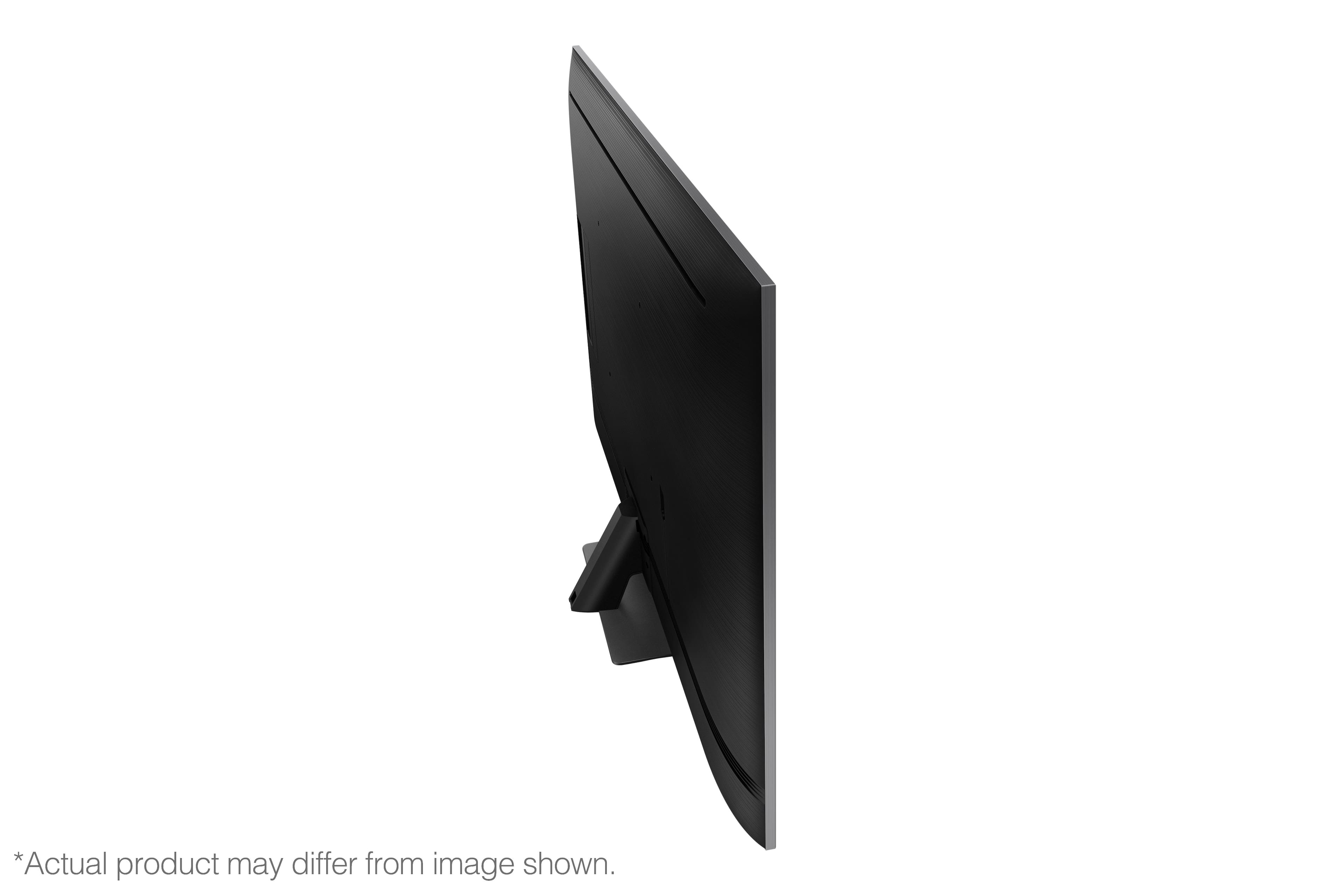
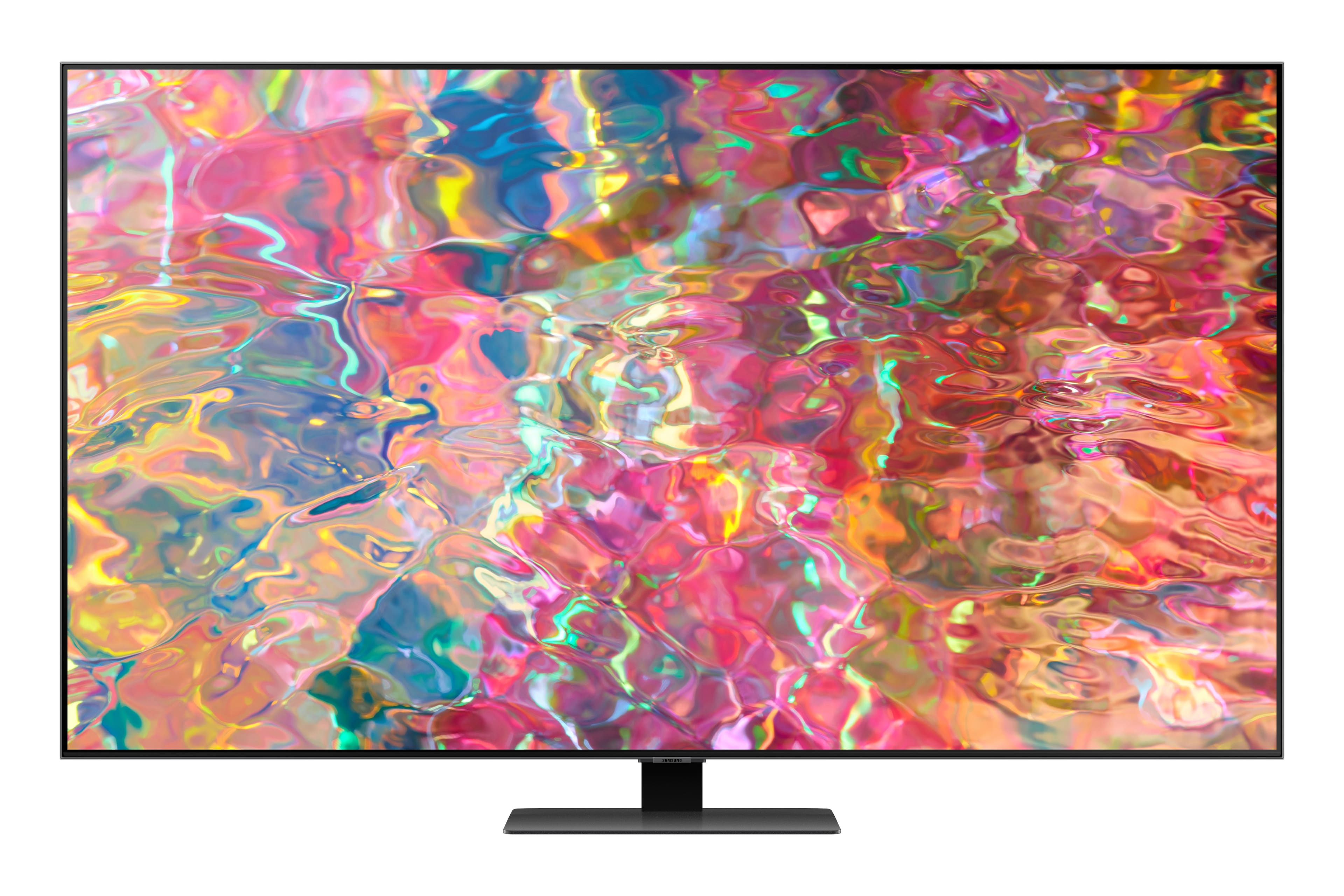
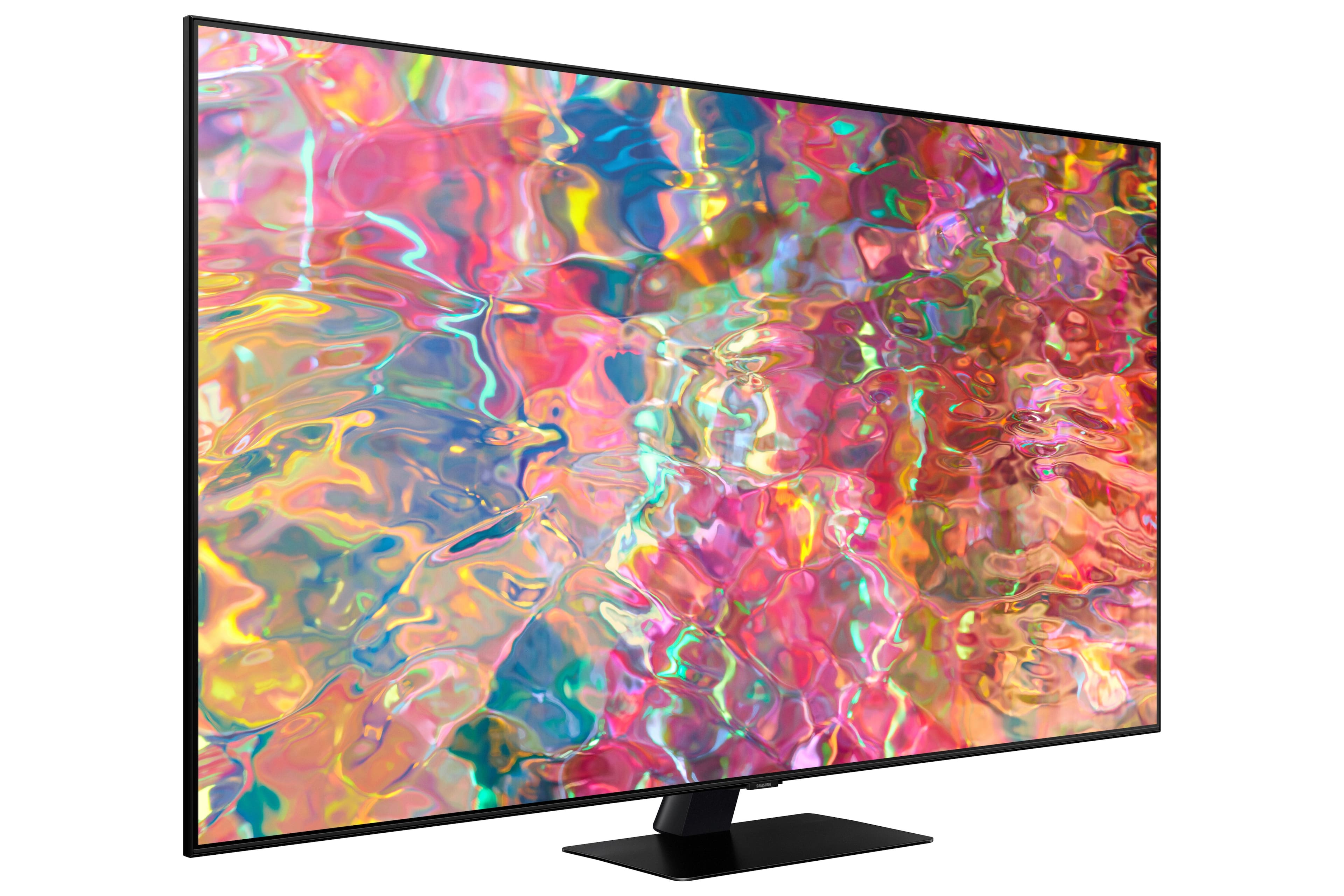
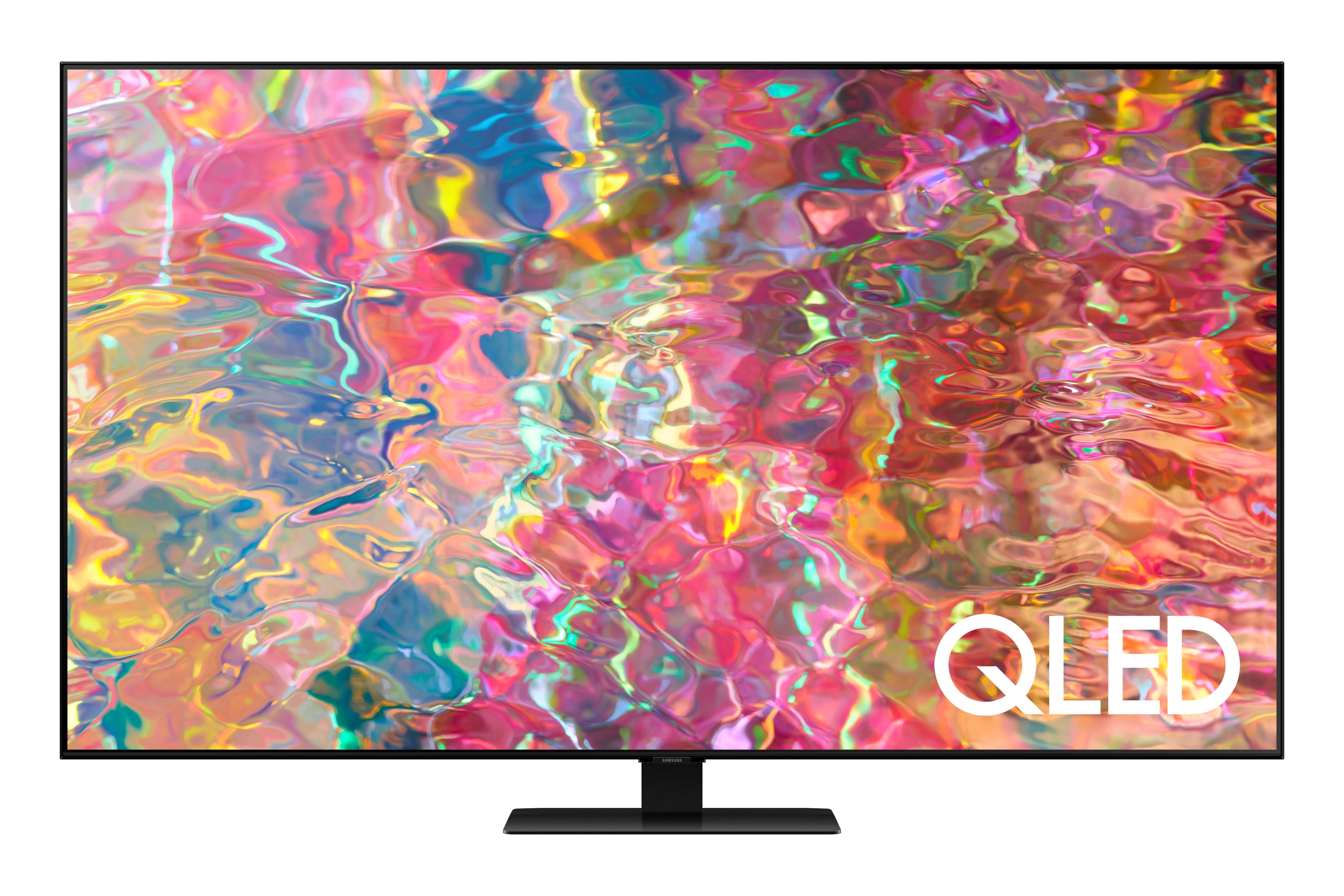
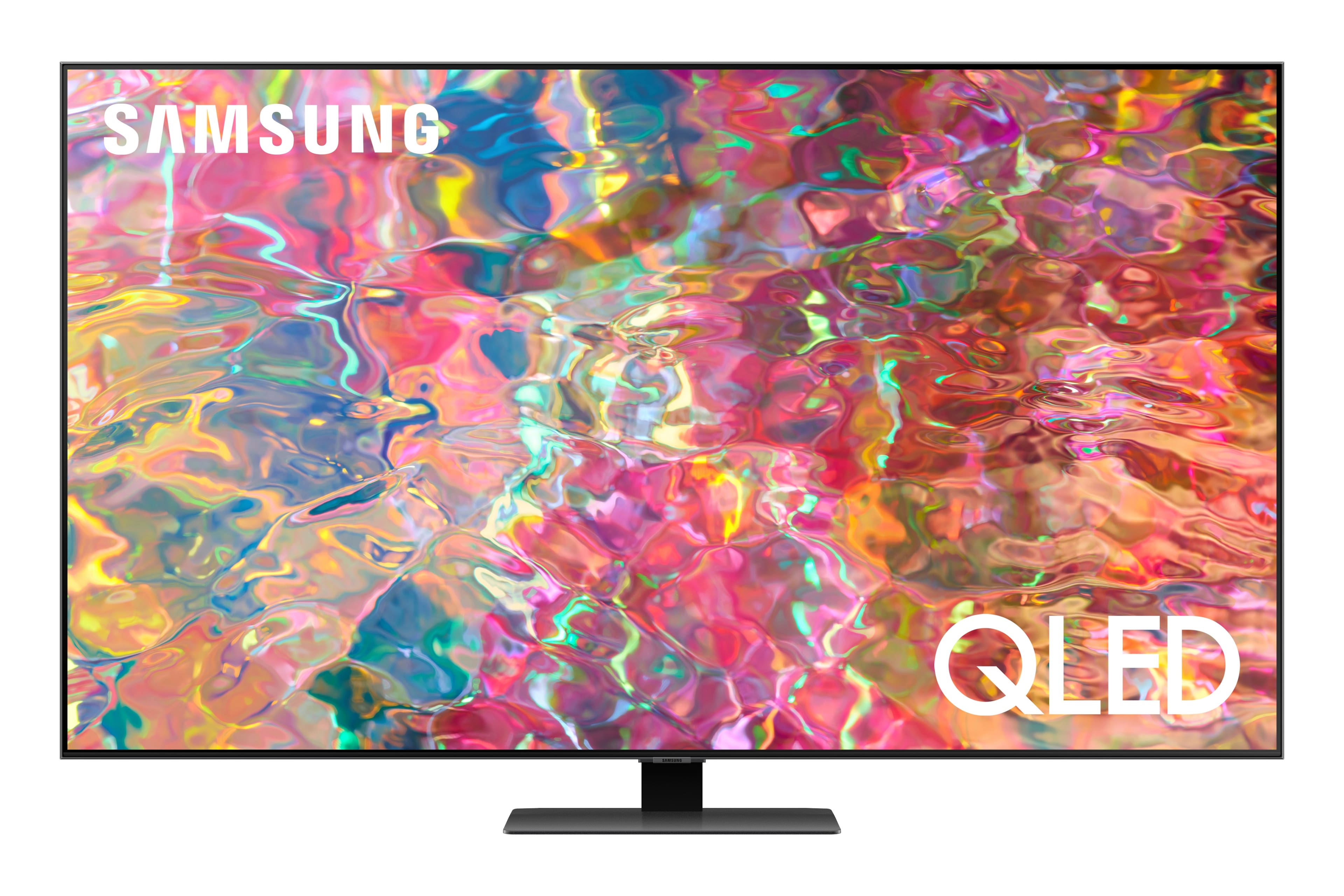
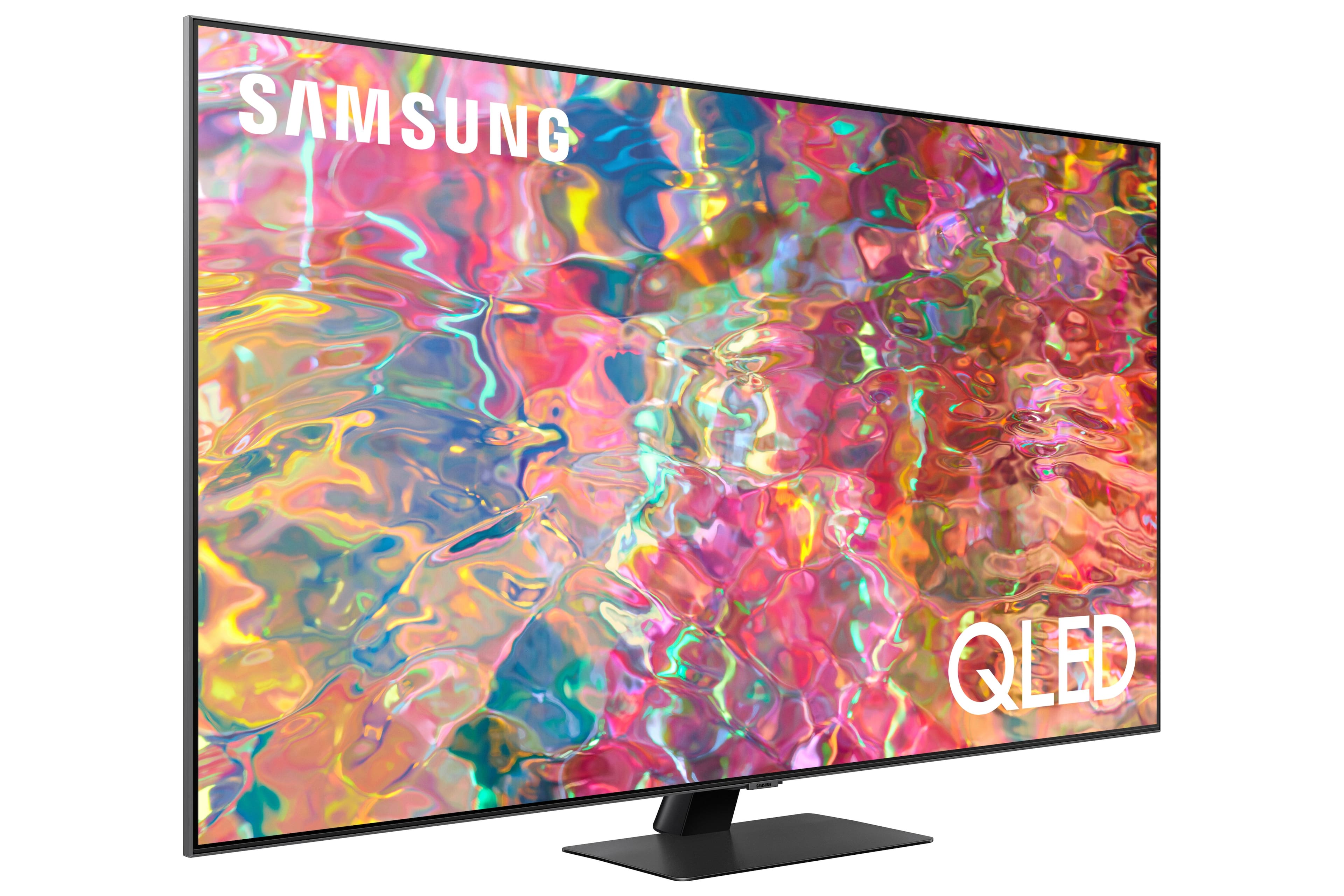











- Model:
- QN55Q80BAFXZA
- SKU:
- 6503083
Rating by feature
- Picture Quality
Rating 4.8 out of 5 stars
- Sound Quality
Rating 4.6 out of 5 stars
- Brightness
Rating 4.8 out of 5 stars
Customers are saying
Customers find value in the 55” Class Q80B QLED 4K Smart Tizen TV for its exceptional picture quality, vibrant colors, and user-friendly interface. Many customers rave about the stunning visuals and accurate color reproduction, while others appreciate the TV's affordability and high-quality sound. Although some users have experienced issues with the remote control, the overall positive feedback suggests that this TV offers great value for its price.
This summary was generated by AI based on customer reviews.
- Pros mentioned:Picture quality
Tv
||Posted . Owned for 1 month when reviewed.This reviewer received promo considerations or sweepstakes entry for writing a review.Great product nice picture has worked very well. Tt
I would recommend this to a friend - Pros mentioned:Picture quality
Samsung QLED
||Posted . Owned for 3 weeks when reviewed.This reviewer received promo considerations or sweepstakes entry for writing a review.I love the quality of the picture on this tv. Good choice.
I would recommend this to a friend - Cons mentioned:Remote control
Remote
||Posted .This reviewer received promo considerations or sweepstakes entry for writing a review.Miss channel numbers on remote! May not have bought TV if I’d seen the remote.
No, I would not recommend this to a friend - Pros mentioned:Picture quality
QLED
||Posted . Owned for less than 1 week when reviewed.This reviewer received promo considerations or sweepstakes entry for writing a review.Very pleased with this TV. Sound is great. Picture great.
I would recommend this to a friend - Pros mentioned:Picture quality
Samsung QLED TV
||Posted . Owned for 3 weeks when reviewed.This reviewer received promo considerations or sweepstakes entry for writing a review.excellent all around. Nice picture and Sound quality
I would recommend this to a friend - Pros mentioned:Picture quality
Love this TV
||Posted . Owned for 3 weeks when reviewed.This reviewer received promo considerations or sweepstakes entry for writing a review.Best TV I’ve owned! Bright, sharp and clear pitcure
I would recommend this to a friend - Pros mentioned:Picture quality
Great picture, smaller screen
||Posted . Owned for 3 weeks when reviewed.This reviewer received promo considerations or sweepstakes entry for writing a review.Picture quality is great but the size of the screen is smaller than my last 55".
I would recommend this to a friendBrand response from Samsung
Posted .dennismarvin,
Thank you for your review of Samsung's Q80B. Please know that the industry standard when measuring screen size refers to the measurement of the screen when measured diagonally. The measurements of your 55” model are 48.3" x 27.8" x 2.2" (W x H x D) when measured without the stand.
Should you ever have questions or need help with TV features, specs, or operation, please call us at 1-800-SAMSUNG, 8AM - 12AM EST, 7 days a week. Our LiveChat agents are also available by clicking on the ‘Support’ link on our website.
~ Samsung Specialist
BEWARE: THIS MODEL IS NO GOOD!
||Posted . Owned for 1 year when reviewed.This reviewer received promo considerations or sweepstakes entry for writing a review.If I could give this TV no stars, I would. It was great for one year—then it completely failed within days of the warranty expiring. It turns itself on and off incessantly, with no picture on the screen. Best Buy won't stand behind this obviously defective product since it is (just barely) out of warranty. Fortunately, Samsung will honor the 1-year warranty and will not charge for parts, but will charge for labor. So basically, I paid more than a grand for the TV (plus sound bar, mounting bracket, installation), and now I'll be stuck paying a few hundred more bucks for repairs. This whole episode has soured me on Best Buy and Samsung. My advice: unless you want a TV with a very short lifespan, or you have money to burn, don't buy this model.
No, I would not recommend this to a friend- Pros mentioned:Picture quality
New TV
||Posted . Owned for 3 weeks when reviewed.This reviewer received promo considerations or sweepstakes entry for writing a review.Great picture and easy to program. Would recommend
I would recommend this to a friend - Cons mentioned:Remote control
Returning the TV
||Posted . Owned for 3 weeks when reviewed.This reviewer received promo considerations or sweepstakes entry for writing a review.Too slow in remote response. Remote freezes a lot. Remote also goes to wrong selections. Alexa does not work as well as on my Insignia. I’m going back to an Insignia.
No, I would not recommend this to a friend Samsung TV
||Posted . Owned for 3 weeks when reviewed.This reviewer received promo considerations or sweepstakes entry for writing a review.TV is a just ok. Was expecting a much sharper picture
No, I would not recommend this to a friendHappy Thus Far
||Posted . Owned for 1 month when reviewed.This reviewer received promo considerations or sweepstakes entry for writing a review.I am very happy, thus far, with this purchase--but am waiting to see what the year holds, as I had an issue with my previous Samsung before it's first year was out. This Samsung, however, is an upgraded version, and I have high hopes for it.
I would recommend this to a friend5 year warranty
||Posted . Owned for 1 month when reviewed.This reviewer received promo considerations or sweepstakes entry for writing a review.Everything is great. Purchased new at Best Buy. Old one blinked out. Samsung sent check to cover. With 24 months interest free all is working out perfectly. Took a little work connecting the dots but all is well,
I would recommend this to a friendWill definitely buy from Best Buy again!
||Posted . Owned for 1 month when reviewed.This reviewer received promo considerations or sweepstakes entry for writing a review.The tv is great for sports. My Daddy is a huge sports fan and the motion is picture perfect. The Geek Squad were the Rockstars! They did the install and set up his tv without a hitch.
I would recommend this to a friend- Pros mentioned:Picture quality
Not really user friendly.
||Posted . Owned for 3 weeks when reviewed.This reviewer received promo considerations or sweepstakes entry for writing a review.The picture is great. Have to pick from a list of apps, can’t search and download anything not on the list. Also, don’t like the way the manual is accessed.
No, I would not recommend this to a friendBrand response from Samsung
Posted .TedR, Thank you for your review of Samsung’s Q80B TV. Samsung offers hundreds of apps in our App Store that you can download, and we are continuously adding more premium content and new services to our Smart TV platform. To access the App Store, press the Home button on your remote, which redirects you to the Home Screen. Press the left directional button to select Media, which located on the leftmost part of the Smart Hub Home Screen within the static menu. From there, select APPS to see a variety of available apps and install the ones you’d like. If your app is not available on the Home screen, you can search for it and install it. - Press Home > left directional button > Media > Apps - Navigate to the top and select the Search icon (magnifying glass) - Type (app name) in the search bar and install the app To further assist you in learning the various features, functions, and settings of your TV and remote, you can download the Q80B TV's User Manual, e-Manual, Remote Control Leaflet, and Quick Setup Guide on Samsung's website under ‘Support’ (top right corner) > Manuals & Software > TVs & Home Theater. From there, you can select the Q80B TV under QLED 4K TVs > B Model Lineup to download the guides you would like. If you need more help, Samsung is here for you. Please call us at 1-800-SAMSUNG, 8AM - 12AM EST, 7 days a week. Our LiveChat agents are also available by clicking on the ‘Support’ link on our website. ~ Samsung Specialist
Perfect family room tv.
||Posted . Owned for 3 weeks when reviewed.This reviewer received promo considerations or sweepstakes entry for writing a review.Wonderful picture quality and sound quality. Just the right size, not to big and not to small. Smart enough to make it easy to use and stream.
I would recommend this to a friendConcern about adjustments to color
||Posted . Owned for 1 month when reviewed.This reviewer received promo considerations or sweepstakes entry for writing a review.The TV is fine but the color is not quite right and we do seem to be able to adjust it. We have it on Vivid and is still not as good as you would expect.
No, I would not recommend this to a friendBrand response from Samsung
Posted .PeterALujan,
Thank you for sharing your thoughts on the picture quality of your Q80B TV. If the picture you’re seeing out-of-the-box is not to your liking, there are several picture settings you may want to try adjusting.
You can select the Picture Mode that provides the best viewing experience. Go to Home > Menu > Settings > All Settings > Picture > Picture Mode
1) Standard: Is the default mode suitable for general viewing environments.
2) Movie: Is suitable for watching TV or movies in a dark room.
3) Dynamic: Makes the picture brighter and clearer in bright viewing environments.
4) Filmmaker Mode: You can watch the source content (e.g., movie) as it is. If the image is defined as Filmmaker Mode, it will automatically switch to Filmmaker Mode while watching.
You can also go to: Home > Menu > Settings > All Settings > Picture > Expert Settings to manually fine tune your image.
For further assistance with settings adjustments, please contact Samsung Customer Support at 1-800-SAMSUNG, 8AM - 12AM EST, 7 days a week. Or visit us on the Samsung website and click on the ‘Support’ link for:
1) LiveChat
2) Manuals, Software, & Warranty Info
~ Samsung Specialist
Met most of my expectations
||Posted . Owned for 1 month when reviewed.This reviewer received promo considerations or sweepstakes entry for writing a review.TV is great. However I am hapoy I decided to addxa sound bar and sub woofer. TV sound alone was disappointing.
I would recommend this to a friendProbably a nice television set but broken
||Posted . Owned for 1 month when reviewed.This reviewer received promo considerations or sweepstakes entry for writing a review.When I went to open and set up my tv, it apparently had a crack in the lower right side of it.
No, I would not recommend this to a friendGood decision
||Posted . Owned for 1 month when reviewed.This reviewer received promo considerations or sweepstakes entry for writing a review.Love the fact that we went with a little larger tv for our master bedroom. Very happy with our purchase.
I would recommend this to a friend