Customer Ratings & Reviews




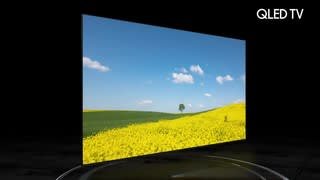




- Model:
- QN55Q80TAFXZA
- SKU:
- 6402394
Rating by feature
- Picture Quality
Rating 4.8 out of 5 stars
- Sound Quality
Rating 4.5 out of 5 stars
- Brightness
Rating 4.7 out of 5 stars
Customers are saying
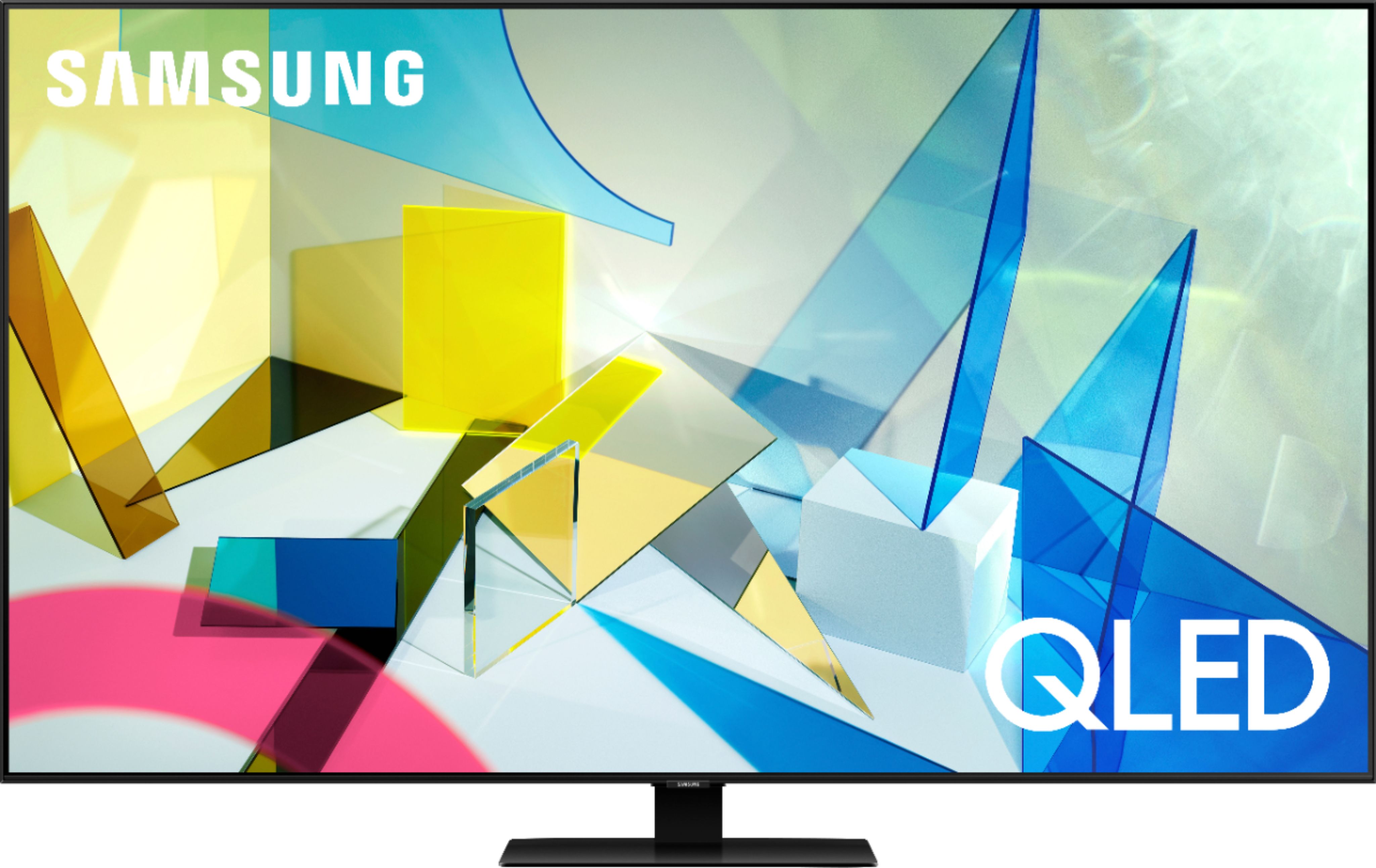
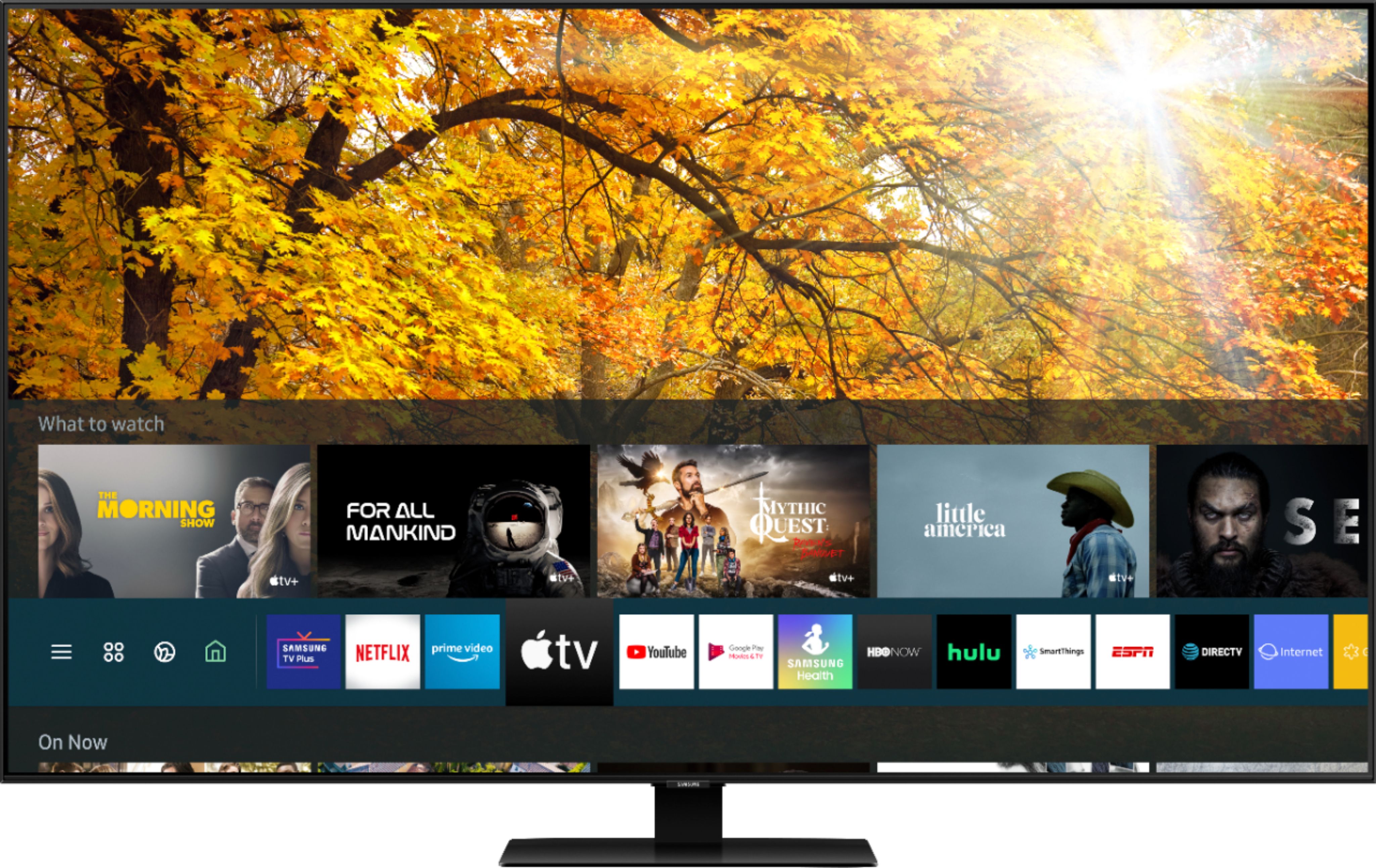
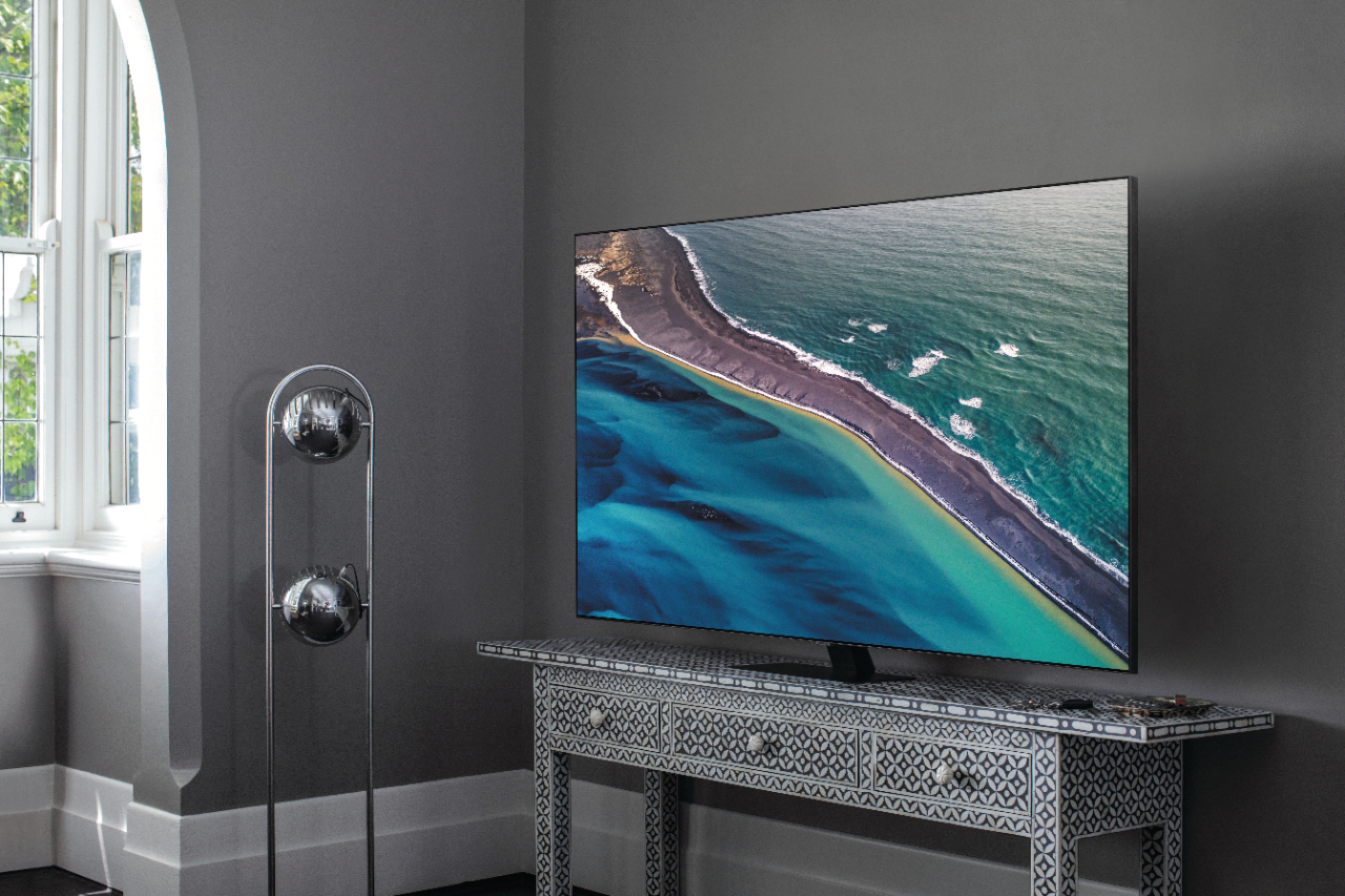
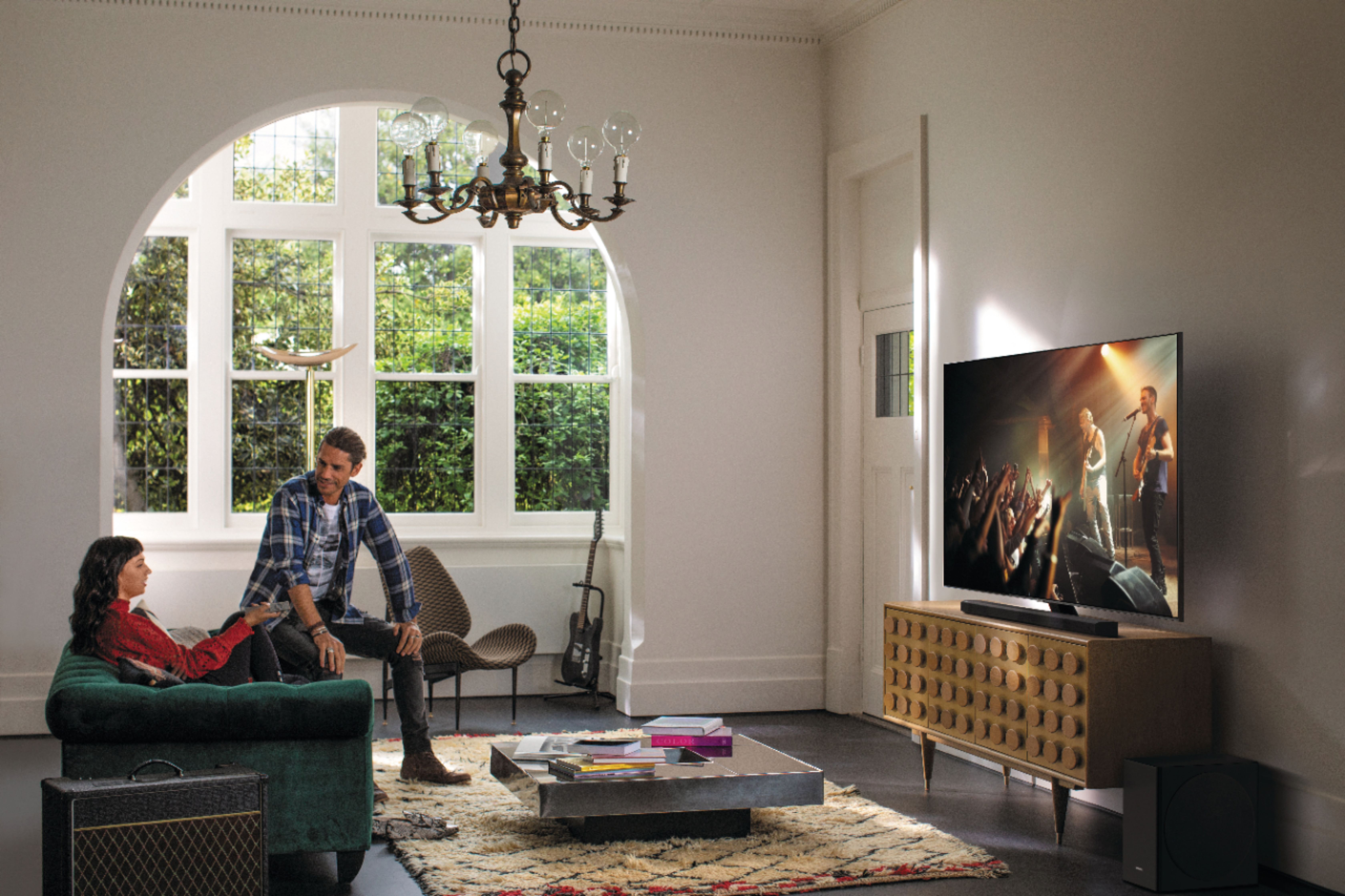
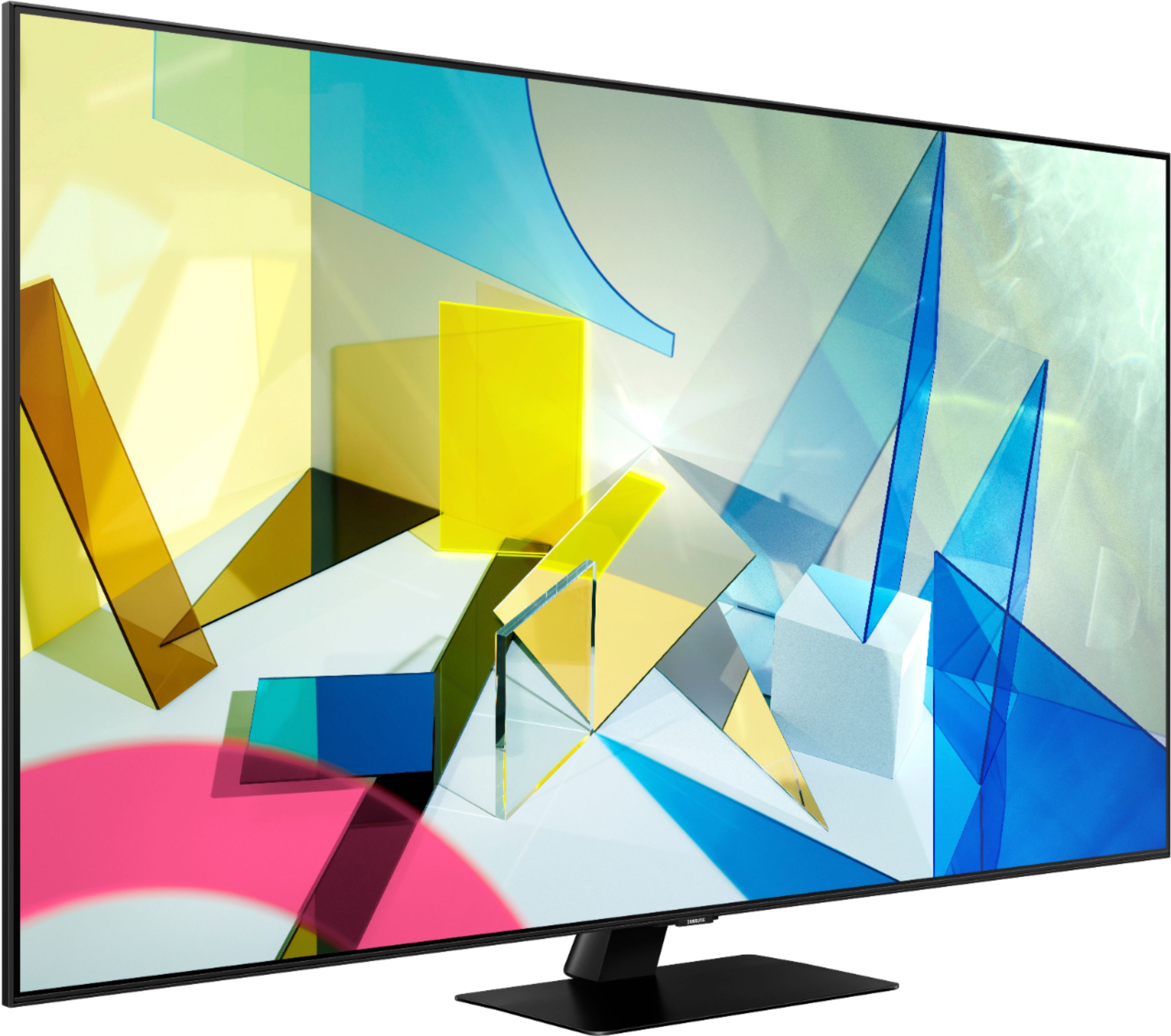
Customers are impressed with the 55" Class Q80T Series QLED 4K UHD Smart Tizen TV's picture quality, describing it as amazing and standing out. They also appreciate its easy setup, especially when connecting to Wi-Fi, and find it to be a great value for the price. While some customers have concerns about the cheaply made remote control and the presence of ads, many agree that the TV's overall quality makes it worth the investment.
This summary was generated by AI based on customer reviews.
- Pros mentioned:Picture quality
Great buy
||Posted . Owned for 3 weeks when reviewed.This reviewer received promo considerations or sweepstakes entry for writing a review.Great tv, great picture. Never really wanted to spend that kinda money on a tv, but it was well worth it
I would recommend this to a friend - Pros mentioned:Picture quality
Samsung Q80T QLED TV 55" Review
||Posted . Owned for 1 month when reviewed.This reviewer received promo considerations or sweepstakes entry for writing a review.Nice Samsung TV with many great features and a fantastic picture. A+ and at a reasonable price.
I would recommend this to a friend Samsung Q80 55"
||Posted . Owned for 3 weeks when reviewed.This reviewer received promo considerations or sweepstakes entry for writing a review.This TV is working great so far. The delivery process was smooth and It was very easy to set up.
I would recommend this to a friend- Pros mentioned:Color
Excellent tv
||Posted . Owned for 3 weeks when reviewed.This reviewer received promo considerations or sweepstakes entry for writing a review.Nice tv color is very good hd is perfect we love it my son can play his games faster very good choice
I would recommend this to a friend - Pros mentioned:Picture quality
Beautiful picture!
||Posted . Owned for 3 weeks when reviewed.This reviewer received promo considerations or sweepstakes entry for writing a review.Great TV and beautiful picture. We love it. Nice to have all of our streaming in one place finally.
I would recommend this to a friend - Pros mentioned:Picture quality
Samsung Qled
||Posted . Owned for less than 1 week when reviewed.This reviewer received promo considerations or sweepstakes entry for writing a review.Picture was great for 3 weeks then a grey round cloud developed on upper left side of screen. BB exchanged without any hassle. I have had the 2nd unit for 4 days , so far so good.
I would recommend this to a friend - Pros mentioned:Picture quality
Amazing
||Posted . Owned for 1 week when reviewed.This reviewer received promo considerations or sweepstakes entry for writing a review.Well worth the price and the picture and sound are just amazing. It is heavy so have someone help you unbox.
I would recommend this to a friend Ok, but not great!
||Posted . Owned for 3 weeks when reviewed.This reviewer received promo considerations or sweepstakes entry for writing a review.I have had this TV for almost a month now and I like it but I'm disappointed with the local dimming. I tried every setting but it still looks very dark when trying to watch movies on Netflix, Disney+ and Amazon. It does actually work very well with my Playstation 5! I have an older Samsung that is LED, 3D tv from 2014 that looks a lot better than this QLED. I'm not sure why Samsung added this local dimming feature and I wish you could turn it off completely! The Dynamic setting is not as bright as my older tv? I have until January 2021 to take it back.I'm not 100% sold on it. Has anybody had any luck with the settings?
No, I would not recommend this to a friendBrand response from Samsung
Posted .Kilowatt76:
Thank you for purchasing the Q80T TV and for your review. I am sorry to hear that you are not happy with the brightness levels of your picture. If the colors on your TV are correct but just a little too dark or bright you can try Dynamic Picture Mode, or manually adjust the Brightness settings to your liking.
Dynamic Picture Mode will make pictures brighter and clearer in bright viewing environments. Go to: Settings > Picture > Picture Mode > Dynamic
Or manually adjust the Brightness and other settings to your liking. Go to: Settings> Picture> Expert Settings
You may also want to disable Power Saving Mode which automatically adjusts the brightness to reduce the TV’s power consumption.
Go to Settings> General> Eco Solution> Power Saving Mode.
Ambient Light Detection will also automatically adjust the brightness level of the TV, according to the ambient light level, to reduce power consumption. If Ambient Light Detection has adjusted the screen brightness to a too bright or dark level, you can select Minimum Brightness to manually adjust the minimum screen brightness.
Go to Settings> General> Eco Solution> Ambient Light Detection
Please also be sure you are running the latest firmware. You can check to see what software version your TV is using and if there is an available update through the settings on your TV. Go to: Settings>Support>Software Update. (1460.9 released on 12/7/20)
I hope this helps to improve your picture. Should you need further assistance, please contact Samsung Customer Support.
1) Phone: 1-800-SAMSUNG (ask for TVs), available 8AM – 12AM EST 7 days a week
2) LiveChat: https://www.samsung.com/us/support/#contact_us_for_support
3) Facebook Messenger: https://www.facebook.com/samsungsupport
4) Twitter: https://twitter.com/SamsungSupport
5) The Samsung Members Community is also a great resource for getting help from Samsung moderators and customers: https://us.community.samsung.com
If you have not already done so, we invite you to register your new Samsung product at: https://www.samsung.com/us/account/signin/?redirect=https%3A%2F%2Fwww.samsung.com%2Fus%2Fsupport%2Fregister%2F
Registering your product gives you access to easy warranty support, convenient opt-in to special promos and offers, faster troubleshooting and service, and quick notification of system updates.
~ Samsung Solutions
- Pros mentioned:Picture quality
Great T.V.
||Posted . Owned for 1 month when reviewed.This reviewer received promo considerations or sweepstakes entry for writing a review.Love the t.v. Sharp images got the 55" should have got the 65". But I'm happy with this purchase.
I would recommend this to a friend - Pros mentioned:Ease of use
Picture
||Posted . Owned for 2 weeks when reviewed.This reviewer received promo considerations or sweepstakes entry for writing a review.This is TV is a beast, user friendly, it can easily be setup. Will definitely recommend to a friend.
I would recommend this to a friend - Pros mentioned:Picture quality
Awesome TV
||Posted . Owned for 2 months when reviewed.This reviewer received promo considerations or sweepstakes entry for writing a review.I am absolutely amazed how awesome this TV is and how easy it is to use. The picture quality is amazing
I would recommend this to a friend - Pros mentioned:Picture quality
TV review
||Posted . Owned for 1 month when reviewed.This reviewer received promo considerations or sweepstakes entry for writing a review.Great clarity of picture. Sound quality is not the best but that’s what happens with flat screen TVs.
I would recommend this to a friend Love this TV
||Posted . Owned for 1 month when reviewed.This reviewer received promo considerations or sweepstakes entry for writing a review.I purchased the 55-inch size of this Samsung TV. The picture is beautiful and the sound is very good. To understand the features of this TV, I recommend that a user go to the Samsung web site (www.samsung.com/us/support) to view the extensive user information there. I really like the remote that comes with the TV. Once I learned how to use it, I find it easier to navigate than remotes with a large number of buttons.
I would recommend this to a friend- Pros mentioned:Picture quality
Awesome tv
||Posted . Owned for 1 year when reviewed.This reviewer received promo considerations or sweepstakes entry for writing a review.Great picture and when paired with a sound bar it’s the total package.
I would recommend this to a friend - Pros mentioned:Picture quality
Wish it offered more apps
||Posted . Owned for 3 weeks when reviewed.This reviewer received promo considerations or sweepstakes entry for writing a review.This is an excellent purchase for the money. I would rate all aspects of visual presentation as excellent. It needs to be a little more user friendly as to streaming options.
I would recommend this to a friend - Pros mentioned:Picture quality
Best TV
||Posted . Owned for 1 month when reviewed.This reviewer received promo considerations or sweepstakes entry for writing a review.The picture quality is amazing and the local dimming feature is the best I’ve seen. Highly recommend
I would recommend this to a friend - Pros mentioned:Picture quality
Ultimate Picture
||Posted . Owned for 1 month when reviewed.This reviewer received promo considerations or sweepstakes entry for writing a review.Beautiful Television with an unbelievable picture. This is my second Samsung in this class of TV's.
I would recommend this to a friend - Pros mentioned:Picture quality
Fantastic tv!
||Posted . Owned for 1 month when reviewed.This reviewer received promo considerations or sweepstakes entry for writing a review.Fantastic tv & bought with the subwoofer makes it 10X more enjoyable like being in a movie theatre!
I would recommend this to a friend - Pros mentioned:Picture quality
Fantastic TV
||Posted . Owned for 1 month when reviewed.This reviewer received promo considerations or sweepstakes entry for writing a review.So happy with this purchase, the picture quality is incredible and looks great hanging on our wall!!!
I would recommend this to a friend - Pros mentioned:Picture quality
Great Picture
||Posted . Owned for 3 weeks when reviewed.This reviewer received promo considerations or sweepstakes entry for writing a review.The picture is excellent. I am totally satisfied with my purchase and the installation service.
I would recommend this to a friend