Customer Ratings & Reviews
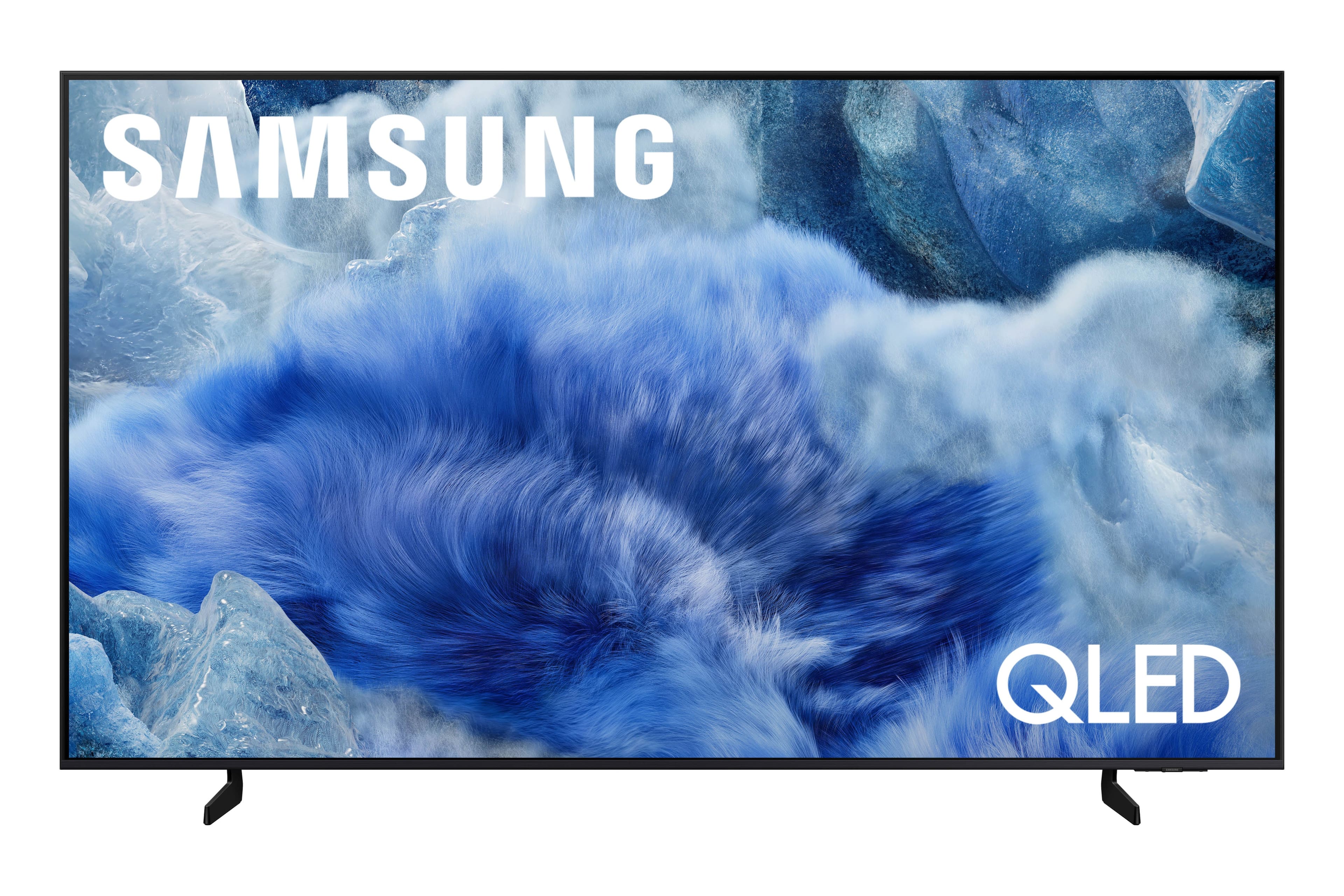
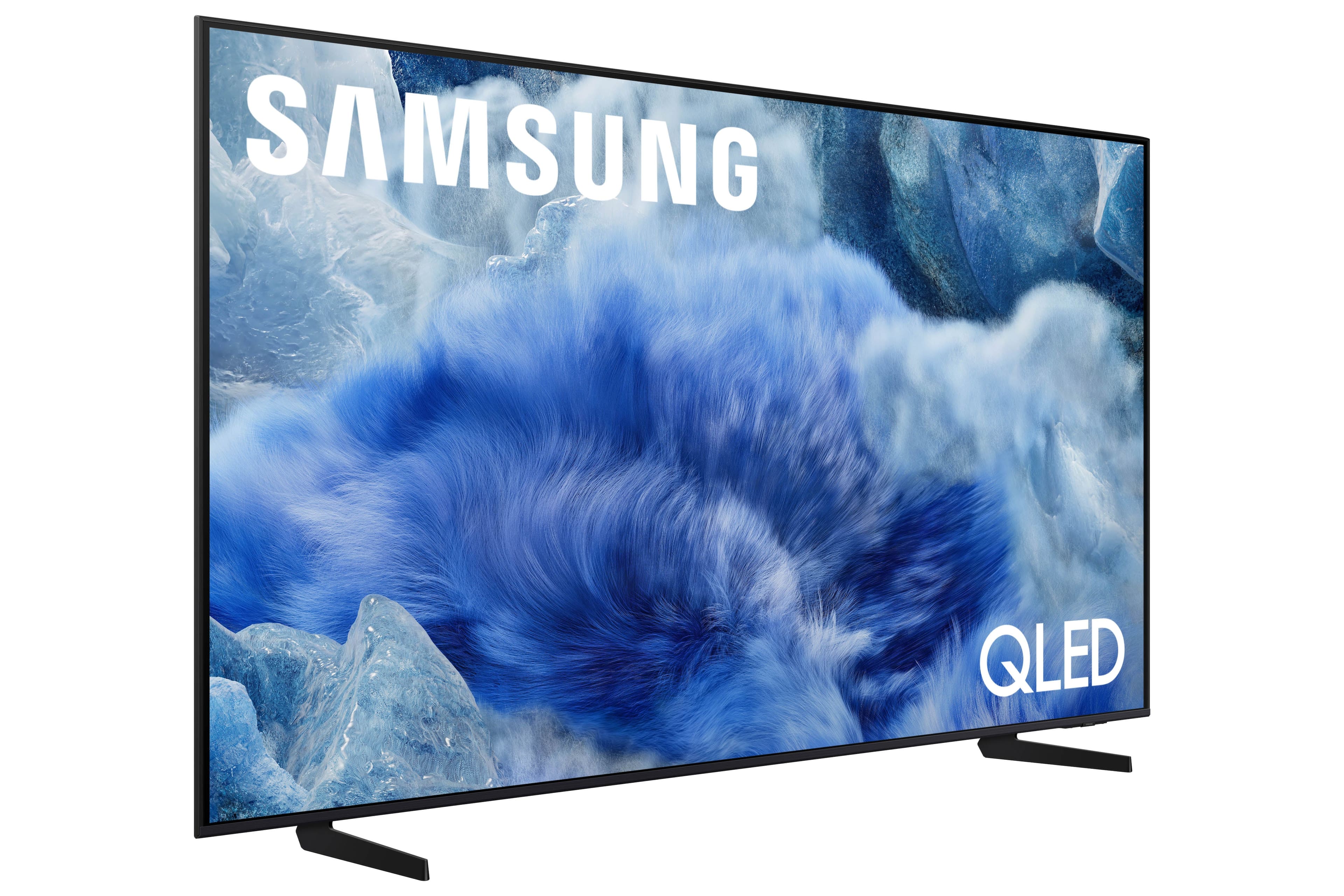
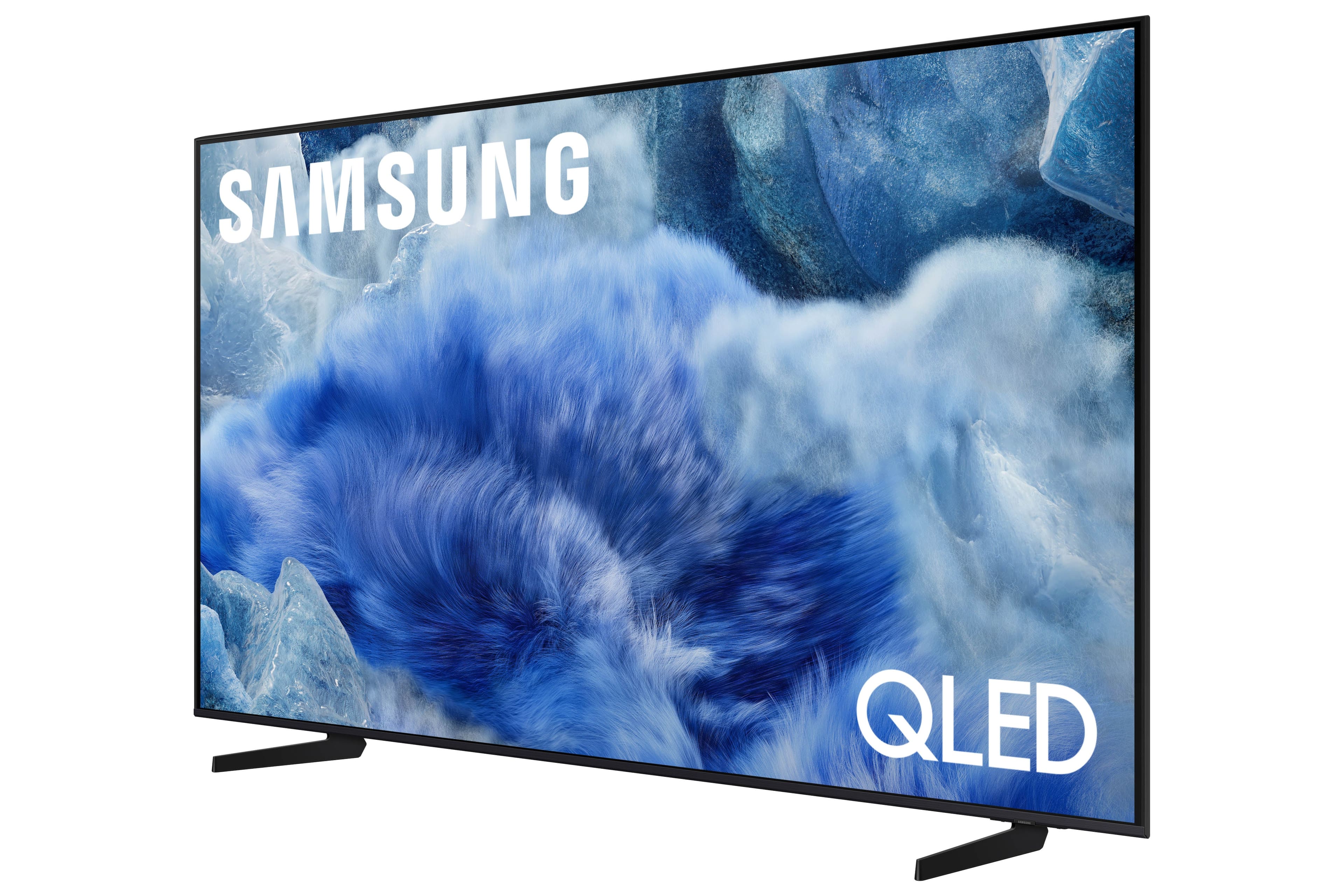
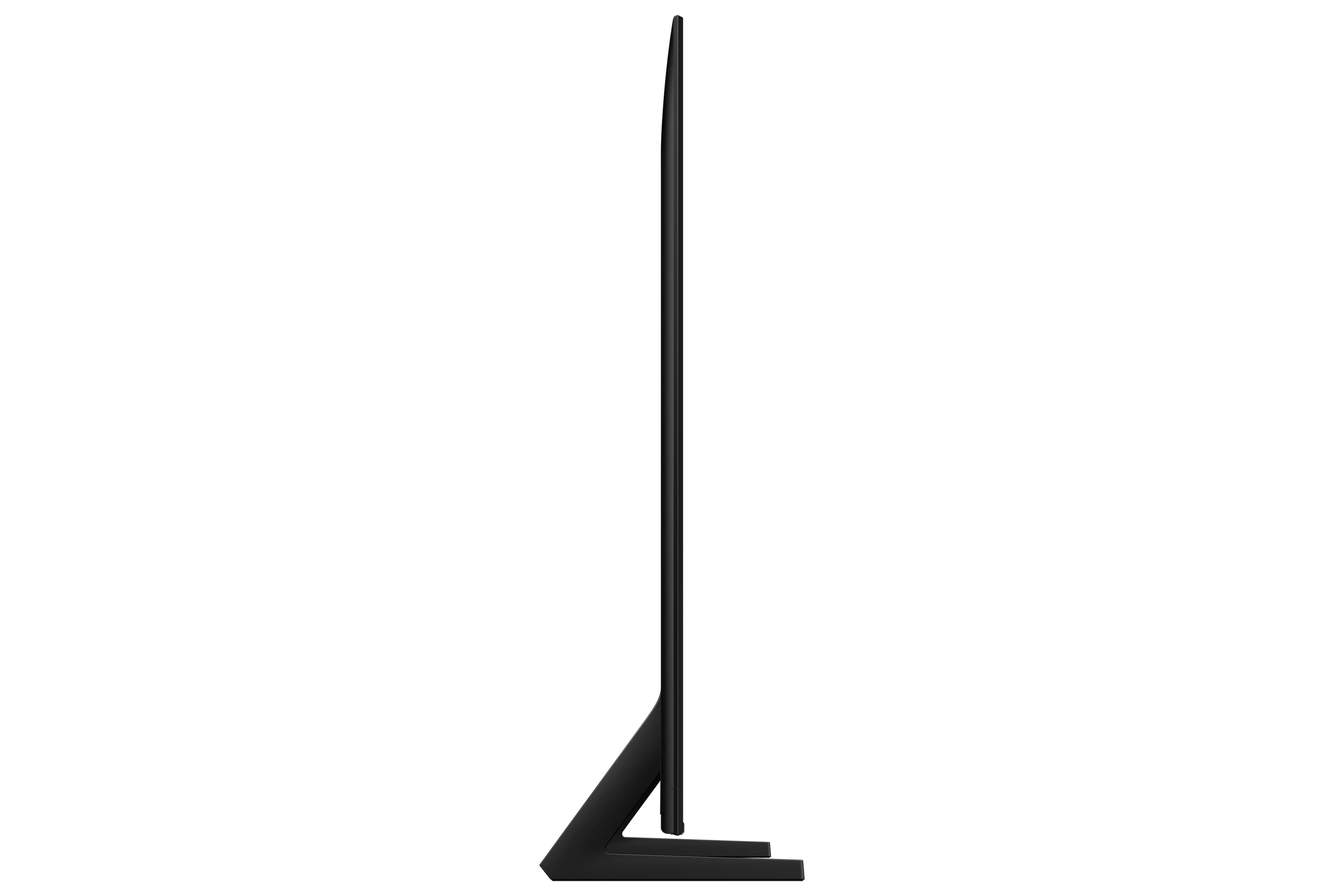

 100% Color Volume 100% Color Volume with Quantum Dot Over a billion colors that don't fade, even in the brightest scenes *QLED televisions can produce 100% Volume in the DCI-PS colorspace, the format most cinema screens and HDR movies for television.](https://pisces.bbystatic.com/image2/BestBuy_US/images/products/684f880e-f8dd-4c6c-91d9-5f55b1534a3c.jpg)







- Model:
- QN55Q8FAAFXZA
- SKU:
- 6617399
Rating by feature
- Picture Quality
Rating 4.8 out of 5 stars
- Sound Quality
Rating 4.5 out of 5 stars
- Brightness
Rating 4.7 out of 5 stars
Customers are saying
Customers value the amazing picture quality of the 55” Class Q8F Series QLED 4K UHD SamsungVision AI Smart Tizen TV (2025), and some find it easy to set up. Gamers appreciate the higher refresh rate, which enhances the visual experience on their consoles. However, a few customers find the minimalistic remote control difficult to use.
This summary was generated by AI based on customer reviews.
WE LOVE SAMSUNG!!!!
||Posted . Owned for 3 weeks when reviewed.This reviewer received promo considerations or sweepstakes entry for writing a review.We love Samsung products. Never had any issues with any our Samsung appliances and tvs.
I would recommend this to a friendsamsung bled tv
||Posted .This reviewer received promo considerations or sweepstakes entry for writing a review.great tv for a great price! don't think twice if you are wanting a new tv!
I would recommend this to a friendDisappointed
||Posted .This reviewer received promo considerations or sweepstakes entry for writing a review.Samsung Limits the number of apps that you can download and use without adding a fire stick or something of the sort to use instead this is very disappointing
No, I would not recommend this to a friendProbably the number one budget-friendly Samsung
||Posted .This reviewer received promo considerations or sweepstakes entry for writing a review.I mean for the money. This is hands down the best Samsung TV that you can buy
I would recommend this to a friendNew TV for Master Bedroom!
||Posted . Owned for 1 month when reviewed.This reviewer received promo considerations or sweepstakes entry for writing a review.Great product. Great Price! Easy pick up! Thank you BB!!
I would recommend this to a friend50 inch TV samsung
||Posted . Owned for 2 weeks when reviewed.This reviewer received promo considerations or sweepstakes entry for writing a review.Everything went well as planned, the staff was great and helpful
I would recommend this to a friendI Like it Alot
||Posted .This reviewer received promo considerations or sweepstakes entry for writing a review.So Far, So Good!! Its AI Smart so you have to set the settings to where you want it to be. But everything looks great.
I would recommend this to a friend- Pros mentioned:Picture quality
Samsung Account Requirement
||Posted . Owned for 1 week when reviewed.This reviewer received promo considerations or sweepstakes entry for writing a review.The product worked great for cable viewing. However fo r any other apps, includding Amazon it was necessary to create a Samsung account. This is not right in my mind.
I would recommend this to a friendBrand response from Samsung
Posted .Hi GlennM,
Thank you for your review and for sharing your concerns. A Samsung Account is required to access Smart Hub, which powers the core smart features of your TV - including app access (like Netflix and YouTube), service updates, and content personalization.
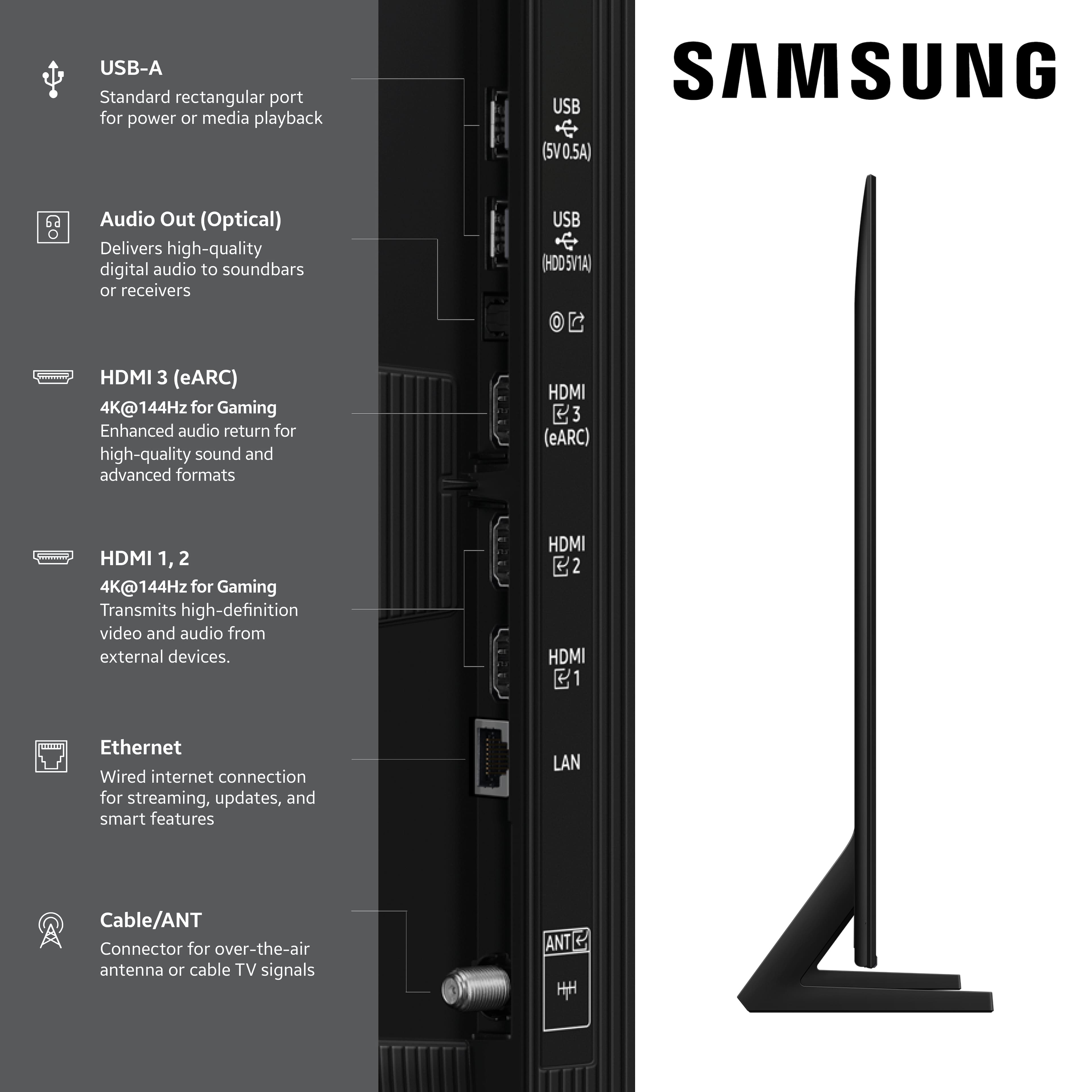
Without signing in and accepting the Terms and Conditions, your TV will function in a basic mode - supporting external devices (such as HDMI and over-the-air antenna), but streaming apps and Smart Hub services will be unavailable.
We understand this requirement may not be ideal for all users, but it’s necessary for full access to Samsung’s smart features and connected services.
If you need assistance creating or logging into a Samsung Account, we’re here to help. Please contact Samsung Support at 1-800-SAMSUNG, 8AM – 12AM EST, 7 days a week. LiveChat and additional support resources are also available through the Support link on our website.
~ Samsung Specialist
- Pros mentioned:Picture quality
Samsung 55" TV
||Posted . Owned for 3 weeks when reviewed.This reviewer received promo considerations or sweepstakes entry for writing a review.Samsung TV great, how do we make colors more vivid?
I would recommend this to a friendBrand response from Samsung
Posted .Hi pjmc,
We appreciate your feedback on the picture quality of Samsung’s Q8F TV. If the image doesn’t quite match your preferences, there are several adjustments you can make to better suit your viewing environment and content type.
First, please ensure your TV is running the latest firmware, as updates may include important picture quality enhancements. Go to: Home > Left directional button > Settings > Support > Software Update > Update Now
To explore picture mode options, navigate to: Home > Left directional button > Settings > All Settings > Picture > Picture Mode. Options include:
• Standard – Ideal for general viewing
• Dynamic – Brighter and more vibrant for well-lit spaces
• Eco – Optimized for energy efficiency
• Movie – Best for viewing in low light
• Filmmaker Mode – Preserves the content creator’s intent and disables motion smoothing for supported content
You can further customize your image by going to: Settings > All Settings > Picture > Expert Settings, where you can adjust Brightness, Contrast, Color Tone, Sharpness, Contrast Enhancer and more.
If you’d like help finding the best picture settings for your preferences, please don’t hesitate to contact Samsung Support at 1-800-SAMSUNG, available 8AM – 12AM EST, 7 days a week. You can also LiveChat with an agent or explore additional resources on our website by clicking the ‘Support’ link.
~ Samsung Specialist
Samsung QLED
||Posted .This reviewer received promo considerations or sweepstakes entry for writing a review.Always satisfied with Samsung, Best Buy price, and 12 month no interest payment option.
I would recommend this to a friendGood buy
||Posted . Owned for 1 month when reviewed.This reviewer received promo considerations or sweepstakes entry for writing a review.Wonderful tv. Great audio, excellent video, lots of added features. Definitely worth the extra $$$ over a cheaper model.
I would recommend this to a friendVisually no the best picture
||Posted . Owned for 3 weeks when reviewed.This reviewer received promo considerations or sweepstakes entry for writing a review.When watching Avatar the picture lacked clarity and the color was sketchy
No, I would not recommend this to a friendTv
||Posted . Owned for 3 weeks when reviewed.This reviewer received promo considerations or sweepstakes entry for writing a review.The salesman was great. He was very knowledgeable. The delivery man was very good.
I would recommend this to a friendgreat low end tv
||Posted . Owned for 1 month when reviewed.This reviewer received promo considerations or sweepstakes entry for writing a review.great purchase for the price. perfect as a secondary tv for the guest room
I would recommend this to a friendNew TV review
||Posted . Owned for 2 weeks when reviewed.This reviewer received promo considerations or sweepstakes entry for writing a review.So far, so good... hope it's better than my last Samsung!
I would recommend this to a friendNot user friendly
||Posted . Owned for 1 month when reviewed.This reviewer received promo considerations or sweepstakes entry for writing a review.TV is a bit awkward to use. Not user friendly. BEST BUY as always was awesome. Purchased this becuase it was rated one of the best for the money.
I would recommend this to a friendBrand response from Samsung
Posted .MaryO,
We appreciate you sharing your user experience. To help you get the most from your TV, you can download the full e-Manual and more by visiting Samsung’s website then navigating to: Support > Manual & Software > TVs & Home Theater. From there, you can search for and select your TV model to view or download the available guides.
The e-Manual and Remote Control Guide are also conveniently built into your TV: Settings > Support > Tips and User Guides
If you need additional help, please contact Samsung Support at 1-800-SAMSUNG (8AM – 9PM EST Mon – Fri, 8AM – 6PM Sat – Sun). LiveChat agents are also available through the ‘Support’ link on our website.
~ Samsung Specialist
Karen's choice
||Posted . Owned for 3 weeks when reviewed.This reviewer received promo considerations or sweepstakes entry for writing a review.I always buy Samsung because it's a good brand and I always buy at Best Buy for the great deals.
I would recommend this to a friendNew Tv
||Posted . Owned for 1 month when reviewed.This reviewer received promo considerations or sweepstakes entry for writing a review.Excellent tv. It is clear and legible as well as audio.
I would recommend this to a friendGood Set for the $$$
||Posted .This reviewer received promo considerations or sweepstakes entry for writing a review.A solid set for the money. Built in speakers are tinny and don’t produce a robust sound so splurge for a soundbar to get the most out of it.
I would recommend this to a friendRick -Samsung review
||Posted . Owned for 3 weeks when reviewed.This reviewer received promo considerations or sweepstakes entry for writing a review.Only reason it’s not higher is the reflections of windows show on the screen on days it is bright outside. Overcast or evening, no problem
I would recommend this to a friendBrand response from Samsung
Posted .Hi RickM,
We appreciate your feedback on screen reflections with the Samsung Q8F TV. Room lighting plays a significant role in how reflections appear, and while we aim to reduce glare where possible, complete elimination isn't guaranteed.
For improved glare control, we recommend repositioning the TV to avoid direct light or consulting a professional installer. Samsung’s Glare Free screen is available starting with the QN90F Neo QLED 4K, while Anti Reflection technology is included on select models beginning with the S85F OLED and above.
If you have any questions about features or setup, our team is here to help at 1-800-SAMSUNG, available daily from 8AM - 12AM EST. You can also chat with a LiveChat agent by clicking the ‘Support’ link on our website for:
• Live Chat
• Manuals, Software, & Warranty Info
• Creating a Service ticket
~ Samsung Advisor