Customer Ratings & Reviews
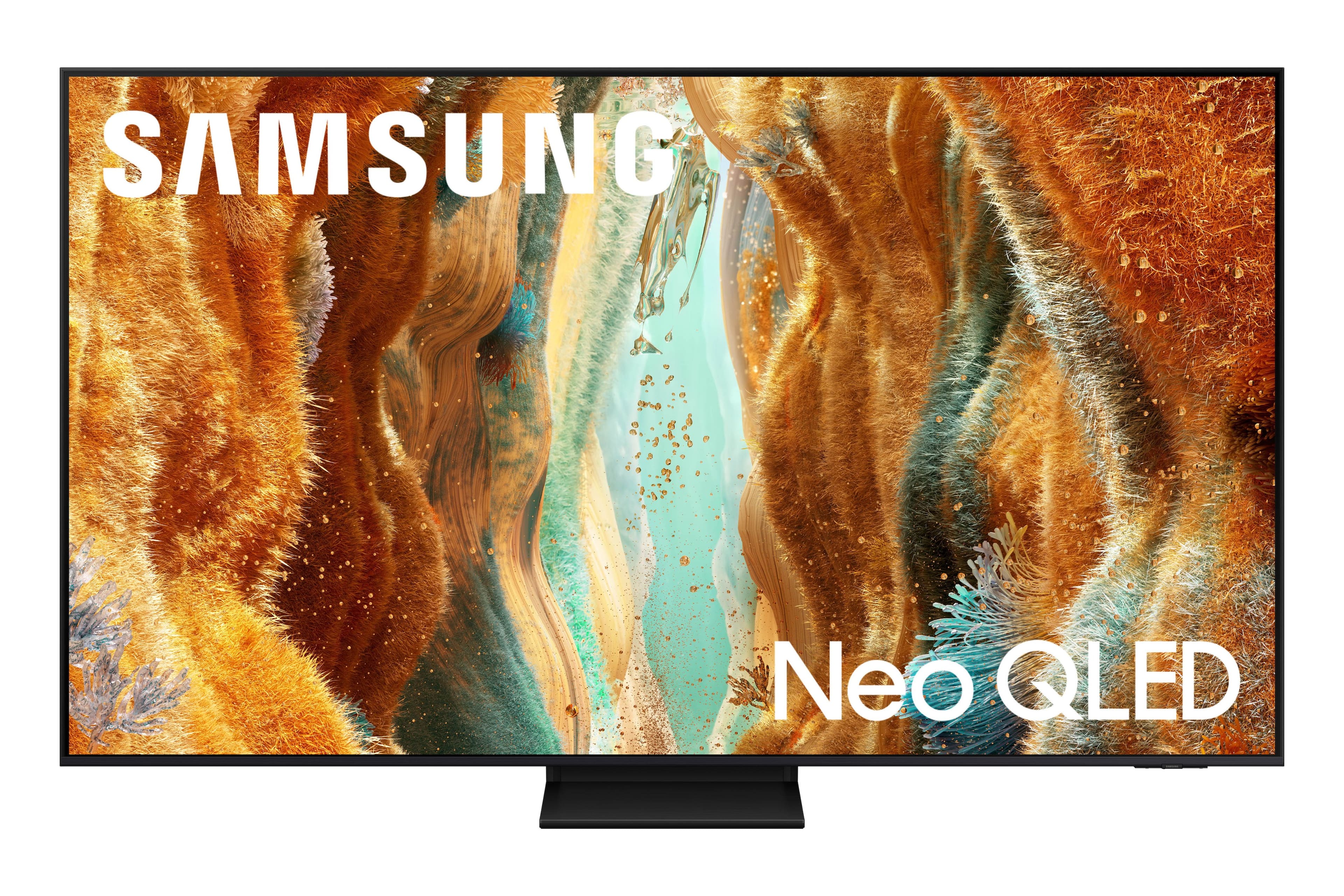

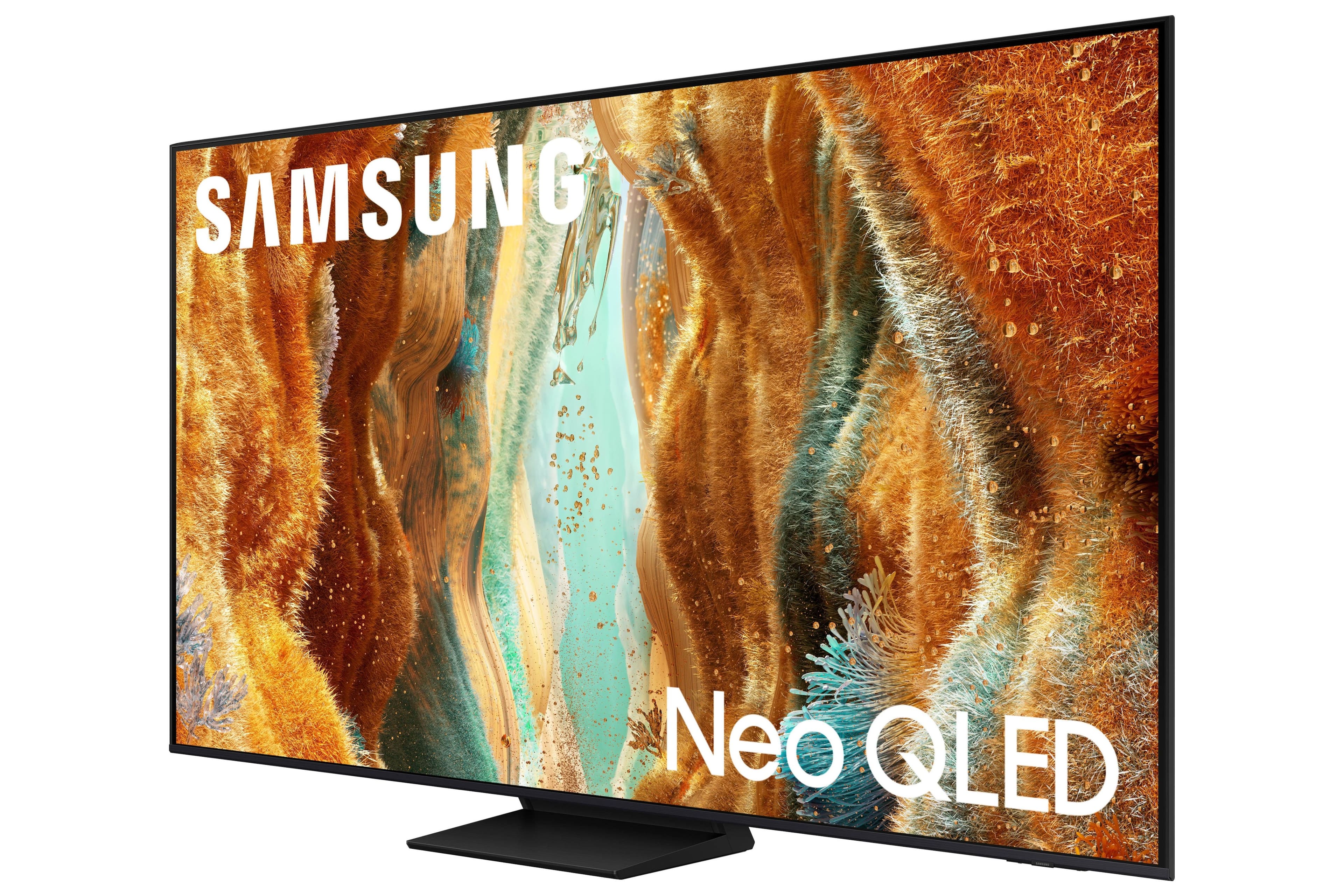
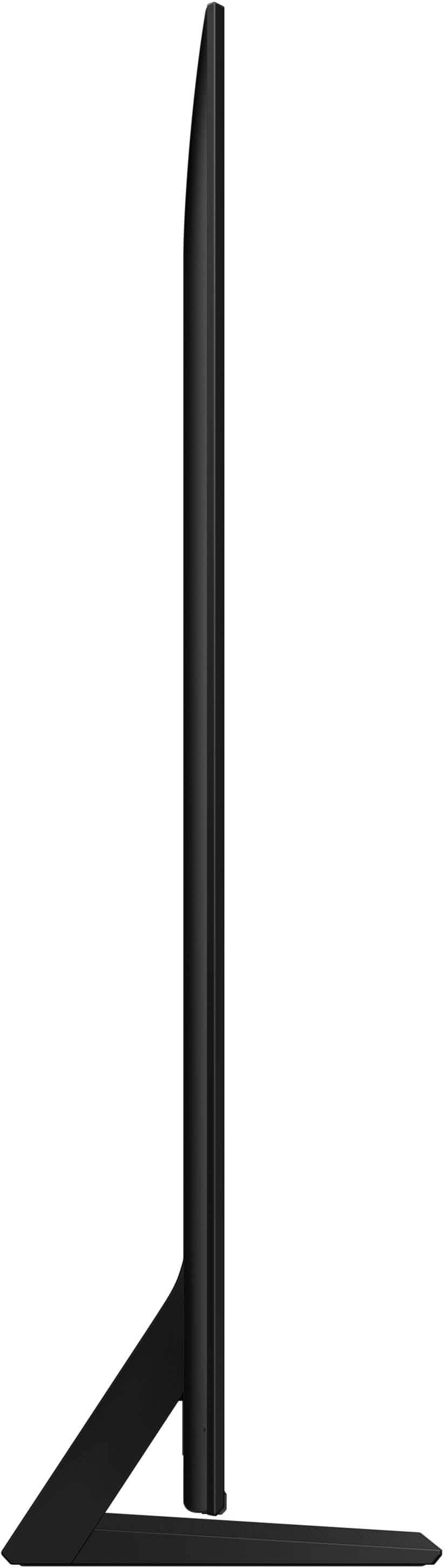
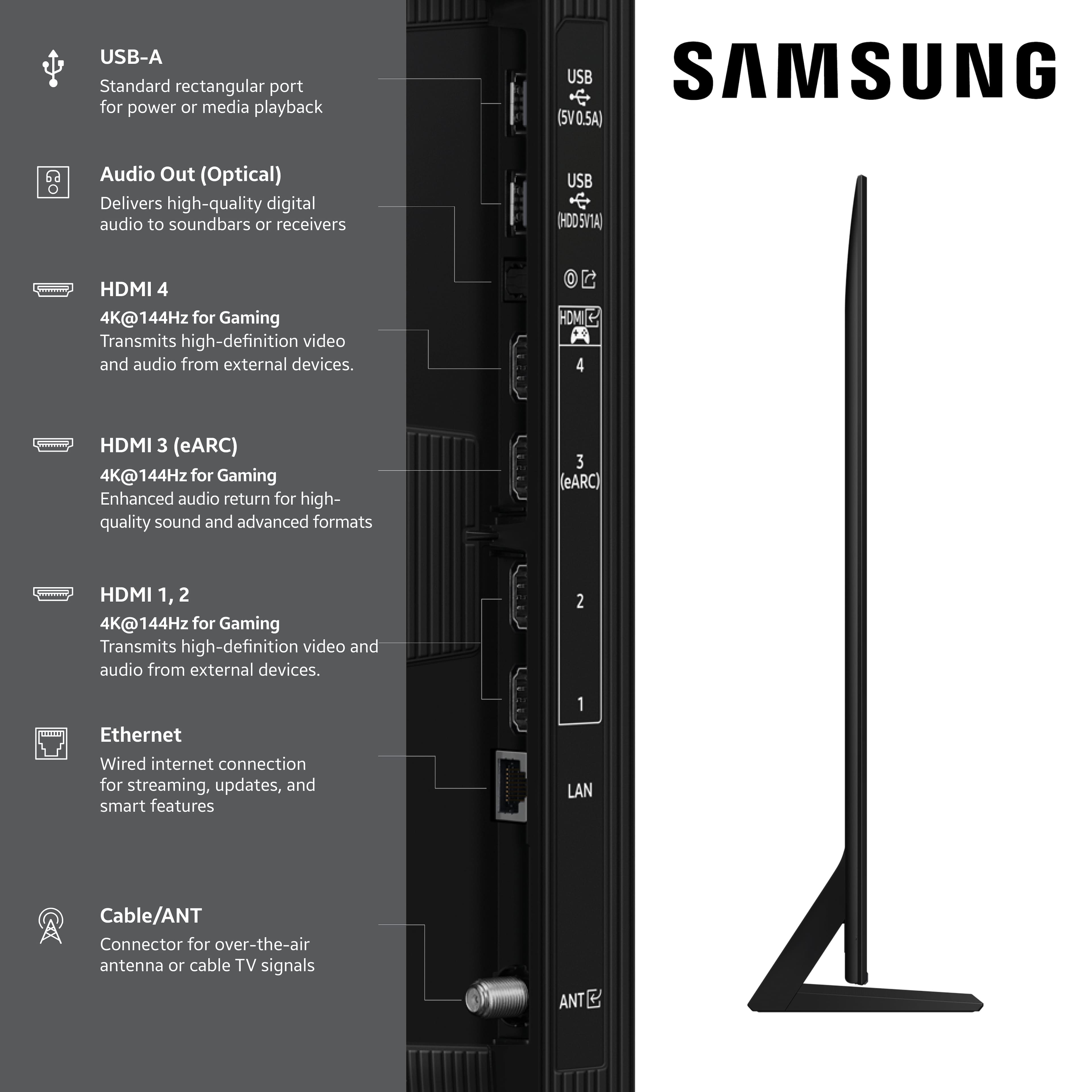





- Model:
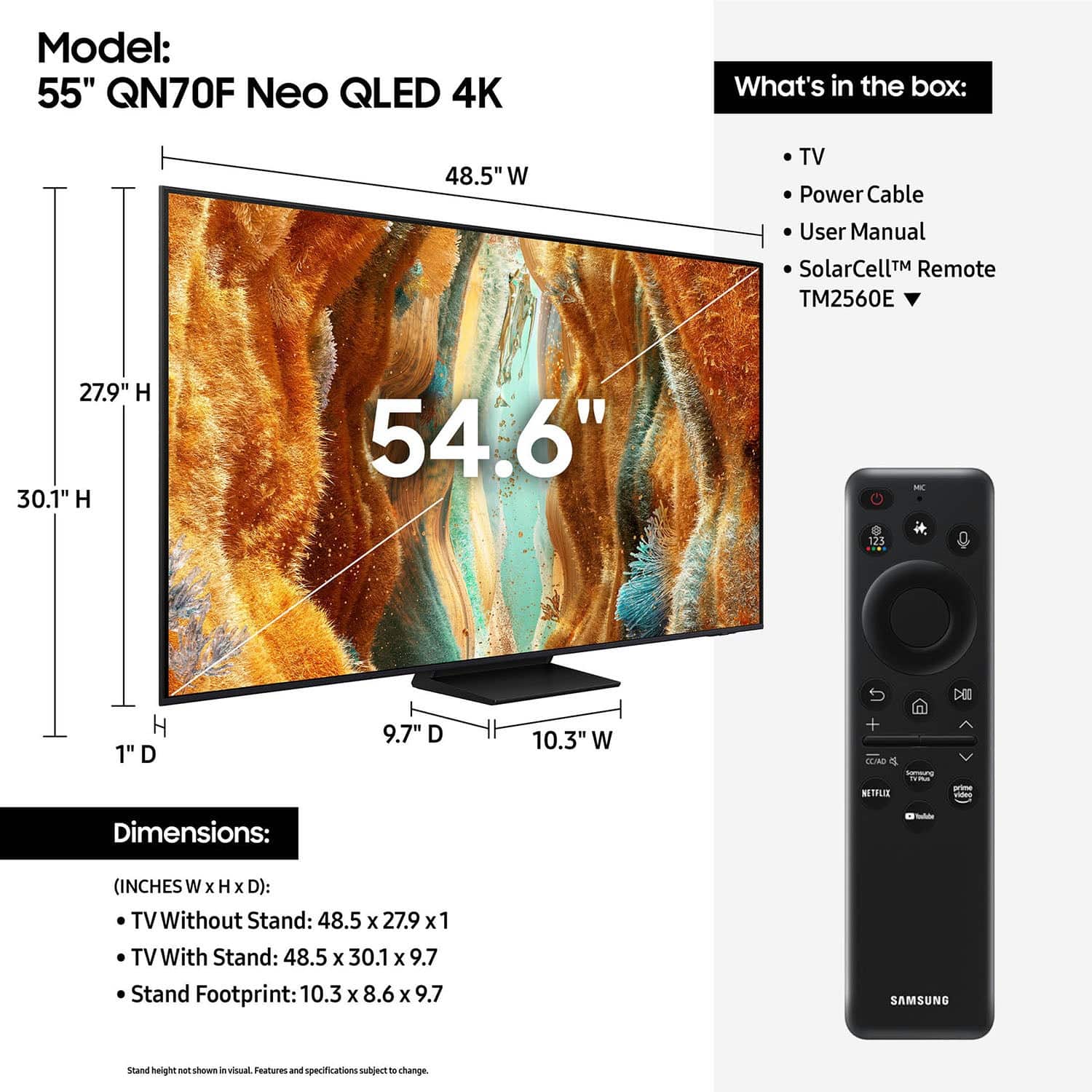
- QN55QN70FAFXZA
- SKU:
- 10362557
Rating by feature
- Picture Quality
Rating 4.8 out of 5 stars
- Sound Quality
Rating 4.6 out of 5 stars
- Brightness
Rating 4.8 out of 5 stars
Samsung 55 inch Neo QLED TV
||Posted . Owned for 2 months when reviewed.This reviewer received promo considerations or sweepstakes entry for writing a review.Very happy with my 55 inch Samsung TV. Staff who delivered were excellent. Prompt and showed up in window they said.
I would recommend this to a friendSuper Satisfied With Samsung
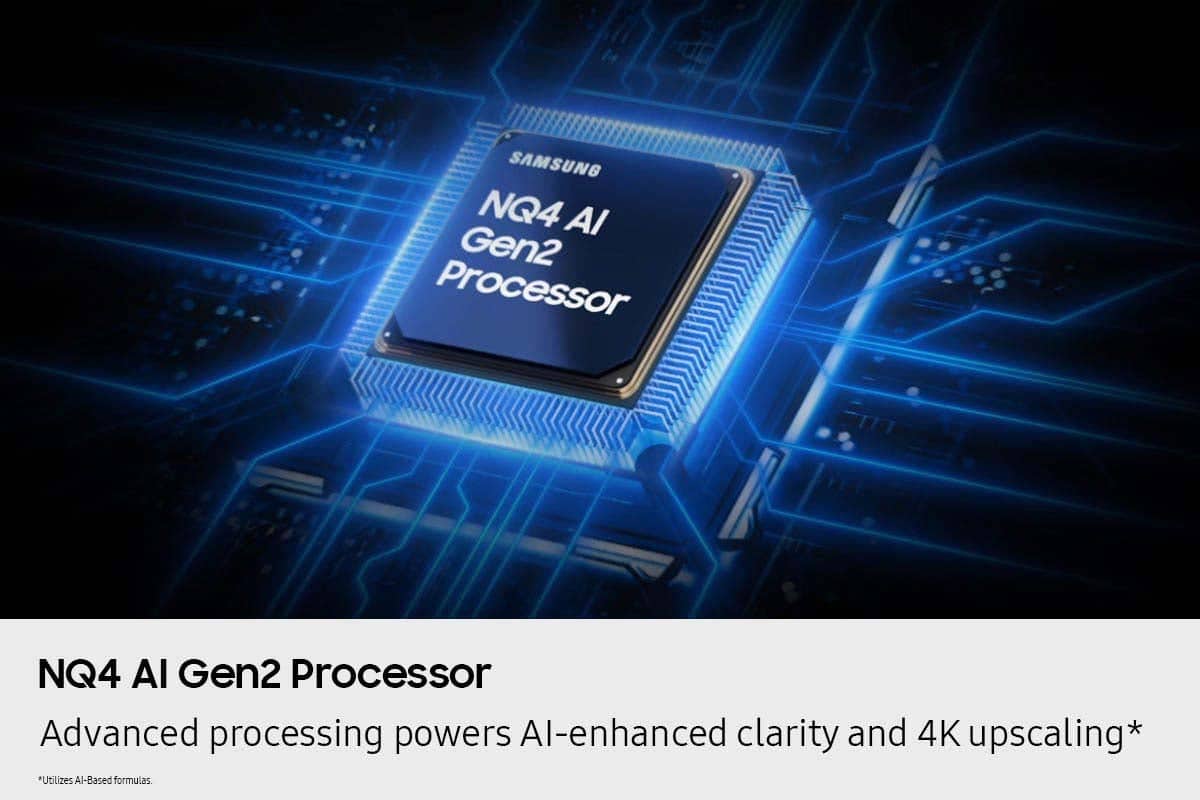
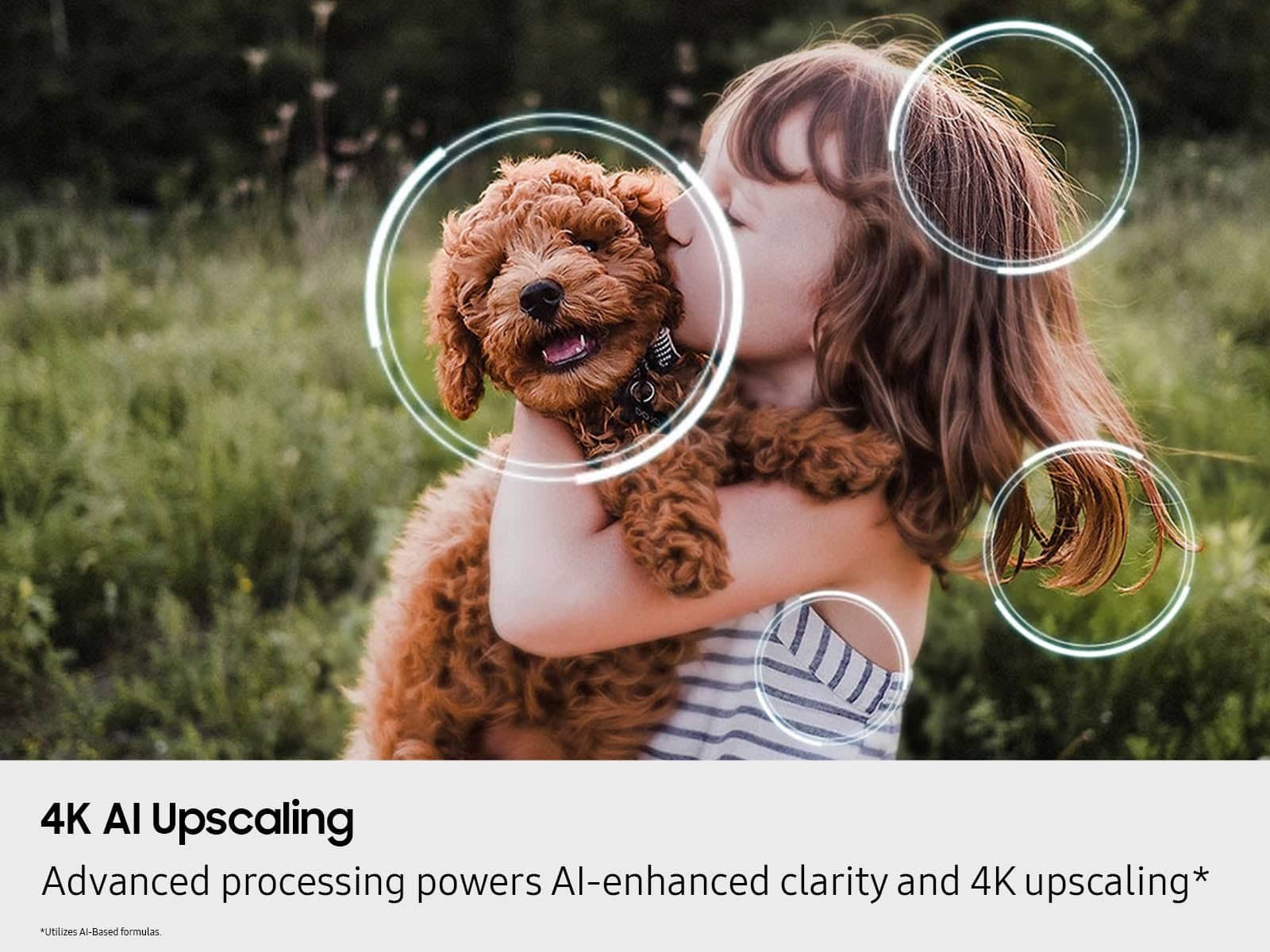
||Posted .This reviewer received promo considerations or sweepstakes entry for writing a review.I like This Tv for the bedroom. Especially the new Ai features. 55 inch us a sweet spot for my setup with the centered tv stand. I am a Samsung Lifer. GREAT TV AT A GREAT PRICE!!!!!
I would recommend this to a friendExcellent
||Posted . Owned for 2 weeks when reviewed.This reviewer received promo considerations or sweepstakes entry for writing a review.Great service! Fast, high quality! The employees helped to make the right choice, advised a product that meets our needs and at the best price. My family and I were satisfied with going to this store and buying a TV.
I would recommend this to a friendExcellent choice
||Posted . Owned for 2 weeks when reviewed.This reviewer received promo considerations or sweepstakes entry for writing a review.I replaced my Sony tv with this Samsung which I like much better. Maybe I should have bought the 65”. Anyway, I am very happy with it. Definitely much recommended.
I would recommend this to a friendNEO QLED 55
||Posted . Owned for 1 month when reviewed.This reviewer received promo considerations or sweepstakes entry for writing a review.The staff was awesome. I went to PC Richards and I did not like the sales person. The Best Buy guys rock.
I would recommend this to a friendNot to bad
||Posted .This reviewer received promo considerations or sweepstakes entry for writing a review.Had it for about a month and i use the tv pretty heavily and it works just fine thought the picture quality would be a little better but its definitely a upgrade from my last tv which was a samsung tv made from like 5 or more years ago the speakers arent that good.. would be nice if they had more bass but it is what it is..
I would recommend this to a friendNice TV
||Posted .This reviewer received promo considerations or sweepstakes entry for writing a review.Great picture and easy set up! Perfect for the den.
I would recommend this to a friendOk TV. Not Great. Too Expensive For What You Get
||Posted . Owned for 3 weeks when reviewed.This reviewer received promo considerations or sweepstakes entry for writing a review.Picture is not the greatest. Skin tone colors are off. Had annoying smart tv apps that kept popping up every time I turned on the tv like I wanted to watch nextflix, hbo max, or some other app. I watch cable. I found a setting that allowed me ti disable this feature
No, I would not recommend this to a friendBrand response from Samsung
Posted .StephanieA,
We appreciate your input on the picture quality of Samsung’s QN70F TV. If the image isn’t meeting your expectations, there are several adjustments you can make to improve your viewing experience.
First, please ensure your TV is running the latest firmware, as updates may include important picture quality enhancements. Go to: Home > Left directional button > Settings > Support > Software Update > Update Now
Then, select a Picture Mode that best fits your environment: Home > Home > left directional key > Settings > All Settings > Picture > Picture Mode
1. Standard – Default mode for general viewing
2. Dynamic – Brighter and clearer in well-lit rooms
3. Eco – Optimized for energy saving
4. Movie – Best for watching in dark environments
5. Filmmaker Mode – Preserves content exactly as intended by creators
You can also enhance your experience by enabling AI Mode, which automatically adjusts picture and sound based on your surroundings and usage patterns: Settings > All Settings > Advanced Features > AI Mode Settings > AI Mode
If these adjustments don’t improve your picture quality, feel free to contact Samsung Customer Support at 1-800-SAMSUNG, available 8AM – 12AM EST, 7 days a week. You can also LiveChat with an agent or find helpful guides by visiting the ‘Support’ section of our website.
~ Samsung Specialist
Not impressed.
||Posted .This reviewer received promo considerations or sweepstakes entry for writing a review.I’m not impressed with this tv. We usually like Samsung. But this one seems problematic to me. I had to adjust the colors quite a bit. The AI did not do it well. It was also too bright. The picture is not clear sometimes, and other times, it is. I’m not sure if it’s a connection issue or what, but we didn’t have this problem before, and we don’t have these problems with the cheaper TCL we have in another room. We are using a wired connection, too.
No, I would not recommend this to a friendBrand response from Samsung
Posted .Td789,
We appreciate your input on the picture quality of Samsung’s QN70F TV. If the image isn’t meeting your expectations, there are several adjustments you can make to improve your viewing experience.
First, please ensure your TV is running the latest firmware, as updates may include important picture quality enhancements. Go to: Home > Left directional button > Settings > Support > Software Update > Update Now
Then, select a Picture Mode that best fits your environment: Home > Home > left directional key > Settings > All Settings > Picture > Picture Mode
1. Standard – Default mode for general viewing
2. Dynamic – Brighter and clearer in well-lit rooms
3. Eco – Optimized for energy saving
4. Movie – Best for watching in dark environments
5. Filmmaker Mode – Preserves content exactly as intended by creators
You can also enhance your experience by enabling AI Mode, which automatically adjusts picture and sound based on your surroundings and usage patterns: Settings > All Settings > Advanced Features > AI Mode Settings > AI Mode
If these adjustments don’t improve your picture quality, feel free to contact Samsung Customer Support at 1-800-SAMSUNG, available 8AM – 12AM EST, 7 days a week. You can also LiveChat with an agent or find helpful guides by visiting the ‘Support’ section of our website.
~ Samsung Specialist
Samsung forever
||Posted .This reviewer received promo considerations or sweepstakes entry for writing a review.Samsung, you get what you pay for quality at its best.
I would recommend this to a friendGreat TV, for a Good Sale Price
||Posted . Owned for 2 weeks when reviewed.This reviewer received promo considerations or sweepstakes entry for writing a review.Great step up from my previous TV. Clear, crisp, and bright!
I would recommend this to a friendRemote
||Posted .This reviewer received promo considerations or sweepstakes entry for writing a review.Need different remote, works half the time. How do I get rrplacement
I would recommend this to a friendBrand response from Samsung
Posted .user174475,
Thank you for sharing your experience with the SolarCell Remote. If the remote is unresponsive, it may be due to a low or depleted battery.
You can charge the remote using the solar panel on the back or the USB-C port located at the bottom. To check the battery level of your remote, navigate to: Home > left directional key > Settings > All Settings > General & Privacy > Remote Control
To help resolve the issue, please try the following:
1. Reset the remote: Press and hold the Return and Enter (center of navigation pad) buttons for more than 10 seconds.
2. Re-pair the remote: After resetting, stand within 1 foot of your TV and press Return and Play/Pause simultaneously for at least 5 seconds, or until a pairing message appears on your TV.
3. Power cycle the TV: Unplug the TV from the power outlet for 30 seconds, then plug it back in.
4. Try pairing again if needed and move closer to the TV if you're having difficulty.
5. Check for TV firmware updates: Settings > Support > Software Update > Update Now
If your SolarCell Remote still isn’t functioning properly after these steps, please contact Samsung Support for further assistance. We’re available at 1-800-SAMSUNG, 8AM – 12AM EST, 7 days a week. LiveChat agents are also available at the ‘Support’ link on our website.
~ Samsung Specialist
9/10
||Posted . Owned for 1 month when reviewed.This reviewer received promo considerations or sweepstakes entry for writing a review.So far so good…. The tv has been everything I asked for so far I play my Xbox on it pretty regular mostly flight sim and it holds up well
I would recommend this to a friendSo Far so good
||Posted .This reviewer received promo considerations or sweepstakes entry for writing a review.So far so good, no complaints. Delivery was great, on time, very courteous men.
I would recommend this to a friendTV Failed in 3 Months — Need Help from BB Pasadena
||Posted . Owned for 2 months when reviewed.This reviewer received promo considerations or sweepstakes entry for writing a review.Purchased a Samsung QN55QN70FAFXZA from Best Buy Pasadena on 02/08/2026 for $649.99, expecting reliability and support from a trusted retailer. Unfortunately, within about three months the TV developed dead pixels / screen failure. There are no cracks, no impact damage, and the television has been properly cared for. Samsung denied the warranty claim based only on a photograph and labeled it “personal damage,” which does not reflect the actual condition of the TV. I’m asking Best Buy Pasadena management to please help review this situation and assist with a fair resolution. I chose Best Buy because I trusted the products and customer service behind the sale.
No, I would not recommend this to a friendBrand response from Samsung
Posted .GregoryV,
Thank you for bringing your concerns to our attention. We encourage you to reach out to us again so we can take a closer look, further diagnose the issue, and provide additional support.
At your earliest convenience, please call Samsung Support at 1-800-SAMSUNG (8AM – 9PM EST Mon – Fri, 8AM – 6PM Sat – Sun). You can also reach us via LiveChat by visiting the ‘Support’ link on our website.
~ Samsung Specialist
- Pros mentioned:Picture quality
Magamo
||Posted .This reviewer received promo considerations or sweepstakes entry for writing a review.Picture is pretty good, but I was expecting better. Not as clear as I would like.
No, I would not recommend this to a friendBrand response from Samsung
Posted .Magamo,
We appreciate your input on the picture quality of Samsung’s QN70F TV. If the image isn’t meeting your expectations, there are several adjustments you can make to improve your viewing experience.
First, please ensure your TV is running the latest firmware, as updates may include important picture quality enhancements. Go to: Home > Left directional button > Settings > Support > Software Update > Update Now
Then, select a Picture Mode that best fits your environment: Home > Home > left directional key > Settings > All Settings > Picture > Picture Mode
1. Standard – Default mode for general viewing
2. Dynamic – Brighter and clearer in well-lit rooms
3. Eco – Optimized for energy saving
4. Movie – Best for watching in dark environments
5. Filmmaker Mode – Preserves content exactly as intended by creators
You can also enhance your experience by enabling AI Mode, which automatically adjusts picture and sound based on your surroundings and usage patterns: Settings > All Settings > Advanced Features > AI Mode Settings > AI Mode
If these adjustments don’t improve your picture quality, feel free to contact Samsung Customer Support at 1-800-SAMSUNG, available 8AM – 12AM EST, 7 days a week. You can also LiveChat with an agent or find helpful guides by visiting the ‘Support’ section of our website.
~ Samsung Specialist
Qled not our thing
||Posted .This reviewer received promo considerations or sweepstakes entry for writing a review.We returned this TV. It worked fine, but we were not fans of the Qled coloring and definition. People did not look real to us. I think maybe it would be a great display for gaming.
I would recommend this to a friendBrand response from Samsung
Posted .MargaretK,
We're sorry to hear that your experience with the QN70F TV led to a return. Your feedback matters to us and will be shared with our product team.
If you decide to explore Samsung TVs again in the future, we’re always here to support you - whether it’s setup, features, or troubleshooting. Reach us anytime at 1-800-SAMSUNG (8AM – 12AM EST, 7 days a week), or visit the ‘Support’ section of our website for LiveChat, manuals, and more.
~ Samsung Specialist
- Pros mentioned:Picture quality
Buffer
||Posted .This reviewer received promo considerations or sweepstakes entry for writing a review.The picture quality and overall usage of this TV is great. The issue I have is a connectivity with the internet. Nothing else in the household will buffer as much as this TV does when connected to Wi-Fi. The router is in the next room and so is an extender. This TV still has issues. Because of this, I would not purchase this TV again.
No, I would not recommend this to a friendBrand response from Samsung
Posted .Hi JesseG,
Thank you for sharing your experience. Buffering during streaming is typically related to internet speed or signal strength. This can happen when your connection isn’t able to deliver data quickly enough for smooth playback.
We recommend the following steps to help improve streaming performance:
1. Use a 5GHz Wi-Fi connection, if available
2. Try a wired LAN connection for more stability
3. Reposition your router to minimize obstacles between it and the TV
4. Make sure your TV is running the latest firmware (Settings > Support > Software Update)
5. Run Device Care to optimize performance: Home > left directional key > Settings > Support > Device Care > Start Device Care
If buffering continues, you may want to contact your internet service provider to check your current speed or explore upgrade options.
If we can assist further, please call us at 1-800-SAMSUNG, available daily from 8AM - 12AM EST. You can also visit the Samsung website and click on ‘Support’ for:
• Live Chat
• Manuals, Software, & Warranty Info
~ Samsung Advisor
TV review
||Posted . Owned for 1 month when reviewed.This reviewer received promo considerations or sweepstakes entry for writing a review.Takes too long to come one Volume fluctuates. No great
No, I would not recommend this to a friendBrand response from Samsung
Posted .Hi JaniceS,
Thank you for sharing your experience with volume fluctuations on your TV. This is likely due to a setting you may have accidentally enabled.
Here are a few steps that may help resolve the issue:
1. Turn off the Sound Sensor: Use the button located beneath the Samsung logo on the bottom of the TV. With the TV powered on, press the button to the left to turn the sensor on or to the right to turn it off.
2. Disable AI Sound Features: Some AI functions automatically analyze and adjust sound, which may cause volume to fluctuate. To disable these: Settings > All Settings > Advanced Features > AI Mode Settings > AI Mode. You can turn off all AI functions at once or toggle each setting individually.
3. Check for Firmware Updates: Keeping your TV up to date may improve audio performance: Settings > Support > Software Update > Update Now
To help stabilize audio, please do enable Auto Volume, which automatically adjusts sound levels when switching inputs or channels: Settings > All Settings > Sound > Expert Settings > Auto Volume > On (please note: Auto Volume can be used with TV speakers only, not with connected audio devices)
If you'd like more assistance, please contact Samsung Support for further assistance at 1-800-SAMSUNG, 8AM – 12AM EST, 7 days a week. LiveChat and additional support resources are also available through the Support link on our website.
~ Samsung Advisor
RATING
||Posted . Owned for 2 weeks when reviewed.This reviewer received promo considerations or sweepstakes entry for writing a review.SENT BACK, WAS NOT TOLD COULD NOT HOOK UP PLAY STATION OR VCR. ALSO WOW BOX HAD NO PLACE TO PLUG IM
No, I would not recommend this to a friendBrand response from Samsung
Posted .LarryW,
We're sorry to hear the QN70F TV didn’t meet your expectations. Your experience is important and will be reviewed by our product team.
Should you give Samsung another look in the future, we’d be glad to assist with setup, settings, or features. You can contact us at 1-800-SAMSUNG, 8AM – 12AM EST daily, or LiveChat with a representative at the ‘Support’ link on our website.
~ Samsung Specialist