Customer Ratings & Reviews
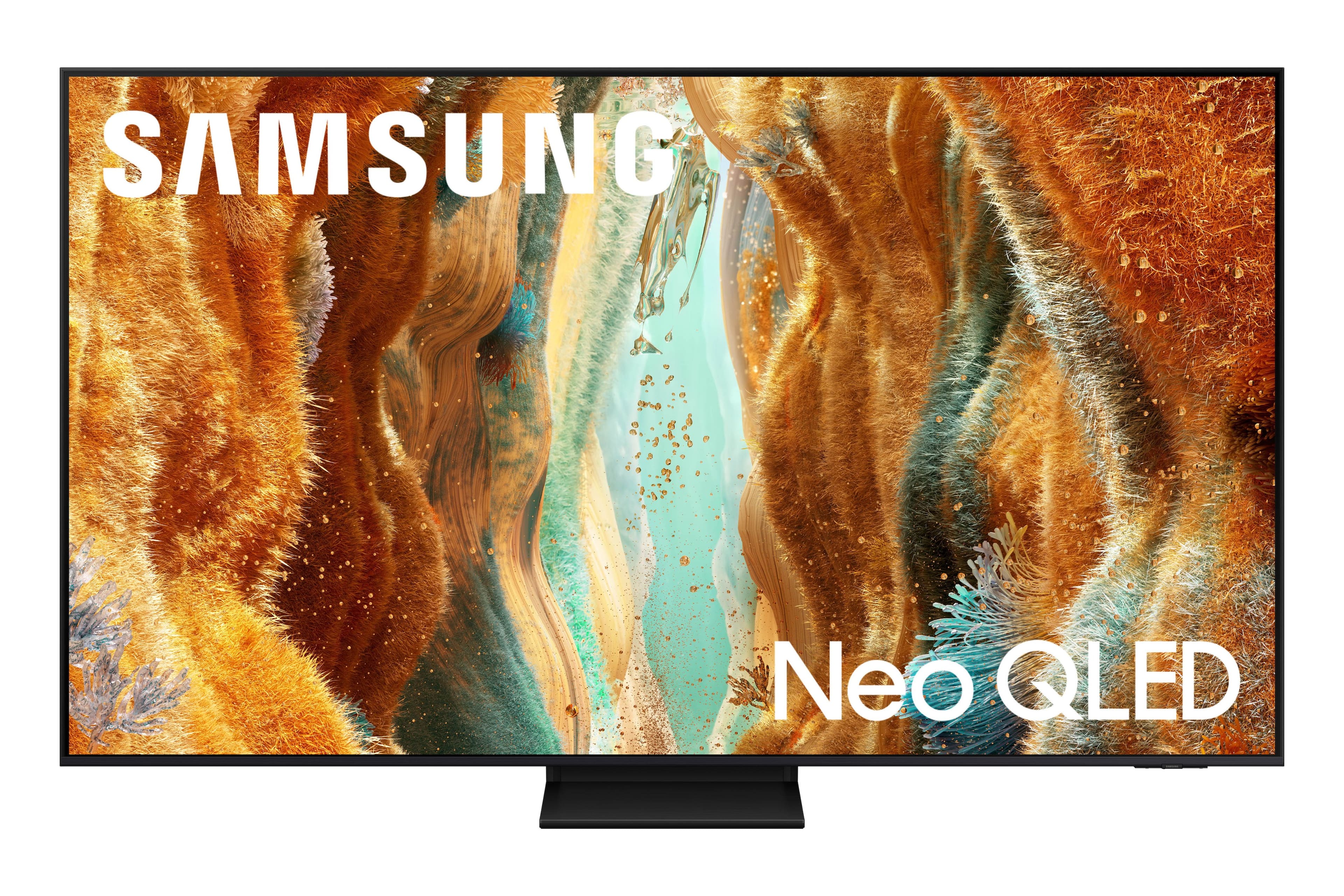

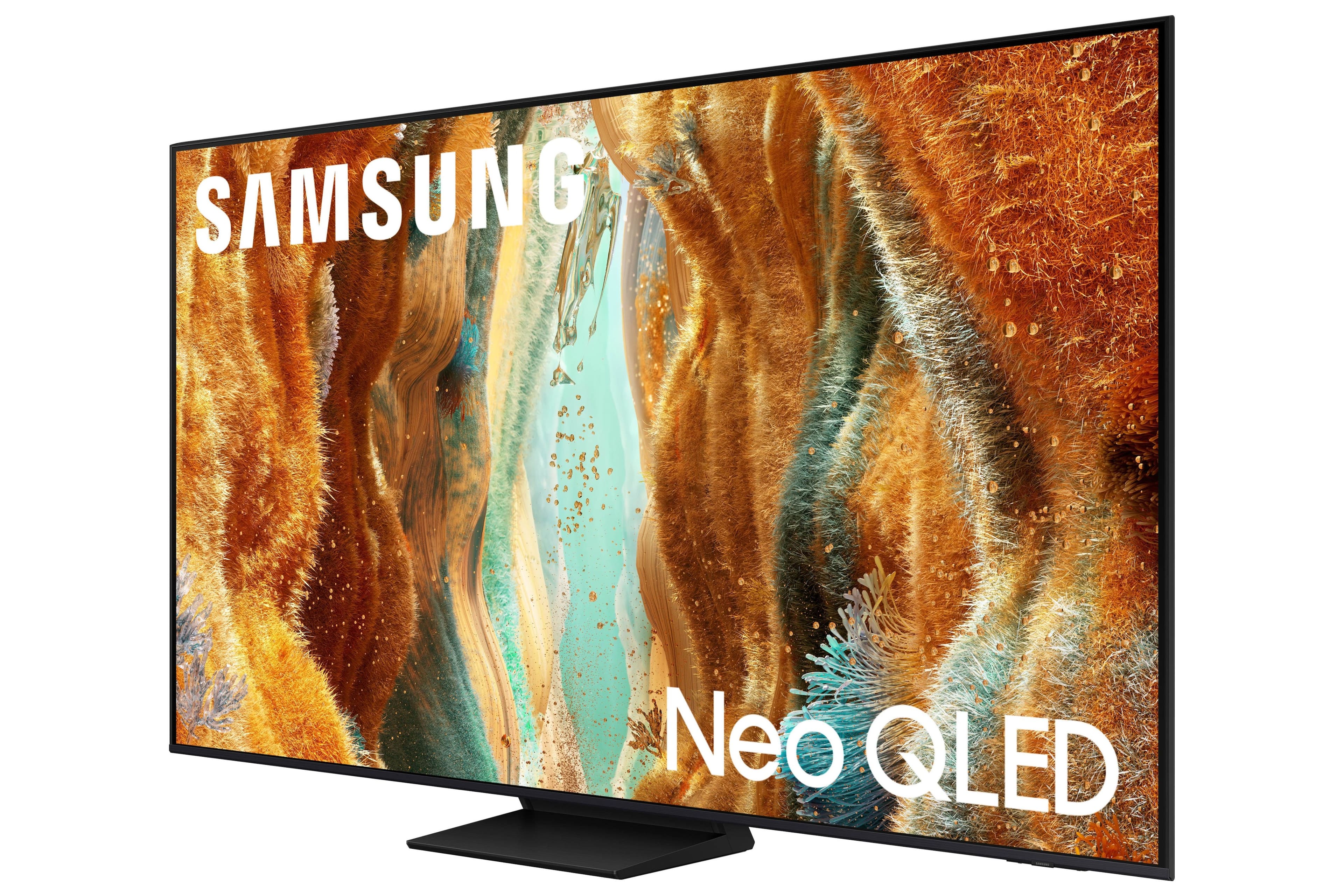
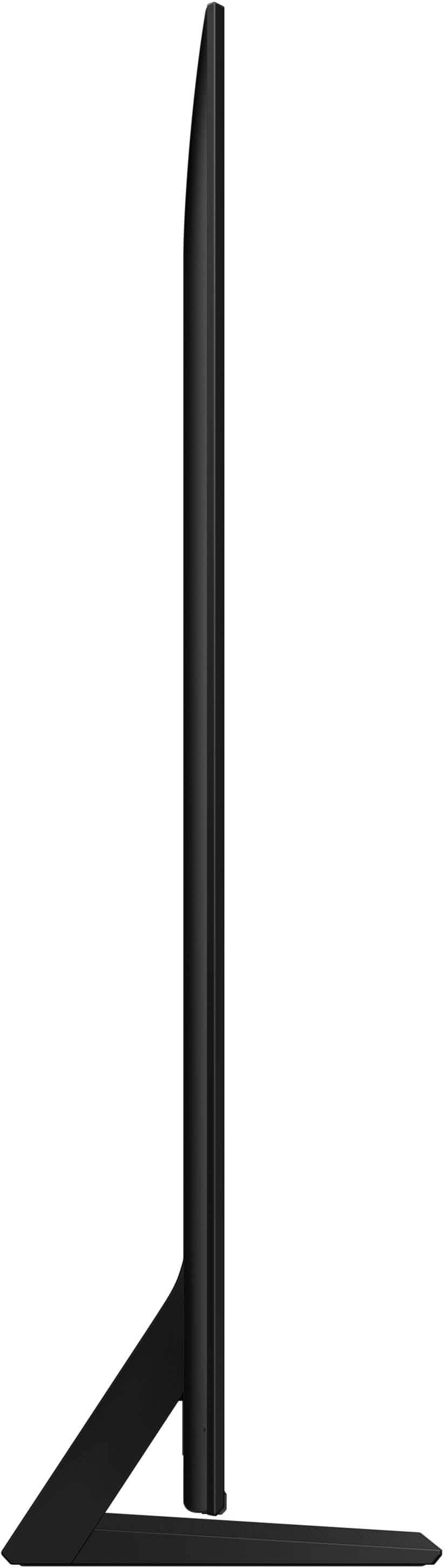
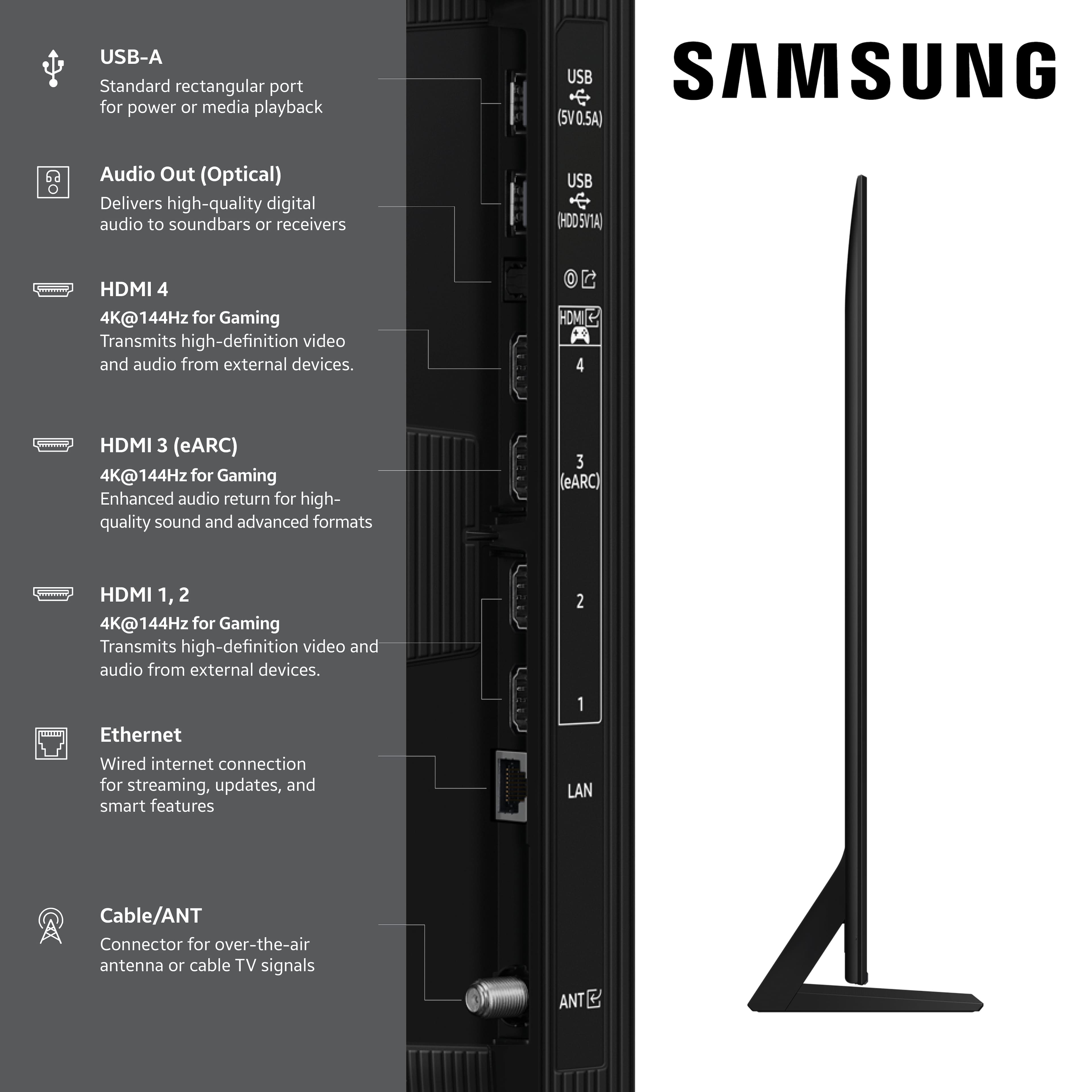
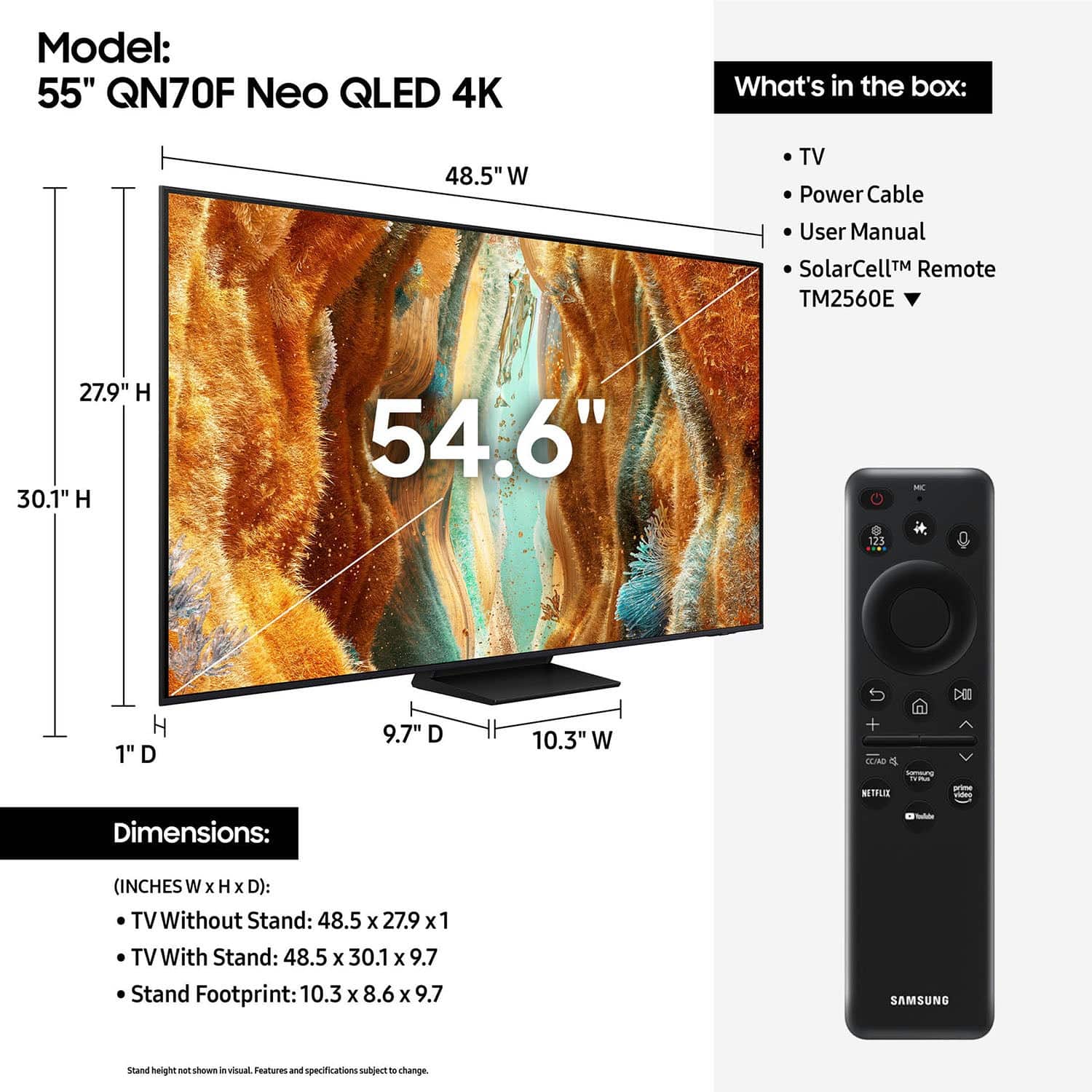
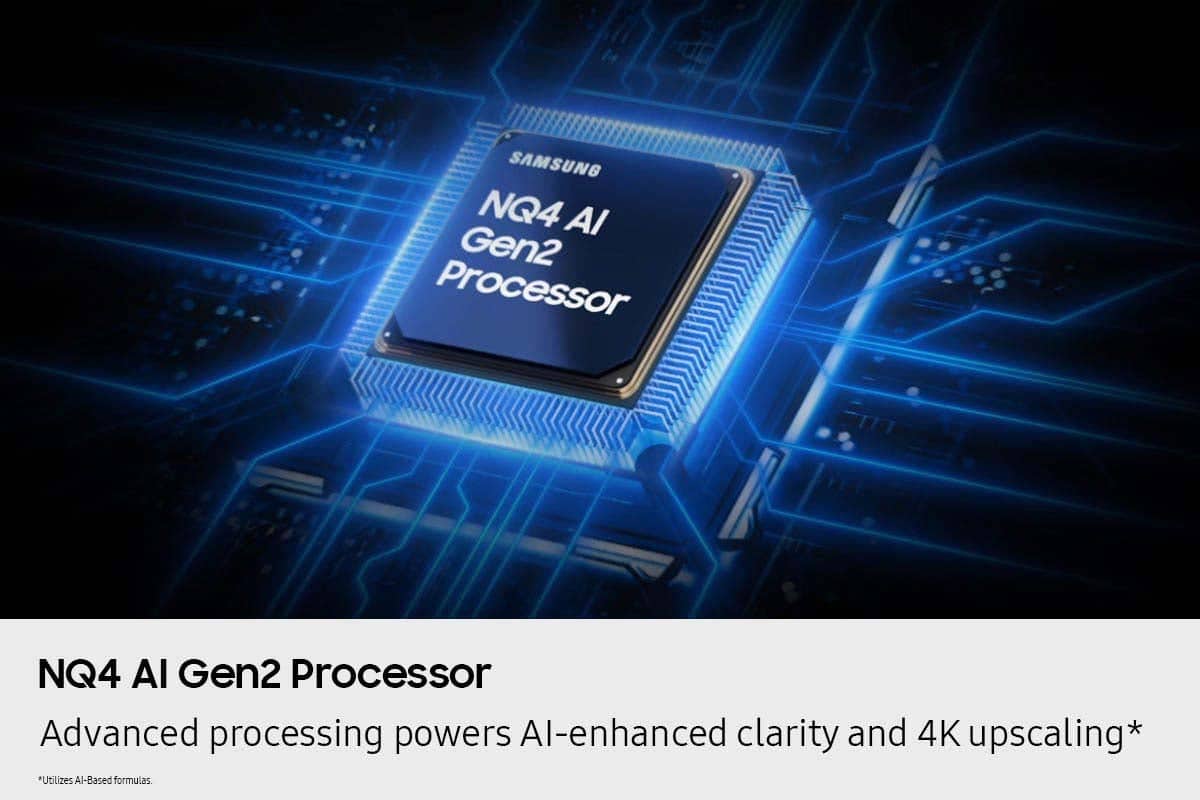
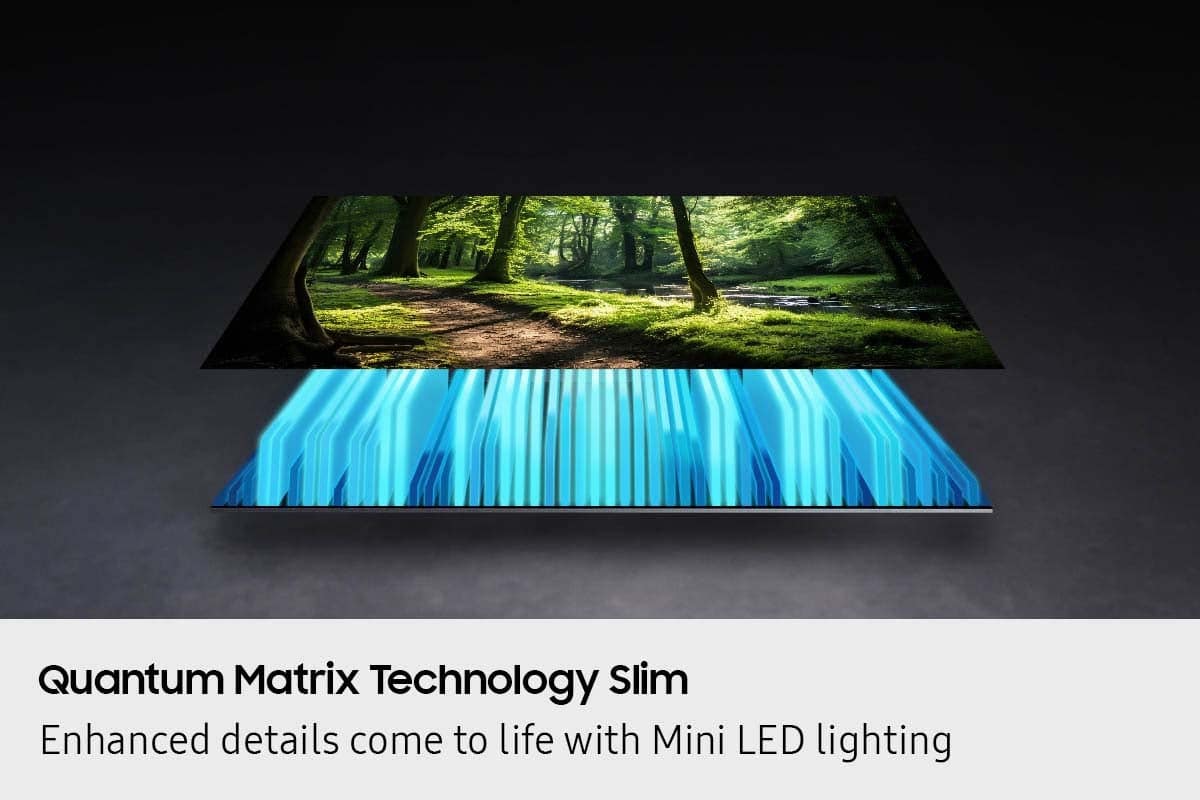

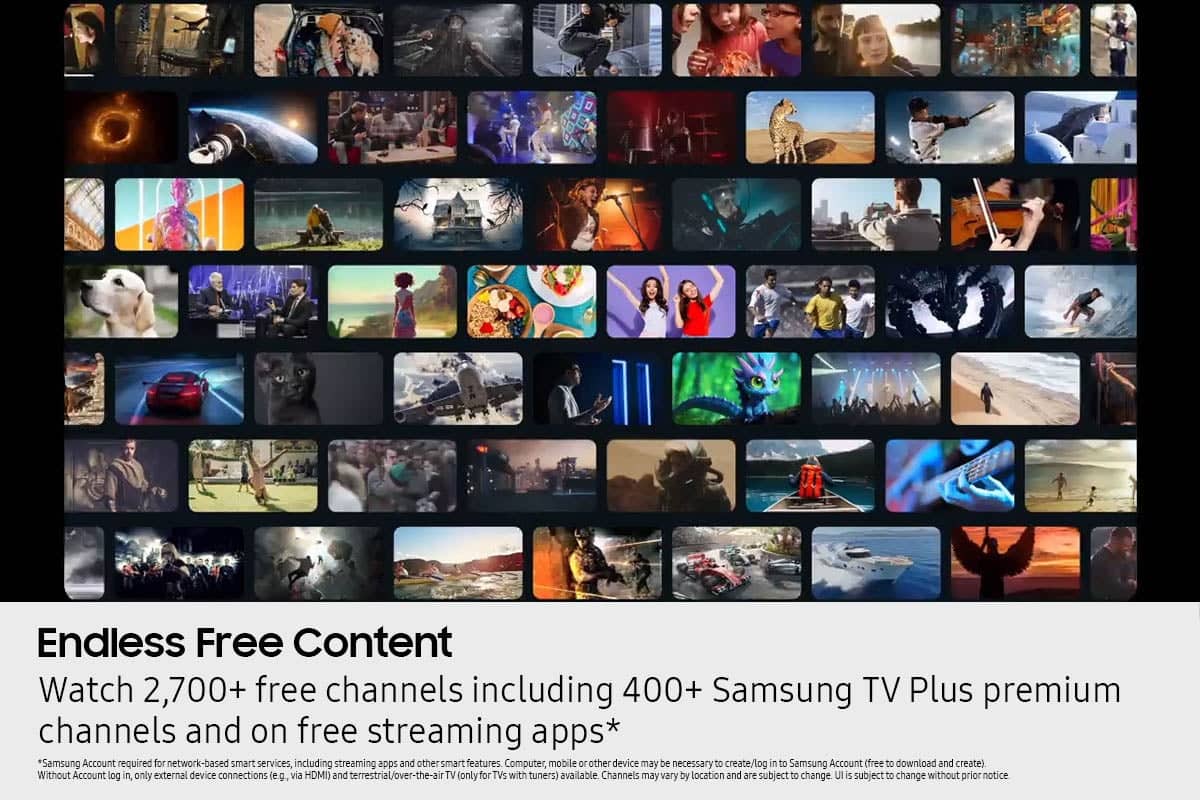

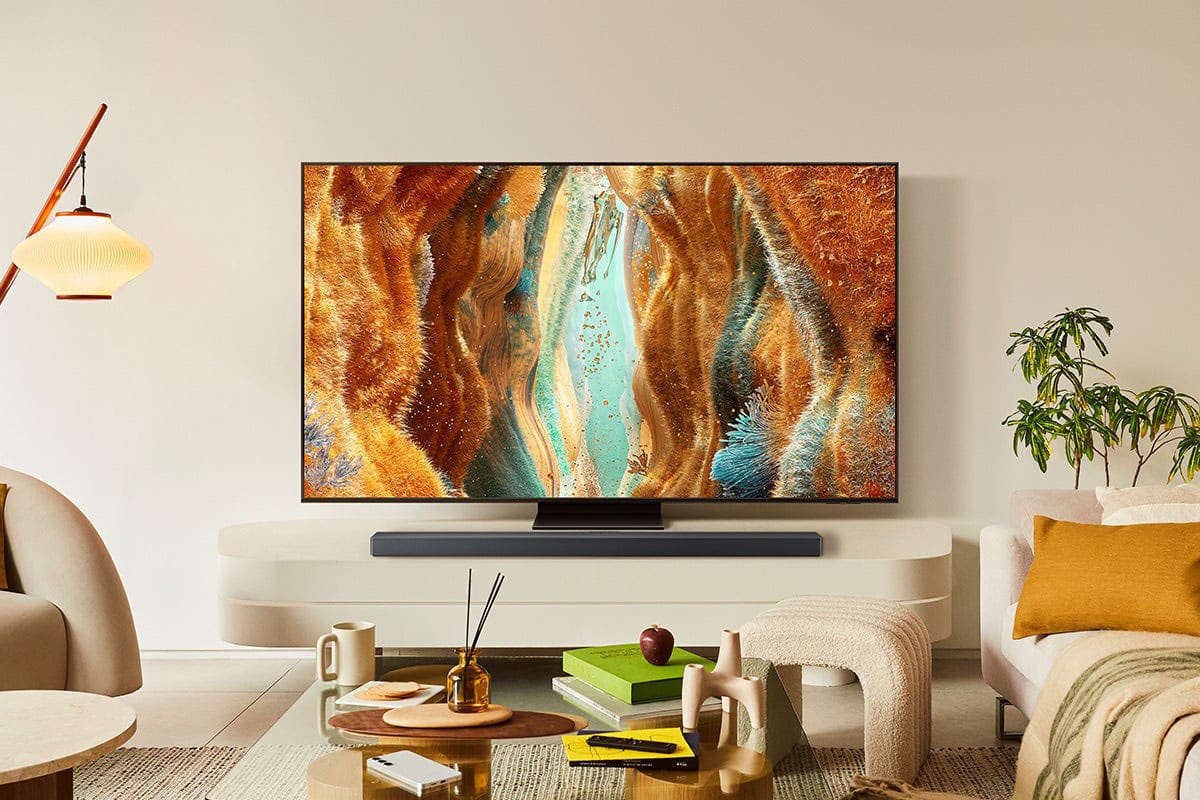




- Model:
- QN55QN70FAFXZA
- SKU:
- 6614341
Rating by feature
- Picture Quality
Rating 4.8 out of 5 stars
- Sound Quality
Rating 4.6 out of 5 stars
- Brightness
Rating 4.8 out of 5 stars
to a friend
Customers are saying
Customers value the 55” Class QN70F Series Neo QLED Mini LED 4K UHD SamsungVision AI Smart Tizen TV (2025) for its exceptional picture quality and user-friendly design. The TV's brightness is intelligently regulated, and its processor ensures fast video loading. Additionally, customers appreciate the TV's sleek design and comprehensive set of modern features.
This summary was generated by AI based on customer reviews.
Roger
Posted .This reviewer received promo considerations or sweepstakes entry for writing a review.Very satisfied with our tv and sound bar purchase, the service people and store associated were excellent to work with.
I would recommend this to a friendSamsung Review
Posted .This reviewer received promo considerations or sweepstakes entry for writing a review.Samsung is the only TV I would purchase today, I highly recommend this product, great pic and color contrast.
I would recommend this to a friendProblem TV
Posted .This reviewer received promo considerations or sweepstakes entry for writing a review.The TV was a very good product as was the instructions. My only problem with it was the remote. It was very difficult to use.
I would recommend this to a friendOk but you might want to look further.
Posted .This reviewer received promo considerations or sweepstakes entry for writing a review.Remite did not work. Sometimes the people look really fake. The color bleeds sometimes but I kept it anyway.
No, I would not recommend this to a friendBrand response from Samsung
Posted .Suzy,
Thank you for your feedback on the SolarCell Remote. If you’re having trouble with responsiveness, here are a few quick ways to check if it’s functioning correctly:
1. Test for infrared signal: Use your smartphone camera to look at the front of the remote. (If you're using an iPhone, the front-facing camera works best.) While pressing a button, you should see a flashing light through the camera. This confirms the remote is sending a signal.
2. Pairing: If the infrared is working, but the TV isn’t responding, make sure your remote is properly paired with your TV.
3. Charging: If no light appears, the remote may need to be charged. Plug a USB-C cable into the port at the bottom, or place the remote solar-side up in a well-lit area to recharge
If the image doesn’t quite match your preferences, there are several adjustments you can make to better suit your viewing environment and content type.
First, please ensure your TV is running the latest firmware, as updates may include important picture quality enhancements. Go to: Home > Left directional button > Settings > Support > Software Update > Update Now
To explore picture mode options, navigate to: Home > Left directional button > Settings > All Settings > Picture > Picture Mode. Options include:
• Standard – Ideal for general viewing
• Dynamic – Brighter and more vibrant for well-lit spaces
• Eco – Optimized for energy efficiency
• Movie – Best for viewing in low light
• Filmmaker Mode – Preserves the content creator’s intent and disables motion smoothing for supported content
You can further customize your image by going to: Settings > All Settings > Picture > Expert Settings, where you can adjust Brightness, Contrast, Color Tone, Sharpness, Contrast Enhancer and more.
If you’d like help finding the best picture settings for your preferences, please don’t hesitate to contact Samsung Support at 1-800-SAMSUNG, available 8AM – 12AM EST, 7 days a week. You can also LiveChat with an agent or explore additional resources on our website by clicking the ‘Support’ link.
~ Samsung Specialist
Sam55" neo
Posted .This reviewer received promo considerations or sweepstakes entry for writing a review.Not oled, but close. Good price, good delivery, much better display than my old vizio.
I would recommend this to a friendAvoid if you use Spectrum TV App
Posted .This reviewer received promo considerations or sweepstakes entry for writing a review.DON'T buy this TV if you use the Spectrum TV App. The model is not compatible with the App. I have spent hours trying to figure it out with Samsung Support. All they can tell me is that the Spectrum TV app is not compatible with this model. They will not tell me if there is an update coming that might be able to correct this.
No, I would not recommend this to a friendBrand response from Samsung
Posted .Hi ScottR,
We apologize for the delays. We're happy to share that the Spectrum app became available on 2025 Samsung TVs as of Friday, 4/25. Thank you for your patience while we worked toward its release.
If you need assistance installing Spectrum from your TV’s App Home screen, our team is ready to help. Call us at 1-800-SAMSUNG (8AM – 12AM EST, 7 days a week), or connect with a LiveChat agent by clicking the ‘Support’ link on our website.
~ Samsung Specialist