Customer Ratings & Reviews
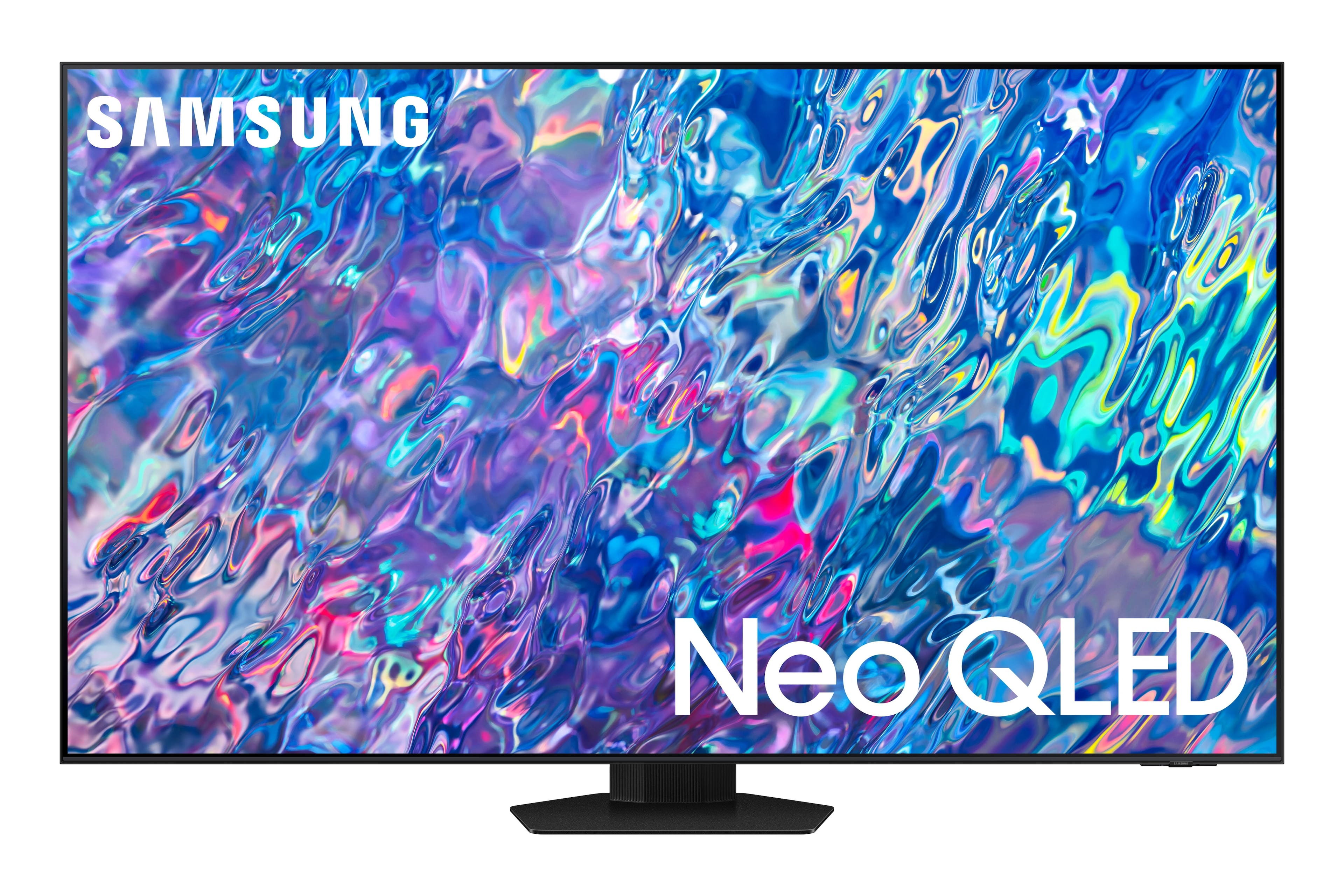
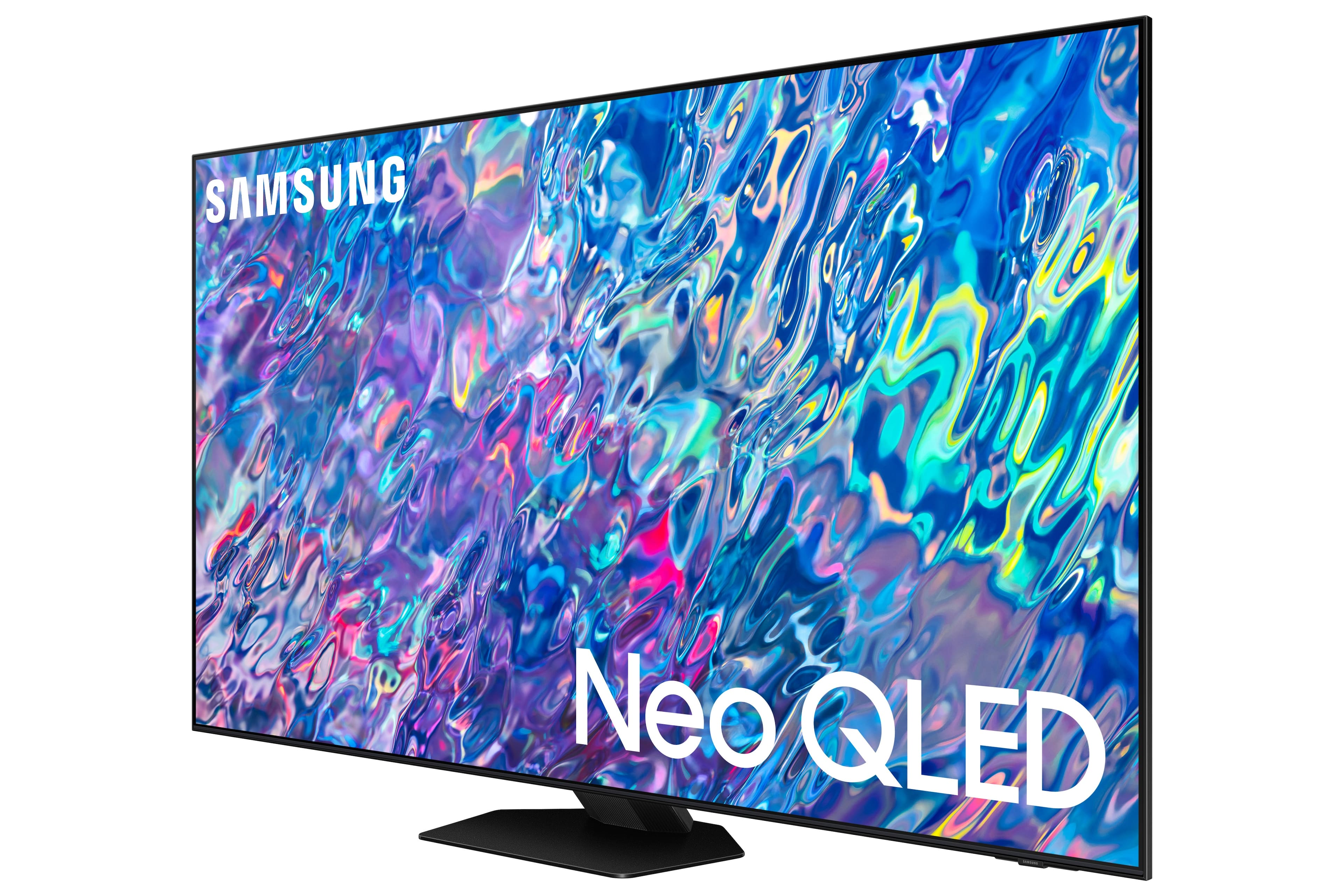
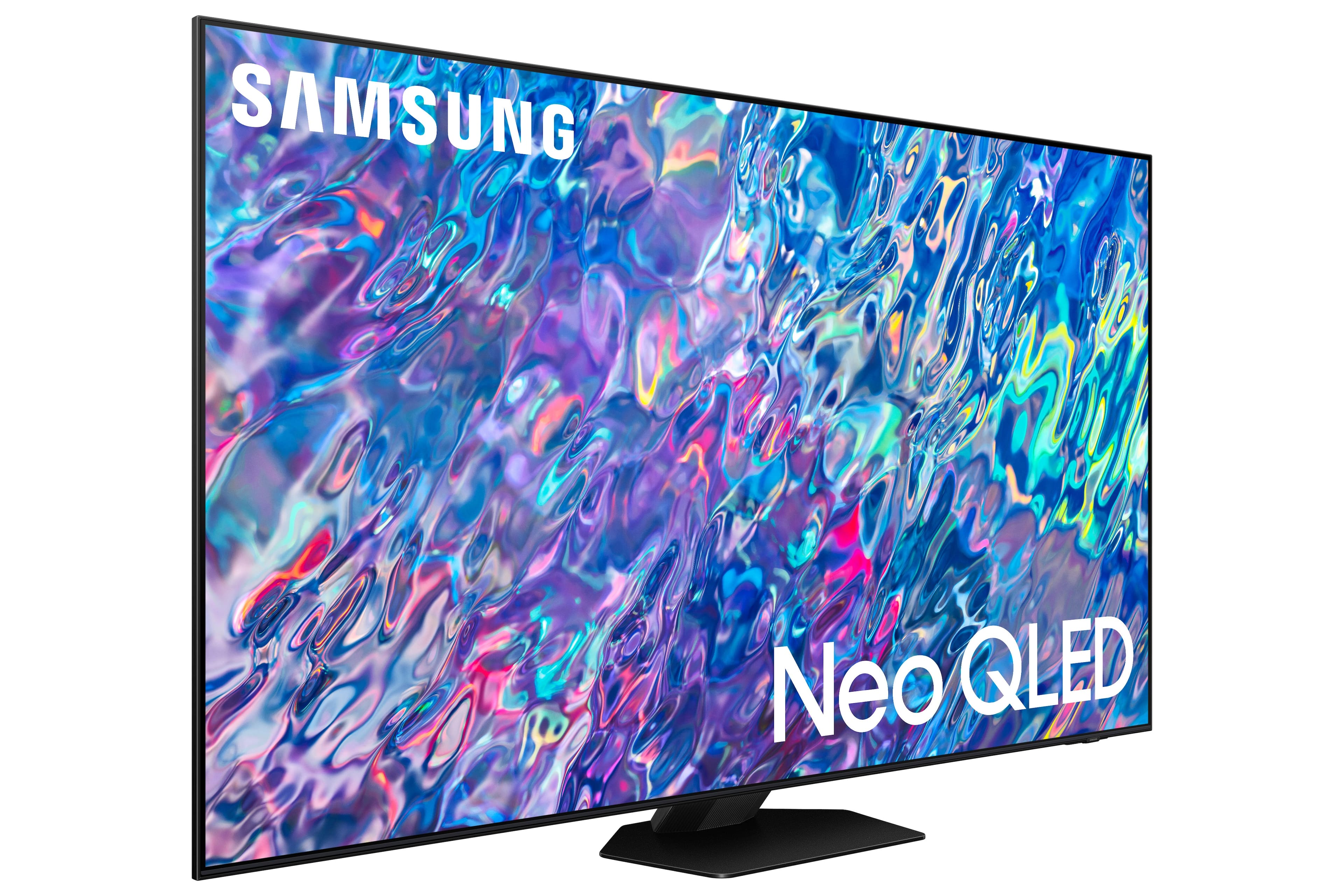
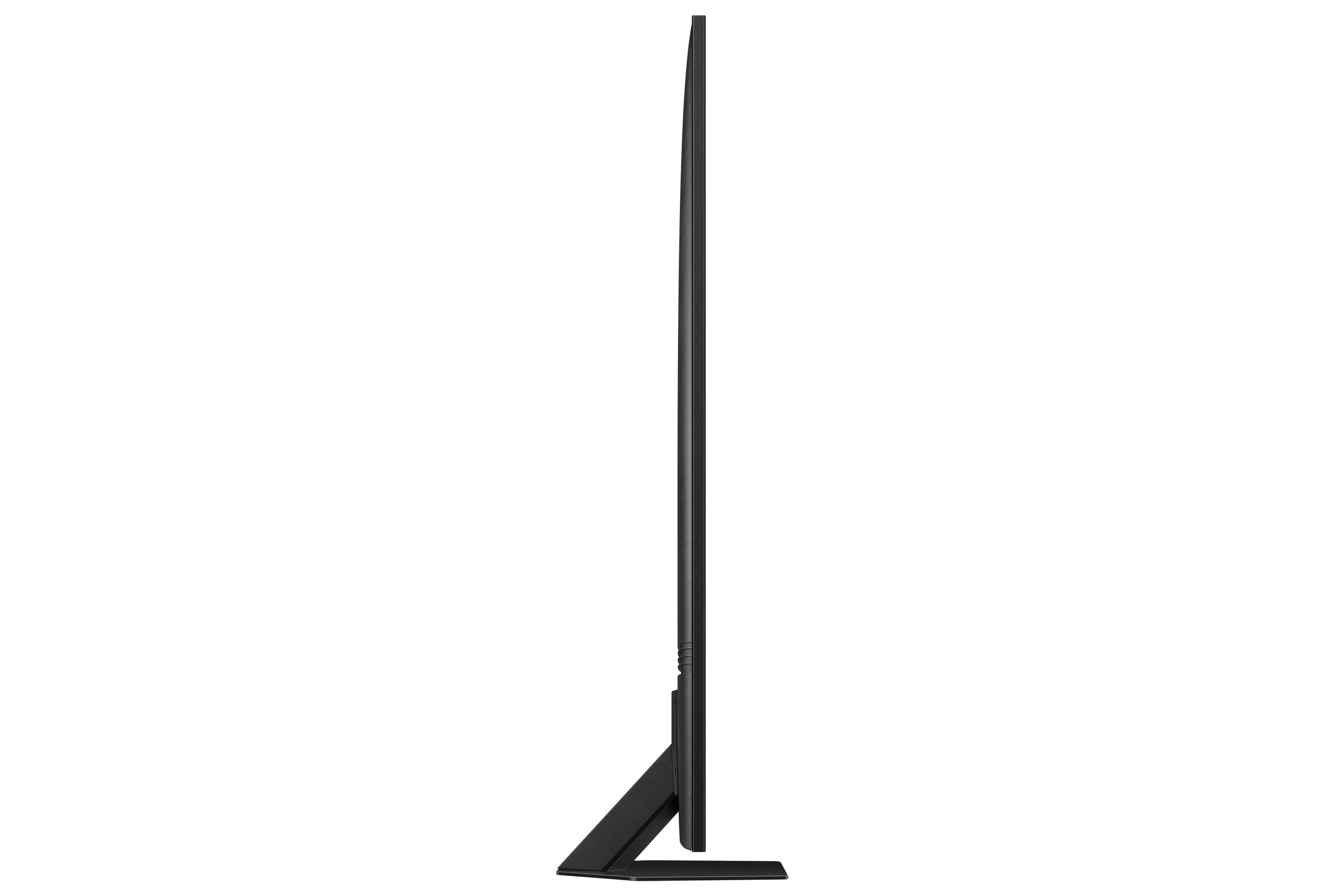
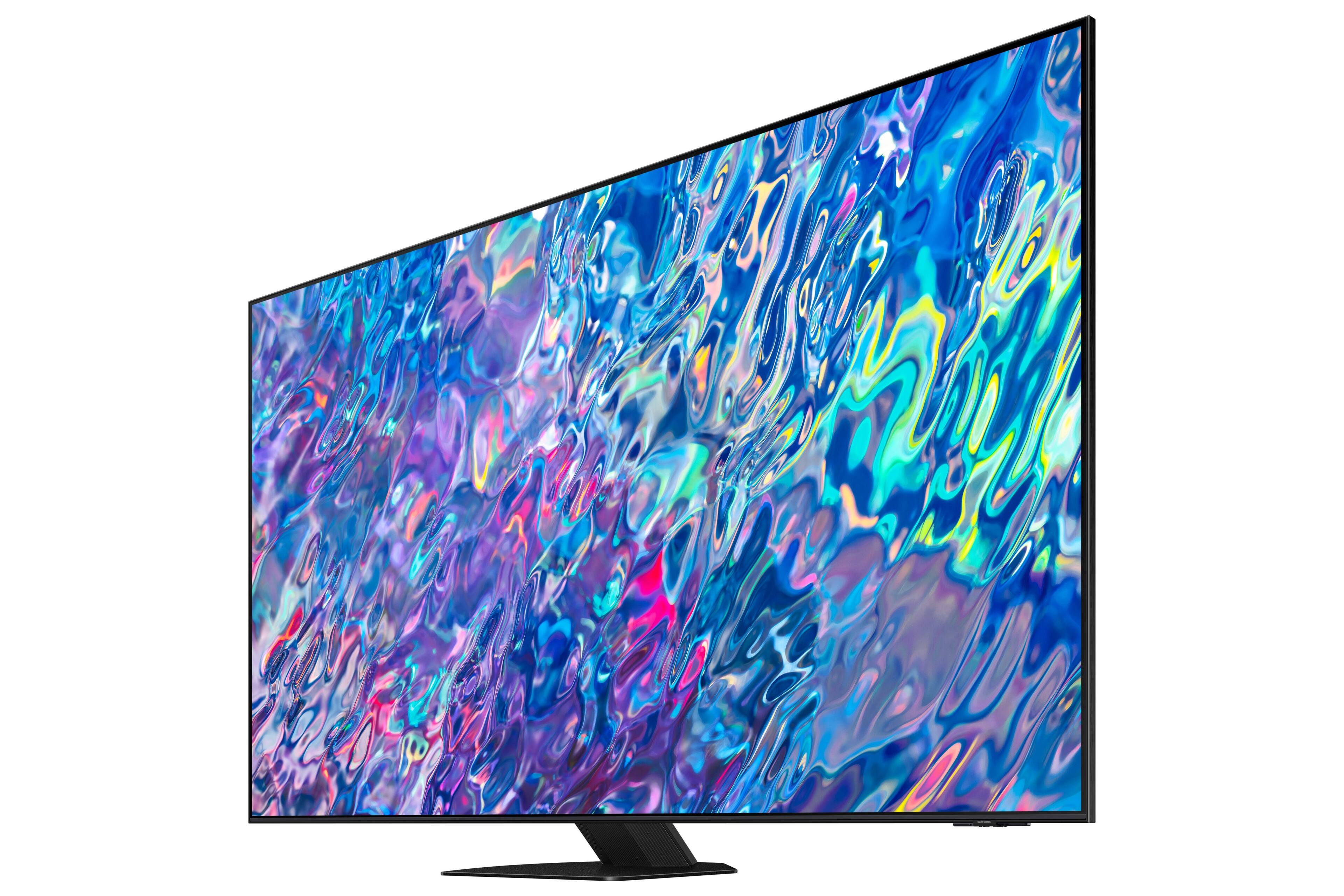
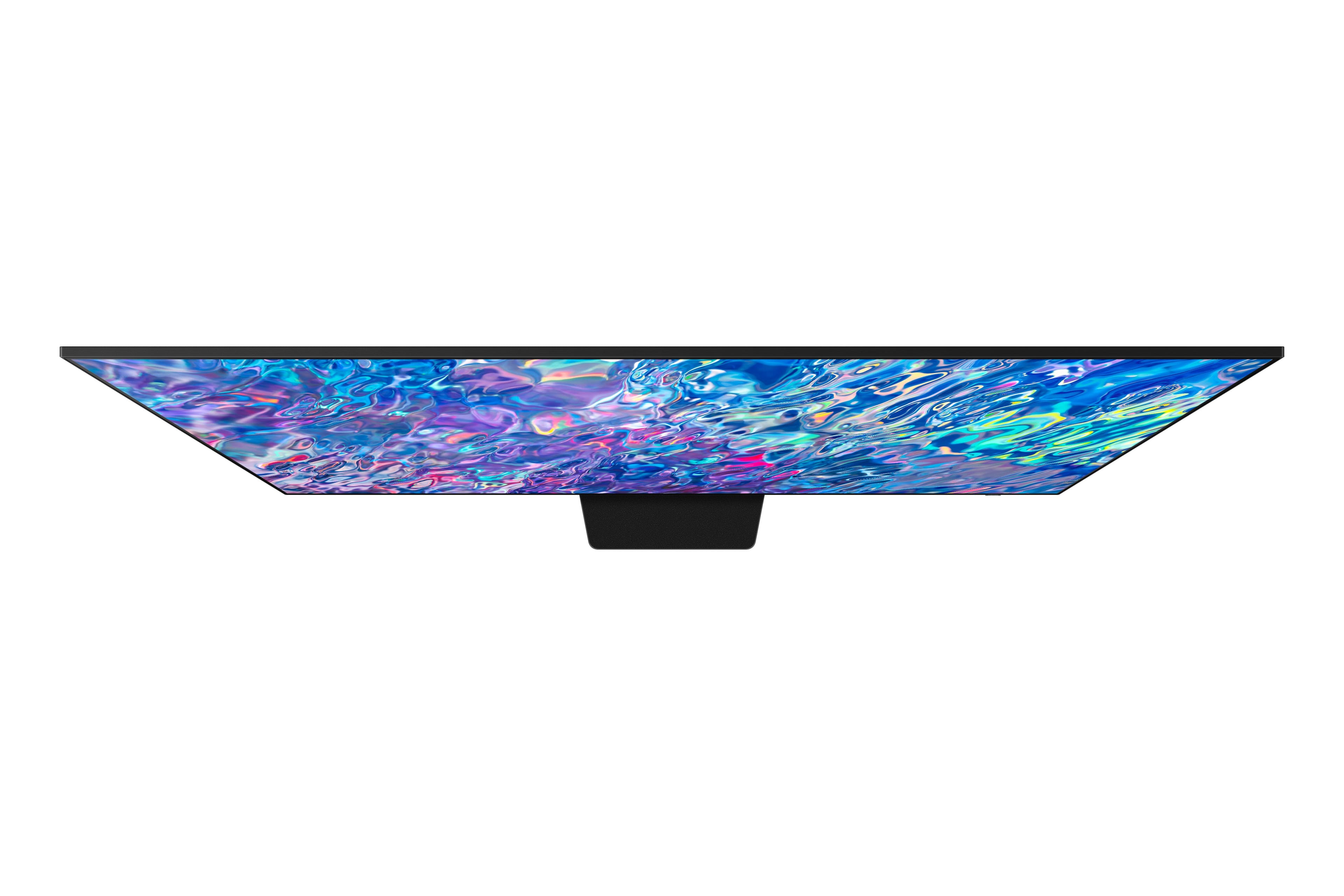
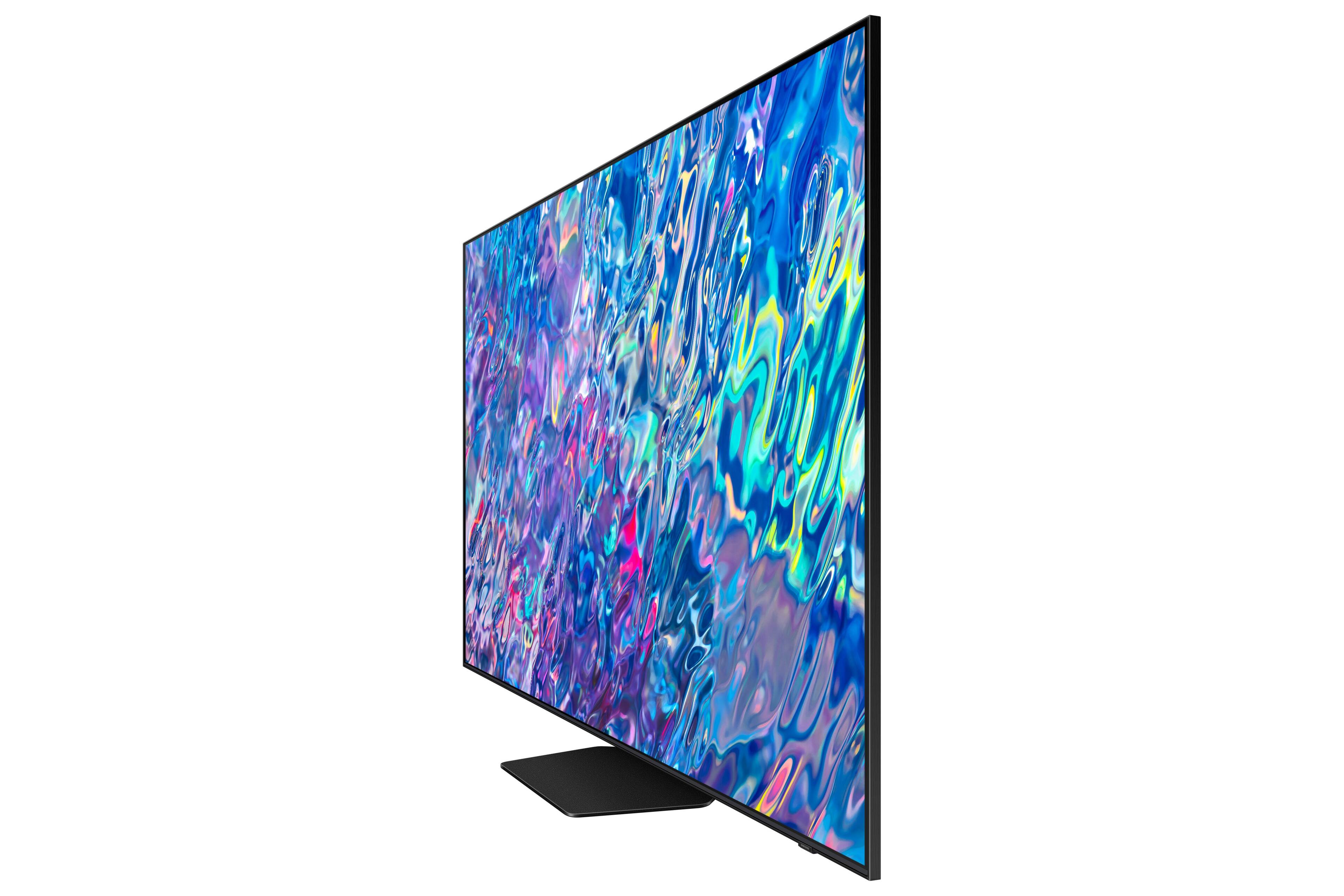
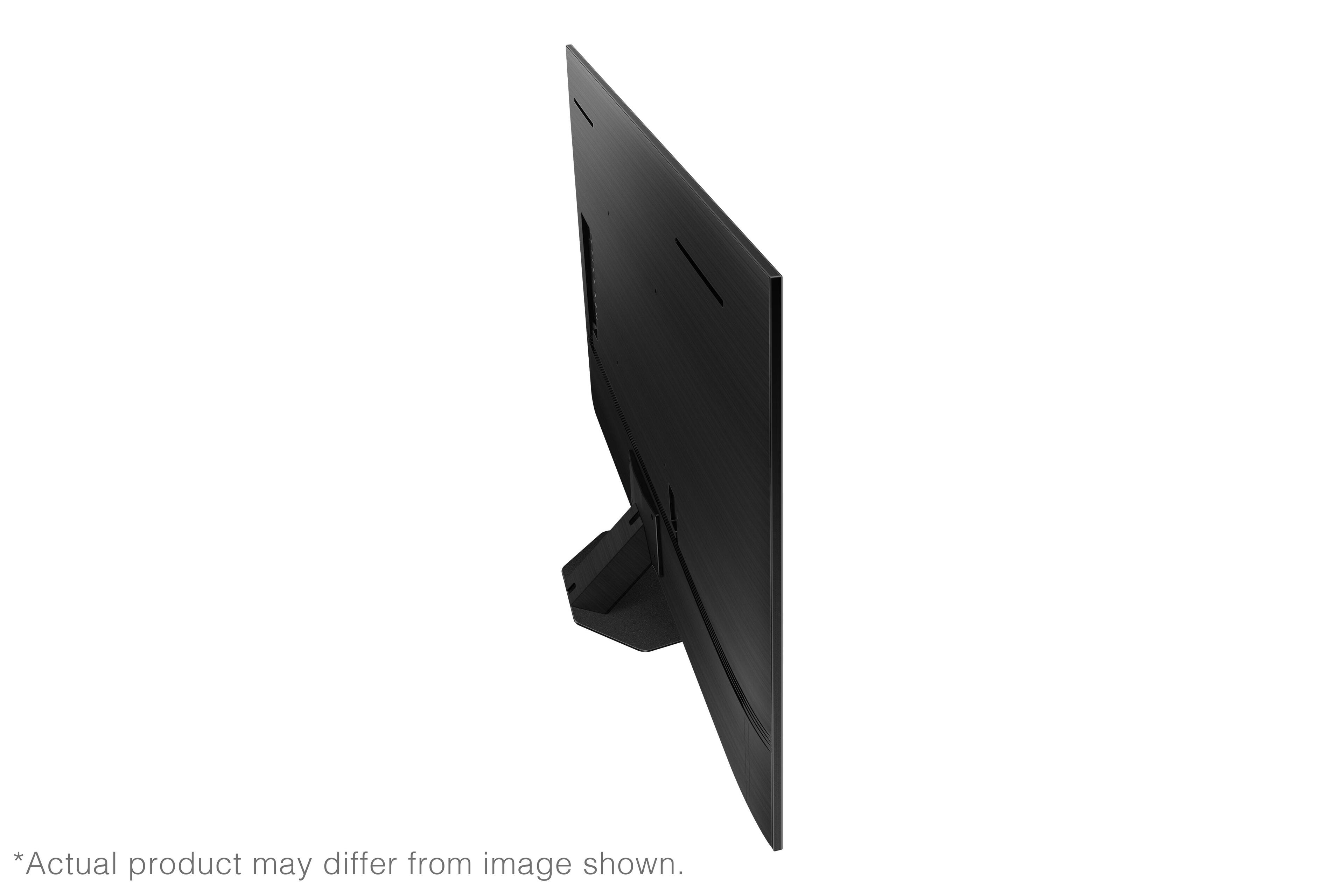











- Model:
- QN55QN85BAFXZA
- SKU:
- 6500311
Rating by feature
- Picture Quality
Rating 4.8 out of 5 stars
- Sound Quality
Rating 4.6 out of 5 stars
- Brightness
Rating 4.8 out of 5 stars
Customers are saying
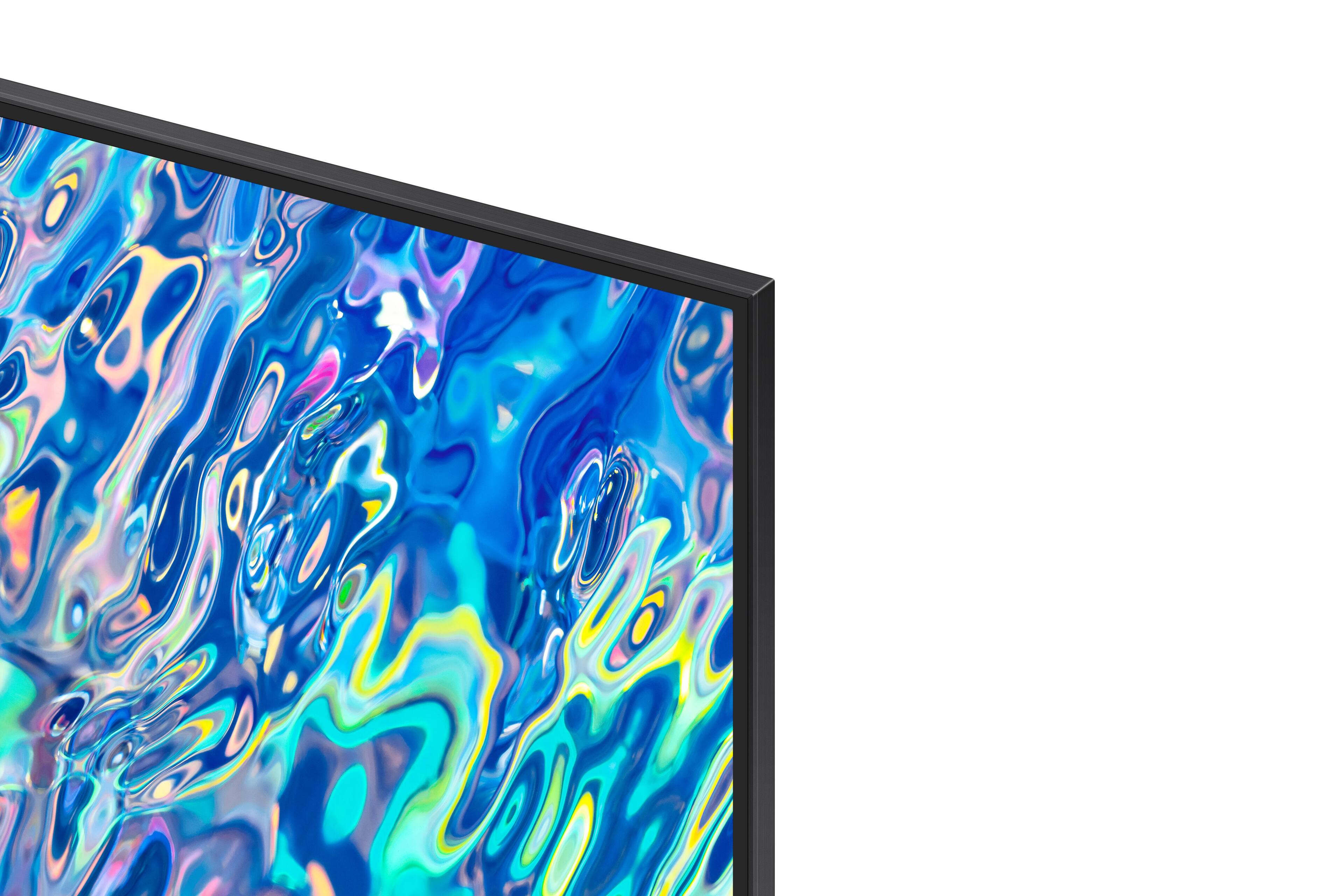
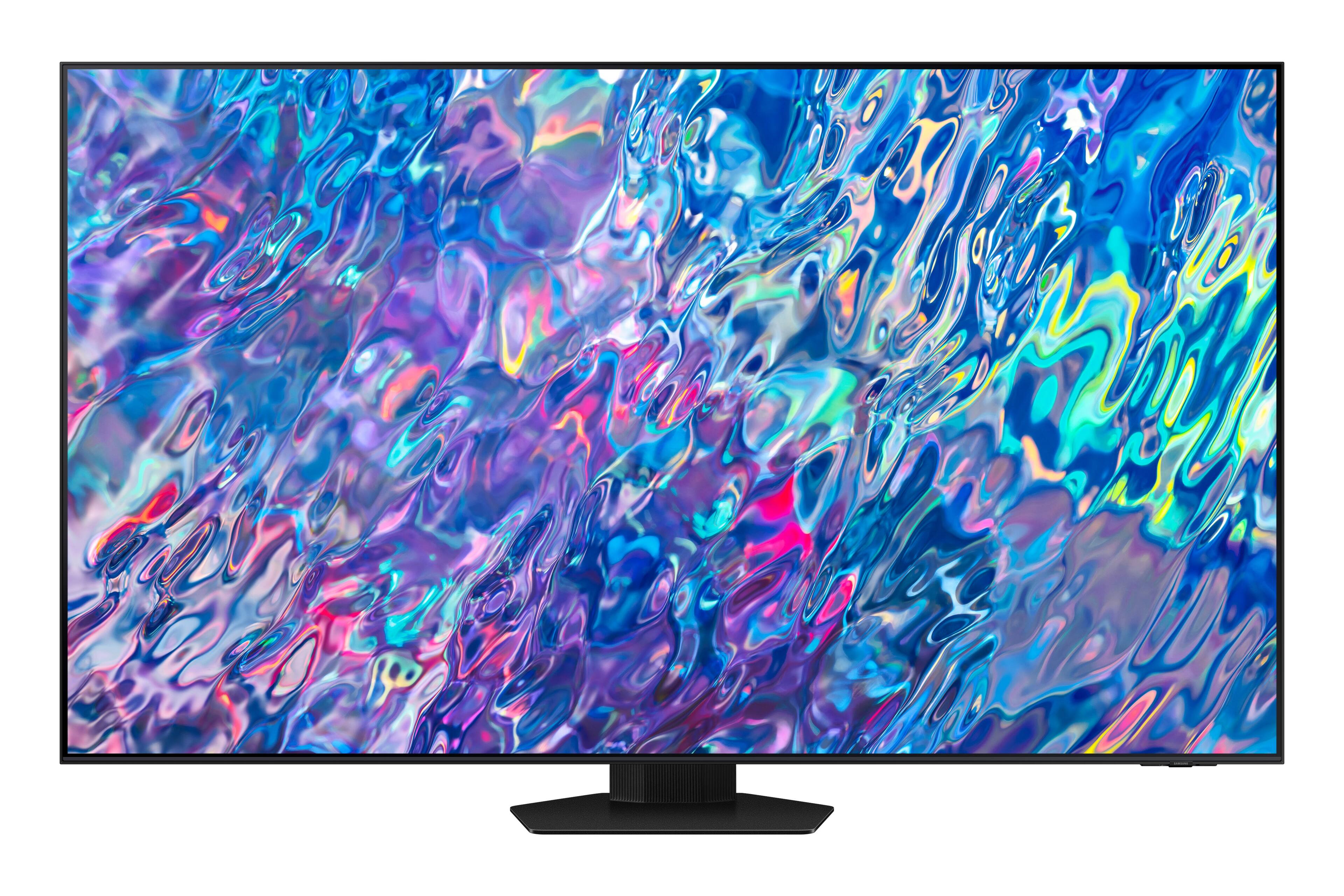
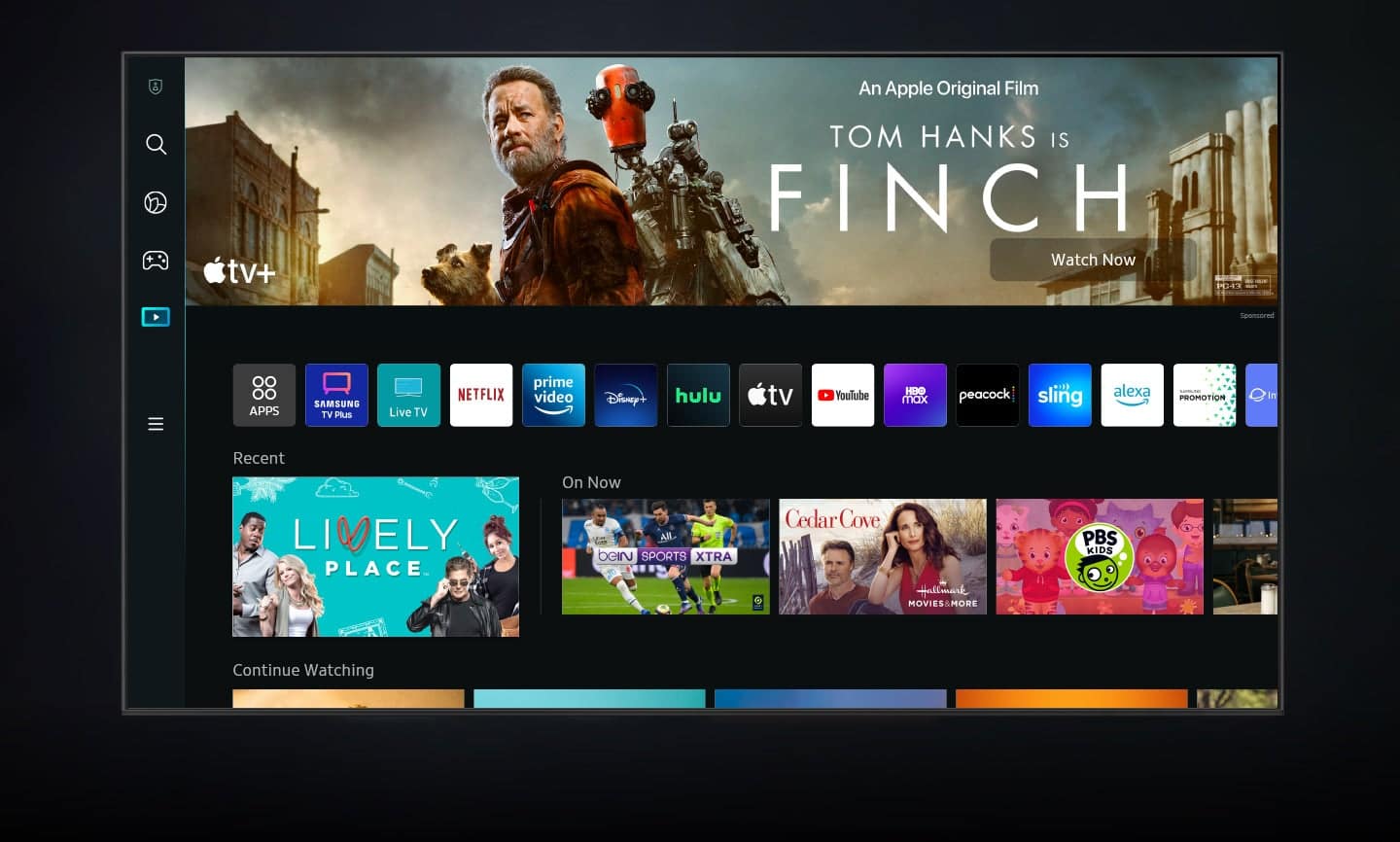
Customers recognize the 55” Class QN85B Neo QLED 4K Smart Tizen TV for its exceptional picture quality, vibrant colors, and impressive sound. Many users are particularly impressed with the TV's ability to deliver stunning visuals and lifelike colors, making it an excellent choice for movie nights and gaming. The TV's user-friendly interface and easy setup process are also highly appreciated, making it a breeze to get started. While some users have expressed concerns about the remote control, the overall positive feedback on the TV's core features outweighs this minor inconvenience.
This summary was generated by AI based on customer reviews.
Piece of trash
||Posted . Owned for 1 week when reviewed.This reviewer received promo considerations or sweepstakes entry for writing a review.I bought this television a week ago and 2 days after buying it, the problems began, the television began to turn on and off by itself, I returned it to Best Buy and bought an LG C2 and so far everything is fine.
No, I would not recommend this to a friendBrand response from Samsung
Posted .Andrew68,
I’m sorry Samsung’s QN85B TV did not meet your expectations. Your feedback is appreciated and will be shared with our internal teams.
Please know we are always here to help, and we could have assisted in providing settings adjustments to resolve any issues you were experiencing.
Should you ever decide to give Samsung TVs another try and have questions or need help with settings, setup, or features, please know we’re here to help. Call us at 1-800-SAMSUNG, 8AM - 12AM EST, 7 days a week.
LiveChat with an agent as well as manuals, software, and warranty info can be found at the ‘Support’ link on our Samsung website.
~ Samsung Specialist
Dead TV
||Posted . Owned for 1 month when reviewed.This reviewer received promo considerations or sweepstakes entry for writing a review.Purchased this TV less than a month ago to find it now refuses to boot, and is stuck in a loop. Turns on with no splash screen for about 2 seconds to then power off and try to boot itself back up. Totally DOA. Stay far away from Samsung TVs.
No, I would not recommend this to a friendBrand response from Samsung
Posted .Hi,
It’s unfortunate to hear of your experience with Samsung’s QN85B TV. Samsung is committed to providing the best possible product experience, quality, and value. We back this Samsung TV with a 1-year limited manufacturer's warranty, including authorized repair for manufacturer defect, if purchased brand-new directly from an authorized seller. You can see the full details of your warranty here: https://www.samsung.com/us/support/service/warranty/QN55QN85BAFXZA
Please give us the opportunity to assist you by contacting Samsung Customer Support at 1-800-SAMSUNG, 8AM - 12AM EST, 7 days a week. Our LiveChat agents are also available by clicking on the ‘Support’ link on our website.
~ Samsung Specialist
Used junk
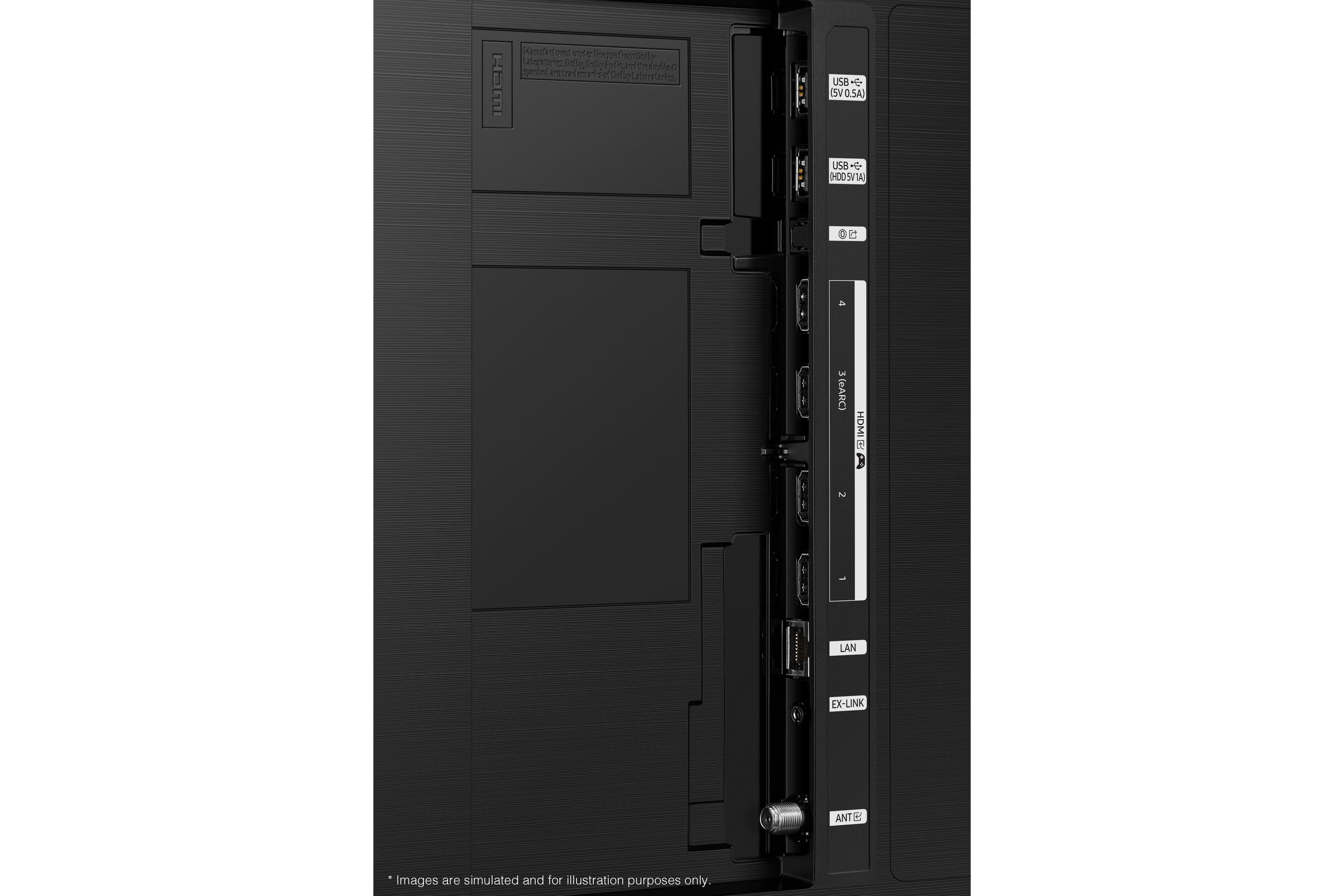
||Posted . Owned for 3 weeks when reviewed.This reviewer received promo considerations or sweepstakes entry for writing a review.First one came with dent in the frame. Second tv appeared to be an open box which someone else had damaged the hdmi, co-ax, fiber inputs on back of tv. nothing was in bags and a used Duracell battery in the remote already.
No, I would not recommend this to a friendBrand response from Samsung
Posted .Kevin,
We appreciate your feedback regarding parts missing from your QN85B TV. If purchased brand-new and unopened, please contact Samsung Customer Support and a representative will gladly help you. If purchased in open-box condition, we recommend contacting Best Buy directly for assistance. We hope your issue is resolved in a timely manner.
Should you have questions or concerns regarding the usage or setup of your TV once your issue has been resolved, please contact Samsung Customer Support at 1-800-SAMSUNG, 8AM - 12AM EST, 7 days a week. Our LiveChat agents are also available by clicking on the ‘Support’ link on our website.
~ Samsung Specialist
- Pros mentioned:Ease of use, Picture quality
Samsung 55 QN85B.
Posted .This reviewer received promo considerations or sweepstakes entry for writing a review.Crisp picture. Easy setup. Great price. Easy online ordering and in-store pickup.
I would recommend this to a friend - Pros mentioned:Picture quality
Amazing!
Posted .This reviewer received promo considerations or sweepstakes entry for writing a review.Very happy with my new tv just wish it was a little bit cheaper but you get what you pay for having the lateat tv with the best features and power is amazing you wont regret getting this tv worth it!
I would recommend this to a friend - Pros mentioned:Picture quality
Awesome
Posted .This reviewer received promo considerations or sweepstakes entry for writing a review.This tv is amazing. Great picture and sound. Super thin and easy to operate
I would recommend this to a friend - Pros mentioned:Picture quality
Good price, Best Buy unbelievable sale
Posted .This reviewer received promo considerations or sweepstakes entry for writing a review.Great picture, clarity is exceptionally good. Would buy again.
I would recommend this to a friend Samsung tv
Posted .This reviewer received promo considerations or sweepstakes entry for writing a review.Unbelievable experience. Great tv and the help was amazing on what tv to pick from
I would recommend this to a friend- Pros mentioned:Ease of use, Picture quality
Samsung QN85B
Posted .This reviewer received promo considerations or sweepstakes entry for writing a review.Great picture. Easy to set up. Good features and remote
I would recommend this to a friend - Pros mentioned:Picture quality
Great picture quality
Posted .This reviewer received promo considerations or sweepstakes entry for writing a review.Great PQ! 55” is perfect for my Family room. Highly recommend buying a Samsung
I would recommend this to a friend TV
Posted .This reviewer received promo considerations or sweepstakes entry for writing a review.The television works well. Solar charged remote control.
I would recommend this to a friendScreen is black
Posted .This reviewer received promo considerations or sweepstakes entry for writing a review.I originally gave a good review, but after 30 days the picture is black with sound. Can't take it back to the store and the process to find warranty repair is a joke. I would like my money refunded!
No, I would not recommend this to a friendDull picture
Posted .This reviewer received promo considerations or sweepstakes entry for writing a review.Had this TV installed yesterday, Dec 7 but installer was unable to adjust the picture for decent color and also unable to connect sonos soundbar. “Chatted” (online) with total tech and he set up a new appointment but no email confirmation received. Also, x-box controller us missing.
No, I would not recommend this to a friendBrand response from Samsung
Posted .1cairobeller,
Thank you for sharing your thoughts on the picture quality of your QN85B TV. To ensure you’ve got the latest image quality updates, please confirm that your TV is up to date with the latest firmware version. You can check by going to: Home > Menu > Settings > Support > Software Update.
If the picture you’re seeing is still not to your liking after updating firmware, there are several picture settings you may want to try adjusting.
Go to Home > Menu > Settings > All Settings > Picture > Picture Mode
...and select the mode that best fits your usage:
1) Standard: Is the default mode suitable for general viewing environments.
2) Movie: Is suitable for watching TV or movies in a dark room.
3) Dynamic: Makes the picture brighter and clearer in bright viewing environments.
4) Filmmaker Mode: You can watch the source content (e.g., movie) as it is. If the image is defined as Filmmaker Mode, it will automatically switch to Filmmaker Mode while watching.
You can also go to: Home > Menu > Settings > All Settings > Picture > Expert Settings to manually fine tune your image.
I hope these tips help you enjoy your new product.
You can always contact us for further help at 1-800-SAMSUNG, 8AM - 12AM EST, 7 days a week. Our LiveChat agents are also available by clicking on the ‘Support’ link on our website.
~ Samsung Specialist