Customer Ratings & Reviews
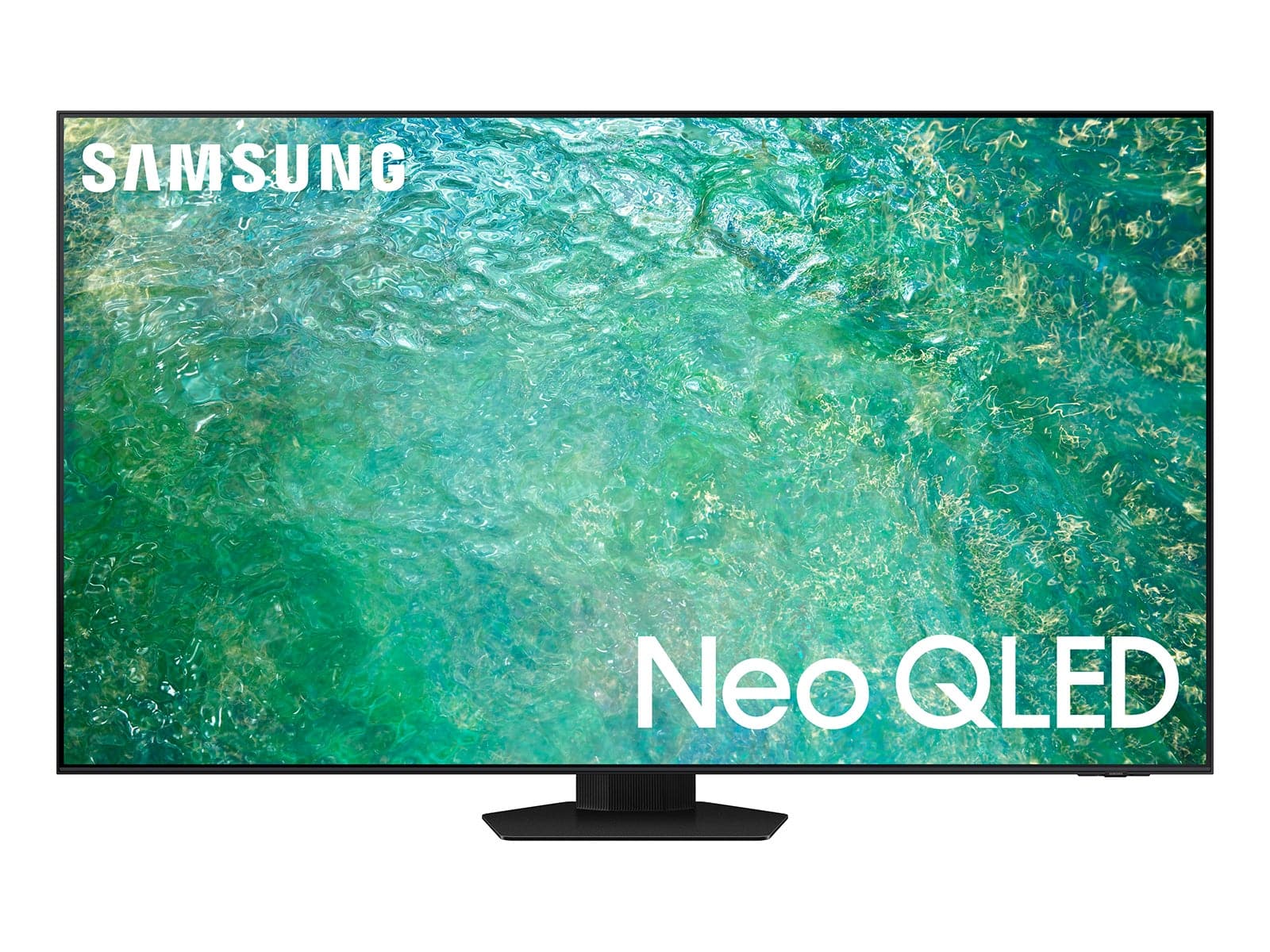
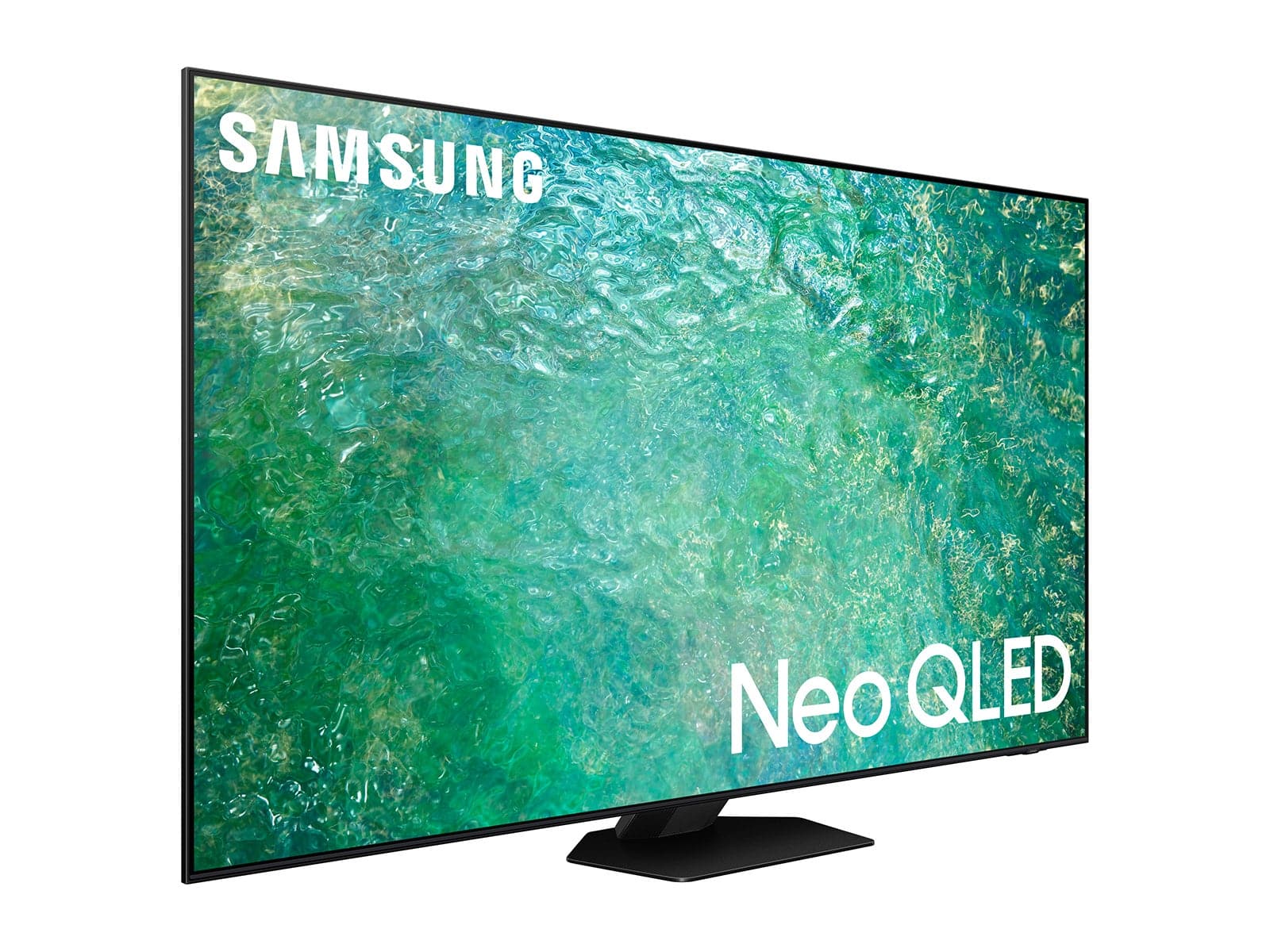
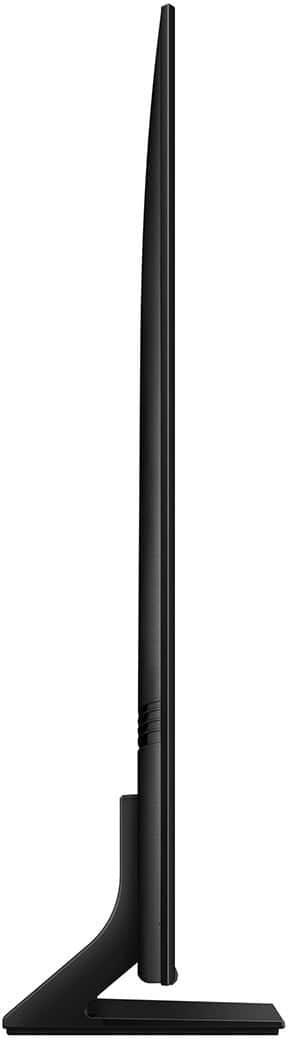
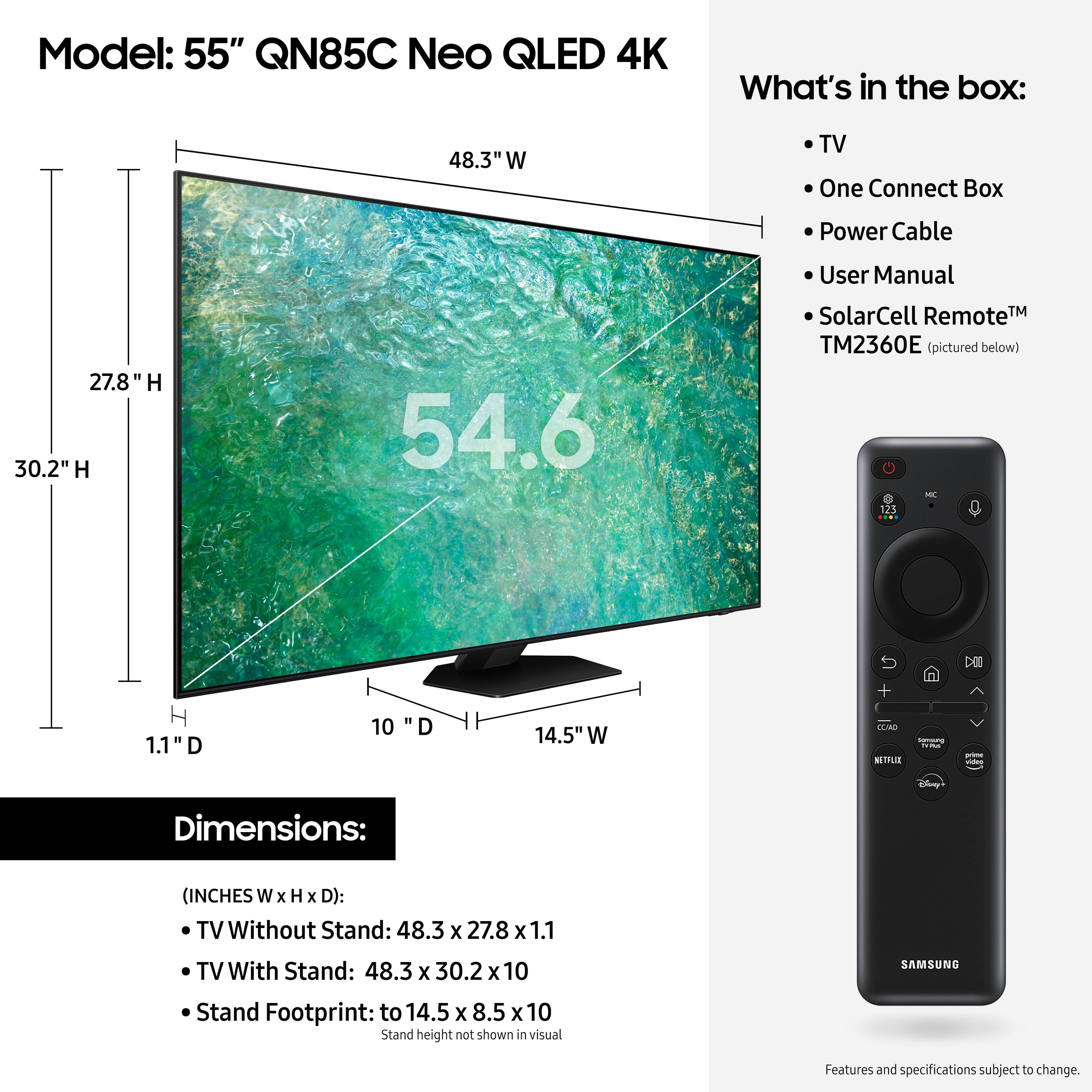



- Model:
- QN55QN85CAFXZA
- SKU:
- 6536420
Rating by feature
- Picture Quality
Rating 4.8 out of 5 stars
- Sound Quality
Rating 4.6 out of 5 stars
- Brightness
Rating 4.8 out of 5 stars
Customers are saying
Customers frequently mention the exceptional picture quality, with many praising its constant improvement over the years. The TV's user-friendly interface and simple setup process are also widely appreciated. Customers also express satisfaction with the TV's sound quality, rich and vibrant colors, and suitability for gaming.
This summary was generated by AI based on customer reviews.
- Pros mentioned:Picture qualityCons mentioned:Remote control
Samsung TVs are great!!
||Posted . Owned for 1 year when reviewed.This reviewer received promo considerations or sweepstakes entry for writing a review.Beautiful picture, no lagging. The remote is a bit weird & takes some getting used to; really wish it had numbers on it ro more easily navigate. But not a big enough issue to deter. Had my past Samsung TV for13yrs, love them!
I would recommend this to a friend - Pros mentioned:Color, Picture qualityCons mentioned:Remote control
Not a fan of the remote.
||Posted . Owned for 1 month when reviewed.This reviewer received promo considerations or sweepstakes entry for writing a review.Nice TV, although I do not like the remote. There are no buttons on the remote. You cannot scan a menu or channels because this remote does not operate like that. Had I known that Samsung had these types of remotes, I would have purchased a Sony instead. The picture looks nice, great color. Not so great remote.
I would recommend this to a friend - Pros mentioned:Ease of use, Picture qualityCons mentioned:Remote control
Mister
||Posted . Owned for 3 weeks when reviewed.This reviewer received promo considerations or sweepstakes entry for writing a review.Very clear and detailed picture. Fairly easy to set up. The remote lacks ease of switching directly to a specific channel. Scrolling through channels can be rapid but would be easier to directly input a channel number.
I would recommend this to a friend - Pros mentioned:Picture qualityCons mentioned:Remote control
Great TV - Remote SUCKS
||Posted . Owned for 1 month when reviewed.This reviewer received promo considerations or sweepstakes entry for writing a review.We give 5 stars because the picture quality, sound on this tv is amazing!!! However, the remote SUCKS!!! It is too small, there is essentially no contrast with writing, and in general is not user friendly!!!!!
I would recommend this to a friend - Pros mentioned:Picture qualityCons mentioned:Remote control
TV
||Posted . Owned for 1 month when reviewed.This reviewer received promo considerations or sweepstakes entry for writing a review.Beautiful picture but i find the remote control very difficult to use and understand.
I would recommend this to a friend - Cons mentioned:Remote control
Fake News :(
||Posted . Owned for less than 1 week when reviewed.This reviewer received promo considerations or sweepstakes entry for writing a review.I can’t review. I never took it out of the store. It was supposed to be an excellent condition open box, but was missing the control and did not look excellent to me. So, I got my money back. It should had been a good or fair condition, not excellent.
No, I would not recommend this to a friendBrand response from Samsung
Posted .Canito63,
Thank you for sharing your open box experience. You may want to provide feedback directly to the Best Buy store where you made your purchase.
Should you ever decide to give Samsung TVs another try and have questions or need help with settings, setup, or features, please know we’re here to help. Call us at 1-800-SAMSUNG, 8AM - 12AM EST, 7 days a week.
LiveChat with an agent as well as manuals, software, and warranty info can be found at the ‘Support’ link on our Samsung website.
~ Samsung Specialist