Customer Ratings & Reviews
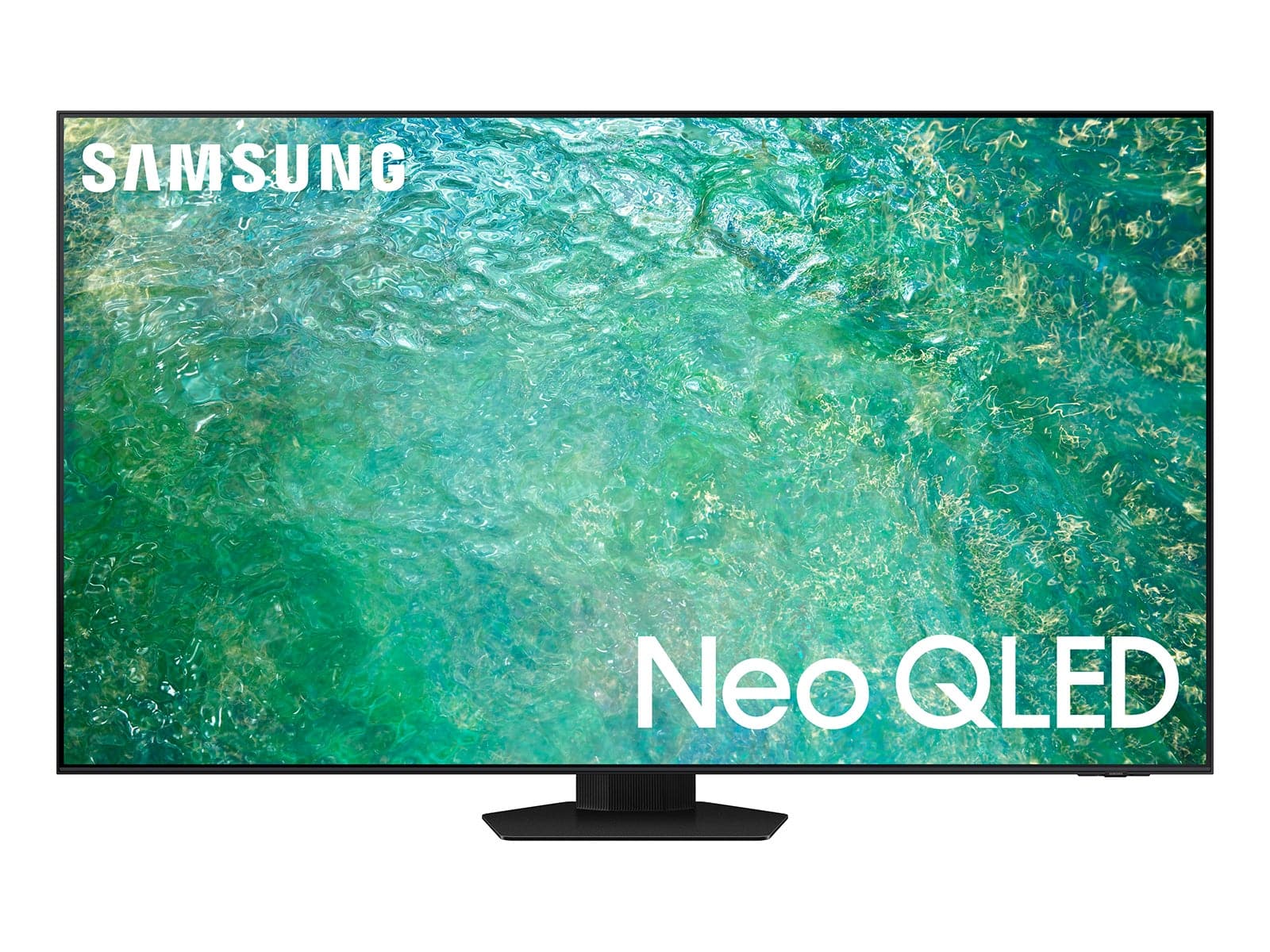
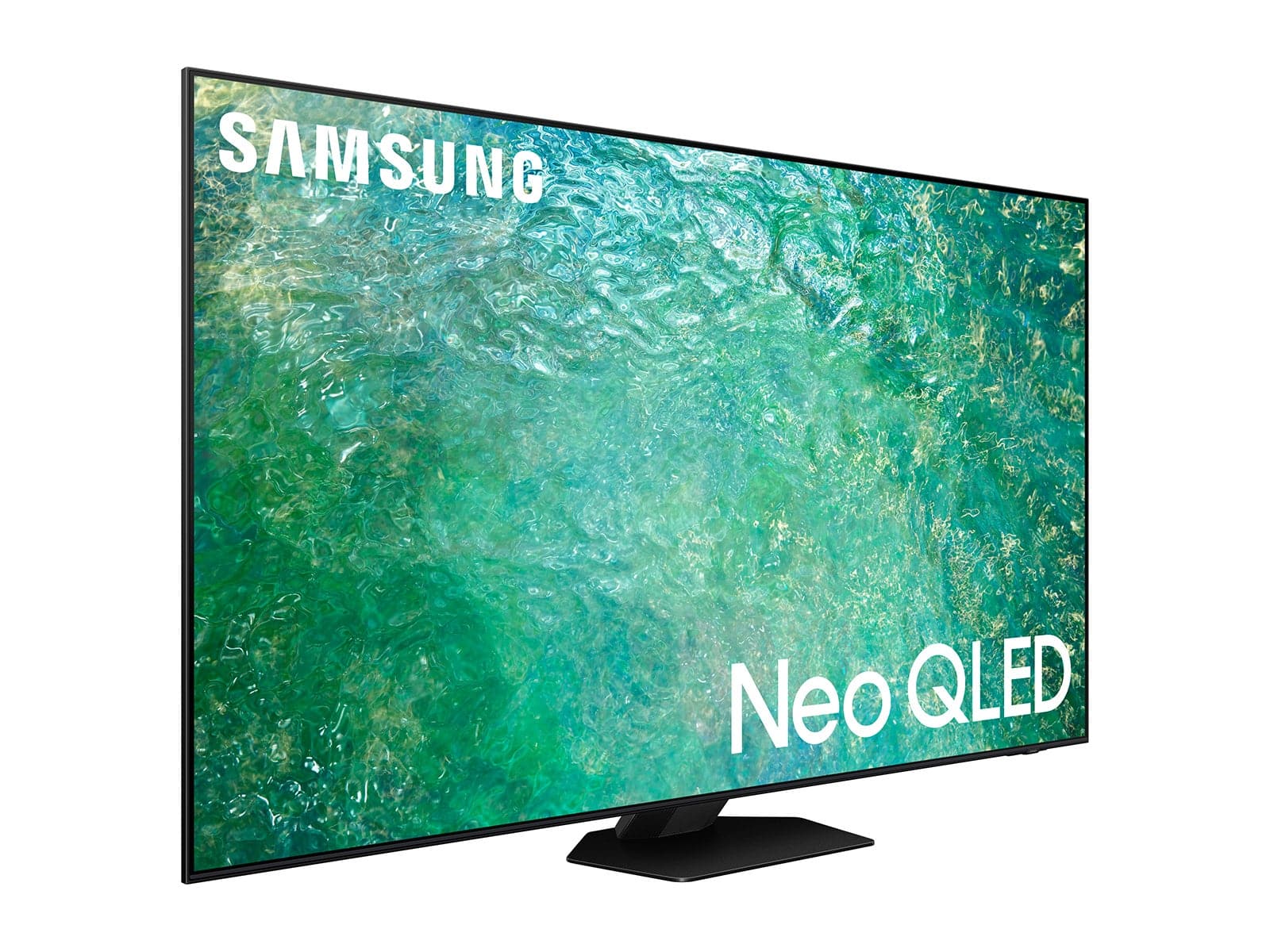
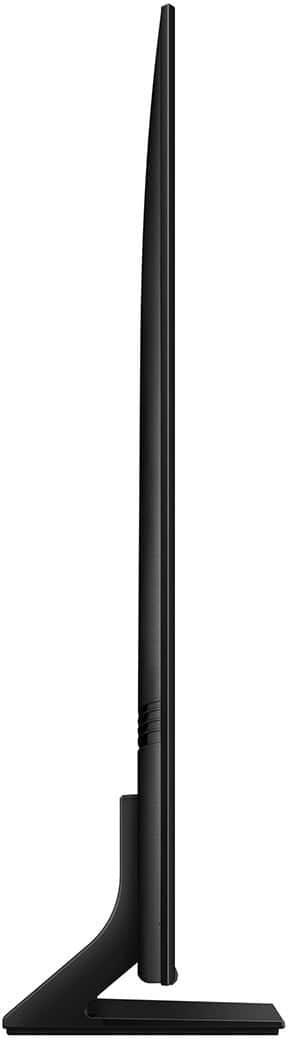
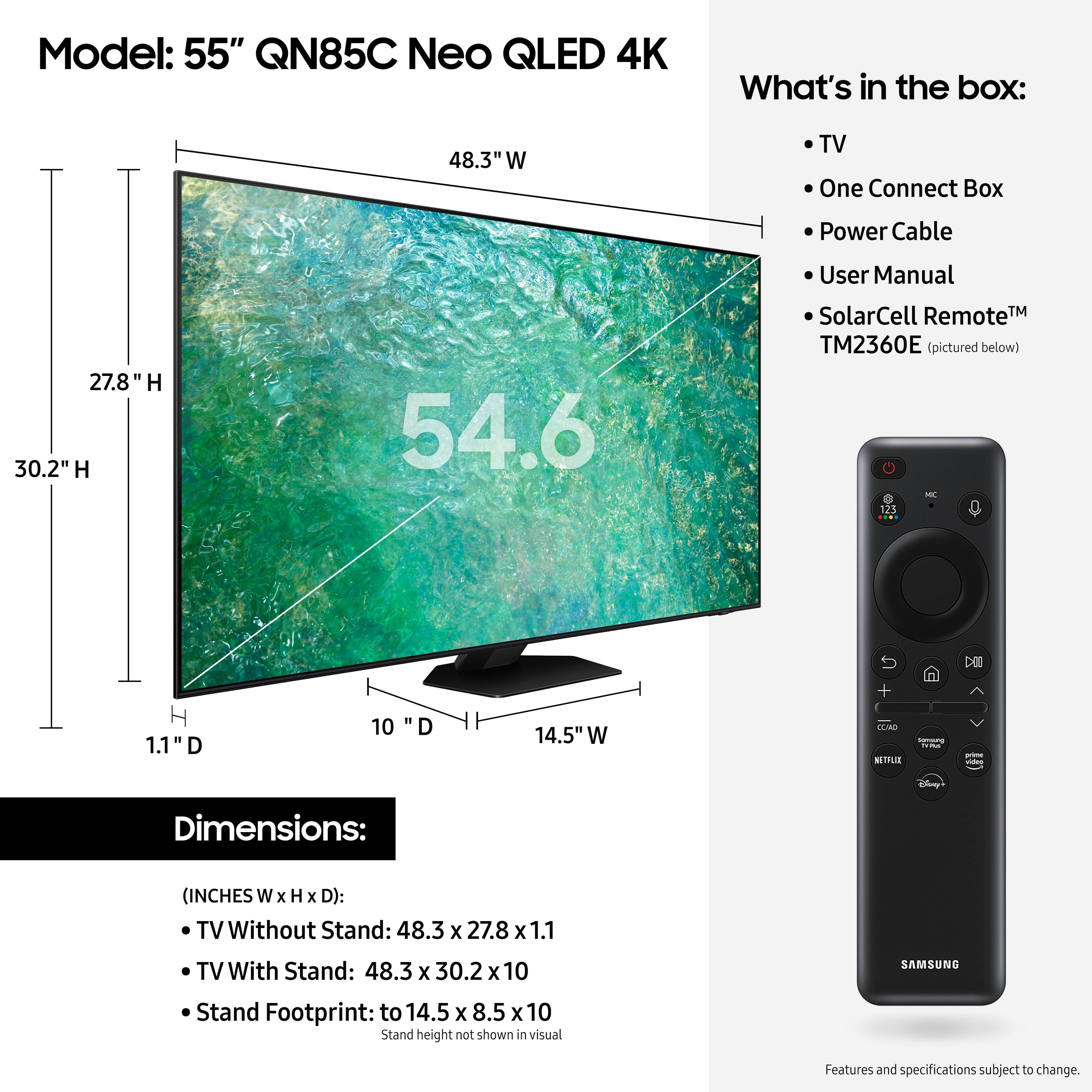



- Model:
- QN55QN85CAFXZA
- SKU:
- 6536420
Rating by feature
- Picture Quality
Rating 4.8 out of 5 stars
- Sound Quality
Rating 4.6 out of 5 stars
- Brightness
Rating 4.8 out of 5 stars
Customers are saying
Customers frequently mention the exceptional picture quality, with many praising its constant improvement over the years. The TV's user-friendly interface and simple setup process are also widely appreciated. Customers also express satisfaction with the TV's sound quality, rich and vibrant colors, and suitability for gaming.
This summary was generated by AI based on customer reviews.
Above average
||Posted . Owned for 11 months when reviewed.This reviewer received promo considerations or sweepstakes entry for writing a review.A really good value TV for the brand and performance
I would recommend this to a friendSamsung tv
||Posted . Owned for 1 month when reviewed.This reviewer received promo considerations or sweepstakes entry for writing a review.All aspects are good. The installation was prompt and very professional
I would recommend this to a friendDavid
||Posted . Owned for 1 month when reviewed.This reviewer received promo considerations or sweepstakes entry for writing a review.Changed an LG OLED 65 for this 55 Samsung and could not be happier.
I would recommend this to a friendSamsung quality for a family member.
||Posted . Owned for 1 month when reviewed.This reviewer received promo considerations or sweepstakes entry for writing a review.This was a gift for a family member and i wanted to give the very best which is Samsung.
I would recommend this to a friendGreat TV bought5 at Best Buy
||Posted . Owned for 2 weeks when reviewed.This reviewer received promo considerations or sweepstakes entry for writing a review.Great delivery and service. Totally turnkey. Great TV
I would recommend this to a friendMr
||Posted . Owned for 1 month when reviewed.This reviewer received promo considerations or sweepstakes entry for writing a review.Great experience. Its meeting our expectations.tks
I would recommend this to a friendGreat deal
||Posted . Owned for 1 month when reviewed.This reviewer received promo considerations or sweepstakes entry for writing a review.Great service when finding a new tv, great product was suggested
I would recommend this to a friendOpen box good
||Posted . Owned for 3 weeks when reviewed.This reviewer received promo considerations or sweepstakes entry for writing a review.Very good I bought open box and look like new!!!..
I would recommend this to a friendTV Best Buy
||Posted . Owned for 1 month when reviewed.This reviewer received promo considerations or sweepstakes entry for writing a review.Good TV and Delivery was spot on. Customer service was exceptional
I would recommend this to a friendSamsung Rules
||Posted . Owned for 3 weeks when reviewed.This reviewer received promo considerations or sweepstakes entry for writing a review.The tv is exactly what I expected and the service was outstanding
I would recommend this to a friendMy review
||Posted . Owned for 3 weeks when reviewed.This reviewer received promo considerations or sweepstakes entry for writing a review.I am enjoying the TV and i will recommend it to my friends and family.
I would recommend this to a friendOk for the money
||Posted . Owned for 1 week when reviewed.This reviewer received promo considerations or sweepstakes entry for writing a review.Picture is just OK, thought it would be better than my older Samsung QLED Q6F. It is more difficult to navigate the menus. Too much glare on the screen from lights and window. The sound is OK, but definitely need a sound bar. Unfortunately, I cannot use my older speaker system and receiver as there is no way to plug into the TV. Time to simplify. A few things I have to figure out as my ring cameras stop whatever I am watching to show motion outside. My TV is smarter than me.
I would recommend this to a friendBrand response from Samsung
Posted .Janap,
We your feedback on the sound quality of your new QN85C TV. Your TV features Object Tracking Sound which tracks the action with strategically placed dynamic speakers and Adaptive Sound which automatically adjusts audio to enhance everything from dialogue to music and sports.
You can select a sound mode that you prefer for a content type or your listening environment. Go to: Home > Menu > Settings > All Settings > Sound > Sound Mode
You can also customize balance and equalizer settings by going to: Home > Menu > Settings > All Settings > Sound > Expert Settings
Additionally, there are image adjustments you can make to optimize your picture to suit your preferences. Your TV has several Picture Modes to choose from allowing you to enjoy content in optimal conditions. Go to Home > Menu > Settings > All Settings > Picture > Picture Mode
You can also go to: Menu > Settings > Picture > Expert Settings > Contrast Enhancer to manually fine tune your image.
If we can help with anything else, please call us at 1-800-SAMSUNG, 8AM - 12AM EST, 7 days a week. LiveChat with an agent as well as manuals, software, and warranty info can be found at the ‘Support’ link on our Samsung website.
~ Samsung Specialist
Magnificent Samsung
||Posted . Owned for 3 weeks when reviewed.This reviewer received promo considerations or sweepstakes entry for writing a review.Very enjoyable and user friendly. Would recmmend to anyone.
I would recommend this to a friendLove Samsung products
||Posted . Owned for 3 weeks when reviewed.This reviewer received promo considerations or sweepstakes entry for writing a review.I really like this one and I will recommend it to anyone
I would recommend this to a friendGreat TV
||Posted . Owned for 1 week when reviewed.This reviewer received promo considerations or sweepstakes entry for writing a review.Love Samsung. Always a quality product. Great picture.
I would recommend this to a friendGreat!!!
||Posted . Owned for 3 weeks when reviewed.This reviewer received promo considerations or sweepstakes entry for writing a review.Great love the television would tell anyone to buy!
I would recommend this to a friendNew TV
||Posted . Owned for 1 month when reviewed.This reviewer received promo considerations or sweepstakes entry for writing a review.a very good product and a very good price Good buy
I would recommend this to a friendSamsung
||Posted . Owned for 10 months when reviewed.This reviewer received promo considerations or sweepstakes entry for writing a review.For the Size and Price discounts GREAT for Limited Budgets.
I would recommend this to a friendLiving room
||Posted . Owned for 5 months when reviewed.This reviewer received promo considerations or sweepstakes entry for writing a review.Good quality great graphics Would buy again Best tv ever
I would recommend this to a friendDecent
||Posted . Owned for 3 weeks when reviewed.This reviewer received promo considerations or sweepstakes entry for writing a review.Decent. No complaints but not wowed by it either. Good value purchase.
I would recommend this to a friend