Customer Ratings & Reviews
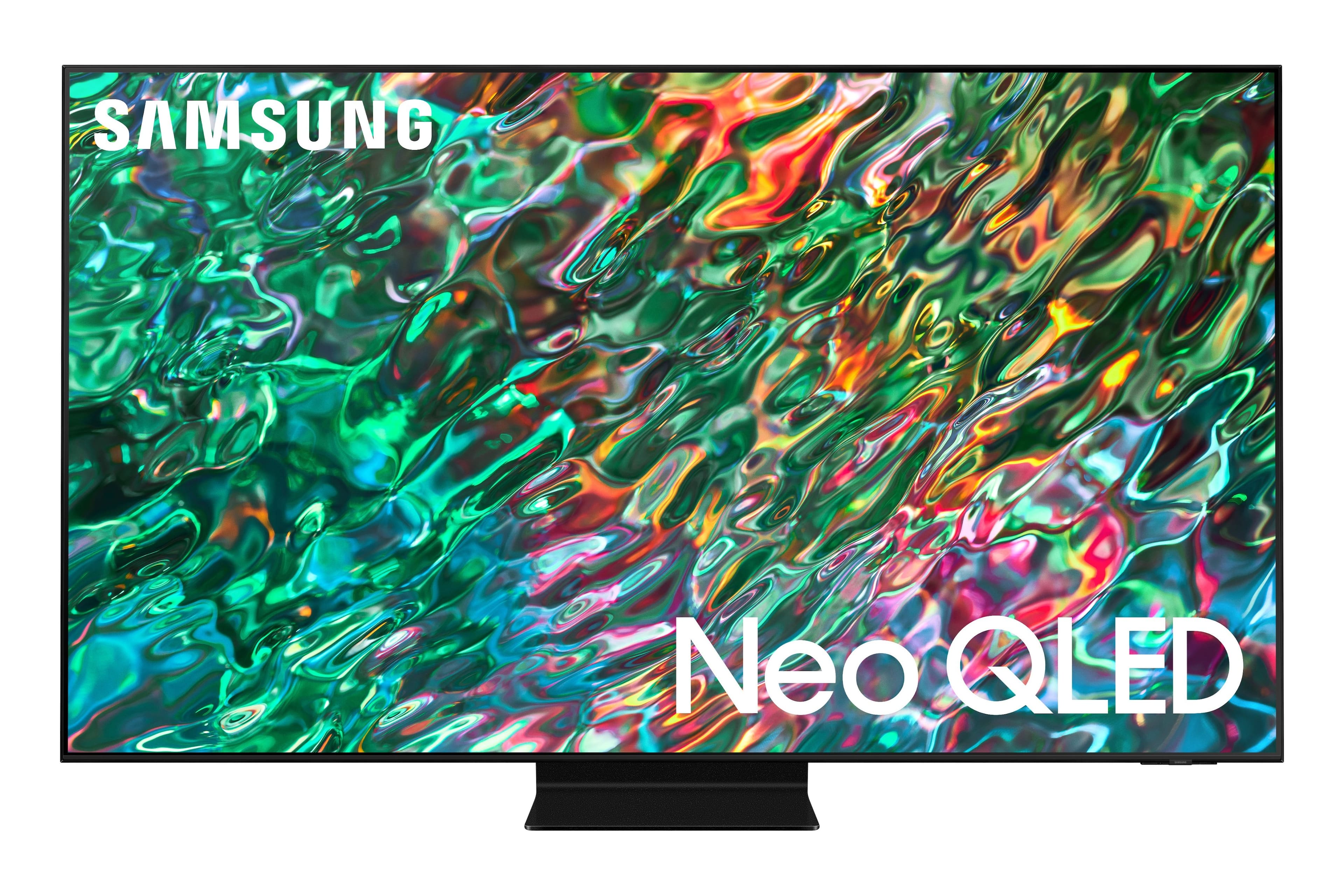
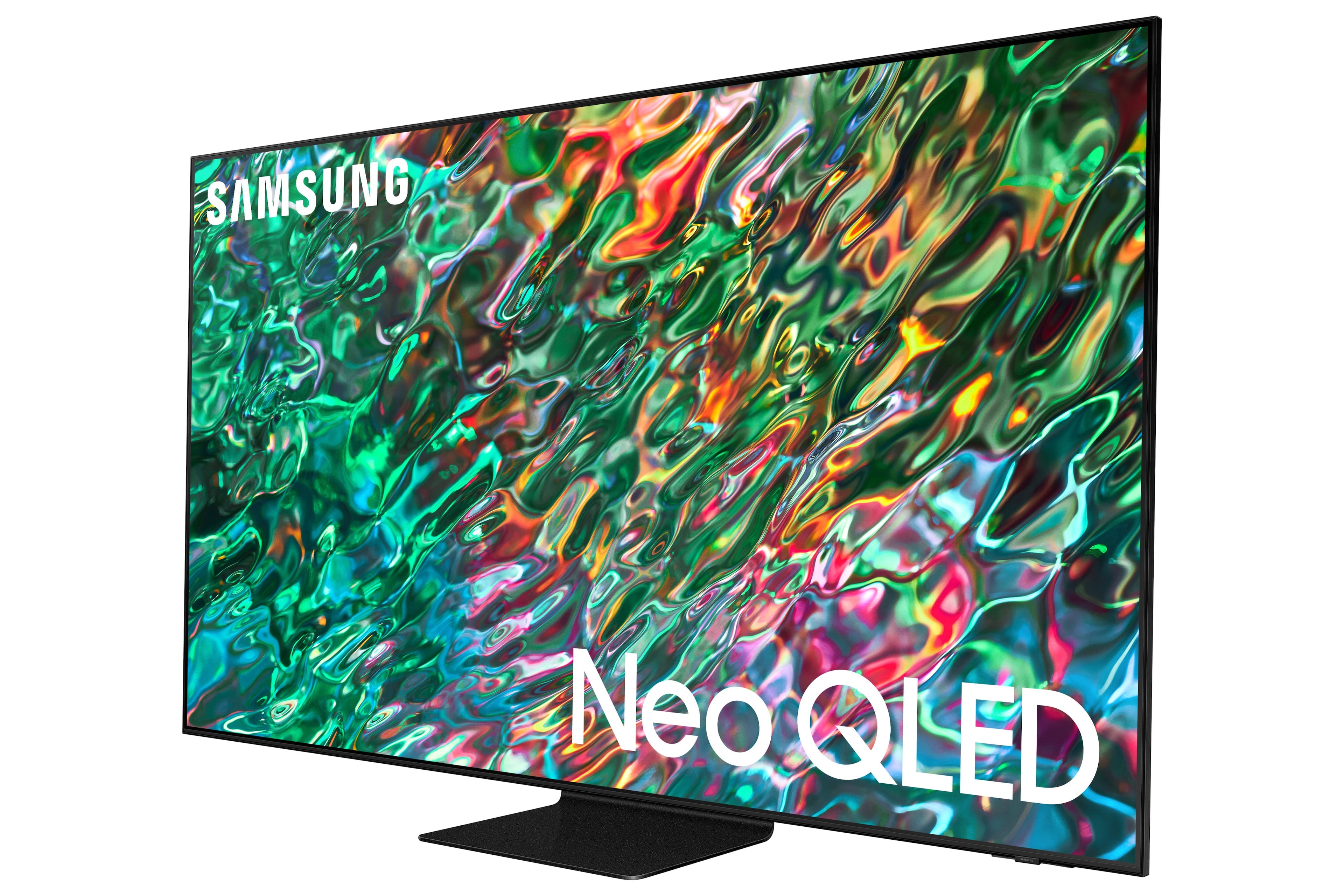
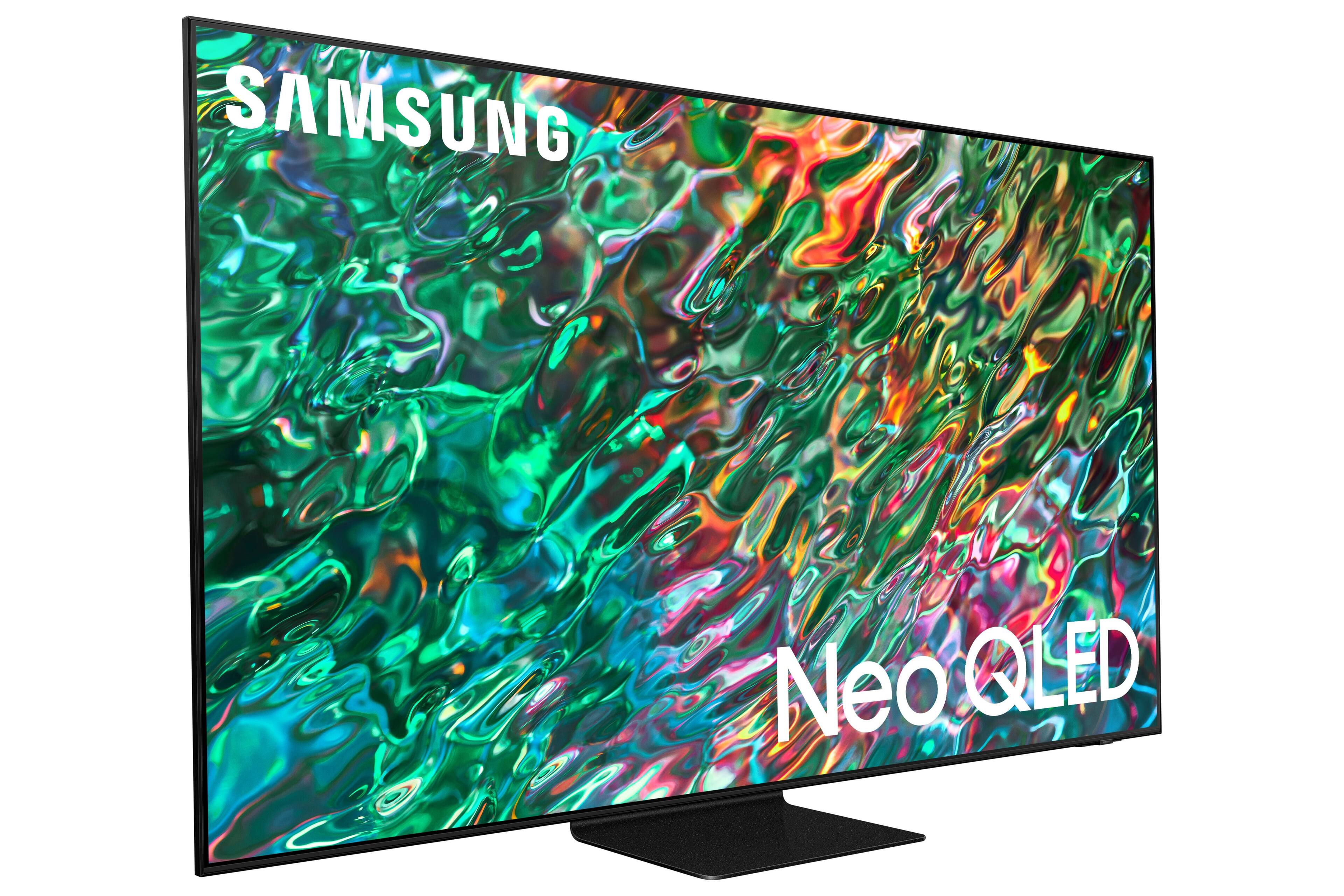
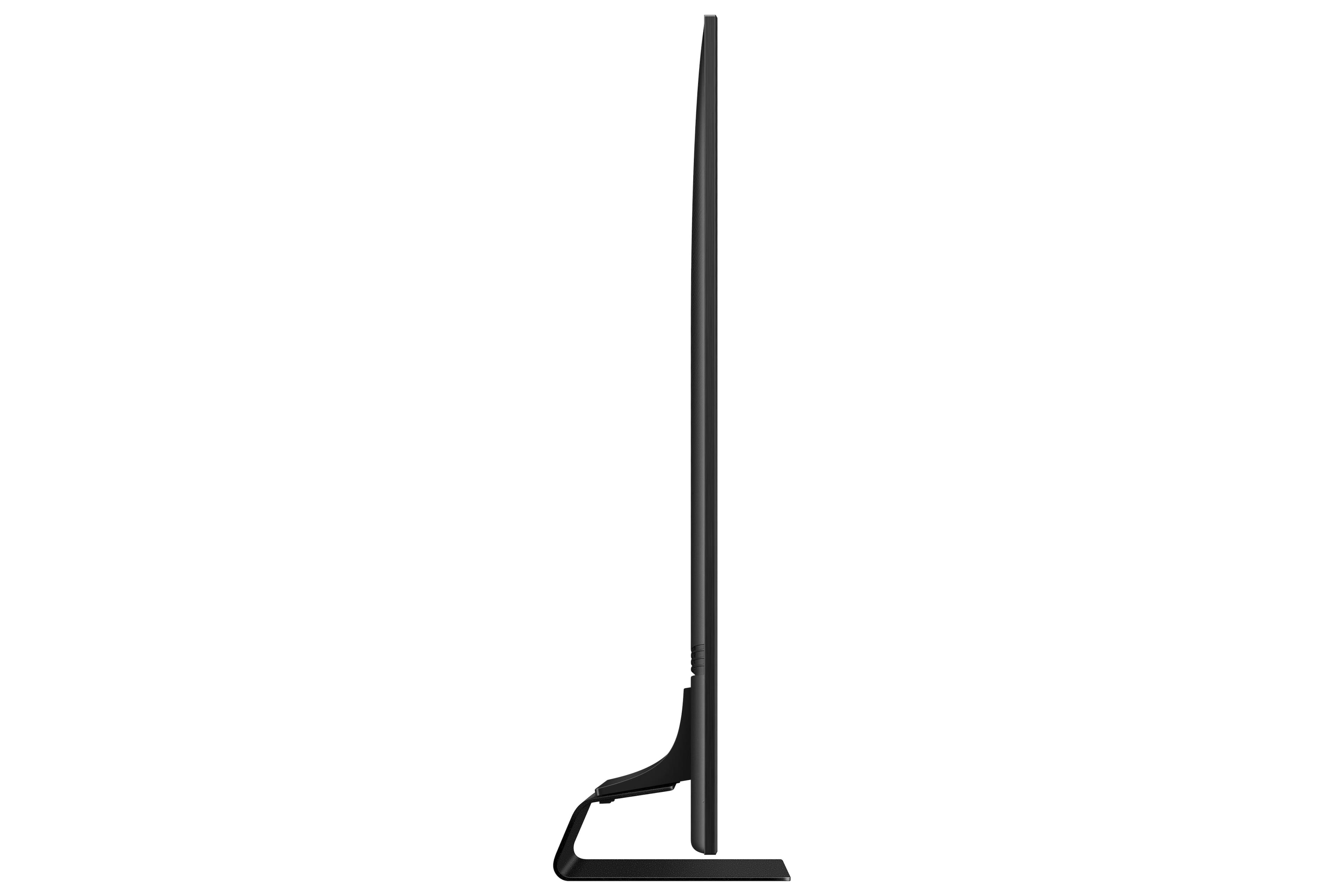

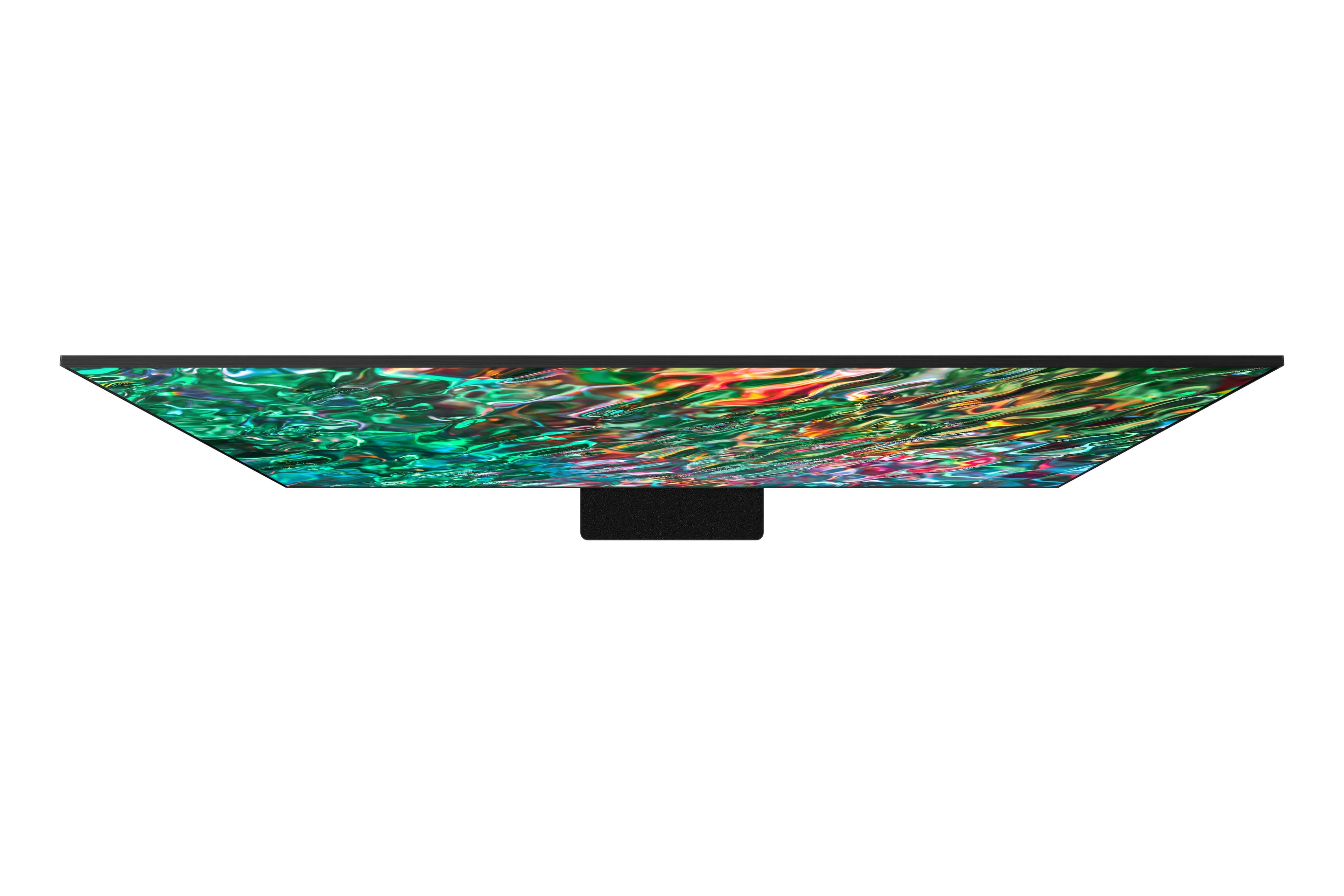
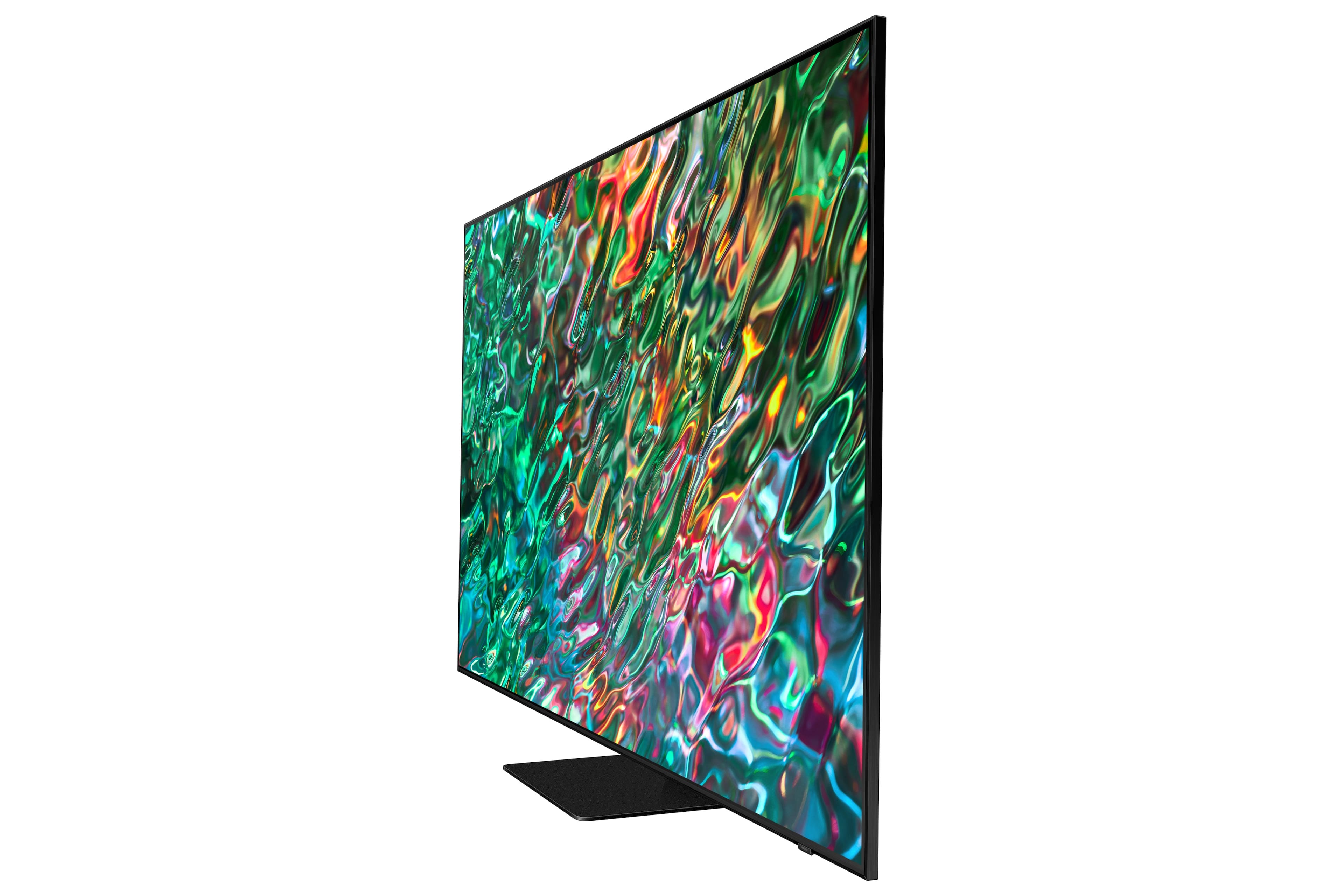
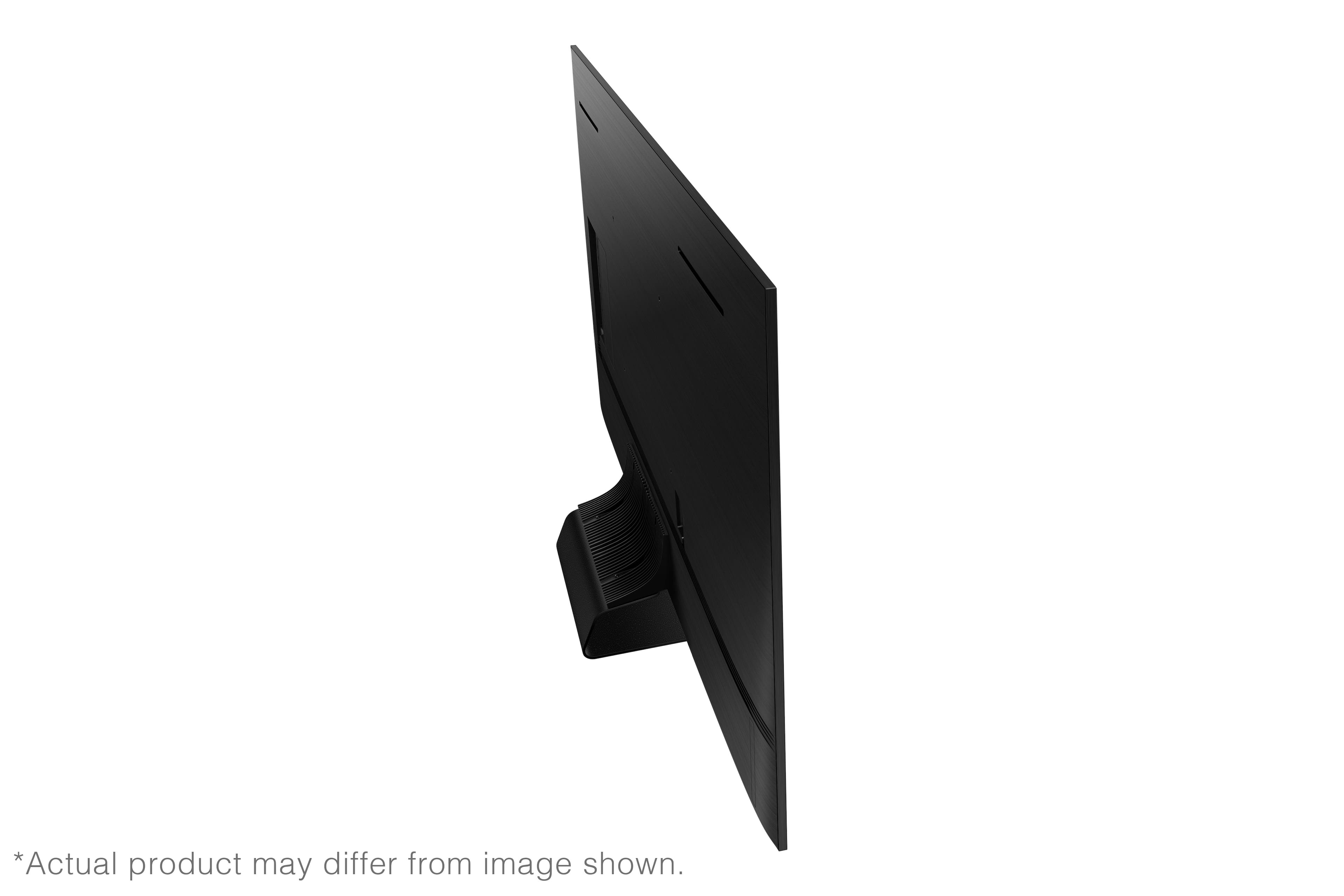
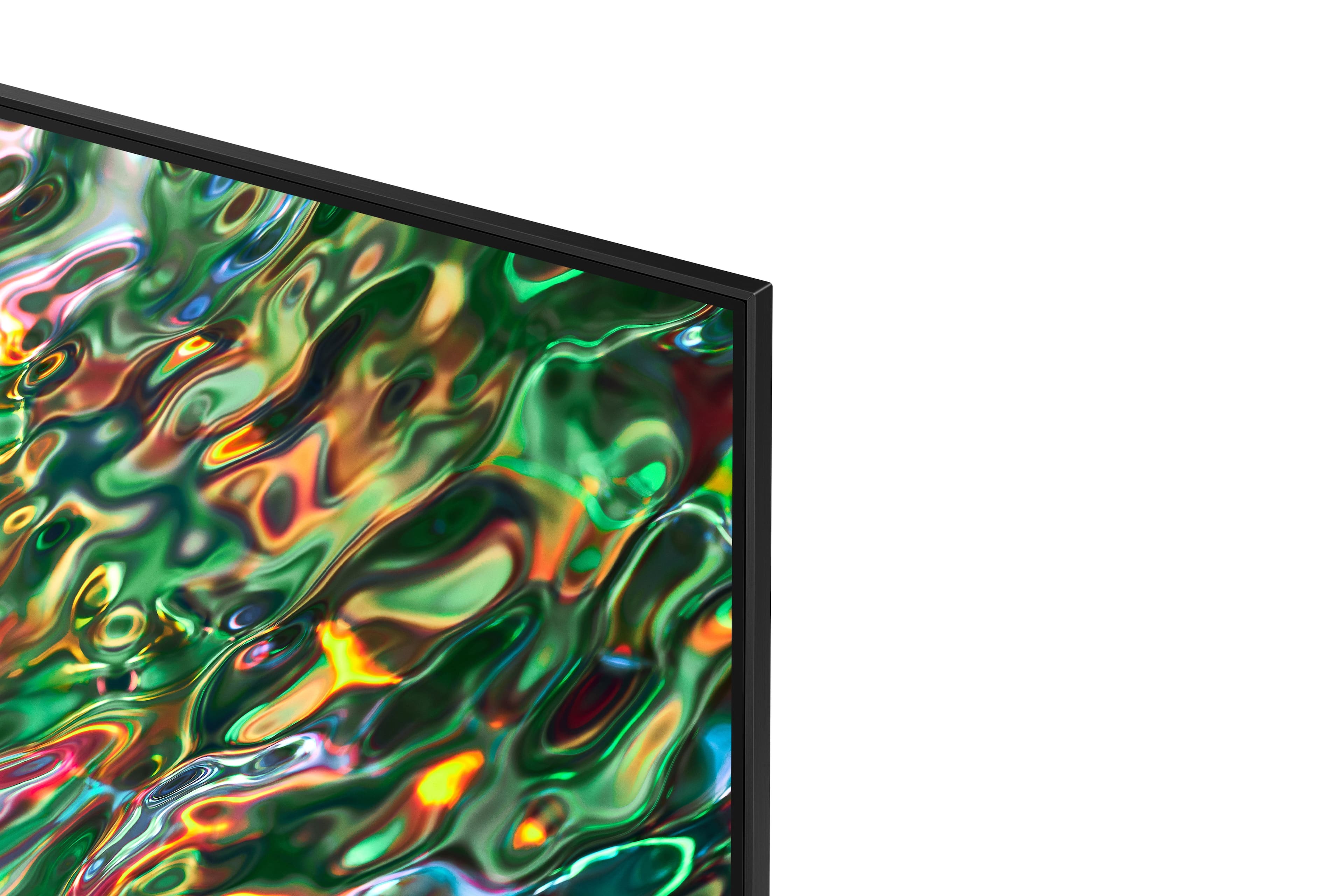
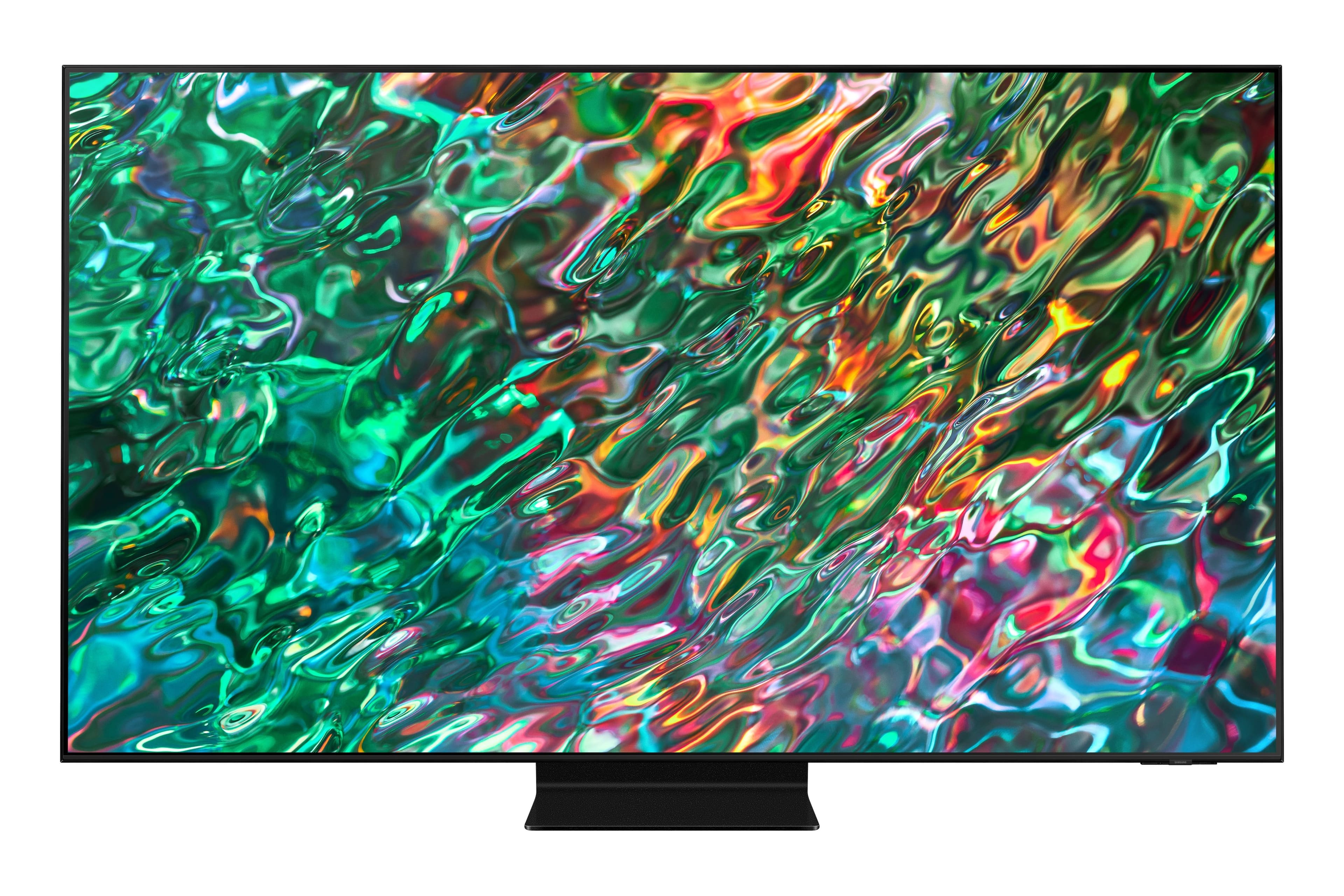

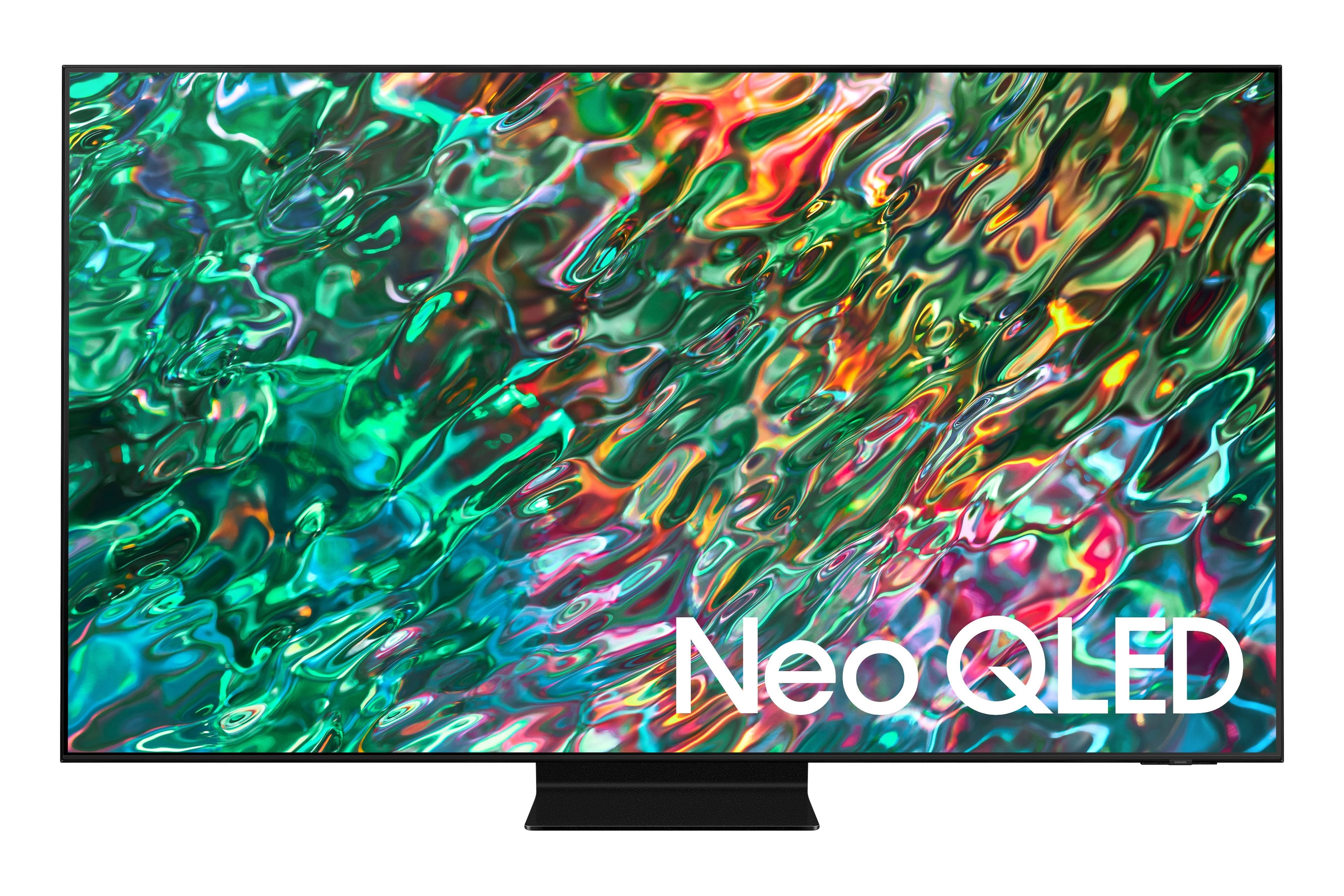
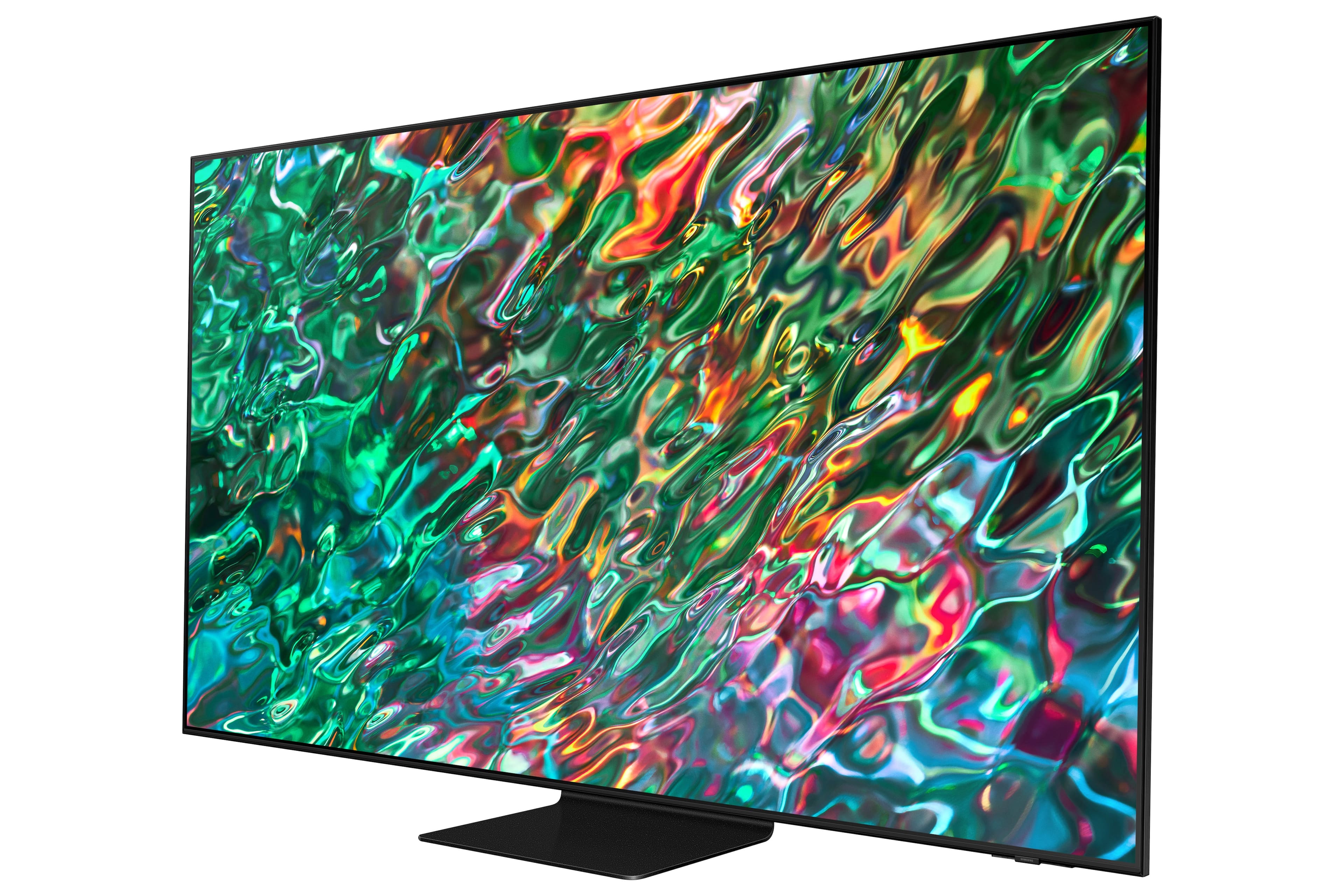
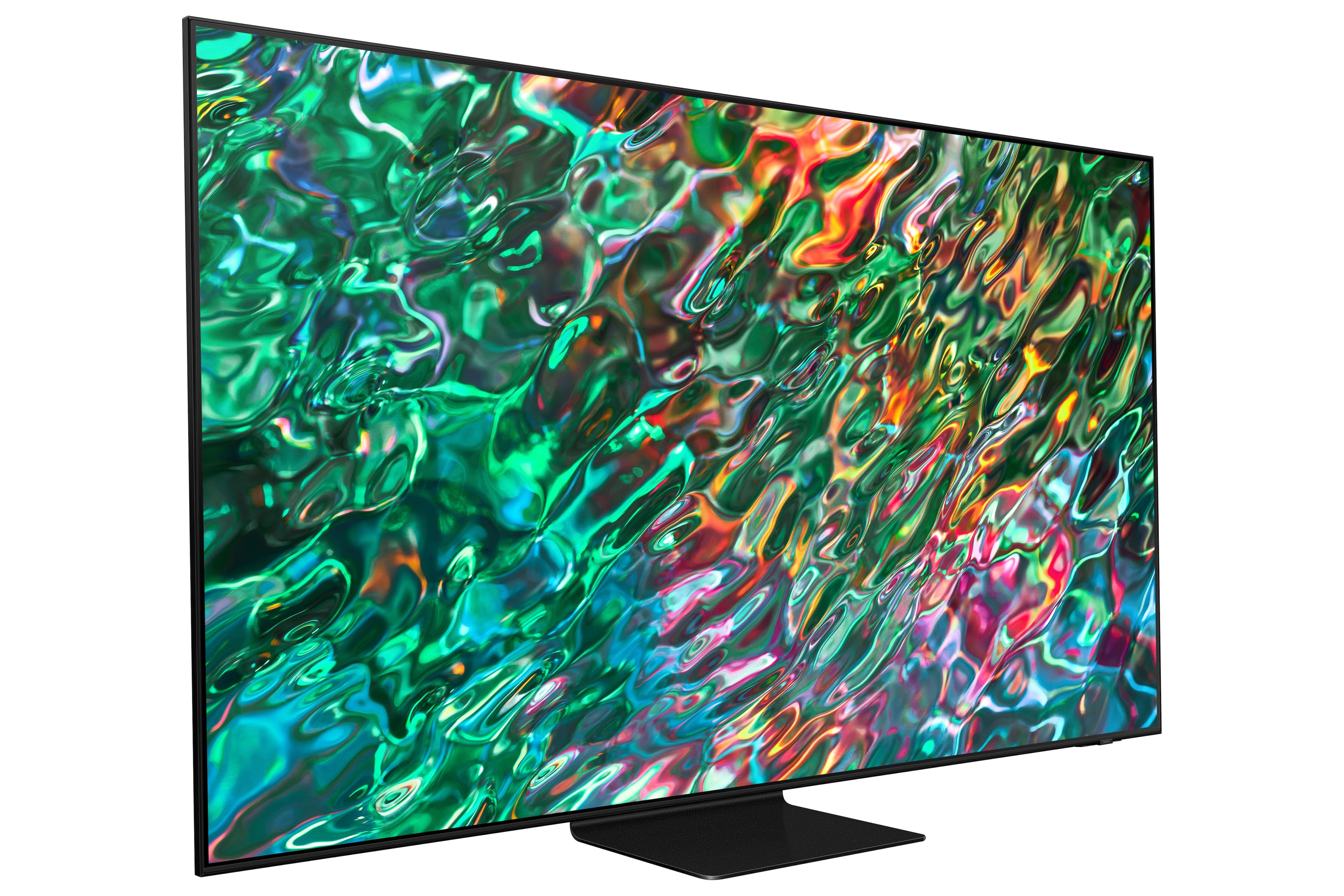







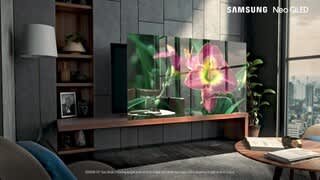





- Model:
- QN55QN90BAFXZA
- SKU:
- 6500637
Rating by feature
- Picture Quality
Rating 4.9 out of 5 stars
- Sound Quality
Rating 4.5 out of 5 stars
- Brightness
Rating 4.9 out of 5 stars
Customers are saying
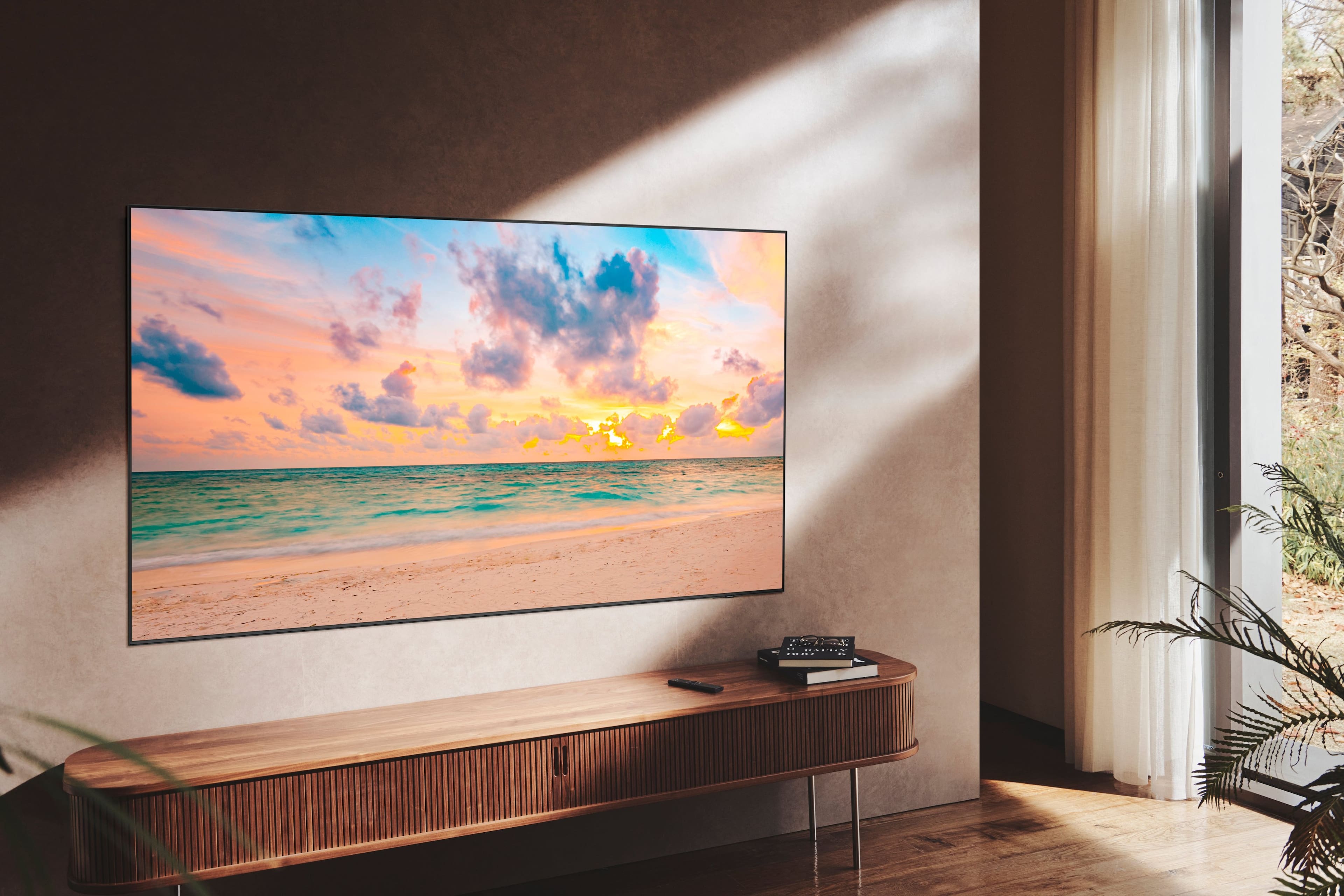
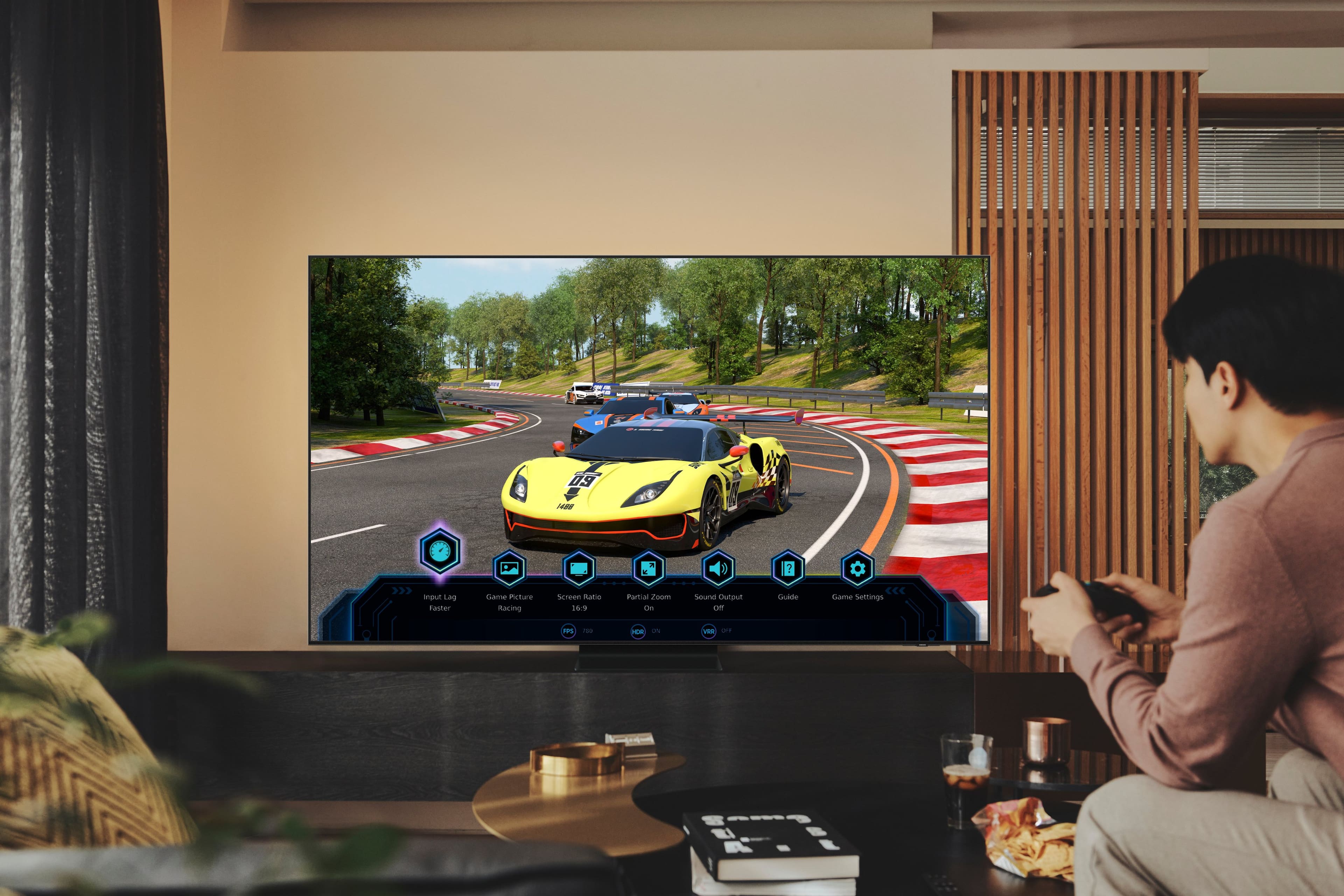
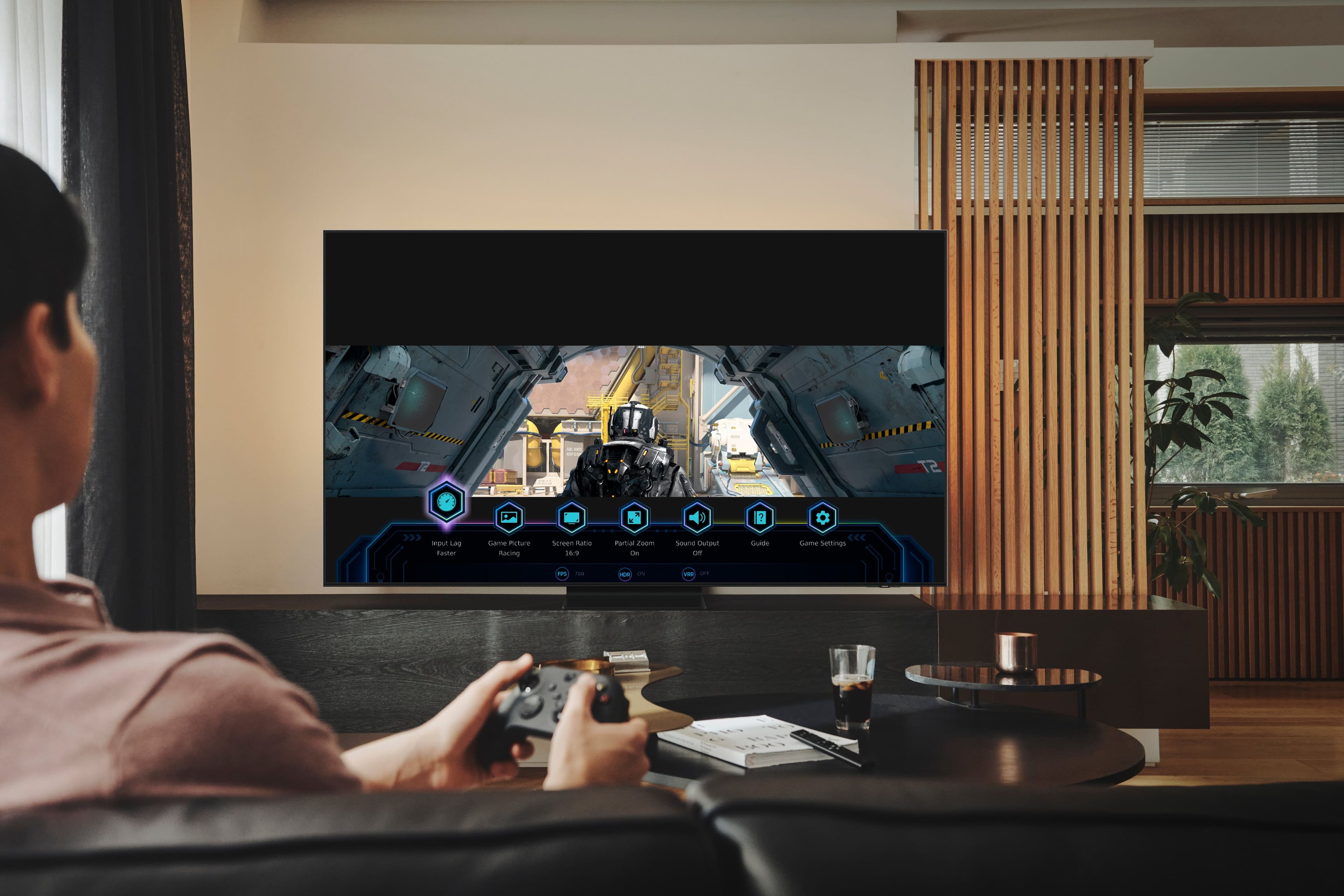
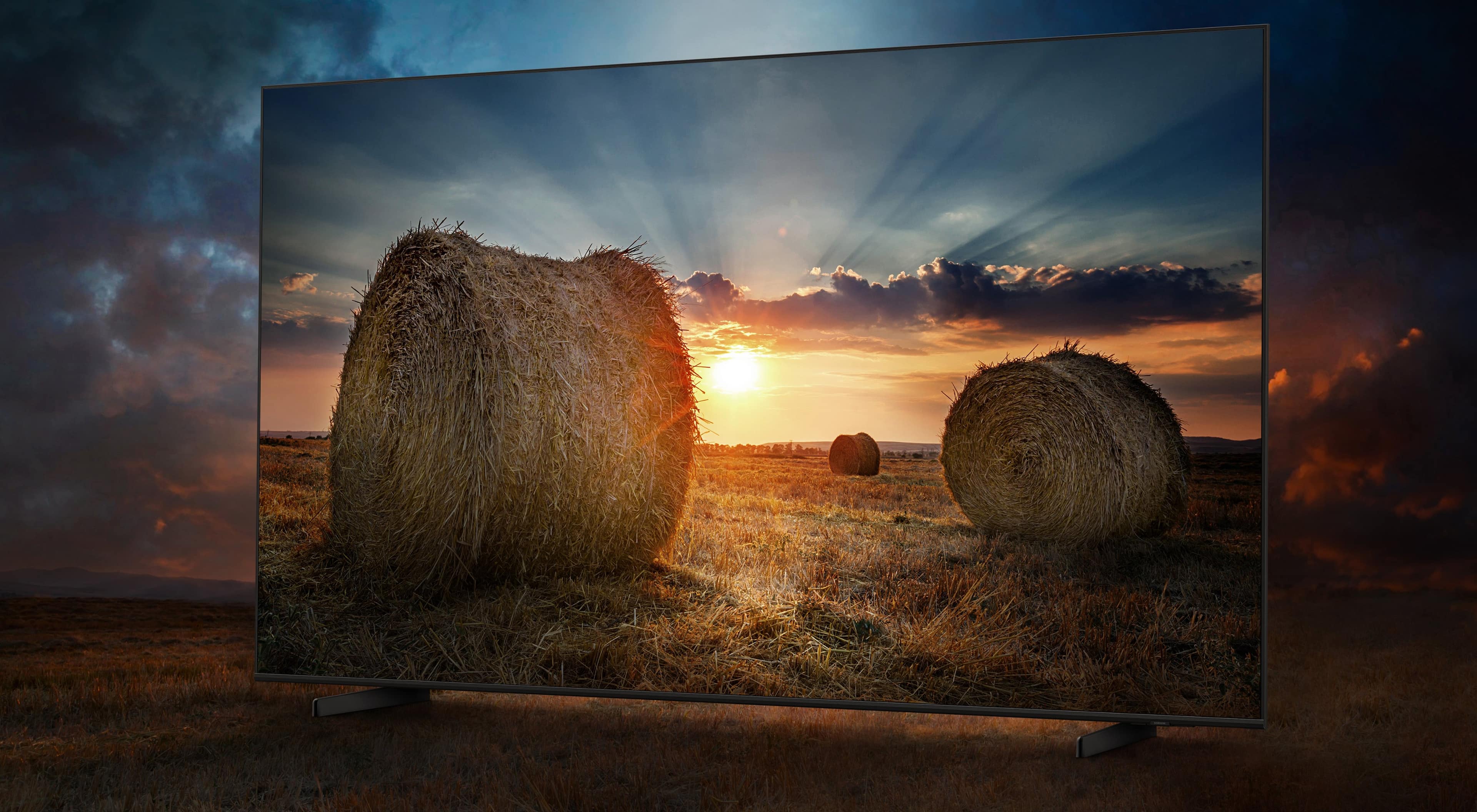
Customers recognize the 55” Class QN90B Neo QLED 4K Smart Tizen TV's exceptional picture quality and brightness, frequently praising its ease of use and setup. However, some users expressed dissatisfaction with the remote control and aspects of the operating system's user-friendliness. The refresh rate was also a positive feature for many customers, particularly those using the TV for gaming.
This summary was generated by AI based on customer reviews.
- Pros mentioned:Picture quality
Joy to watch TV
||Posted . Owned for 2 months when reviewed.This reviewer received promo considerations or sweepstakes entry for writing a review.Fabulous picture & sound quality. It’s a joy to watch TV on this Samsung QLED NEO TV. Would highly recommend. Worth every penny. Geek Squad was awesome.
I would recommend this to a friend - Pros mentioned:Picture quality
Fantastic AntiGlare Samsung TV
||Posted . Owned for 1 month when reviewed.This reviewer received promo considerations or sweepstakes entry for writing a review.Love the anti- glare - it actually works and is VERY worth jt - picture quality is beautiful and the sound bar doesn’t hurt - always loved a Samsung TV
I would recommend this to a friend - Pros mentioned:Picture quality
Happy customer
||Posted . Owned for 2 weeks when reviewed.This reviewer received promo considerations or sweepstakes entry for writing a review.Completely satisfied with my 55” Neo Qled Samsung TV! Also, I had Best Buy Geek Squad to install the unit and I’m very satisfied with their work.
I would recommend this to a friend Mr.
||Posted . Owned for 3 weeks when reviewed.This reviewer received promo considerations or sweepstakes entry for writing a review.We have a very bright room and the nonglare and wide angle technology is tremendous.This tv is what it is cracked up to be and I am well pleased with this purchase. Thank you
I would recommend this to a friend- Pros mentioned:Picture quality
Amazing
||Posted . Owned for 1 month when reviewed.This reviewer received promo considerations or sweepstakes entry for writing a review.Amazing picture and quality. It feels that the characters are in my living room
I would recommend this to a friend - Pros mentioned:Brightness
Strange Feature
||Posted . Owned for 3 weeks when reviewed.This reviewer received promo considerations or sweepstakes entry for writing a review.Color is good, but after watching several hours, the TV just shuts down, apparently to “save energy” the message says. Then I turn it back on again and it’s fine. Weird.
No, I would not recommend this to a friendBrand response from Samsung
Posted .AnneH,
It’s unfortunate to hear your QN90B TV is turning off by itself. Please try a few troubleshooting steps that may help solve the issue:
First, see if Sleep Timer has been enabled. The Sleep Timer automatically turns the TV off after a specific period of time. Go to: Menu > Settings > All Settings > General & Privacy > System Manager > Time > Sleep Timer
If the Sleep Timer has not been enabled, see if Auto Power Off or Off Timer have been enabled and disable it.
- Menu > Settings > All Settings > General & Privacy > Power and Energy Saving > Auto Power Off
- Menu > Settings > All Settings > General & Privacy > System Manager > Time > Off Timer
If both timers are off, please also try the following:
1. Unplug the TV from the wall outlet or surge protector and leave it unplugged for 30 seconds.
2. Check the power cord to see if there is any visible damage.
3. Plug the TV power cord back into the wall outlet. If you were using a surge protector, bypass it for now and use a wall outlet.
4. Try to update the software. In some cases, a software update can correct the problem. There is a risk, however. If the TV turns off during the software update, it could damage the TV. Updates can take up to 30 minutes depending on network speed, so if the TV is not turning off too frequently, try updating the software.
If the TV continues to turn off by itself, please call us at 1-800-SAMSUNG, 8AM - 12AM EST, 7 days a week. Our LiveChat agents are also available by clicking on the ‘Support’ link on our website.
~ Samsung Specialist
- Pros mentioned:Picture quality
Perfect picture on this Samsung
||Posted . Owned for 1 month when reviewed.This reviewer received promo considerations or sweepstakes entry for writing a review.Best picture out of all the TV’s we had. It’s exactly what our Best Buy salesperson said it was . It’s such a pleasure to watch tv now.
I would recommend this to a friend - Pros mentioned:Brightness
The perfect QLED
||Posted . Owned for 1 month when reviewed.This reviewer received promo considerations or sweepstakes entry for writing a review.It has HDMI 2.1 for all ports, the ambient light sensor works great. The color and full array local dimming makes blacks really rich.
I would recommend this to a friend - Pros mentioned:Picture quality
Samsung
||Posted . Owned for 1 month when reviewed.This reviewer received promo considerations or sweepstakes entry for writing a review.Great picture even in very bright room. Sound out of television is decent even without sound system.
I would recommend this to a friend - Pros mentioned:Picture quality
First Samsung
||Posted . Owned for 3 weeks when reviewed.This reviewer received promo considerations or sweepstakes entry for writing a review.Always had Sony Bravia Decided to try Samsung. Salesperson was knowledgeable and helpful. Not disappointed so far . Great pic / sound
I would recommend this to a friend - Pros mentioned:Brightness
Fantastic picture in bright daylight!
||Posted . Owned for 1 month when reviewed.This reviewer received promo considerations or sweepstakes entry for writing a review.Very impressed with brightness of screen even bright daylight in livingroom with windows on both sides of tv. Highly recommended!
I would recommend this to a friend - Pros mentioned:Picture quality
Great picture quality but size issues
||Posted . Owned for 1 month when reviewed.This reviewer received promo considerations or sweepstakes entry for writing a review.The television has a great picture. Unfortunately many movies show as partial screen using the Samsung remote and this setting cannot be changed. We have to use an alternate remote.
I would recommend this to a friendBrand response from Samsung
Posted .Hi Gina,
Thanks for choosing Samsung’s QN90B Neo QLED 4K TV! I’m happy to hear you’re enjoying the picture brought to you by our Neo Quantum Processor 4K. We appreciate you sharing feedback on movies showing a partial screen.
Black bars on the top and bottom of your screen can be caused by either a setting on your cable/satellite box or by the content you’re watching. However, the TV can be adjusted to help minimize this.
By adjusting the aspect ratio, you can get the image to fill the screen. Go to Menu > Settings > All Settings > Picture > Picture Size Settings > Picture Size.
Please contact Samsung Customer Support if you need further assistance with settings, features, or functions. Call us at 1-800-SAMSUNG, 8 AM - 12 AM EST, seven days a week. Or visit us on the Samsung website and click on the ‘Support’ link for:
• LiveChat with an agent
• Manuals, Software, & Warranty Info
~ Samsung Advisor
- Pros mentioned:Picture quality
Great picture.
||Posted . Owned for 1 month when reviewed.This reviewer received promo considerations or sweepstakes entry for writing a review.Great picture. Makes watching TV a real joy. Would absolutely recommend this TV to anyone.
I would recommend this to a friend - Pros mentioned:Picture quality
Samsung TV's Rock!
||Posted . Owned for less than 1 week when reviewed.This reviewer received promo considerations or sweepstakes entry for writing a review.Love this TV! Have always wanted a Samsung. The picture quality is so good sometimes I can tell its a movie set in movies :)
I would recommend this to a friend - Pros mentioned:Picture quality
Great Tv
||Posted . Owned for 3 weeks when reviewed.This reviewer received promo considerations or sweepstakes entry for writing a review.Love this TV! The picture is fantastic! Couldn't beat the price for the size of screen at the time. Very happy with this!
I would recommend this to a friend - Pros mentioned:Picture quality
Lemon??????
||Posted . Owned for 3 months when reviewed.This reviewer received promo considerations or sweepstakes entry for writing a review.Where do I begin? I was reading about all the different TVs and landed on this one, picked up from local BB. Set up was easy, picture quality was brilliant. After the return period, I noticed a couple of things. 1) The TV brightness seems to change on its own from one viewing session to another. I like the image with the movie mode selected. I noticed that sometimes the TV brightness is much higher than other times. When I check the mode, it is still in movie mode. When I select movie mode again, the image brightness goes back to what I would expect and what it was the day before. None of the expert settings were changed when the brightness was found to be off the charts. 2) The sound cuts out intermittently. I have a video of this, but can't post videos. The cutting out is only for a millisecond, but it is super annoying. To address this, I got a Samsung soundbar. I figured it would be a nice addition to my TV. The next time the cutting out came back, I switched to the soundbar. Well, the cutting out is happening with soundbar too. I had thought it might be a hardware/speaker issue, hence I got the soundbar. The issue happens with cable, streaming, BluRay, DVD, etc. No matter what. 3) There is significant delay in sound when using the soundbar. With the audio delay set to zero, by-pass selected, it is still noticeable. I was running the eARC, switched to optical, no change. Everything I have read and tried has not fixed this. I'm not shy about researching things on my own to troubleshoot. Nothing has worked. One clip of a guy whistling with his fingers in his mouth demonstrated this perfectly. He removes his fingers from his mouth, and the sound of the whistle continues for some time. So now I have a $350 useless soundbar, mated to a TV with bad sound issues (cutting out) and a screen brightness that changes randomly. I called Samsung "helpless desk/support" and the brilliant lady on the other side recommended unplugging the TV and plugging it back in. At the time of my call, the TV was acting fine. What's the point of powering down? The next step to take is send the TV in. Of course, I don't have another TV, so what will Samsung do for me? Give me a loaner TV? Or do I sit here and watch the wall where the TV used to be and use my imagination for a week or two while they pretend to be fixing my TV? I'm less than 90 days into owning this TV and wish I had purchased the LG OLED that I was originally considering. I don't repeat mistakes, next time guess what brand I will not be buying? Make it right Samsung. Something is terribly wrong with this TV and I shouldn't have to eat the cost of the TV or have to live with the issues it has. Oh, and by the way, the "canned" response that you are sorry and I should call support desk is not acceptable. Stop being sorry and actually do something for those that are having issues with this TV.
No, I would not recommend this to a friendBrand response from Samsung
Posted .EddieE,
We appreciate you sharing details of the dimming issue you’ve experienced on your xxx TV. Please try disabling some of the TV's energy efficiency functions, as these will automatically adjust your picture and may cause your screen to appear brighter or darker than preferred.
Check to see if Contrast Enhancer has been enabled. This setting automatically adjusts your TV's brightness so the difference between bright and dark areas is not excessive. Go to: Home > Menu > Settings > All Settings > Picture > Expert Settings > Contrast Enhancer
If Contrast Enhancer hasn’t been enabled, please see if Brightness Optimization, Brightness Reduction, or Motion Lighting have been enabled and disable them.
- Menu > Settings > All Settings > General & Privacy > Power and Energy Saving > turn off Brightness Optimization, Brightness Reduction, and Motion Lighting
Please also be sure your TV’s firmware is up to date with the latest version. You can check this by going to: Home > Menu > Settings > Support > Software Update > Update Now
To address the sound cut outs you're experiencing, please make sure you're using a high-speed HDMI cable with Ethernet Channel (sometimes called HDMI HEC cable). Also, be sure to enable HDMI-eARC in the Expert Settings menu.
Lastly, to improve any audio delays you're noticing, you can access the Audio Delay settings to increase the audio delay. Go to: Menu > Settings > All Settings > Sound > Expert Settings > Digital Output Audio Delay
Our 2022 TVs have an audio Pass-Through feature, which allows the audio signal to be sent out unprocessed to an external soundbar or receiver connected to the TV. The external device then processes the audio, thereby eliminating the added step of processing by the TV, which adds delay.
On your TV, go to: Menu > Settings > All Settings > Sound > Expert Settings > Digital Audio Output Format > Pass-Through
If you’ve tried these steps and your issue persists, please contact us again for troubleshooting and a Support agent will gladly assist. You can reach us at 1-800-SAMSUNG, 8AM - 12AM EST, 7 days a week. Our LiveChat agents are also available by clicking on the ‘Support’ link on our website.
~ Samsung Specialist
- Pros mentioned:Picture qualityCons mentioned:Operating system
Great tv but bad os
||Posted . Owned for 2 weeks when reviewed.This reviewer received promo considerations or sweepstakes entry for writing a review.The tv looks great. Incredible brightness for HDR content. The samung os is garbage. It even has ads on the home screen. That shoiodnt be on a tv costing over $1000
I would recommend this to a friendBrand response from Samsung
Posted .Brandon,
We appreciate you sharing your experience. Redesigned in 2022, Next Home pulls opens a separate menu that is easier to see and navigate. In addition to the new layout, Next Home has a convenient sidebar on the left. The sidebar is broken down into multiple sections, categorizing different features and settings in a streamlined design. To open Next Home, just press the Home button on your remote. The following tabs will be available:
1. Privacy Choices: Review your TV’s Terms & Conditions, Privacy Policy, and Privacy Center
2. Search: Instead of browsing content aimlessly, you can search for specific movies or shows by typing out keywords in the search bar at the top or saying a command using your remote. Your recent Search History and Popular searches will appear on this page as well.
3. Ambient Mode: Access Ambient Mode settings to customize your TV’s screen when it isn’t being used. You can make your TV display a relaxing photo, a picturesque image, or a funky background to keep things interesting. And if you’re into NFT artwork, Ambient Mode now has an entire NFT section with content from the Nifty Gateway marketplace!
4. Gaming Hub: Run out of console games to play? Check out the new Gaming Hub, a discovery platform that includes games you can stream right on your TV! Browse new releases, indie gems, or simply go back to that one game you can't put down. There are also multiple playing options, so the possibilities are endless.
5. Media: Your hub for all things entertainment. Available streaming apps will display at the top of the screen, such as Netflix, Samsung TV Plus, and more. Next Home will learn your viewing patterns over time and suggest movies and shows based on what you like.
6. Menu: The Menu tab lets you access Settings and Connected Devices. From here, you can access or change most settings on your TV. And of course, you can manage any devices you’ve previously connected or would like to pair.
If there’s anything we can help with, please call us at 1-800-SAMSUNG, 8AM - 12AM EST, 7 days a week. LiveChat with an agent as well as manuals, software, and warranty info can be found at the ‘Support’ link on our Samsung website.
~ Samsung Specialist
- Pros mentioned:Picture quality
Great TV Samsung
||Posted . Owned for 1 week when reviewed.This reviewer received promo considerations or sweepstakes entry for writing a review.Had to buy a new TV , the old one I had quit working and since this was on sale I had to get it. Picture is GREAT!!.
I would recommend this to a friend - Pros mentioned:Picture quality
Good purchase
||Posted . Owned for 1 month when reviewed.This reviewer received promo considerations or sweepstakes entry for writing a review.Clear picture and vibrant colors. Sports look really good on this TV as well as some nature documentaries.
I would recommend this to a friend - Pros mentioned:Picture quality
A Really Smart TV with Awesome picture Quality
||Posted . Owned for 3 weeks when reviewed.This reviewer received promo considerations or sweepstakes entry for writing a review.Amazing Picture Quality, The ability for streaming-built in. A bunch smarter than our 5 years old Samsung
I would recommend this to a friend