Customer Ratings & Reviews
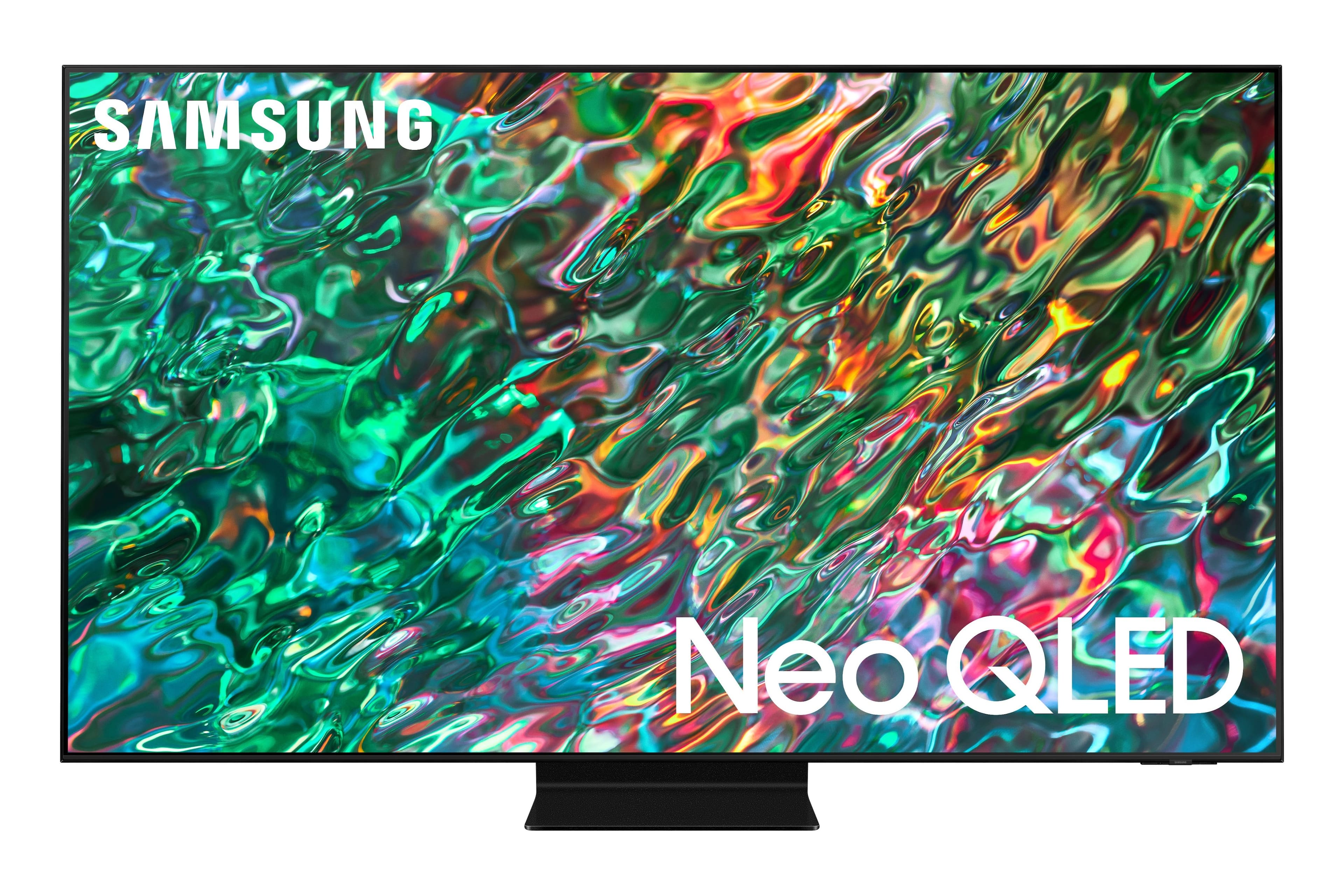
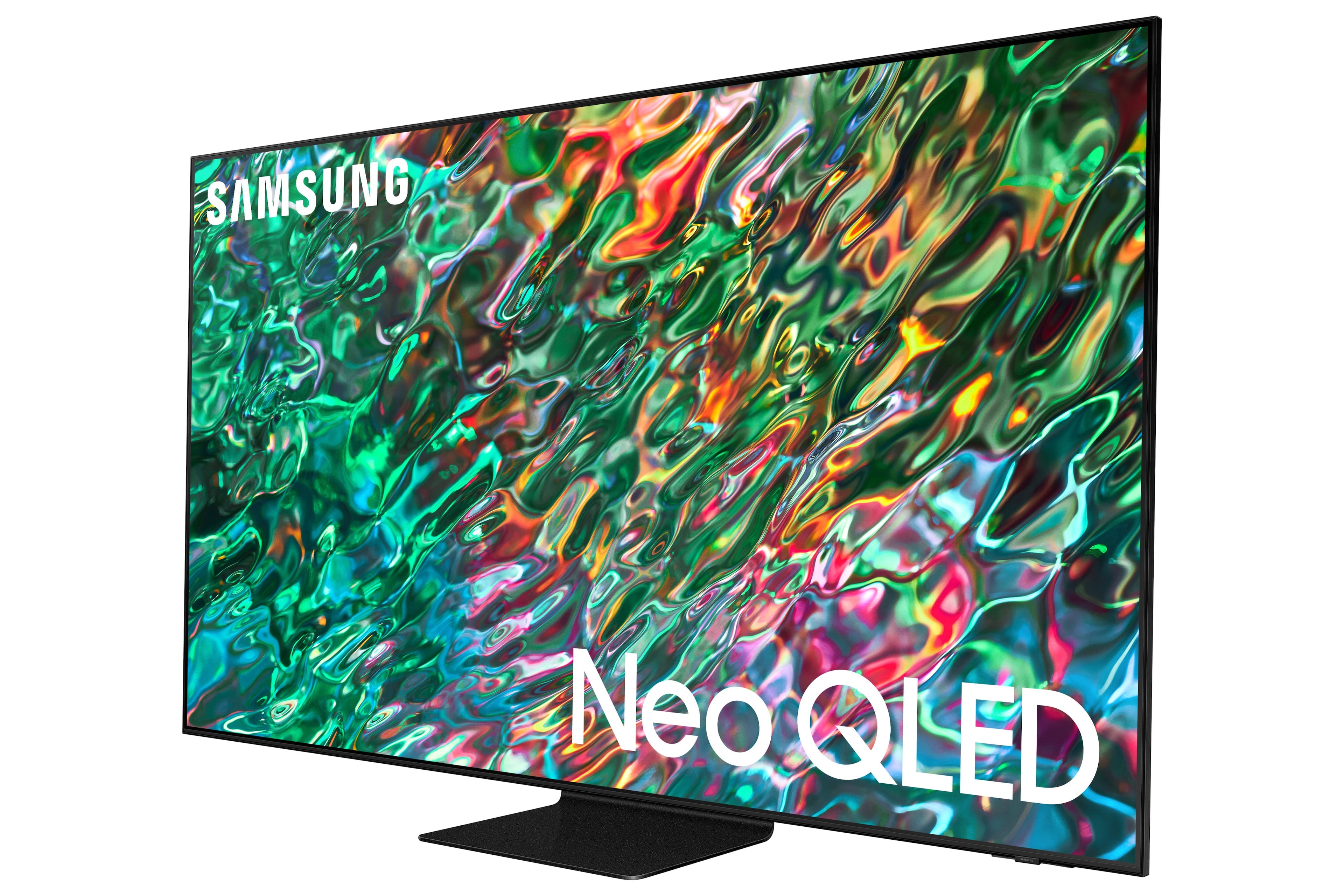
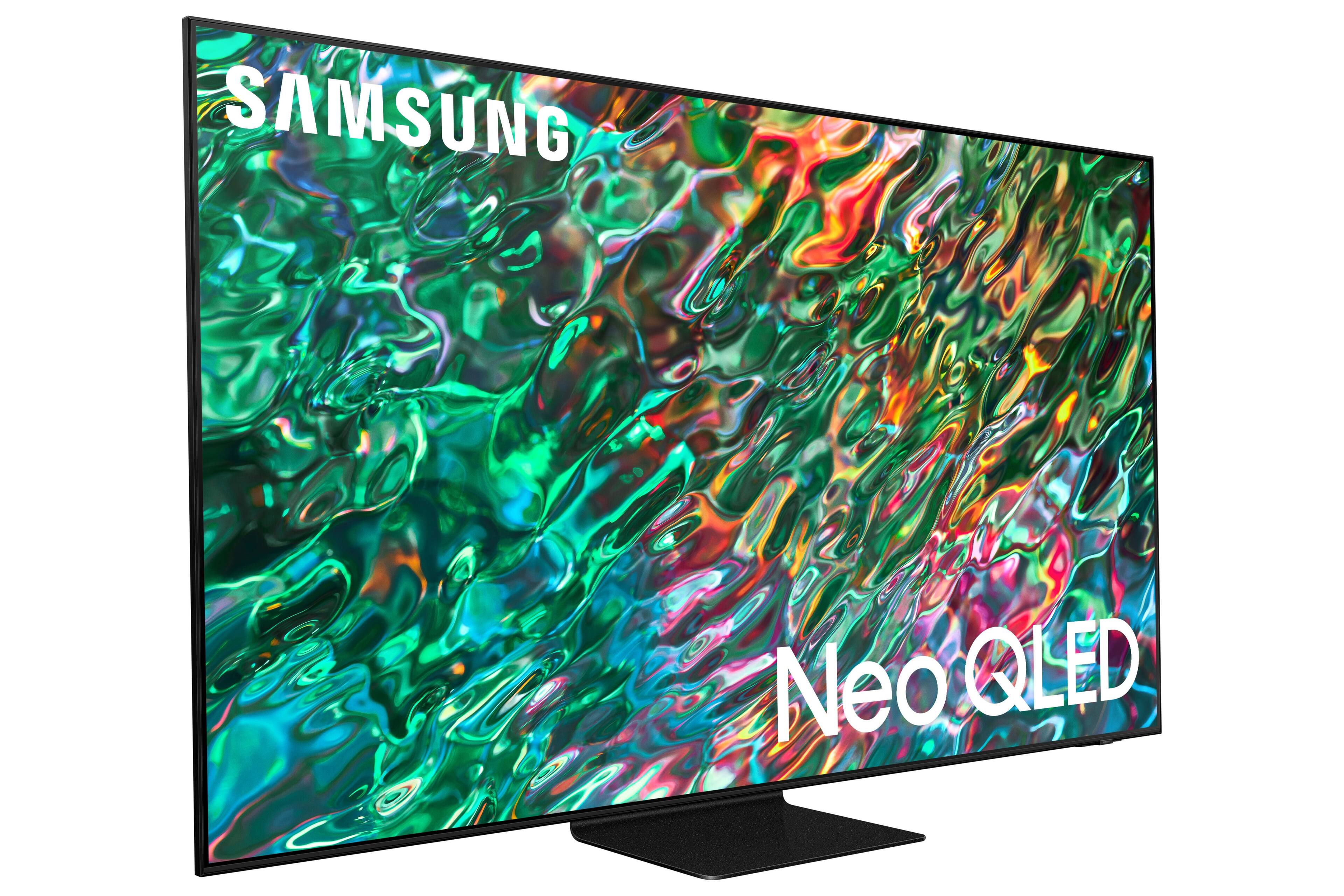
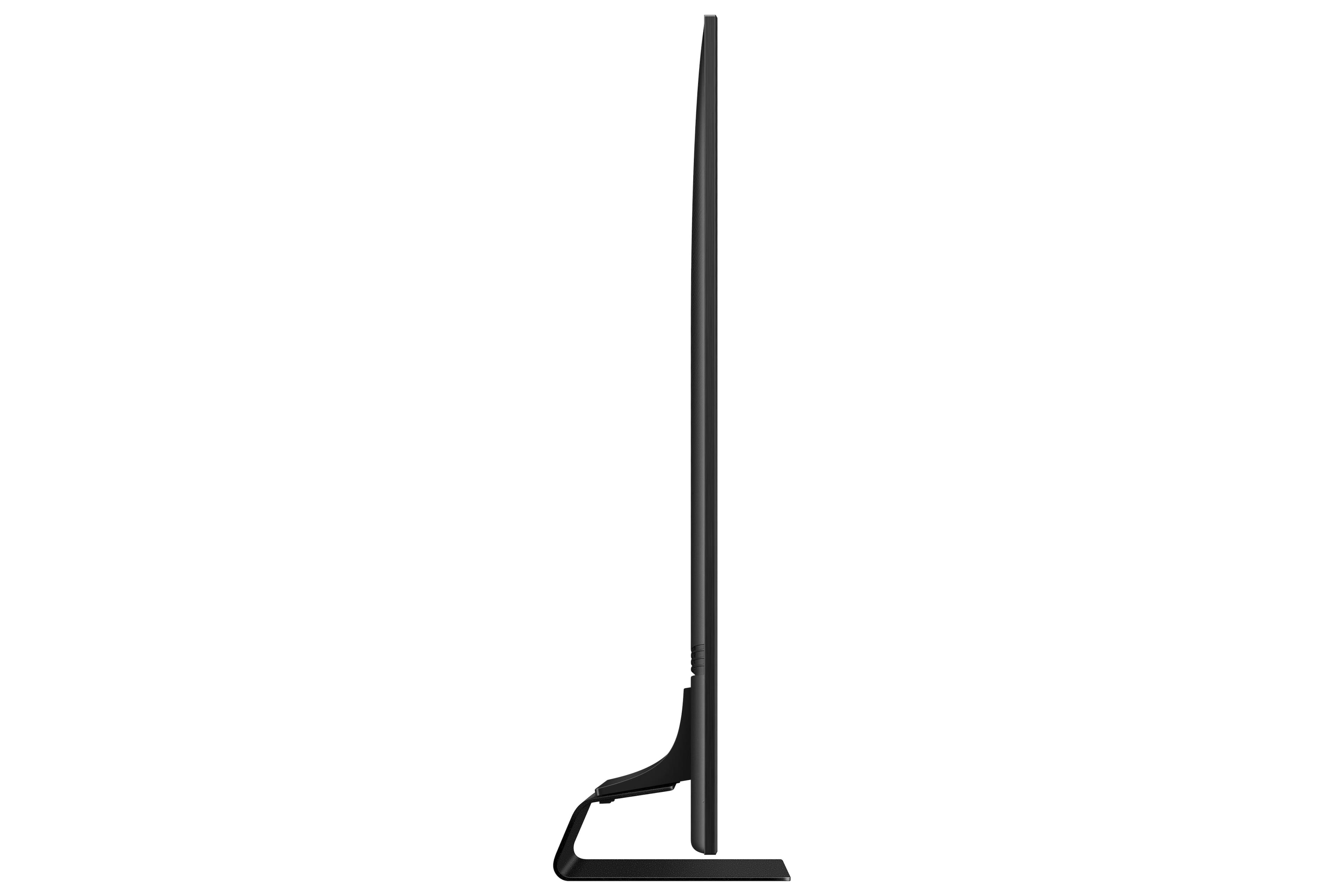

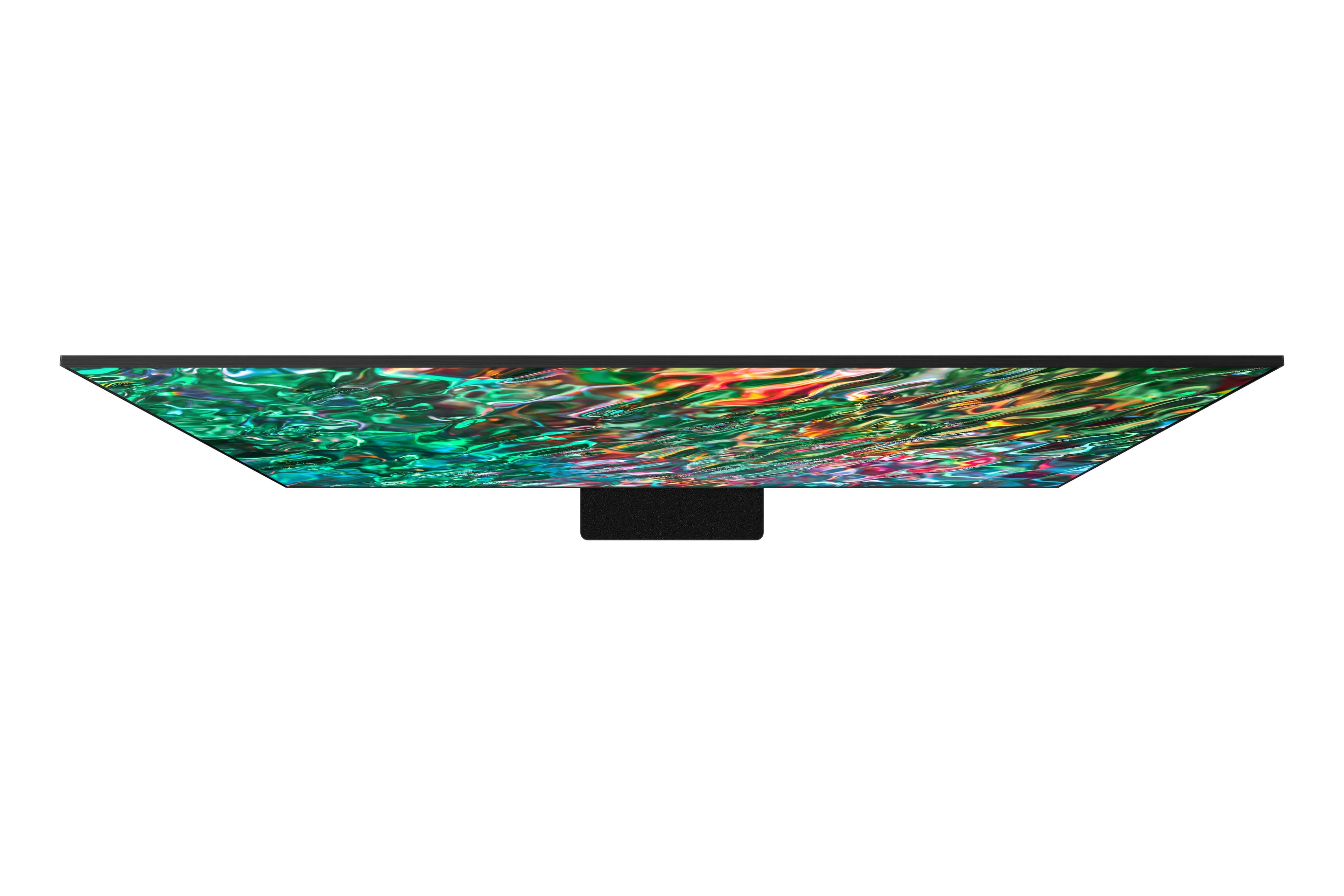
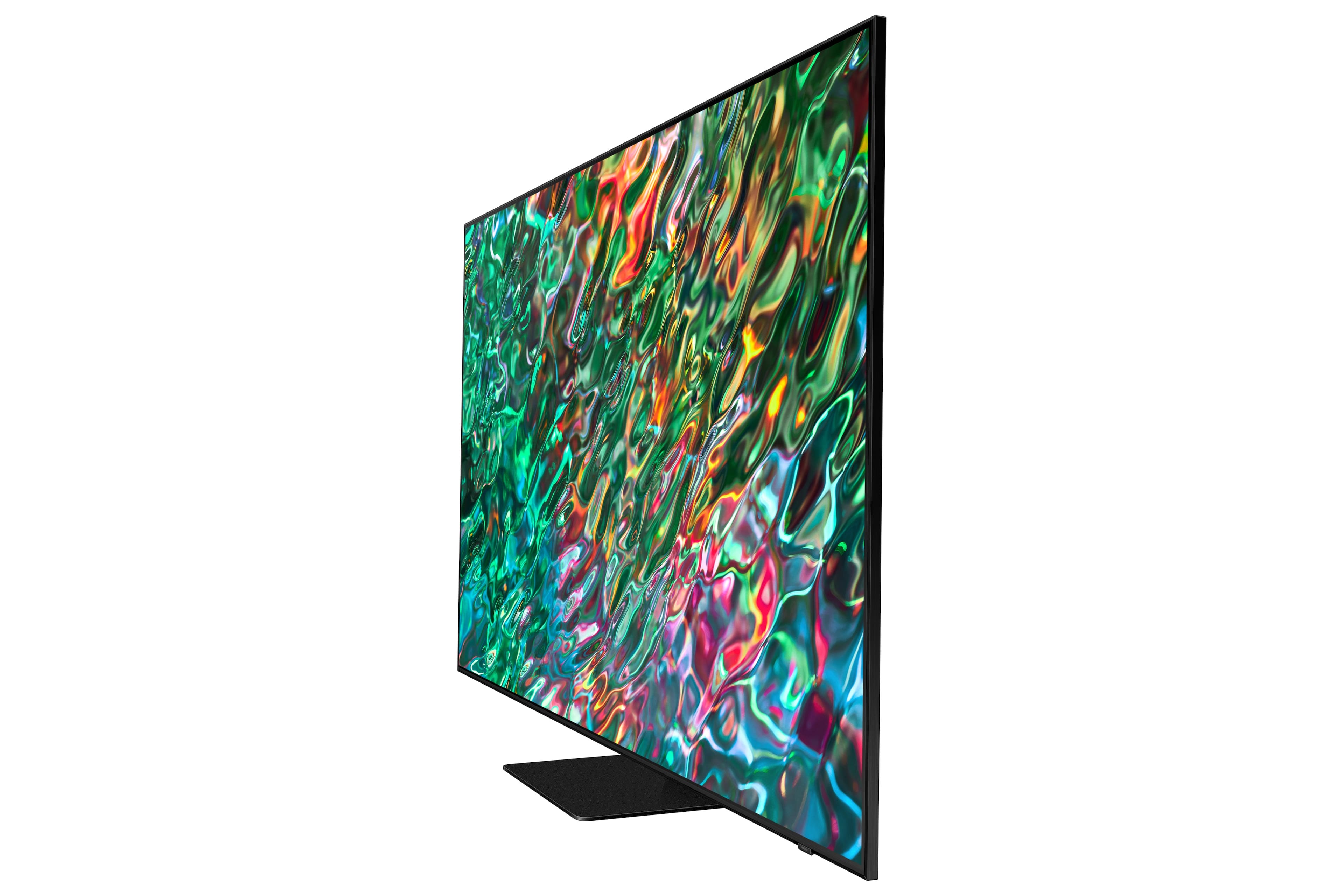
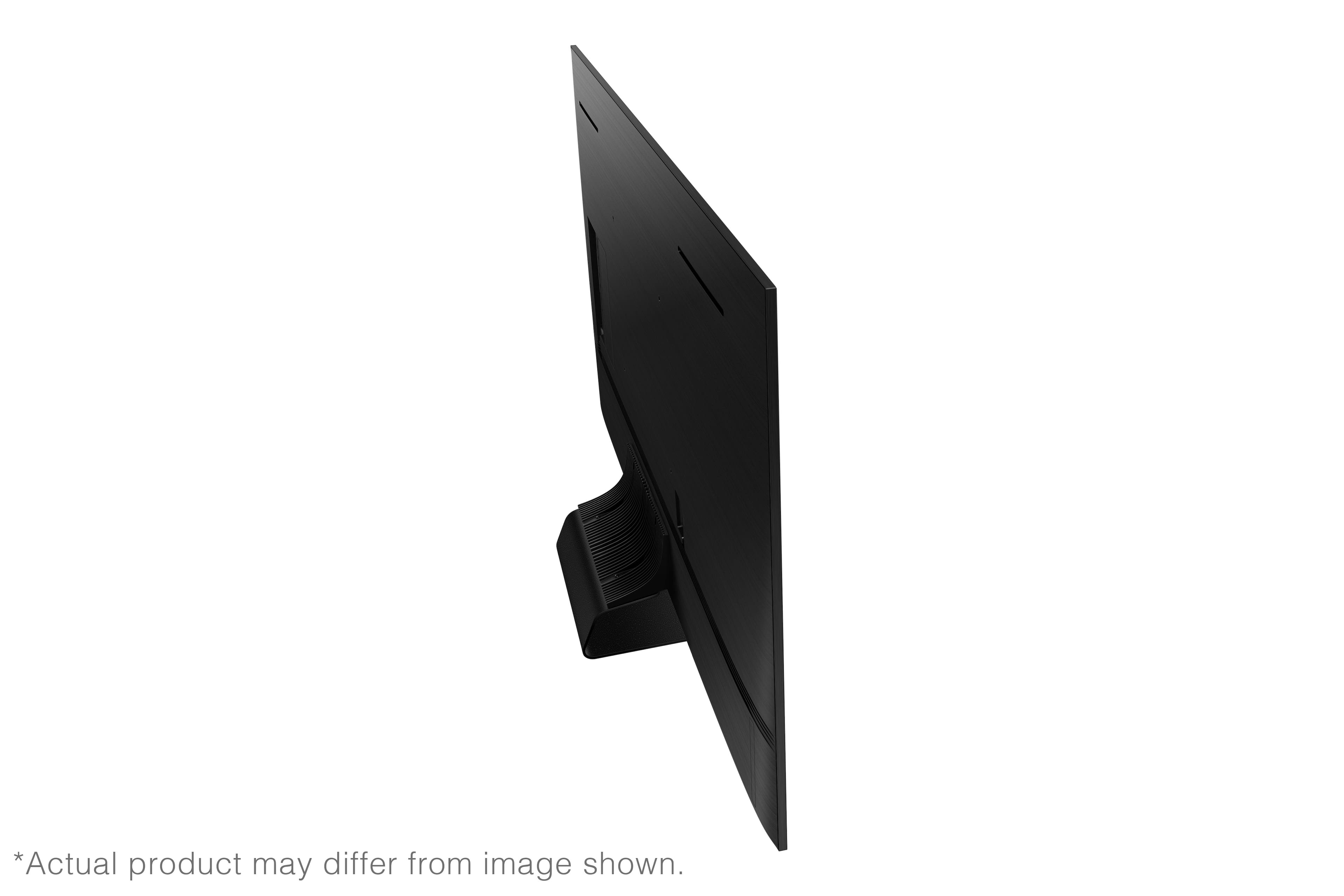
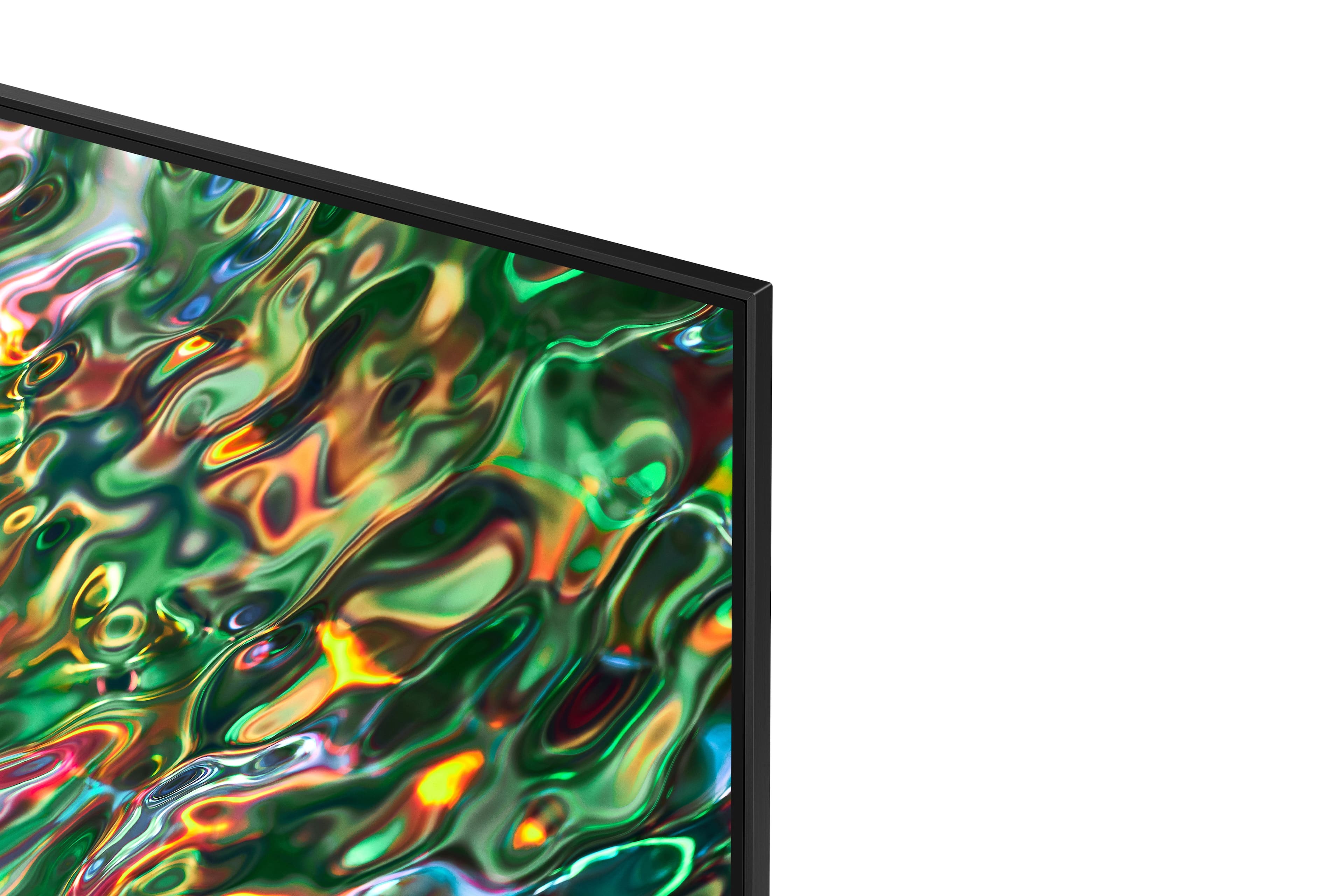
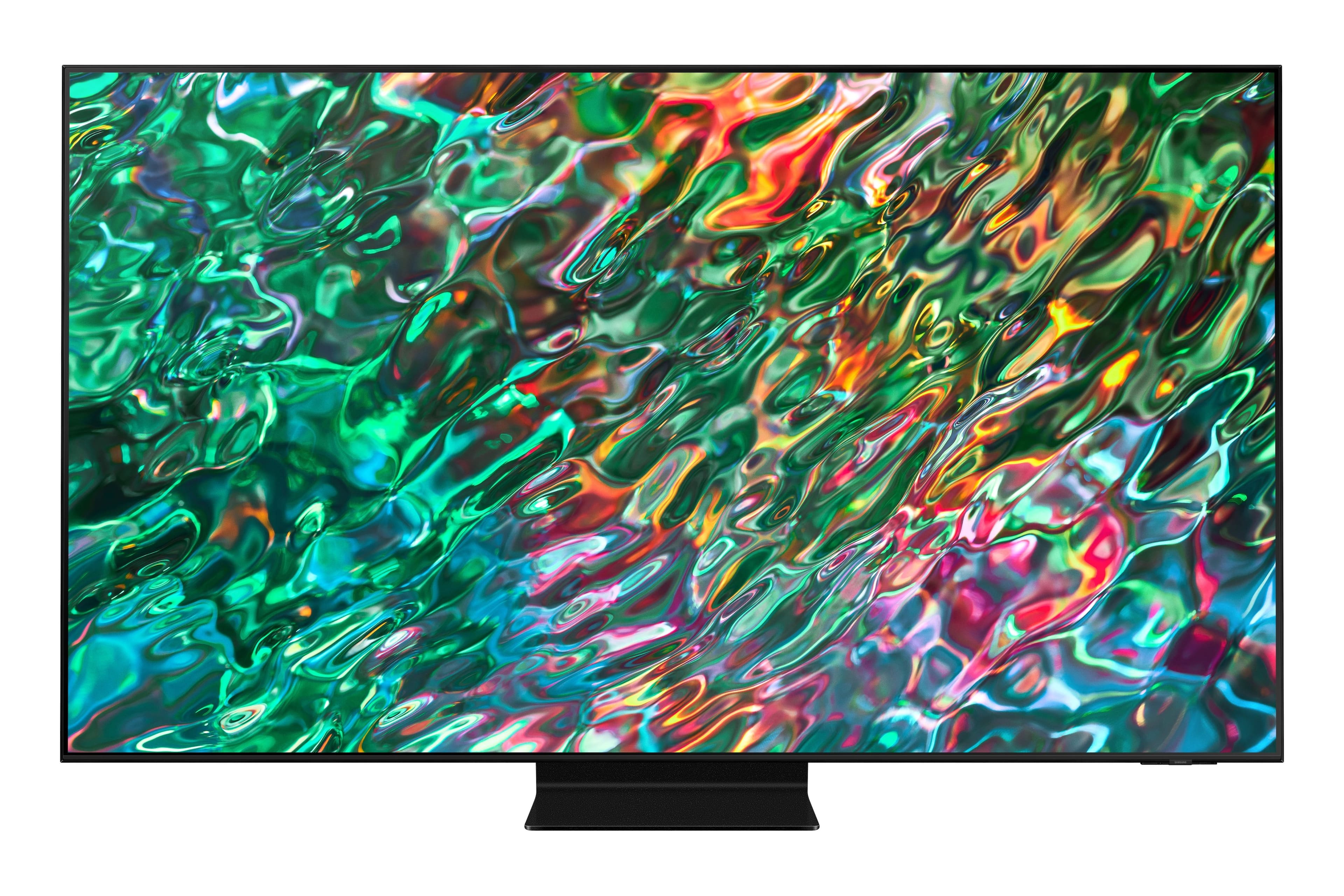

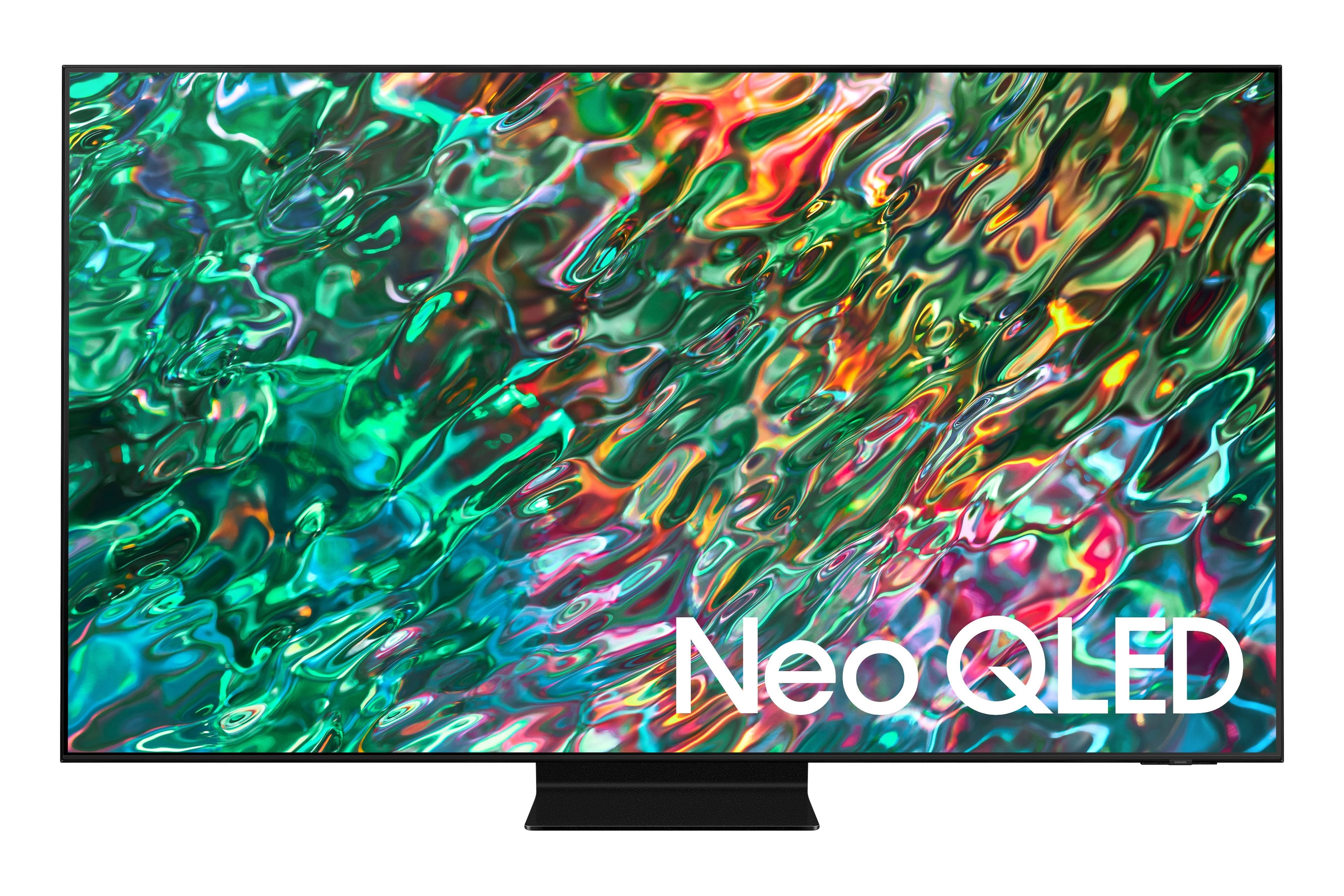
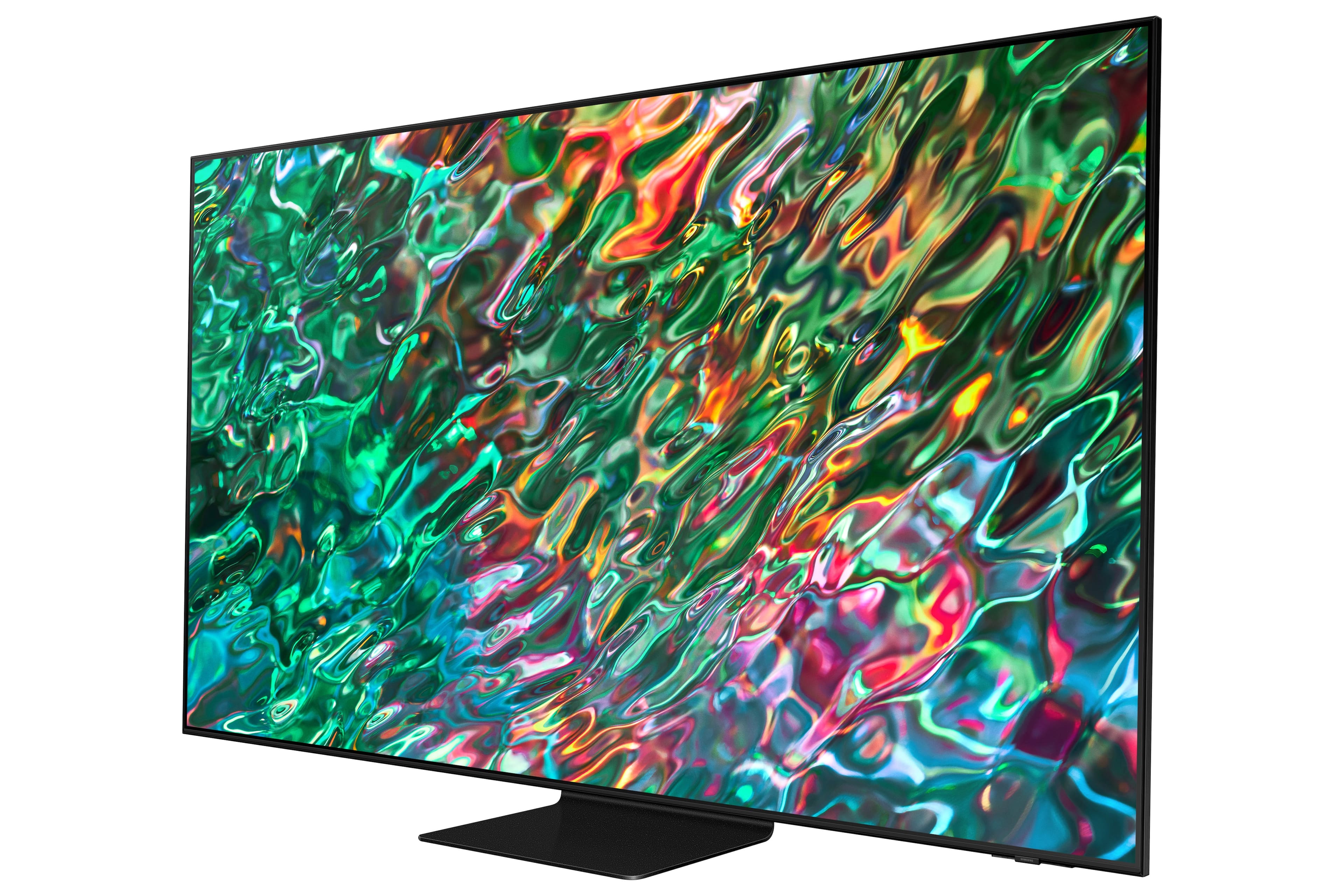
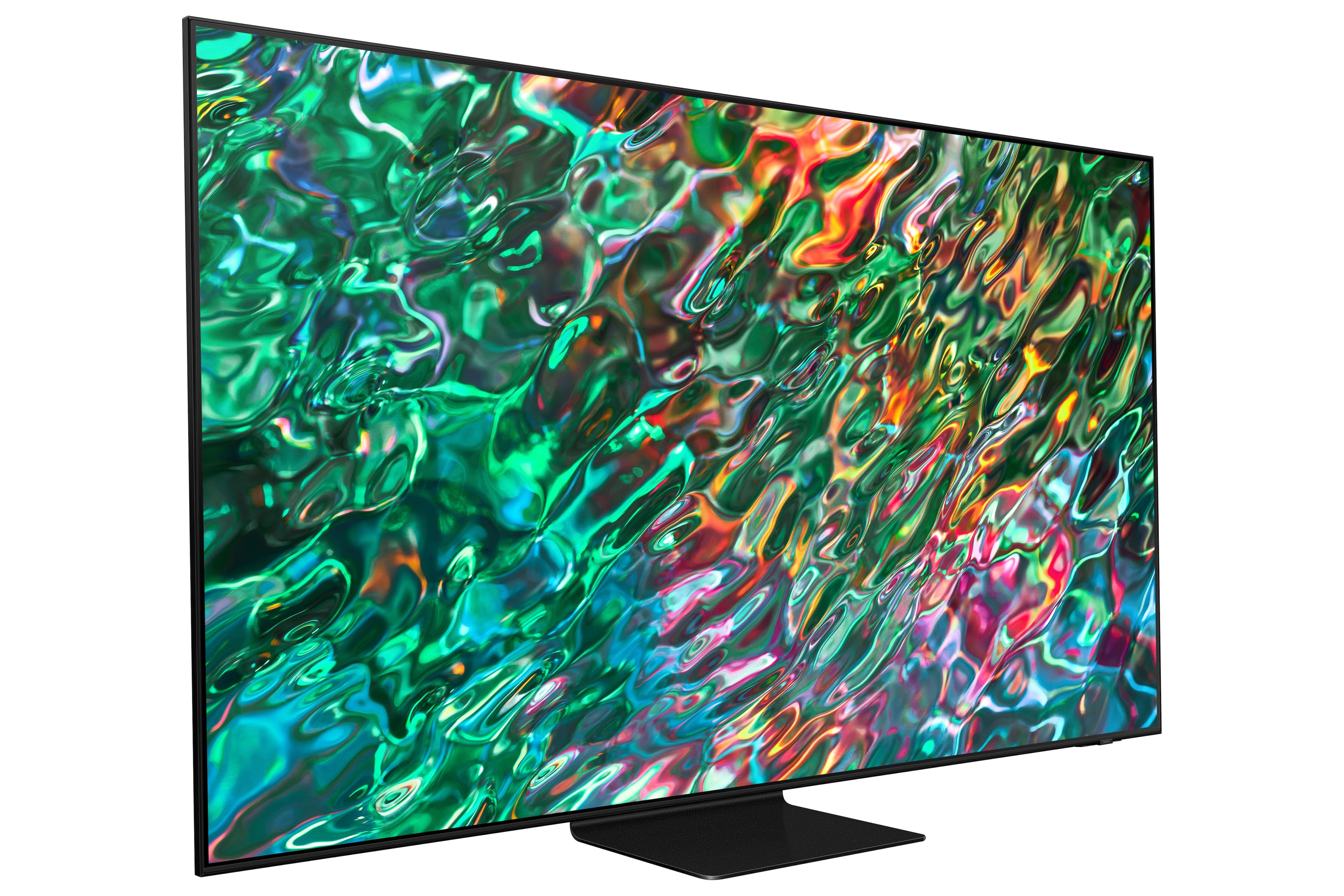

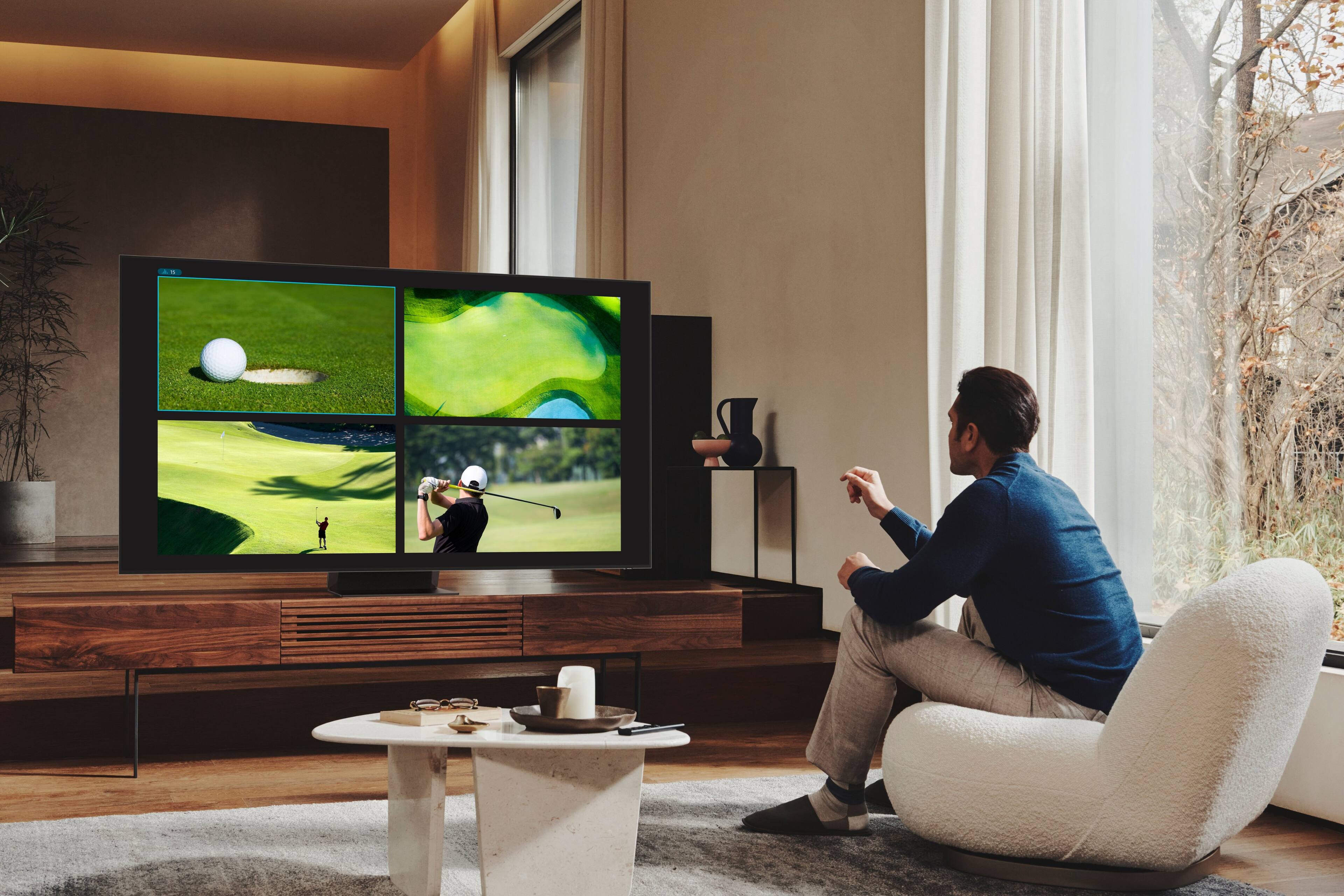











- Model:
- QN55QN90BAFXZA
- SKU:
- 6500637
Rating by feature
- Picture Quality
Rating 4.9 out of 5 stars
- Sound Quality
Rating 4.5 out of 5 stars
- Brightness
Rating 4.9 out of 5 stars
Customers are saying
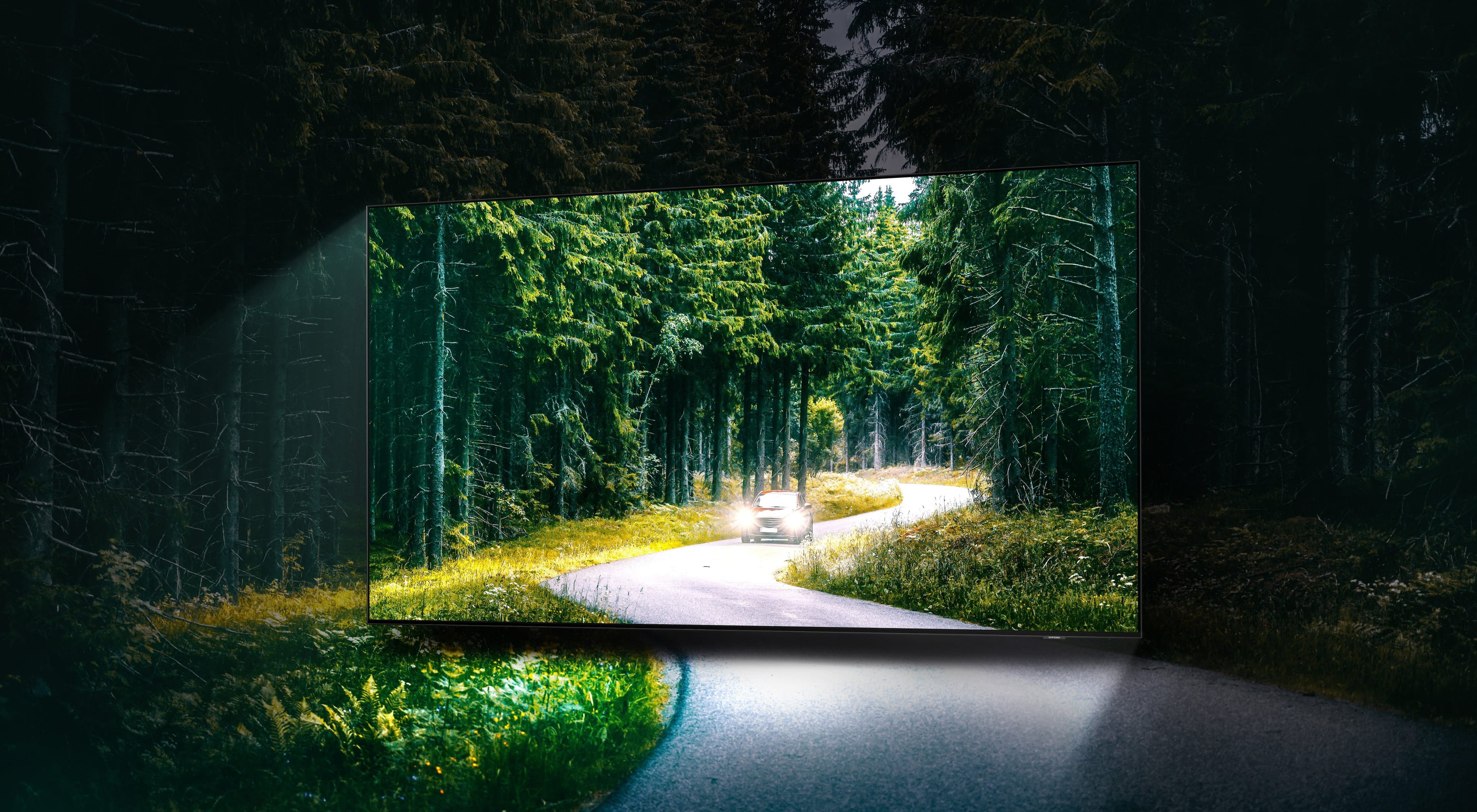
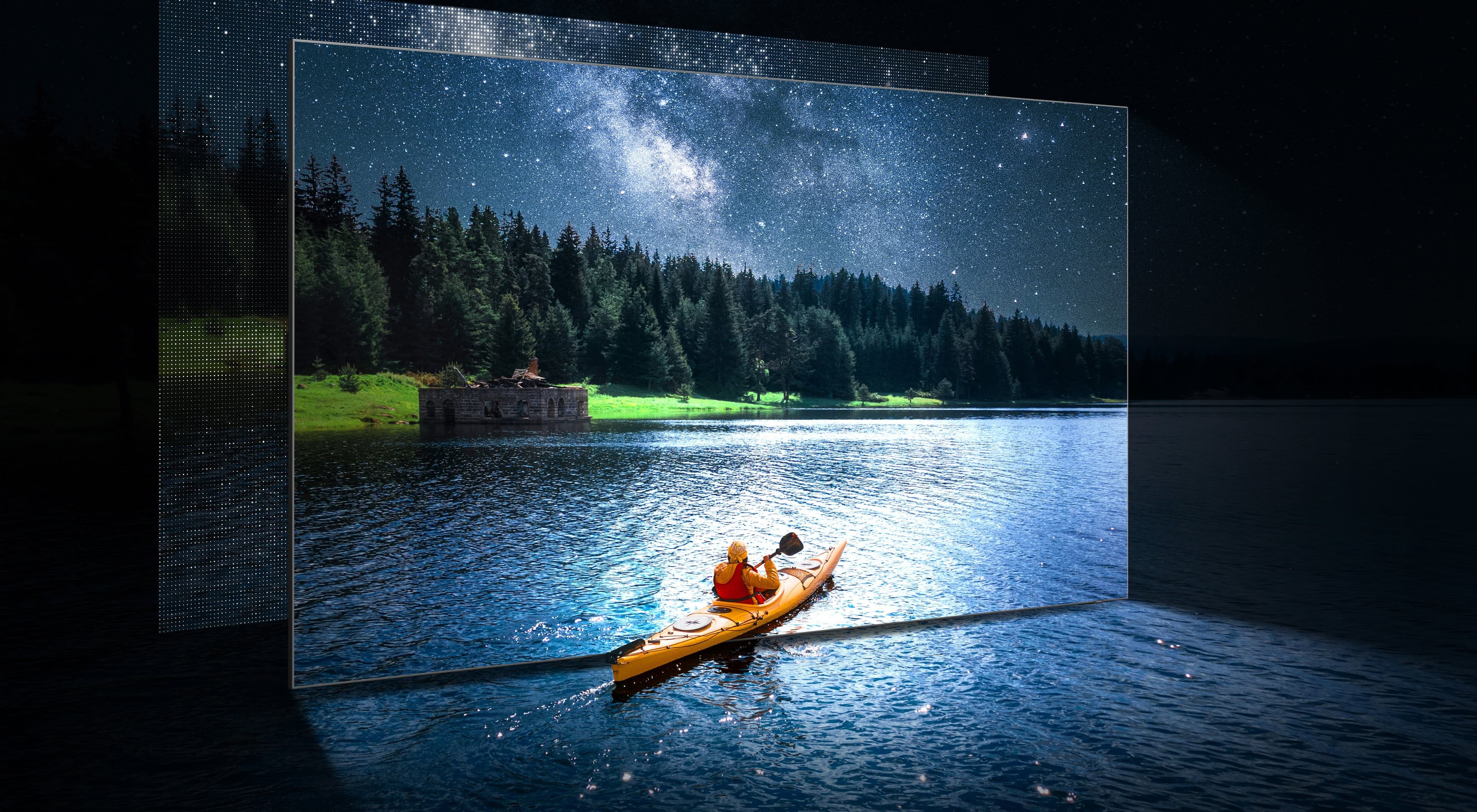
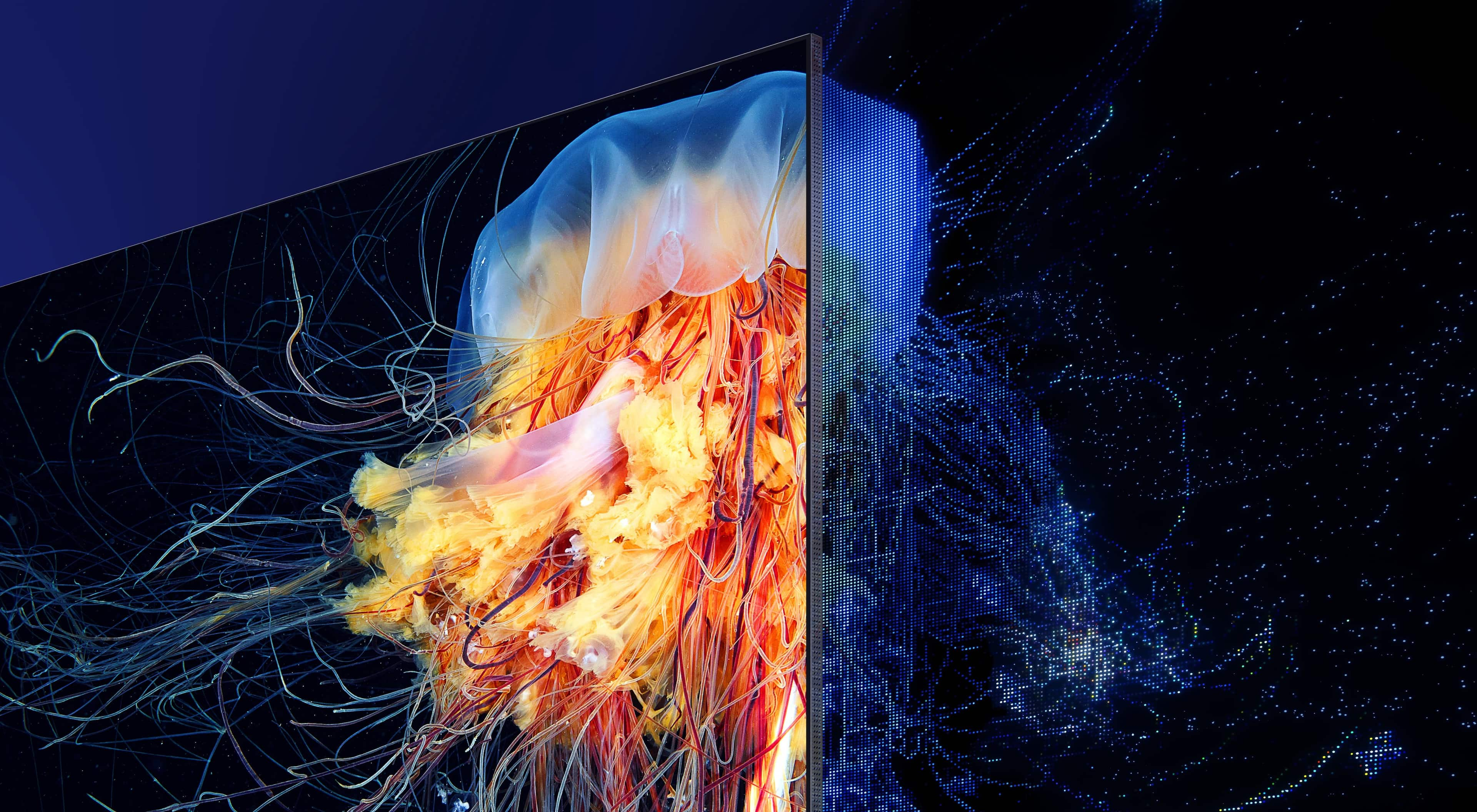
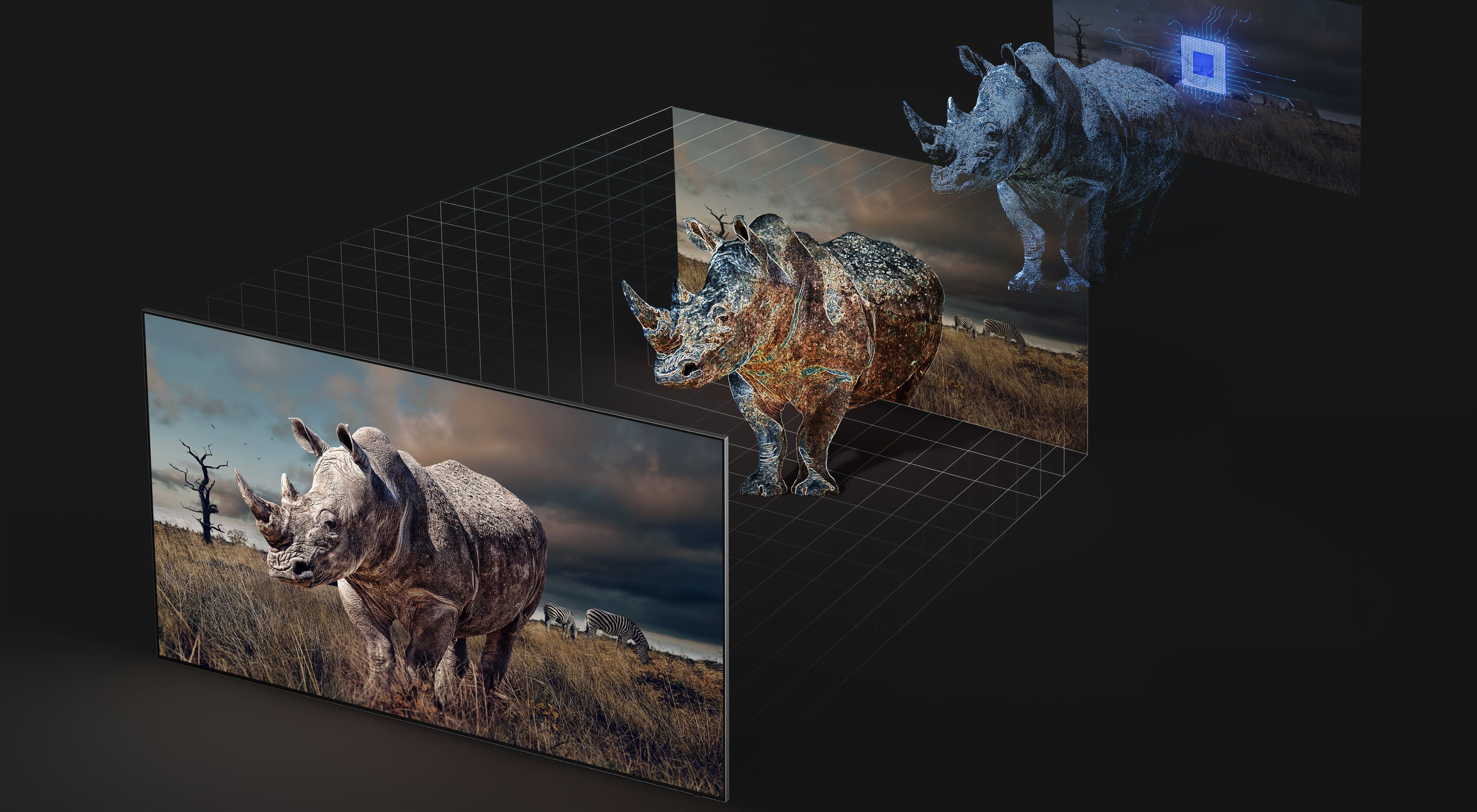
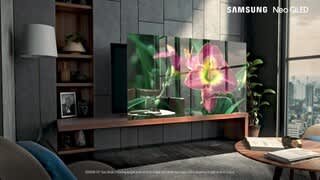
Customers recognize the 55” Class QN90B Neo QLED 4K Smart Tizen TV's exceptional picture quality and brightness, frequently praising its ease of use and setup. However, some users expressed dissatisfaction with the remote control and aspects of the operating system's user-friendliness. The refresh rate was also a positive feature for many customers, particularly those using the TV for gaming.
This summary was generated by AI based on customer reviews.
- Pros mentioned:Picture quality
Slowww
||Posted . Owned for 1.5 years when reviewed.This reviewer received promo considerations or sweepstakes entry for writing a review.Picture is good but the tv is soooo slow I half to cold reboot it everyday to flip thru the apps , I will never buy a Samsung tv
No, I would not recommend this to a friend Samsung QN90B Review
||Posted . Owned for 1 month when reviewed.This reviewer received promo considerations or sweepstakes entry for writing a review.Very satisfied with Samsung QN90B. Purchased for a bright room that produced a lot of glare on the previous TV. The glare is nearly nonexistent on the Samsung. Would purchase again.
I would recommend this to a friendTv ok
||Posted . Owned for 1 month when reviewed.This reviewer received promo considerations or sweepstakes entry for writing a review.Tv ok. The picture keeps turning pink for no reason.
No, I would not recommend this to a friendBrand response from Samsung
Posted .Phonecover,
I’m sorry to hear you’re not completely satisfied with your QN90B TV’s image quality. Please give us the opportunity to look into this for you so we can provide additional settings adjustments or troubleshooting assistance.
You can reach Samsung Support at 1-800-SAMSUNG, 8AM - 12AM EST, 7 days a week. Our LiveChat agents are also available by clicking on the ‘Support’ link on our website.
~ Samsung Specialist
Tv
||Posted . Owned for 1 month when reviewed.This reviewer received promo considerations or sweepstakes entry for writing a review.Service was very good and great choice. Sales associates very patience and knowledgeable.
I would recommend this to a friendGreat smart TV
||Posted . Owned for 1 month when reviewed.This reviewer received promo considerations or sweepstakes entry for writing a review.So far so good, no complains. I am happy I was able to modify the settings to stop the soap opera effect.
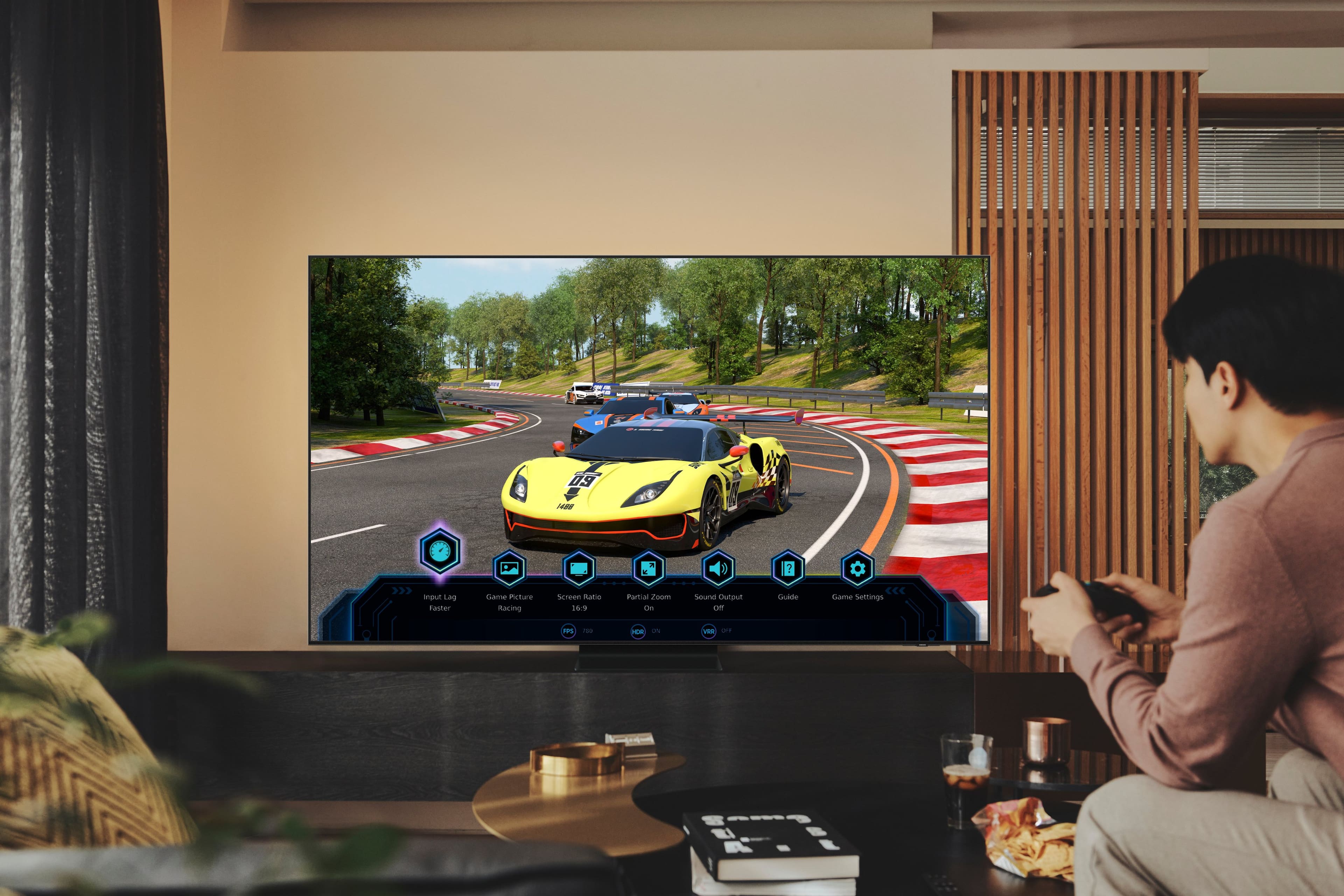
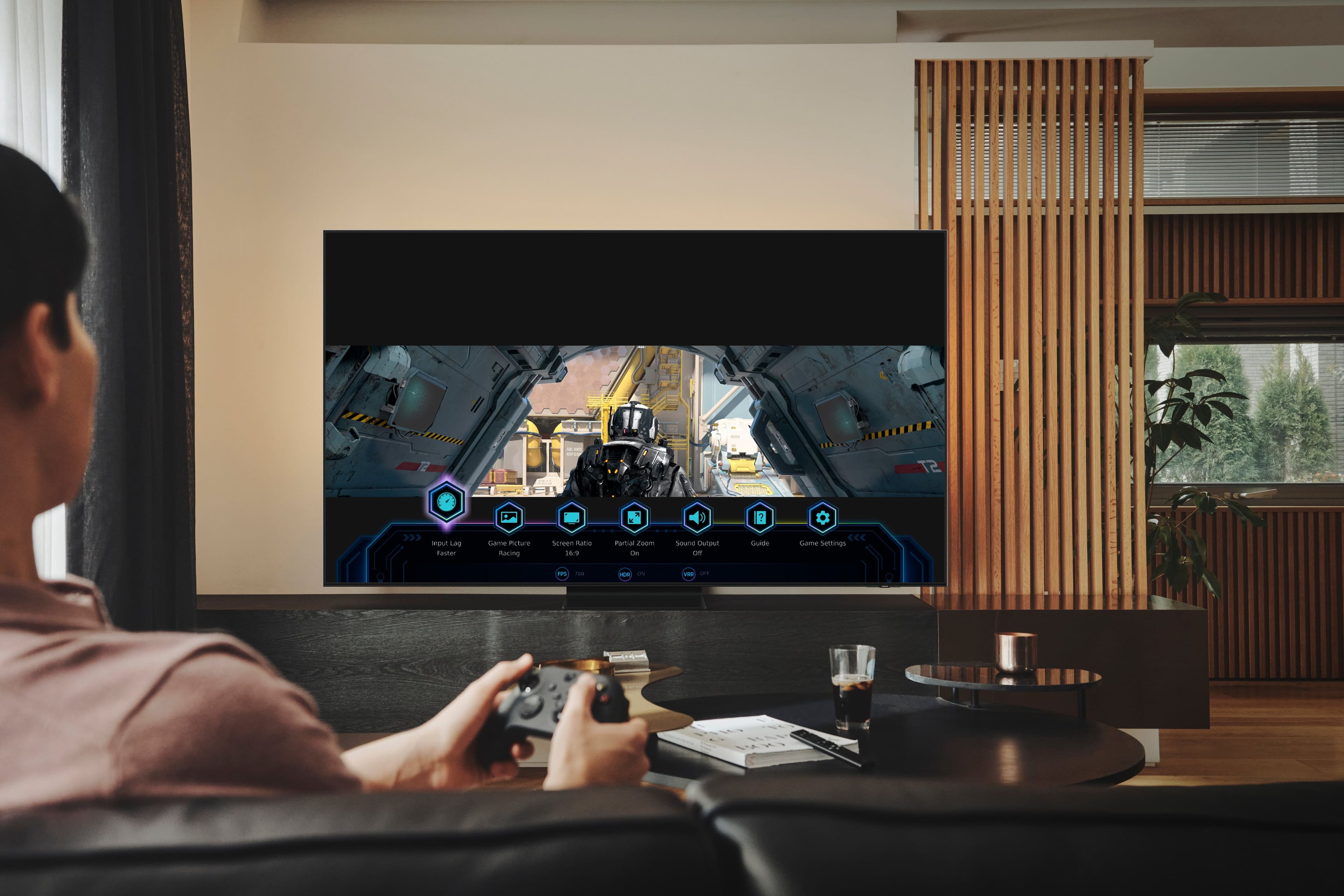
I would recommend this to a friendPerfect Tv for my Xbox Series X
||Posted . Owned for 3 weeks when reviewed.This reviewer received promo considerations or sweepstakes entry for writing a review.Great Tv big upgrade with playing games on Xbox would definitely recommend.
I would recommend this to a friendOkay TV but not great
||Posted . Owned for 1 week when reviewed.This reviewer received promo considerations or sweepstakes entry for writing a review.I wanted to like this TV, but i just couldn't. The demo in the store looked great, the test images and videos built into the TV were very bright and detailed. However that's where it ended, I planned ahead before purchasing this TV and made sure I had HDMI cables that met the 2.1 specifications. My cable service was as high as it would go for now, which was 1080P but I understood that it woyld have to be upscaled, my Amazon Fire TV Stick 4K Max and other streaming services were all upgraded to 4K service. No matter what service I would watch was not clear, it was grainy or blurry and unfortunately gave me a headache to watch. NFL games were not crisp at all, movies seemed like they were softened and also not crisp even though the TV said it was a 4K signal. I tried all sort of TV adjustments and picture settings, firmware updates and worked with Samsung support which all they did was have me reset the TV. Unfortunately in the end I had to return this TV which was the easiest and best part of of the process, Best Buy was great about it.
No, I would not recommend this to a friendBrand response from Samsung
Posted .rpahule,
We always aim to deliver a great experience, and it’s unfortunate to hear the picture quality of Samsung’s QN90B TV did not meet your expectations. We greatly value your feedback and will share it with our product team.
Should you ever decide to give Samsung TVs another try and have questions or need help with settings, setup, or features, please know we’re here to help. Call us at 1-800-SAMSUNG, 8AM - 12AM EST, 7 days a week.
LiveChat with an agent as well as manuals, software, and warranty info can be found at the ‘Support’ link on our Samsung website.
We hope to regain you as a customer in the future.
~ Samsung Specialist
a good tv if you only have space for 55"
||Posted . Owned for 1 month when reviewed.This reviewer received promo considerations or sweepstakes entry for writing a review.So far so good. Little bit of a learning curve because the home screen is different from our old Samsung.
I would recommend this to a friendmaaridell
||Posted . Owned for 3 weeks when reviewed.This reviewer received promo considerations or sweepstakes entry for writing a review.product excellent installation crew professional, friendly, efficient
I would recommend this to a friendBeautiful tv
||Posted . Owned for less than 1 week when reviewed.This reviewer received promo considerations or sweepstakes entry for writing a review.Excellent tv. With the anti glare built in you can’t go wrong
I would recommend this to a friendHunk of Junk Samsung oled 55”
||Posted . Owned for 1 year when reviewed.This reviewer received promo considerations or sweepstakes entry for writing a review.This is our 4th Samsung, our 1st is outdated, but still has a beautiful picture and works great. This 55” OLED on the other hand has been a hunk of junk. After less than a year, the price cute went away. Samsung “fixed”, but now has way too much pixelization in dark areas and developing dots.
No, I would not recommend this to a friendFaulty tv
||Posted . Owned for 2 months when reviewed.This reviewer received promo considerations or sweepstakes entry for writing a review.Tv is barely a few months old and the sound that comes out of the tv us muffled and static like, this tv was untouched or moved from its place
No, I would not recommend this to a friendBrand response from Samsung
Posted .MiguelB,
Thank you for sharing your thoughts on the sound quality of your QN90B TV. To ensure you’ve got the latest audio quality enhancements, please confirm that your TV is up to date with the latest firmware version. You can check by going to: Home > Menu > Settings > Support > Software Update.
If the issue persists, please contact Samsung Support and an agent will gladly help with further troubleshooting. You can reach us at 1-800-SAMSUNG, 8AM - 12AM EST, 7 days a week. Our LiveChat agents are also available by clicking on the ‘Support’ link on our website.
~ Samsung Specialist
Samsung TV’s forever
||Posted .This reviewer received promo considerations or sweepstakes entry for writing a review.Love this Samsung TV just as we have the previous Samsungs
I would recommend this to a friendGreat TV
||Posted . Owned for 1 week when reviewed.This reviewer received promo considerations or sweepstakes entry for writing a review.Great TV, new features on Apps side. Geeat for gaming.
I would recommend this to a friendSamsung TV
||Posted . Owned for 1 month when reviewed.This reviewer received promo considerations or sweepstakes entry for writing a review.Love the TV and the people that installed it. Love
I would recommend this to a friendLove it!
||Posted . Owned for 1 month when reviewed.This reviewer received promo considerations or sweepstakes entry for writing a review.Great Smart TV, love the resolution! Easy to set u
I would recommend this to a friendLove it
||Posted . Owned for 1 month when reviewed.This reviewer received promo considerations or sweepstakes entry for writing a review.The quality is amazing! Very happy with this purchase
I would recommend this to a friendGreat Tv
||Posted .This reviewer received promo considerations or sweepstakes entry for writing a review.Great TV ………………………………………………………………………………………………:..:.
I would recommend this to a friend- Pros mentioned:Picture quality
Not so smart TV
||Posted . Owned for 2 months when reviewed.This reviewer received promo considerations or sweepstakes entry for writing a review.The picture is very good. The settings change on their own without me making changes. The proper audio connections are greyed out for no good reason. The menus are counterintuitive. Several audio connections do not work without having to set them up each and every time you want to use them. This TV tries to be much “smarter” than it really is. Even the SamsungCare team was visibly distressed when trying to sort through the menus and options that do not respond properly. It will take you longer than the sales return period to figure out the glitches you are dealing with. Save yourself the headaches and get something else.
No, I would not recommend this to a friendBrand response from Samsung
Posted .KennethW,
We appreciate you sharing your experience, and for optimal connectivity and performance, we ask that you please ensure your QN90B TV is running the latest firmware version. You can check this by going to: Home > Menu > Settings > Support > Software Update.
If a menu setting is grayed out, this indicates that a function or certain settings are not available based on the current source, settings, or connections. Here are a few examples which would cause grayed out settings:
- Picture Mode is grayed out when HDR+ is enabled
- Zoom and Position is grayed out if Picture Size is set to 16:9 or 4:3; this function is only available when Picture Size is set to Custom.
If we can further help with any other issues, please know we are here for you. Just call us at 1-800-SAMSUNG, 8AM - 12AM EST, 7 days a week. Or visit us on the Samsung website and click on the ‘Support’ link for:
• LiveChat with an agent
• Manuals, Software, & Warranty Info
~ Samsung Specialist
- Cons mentioned:Operating system, Remote control
Samsung qn90b
||Posted . Owned for 1 week when reviewed.This reviewer received promo considerations or sweepstakes entry for writing a review.Very poor pictures quality ,screen have rainbow effects ,remote is worst,operating system is worst, i don't recommend this tv
No, I would not recommend this to a friendBrand response from Samsung
Posted .Binu,
It's unfortunate to hear you're not fully satisfied with Samsung's QN90B TV. Please know that your TV is engineered with Anti-Reflection Technology designed to minimize ambient light reflections. We understand that light conditions of each room environment are different. For optimal glare control, we recommend repositioning the TV to minimize incident light falling on the screen or consulting a professional installer.
To assist you in learning the remote's functions, please know you can download the Solar Cell Remote Guide directly from Samsung’s website under ‘Support’ (top right corner) > Manuals & Software > TVs & Home Theater.
The remote guide is also embedded into your TV under Menu > Settings > Support > Remote Control Guide
Lastly, for optimal performance, please make sure your TV is running the latest firmware version. You can check this by going to: Home > Menu > Settings > Support > Software Update.
You may also want to further optimize performance with the self-diagnostic tool, which checks memory, frees up unused cached memory, and closes background apps. Go to: Home > Menu > Settings > Support > Device Care > Start Device Care
I hope these tips help you enjoy your new product.
You can always contact us for further help at 1-800-SAMSUNG, 8AM - 12AM EST, 7 days a week. Our LiveChat agents are also available by clicking on the ‘Support’ link on our website.
~ Samsung Specialist