Customer Ratings & Reviews
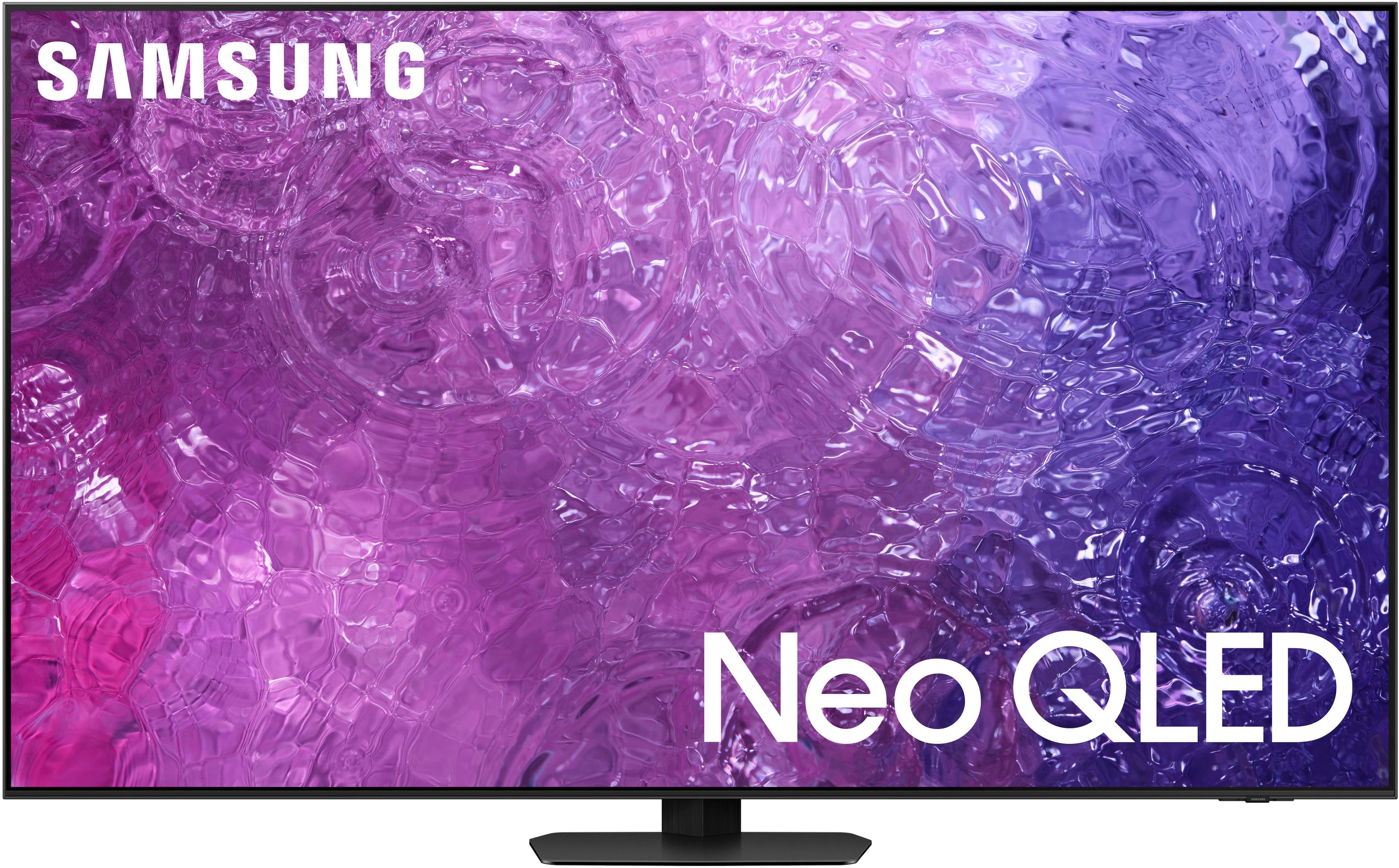
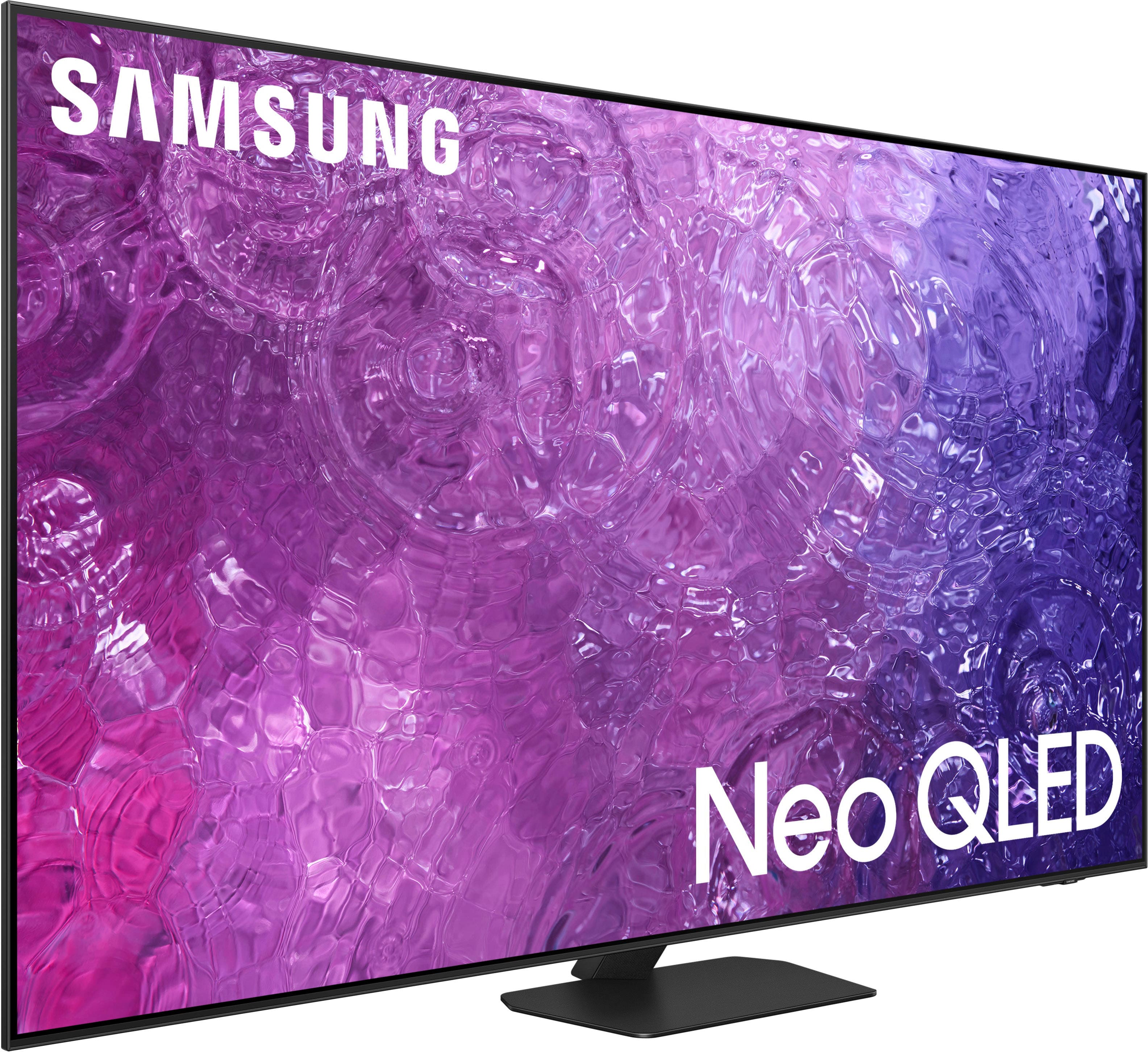
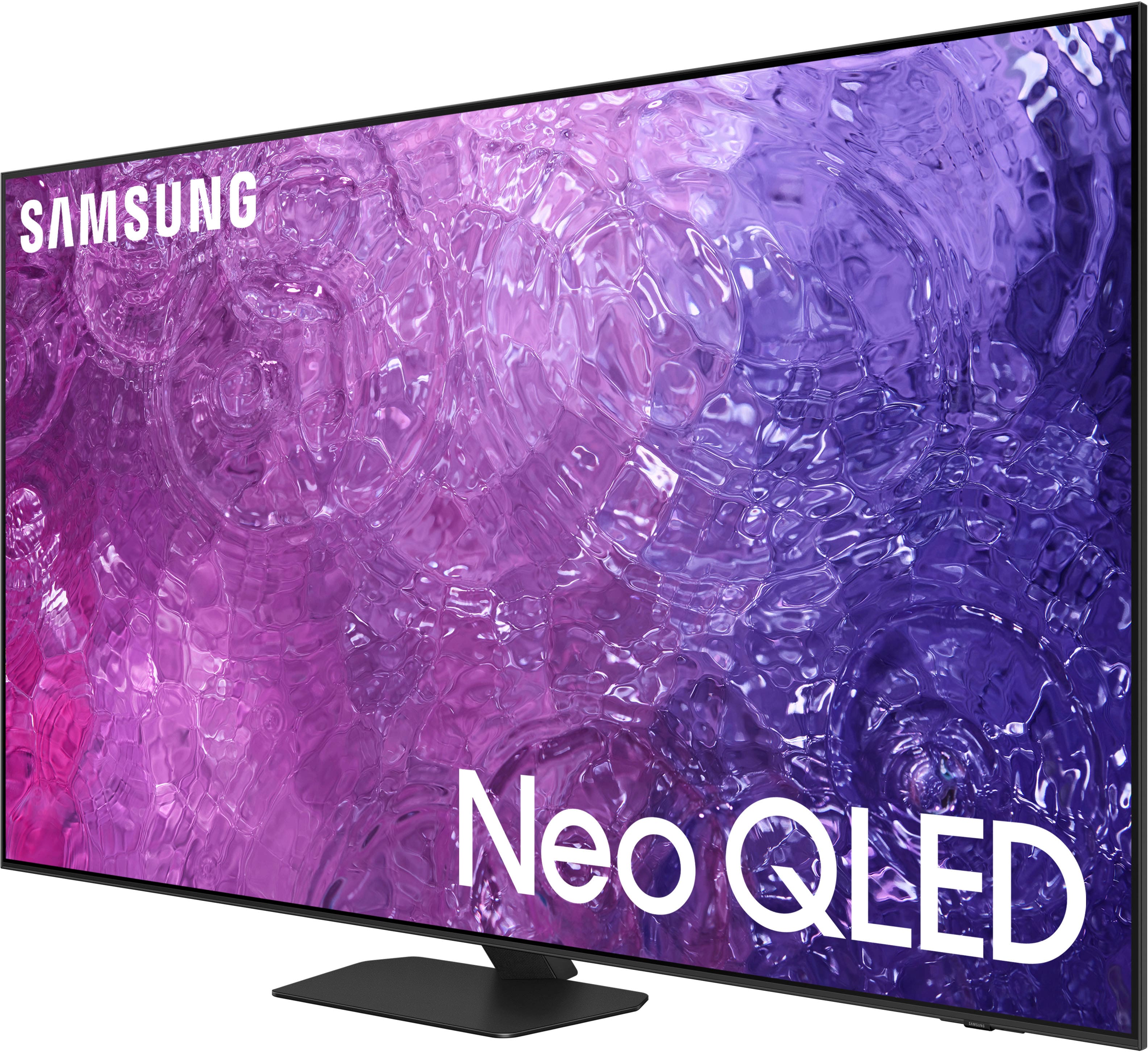
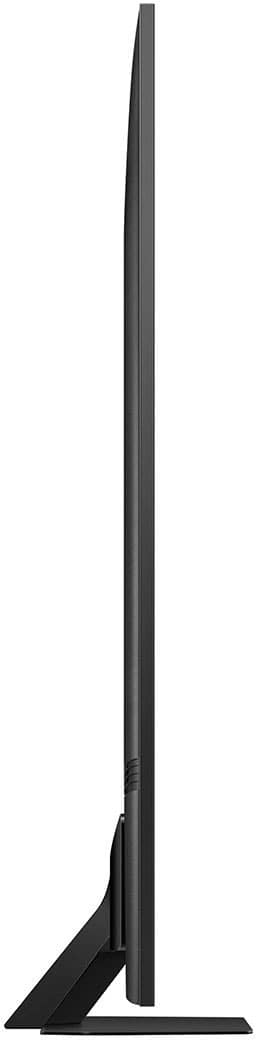




- Model:
- QN55QN90CAFXZA
- SKU:
- 6533836
Rating by feature
- Picture Quality
Rating 4.9 out of 5 stars
- Sound Quality
Rating 4.5 out of 5 stars
- Brightness
Rating 4.8 out of 5 stars
Customers are saying
Customers have good things to say about the 55" Class QN90C Neo QLED 4K UHD Smart Tizen TV (2023), especially regarding its outstanding picture quality, great color clarity, and ease of use. Many find the remote control intuitive and the setup process simple. Some customers mentioned the perfect refresh rate for gaming and consider it an awesome TV for the price, while a few others expressed concerns about the operating system and the stand's stability.
This summary was generated by AI based on customer reviews.
DO NOT trust open box
||Posted . Owned for 1 month when reviewed.This reviewer received promo considerations or sweepstakes entry for writing a review.The tv is fine but DO NOT buy open box even if it says excellent. It was all ok until we installed the tv from the roof and we saw that the botton frame is not there. We have tried several times calling Best Buy and there is no solution for it not even thru samsung! Now I have this beautiful TV that looks bad and old because its missing the whole bottom frame
I would recommend this to a friendDisappointed in Samsung
||Posted . Owned for 2 weeks when reviewed.This reviewer received promo considerations or sweepstakes entry for writing a review.Samsung QN90c color was oversaturated (to Bright) on Standard Mode no matter what Calibration settings were applied. TV would not display AV receiver volume, speaker, or any receiver inputs. Geek squad did not hookup the TV to the receiver correctly. I returned the Samsung for the Sony A80L
No, I would not recommend this to a friendNot sure about this one
||Posted . Owned for 3 weeks when reviewed.This reviewer received promo considerations or sweepstakes entry for writing a review.shadows on games are grainy that were not that way on my 12 year old led. Been trough all the settings so im not sure
No, I would not recommend this to a friendBrand response from Samsung
Posted .Frank,
I’m sorry to hear you’re not fully satisfied with Samsung’s QN90C TV. Please give us the opportunity to look into this for you so we can provide additional settings adjustments or troubleshooting assistance.
You can reach Samsung Support at 1-800-SAMSUNG, 8AM - 12AM EST, 7 days a week. Our LiveChat agents are also available by clicking on the ‘Support’ link on our website.
~ Samsung Specialist
Buyer
||Posted . Owned for 1 month when reviewed.This reviewer received promo considerations or sweepstakes entry for writing a review.For the price and the way the picture looks I would not buy another one.
No, I would not recommend this to a friendExpensive Garbage
||Posted . Owned for 1.5 years when reviewed.This reviewer received promo considerations or sweepstakes entry for writing a review.Broke in less than a year. Display no longer works, and keeps power cycling.
No, I would not recommend this to a friendHardware failure
||Posted . Owned for 3 weeks when reviewed.This reviewer received promo considerations or sweepstakes entry for writing a review.After 3 weeks will not run the Peacock app. Multiple resets and account deletions. Waiting on Samsung service to arrive in a week as it is no longer returnable to Best Buy.
No, I would not recommend this to a friendRed Tones
||Posted . Owned for 7 months when reviewed.This reviewer received promo considerations or sweepstakes entry for writing a review.Don't like the picture quality. Everybody's face/skin has more red tones especially when watching in low light. Sound ok
No, I would not recommend this to a friendFuzzy
||Posted . Owned for 1 month when reviewed.This reviewer received promo considerations or sweepstakes entry for writing a review.Not real satisfied with the picture once we got it up on the wall .
No, I would not recommend this to a friendBrand response from Samsung
Posted .Tinkerbell,
Thank you for sharing your thoughts on the picture quality of your QN90C TV. To ensure you’ve got the latest image quality updates, please confirm that your TV is up to date with the latest firmware version. You can check by going to: Home > Menu > Settings > Support > Software Update.
If the picture you’re seeing is still not to your liking after updating firmware, there are several picture settings you may want to try adjusting.
Go to Home > Menu > Settings > All Settings > Picture > Picture Mode
...and select the mode that best fits your usage:
1. Standard: Is the default mode suitable for general viewing environments
2. Dynamic: Makes the picture brighter and clearer in bright viewing environments
3. Eco: Provided to save energy
4. Movie: Suitable for watching TV or movies in a dark room
5. Filmmaker Mode: Provides source content just as the creators intended. If the image is defined as Filmmaker Mode, it’ll automatically switch to Filmmaker Mode while watching.
Intelligent Mode enables the TV to recognize and analyze the surroundings, noise, content, and your usage patterns to provide the best viewing experience. You can enable Intelligent Mode by going to Menu > Settings > All Settings > General & Privacy > Intelligent Mode Settings > Intelligent Mode.
If adjusting image settings does not improve your picture, please contact Samsung Customer Support at 1-800-SAMSUNG, 8AM - 12AM EST, 7 days a week. Or visit us on the Samsung website and click on the ‘Support’ link for:
• LiveChat
• Manuals, Software, & Warranty Info
~ Samsung Specialist
Received wrong TV.
||Posted . Owned for less than 1 week when reviewed.This reviewer received promo considerations or sweepstakes entry for writing a review.Bought a Open Box Like New and after driving out to Beat Buy to pick up the TV and get it home, unpacked it and found the wrong TV. The stickers said the correct TV so it was mixed up so now I have to wrap it up and drive back out to return it. Had called Best Buy and was not offered any alternatives except just to return it and get my money back and look for another TV. I would of hoped they try to help me find something that met my needs but not evern a simple applogy for the inconvenience. Not the best experience and makes me distrust ever buying Open Box otems from Best Buy again.
No, I would not recommend this to a friendBrand response from Samsung
Posted .Jeremy,
We appreciate your feedback regarding your experience. If purchased brand-new and unopened, please contact Samsung Customer Support and a representative will gladly help you. If purchased in open-box condition, we recommend contacting Best Buy directly for assistance. We hope your issue is resolved in a timely manner.
Should you have questions or concerns on usage or setup of your TV once your issue has been resolved, please call us at 1-800-SAMSUNG, 8AM - 12AM EST, 7 days a week. Our LiveChat agents are also available by clicking on the ‘Support’ link on our website.
~ Samsung Specialist
Very bad blooming on this tv
||Posted . Owned for 1 week when reviewed.This reviewer received promo considerations or sweepstakes entry for writing a review.I am a Samsung Tv guy. Every tv in my house has been Samsung for over 12 years. This tv set is surprisingly bad. Very disappointed in the q90c. My q90r from 2019 destroys this tv
No, I would not recommend this to a friendBrand response from Samsung
Posted .Jveezy,
Thank you for sharing your thoughts on the picture quality of your QN90C TV. To ensure you’ve got the latest image quality updates, please confirm that your TV is up to date with the latest firmware version. You can check by going to: Home > Menu > Settings > Support > Software Update.
If the picture you’re seeing is still not to your liking after updating firmware, there are several picture settings you may want to try adjusting.
Go to Home > Menu > Settings > All Settings > Picture > Picture Mode
...and select the mode that best fits your usage:
1. Standard: Is the default mode suitable for general viewing environments
2. Dynamic: Makes the picture brighter and clearer in bright viewing environments
3. Eco: Provided to save energy
4. Movie: Suitable for watching TV or movies in a dark room
5. Filmmaker Mode: Provides source content just as the creators intended. If the image is defined as Filmmaker Mode, it’ll automatically switch to Filmmaker Mode while watching.
Intelligent Mode enables the TV to recognize and analyze the surroundings, noise, content, and your usage patterns to provide the best viewing experience. You can enable Intelligent Mode by going to Menu > Settings > All Settings > General & Privacy > Intelligent Mode Settings > Intelligent Mode.
If adjusting image settings does not improve your picture, please contact Samsung Customer Support at 1-800-SAMSUNG, 8AM - 12AM EST, 7 days a week. Or visit us on the Samsung website and click on the ‘Support’ link for:
• LiveChat
• Manuals, Software, & Warranty Info
~ Samsung Specialist
- Cons mentioned:Stand
Cant watch it, cant mount the stand!
||Posted .This reviewer received promo considerations or sweepstakes entry for writing a review.Would love to watch it, but no mounting screws for the stand in the box! Which, of course, cant be bought just anywhere! Are you kidding????
I would recommend this to a friendBrand response from Samsung
Posted .DanielO,
We appreciate your feedback regarding parts missing from your QN90C TV. If purchased brand-new and unopened, please contact Samsung Customer Support and a representative will gladly help you. If purchased in open-box condition, we recommend contacting Best Buy directly for assistance. We hope your issue is resolved in a timely manner.
Should you have questions or concerns on usage or setup of your TV once your issue has been resolved, please call us at 1-800-SAMSUNG, 8AM - 12AM EST, 7 days a week. Or visit us on the Samsung website and click on the ‘Support’ link for:
• LiveChat
• Manuals, Software, & Warranty Info
~ Samsung Specialist
Horrible picture!
||Posted . Owned for 3 weeks when reviewed.This reviewer received promo considerations or sweepstakes entry for writing a review.Horrible pixelation for anything moving at a decent speed. Trying to watch motocross and its blurring the helmet and other areas.
No, I would not recommend this to a friend- Pros mentioned:Picture quality, Remote control
Absolutely Satisfied Customer.
Posted .This reviewer received promo considerations or sweepstakes entry for writing a review.I am a cautious, concerned buyer of many things, but primarily electronics because, as soon as you but something, the manufacturer comes out with 'the next great thing'. We were looking to update a 12 year old Panasonic Plasma TV and started looking into LEDs, QLEDs, QNED, Neo-QLEDs, OELDs, etc. While you can get a new 4K TV for a reasonable price, once you get into the mini-led/OLED market, the price jumps dramatically, because the technology and picture quality is equally dramatic one you get into Neo-QLED/OLED territory. Once we saw them, there was no going back. While both are excellent, the reviews have Neo-QLE and OLED tvs rated very similar. We chose the Samsung QN90C for it's excellent, rich picture. We could have gone with either the QN85D or QN90D, as they are the newest version of these TVs, but I went with the 'minus-1' generation, as it provided us the same fantastic picture and almost the same features at a cost savings that I thought was acceptable. The other great thing that we found out was that the myriad or remotes that were previously required for all the connected devices has no completely gone away and we only need the one Samsung TV remote to control everything (sound bar, FireTV Stick, AppleTV, etc, etc) !!! I would recommend this TV to anyone out there looking for a new TV,...
I would recommend this to a friend Worst experience
||Posted . Owned for 1 month when reviewed.This reviewer received promo considerations or sweepstakes entry for writing a review.Best Buy lost a TV and blamed UPS for not delivering. anyway, I am 1400$ minus.
No, I would not recommend this to a friendDo not buy
||Posted . Owned for 3 months when reviewed.This reviewer received promo considerations or sweepstakes entry for writing a review.Doesn't have an App Store. The audio is the worst.
No, I would not recommend this to a friend- Pros mentioned:Ease of use, Picture quality
Easy as it gets!!
Posted .This reviewer received promo considerations or sweepstakes entry for writing a review.Been shopping TV's for a bit and settled in on the Samsung ON9c. Patiently waited for the right price. Soon as it it my mark, purchase it along with the Geek Squad set up team, I highly recommend. Geek Squad arrived in a timely fashion and went to work. 30 minutes later TV was set up and good to go. I asked questions, he answered. There is nothing I don't like about the Samsung. The picture is outstanding, the sound is okay but already have surround sound set up and am waiting on the receiver to be delivered. Moving through the menu was a snap as was making some custom adjustments to the picture and sound.
I would recommend this to a friend Great television set
Posted .This reviewer received promo considerations or sweepstakes entry for writing a review.Our TV went out when we moved. This product met our expectations, as Samsung has delivered great quality. Great that it comes with channels already available, modernization of apps has ruined the way we remember television
I would recommend this to a friend- Pros mentioned:Picture quality
Great picture and sound quality in a TV
Posted .This reviewer received promo considerations or sweepstakes entry for writing a review.The picture quality is great! I highly recommend. My only complaint would be the sound. The sound is very dynamic, but I'm not used to it. On shows with music and talking, (like American Idol) the music was awesome - felt like you were in a concert, but when they switched to talking, it was too low. Overall it's a great TV.
I would recommend this to a friend Good tv, not for the price
Posted .This reviewer received promo considerations or sweepstakes entry for writing a review.The overall perfromance is yes amazing. There are some things that could be better like subpar bloom control, and a lathargic OS. Its a good tv but, the quality of samsung tvs that arent oled has been declining. The worst part is the price. There are so many tvs that perform similarly or even better for way less. A good tv yes but too expensive for what it is
No, I would not recommend this to a friendBrand response from Samsung
Posted .Cbachi19,
Thank you for sharing your thoughts on the picture and OS performance of your QN90C TV. To ensure you’ve got the latest updates, please confirm that your TV is up to date with the latest firmware version. You can check by going to: Home > Menu > Settings > Support > Software Update.
If the picture you’re seeing is still not to your liking after updating firmware, there are several picture settings you may want to try adjusting.
Go to Home > Menu > Settings > All Settings > Picture > Picture Mode
...and select the mode that best fits your usage:
1. Standard: Is the default mode suitable for general viewing environments
2. Dynamic: Makes the picture brighter and clearer in bright viewing environments
3. Eco: Provided to save energy
4. Movie: Suitable for watching TV or movies in a dark room
5. Filmmaker Mode: Provides source content just as the creators intended. If the image is defined as Filmmaker Mode, it’ll automatically switch to Filmmaker Mode while watching.
Intelligent Mode enables the TV to recognize and analyze the surroundings, noise, content, and your usage patterns to provide the best viewing experience. You can enable Intelligent Mode by going to Menu > Settings > All Settings > General & Privacy > Intelligent Mode Settings > Intelligent Mode.
If adjusting image settings does not improve your picture, please contact Samsung Customer Support at 1-800-SAMSUNG, 8AM - 12AM EST, 7 days a week. Or visit us on the Samsung website and click on the ‘Support’ link for:
• LiveChat
• Manuals, Software, & Warranty Info
~ Samsung Specialist
- Pros mentioned:Picture quality
Makes programs more exciting !
Posted .This reviewer received promo considerations or sweepstakes entry for writing a review.Do your homework when picking a high end flat screen and I have the black screen gives you a sharper crisper picture it’s best if wall mounted I have in the basement by my bar area
I would recommend this to a friend