Customer Ratings & Reviews
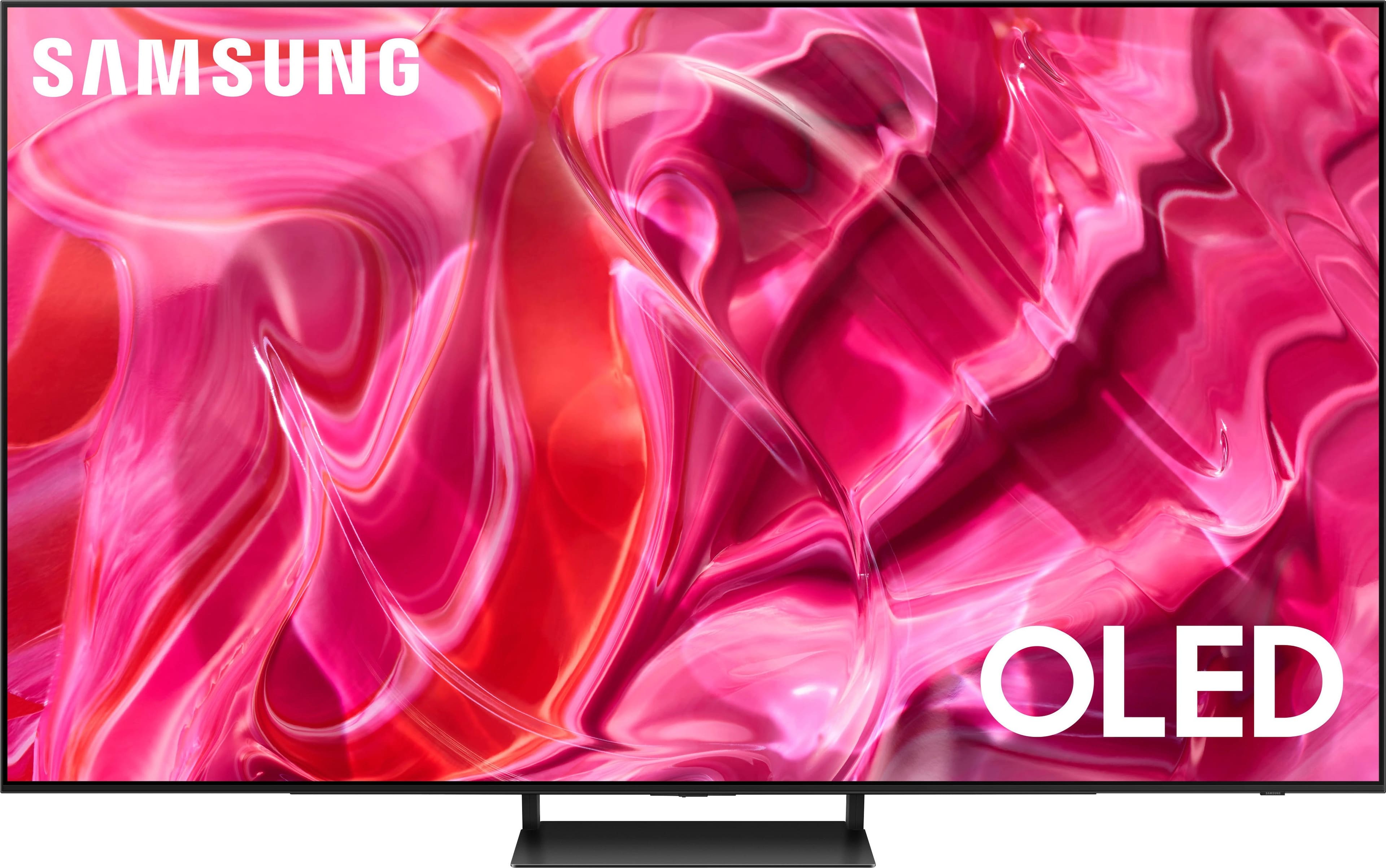
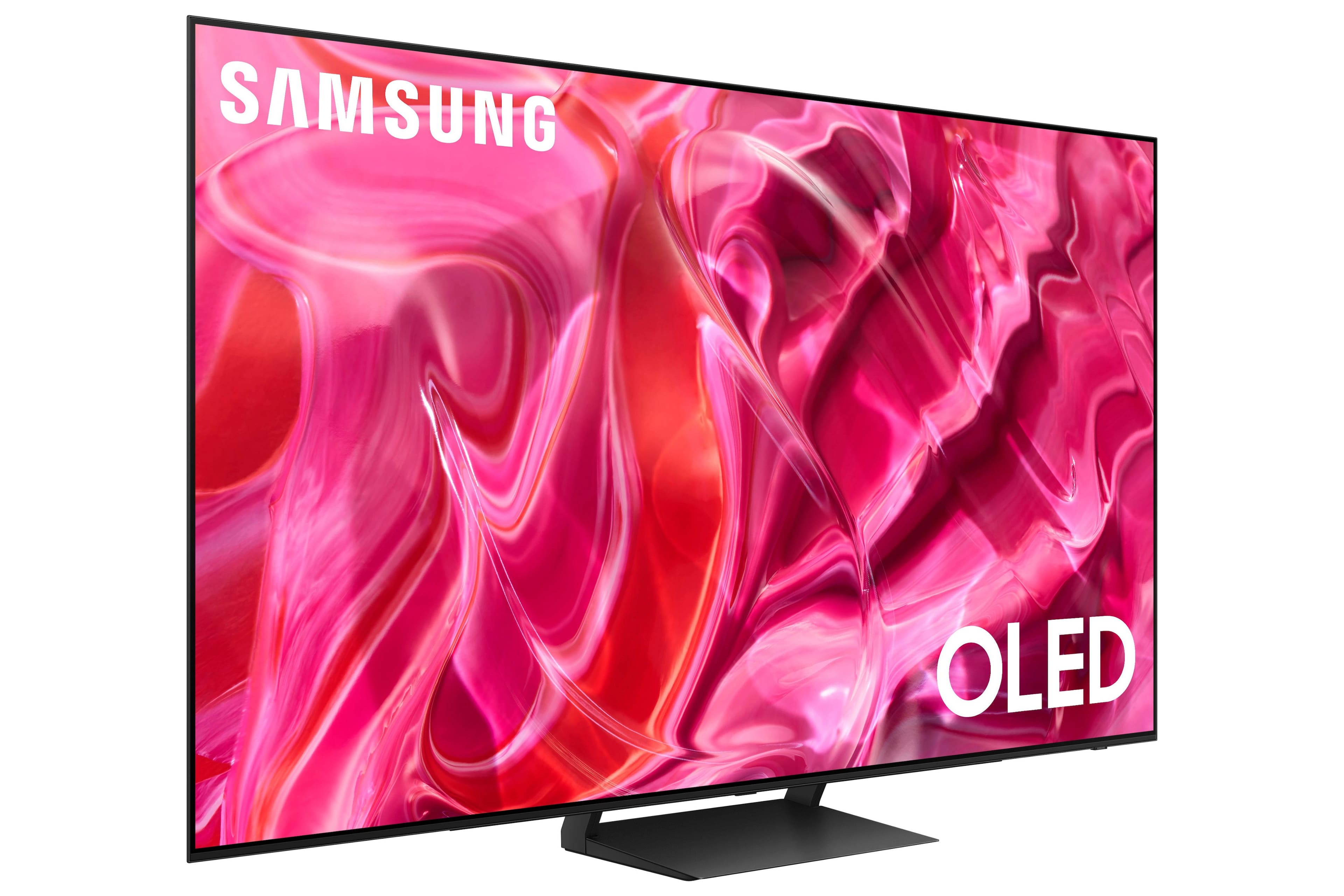
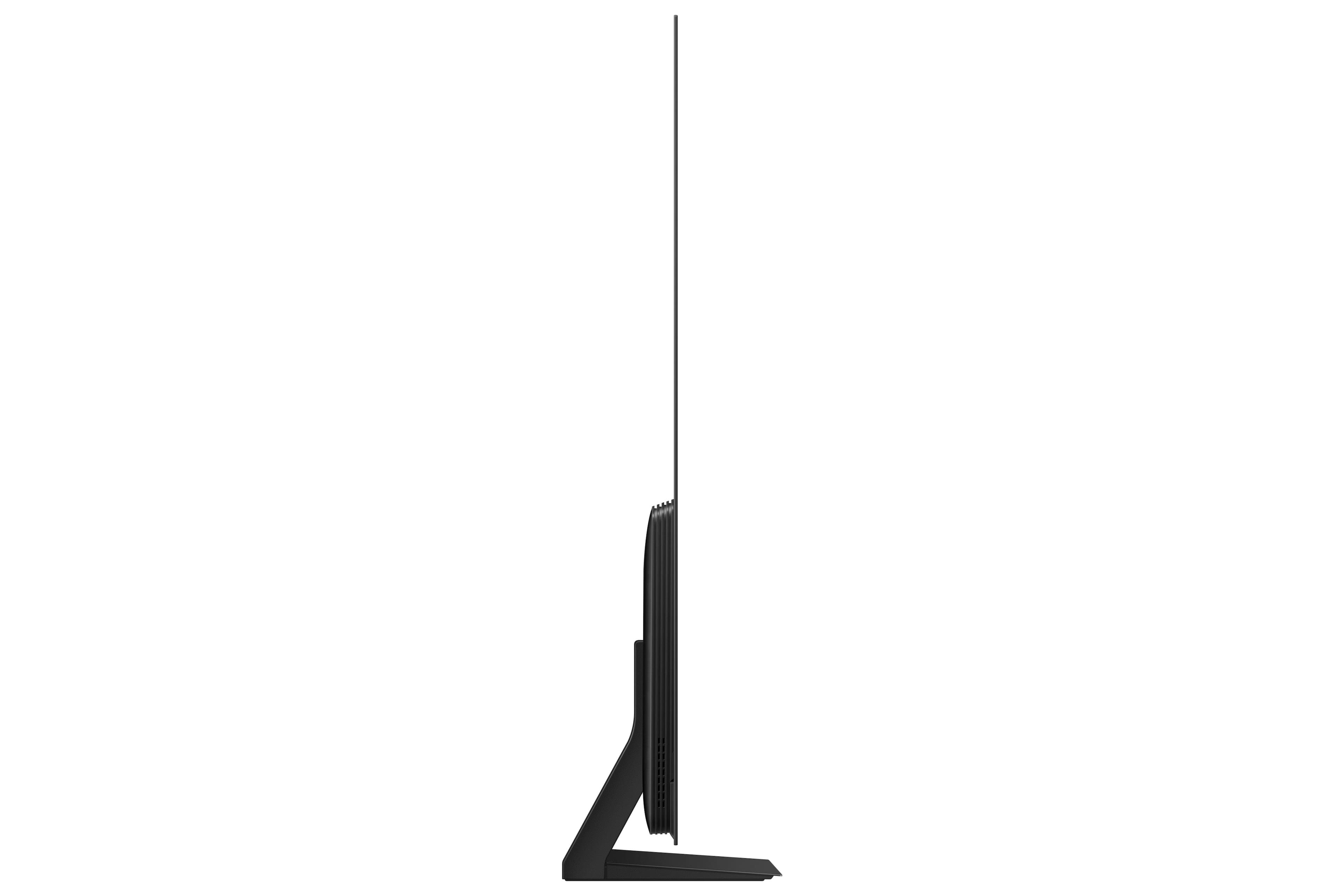
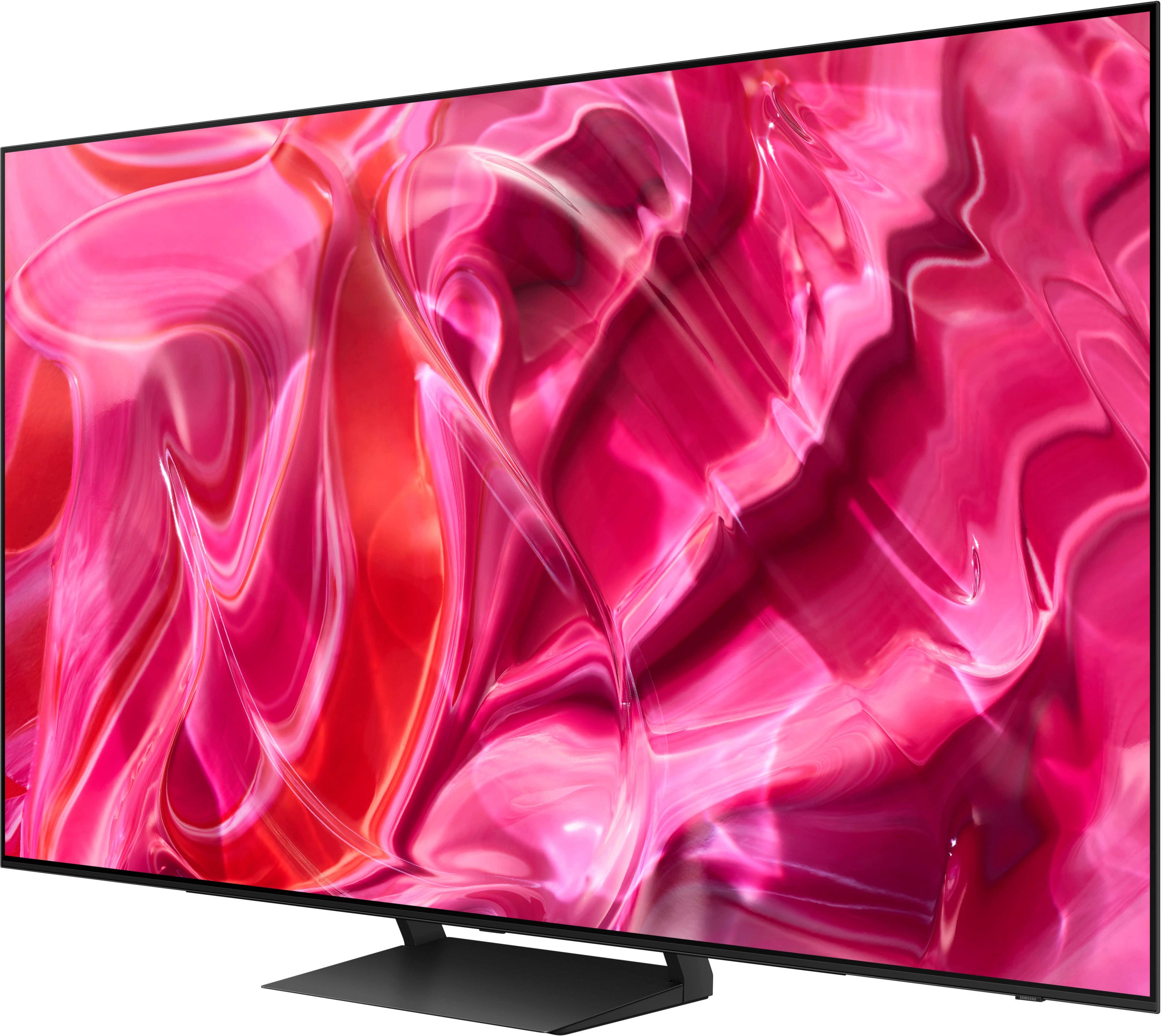
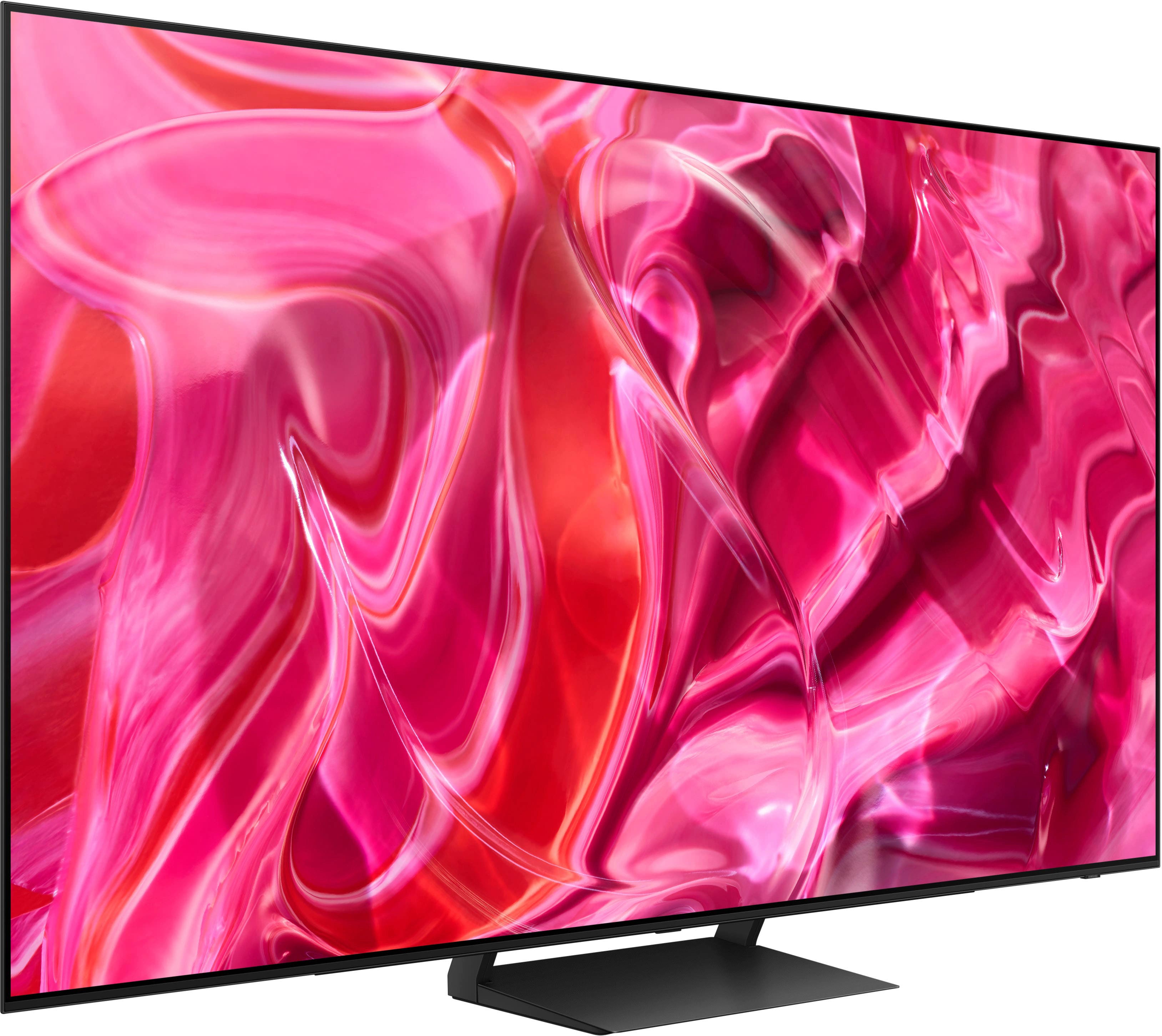





- Model:
- QN55S90CAFXZA
- SKU:
- 6536968
Rating by feature
- Picture Quality
Rating 4.9 out of 5 stars
- Sound Quality
Rating 4.6 out of 5 stars
- Brightness
Rating 4.9 out of 5 stars
Customers are saying
Customers are delighted by the picture quality, colors, and sound of the 55" Class S90C OLED 4K UHD Smart Tizen TV. They appreciate the easy setup and find it to be a great value for the price. While some customers have concerns about the size of the remote control and the darkness of the screen, the overall sentiment is positive.
This summary was generated by AI based on customer reviews.
Samsung > LG
||Posted . Owned for 2 weeks when reviewed.This reviewer received promo considerations or sweepstakes entry for writing a review.Samsung has reclaimed their crown. Outstanding tv.
I would recommend this to a friend
Great TV
|Posted . Owned for 3 weeks when reviewed.This reviewer received promo considerations or sweepstakes entry for writing a review.Great TV, the picture quality on it is immaculate.
I would recommend this to a friendSo Far So Good
||Posted . Owned for 3 weeks when reviewed.This reviewer received promo considerations or sweepstakes entry for writing a review.So far it’s been great. It’s only been a couple weeks so can’t give it five stars today. Ask me again in one year.
I would recommend this to a friend- Pros mentioned:Picture quality
Nice TV - maybe not for gamers
||Posted . Owned for 1 month when reviewed.This reviewer received promo considerations or sweepstakes entry for writing a review.Clear crisp picture. Video does seem to lag a bit though, so not the best TV for gamers.
I would recommend this to a friendBrand response from Samsung
Posted .Lazarus,
We appreciate your feedback on the response time, and for optimal performance, we ask that you please ensure you've got the latest firmware version installed on your S90C TV. You can check this by going to: Home > Menu > Settings > Support > Software Update.
You may also want to further optimize performance with the self-diagnostic tool, which checks memory, frees up unused cached memory, and closes background apps. Go to: Home > Menu > Settings > Support > Device Care > Start Device Care
I hope these tips help you enjoy your new product.
You can always contact us for further help at 1-800-SAMSUNG, 8AM - 12AM EST, 7 days a week. Our LiveChat agents are also available by clicking on the ‘Support’ link on our website.
~ Samsung Specialist
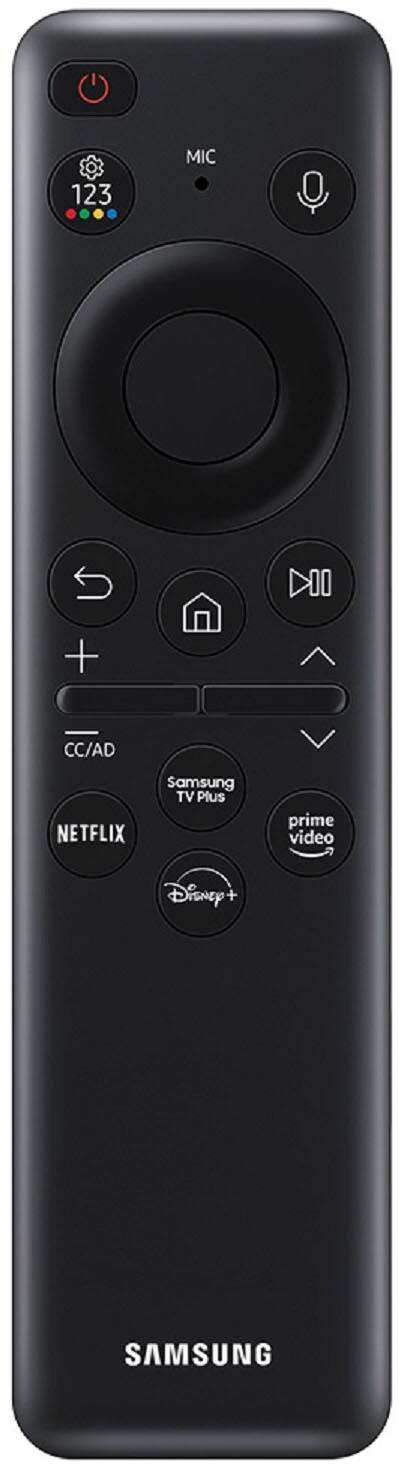
- Cons mentioned:Remote control
Bad remote
||Posted . Owned for 3 months when reviewed.This reviewer received promo considerations or sweepstakes entry for writing a review.The remote didn't last 3 months. It will not recharge.
No, I would not recommend this to a friend Not satisfied
||Posted . Owned for 1 year when reviewed.This reviewer received promo considerations or sweepstakes entry for writing a review.Only had this TV for a little over a year, sound is not very good we have to have the volume way up on Movies Now the TV keeps shutting down several times a day, goes back to the Home Screen Quit expensive TV for having issues
No, I would not recommend this to a friendPurchase
||Posted . Owned for 3 weeks when reviewed.This reviewer received promo considerations or sweepstakes entry for writing a review.Great product great service from staff at location
I would recommend this to a friendBueno
||Posted . Owned for 1 month when reviewed.This reviewer received promo considerations or sweepstakes entry for writing a review.good , excelent resolutions i like nitido me gusta
I would recommend this to a friendThin panel
||Posted . Owned for 3 months when reviewed.This reviewer received promo considerations or sweepstakes entry for writing a review.Came from a q90t and the OLED is unmatched. The panel is very thin so be careful with it
I would recommend this to a friendSamsung
||Posted . Owned for 3 weeks when reviewed.This reviewer received promo considerations or sweepstakes entry for writing a review.No voice recognition Channels are not easy to select using remote
I would recommend this to a friendBrand response from Samsung
Posted .MarkU,
We appreciate your feedback on the remote, but please know your S90C OLED does feature built-in voice assistant capabilities.
To use this function, the TV must be connected to the internet. Go to Settings > All Settings > General & Privacy > Voice > Voice Assistant to select which Voice Assistant you would like to help control your TV (Bixby, Amazon Alexa, or Google Assistant)
To use the Voice Assistant, follow the instructions on the TV screen to enable the selected Voice Assistant. To enable the Settings menus for each Voice Assistant, log into each Voice Assistant.
To run your selected Voice Assistant, press and hold the button, say a command, and then release the button to run Voice Assistant. The Samsung Smart Remote may not recognize your voice when it is far away from you, turned upside down, or located in an environment with loud ambient noise. Use the Samsung Smart Remote less than 2 feet (1.5 m) from you with the remote control buttons facing upward.
If you need more help, Samsung is here for you. Please call us at 1-800-SAMSUNG, 8AM - 12AM EST, 7 days a week. Our LiveChat agents are also available by clicking on the ‘Support’ link on our website.
~ Samsung Specialist
- Pros mentioned:Picture quality
Awesome picture when it works
||Posted . Owned for 1 month when reviewed.This reviewer received promo considerations or sweepstakes entry for writing a review.Great picture when it actually stays on. It constantly reboots, disconnects from our network or just freezes. Started roughly a couple of days after purchase. Have factory defaulted several times with no change. It is unacceptable for a tv that cost as much as this one. I would take it back and get something else if I could.
No, I would not recommend this to a friendBrand response from Samsung
Posted .BrandonD,
I’m sorry to hear that your S90C TV is turning on and off on its own. Please try these trouble-shooting steps:
1) Check the One Invisible Connection Cable for damage and proper connection.
2) If the cable is bent, broken, kinked, pinched, pressed excessively (possibly by a heavy object on top of it) or damaged, this is likely the cause of the issue. Replace the cable.
3) Unplug the TV from the wall outlet for 30 seconds, and then plug it back in.
4) If the power cycling allows enough time in between powering on and off, try updating the TV to the latest firmware by enabling Auto Update: Menu > Settings > Support > Software Update > Auto Update (you will need to be connected to the internet for this to work)
If the issue persists after these steps, the TV may need service. Please call us so that we can better investigate your issue and assist with a solution or replacement. You can reach Samsung Support at 1-800-SAMSUNG, 8AM - 12AM EST, 7 days a week.
Our LiveChat agents are also available by clicking on the ‘Support’ link on our website.
~ Samsung Specialist
I will never purchase any "smart tv" ever again
||Posted . Owned for 1 month when reviewed.This reviewer received promo considerations or sweepstakes entry for writing a review.This is my first "smart TV". It is a pain in the ** to operate. Streaming Live TV is miserable. I will never purchase a "smart TV" ever again. I have heard the same complaint from a number of other people. My problem is not with Samsung. Smart TV's overall are not smart, they are stupid. Don't buy a smart TV. You will regret it.
No, I would not recommend this to a friendBrand response from Samsung
Posted .ScottW,
We appreciate your review of Samsung’s S90C TV. So we can understand the issues you’re experiencing and provide you with troubleshooting assistance, please reach out to Samsung Customer Support at 1-800-SAMSUNG, 8AM - 12AM EST, 7 days a week.
Our LiveChat agents are also available by clicking on the ‘Support’ link on our website.
~ Samsung Specialist
SCREEN DIED IN 1 MONTH
||Posted . Owned for 2 months when reviewed.This reviewer received promo considerations or sweepstakes entry for writing a review.Only a month after receiving it, the screen went black but can hear sound. Samsung shows up to fix it, but they don’t have the LEDs so they leave (was told faulty LEDs were installed). Was told the parts would be here in a few days, so they reschedule a week later. That appointment gets cancelled because they don’t know when the parts will be here. They refuse to send me a new one until the technicians can come back to try to fix it, but I was told they have absolutely no timeframe when that will be. So I’m sitting here with a broken tv that I have no idea when it will be fixed. lol
No, I would not recommend this to a friendBrand response from Samsung
Posted .ScottB,
Hi ScottB,
We appreciate you sharing your experience with Samsung’s S90C TV as well as with support. Thank you for your patience while waiting for your replacement parts to arrive. If you’ve already opened a service ticket, please know you can track the status by visiting this link: https://www.samsung.com/us/support/service/
You can also call us directly if you’d like an update on the status. You can reach us at 1-800-SAMSUNG, 8AM - 12AM EST, 7 days a week. Our LiveChat agents are also available by clicking on the ‘Support’ link on our website.
~ Samsung Specialist
Great TV, Surprisingly curved!
||Posted . Owned for 2 weeks when reviewed.This reviewer received promo considerations or sweepstakes entry for writing a review.TV screen looks great from the front, just do look from one corner to the other, the odds you have a slight curve is a 90% chance. severe quality issue, or transportation issue.
No, I would not recommend this to a friendBrand response from Samsung
Posted .AnthonyD,
We appreciate you sharing your delivery experience and having received a bent unit. We recommend you contact Best Buy directly for assistance in correcting this situation. We hope your issue is resolved in a timely manner.
Should you have questions or concerns on usage or setup of your TV once your issue has been resolved, please call us at 1-800-SAMSUNG, 8AM - 12AM EST, 7 days a week. Or visit us on the Samsung website and click on the ‘Support’ link for:
• LiveChat
• Manuals, Software, & Warranty Info
~ Samsung Specialist
Screen saver nightmare
||Posted . Owned for 2 months when reviewed.This reviewer received promo considerations or sweepstakes entry for writing a review.If I would’ve known that a screensaver would pop up every 5 minutes when watching live tv I would’ve never bought this tv. Hopefully Samsung will fix the issue through firmware update!!
No, I would not recommend this to a friendBrand response from Samsung
Posted .ThomasS,
We appreciate your review of Samsung’s S90C TV. So we can better understand the issues you’re experiencing and provide you with troubleshooting assistance, please reach out to Samsung Customer Support at 1-800-SAMSUNG, 8AM - 12AM EST, 7 days a week.
Our LiveChat agents are also available by clicking on the ‘Support’ link on our website.
~ Samsung Specialist
Black Screen of Death
||Posted . Owned for 1.5 years when reviewed.This reviewer received promo considerations or sweepstakes entry for writing a review.After 13 Months and no more than two dozen uses, screen is completely black. Power works. Nothing else. Best Buy customer service was no help. Someone was to call me back. They didn't.
No, I would not recommend this to a friendTV with manufacturing defects
||Posted . Owned for 1 week when reviewed.This reviewer received promo considerations or sweepstakes entry for writing a review.The TV goes into sleep mode automatically, but it keeps turning itself on during the day. I've had multiple conversations with Samsung's customer service department, and they've confirmed that this is a recurring issue with this specific line of TVs. Unfortunately, they haven't come up with a solution for it yet.
No, I would not recommend this to a friendBrand response from Samsung
Posted .ChrisPBacon,
We appreciate you sharing your experience with customer service not being able to resolve your issue. Please contact Samsung Support again for further troubleshooting assistance or for setting up a warranty service appointment.
You can reach us at 1-800-SAMSUNG, 8AM - 12AM EST, 7 days a week. Our LiveChat agents are also available by clicking on the ‘Support’ link on our website.
~ Samsung Specialist
Defective
||Posted . Owned for 1 week when reviewed.This reviewer received promo considerations or sweepstakes entry for writing a review.I have a receiver and speakers and a cable box. This TV didn't initially recognize them but after some fiddling installer got it to work. Two days later it didn't recognize the receiver so I couldn't watch TV only netflix and prime. After another couple of days I lost audio. A replacement was sent and the installation went smooth. After a week the AV icon disappeared again. If I turn the TV off and on again i can get back to the TV. I've never had a problem with Samsung before.
No, I would not recommend this to a friendBrand response from Samsung
Posted .MarilynL,
I’m sorry to hear you’re not fully satisfied with Samsung’s S90C TV. Please give us the opportunity to look into this for you so we can provide additional settings adjustments or troubleshooting assistance specific to your usage scenario.
You can reach Samsung Support at 1-800-SAMSUNG, 8AM - 12AM EST, 7 days a week. Our LiveChat agents are also available by clicking on the ‘Support’ link on our website.
~ Samsung Specialist
- Pros mentioned:Picture quality
New TV new era!
||Posted . Owned for 1 month when reviewed.This reviewer received promo considerations or sweepstakes entry for writing a review.I like the picture clear with crisp colors. As a smart TV there are many functions yet to be discovered!
I would recommend this to a friendBrand response from Samsung
Posted .LauraB,
While it’s great to hear you’re loving the picture quality of your S90C TV, please let us know if there’s a specific issue that you’re experiencing which has caused you to give this TV a 1-star rating.
Please reach Samsung Support at 1-800-SAMSUNG, 8AM - 12AM EST, 7 days a week. Our LiveChat agents are also available by clicking on the ‘Support’ link on our website.
We look forward to hearing from you.
~ Samsung Specialist
Client experience
||Posted . Owned for 2 weeks when reviewed.This reviewer received promo considerations or sweepstakes entry for writing a review.Was supposed to get LG and they made an error and no follow up at all feom mangers
I would recommend this to a friendBrand response from Samsung
Posted .ToddW,
I'm sorry to hear of this. Please directly contact Best Buy for assistance. We hope your issue is resolved.
Should you ever have questions on Samsung TVs, please contact Samsung Support at 1-800-SAMSUNG, 8AM - 12AM EST, 7 days a week. Our LiveChat agents are also available by clicking on the ‘Support’ link on our website.
~ Samsung Specialist