Customer Ratings & Reviews
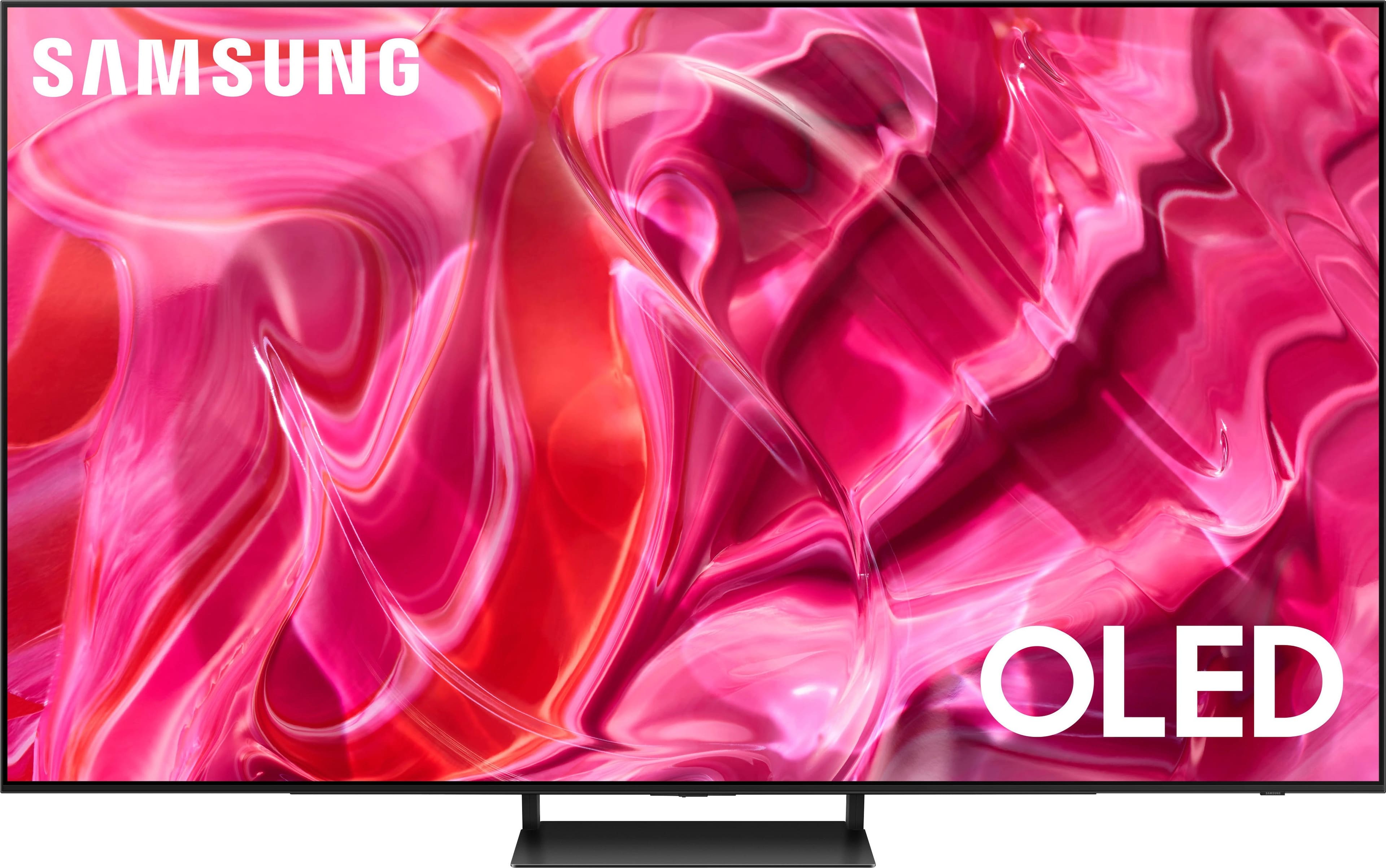
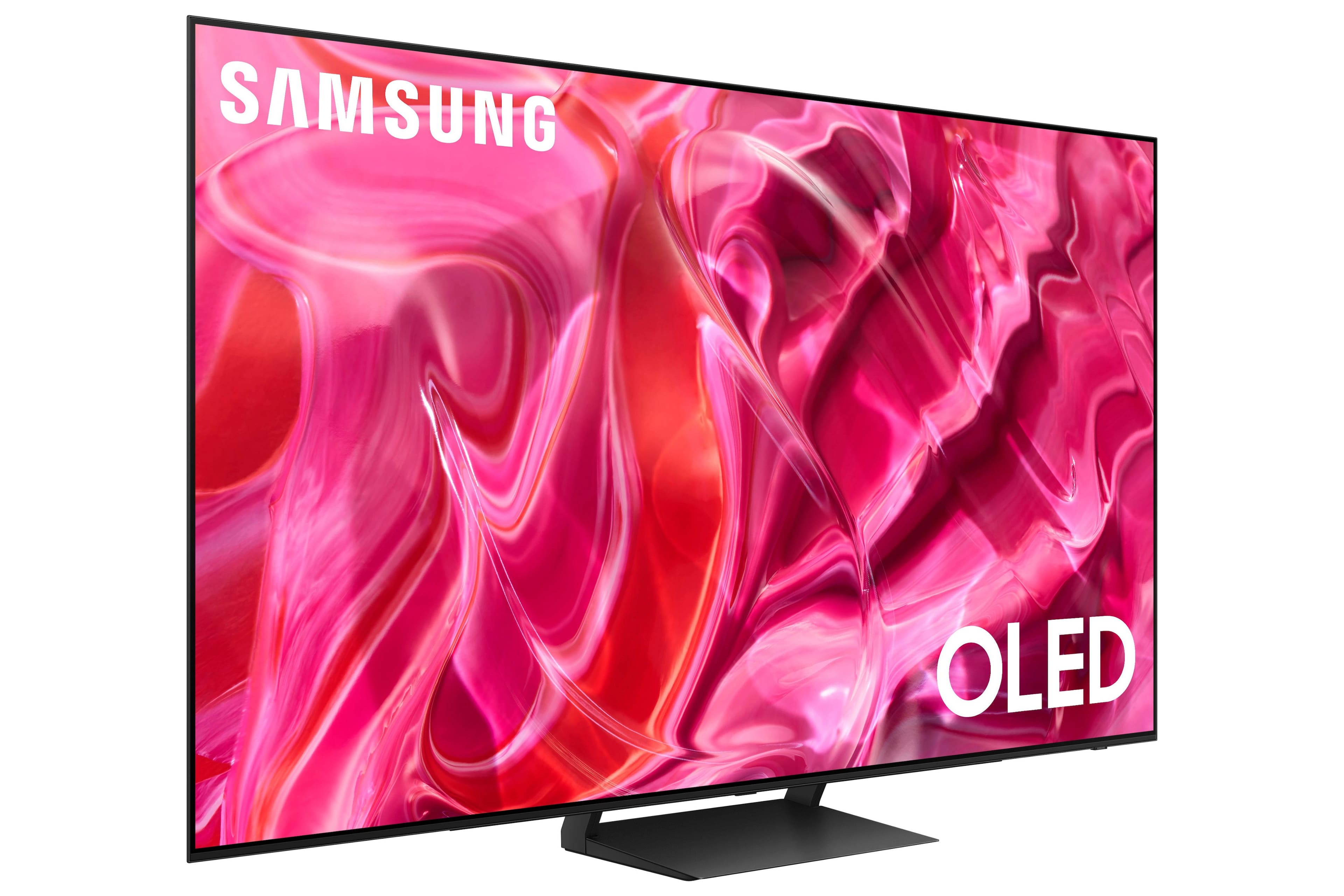
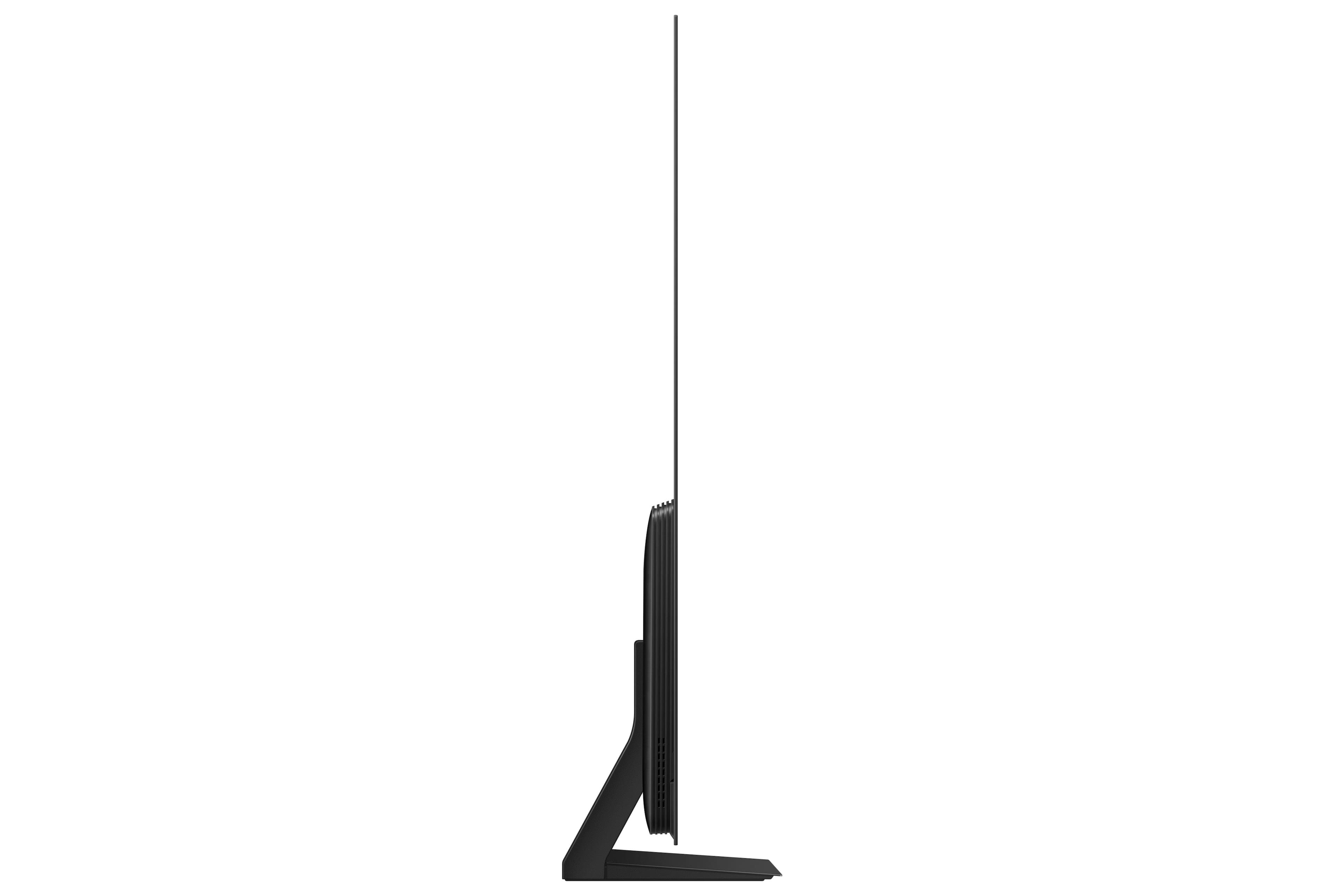
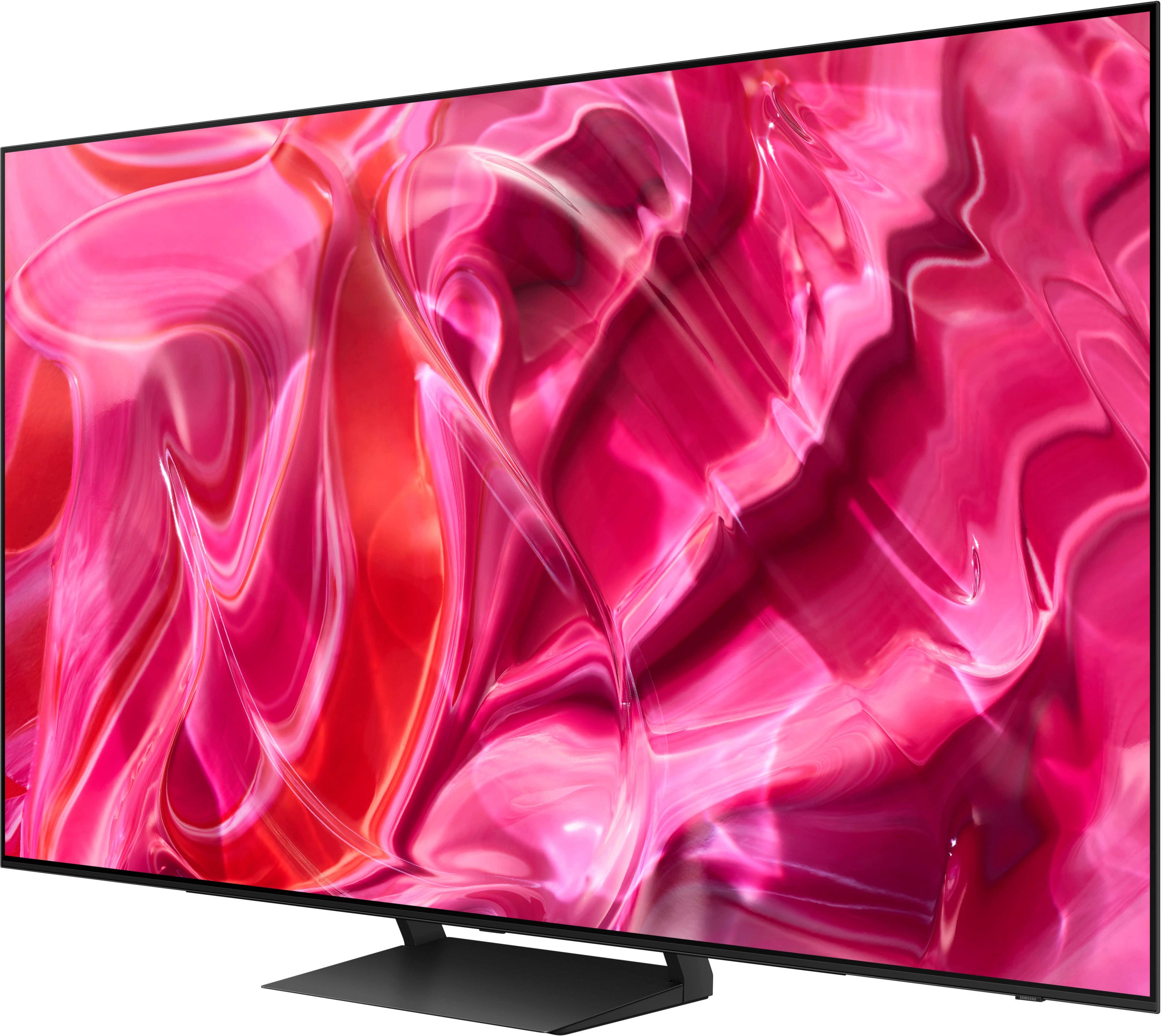
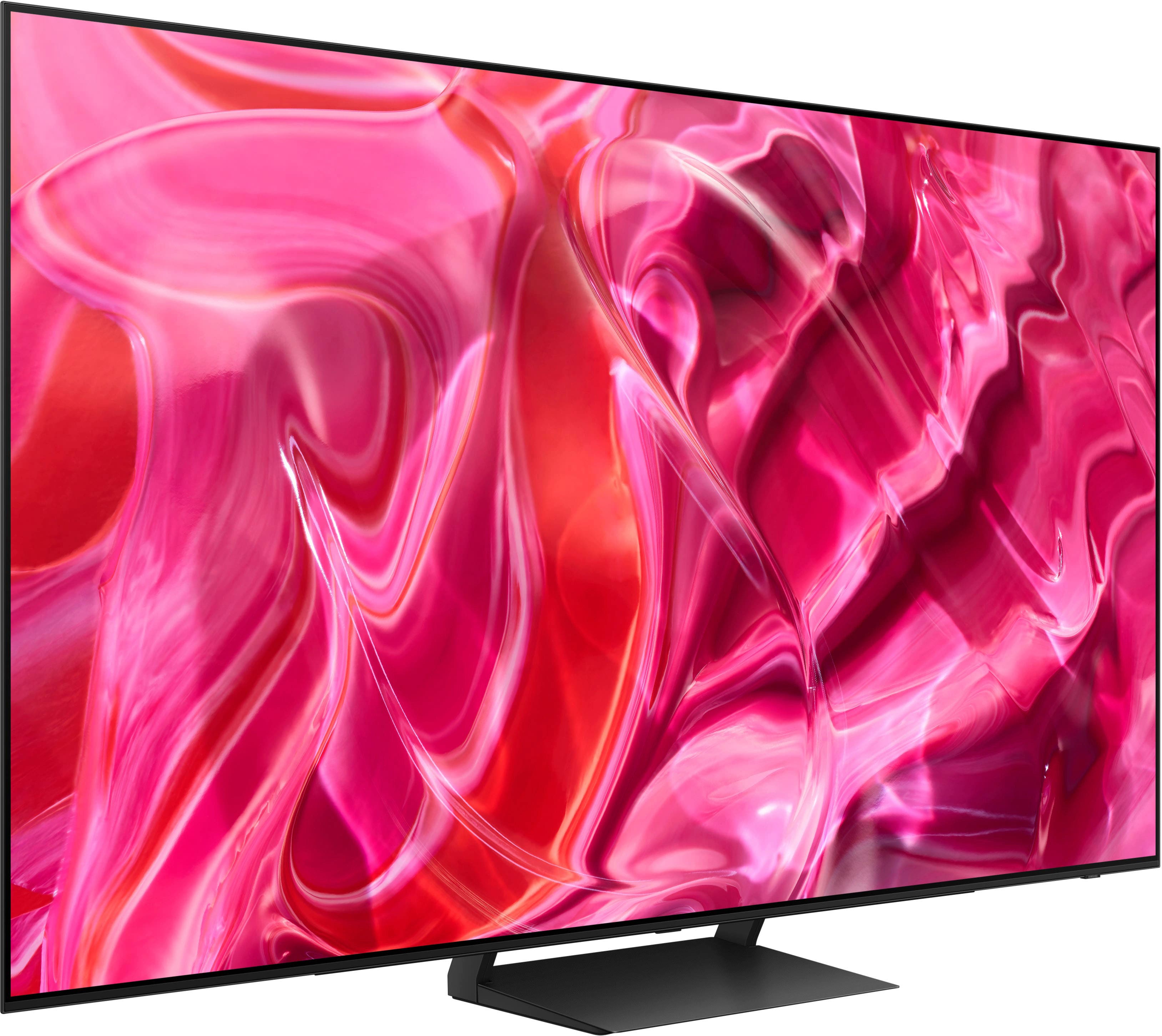



- Model:
- QN55S90CAFXZA
- SKU:
- 6536968
Rating by feature
- Picture Quality
Rating 4.9 out of 5 stars
- Sound Quality
Rating 4.6 out of 5 stars
- Brightness
Rating 4.9 out of 5 stars
Customers are saying
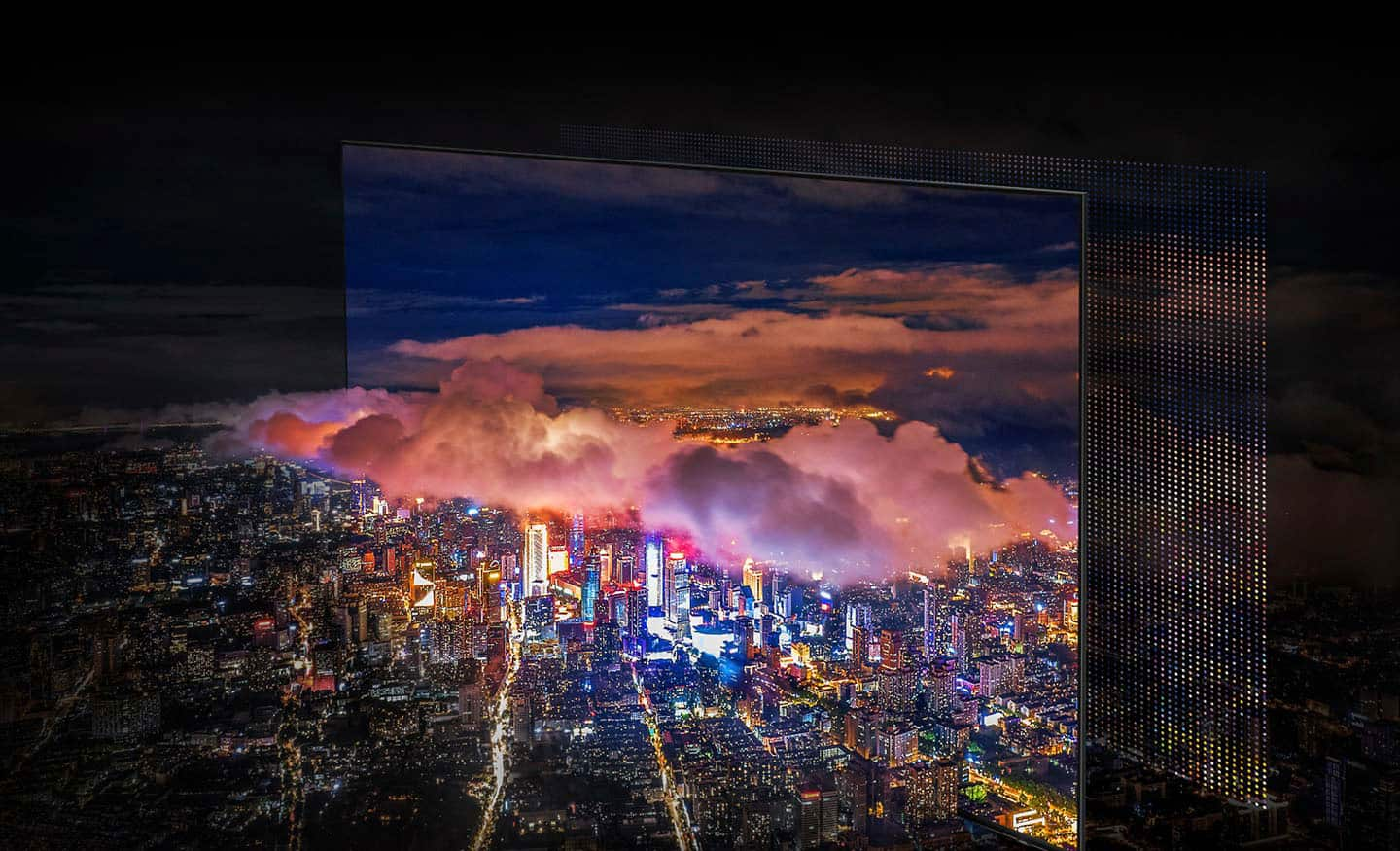
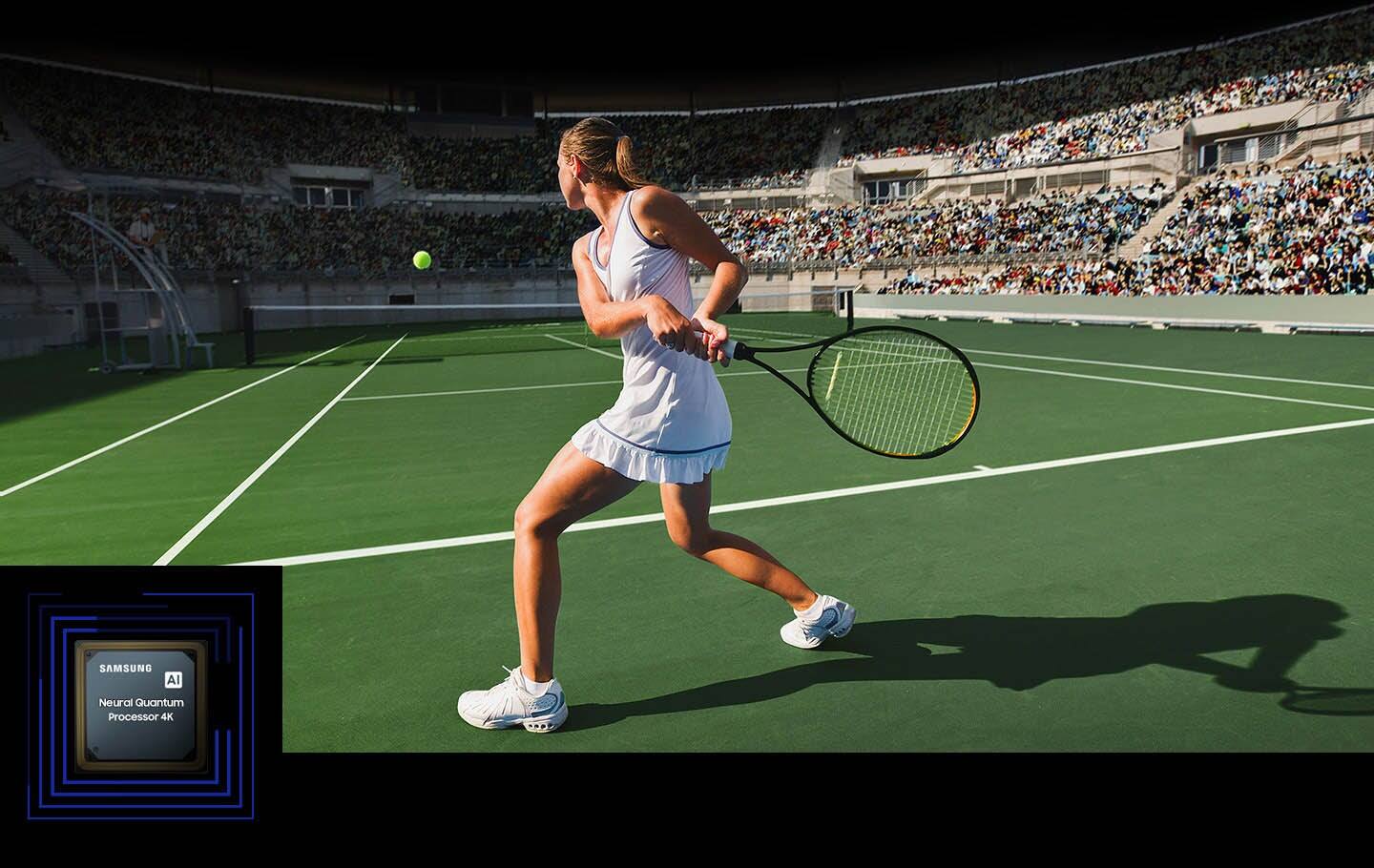
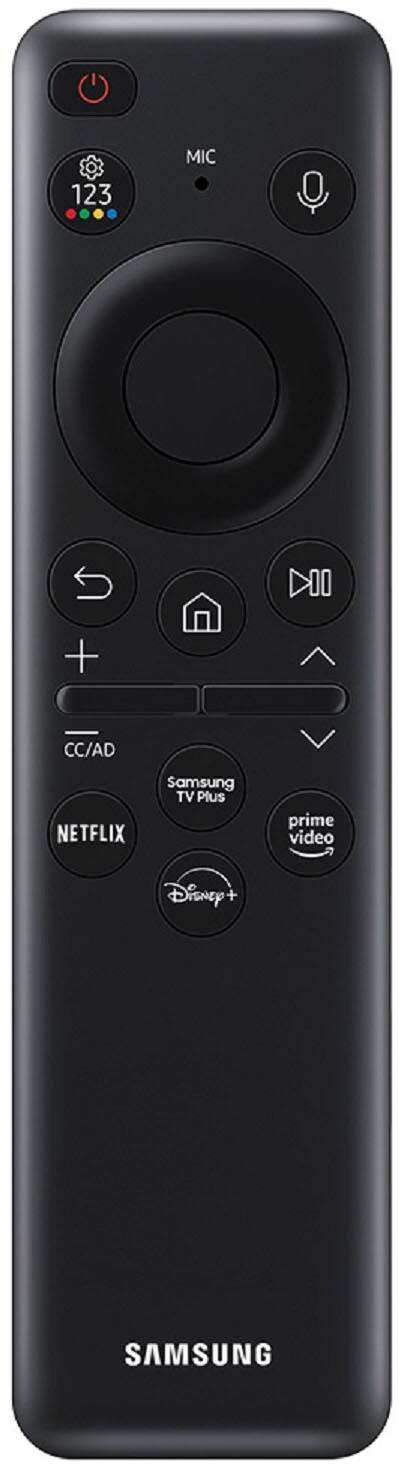
Customers are delighted by the picture quality, colors, and sound of the 55" Class S90C OLED 4K UHD Smart Tizen TV. They appreciate the easy setup and find it to be a great value for the price. While some customers have concerns about the size of the remote control and the darkness of the screen, the overall sentiment is positive.
This summary was generated by AI based on customer reviews.
- Pros mentioned:Picture quality
Happy with my choice!
Posted .This reviewer received promo considerations or sweepstakes entry for writing a review.After a very long selection process I am very pleased with my choice. Vivid colors!
I would recommend this to a friend - Pros mentioned:Picture quality
Perfect
Posted .This reviewer received promo considerations or sweepstakes entry for writing a review.Enjoying my 55 " tv with amazing picture Great choice
I would recommend this to a friend - Pros mentioned:Picture quality
Excellent tv
Posted .This reviewer received promo considerations or sweepstakes entry for writing a review.Great tv, great picture, made my soundbar sound better
I would recommend this to a friend - Pros mentioned:Picture quality
love it
Posted .This reviewer received promo considerations or sweepstakes entry for writing a review.its just a great tv. everything about it is perfect.
I would recommend this to a friend honest review
Posted .This reviewer received promo considerations or sweepstakes entry for writing a review.i truly believe its to good for plain streaming fubo tv gust to mutch prossessing going on but youtube 4k videos come over exelent still waiting fore a wold of at least 1080 broadcasts
I would recommend this to a friendDonaldC
Posted .This reviewer received promo considerations or sweepstakes entry for writing a review.So far I have this Samsung for almost a month and I'm quite happy with this.
I would recommend this to a friendOLED 55" TV
Posted .This reviewer received promo considerations or sweepstakes entry for writing a review.Great TV and installation was awesome! I would highly rate this TV as one of the best
I would recommend this to a friendSamsung TV
Posted .This reviewer received promo considerations or sweepstakes entry for writing a review.OLED really makes a difference. Great price with open box.
I would recommend this to a friendGood TV
Posted .This reviewer received promo considerations or sweepstakes entry for writing a review.Great Tv but wish there were a wider variety of apps to download
I would recommend this to a friendDisappointed
Posted .This reviewer received promo considerations or sweepstakes entry for writing a review.Remote is too small and difficult . Picture does not fill the whole screen
No, I would not recommend this to a friendBrand response from Samsung
Posted .ArleneaW,
We appreciate your thoughts on the SolarCell Remote; we'll be sure to share this with our design team.
If a portion of your S95C TV’s image appears to be cut off, please know this does not indicate a defect. This is likely due to the Pixel Shift mode being enabled, and this issue can be resolved by turning off Pixel Shift.
Go to: Home > Menu > Settings > All Settings > General & Privacy > Panel Care > Pixel Shift = OFF
Alternately, if you're seeing black bars on the top and bottom of your screen, this can be caused by either a setting on your cable/satellite box or by the content you’re watching. However, the TV can be adjusted to help minimize this.
By adjusting the aspect ratio, you can get the image to fill the screen. Go to Menu > Settings > All Settings > Picture > Picture Size Settings > Picture Size
Should you need further assistance with settings, features, or functions, please contact Samsung Customer Support at 1-800-SAMSUNG, 8AM - 12AM EST, 7 days a week. Or visit us on the Samsung website and click on the ‘Support’ link for:
• LiveChat
• Manuals, Software, & Warranty Info
~ Samsung Specialist
Keeps shutting off!
Posted .This reviewer received promo considerations or sweepstakes entry for writing a review.Keeps shutting off! So Frustrating bought it in January
No, I would not recommend this to a friendBrand response from Samsung
Posted .RoseC,
It’s unfortunate to hear your S90C TV is turning off by itself. Please try a few troubleshooting steps that may help solve the issue:
1. Unplug the TV from the wall outlet or surge protector and leave it unplugged for 30 seconds.
2. Check the power cord to see if there is any visible damage.
3. Plug the TV power cord back into the wall outlet. If you were using a surge protector, bypass it for now and use a wall outlet.
4. Try to update the software. In some cases, a software update can correct the problem. There is a risk, however. If the TV turns off during the software update, it could damage the TV. Updates can take up to 30 minutes depending on network speed, so if the TV is not turning off too frequently, try updating the software.
Please also try disabling some of the TV's energy efficiency functions.
See if Sleep Timer has been enabled. The Sleep Timer automatically turns the TV off after a specific period of time. Go to: Menu > Settings > All Settings > General & Privacy > System Manager > Time > Sleep Timer
If the Sleep Timer has not been enabled, see if Auto Power Off or Off Timer have been enabled and disable it.
- Menu > Settings > All Settings > General & Privacy > Power and Energy Saving > Auto Power Off
- Menu > Settings > All Settings > General & Privacy > System Manager > Time > Off Timer
If the TV continues to turn off by itself, please call us at 1-800-SAMSUNG, 8AM - 12AM EST, 7 days a week. Our LiveChat agents are also available by clicking on the ‘Support’ link on our website.
~ Samsung Specialist