Customer Ratings & Reviews
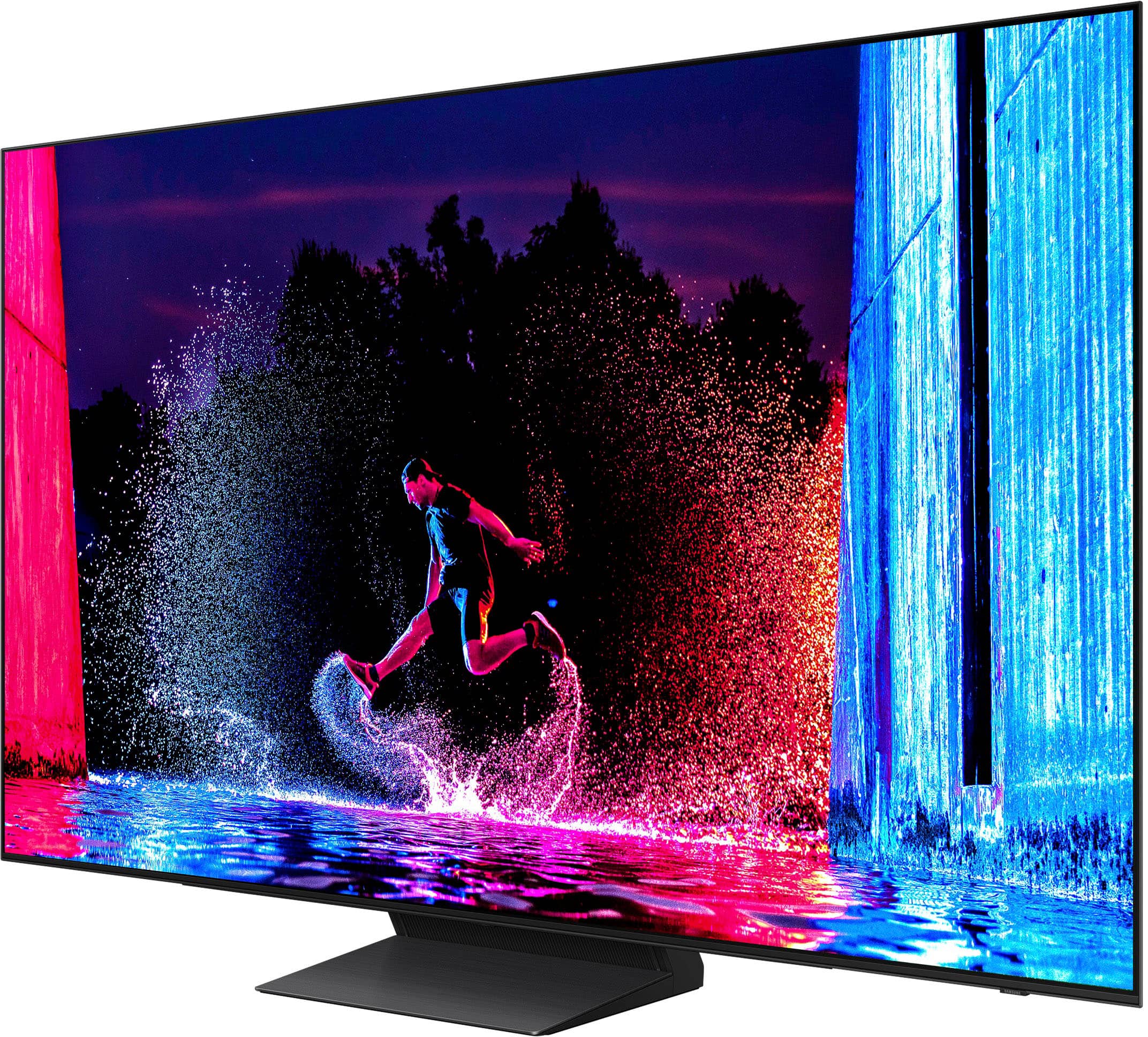
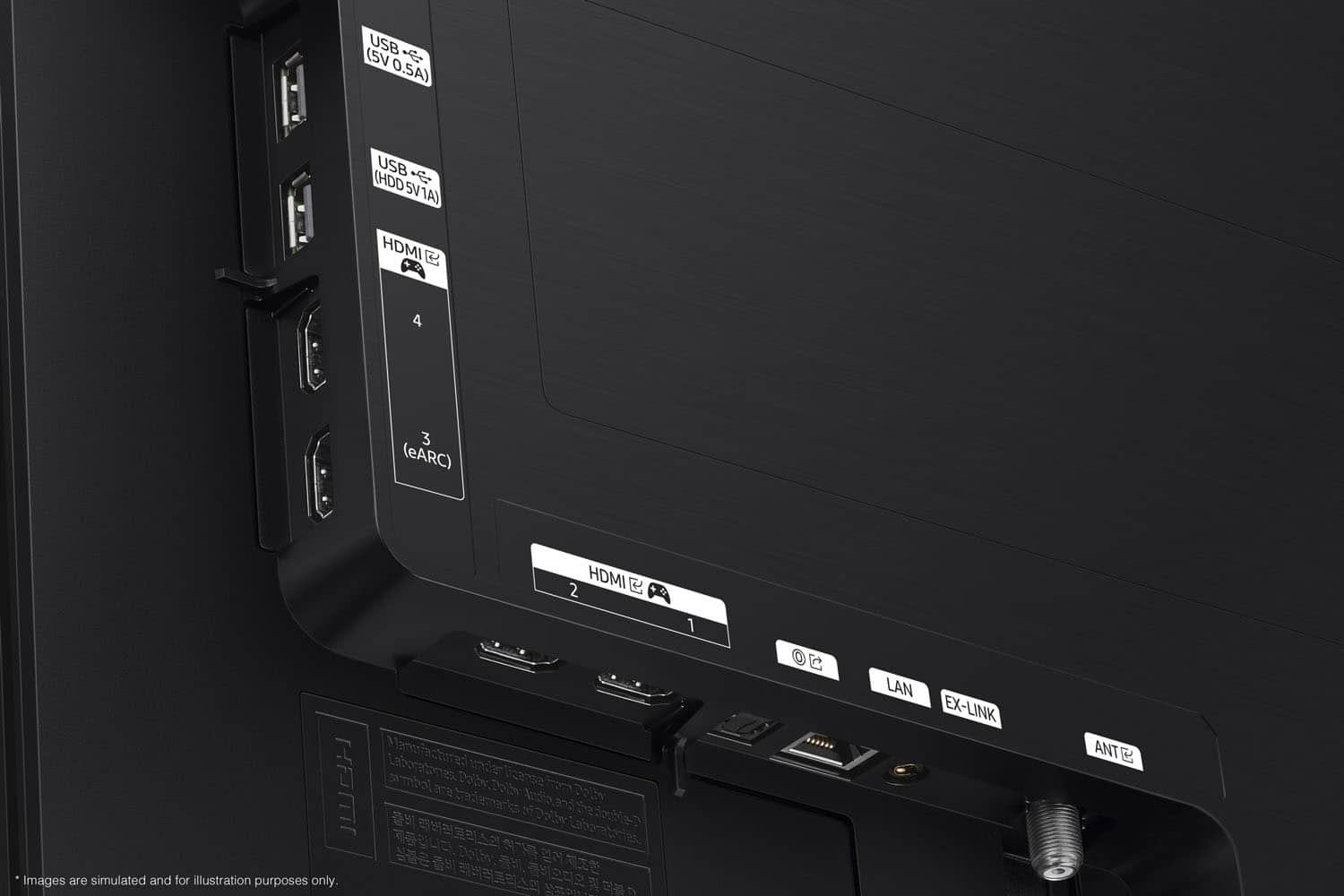
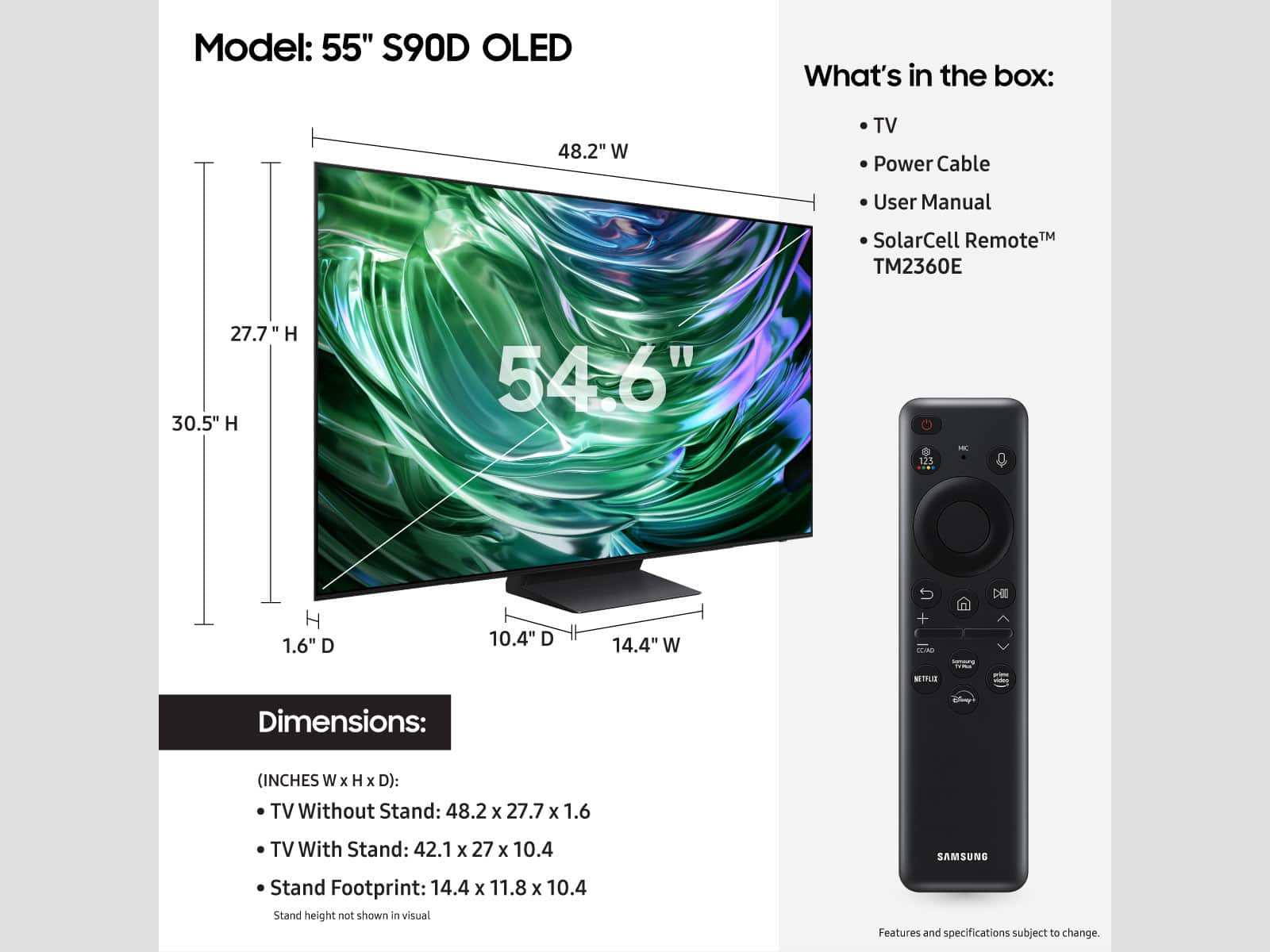

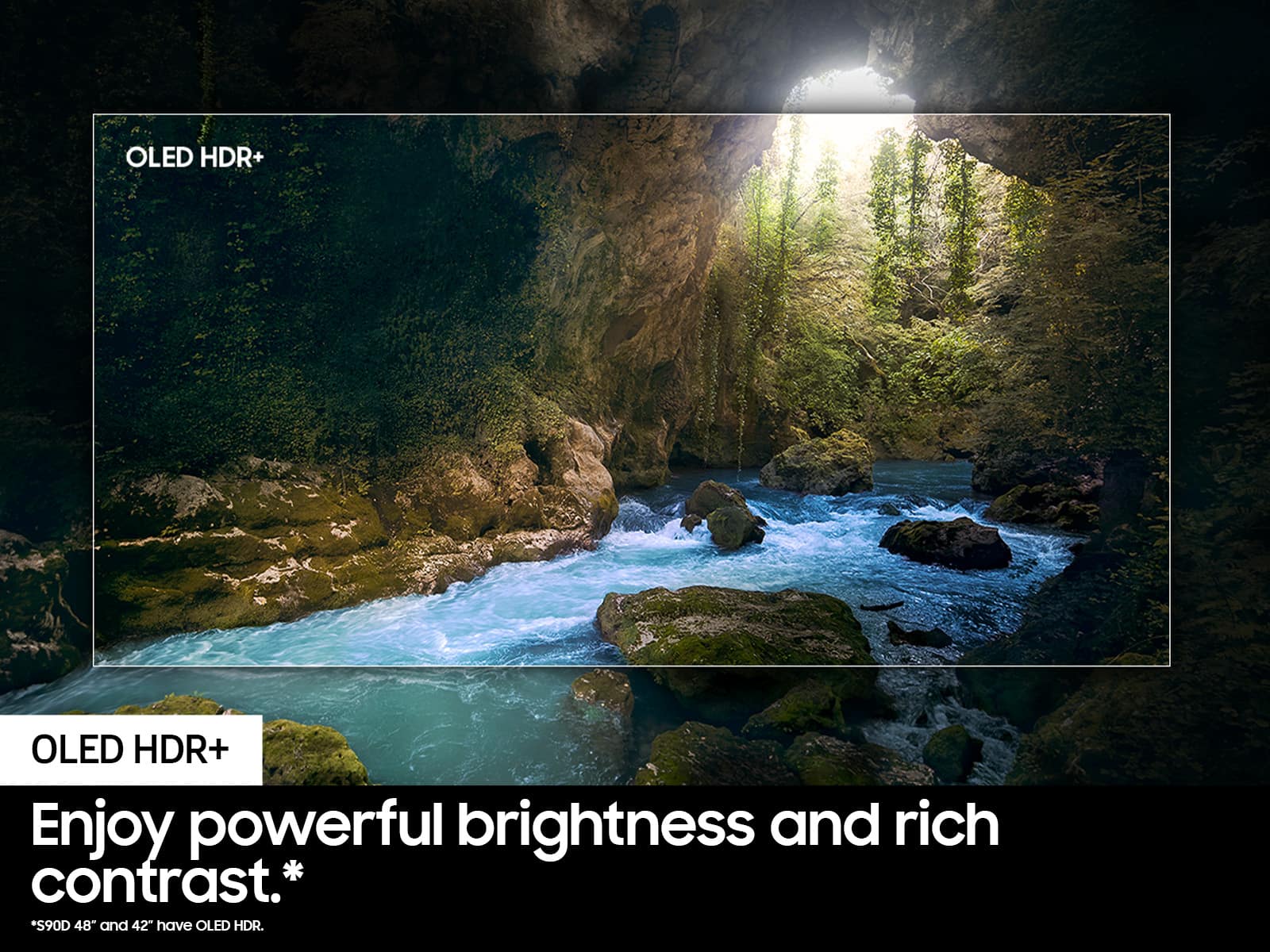







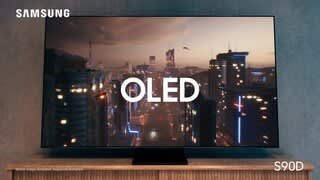


- Model:
- QN55S90DAFXZA
- SKU:
- 10362517
Rating by feature
- Picture Quality
Rating 4.9 out of 5 stars
- Sound Quality
Rating 4.6 out of 5 stars
- Brightness
Rating 4.9 out of 5 stars
2nd TV
||Posted .This reviewer received promo considerations or sweepstakes entry for writing a review.After my first purchase of the 65" TV, I decided to buy another one for my bedroom, Samsung has been a great product for me.
I would recommend this to a friendTV is okay, not great.
||Posted . Owned for 2 weeks when reviewed.This reviewer received promo considerations or sweepstakes entry for writing a review.The computer doesn't work great. A few Apps or not running as well as they should. Can not magnify screen. I'll go back to LG for the next VT. Got the Best buy credit card, sales person made some mistakes that made this a big hassle. Not a good experience!
No, I would not recommend this to a friendBrand response from Samsung
Posted .Peter,
We appreciate your feedback on apps, and for optimal performance, we ask that you please ensure you've got the latest firmware version installed on your S90D TV. You can check this by going to: Home > Menu > Settings > Support > Software Update.
You may also want to further optimize performance with the self-diagnostic tool, which checks memory, frees up unused cached memory, and closes background apps. Go to: Home > Menu > Settings > Support > Device Care > Start Device Care
Please also note that you can find the Zoom option under Picture Size Settings. Keep in mind that Zoom and Position may be grayed out if Picture Size is set to 16:9 or 4:3; this function is only available when Picture Size is set to Custom.
I hope these tips help you enjoy your new product.
You can always contact us for further help at 1-800-SAMSUNG, 8AM - 12AM EST, 7 days a week. Our LiveChat agents are also available by clicking on the ‘Support’ link on our website.
~ Samsung Specialist
Recommend
||Posted . Owned for 1 month when reviewed.This reviewer received promo considerations or sweepstakes entry for writing a review.I can recommend this TV. I have had several Samsung TVs and I’ve always been pleased with the clearness and easy navigating. This one is a step better.
I would recommend this to a friend- Pros mentioned:Color
Great TV
||Posted . Owned for 1 month when reviewed.This reviewer received promo considerations or sweepstakes entry for writing a review.Great TV. Good brightness. A little hard to set up. I would definitely buy it again. Come here to my old 10 year LG.
I would recommend this to a friend - Pros mentioned:Color
Great TV
||Posted . Owned for 2 months when reviewed.This reviewer received promo considerations or sweepstakes entry for writing a review.I love how the colors just pop against black background
I would recommend this to a friend Oled
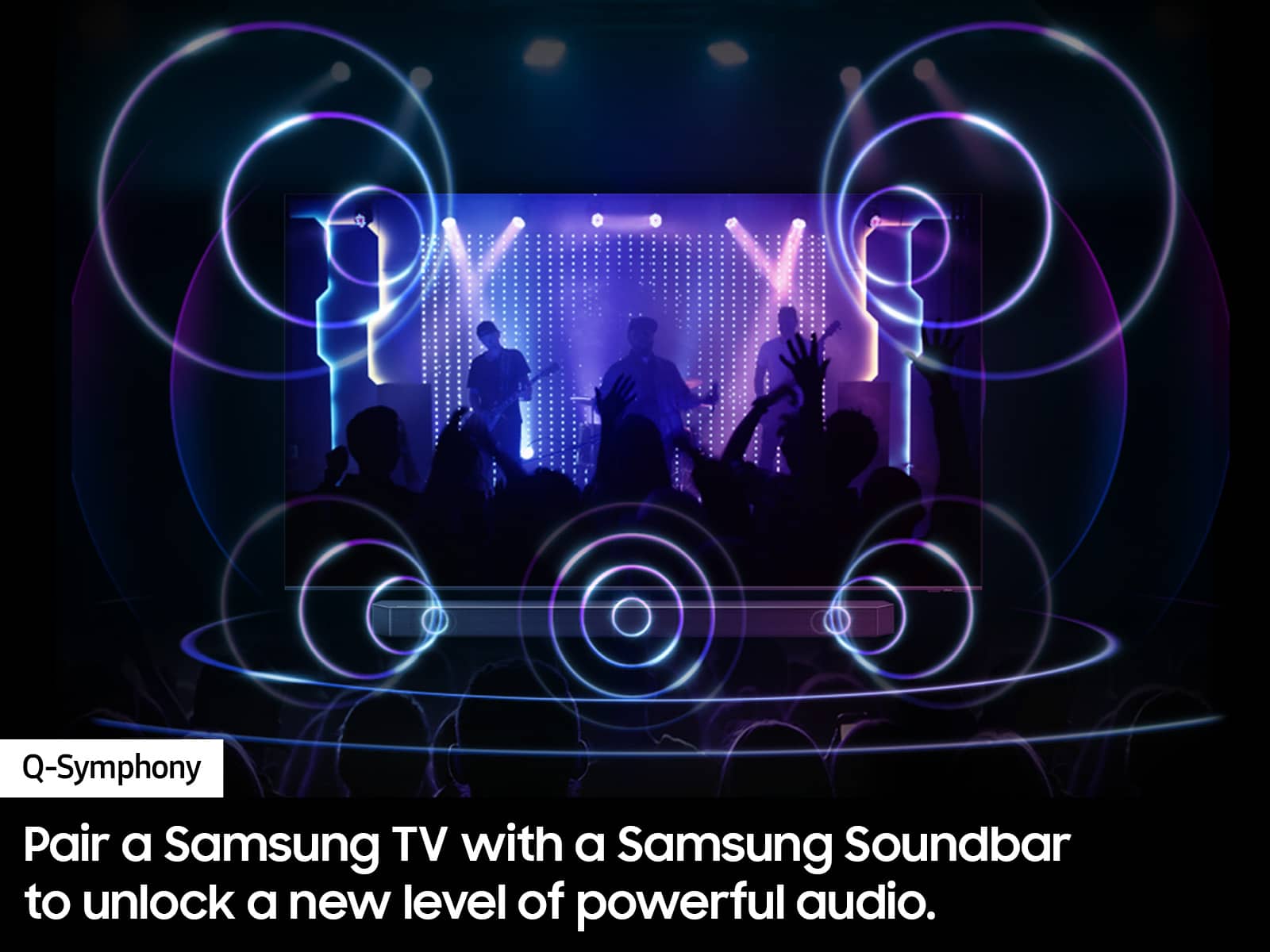
||Posted . Owned for 1 month when reviewed.This reviewer received promo considerations or sweepstakes entry for writing a review.So far a very good tv. The clarity is fantastic. I also bought a sound bar and I love it
I would recommend this to a friendKeeping Room/Sunroom TV
||Posted . Owned for 1 month when reviewed.This reviewer received promo considerations or sweepstakes entry for writing a review.Great for bright rooms. Easy to set up and operate.
I would recommend this to a friend2 months old and having issues
||Posted . Owned for 1 month when reviewed.This reviewer received promo considerations or sweepstakes entry for writing a review.I should've gotten the extended warranty. Already having random white lines appearing for a second and disappearing, UI is slow and laggy at times even tho there is 1 gig of storage left. AI optimization is horrible. Judder is also bad on this tv no matter what settings you use. My 5 year old LCD samsung has fewer issues than this tv. I regret spending 1500 dollars on this tv. I would look for something else rather than buying this tv. Look into LG OLed instead. This will be my last samsung purchase. I have own many samsung products, and i am disappointed in this tv.
No, I would not recommend this to a friendBrand response from Samsung
Posted .Willnetics,
We appreciate your feedback, and for optimal performance, we ask that you please ensure you've got the latest firmware version installed on your TV. You can check this by going to: Home > Menu > Settings > Support > Software Update.
You may also want to further optimize performance with the self-diagnostic tool, which checks memory, frees up unused cached memory, and closes background apps. Go to: Home > Menu > Settings > Support > Device Care > Start Device Care
If the picture you’re seeing is still not to your liking, there are several picture settings you may want to try adjusting.
Go to Home > Menu > Settings > All Settings > Picture > Picture Mode
...and select the mode that best fits your usage:
1. Standard: Is the default mode suitable for general viewing environments
2. Dynamic: Makes the picture brighter and clearer in bright viewing environments
3. Eco: Provided to save energy
4. Movie: Suitable for watching TV or movies in a dark room
5. Filmmaker Mode: Provides source content just as the creators intended. If the image is defined as Filmmaker Mode, it’ll automatically switch to Filmmaker Mode while watching.
Intelligent Mode enables the TV to recognize and analyze the surroundings, noise, content, and your usage patterns to provide the best viewing experience. You can enable Intelligent Mode by going to Menu > Settings > All Settings > General & Privacy > Intelligent Mode Settings > Intelligent Mode.
If adjusting image settings does not improve your picture, please contact Samsung Customer Support at 1-800-SAMSUNG, 8AM - 12AM EST, 7 days a week. Or visit us on the Samsung website and click on the ‘Support’ link for:
• LiveChat
• Manuals, Software, & Warranty Info
~ Samsung Specialist
Pat Hamby
||Posted . Owned for 1 month when reviewed.This reviewer received promo considerations or sweepstakes entry for writing a review.Customer Service was fantastic. I purchased a tv and Imac computer. Installation was first rate.
I would recommend this to a friendR&A
||Posted . Owned for 1 month when reviewed.This reviewer received promo considerations or sweepstakes entry for writing a review.Great unit for our sunny location. The screen helped reduce glare from windows.
I would recommend this to a friendIt's just an ok tv.
||Posted . Owned for 1 month when reviewed.This reviewer received promo considerations or sweepstakes entry for writing a review.This tv has a great but we've had several issues with the sound going out. It's been a somewhat of a quick/easy fix (about 10 minutes each time) with tech support helping us reset the tv to factory settings but it 's been annoying. We've had to reset up the tv several times in the first month of purchase. The remote has no numbers and tv is less user friendly than before. It's a little harder to navigate. As much as we've had great experiences with Samsung in the past we can start to see why LG is currently ranked higher. :/
No, I would not recommend this to a friendBrand response from Samsung
Posted .Gary,
We appreciate you sharing your user experience. To assist in learning the various functions, please know you can download the S90D TV's User Manual, e-Manual, Remote Control Leaflet, and Quick Setup Guide on Samsung's website under Support > Manuals & Software > TVs & Home Theater. You can search for and select the S90D TV to download the guides you would like.
The e-Manual and Remote Guide are both also embedded into your TV itself under Menu > Settings > Support > Open e-Manual.
If you need more help, Samsung is here for you. Please call us at 1-800-SAMSUNG, 8AM - 12AM EST, 7 days a week. Our LiveChat agents are also available by clicking on the ‘Support’ link on our website.
~ Samsung Specialist
Bill from the Geek Squad was very knowledgeable ,
||Posted . Owned for 3 weeks when reviewed.This reviewer received promo considerations or sweepstakes entry for writing a review.Bill from the Geek Squad, who set up the TV, did a fantastic job. I really love the Samsung OLED TV.
I would recommend this to a friendGood product great tv
||Posted .This reviewer received promo considerations or sweepstakes entry for writing a review.Awesome tv love the color good tech Definitely would buy again.
I would recommend this to a friend- Pros mentioned:Picture quality
Good tv but sound on the speakers are bad
||Posted . Owned for 1 month when reviewed.This reviewer received promo considerations or sweepstakes entry for writing a review.Good tv nice image only issue is the sound gets distorted (sounds underwater) every time i turn the tv off and always put it on reboot to make the sound go back to normal. I had to buy a soundbar separately so i didnt have to deal with the sound issue.
I would recommend this to a friendBrand response from Samsung
Posted .James2493,
We appreciate your feedback on the sound quality, and for optimal performance, we ask that you please ensure you've got the latest firmware version installed on your S90D TV. You can check this by going to: Home > Menu > Settings > Support > Software Update.
If you're still having issues, please run a Sound Test.
• Home > Settings > Support > Device Care > Self Diagnosis > Sound Test
I hope these tips help you enjoy your new product.
You can always contact us for further help at 1-800-SAMSUNG, 8AM - 12AM EST, 7 days a week. Our LiveChat agents are also available by clicking on the ‘Support’ link on our website.
~ Samsung Specialist
Review Samsung OLED 55
||Posted . Owned for 3 weeks when reviewed.This reviewer received promo considerations or sweepstakes entry for writing a review.Its new and works great, bright colors , lets see if it holds up
I would recommend this to a friendTV
||Posted .This reviewer received promo considerations or sweepstakes entry for writing a review.I have no problems with the tv. Connected to my Bluetooth speaker so easily.
I would recommend this to a friendSamsung Premium TVs
||Posted . Owned for 3 months when reviewed.This reviewer received promo considerations or sweepstakes entry for writing a review.amazing tv - i repped this company for the past year and i couldnt believe how reliable Samsung has become in their higher models.
I would recommend this to a friendMR
||Posted . Owned for 1 month when reviewed.This reviewer received promo considerations or sweepstakes entry for writing a review.D D made the purchase very easy. He was very helpfull
I would recommend this to a friendTv
||Posted . Owned for 3 weeks when reviewed.This reviewer received promo considerations or sweepstakes entry for writing a review.Good product. The definition is awesome I like it.
I would recommend this to a friendSamsung tv
||Posted . Owned for 1 week when reviewed.This reviewer received promo considerations or sweepstakes entry for writing a review.I have bought multiple tvs from Best Buy because of the great customer service
I would recommend this to a friend