Customer Ratings & Reviews
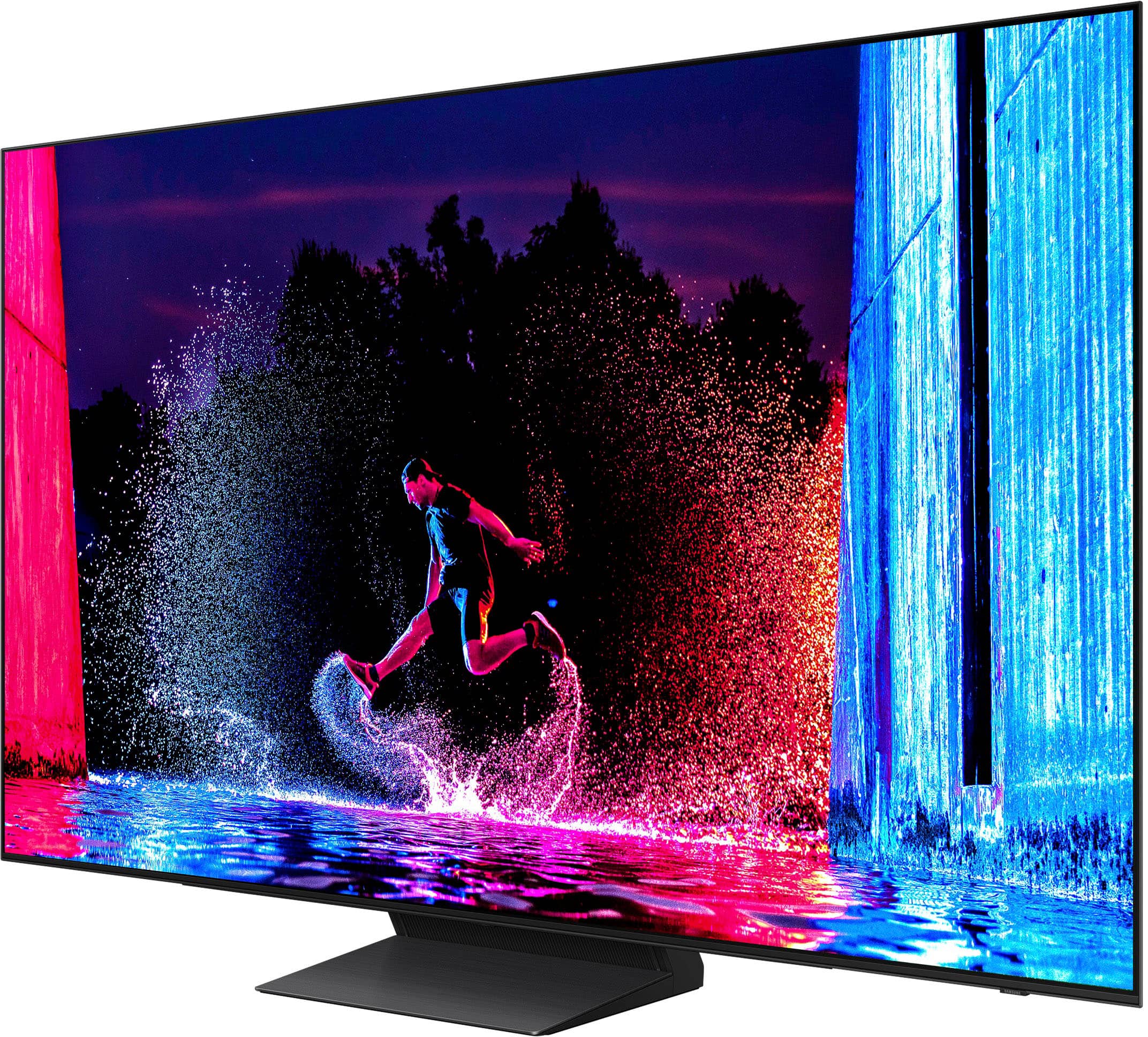
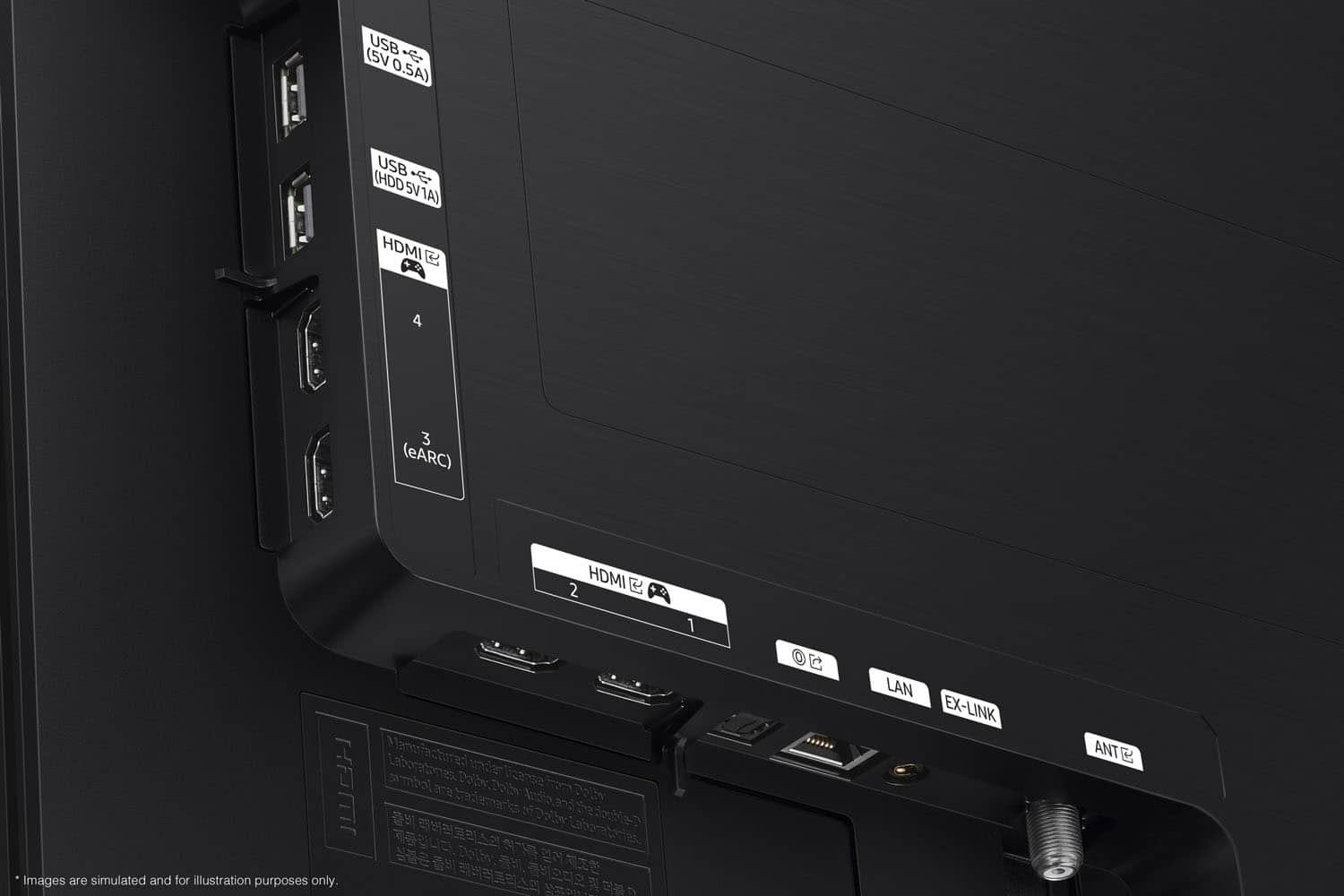
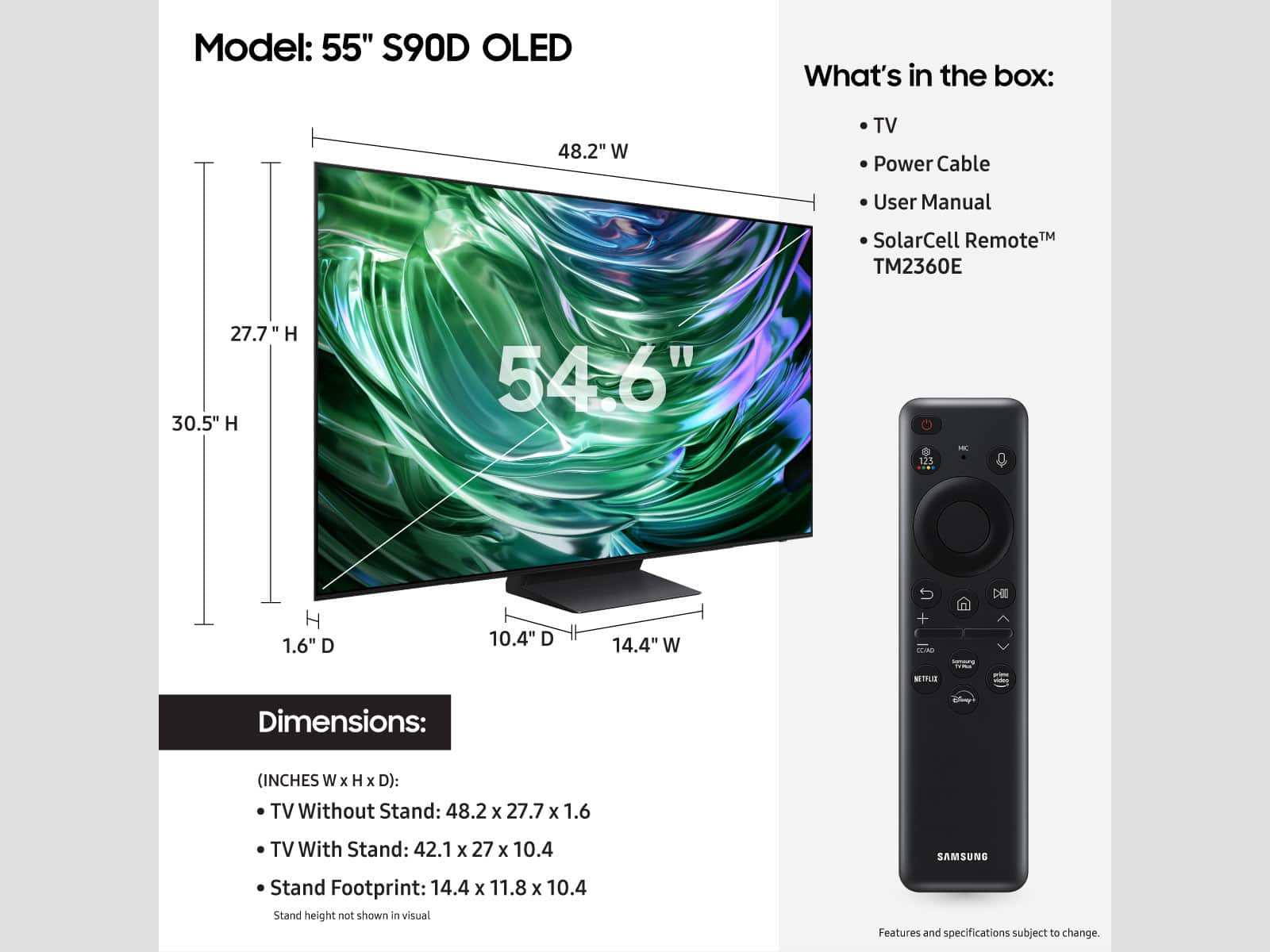








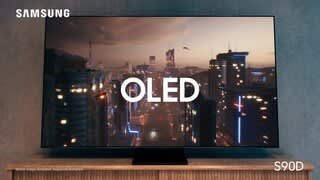


- Model:
- QN55S90DAFXZA
- SKU:
- 10362517
Rating by feature
- Picture Quality
Rating 4.9 out of 5 stars
- Sound Quality
Rating 4.6 out of 5 stars
- Brightness
Rating 4.9 out of 5 stars
A very good pun
||Posted . Owned for 1 month when reviewed.This reviewer received promo considerations or sweepstakes entry for writing a review.Excellent bright picture. An attractive addition to our home.
I would recommend this to a friendGet a different remote
||Posted . Owned for 3 months when reviewed.This reviewer received promo considerations or sweepstakes entry for writing a review.Great TV but the remote is tbe worst remote in my life’s history. It’s very frustrating how light and easy it is to hit every button on it without meaning to. You have to keep it away from you, cause if you roll over on it or mistake it for being upright when it’s upside down, you’ll turn everything off, or you’ll switch to an app or something that ruins whatever you were watching. The remote is awful and so it whoever designed it, along with whoever said ‘yeah this won’t anger short tempered people.’
I would recommend this to a friendBrand response from Samsung
Posted .RossA,
Thank you for sharing your thoughts on the remote - we'll be sure to pass this along to our design teams.
If there’s anything we can ever help with, please call us at 1-800-SAMSUNG, 8AM - 12AM EST, 7 days a week. Or visit us on the Samsung website and click on the ‘Support’ link for:
• LiveChat
• Manuals, Software, & Warranty Info
~ Samsung Specialist
Love my tv
||Posted . Owned for 1 month when reviewed.This reviewer received promo considerations or sweepstakes entry for writing a review.Love my tv, enjoying gaming. And really good graphics
I would recommend this to a friendGreat tv
||Posted . Owned for 3 weeks when reviewed.This reviewer received promo considerations or sweepstakes entry for writing a review.It it an amazing tv my son Loves it. he wanted it because he games a lot
I would recommend this to a friendLove TV disappointed with 4k
||Posted . Owned for 3 weeks when reviewed.This reviewer received promo considerations or sweepstakes entry for writing a review.Loving it so far, except I'm very disappointed with the pictures of sports, especially football(soccer) which looks like a video game. I think it's the 4KUHD thing
I would recommend this to a friend- Cons mentioned:Connectivity
Samsung TV
||Posted . Owned for 1 month when reviewed.This reviewer received promo considerations or sweepstakes entry for writing a review.Having issues with this TV connecting to apps and not starting up again.
No, I would not recommend this to a friendBrand response from Samsung
Posted .VictorM,
We appreciate your feedback on the response time, and for optimal performance, we ask that you please ensure you've got the latest firmware version installed on your TV. You can check this by going to: Home > Menu > Settings > Support > Software Update.
You may also want to further optimize performance with the self-diagnostic tool, which checks memory, frees up unused cached memory, and closes background apps. Go to: Home > Menu > Settings > Support > Device Care > Start Device Care
I hope these tips help.
You can always contact us for further help at 1-800-SAMSUNG, 8AM - 12AM EST, 7 days a week. Our LiveChat agents are also available by clicking on the ‘Support’ link on our website.
~ Samsung Specialist
Love the Geek Squad
||Posted . Owned for 1 month when reviewed.This reviewer received promo considerations or sweepstakes entry for writing a review.The people who come from the Geek Squad and set up your new TV do a great job.
I would recommend this to a friendStore was not helpful in getting the rewards.
||Posted . Owned for 4 months when reviewed.This reviewer received promo considerations or sweepstakes entry for writing a review.TV is great. Salesman was great. But I didn’t get to use the rewards
I would recommend this to a friendGameing ps5 pro
||Posted . Owned for 3 weeks when reviewed.This reviewer received promo considerations or sweepstakes entry for writing a review.This tv is the best oled for the ps5 pro that is all im going to say about that
I would recommend this to a friendMr. Platten
||Posted . Owned for 1 month when reviewed.This reviewer received promo considerations or sweepstakes entry for writing a review.We Love our new TV. We enjoy watching movies and football
I would recommend this to a friendSamsung
||Posted . Owned for 3 weeks when reviewed.This reviewer received promo considerations or sweepstakes entry for writing a review.Love my new Samsung and the Geek squad did a wonderful job installing it. Answering all my questions
I would recommend this to a friend- Pros mentioned:Picture qualityCons mentioned:Connectivity
Dont buy dd pls read
||Posted . Owned for 1 week when reviewed.This reviewer received promo considerations or sweepstakes entry for writing a review.Bought this over LG and regret it. The TV picture and performance is great. Software ans connectivity a nightmare. Wverytike the tv is tuened on bilume goes to 100% evwrtime i turn off the atv it starts my Cbox. Been struggking with these and ither issues for months. I would avoid this - i regret goint with samsung.
No, I would not recommend this to a friendBrand response from Samsung
Posted .THOFF,
We appreciate your review of Samsung’s S90D TV. So we can better understand the problems you’re experiencing and provide you with troubleshooting assistance or warranty service, please reach out to Samsung Customer Support at 1-800-SAMSUNG, 8AM - 12AM EST, 7 days a week. Our LiveChat agents are also available by clicking on the ‘Support’ link on our website.
~ Samsung Specialist
Retiree
||Posted . Owned for 1 month when reviewed.This reviewer received promo considerations or sweepstakes entry for writing a review.Awesome smart tv, lots of good features and good quatlity for an OLED.
I would recommend this to a friend- Pros mentioned:Picture quality
Blown out speakers
||Posted . Owned for less than 1 week when reviewed.This reviewer received promo considerations or sweepstakes entry for writing a review.While the picture is superb on more than one occasion, the tv speakers have this tinny reverb. This happens randomly. I have tried using this as a monitor for pc gaming, and it's not a good experience. In order to use it as a monitor, you have to put it into game mode and set the refresh rate to 143.9hz, or it's unusable. When you first turn on the tv and pc after setting everything up, it glitches out with flashes, static, and torn images. You then have to restart the pc for the tv settings to recover to the correct settings that you set beforehand. I will say that new games look superb on this. Visually, this is a great product, but man, are there some glaring issues.
No, I would not recommend this to a friendBrand response from Samsung
Posted .Titaniumbit,
We appreciate you taking the time to let us know about your experience with your TV. So that we can better troubleshoot this issue and provide steps towards a solution, please contact Samsung Support at 1-800-SAMSUNG, 8AM - 12AM EST, 7 days a week. Our LiveChat agents are also available by clicking on the ‘Support’ link on our website.
~ Samsung Specialist
Samsung 55" 590 series
||Posted . Owned for 1 month when reviewed.This reviewer received promo considerations or sweepstakes entry for writing a review.Sharp picture. Vivid color. little reflection. Big improvement over my old TV.
I would recommend this to a friendDelighted
||Posted . Owned for 1 month when reviewed.This reviewer received promo considerations or sweepstakes entry for writing a review.Very happy with this purchase. Have already recommended Samsung to others.
I would recommend this to a friend- Pros mentioned:Picture quality
DO NOT BUY!!! PLEASE READ!!!!
||Posted . Owned for less than 1 week when reviewed.This reviewer received promo considerations or sweepstakes entry for writing a review.Picture quality in-store is great, no dispute there. However, the settings are mostly grayed out. You can’t modify one mode, without disabling other modes. I really sat on YouTube and Reddit trying to find solutions, but it was absolutely too much. Returned the morning and blew out my back carrying this piece of junk. Ended up with the Sony - 65" class BRAVIA XR A75L OLED 4K UHD Smart Google TV (2023). It was worth me blowing out my back, again.
No, I would not recommend this to a friendBrand response from Samsung
Posted .Xohxoh,
We're sorry to hear of this misunderstanding. If a menu setting is grayed out, this does not indicate that something is wrong with your TV. It just means that a function or certain settings are not available based on the current source, settings, or connections. For example, some options may be grayed out if you are currently watching content from an app or external device. Long press the 'Return' key on your remote to exit the program you are in and go back to the menu - all settings should now be available.
Should you ever decide to give Samsung TVs another try and have questions or need help with settings, setup, or features, please know we’re here to help. Call us at 1-800-SAMSUNG, 8AM - 12AM EST, 7 days a week.
LiveChat with an agent as well as manuals, software, and warranty info can be found at the ‘Support’ link on our Samsung website.
~ Samsung Specialist
Lacking
||Posted . Owned for 2 months when reviewed.This reviewer received promo considerations or sweepstakes entry for writing a review.Everything was good until I realized that the Samsung OLED TV does not support Dolby Vision, I returned it and replaced it with an LG OLED C4.
No, I would not recommend this to a friendBrand response from Samsung
Posted .Sewman1,
Thanks for sharing your feedback. Should you ever decide to give Samsung TVs another try and have questions or need help with settings, setup, or features, please know we’re here to help. Call us at 1-800-SAMSUNG, 8AM - 12AM EST, 7 days a week.
LiveChat with an agent as well as manuals, software, and warranty info can be found at the ‘Support’ link on our Samsung website.
~ Samsung Specialist
Missing Remote - Little to no resolution support
||Posted . Owned for 1 week when reviewed.This reviewer received promo considerations or sweepstakes entry for writing a review.Purchased as Open Box Excellent Condition which according to Best Buy's policy means that the item will include original manufacturers packaging and all accessories. The product works fine but did not come in original packaging and did not include the remote. I contacted Best Buy support via chat and was told that I could obtain a replacement remote free of charge by visiting any local best buy store with proof of the purchase. This mattered to me because the store at which I picked up the item was not the closest one to me and I would haver to go significantly out of my way to revisit that store. I went to my local store and was told there was nothing they could do for me and they suggested that I visit the original store where I picked up the purchase. I tried to call the original store only to be routed to a call center where I was informed that it was impossible to reach individual stores by phone and the only option I had was to travel in person to the original store and even then it would be up to manager discretion as to how my issue would be handled. Otherwise my only option was to return the entire TV. So no matter what I will be forced to spend my own money and time for only the possibility of an acceptable resolution to my issue. Pretty disappointing level of customer support for a company which pushes the sales of open box items. To botch the order, and then shift all subsequent responsibility for making things right onto the customer seems like a poor business decision. I would advise against utilizing the open box option if you care about the completeness of your order.
No, I would not recommend this to a friendBrand response from Samsung
Posted .MickeyP,
We appreciate your feedback regarding parts missing from your TV. If purchased in open-box condition, we recommend contacting Best Buy directly for assistance. We hope your issue is resolved in a timely manner.
Should you have questions or concerns on usage or setup of your TV once your issue has been resolved, please call us at 1-800-SAMSUNG, 8AM - 12AM EST, 7 days a week. Or visit us on the Samsung website and click on the ‘Support’ link for:
• LiveChat
• Manuals, Software, & Warranty Info
~ Samsung Specialist
Tv
||Posted . Owned for less than 1 week when reviewed.This reviewer received promo considerations or sweepstakes entry for writing a review.This is a decent tv but the brightness comes and goes
No, I would not recommend this to a friendBrand response from Samsung
Posted .Sharon,
I’m sorry to hear you’re not fully satisfied with the S90D TV’s picture quality. If the image is too dim, please try disabling some of the TV's energy efficiency functions, as these will automatically adjust your picture and may cause your screen to appear brighter or darker than preferred. Go to: Home > Menu > Settings > All Settings > General & Privacy > Power and Energy Saving > turn off Brightness Optimization, Brightness Reduction, and Motion Lighting
You may also want to try adjusting image settings to improve your picture. Go to Home > Menu > Settings > All Settings > Picture > Picture Mode
1. Standard: Is the default mode suitable for general viewing environments
2. Dynamic: Makes the picture brighter and clearer in bright viewing environments
3. Eco: Provided to save energy
4. Movie: Suitable for watching TV or movies in a dark room
5. Filmmaker Mode: Provides source content just as the creators intended. If the image is defined as Filmmaker Mode, it’ll automatically switch to Filmmaker Mode while watching.
You can also customize the brightness level of your screen between 0 – 50 to your preference. Go to: Home > Menu > Settings > All Settings > Picture > Expert Settings
Please also make sure you’ve got the latest firmware version installed on your TV. You can check this by going to: Home > Menu > Settings > Support > Software Update > Update Now
I hope these tips help. Should you need further assistance, please call us at 1-800-SAMSUNG, 8AM - 12AM EST, 7 days a week. Or visit us on the Samsung website and click on the ‘Support’ link for:
• LiveChat
• Manuals, Software, & Warranty Info
~ Samsung Specialist