Customer Ratings & Reviews









- Model:
- QN55S90DAFXZA
- SKU:
- 10362517
Rating by feature
- Picture Quality
Rating 4.9 out of 5 stars
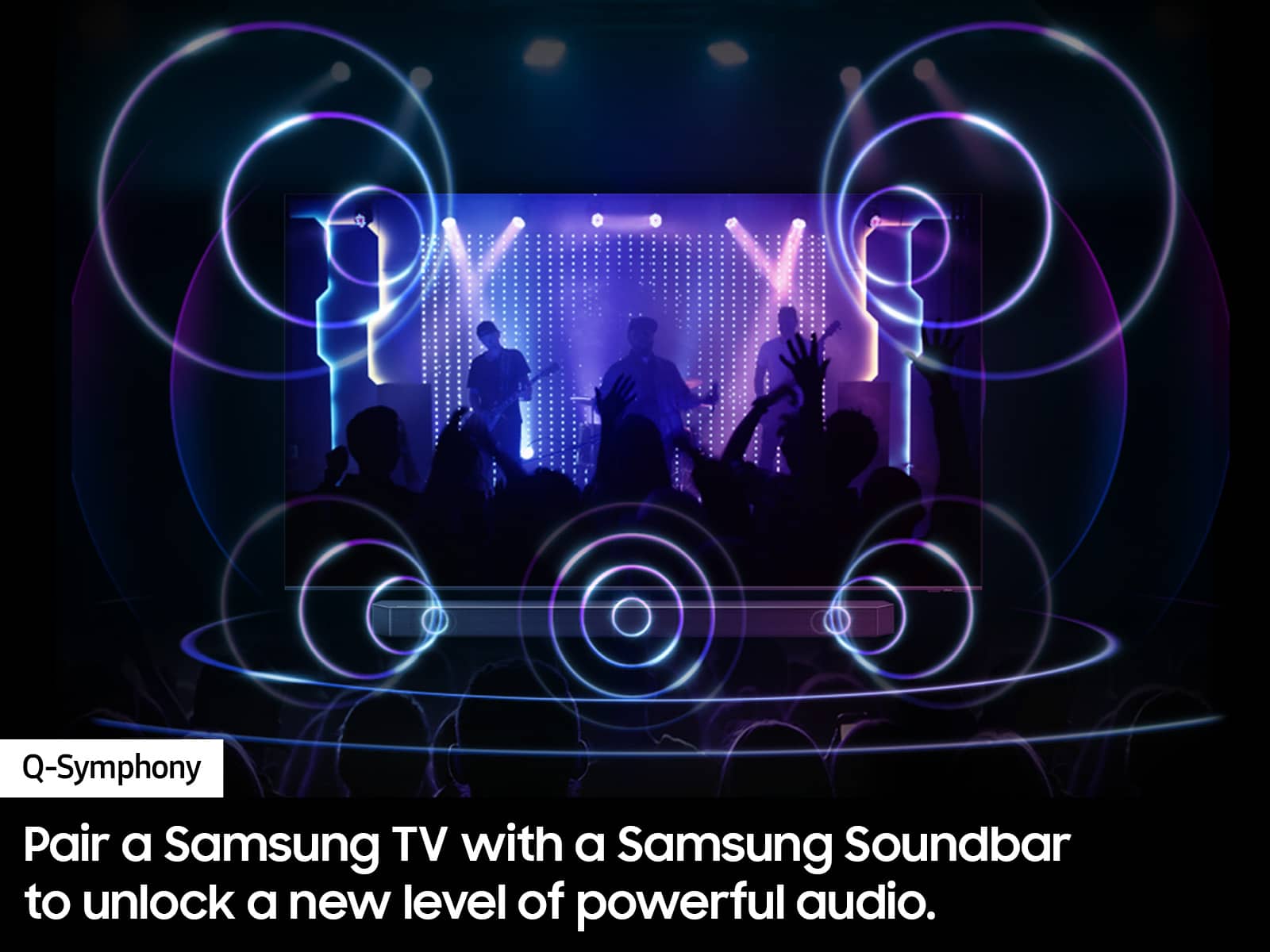
- Sound Quality
Rating 4.6 out of 5 stars
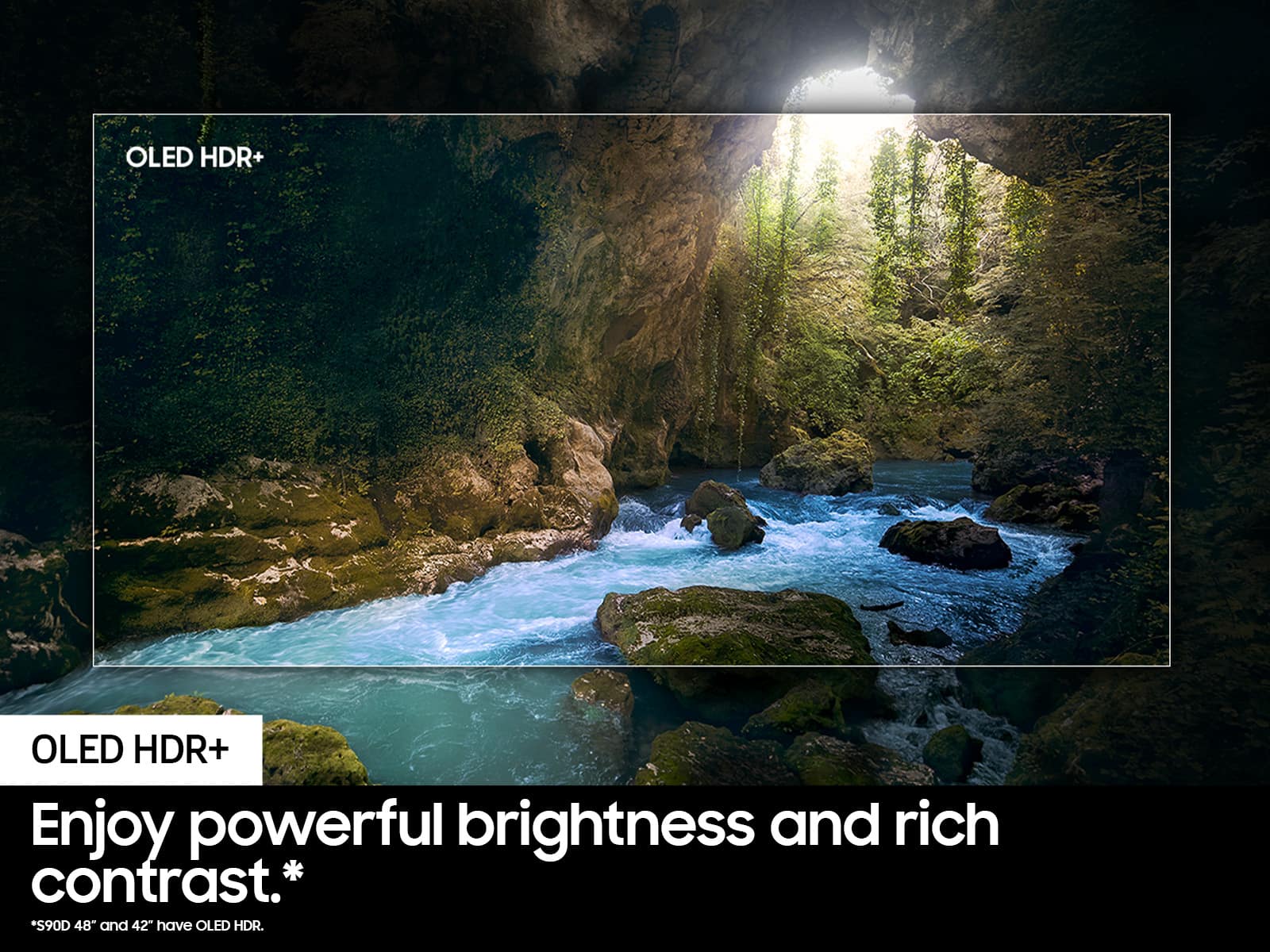
- Brightness
Rating 4.9 out of 5 stars
- Pros mentioned:Picture quality
Great TV, Terrible Customer Support
||Posted . Owned for 2 weeks when reviewed.This reviewer received promo considerations or sweepstakes entry for writing a review.THE TV ITSELF 5 stars. BEST BUY CUSTOMER SUPPORT is ONE STAR. Bought this TV and it went on sale 17 days after I bought it for 300 dollars cheaper. They would not price match it. Thanks Best Buy you just lost a customer.
I would recommend this to a friendBrand response from Samsung
Posted .Hoptimus,
Please know you are leaving a review and 1-star rating for the S90D TV, but we are sorry to hear of your Best Buy experience, nonetheless. You may want to consider providing feedback directly to the Best Buy store where you made your purchase.
Should you have questions on the S90D TV itself, Samsung is here for you. You can reach us at 1-800-SAMSUNG, 8AM - 12AM EST, 7 days a week. Our LiveChat agents are also available by clicking on the ‘Support’ link on our website.
~ Samsung Specialist
JUNK TV
||Posted . Owned for 1 month when reviewed.This reviewer received promo considerations or sweepstakes entry for writing a review.TV HASN'T WORKED PROPERLY SINCE THE DAY IT WAS PUT INTO SERVICE AND SAMSUNG HAS NO IDEA HOW TO REPAIR. HAVE CALLED SAMSUNG MANY TIMES AND IT'S ALWAYS THE SAME OLD STORY WE ARE WORKIING ON IT AND WILL GET BACK TO YOU BUT THAT NEVER HAPPENS---TV IS A PEICE OF JUNK.
No, I would not recommend this to a friendBrand response from Samsung
Posted .RogerF,
Thank you for sharing your review, and we’re sorry to hear that your experience with Service was not up to standards. We would like the opportunity to assist and further investigate your feedback. You can reach us at 1-800-SAMSUNG, 8AM - 12AM EST, 7 days a week. Our LiveChat agents are also available by clicking on the ‘Support’ link on our website.
We look forward to hearing from you.
~ Samsung Specialist
- Pros mentioned:Picture quality
Bad management
||Posted . Owned for 3 weeks when reviewed.This reviewer received promo considerations or sweepstakes entry for writing a review.The tv is 5/5 stars but the trouble I had to go through to get the tv is worth a 1 star review. The management at Best Buy Simi Valley are completely unprofessional and quite useless.
I would recommend this to a friendBrand response from Samsung
Posted .Scoob12,
Please know you are leaving a review and 1-star rating for the S90D TV, but we are sorry to hear of your Best Buy experience, nonetheless. You may want to consider providing feedback directly to the Best Buy store where you made your purchase.
Should you have questions on the S90D TV itself, Samsung is here for you. You can reach us at 1-800-SAMSUNG, 8AM - 12AM EST, 7 days a week. Our LiveChat agents are also available by clicking on the ‘Support’ link on our website.
~ Samsung Specialist
- Pros mentioned:Picture quality
Beautiful tv
||Posted . Owned for 1 month when reviewed.This reviewer received promo considerations or sweepstakes entry for writing a review.Nice. Tv images are very clear and easy to handle I like too much
I would recommend this to a friendBrand response from Samsung
Posted .RaulM,
Thanks for taking a moment to review Samsung’s S90D TV. If you’re experiencing specific issues which caused you to give this a 1-star rating, please know Samsung Customer Support is here to help.
You can reach us at 1-800-SAMSUNG, 8AM - 12AM EST, 7 days a week. Our LiveChat agents are also available by clicking on the ‘Support’ link on our website.
~ Samsung Specialist
Samsung Oled
||Posted . Owned for 3 weeks when reviewed.This reviewer received promo considerations or sweepstakes entry for writing a review.At this time I’m disappointed in the Samsung TV. The picture is jumpy. I have tried adjusting the blur and judder with no luck. I do have a geek squad appointment coming up. Hopefully they can set it up properly.
No, I would not recommend this to a friendBrand response from Samsung
Posted .RonaldP,
Thank you for sharing your thoughts on the picture quality of your S90D TV. To ensure you’ve got the latest image quality updates, please confirm that your TV is up to date with the latest firmware version. You can check by going to: Home > Menu > Settings > Support > Software Update.
If the picture you’re seeing is still not to your liking after updating firmware, there are several picture settings you may want to try adjusting.
Go to Home > left direction button > Settings > All Settings > Picture > Picture Mode
...and select the mode that best fits your usage:
1. Standard: Is the default mode suitable for general viewing environments
2. Dynamic: Makes the picture brighter and clearer in bright viewing environments
3. Eco: Provided to save energy
4. Movie: Suitable for watching TV or movies in a dark room
5. Filmmaker Mode: Provides source content just as the creators intended. If the image is defined as Filmmaker Mode, it’ll automatically switch to Filmmaker Mode while watching.
You can also fine-tune your picture with expert settings such as brightness, contrast, sharpness and more (All Settings > Picture > Expert Settings).
For further assistance with settings adjustments, please contact Samsung Customer Support at 1-800-SAMSUNG, 8AM - 12AM EST, 7 days a week. Or visit us on the Samsung website and click on the ‘Support’ link for:
• LiveChat
• Manuals, Software, & Warranty Info
~ Samsung Specialist
Disappointed
||Posted . Owned for 1 month when reviewed.This reviewer received promo considerations or sweepstakes entry for writing a review.I purchased a 65" S95C last November (2023) for the family room and I couldn't believe my eyes, hell of a TV. I then purchased a 55" S90D last month (2024) for the bedroom and the image looks grainy and not very clear. I have tried adjusting settings and I cannot match the same clarity and quality and overall WoW factor from the other TV. I will be returning.
No, I would not recommend this to a friendBrand response from Samsung
Posted .jcstriker,
Thank you for sharing your thoughts on the picture quality of your S90D TV. To ensure you’ve got the latest image quality updates, please confirm that your TV is up to date with the latest firmware version. You can check by going to: Home > Menu > Settings > Support > Software Update.
If the picture you’re seeing is still not to your liking after updating firmware, there are several picture settings you may want to try adjusting.
Go to Home > Menu > Settings > All Settings > Picture > Picture Mode
...and select the mode that best fits your usage:
1. Standard: Is the default mode suitable for general viewing environments
2. Dynamic: Makes the picture brighter and clearer in bright viewing environments
3. Eco: Provided to save energy
4. Movie: Suitable for watching TV or movies in a dark room
5. Filmmaker Mode: Provides source content just as the creators intended. If the image is defined as Filmmaker Mode, it’ll automatically switch to Filmmaker Mode while watching.
Intelligent Mode enables the TV to recognize and analyze the surroundings, noise, content, and your usage patterns to provide the best viewing experience. You can enable Intelligent Mode by going to Menu > Settings > All Settings > General & Privacy > Intelligent Mode Settings > Intelligent Mode.
You can also fine-tune your picture with expert settings such as brightness, contrast, sharpness and more (All Settings > Picture > Expert Settings).
For further assistance with settings adjustments, please contact Samsung Customer Support at 1-800-SAMSUNG, 8AM - 12AM EST, 7 days a week. Or visit us on the Samsung website and click on the ‘Support’ link for:
• LiveChat
• Manuals, Software, & Warranty Info
~ Samsung Specialist
Shallow mounting holes.
||Posted .This reviewer received promo considerations or sweepstakes entry for writing a review.The mounting holes were very shallow. We did not want to take the risk of damaging the screen and voiding the warranty and not being able to return the unit. So we didn't try to mount it and returned the TV unused.
No, I would not recommend this to a friendBrand response from Samsung
Posted .ConsumerShopper,
It’s unfortunate to hear of the issues that have caused you to return your TV. Your experience is very important to us and will be shared with our product team.
Should you ever decide to give Samsung TVs another try and have questions or need help with settings, setup, or features, please know we’re here to help. Call us at 1-800-SAMSUNG, 8AM - 12AM EST, 7 days a week.
LiveChat with an agent as well as manuals, software, and warranty info can be found at the ‘Support’ link on our Samsung website.
We hope to regain you as a customer in the future.
~ Samsung Specialist
Defective panel
||Posted . Owned for 1 week when reviewed.This reviewer received promo considerations or sweepstakes entry for writing a review.Unfortunately I didn't discover an issue with the panel until a couple days after my return window ended. https://eu.community.samsung.com/t5/tv/diagonal-lines-on-s90d/td-p/11383849 - wish Bestbuy could have helped me exchanged for a new one.
No, I would not recommend this to a friendBrand response from Samsung
Posted .WatertownGK,
It’s unfortunate to hear of your experience with Samsung’s S90D TV. Samsung is committed to providing the best possible product experience, quality, and value. We back this Samsung TV with a 1-year limited manufacturer's warranty, including authorized repair for manufacturer defect, if purchased brand-new directly from an authorized seller. You can enter your model number to review the full warranty details here: https://www.samsung.com/us/support/legal/LGL10000312/#standard-limited-warranty
Please give us the opportunity to assist you by contacting Samsung Customer Support at 1-800-SAMSUNG, 8AM - 12AM EST, 7 days a week. Our LiveChat agents are also available by clicking on the ‘Support’ link on our website.
~ Samsung Specialist
TV
||Posted . Owned for 3 weeks when reviewed.This reviewer received promo considerations or sweepstakes entry for writing a review.Not as spectacular as I thought it would be. Could just be me but if you can get a bigger screen… go for it.
I would recommend this to a friendBrand response from Samsung
Posted .Hi GeorgeD,
Thank you for sharing your thoughts on the picture quality of your S90D TV. To ensure you’ve got the latest image quality updates, please confirm that your TV is up to date with the latest firmware version. You can check by going to: Home > Menu > Settings > Support > Software Update.
If the picture you’re seeing is still not to your liking after updating firmware, there are several picture settings you may want to try adjusting.
Go to Home > Menu > Settings > All Settings > Picture > Picture Mode
...and select the mode that best fits your usage:
1. Standard: Is the default mode suitable for general viewing environments
2. Dynamic: Makes the picture brighter and clearer in bright viewing environments
3. Eco: Provided to save energy
4. Movie: Suitable for watching TV or movies in a dark room
5. Filmmaker Mode: Provides source content just as the creators intended. If the image is defined as Filmmaker Mode, it’ll automatically switch to Filmmaker Mode while watching.
You can also fine-tune your picture with expert settings such as brightness, contrast, sharpness and more (All Settings > Picture > Expert Settings).
Intelligent Mode also enables the TV to recognize and analyze the surroundings, noise, content, and your usage patterns to provide the best viewing experience. You can enable Intelligent Mode by going to Menu > Settings > All Settings > General & Privacy > Intelligent Mode Settings > Intelligent Mode.
If adjusting image settings does not improve your picture, please contact Samsung Customer Support at 1-800-SAMSUNG, 8AM - 12AM EST, 7 days a week. Or visit us on the Samsung website and click on the ‘Support’ link for:
• LiveChat
• Manuals, Software, & Warranty Info
~ Samsung Specialist
Tv didnt turn on poor quality
||Posted . Owned for 2 months when reviewed.This reviewer received promo considerations or sweepstakes entry for writing a review.Tv didnt even turn on out of box new no picture just light on tv. I wish it worked it was a good deal for 999.00
No, I would not recommend this to a friendBrand response from Samsung
Posted .Mason,
It’s unfortunate to hear of your experience with Samsung’s S90D TV. Samsung is committed to providing the best possible product experience, quality, and value. We back this Samsung TV with a 1-year limited manufacturer's warranty, including authorized repair for manufacturer defect, if purchased brand-new directly from an authorized seller. You can enter your model number to review the full warranty details here: https://www.samsung.com/us/support/legal/LGL10000312/#standard-limited-warranty
Please give us the opportunity to assist you by contacting Samsung Customer Support at 1-800-SAMSUNG, 8AM - 12AM EST, 7 days a week. Our LiveChat agents are also available by clicking on the ‘Support’ link on our website.
~ Samsung Pro
None
||Posted . Owned for 1 month when reviewed.This reviewer received promo considerations or sweepstakes entry for writing a review.Hard to review when it hasn’t been delivered yet. Need to check records before send out emails to review. Way too many emails.
I would recommend this to a friendBrand response from Samsung
Posted .Jazzman,
I'm sorry you have not received your TV yet. Please follow up directly with Best Buy for further assistance. We hope your issue is resolved in a timely manner.
Should you have questions regarding the usage or setup of your TV once you've received it, please contact Samsung Support at 1-800-SAMSUNG, 8AM - 12AM EST, 7 days a week. Our LiveChat agents are also available by clicking on the ‘Support’ link on our website.
~ Samsung Specialist
Angry
||Posted . Owned for 1 month when reviewed.This reviewer received promo considerations or sweepstakes entry for writing a review.Your failure to advise me about the TV mounting process I purchased through you cost me an extra $260. I have five computers, three televisions and several other electronic products. Based upon this purchase, I hope to never shop in Best Buy again.
No, I would not recommend this to a friendBrand response from Samsung
Posted .FrankF,
Please know you are leaving a review and 1-star rating for the S90D TV, but we are sorry to hear of your Best Buy experience, nonetheless. You may want to consider providing feedback directly to the Best Buy store where you made your purchase.
Should you have questions on the S90D TV itself, Samsung is here for you. You can reach us at 1-800-SAMSUNG, 8AM - 12AM EST, 7 days a week. Our LiveChat agents are also available by clicking on the ‘Support’ link on our website.
~ Samsung Specialist
- Pros mentioned:Oled quality
Worth it
Posted .This reviewer received promo considerations or sweepstakes entry for writing a review.The best TV I've ever owned. The richness of the colors on a Samsung just can't be beat. The blacks are deeper, the screen is brighter. Totaly worth it.
I would recommend this to a friend - Pros mentioned:Picture quality
Great TV !
Posted .This reviewer received promo considerations or sweepstakes entry for writing a review.All products work really well, and my wife is most happy with the TV and all the accessories that support it.
I would recommend this to a friend - Pros mentioned:Picture quality
Great TV
Posted .This reviewer received promo considerations or sweepstakes entry for writing a review.I am very pleased with this television. The picture is beautiful, such an upgrade from our older TV. It's amazing the details we can see now!
I would recommend this to a friend - Pros mentioned:Color
Samsung s90d review
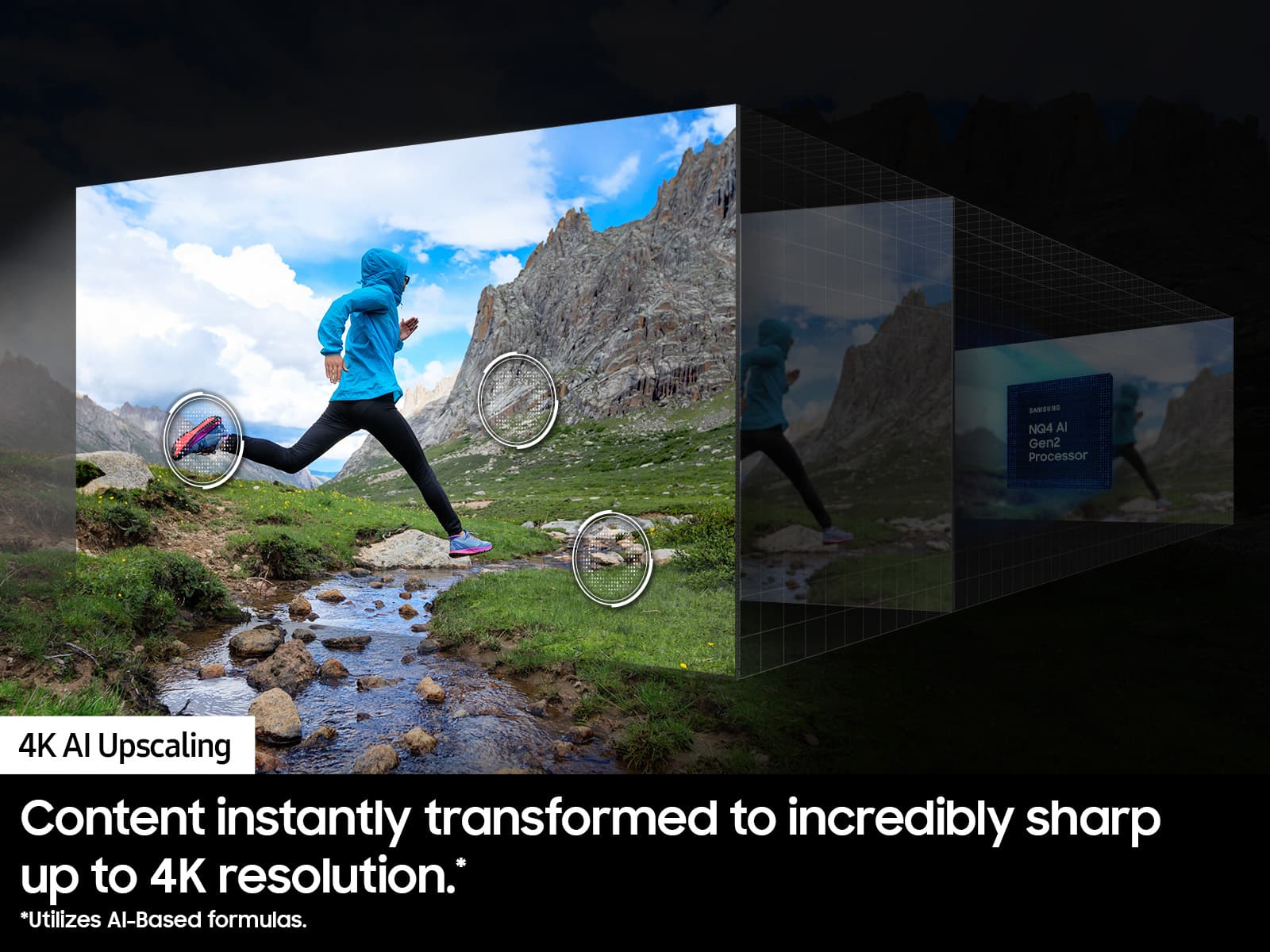
Posted .This reviewer received promo considerations or sweepstakes entry for writing a review.The clarity and brightness on the set is unmatched, really made a huge difference in gaming especially the game mode upscale to 120 htz is amazing
I would recommend this to a friend - Pros mentioned:Color
Beautiful picture
Posted .This reviewer received promo considerations or sweepstakes entry for writing a review.I had lots of help from the staff in deciding which TV would meet our needs. The colors are crisp and spectacular, particularly the reds and blues. We will enjoy this TV for a long time.
I would recommend this to a friend - Pros mentioned:Picture quality
Mr.
Posted .This reviewer received promo considerations or sweepstakes entry for writing a review.Stunning picture I am amazed every time we watch a show.
I would recommend this to a friend - Pros mentioned:Setup
TV
Posted .This reviewer received promo considerations or sweepstakes entry for writing a review.TV is outstanding purchase. Easy to put together and easy to set up.
I would recommend this to a friend Picture not as great as hoped
Posted .This reviewer received promo considerations or sweepstakes entry for writing a review.Maybe its the fact that I usually watch live TV on YouTube TV without the 4k package, but I wasn't overly impressed considering I was replacing a Sony Bravia TV that was about 12 years old. I will say games on my PS5 are a noticable improvement over the old Bravia though.
No, I would not recommend this to a friend