Customer Ratings & Reviews
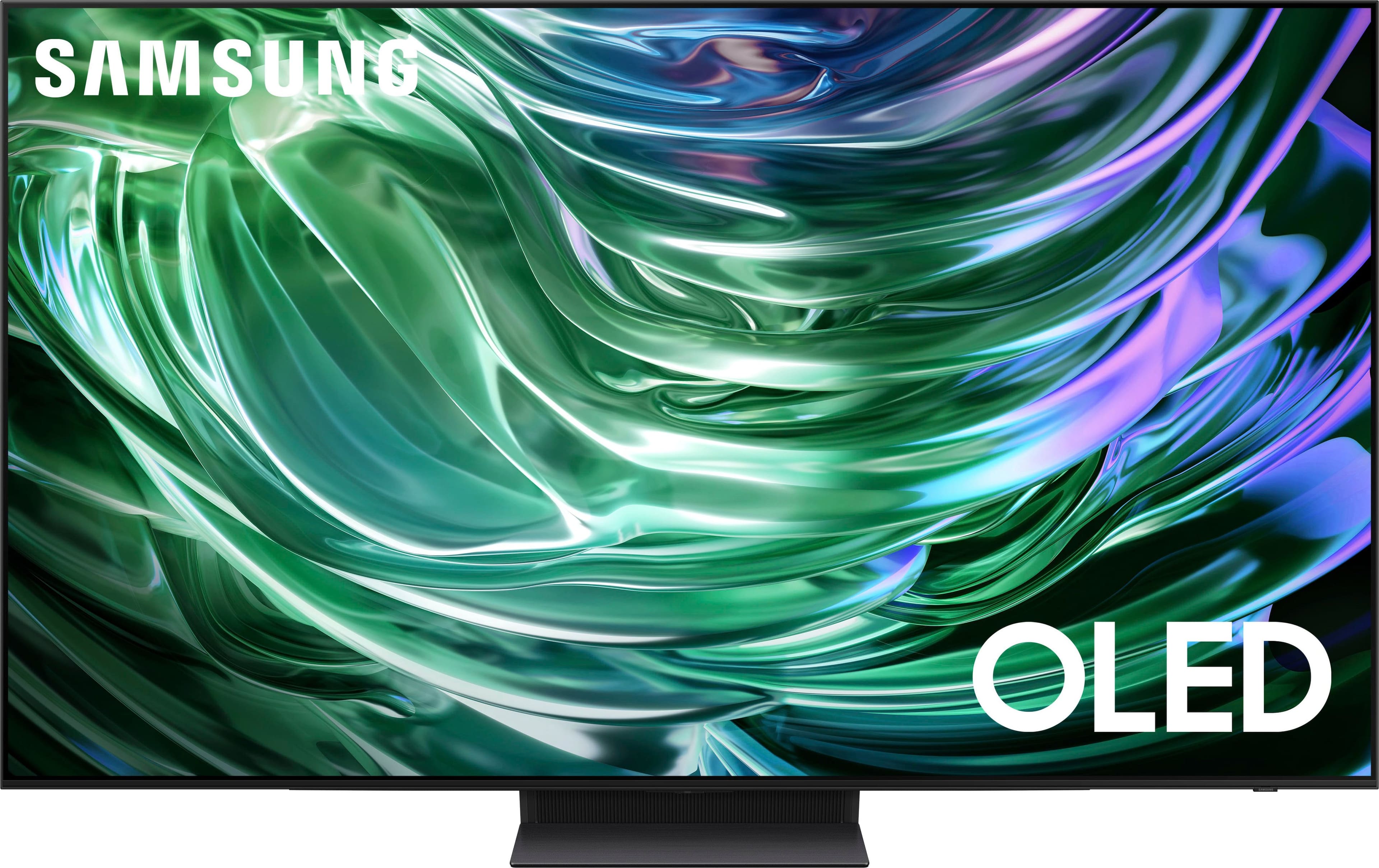
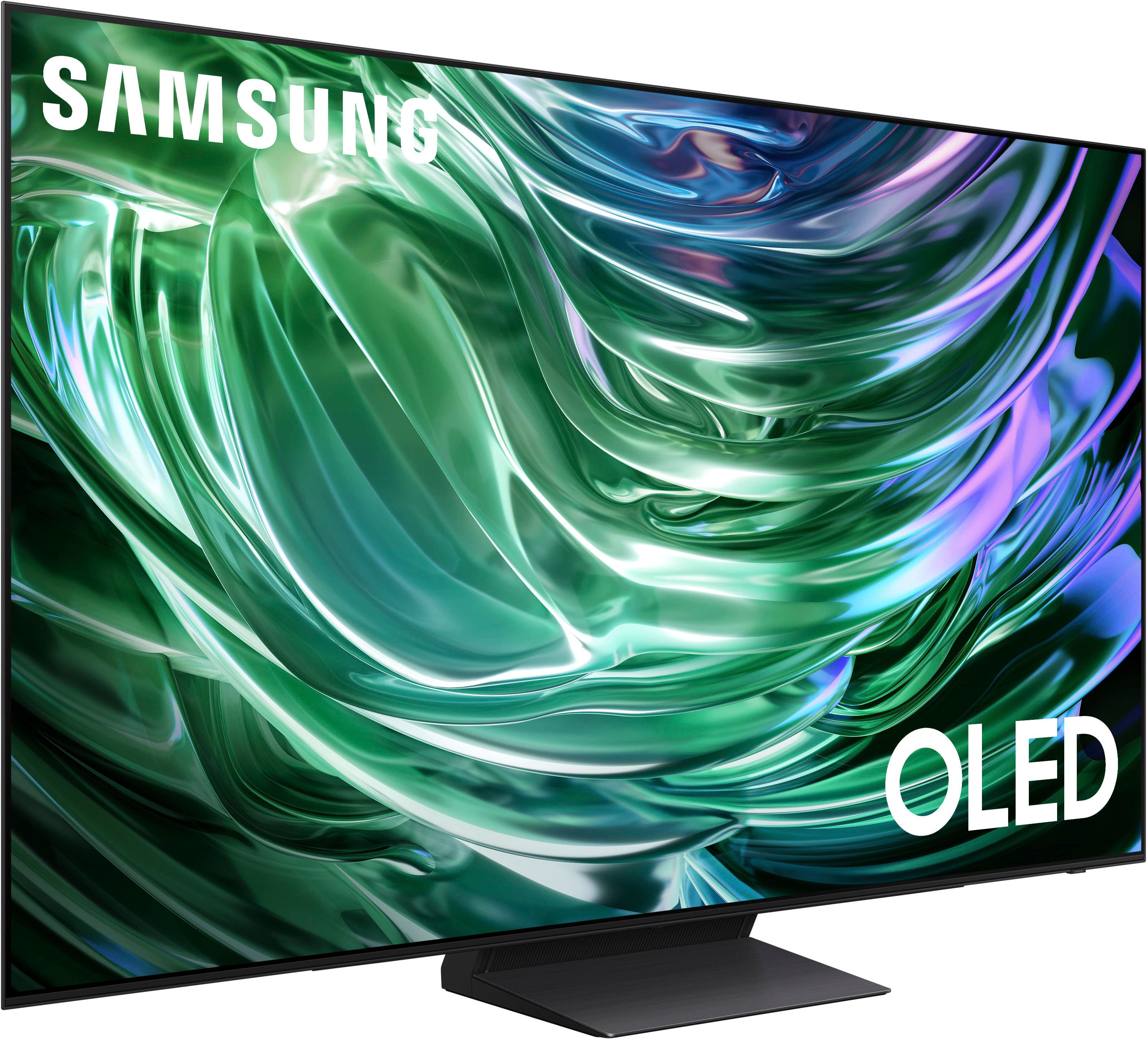
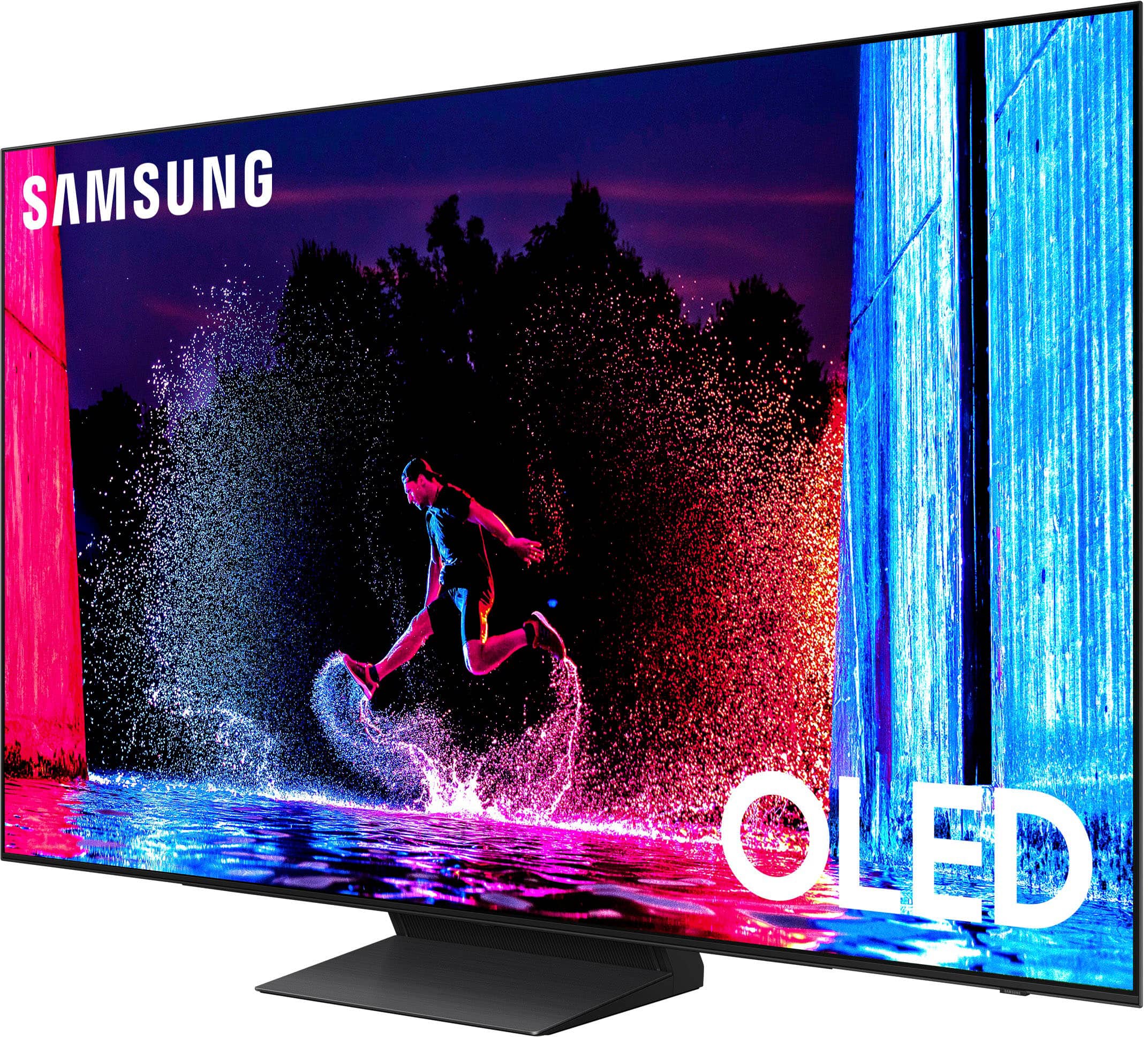
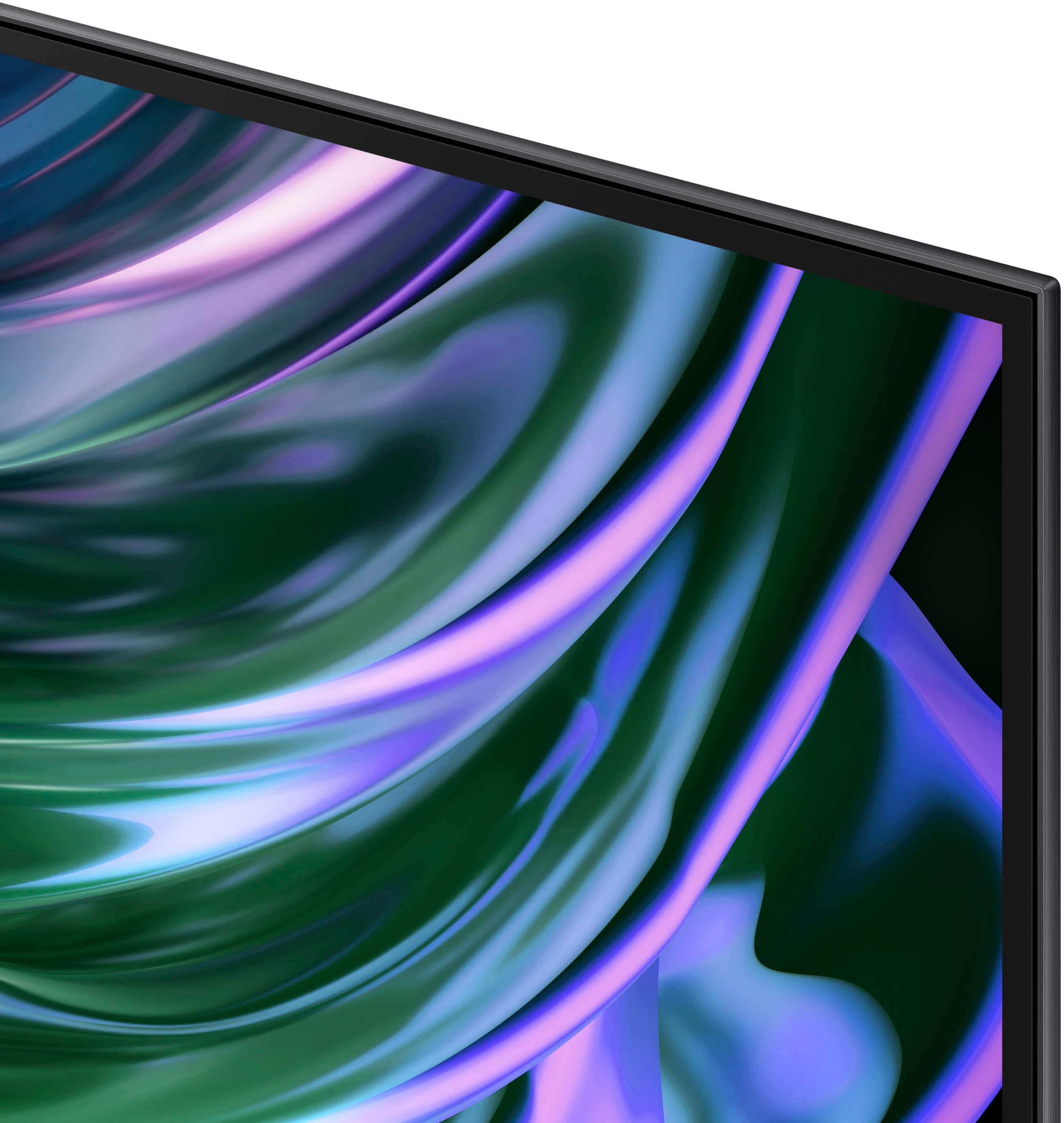
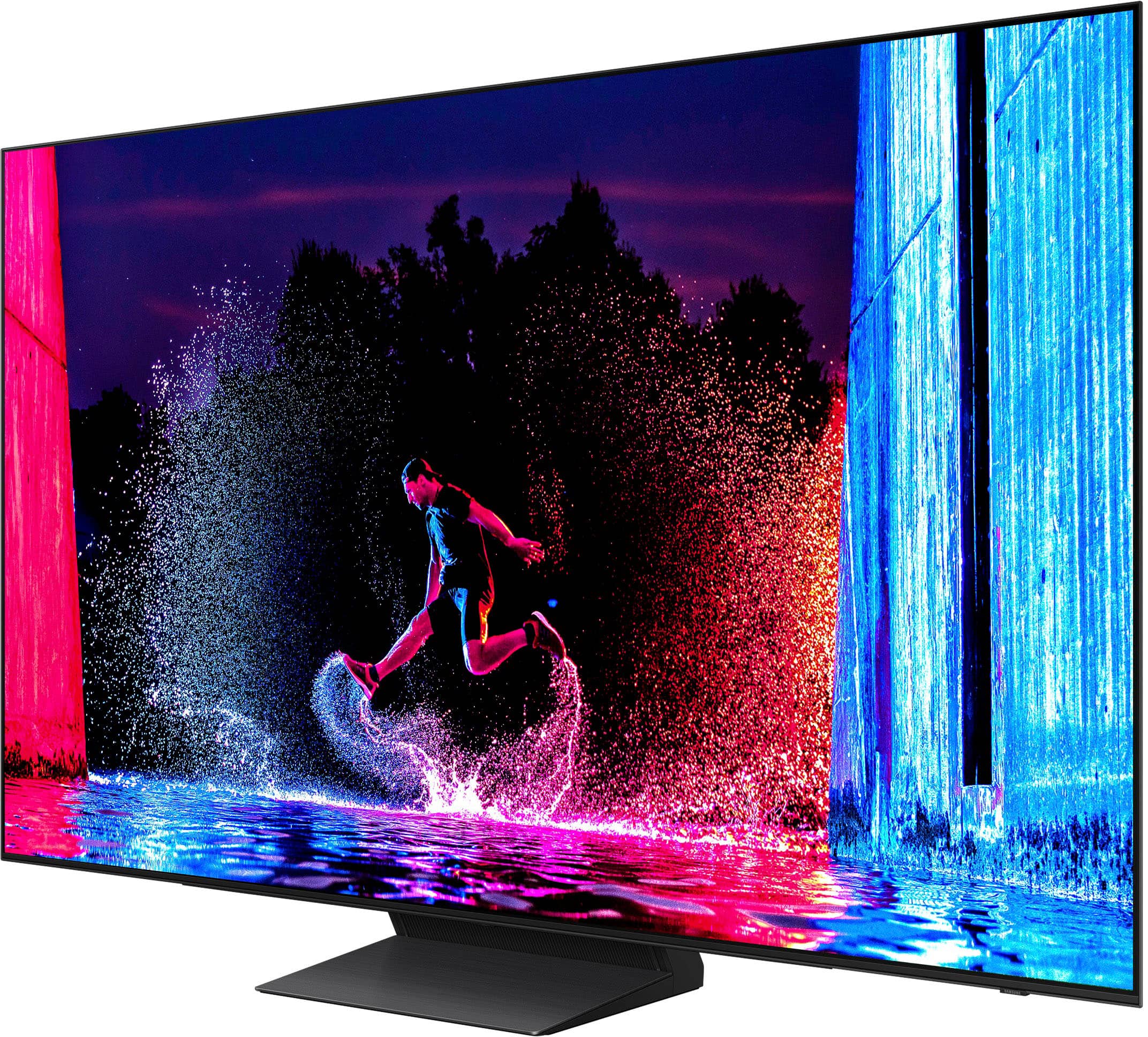
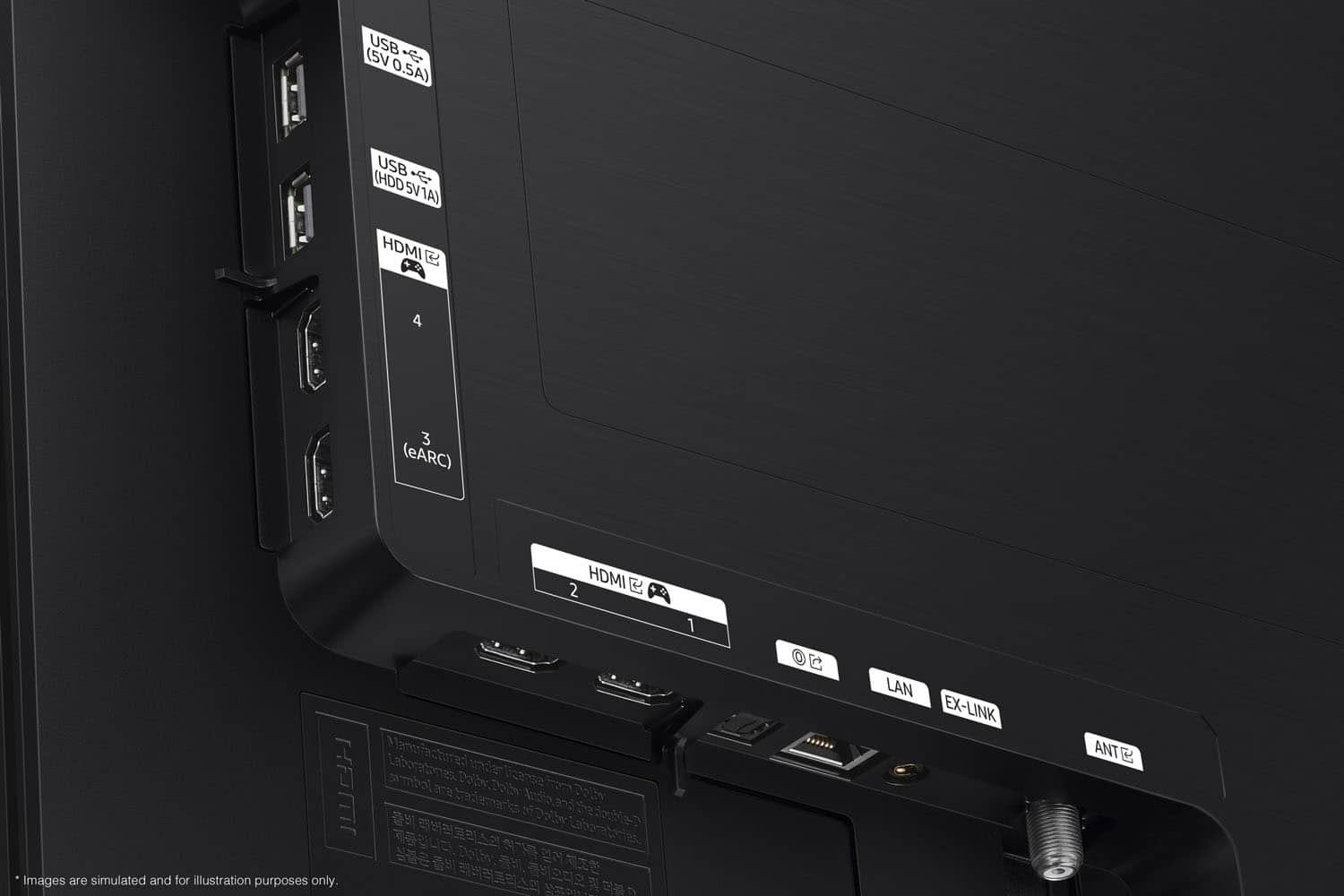
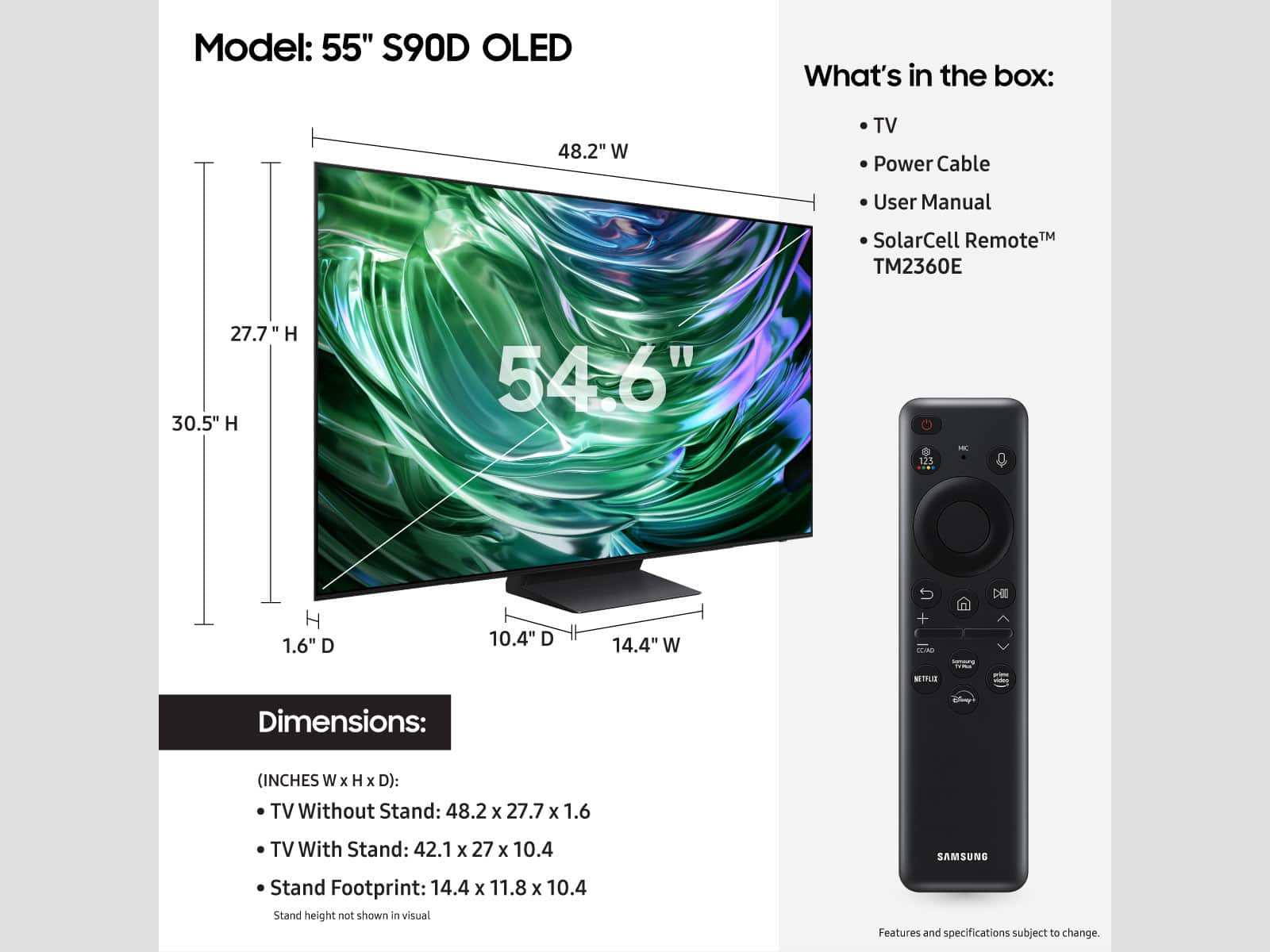

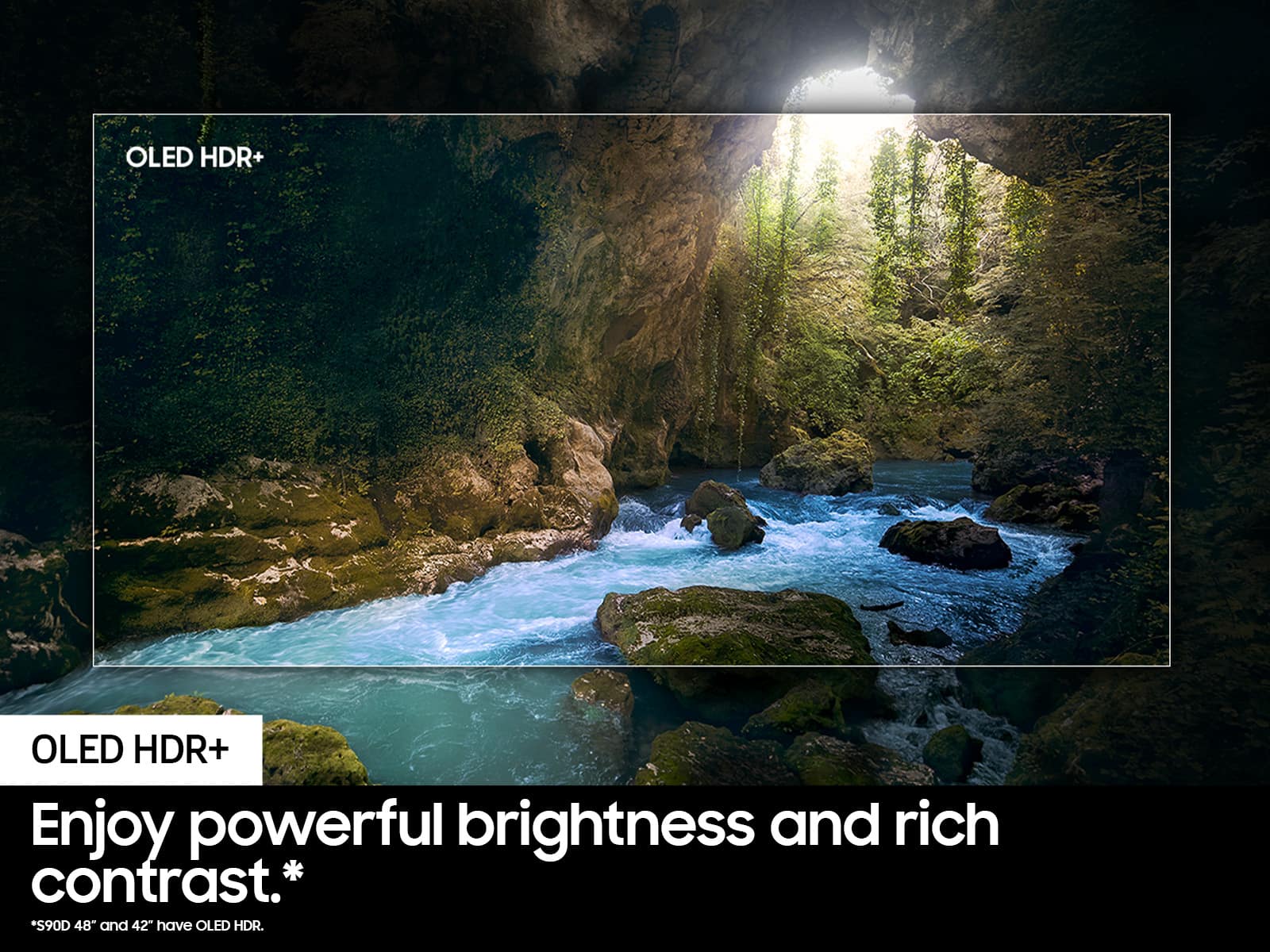







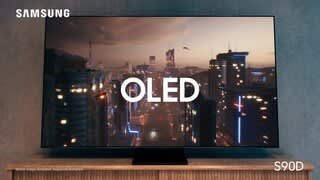


- Model:
- QN55S90DAFXZA
- SKU:
- 6576601
Rating by feature
- Picture Quality
Rating 4.9 out of 5 stars
- Sound Quality
Rating 4.6 out of 5 stars
- Brightness
Rating 4.9 out of 5 stars
Customers are saying
Customers value the 55" Class S90D Series OLED 4K UHD Smart Tizen TV (2024) for its exceptional picture quality, vibrant color, and user-friendly design. Many find the setup process quick and simple, and appreciate the TV's great refresh rate. However, some customers have expressed concerns regarding the remote control and connectivity.
This summary was generated by AI based on customer reviews.
Samsung 55"
||Posted . Owned for 1 month when reviewed.This reviewer received promo considerations or sweepstakes entry for writing a review.The first tv didn't work so I returned it. When setting it up, the audio was fine but the visual did not work; only got a black screen. The second tv is working beautifully.
I would recommend this to a friendI like it
||Posted . Owned for 1 year when reviewed.This reviewer received promo considerations or sweepstakes entry for writing a review.Nice colors, good sound, remote control long life battery
I would recommend this to a friendNot a bad purchase
||Posted .This reviewer received promo considerations or sweepstakes entry for writing a review.So far I am loving the TV. I thought I wouldn't like the remote since it is rather small but it's not bad. And it uses solar power and rechargeable USB type c connector to charge instead of batteries.
I would recommend this to a friend- Pros mentioned:Picture quality
Good quality
||Posted . Owned for 3 months when reviewed.This reviewer received promo considerations or sweepstakes entry for writing a review.It’s a good quality, Good image, Real colors Recommend it
I would recommend this to a friend - Pros mentioned:Picture quality
Great tv
||Posted . Owned for 1 month when reviewed.This reviewer received promo considerations or sweepstakes entry for writing a review.This a really nice tv. It is worth the price and has a super picture.
I would recommend this to a friend - Pros mentioned:Picture quality
Salesperson
||Posted . Owned for 1 month when reviewed.This reviewer received promo considerations or sweepstakes entry for writing a review.This OLED television is exceptional; I highly recommend it.
I would recommend this to a friend - Pros mentioned:Picture quality
Audio sucks
||Posted . Owned for 1 month when reviewed.This reviewer received promo considerations or sweepstakes entry for writing a review.Picture is excellent, audio has problems. Video and audio don’t sync properly using the TV speakers or an AV receiver using the optical cable. The audio delay parameter helps but still doesn’t sync correctly using the optical cable. AI affects both video and audio, cannot use AI for audio without AI affecting video.
No, I would not recommend this to a friendBrand response from Samsung
Posted .Artie,
We appreciate your feedback on the lip sync issues you’re experiencing with your TV. This could possibly be a source issue, but if you’re hearing an audio delay across all sources/channels and you have a receiver, soundbar, or other speakers connected to your TV, you can access the Audio Delay settings to increase the audio delay. Go to: Menu > Settings > All Settings > Sound > Expert Settings > Digital Output Audio Delay
Our TVs have an audio Pass-Through feature, which allows the audio signal to be sent out unprocessed to an external soundbar or receiver connected to the TV. The external device then processes the audio, thereby eliminating the added step of processing by the TV, which adds delay.
On your TV, go to: Menu > Settings > All Settings > Sound > Expert Settings > Digital Audio Output Format > Pass-Through
Please also be sure you’re running the latest firmware. You can check to see what software version your TV is using and if there is an available update through the settings on your TV. Go to: Menu > Settings > Support > Software Update.
If you’ve tried these steps and your issue persists, please contact us for troubleshooting and a Support agent will gladly assist. You can reach us at 1-800-SAMSUNG, 8AM - 12AM EST, 7 days a week. Or visit us on the Samsung website and click on the ‘Support’ link for:
• LiveChat
• Manuals, Software, & Warranty Info
~ Samsung Specialist
Great TV for gaming. Absolutely love it.
||Posted .This reviewer received promo considerations or sweepstakes entry for writing a review.Absolutely love this TV for my gaming. It's perfect for my room.
I would recommend this to a friendGreat purchase
||Posted .This reviewer received promo considerations or sweepstakes entry for writing a review.Very nice tv great picture quality. I would definitely recommend
I would recommend this to a friend- Pros mentioned:Picture quality
Solid buy of Samsung
||Posted . Owned for 1 month when reviewed.This reviewer received promo considerations or sweepstakes entry for writing a review.Great pic and sound............................................
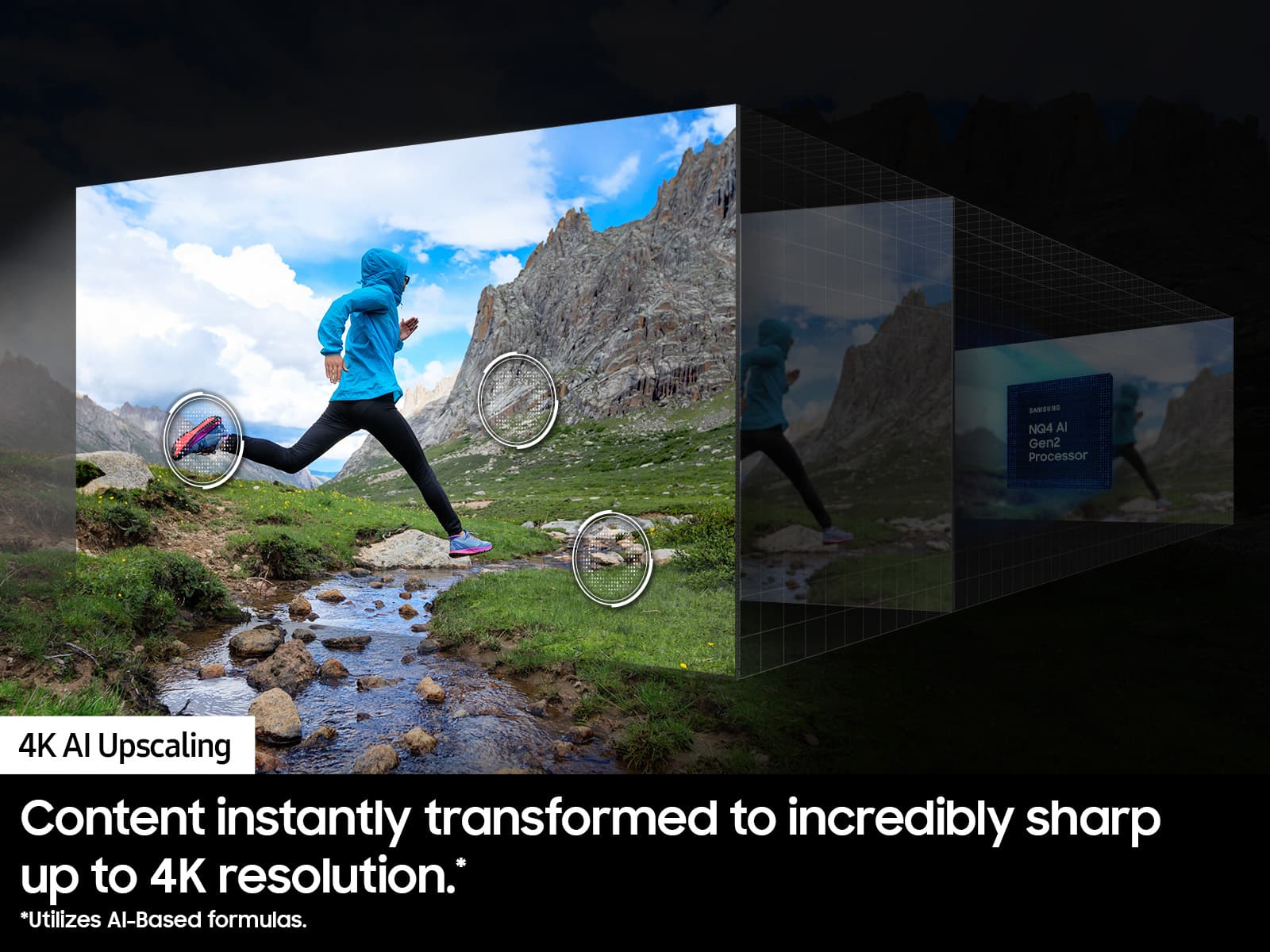
I would recommend this to a friend Excellent picture, AI upscaling and App navigation
||Posted . Owned for 2 weeks when reviewed.This reviewer received promo considerations or sweepstakes entry for writing a review.Outstanding product with an excellent bright screen. There is also very good AI upscaling along with an easily navigated screen and app control. We also have an antenna and the TV dies an excellent job capturing channels
I would recommend this to a friend- Pros mentioned:Picture quality
Samsung 55"
||Posted . Owned for 1 month when reviewed.This reviewer received promo considerations or sweepstakes entry for writing a review.Excellent quality. Perfect sound and clarity. Would buy again.
I would recommend this to a friend - Pros mentioned:Picture quality
OLED
||Posted . Owned for 1 month when reviewed.This reviewer received promo considerations or sweepstakes entry for writing a review.Good picture quality for the price. Still getting use to all the features.
I would recommend this to a friend Flawless connectivity!
||Posted . Owned for 2 weeks when reviewed.This reviewer received promo considerations or sweepstakes entry for writing a review.This TV is exceptional, seamlessly connecting to my phone and ready to power on instantly. It also includes a convenient feature that allows remote activation while I'm away from home. I really enjoy how this TV mimics the classic CRT-TV power-on effect
I would recommend this to a friend- Pros mentioned:Picture quality
New tv
||Posted . Owned for 1 month when reviewed.This reviewer received promo considerations or sweepstakes entry for writing a review.Excellent picture, great overall size easily mounted on wwll
I would recommend this to a friend A pleasure
||Posted .This reviewer received promo considerations or sweepstakes entry for writing a review.Our installer was pleasant, knowledgeable and patient as we asked questions. He helped to provide the best setup for the products we had purchased.
I would recommend this to a friend- Pros mentioned:Picture quality
First Samsung tv purchase
||Posted . Owned for 3 weeks when reviewed.This reviewer received promo considerations or sweepstakes entry for writing a review.Excellelnt picture/video quality, sound volume average
I would recommend this to a friend - Pros mentioned:Picture quality
I Love my new TV!
||Posted . Owned for 3 weeks when reviewed.This reviewer received promo considerations or sweepstakes entry for writing a review.It's the best pic. i have ever seen. I Love my new TV!
I would recommend this to a friend Everything I hoped for
||Posted . Owned for 3 weeks when reviewed.This reviewer received promo considerations or sweepstakes entry for writing a review.I read the reviews, did the research. It came down to either the LG C4 or this S90D, which I went with. The picture quality is stunning especially when it’s HDR. No regrets at all. The S90D is amazing.
I would recommend this to a friendSamsung, best on the market
||Posted . Owned for 1 month when reviewed.This reviewer received promo considerations or sweepstakes entry for writing a review.Great TV!!! This TV works perfect for what I was wanting. I was looking for an inexpensive TV, but after looking at many units, I decided on one of the best TV's on the market! Superb quality!!
I would recommend this to a friend