Customer Ratings & Reviews
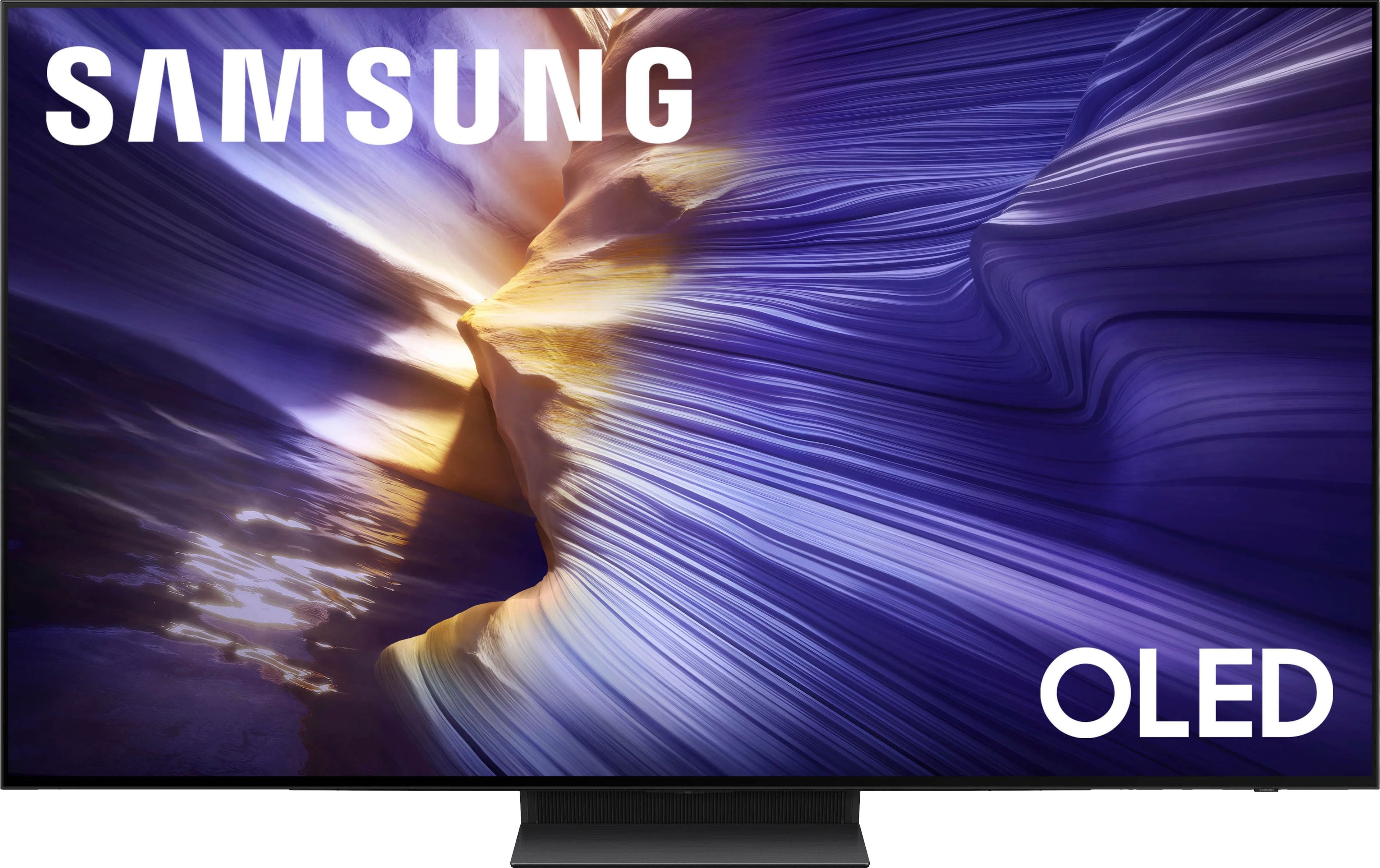
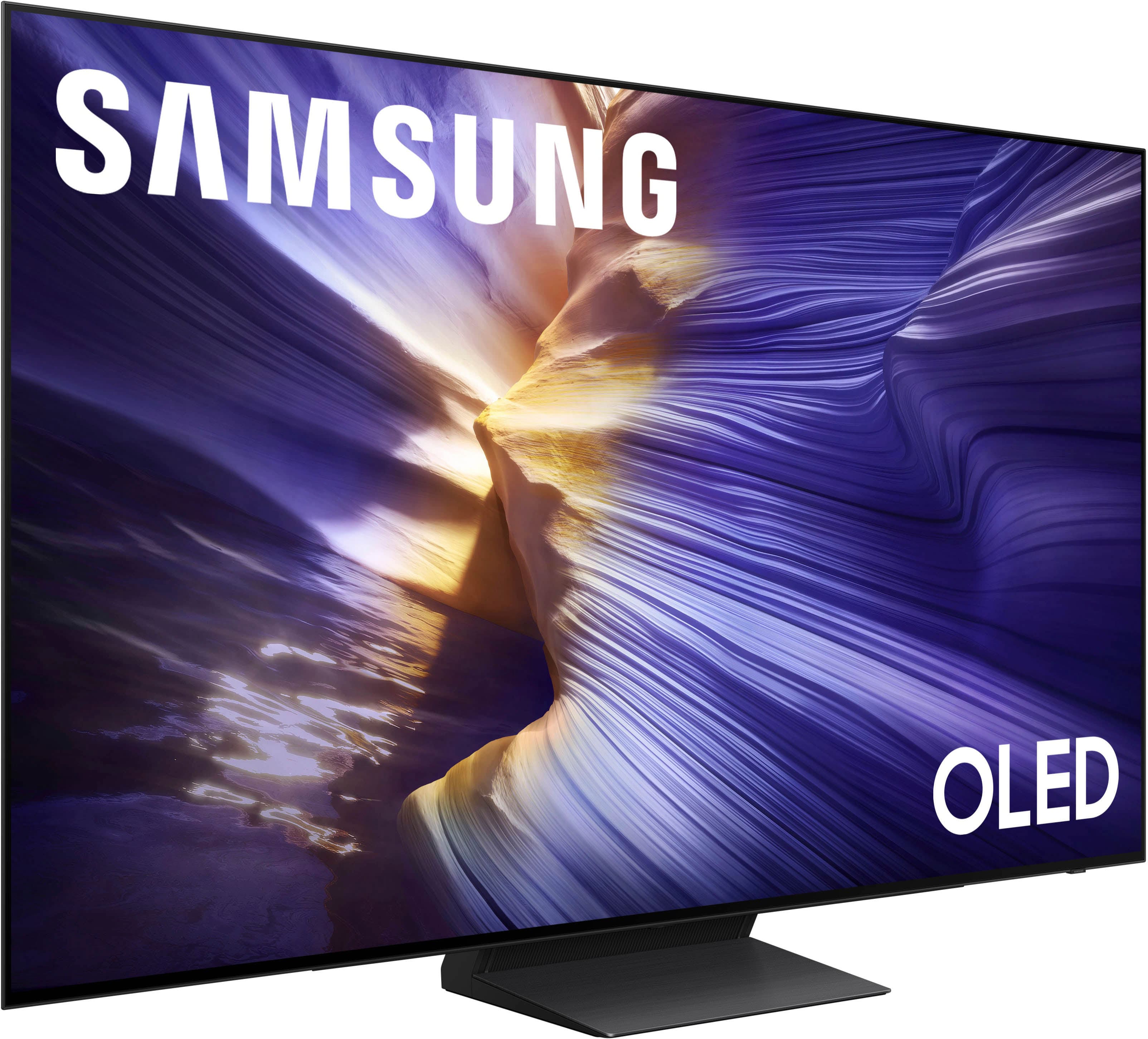
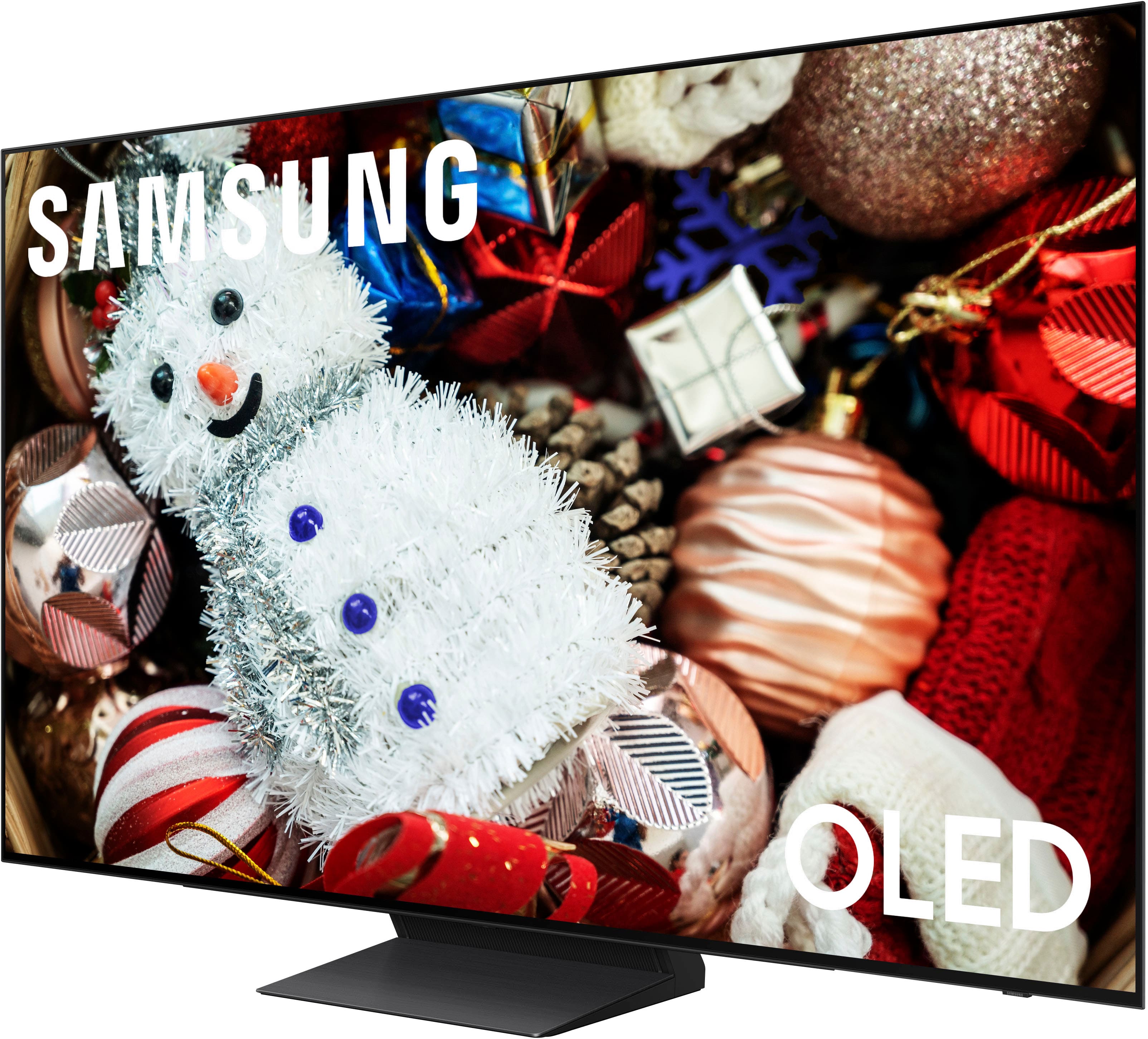
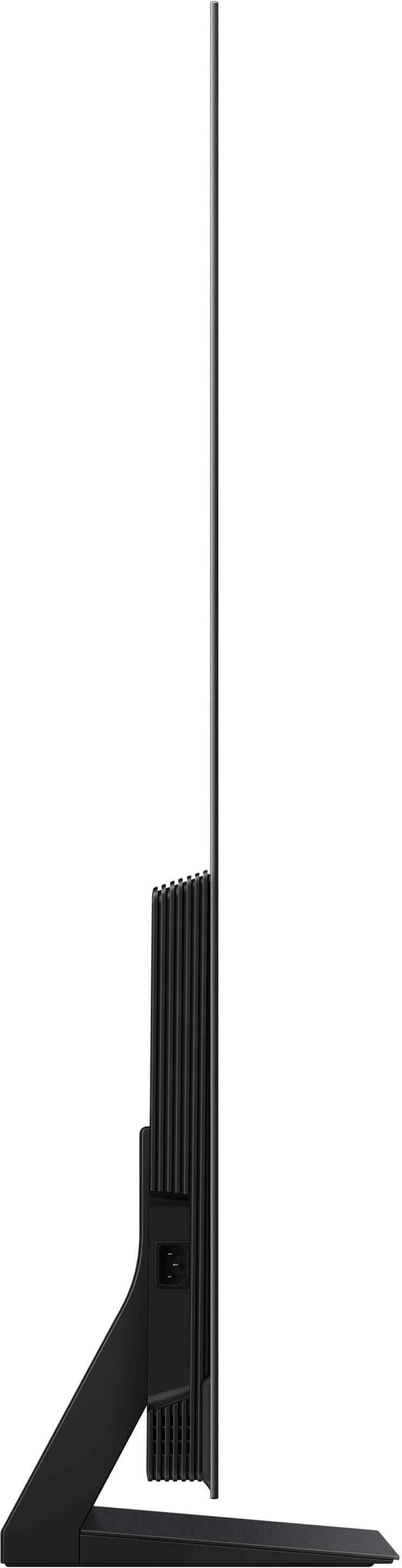









- Model:
- QN55S90FAFXZA
- |
- SKU:
- 10187579
Customer reviews
Rating 4.8 out of 5 stars with 349 reviews
(349 customer reviews)Rating by feature
- Picture Quality4.9
Rating 4.9 out of 5 stars
- Sound Quality4.6
Rating 4.6 out of 5 stars
- Brightness4.9
Rating 4.9 out of 5 stars
Customers are saying
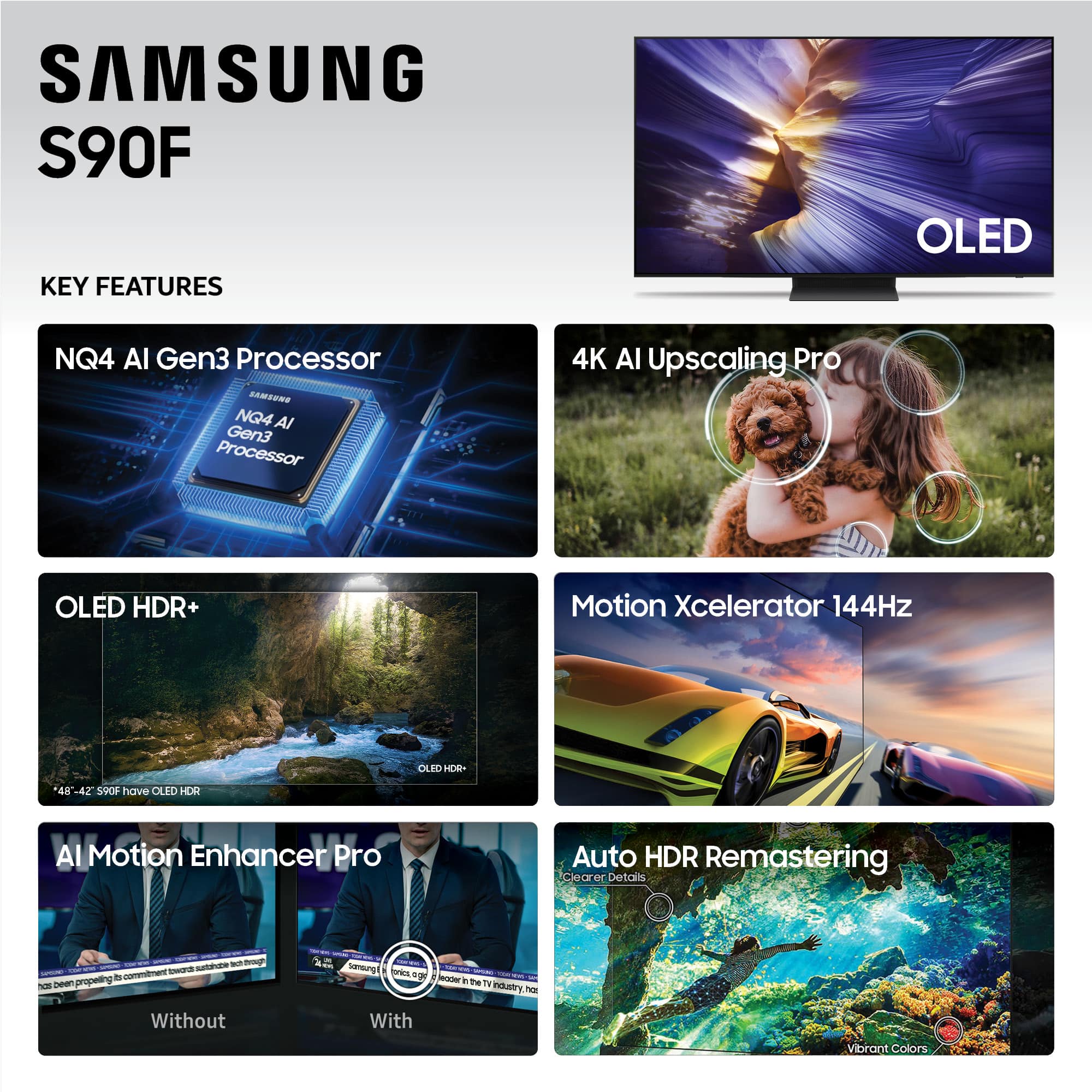
Customers find value in the 55” Class S90F Series OLED 4K UHD SamsungVision AI Smart Tizen TV (2025)'s picture quality and OLED quality. Customers also appreciate the TV's brightness and ease of use. Some customers find the design appealing and the motion handling smooth, especially for gaming.
This summary was generated by AI based on customer reviews.
- Pros mentioned:Oled quality
Rated 5 out of 5 stars
Awesome TV shut up
||Posted .This reviewer received promo considerations or sweepstakes entry for writing a review.Love it the color is fantastic it was better than my old one. My old TV must’ve been going bad love it that it has all those options in there for your Roku and all that stuff.
This review is from Samsung - 55” Class S90F Series OLED 4K UHD SamsungVision AI Smart Tizen TV (2025)
I would recommend this to a friend - Pros mentioned:Picture quality
Rated 5 out of 5 stars
Samsung OLED TV
||Posted . Owned for 1 month when reviewed.This reviewer received promo considerations or sweepstakes entry for writing a review.This TV has such amazing color and clarity. The available apps and access has been great. Easy to navigate from channel to channel. Delivery set up was fantastic.
This review is from Samsung - 55” Class S90F Series OLED 4K UHD SamsungVision AI Smart Tizen TV (2025)
I would recommend this to a friend - Pros mentioned:Picture quality
Rated 5 out of 5 stars
Breathtaking beauty in every picture!
||Posted .This reviewer received promo considerations or sweepstakes entry for writing a review.I have never seen any more vivid colors than this. Setup was very simple and intuitive. Strongly recommend it if you want a top quality OLED TV.
This review is from Samsung - 55” Class S90F Series OLED 4K UHD SamsungVision AI Smart Tizen TV (2025)
I would recommend this to a friend - Pros mentioned:Picture quality
Rated 5 out of 5 stars
Samsung led
||Posted . Owned for 1 month when reviewed.This reviewer received promo considerations or sweepstakes entry for writing a review.It’s it’s really good. I love it. It shows a lot. It looks like a mirror in the movies.
This review is from Samsung - 55” Class S90F Series OLED 4K UHD SamsungVision AI Smart Tizen TV (2025)
I would recommend this to a friend - Pros mentioned:Picture quality
Rated 5 out of 5 stars
Samsung 55 inch oled tv
||Posted . Owned for 2 weeks when reviewed.This reviewer received promo considerations or sweepstakes entry for writing a review.Excellent picture, Bright and vivid colors. Sound from tv is also excellent
This review is from Samsung - 55” Class S90F Series OLED 4K UHD SamsungVision AI Smart Tizen TV (2025)
I would recommend this to a friend - Pros mentioned:Picture quality
Rated 5 out of 5 stars
Love this tv!
||Posted . Owned for 3 weeks when reviewed.This reviewer received promo considerations or sweepstakes entry for writing a review.Absolutely love this tv! Great picture. The only down fall is the remote but not to bad.
This review is from Samsung - 55” Class S90F Series OLED 4K UHD SamsungVision AI Smart Tizen TV (2025)
I would recommend this to a friend Rated 5 out of 5 stars
Samsung S90F (a decent TV)
||Posted . Owned for 1 month when reviewed.This reviewer received promo considerations or sweepstakes entry for writing a review.I like the S90F 55". Sure, there's cheaper TVs that come close (if you're not a gamer), but I've had good experiences with Samsungs. They seem to last a long time. I also own an LG C3 and it's another good TV. The Samsung gets a bit higher rating because of the inclusion of the Samsung TV channels. And LG's magic wand cursor is annoying. I paid a price match because of big A's pr*me day sales. I also adjusted many of the picture settings on the Samsung - which is a must.
This review is from Samsung - 55” Class S90F Series OLED 4K UHD SamsungVision AI Smart Tizen TV (2025)
I would recommend this to a friend- Pros mentioned:Picture quality
Rated 5 out of 5 stars
Very happy
||Posted .This reviewer received promo considerations or sweepstakes entry for writing a review.Best TV ever My last TV was over 25 years old Best purchase ever made on a TV
This review is from Samsung - 55” Class S90F Series OLED 4K UHD SamsungVision AI Smart Tizen TV (2025)
I would recommend this to a friend Rated 5 out of 5 stars
New 55inch Samsung
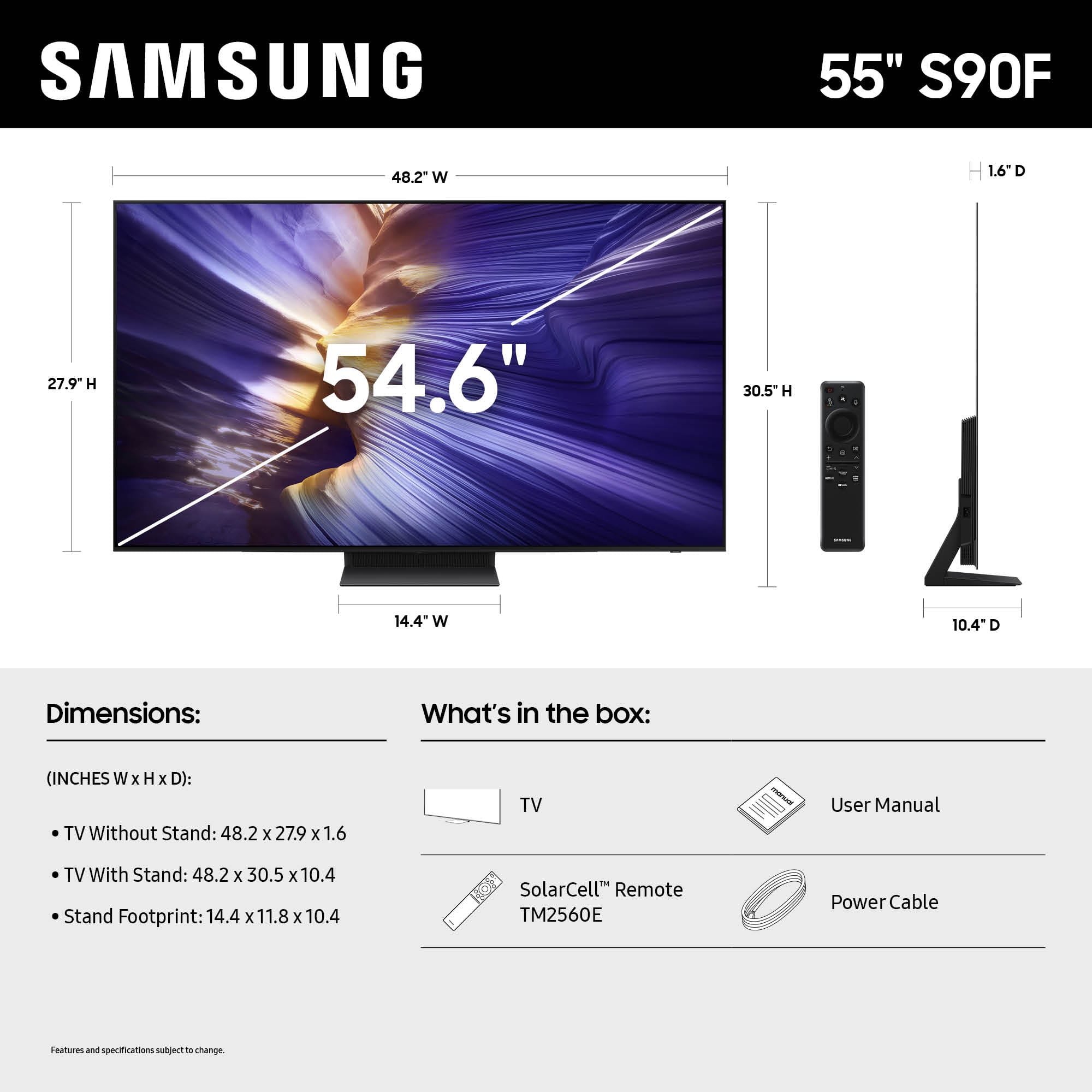
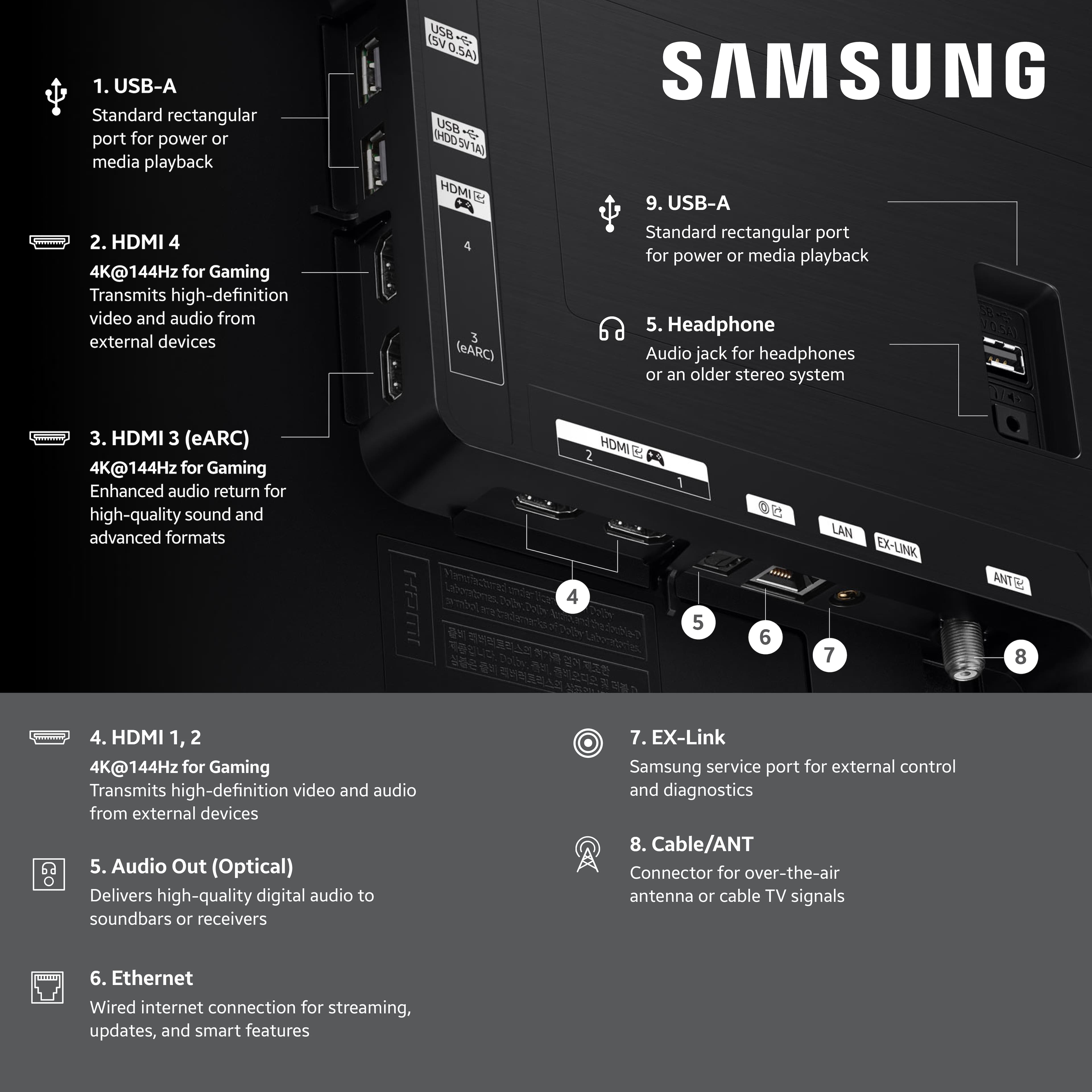
||Posted . Owned for 3 weeks when reviewed.This reviewer received promo considerations or sweepstakes entry for writing a review.Perfecr pictures, just the right side for our living room viewing distance. loved the adequate 4 HDMI input, which make all my stereo connections super quick and easy.
This review is from Samsung - 55” Class S90F Series OLED 4K UHD SamsungVision AI Smart Tizen TV (2025)
I would recommend this to a friend- Pros mentioned:Picture quality
Rated 5 out of 5 stars
Great TV
||Posted . Owned for 3 weeks when reviewed.This reviewer received promo considerations or sweepstakes entry for writing a review.TV is awesome. Was concerned about having it in a bright room but picture is fantastic.
This review is from Samsung - 55” Class S90F Series OLED 4K UHD SamsungVision AI Smart Tizen TV (2025)
I would recommend this to a friend Rated 5 out of 5 stars
Great Picture
||Posted . Owned for 4 months when reviewed.This reviewer received promo considerations or sweepstakes entry for writing a review.This TV has the best picture quality of any TV I have owned. Connectivity was easy and downloading apps was without issue.
This review is from Samsung - 55” Class S90F Series OLED 4K UHD SamsungVision AI Smart Tizen TV (2025)
I would recommend this to a friend- Pros mentioned:Picture quality
Rated 5 out of 5 stars
Samsung TV
||Posted . Owned for less than 1 week when reviewed.This reviewer received promo considerations or sweepstakes entry for writing a review.Awesome picture. So clear. Easy to install. Samsung technician was very helpful and knowledgeable about the product.
This review is from Samsung - 55” Class S90F Series OLED 4K UHD SamsungVision AI Smart Tizen TV (2025)
I would recommend this to a friend Rated 5 out of 5 stars
Amazing quality clear pictures
||Posted . Owned for 1 week when reviewed.This reviewer received promo considerations or sweepstakes entry for writing a review.Great add to my living room fits amazing my wife loves it
This review is from Samsung - 55” Class S90F Series OLED 4K UHD SamsungVision AI Smart Tizen TV (2025)
I would recommend this to a friend- Pros mentioned:Oled quality
Rated 5 out of 5 stars
Samsung OLED TV
||Posted . Owned for 1 month when reviewed.This reviewer received promo considerations or sweepstakes entry for writing a review.Colors are Amazing! Especially coming from a regular HD TV to an OLED was a HUGE Difference.
This review is from Samsung - 55” Class S90F Series OLED 4K UHD SamsungVision AI Smart Tizen TV (2025)
I would recommend this to a friend - Pros mentioned:Picture quality
Rated 4 out of 5 stars
Oled for the win
||Posted . Owned for 1 month when reviewed.This reviewer received promo considerations or sweepstakes entry for writing a review.Awesome picture. Remote's kinda iffy sometimes, but overall a very good tv
This review is from Samsung - 55” Class S90F Series OLED 4K UHD SamsungVision AI Smart Tizen TV (2025)
I would recommend this to a friend - Pros mentioned:Oled quality
Rated 5 out of 5 stars
Best bang for your buck
||Posted .This reviewer received promo considerations or sweepstakes entry for writing a review.This is the best OLED over ever owned. Best mid range QD-OLED OUT THERE
This review is from Samsung - 55” Class S90F Series OLED 4K UHD SamsungVision AI Smart Tizen TV (2025)
I would recommend this to a friend Rated 4 out of 5 stars
Worth
||Posted . Owned for 2 weeks when reviewed.This reviewer received promo considerations or sweepstakes entry for writing a review.Worth every penny oled looks much better than others it’s just worth it does get dirty very easily and annoying to clean but other than that it’s great
This review is from Samsung - 55” Class S90F Series OLED 4K UHD SamsungVision AI Smart Tizen TV (2025)
I would recommend this to a friendRated 5 out of 5 stars
Awesome pair for a PS5
||Posted . Owned for 3 weeks when reviewed.This reviewer received promo considerations or sweepstakes entry for writing a review.Great TV for my PS5 and living room. This tv pairs well with the ps5 and a Samsung soundbar with atmos Dolby, that combo is insane. I’m pleased with the outcome
This review is from Samsung - 55” Class S90F Series OLED 4K UHD SamsungVision AI Smart Tizen TV (2025)
I would recommend this to a friendRated 5 out of 5 stars
Better picture than expected!
||Posted . Owned for 2 weeks when reviewed.This reviewer received promo considerations or sweepstakes entry for writing a review.I have to say we had a QLED before this and there’s a huge difference. Last Blair writer picture and I don’t have to rotate the arm as often.
This review is from Samsung - 55” Class S90F Series OLED 4K UHD SamsungVision AI Smart Tizen TV (2025)
I would recommend this to a friend- Pros mentioned:Picture quality
Rated 5 out of 5 stars
It's a hit
||Posted . Owned for 2 months when reviewed.This reviewer received promo considerations or sweepstakes entry for writing a review.Great TV - excellent picture quality and super easy to set up
This review is from Samsung - 55” Class S90F Series OLED 4K UHD SamsungVision AI Smart Tizen TV (2025)
I would recommend this to a friend