Customer Ratings & Reviews
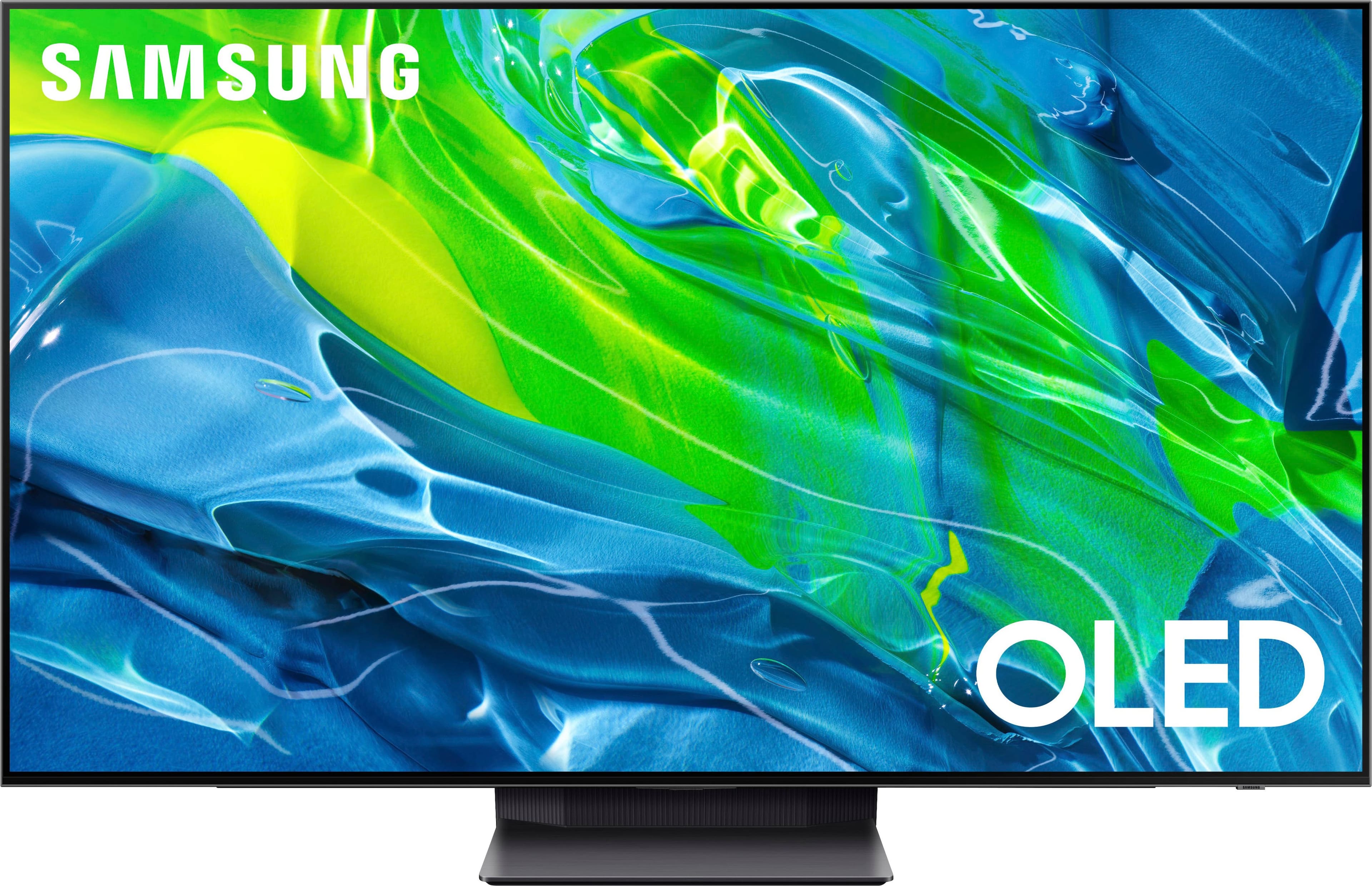
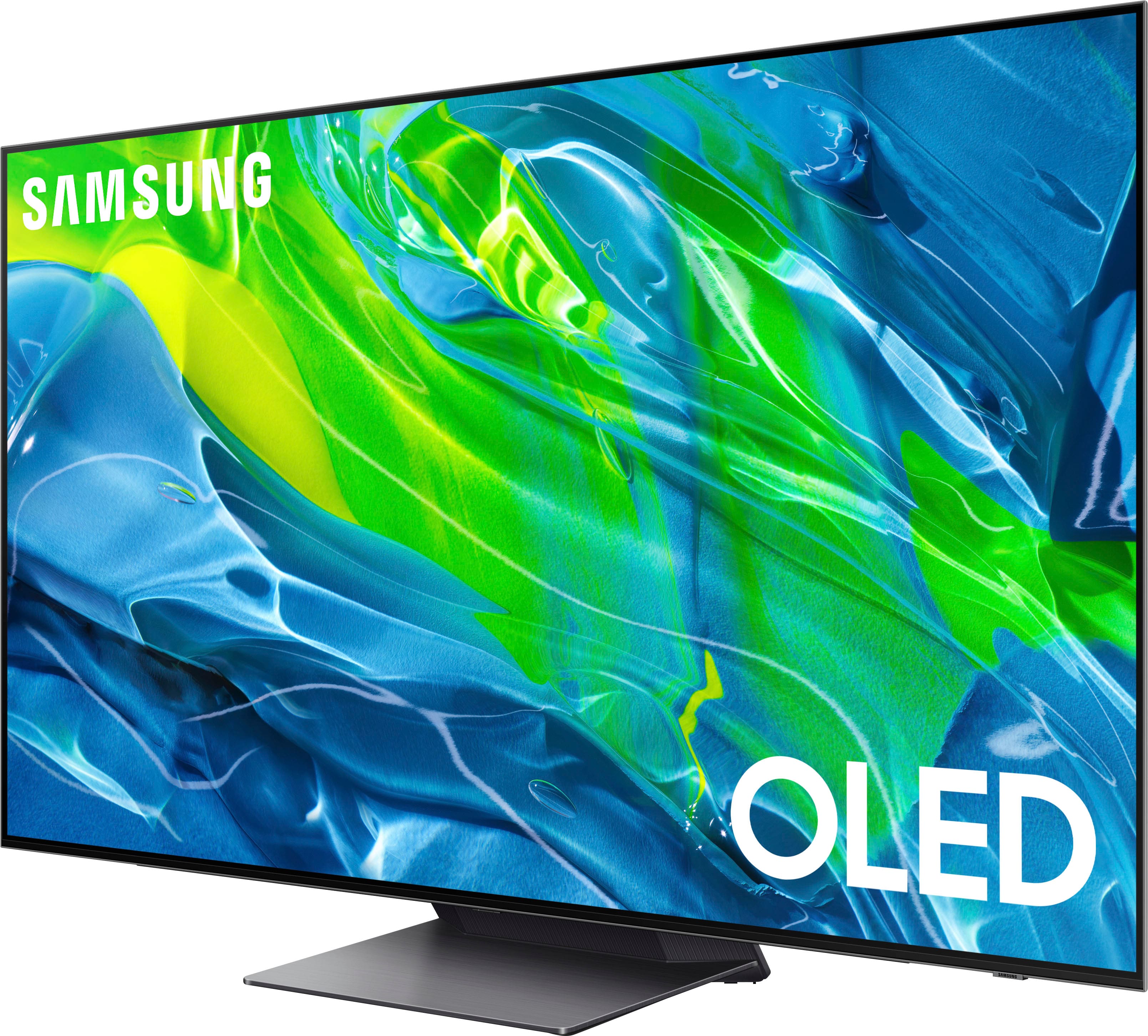

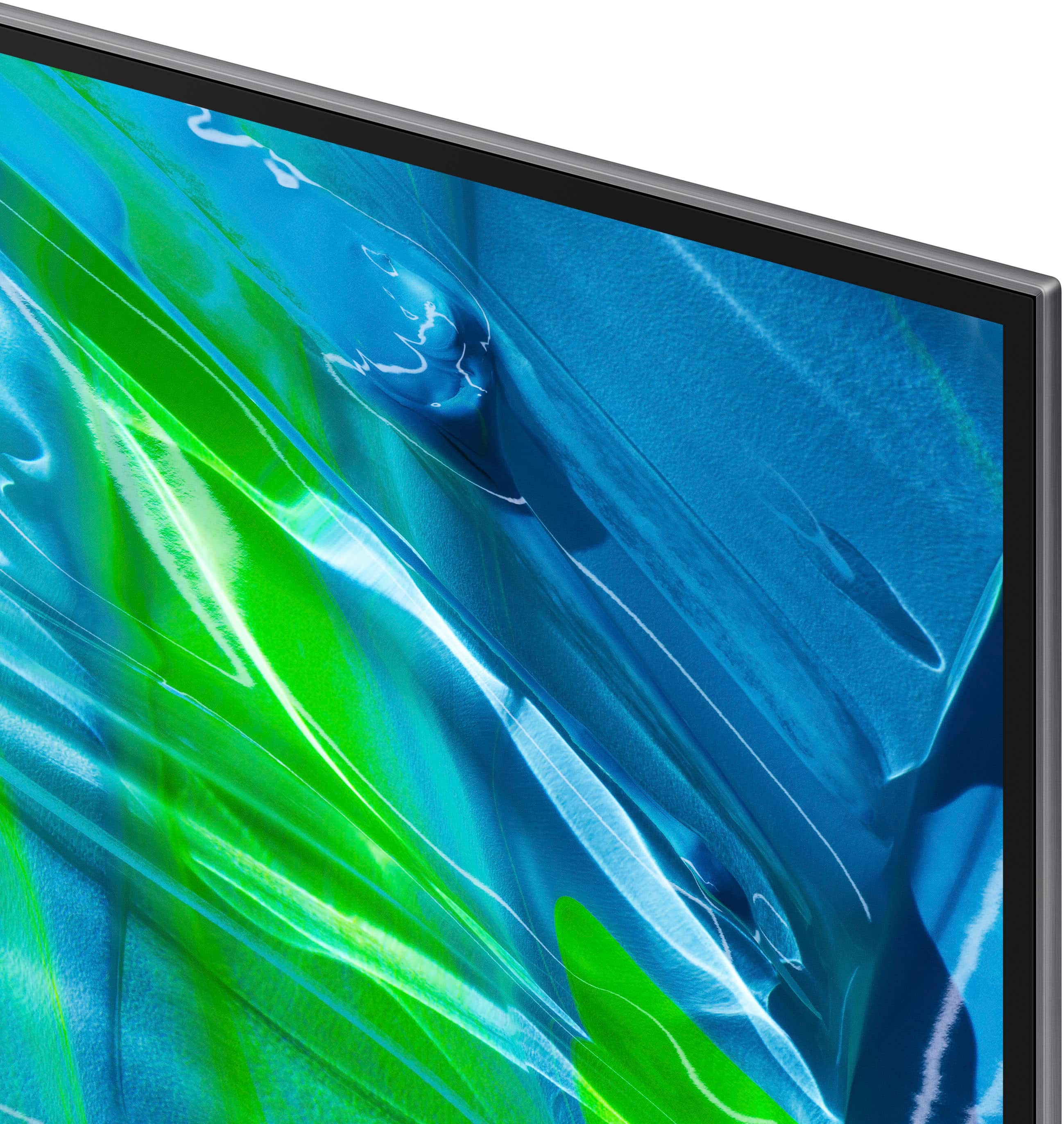








- Model:
- QN55S95BAFXZA
- SKU:
- 6502216
Rating by feature
- Picture Quality
Rating 4.9 out of 5 stars
- Sound Quality
Rating 4.6 out of 5 stars
- Brightness
Rating 4.8 out of 5 stars
Customers are saying
Customers recognize the 55” Class S95B OLED 4K Smart Tizen TV's exceptional picture quality, brightness, and impressive performance in HDR and gaming. Many appreciate its ease of use, although some find the remote control and operating system require adjustment. The user interface has received mixed reviews, with some users finding it less intuitive than others. A few users reported reliability issues.
This summary was generated by AI based on customer reviews.
10/10. Samsung Nailed It.
||Posted . Owned for 3 weeks when reviewed.This reviewer received promo considerations or sweepstakes entry for writing a review.The best panel I have ever used. Enthusiast level performance.
I would recommend this to a friendBeautiful picture but can't recommend...
||Posted . Owned for 3 weeks when reviewed.This reviewer received promo considerations or sweepstakes entry for writing a review.We wanted to love this TV. The picture is beautiful. But after a week of use, it was intermittently turning itself off and on at random times frequently when it was turned on. My son could be in the middle of playing a video game or watching a movie, and it would cycle to turn itself off. Apparently, there is a function with this TV where it does this on purpose. Best Buy is awesome to deal with and we returned it within the return policy timeframe and bought the LG C2 and are super happy with it.
No, I would not recommend this to a friendIts average.
||Posted . Owned for 3 weeks when reviewed.This reviewer received promo considerations or sweepstakes entry for writing a review.Ive had Samsung tvs for a long time. This was the first OLED that i decided to buy after having a QLED for years. Personally, the new home menu makes the whole system lag. The response time isnt like it used to be on the QLED. It takes a few seconds to respond to buttons, especially when turning it on and it has to load all that useless stuff in the new home menu. The picture looks amazing and crystal clear but it definitely isnt as bright as a QLED. Once the tv has been on for a little bit it reaponds better but overall the new Home screen is a huge turn on and the old one should be put back in place. I ended up keeping it but next time i wont be spending this much on an OLED from Samsung.
No, I would not recommend this to a friendBrand response from Samsung
Posted .Steve,
We appreciate your feedback regarding the system lag you're experiencing, and we ask that you ensure your S95B TV's firmware is up to date with the latest version. You can check this by going to: Home > Menu > Settings > Support > Software Update.
You may also want to further optimize performance with the self-diagnostic tool, which checks memory, frees up unused cached memory, and closes background apps. Go to: Home > Menu > Settings > Support > Device Care > Start Device Care
If the image is too dim, please try disabling some of the TV's energy efficiency functions, as these will automatically adjust your picture and may cause your screen to appear brighter or darker than preferred.
1. Check to see if Contrast Enhancer has been enabled. This setting automatically adjusts your TV's brightness so the difference between bright and dark areas is not excessive. Go to: Home > Menu > Settings > All Settings > Picture > Expert Settings > Contrast Enhancer
2. If Contrast Enhancer hasn’t been enabled, please see if Brightness Optimization, Brightness Reduction, or Motion Lighting have been enabled and disable them.
- Menu > Settings > All Settings > General & Privacy > Power and Energy Saving > turn off Brightness Optimization, Brightness Reduction, and Motion Lighting
I hope these tips help. Should you need further assistance, please call us at 1-800-SAMSUNG, 8AM - 12AM EST, 7 days a week. Or visit us on the Samsung website and click on the ‘Support’ link for:
• LiveChat with an agent
• Manuals, Software, & Warranty Info
~ Samsung Specialist
HDMI cable issues
||Posted . Owned for 3 weeks when reviewed.This reviewer received promo considerations or sweepstakes entry for writing a review.Nice tv. However, there is a consistent message when running “Signal Information” in the Support>Device Care menu. It says that HDMI cable needs upgrading to receive the best picture. upgrading. I have changed HDMI cables 6 times and bought the recommended cable up to the best made. Same message.
No, I would not recommend this to a friendBrand response from Samsung
Posted .Steve,
We appreciate your review of Samsung’s S95B TV. Please give us the opportunity to look into this for you so we can provide additional settings adjustments or troubleshooting assistance.
You can reach Samsung Support at 1-800-SAMSUNG, 8AM - 12AM EST, 7 days a week. Our LiveChat agents are also available by clicking on the ‘Support’ link on our website.
We look forward to hearing from you.
~ Samsung Specialist
Sumsun 55" S95B OLED 4K Smart
||Posted . Owned for less than 1 week when reviewed.This reviewer received promo considerations or sweepstakes entry for writing a review.This tv is crisp and clear, so far in one week it has been easy to work with. It was hard to install in to our old bracket, but was done.
I would recommend this to a friendGreat tv
||Posted . Owned for 3 weeks when reviewed.This reviewer received promo considerations or sweepstakes entry for writing a review.Still figuring out stuff but so far so good. Couldn’t pair with Spectrum cable. The manufacturer needs to get the codes to cable company.
I would recommend this to a friend- Pros mentioned:Picture quality
new tv
||Posted .This reviewer received promo considerations or sweepstakes entry for writing a review.Its ok, Not impressed with oled. my qled had better picture. Too bad it broke.
No, I would not recommend this to a friendBrand response from Samsung
Posted .hook,
I'm sorry to hear you're not fully enjoying your S95B TV. Please do ensure your TV's firmware is up to date with version 1211.2, as this includes picture quality and performance updates. You can check this by going to: Home > Menu > Settings > Support > Software Update.
If the image you’re seeing is not to your liking after performing any necessary updates, there are several picture settings you may want to try adjusting.
Go to Home > Menu > Settings > All Settings > Picture > Picture Mode
...and select the mode that best fits your usage:
1) Standard: Is the default mode suitable for general viewing environments.
2) Movie: Is suitable for watching TV or movies in a dark room.
3) Dynamic: Makes the picture brighter and clearer in bright viewing environments.
4) Filmmaker Mode: You can watch the source content (e.g., movie) as it is. If the image is defined as Filmmaker Mode, it will automatically switch to Filmmaker Mode while watching.
Intelligent Mode enables the TV to recognize and analyze the surroundings, noise, content, and your usage patterns to provide the best viewing experience. You can enable Intelligent Mode by going to Menu > Settings > All Settings > General & Privacy > Intelligent Mode Settings > Intelligent Mode.
If adjusting image settings does not improve your picture, please contact Samsung Customer Support at 1-800-SAMSUNG, 8AM - 12AM EST, 7 days a week. Or visit us on the Samsung website and click on the ‘Support’ link for:
1) LiveChat
2) Manuals, Software, & Warranty Info
~ Samsung Specialist
OLED tv
||Posted . Owned for 1 week when reviewed.This reviewer received promo considerations or sweepstakes entry for writing a review.this unit is going in my bedroom and I went with the OLED because I will not be watching anything that will burn in the screen.
I would recommend this to a friendTv
||Posted . Owned for 3 weeks when reviewed.This reviewer received promo considerations or sweepstakes entry for writing a review.It’s good but not as good as my previous Samsung that I probably purchased 10 years ago , which at the time was the top of the line and cost $5,000
I would recommend this to a friendGreat tv!
||Posted . Owned for 1 week when reviewed.This reviewer received promo considerations or sweepstakes entry for writing a review.The best screen I have ever seen. This tv is crazy, although I have hated and continue to hate Tizen OS.
I would recommend this to a friendBrand response from Samsung
Posted .Devan,
I'm glad to hear you're enjoying your S95B OLED TV! If you're experiencing any OS issues, please do ensure your TV's firmware is up to date with version 1204.2 which includes various performance updates. You can check this by going to: Home > Menu > Settings > Support > Software Update > Update Now
If there's anything we can ever help with, please call us at 1-800-SAMSUNG, 8AM - 12AM EST, 7 days a week. LiveChat with an agent as well as manuals, software, and warranty info can be found at the ‘Support’ link on our Samsung website.
Thank you for choosing Samsung!
~ Samsung Specialist
Good. Resolution
||Posted . Owned for 3 weeks when reviewed.This reviewer received promo considerations or sweepstakes entry for writing a review.Big, very clear. If you have someone who has eyesight issues, I highly recommend it.
I would recommend this to a friendUnbelievable picture quality!
||Posted . Owned for 3 weeks when reviewed.This reviewer received promo considerations or sweepstakes entry for writing a review.Highly recommend. Easy directions. We hung on the wall but were careful as the screen is very thin. Would def get another one when the time comes!
I would recommend this to a friendMiller household
||Posted . Owned for 3 weeks when reviewed.This reviewer received promo considerations or sweepstakes entry for writing a review.The TV came without incident and was mounted the same... without incident!!
I would recommend this to a friendTV set up
||Posted . Owned for 2 months when reviewed.This reviewer received promo considerations or sweepstakes entry for writing a review.Your tech team was very knowledgeable and professional on the installation of our new tv
I would recommend this to a friendPoor connectivity
||Posted .This reviewer received promo considerations or sweepstakes entry for writing a review.Constant freezing and poor internet connectivity. I wasted my money. No more Samsung for me…
No, I would not recommend this to a friend- Pros mentioned:Picture quality
Needs recall
||Posted . Owned for less than 1 week when reviewed.This reviewer received promo considerations or sweepstakes entry for writing a review.3 out of 3 have done some weird screen glitch thing where these screen has a patern of red lines through it. Finally I've seen other people online reporting it as well. Do not buy and if you do, do whatever it takes to return because guess what.. . Samsung will not help you. In fact they will tell you its your fault lol, atleast thats what Ive seen online. I will say that while its working it is very good After a few years of loving my nu8500, i think im giving up on Samsung. Your up lg c2.
No, I would not recommend this to a friendBrand response from Samsung
Posted .CHRIS,
Thank you for bringing your concerns to our attention. We were able look further into your contact with our service team and have escalated your case. A service representative will be contacting you shortly.
Please know that Samsung is committed to providing the best possible product experience, quality, and value, and your feedback will be shared with our product and customer care teams.
Should you wish to contact us directly with your ticket number, please call us at 1-800-SAMSUNG, 8AM - 12AM EST, 7 days a week. Or visit us on the Samsung website and click on the ‘Support’ link for:
• LiveChat
• Manuals, Software, & Warranty Info
~ Samsung Specialist
New tv Purchase
||Posted . Owned for 3 weeks when reviewed.This reviewer received promo considerations or sweepstakes entry for writing a review.Excellent tv, resolution is so life like. This product adds to our living space.
I would recommend this to a friendWow
||Posted . Owned for 1 month when reviewed.This reviewer received promo considerations or sweepstakes entry for writing a review.Wow the TV is great, the service was great, I wouldn't go anywhere else!
I would recommend this to a friendGood tv but will not last
||Posted . Owned for 1 year when reviewed.This reviewer received promo considerations or sweepstakes entry for writing a review.Lasted a year and three months. Now it will not turn on
No, I would not recommend this to a friendDefective TV
||Posted . Owned for 8 months when reviewed.This reviewer received promo considerations or sweepstakes entry for writing a review.I purchased the TV in April. It started making clicking noises and would not turn on in December. It is still under warranty, Samsung is advised GeekSquad that a specific part was required. It did not fix the issue. Instead of just replacing the defective TV they are requiring another part. So very disappointed in Samsung!
No, I would not recommend this to a friend