Customer Ratings & Reviews
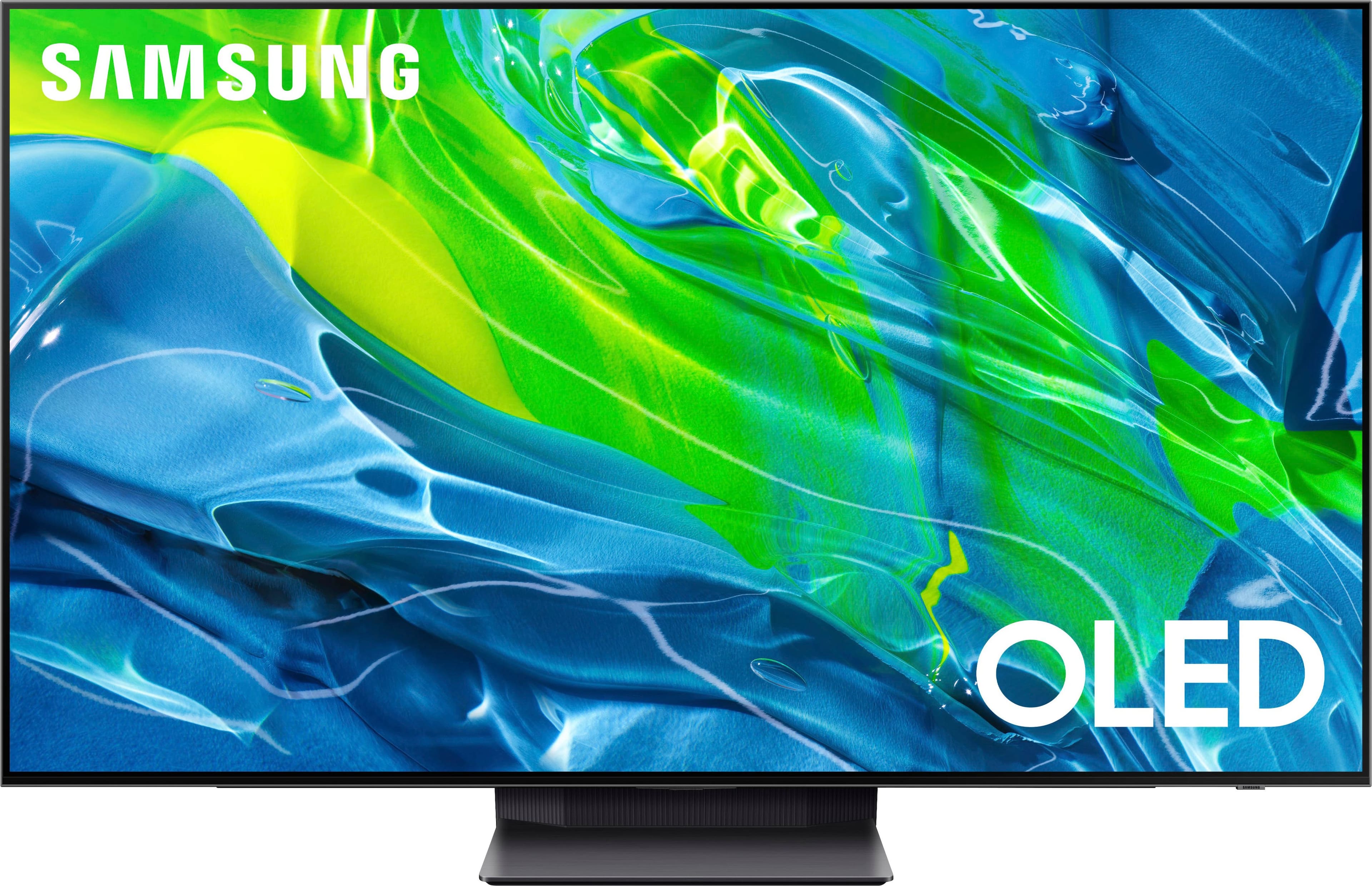
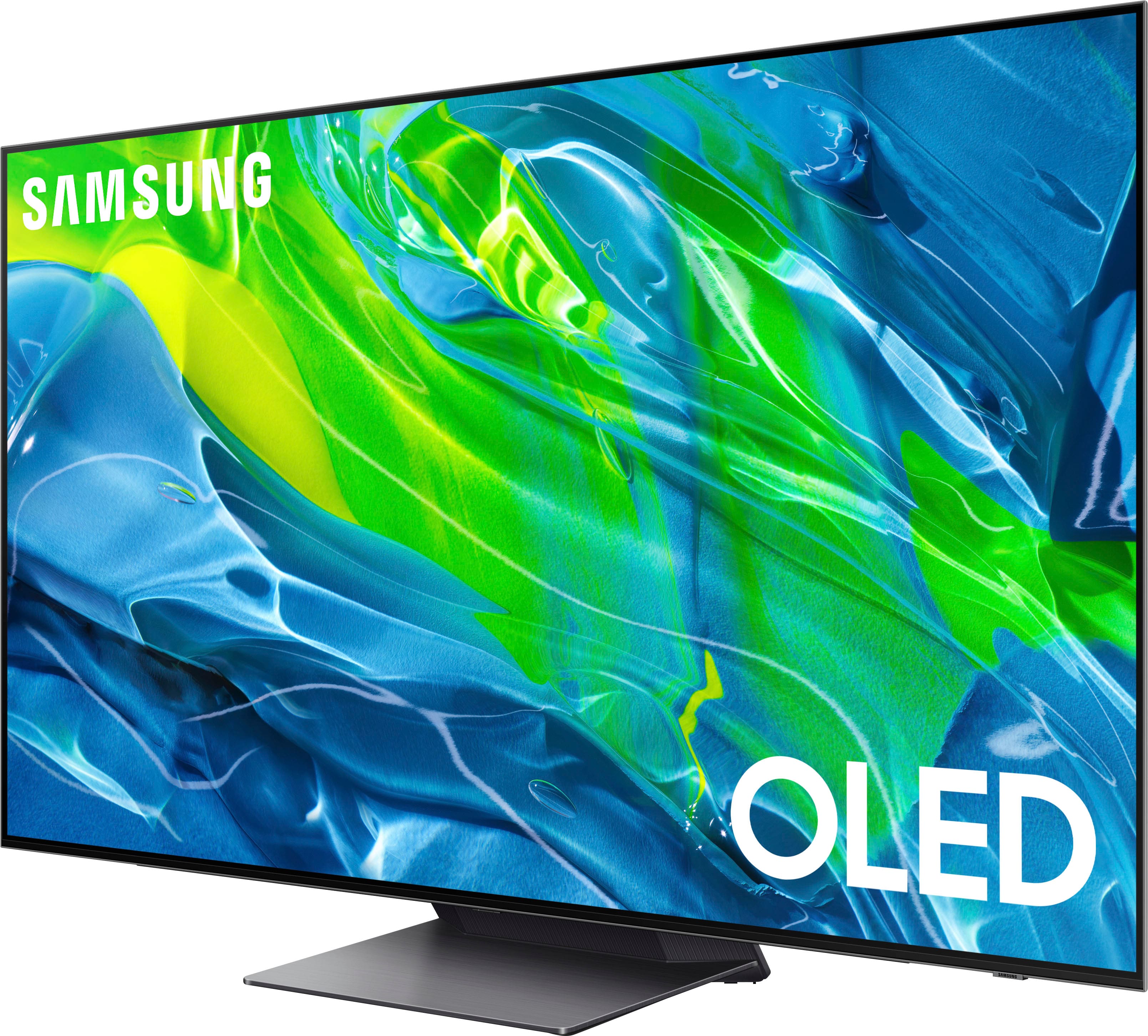
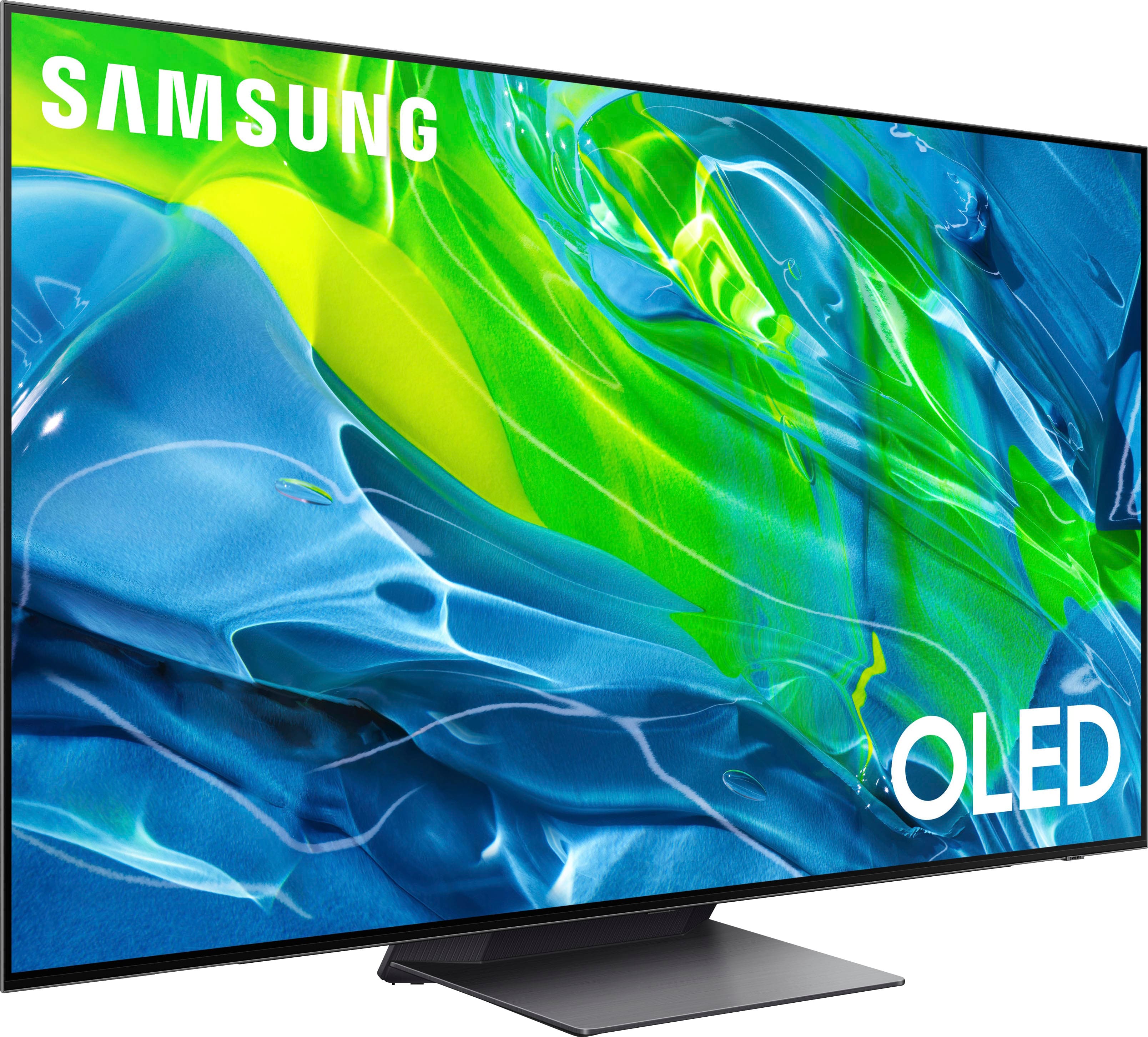

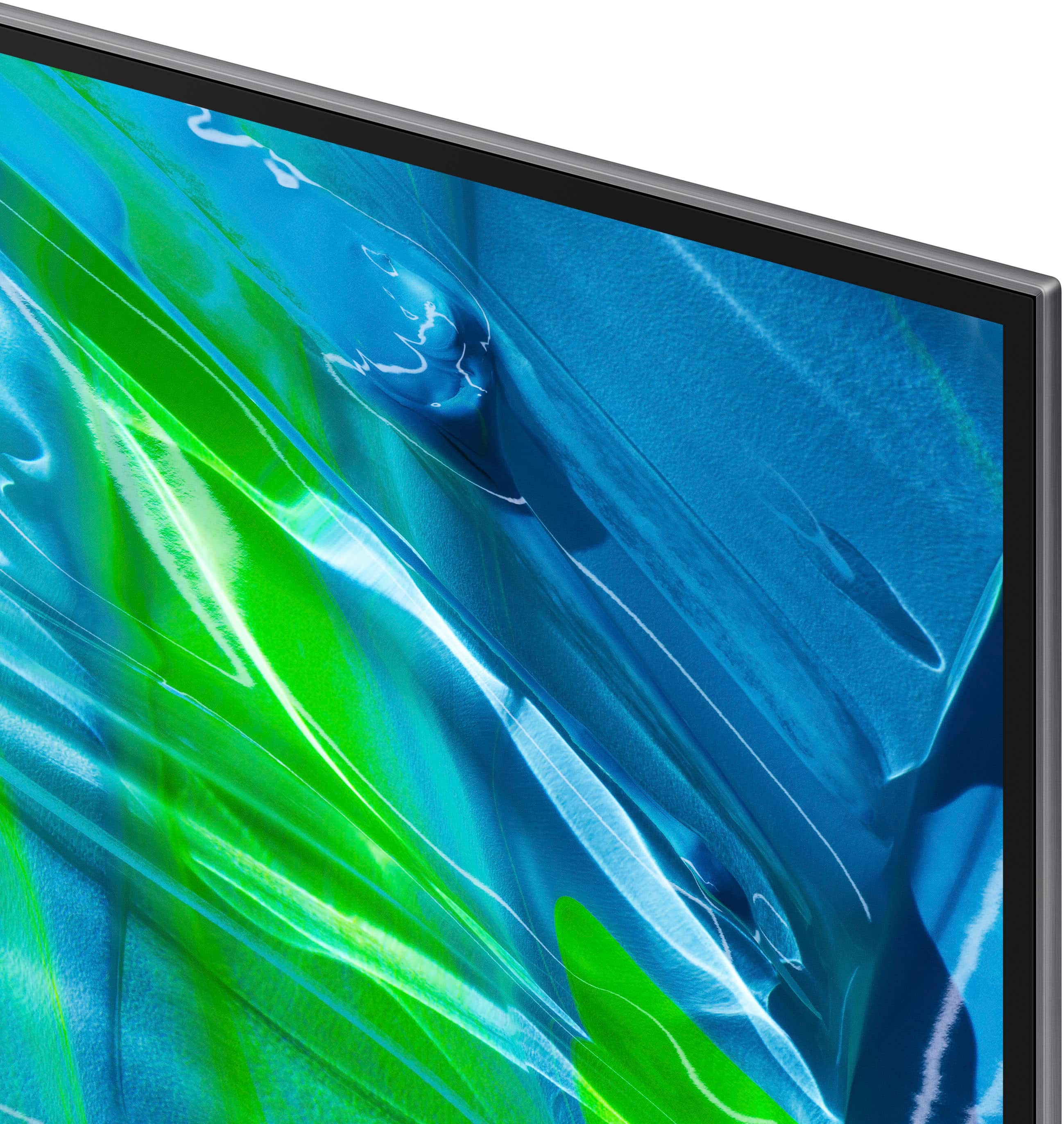








- Model:
- QN55S95BAFXZA
- SKU:
- 6502216
Rating by feature
- Picture Quality
Rating 4.9 out of 5 stars
- Sound Quality
Rating 4.6 out of 5 stars
- Brightness
Rating 4.8 out of 5 stars
Customers are saying
Customers recognize the 55” Class S95B OLED 4K Smart Tizen TV's exceptional picture quality, brightness, and impressive performance in HDR and gaming. Many appreciate its ease of use, although some find the remote control and operating system require adjustment. The user interface has received mixed reviews, with some users finding it less intuitive than others. A few users reported reliability issues.
This summary was generated by AI based on customer reviews.
New Television
||Posted . Owned for 3 weeks when reviewed.This reviewer received promo considerations or sweepstakes entry for writing a review.Great Television. I would recommend this unit to anyone.
I would recommend this to a friendNetworking Issues - Wired Connection
||Posted . Owned for 2 months when reviewed.This reviewer received promo considerations or sweepstakes entry for writing a review.Stay far away from this one. It's been nothing but a challenge from the get go. Samsung support is awful. Out of the box challenges with connecting to a wired network, Samsung support, hours on hold, now sending a local tv repairman. I should have stayed loyal to Sony.
No, I would not recommend this to a friendDied after a month.
||Posted . Owned for 1 month when reviewed.This reviewer received promo considerations or sweepstakes entry for writing a review.Worked well (although the color balance was not ideal) for a month then completely died. No way to turn it on at all, no response. We hadn’t even gotten to the point of tweaking picture settings yet.
No, I would not recommend this to a friendCheap CRAP
||Posted . Owned for 1 year when reviewed.This reviewer received promo considerations or sweepstakes entry for writing a review.15 months is all that TV lasted. Might as well get a cheaper brand since Samsung is the same as the rest.
No, I would not recommend this to a friend- Pros mentioned:Picture quality
S95G~G stands for Garbage!
||Posted . Owned for less than 1 week when reviewed.This reviewer received promo considerations or sweepstakes entry for writing a review.I prayed before opening up the box and using this tv as my gaming monitor for my PC. I have been having flickering issues with this tv with high peak brightness i returned this tv and got the A80J sony i will never buy a samsung OLED again. Run from this tv if you can actually when you look at it at Best buy pray over the company because the technology in this tv is fantastic for demos not for real world use. Sony A80J kills this tv once Calibrated correctly i love my sony tv and samsung go to school at sonys college yall need to learn a thing or two about quality products.
No, I would not recommend this to a friendBrand response from Samsung
Posted .True14z,
I’m sorry to hear the picture quality of Samsung’s S95B TV did not meet your expectations. Your feedback is appreciated and will be shared with our internal teams.
Please know we are always here to help, and we could have assisted in providing settings adjustments to resolve any issues you were experiencing.
Should you ever decide to give Samsung TVs another try and have questions or need help with settings, setup, or features, please know we’re here to help. Call us at 1-800-SAMSUNG, 8AM - 12AM EST, 7 days a week.
LiveChat with an agent as well as manuals, software, and warranty info can be found at the ‘Support’ link on our Samsung website.
~ Samsung Specialist
Not a great experience
||Posted . Owned for 1 year when reviewed.This reviewer received promo considerations or sweepstakes entry for writing a review.Our first samsung tv that we were highly disappointed in. Picture quality was not what was expected, we had missing parts in the box. Returned within 2 days of purchasing
No, I would not recommend this to a friendQD OLED!
||Posted . Owned for 3 weeks when reviewed.This reviewer received promo considerations or sweepstakes entry for writing a review.The design is pretty and the built-in sound of the TV is not bad. The TV I bought did not have a good finish between the display and the bezel. color adjustment is required
I would recommend this to a friendBrand response from Samsung
Posted .bibi,
We appreciate your review of Samsung’s S95B TV. So we can better understand the problems you are experiencing and provide you with troubleshooting assistance or warranty service, please reach out to Samsung Customer Support at 1-800-SAMSUNG, 8AM - 12AM EST, 7 days a week. Or visit us on the Samsung website and click on the ‘Support’ link for:
1) LiveChat
2) Manuals, Software, & Warranty Info
~ Samsung Specialist
It's Just Ok
||Posted .This reviewer received promo considerations or sweepstakes entry for writing a review.TV hesitates between menu selections. Picture quality is ok but nothing spectacular. It was on sale for $500 off
No, I would not recommend this to a friendBrand response from Samsung
Posted .Blitz,
We appreciate you sharing your experience with Samsung's S95B TV. To ensure your TV's performance is fully optimized, please be sure you've got the latest firmware version installed. You can check this by going to: Home > Menu > Settings > Support > Software Update.
You may also want to further optimize performance with the self-diagnostic tool, which checks memory, frees up unused cached memory, and closes background apps. Go to: Home > Menu > Settings > Support > Device Care > Start Device Care
If the picture you’re seeing is still not to your liking after updating firmware, there are several picture settings you may want to try adjusting.
Go to Home > Menu > Settings > All Settings > Picture > Picture Mode
...and select the mode that best fits your usage:
1) Standard: Is the default mode suitable for general viewing environments.
2) Movie: Is suitable for watching TV or movies in a dark room.
3) Dynamic: Makes the picture brighter and clearer in bright viewing environments.
4) Filmmaker Mode: You can watch the source content (e.g., movie) as it is. If the image is defined as Filmmaker Mode, it will automatically switch to Filmmaker Mode while watching.
You can also go to: Home > Menu > Settings > All Settings > Picture > Expert Settings to manually fine tune your image.
For further assistance with settings adjustments, please contact Samsung Customer Support at 1-800-SAMSUNG, 8AM - 12AM EST, 7 days a week. Our LiveChat agents are also available by clicking on the ‘Support’ link on our website.
~ Samsung Specialist
Defective TV
||Posted . Owned for 3 weeks when reviewed.This reviewer received promo considerations or sweepstakes entry for writing a review.The TV was defective and that model is no longer available so I had to replace it,
No, I would not recommend this to a friendWorst ever
||Posted . Owned for 3 weeks when reviewed.This reviewer received promo considerations or sweepstakes entry for writing a review.Terrible. After about a month it hot a blue line down the left side of the screen. Best Buy wouldn't do anything, samsung wont even come out unless i remove it from the wall. I paid to have it put up. I'm 70, retired and can't afford to pay for removal from the wall and remount again. Their attitude was, oh well. So i have a 1400$ tv with a blue line permanently etched in the screen. Never again
No, I would not recommend this to a friendBrand response from Samsung
Posted .Perfect,
We appreciate your feedback regarding the screen abnormalities you’re seeing on your xxx TV. Please run a Picture Test to determine if the problem is caused by the TV. Picture Test displays a high-definition picture you can examine for flaws or faults. Go to Settings > Support > Device Care > Self Diagnosis > Picture Test
If this occurs on all sources and the picture test, this will require service. For help with setting up a service appointment, please contact Samsung Support at 1-800-SAMSUNG, 8AM - 12AM EST, 7 days a week. Or visit us on the Samsung website and click on the ‘Support’ link for:
• LiveChat
• Manuals, Software, & Warranty Info
~ Samsung Specialist
Too many headaches for the asking price
||Posted . Owned for 1 month when reviewed.This reviewer received promo considerations or sweepstakes entry for writing a review.The UI is absolute mess, apps crash frequently or just fail to start all together, and picture quality isn't great OOB. Also, ships with old firmware that must be updated via USB. In all honesty, the key drawbacks of this tv are fairly easy fixes. Get it professionally calibrated (unfortunately this isn't an option where I live), use a streaming device (at additional cost to what is already not an inexpensive piece of equipment), and update it immediately upon arrival. It's probably an okay tv if you plan to get it calibrated and don't ever connect to the internet but after losing all of the functionality of a *smart* tv, this one just didn't make sense to me and made for a quick return.
No, I would not recommend this to a friendBrand response from Samsung
Posted .Benn,
I’m sorry to hear Samsung's S95B TV has fallen short of your expectations. We greatly value your feedback and will share it with our product team.
Please know we’re always here to help, and we could’ve provided additional troubleshooting assistance to resolve any issues you were experiencing.
Should you ever decide to give Samsung TVs another try and have questions or need help with settings, setup, or features, please know we’re here to help. Call us at 1-800-SAMSUNG, 8AM - 12AM EST, 7 days a week.
LiveChat with an agent as well as manuals, software, and warranty info can be found at the ‘Support’ link on our Samsung website.
We hope to regain you as a customer in the future.
~ Samsung Specialist
Pixel issues
||Posted . Owned for 1 month when reviewed.This reviewer received promo considerations or sweepstakes entry for writing a review.Worked well for a month til it developed a stuck blue pixel that could not be resolved.
No, I would not recommend this to a friendBrand response from Samsung
Posted .ZacharyR,
We appreciate your feedback regarding the screen abnormalities you’re seeing on your S95B TV. Please try running Pixel Refresh and Pixel Shift, as these functions may help resolve this issue.
To access these functions, go to: Home > Menu > Settings > All Settings > General & Privacy > Panel Care
Pixel Refresh
Adjusts pixels to provide a clearer screen. Select Pixel Refresh > Start Now or Start After TV off.
* Note: Some features, such as reservation, recording, and voice recognition, do not work during Pixel Refresh.
Pixel Shift
This feature further adjusts pixels to provide clearer screen recognition. Pixel Shift is enabled by default, but we recommend verifying this feature is still enabled on your end.
If the issue persists, please run a Picture Test to determine if the problem is caused by the TV. Picture Test displays a high-definition picture you can examine for flaws or faults. Go to Settings > Support > Device Care > Self Diagnosis > Picture Test
If this occurs on all sources and the picture test, this will require service. For help with setting up a service appointment, please contact Samsung Support at 1-800-SAMSUNG, 8AM - 12AM EST, 7 days a week. Our LiveChat agents are also available by clicking on the ‘Support’ link on our website.
~ Samsung Specialist
- Pros mentioned:BrightnessCons mentioned:User interface
Not your grandpa’s TV
Posted .This reviewer received promo considerations or sweepstakes entry for writing a review.The S95b has a few shortcomings that the display more than makes up for. Firstly, the interface can be a little disorganized and difficult to navigate, succumbing to an unfortunate typical Samsung software bloat issue. I don’t have confidence that someone who is less familiar with technology would be able to easily navigate this TV. Secondly, the largest issue for me personally, is the absolute nerve wracking experience of putting the TV on its stand. It is so thin, and as such, is very hard to place delicately on the included tv stand. Although placed in a well padded box, my tv has minor scuffs across the sides and top just due to the design of the TV. I can only imagine the added difficulty when purchasing the larger 65” model. Luckily, everything else is near perfection. The oled technology gives the display perfect contrast and with the new qd oled technology, its brighter than ever. I do reccommend color calibrating the tv with your smartphone which takes 30 seconds to dial in the accuracy of the colors as out of the box the saturation can be a little too much at times. For gaming this display is literally the best option on the market, full stop. There is nearly no input lag and with a 120hz refresh rate, this tv is future proof for the “pro” line of xbox and sony consoles. After gaming on this display, using any other display just doesnt feel the same. Overall, I’m very happy with my purchase. There’s just a few improvements that could be made through software updates, and, with the durability of the TV for next year’s version.
I would recommend this to a friend HDMI Input Keeps Saying No Cable Signal
||Posted . Owned for less than 1 week when reviewed.This reviewer received promo considerations or sweepstakes entry for writing a review.Best Buy exchanged my original Samsung 55" Class S95B OLED 4K Smart TV (2022) I purchased last week because sometimes the HDMI cable connected to the Fios cable box would say no signal. If I watch Samsung T.V., a DVD movie, or a streaming service and then go to the HDMI port for the cable stations, my channels will come in clearly. Turning the t.v. off and turning it back on, it says Fios HDMI no signal.
No, I would not recommend this to a friendBrand response from Samsung
Posted .DCResident,
It's unfortunate to hear of the difficulties you had when connecting your S95B TV to your Fios cable box. We appreciate you giving us a chance to make things right, and for your patience in having deal with the inconvenience of an exchange.
If you're experiencing any connectivity issues with your new unit, please know we're here to help! Call us at 1-800-SAMSUNG, 8AM - 12AM EST, 7 days a week.
Agents are also available via LiveChat and can be found at the ‘Support’ link on the Samsung website homepage.
Thank you for choosing Samsung, we hope to hear from you.
~ Samsung Specialist
- Cons mentioned:Burn-in, Remote control
Never Again
Posted .This reviewer received promo considerations or sweepstakes entry for writing a review.Never buying from Best Buy again. They sold me an open box TV that I purchased online and picked up an hour away from me, and when I got home to open it, I realized that it didn't come with literally anything to make the TV function. No remote, no stand, no power cable. When I purchased it online as Open-Box Satisfactory, the language under that category read: "Nonessential parts or accessories may be missing." How is a power cable "nonessential?" They sold me a TV I couldn't even turn on to test that it worked. I contacted Best Buy Support and they led me on wild goose chase after wild goose chase. They sent me to a Best Buy store nearby and claimed that if I brought the TV with me, the store would replace it with the same model and include the accessories this time. They claimed that the store was contacted and they knew I was coming in. When I showed up to that Best Buy store, not only was the Geek Squad member not expecting me, but he said they don't have the accessories on hand and that they had no idea why Best Buy support would tell me that that was the case. Best Buy Support is a joke, they are remote and have nothing to do with the actual stores themselves. I couldn't even get ahold of the original store I bought the TV from to get the accessories. Best Buy Support then told me the original store would call me. Days went by and they never did. I ended up making the trek back to the store only to be told "Oh sorry, we don't have the accessories." Tough luck. What a joke. I couldn't return it at that point because the window was closed. I finally had to pay $200+ for the stand, remote and power cable from a third party site. The TV also has a crazy SAMSUNG logo burned in and over 8,000 hours of screen time. It was clearly a floor display model. They sold it to me for $900. Thing is worth half that. Best Buy: STOP SELLING CRAP AND CALLING IT "SATISFACTORY!" A POWER CABLE IS *ESSENTIAL*!!!
No, I would not recommend this to a friend Very, very bad
||Posted . Owned for 3 months when reviewed.This reviewer received promo considerations or sweepstakes entry for writing a review.The remote always randomly disconnects. The TV always randomly froze or became unable to turn on. Had to unplug the power cord to reset EVERY TIME! I am driven crazy by this piece of tech!
No, I would not recommend this to a friendBrand response from Samsung
Posted .waxxds,
I'm sorry to hear you're not fully satisfied with Samsung's S95B TV. To ensure your TV's performance is fully optimized, please make sure your TV's firmware is up to date with the latest version. You can check firmware by going to: Home > Menu > Settings > Support > Software Update.
To address the issue with your remote, please try resetting it by pressing and holding Return and Enter (the center of the navigation pad) for more than 10 seconds. After performing this reset, you will need to pair the remote to the TV again. To pair, press the Return and Play/Pause buttons simultaneously for at least 5 seconds or until a message appears on your TV indicating that the remote is now connected.
Please also check to see if your remote is charged. You can check remaining battery by going to: Settings > All Settings > General & Privacy > Power and Energy Saving > Available Remote Battery.
If we can further help with any other issues, please know we are here for you. Just call us at 1-800-SAMSUNG, 8AM - 12AM EST, 7 days a week. Or visit us on the Samsung website and click on the ‘Support’ link for:
• LiveChat with an agent
• Manuals, Software, & Warranty Info
~ Samsung Specialist
TV out of sync.
||Posted . Owned for 1 month when reviewed.This reviewer received promo considerations or sweepstakes entry for writing a review.The sound is out on sync with people talking. Best Buy techs have been out to the house twice and still could not fix the problem.
No, I would not recommend this to a friendBrand response from Samsung
Posted .JaneH,
We appreciate your feedback on the audio delays you're noticing. To resolve this, please make sure your S95B TV is running the latest firmware version (1403.6). You can check this by going to: Home > Menu > Settings > Support > Software Update.
If you need further help, please contact Samsung Support at 1-800-SAMSUNG, 8AM - 12AM EST, 7 days a week. Our LiveChat agents are also available by clicking on the ‘Support’ link on our website.
~ Samsung Specialist
- Pros mentioned:Brightness, Picture quality
Samsung - S95B
Posted .This reviewer received promo considerations or sweepstakes entry for writing a review.Great TV. Bright, Amazing Color. Amazing Sound. Super slim. Great Apps, connects easily by bluetooth, and WiFi to all kinds of devices.
I would recommend this to a friend Sound and image out of sync
||Posted . Owned for 3 weeks when reviewed.This reviewer received promo considerations or sweepstakes entry for writing a review.Image and voice are not synchronized I tried setting. Not helping
No, I would not recommend this to a friendBrand response from Samsung
Posted .EugeneM,
We appreciate your feedback on the lip sync issues you’re experiencing with your S95B TV. This could possibly be a source issue, but if you’re hearing an audio delay across all sources/channels and you have a receiver, soundbar, or other speakers connected to your TV, you can access the Audio Delay settings to increase the audio delay. Go to: Menu > Settings > All Settings > Sound > Expert Settings > Digital Output Audio Delay
Our 2022 TVs have an audio Pass-Through feature, which allows the audio signal to be sent out unprocessed to an external soundbar or receiver connected to the TV. The external device then processes the audio, thereby eliminating the added step of processing by the TV, which adds delay.
On your TV, go to: Menu > Settings > All Settings > Sound > Expert Settings > Digital Audio Output Format > Pass-Through
Please also be sure you’re running the latest firmware. You can check to see what software version your TV is using and if there is an available update through the settings on your TV. Go to: Menu > Settings > Support > Software Update.
If you’ve tried these steps and your issue persists, please contact us for troubleshooting and a Support agent will gladly assist. You can reach us at 1-800-SAMSUNG, 8AM - 12AM EST, 7 days a week. Our LiveChat agents are also available by clicking on the ‘Support’ link on our website.
~ Samsung Specialist
- Pros mentioned:BrightnessCons mentioned:Operating system
Great OLED
Posted .This reviewer received promo considerations or sweepstakes entry for writing a review.The Samsung S95B OLED TV has done nothing short of impressing me and everyone who's had the pleasure of watching it. It is significantly brighter and more vivid than my competing brand's OLED TV. One thing I wasn't expecting to be surprised by was the built-in speakers. They're actually very good for TV speakers! Although you could make do with them, I use a sound bar which brings me to my next compliment - the TV stands higher and clears my sound bar so I no longer have to deal with parts being cut off by the sound bar. This TV is a winner. Another honorable mention: VRR works great on my PS5. Con: The software. It's not very intuitive and my other OLED is much more user friendly.
I would recommend this to a friend