Customer Ratings & Reviews









- Model:
- QN55S95BAFXZA
- SKU:
- 6502216
Rating by feature
- Picture Quality
Rating 4.9 out of 5 stars
- Sound Quality
Rating 4.6 out of 5 stars
- Brightness
Rating 4.8 out of 5 stars
Customers are saying
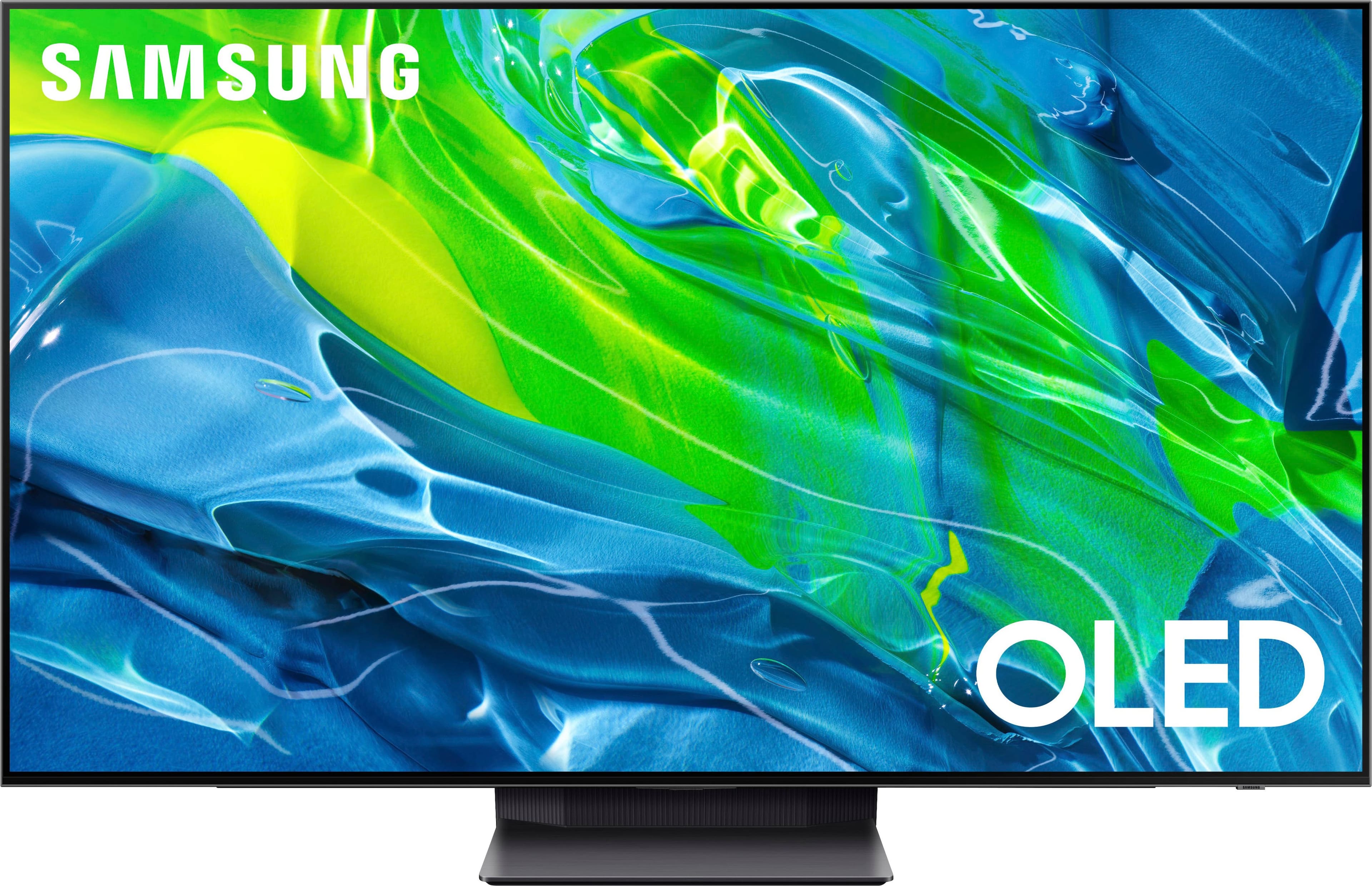
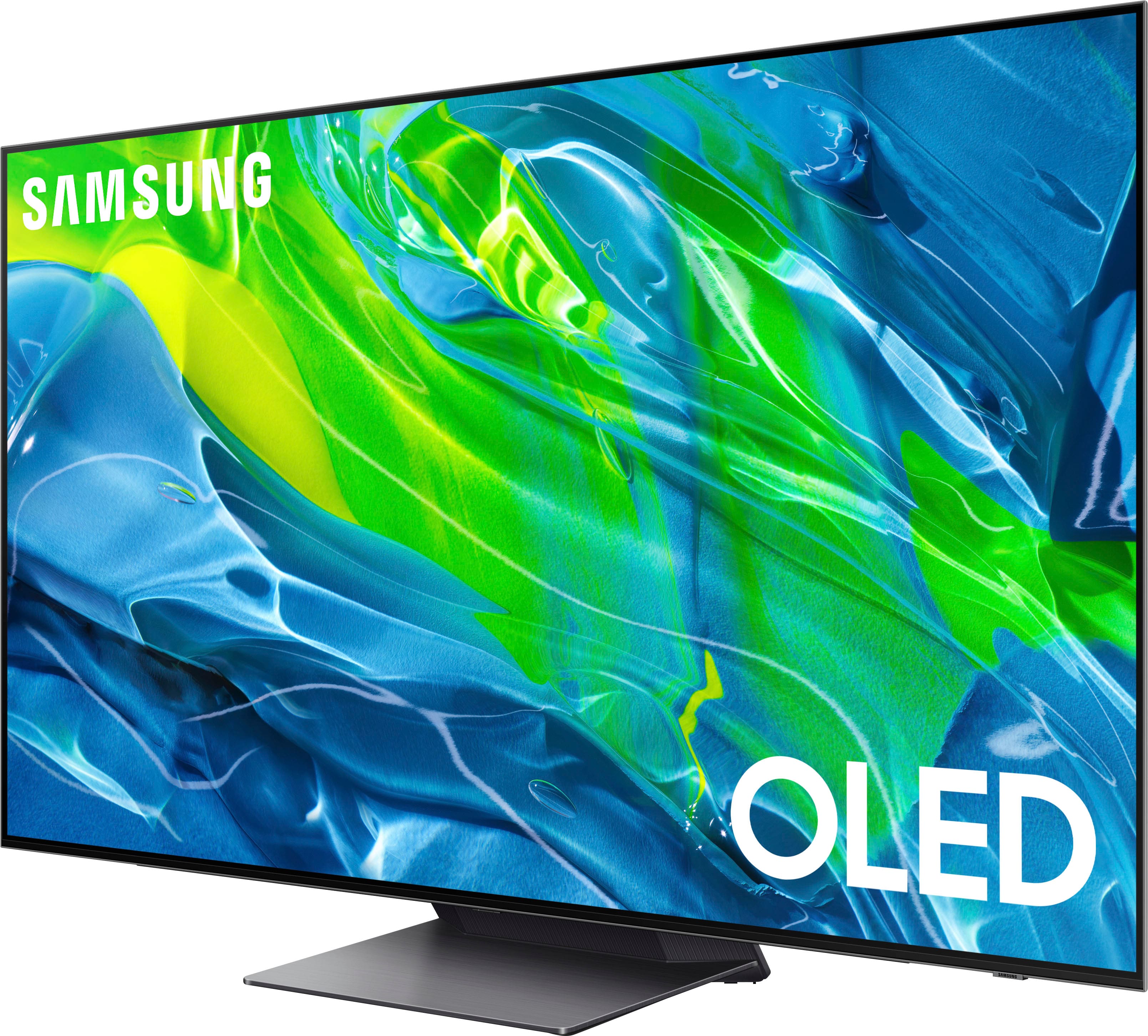
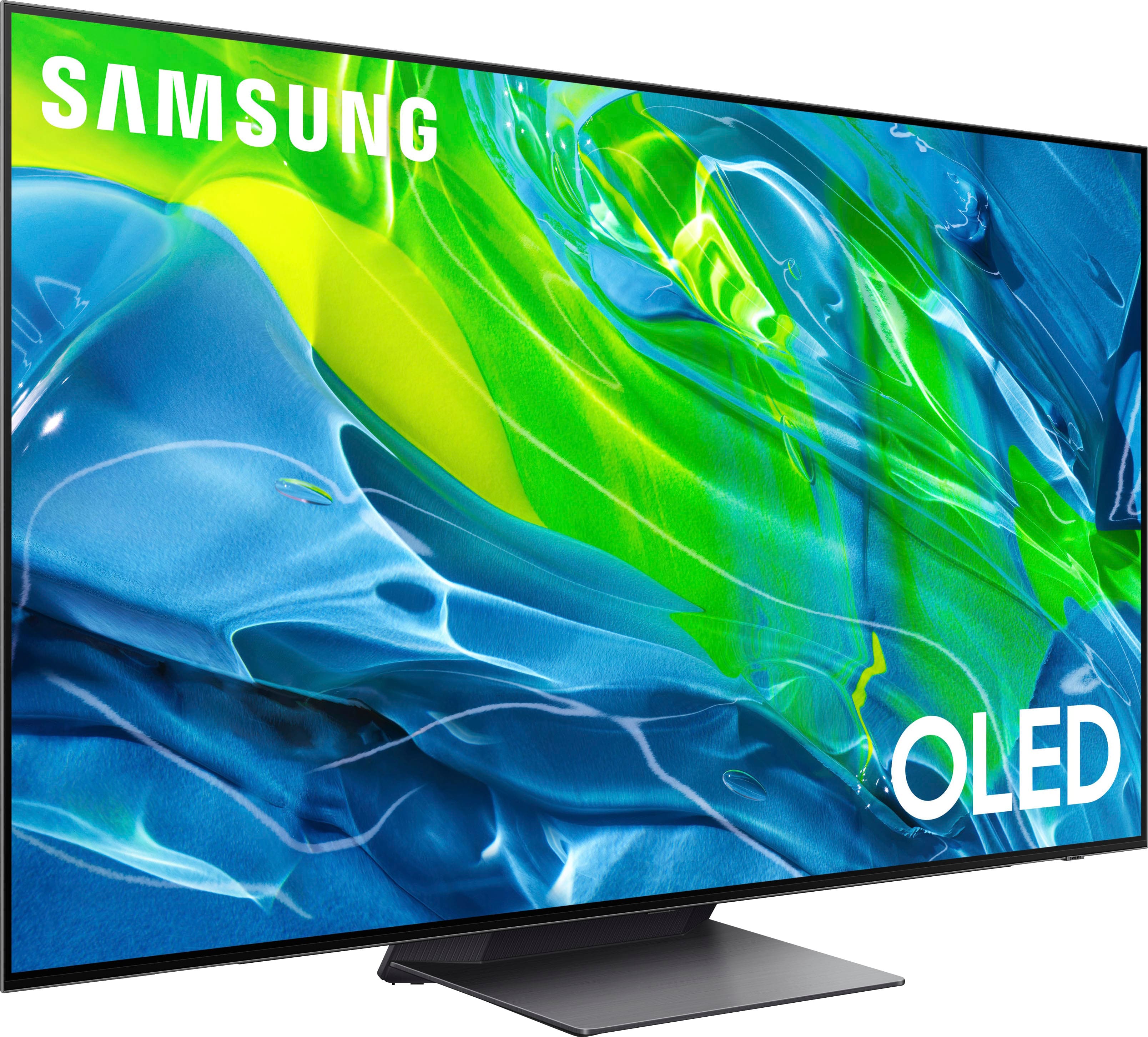
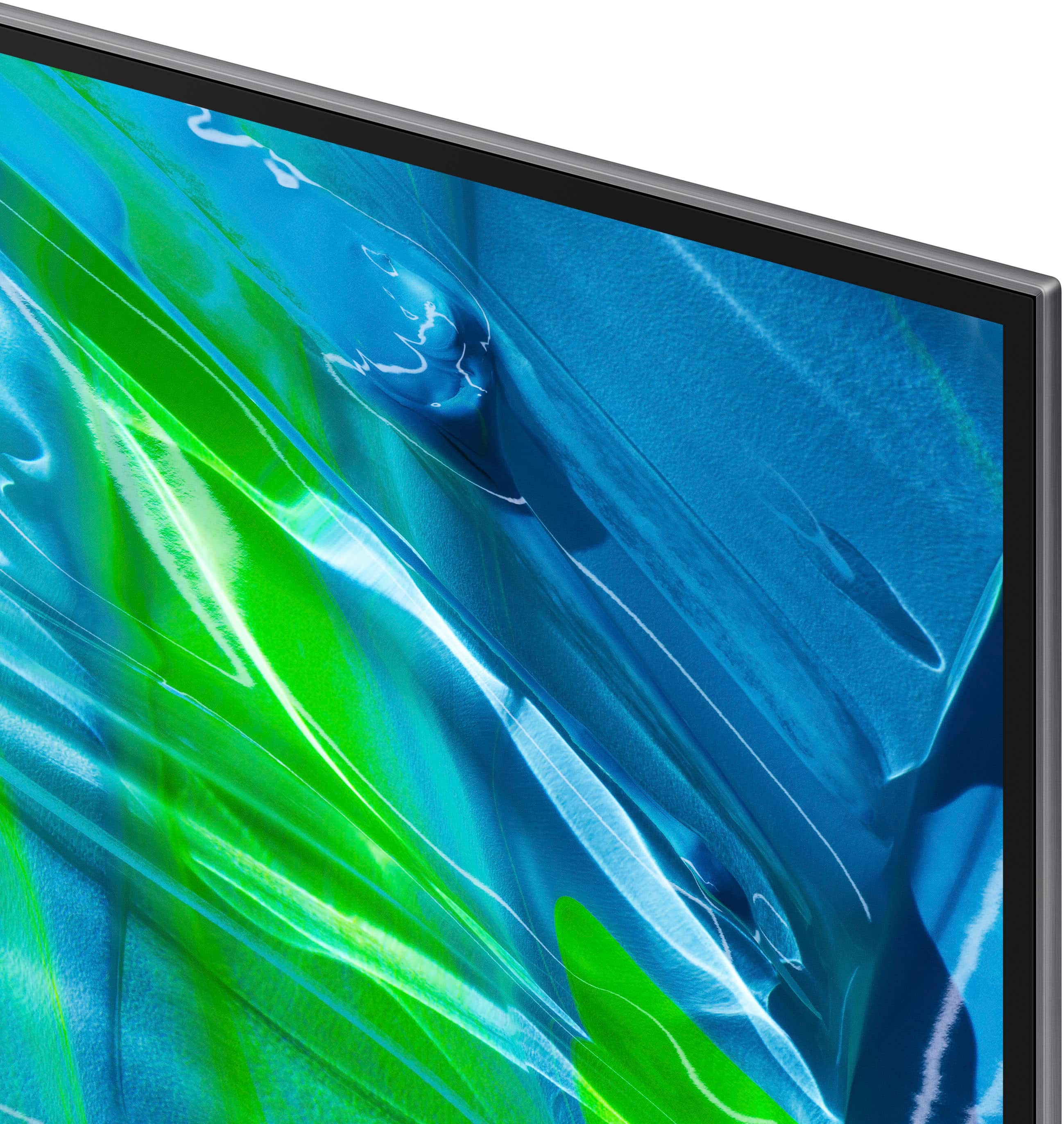
Customers recognize the 55” Class S95B OLED 4K Smart Tizen TV's exceptional picture quality, brightness, and impressive performance in HDR and gaming. Many appreciate its ease of use, although some find the remote control and operating system require adjustment. The user interface has received mixed reviews, with some users finding it less intuitive than others. A few users reported reliability issues.
This summary was generated by AI based on customer reviews.
- Pros mentioned:Picture qualityCons mentioned:Remote control
55" Samsung QD OLED TV
Posted .This reviewer received promo considerations or sweepstakes entry for writing a review.This TV is for those who like the latest technology. The picture is excellent with an almost three dimensional quality and great color. However it is not perfect. There is no direct entry of OTA channel numbers if you are using an antenna and no way I have found to edit channels. In addition the remote is one of the worst I have ever used; it requires numerous pushing of buttons for the set to respond, I would say that if you want the best picture quality and are willing to put up with its quirks this might be for you.
I would recommend this to a friendBrand response from Samsung
Posted .OLED,
It's great to hear you're enjoying the picture quality of your S95B TV, and we appreciate your feedback regarding the remote. To enter channel numbers, press the '123' key on your remote - this will open a keypad, allowing you to enter the designated channel.
Please also be sure your TV's firmware is updated with version 1211.2, as this includes updates to improve remote response time. You can check this by going to: Home > Menu > Settings > Support > Software Update.
If there’s anything we can ever help with, please call us at 1-800-SAMSUNG, 8AM - 12AM EST, 7 days a week. Or visit us on the Samsung website and click on the ‘Support’ link for:
1) LiveChat
2) Manuals, Software, & Warranty Info
~ Samsung Specialist
- Pros mentioned:Picture quality
Samsung Everything!!
Posted .This reviewer received promo considerations or sweepstakes entry for writing a review.Still the BEST visuals and Samsung ecosystem...( pairing easily with phone/ soundbar/ laptop)
I would recommend this to a friend - Pros mentioned:Picture qualityCons mentioned:Operating system
I Won The Samsung Garbage Lottery
Posted .This reviewer received promo considerations or sweepstakes entry for writing a review.Worst experience ever! First, I want to say that historically I have always been a fan of Samsung products. I have a 42" in my kitchen and a 55" in my living room that have performed flawlessly. This unit arrived with one corner of the screen bent, and the rear casing separating from the OLED in one corner. However, the shipping box was in perfect condition leading me to believe it left the factory in this condition. The electronics emitted a whiny sound even when powered off. I learned that this is called a "coil whine" indicating a possible faulty power supply or bad capacitor. Non-evasive attempts to rectify the problem failed. Only a service call repair would remedy the problem. The Tizen software system is frustrating and clunky. The color/contrast and speaker sound are very good but overall the unit was a lemon and was returned.
No, I would not recommend this to a friend - Pros mentioned:Picture quality
S95B Rocks!!!
Posted .This reviewer received promo considerations or sweepstakes entry for writing a review.I bought this panel on sale and with the new quantum dot technology this is one of my best purchases. PS5 is superb with bright picture and low latency.
I would recommend this to a friend - Pros mentioned:Picture quality
Samsung rockstar
Posted .This reviewer received promo considerations or sweepstakes entry for writing a review.Very happy with the Samsung tv. The picture quality is amazing. I have Samsung 700 series tv and the difference is incredible.
I would recommend this to a friend - Pros mentioned:Picture quality
Anonymous
Posted .This reviewer received promo considerations or sweepstakes entry for writing a review.The picture quality is excellent. I can see details that I missed on my old TV
I would recommend this to a friend - Pros mentioned:Picture quality
MDR
Posted .This reviewer received promo considerations or sweepstakes entry for writing a review.Always had a Samsung TV. This one is the best. 55”S95B
I would recommend this to a friend - Cons mentioned:User interface
As second OLED, it's just OK
Posted .This reviewer received promo considerations or sweepstakes entry for writing a review.TV is OK. I have had an LG 55CX OLED for a while now, which I love. I bought this TV for another room after reading the reviews and rtings.com. I guess I expected too much. The picture isn't really better, except on paper, and the U.I is terrible. i.e. Slow, clunky, overpopulated. The LG is bounds better when it comes to navigating. I have had a Samsung Q80R for a while now and don't care for that U.I... they didn't improve on it. So overall I'm not impressed. If you are coming from an older non-OLED and especially if you already like Samsungs interface, then you will be happy. If not, I'd say LG
I would recommend this to a friendBrand response from Samsung
Posted .TysonW,
We appreciate your feedback on the image quality and response time, and for optimal performance, we ask that you please ensure you've got the latest firmware version installed on your S95B TV. You can check this by going to: Home > Menu > Settings > Support > Software Update.
You may also want to further optimize performance with the self-diagnostic tool, which checks memory, frees up unused cached memory, and closes background apps. Go to: Home > Menu > Settings > Support > Device Care > Start Device Care
If the picture you’re seeing is still not to your liking after updating firmware, there are several picture settings you may want to try adjusting.
Go to Home > Menu > Settings > All Settings > Picture > Picture Mode
...and select the mode that best fits your usage:
1) Standard: Is the default mode suitable for general viewing environments.
2) Movie: Is suitable for watching TV or movies in a dark room.
3) Dynamic: Makes the picture brighter and clearer in bright viewing environments.
4) Filmmaker Mode: You can watch the source content (e.g., movie) as it is. If the image is defined as Filmmaker Mode, it will automatically switch to Filmmaker Mode while watching.
You can also go to: Home > Menu > Settings > All Settings > Picture > Expert Settings to manually fine tune your image.
Intelligent Mode enables the TV to recognize and analyze the surroundings, noise, content, and your usage patterns to provide the best viewing experience. You can enable Intelligent Mode by going to Menu > Settings > All Settings > General & Privacy > Intelligent Mode Settings > Intelligent Mode.
If you need more help, Samsung is here for you. Please call us at 1-800-SAMSUNG, 8AM - 12AM EST, 7 days a week. Our LiveChat agents are also available by clicking on the ‘Support’ link on our website.
~ Samsung Specialist
Delivery review
Posted .This reviewer received promo considerations or sweepstakes entry for writing a review.Fast delivery and delivery person could work on attitude. Overall great service
I would recommend this to a friend- Pros mentioned:Picture quality
WOW!! The picture on this tv is stunning!
Posted .This reviewer received promo considerations or sweepstakes entry for writing a review.My husband and I were blown away by the amazing picture. I did watch a few different videos to help with figuring out what to set picture + a few other settings to help get the most out of it. I have to say in person it is even better than I could have imagined. We are so glad that we got it. It is a big step up from our old tv. Watching anything on here is a treat. We also love that the remote is solar or USB and no batteries. Overall, this tv is stunning and we are so very happy with our purchase.
I would recommend this to a friend - Pros mentioned:Ease of use, Picture quality
Excellent purchase
Posted .This reviewer received promo considerations or sweepstakes entry for writing a review.Fantastic picture and easy to figure out use of picture and other options.
I would recommend this to a friend - Pros mentioned:Picture quality
Looks unreal
Posted .This reviewer received promo considerations or sweepstakes entry for writing a review.Speechless quality. Blows my c1 out the water, best tv on the market right now.
I would recommend this to a friend Very satisfied
Posted .This reviewer received promo considerations or sweepstakes entry for writing a review.Consumer reports had it right. This is a great TV!
I would recommend this to a friend- Pros mentioned:Picture quality
Garbage TV, Garbage support
Posted .This reviewer received promo considerations or sweepstakes entry for writing a review.After an exhausting amount of research, comparisons, Youtube videos, etc, I concluded this would be the best TV for me. And the picture was absolutely awesome as well as the sound. However, after only five months it just died. One day it just would not turn on. So here is what happens when you spend over $1800 with Samsung. They will have you set up an arbitrary technician appointment that will not actually happen. You will deal with a fly-by-night contracted repair business that does things when they feel like it despite what info you get from Samsung. Be prepared to wait, and wait, and wait… Still have a broken TV with no resolution. Should have got an LG. Huge buyers remorse.
No, I would not recommend this to a friendBrand response from Samsung
Posted .Clive,
We appreciate you sharing the details of your power issue and for your patience while waiting for your service appointment. Should you need further assistance after your service is complete, please contact Samsung Customer Support at 1-800-SAMSUNG, 8AM - 12AM EST, 7 days a week. Or visit us on the Samsung website and click on the ‘Support’ link for:
• LiveChat
• Manuals, Software, & Warranty Info
~ Samsung Specialist
- Cons mentioned:Operating system
Do mot buy!!!
Posted .This reviewer received promo considerations or sweepstakes entry for writing a review.The tv is a shell of its former self because the recent firmware update on the tv makes it look like a regular 4k tv and made it more laggy and glitchy then its launch software thats why this tv is much cheaper now thats not to say the tv is absolute far age it is still an oled tv but it is not the same s95b from when it launched last year it is becoming common for most of the oleds to do this crap they make these changes to your tvs with an update to make you wanna buy the newer models now so annoying.
No, I would not recommend this to a friend SB95
Posted .This reviewer received promo considerations or sweepstakes entry for writing a review.Too early to tell but so far very good. Filler space
I would recommend this to a friendSlow but awesome picture
Posted .This reviewer received promo considerations or sweepstakes entry for writing a review.The processor is slow on the smart features. It takes too long to scroll in menus, load apps, and apps frequently lag or have issues. For this pricey of a TV you would expect faster results.
No, I would not recommend this to a friendBrand response from Samsung
Posted .RyanS,
We appreciate your feedback on the response time, and for optimal performance, we ask that you please ensure you've got the latest firmware version installed on your S95B TV. You can check this by going to: Home > Menu > Settings > Support > Software Update.
You may also want to further optimize performance with the self-diagnostic tool, which checks memory, frees up unused cached memory, and closes background apps. Go to: Home > Menu > Settings > Support > Device Care > Start Device Care
I hope these tips help you enjoy your new product.
You can always contact us for further help at 1-800-SAMSUNG, 8AM - 12AM EST, 7 days a week. Our LiveChat agents are also available by clicking on the ‘Support’ link on our website.
~ Samsung Specialist
- Pros mentioned:Picture quality
Do not buy!
Posted .This reviewer received promo considerations or sweepstakes entry for writing a review.This TV has a beautiful picture but that’s about all. We had the first one and the sound keep going off, when muted it would turn itself back on and go off soundbar back to TV speaker, picture frozen when we turned it on. The technician recommended we update our Verizon equipment and we did before they brought us a new TV which was the same model. Received the new TV and next day no sound, today no picture. We are receiving our third TV definitely not Samsung and would never but another one. The technician from Best Buy have been very good!
No, I would not recommend this to a friendBrand response from Samsung
Posted .Hi Theresa,
It’s unfortunate to hear of the issues that have caused you to return your S95B TV. Your experience is very important to us and will be shared with our product team.
Should you ever decide to give Samsung TVs another try and have questions or need help with settings, setup, or features, please know we’re here to help. Call us at 1-800-SAMSUNG, 8AM - 12AM EST, 7 days a week.
LiveChat with an agent as well as manuals, software, and warranty info can be found at the ‘Support’ link on our Samsung website.
~ Samsung Specialist
Upset Life Long Best Buy Shopper
Posted .This reviewer received promo considerations or sweepstakes entry for writing a review.After two years and four months, this TV fails to turn on. Not sure what the problem is … four months after warranty expired. Bringing it in to see how much it costs to fix. Buy a Sony next time says the Best Buy employee … Sam L.
No, I would not recommend this to a friendNot small enough
Posted .This reviewer received promo considerations or sweepstakes entry for writing a review.This is the television I want but not made small enough. 39"/43" 55" is to big to fit in my TT..
I would recommend this to a friend