Customer Ratings & Reviews








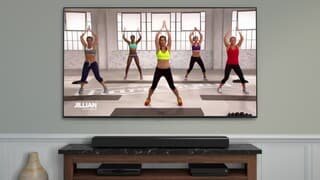


- Model:
- QN55LS03TAFXZA
- SKU:
- 6403065
Rating by feature
- Picture Quality
Rating 4.3 out of 5 stars
- Sound Quality
Rating 4.1 out of 5 stars
- Brightness
Rating 4.3 out of 5 stars
Customers are saying
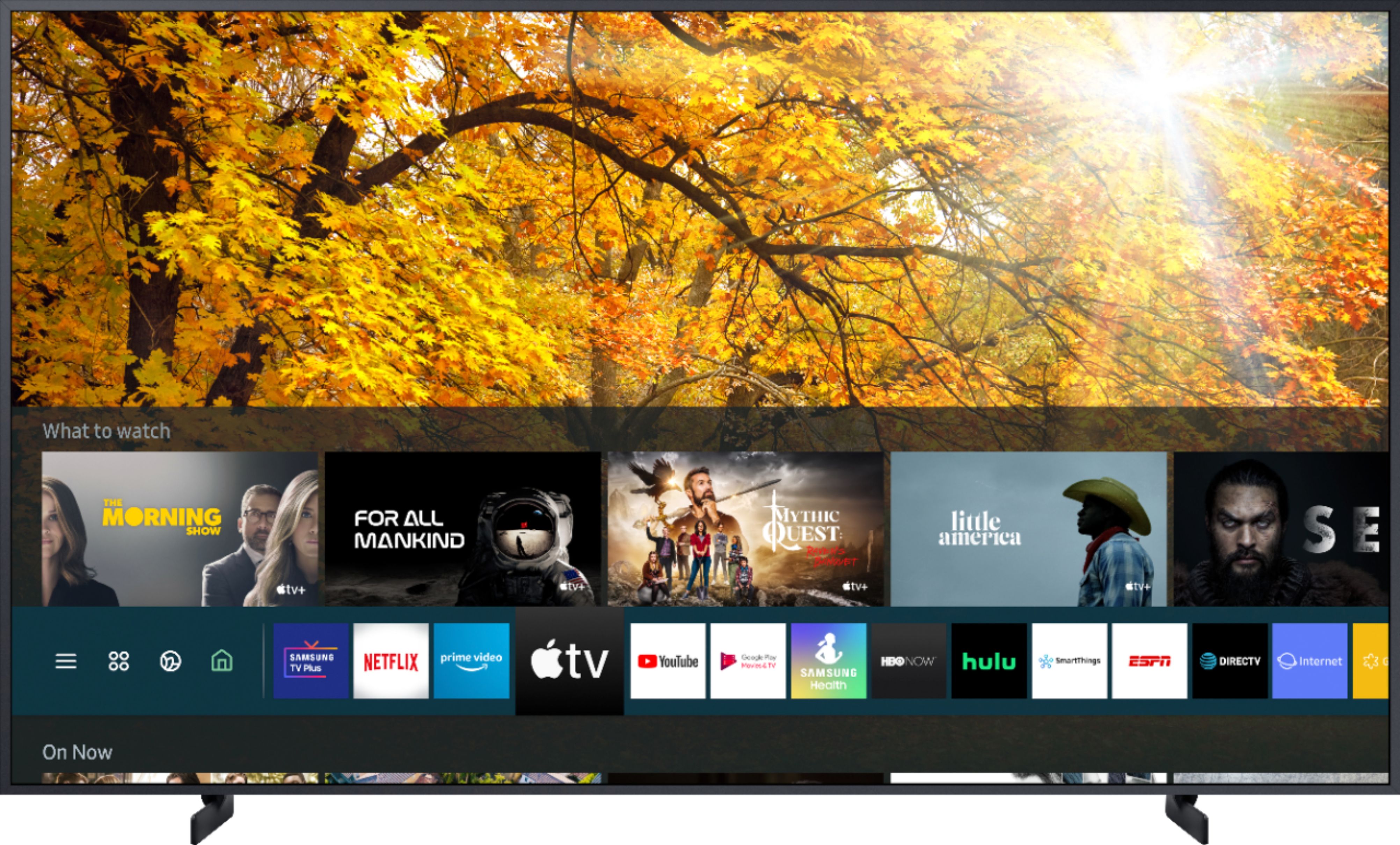
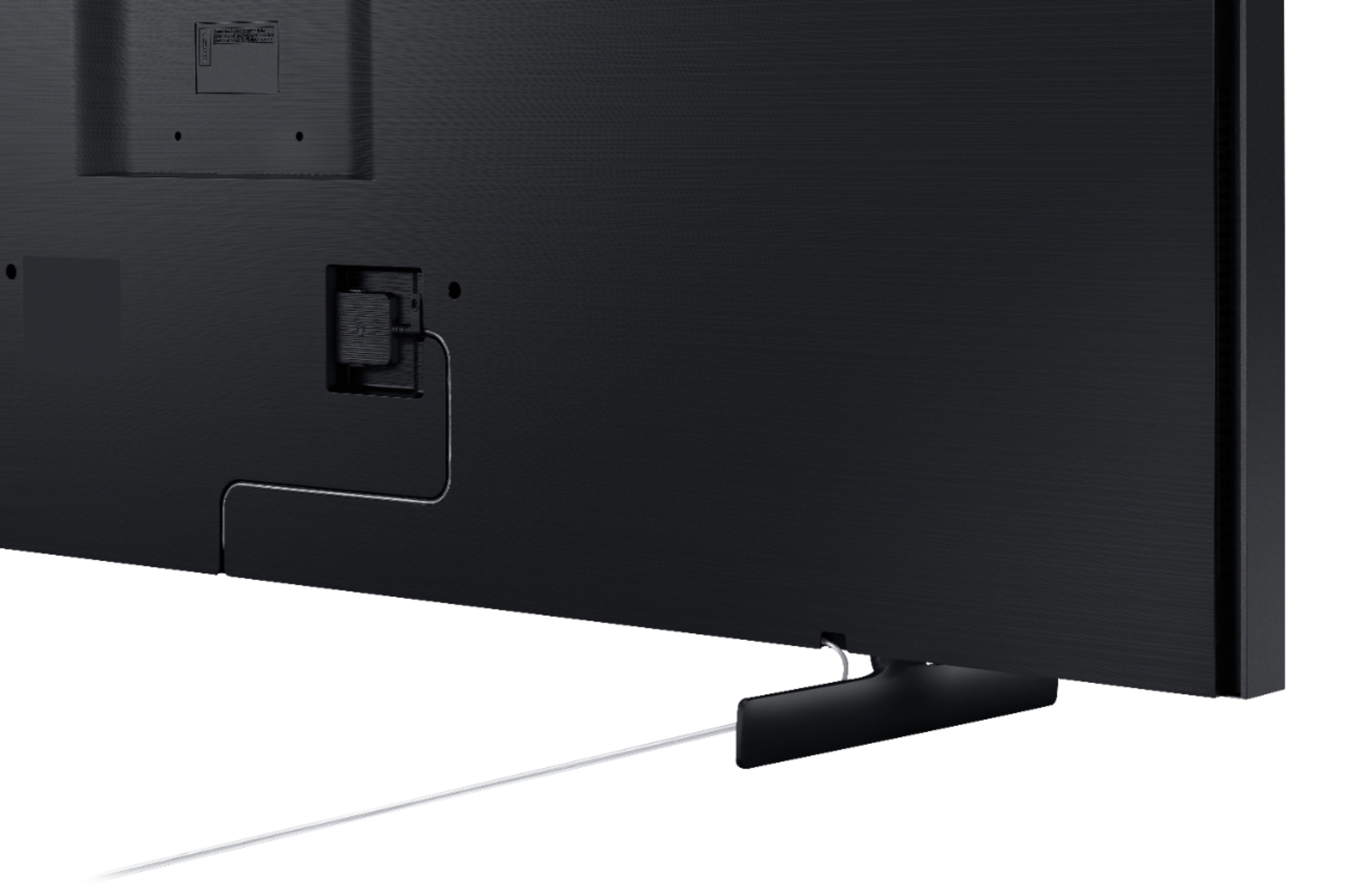
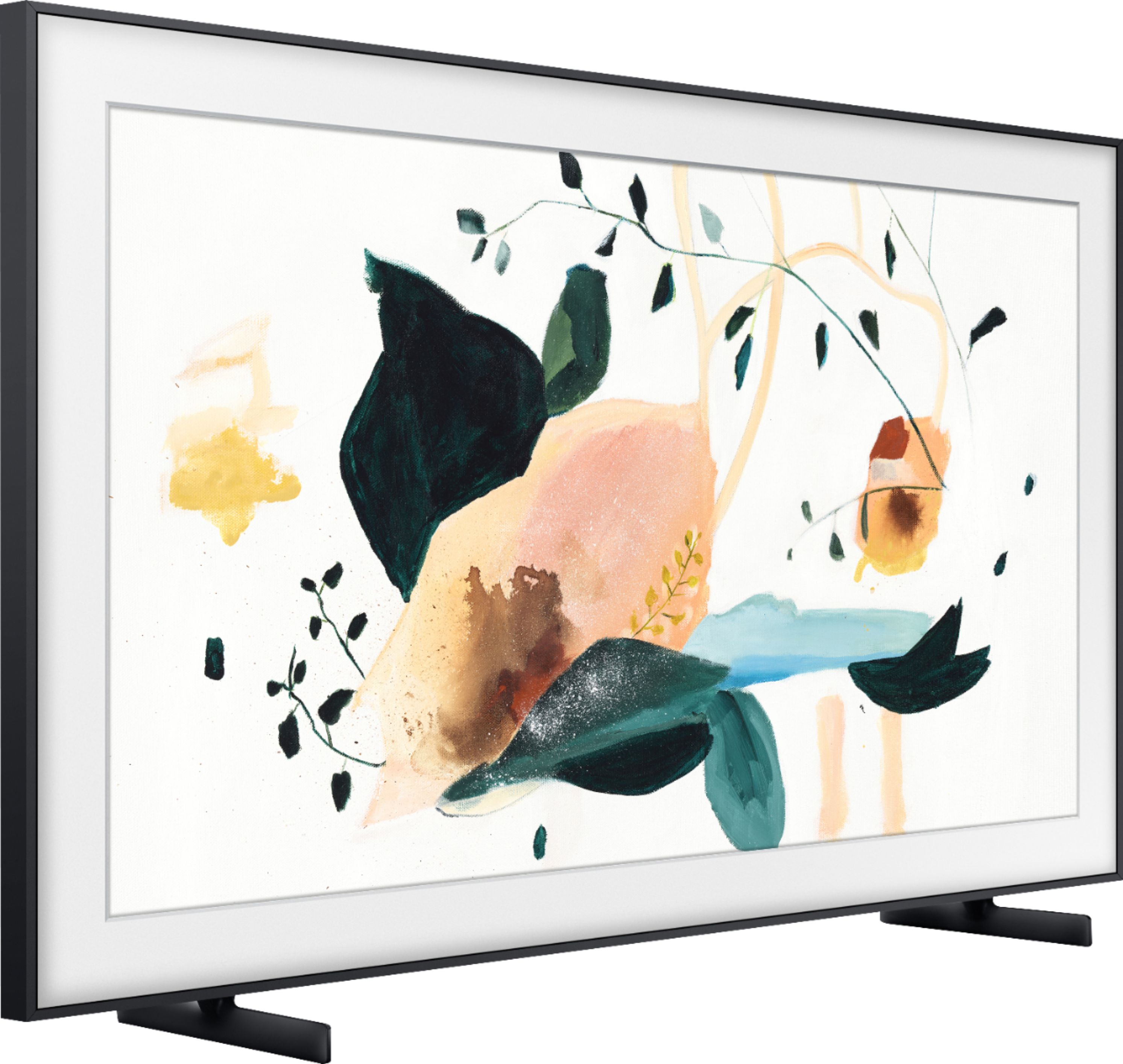
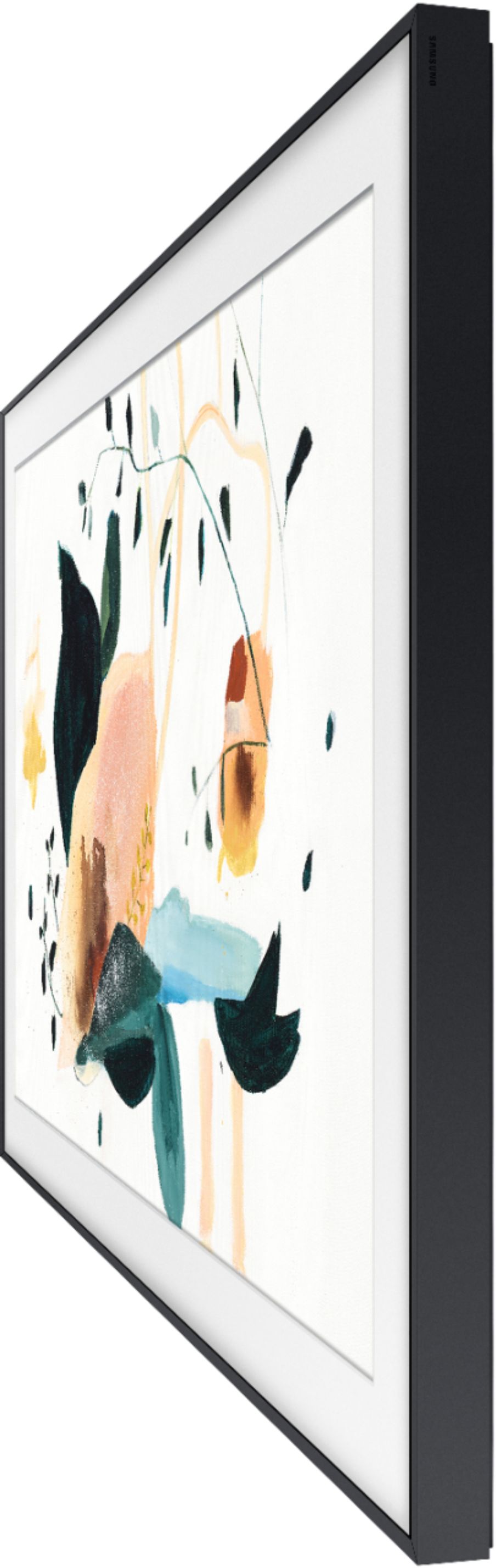
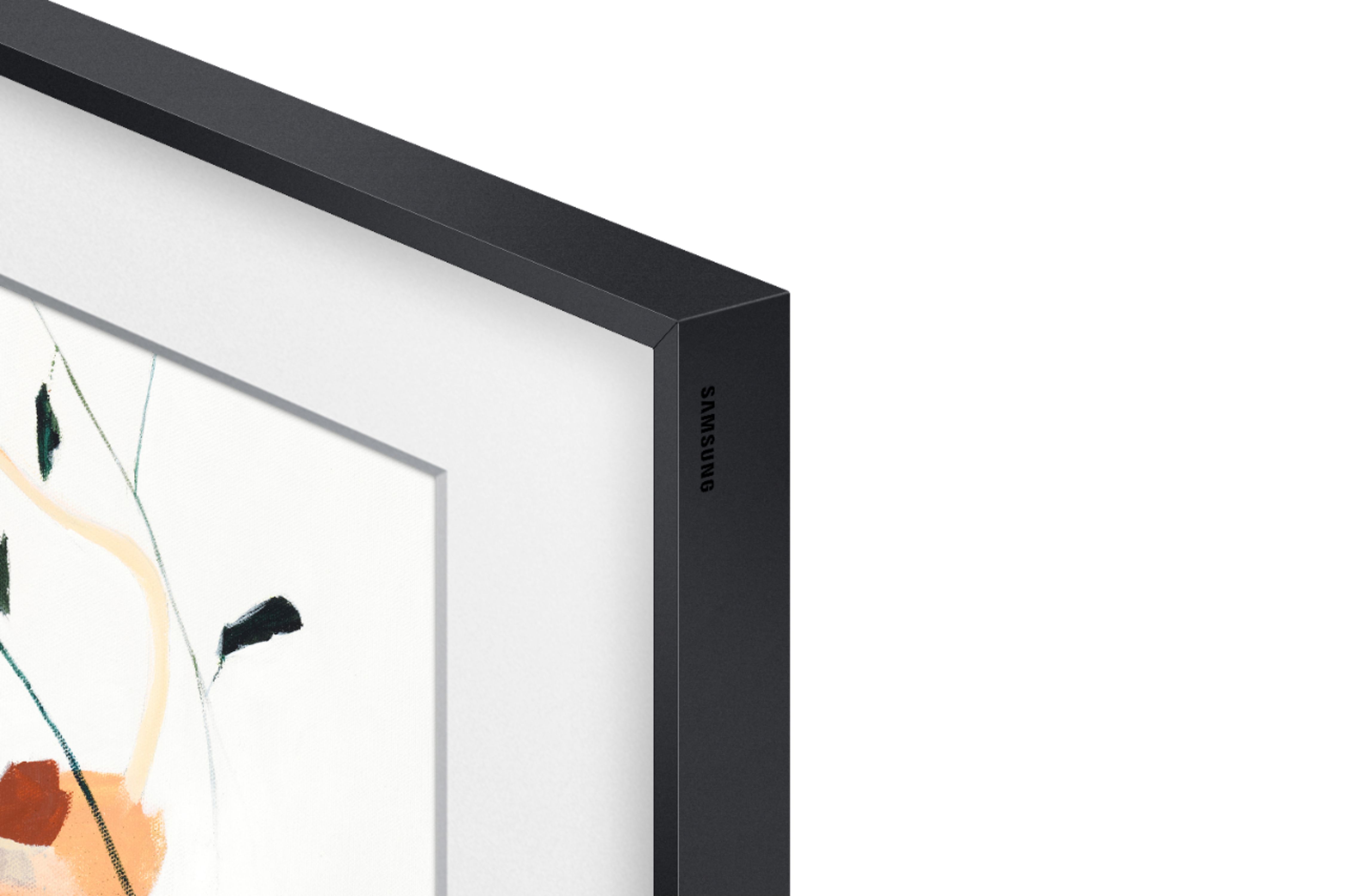
Customers regard the 55" Class The Frame Series LED 4K UHD Smart Tizen TV as a beautifully designed TV with great picture quality. They appreciate its easy setup and the ability to hang it flat on the wall. However, some customers have concerns about its price, limited remote control functionality, the size of the one connect box, durability issues, and short lifespan.
This summary was generated by AI based on customer reviews.
- Pros mentioned:Picture qualityCons mentioned:Remote control
Frame TV - Quality design and feature set
||Posted . Owned for 1 month when reviewed.This reviewer received promo considerations or sweepstakes entry for writing a review.Really cool product, and works perfectly mounted above a fireplace. Nice features, good picture, and surprisingly decent sound considering the low profile design. Remote is somewhat limited in terms of functionality.
I would recommend this to a friend - Cons mentioned:Remote control
I had high hopes
||Posted .This reviewer received promo considerations or sweepstakes entry for writing a review.Blue tooth easily drops connection. One second your listening via headphones, the next sound is coming over the speakers — disappointing. User interface is more complicated then necessary, and the remote is so minimal in functions that it’s frustrating to use
No, I would not recommend this to a friend - Cons mentioned:Remote control
Horrible Experience
||Posted . Owned for 2 weeks when reviewed.This reviewer received promo considerations or sweepstakes entry for writing a review.I have had this TV for a little over 2.5 weeks and of course 2 days after my 15 day return window ended I am now having issues. The TV randomly turns itself off, the home button on the remote no longer works and the button to turn on art mode no longer works unless I unplug everything and then plug it back in. Even after that it only works for a short time. I tried talking to Samsung who referred me back to Best Buy who won't help me.
No, I would not recommend this to a friendBrand response from Samsung
Posted .Kelsey,
Thank you for purchasing the Samsung 55inch The Frame QLED 4K TV and for bringing your concerns to our attention.
I am very sorry for the issues you have encountered and understand your frustration. Your user experience is very important to us and will be shared with our teams.
Please contact us again with your last service ticket number, and we will promptly assist you with warranty service:
1) Phone: 1-800-SAMSUNG (ask for TVs) Available 8AM – 12AM EST (7 days a week)
2) LiveChat: https://www.samsung.com/us/support/#contact_us_for_support
3) Facebook Messenger: https://www.facebook.com/samsungsupport
4) Twitter: https://twitter.com/SamsungSupport
If you have not already done so, we invite you to register your new Samsung TV at:
https://www.samsung.com/us/account/signin/?redirect=https%3A%2F%2Fwww.samsung.com%2Fus%2Fsupport%2Fregister%2F
Registering your product gives you access to easy warranty support, convenient opt-in to special promos & offers, faster troubleshooting & service, and quick notification of system updates.
Again, my apologies for the inconvenience you have had. We do hope to hear from you.
- Samsung Ambassador
- Cons mentioned:Remote control
Overpriced
||Posted .This reviewer received promo considerations or sweepstakes entry for writing a review.Overpriced piece of crap. I could have gotten any smart TV to do the things it does. Trying to sign in Samsung account on TV the remote wouldn't go down on the keyboard, only up or sideways. It will be the last time I buy something because it was "the latest trend".
No, I would not recommend this to a friendBrand response from Samsung
Posted .Unhappy:
I am sorry to hear that you are not completely happy with your Frame TV, and that your remote is not working as expected.
Samsung is committed to providing the best possible product experience, quality, and value. We back this Samsung TV with a 1-year limited manufacturer's warranty, including authorized repair for manufacturer defect, if purchased brand-new directly from an authorized seller.
Please reach out to Samsung Customer Support so that we can provide troubleshooting or warranty service.
1) Phone: 1-800-SAMSUNG (ask for TVs), available 8AM – 12AM EST 7 days a week
2) LiveChat: https://www.samsung.com/us/support/#contact_us_for_support
3) Facebook Messenger: https://www.facebook.com/samsungsupport
4) Twitter: https://twitter.com/SamsungSupport
5) The Samsung Members Community is also a great resource for getting help from Samsung moderators and customers: https://us.community.samsung.com
If you have not already done so, we invite you to register your new Samsung product at: https://www.samsung.com/us/account/signin/?redirect=https%3A%2F%2Fwww.samsung.com%2Fus%2Fsupport%2Fregister%2F
Registering your product gives you access to easy warranty support, convenient opt-in to special promos and offers, faster troubleshooting and service, and quick notification of system updates.
~ Samsung Solutions
- Cons mentioned:Remote control
Worst Purchase of a TV Ever
Posted .This reviewer received promo considerations or sweepstakes entry for writing a review.It wont stay connected to the internet, the remote is very fussy and frequently requires us to pull the batteries out and reinsert them, YouTube TV worked one day, then wont work the next. Should also say, I have no problem with my other devices getting and keeping a connection with the WiFi, but this TV has to be unplugged and re-plugged to get it to connect to the modem. I should have know after a terrible experience with Samsung appliances to avoid this brand like COVID. Do Not Buy This TV!
No, I would not recommend this to a friendBrand response from Samsung
Posted .JandJin828:
Thank you for purchasing the Samsung Frame TV and for your review. I am very sorry you are experiencing internet connection issues. A new firmware update has recently been released which may help improve your connection. (1460.9 released on 12/7/20)
Using your TV's remote, navigate to Settings, and select Support. Select Software Update, and then select Update Now. New updates will be downloaded and installed on your TV. Updates usually take a few minutes; please do not turn off the TV until the update is complete. When the update is finished, the TV will restart automatically.
You may also want to enable automatic updates for future convenience.
Select Settings > Support > Software Update, then select Auto Update.
I am very sorry that you are experiencing issues with your remote. There are a number of reasons why your remote may not be working. The most common are physical damage, battery issues, or pairing issues. You may want to try the following troubleshooting steps.
1) Reset the remote by removing the batteries & pressing Power for 8 seconds. Then reinsert the batteries.
2) Try to re-pair it with the TV. Press and hold Return and the button that is diagonally up and to the right of Return. (This is usually the button with 4 colored dots, but can vary depending on the remote). This will reset the smart remote.
Stand within 1 foot of the TV and press and hold Return and Play/Pause simultaneously for at least 5 seconds or until a message appears on your TV indicating that the remote is now connected.
If the remote still will not work, contact our Support Center to request service.
1) Phone: 1-800-SAMSUNG (ask for TVs), available 8AM – 12AM EST 7 days a week
2) LiveChat: https://www.samsung.com/us/support/#contact_us_for_support
3) Facebook Messenger: https://www.facebook.com/samsungsupport
4) Twitter: https://twitter.com/SamsungSupport
5) The Samsung Members Community is also a great resource for getting help from Samsung moderators and customers: https://us.community.samsung.com
If you have not already done so, we invite you to register your new Samsung product at: https://www.samsung.com/us/account/signin/?redirect=https%3A%2F%2Fwww.samsung.com%2Fus%2Fsupport%2Fregister%2F
Registering your product gives you access to easy warranty support, convenient opt-in to special promos and offers, faster troubleshooting and service, and quick notification of system updates.
~ Samsung Solutions