Customer Ratings & Reviews
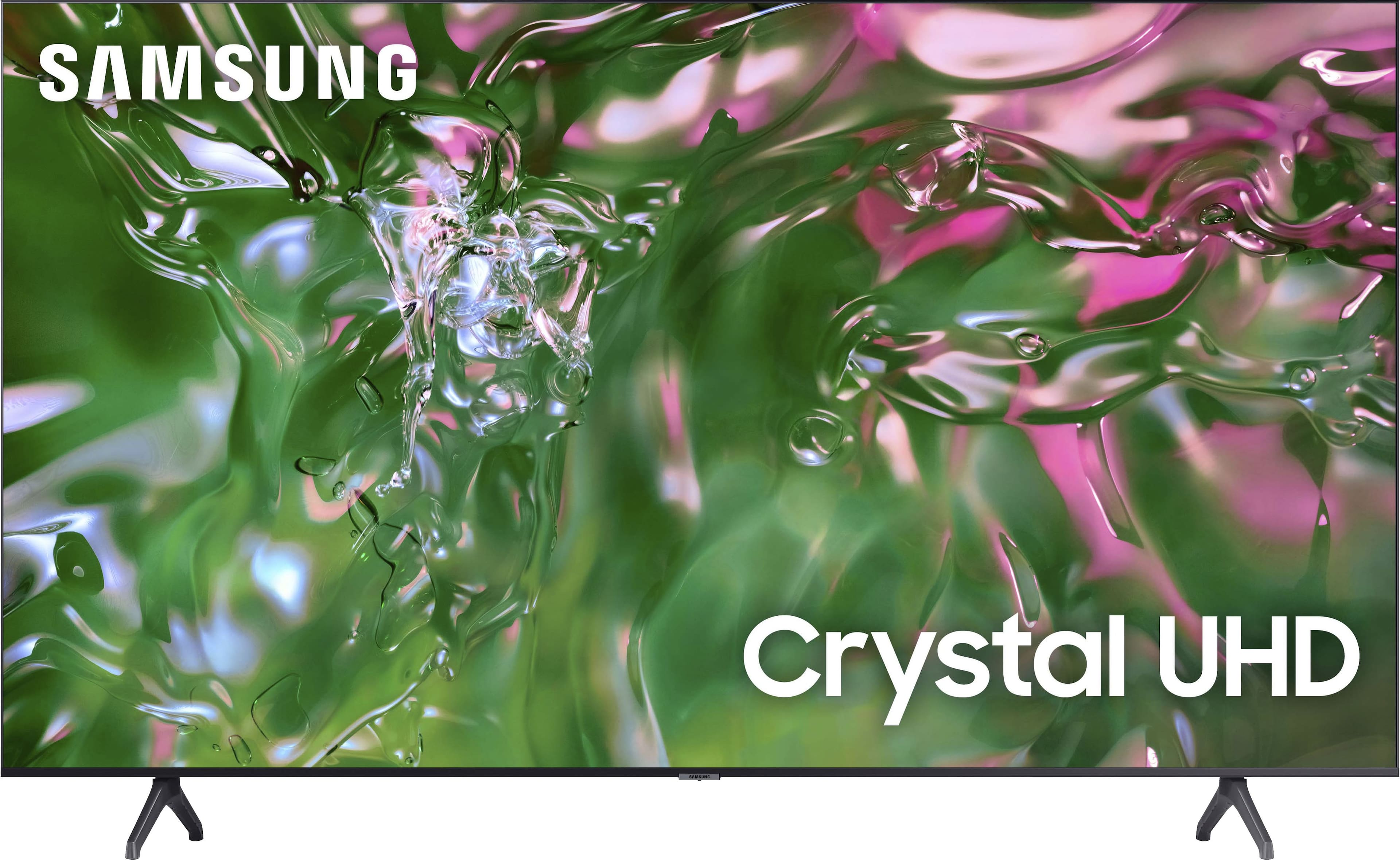
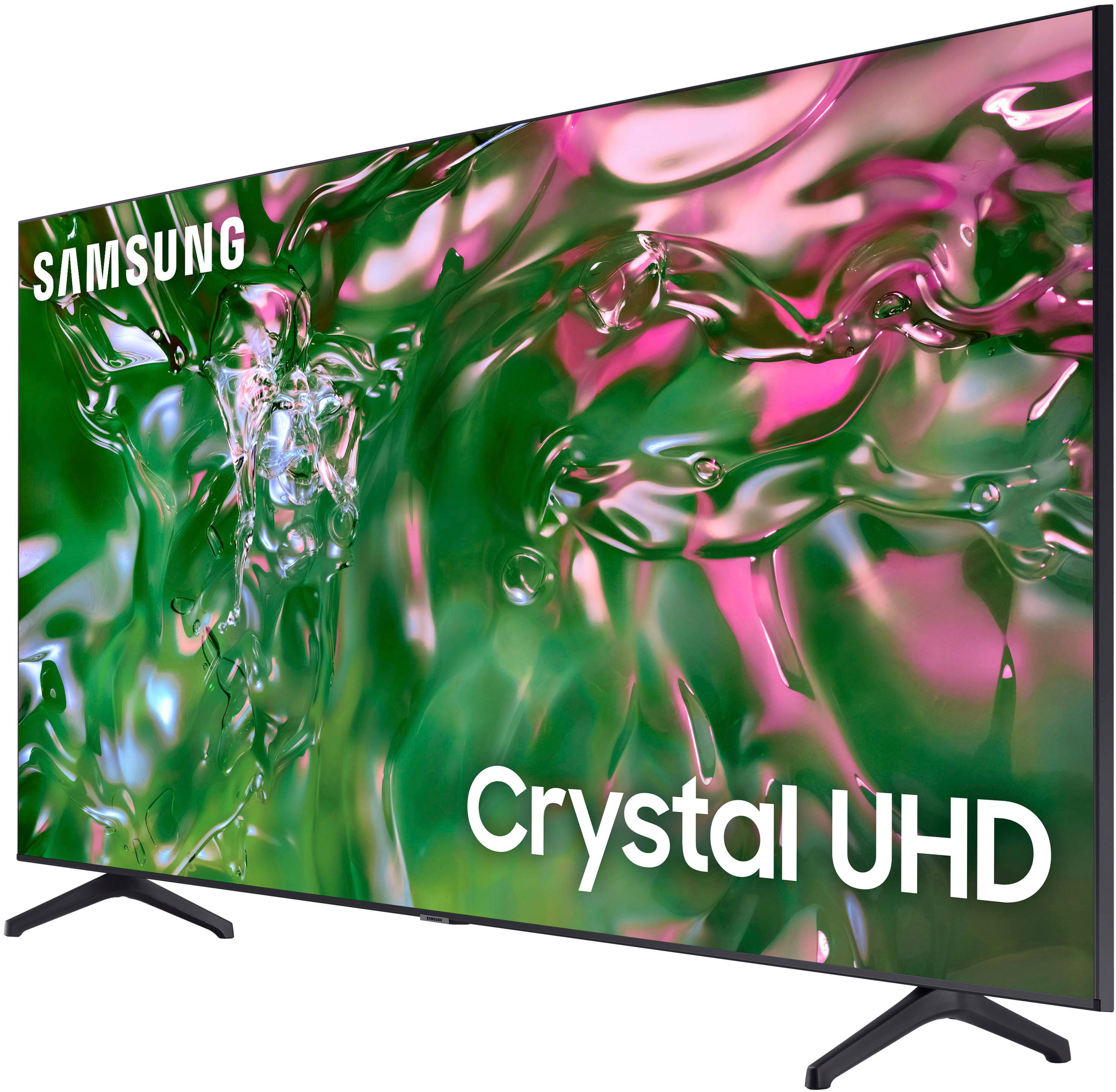
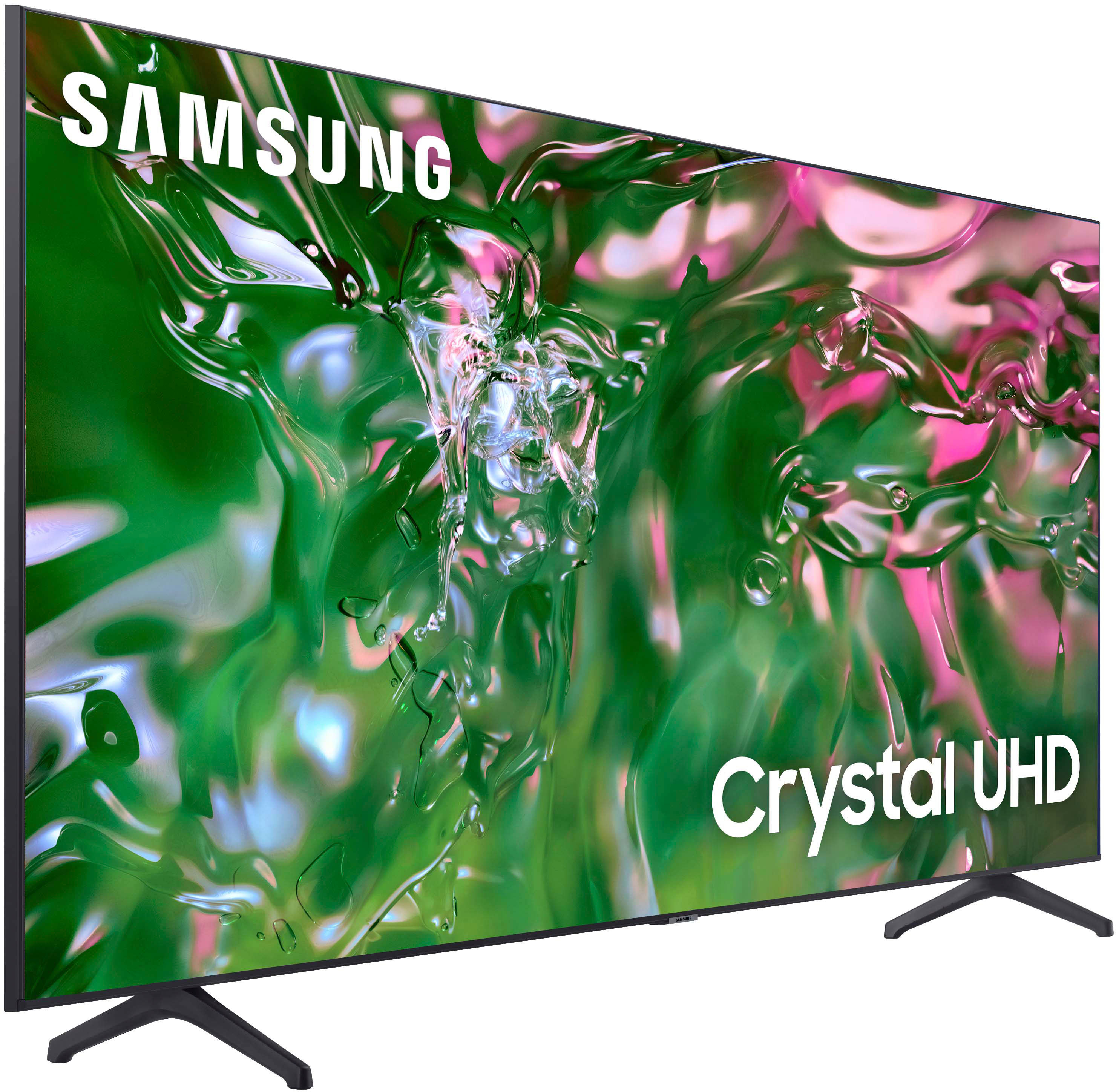
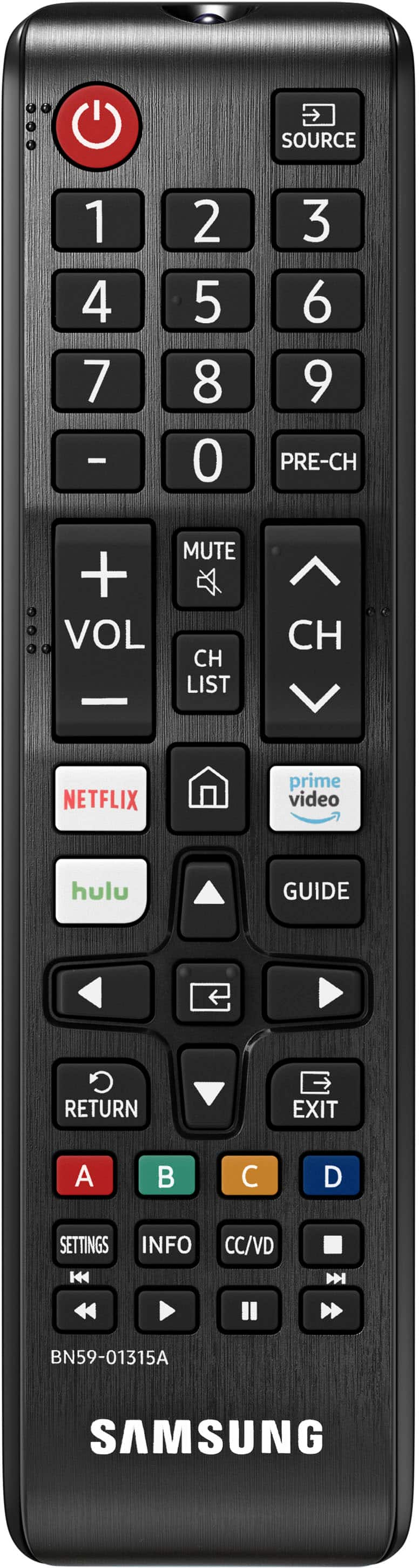


- Model:
- UN55TU690TFXZA
- SKU:
- 6547490
Rating by feature
- Picture Quality
Rating 4.8 out of 5 stars
- Sound Quality
Rating 4.6 out of 5 stars
- Brightness
Rating 4.8 out of 5 stars
Customers are saying
Customers consistently note the excellent picture quality, ease of use, and attractive price of the 55" Class TU690T Crystal UHD 4K Smart Tizen TV (2023). Many also praise the vibrant colors and convenient smart TV features. However, some users find the remote control takes time to get used to and that the user interface could be improved. A few customers also mentioned concerns about the refresh rate and operating system.
This summary was generated by AI based on customer reviews.
Okay for the price
||Posted . Owned for 2 weeks when reviewed.This reviewer received promo considerations or sweepstakes entry for writing a review.Picture is okay for the price. The sound is horrible and I would have expected better. You have to turn the volume up past 50 to be able to hear clearly. I will be getting a soundbar to help I hope.
I would recommend this to a friendBrand response from Samsung
Posted .VHAYES,
Thank you for sharing your thoughts regarding the TU690T TV’s sound quality. We recommend adjusting the Sound Settings to improve your experience. You can change the Sound Mode by going to Settings > Sound > Sound Mode.
You can also customize the sound with Expert Settings by going to Settings > Sound > Expert Settings.
To assist you with possible sound settings adjustments for a better audio experience or choosing a Samsung Soundbar to complement your viewing enjoyment, please reach out to us at 1-800-SAMSUNG, 8 AM - 12 AM EST, seven days a week. Our LiveChat agents are also available by clicking on the ‘Support’ link on our website.
~ Samsung Pro
- Cons mentioned:User interface
Will be returning
||Posted . Owned for 1 month when reviewed.This reviewer received promo considerations or sweepstakes entry for writing a review.The user interface is extremely lagging. Also, screen mirroring does not work the way it should. I have to go through a round about way to do it. Random ads for Samsung TV pop up. Horrible tv. It will be returned and I will not purchase a Samsung TV again. They made an incredibly dumb smart TV.
No, I would not recommend this to a friendBrand response from Samsung
Posted .JoshuaB,
Thank you for sharing your experience with the TU690T TV.
First, let's ensure you are running the latest Firmware Update.
If this firmware version is not yet available on your TV, you can download the update on a USB drive and manually update your TV:
1. On Samsung's website (upper right corner), go to Support > Manuals & Software > Find your TV model.
2. Download the update and extract it to the root of a USB thumb drive. (Do not put it in any folders on the thumb drive.)
3. Connect the USB thumb drive to a USB port on your TV.
4. Navigate to Settings > Support > Software Update, select Update Now, and then select Yes.
5. Follow the on-screen instructions to install the updated software.
If you continue to have issues, please call us at 1-800-SAMSUNG, 8 AM - 12 AM EST, seven days a week. LiveChat with an agent, as well as manuals, software, and warranty info, can be found at the ‘Support’ link on our Samsung website.
~ Samsung Pro
Maybe next time
||Posted . Owned for 1 month when reviewed.This reviewer received promo considerations or sweepstakes entry for writing a review.Never got this tv. I called and told them I was going to be 20 minutes late. They wouldn't wait, bring it later or let us arrange to pick it up that day. So I cancelled the purchase.
I would recommend this to a friendBrand response from Samsung
Posted .MarkH,
I'm sorry you did not receive your TV. Should you ever decide to give Samsung TVs another try and have questions or need help with settings, setup, or features, please know we’re here to help. Call us at 1-800-SAMSUNG, 8 AM – 12 AM EST, seven days a week. LiveChat with an agent, as well as manuals, software, and warranty info, can be found at the ‘Support’ link on our Samsung website.
We hope to regain you as a customer in the future.
~Samsung Pro
Unsatisfactory
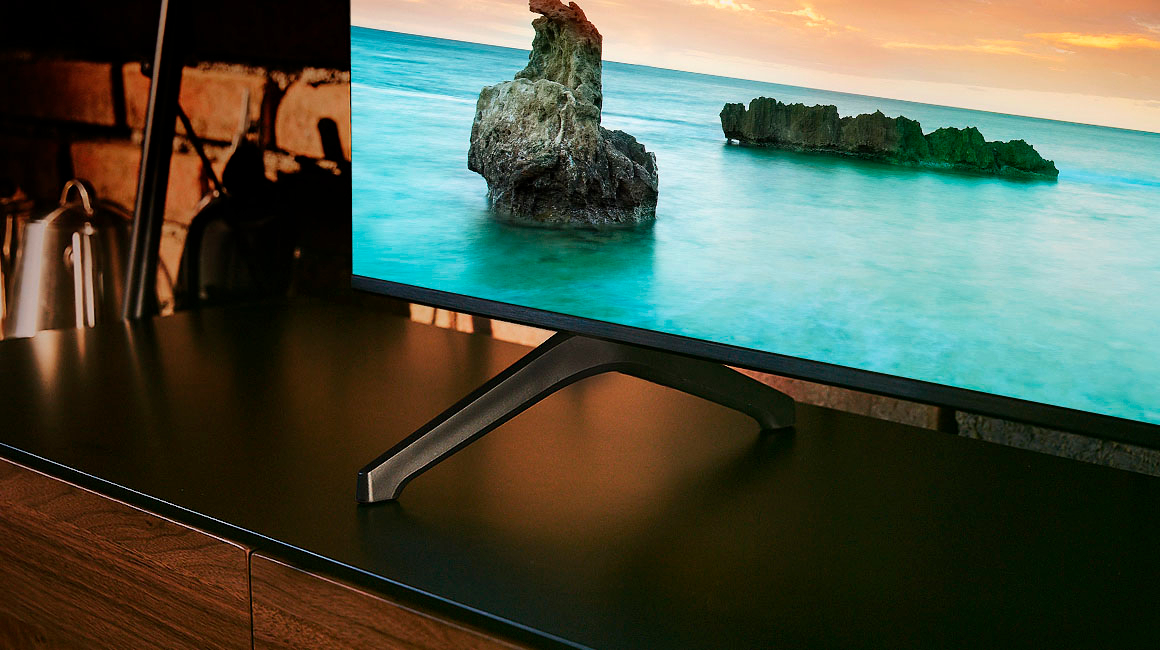
||Posted . Owned for 2 weeks when reviewed.This reviewer received promo considerations or sweepstakes entry for writing a review.Tv is laggy, cheap and slow. The TV and base are held together with no screws, the legs are wobbley; probably going to return. Dont get me started on the process of purchasing the TV either! Terrible experience all around! Placed an online order for store pick up, waited 8 hours, then drove to the store where I was told it was processing and shouldnt be much longer… Then while waiting in store an hour later I get a message that item is not abailable. Now, I already purchased the TV via credit card on through their app but, the store was unable to let me use the funds they already charged my card towards a different TV and wouldn’t let me exchange! On top of all of this the employees were rude, not knowledgeable of their app/store communication and were not helpful in resolving the situation! In fact they told me I had to spend another $400 to walk out with a TV! Then they didn’t have the same model in stock. So I just walked away did my own thing, found the TV they said wasn’t in stock, bit the bullet and bought the TV 9 hours later. I went through all this trouble because it was my wifes birthday present and could not fathom not coming home with a TV! Negative stars for the app, inventory updates and customer service!
No, I would not recommend this to a friendBrand response from Samsung
Posted .DirtyFaceWindy,
Thank you for your review on the Samsung TU690T. Please know that the TV stand was solidly designed and extensively tested for stability.
I’m sorry to hear about the issues you’re experiencing with lagging. To ensure performance is fully optimized, please make sure your TV is running the latest firmware. To do so, go to Settings> Support> Software Update. You can easily update from there if necessary.
Next, I recommend utilizing the self-diagnostic tool, which checks memory, frees unused cached memory, and closes background apps. Go to Settings > Support > Device Care > Start Device Care.
I hope these tips help you enjoy your new product.
You can contact us for further help at 1-800-SAMSUNG, 8 AM - 12 AM EST, seven days a week. Our LiveChat agents are also available by clicking on the ‘Support’ link on our website.
~ Samsung Pro
Just ok dawg
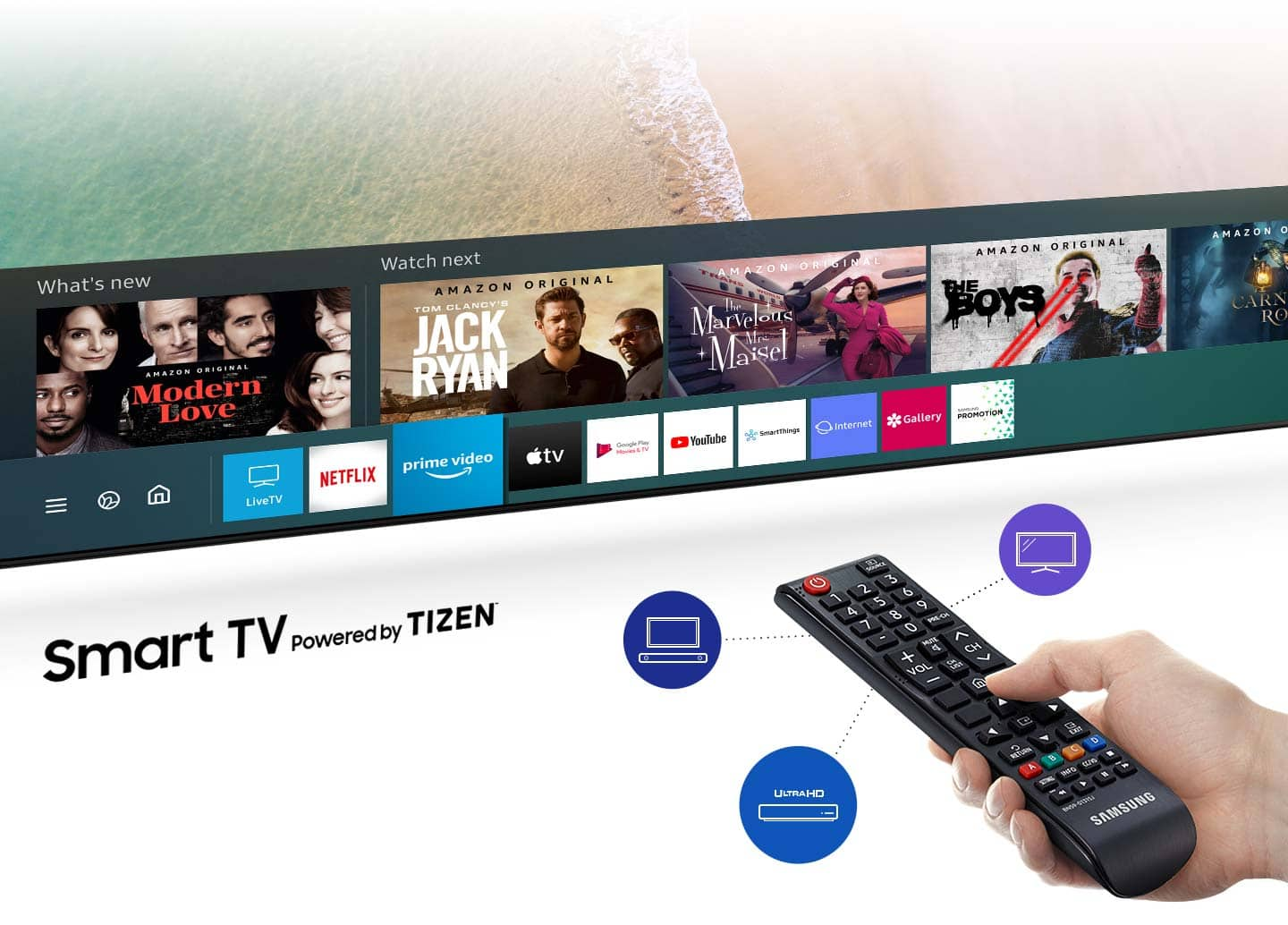
||Posted . Owned for 2 weeks when reviewed.This reviewer received promo considerations or sweepstakes entry for writing a review.Get what you pay for. Picture is good but not exceptional. Annoying that Spectrum app has to be accessed by a menu...allow us to customize the menu please!
No, I would not recommend this to a friendBrand response from Samsung
Posted .LS4K,
I’m sorry to hear about the issues you’ve experienced with the TU690T TV's menu. Your feedback is important to us and will be shared with our product teams.
If there’s anything we can ever help with, please call us at 1-800-SAMSUNG, 8 AM - 12 AM EST, seven days a week. Or visit us on the Samsung website and click on the ‘Support’ link for:
1) LiveChat
2) Manuals, Software, & Warranty Info
~ Samsung Pro
TV response is slow
||Posted . Owned for 3 weeks when reviewed.This reviewer received promo considerations or sweepstakes entry for writing a review.TV response is slow when I am trying to change between apps. Even my friends who visited me observed that the response of the TV is too slow.
No, I would not recommend this to a friendBrand response from Samsung
Posted .Siraz,
I’m sorry to hear about the issues you’re experiencing with slow navigation. To ensure performance is fully optimized, please make sure your TV is running the latest firmware. To do so, go to Settings> Support> Software Update. You can easily update from there if necessary.
Next, I recommend utilizing the self-diagnostic tool, which checks memory, frees unused cached memory, and closes background apps. Go to Settings > Support > Device Care > Start Device Care.
If you continue to have issues, please call us at 1-800-SAMSUNG, 8 AM - 12 AM EST, seven days a week. LiveChat with an agent, as well as manuals, software, and warranty info, can be found at the ‘Support’ link on our Samsung website.
~ Samsung Pro
- Pros mentioned:Picture quality
Hard to set up compared to other models
||Posted . Owned for 3 weeks when reviewed.This reviewer received promo considerations or sweepstakes entry for writing a review.Set up for this TV is very hard to maneuver. That's the only downside, color and picture is good.
No, I would not recommend this to a friendBrand response from Samsung
Posted .RhondaG,
Thank you for letting us know that the setup of your TU690T TV wasn't as user friendly as we'd like! If you ever have questions or need help, Samsung is here for you! Give us a call at 1-800-SAMSUNG, 8 AM - 12 AM EST, seven days a week. Our LiveChat agents are also available by clicking on the ‘Support’ link on our website.
Thanks for being a part of the Samsung family!
~ Samsung Pro
Glitchy OS; Won't Retain Installed Apps
||Posted . Owned for 3 weeks when reviewed.This reviewer received promo considerations or sweepstakes entry for writing a review.When I hooked the TV up for the first time, it was great. Automatically connected to my SmartThings app, had Samsung Plus TV installed and pulling all of these great, free channels, had no problem installing all of my favorite apps, etc. It was great! Then I turned it off for the night and when I turned it on the next day, most of the apps had been uninstalled and Samsung Plus TV was nowhere to be found (and I kept getting the useless "Not Available" message when I pressed the remote button for it). I searched the internet for solutions, tried a bunch including hard resets, unplugging for extended periods of time, updating software, and on and on, but... no solution worked. It was like there was a totally different TV there from one day to the next. Unfortunately, this follows several other glitchy Samsung TVs that I've had over the years, so this is going to be my last one. Returning it and getting the Best Buy house brand instead.
No, I would not recommend this to a friendBrand response from Samsung
Posted .JoeP,
Thank you for taking the time to provide feedback on your TU690T TV. Please know that your feedback will be shared with our internal product teams. We take pride in our products and are sorry to hear that your experience was not up to our high standards.
We do hope you will give Samsung another chance when purchasing your next TV. If there’s anything we can ever help with, please call us at 1-800-SAMSUNG, 8 AM - 12 AM EST, seven days a week. Or visit us on the Samsung website and click on the ‘Support’ link for:
1) LiveChat
2) Manuals, Software, & Warranty Info
~ Samsung Pro
Television
||Posted . Owned for 1 month when reviewed.This reviewer received promo considerations or sweepstakes entry for writing a review.The is so faint, the color resolution so bad, I will not recommend any to buy this product. I am about to return it.
I would recommend this to a friendBrand response from Samsung
Posted .Andorah,
Thank you for sharing your thoughts on the picture quality of your TU690T TV. In addition to the several picture modes on your TV, you may also want to try adjusting additional picture settings if your picture is not to your liking.
You can go to Home > Settings > Picture > Expert Settings and configure the TV settings to your taste with functions such as Brightness, Contrast, Sharpness, Color, Tint (G/R), and many more.
Should you ever decide to give Samsung TVs another try and have questions or need help with settings, setup, or features, please know we’re here to help. Call us at 1-800-SAMSUNG, 8 AM – 12 AM EST, seven days a week. LiveChat with an agent, as well as manuals, software, and warranty info, can be found at the ‘Support’ link on our Samsung website.
~Samsung Pro
Worst TV Experience Ever
||Posted .This reviewer received promo considerations or sweepstakes entry for writing a review.The TV worked for a few months, and then would not come on. Only a black screen would show. It was only out of manufactures coverage for a short period of time. And Best Buy would not allow us to bring it in for them to look at it because it was over the size limit! And the cost to come to look at it at our house was a third of the cost to rebuy the TV! Just an absolute waste of money! Worst tv experience ever. When it was working it was good:(
No, I would not recommend this to a friendTv samsung
||Posted . Owned for 4 months when reviewed.This reviewer received promo considerations or sweepstakes entry for writing a review.Good attention at the store but terrible costumer service at phone the tv works perfect
I would recommend this to a friend- Cons mentioned:Remote control
Awful interface, awful network card
||Posted . Owned for 1 year when reviewed.This reviewer received promo considerations or sweepstakes entry for writing a review.Picture is average at best, but the usuability is utter crap. The network card sucks and cannot stream anything well and disconnects. Remote and tv do not connect well. I hate it tbh
No, I would not recommend this to a friend - Pros mentioned:Price
Tv
||Posted . Owned for 3 weeks when reviewed.This reviewer received promo considerations or sweepstakes entry for writing a review.The quality is ok, not the best. For the price is not bad
I would recommend this to a friendBrand response from Samsung
Posted .Hi ArianaR,
Thanks for taking a moment to review Samsung’s TU690T TV. If you’re experiencing specific issues which caused you to give this a 3-star rating, please know that Samsung Customer Support is here to help. You can call us at 1-800-SAMSUNG, 8 AM - 12 AM EST, seven days a week. Our LiveChat agents are also available by clicking on the ‘Support’ link on our website.
~ Samsung Advisor
Meh
||Posted . Owned for 4 months when reviewed.This reviewer received promo considerations or sweepstakes entry for writing a review.Go for the cu model specifics are much b and I can do when considering internals
No, I would not recommend this to a friendBrand response from Samsung
Posted .AlexC,
Thanks for reviewing Samsung’s TU690T TV. If you’re experiencing specific issues that prevented this TV from receiving a higher star rating, please know Samsung Customer Support is here to help. You can call us at 1-800-SAMSUNG, 8 AM - 12 AM EST, seven days a week. Our LiveChat agents are also available by clicking on the ‘Support’ link on our website.
~ Samsung Pro
- Pros mentioned:Price
Low cost
||Posted . Owned for 3 weeks when reviewed.This reviewer received promo considerations or sweepstakes entry for writing a review.Not bad ,Okay For a low cost TV , Will see how long it performs!
I would recommend this to a friendBrand response from Samsung
Posted .Audio,
Thanks for taking a moment to review Samsung’s TU690T TV. If you’re experiencing specific issues that caused you to give this a 2-star rating, please know that Samsung Customer Support is here to help.
You can call us at 1-800-SAMSUNG, 8 AM - 12 AM EST, seven days a week. Our LiveChat agents are also available by clicking on the ‘Support’ link on our website.
~ Samsung Pro
So far so good
||Posted . Owned for 2 weeks when reviewed.This reviewer received promo considerations or sweepstakes entry for writing a review.I’ve had it only a month so far. I’ve seen mixed reviews. I’ll come back and update after a couple of months
I would recommend this to a friendBrand response from Samsung
Posted .Hi CirJ,
We hope you are enjoying your TU690T TV with 4K image quality. Should you ever have questions or need help, Samsung is here for you! Give us a call at 1-800-SAMSUNG, 8 AM - 12 AM EST, seven days a week. Our LiveChat agents are also available by clicking on the ‘Support’ link on our website.
Thanks for being a part of the Samsung family!
~ Samsung Advisor
55" Samsugn
||Posted . Owned for 1 year when reviewed.This reviewer received promo considerations or sweepstakes entry for writing a review.Good while it worked. 1y and 4 months and it's going out. Bad picture and a random glitch with some static noise come on. Disappointed.
No, I would not recommend this to a friendLow Quality but it’s Name Brand
||Posted . Owned for 1 month when reviewed.This reviewer received promo considerations or sweepstakes entry for writing a review.TV kind of slow. Lags a little bit. My insigna is more responsive.
No, I would not recommend this to a friendBrand response from Samsung
Posted .Erick,
I’m sorry to hear about the issues you’re experiencing with unresponsive apps. To ensure performance is fully optimized, please make sure your TV is running the latest firmware. To do so, go to Settings> Support> Software Update. You can easily update from there if necessary.
Next, I recommend utilizing the self-diagnostic tool, which checks memory, frees unused cached memory, and closes background apps. Go to Settings > Support > Device Care > Start Device Care.
You can call us at 1-800-SAMSUNG, 8 AM - 12 AM EST, seven days a week. Our LiveChat agents are also available by clicking on the ‘Support’ link on our website.
~ Samsung Pro
Great TV, crucially horrible engineering decision
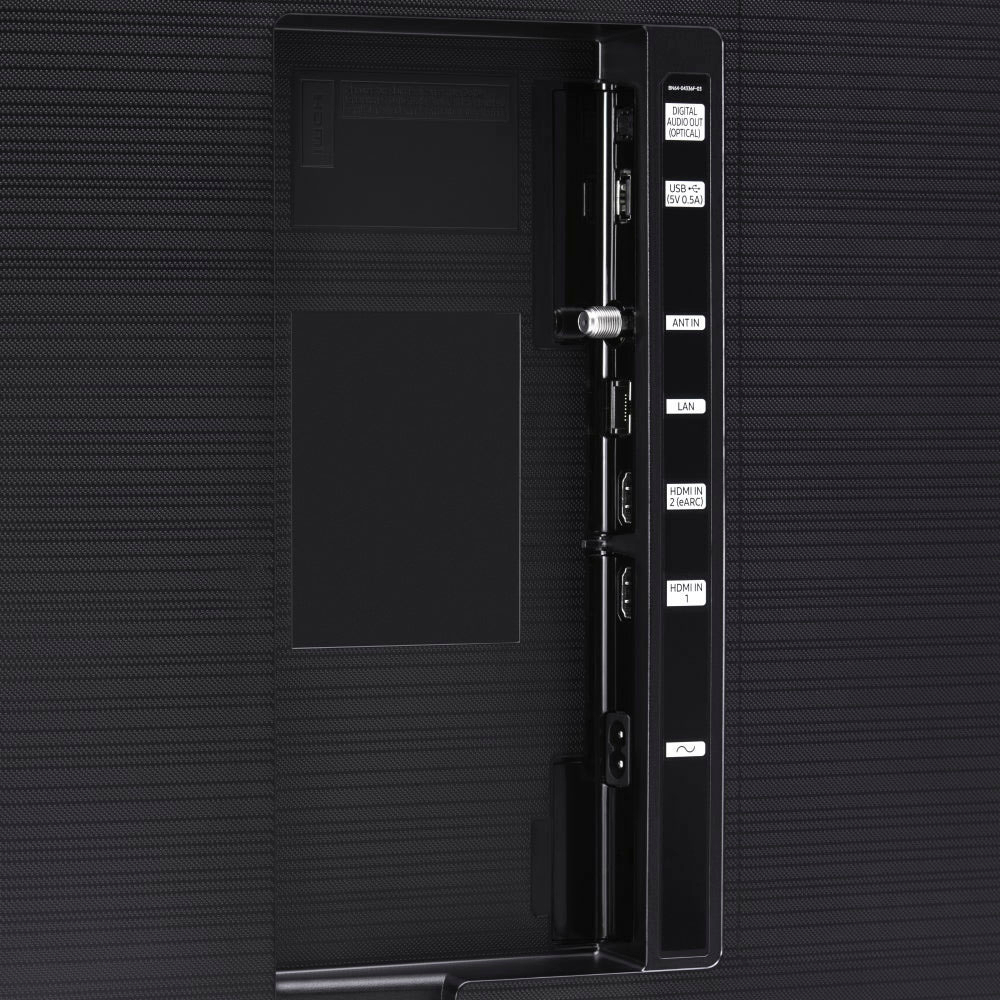
||Posted . Owned for less than 1 week when reviewed.This reviewer received promo considerations or sweepstakes entry for writing a review.Awesome picture, great TV, the reason for 2 stars is who puts only 2 HDMI ports on a tv let alone Samsung the leader in TV industry. 1 is ARC for soundbar so essentially the TV has ONLY ONE HDMI port so now i have to switch my cable box and firestick, just a bad engineering decision.
I would recommend this to a friendBrand response from Samsung
Posted .Hi WesP,
We appreciate your purchase and feedback on the design specs of the TU690T TV. Although the TU690T TV only has 2 HDMI ports, you can purchase an HDMI splitter if you need more ports. Here are some examples that Best Buy has to offer: https://www.bestbuy.com/site/searchpage.jsp?st=hdmi+splitter&_dyncharset=UTF-8&_dynSessConf=&id=pcat17071&type=page&sc=Global&cp=1&nrp=&sp=&qp=&list=n&af=true&iht=y&usc=All+Categories&ks=960&keys=keys
You can also upgrade to the CU7000 TV which offers 3 HDMI ports.
I hope these tips help you enjoy your new product.
You can contact us for further help at 1-800-SAMSUNG, 8 AM - 12 AM EST, seven days a week. Our LiveChat agents are also available by clicking on the ‘Support’ link on our website.
~ Samsung Advisor
Sansung Gaxlaxy
||Posted . Owned for 3 weeks when reviewed.This reviewer received promo considerations or sweepstakes entry for writing a review.Picture is to dark and will not let you Adjust the size of the screen.
No, I would not recommend this to a friendBrand response from Samsung
Posted .Hi MotherT,
Thank you for your feedback on the Samsung TU690T TV's picture and settings. Please know we are here to help.
First, let’s ensure you are running the latest Firmware Update. Go to Settings> Support> Software Update. Next, If the colors on your TV are correct but just a little too dark or bright, you can try adjusting Picture Modes, Contrast, Brightness, or Sharpness settings.
For darker scenes, I recommend Dynamic Picture Mode, which makes pictures brighter and clearer in bright viewing environments. Go to Settings > Picture > Picture Mode > Dynamic.
Or you can manually adjust the Brightness by pressing the HOME button on your remote, then navigating to Settings > Picture > Expert Settings.
You may also want to disable Power Saving Mode, which automatically adjusts the brightness to reduce the TV’s power consumption. Go to Settings > General > Eco Solution> Power Saving Mode.
Please know that HD channels will have black bars on either side of the screen when displaying upscaled SD (4:3) content. Black bars will appear at the top and bottom of the screen when watching movies with aspect ratios different from your TV. Adjust the picture size options on your external device or set the TV to full screen. Go to Home > Settings > Picture > Picture Size Settings > Picture Size.
Should you need further assistance with settings, features, or functions, please contact Samsung Customer Support. You can call us at 1-800-SAMSUNG, 8 AM - 12 AM EST, seven days a week. Our LiveChat agents are also available by clicking on the ‘Support’ link on our website.
~ Samsung Advisor