Customer Ratings & Reviews
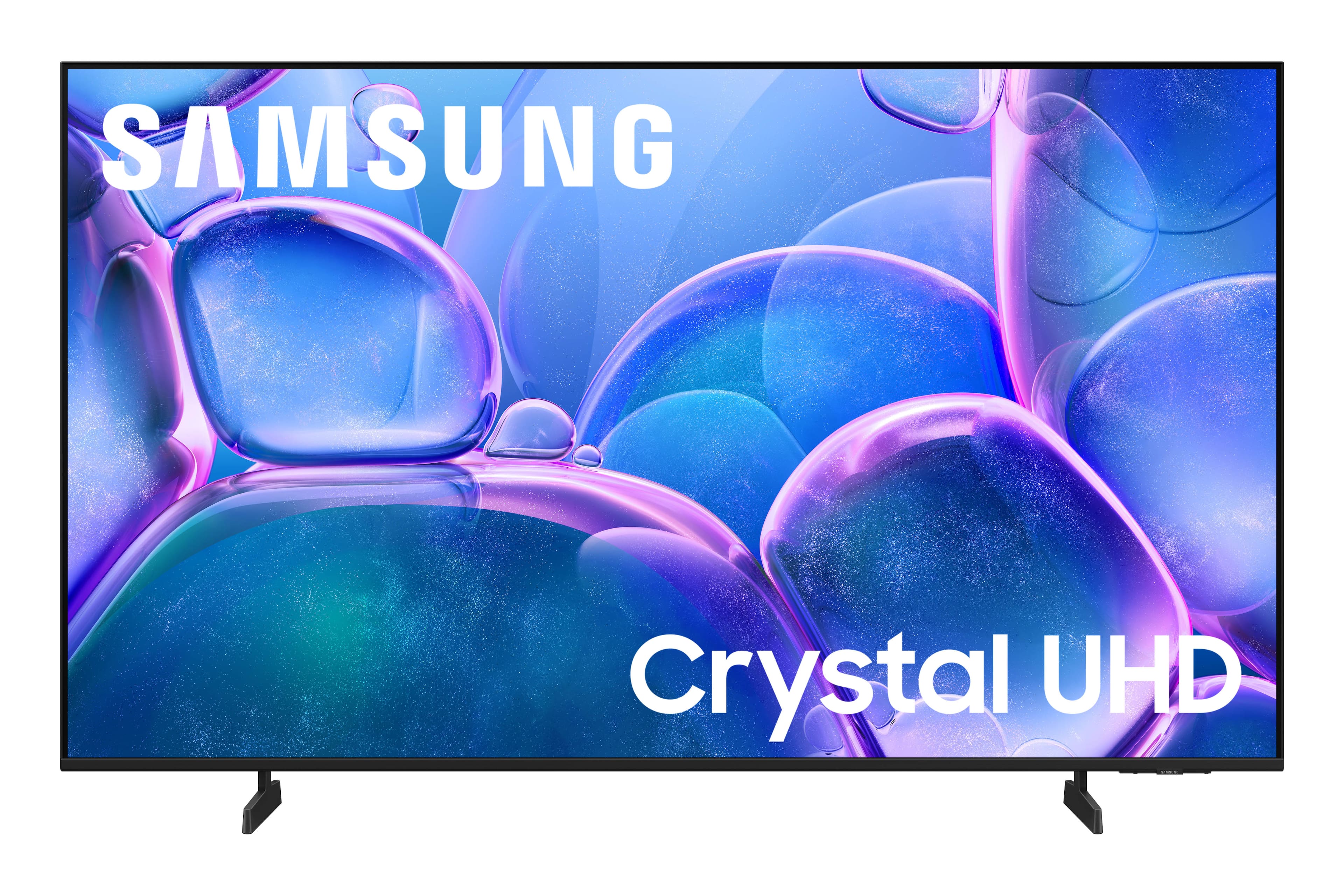
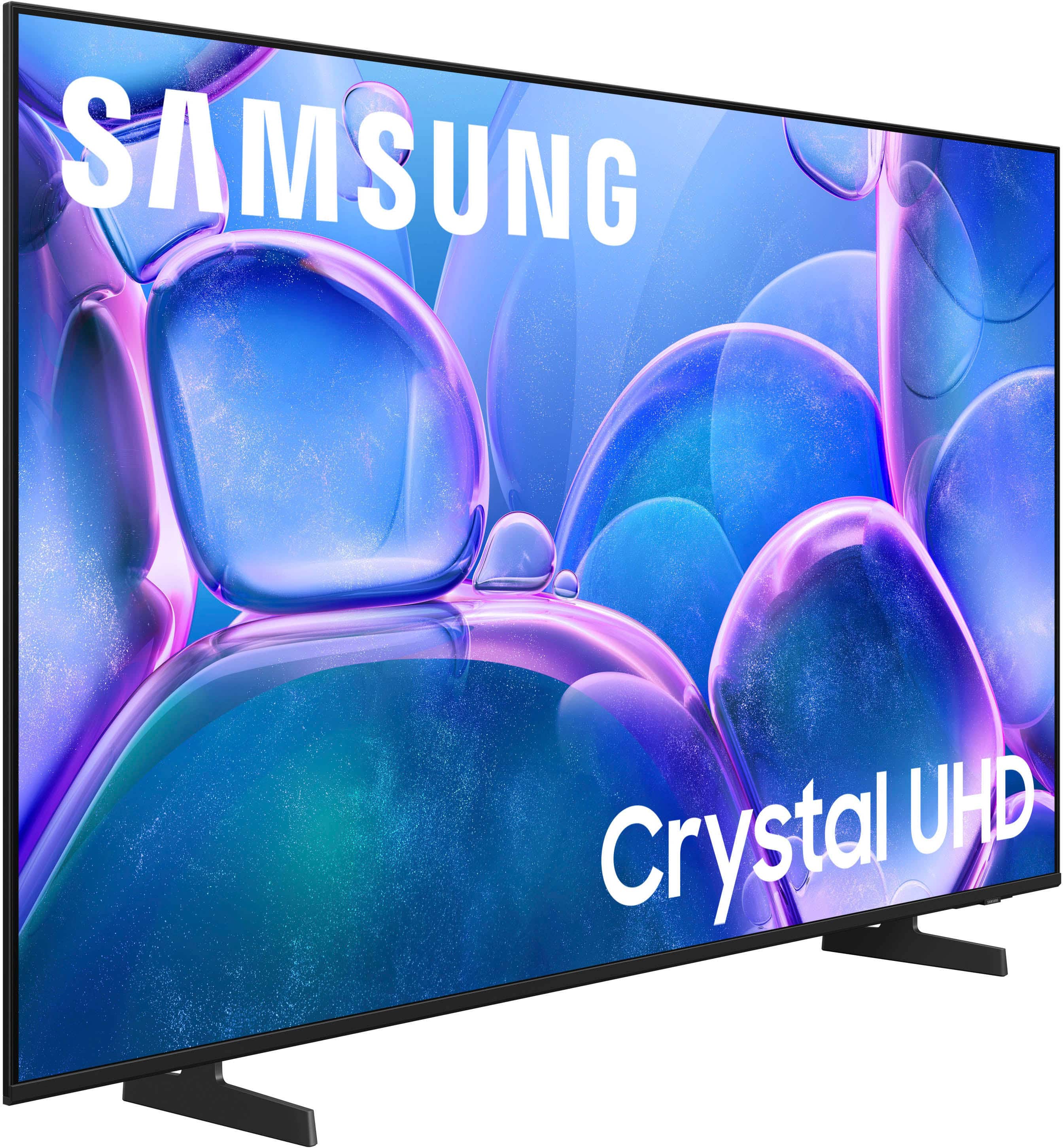
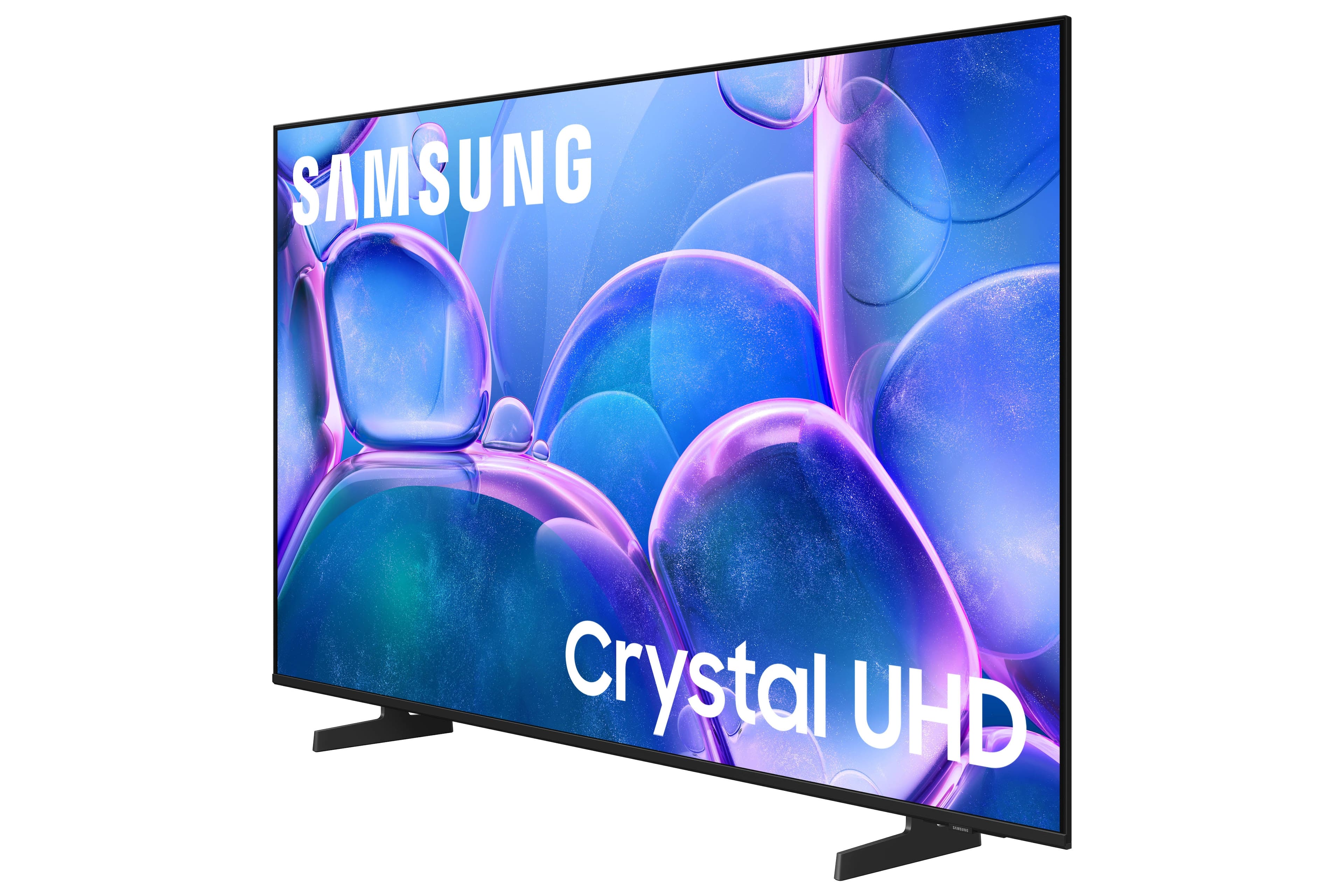
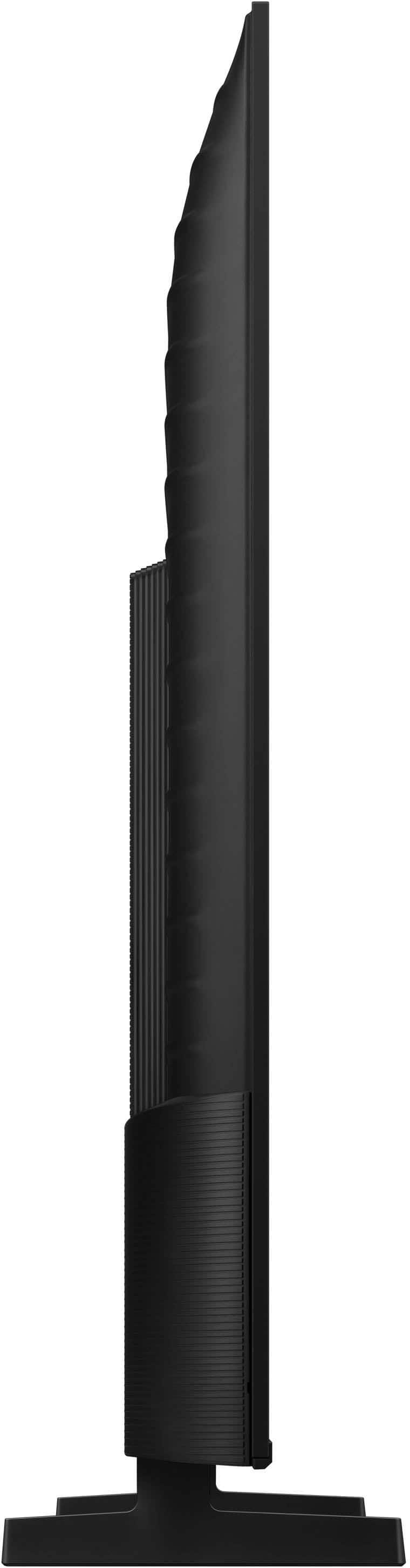


- Model:
- UN55U7900FFXZA
- SKU:
- 10362535
Rating by feature
- Picture Quality
Rating 4.8 out of 5 stars
- Sound Quality
Rating 4.7 out of 5 stars
- Brightness
Rating 4.8 out of 5 stars
Customers are saying
Customers express satisfaction with the television's fantastic picture quality, ease of setup, and convenient size. Users also appreciate the lightweight build, modern design, and consistent brightness levels. However, some individuals have noted concerns regarding limited connectivity options and the functionality of the remote control. Additionally, a small number of users reported that the app performance can occasionally feel sluggish.
This summary was generated by AI based on customer reviews.
Great price for quality
||Posted .This reviewer received promo considerations or sweepstakes entry for writing a review.Clear screen, new technology, great price for the quality
I would recommend this to a friendExcellent
||Posted . Owned for 1 month when reviewed.This reviewer received promo considerations or sweepstakes entry for writing a review.Very good product,and perfect quality worth the price
I would recommend this to a friendGreat
||Posted . Owned for 1 month when reviewed.This reviewer received promo considerations or sweepstakes entry for writing a review.Great item I would recommend great visuals for gaming
I would recommend this to a friendgreat tv
||Posted .This reviewer received promo considerations or sweepstakes entry for writing a review.i liked it so much i bought another one for the other room i just enjoy it
I would recommend this to a friendGreat offer
||Posted .This reviewer received promo considerations or sweepstakes entry for writing a review.Good value for the money I paid. Happy with the purchase.
I would recommend this to a friendDo better
||Posted .This reviewer received promo considerations or sweepstakes entry for writing a review.Glichy with the game mode in the begining thought i would have to return it but so far so good. I would have giving the whole experience a 5 star over all but the guy in who handled my tv dragged in the floor didnt even bother to set it on a cart i had to get it myself it was terrible how my item got treated before it reached my hands
I would recommend this to a friendBrand response from Samsung
Posted .Hi Notyouraverageshopper,
I'm very sorry to hear about your shopping experience. If there's anything we can do to help or if you have any product questions, please do not hesitate to reach out to us. . Reach out by calling 1-800-SAMSUNG between 8AM - 12AM EST, any day of the week. You can also chat with us online by visiting the ‘Support’ section of our website.
~ Samsung Advisor
Good quality
||Posted . Owned for 1 month when reviewed.This reviewer received promo considerations or sweepstakes entry for writing a review.It's a good quality tv. Three of four of our tvs are Samsung.
I would recommend this to a friendSamsung 55 inch TV review
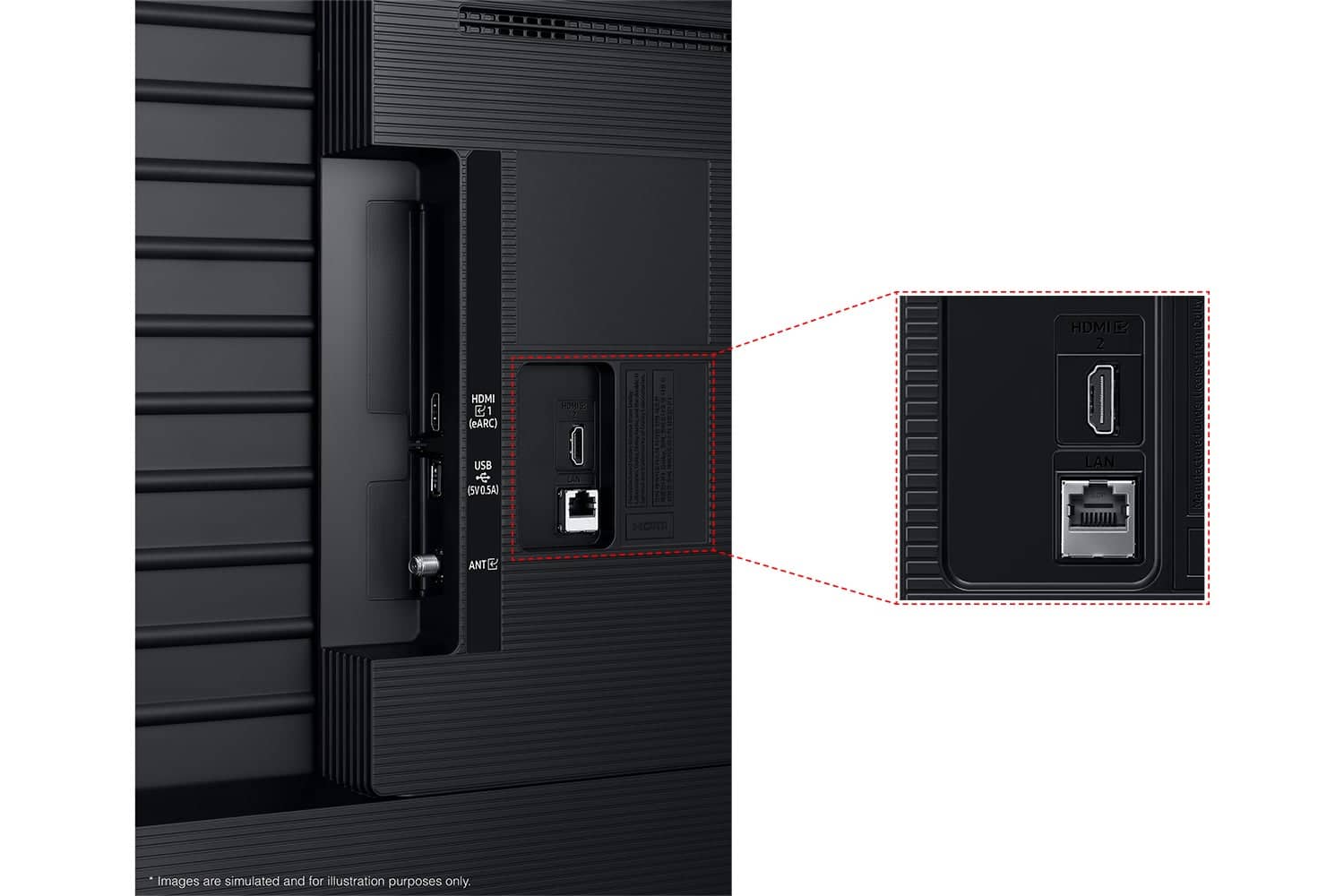
||Posted .This reviewer received promo considerations or sweepstakes entry for writing a review.The picture quality is beautiful. The interface with apps is user friendly and innovative. I was slightly disappointed that there was no optical port for a soundbar. Overall the price, size and quality is a good purchase
I would recommend this to a friendBrand response from Samsung
Posted .DarrylS,
Thank you for sharing your thoughts on the available inputs for the U7900F TV. If an Optical port is a crucial part of your setup needs, you’ll find that connection starting with our Q8F Series and above.
For future purchases, we recommend double-checking the product specs on Best Buy’s site to ensure the model you choose has the ports you need. You’ll find the full list under the “Specifications” tab (just beneath the Highlights section): https://www.bestbuy.com/product/samsung-55-class-u7900-series-uhd-4k-smart-tizen-tv-2025/6632331
Should you ever need assistance with your TV, Samsung is here for you. Reach out by calling 1-800-SAMSUNG between 8AM - 12AM EST, any day of the week. You can also chat with us online by visiting the ‘Support’ section of our website.
~ Samsung Specialist
Basic TV For The Price
||Posted .This reviewer received promo considerations or sweepstakes entry for writing a review.Purchased as a moderately priced second tv. Tizen interface works OK, but I believe the Roku interface is better. Picture quality is ok; I expected a little better than what this tv offers, even after making a few adjustments in settings. Recommend at a price point that purchaser would be comfortable with (i.e, Sale)
I would recommend this to a friendBrand response from Samsung
Posted .Hi Starrzz,
We appreciate your feedback on the picture quality of Samsung’s U7900F TV. If the image doesn’t quite match your preferences, there are several adjustments you can make to better suit your viewing environment and content type.
First, please ensure your TV is running the latest firmware, as updates may include important picture quality enhancements. Go to: Home > Left directional button > Settings > Support > Software Update > Update Now
To explore picture mode options, navigate to: Home > Left directional button > Settings > All Settings > Picture > Picture Mode. Options include:
• Standard – Ideal for general viewing
• Dynamic – Brighter and more vibrant for well-lit spaces
• Eco – Optimized for energy efficiency
• Movie – Best for viewing in low light
• Filmmaker Mode – Preserves the content creator’s intent and disables motion smoothing for supported content
You can further customize your image by going to: Settings > All Settings > Picture > Expert Settings, where you can adjust Brightness, Contrast, Color Tone, Sharpness, Contrast Enhancer and more.
If you’d like help finding the best picture settings for your preferences, please don’t hesitate to contact Samsung Support at 1-800-SAMSUNG, available 8AM – 12AM EST, 7 days a week. You can also LiveChat with an agent or explore additional resources on our website by clicking the ‘Support’ link.
~ Samsung Advisor
Samsung 55" TV
||Posted . Owned for 3 weeks when reviewed.This reviewer received promo considerations or sweepstakes entry for writing a review.Nice TV, nothing special, reflects the reduced price, I guess.
I would recommend this to a friendStaff
||Posted . Owned for 2 weeks when reviewed.This reviewer received promo considerations or sweepstakes entry for writing a review.Staff we're very rude & disrespectful I will never shop or recommend best buy again!
I would recommend this to a friendBrand response from Samsung
Posted .Hi JoanneC,
We're very sorry to hear about your experience. You may want to reach out to Best Buy directly to convey your feedback. If you have any questions or need help, we’re always here. Call 1-800-SAMSUNG from 8AM – 9PM EST Mon – Fri, 8AM – 6PM Sat – Sun, or connect with a LiveChat agent anytime by selecting ‘Support’ on our website.
~ Samsung Advisor
Decent TV, horrible UI experience
||Posted .This reviewer received promo considerations or sweepstakes entry for writing a review.Decent TV for the price. Not 5 stars because of the absolutely HORRIBLE samsung interface - my tv just starts playing a random movie channel when i turn it on. Genuinely who asked for this
I would recommend this to a friendBrand response from Samsung
Posted .Hi Noah,
Thank you for your review. While your U7900F TV may currently default to Samsung TV Plus when powered on, you can customize what your TV does at startup by adjusting the Start Screen Options.
To do this, navigate to: Settings > All Settings > Advanced Features > Start Screen Option and choose from the following:
1. Start with Smart Hub Home – Automatically launches Smart Hub when the TV is turned on. You can enable or disable this option based on your preference.
2. Autorun Multi View Casting – If you cast YouTube content from your mobile device, the TV will automatically display the content using Multi View.
3. Autorun Multi View Mirroring – When you screen mirror your mobile device, Multi View will automatically open to show your device’s screen.
If you need help adjusting these settings or have any other questions, please contact Samsung Support at 1-800-SAMSUNG, 8AM – 12AM EST, 7 days a week. LiveChat agents are also available by clicking on the ‘Support’ link on our website.
~ Samsung Advisor
So slow
||Posted . Owned for 4 months when reviewed.This reviewer received promo considerations or sweepstakes entry for writing a review.I bought this TV earlier in the year and ever since I bought it it's been super slow, there's no app store and you can't customize it. Plus the interface is ugly.
No, I would not recommend this to a friendBrand response from Samsung
Posted .Hi Jocelyn,
Thank you for your feedback. Please ensure your TV is up to date with the latest Firmware. Go to Settings> Support> Software Update.
To access the built-in app store, go to Home> Search bar> type in the app you want to download and press search. From there, you can download the app if available.
If you need additional support, Samsung is here to help. Please call us at 1-800-SAMSUNG, available daily from 8AM - 12AM EST. You can also chat with a LiveChat agent by clicking the ‘Support’ link on our website.
~ Samsung Advisor
Well priced
||Posted .This reviewer received promo considerations or sweepstakes entry for writing a review.Audio quality is not the best but other than that it pretty good
I would recommend this to a friendBrand response from Samsung
Posted .Hi user503440,
Thank you for sharing your experience with volume fluctuations on your Samsung U7900F TV. Sudden changes in volume can often be related to audio settings or content differences between sources or apps.
Please try the following adjustments to help stabilize your TV's audio:
1. Enable Auto Volume. Go to: Settings > All Settings > Sound > Expert Settings > Auto Volume. This feature helps maintain a consistent volume level when switching channels or apps.
2. Change Sound Mode. Try a different sound mode to see if one offers a more stable output: Settings > All Settings > Sound > Sound Mode (We recommend Standard or Amplify for more even performance.)
3. Check External Devices. If you're using a soundbar, receiver, or other audio device, check that its volume leveling or dynamic range settings aren’t interfering with the TV’s audio.
4. Update Firmware. Ensure your TV is running the latest software, as updates may include audio improvements: Settings > Support > Software Update > Update Now
If the issue persists after these steps, please don’t hesitate to reach Samsung Customer Support at 1-800-SAMSUNG, 8AM – 9PM EST Mon – Fri, 8AM – 6PM Sat – Sun. LiveChat is also available via the ‘Support’ link on our website.
~ Samsung Advisor
Good service for a defective product
||Posted . Owned for 1 week when reviewed.This reviewer received promo considerations or sweepstakes entry for writing a review.The tv worked great for about a week. However, the picture went out. The service i had with Best Buy was great with the return and offer to provide a new one.
I would recommend this to a friendBrand response from Samsung
Posted .Hi KeithW,
Thank you for sharing your experience. Should you ever need assistance, Samsung is here for you. Reach out by calling 1-800-SAMSUNG between 8AM - 12AM EST, any day of the week. You can also chat with us online by visiting the ‘Support’ section of our website.
~Samsung Advisor
Tv is good
||Posted . Owned for 3 weeks when reviewed.This reviewer received promo considerations or sweepstakes entry for writing a review.Good tv for the price. Can’t get more savings then that
I would recommend this to a friendGood samsung tv
||Posted . Owned for 2 weeks when reviewed.This reviewer received promo considerations or sweepstakes entry for writing a review.Good operating system and clean screen with no blur
I would recommend this to a friendSamsung tv
||Posted . Owned for 1 month when reviewed.This reviewer received promo considerations or sweepstakes entry for writing a review.It’s an ok tv, Gets the job done. Only real complaint is that if you’re off to the side watching it’s super dark. Might be a settings thing but I can’t figure it out
I would recommend this to a friendBrand response from Samsung
Posted .Hi CarlB,
We’re sorry to hear you’re not fully satisfied with the picture quality on your Samsung U7900 TV. If the image appears too dark, we suggest disabling certain energy-saving features, which can automatically adjust brightness and affect how the screen looks.
Go to: Settings > All Settings > General & Privacy > Power and Energy Saving, then turn off Brightness Optimization, Energy Saving Solution, Motion Lighting, and/or Contrast Enhancer.
You can also adjust the Picture Mode to better suit your environment: Settings > All Settings > Picture > Picture Mode
• Standard – Default mode for general viewing
• Dynamic – Brighter and clearer, ideal for well-lit rooms
• Movie – Best for dark room viewing
• Eco – Energy-saving mode
• Filmmaker Mode – Preserves content as intended by creators
To fine-tune brightness, go to: Home > left directional key > Settings > All Settings > Picture > Expert Settings, then adjust the Brightness level (0–50) to your preference.
Lastly, please make sure your TV is running the latest firmware: Home > Home > left directional key > Settings > Support > Software Update > Update Now
We hope these tips help improve your viewing experience. If you need further support, feel free to contact us at 1-800-SAMSUNG, 8AM – 12AM EST, 7 days a week. LiveChat is also available via the ‘Support’ link on our website.
~Samsung Advisor
- Cons mentioned:Remote control
You need a Samsung account in order to use tv
||Posted . Owned for 2 weeks when reviewed.This reviewer received promo considerations or sweepstakes entry for writing a review.Worst tv experience ever. Guy suggested an easy tv. Took all weekend to setup a Samsung acct. Only way to get tv on. Remote no volume controls. Very disappointed. The 1 person who actually helped suggested a lousy tv
No, I would not recommend this to a friendBrand response from Samsung
Posted .Hi KelliM,
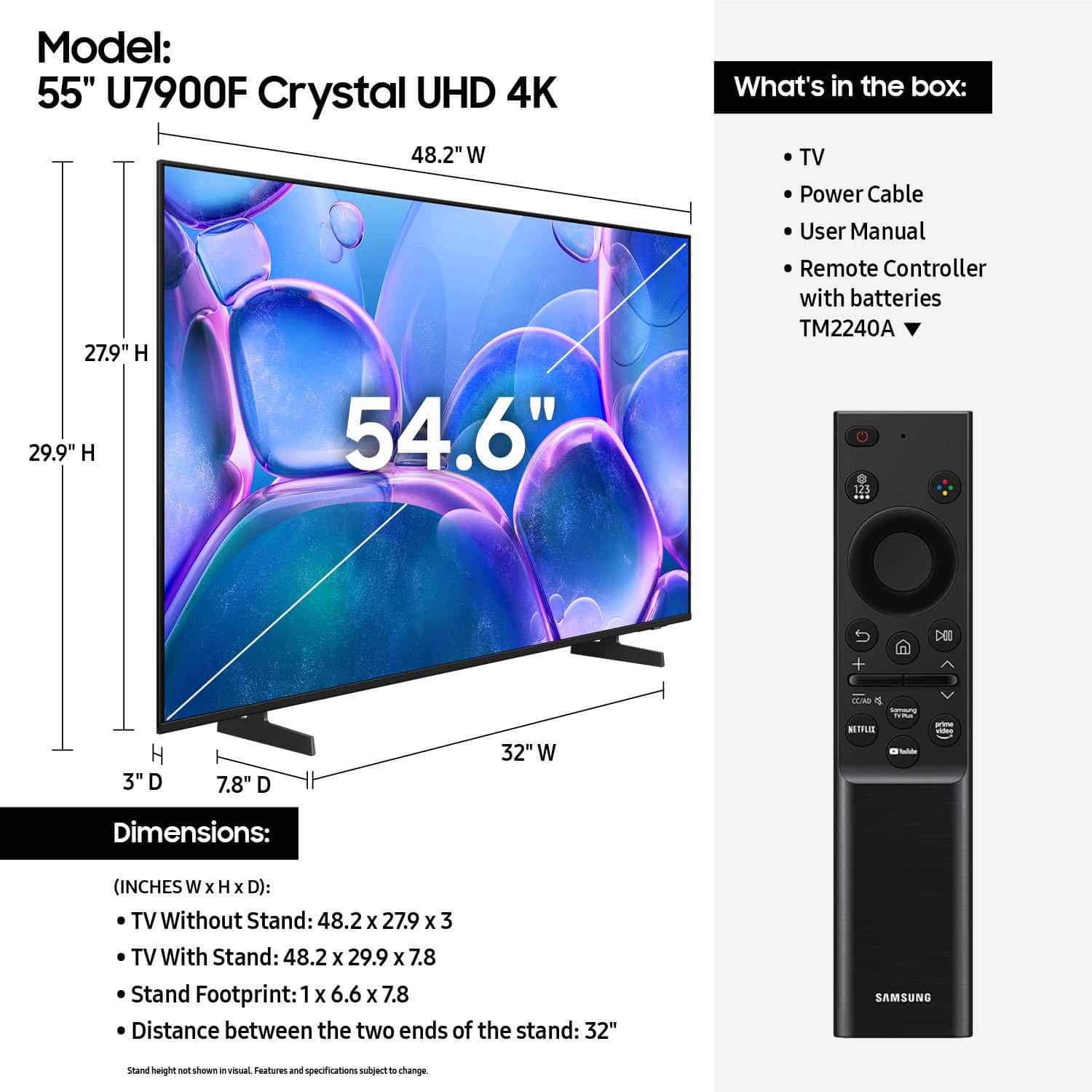
We appreciate your feedback and are sorry you had a poor experience setting up your new Samsung TV. Please know you can control the volume of your TV with the +/- button on the left side of the remote: push UP/DOWN to adjust volume; press and release quickly to MUTE.
To help you get the most from your TV, you can download the full e-Manual and more by visiting Samsung’s website then navigating to: Support > Manual & Software > TVs & Home Theater. From there, you can search for and select your U7900 TV model to view or download the available guides.
The e-Manual and Remote Control Guide are also conveniently built into your TV: Settings > Support > Tips and User Guides
If you need additional help, please contact Samsung Support at 1-800-SAMSUNG, 8AM – 12AM EST, 7 days a week. LiveChat agents are also available through the ‘Support’ link on our website.
~ Samsung Advisor
Glitchy
||Posted . Owned for 1 week when reviewed.This reviewer received promo considerations or sweepstakes entry for writing a review.Streaming Netflix,philo ect... the tv jumps/ Glitches repeatedly during the movie or show. Thats the only problem im seeming to be running into. I hate it.
No, I would not recommend this to a friendBrand response from Samsung
Posted .Hi Keelo22,
We appreciate you sharing details about the flickering you’ve noticed on your Samsung U7900 TV. This behavior may be related to energy-saving features or dynamic picture settings that adjust the screen brightness automatically.
Please try disabling the following features: Settings > All Settings > General & Privacy > Power and Energy Saving
• Brightness Optimization
• Energy Saving Solution
• Motion Lighting
If these are already off, check if Contrast Enhancer is enabled, which can also cause brightness to shift depending on content: Settings > All Settings > Picture > Expert Settings > Contrast Enhancer
To ensure optimal performance, please also confirm your TV is running the latest firmware: Settings > Support > Software Update > Update Now
We hope these steps help stabilize your screen brightness. If you continue to experience issues, please don’t hesitate to contact Samsung Customer Support at 1-800-SAMSUNG, 8AM – 12AM EST, 7 days a week. LiveChat is also available via the ‘Support’ link on our website.
~ Samsung Advisor