Customer Ratings & Reviews
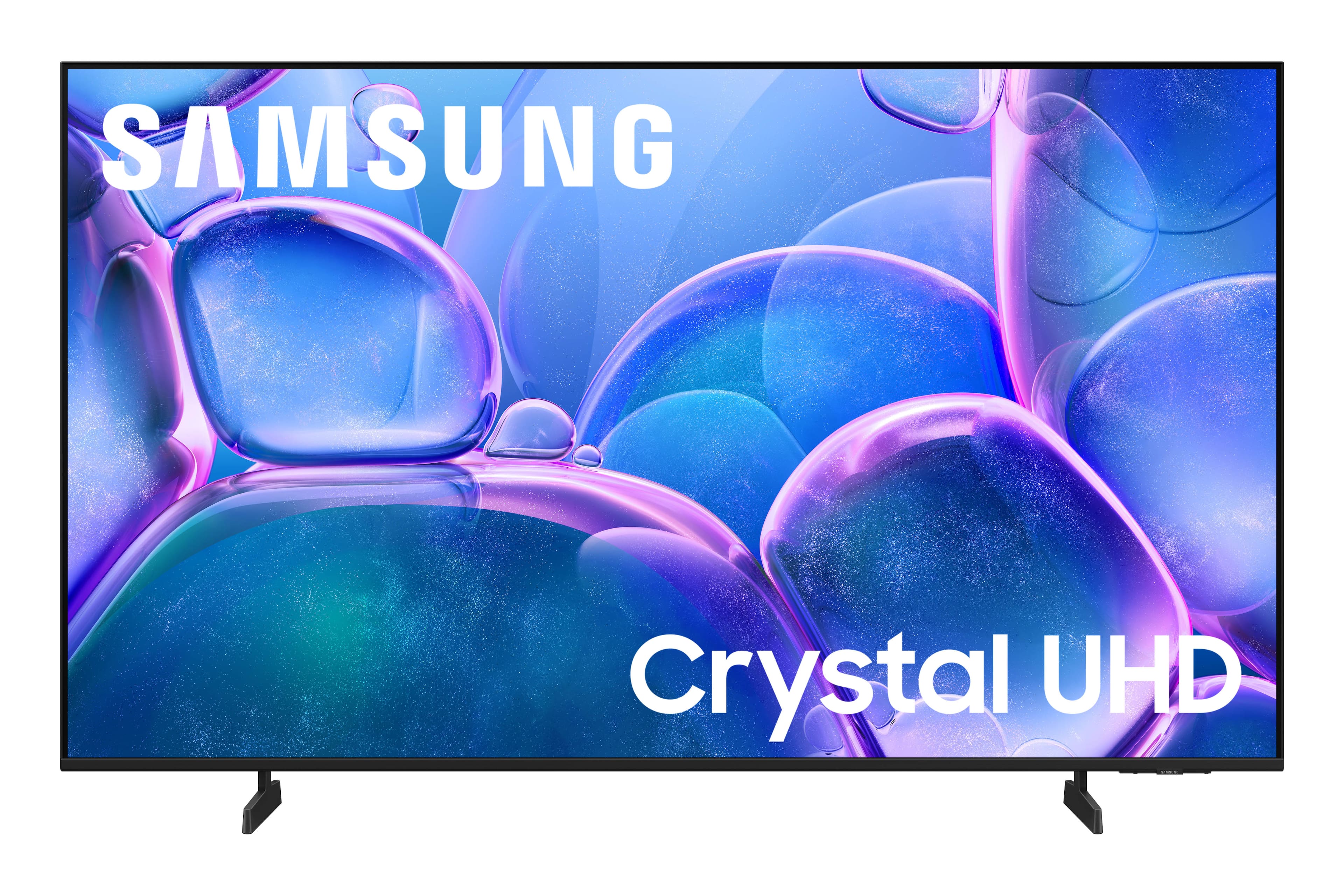
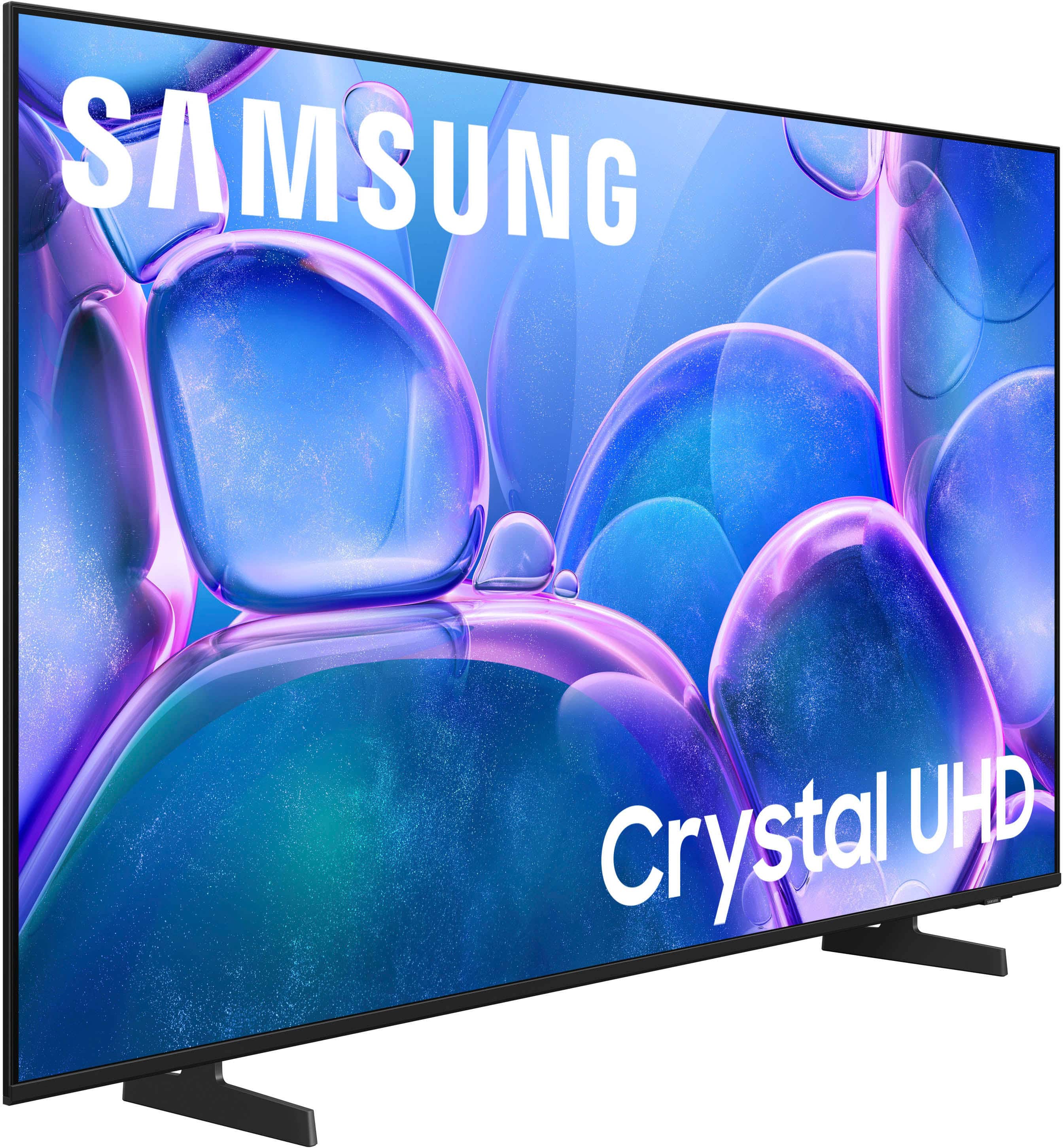
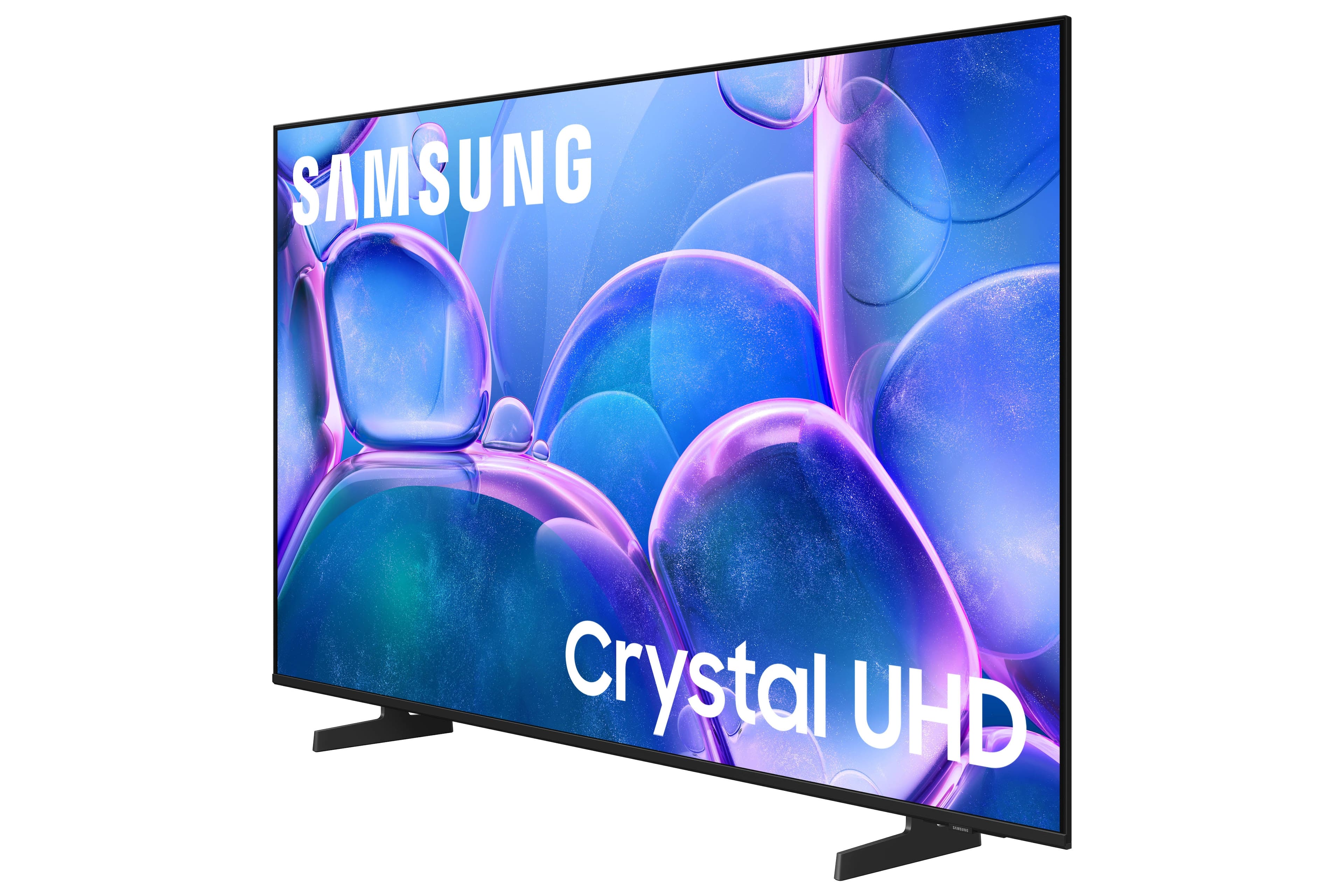
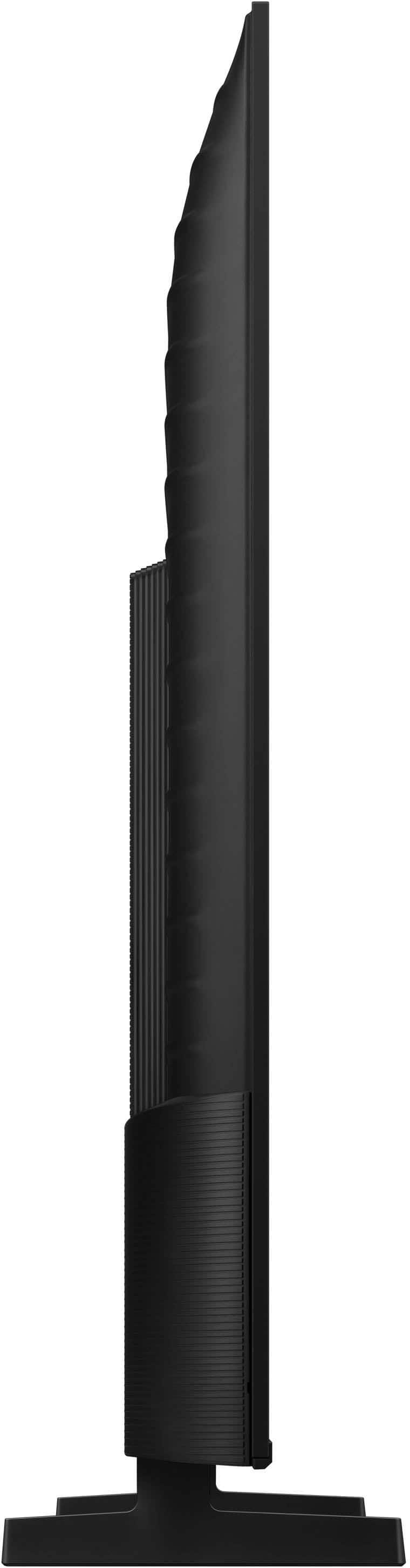


- Model:
- UN55U7900FFXZA
- SKU:
- 10362535
Rating by feature
- Picture Quality
Rating 4.8 out of 5 stars
- Sound Quality
Rating 4.7 out of 5 stars
- Brightness
Rating 4.8 out of 5 stars
Customers are saying
Customers express satisfaction with the television's fantastic picture quality, ease of setup, and convenient size. Users also appreciate the lightweight build, modern design, and consistent brightness levels. However, some individuals have noted concerns regarding limited connectivity options and the functionality of the remote control. Additionally, a small number of users reported that the app performance can occasionally feel sluggish.
This summary was generated by AI based on customer reviews.
Better tvs out there
||Posted . Owned for 1 month when reviewed.This reviewer received promo considerations or sweepstakes entry for writing a review.It’s ok better option for price, like pioneer tv at Best Buy
No, I would not recommend this to a friendBrand response from Samsung
Posted .Hi ErKrzN,
We appreciate your feedback. If there's ever anything we can do to help you, please do not hesitate to reach out to us. You can reach us at 1-800-SAMSUNG (8AM – 9PM EST Mon – Fri, 8AM – 6PM Sat – Sun), or connect with a LiveChat agent by selecting ‘Support’ on our website.
~ Samsung Advisor
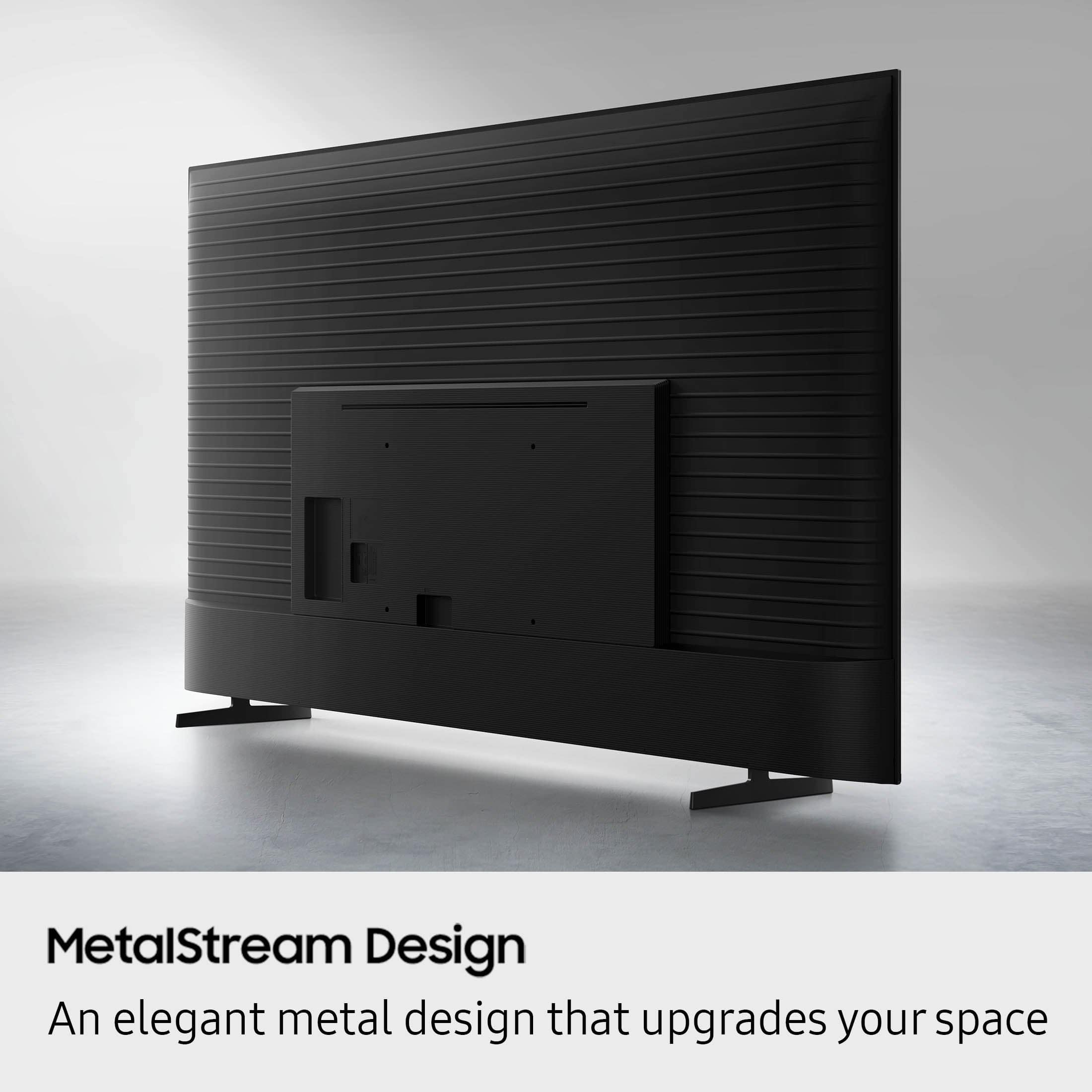
Legs were missing
||Posted . Owned for 1 month when reviewed.This reviewer received promo considerations or sweepstakes entry for writing a review.I went to best but and bought it cause i was moving into an apartment and didn’t open it up until I moved in saw the legs were missing and it was passed the 15 days to return it
No, I would not recommend this to a friendBrand response from Samsung
Posted .Hi Kiaron,
We appreciate your feedback regarding parts missing from your U7900 TV. If purchased brand-new and unopened, please contact Samsung Customer Support and a representative will gladly help you. If purchased in open-box condition, we recommend contacting Best Buy directly for assistance. We hope your issue is resolved in a timely manner.
Should you have questions or concerns on usage or setup of your TV once your issue has been resolved, please call us at 1-800-SAMSUNG, 8AM – 12AM EST, 7 days a week, or connect with us via LiveChat through the ‘Support’ link on our website.
~ Samsung Advisor
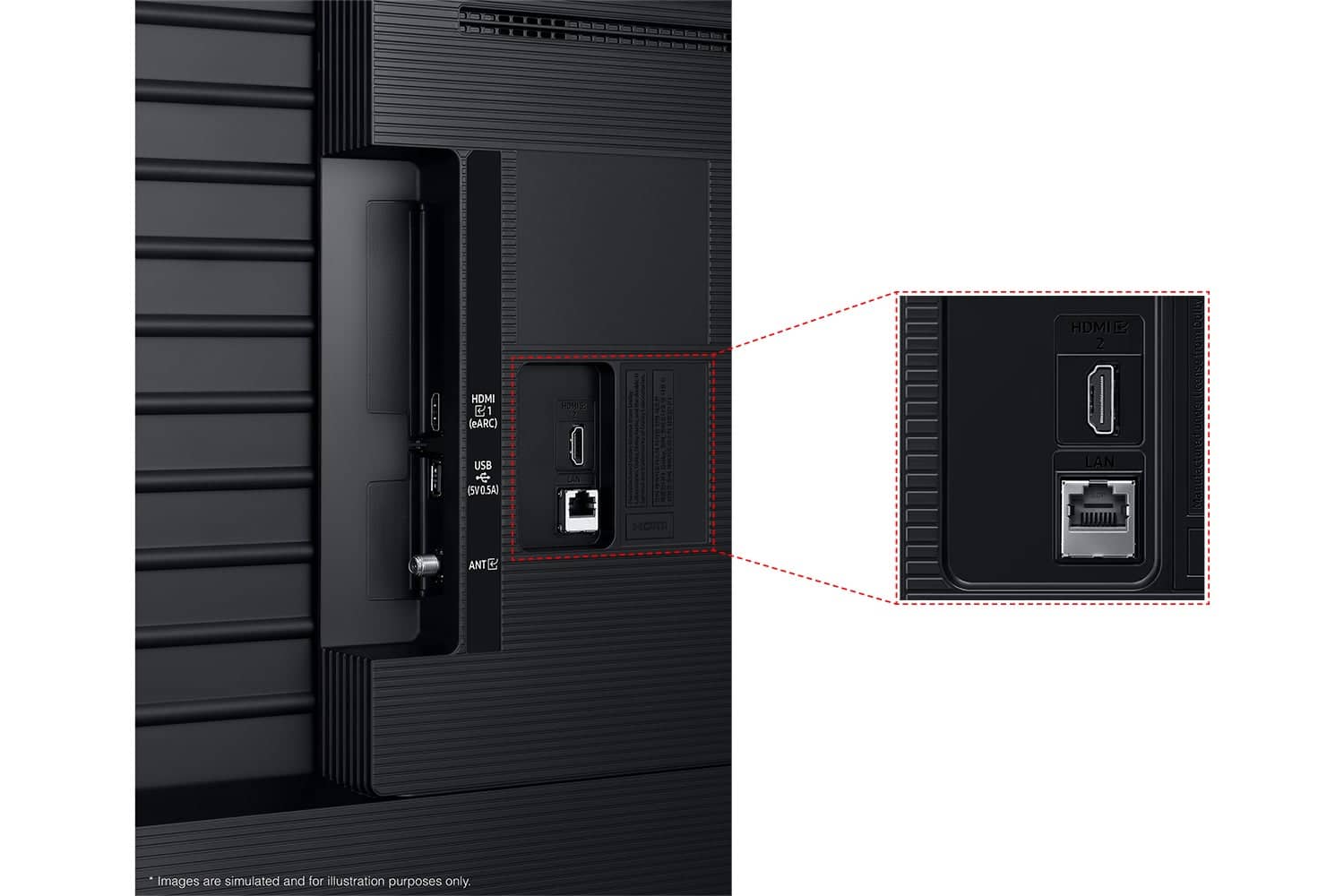
- Cons mentioned:Connectivity
Bad tv
||Posted .This reviewer received promo considerations or sweepstakes entry for writing a review.This tv is the worst tv I’ve ever gotten, it never stays connected to the wifi, it is super laggy, the picture is so bad and you can’t watch any streaming services without it buffering.
No, I would not recommend this to a friendBrand response from Samsung
Posted .Hi DelaynieW,
Thank you for sharing your experience. Buffering during streaming is typically related to internet speed or signal strength. This can happen when your connection isn’t able to deliver data quickly enough for smooth playback.
We recommend the following steps to help improve streaming performance:
1. Use a 5GHz Wi-Fi connection, if available
2. Try a wired LAN connection for more stability
3. Reposition your router to minimize obstacles between it and the TV
4. Make sure your TV is running the latest firmware (Settings > Support > Software Update)
5. Run Device Care to optimize performance: Home > left directional key > Settings > Support > Device Care > Start Device Care
If buffering continues, you may want to contact your internet service provider to check your current speed or explore upgrade options.
If we can assist further, please call us at 1-800-SAMSUNG, available daily from 8AM - 12AM EST. You can also visit the Samsung website and click on ‘Support’ for:
• Live Chat
• Manuals, Software, & Warranty Info
~ Samsung Advisor
Soid TV but very poor UI Performance
||Posted . Owned for 1 month when reviewed.This reviewer received promo considerations or sweepstakes entry for writing a review.Very poor UI performance. Delayed when using the interface of the tv. Had to get a amaazon firestick because the built in UI is so bad
No, I would not recommend this to a friendBrand response from Samsung
Posted .dragonslayer69,
We appreciate your feedback regarding response time. For optimal performance, please ensure your TV is running the latest firmware. You can check this by going to: Home > left directional key > Settings > Support > Software Update
To further optimize performance, try running Device Care, which checks memory, clears unused cached data, and closes background apps: Home > left directional key > Settings > Support > Device Care > Start Device Care
If issues continue, please reach Samsung Support at 1-800-SAMSUNG, available 8AM – 12AM EST, 7 days a week.
LiveChat is also available via the ‘Support’ link on our website.
~ Samsung Specialist
Decent budget TV
||Posted . Owned for 1 month when reviewed.This reviewer received promo considerations or sweepstakes entry for writing a review.Overall its a decent budget TV to get video quality is ok i would recommend.
I would recommend this to a friendBrand response from Samsung
Posted .Hi RuuD,
Thank you for sharing your experience. If you ever have questions or need support, we’re here to help. Call us at 1-800-SAMSUNG, available from 8AM - 12AM EST, seven days a week. You can also connect with a LiveChat agent by clicking the ‘Support’ link on our website.
~ Samsung Advisor
Cheap for a reason
||Posted .This reviewer received promo considerations or sweepstakes entry for writing a review.Tv was having smart hub issues. Preprogrammed apps were not working. Bluetooth not working. Best Buy has a 15 day return policy so I’m stuck with it
No, I would not recommend this to a friendBrand response from Samsung
Posted .Hi AndrewL,
We appreciate your feedback regarding the performance of Smart Hub on your U7900F TV. If you're experiencing freezing, lag, or issues with apps not launching properly, the following steps may help:
1. Reset Smart Hub – This restores Smart Hub to factory settings and can resolve many performance issues: Home > left directional key > Settings > Support > Device Care > Self Diagnosis > Reset Smart Hub
(Note: This will sign you out of all apps and reset Smart Hub preferences.)
2. Check for Firmware Updates – An outdated software version can impact Smart Hub functionality: Home > left directional key > Settings > Support > Software Update > Update Now
3. Run Device Care – This tool helps optimize performance by clearing cached memory and closing background processes: Home > left directional key > Settings > Support > Device Care > Start Device Care
If Smart Hub continues to have issues after performing these steps, please contact Samsung Support at 1-800-SAMSUNG, available 8AM – 12AM EST, 7 days a week. LiveChat support is also available through the ‘Support’ link on our website.
~ Samsung Advisor
Just Meh.
||Posted . Owned for 1 month when reviewed.This reviewer received promo considerations or sweepstakes entry for writing a review.The TV is fine but even on the brightest setting the picture is a little dark
No, I would not recommend this to a friendBrand response from Samsung
Posted .Hi JohnP,
We’re sorry to hear you’re not fully satisfied with the picture quality on your Samsung U7900F TV. If the image appears too dark, we suggest disabling certain energy-saving features, which can automatically adjust brightness and affect how the screen looks.
Go to: Settings > All Settings > General & Privacy > Power and Energy Saving, then turn off Brightness Optimization, Energy Saving Solution, Motion Lighting, and/or Contrast Enhancer.
You can also adjust the Picture Mode to better suit your environment: Settings > All Settings > Picture > Picture Mode
• Standard – Default mode for general viewing
• Dynamic – Brighter and clearer, ideal for well-lit rooms
• Movie – Best for dark room viewing
• Eco – Energy-saving mode
• Filmmaker Mode – Preserves content as intended by creators
To fine-tune brightness, go to: Home > left directional key > Settings > All Settings > Picture > Expert Settings, then adjust the Brightness level (0–50) to your preference.
Lastly, please make sure your TV is running the latest firmware: Home > Home > left directional key > Settings > Support > Software Update > Update Now
We hope these tips help improve your viewing experience. If you need further support, feel free to contact us at 1-800-SAMSUNG, 8AM – 12AM EST, 7 days a week. LiveChat is also available via the ‘Support’ link on our website.
~ Samsung Advisor
TRASH!!!!
||Posted .This reviewer received promo considerations or sweepstakes entry for writing a review.Horrible tv! Stopped working after only 1 month. Tried factory resets, got it working for 1 day, then couldn’t get it to respond at all, blank screen. Called Samsung and even did a video call so they could see issues. They said they’ve would have to send a technician to replace some sort of power source. I said on a new TV? They said unfortunately they are having problems and it is not that unusual. I said it would be easier for me to buy a different brand TV and never trust a Samsung product again
No, I would not recommend this to a friendBrand response from Samsung
Posted .Hi GayleR,
We're sorry to hear about your experience. Should you change your mind, please give us a call so we can schedule a technician appointment. Call 1-800-SAMSUNG from 8AM – 9PM EST Mon – Fri, 8AM – 6PM Sat – Sun, or connect with a LiveChat agent anytime by selecting ‘Support’ on our website.
~ Samsung Advisor
Samsung TV
||Posted .This reviewer received promo considerations or sweepstakes entry for writing a review.It's A good product, but I find the need to use two control devices to be cumbersome
No, I would not recommend this to a friendBrand response from Samsung
Posted .Hi AnthonyC,
Thank you for your feedback. Please know you can control multiple devices with your Samsung TV remote if they are connected via HDMI cable. If your Remote isn’t controlling your external device, please try the following:
1. Reset the Remote: Press and hold Return and Enter (center of the navigation pad) for more than 10 seconds. Then, re-pair the remote by pressing Return and Play/Pause simultaneously for at least 5 seconds, or until a message appears on screen confirming connection.
2. Check the Remote Battery: On your TV, go to: Home > left directional key > Settings > All Settings > General & Privacy > Remote Control
3. Ensure the Remote is Sending IR Signals: Use your smartphone camera to check for infrared. If you see a flashing light from the remote’s front when pressing a button, it’s working properly.
4. Enable Anynet+ (HDMI-CEC): This feature allows your remote to control HDMI-connected devices. To enable it:
Settings > All Settings > General & Privacy > External Device Manager > Anynet+ (HDMI-CEC) = On
5. If the device doesn’t support HDMI-CEC, use the Universal Remote feature. First, confirm the external device is properly connected. Then go to: Home > left directional key > Connected Devices > Universal Remote Setup, and follow the prompts.
If the issue persists, please call Samsung Support at 1-800-SAMSUNG, 8AM – 12AM EST, 7 days a week. Our LiveChat agents are also available by clicking the ‘Support’ link on our website.
~Samsung Advisor
Not worth the money
||Posted .This reviewer received promo considerations or sweepstakes entry for writing a review.The picture quality on this TV is extremely disappointing, especially in dark scenes. Even with brightness turned all the way up and trying multiple picture modes, it’s very hard to see what’s going on. A lot of detail gets lost, which makes watching movies and shows frustrating. I expected much better performance and wouldn’t recommend this TV if you watch a lot of darker content. I wish I would have returned it.
No, I would not recommend this to a friendBrand response from Samsung
Posted .Hi KMel2,
We’re sorry to hear you’re not fully satisfied with the picture quality on your Samsung U7900F TV. If the image appears too dark, we suggest disabling certain energy-saving features, which can automatically adjust brightness and affect how the screen looks.
Go to: Settings > All Settings > General & Privacy > Power and Energy Saving, then turn off Brightness Optimization, Energy Saving Solution, Motion Lighting, and/or Contrast Enhancer.
You can also adjust the Picture Mode to better suit your environment: Settings > All Settings > Picture > Picture Mode
• Standard – Default mode for general viewing
• Dynamic – Brighter and clearer, ideal for well-lit rooms
• Movie – Best for dark room viewing
• Eco – Energy-saving mode
• Filmmaker Mode – Preserves content as intended by creators
To fine-tune brightness, go to: Home > left directional key > Settings > All Settings > Picture > Expert Settings, then adjust the Brightness level (0–50) to your preference.
Lastly, please make sure your TV is running the latest firmware: Home > Home > left directional key > Settings > Support > Software Update > Update Now
We hope these tips help improve your viewing experience. If you need further support, feel free to contact us at 1-800-SAMSUNG, 8AM – 12AM EST, 7 days a week. LiveChat is also available via the ‘Support’ link on our website.
~ Samsung Advisor
Defective Screen Right Out of the Box
||Posted . Owned for 1 month when reviewed.This reviewer received promo considerations or sweepstakes entry for writing a review.Bought this Samsung U7900 Series in August and it was a headache from the start. The screen developed a horizontal line with the bottom half mirroring the top, making it unwatchable. Tried updates, resets, and unplugging everything no fix. Even the menus were glitched. Setup was frustrating too — forced QR codes and account sign-in just to reach HDMI. Ended up boxing it back up and returning to Best Buy. Not recommended. Spend a little more for Sony, LG, or Samsung QLED instead.
No, I would not recommend this to a friendBrand response from Samsung
Posted .Hi
Thank you for your feedback regarding the screen abnormalities you’re seeing on your Samsung U7900F TV. To determine whether the issue is related to the TV itself, we recommend running a Picture Test, which displays a high-definition test image for you to examine. Go to: Settings > Support > Device Care > Self Diagnosis > Picture Test
If the issue appears on all sources and during the Picture Test, the TV may require service. For help setting up a service appointment, please contact Samsung Support at 1-800-SAMSUNG, 8AM – 12AM EST, 7 days a week. LiveChat and additional support resources are also available through the Support link on our website.
~ Samsung Advisor
Very Disappointed in Best Buy
||Posted . Owned for 3 weeks when reviewed.This reviewer received promo considerations or sweepstakes entry for writing a review.The TV screen was cracked when I arrived home with it. I’ve bought many TV’s from Best Buy and know how to properly transport them and set them up properly. The store refused to exchange, take it back, or even look at it even though they had an open box TV available for the same unit that had damage right around the same area mine did which suggests a consistent issue with that stock. Very disappointed in Best Buy. I’ve made many purchases from them over the years, but no longer will.
No, I would not recommend this to a friendBrand response from Samsung
Posted .Hi AndrewS,
Thank you for sharing your experience with us. If there’s anything we can assist with, please don’t hesitate to call us at 1-800-SAMSUNG, available daily from 8AM - 12AM EST. You can also visit the Samsung website and click on ‘Support’ for:
• Live Chat
• Manuals, Software, & Warranty Info
~ Samsung Advisor
You get what you pay for.
||Posted .This reviewer received promo considerations or sweepstakes entry for writing a review.I am a little disappointed in the clarity of live sports. But for everything else it seems fine. This is an inexpensive TV and it will serve it's purpose for now.
No, I would not recommend this to a friendBrand response from Samsung
Posted .Hi Vegas84,
Thank you for your feedback on the Samsung U7900 TV and your experience when watching fast-motion content. If the picture appears blurry or unnatural during high-speed scenes, there are several settings you can adjust to improve motion clarity.
Go to: Home > left directional key > Settings > All Settings > Picture > Expert Settings, and review these key settings:
Picture Clarity Settings
• Off: Disables all motion enhancement
• Auto: Automatically adjusts motion clarity based on content
• Custom: Enables manual control of:
o Judder Reduction: Smooths motion in film-based content
o LED Clear Motion: Increases sharpness during fast movement
o Noise Reduction: Helps reduce distortion in lower-quality sources
Additional Picture Controls
• Brightness – Adjust overall image brightness
• Contrast – Controls the difference between light and dark areas
• Sharpness – Enhances the definition of object edges
• Color – Adjusts color intensity for more natural or vivid tones
We hope these settings help improve your viewing experience, especially with fast-moving content. If you'd like further assistance, feel free to reach out to Samsung Support at 1-800-SAMSUNG, 8AM – 12AM EST, 7 days a week. LiveChat is also available via the ‘Support’ link on our website.
~ Samsung Advisor
- Cons mentioned:Connectivity
Low Quality Samsung Product
||Posted . Owned for 1 week when reviewed.This reviewer received promo considerations or sweepstakes entry for writing a review.Lowest Quality Samsung Tv that I have ever purchased. Only a couple of ports. No digital output port for sound bars. Bluetooth doesn't connect. Overall horrible product.
No, I would not recommend this to a friendBrand response from Samsung
Posted .Display52,
Thank you for sharing your thoughts on the available inputs for the U7900F. If an Optical port is a crucial part of your setup needs, you’ll find that connection starting with our Q8F Series and above.
For future purchases, we recommend double-checking the product specs on Best Buy’s site to ensure the model you choose has the ports you need. You’ll find the full list under the “Specifications” tab (just beneath the Highlights section): https://www.bestbuy.com/site/samsung-43-class-q7f-series-qled-4k-uhd-samsungvision-ai-smart-tizen-tv-2025/6619443.p?skuId=6619443
So we can better understand the Bluetooth issues you’re experiencing and provide you with troubleshooting assistance, please reach out to Samsung Customer Support at 1-800-SAMSUNG, available daily from 8AM - 12AM EST. You can also chat with a LiveChat agent by clicking the ‘Support’ link on our website for:
• Live Chat
• Manuals, Software, & Warranty Info
• Creating a Service ticket
~ Samsung Specialist
- Cons mentioned:Remote control
Samsung
||Posted . Owned for 2 weeks when reviewed.This reviewer received promo considerations or sweepstakes entry for writing a review.Do not like the tv remote sucks getting spectrum tv
No, I would not recommend this to a friendBrand response from Samsung
Posted .Hi Bruce,
Thank you for your purchase and for sharing your experience with us. To better assist you with setting up your TV, please contact us at 1-800-SAMSUNG from 8AM - 12AM EST, seven days a week, or connect with a LiveChat agent anytime by selecting ‘Support’ on our website.
~ Samsung Advisor
Too complicated....
||Posted . Owned for 1 month when reviewed.This reviewer received promo considerations or sweepstakes entry for writing a review.I just think the TVs have gotten to elaborate.. you almost need an education just to work the TV.
No, I would not recommend this to a friendBrand response from Samsung
Posted .Hi MichelleC,
We appreciate you sharing your user experience. To help you get the most from your TV, you can download the full e-Manual and more by visiting Samsung’s website then navigating to: Support > Manual & Software > TVs & Home Theater. From there, you can search for and select your U7900 TV model to view or download the available guides.
The e-Manual and Remote Control Guide are also conveniently built into your TV: Settings > Support > Tips and User Guides
If you need additional help, please contact Samsung Support at 1-800-SAMSUNG, 8AM – 12AM EST, 7 days a week. LiveChat agents are also available through the ‘Support’ link on our website.
~ Samsung Advisor
Sorry device
||Posted .This reviewer received promo considerations or sweepstakes entry for writing a review.Not easy to use, No documentation or user manual, and very slow when going to setting. No info on how to use any builtin tools
No, I would not recommend this to a friendBrand response from Samsung
Posted .Hi DouglasdM,
We appreciate you sharing your user experience. To help you get the most from your TV, you can download the full e-Manual and more by visiting Samsung’s website then navigating to: Support > Manual & Software > TVs & Home Theater. From there, you can search for and select your U7900 TV model to view or download the available guides.
The e-Manual and Remote Control Guide are also conveniently built into your TV: Settings > Support > Tips and User Guides
If you need additional help, please contact Samsung Support at 1-800-SAMSUNG, 8AM – 12AM EST, 7 days a week. LiveChat agents are also available through the ‘Support’ link on our website.
~ Samsung Advisor
Samsung tv
||Posted . Owned for 9 months when reviewed.This reviewer received promo considerations or sweepstakes entry for writing a review.Never purchase a Samsung or apple tv, and buy the warranty , because you do not get to exchange it, they send it off , and you hear absolutely nothing about it, so a 60 dollar warranty is worthless, it was Sunday May 10th , today is Friday, and was told I would know something in 3 days. Just remember this when you purchase these 2 brands, they need to tell this upfront. The tv is 9 months old.
No, I would not recommend this to a friendBrand response from Samsung
Posted .Hi DonnaK,
We're sorry to hear that you are not satisfied with your warranty experience. For updates with your TV, please contact us at 1-800-SAMSUNG, available daily from 8AM – 9PM EST Mon – Fri, 8AM – 6PM Sat – Sun. You can also visit the Samsung website and click on ‘Support’ for:
• Live Chat
• Manuals, Software, & Warranty Info
~ Samsung Advisor
Bought 20 TVs. BB wouldn't allow return of one.
||Posted .This reviewer received promo considerations or sweepstakes entry for writing a review.TV came damaged from the factory. I tried to return it but was told I was outside of the 15 day return period. I purchased about 20 TVs from Best Buy over a few week's timeframe for my new restaurant. I didn't install them all in one day obviously. Supervisor and store manager did not give any leniency on the TV. I hadn't shopped with BB for over a decade and was very happy with everything until this point. They lost a new/old customer.
No, I would not recommend this to a friendBrand response from Samsung
Posted .Hi DisgruntledNorthshore,
Thank you for purchasing a Samsung TV and for sharing your experience. If there’s anything we can assist with, please don’t hesitate to call us at 1-800-SAMSUNG, available daily from 8AM - 12AM EST. You can also visit the Samsung website and click on ‘Support’ for:
• Live Chat
• Manuals, Software, & Warranty Info
~ Samsung Advisor
Samsung TV
||Posted . Owned for 3 weeks when reviewed.This reviewer received promo considerations or sweepstakes entry for writing a review.Beautiful display but the sound is very subpar. Need to turn volume all the way up to hear.
No, I would not recommend this to a friendBrand response from Samsung
Posted .Hi MatthewC,
Thank you for purchasing Samsung’s U7900F TV and for sharing your feedback regarding low volume. To start, we recommend making sure your TV is running the latest firmware, as updates can include improvements to sound performance: Home > left directional key > Settings > Support > Software Update
If volume levels still seem too low, you can improve sound performance by adjusting a few key settings:
Sound Mode: Navigate to: Settings > All Settings > Sound > Sound Mode
Auto Volume: This feature helps maintain consistent volume levels across content and input sources. Turn it on under: Settings > All Settings > Sound > Expert Settings > Auto Volume = On
You can also explore Expert Settings to fine-tune sound output with adjustments for Balance, Equalizer, and more.
If you’re considering enhancing your setup, Samsung’s Q- and S-Series Soundbars (like the HW-xxx) feature Q-Symphony, which syncs your TV and soundbar speakers for a fuller, more immersive sound experience.
For personalized support with these settings or selecting a soundbar to complement your setup, contact Samsung Support at 1-800-SAMSUNG (8AM – 12AM EST, 7 days a week) or use LiveChat via the ‘Support’ link on our website.
~ Samsung Advisor