Customer Ratings & Reviews
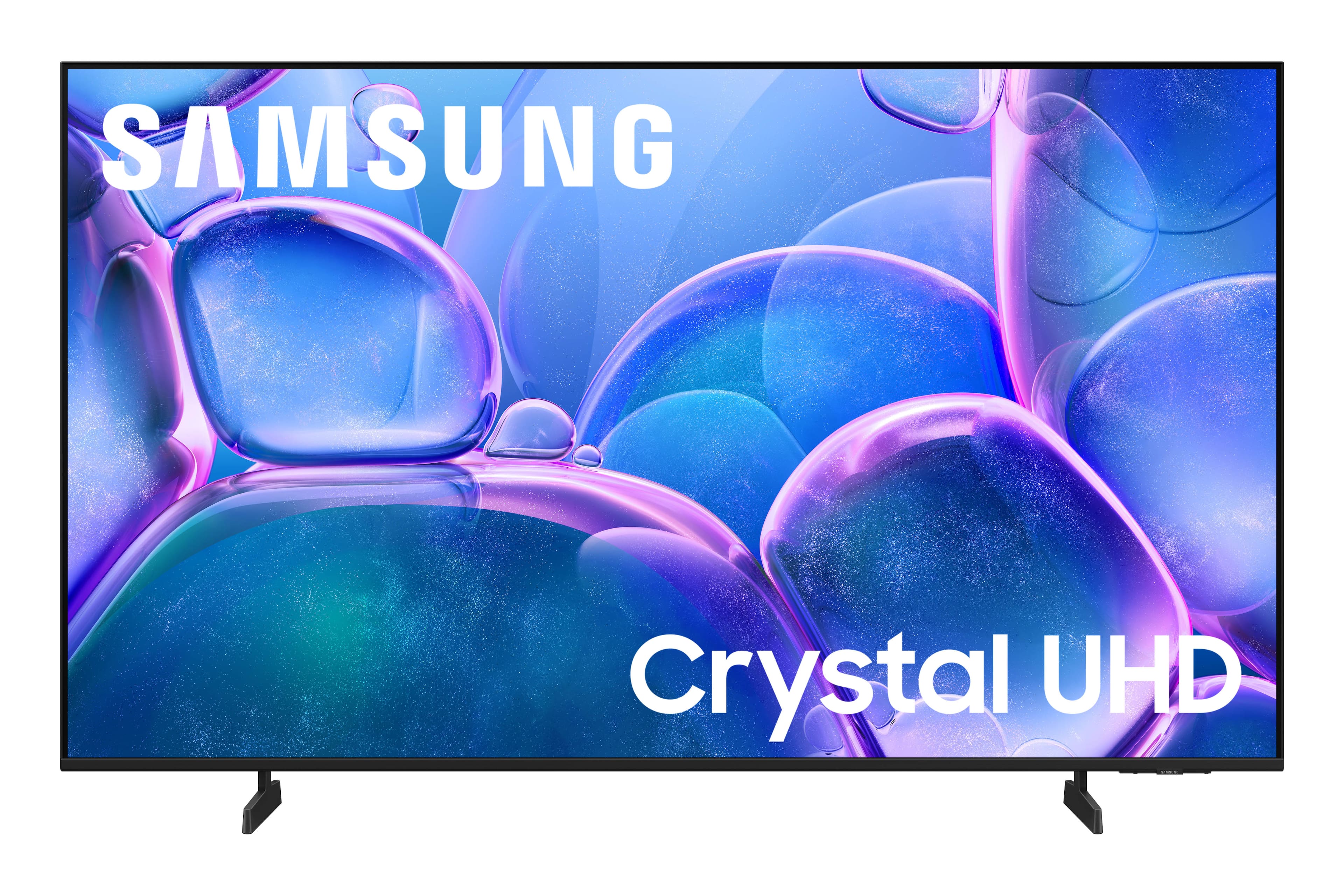
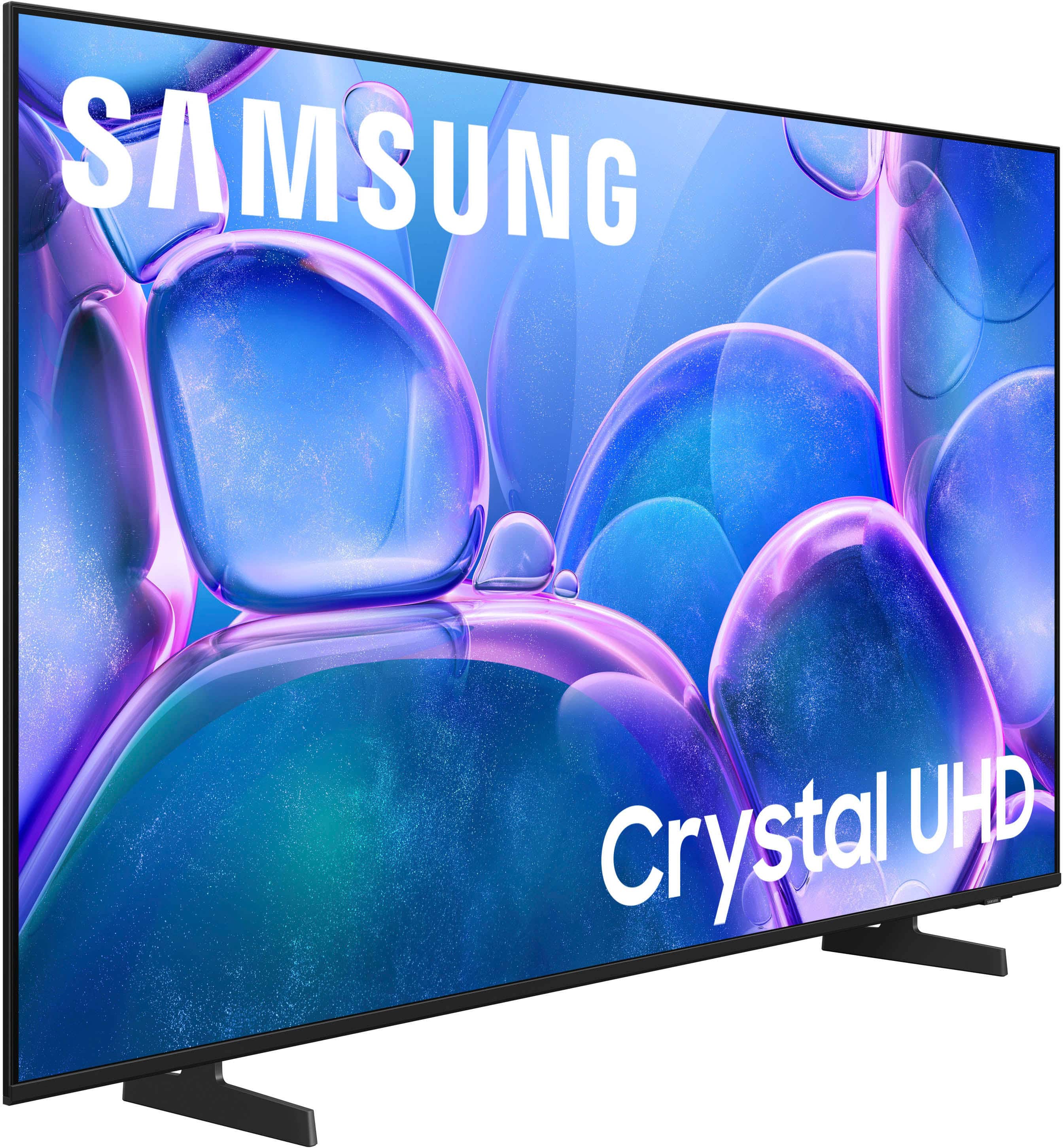
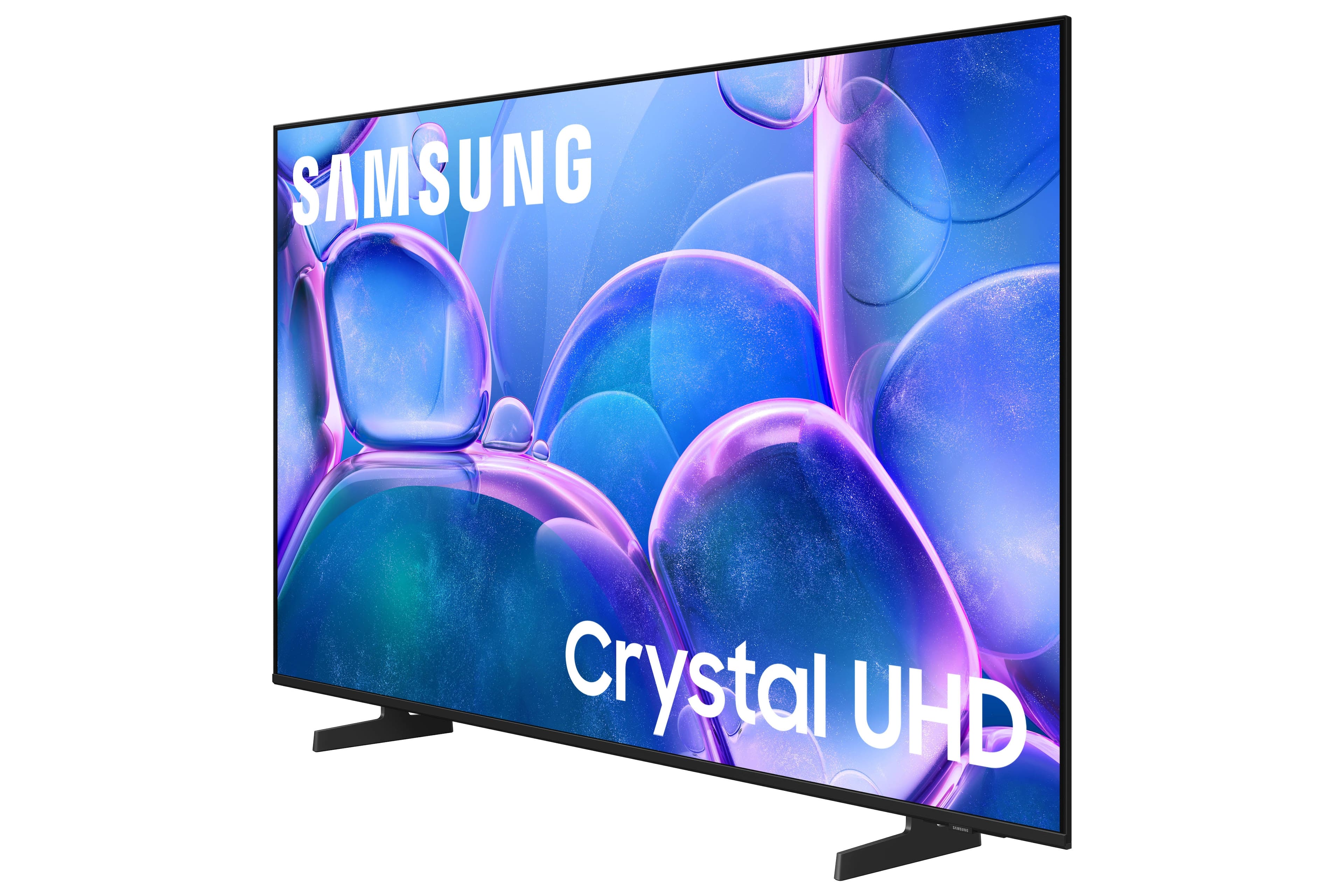
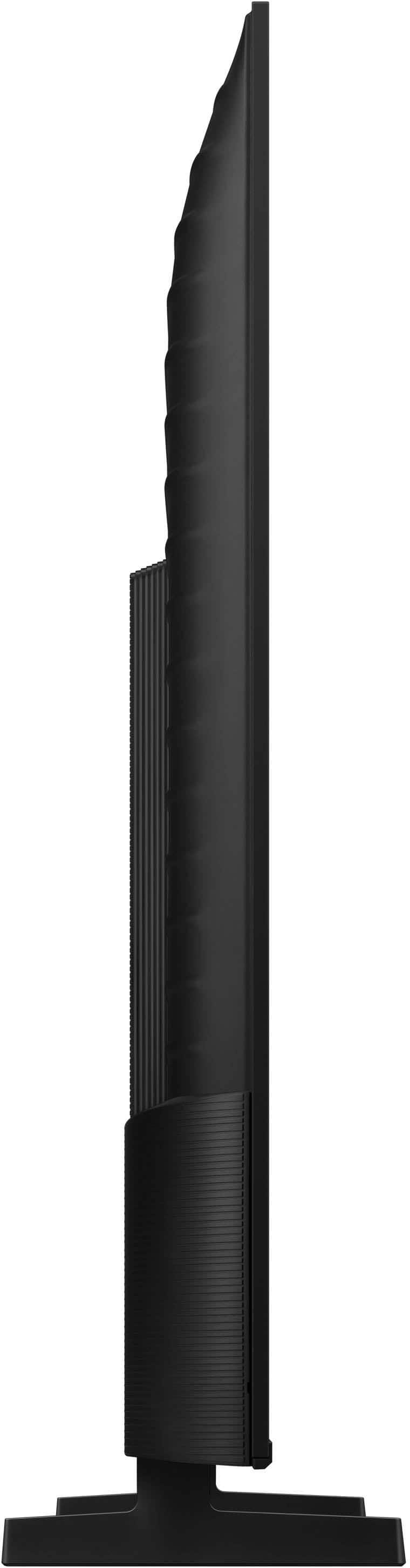


- Model:
- UN55U7900FFXZA
- SKU:
- 10362535
Rating by feature
- Picture Quality
Rating 4.8 out of 5 stars
- Sound Quality
Rating 4.7 out of 5 stars
- Brightness
Rating 4.8 out of 5 stars
Customers are saying
Customers express satisfaction with the television's fantastic picture quality, ease of setup, and convenient size. Users also appreciate the lightweight build, modern design, and consistent brightness levels. However, some individuals have noted concerns regarding limited connectivity options and the functionality of the remote control. Additionally, a small number of users reported that the app performance can occasionally feel sluggish.
This summary was generated by AI based on customer reviews.
My community has many like storiess about Brandon.
||Posted . Owned for 3 weeks when reviewed.This reviewer received promo considerations or sweepstakes entry for writing a review.TV has not functiond properly since day of purchase. Your geek Martin from Manada did nothing to resolve problem. The sale person promised better service than she deliverd.
No, I would not recommend this to a friendBrand response from Samsung
Posted .Hi Mariodeangelo,
We're sorry to hear about your experience. If there's anything we can do to assist you, please do not hesitate to reach out to Samsung Customer Service. Call 1-800-SAMSUNG from 8AM - 12AM EST, seven days a week, or connect with a LiveChat agent anytime by selecting ‘Support’ on our website.
~ Samsung Advisor
Terrible
||Posted . Owned for 4 months when reviewed.This reviewer received promo considerations or sweepstakes entry for writing a review.Second television in under 3 years. Samsung should not be making TVs
No, I would not recommend this to a friendBrand response from Samsung
Posted .Hi CynthiaL,
Thank you for your feedback. To best assist you, please call us at 1-800-SAMSUNG (8AM – 9PM EST Mon – Fri, 8AM – 6PM Sat – Sun), or reach us via text anytime. You can also visit ‘Support’ on our website for:
• Live Chat
• Manuals, Software, & Warranty Info
~Samsung Advisor
Too much glare
||Posted . Owned for 2 weeks when reviewed.This reviewer received promo considerations or sweepstakes entry for writing a review.Poor not a good picture poor quality. Poor quality
No, I would not recommend this to a friendBrand response from Samsung
Posted .Hi CoquettaR,
We appreciate your feedback on the picture quality of Samsung’s U7900 TV. If the image doesn’t quite match your preferences, there are several adjustments you can make to better suit your viewing environment and content type.
First, please ensure your TV is running the latest firmware, as updates may include important picture quality enhancements. Go to: Home > Left directional button > Settings > Support > Software Update > Update Now
To explore picture mode options, navigate to: Home > Left directional button > Settings > All Settings > Picture > Picture Mode. Options include:
• Standard – Ideal for general viewing
• Dynamic – Brighter and more vibrant for well-lit spaces
• Eco – Optimized for energy efficiency
• Movie – Best for viewing in low light
• Filmmaker Mode – Preserves the content creator’s intent and disables motion smoothing for supported content
You can further customize your image by going to: Settings > All Settings > Picture > Expert Settings, where you can adjust Brightness, Contrast, Color Tone, Sharpness, Contrast Enhancer and more.
If you’d like help finding the best picture settings for your preferences, please don’t hesitate to contact Samsung Support at 1-800-SAMSUNG, (8AM – 9PM EST Mon – Fri, 8AM – 6PM Sat – Sun). LiveChat and additional resources are available through the ‘Support’ link on our website.
~Samsung Advisor
The HUB has issues tv doesn't work as it should
||Posted .This reviewer received promo considerations or sweepstakes entry for writing a review.Samsung needs to get their act together. The Samsung hub will not update and therefore the TV is useless. Samsung help is always busy (wonder why) This can only be updated by Samsung :(
No, I would not recommend this to a friendBrand response from Samsung
Posted .Hi Anon,
We're sorry to hear you are experiencing issues. If you haven't already, please ensure your TV is running firmware update 1132.0. To do so, you can go to Settings > Support > Software Update. If that version is not available, you can download the update on a USB drive and manually update your TV:
1. On Samsung's website (upper right corner), go to: Support > Manual & Software > Find your TV model, and click on the Firmware – Upgrade File.
2. When the file has finished downloading, locate it and then unzip it. There is normally one folder inside but there may be multiple files.
3. Copy or move all of the files that were included in the zip file to a USB flash drive, but do not place them inside any other folders. If you place the software folders inside a folder on the USB flash drive, the TV or monitor will not find them.
4. Connect the USB drive containing the software upgrade into a USB port on your device.
5. Using your device's remote, navigate to and select Settings, then select All Settings, and then select Support. Select Software Update, select Update Now, and then select Yes if prompted.
Your device will search the USB drive for update files. Follow the on-screen instructions to install the updated software. Updates usually take a few minutes; please do not turn off the TV until the update is complete. When the update is finished, it will restart automatically.
If you need additional support, Samsung is here to help. Please call us at 1-800-SAMSUNG, available daily from 8AM - 12AM EST. You can also chat with a LiveChat agent by clicking the ‘Support’ link on our website for:
• Live Chat
• Manuals, Software, & Warranty Info
• Creating a Service ticket
~Samsung Advisor
- Pros mentioned:Design, Picture quality
Tizen TV has completely exceeded my expectations.
Posted .This reviewer received promo considerations or sweepstakes entry for writing a review.The Samsung 55" Class U7900 Series UHD 4K Smart Tizen TV (2025) has completely exceeded my expectations. From the moment I turned it on, the picture quality stood out immediately. The 4K resolution is crisp and vibrant, with excellent color accuracy and sharp detail whether I’m watching movies, sports, or streaming shows. The HDR performance really enhances contrast, making bright scenes pop while still keeping darker scenes detailed and clear. Motion handling is smooth, which makes a big difference when watching fast-paced sports or action films. The 55” size is perfect for a living room—large enough for an immersive experience without overwhelming the space. The Tizen smart platform is fast and easy to navigate. Apps load quickly, and switching between streaming services is seamless. I appreciate how organized and user-friendly the interface is, making it simple for anyone in the household to use. Voice control integration is responsive and convenient for searching content. Sound quality is surprisingly solid for built-in speakers, delivering clear dialogue and balanced audio. While adding a soundbar would elevate the experience even more, the TV performs well on its own. The design is sleek and modern with slim bezels that give it a premium look. It fits beautifully on a stand or mounted on the wall, adding a clean aesthetic to the room. Overall, this TV delivers outstanding value for its price. It combines beautiful picture quality, smooth smart features, and dependable performance into one impressive package. I would absolutely recommend it to anyone looking for a high-quality 55” 4K smart TV upgrade.
I would recommend this to a friend My TV is a lemon
||Posted . Owned for 3 weeks when reviewed.This reviewer received promo considerations or sweepstakes entry for writing a review.Tv worked great for a week or so then started having issues freezing and not responding to remote. Now, i turn it on to just a black screen. Best Buy told me to call Samsung, so far Samsung support has not resolved my issues.
No, I would not recommend this to a friendBrand response from Samsung
Posted .Hi MichaelW,
We appreciate your feedback regarding your U7900 TV’s performance. If you're experiencing slow apps, freezing, or lag in general response time, try the following steps:
1. Check for firmware updates – Keeping your TV up to date can resolve many performance issues: Home > left directional key > Settings > Support > Software Update > Update Now
2. Run Device Care – This tool checks system memory, frees up cached data, and closes background apps that could be slowing things down: Home > left directional key > Settings > Support > Device Care > Start Device Care
3. Cold boot your TV – With the TV powered on, press and hold the Power button on your remote for 5+ seconds until the TV restarts. This helps refresh the system.
If you're still noticing performance issues after these steps, please contact Samsung Support at 1-800-SAMSUNG, 8AM – 12AM EST, 7 days a week. You can also connect with a LiveChat agent via the ‘Support’ link on our website.
~ Samsung Advisor
Not the best
||Posted . Owned for 1 month when reviewed.This reviewer received promo considerations or sweepstakes entry for writing a review.Rating 2.2 not a lot to say..not a very loud product
No, I would not recommend this to a friendBrand response from Samsung
Posted .Hi JBsoyea,
Thank you for purchasing Samsung’s U7900F TV and for sharing your feedback regarding low volume. To start, we recommend making sure your TV is running the latest firmware, as updates can include improvements to sound performance: Home > left directional key > Settings > Support > Software Update.
If volume levels still seem too low, you can improve sound performance by adjusting a few key settings:
Sound Mode: Navigate to: Settings > All Settings > Sound > Sound Mode
Auto Volume: This feature helps maintain consistent volume levels across content and input sources. Turn it on under: Settings > All Settings > Sound > Expert Settings > Auto Volume = On
You can also explore Expert Settings to fine-tune sound output with adjustments for Balance, Equalizer, and more.
If you’re considering enhancing your setup, Samsung’s Q- and S-Series Soundbars (like the HW-xxx) feature Q-Symphony, which syncs your TV and soundbar speakers for a fuller, more immersive sound experience.
For personalized support with these settings or selecting a soundbar to complement your setup, contact Samsung Support at 1-800-SAMSUNG (8AM – 12AM EST, 7 days a week) or use LiveChat via the ‘Support’ link on our website.
~ Samsung Advisor
Poor Performance
||Posted .This reviewer received promo considerations or sweepstakes entry for writing a review.Slow performance and when streaming TV would freeze, after freezing, picture would bounce up and down. Returned and purchased the model a step above this model.
No, I would not recommend this to a friendBrand response from Samsung
Posted .Hi Bbuycustomer,
We're sorry to hear about the issues you experienced.If there’s anything we can assist with, please don’t hesitate to call us at 1-800-SAMSUNG, available daily from 8AM - 12AM EST. You can also visit the Samsung website and click on ‘Support’ for:
• Live Chat
• Manuals, Software, & Warranty Info
~Samsung Advisor
Don't buy this TV
||Posted .This reviewer received promo considerations or sweepstakes entry for writing a review.THe TVs picture went 2 weeks after purchase I was working in hospital so I did not get to location till 10/31, they told me my warranty expired after 15 days to try Samsung, so I had to eat the cost.
No, I would not recommend this to a friendBrand response from Samsung
Posted .Hi MikeD,
Please know that the U7900 TV comes with a 1-year manufacturer's warranty. To schedule a warranty appointment, please call us at 1-800-SAMSUNG, available daily from 8AM - 12AM EST. You can also visit the Samsung website and click on ‘Support’ for:
• Live Chat
• Manuals, Software, & Warranty Info
~ Samsung Advisor
No installing have not been in my house yet not d
||Posted . Owned for 2 weeks when reviewed.This reviewer received promo considerations or sweepstakes entry for writing a review.Paid for t v to be installed ,was told they did not install them — just delivered them . So Best Buy owes me $100.& eleven dollars
I would recommend this to a friendBrand response from Samsung
Posted .EllaR,
It appears your 1-star review for the Samsung U7900F TV is based on your experience with Best Buy, and we’re sorry to hear that. We recommend contacting the store directly to share your feedback.
If you need help with the TV itself, Samsung Support is available at 1-800-SAMSUNG, 8AM – 12AM EST, 7 days a week, or via LiveChat under the ‘Support’ section of our website.
~ Samsung Specialist
Not a great TV for me
||Posted . Owned for 3 weeks when reviewed.This reviewer received promo considerations or sweepstakes entry for writing a review.The TV kept going blank. I returned it..... . .. . . . . . . . .
No, I would not recommend this to a friendBrand response from Samsung
Posted .DamienS,
We're sorry to hear that your experience with the U7900F TV led to a return. Your feedback matters to us and will be shared with our product team.
If you decide to explore Samsung TVs again in the future, we’re always here to support you - whether it’s setup, features, or troubleshooting. Reach us anytime at 1-800-SAMSUNG (8AM – 12AM EST, 7 days a week), or visit the ‘Support’ section of our website for LiveChat, manuals, and more.
~ Samsung Specialist
Bad experience
||Posted .This reviewer received promo considerations or sweepstakes entry for writing a review.40 days in, tv won’t turn on. The red light comes on underneath but the tv screen won’t turn on. I have tried all the troubleshooting advice but still not working.
No, I would not recommend this to a friendBrand response from Samsung
Posted .Hi IsraelR,
Please give us a call so we can better support you. Call 1-800-SAMSUNG from 8AM - 12AM EST, seven days a week, or connect with a LiveChat agent anytime by selecting ‘Support’ on our website.
~ Samsung Advisor
samsung tv
||Posted .This reviewer received promo considerations or sweepstakes entry for writing a review.not a clear picture,was told it had an optical connection for my sound bar,it clearly does not,was mislead by the samsung sales person at store.
No, I would not recommend this to a friendBrand response from Samsung
Posted .Hi user186612,
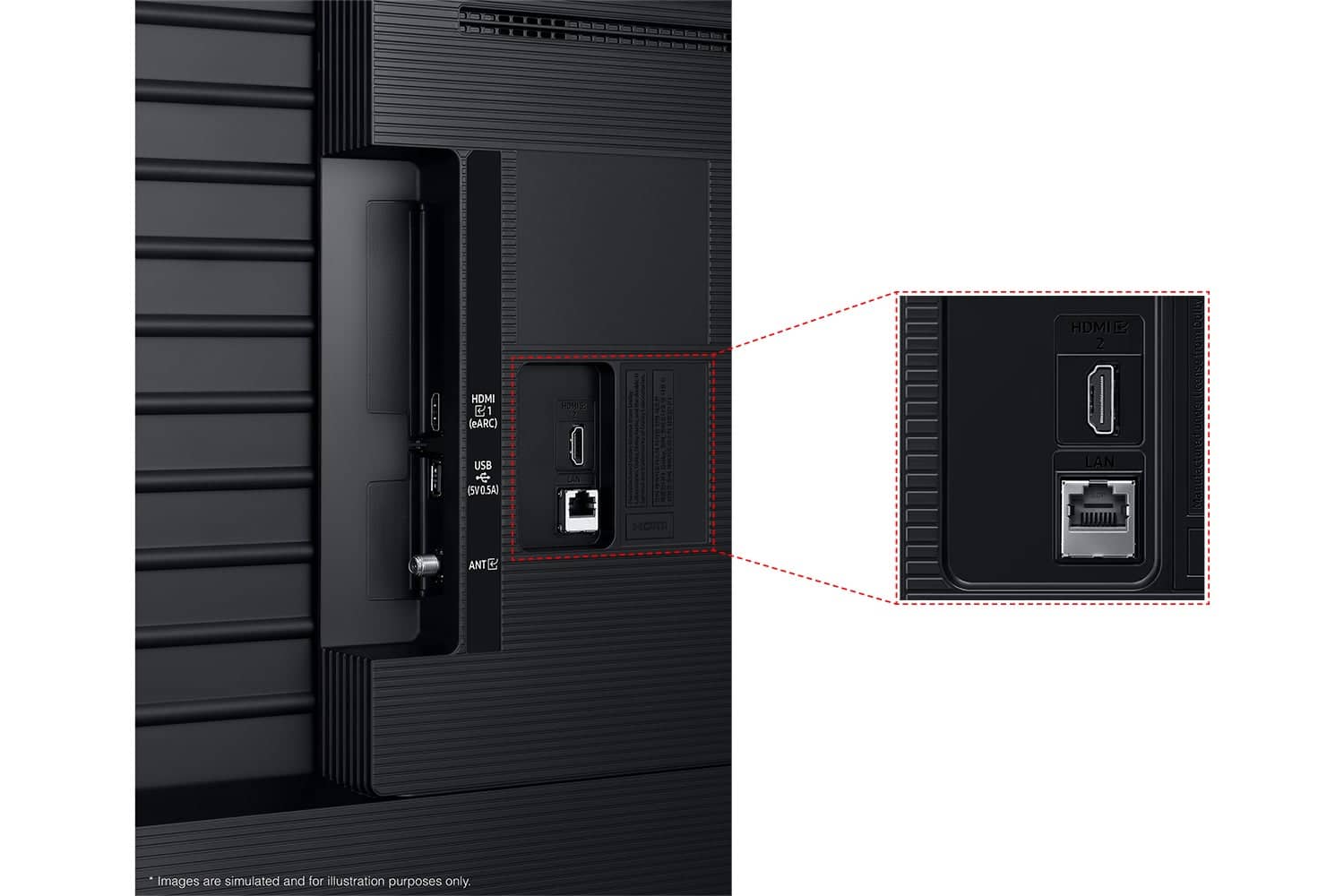
We are very sorry for any confusion. You are correct, the U7900 TV does not offer a digital optical input, but does offer 2 HDMI inputs and is Bluetooth-enabled. If an Optical port is a crucial part of your setup needs, you’ll find that connection starting with our Q8F Series and above.
Should you ever need assistance with your TV, Samsung is here for you. Reach out by calling 1-800-SAMSUNG between 8AM - 12AM EST, any day of the week. You can also chat with us online by visiting the ‘Support’ section of our website.
~Samsung Advisor
Screen issue
||Posted . Owned for 1 month when reviewed.This reviewer received promo considerations or sweepstakes entry for writing a review.Not good, screen issue. Shaking screen, and brightness is to low either.
No, I would not recommend this to a friendBrand response from Samsung
Posted .Hi SamiulU,
Thank you for reaching out to us. To best assist you, please call us at 1-800-SAMSUNG, 8AM – 12AM EST, 7 days a week. LiveChat with an agent as well as product manuals, software, and warranty info can also be found under the ‘Support’ link on our website.
~Samsung Advisor
Installation was horrendous
||Posted .This reviewer received promo considerations or sweepstakes entry for writing a review.TV is great. Installation was horrible. I had to redo the installation and should be refunded.
I would recommend this to a friendBrand response from Samsung
Posted .Hi NelsonC,
We're very sorry to hear about your experience with Best Buy installation. We recommend reaching out to them directly to assist you.
If there’s anything we can assist with, please don’t hesitate to call us at 1-800-SAMSUNG, available daily from 8AM - 12AM EST. You can also visit the Samsung website and click on ‘Support’ for:
• Live Chat
• Manuals, Software, & Warranty Info
~ Samsung Advisor
Don’t buy
||Posted .This reviewer received promo considerations or sweepstakes entry for writing a review.Tv suddenly stopped working even though I hardly use it to begin with
No, I would not recommend this to a friendBrand response from Samsung
Posted .Hi SharisseD,
To best assist you, please call us at 1-800-SAMSUNG, available daily from 8AM - 12AM EST. You can also visit the Samsung website and click on ‘Support’ for:
• Live Chat
• Manuals, Software, & Warranty Info
~ Samsung Advisor
Tv looks outdated
||Posted .This reviewer received promo considerations or sweepstakes entry for writing a review.Tv looks really outdated with the feature it offers if you compare with other small brand
No, I would not recommend this to a friendBrand response from Samsung
Posted .Hi SrarunK,
Thank you for your purchase and feedback. If you need any help, please do not hesitate to reach out to us at 1-800-SAMSUNG (8AM – 12AM EST, 7 days a week). You’ll also find LiveChat, manuals, software, and warranty details under the ‘Support’ section of our website.
~Samsung Advisor
Rough
||Posted . Owned for 2 weeks when reviewed.This reviewer received promo considerations or sweepstakes entry for writing a review.Returned, looked terrible. My fault for thinking UHD would look like HD content.
No, I would not recommend this to a friendBrand response from Samsung
Posted .Hi EricM,
We appreciate your feedback on the picture quality of Samsung’s U7900F TV. If the image doesn’t quite match your preferences, there are several adjustments you can make to better suit your viewing environment and content type.
First, please ensure your TV is running the latest firmware, as updates may include important picture quality enhancements. Go to: Home > Left directional button > Settings > Support > Software Update > Update Now
To explore picture mode options, navigate to: Home > Left directional button > Settings > All Settings > Picture > Picture Mode. Options include:
• Standard – Ideal for general viewing
• Dynamic – Brighter and more vibrant for well-lit spaces
• Eco – Optimized for energy efficiency
• Movie – Best for viewing in low light
• Filmmaker Mode – Preserves the content creator’s intent and disables motion smoothing for supported content
You can further customize your image by going to: Settings > All Settings > Picture > Expert Settings, where you can adjust Brightness, Contrast, Color Tone, Sharpness, Contrast Enhancer and more.
If you’d like help finding the best picture settings for your preferences, please don’t hesitate to contact Samsung Support at 1-800-SAMSUNG, available 8AM – 12AM EST, 7 days a week. You can also LiveChat with an agent or explore additional resources on our website by clicking the ‘Support’ link.
~Samsung Advisor
Broken tv brand
||Posted .This reviewer received promo considerations or sweepstakes entry for writing a review.I opened a brand new box to a cracked screen during the week. Definitely returning it
No, I would not recommend this to a friendBrand response from Samsung
Posted .Hi user770312,
We're very sorry to hear that you received a damaged TV. Please reach out to Walmart to assist you with an exchange. If there’s anything we can assist with, please don’t hesitate to call us at 1-800-SAMSUNG, available daily from 8AM - 12AM EST. You can also visit the Samsung website and click on ‘Support’ for:
• Live Chat
• Manuals, Software, & Warranty Info
~ Samsung Advisor
Doesn’t work
||Posted . Owned for 1 month when reviewed.This reviewer received promo considerations or sweepstakes entry for writing a review.Doesn’t work , hadn’t worked since I’ve had it. Haven’t had time to return it.
No, I would not recommend this to a friendBrand response from Samsung
Posted .Hi Teamsamsung,
Thank you for reaching out to us regarding your U7900 TV. Please give us a chance to assist you by calling Samsung Customer Support at 1-800-SAMSUNG, available daily from 8AM - 12AM EST. You can also visit the Samsung website and click on ‘Support’ for:
• Live Chat
• Manuals, Software, & Warranty Info
~ Samsung Advisor