Customer Ratings & Reviews





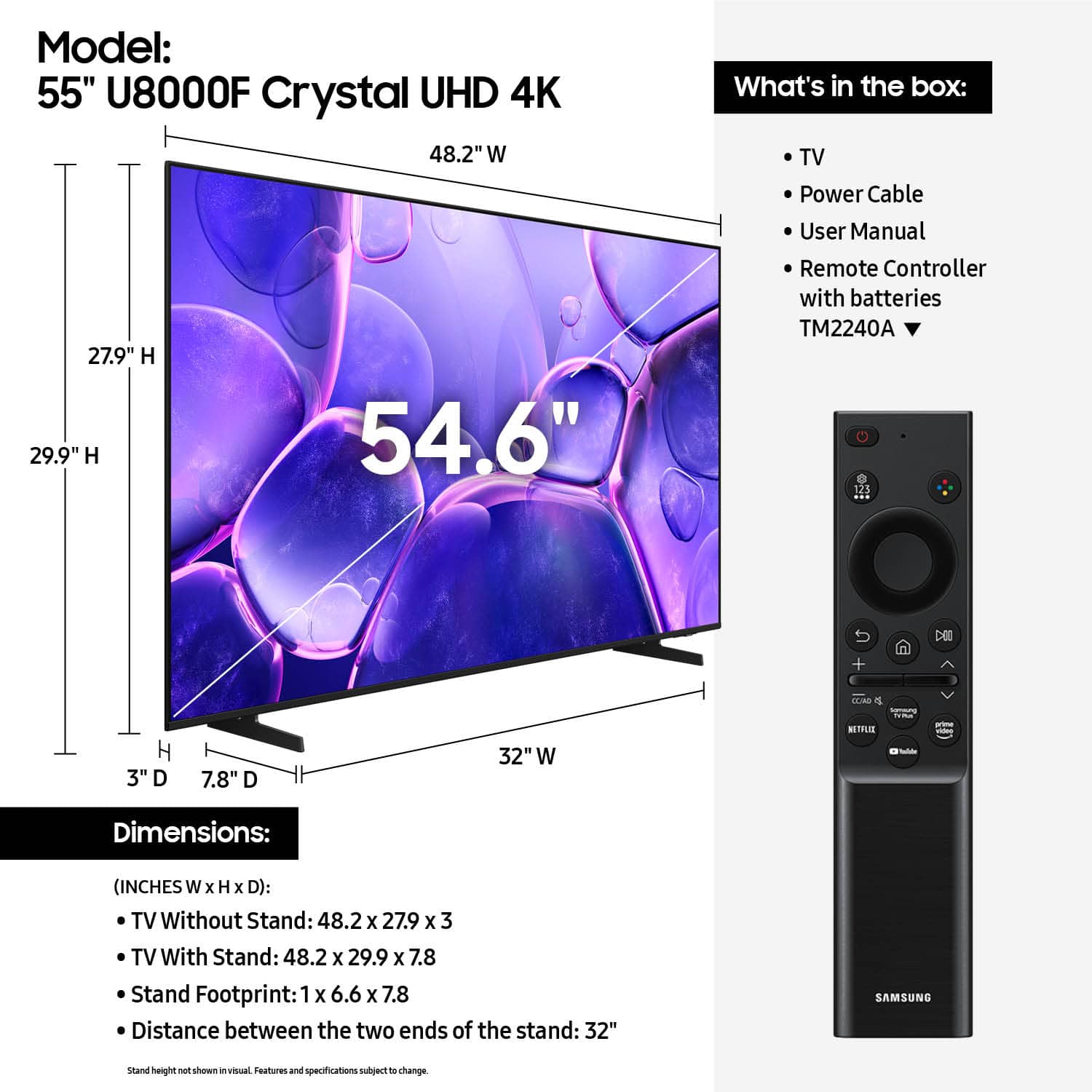










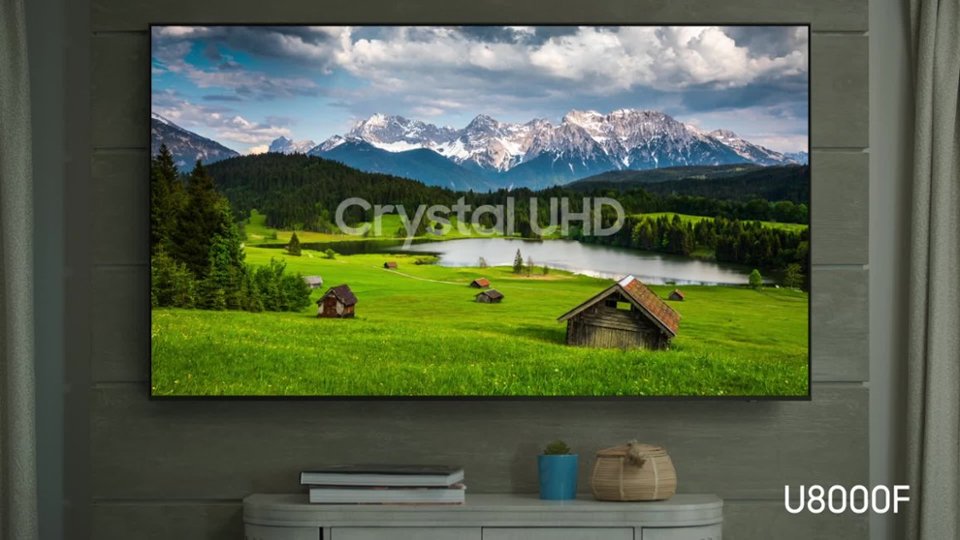


- Model:
- UN55U8000FFXZA
- SKU:
- 10187661
Rating by feature
- Picture Quality
Rating 4.8 out of 5 stars
- Sound Quality
Rating 4.6 out of 5 stars
- Brightness
Rating 4.7 out of 5 stars
Pleased with delivery
Posted .This reviewer received promo considerations or sweepstakes entry for writing a review.Very courteous in setting up and delivery. Waitedca bit for me to get home
I would recommend this to a friendSamsung
Posted .This reviewer received promo considerations or sweepstakes entry for writing a review.The first set I got stop working in a week. No problem exchanging it. The replacement is fine and easy to set up. Because of the issue with the first one I have to give this a three.
I would recommend this to a friendBrand response from Samsung
Posted .Hi FeliciaG,
We appreciate your patience in having to deal with the hassle of an exchange. If you ever have questions or need support, we’re here to help. Call us at 1-800-SAMSUNG, available from 8AM - 12AM EST, seven days a week. You can also connect with a LiveChat agent by clicking the ‘Support’ link on our website.
~ Samsung Advisor
bad resolution. sad
Posted .This reviewer received promo considerations or sweepstakes entry for writing a review.picture quality is CRAP. fuzzy, low resolution, not crisp. got as a mother’s day present. very disappointed. will be returning.
No, I would not recommend this to a friendBrand response from Samsung
Posted .Hi DariaE,
We appreciate your feedback on the picture quality of Samsung’s U8000F TV. First, make sure your TV is up to date. Firmware updates often include picture quality enhancements. To check for the latest version, go to: Home > Left directional button > Settings > Support > Software Update > Update Now
If the image doesn’t quite match your preferences after updating/checking for updates, there are several settings you can adjust to better suit your viewing environment.
To explore picture mode options, go to: Home > Left directional button > Settings > All Settings > Picture > Picture Mode. Available modes include:
1. Standard – Default mode for general viewing
2. Dynamic – Brighter and sharper for well-lit rooms
3. Eco – Optimized for energy saving
4. Movie – Best for dark room viewing
5. Filmmaker Mode – Preserves the director’s intended look and feel (automatically enabled for supported content)
You can also fine-tune settings like brightness, contrast, sharpness, and more by navigating to: All Settings > Picture > Expert Settings
If you’d like help finding the best setup for your preferences, please don’t hesitate to contact Samsung Customer Support at 1-800-SAMSUNG, available 8AM – 12AM EST, 7 days a week. You can also LiveChat with an agent or find helpful guides by visiting the ‘Support’ section of our website.
~ Samsung Advisor