Customer Ratings & Reviews
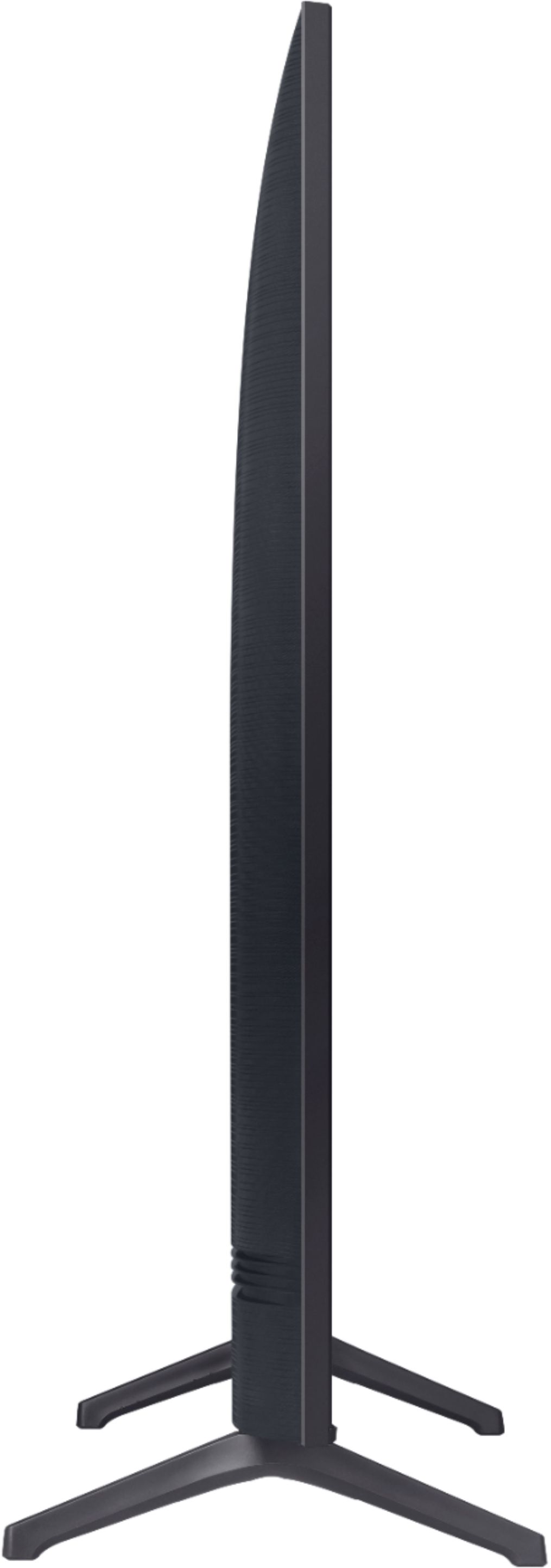
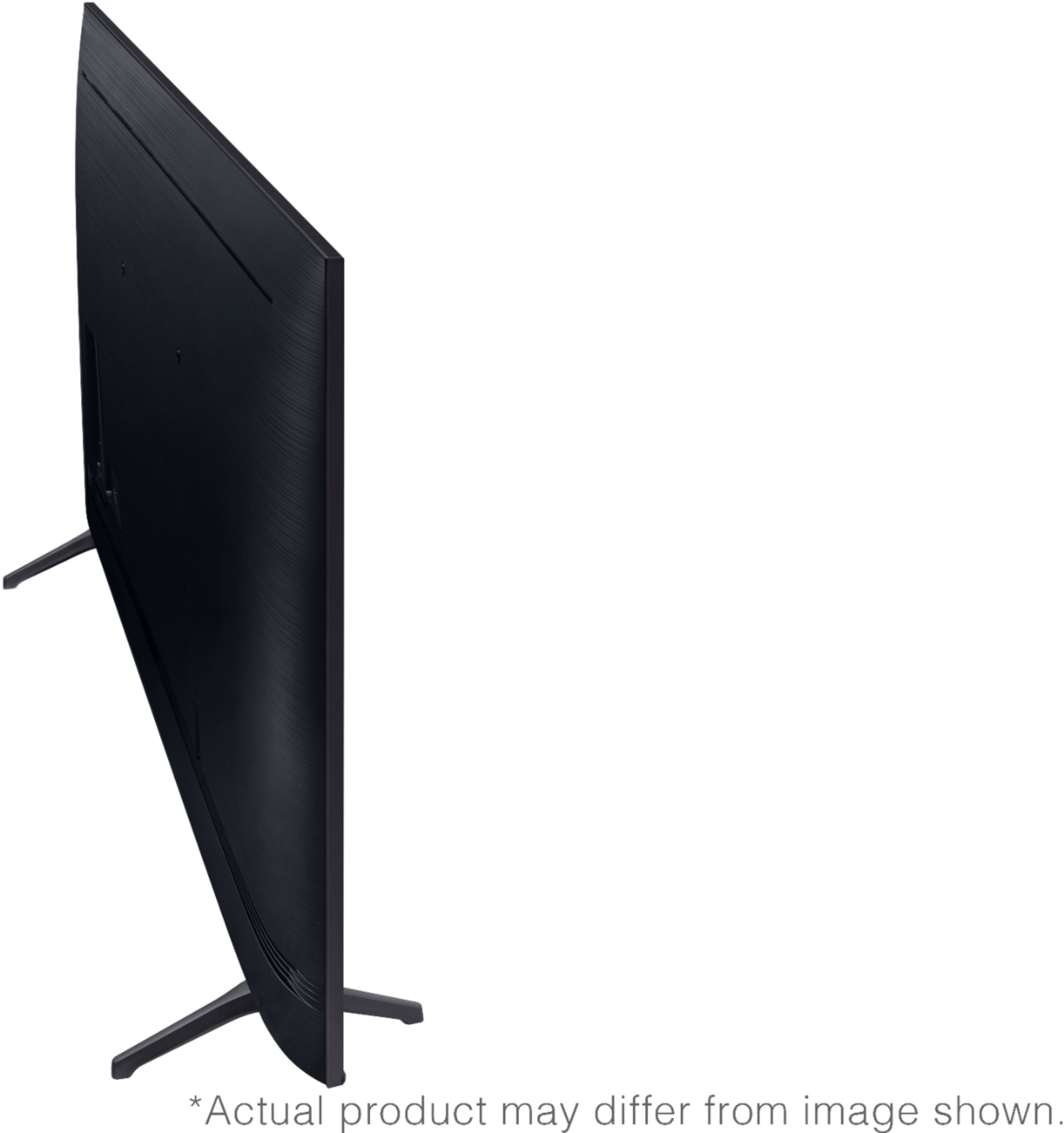
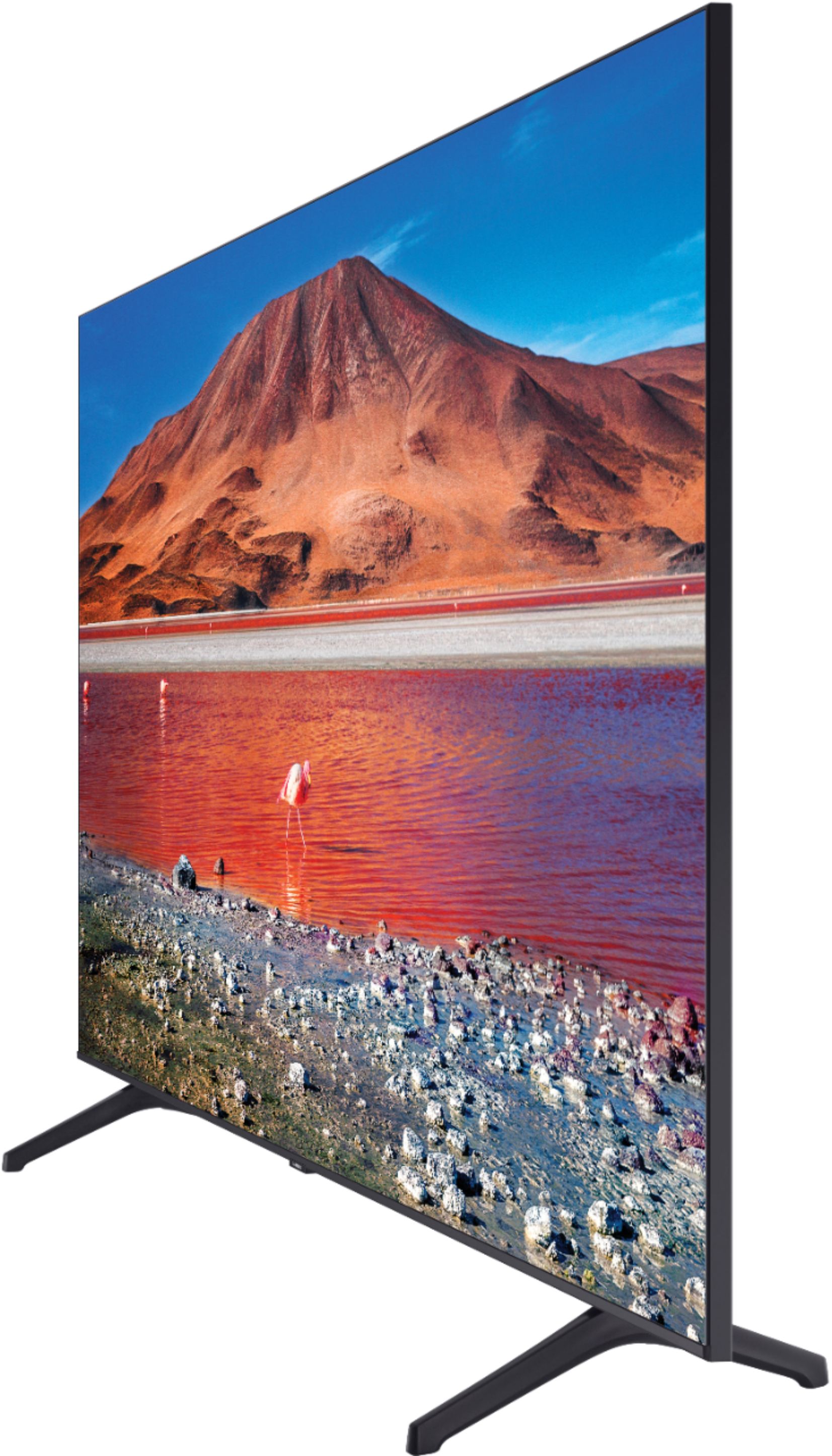

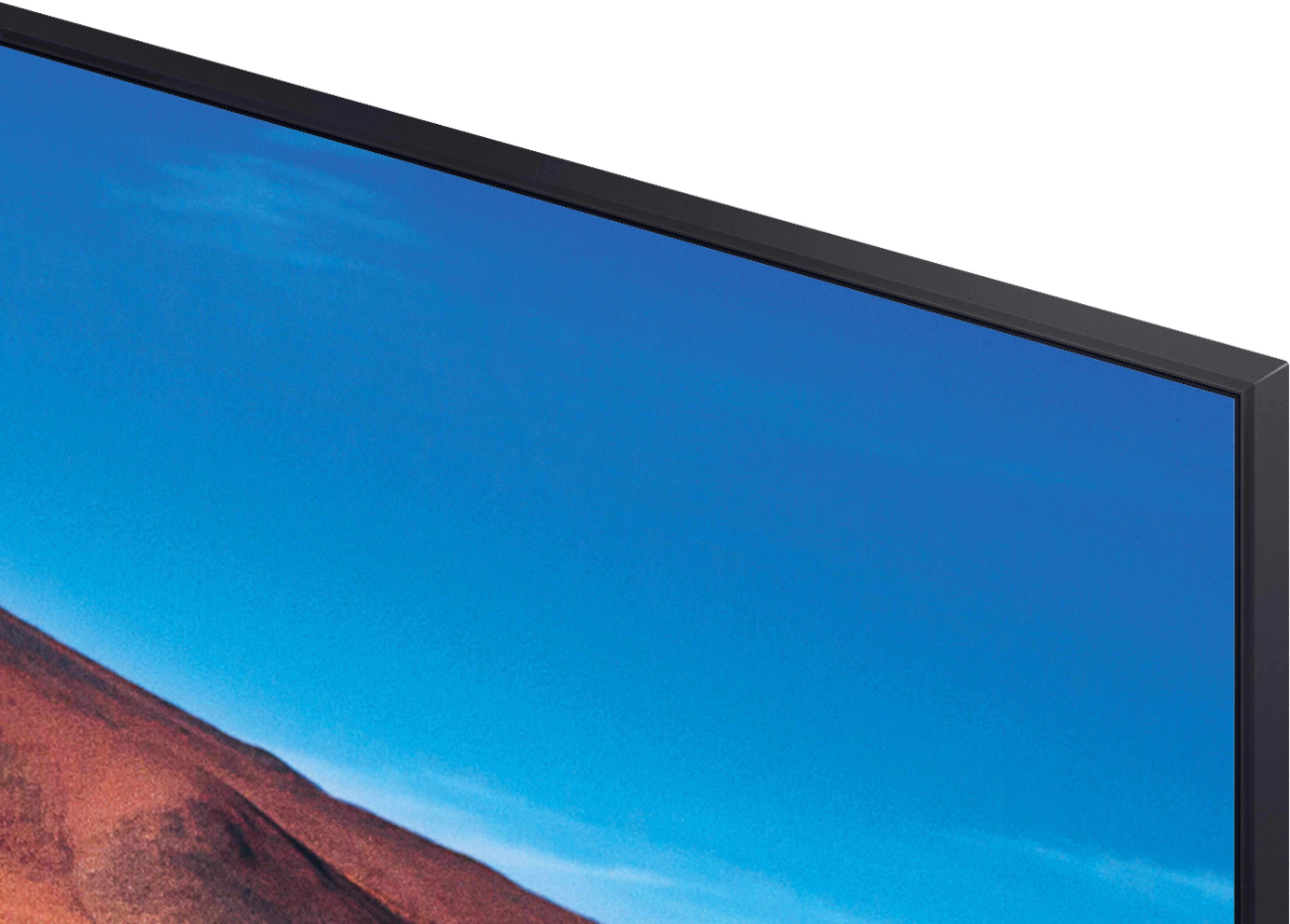

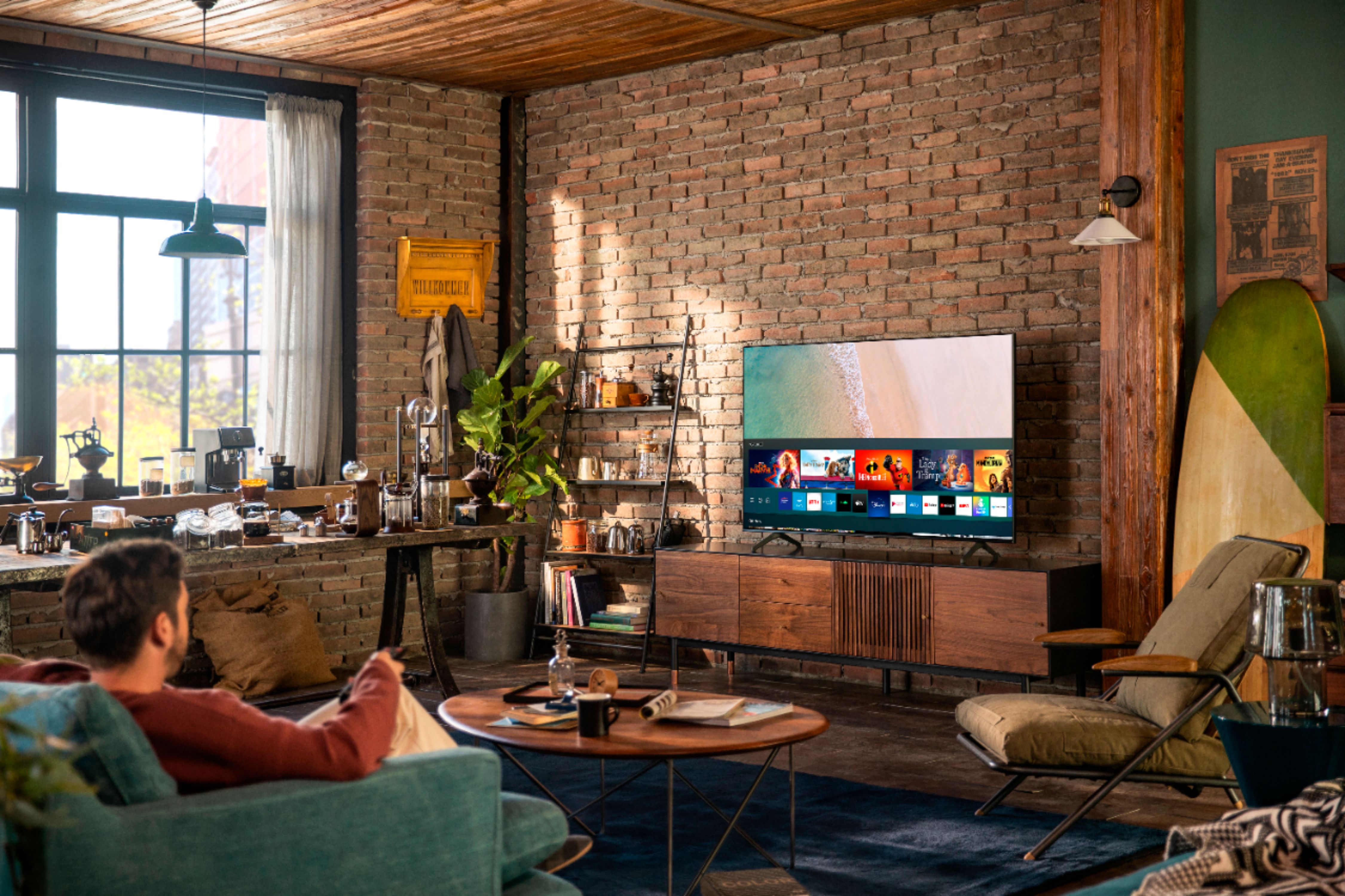







- Model:
- UN58TU7000FXZA
- SKU:
- 6401726
Rating by feature
- Picture Quality
Rating 4.5 out of 5 stars
- Sound Quality
Rating 4.2 out of 5 stars
- Brightness
Rating 4.5 out of 5 stars
Customers are saying
Customers commend the 58" Class 7 Series LED 4K UHD Smart Tizen TV's picture quality, ease of use, and value for the price. Many also appreciated the straightforward setup and lightweight design. However, some users expressed dissatisfaction with the remote control and reported concerns about the TV's long-term reliability. A few also mentioned some software issues.
This summary was generated by AI based on customer reviews.
Pain
||Posted . Owned for 3 weeks when reviewed.This reviewer received promo considerations or sweepstakes entry for writing a review.Tough getting back to regular tv. No instructions provided
No, I would not recommend this to a friendBrand response from Samsung
Posted .Diana:
I am very sorry to see that you ran into difficulties using your TV. The manual is available directly on your TV at: Settings > Support > Open e-Manual
It is also available online at: https://downloadcenter.samsung.com/content/UM/202011/20201116112136302/KT2ATSCT-2.1.5_EM_KANTS_USA_ENG-US_201020.0.pdf
Should you need assistance with features or usage, please contact Samsung Customer Support via any of the below options:
1) Phone: 1-800-SAMSUNG (ask for TVs), available 8AM – 12AM EST 7 days a week
2) LiveChat: https://www.samsung.com/us/support/#contact_us_for_support
3) Facebook Messenger: https://www.facebook.com/samsungsupport
4) Twitter: https://twitter.com/SamsungSupport
5) The Samsung Members Community is also a great resource for getting help from Samsung moderators and customers: https://us.community.samsung.com
If you have not already done so, we invite you to register your new Samsung product at: https://www.samsung.com/us/account/signin/?redirect=https%3A%2F%2Fwww.samsung.com%2Fus%2Fsupport%2Fregister%2F
Registering your product gives you access to easy warranty support, convenient opt-in to special promos and offers, faster troubleshooting and service, and quick notification of system updates.
~ Samsung Solutions
- Cons mentioned:Software
Very slow running
||Posted .This reviewer received promo considerations or sweepstakes entry for writing a review.Tv looks good and when ever we operate TV it is very slow and struck. Since 80 days after updating software it is very slow and not good . I won’t recommend this 7 series .
No, I would not recommend this to a friendBrand response from Samsung
Posted .Cherry:
Thank you for sharing your experience with the TU7000 TV. I am sorry that you are experiencing some delayed response when using your TV.
To optimize the smart TV performance, please try Device Care option under the Support Menu. Go to Settings > Support> Device Care > Start Device Care
This service checks memory and frees up unused cached memory and closes background apps. I hope this helps to solve your concerns. Should you need further assistance, please contact Samsung Customer Support.
1) Phone: 1-800-SAMSUNG (available 8AM -12AM EST, 7 days a week)
2) LiveChat: https://www.samsung.com/us/support/#contact_us_for_support
3) Facebook Messenger: https://www.facebook.com/samsungsupport
4) Twitter: https://twitter.com/SamsungSupport
5) The Samsung Members Community is also a great resource for getting help from Samsung moderators and customers: https://us.community.samsung.com
If you have not already done so, we invite you to register your new Samsung product at: https://www.samsung.com/us/account/signin/?redirect=https%3A%2F%2Fwww.samsung.com%2Fus%2Fsupport%2Fregister%2F
Registering your product gives you access to easy warranty support, convenient opt-in to special promos and offers, faster troubleshooting and service, and quick notification of system updates.
~ Samsung Solutions
Buyer Beware
||Posted . Owned for 7 months when reviewed.This reviewer received promo considerations or sweepstakes entry for writing a review.THE BIGGEST PIECE OF JUNK I EVER SPENT MY MONEY ON. The sound would randomly turn all the way up and make popping noises. Then it could not be turned down. Once restarted it, it has no sound t all. The Geek squad came out to "repair" it, even though I insisted on a new TV instead. They repaired the sound problem but now the TV pixelates on scenes with action and fast movement and it doesnt recognize the TCL sound bar i purchased to go with it half the time. And when it does recognize the TCL soundbar, the sound is a so delayed from the video that it is practically useless. I feel like I'm watching a foreign film that is over-dubbed. Just avoid this useless TV and the useless geek squad altogether!
No, I would not recommend this to a friendEither something is wrong with it or it's not good
||Posted . Owned for 1 week when reviewed.This reviewer received promo considerations or sweepstakes entry for writing a review.The picture is dim. I got it to lighten up a little bit by turning off all the Eco settings. I can turn up the Brightness settings (the max is 50) but that makes the light colors washout and the blacks aren't back. I went back to the store and asked about this and was told that this is because it is a cheap TV, not a top of the line, and I got what I paid for. I don't know if she was trying to upsell me or telling the truth. Either way, I have to figure out something else to get for the exact same amount of size footprint, and figure out how to return this to the store without the box since the delivery service properly disposed of that.
No, I would not recommend this to a friendWaste of money
||Posted . Owned for 1.5 years when reviewed.This reviewer received promo considerations or sweepstakes entry for writing a review.This tv only lasted 15 months and Samsung does not cover it this is my last Samsung brand purchase moving on to the next brand one less loyal customer for Samsung
No, I would not recommend this to a friendBrand response from Samsung
Posted .Ajnabi:
Thank you for sharing your review of Samsung’s TU7000 TV. We’re sorry your experience didn’t match your expectations. Your feedback is very important to us as we continuously strive for best-in-class product and service. Please feel free to reach out to Samsung Customer Support with any further comments, concerns, or suggestions you wish to share. If given the chance, we would love to make things right.
Call us at 1-800-SAMSUNG (ask for TVs), available 8AM - 12AM EST, 7 days a week.
- Samsung Advisor
Do not buy this tv 2nd on went out in 6 months
||Posted . Owned for 4 months when reviewed.This reviewer received promo considerations or sweepstakes entry for writing a review.Purchase this back on 2 of 21 and had it up and running for about 4 months. The Remote is a horrible design not as easy as the Sony brand. The interface is nice I like that you get the Samsung TV channels. After having it on Maybe 6 hours every day is the day for the past 4 months last night the system started to power off then freeze power back on then power off to a green screen then power back on today it would not power backup the only issue that it even indicates is when you press the remote you see the red LED flicker. I would not recommend this TV to anyone I would stick with the Sony brand's moving forward most of my Sony T v's last me 10 plus yeais 10 plus years
No, I would not recommend this to a friendLow quality
||Posted . Owned for 7 months when reviewed.This reviewer received promo considerations or sweepstakes entry for writing a review.Tv is great besides the sound cuts in and out most the time. And the front screen came detached from the body. If you press on that area the glue will hold for 15-30 minutes before coming detached again.
No, I would not recommend this to a friendBrand response from Samsung
Posted .Brandon:
Thank you for purchasing the Samsung TU7000 TV. I am sorry to hear that you are experiencing issues with your unit. Please give us the opportunity to assist you by contacting Samsung Customer Support.
Call us at 1-800-SAMSUNG (ask for TVs), available 8AM - 12AM EST, 7 days a week.
For additional support resources, visit us on the Samsung website and click on the ‘Support’ link in the upper right corner of the homepage for:
1) Chat with Us/Product Help: To begin a chat or find solutions, choose ‘TVs & Home Theater’ and select your model & topic.
2) Manuals, Software, & Warranty Info
We look forward to hearing from you soon.
~ Samsung Advisor
Contrast is SO bad
||Posted . Owned for 1 week when reviewed.This reviewer received promo considerations or sweepstakes entry for writing a review.We wanted the 8 series of this TV but it was sold out at Best Buys around our state and online. We bought this one (7 series instead). We got it home thinking it would be THAT different. We were SO wrong. The contrast was insane, the tv is SO SO SO dark. We returned it.
No, I would not recommend this to a friendBrand response from Samsung
Posted .bethr13:
Thank you for sharing your review of the Samsung TU7000. I am very sorry that issues with your TV have caused you to return it. I completely understand your disappointment.
It is possible that your unit was either defective or required adjustments in settings. Nonetheless, I do sincerely apologize for the let-down.
Again, my sincerest apologies. We hope to regain you as a customer in the future.
Should you ever decide to give Samsung TVs another try and have questions or need assistance with settings, setup, or features, please know we are always here to help.
1) Phone: 1-800-SAMSUNG (available 8AM -12AM EST, 7 days a week)
2) LiveChat: https://www.samsung.com/us/support/#contact_us_for_support
3) Facebook Messenger: https://www.facebook.com/samsungsupport
4) Twitter: https://twitter.com/SamsungSupport
5) The Samsung Members Community is also a great resource for getting help from Samsung moderators and customers: https://us.community.samsung.com
If you have not already done so, we invite you to register your new Samsung product at: https://www.samsung.com/us/account/signin/?redirect=https%3A%2F%2Fwww.samsung.com%2Fus%2Fsupport%2Fregister%2F
Registering your product gives you access to easy warranty support, convenient opt-in to special promos and offers, faster troubleshooting and service, and quick notification of system updates.
~ Samsung Solutions
Tv
||Posted . Owned for more than 2 years when reviewed.This reviewer received promo considerations or sweepstakes entry for writing a review.Had the tv for a little over a year and suddenly it stopped showing a picture. It was fine until that happened. Now I have to buy a new one because it’s just as expensive to fix.
No, I would not recommend this to a friendBrand response from Samsung
Posted .Hi QueenT,
We are sorry to hear about your experience with the TU7000 TV having display issues. Please know we are here to help.
If your TV has a black screen even when it's on, it's entirely possible it could actually be your external device and not your TV. Please try these troubleshooting steps for your blank screen issue:
1. Press the Home button on the remote.
If the menu appears, the TV is powered on but is either not on the correct source or not receiving a signal.
If the menu does not appear, the TV may be having power issues.
Check the red standby light, a little red light at the edge of the TV that you aim the remote at. In everyday use, the red standby light is on when the TV is off (indicating the TV is on standby), and the red standby light is off when the TV is in use (or doesn't have power).
2. Confirm that the TV is set to the same source as the external device.
For instance, if your cable box is connected to HDMI 1, set the TV source to HDMI 1.
If the TV is set to the correct source but there is still no image, unplug and reconnect the AV connections one cable at a time from both ends of each cable. If there's any damage to the cable, it will need to be replaced.
After reconnecting the external device, please turn it off and back on.
3. Test the HDMI cable.
Some TVs have an HDMI cable test. Some models only have this test after a software update, and older models do not. If your model does not have this test or is not connected by HDMI, skip to the next step.
The test is designed for HDMI cords less than 6 feet long and may not give accurate results on longer cords.
To perform the test, make sure the TV's source is still on the HDMI setting for the cable you want to test, and then navigate to Settings > Support > Self Diagnosis > Signal Information > HDMI Cable Test > Start Test.
If the test says, the cable is bad, replace the cable. Service is not required.
4. Test different external devices.
The final thing to rule out is the external device you're using. Try connecting a different device or using a different source port.
If the TV can display a picture in any other setup, then you've ruled the TV out as the cause of the issue. Keep trying various setups until you identify the device or cable that is not working and troubleshoot or replace it.
The TV will need service if the issue persists after these steps. Please contact us so that we can better investigate your issue and assist you with a solution or replacement. You can call us at 1-800-SAMSUNG, 8 AM - 12 AM EST, seven days a week. Our LiveChat agents are also available by clicking on the ‘Support’ link on our website.
~ Samsung Advisor
Horrible - Used for <2 Days
||Posted . Owned for less than 1 week when reviewed.This reviewer received promo considerations or sweepstakes entry for writing a review.Folks, don’t bother even looking at this TV. I picked it up and took it back the next day. The refresh rate from a Apple TV was horrible. Sound barely comes through on native and connected appliances. Chatted and did a remote session with Samsung and they advices to return back to the store. Please, avoid at all cost!
No, I would not recommend this to a friendBrand response from Samsung
Posted .PianoPlayerLA,
Thank you for purchasing the Samsung TU7000 4K Smart TV and for bringing your concerns to our attention.
I apologize for the unfortunate experience you had.
Please know that Samsung is committed to providing the best possible product experience, quality, and value, and your feedback will be shared with our product and customer care teams.
-Samsung Ambassador
Disappointed in durability/longevity
||Posted . Owned for 1 year when reviewed.This reviewer received promo considerations or sweepstakes entry for writing a review.TV only lasted 18 months. It was only used about once a week for a few hours. All our other Samsung TVs are still going after 10 years with daily use.
No, I would not recommend this to a friendBrand response from Samsung
Posted .Tappan:
I’m sorry to hear that your Samsung TU7000 TV did not meet your expectations. This is not the quality we expect from our products.
If your TV is out of the 1-year Manufacturer's Warranty, you can locate a service center in your area by following this link: https://www.samsung.com/us/support/service/locations/
Should you have additional questions or wish to troubleshoot the issue, please call us at 1-800-SAMSUNG (ask for TVs), available 8AM - 12AM EST, 7 days a week.
For additional support resources, visit us on the Samsung website and click on the ‘Support’ link in the upper right corner of the homepage for:
1) Chat with Us/Product Help: To begin a chat or find solutions, choose ‘TVs & Home Theater’ and select your model & topic.
2) Manuals, Software, & Warranty Info
- Samsung Advisor
Great television
||Posted .This reviewer received promo considerations or sweepstakes entry for writing a review.Still need my two year geek squad warranty Information.
I would recommend this to a friendBrand response from Samsung
Posted .David,
Thank you for purchasing the TU7000 4K Smart TV. Samsung is committed to providing the best possible product experience, quality, and value. We back this TV with a 1-year limited manufacturer's warranty if purchased brand-new directly from an authorized seller.
Should you ever have questions or concerns with your TV, please reach out to us via any of the following:
1) Phone: 1-800-SAMSUNG, available 8AM - 9PM EST, Mon - Fri
2) LiveChat: https://www.samsung.com/us/support/#contact_us_for_support
3) Facebook Messenger: https://www.facebook.com/samsungsupport
4) Twitter: https://twitter.com/SamsungSupport
5) The Samsung Members Community is also a great resource for getting help from Samsung moderators and customers: https://us.community.samsung.com
If you have not already done so, we invite you to register your new Samsung product at: https://www.samsung.com/us/account/signin/?redirect=https%3A%2F%2Fwww.samsung.com%2Fus%2Fsupport%2Fregister%2F
Registering your product gives you access to easy warranty support, convenient opt-in to special promos and offers, faster troubleshooting and service, and quick notification of system updates.
~ Samsung Solutions
Don’t bother buying
||Posted . Owned for 2 weeks when reviewed.This reviewer received promo considerations or sweepstakes entry for writing a review.Don’t bother buying this tv if you plan on watching hbo max. For some reason Samsung does not support the app and you’ll have nothing but trouble.
No, I would not recommend this to a friendBrand response from Samsung
Posted .Brian:
Thank you for choosing the TU7000 Crystal UHD TV and taking the time to share your experience with the HBO Max app. If your app is freezing, not loading, or crashing, you can try cold booting your TV by holding down the power button on your remote for 5+ sec until the TV turns off and on again, deleting and downloading the apps again, and completing full reset of Smart Hub to correct the issue.
Please also check that your TV is running the latest firmware version. Go to: Settings > Support > Software Update. I hope these tips help resolve your concerns.
Should you need further assistance, please contact our Customer Support. Call us at 1-800-SAMSUNG (ask for TVs), available 8AM - 12AM EST, 7 days a week.
For additional support resources, visit us on the Samsung website and click on the ‘Support’ link in the upper right corner of the homepage for:
1) Chat with Us/Product Help: To begin a chat or find solutions, choose ‘TVs & Home Theater’ and select your model & topic.
2) Manuals, Software, & Warranty Info
Samsung is committed to providing the best possible product experience, quality, and value, and we are always here to help with any of your questions or concerns.
~ Samsung Advisor
Not what I spected to be.
||Posted . Owned for 1 month when reviewed.This reviewer received promo considerations or sweepstakes entry for writing a review.It take a lot of time to load movies I guess is ok.
No, I would not recommend this to a friendBrand response from Samsung
Posted .Cp333:
Thank you for purchasing the Samsung TU7000 TV and for your review. We appreciate you sharing your experience.
To optimize performance, you may want to run the self-diagnosis tool.
Go to Settings > Support> Device Care > Start Device Care
This service checks memory, frees up unused cached memory, and closes background apps. I hope this helps to solve your concerns. If the issues persist, please reach out to Samsung Customer Support:
1) Phone: 1-800-SAMSUNG (available 8AM -12AM EST, 7 days a week)
2) LiveChat: https://www.samsung.com/us/support/#contact_us_for_support
3) Facebook Messenger: https://www.facebook.com/samsungsupport
4) Twitter: https://twitter.com/SamsungSupport
5) The Samsung Members Community is also a great resource for getting help from Samsung moderators and customers: https://us.community.samsung.com
If you have not already done so, we invite you to register your new Samsung product at: https://www.samsung.com/us/account/signin/?redirect=https%3A%2F%2Fwww.samsung.com%2Fus%2Fsupport%2Fregister%2F
Registering your product gives you access to easy warranty support, convenient opt-in to special promos and offers, faster troubleshooting and service, and quick notification of system updates.
~ Samsung Solutions
Great color, however difficult to stream using ATT
||Posted . Owned for 3 weeks when reviewed.This reviewer received promo considerations or sweepstakes entry for writing a review.Bestbuy not easy available for question or advice.
No, I would not recommend this to a friendBrand response from Samsung
Posted .TDL1:
Thank you for purchasing Samsung’s Crystal UHD 4K TU7000 Smart TV. The Crystal Processor 4K transforms everything you watch to 4K. Its crisp, clear picture is 4x the resolution of Fulll HD.
If you should have any questions or concerns with usage, features, or how to best optimize your settings, Samsung Customer Support is here to help.
1) Phone: 1-800-SAMSUNG, Available 8AM -12AM EST (7 Days a Week)
2) LiveChat: https://www.samsung.com/us/support/#contact_us_for_support
3) Facebook Messenger: https://www.facebook.com/samsungsupport
4) Twitter: https://twitter.com/SamsungSupport
5) The Samsung Members Community is also a great resource for getting help from Samsung moderators and customers: https://us.community.samsung.com
If you have not already done so, we invite you to register your new Samsung product at: https://www.samsung.com/us/account/signin/?redirect=https%3A%2F%2Fwww.samsung.com%2Fus%2Fsupport%2Fregister%2F
Registering your product gives you access to easy warranty support, convenient opt-in to special promos and offers, faster troubleshooting and service, and quick notification of system updates.
~ Samsung Solutions
Horrible Smart Tv
||Posted . Owned for 1 month when reviewed.This reviewer received promo considerations or sweepstakes entry for writing a review.Doesn’t keep an internet connection. TV is right next to the router and never can keep a solid connection. My Sony tv in a different room keeps connection and runs smoothly. Very disappointed
No, I would not recommend this to a friendBrand response from Samsung
Posted .Samsung:
Thank you for choosing the TU7000 Crystal UHD TV and taking the time to share your experience with the connection to your internet network. If you are experiencing issues with the WiFi connection, we suggest you try the following:
1. Use 5Ghz Wi-Fi if possible
2. Try wired LAN if available
3. Try repositioning the router so there are no obstacles between your TV and the router
Please also be sure you are running the latest firmware. You can check to see what software version your TV is using and if there is an available update through the settings on your TV. Go to: Settings > Support > Software Update.
You may want to enable automatic updates for conveniences.
Go to Settings > Support > Software Update, then select Auto Update.
I hope these tips help resolve your concerns.
Should you have additional questions or need help, please call us at 1-800-SAMSUNG (ask for TVs), available 8AM - 12AM EST, 7 days a week.
For additional support resources, visit us on the Samsung website and click on the ‘Support’ link in the upper right corner of the homepage for:
1) Chat with Us/Product Help: To begin a chat or find solutions, choose ‘TVs & Home Theater’ and select your model & topic.
2) Register a Product: For access to easy warranty support, convenient opt-in to special promos and offers, faster troubleshooting and service, and quick notification of system updates.
3) Manuals & Software
4) Warranty Info
5) Contact Us
~ Samsung Advisor
- Pros mentioned:Tv quality
No picture
||Posted . Owned for more than 2 years when reviewed.This reviewer received promo considerations or sweepstakes entry for writing a review.I’ve only had this TV for 2 years and there’s no picture just a flickering blue screen. When it did work it was a great TV
No, I would not recommend this to a friendBrand response from Samsung
Posted .Hi GregH,
I'm very sorry to hear that your Samsung TU7000 TV screen is having display issues. Please try the following troubleshooting steps to try and resolve your issue with a flickering blue screen.
Please ensure that your TV is set to the correct Source. Go to Home> Source> select the correct HDMI Source or TV.
Next, I recommend resetting your Smart if the menu appears. Go to Settings > Support > Device Care > Self Diagnosis > Reset Smart Hub.
Otherwise, please unplug all devices from the power source and the TV and then plug them back in to see if this resolves your issue.
If you continue to have a flickering blue screen, please give us a call so we can further troubleshoot with you. You can contact us at 1-800-SAMSUNG, 8 AM - 12 AM EST, seven days a week. Our LiveChat agents are also available by clicking on the ‘Support’ link on our website.
~ Samsung Advisor
- Cons mentioned:Reliability
Died in 24 months.
||Posted . Owned for 1.5 years when reviewed.This reviewer received promo considerations or sweepstakes entry for writing a review.Bought tv 24 months ago. Never really used it now I have a black screen. Out of 1 year warranty. $450.00 worth of trash. Don't buy!!!!
No, I would not recommend this to a friendBrand response from Samsung
Posted .Hi Kami,
We are very sorry to hear about your experience with the TU7000 TV having a black screen. Please know we are here to help you. If you have not already, please try the following troubleshooting steps below.
1. Press the Home button on the remote.
If the menu appears, the TV is powered on but is either not on the correct source or not receiving a signal.
If the menu does not appear, the TV may be having power issues.
Check the red standby light, a little red light at the edge of the TV that you aim the remote at. In normal use, the red standby light is on when the TV is off (indicating the TV is on standby), and the red standby light is off when the TV is in use (or doesn't have power).
2. Confirm the TV is set to the same source as the external device.
For instance, if your cable box is connected to HDMI 1, set the TV source to HDMI 1.
If the TV is set to the correct source, but there is still no image, unplug and reconnect the AV connections one cable at a time from both ends of each cable. If there's any damage to the cable, it will need to be replaced.
After you've reconnected the external device, could you turn it off and back on?
3. Test the HDMI cable.
Some TVs have an HDMI cable test. Some models only have this test after a software update, and older models do not have it. If your model does not have this test or is not connected by HDMI, skip to the next step.
The test is designed for HDMI cords less than 6 feet long and may not give accurate results on long cords.
To perform the test, make sure the TV's source is still on the HDMI setting for the cable you want to test, and then navigate to Settings > Support > Self Diagnosis > Signal Information > HDMI Cable Test > Start Test.
If the test says, the cable is bad, replace the cable. Service is not required.
4. Test different external devices.
The final thing to rule out is the external device you're using. Try connecting to a different device or using a different source port. If you could not test the cable in the previous step, try swapping the cable, too.
If the TV can display a picture in any other setup, then you've ruled the TV out as the cause of the issue. Keep trying various setups until you identify the device or cable that is not working and troubleshoot or replace it.
If the issue persists after these steps, please contact us so that we can better investigate your issue and assist you towards a solution. Call us at 1-800-SAMSUNG, 8 AM - 12 AM EST, seven days a week. Or visit us on the Samsung website and click on the ‘Support’ link for:
1) LiveChat
2) Manuals, Software, & Warranty Info
~ Samsung Advisor
- Pros mentioned:Picture quality
Failed Just After Warranty
||Posted . Owned for 1.5 years when reviewed.This reviewer received promo considerations or sweepstakes entry for writing a review.Decent picture, good audio, menu system is a little wonky but OK. DISPLAY SHOWING LINES AND FAILING AFTER 1.75 YEARS. Do Not Buy.
No, I would not recommend this to a friendBrand response from Samsung
Posted .Hi there,
We are very sorry to hear that your TV is showing lines. Please know we are here to help. Try the below troubleshooting tips to resolve your issue.
1. If any external devices are connected, check all input cable connections
2. If the issue persists, define precisely what is wrong with the display. For example, mosaics and blocks, multiple lines or white dots, and fixed horizontal or vertical lines.
3. Try changing channels using the remote control. Is the issue the same in all media?
4. Press the Home button (which looks like a house), select Source, and choose another input source. Is the issue the same in all sources?
5. If the same problem persists, run a diagnostic test. (Home > Settings > Support > Device Care > Self Diagnosis > Picture Test)
6. If the problem disappears during the test, check your TV signal (Home > Settings > Support > Device Care > Self Diagnosis > Signal Information) to check the signal strength. The signal strength must be more than 20 dB (more than 4 bars on the icon) for stable signal reception
Should your issue persist, please get in touch with Samsung Customer Support. Call us at 1-800-SAMSUNG, 8 AM - 12 AM EST, seven days a week. Or visit us on the Samsung website and click on the ‘Support’ link for:
1) LiveChat with an agent
2) Manuals, Software, & Warranty Info
~ Samsung Advisor
- Cons mentioned:Remote control
Worst model
||Posted .This reviewer received promo considerations or sweepstakes entry for writing a review.This tv us the worst model I got it and less than 3 months (after update from online ) starts acting crazy. Can’t be controlled by remote Turn on /off alone No connection
No, I would not recommend this to a friend