Customer Ratings & Reviews
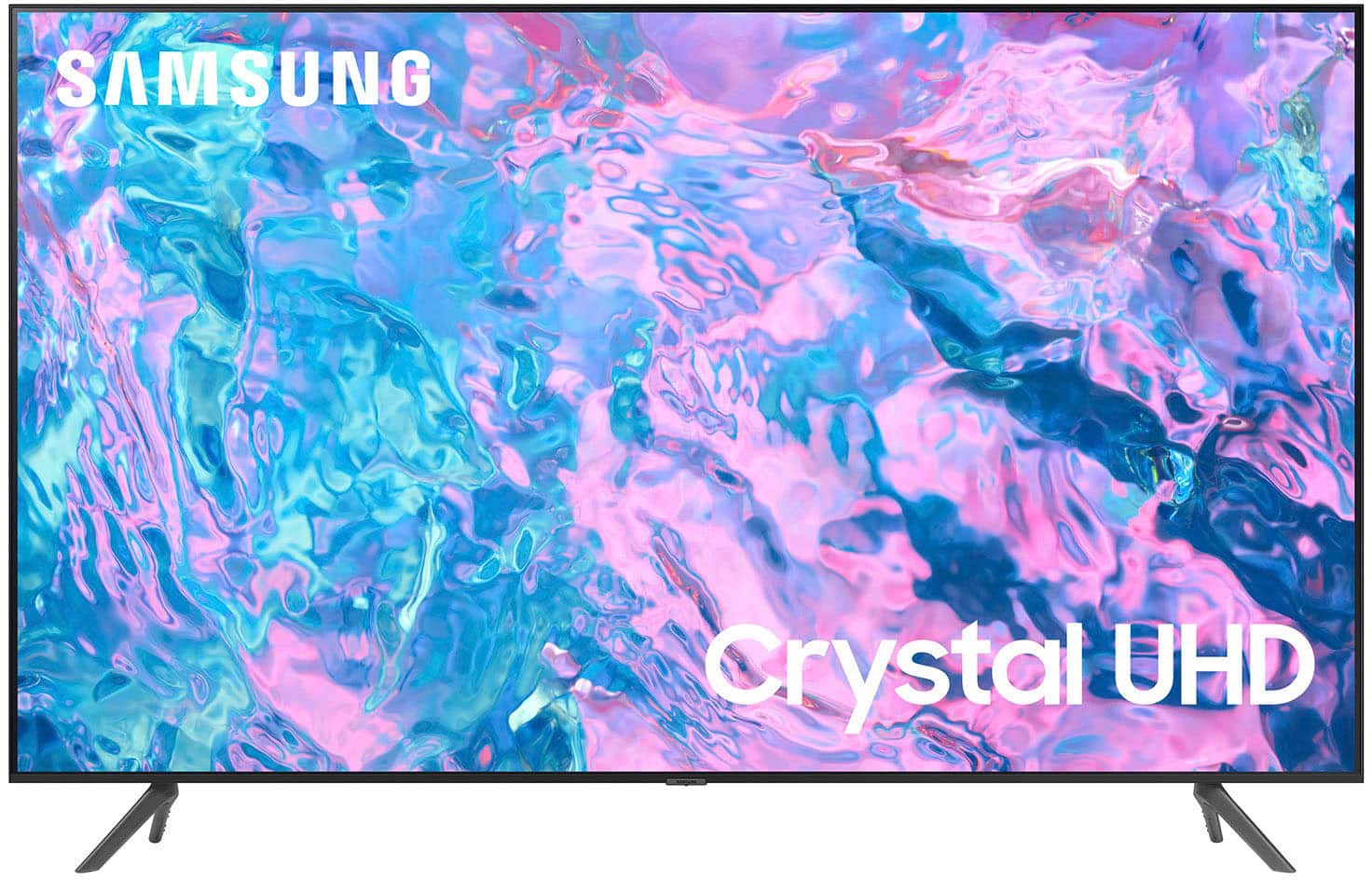
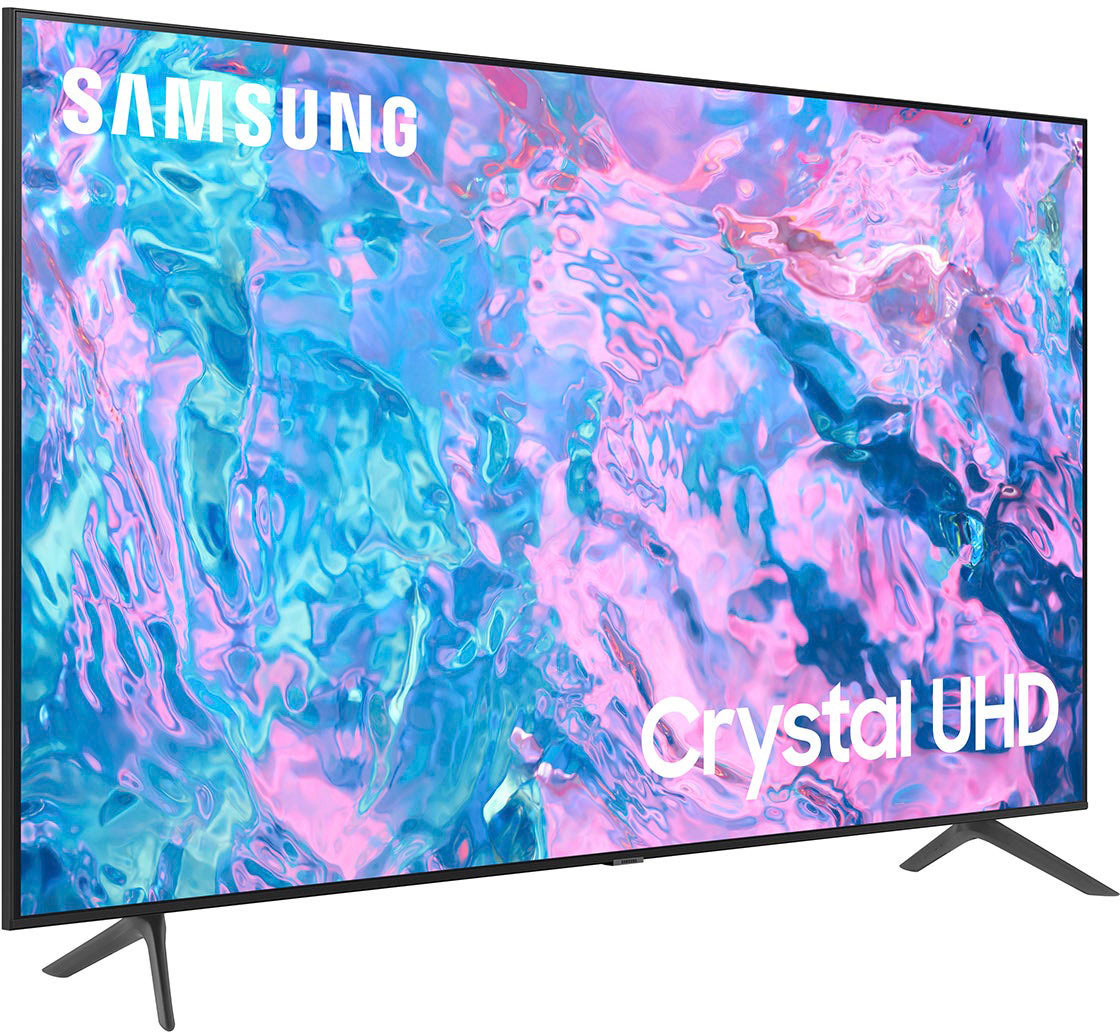
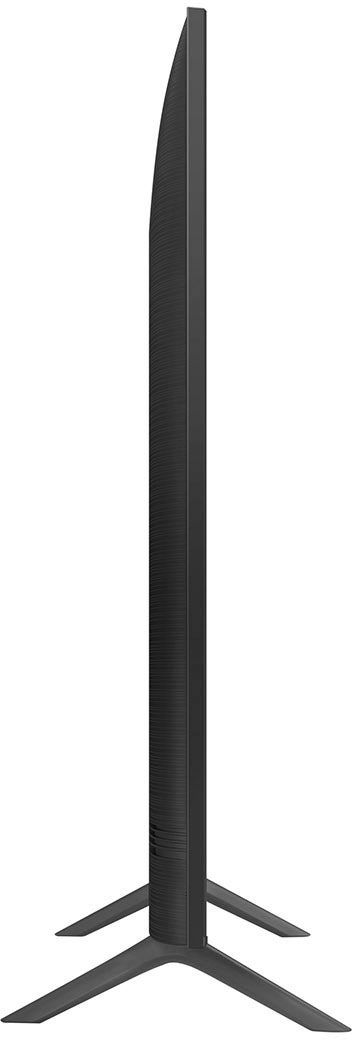
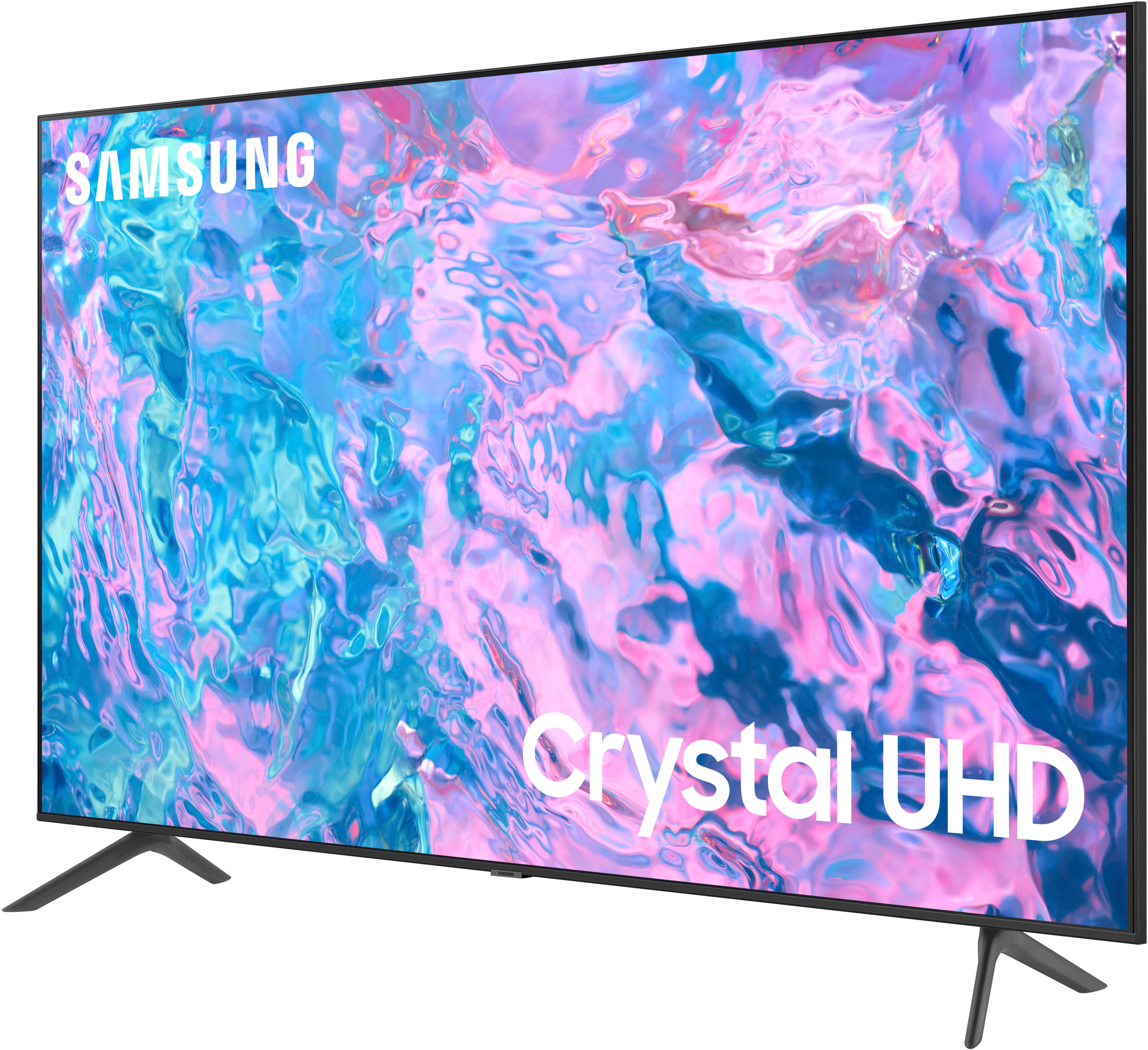
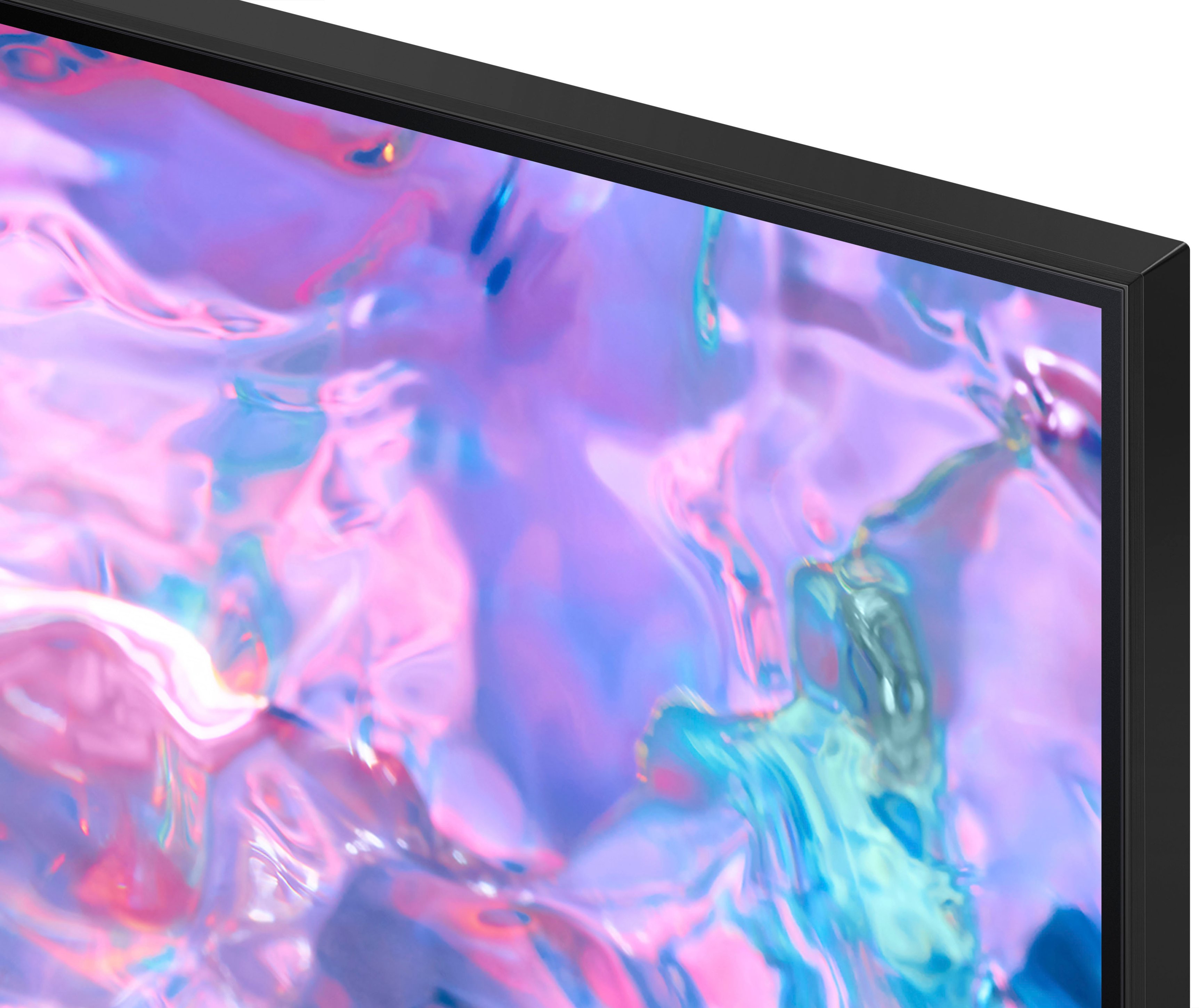



- Model:
- UN58CU7000FXZA
- SKU:
- 6537362
Rating by feature
- Picture Quality
Rating 4.7 out of 5 stars
- Sound Quality
Rating 4.4 out of 5 stars
- Brightness
Rating 4.7 out of 5 stars
Customers are saying
Customers often highlight the outstanding picture quality and ease of use of the 58” Class CU7000 Crystal UHD 4K Smart Tizen TV (2023). Many also appreciate the value for the price and vibrant colors. However, some users express dissatisfaction with the remote control's responsiveness and the lower volume levels. The smart features and ease of setup are also frequently praised.
This summary was generated by AI based on customer reviews.
Hate this TV
||Posted . Owned for 3 weeks when reviewed.This reviewer received promo considerations or sweepstakes entry for writing a review.Piece of trash. Display failure on day 19 of ownership. Screwy communication with Samsung on technician arrival and repair options.
No, I would not recommend this to a friendBrand response from Samsung
Posted .Hi AndrewM,
I'm very sorry that your CU7000 TV display failed after 19 days and that you are having a good experience with service. So we can better assist you, please call us at 1-800-SAMSUNG, 8 AM - 12 AM EST, seven days a week. Or visit us on the Samsung website and click on the ‘Support’ link for:
1) LiveChat
2) Manuals, Software, & Warranty Info
~ Samsung Advisor
Died Month 13
||Posted . Owned for 1 year when reviewed.This reviewer received promo considerations or sweepstakes entry for writing a review.Stopped working just a tad over 12 months from date of purchase. Very disappointing.
No, I would not recommend this to a friendReturn policy horrible
||Posted . Owned for 3 weeks when reviewed.This reviewer received promo considerations or sweepstakes entry for writing a review.Screen went bad after 20 days and bestbuy return policy is 14 days. I will never buy. Anything from best buy again.
No, I would not recommend this to a friendBrand response from Samsung
Posted .Hi MichellL,
I'm very sorry your Samsung CU7000 TV screen went bad after 20 days. Please know that we back this Samsung TV with a 1-year limited manufacturer's warranty, including authorized repair for manufacturer defect if purchased brand-new directly from an authorized seller.
Please give us the chance to make this right by contacting Samsung Customer Support at 1-800-SAMSUNG, 8 AM - 12 AM EST, seven days a week. Our LiveChat agents are also available by clicking on the ‘Support’ link on our website.
~Samsung Advisor
Nope
||Posted . Owned for 1 week when reviewed.This reviewer received promo considerations or sweepstakes entry for writing a review.Hated the interface and returned the same day it was delivered to exchange for an Insignia
No, I would not recommend this to a friendBrand response from Samsung
Posted .Hi CharlotteF,
Thank you for your feedback on the CU7000 TV's interface. We are sorry to hear that the TV did not live up to your expectations.
Should you ever decide to give Samsung TVs another try and have questions or need help with settings, setup, or features, we would be glad to help. Call us at 1-800-SAMSUNG, 8 AM – 12 AM EST, seven days a week. LiveChat with an agent, as well as manuals, software, and warranty info, can be found at the ‘Support’ link on our Samsung website.
We hope to regain you as a customer in the future.
~ Samsung Advisor
no pitcure
||Posted . Owned for 2 months when reviewed.This reviewer received promo considerations or sweepstakes entry for writing a review.crapped out after 2 months, no picture just sound, i've unplugged power still nothing
No, I would not recommend this to a friendBrand response from Samsung
Posted .Hi RayW,
I'm sorry to hear that you are experiencing an issue with your CU7000 TV, where there is a blank screen. If you've switched on your TV and the sound comes through fine, but you do not see any picture, there are three potential issues.
1) A connection issue; is the most common problem where there is a bad connection, faulty cables, or improper installation.
2) An issue with the device connected to the TV. There may be a video output setting on the device that you must set properly before it will output to the TV.
3) There is something wrong with the TV, requiring a technician to assess the TV and find a solution.
Please give us the opportunity to assist you by contacting Samsung Customer Support. You call us at 1-800-SAMSUNG, 8 AM - 12 AM EST, seven days a week. Our LiveChat agents are also available by clicking on the ‘Support’ link on our website.
~ Samsung Advisor
one star
||Posted . Owned for 3 weeks when reviewed.This reviewer received promo considerations or sweepstakes entry for writing a review.I will give it one star. the image quality is different that what was displayed in store.
No, I would not recommend this to a friendBrand response from Samsung
Posted .Hi MarwahA,
We appreciate you sharing your experience with the CU7000 TV. Your feedback regarding image quality is essential to us and will be shared with our internal teams. Please try adjusting the below image settings to improve your picture.
Go to Home > Settings > All Settings > Picture > Picture Mode and select the mode that best fits your usage:
1) Standard: Default mode suitable for general viewing environments.
2) Natural: Reduces eye strain for a comfortable viewing experience.
3) Movie: Most suitable for watching TV or movies in a dark room.
4) Dynamic: Makes the picture brighter and clearer in bright viewing environments.
5) Filmmaker Mode: You can watch the source content (e.g., movie) as it is. If the image is defined as Filmmaker Mode, it will automatically switch to Filmmaker Mode while watching.
You can also go to Settings > All Settings> Picture > Expert Settings > to manually fine-tune your image.
If you need more help, Samsung is here for you. Call us at 1-800-SAMSUNG, 8 AM - 12 AM EST, seven days a week. Our LiveChat agents are also available by clicking on the ‘Support’ link on our website.
~ Samsung Advisor
Disappointed
||Posted . Owned for 1 month when reviewed.This reviewer received promo considerations or sweepstakes entry for writing a review.TV stopped working less than a month AFTER it was exchanged for another tv which also stopped working!!!
No, I would not recommend this to a friendBrand response from Samsung
Posted .Hi EuginaB,
I'm sorry to hear about your experience with the CU7000 TV going out on you only a month after purchase. Please give us a chance to make this right by calling us at 1-800-SAMSUNG, 8 AM - 12 AM EST, seven days a week. Our LiveChat agents are also available by clicking on the ‘Support’ link on our website.
~ Samsung Advisor
Do not buy
||Posted . Owned for 3 months when reviewed.This reviewer received promo considerations or sweepstakes entry for writing a review.Blurry when watching sports and have tried everything to fix it
No, I would not recommend this to a friendBrand response from Samsung
Posted .Hi ChrystalM,
We appreciate your feedback on your CU7000 TV’s picture when watching fast-motion. For optimal motion image performance, you may want to adjust the picture clarity setting by going to Settings > All Settings> Picture > Expert Settings > Picture Clarity Settings.
- Off: Picture Clarity Settings will always be off
- Auto: Picture Clarity Settings will automatically activate and deactivate based on the type of program being watched
- Custom: Allows custom adjustments and settings to be used. By selecting the Custom option, you can access these advanced settings for Judder Reduction, LED Clear Motion, and Noise Reduction.
Should you need further assistance with features or other product usage, please reach out to Samsung Support at 1-800-SAMSUNG, 8 AM - 12 AM EST, seven days a week. Our LiveChat agents are also available by clicking on the ‘Support’ link on our website.
~ Samsung Advisor
Not great
||Posted . Owned for 3 weeks when reviewed.This reviewer received promo considerations or sweepstakes entry for writing a review.Very disappointed, wifi connectivity worked for 2 days only, and broke
No, I would not recommend this to a friendBrand response from Samsung
Posted .Hi AlvaroL,
We appreciate your feedback on the Samsung CU7000 TV. I'm sorry to hear you are experiencing issues with your Wi-Fi disconnecting from the TV.
First, let's ensure you are running the latest Firmware. Go to Settings> Support> Software Update. To ensure you do not miss any Firmware Updates, I recommend enabling Auto Updates. Go to Settings> Support> Software Update> then select Auto Update.
Next, let's try running a cold boot on your TV. To do so, hold down the Power button on the Samsung TV remote until the TV turns off and then on again. This should take about 5 seconds.
I hope these tips help resolve your concerns. If you have questions or need help, Samsung is here for you! Call us at 1-800-SAMSUNG, 8 AM - 12 AM EST, seven days a week. Our LiveChat agents are also available by clicking on our website's ‘Support’ link.
Thanks for being a part of the Samsung family!
~Samsung Advisor
we had to return it
||Posted . Owned for 1 month when reviewed.This reviewer received promo considerations or sweepstakes entry for writing a review.ours was broken and we had to return it for an LG.
No, I would not recommend this to a friendBrand response from Samsung
Posted .RaymondD,
It’s unfortunate to hear of the issues that have caused you to return your CU7000F TV. Your experience is very important to us and will be shared with our product team.
Should you ever decide to give Samsung TVs another try and have questions or need help with settings, setup, or features, please know we’re here to help. Call us at 1-800-SAMSUNG, 8AM - 12AM EST, 7 days a week.
LiveChat with an agent as well as manuals, software, and warranty info can be found at the ‘Support’ link on our Samsung website.
~ Samsung Specialist
TV
||Posted . Owned for 3 weeks when reviewed.This reviewer received promo considerations or sweepstakes entry for writing a review.Lasted 4 hours and screen went out. Took it back to store.
No, I would not recommend this to a friendBrand response from Samsung
Posted .Hi LilaN,
Thank you for taking the time to provide feedback on your CU7000 TV. Please know that your feedback will be shared with our internal product teams. We take pride in our products and are sorry to hear that your experience was not up to our high standards.
We do hope you will give Samsung another chance when purchasing your next TV. If there’s anything we can ever help with, please call us at 1-800-SAMSUNG, 8 AM - 12 AM EST, seven days a week. Or visit us on the Samsung website and click on the ‘Support’ link for:
1) LiveChat
2) Manuals, Software, & Warranty Info
~ Samsung Advisor
Worst Tv ever.
||Posted . Owned for 1 month when reviewed.This reviewer received promo considerations or sweepstakes entry for writing a review.Worst Tv ever. This is the worst business in my life
No, I would not recommend this to a friendBrand response from Samsung
Posted .Hi TamaraZ,
We appreciate you reaching out to let us know about your experience with the CU7000 TV. Please allow us the opportunity to assist you by calling us at 1-800-SAMSUNG, 8 AM - 12 AM EST, seven days a week. Our LiveChat agents are also available by clicking on the ‘Support’ link on our website.
~ Samsung Advisor
- Pros mentioned:Picture quality
Needs a new power board.
Posted .This reviewer received promo considerations or sweepstakes entry for writing a review.Worked great out of the box. The picture is literally crystal clear. Besides the clarity, the picture quality is vibrant and bold. The screen is thin and sleek, giving you a modern look with a lower profile. The weight is light enough that you can hang the tv yourself without any help. I have hung this tv on three different wall mounts and the mounting holes on the back fit every single one of the mounts. This tv doesn’t use a lot of electricity; while being used several hours a day my electric bill actually went down about $16 a month compared to my old flat screen tv (which was a bargain brand that had the same 58” screen size). The cord is a little short but long enough that I can plug it into a wall outlet while being hung six feet high on the wall. Once setup is finished, you get access to Samsung’s free streaming tv service which has so many channels that it rivals paid streaming packages. Hooking up my video game consoles takes literally a few seconds as does connecting my laptop. The remote works very well and the tv is quick and responsive when you push the remote buttons. There is also the Smartthings app that you can download on your phone to use as a remote to control the tv via WiFi. One drawback to this tv is that the power button on the underside is flimsy and broke off within several weeks of use. After about a year of use, perhaps due to a power surge, the tv now won’t turn on and needs a new power board.
No, I would not recommend this to a friendBrand response from Samsung
Posted .Hi GlenS,
We appreciate your feedback on the CU7000 TV. If your TV is out of the 1-year Manufacturer's Warranty, you can locate a service center in your area by following this link: https://www.samsung.com/us/support/service/locations/.
Should you have additional questions or wish to troubleshoot the issue, please call us at 1-800-SAMSUNG, 8 AM - 12 AM EST, seven days a week. Our LiveChat agents are also available by clicking on the ‘Support’ link on our website.
~ Samsung Advisor
- Pros mentioned:Color, Ease of use, Picture quality
Great TV
Posted .This reviewer received promo considerations or sweepstakes entry for writing a review.Clear picture, great color, thin profile, very happy with the TV. Smart TV remote and features easy to use.
I would recommend this to a friend - Pros mentioned:Color, Ease of use, Picture quality
Great tv
Posted .This reviewer received promo considerations or sweepstakes entry for writing a review.Great size for a smaller room - bright colors - easy to use
I would recommend this to a friend - Pros mentioned:Picture qualityCons mentioned:Remote control
MY new samsung
Posted .This reviewer received promo considerations or sweepstakes entry for writing a review.Great TV very clear. Installation was perfect. only problem is the remote. it does not always respond. I am purchasing a universal samsung remote to correct the problem
I would recommend this to a friend - Pros mentioned:Picture quality, Price
Samsung TV
Posted .This reviewer received promo considerations or sweepstakes entry for writing a review.Great Price for a quality made Samsung TV. I have always purchased Samsung Electronic equipment for their quality and durability and Best Buy always has the best pricing & service.
I would recommend this to a friend - Pros mentioned:Ease of use, Picture quality
Great for the money
Posted .This reviewer received promo considerations or sweepstakes entry for writing a review.Very good picture Easy set up and use Sound is good and easy to use with system
I would recommend this to a friend Lifelong fan
Posted .This reviewer received promo considerations or sweepstakes entry for writing a review.I am a Samsung tv fan for life! I think Samsung has strong expertise when it comes to their tvs!
I would recommend this to a friend- Pros mentioned:Picture quality
Good bargain small beef
Posted .This reviewer received promo considerations or sweepstakes entry for writing a review.Overall as expected. Great picture, adequate sound and nice added software by Samsung. My only neef is poor response to fubo app. Also seen on another Samsung smart TV. Not sure it is a Samsung OS issue or the App but App performs flawlessly on amazon fire stick and a nit so smart TV
I would recommend this to a friend