Customer Ratings & Reviews
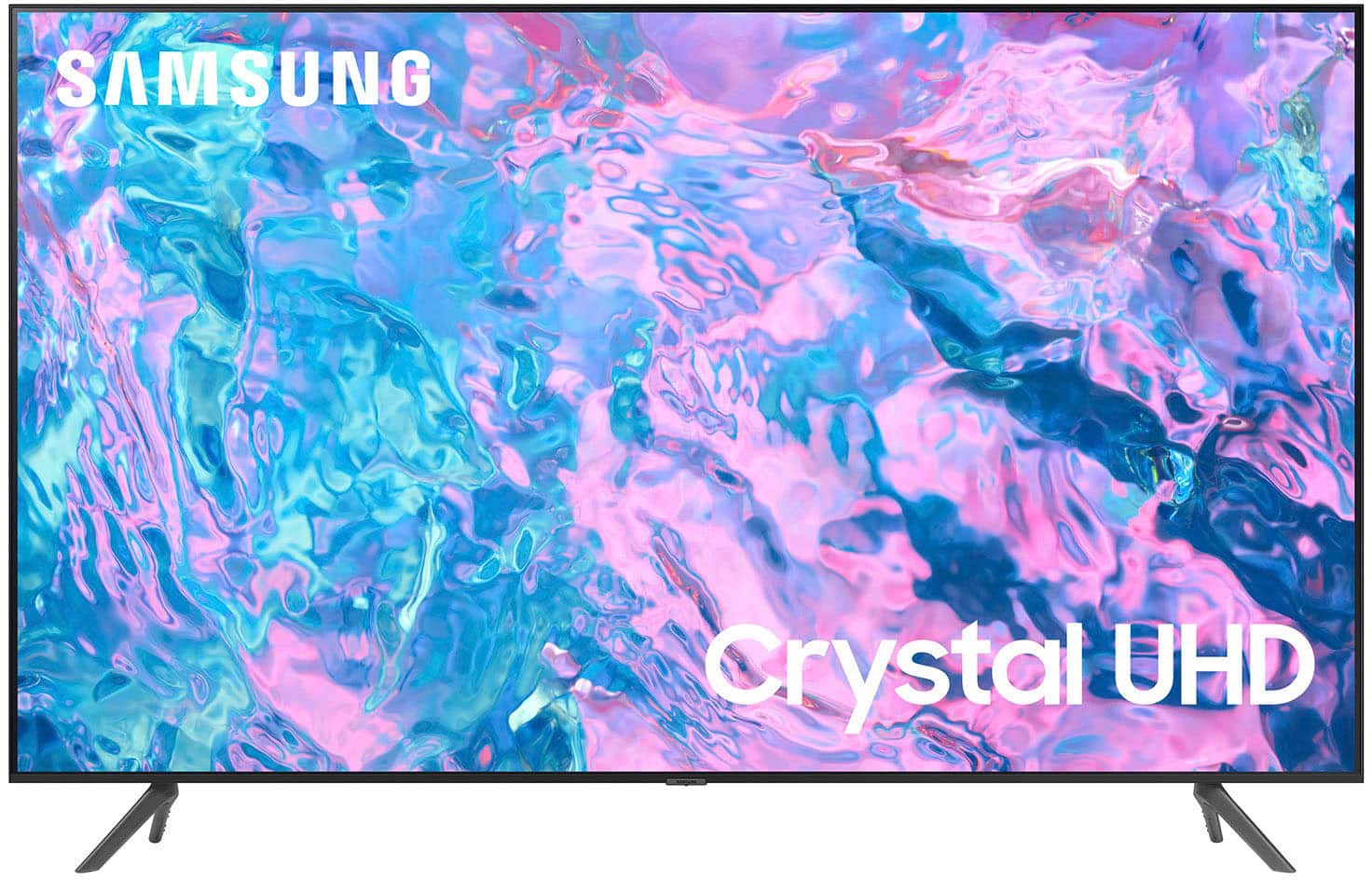
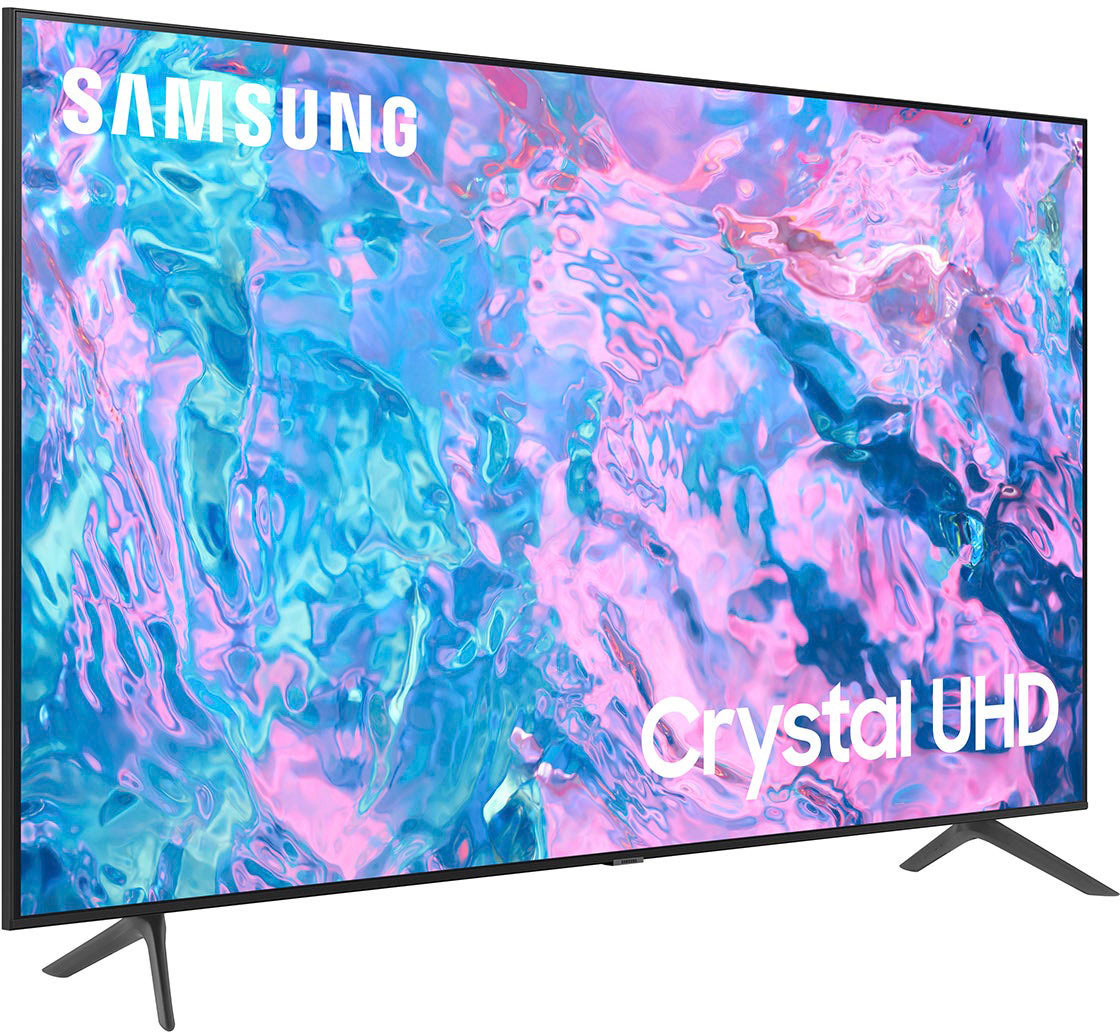
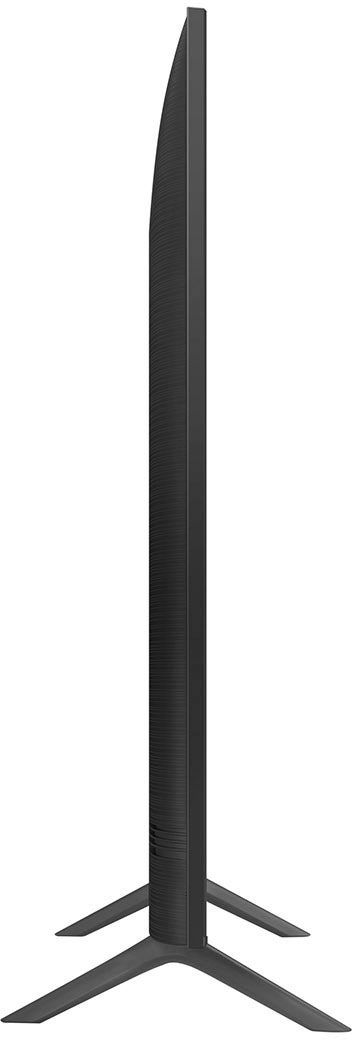
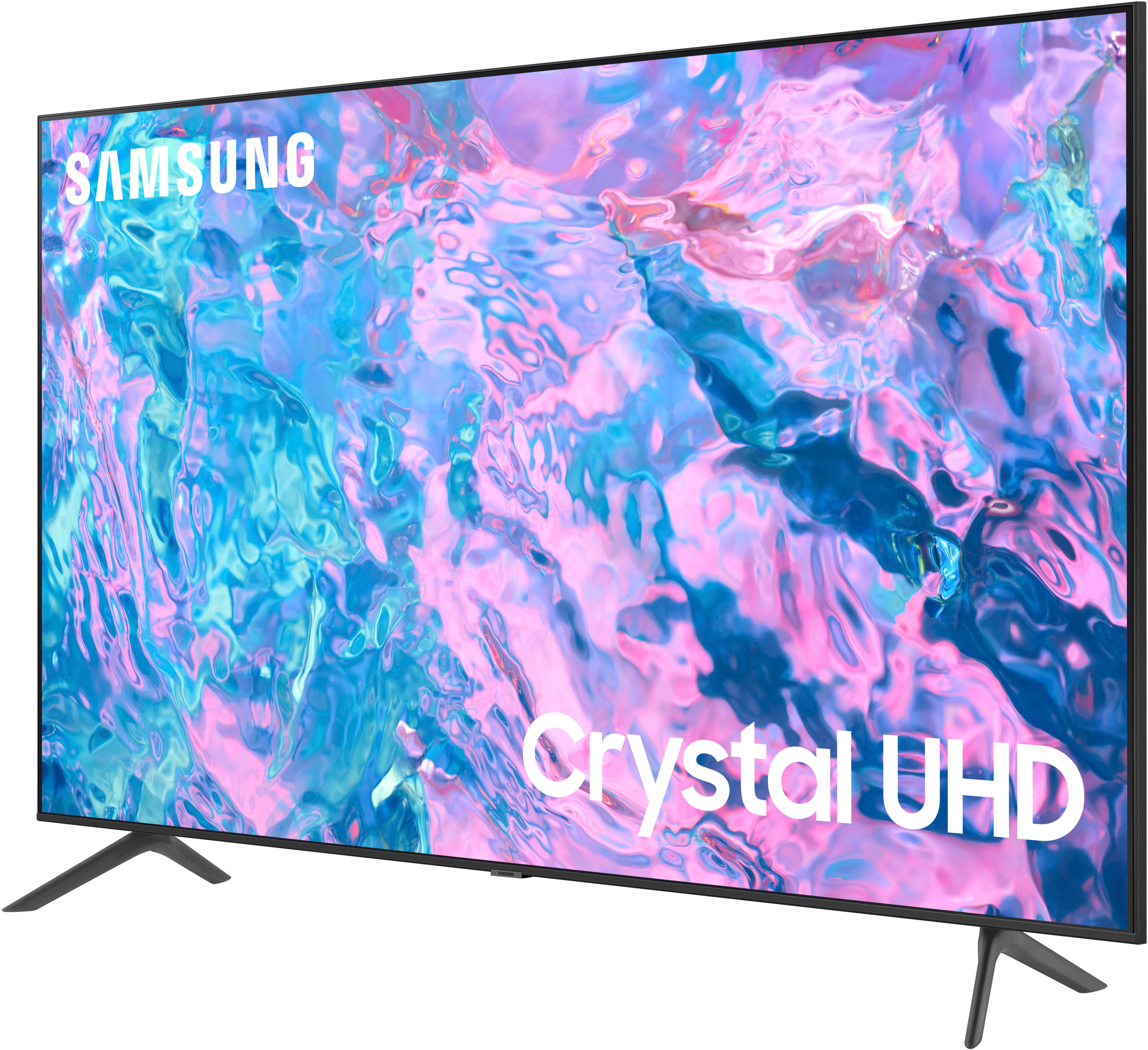



- Model:
- UN58CU7000FXZA
- SKU:
- 6537362
Rating by feature
- Picture Quality
Rating 4.7 out of 5 stars
- Sound Quality
Rating 4.4 out of 5 stars
- Brightness
Rating 4.7 out of 5 stars
Customers are saying
Customers often highlight the outstanding picture quality and ease of use of the 58” Class CU7000 Crystal UHD 4K Smart Tizen TV (2023). Many also appreciate the value for the price and vibrant colors. However, some users express dissatisfaction with the remote control's responsiveness and the lower volume levels. The smart features and ease of setup are also frequently praised.
This summary was generated by AI based on customer reviews.
- Pros mentioned:Picture quality
Samsung 58 inch
Posted .This reviewer received promo considerations or sweepstakes entry for writing a review.Great picture and the sound is clear i would definitely recommend this tv
I would recommend this to a friend - Pros mentioned:Price
Samsung TV Revie
Posted .This reviewer received promo considerations or sweepstakes entry for writing a review.Great TV for the price. Easy set up and it looks great on or off.
I would recommend this to a friend - Pros mentioned:Picture quality
samsung 58" class
Posted .This reviewer received promo considerations or sweepstakes entry for writing a review.good television good price....delivery was on time and efficient
I would recommend this to a friend BigShooter Review
Posted .This reviewer received promo considerations or sweepstakes entry for writing a review.Very easy to navigate thru Best Buy’s Web Site to order this TV. Not only was this the best value but the delivery and notification as to when this order was to be delivered was outstanding.
I would recommend this to a friendVery Satisfied
Posted .This reviewer received promo considerations or sweepstakes entry for writing a review.Very good purchase. This 58” Samsung smart tv is just what I wanted. However, I have to raise the volume more to hear it better.
I would recommend this to a friendNew Samsung tv
Posted .This reviewer received promo considerations or sweepstakes entry for writing a review.So far sound and picture is top quality, overall very happy with our new tv
I would recommend this to a friendMr Jackson
Posted .This reviewer received promo considerations or sweepstakes entry for writing a review.Everything that I expected when I purchase it and then some.
I would recommend this to a friendGreat tv! Amazing price!
Posted .This reviewer received promo considerations or sweepstakes entry for writing a review.Great tv for the price, new version of remote control is a great bonus.
I would recommend this to a friendGreat buy
Posted .This reviewer received promo considerations or sweepstakes entry for writing a review.Best buy has great open box items and this is one of them.
I would recommend this to a friendMr.
Posted .This reviewer received promo considerations or sweepstakes entry for writing a review.Enjoying our purchase ! Thats all we have to say about that !!!
I would recommend this to a friendSad customer
Posted .This reviewer received promo considerations or sweepstakes entry for writing a review.I have had the TV for only 30 days an the volume has gone out called best buy, after 15 days nothing they can do or will do, did give the information for samsung, samaung did a master rest, TV still doing the same thing they are sending out a repair person, i have to.keep resting the TV to get the sound in for a hour..WAITING FOR A REPAIR PERSON
I would recommend this to a friendBrand response from Samsung
Posted .Hi Qluv,
I am very sorry that you experienced issues with your CU7000 Crystal UHD TV and are currently waiting for it to be serviced. I understand your frustration and appreciate your patience. Should you have any issues with your TV after service is complete, please contact Samsung Customer Support.
You can call us at 1-800-SAMSUNG, 8 AM - 12 AM EST, seven days a week. Our LiveChat agents are also available by clicking on the ‘Support’ link on our website.
~ Samsung Advisor
Never again Samsung!
Posted .This reviewer received promo considerations or sweepstakes entry for writing a review.Purchased this TV new. Lasted 3 weeks and completely stopped working. Called Samsung and appointment was scheduled for a week later. Called a week later and had to reschedule. A week later, repairman showed up, looked at the back of the TV with his phone light and said he did not have the correct part. Rescheduled. I got home and discovered he had not plugged the TV up. A week later, they called to reschedule. I called Samsung and finally convinced them to sed another repair company. 17 calls later, I finally get a text that another company will be arriving in a week. I get called on the day of repair and the tech is on the way. Then he says this is for a pickup or I can reschedule for another week. Never agin Samsung.
No, I would not recommend this to a friendBrand response from Samsung
Posted .Hi JoeS,
I'm truly sorry to hear about your experience with your service appointment. Please know your feedback will be shared with our internal teams. If you need more support, please do not hesitate to reach out to us at 1-800-SAMSUNG, 8 AM - 12 AM EST, seven days a week. Our LiveChat agents are also available by clicking on the ‘Support’ link on our website.
~Samsung Advisor
Samsung 58" 4k/UHD
Posted .This reviewer received promo considerations or sweepstakes entry for writing a review.Owned it for 8 days and the screen had a vertical black 4 inch strip. This was replacing a 12 year old 55" Samsung . Based upon that we thought we were safe to buy the brand again along with Samsung Soundbar. To say I was disappointed is an understatement. Between the two times ripping the apart the set-up I am aggravated every time I look at it. I foolishly purchased the same brand based upon my old TV
No, I would not recommend this to a friendBrand response from Samsung
Posted .Hi MaryannK,
Thank you for being a loyal Samsung customer. We are sorry that your new Samsung CU7000 TV has screen issues out of the box. Please try the following troubleshooting steps:
1. If any external devices are connected, check all input cable connections
2. If the issue persists, define precisely what is wrong with the display. For example, mosaics and blocks, multiple lines or white dots, and fixed horizontal or vertical lines.
3. Try changing channels using the remote control. Is the issue the same on all channels?
4. Press the Home button (looks like a house), select Source, and choose another input source. Is the issue the same on all sources?
5. If the same problem persists, run a diagnostic test. (Home > Settings > Support > Device Care > Self Diagnosis > Picture Test)
6. If the problem disappears during the test, check your TV signal (Home > Settings > Support > Device Care > Self Diagnosis > Signal Information) to check the signal strength. The signal strength must be more than 20 dB (more than 4 bars on the icon) for stable signal reception
Should your issue persist, please contact Samsung Customer Support at 1-800-SAMSUNG, 8 AM - 12 AM EST, seven days a week. Our LiveChat agents are also available by clicking on the ‘Support’ link on our website.
~ Samsung Advisor
7000 CU50
Posted .This reviewer received promo considerations or sweepstakes entry for writing a review.This TV was fine. I had it a little over a year before it started powering itself on and off. Finally the screen just went black. I liked the TV before then and it didn't last long at all. Called Samsung and it was out of warranty!
No, I would not recommend this to a friendGarbage reliability
Posted .This reviewer received promo considerations or sweepstakes entry for writing a review.We purchased two Samsung tvs and they both went out with black screen and intermittent sound. I will never buy a Samsung tv again. Junk product
No, I would not recommend this to a friendBrand response from Samsung
Posted .H there,
I'm very sorry to hear about your experience with having two Samsung TVs with a blank screen and intermittent sound.
I have some troubleshooting steps for you that may resolve the blank screen issue:
1. Press the Home button on the remote.
If the menu appears, the TV is powered on but is either not on the correct source or not receiving a signal. If the menu does not appear, the TV may be having power issues.
Check the red standby light, a little red light at the edge of the TV that you aim the remote at. In normal use, the red standby light is on when the TV is off (indicating the TV is on standby), and the red standby light is off when the TV is in use (or doesn't have power).
2. Confirm that the TV is set to the same source as the external device.
For instance, if your cable box is connected to HDMI 1, set the TV source to HDMI 1.
If the TV is set to the correct source, but there is still no image, unplug and reconnect the AV connections one cable at a time from both ends of each cable. If there's any damage to the cable, it will need to be replaced.
After reconnecting the external device, please turn it off and back on.
3. Test the HDMI cable.
To perform the test, make sure the TV's source is still on the HDMI setting for the cable you want to test, and then navigate to Settings > Support > Self Diagnosis > Signal Information > HDMI Cable Test > Start Test.
If the test says the cable is bad, replace the cable. Service is not required.
4. Test different external devices.
The final thing to rule out is the external device you're using. Try connecting a different device or using a different source port.
If the TV can display a picture in any other setup, then you've ruled the TV out as the cause of the issue. Keep trying various setups until you identify the device or cable that is not working and troubleshoot or replace it.
Next, please try adjusting the following Settings to improve your experience.
The Auto Volume function automatically adjusts the sound to a certain level when changing channels or switching to another external input. Go to Settings > All Settings> Sound > Expert Settings > Auto Volume = On.
You may also want to perform a Sound Test under Support > Self Diagnosis > Start Sound Test.
If you continue to have issues, please know that Samsung is here for you. You can call us at 1-800-SAMSUNG, 8 AM - 12 AM EST, seven days a week. Our LiveChat agents are also available by clicking on the ‘Support’ link on our website.
~ Samsung Advisor
Don’t recommend.
Posted .This reviewer received promo considerations or sweepstakes entry for writing a review.Broke in less than a year. Screen went black and stopped working.
No, I would not recommend this to a friend