Customer Ratings & Reviews
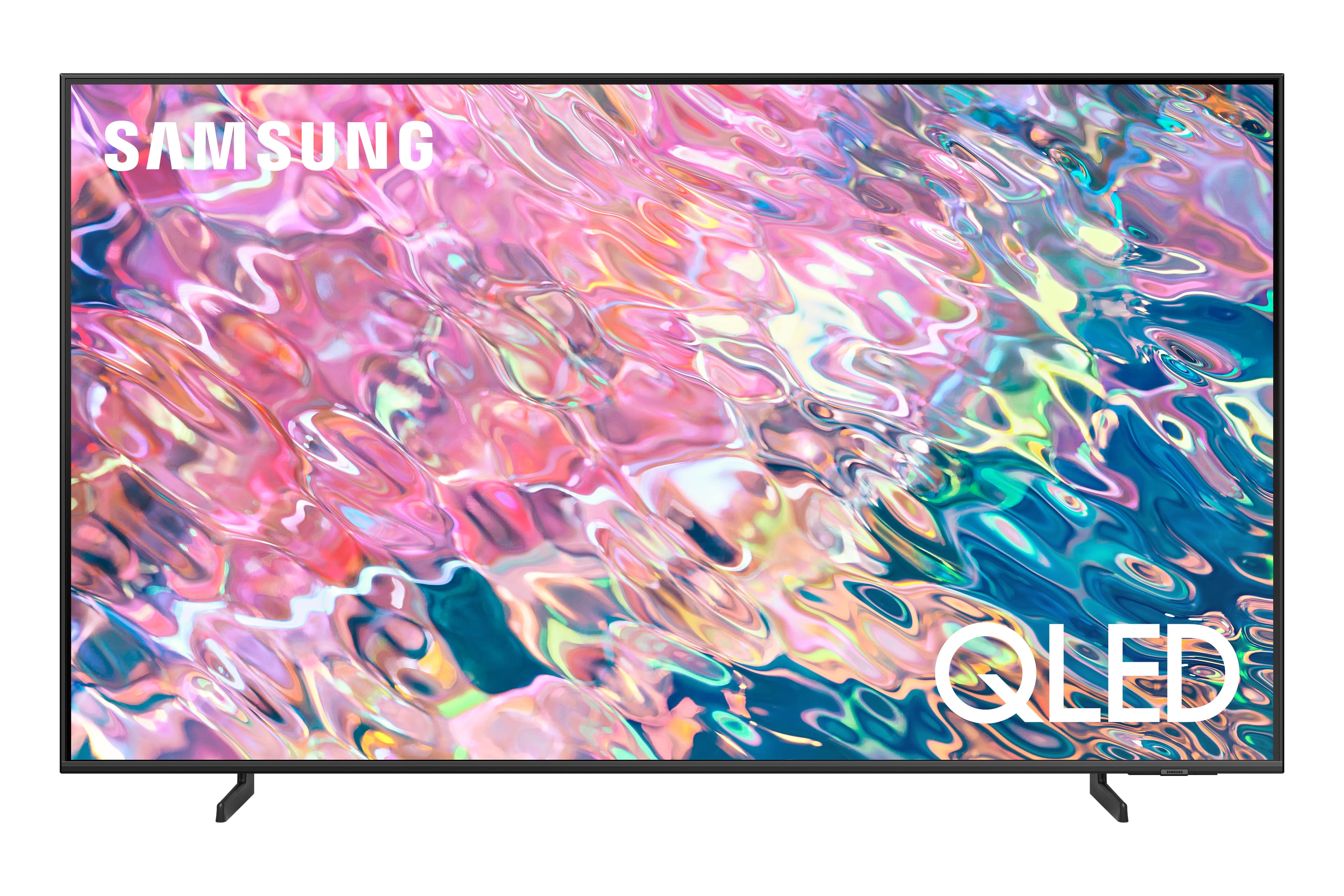
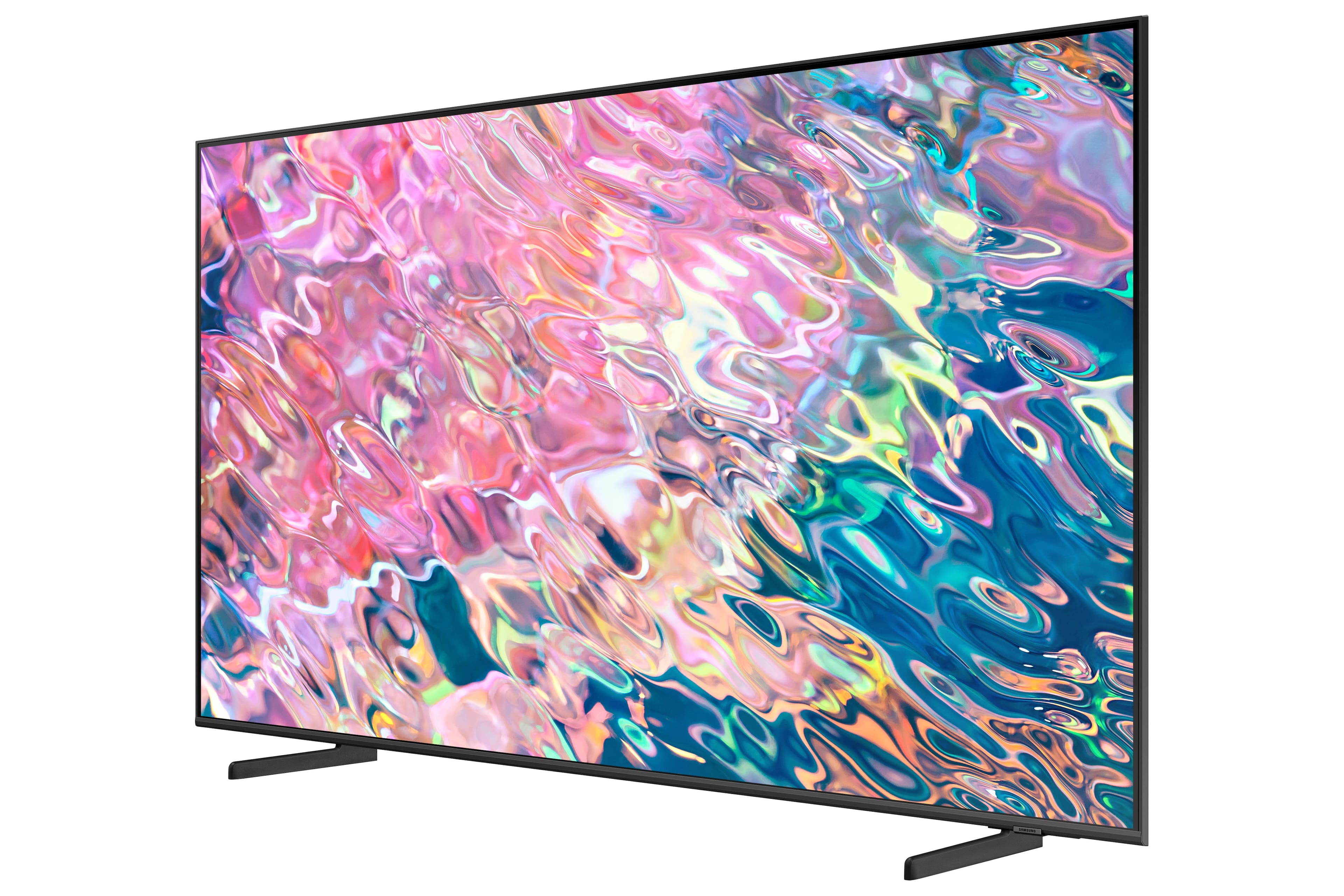
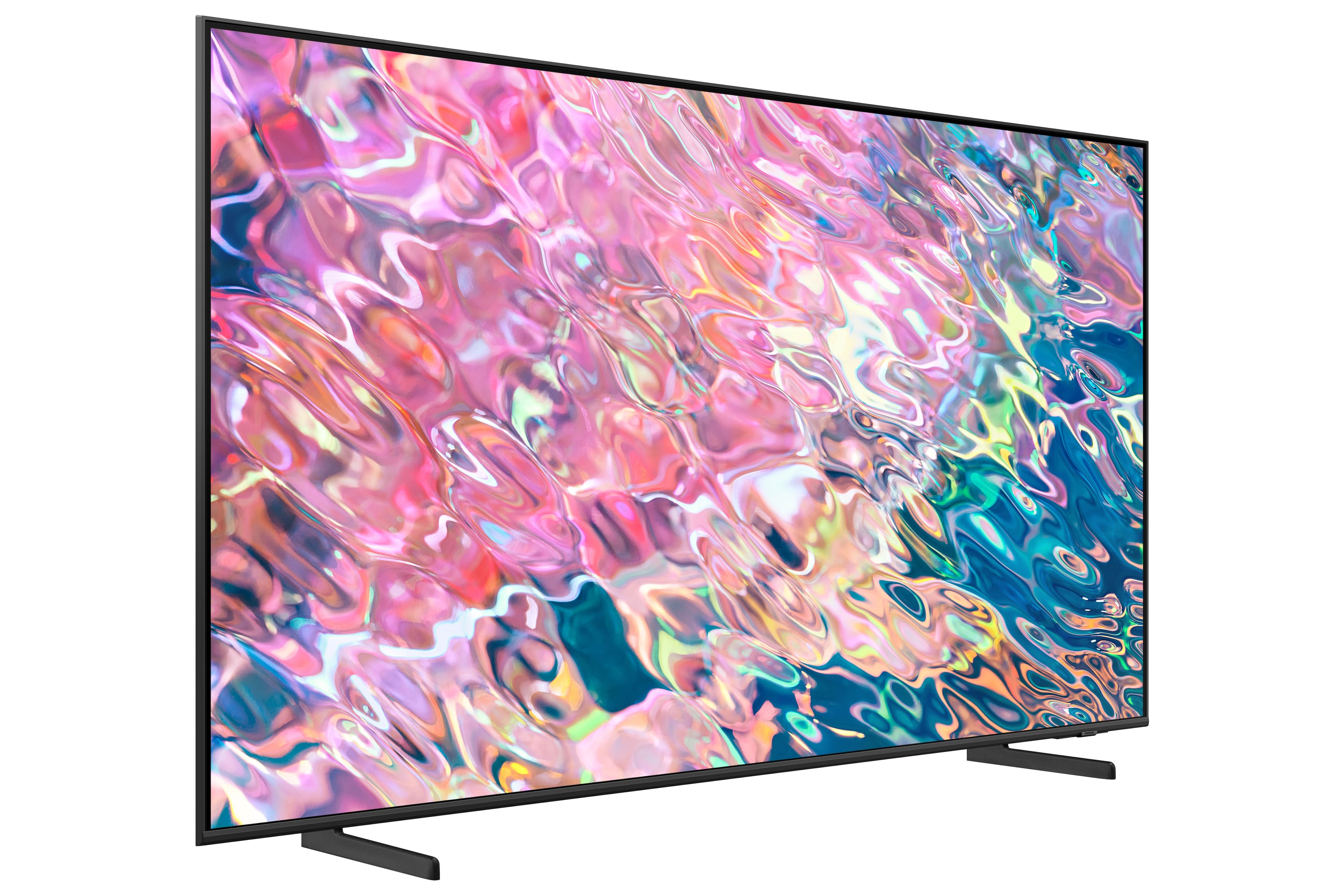
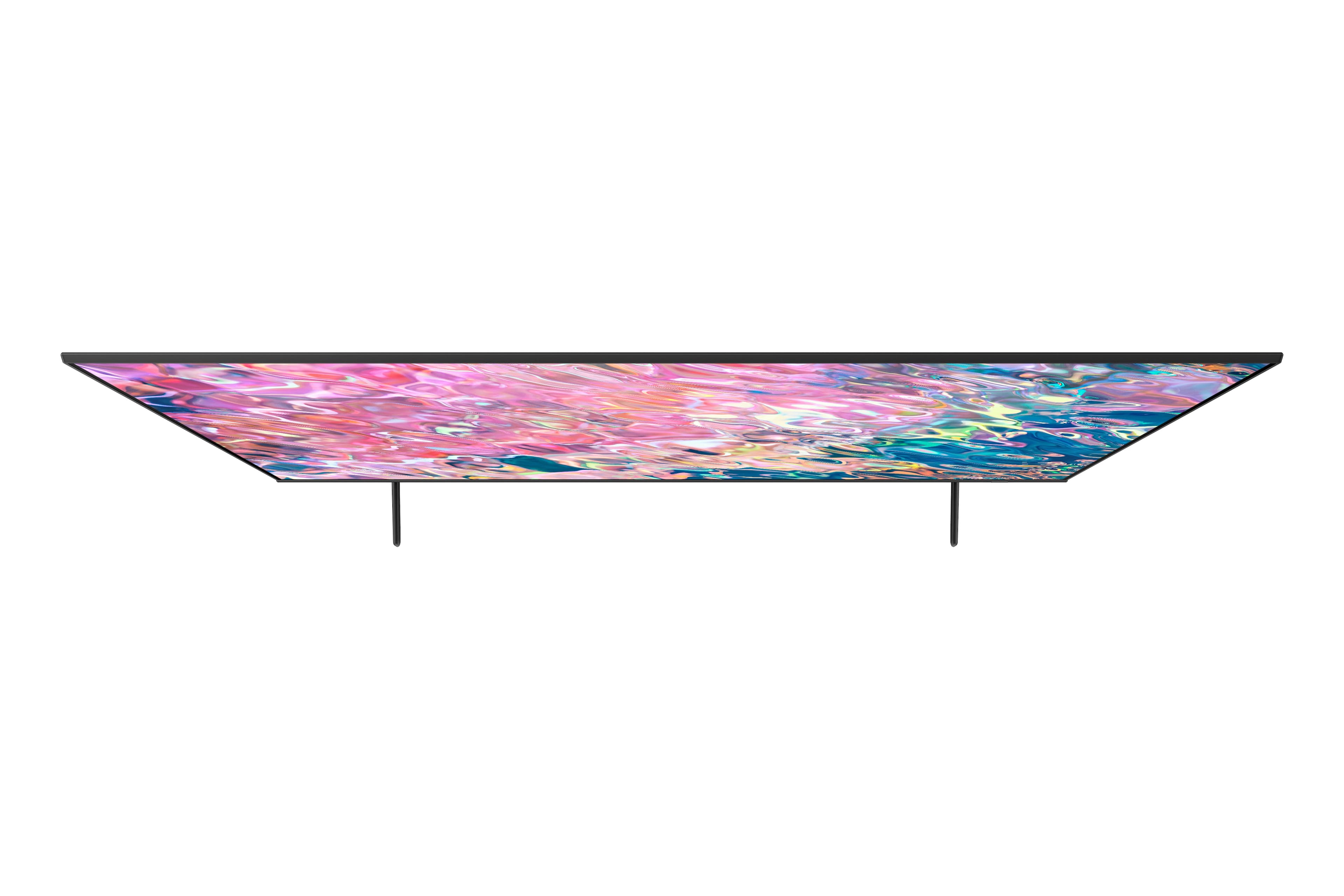












- Model:
- QN60Q60BAFXZA
- SKU:
- 6502242
Rating by feature
- Picture Quality
Rating 4.7 out of 5 stars
- Sound Quality
Rating 4.4 out of 5 stars
- Brightness
Rating 4.7 out of 5 stars
Customers are saying
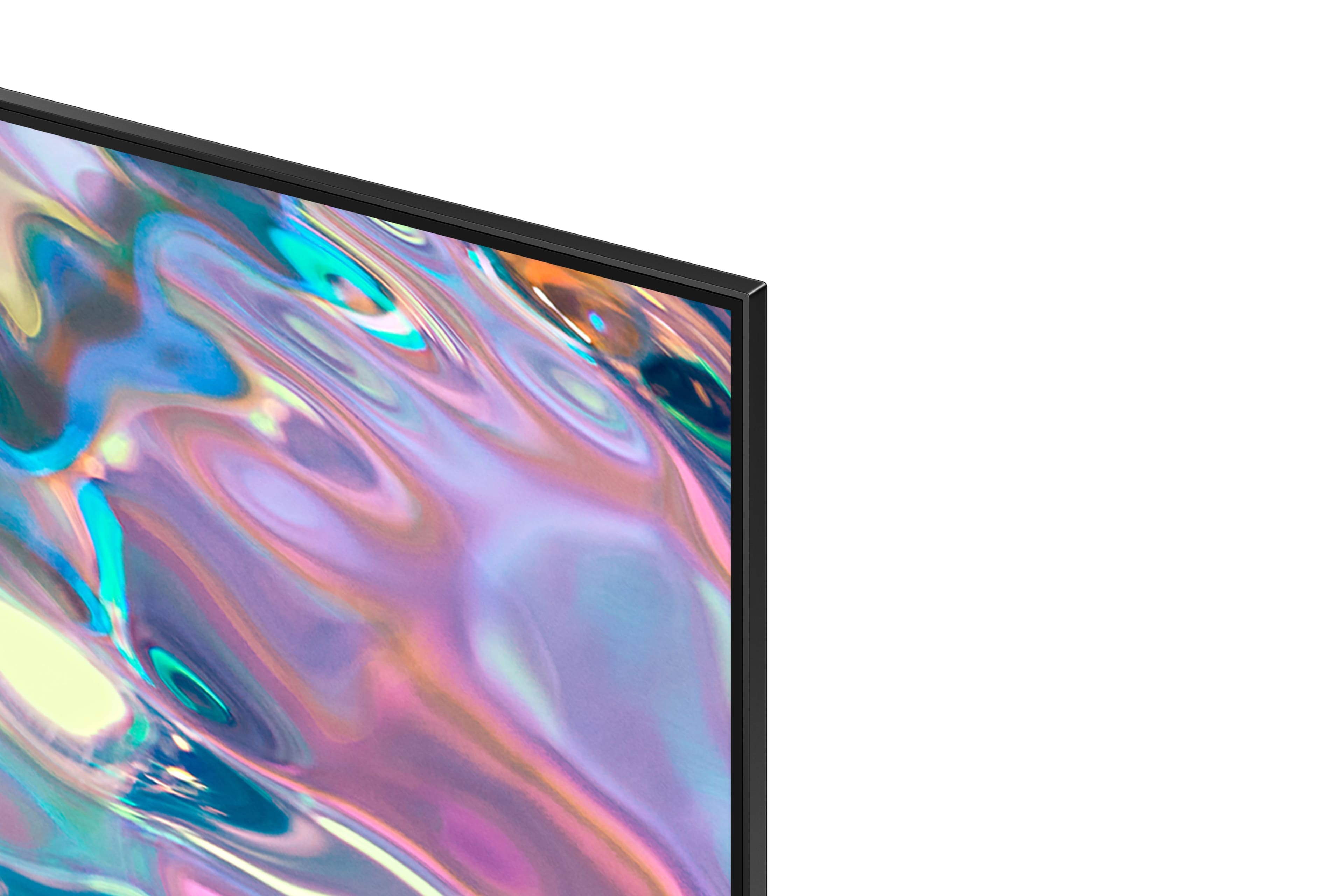
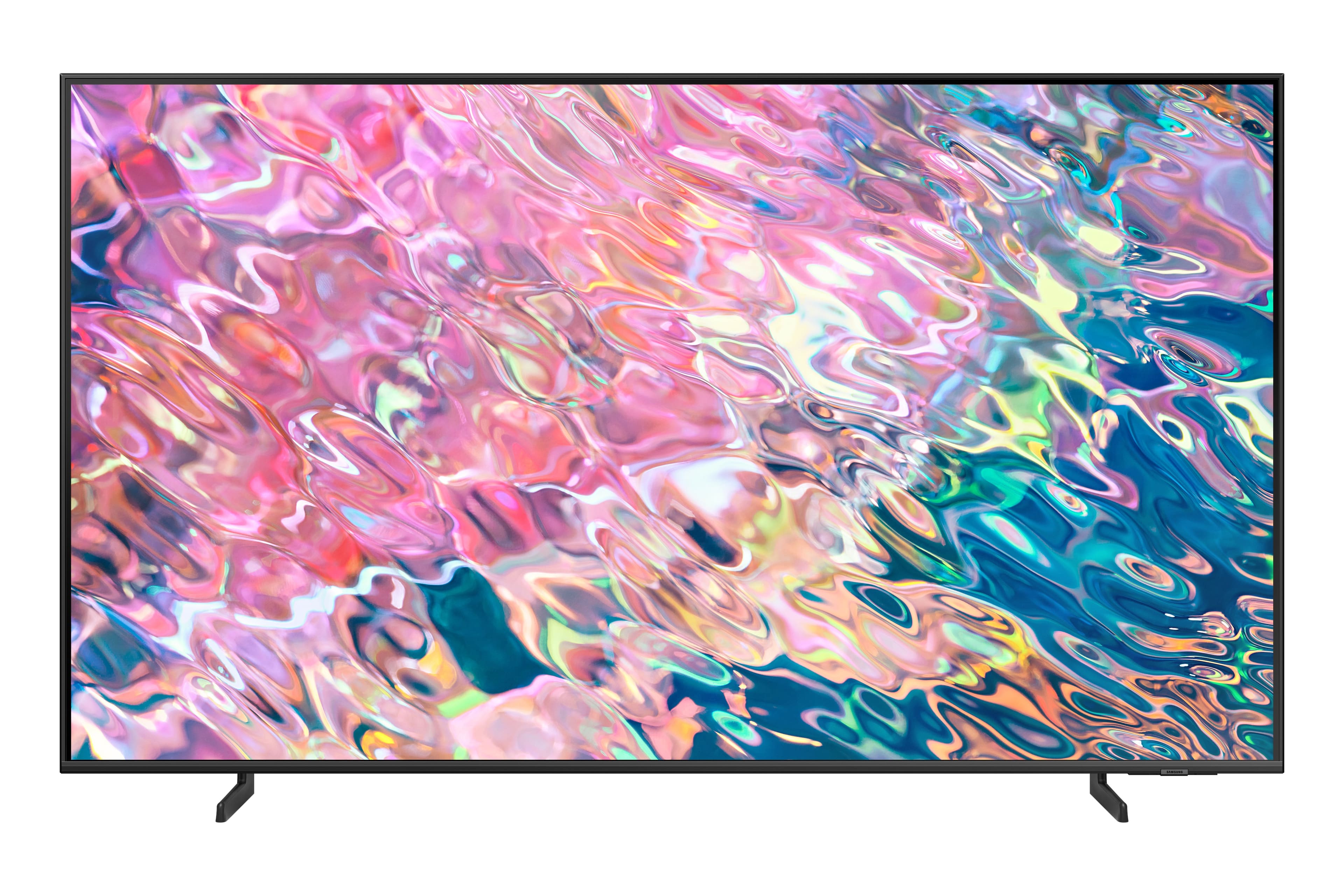
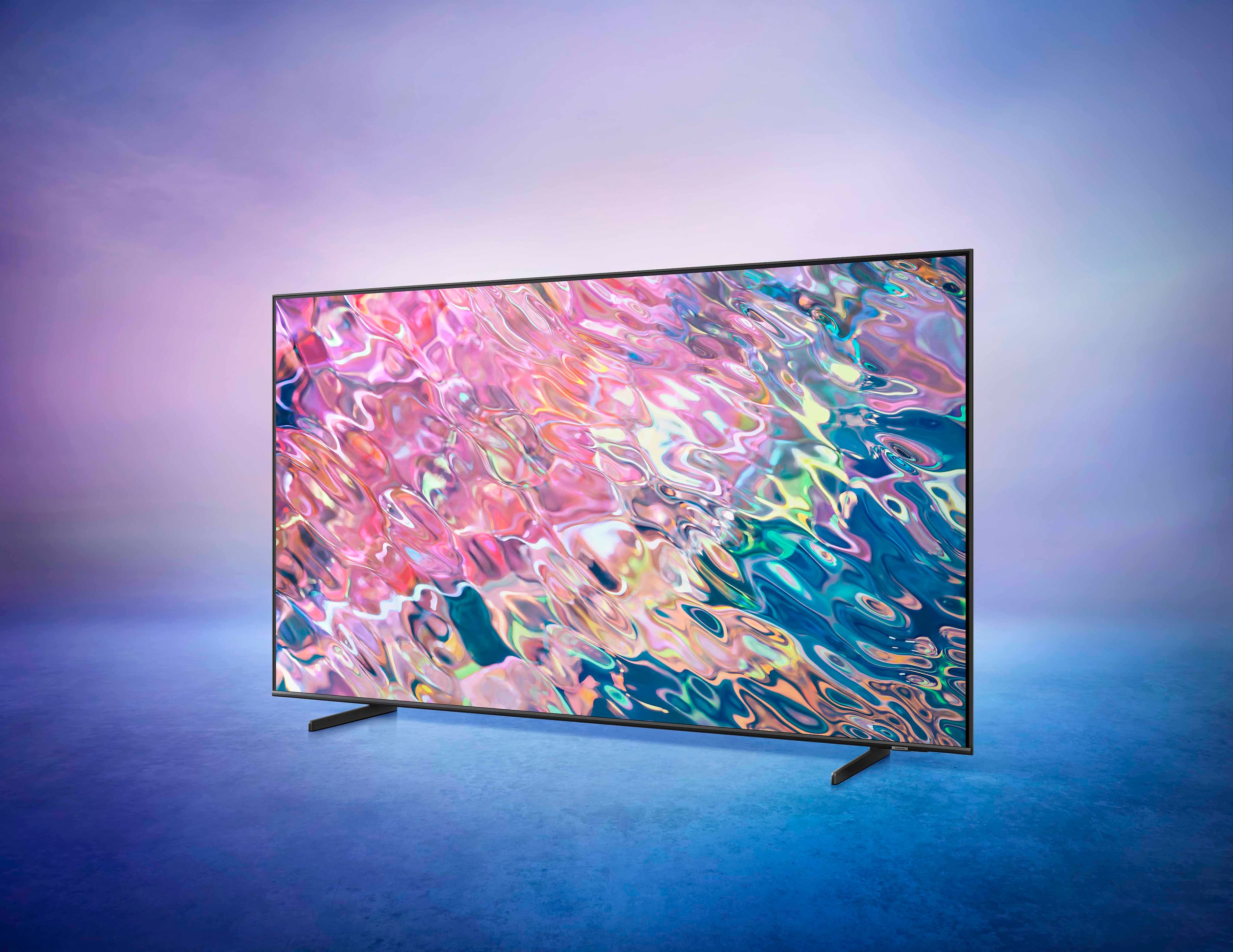
Customers commend the 60” Class Q60B QLED 4K Smart Tizen TV for its exceptional picture quality, describing it as fantastic, outstanding, and clear. The TV's easy setup, reasonable price, and sleek design are also well-received. While the sound quality is generally praised, some customers find the remote control to be fragile.
This summary was generated by AI based on customer reviews.
Sweet tv
||Posted . Owned for 1 month when reviewed.This reviewer received promo considerations or sweepstakes entry for writing a review.Absolutely satisfied with this tv. Have had no issues with it at all.
I would recommend this to a friendLove my TV
||Posted . Owned for 3 weeks when reviewed.This reviewer received promo considerations or sweepstakes entry for writing a review.The colors are so crisp and the remote very intuitive.
I would recommend this to a friendSuper dope
||Posted . Owned for 2 weeks when reviewed.This reviewer received promo considerations or sweepstakes entry for writing a review.Super dope super dope super dope super dope super dope
I would recommend this to a friendIt's as good as it gets
||Posted . Owned for 3 weeks when reviewed.This reviewer received promo considerations or sweepstakes entry for writing a review.It's as good as it gets. We've enjoyed Samsung TVs for years.
I would recommend this to a friendWorth the price
||Posted . Owned for 2 weeks when reviewed.This reviewer received promo considerations or sweepstakes entry for writing a review.Very nice tv and worth the money! Very clear screen and super crisp
I would recommend this to a friendWall mounted in lower level family room.
||Posted . Owned for 1 month when reviewed.This reviewer received promo considerations or sweepstakes entry for writing a review.You just can’t get a better picture than the LG Qled TV.
I would recommend this to a friendGreat purchase love it wouldt have another. Best B
||Posted . Owned for 1 month when reviewed.This reviewer received promo considerations or sweepstakes entry for writing a review.Great purchase love it wouldt have another. Best Buy
I would recommend this to a friendQuality TV - Good value
||Posted . Owned for 3 weeks when reviewed.This reviewer received promo considerations or sweepstakes entry for writing a review.Just what we needed for our basement family room TV
I would recommend this to a friend…
||Posted . Owned for 1 month when reviewed.This reviewer received promo considerations or sweepstakes entry for writing a review.The speakers aren’t that great for sound but a great tv for the money.
I would recommend this to a friendQb60 tv quality.
||Posted . Owned for 3 weeks when reviewed.This reviewer received promo considerations or sweepstakes entry for writing a review.Good overall picture not as clear as old tvbut more than acceptable.
I would recommend this to a friendBrand response from Samsung
Posted .Good,
I’m sorry to hear you’re not fully satisfied with the clarity of your Q60B TV. Please try adjusting the Picture Clarity Settings to improve your image. Go to: Menu > Settings > All Settings > Picture > Expert Settings > Picture Clarity Settings
- Off: Picture Clarity Settings will always be off
- Auto: Picture Clarity Settings will automatically activate and deactivate based on the type of program being watched
- Custom: Allows custom adjustments and settings to be used. By selecting the Custom option, you can access these advanced settings for Judder Reduction, LED Clear Motion, and Noise Reduction.
Should you need further assistance with features or other product usage, please reach out to Samsung Support at 1-800-SAMSUNG, 8AM - 12AM EST, 7 days a week. LiveChat with an agent as well as manuals, software, and warranty info can be found at the ‘Support’ link on our Samsung website.
~ Samsung Specialist
Samsung 60in
||Posted . Owned for 1 month when reviewed.This reviewer received promo considerations or sweepstakes entry for writing a review.Easy to work and especially like the solar remote control
I would recommend this to a friend- Pros mentioned:Color, Picture qualityCons mentioned:Remote control
Awesome picture quality, with a few minor irks
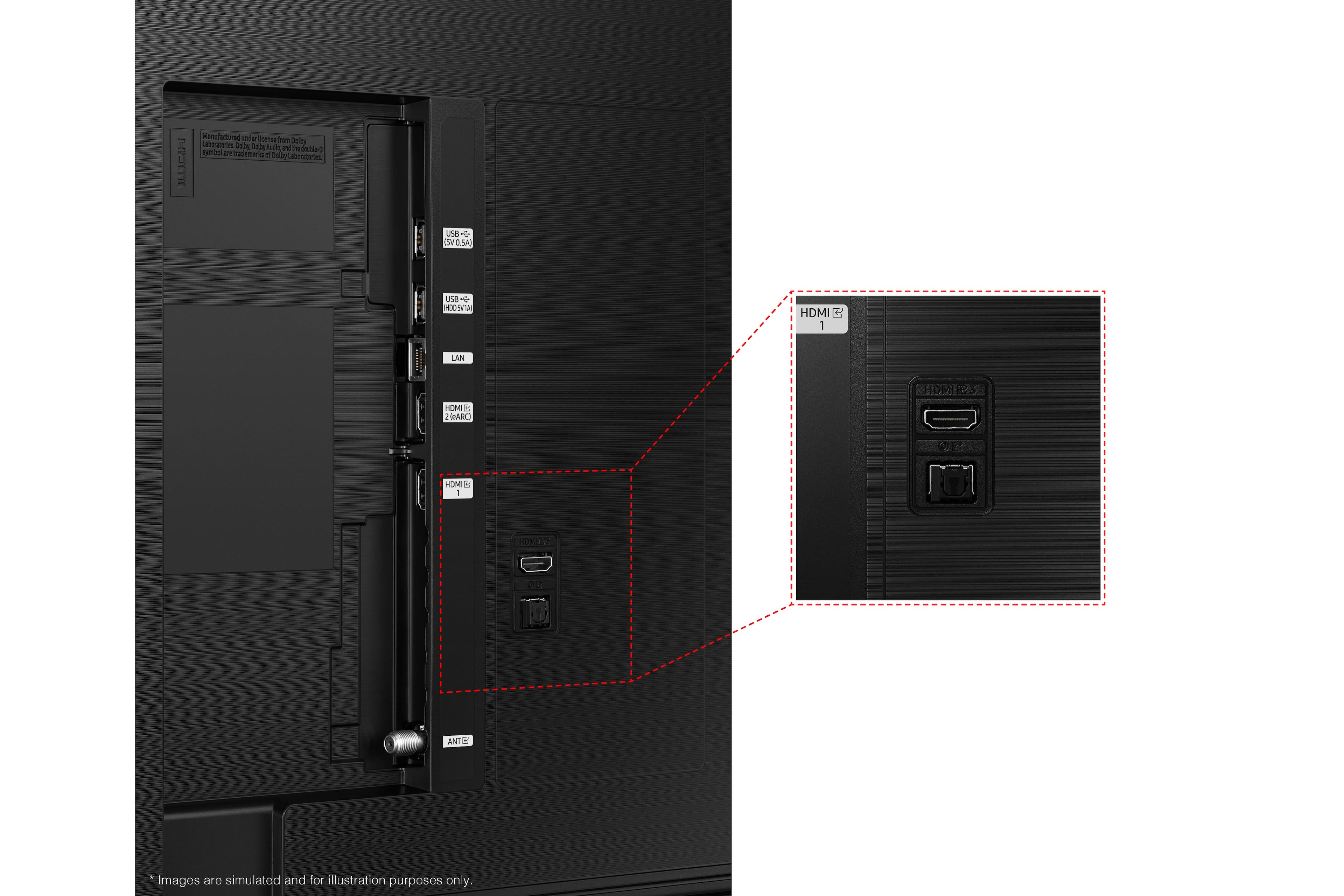
Posted .This reviewer received promo considerations or sweepstakes entry for writing a review.Pros: Beautiful color and contrast (especially in 'Game Mode' with HDR enabled, bright screen, sharp picture quality. Despite not having 120 Hz., the motion looks crisp and clear. Smaller bezel than my older 55" Samsung and therefore thinner/lighter to carry. - Cons: Every time I switch to my main HDMI display, the annoying 'Game Mode' interface appears for a few seconds, obstructing the view. Only 3 HDMI inputs (I wish it had 1 more). The small remote control and menu interface are awkward for awhile after using Samsung's older stuff for a long time.
I would recommend this to a friend Disappointing
||Posted . Owned for 1 month when reviewed.This reviewer received promo considerations or sweepstakes entry for writing a review.The tv has a black spot on it that won’t go away. I called customer service about it and they offered 10% off the TV but that doesn’t fix anything. Would like to exchange it but my schedule is so busy.
No, I would not recommend this to a friendBrand response from Samsung
Posted .MarcE,
We appreciate your feedback regarding the screen abnormalities you’re seeing on your Q60B TV. Please run a Picture Test to determine if the problem is caused by the TV. Picture Test displays a high-definition picture you can examine for flaws or faults. Go to Settings > Support > Device Care > Self Diagnosis > Picture Test
If this occurs on all sources and the picture test, this will require service. For help with setting up a service appointment, please contact Samsung Support at 1-800-SAMSUNG, 8AM - 12AM EST, 7 days a week. Our LiveChat agents are also available by clicking on the ‘Support’ link on our website.
~ Samsung Specialist
Good luck.
||Posted . Owned for 5 months when reviewed.This reviewer received promo considerations or sweepstakes entry for writing a review.Had to trade out 3 times before i gave up. All 3 displays had defects. I was a big samsung fan. Not anymore. Samsung has a huge quantity control problem.
No, I would not recommend this to a friendPicture is far from great!
||Posted . Owned for 1 week when reviewed.This reviewer received promo considerations or sweepstakes entry for writing a review.I will likely return this TV as the picture is nowhere near as good as reviews claimed. I have new 2.1 HDMI cables and even had Comcast come out and run a new line and ensure my signal was strong. My old Samsung 50 inch 4K had a stellar picture. This TV's picture quality is mediocre. Very disappointed as I did my homework before purchasing. It also has weird white blotches when it fades to black and goes to a commercial. Hard to describe but noticeable. All of my TVs are Samsung. Sad that my most expensive one is my least favorite!
No, I would not recommend this to a friendBrand response from Samsung
Posted .Antwon,
It's unfortunate to hear your Q60B TV's image quality has fallen short of your expectations. You may want to try adjusting image settings to improve your picture.
Go to Home > Menu > Settings > All Settings > Picture > Picture Mode
...and select the mode that best fits your usage:
1) Standard: Is the default mode suitable for general viewing environments.
2) Movie: Is suitable for watching TV or movies in a dark room.
3) Dynamic: Makes the picture brighter and clearer in bright viewing environments.
4) Filmmaker Mode: You can watch the source content (e.g., movie) as it is. If the image is defined as Filmmaker Mode, it will automatically switch to Filmmaker Mode while watching.
You can also go to: Home > Menu > Settings > All Settings > Picture > Expert Settings to manually fine tune your image.
Please also check to make sure your TV is up to date with the latest firmware version. You can check to see what software version your TV is using and if there is an update available by going to: Home > Menu > Settings > Support > Software Update > Update Now.
If you need more help, Samsung is here for you. Please call us at 1-800-SAMSUNG, 8AM - 12AM EST, 7 days a week. Our LiveChat agents are also available by clicking on the ‘Support’ link on our website.
~ Samsung Specialist
- Cons mentioned:Remote control
remote
||Posted . Owned for 1 month when reviewed.This reviewer received promo considerations or sweepstakes entry for writing a review.Rating is due to the remote that comes with the TV does not have instructions in order to use it. The guy that came to set it up did not know how the remote works. At this time I'm contemplating returning the TV due to the remote and there are no instructions on how use this REMOTE, which is unacceptable to me.
No, I would not recommend this to a friendBrand response from Samsung
Posted .Hi there,
I'm sorry to hear of the confusion regarding the lack of remote instructions. Please know your TV features a built-in Remote Guide which provides you with a full tutorial and descriptions of all functions and features on the remote.
To access this, go to: Home > Menu > Settings > Support > Remote Control Guide
If you'd like to download and/or print this guide, you can do that as well! Simply go to Samsung's site, click on Support in the upper right corner, and select Manuals & Downloads > TVs & Home Theater. From there, you can select the Q60B TV under QLED 4K TVs > B Model Lineup to download the Remote Guide, as well as the User Manual, e-Manual, and Quick Setup Guide.
If we can help with anything else, please call us at 1-800-SAMSUNG, 8AM - 12AM EST, 7 days a week. LiveChat with an agent as well as manuals, software, and warranty info can be found at the ‘Support’ link on our Samsung website.
~ Samsung Specialist
Defective? Extreme motion issues also
||Posted . Owned for 3 weeks when reviewed.This reviewer received promo considerations or sweepstakes entry for writing a review.Had this tv just over two weeks of course just past return period it developed problems. Won't power on sometimes until unplugged from the wall - extreme motion issues which makes watching sports unbearable. Best Buy won't help you past 14 days so now it's up to Samsung did not realize thry wouldn't help with tv if defective probably would not buy tv from them again
No, I would not recommend this to a friendBrand response from Samsung
Posted .Shortiee,
I’m sorry to hear you’re having difficulties powering on your Q60B TV. Please try a few troubleshooting steps that may help solve the issue:
1) Confirm that the TV's power cord is connected correctly at both ends and that the remote is operating normally.
2) Make sure that the wall outlet is working and the power indicator at the bottom of the TV is lit and glowing a solid red. If it is off, the TV either does not have power, or it is on, and the screen is black. If it is blinking, your TV may need service.
3) Try pressing the TV Power button at the bottom of the TV behind the Samsung logo to make sure that the problem is not with the remote control. If the TV turns on, your issue may be with the remote control.
For optimal motion image performance, you may want to adjust the picture clarity setting by going to: Menu > Settings > All Settings > Picture > Expert Settings > Picture Clarity Settings
- Off: Picture Clarity Settings will always be off
- Auto: Picture Clarity Settings will automatically activate and deactivate based on the type of program being watched
- Custom: Allows custom adjustments and settings to be used. By selecting the Custom option, you can access these advanced settings for Judder Reduction, LED Clear Motion, and Noise Reduction.
Please also be sure you have the latest firmware update. You may want to enable automatic updates for convenience. Select Settings > Support > Software Update, then select Auto Update.
If the issues persist, please call us so we can better investigate your issue and assist with a solution or replacement. You can reach us at 1-800-SAMSUNG, 8AM - 12AM EST, 7 days a week. Our LiveChat agents are also available by clicking on the ‘Support’ link on our website.
~ Samsung Specialist
Zero star
||Posted . Owned for 1 month when reviewed.This reviewer received promo considerations or sweepstakes entry for writing a review.Waist of money ,don’t buy ,the tv didn’t last even a month
No, I would not recommend this to a friendTv review
||Posted .This reviewer received promo considerations or sweepstakes entry for writing a review.I would have Thought control would have voice talk other than that pretty good tv
I would recommend this to a friendBrand response from Samsung
Posted .Buystuff4u,
I'm very sorry to hear of the confusion regarding voice control on Samsung's Q60B TV. Please know your TV has 3 Voice Assistants to choose from: Bixby, Amazon Alexa, or Google Assistant. You will first need to select which Voice Assistant you would like to help control your TV. You will also need to be connected to the internet.
After selecting your Voice Assistant, you can change the settings by going to: Settings > All Settings > General & Privacy > Voice > Voice Assistant. Once your Voice Assistant is selected, you can press the Microphone button on your remote to help navigate the settings menu, change the volume, or even search for content.
If you need further help setting up the voice assistant feature, please call us at 1-800-SAMSUNG, 8AM - 12AM EST, 7 days a week. Or visit us on the Samsung website and click on the ‘Support’ link for:
• LiveChat
• Manuals, Software, & Warranty Info
~ Samsung Specialist
Samsung QLED 4K Smart TV 60"
||Posted . Owned for 1 month when reviewed.This reviewer received promo considerations or sweepstakes entry for writing a review.As much as I'd love to give the TV a good review I can't. We had it installed only to find that it had a "dead pixel" so it has a nice line running through it. We had waited to get it take out of box a couple weeks and found out the return policy expired. So we are now working with Samsung to have it repaired.
No, I would not recommend this to a friendBrand response from Samsung
Posted .KimC,
We appreciate you sharing the details of the screen abnormalities you noticed on your Q60B, and for your patience while waiting for your service appointment. Should you need further assistance after your service is complete, please contact Samsung Customer Support at 1-800-SAMSUNG, 8AM - 12AM EST, 7 days a week. Or visit us on the Samsung website and click on the ‘Support’ link for:
• LiveChat
• Manuals, Software, & Warranty Info
~ Samsung Specialist