Customer Ratings & Reviews

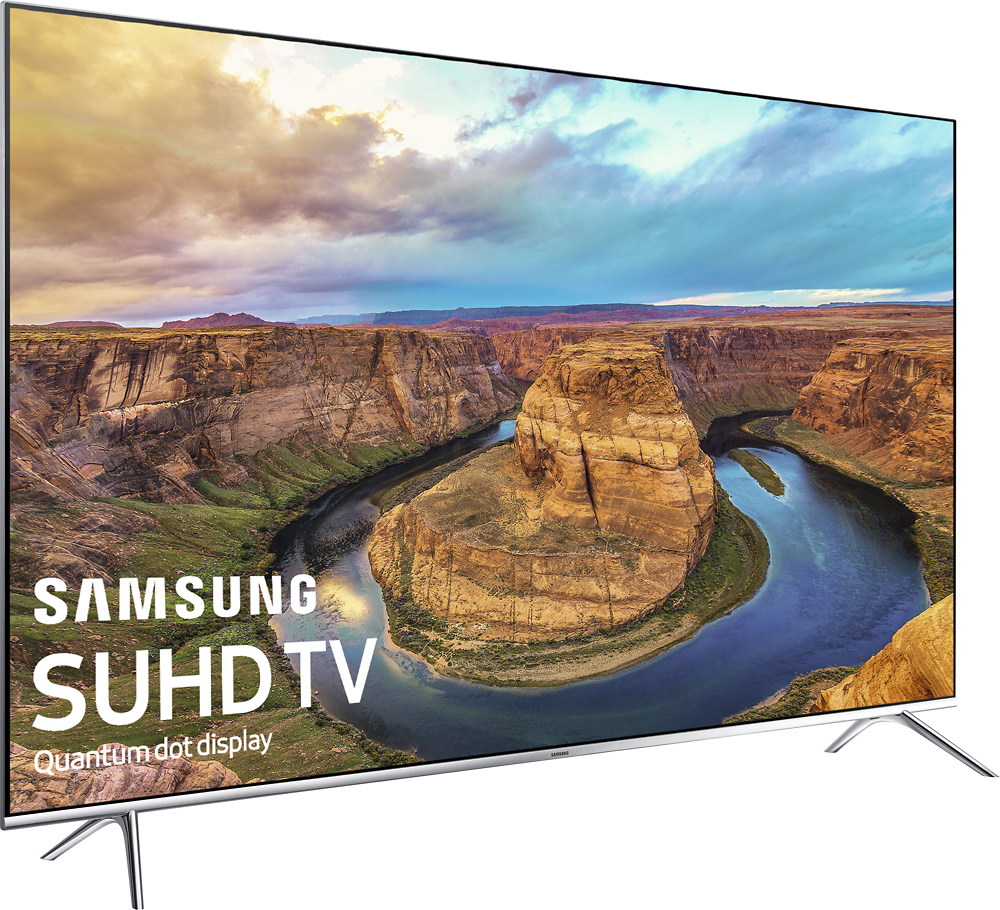
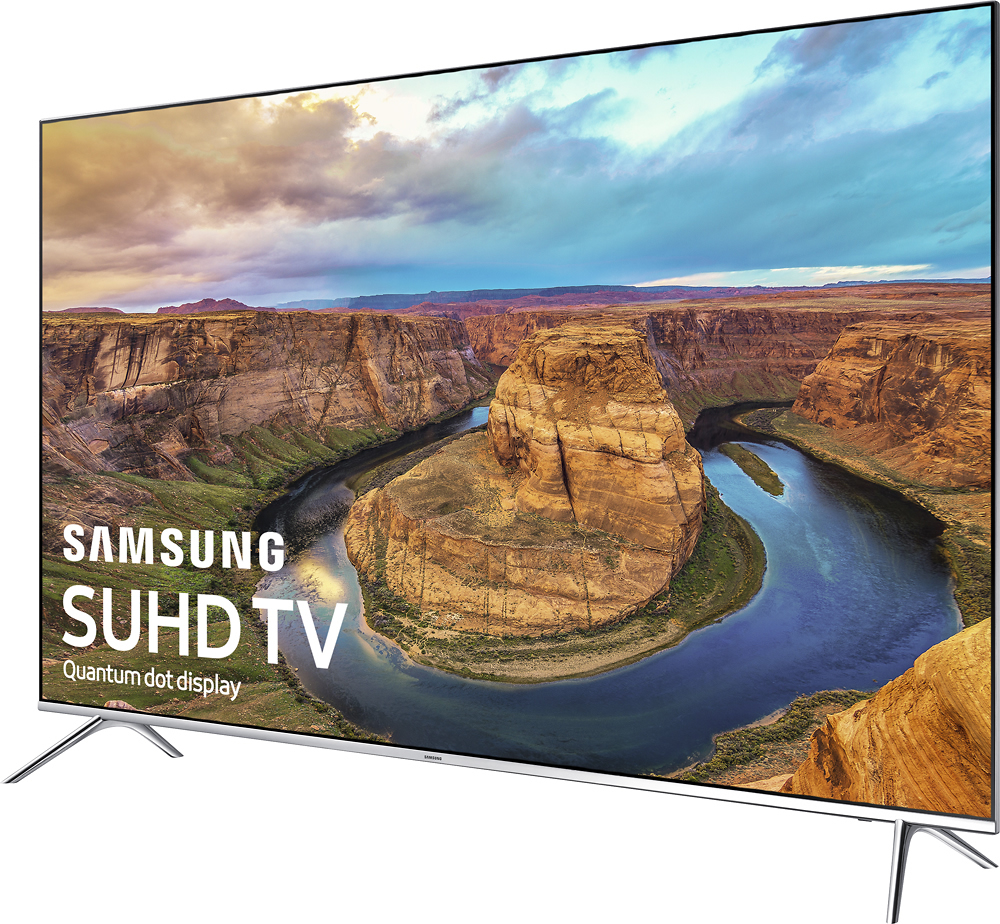
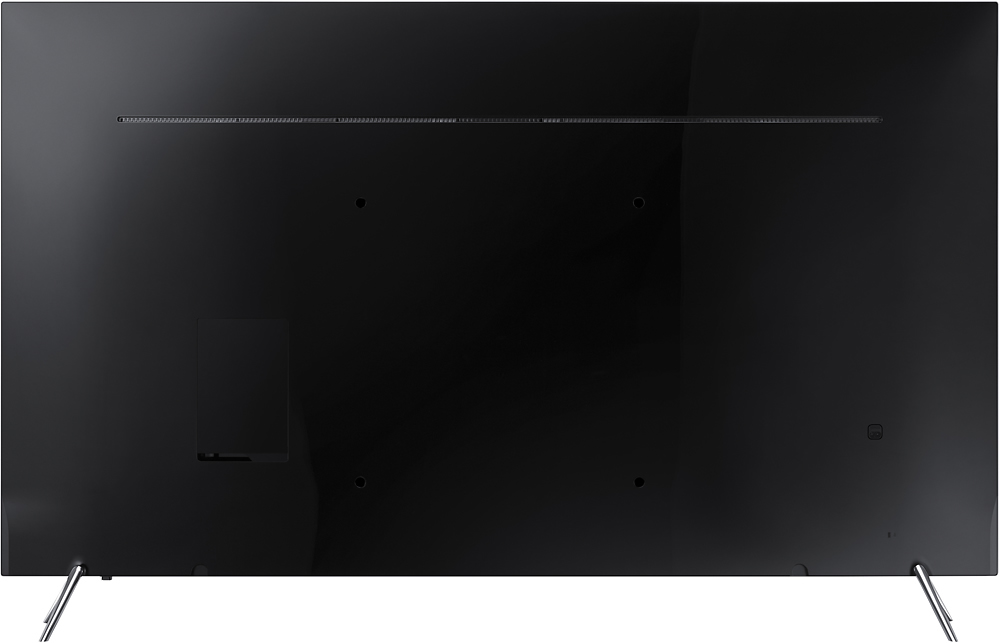

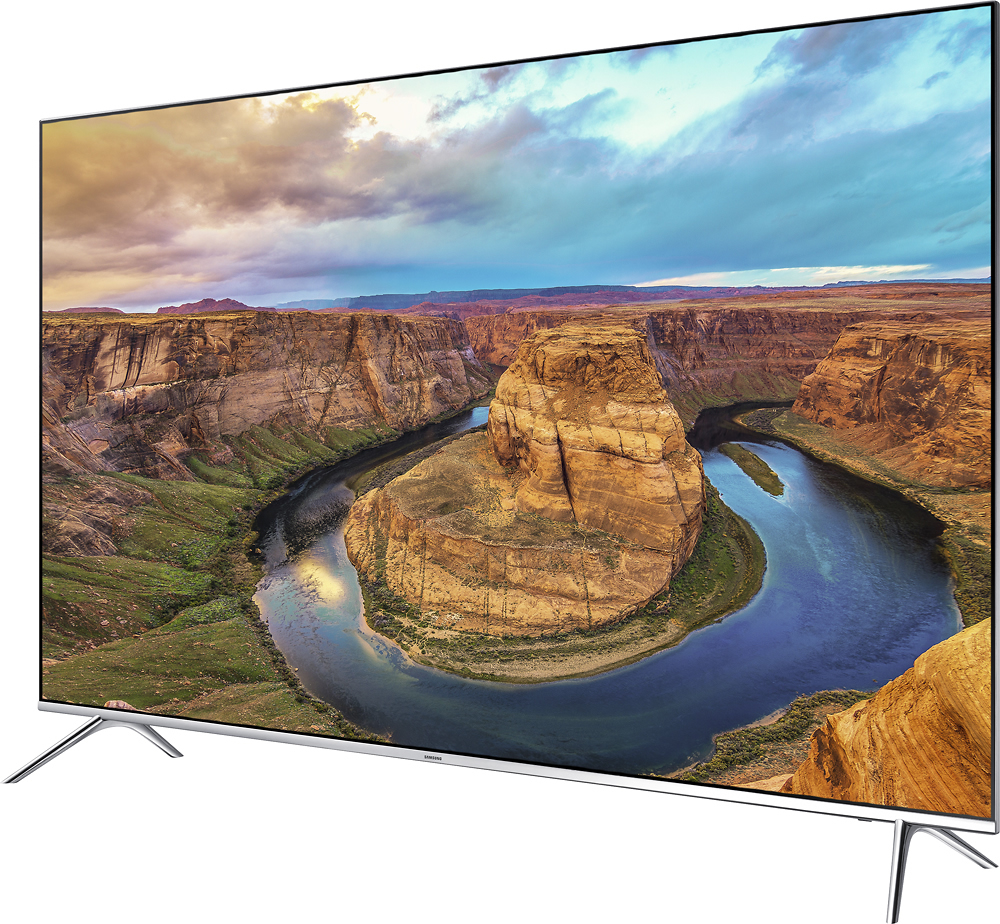
- Model:
- UN65KS8000FXZA
- SKU:
- 5065600
Rating by feature
- Picture Quality
Rating 4.5 out of 5 stars
- Sound Quality
Rating 3.9 out of 5 stars
- Brightness
Rating 4.3 out of 5 stars
Customers are saying
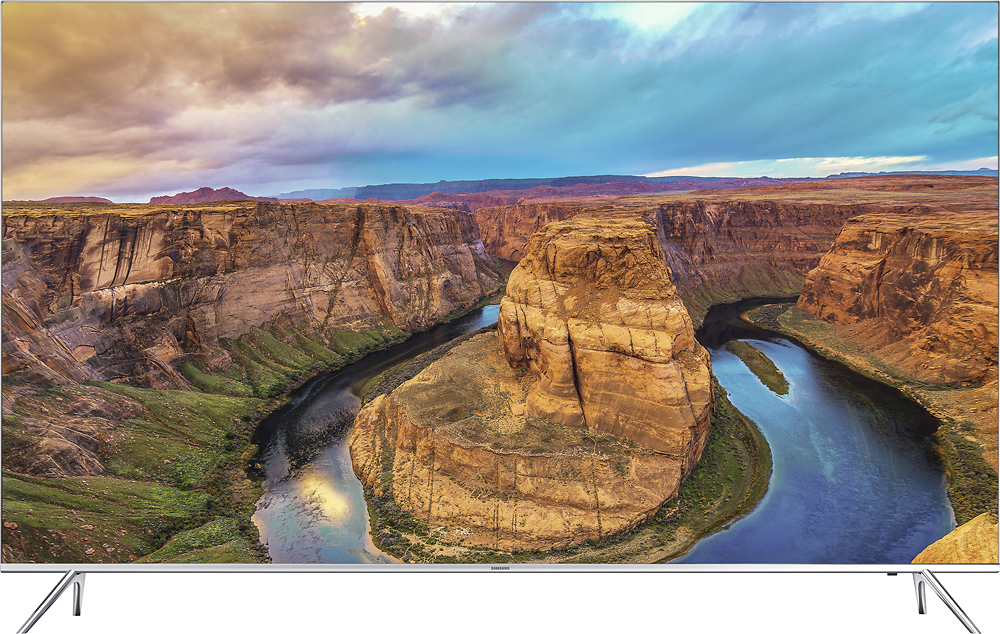
Customers value the 65" Class LED 4K Ultra HD Smart TV's exceptional picture quality, ease of use, and vibrant colors. Many appreciate the ease of setup and the user-friendly remote control, along with the sleek design. While some users noted minor motion blur or backlighting inconsistencies, the overwhelmingly positive feedback points to a highly satisfying viewing experience. The smart TV features and generally positive price point are also frequently praised.
This summary was generated by AI based on customer reviews.
One connect is busted
Posted .This reviewer received promo considerations or sweepstakes entry for writing a review.One month into purchase and the one connect box is bust. Spent numerous hours with samsung customer service, only to be told that they would send me a replacement one connect box. No delivery dates, Samsung service is horrible and now I have to wait until the new one connect box arrives. Looks like this is a common issue and samsung should fix it ASAP. Without the one connect, there is nothing you can do with the TV.
No, I would not recommend this to a friendSeriously, Why Would You Pay For This?
Posted .This reviewer received promo considerations or sweepstakes entry for writing a review.I've bought 3 units. 2 were the 800D model (Costco), which has the darker chrome TV leg stand but is equivalent to the 8000. The first one had horrible gaps on the top left and right corners where the back panel meets the TV frame. Returned that one for another 800D model. This one had at least half a dozen dead pixels (I stopped counting at this point) and one had a cluster of 4 pixels together so it looked like there was a bug on the screen. Returned that one and picked up an 8000 model from Best Buy, hoping to have better luck (3rd time's a charm right?). Back panel was perfect, seemed like they figured out how to use double sided tape correctly. And no dead pixels, seems lady luck gave me a great panel...Except there's some light bleed from the bottom left corner. Once you see it, you can never take your eyes off of it. I've only had this unit for 3 days before I bring it back to Best Buy to return. I've never had such an irritating return process before. Apparently they don't believe and want to see it for themselves so the BB employees unpack the TV and connect everything so that they can power it on. And there it is, they see it and acquiesce to refund my money. But wait!!! There's more!!! The Magnolia/home theatre sales rep comes over wants to see it for himself. I explain what I didn't want it and he goes on to explain that all edge lit TVs are prone to such anomalies and if that bothers me, I shouldn't buy it. I'm calling BS seeing how the first 2 didn't have it and their display model hanging on the wall doesn't either. I go ahead and decline the offer for an exchange (I'm not chancing taking a 4th one home, fool me once shame on me...yada yada). tl;dr: Samsung has horrible quality control. Seriously, is there any quality control? Best Buy gets irritated when you return things.
No, I would not recommend this to a friendBrand response from MrSamsung
Posted .Greg:
Thank you for your review of this Samsung product.
Your experience and feedback are important to us and we will share your thoughts with our product team.
Should you ever need assistance or have questions, please reach out to Samsung Customer Support toll-free at 1-800-SAMSUNG and a representative will gladly help you.
You can also contact Samsung via LiveChat or email. Please copy-paste this link into your browser: http://www.samsung.com/us/support/contact
We are likewise reachable on our Samsung Support Facebook page at: https://www.facebook.com/samsungsupport/app/158125230916392/
Avoid at all cost
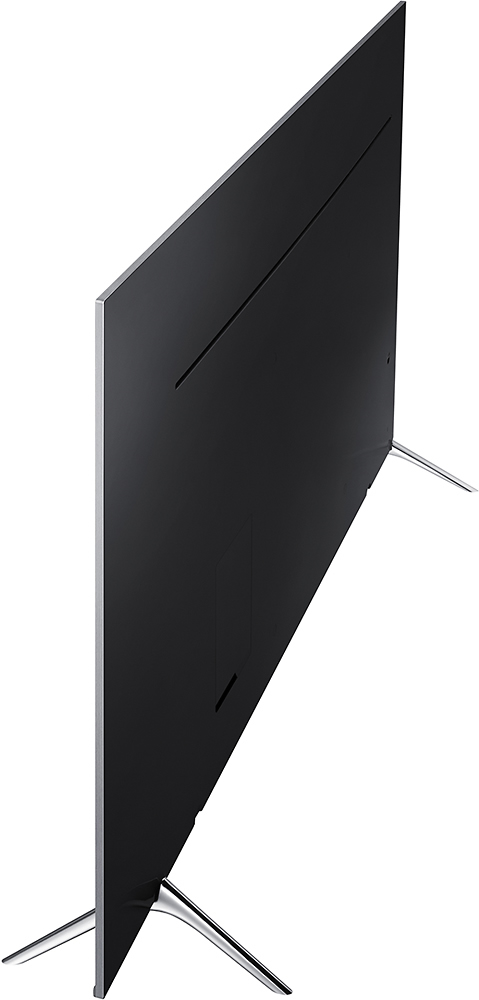
Posted .This reviewer received promo considerations or sweepstakes entry for writing a review.To begin with I have about 10 Samsung phones, 4 Samsung TV's, several Samsung monitors so I am a Samsung fan but this TV is a total piece. To begin with it has NO connections built into the tv. It uses this box the size of a remote control along with a special cable to connect devices like cable, hdmi etc. It sounds fine till you move your TV and lose this special cable and all of a sudden your $2000 tv becomes an ornament. You can't even use the wifi to stream without this special box. So now I have to buy a special $50 cable just so my tv will work. Today I am finally streaming live racing though the internet. The tv is about 20 seconds behind my laptop and the tv picture is poor and cutting in and out ( I have fiber Internet with 80gb download speeds with avery good router so it is not a connection problem). I finally had to give up on the so called "smart" tv and use my laptop. Also, when I was watching my poorly streamed racing my wife goes to take a movie out of the DVD player and the second she pushes eject on the DVD player this stupid tv shuts off my live stream racing and switches to the DVD hdmi. If I wanted to watch a DVD I would change the source myself not screw up what I am watching now. Last but not least is this remote. It won't work with my cable box so forget the whole "programmable remote" . No one can figure out how to do anything with it other than turn the power on or change the volume. EVERYTHING ABOUT THIS TV IS .... I've had it 6 months and I hate it!!!!! I should have bought a different brand and it will be a long time till I buy another Samsung product.
No, I would not recommend this to a friendBrand response from MrSamsung
Posted .Thank you for your review on this Samsung TV. I am sorry to hear that you are not completely satisfied with the experience.
Your user feedback is very important to us and will be shared with our TV team.
-Samsung Ambassador
Buggy Setup.
Posted .This reviewer received promo considerations or sweepstakes entry for writing a review.During setup of the TV, I could not enter my ZipCode which apparently limits some of my features. Called Help Desk, known issue and couldn't help me fix it. Fix was to SKIP the setup. Interactive voice feature on remote doesn't work. When adjusting channels and TV set up features, screen goes dark and constantly need to adjust picture brightness. Not impressed with this TV so far. Have yet to try Bluetooth and other connectivity options but my guess is, they will be buggy too.
No, I would not recommend this to a friendBrand response from MrSamsung
Posted .Thank you for your review of this Samsung TV. It sounds like this might be due to the ECO Sensor or Motion Lighting features.
ECO Sensor automatically adjusts the brightness level of the TV according to ambient light level, reducing power consumption. If the ECO Sensor has adjusted the screen’s brightness level, you can select Min. Backlight to manually adjust the minimum screen brightness.
Motion Lighting adjusts brightness in response to on-screen movements to reduce power consumption.
To control these features, please go to Home > Settings > System > Eco Solution
For further assistance, please contact Samsung Customer Support toll-free at 1-800-SAMSUNG and a representative will gladly help you.
You can also contact Samsung via LiveChat or email. Please copy-paste this link into your browser: http://www.samsung.com/us/support/contact
We are likewise reachable on our Samsung Support Facebook page at: https://www.facebook.com/samsungsupport/app/158125230916392/
-Samsung Ambassador
Problems with software
Posted .This reviewer received promo considerations or sweepstakes entry for writing a review.I have had this tv now for two months which has given me ample time to give an opinion of it. The first problem is the picture quality. Even though the colors are sharp, much of the picture is fuzzy. Especially when watching sports. Any movement causes ghosting. This is annoying and a great disappointment considering the price I paid for it. The second problem is worse. The software hangs up. I try to go to Pandora or Spotify and they will not load. Sometimes the screen goes completely blank. I have had several conversations with Samsung Tech Support and they haven't settled the issue yet. they tried to blame it on my DSL at first but now they are making other excuses. I tried to see if Best Buy would take it back but no go. It is my third Flat Screen from Best Buy and it will be my last. The curved screen offers no advantage I have found. It is supposed to reduce glaring but it really causes more glaring from one side and less from the other. Stick with a flat screen. The old plasmas had a much better picture.
No, I would not recommend this to a friendBrand response from MrSamsung
Posted .Thank you for purchasing this Samsung TV. I am sorry to hear that you are not completely satisfied with picture quality.
Some users experience cloudiness as they enable HDR+ while watching HDR content
Please try disable that feature and see if that helps to solve the issue.
If you need assistance with picture adjustments and trouble shooting, please contact us via LiveChat or email. Please copy-paste this link into your browser: http://www.samsung.com/us/support/contact
We are likewise reachable on our Samsung Support Facebook page at: https://www.facebook.com/samsungsupport/app/158125230916392/
-Samsung Ambassador
Do Not Buy this TV
Posted .This reviewer received promo considerations or sweepstakes entry for writing a review.I purchased this TV in November and had no issues. However, a week ago the tv just kept turning on and off in an endless loop. I called the, not so helpful Samsung support, about six times and someone figured out that the issue was the one connect( the central box where all the inputs get connected to). I finally received the part a week later and it did NOT fix the problem. Now I am waiting for a repair service to come out to look at the tv. Hopefully they can fix it. The support from Samsung is horrible. I have bought Samsung tvs in the past and had no issues, but this is the last one I buy. Samsung lost a customer today. Did I mention that their support is horrible. OMG. DO NOT BUY!!!!
No, I would not recommend this to a friendBrand response from MrSamsung
Posted .Thank you for your review on this Samsung TV. I am sorry to hear that you are not completely satisfied with the experience.
Your user feedback is very important to us and will be shared with our TV and Service team for future improvement.
Please know that you can also contact us via LiveChat or email. Please copy-paste this link into your browser: http://www.samsung.com/us/support/contact
We are likewise reachable on our Samsung Support Facebook page at: https://www.facebook.com/samsungsupport/app/158125230916392/
-Samsung Ambassador
Don't buy this use with FIOS
Posted .This reviewer received promo considerations or sweepstakes entry for writing a review.Really wanted a 4K and this TV got good reviews and it does have a great picture with 4k content. No complaint there. But when you have a cable service (such as FIOS) with a 1080i signal, you rely on the television's ability to upscale. This is where the KS8000 65 falls flat. The picture was terrible. It was blurry and without contrast -- I tried all sorts of recommended advanced settings but could never get a picture anywhere near as good as I found on our three year old LG HD tv. I was so disappointed, I returned it three hours after setting it up. We're going to spend the extra $$$ and go LG 4K OLED.
No, I would not recommend this to a friendBrand response from MrSamsung
Posted .mrwra:
Thank you for your review of this Samsung TV.
I am sorry to hear that you had issues with this model and have returned it.
Should you ever decide to give Samsung TVs another try and have concerns or questions, please know we are always here to help. You can contact Samsung Customer Support toll-free at 1-800-SAMSUNG or via LiveChat or email.
Please copy-paste this link into your browser: http://www.samsung.com/us/support/contact
We are likewise reachable on our Samsung Support Facebook page at: https://www.facebook.com/samsungsupport/app/158125230916392/
Background blurry
Posted .This reviewer received promo considerations or sweepstakes entry for writing a review.Idk if it defected or I need to adjust settings. Whatever show in the background look blurry but everything else look good that closer to the screen
No, I would not recommend this to a friendprotective film over screen
Posted .This reviewer received promo considerations or sweepstakes entry for writing a review.Warning: the plastic film protecting the screen is strongly adhered, which in my case resulted in a broken screen when attempting to pull it off.
No, I would not recommend this to a friendREAD THIS BEFORE YOU BUY
Posted .This reviewer received promo considerations or sweepstakes entry for writing a review.Do not buy this or any new Samsung if only want to use one remote. There is not option to send the receiver a turn on signal only a turn off signal. Samsung tech support has confirmed this. Their older TV could but these KS's cannot.. You will need to use two remotes. They have rendered one of the best HDMI features useless. The TV produces a great picture as long as you don't want to use it with a receiver. Thank god for Best Buy's easy return policy.
No, I would not recommend this to a friendTHIS IS JUNK!!!
Posted .This reviewer received promo considerations or sweepstakes entry for writing a review.DON'T BUY THIS GARBAGE! THIS TV HAS HORRIBLE LIGHT BLEEDING GOING ON WITH THE EDGE LIT FUNCTION IT HAS. THE CONTRAST RATION SHOULD BE BETTER THAN IT IS FOR IT BEING THE NEWEST MODEL. I TOOK IT BACK AND GOT THE VIZIO P65-C1 AND I WAS BLOWN AWAY. THE VIZIO'S PICTURE QUALITY CAN BE EASILY COMPARED TO LG'S NEW OLED TV.
No, I would not recommend this to a friendhorrible , stay away
Posted .This reviewer received promo considerations or sweepstakes entry for writing a review.horrible, , screen started to flicker after one year
No, I would not recommend this to a friend