Customer Ratings & Reviews


- Model:
- UN65RU7100FXZA
- SKU:
- 6325561
Rating by feature
- Picture Quality
Rating 4.3 out of 5 stars
- Sound Quality
Rating 4.3 out of 5 stars
- Brightness
Rating 4.3 out of 5 stars
Customers are saying
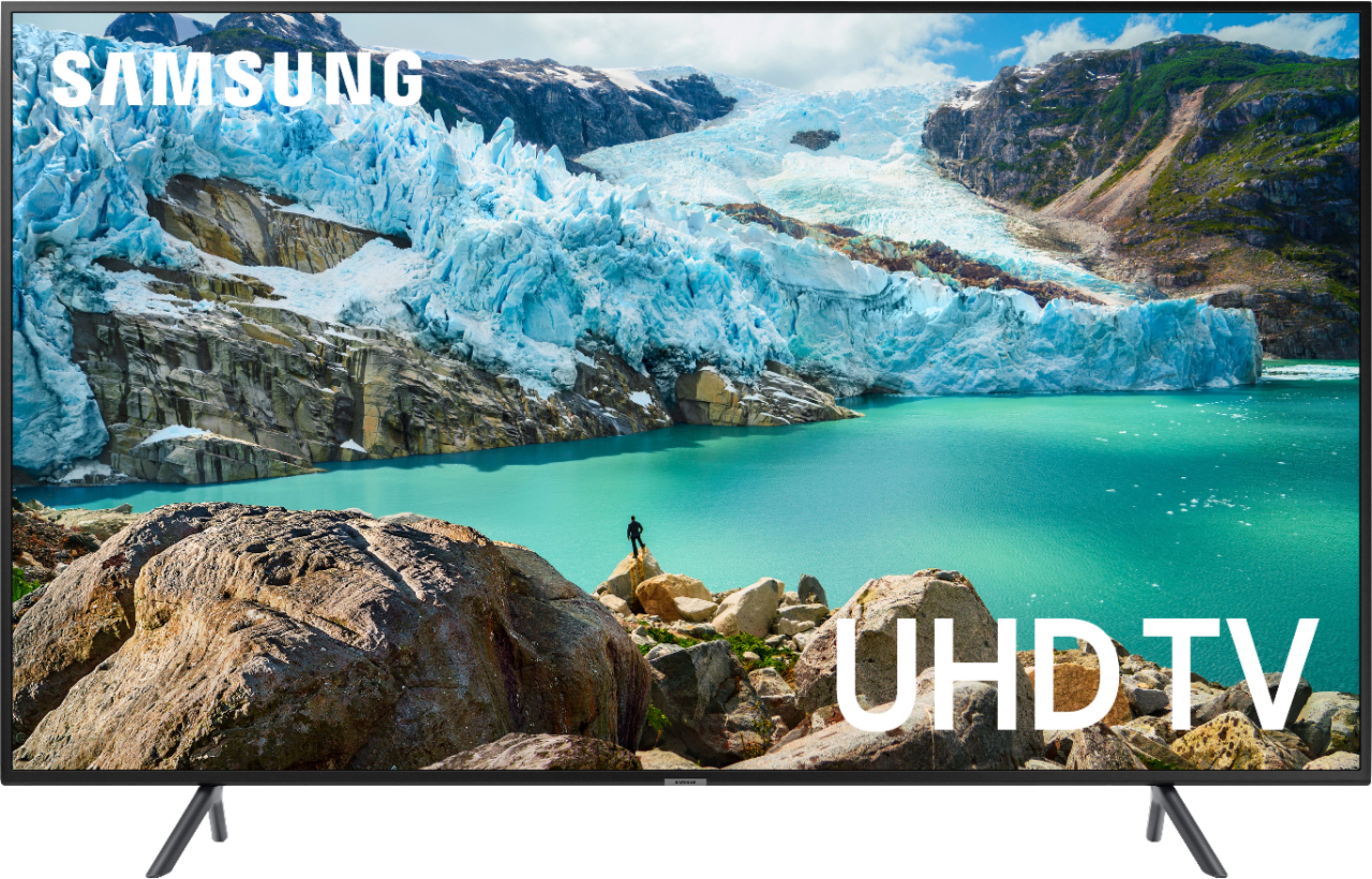
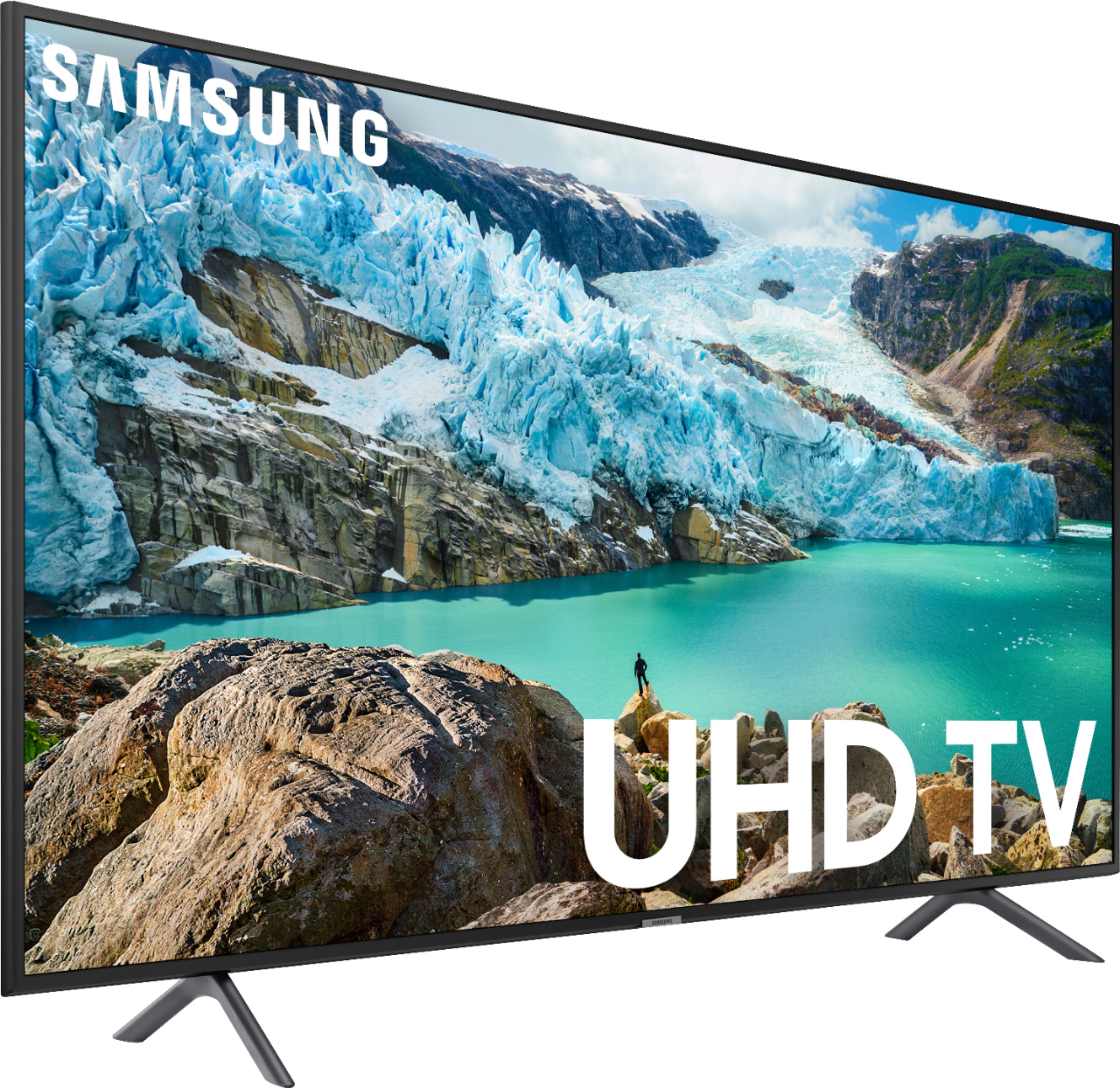
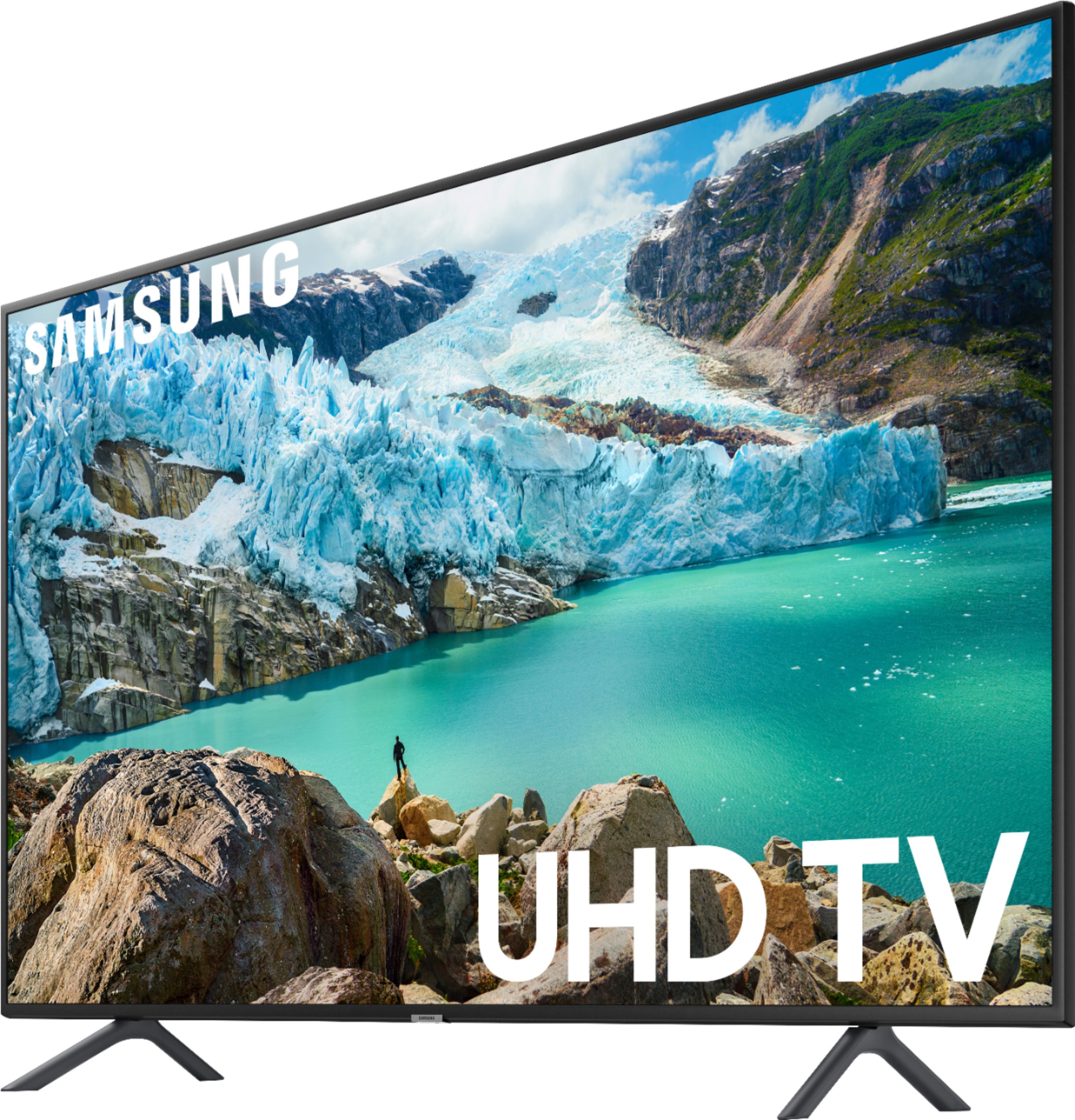
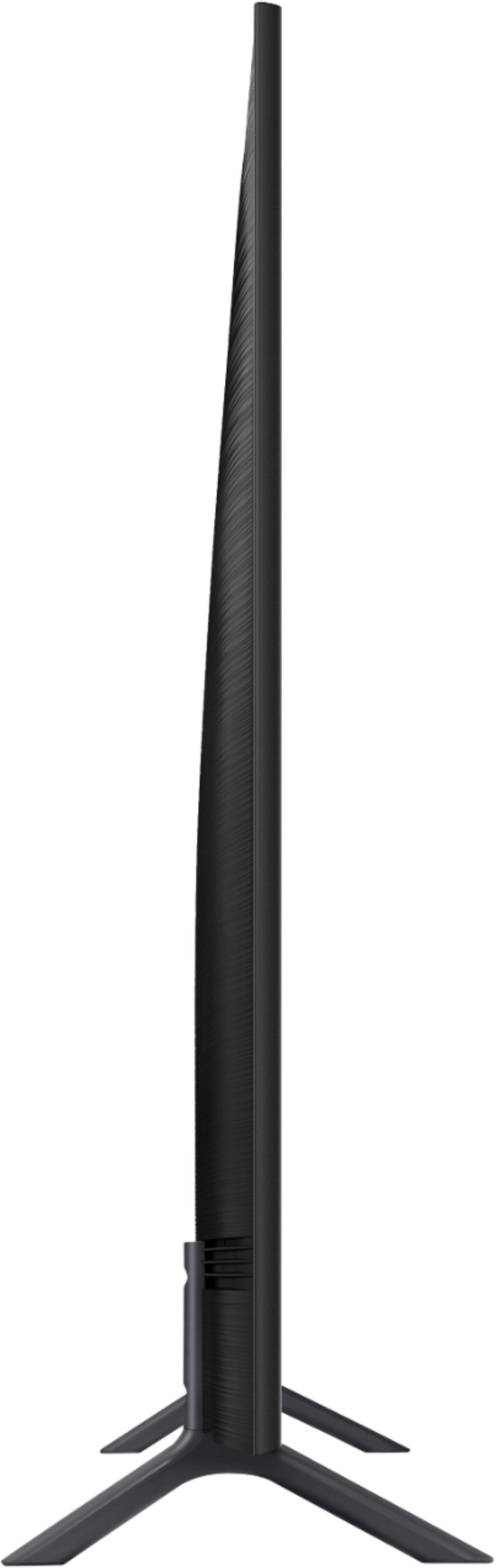
Customers are pleased with the picture quality, easy setup, and price of the 65" Class 7 Series LED 4K UHD Smart Tizen TV. They describe the picture quality as excellent, bright, and clear, and appreciate the ease of setting up the TV. Many customers also feel that they got a great value for the price. On the downside, some customers have expressed concerns about the remote control, brightness, sound, durability, and refresh rate. Some wished the remote had lights, while others found the brightness to be lacking. There were also complaints about the sound quality and durability of the TV, with some customers reporting that their TV stopped working after a few years. Additionally, a few customers mentioned that the refresh rate seemed slow at times.
This summary was generated by AI based on customer reviews.
You get what you pay for
||Posted . Owned for 3 weeks when reviewed.This reviewer received promo considerations or sweepstakes entry for writing a review.For the price, it’s a decent tv. However, there is a ton of motion blue while watching football. I also noticed a lot of “bright spots” along the edge of the tv. For those two reasons I returned the tv and spent the extra money to get a LG OLED tv
No, I would not recommend this to a friend- Cons mentioned:Remote control
sound awful
||Posted . Owned for less than 1 week when reviewed.This reviewer received promo considerations or sweepstakes entry for writing a review.I was told I could adjust bass and treble on this tv, not so and sound is terrible. If sound is important to you I would not recommend this tv. going back. and remote is not user friendly .
No, I would not recommend this to a friend Decent TV for price.
||Posted . Owned for 1 month when reviewed.This reviewer received promo considerations or sweepstakes entry for writing a review.Picture is good but sound is not. Speakers to thin to carry quality sounds. It’s like they expect you to buy sound bar. Stand is just the fixed legs that don’t allow you to turn the TV. However at $700 for 4K TV it’s decent TV for the price.
I would recommend this to a friendBrand response from Samsung
Posted .OldGuy:
Thank you for purchasing the Samsung RU7100 TV and for sharing your feedback on TV sound quality. Your input is very important to Samsung and will be shared with our internal teams.
You may want to try adjusting Sound Modes or advanced sound settings to improve audio quality to your preference. Please refer to your User Manual, section titled "Configuring a Sound Mode and Expert Settings": http://downloadcenter.samsung.com/content/UM/201905/20190528104513580/ENG_US_MUSATSCR-3.0.5.pdf
You can choose between Standard or Amplify modes, as well as adjust Balance, Equalizer, Digital Output Audio Format, Auto Volume, Sound Feedback, and more.
For further assistance, please reach out to us at:
1) Phone: 1-800-SAMSUNG (ask for TVs) Available 8AM - 12AM EST (Mon-Fri) / 9AM - 11PM EST (Sat-Sun)
2) LiveChat or Email: https://www.samsung.com/us/support/#contact_us_for_support
3) Facebook Messenger: https://www.facebook.com/samsungsupport
4) Twitter: https://twitter.com/SamsungSupport
5) The Samsung TV Community is also a great resource for getting help from Samsung moderators and customers: https://us.community.samsung.com/
To optimize your product experience, we encourage you to register your new Samsung product at: https://www.samsung.com/us/support/register/
…and gain access to easy warranty support, convenient opt-in to special promos & offers, faster troubleshooting & service, and quick notification of system updates.
Thanks for choosing Samsung.
Dark Picture
||Posted . Owned for 2 weeks when reviewed.This reviewer received promo considerations or sweepstakes entry for writing a review.Picture is too dark and options in settings does not do much,My Samsung JS8500 SUHD 55" makes the series 7 look sick...would not recommend unless you like looking at night scenes most of the time.Very disappointed with this model
No, I would not recommend this to a friendStill learning
||Posted . Owned for 3 weeks when reviewed.This reviewer received promo considerations or sweepstakes entry for writing a review.Some channels are clear and full picture, other channels are blurry and smaller in the screen. All of the cable channels are blurry. May be operator error. Still learning about the T.V. Maybe I need a better HDMI cable?
I would recommend this to a friendToo dark
||Posted . Owned for 3 weeks when reviewed.This reviewer received promo considerations or sweepstakes entry for writing a review.For some reason most scenes in movies are very dark and my backlight and brightness are turned all they way up. I read reviews saying turning off the hdr well help but when I try it says the function isn't available.
No, I would not recommend this to a friendGood picture but....
||Posted . Owned for 3 weeks when reviewed.This reviewer received promo considerations or sweepstakes entry for writing a review.After less than a month of owning this the smarthub went out, which is where all of the smart features are. After spending hours on the phone with Samsung support explaining that it wasn’t working and that they would not be able to remote in because the smarthub was out, they agreed to send a tech out, he replaced a motherboard and the issue still was not resolved. The tech said he would follow up once he figured something out. I still haven’t heard from him 5 months later. Finally just bought an Apple TV device so I could use the features I wanted from this TV.
No, I would not recommend this to a friendProblems with wifi
||Posted . Owned for 3 weeks when reviewed.This reviewer received promo considerations or sweepstakes entry for writing a review.This tv is great besides the problems with it staying connected or finding a connection to my wifi. It’s always a 50/50 chance that it will connect which sucks. Even right next to the router it has issues.
No, I would not recommend this to a friendBrand response from Samsung
Posted .KayK,
I am sorry that you are having issue with your WiFi connection.
Please try to minimize interference by not using or turning off wireless devices. Also, verify that there are no obstacles between the TV and the modem or access point. (WiFi strength can be decreased by appliances, cordless phones, stone walls/fireplaces, etc.).
We also recommend you to perform a network test to check if there is a network problem.
Press the Home button on your remote. Navigate to Settings > General. Then, select Network > Network Status. The network status test will finish and show the status of your network connection. If the test concludes that the unit needs service, please contact us via any of the following options:
1) Phone: 1-800-SAMSUNG (ask for TVs) Available 8AM - 12AM EST (Mon-Fri) / 9AM - 11PM EST (Sat-Sun)
2) LiveChat or Email: https://www.samsung.com/us/support/#contact_us_for_support
3) Facebook Messenger: https://www.facebook.com/samsungsupport
4) Twitter: https://twitter.com/SamsungSupport
Again, my apologies for the inconveniences you have had. We do hope to hear from you.
-Samsung Ambassador
Great picture except for cable.
||Posted . Owned for 1 month when reviewed.This reviewer received promo considerations or sweepstakes entry for writing a review.Not sure if it is the tv or cable because Netflix picture is awesome but regular tv through the cable the colors are distorted and faces are green. I haven’t been able to fix it on my own yet
I would recommend this to a friendThought it would be better...
||Posted . Owned for 3 weeks when reviewed.This reviewer received promo considerations or sweepstakes entry for writing a review.The features are amazing! The display quality lacks, it has a grayish tiny even with any attempted settings! Should of opted for the TCL...
No, I would not recommend this to a friendBrand response from Samsung
Posted .Gianna,
I am very sorry to see that you were not happy with the picture quality of your RU7100 TV, and experienced grayish effect despite adjusting image settings.
Please give us the opportunity to investigate the issue and provide step-by-step troubleshooting
You can reach Samsung Customer Support toll-free at 1-800-SAMSUNG (Ask for TV), or via LiveChat or email. Please copy-paste this link into your browser: http://www.samsung.com/us/support/contact
We are likewise reachable by Facebook Messenger at: https://www.facebook.com/samsungsupport
Or find us on Twitter at https://twitter.com/SamsungSupport
We look forward to hearing from you.
- Samsung Ambassador
Tv
||Posted . Owned for less than 1 week when reviewed.This reviewer received promo considerations or sweepstakes entry for writing a review.Tv was a little dark but for the price to be expected had to test a few hdmi chords for better results but still returned it rather save for better size and screen view.
No, I would not recommend this to a friendWould not remain connected to Wi-fi
||Posted . Owned for less than 1 week when reviewed.This reviewer received promo considerations or sweepstakes entry for writing a review.Would not remain connect to wi-fi after I turned the tv off the first day. No matter what I tried, the tv would no longer recognize my network. The router was 2 inches from the tv. Had to hardwire the router to the tv. Sales associate pooh poohed the reviews stating the wi-fi connection issue was due to people have poor network connections. Evidently the sale person didn't know what they were saying. Must be a fault with the software, based on other reviews. Cannot recommend this tv.
No, I would not recommend this to a friendBrand response from Samsung
Posted .RetiredAg,
Thank you for bringing your concerns to our attention.
For your WiFi issue, please:
1) Check the distance between the TV and your modem or access point. The distance should not exceed 50 ft. (15.2 m).
2) Minimize interference by not using or turning off wireless devices. Also, verify that there are no obstacles between the TV and the modem or access point. (WiFi strength can be decreased by appliances, cordless phones, stone walls/fireplaces, etc.)
3) Perform a network test to check if there is a network problem.
Press the Home button on your remote. Navigate to Settings > General. Then, select Network > Network Status. The network status test will finish and show the status of your network connection. If the test concludes that the unit needs service, please contact us via any of the following options:
1) Phone: 1-800-SAMSUNG (ask for TVs) Available 8AM - 12AM EST (Mon-Fri) / 9AM - 11PM EST (Sat-Sun)
2) LiveChat or Email: https://www.samsung.com/us/support/#contact_us_for_support
3) Facebook Messenger: https://www.facebook.com/samsungsupport
4) Twitter: https://twitter.com/SamsungSupport
Again, my apologies for the inconveniences you have had. We do hope to hear from you.
-Samsung Ambassador
Half of the screen completely blacked out
Posted .This reviewer received promo considerations or sweepstakes entry for writing a review.It started having black screen on the right section of the screen after two years for now reason
No, I would not recommend this to a friendIt can be improved
||Posted . Owned for 1 year when reviewed.This reviewer received promo considerations or sweepstakes entry for writing a review.I buy this tv about a year ago, two month later I noticed a white ligth on all corners of the TV, so if you see the same situation have you tv fixed.
I would recommend this to a friendRidiculous
||Posted .This reviewer received promo considerations or sweepstakes entry for writing a review.Okay, I bought this TV about 2 weeks ago...brought it home, mounted it on the wall, bought a Digital TV antenna because I don't need cable or satellite...hooked it up to my wifi network and it worked fine...but when you try and change from Wifi (Netflix or Amazon Prime Video) back to over the air, it won't reconnect to the Wifi without unplugging the TV and plugging it back in. I went back to Best Buy, explained the issue, they went ahead and replaced the TV, I got the new one today and it does the exact same thing...worst decision ever to purchase this TV.
No, I would not recommend this to a friendBrand response from Samsung
Posted .jimmy2468,
I am very sorry for the WiFi connection concern. Please know that Samsung is aware of the issue and will be releasing a firmware update soon as a remedy.
Meanwhile, we recommend that you reboot your TV as a temporary fix.
Please unplug the TV’s power cord and re-plug it in, or press the power button on the remote, holding it for 5+ seconds to restart the TV.
For further assistance, please contact Samsung TV Support:
1) Phone: 1-800-SAMSUNG (ask for TVs) Available 8AM - 12AM EST (Mon-Fri) / 9AM - 11PM EST (Sat-Sun)
2) LiveChat or Email: https://www.samsung.com/us/support/#contact_us_for_support
3) Facebook Messenger: https://www.facebook.com/samsungsupport
4) Twitter: https://twitter.com/SamsungSupport
Again, my apologies for the inconvenience. Thank you for your patience and for choosing Samsung.
- Samsung Ambassador
I'll never buy another Samsung
||Posted . Owned for 1 month when reviewed.This reviewer received promo considerations or sweepstakes entry for writing a review.Unbox it and a little into 2 weeks after buying it there is an issue with the bottom lighting on my TV. Best Buy won't let me exchange it or return it. I called samsung to see what they could do. They send someone out to look at it and they tell me that it's just a design flaw for this model. Now I have a TV that has issues and Samsung won't do anything g for me. Waste of money.
No, I would not recommend this to a friend- Pros mentioned:Ease of use, Smart tv
Not good
||Posted . Owned for 1 month when reviewed.This reviewer received promo considerations or sweepstakes entry for writing a review.TV looked great set up ,easy to do . TV had alot of problems out of the box.
No, I would not recommend this to a friend Nice tv
||Posted . Owned for 1 week when reviewed.This reviewer received promo considerations or sweepstakes entry for writing a review.I liked the tv considering I upgraded from a thirty two inch. The 4 k is really amazing and I like being able to get on the internet with it.
I would recommend this to a friend.Nice size for price.
||Posted . Owned for 3 weeks when reviewed.This reviewer received promo considerations or sweepstakes entry for writing a review.Vision isn’t as sharp as I thought it would be. Overall it’s a nice television. I am still looking for a television with crisp sharp vision.
No, I would not recommend this to a friendNot really what I expected
||Posted . Owned for 1 month when reviewed.This reviewer received promo considerations or sweepstakes entry for writing a review.It’s not horrible for the price. Having an older model but better one made me expect more out of this one and honestly I was a little disappointed
No, I would not recommend this to a friend