Customer Ratings & Reviews


- Model:
- UN65RU7100FXZA
- SKU:
- 6325561
Rating by feature
- Picture Quality
Rating 4.3 out of 5 stars
- Sound Quality
Rating 4.3 out of 5 stars
- Brightness
Rating 4.3 out of 5 stars
Customers are saying
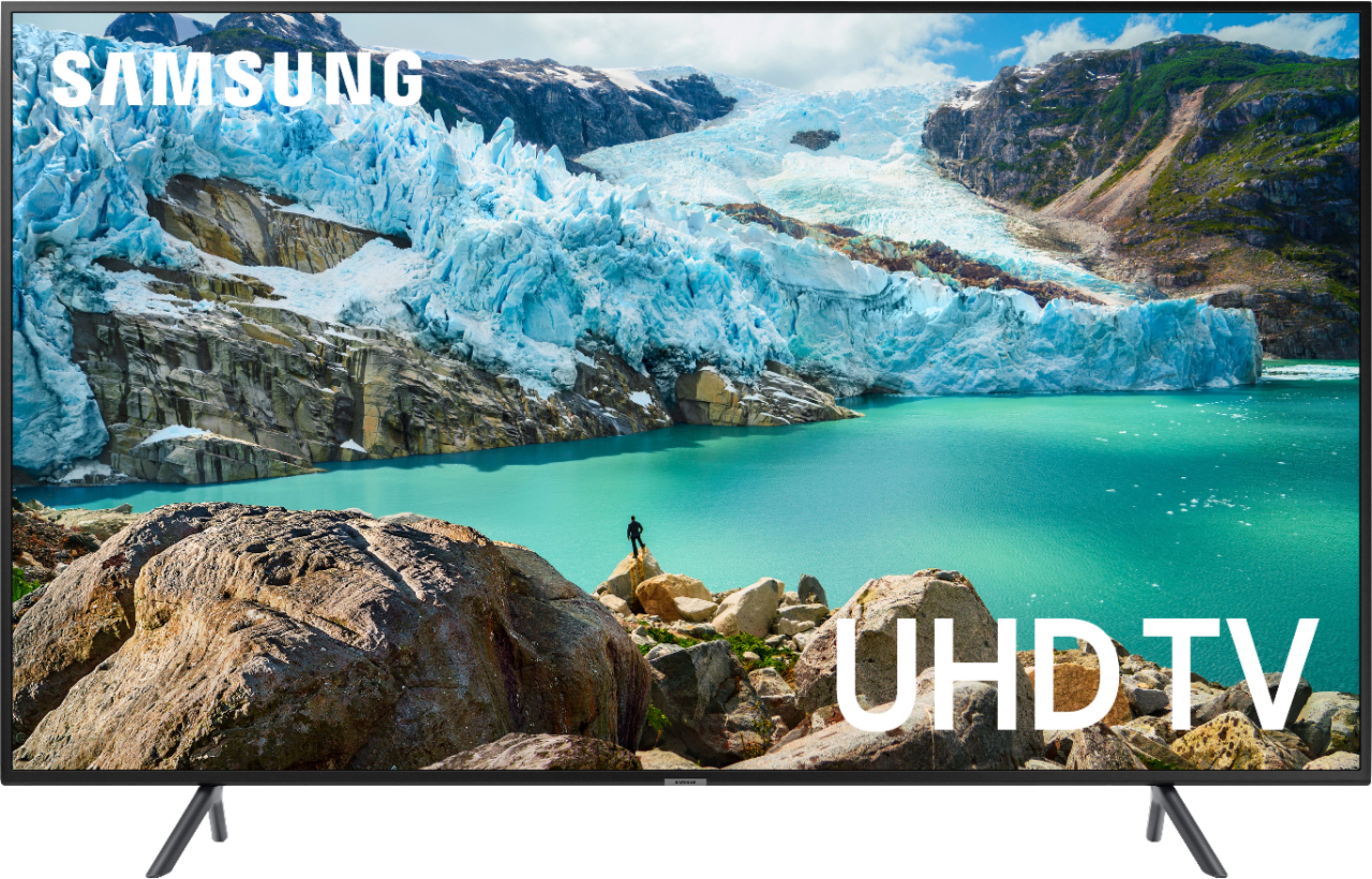
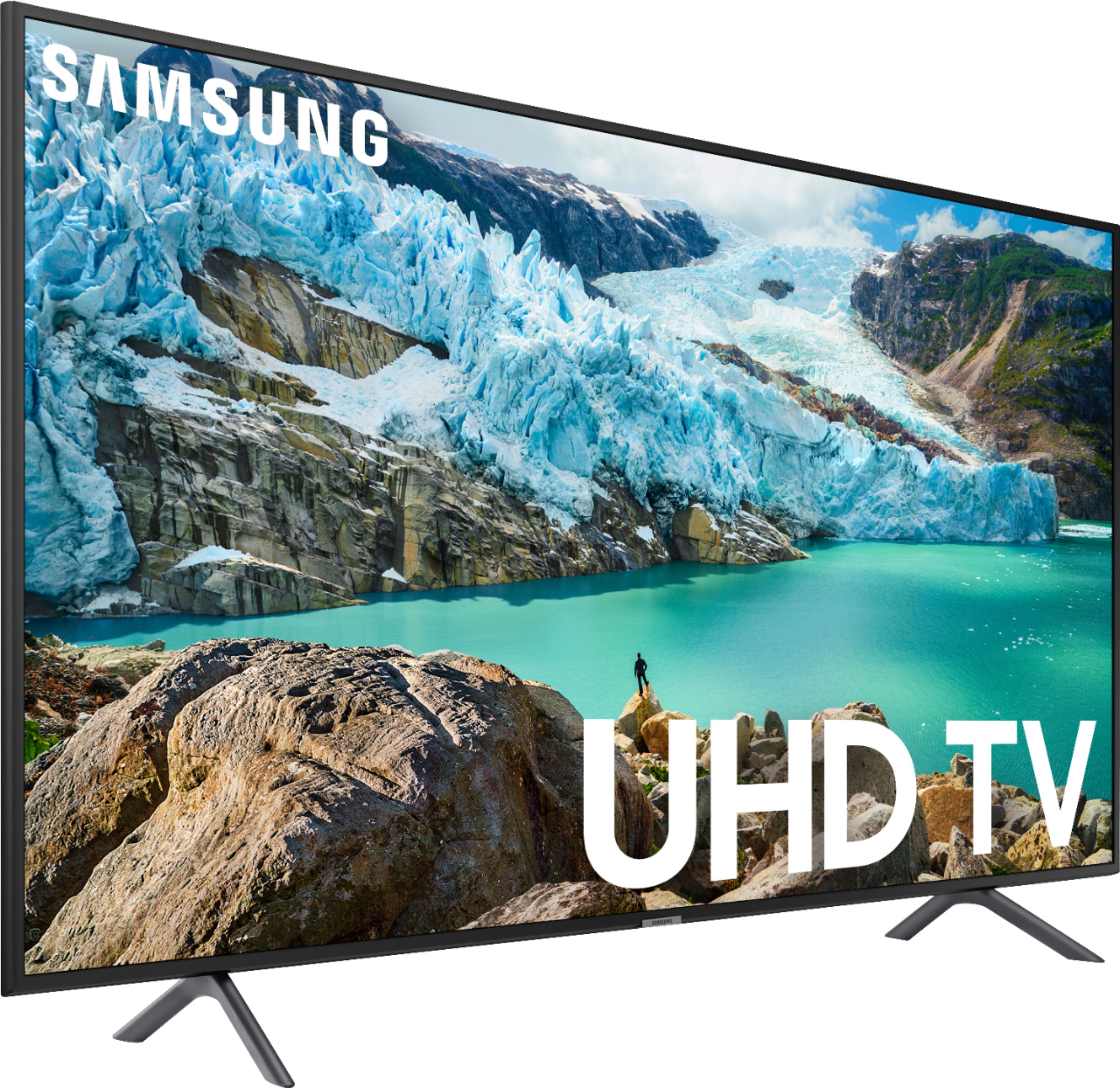
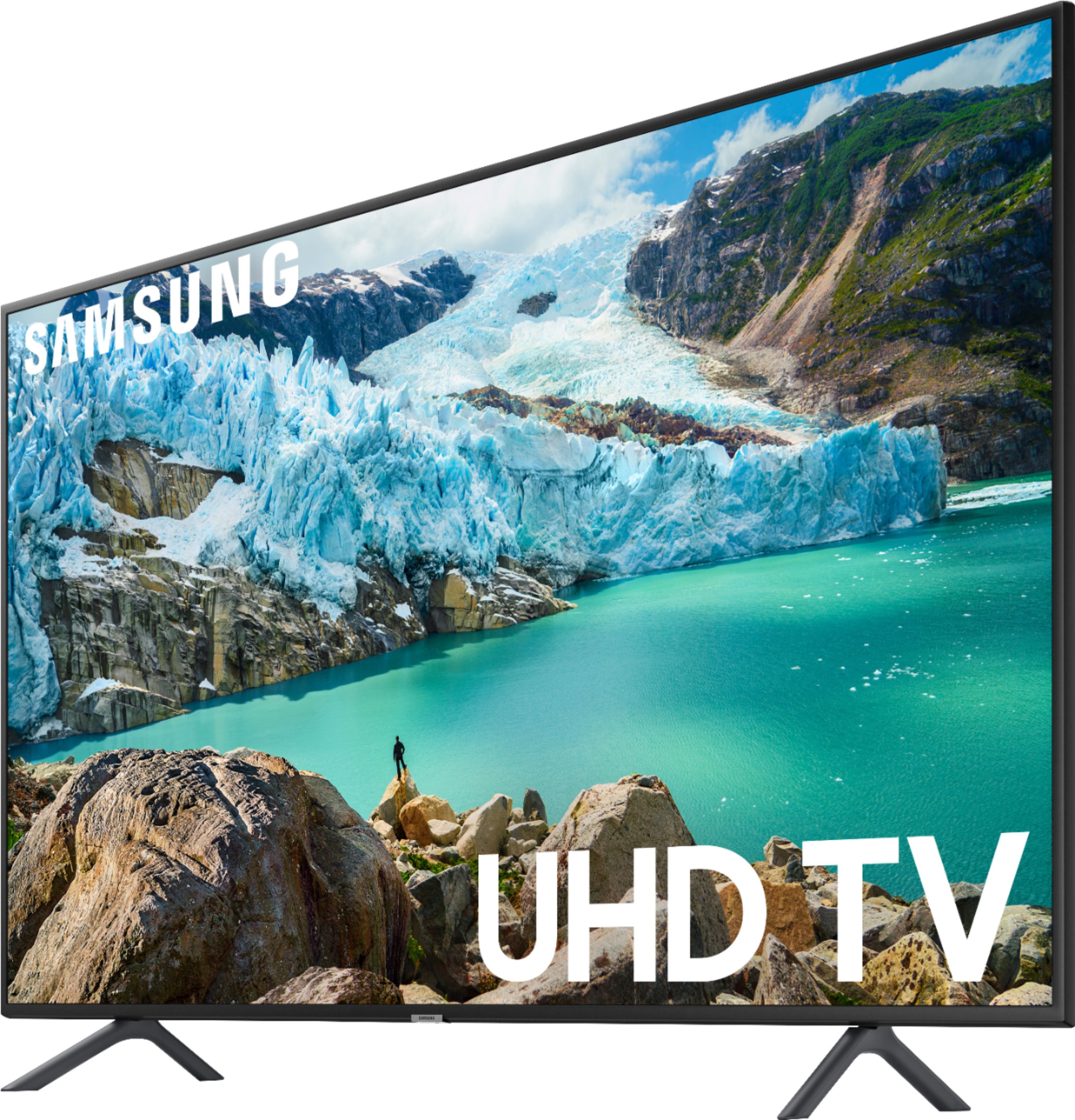
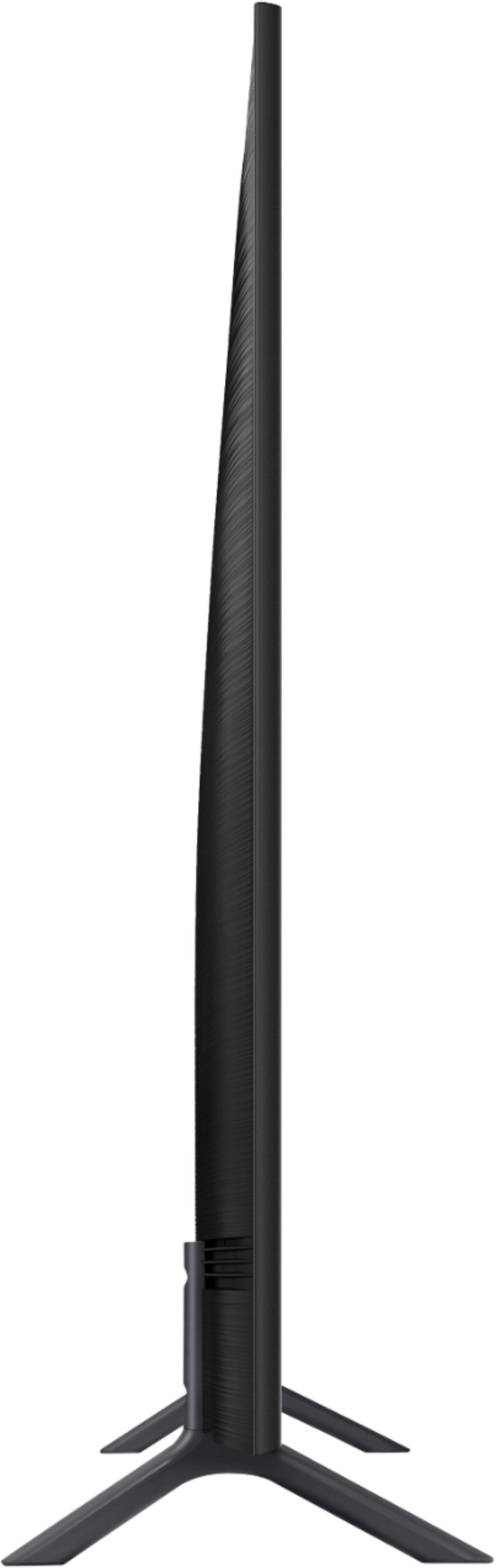
Customers are pleased with the picture quality, easy setup, and price of the 65" Class 7 Series LED 4K UHD Smart Tizen TV. They describe the picture quality as excellent, bright, and clear, and appreciate the ease of setting up the TV. Many customers also feel that they got a great value for the price. On the downside, some customers have expressed concerns about the remote control, brightness, sound, durability, and refresh rate. Some wished the remote had lights, while others found the brightness to be lacking. There were also complaints about the sound quality and durability of the TV, with some customers reporting that their TV stopped working after a few years. Additionally, a few customers mentioned that the refresh rate seemed slow at times.
This summary was generated by AI based on customer reviews.
- Pros mentioned:Picture quality
Sometimes pictures slow down.
||Posted . Owned for 3 months when reviewed.This reviewer received promo considerations or sweepstakes entry for writing a review.Okay pictures but it does freeze alot. Sound is good too. Its just the glitch that is annoying.
No, I would not recommend this to a friend Ehh
||Posted . Owned for 1 year when reviewed.This reviewer received promo considerations or sweepstakes entry for writing a review.Television was decent but lacked much control or setup options. Also the side lit panel was very intrusive.
No, I would not recommend this to a friend- Pros mentioned:Picture quality
Fantastic television
||Posted . Owned for 2 weeks when reviewed.This reviewer received promo considerations or sweepstakes entry for writing a review.Its crisp, clean, and huge. If you're looking for a new tv, this is the way to go.
I would recommend this to a friend Ok for price
||Posted . Owned for 4 months when reviewed.This reviewer received promo considerations or sweepstakes entry for writing a review.Ok for price picture is ok power board went out after 3 months cheap design but for the price it's an ok tv
No, I would not recommend this to a friendNot so good
||Posted .This reviewer received promo considerations or sweepstakes entry for writing a review.No the best. The colors are not so good and pictures are not clean. Not many Inputs Very heavy tv
No, I would not recommend this to a friendWorth the price ?
||Posted . Owned for 5 months when reviewed.This reviewer received promo considerations or sweepstakes entry for writing a review.Its an edge display TV. And you can get a full array with better picture quality in sony with 200 more $$$
I would recommend this to a friend- Pros mentioned:Price
Poor refresh rate, picture jitters.
||Posted .This reviewer received promo considerations or sweepstakes entry for writing a review.Price was good but definitely not up to Samsung standards of previous purchases.
No, I would not recommend this to a friendBrand response from Samsung
Posted .Bill,
I am very sorry you are not happy with the picture quality of the RU7100 featuring our powerful 4K UHD processor, Advanced Motion Rate 120, and Auto Motion Plus for smooth-action viewing.
Please try adjusting Auto Motion Plus settings:
1) Press the Home button on the Samsung remote to open the Home screen
2) Then select Settings > Picture > Expert Settings > Auto Motion Plus
Note: This option may not be visible initially. Continue scrolling through the Expert Settings Menu to locate Auto Motion Plus
3) Then Select Auto Motion Plus again, and you will see the following 3 options:
a) Off: Auto Motion Plus will always be off
b) Auto: Auto Motion Plus will automatically activate and deactivate based on the type of program being watched
c) Custom: Allows custom adjustments and settings to be used
4) By selecting the Custom option, you can further access these advanced settings:
a) Judder Reduction: Use the directional keys on the remote to adjust the Judder setting.
b) LED Clear Motion: Select to turn On/Off
For further assistance, please reach out to Samsung at:
1) Phone: 1-800-SAMSUNG (ask for TVs) Available 8AM - 12AM EST (Mon-Fri) / 9AM - 11PM EST (Sat-Sun)
2) LiveChat or Email: https://www.samsung.com/us/support/#contact_us_for_support
3) Facebook Messenger: https://www.facebook.com/samsungsupport
4) Twitter: https://twitter.com/SamsungSupport
5) The Samsung TV Community is also a great resource for getting help from Samsung moderators and customers: https://us.community.samsung.com/
If you have not already done so, we invite you to register your new Samsung product at: https://www.samsung.com/us/support/register/
Registering your product gives you access to easy warranty support, convenient opt-in to special promos & offers, faster troubleshooting & service, and quick notification of system updates.
I hope this improves your viewing enjoyment.
Returned for a Visio
||Posted . Owned for 2 weeks when reviewed.This reviewer received promo considerations or sweepstakes entry for writing a review.Returned it 1 week later for a Visio. Model 7100 Not great for football
No, I would not recommend this to a friendNot Happy
||Posted . Owned for 7 months when reviewed.This reviewer received promo considerations or sweepstakes entry for writing a review.I bought this tv and it immediately had software update issues and I had to return the darn thing.
No, I would not recommend this to a friendSound is terrible
||Posted . Owned for 1 month when reviewed.This reviewer received promo considerations or sweepstakes entry for writing a review.Sound quality is very poor. You will need. Speakers or something ifbu have a big room or like clarity
I would recommend this to a friendQuantity not quality
||Posted .This reviewer received promo considerations or sweepstakes entry for writing a review.For a big (and expensive) TV does not have the clarifiy one would expect. Color(s) are not excellent.
No, I would not recommend this to a friendBrand response from Samsung
Posted .Snake,
I am sorry to hear that you are not entirely happy with color performance.
The RU7 series features our PurColor technology, HDR and our exclusive 4K UHD Engine to deliver superb contrast and expanded color detail.
Please give us the opportunity to assist you with image quality adjustments by calling Samsung Customer Support toll-free at 1-800-SAMSUNG.
You can also contact Samsung via LiveChat or email. Please copy-paste this link into your browser: http://www.samsung.com/us/support/contact
We are likewise reachable by Facebook Messenger at: http://m.me/samsungsupport .
Or find us on Twitter at: https://twitter.com/messages/compose?recipient_id=18768513
We look forward to hearing from you.
- Samsung Ambassador
Great for just a regular tv
||Posted . Owned for 1 month when reviewed.This reviewer received promo considerations or sweepstakes entry for writing a review.The tv isn’t great for gaming and the sound is a little low. And has terrible white balance.
No, I would not recommend this to a friendNot what I expected from Samsung
||Posted . Owned for 3 weeks when reviewed.This reviewer received promo considerations or sweepstakes entry for writing a review.Great picture, motion rate is not what I expect with this 4K Samsung TV When you were watching any type of a sport with a ball the motion rate is terrible ( ball is bury and choppy) and with any type of movies/TV shows with action/fast movement, the picture is blurry and choppy. Glad I saved the box, this Tv is going to be returned.
No, I would not recommend this to a friendBrand response from Samsung
Posted .Twayne,
I am sorry to see that you are not happy with the motion image performance of your Samsung RU7100 TV.
Please try adjusting Auto Motion Plus to eliminate the motion blur.
Here is the step-by-step guide to change Auto Motion Plus settings:
1) With the TV powered on, press the Home button on the Samsung remote to open the Home screen
2) Then select Settings > Picture > Expert Settings > Auto Motion Plus
Note: This option may not be visible initially. Continue scrolling through the Expert Settings Menu to locate Auto Motion Plus
3) Then Select Auto Motion Plus again, and you will see the following three options:
a) Off: Auto Motion Plus will always be off
b) Auto: Auto Motion Plus will automatically activate and deactivate based on the type of program being watched
c) Custom: Allows custom adjustments and settings to be used
4) By selecting the Custom option, you can further access these advanced settings:
a) Judder Reduction: Use the directional keys on the remote to adjust the Judder setting.
b) LED Clear Motion: Select to turn On/Off
For further assistance on this feature or other advanced setting adjustments, please contact Samsung Customer Support at 1-800-SAMSUNG and a representative will gladly help you. Or LiveChat with our product experts at: http://www.samsung.com/us/support/contact
We are likewise reachable via Facebook Messenger at: https://www.facebook.com/samsungsupport
You can also find us on Twitter at: https://twitter.com/SamsungSupport
- Samsung Ambassador
- Pros mentioned:Picture quality
Great large format TV.
||Posted . Owned for 1 month when reviewed.This reviewer received promo considerations or sweepstakes entry for writing a review.Great TV. The folks at the Spanish Fort location loaded it in the truck and everything. The picture is very bright and clear. We used the feet that come with the TV instead of mounting it on the wall. It's perfect for watching football games-better than being there.
I would recommend this to a friend Tv
||Posted . Owned for 1 month when reviewed.This reviewer received promo considerations or sweepstakes entry for writing a review.Picture could be better. But nice quality for the price. Great size too
I would recommend this to a friendGood TV picture
||Posted . Owned for less than 1 week when reviewed.This reviewer received promo considerations or sweepstakes entry for writing a review.TV not changing channels. Scheduled a swap and installation for tomorrow.
I would recommend this to a friendGreat picture but poor performance
||Posted . Owned for 3 weeks when reviewed.This reviewer received promo considerations or sweepstakes entry for writing a review.You would think that a newer model tv such as the Samsung 7 series would come with the ability to connect to 5 GHz wireless internet at all times. That said, the TV is only able to connect to 2.4 GHz which forced me to reconnect all applications on TV every time I turned on the power. This forced me to return the TV due to my older model successfully being able to connect to 5 GHz at all times.
No, I would not recommend this to a friendBrand response from Samsung
Posted .Daniel88,
The RU7 does support 5G.
We are aware of the WiFi connection issue and is working on for a permanent solution that is coming soon via a firmware update.
Before the update is ready, your concern can be fixed by resetting the TV then re-connecting WiFi again.You can either unplug the TV’s power cord and re-plug it in, or press the power button on the remote, holding it for 5+ seconds to restart the TV.
For further assistance, please contact Samsung TV Support:
1) Phone: 1-800-SAMSUNG (ask for TVs) Available 8AM - 12AM EST (Mon-Fri) / 9AM - 11PM EST (Sat-Sun)
2) LiveChat or Email: https://www.samsung.com/us/support/#contact_us_for_support
3) Facebook Messenger: https://www.facebook.com/samsungsupport
4) Twitter: https://twitter.com/SamsungSupport
Again, my apologies for the inconvenience. Thank you for your patience and for choosing Samsung.
- Samsung Ambassador
Disappointed
||Posted . Owned for 2 weeks when reviewed.This reviewer received promo considerations or sweepstakes entry for writing a review.Picture quality was poor compared to my 5 year old 50 inch Samsung model, don't see or apparently I don't understand what HDR is because I didn't see a difference, will be returning it, as soon as I can get over my frustration with this being the 2nd return in a month's time of Samsung Tvs
No, I would not recommend this to a friendSamsung
||Posted . Owned for 1 year when reviewed.This reviewer received promo considerations or sweepstakes entry for writing a review.Good television. Has some good features. Worth the buy.
I would recommend this to a friendIt was small
||Posted . Owned for 1 month when reviewed.This reviewer received promo considerations or sweepstakes entry for writing a review.I bought it but the size was too small for my fireplace. I returned it
I would recommend this to a friend