Customer Ratings & Reviews
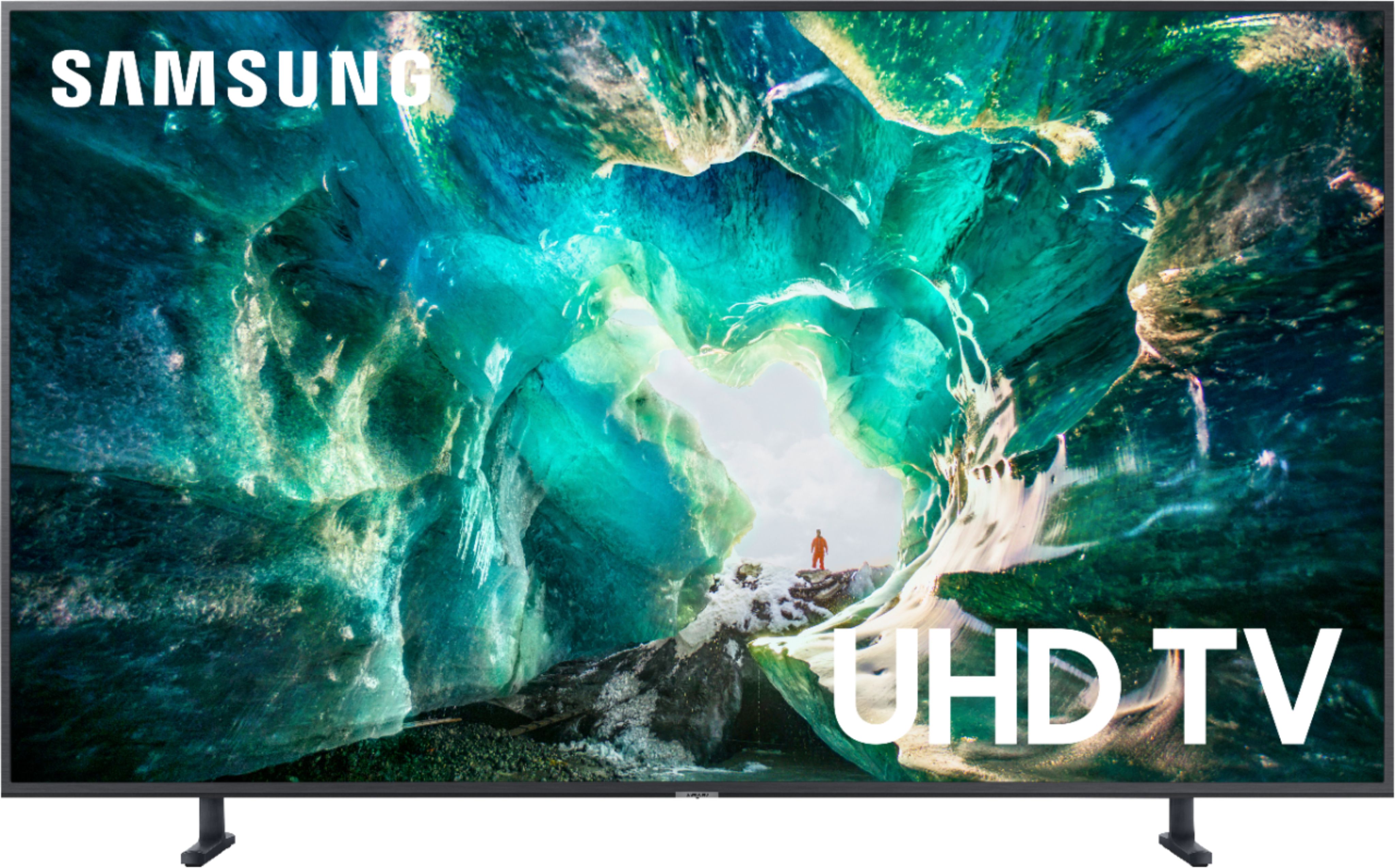
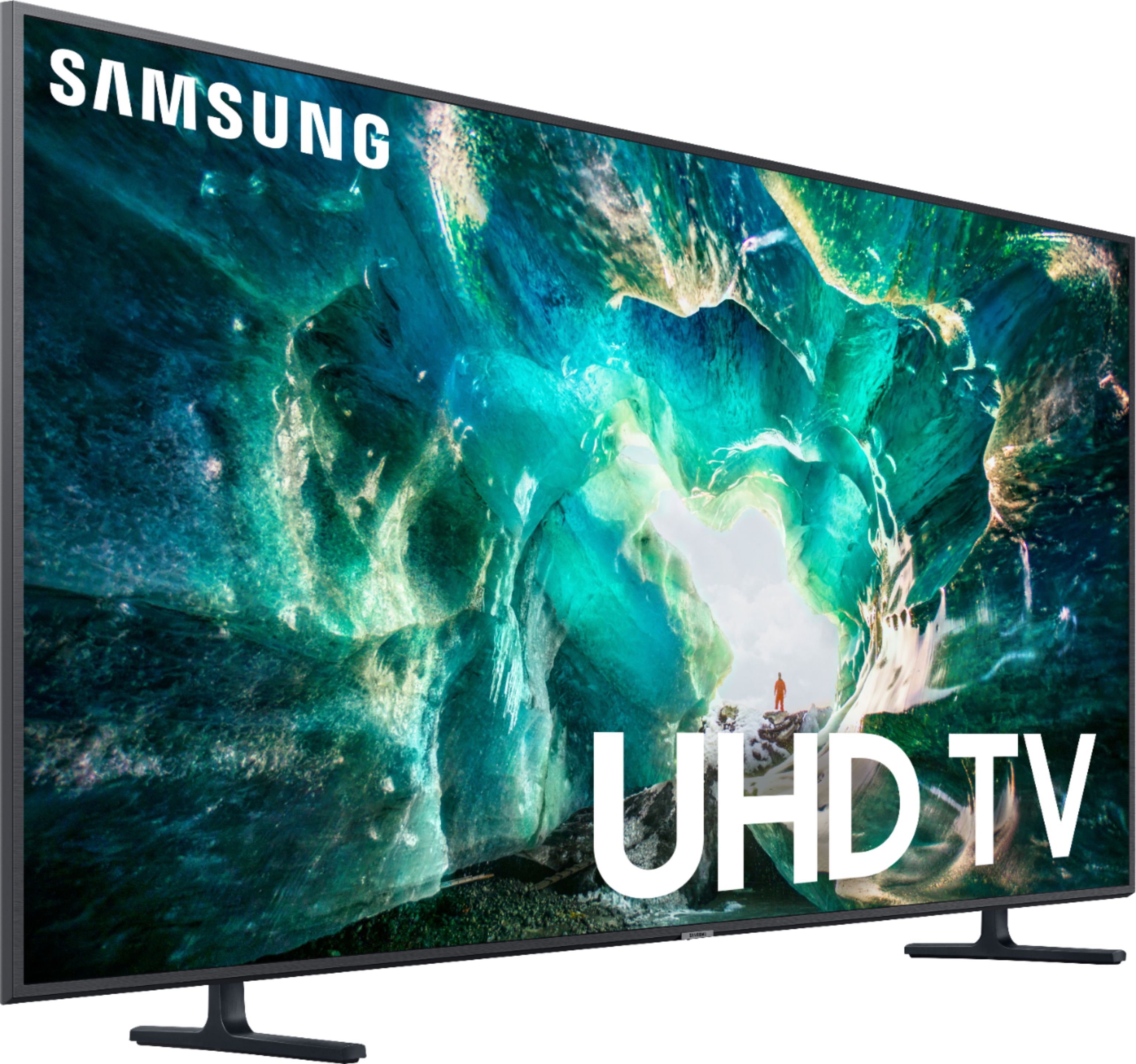

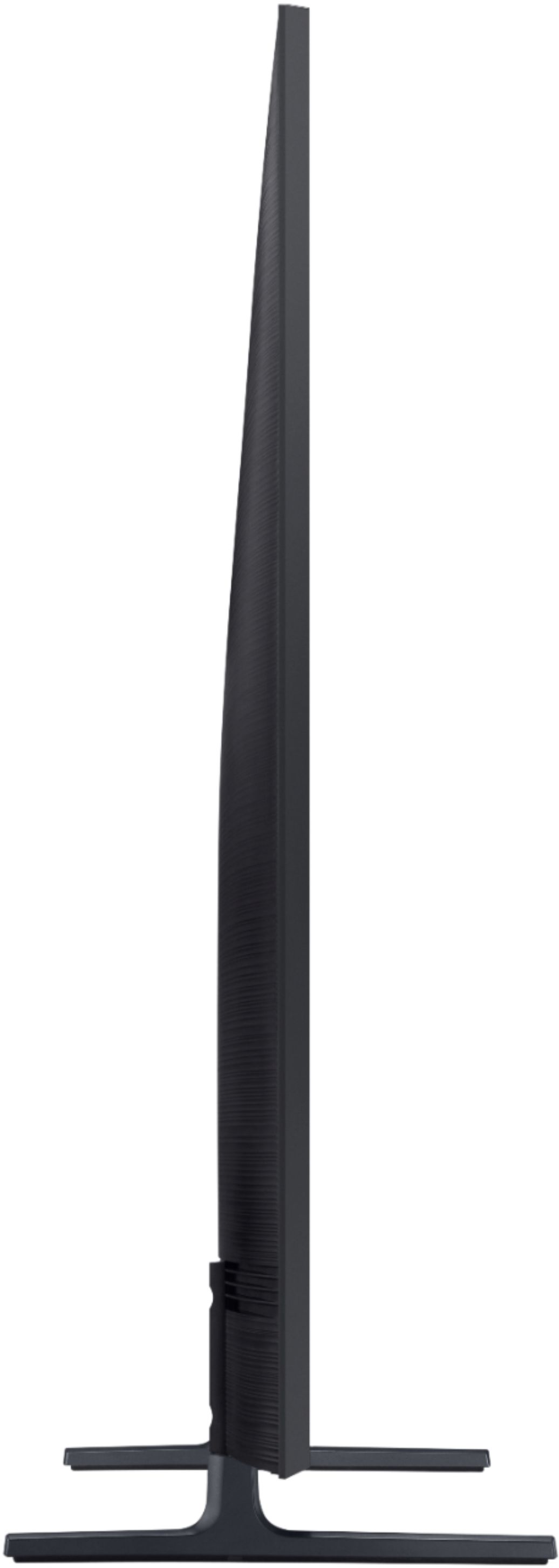



- Model:
- UN65RU8000FXZA
- SKU:
- 6325564
Rating by feature
- Picture Quality
Rating 4.5 out of 5 stars
- Sound Quality
Rating 4.3 out of 5 stars
- Brightness
Rating 4.5 out of 5 stars
Customers are saying
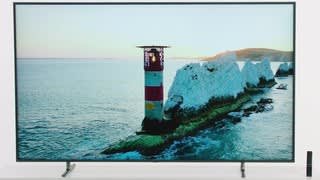
Customers recognize the 65" Class 8 Series LED 4K UHD Smart Tizen TV for its exceptional picture quality, easy setup, and reasonable price. Many customers rave about the stunning visuals and vibrant colors, while others appreciate the user-friendly interface and smooth gaming experience. However, some users have expressed concerns about the limited functionality of the remote control, the TV's size not meeting expectations, and issues with durability and lifespan.
This summary was generated by AI based on customer reviews.
Good TV but had defect
||Posted .This reviewer received promo considerations or sweepstakes entry for writing a review.The TV is great, but when I was installing the wall mount bracket to the back of the TV one of the holes didn’t have threads for the bolt to attach to.
I would recommend this to a friendBrand response from Samsung
Posted .Snake065,
Thank you for sharing your feedback.
I am sorry to hear that you are experiencing wall mounting issue with your new RU8000 TV.
Please give us the opportunity to assist you by contacting Samsung Customer Support via any of the following options:
1) Phone: 1-800-SAMSUNG (ask for TVs) Available 8AM - 12AM EST (Mon-Fri) / 9AM - 11PM EST (Sat-Sun)
2) LiveChat or Email: https://www.samsung.com/us/support/#contact_us_for_support
3) Facebook Messenger: https://www.facebook.com/samsungsupport
4) Twitter: https://twitter.com/SamsungSupport
If you have not already done so, we invite you to register your new Samsung TV at: https://www.samsung.com/us/support/register/.
Registering your product gives you access to easy warranty support, convenient opt-in to special promos & offers, faster troubleshooting & service, and quick notification of system updates.
Again, I am very sorry for the inconveniences you have had, and hope that we will hear from you soon.
- Samsung Ambassador
Depends on what you will be doing with the TV
||Posted . Owned for 1 month when reviewed.This reviewer received promo considerations or sweepstakes entry for writing a review.Good for movies, but not so much for sports or gaming. The picture lag is amplified with the screen size.
No, I would not recommend this to a friendBrand response from Samsung
Posted .ReMo,
I am sorry to see that you are not happy with the motion image performance of your Samsung RU8000 4K Smart TV.
This TV comes with a feature called Auto Motion Plus that helps to optimize motion image quality.
You can change Auto Motion Plus settings by following these steps:
1) With the TV powered on, press the Home button on the Samsung remote to open the Home screen
2) Then select Settings > Picture > Expert Settings > Auto Motion Plus Settings
3) Then you will see the following three options:
a) Off: Auto Motion Plus will always be off
b) Auto: Auto Motion Plus will automatically activate and deactivate based on the type of program being watched
c) Custom: Allows custom adjustments and settings to be used
4) By selecting the Custom option, you can access these advanced settings:
a) Blur Reduction: Use the directional keys on the remote to adjust the Blur setting
b) Judder Reduction: Use the directional keys on the remote to adjust the Judder setting
c) LED Clear Motion: Select to turn On/Off
For further assistance on this feature or other advanced setting adjustments, please contact Samsung Customer Support at 1-800-SAMSUNG and a representative will gladly help you. Or LiveChat with our product experts at: http://www.samsung.com/us/support/contact
We are likewise reachable via Facebook Messenger at: https://www.facebook.com/samsungsupport
You can also find us on Twitter at: https://twitter.com/SamsungSupport
- Samsung Ambassador
good but not great
||Posted . Owned for 3 weeks when reviewed.This reviewer received promo considerations or sweepstakes entry for writing a review.Its disappointing that this TV do not have a TIMER ON function like the previous Samsung models. The tv has timer off function but not timer on?
I would recommend this to a friendBrand response from Samsung
Posted .siraris:
Thank you for sharing your feedback on the Samsung RU8000. Your feedback on the lack of a Timer On will be shared with our internal teams for consideration as a feature in future models.
If you should ever need assistance, please know we are here to help. You can reach Samsung Support via:
1) Phone: 1-800-SAMSUNG
Available 8AM - 12AM EST (Mon-Fri) / 9AM - 11PM EST (Sat-Sun)
2) LiveChat: https://www.samsung.com/us/support/#contact_us_for_support
3) Facebook Messenger: https://www.facebook.com/samsungsupport
4) Twitter: https://twitter.com/SamsungSupport
5) The Samsung Members Community is also a great resource for getting help from Samsung moderators and customers: https://us.community.samsung.com
If you have not already done so, we invite you to register your new Samsung product at: https://us.community.samsung.com
Registering your product gives you access to easy warranty support, convenient opt-in to special promos and offers, faster troubleshooting and service, and quick notification of system updates.
for $899 it’s not good , $599 it’s great.
||Posted .This reviewer received promo considerations or sweepstakes entry for writing a review.youtube , netflix etc are great picture quality, but local channels like cbs, yahoo and others picture quality is very bad.
No, I would not recommend this to a friendNot the best
||Posted . Owned for 3 weeks when reviewed.This reviewer received promo considerations or sweepstakes entry for writing a review.The 15 day return policy should be 30 days. Returned a tv because of white clouded screen.
No, I would not recommend this to a friendJust Alright
||Posted .This reviewer received promo considerations or sweepstakes entry for writing a review.Was expecting this to blow my mind and be really good. I thought my Series 6 was better/more impressive. Maybe I just got a dud.
No, I would not recommend this to a friendNot what we expected
||Posted . Owned for 1 month when reviewed.This reviewer received promo considerations or sweepstakes entry for writing a review.we can't really tell the difference between this & the 7. It also does a weird screen thing when you turn off the Xbox
I would recommend this to a friendBIGG
||Posted . Owned for 1 month when reviewed.This reviewer received promo considerations or sweepstakes entry for writing a review.Set up was a bit lengthy. TV performs well with good internet speed. Ability to download apps is good.
I would recommend this to a friendbe careful of open box item
||Posted .This reviewer received promo considerations or sweepstakes entry for writing a review.So, I have nothing to say about the TV its self as of yet, I bought this item as an open box item in "satisfactory" condition, it states that some "non-essential" items may be missing, little did I know that a power cord was considered non-essential. Also, let me inform you that this TV is just about useless with out a remote control as it only has a power button and nothing else to change the channel, take it off "retail mode" or connect it to your home network. I found this out after I found an old power cord that fit the unit. The only thing missing that was expected was the tv stand. Hopefully I will be able to find a new remote I can program or else I just got myself a 65 inch paper weight...... I would think a power cord and remote to a TV that can not operate with those items would be considered "essential"
No, I would not recommend this to a friendGreat picture quality!
||Posted . Owned for 1 month when reviewed.This reviewer received promo considerations or sweepstakes entry for writing a review.The sound doesn't work well at all. I had to purchase a soundbar or I would've had to return the tv for a third time.
No, I would not recommend this to a friendBrand response from Samsung
Posted .DrBandy1982,
I am very sorry to hear that you are not completely happy with the sound performance.
THe RU8 series comes with 20W 2 channel integrated speakers. The surround sound support of Dolby Digital Plus optimizes the sound for TV from sources like Internet movies and music, connected PCs, smart phones and tablets.
To better assist you with possible sound settings adjustments for an optimal experience, please call Samsung Customer Support toll-free at 1-800-SAMSUNG.
You can also contact us via LiveChat or email. Please copy-paste this link into your browser: http://www.samsung.com/us/support/contact
We are likewise reachable by Facebook Messenger at: https://www.facebook.com/samsungsupport
Or find us on Twitter at https://twitter.com/SamsungSupport
Again, thank you for taking the time to share your thoughts. Your invaluable feedback helps us continuously deliver better products and service.
-Samsung Ambassador
Acceptable TV but colors donot pop!
||Posted . Owned for 1 month when reviewed.This reviewer received promo considerations or sweepstakes entry for writing a review.Acceptable product but colors donot pop/ wow. Good purchase for the price. Would not get again.
No, I would not recommend this to a friendJust OK
||Posted . Owned for 1 month when reviewed.This reviewer received promo considerations or sweepstakes entry for writing a review.Ok. Not great. Cannot add apps like fuboTV. Not easy to switch between apps. Screen mirroring was easy.
No, I would not recommend this to a friendBrand response from Samsung
Posted .Wole:
Thank you for your review of the Samsung RU8000 Smart 4K TV.
Please know that this TV does have the fuboTV app.
For assistance with the fuboTV app, switching between apps, and screen mirroring, please feel free to reach out to us at:
1) Phone: 1-800-SAMSUNG (ask for TVs) Available 8AM - 12AM EST (Mon-Fri) / 9AM - 11PM EST (Sat-Sun)
2) LiveChat or Email: https://www.samsung.com/us/support/#contact_us_for_support
3) Facebook Messenger: https://www.facebook.com/samsungsupport
4) Twitter: https://twitter.com/SamsungSupport
5) The Samsung TV Community is also a great resource for getting help from Samsung moderators and customers: https://us.community.samsung.com/
If you have not already done so, we invite you to register your new Samsung product at: https://www.samsung.com/us/support/register/
Registering your product gives you access to easy warranty support, convenient opt-in to special promos & offers, faster troubleshooting & service, and quick notification of system updates.
We look forward to hearing from you.
It’s not a bad tv. Minor flash lighting issues.
||Posted . Owned for 3 weeks when reviewed.This reviewer received promo considerations or sweepstakes entry for writing a review.Due to the way the panel is lit, you may experience flash lighting from the corners.
No, I would not recommend this to a friendBrand response from Samsung
Posted .GlassZero33:
Thank you for purchasing the Samsung RU8000 Series. I am glad that you are overall happy with performance.
So that we can better assist with minor flashlighting concerns, please contact us at:
1) Phone: 1-800-SAMSUNG
Available 8AM - 12AM EST (Mon-Fri) / 9AM - 11PM EST (Sat-Sun)
2) LiveChat: https://www.samsung.com/us/support/#contact_us_for_support
3) Facebook Messenger: https://www.facebook.com/samsungsupport
4) Twitter: https://twitter.com/SamsungSupport
5) The Samsung Members Community is also a great resource for getting help from Samsung moderators and customers: https://us.community.samsung.com
If you have not already done so, we invite you to register your new Samsung product at: https://us.community.samsung.com
Registering your product gives you access to easy warranty support, convenient opt-in to special promos and offers, faster troubleshooting and service, and quick notification of system updates.
We look forward to hearing from you.
Samsung 8 Series
||Posted . Owned for 10 months when reviewed.This reviewer received promo considerations or sweepstakes entry for writing a review.Cool tv just not what i was looking for. I returned it within a week
I would recommend this to a friendCould have been better
||Posted . Owned for 3 weeks when reviewed.This reviewer received promo considerations or sweepstakes entry for writing a review.Still do not have any instructions and do not know how to use the products very well.
I would recommend this to a friendBrand response from Samsung
Posted .Treasure,
I am very sorry to see that you ran into difficulties with setup. We appreciate your review and will share your feedback on the User Manual with our internal teams.
Here is a link to the online e-manual, where you will find deatils of setup guide, configuration, and various features: http://downloadcenter.samsung.com/content/UM/201907/20190701114654234/MUSATSCR-3.0.8_EM_MUSE_USA_ENG-US.pdf
You can also reach out to Samsung Support for step-by-step assistance with setup, features, and operation:
1) Phone: 1-800-SAMSUNG (ask for TVs)
Available 8AM - 12AM EST (Mon-Fri) / 9AM - 11PM EST (Sat-Sun)
2) LiveChat or Email: https://www.samsung.com/us/support/#contact_us_for_support
3) Facebook Messenger: https://www.facebook.com/samsungsupport
4) Twitter: https://twitter.com/SamsungSupport
If you have not already done so, we invite you to register your new Samsung TV
Registering your product gives you access to easy warranty support, convenient opt-in to special promos & offers, faster troubleshooting & service, and quick notification of system updates.
We look forward to helping you better enjoy your new RU8000 TV.
-Samsung Ambassador
The picture doesn't the same.
||Posted . Owned for 2 months when reviewed.This reviewer received promo considerations or sweepstakes entry for writing a review.The picture doesn't look the same. The best buy tv look more life like.
I would recommend this to a friendTv is ok
||Posted . Owned for 1 month when reviewed.This reviewer received promo considerations or sweepstakes entry for writing a review.Picture doesn't seem to be clear at times,but it just might be the channels
No, I would not recommend this to a friendBrand response from Samsung
Posted .Warchild,
Thank you for your purchase and review of the RU8000 UHD Smart TV.
Please know that you can start Picture Test to determine if the problem is caused by the TV.
Go to Home>Settings>Support> Self Diagnosis> Start Picture Test
It will then display a high definition picture you can examine for flaws or faults.
If the result shows that the issue is with the TV, please reach out to our TV support so that we can provide troubleshooting or begin warranty service.
You can contact our Customer Support toll-free at 1-800-SAMSUNG (ask for TVs) Available 8AM - 12AM EST (Mon-Fri) / 9AM - 11PM EST (Sat-Sun)
Simply copy-paste this link into your browser to LiveChat or Email us: https://www.samsung.com/us/support/#contact_us_for_support
We are likewise reachable by Facebook Messenger at: https://www.facebook.com/samsungsupport
Or find us on Twitter at https://twitter.com/SamsungSupport
Again, my apologies for the disappointment you had.
We look forward to hearing from you and assisting you with satisfactory solutions.
- Samsung Ambassador
Good for the price
||Posted . Owned for 9 months when reviewed.This reviewer received promo considerations or sweepstakes entry for writing a review.Good TV, some app tend to freeze and is slow at times.
No, I would not recommend this to a friendNot as good as in the store
||Posted . Owned for 1 month when reviewed.This reviewer received promo considerations or sweepstakes entry for writing a review.Picture quality is not as good as the display model in the store.
No, I would not recommend this to a friendBrand response from Samsung
Posted .Honey,
Our 2019 RU8 Series features Ultra Slim Array backlight, HDR10 plus, wide viewing angle, Real Game Enhancer and more, all designed to give you the best in lifelike, crystal-clear viewing enjoyment.
Please know that the TV will upscale as best as possible any content sent to it. The closer the signal is to 4K, the better it will look coming out.
It also has several preset picture modes and many custom settings, allowing users to adjust images to their liking.
The Dynamic Mode is our typical store demo mode and is the brightest among all presets.
Standard Mode is ideal for home and everyday viewing.
Movie Mode is the closest setting to calibration the way the director intended as it uses less enhancements and will likely result in the truest picture.
In addition, the quality of the image on your screen depends on the source and the connection.
HDMI cables are recommended for optimal HD viewing; and when possible, 4K content will provide the best picture quality.
The quality of the streaming content depends largely on the speed of your internet, as most content providers have adaptive streaming that will automatically adjust the image quality based on the network bandwidth.
Please give us the opportunity to assist you with image quality adjustments tailored to your preferred viewing experience. You can reach us via any of the following options:
1) Phone: 1-800-SAMSUNG (ask for TVs) Available 8AM - 12AM EST (Mon-Fri) / 9AM - 11PM EST (Sat-Sun)
2) LiveChat or Email: https://www.samsung.com/us/support/#contact_us_for_support
3) Facebook Messenger: https://www.facebook.com/samsungsupport
4) Twitter: https://twitter.com/SamsungSupport
5) The Samsung TV Community is also a great resource for getting help from Samsung moderators and customers: https://us.community.samsung.com/
Again, thank you for taking the time to share your thoughts on this product. Your invaluable feedback helps us continuously deliver exceptional products and service.
- Samsung Ambassador
Ok Tv
||Posted . Owned for 3 weeks when reviewed.This reviewer received promo considerations or sweepstakes entry for writing a review.Tv is decent but slightly overpriced for the picture quality
No, I would not recommend this to a friend