Customer Ratings & Reviews
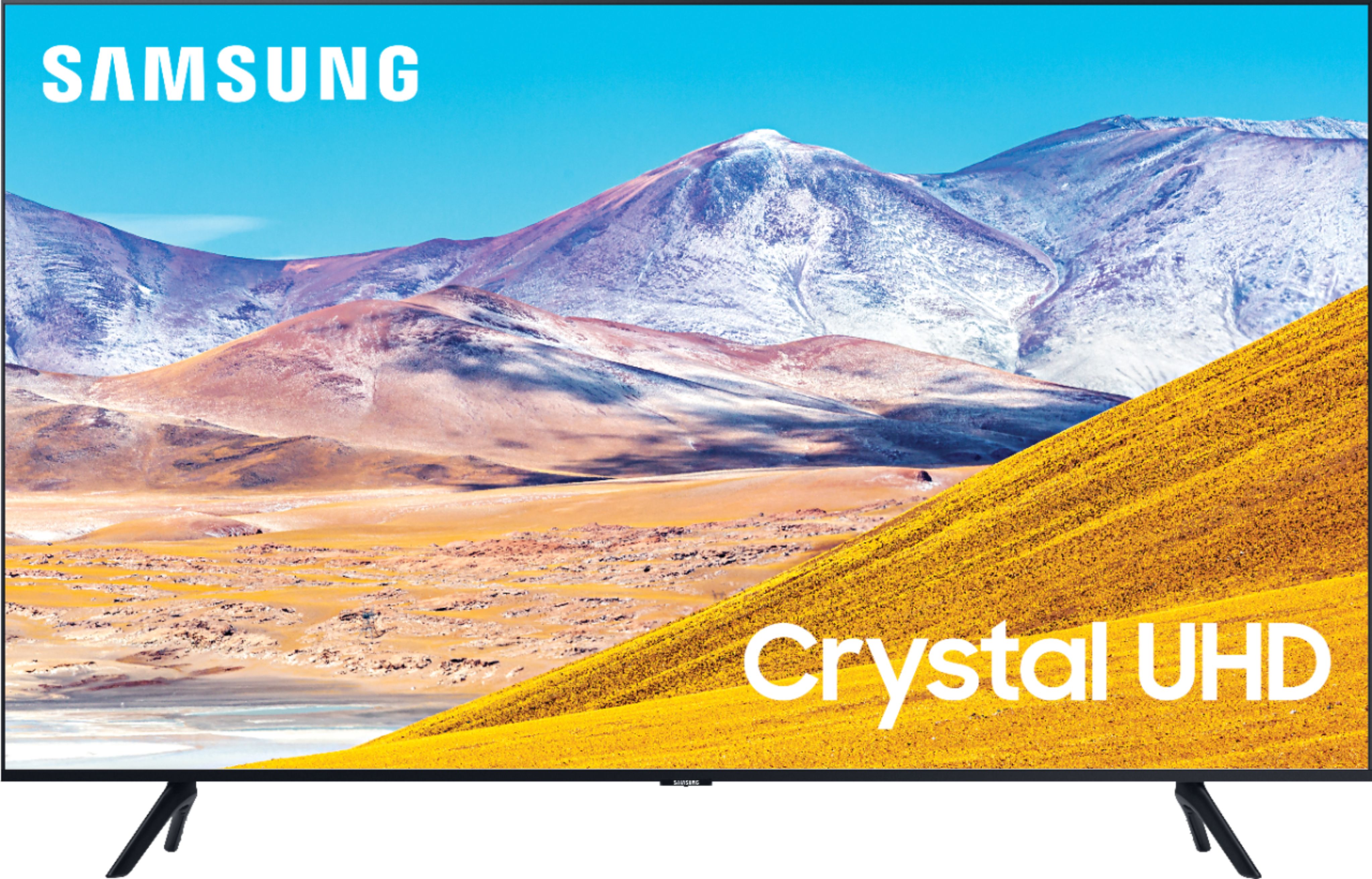
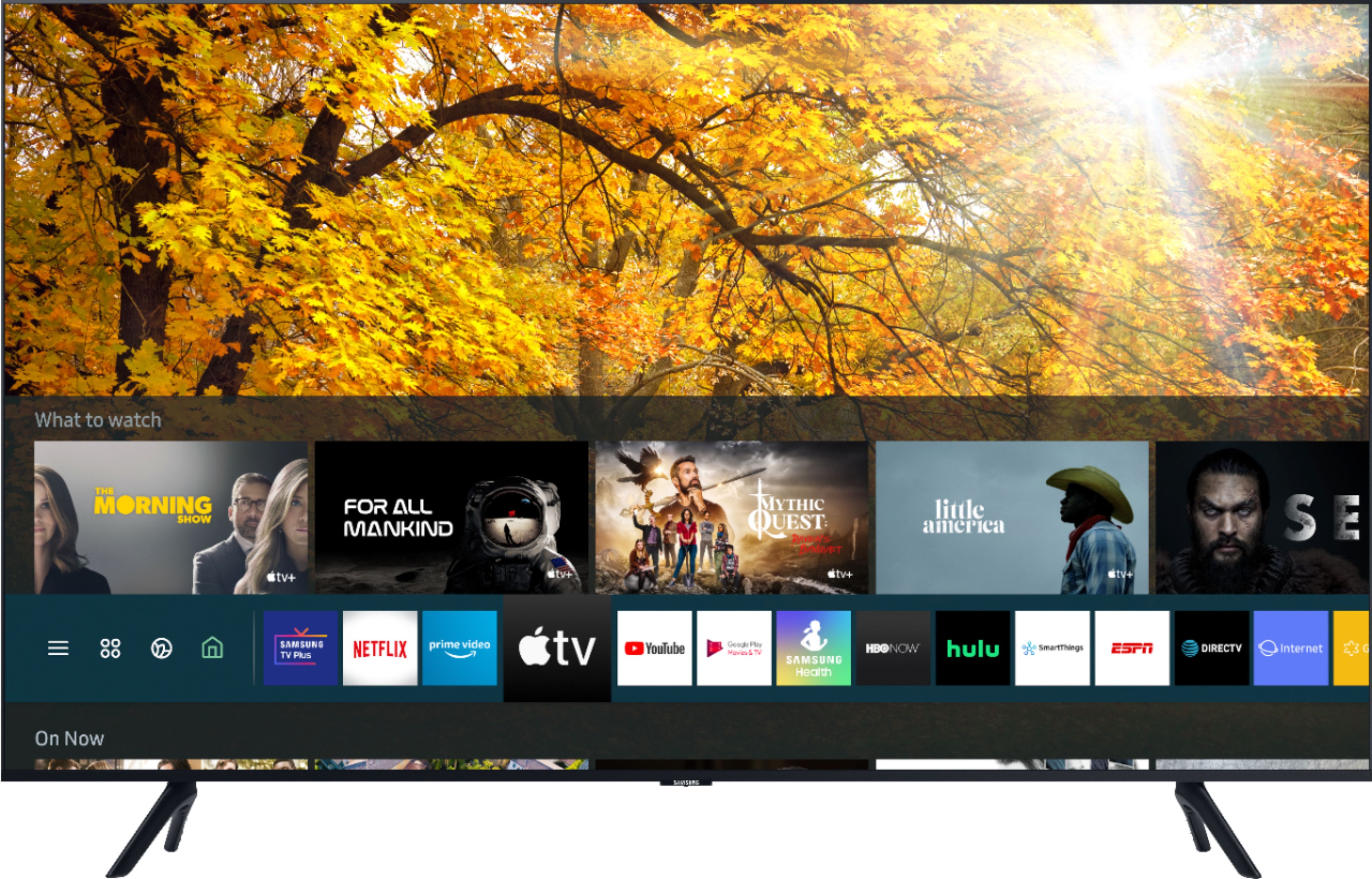
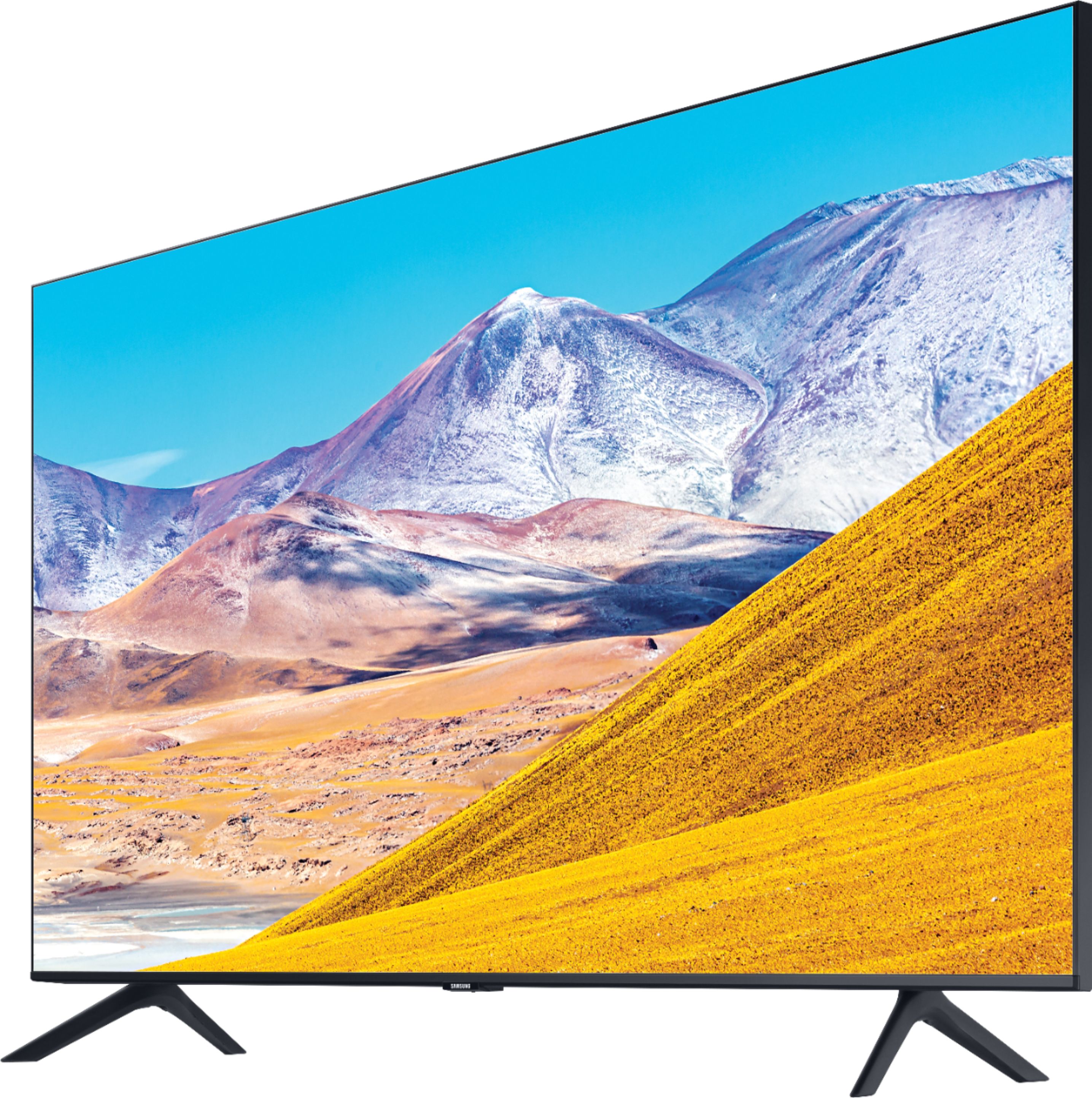
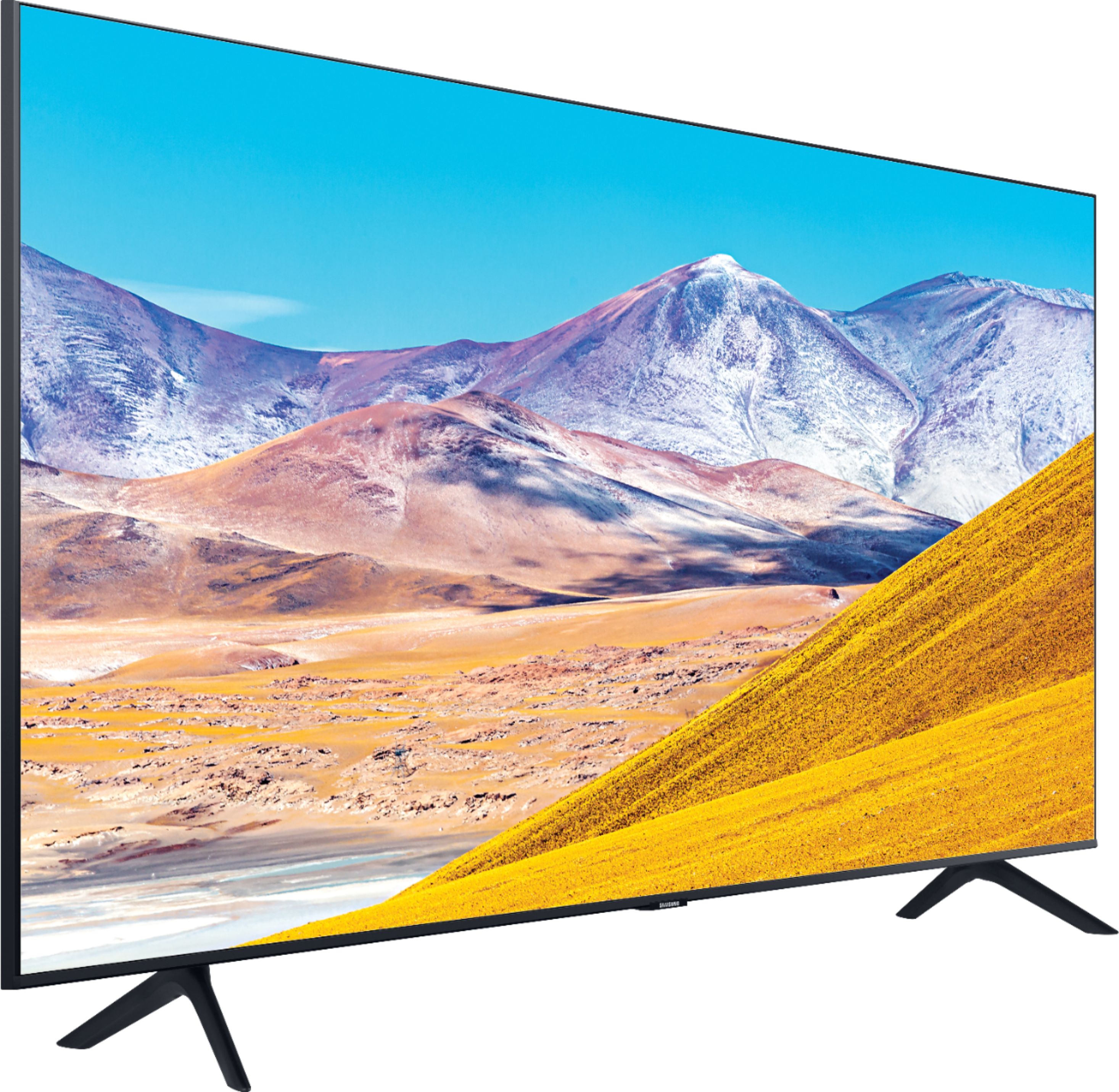









- Model:
- UN65TU8000FXZA
- SKU:
- 6401718
Rating by feature
- Picture Quality
Rating 4.6 out of 5 stars
- Sound Quality
Rating 4.3 out of 5 stars
- Brightness
Rating 4.6 out of 5 stars
Customers are saying
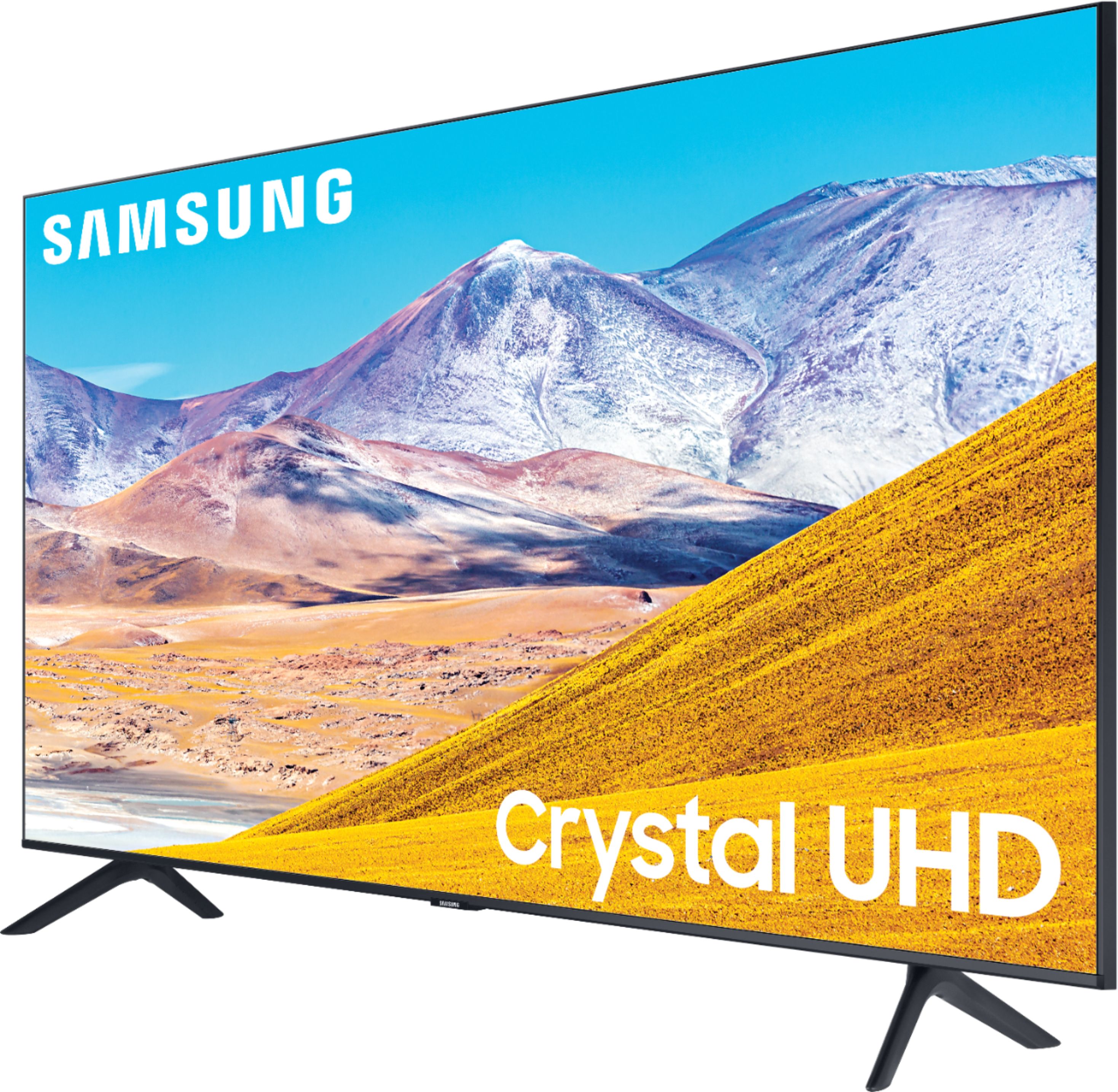
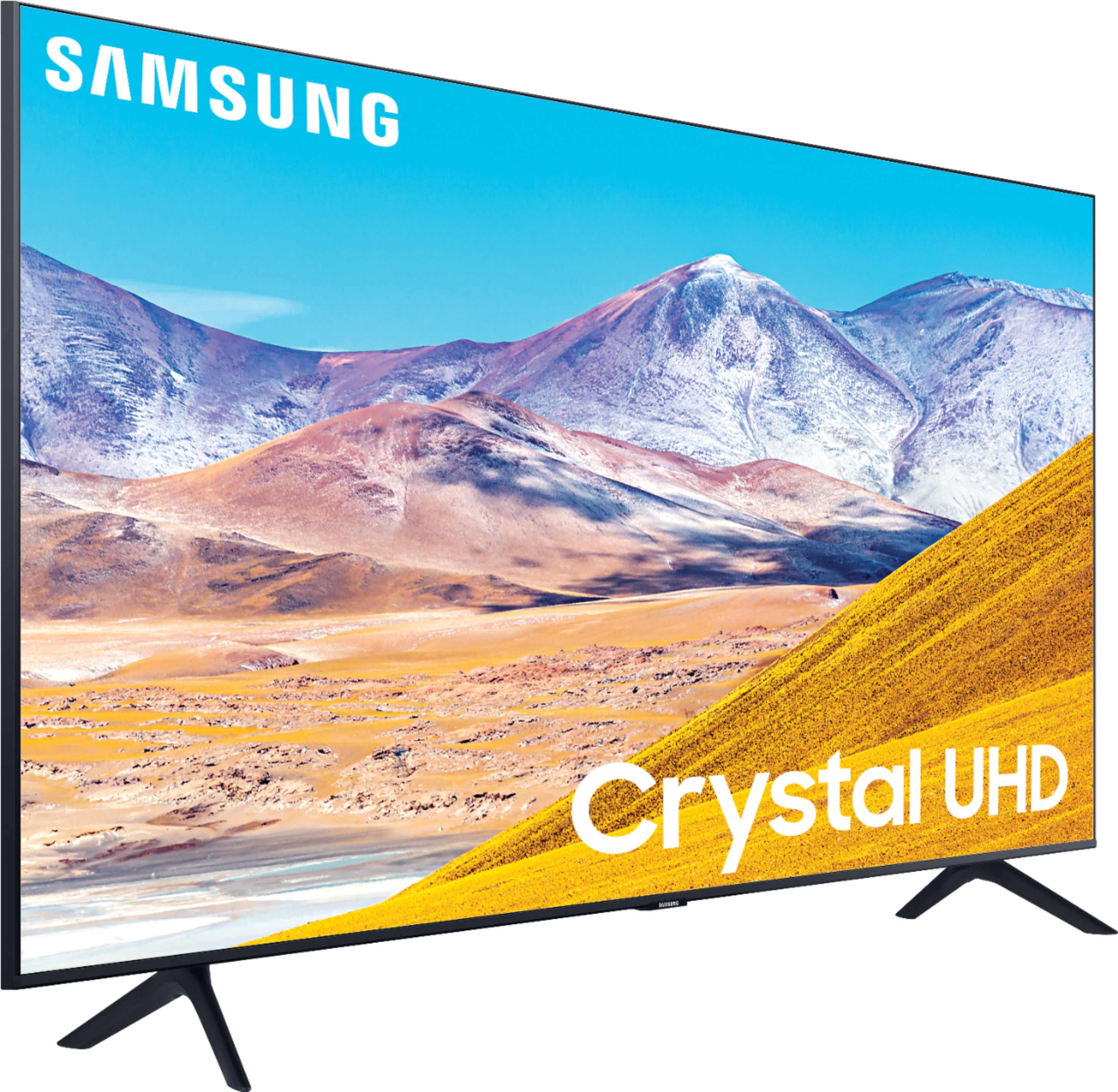
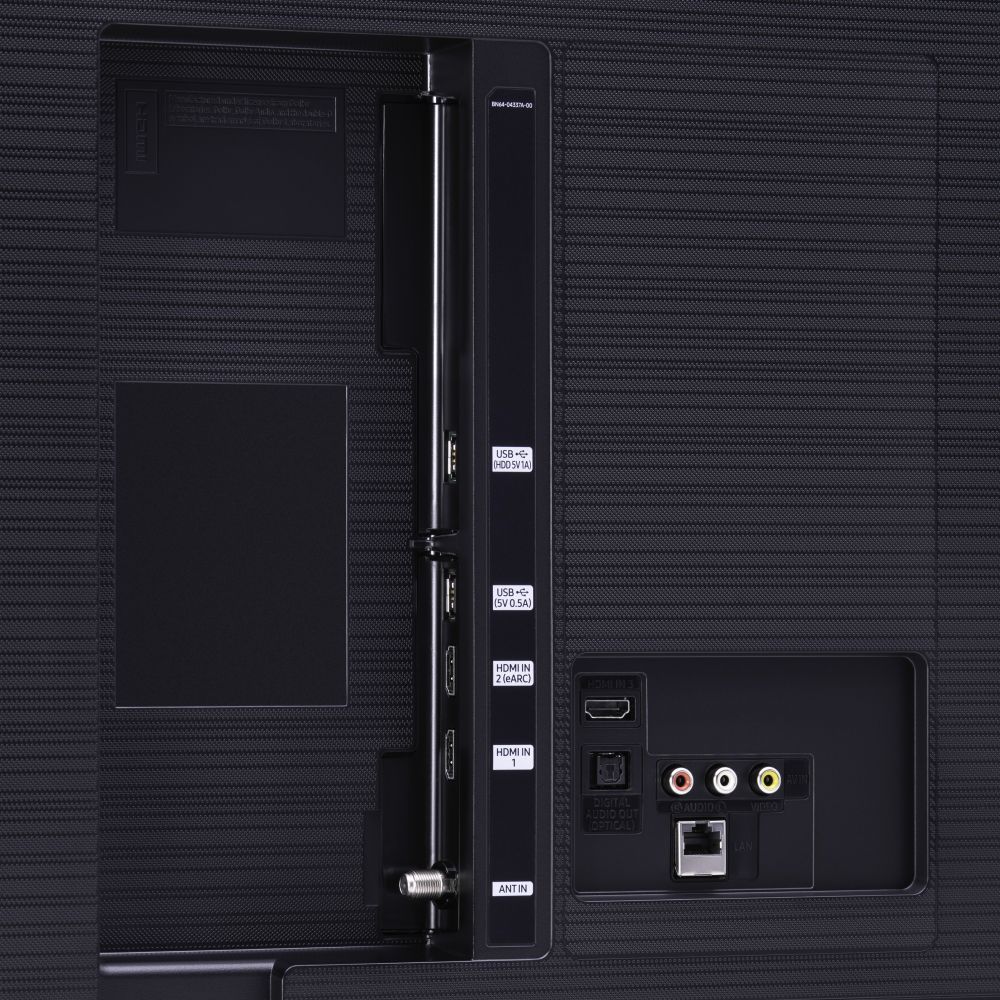
Customers are pleased with the picture quality, easy setup, price, color, and size of the 65" Class 8 Series LED 4K UHD Smart Tizen TV. They appreciate the amazing clarity of the picture, the great sound quality, and the simplicity of setting up the TV. The TV is also seen as a great value for its price. However, some customers have expressed concerns about the remote control, connectivity issues, refresh rate, and limited number of HDMI ports.
This summary was generated by AI based on customer reviews.
Ok?
||Posted . Owned for 2 months when reviewed.This reviewer received promo considerations or sweepstakes entry for writing a review.This TV was surprisingly decent for the price, not the smoothest picture but the interface is fast the apps are great quality. Streaming is very good quality a good mid grade TV option for the average TV viewer.
I would recommend this to a friendBrand response from Samsung
Posted .SwagMessiah:
Thank you for choosing the Samsung TU8000 TV and for sharing your feedback with us.
For optimal motion image performance, you may want to adjust the picture clarity setting by going to: Settings > Picture > Expert Settings > Picture Clarity Settings
- Off: Picture Clarity Settings will always be off
- Auto: Picture Clarity Settings will automatically activate and deactivate based on the type of program being watched
- Custom: Allows custom adjustments and settings to be used. By selecting the Custom option, you can access these advanced settings for Judder Reduction, LED Clear Motion, and Noise Reduction.
Should you need further assistance with features or other product usage, please reach out to Samsung Support via any of the below options:
1) Phone: 1-800-SAMSUNG (ask for TVs), available 8AM – 12AM EST 7 days a week
2) LiveChat: https://www.samsung.com/us/support/#contact_us_for_support
3) Facebook Messenger: https://www.facebook.com/samsungsupport
4) Twitter: https://twitter.com/SamsungSupport
5) The Samsung Members Community is also a great resource for getting help from Samsung moderators and customers: https://us.community.samsung.com
If you have not already done so, we invite you to register your new Samsung product at: https://www.samsung.com/us/account/signin/?redirect=https%3A%2F%2Fwww.samsung.com%2Fus%2Fsupport%2Fregister%2F
Registering your product gives you access to easy warranty support, convenient opt-in to special promos and offers, faster troubleshooting and service, and quick notification of system updates.
~ Samsung Solutions
- Pros mentioned:Picture quality
Horrible never use best buy again
||Posted . Owned for less than 1 week when reviewed.This reviewer received promo considerations or sweepstakes entry for writing a review.Bought it. Was very excited to see the new look 4k. HDR. Bought new HDMI cable. Ready for movie night set the tv up. It was broke Down the middle. They set new date for delivery to bring new tv. The Greek squad called at 8:06 am. I called right back no answer. I also texted his phone. Nothing. Called store twice nothing done. Waited till 4 pm called store. Finally a manager. Matt helped figure out the problem. Guy went home for day. So still waiting for tv. Been over week. Never again
No, I would not recommend this to a friendBrand response from Samsung
Posted .Kimberly,
I am very sorry for the issues you have encountered and understand your frustration.
Your user experience is very important to us and will be shared with our teams.
Samsung is committed to providing the best possible product experience, quality, and value. We back your TU8000 TV with a 1-year limited manufacturer's warranty, including authorized repair for manufacturer defect, if purchased brand-new directly from an authorized seller.
Please reach out to us via any of the following so that we can provide troubleshooting or begin warranty service.
1) Phone: 1-800-SAMSUNG
Available 8AM – 9PM EST (Mon-Fri)
2) LiveChat: https://www.samsung.com/us/support/#contact_us_for_support
3) Facebook Messenger: https://www.facebook.com/samsungsupport
4) Twitter: https://twitter.com/SamsungSupport
Again, my apologies for the inconvenience and disappointment you had.
We look forward to hearing from you and assisting you with satisfactory solutions.
- Samsung Ambassador
Buy Something Else
||Posted . Owned for more than 2 years when reviewed.This reviewer received promo considerations or sweepstakes entry for writing a review.Screen started to have backlight bleed through after only a few months. Power board also started to fail at the 2-year mark.
No, I would not recommend this to a friendNice Tv! But mine cake damage
||Posted . Owned for 1 month when reviewed.This reviewer received promo considerations or sweepstakes entry for writing a review.The LEDs from the corner of my screen are broken so it affects the picture quality. I searched it up and it looks like this is a problem Samsung has with their TVs. This sucks, not worth the money.
No, I would not recommend this to a friendBrand response from Samsung
Posted .Uchiha17,
I am sorry to hear that you are experiencing issues with your TU8000 TV.
Samsung is committed to providing the best possible product experience, quality, and value. We back this Samsung TV with a 1-year limited manufacturer's warranty, including authorized repair for manufacturer defect, if purchased brand-new directly from an authorized seller
Please reach out to us via any of the following so that we can provide troubleshooting or begin warranty service:
1) Phone: 1-800-SAMSUNG (ask for TVs), available 8AM – 12AM EST 7 days a week
2) LiveChat: https://www.samsung.com/us/support/#contact_us_for_support
3) Facebook Messenger: https://www.facebook.com/samsungsupport
4) Twitter: https://twitter.com/SamsungSupport
5) The Samsung Members Community is also a great resource for getting help from Samsung moderators and customers: https://us.community.samsung.com
If you have not already done so, we invite you to register your new Samsung product at: https://www.samsung.com/us/account/signin/?redirect=https%3A%2F%2Fwww.samsung.com%2Fus%2Fsupport%2Fregister%2F
Registering your product gives you access to easy warranty support, convenient opt-in to special promos and offers, faster troubleshooting and service, and quick notification of system updates.
-Samsung Ambassador
Not good fir dark scenes
||Posted . Owned for more than 2 years when reviewed.This reviewer received promo considerations or sweepstakes entry for writing a review.Beautiful image, except when there are dark scenes, then it's lousy. My old non HD tv does better.
No, I would not recommend this to a friendIt's okay.
||Posted . Owned for 1 month when reviewed.This reviewer received promo considerations or sweepstakes entry for writing a review.Difficult to set up. The supporting legs are very cheap. A TV this size really needs a pedestal, which I had to buy as an additional cost. The speakers are located at the bottom of the unit facing downward instead of to the front as on previous models. I assume this was done to MAKE you buy a sound bar!! Every now and then I get a pronounced HUM as a background noise.
No, I would not recommend this to a friendBrand response from Samsung
Posted .displeased,
I am very sorry to see that you ran into difficulties with setup and experienced noise issue with your TU8000 4K Smart TV.
You can find details of various features and usages of your TU8000 TV in the eManual.
To open the e-Manual, Go to Settings - Support, then Open e-Manual
You can run a sound test for a better understanding of the sound issue.
Go to Settings- Support- Device Care- Self Diagnosis- Sound Test
Please also make sure that the audio cable is connected to the correct audio output connector on
the external device.
For antenna or cable connections, check the Signal Information. A low signal level
may cause sound distortions.
Go to Settings- Support- Device Care- Self Diagnosis- Signal Information
If the issue persists, please reach out to us so that we can provide further troubleshooting.
You can contact our TV Customer Support via:
1) Phone: 1-800-SAMSUNG (ask for TVs), available 8AM – 12AM EST 7 days a week
2) LiveChat: https://www.samsung.com/us/support/#contact_us_for_support
3) Facebook Messenger: https://www.facebook.com/samsungsupport
4) Twitter: https://twitter.com/SamsungSupport
5) The Samsung Members Community is also a great resource for getting help from Samsung moderators and customers: https://us.community.samsung.com
If you have not already done so, we invite you to register your new Samsung product at:
https://www.samsung.com/us/account/signin/?redirect=https%3A%2F%2Fwww.samsung.com%2Fus%2Fsupport%2Fregister%2F&user=dsr-registration
Registering your product gives you access to easy warranty support, convenient opt-in to special promos and offers, faster troubleshooting and service, and quick notification of system updates.
Again, thank you for taking the time to share your thoughts. Your feedback helps us continuously deliver best-in-class products and service.
-Samsung Ambassador
- Pros mentioned:Picture quality
Problems
||Posted . Owned for 2 months when reviewed.This reviewer received promo considerations or sweepstakes entry for writing a review.I have been having problems witj this Tv sence I puchased now to dat july 11 2020 it just shows black and white .customer service is not cool.
No, I would not recommend this to a friendBrand response from Samsung
Posted .Blackbone,
I am sorry that you are experiencing issues.
Please try these troubleshooting steps:
1) Use a composite cable when you connect AV equipment to the TV.
If you are using the composite cable, connect the video cable (Yellow) to the VIDEO (Yellow /
Green) input port.
2) Check whether Grayscale is set to On.
Go to Settings- General- Accessibility- Grayscale
If you need further assistance, please know that Samsung Customer Support is here to help, and can be reached via any of the below options:
1) Phone: 1-800-SAMSUNG (ask for TVs), available 8AM – 12AM EST 7 days a week
2) LiveChat: https://www.samsung.com/us/support/#contact_us_for_support
3) Facebook Messenger: https://www.facebook.com/samsungsupport
4) Twitter: https://twitter.com/SamsungSupport
5) The Samsung Members Community is also a great resource for getting help from Samsung moderators and customers: https://us.community.samsung.com
If you have not already done so, we invite you to register your new Samsung product at:
https://www.samsung.com/us/account/signin/?redirect=https%3A%2F%2Fwww.samsung.com%2Fus%2Fsupport%2Fregister%2F&user=dsr-registration
Registering your product gives you access to easy warranty support, convenient opt-in to special promos and offers, faster troubleshooting and service, and quick notification of system updates.
Again, thank you for taking the time to share your thoughts. Your feedback helps us continuously deliver best-in-class products and service.
-Samsung Ambassador
Only buy for someone youre forced to tolerate
||Posted . Owned for 7 months when reviewed.This reviewer received promo considerations or sweepstakes entry for writing a review.The biggest flaw with this TV is its inability to stay connected to WiFi. It'll never remember WiFi keys or it'll fail to attempt to connect when it's first turned on and then fail to connect every attempt afterwards until you reset the thing. WPS will work for some time, but then an update comes and BAM you have to reset this piece of junk again just to get it connected to the internet. Huge waste of money if you have to run on WiFi. If you could I would exchange this for literally anything else.
No, I would not recommend this to a friendDisappointed
||Posted . Owned for 1 month when reviewed.This reviewer received promo considerations or sweepstakes entry for writing a review.I was very disappointed with the color. Sort of washed out.. Total brightness was disappointing. I ended up with a TCL 6 635. Al much brighter picture and color..
No, I would not recommend this to a friendTerrible for Gaming
||Posted . Owned for 1 month when reviewed.This reviewer received promo considerations or sweepstakes entry for writing a review.RTINGS.com should have their "expert" reviews removed since I bought this TV under the impression, from their erroneous review (which they admitted), that this TV supported Freesync / GSync. They listed this as an alternative for the Q80 (for freesync users). I would of bought the Q80 if I knew! THIS TV DOES NOT SUPPORT VRR, FSYNC, GSYNC. I thought this might change with a firmware upgrade, but I don't believe it'll ever happen. NEVER BUYING ANOTHER *DOWNGRADED* SAMSUNG PRODUCT. BUY LG OR SONY, MAYBE EVEN HISENSE!
No, I would not recommend this to a friendBad receiver interface
||Posted . Owned for 1 month when reviewed.This reviewer received promo considerations or sweepstakes entry for writing a review.For some reason it won’t interface properly with my Yamaha receiver. Geek squad had two different opinions on what the problem was, but no definitive solution
I would recommend this to a friendGreat Tv but, Amazon Prine does not work
||Posted .This reviewer received promo considerations or sweepstakes entry for writing a review.Tv works great but the Amazon Prine apo does not work. have called Samsung and Amazon and still not resolved. Have tried everything and nothing. may end up returning tv.
No, I would not recommend this to a friendBrand response from Samsung
Posted .consumer,
I am sorry for the issue you are having with Amazon Prime.
Samsung is aware of the issue and is working towards a solution.
In the meantime, please try power-cycling your TV:
1) Power off your TV using the remote or by pressing the power button on the TV.
2) Next, unplug your TV from the power source. If your TV is connected to a surge protector, power it off.
3) Wait 30 seconds, and then plug your TV back in.
4) Power on the TV using the remote or the power button.
For further assistance on this issue or any other features, please contact Samsung TV Support via:
1) Phone: 1-800-SAMSUNG (ask for TVs), available 8AM – 12AM EST 7 days a week
2) LiveChat: https://www.samsung.com/us/support/#contact_us_for_support
3) Facebook Messenger: https://www.facebook.com/samsungsupport
4) Twitter: https://twitter.com/SamsungSupport
Again, my apologies for the inconvenience and disappointment you had.
Your feedback is very important to us and we utilize your concerns and opinions in our continuous efforts towards delivering better product and service.
-Samsung Ambassador
Open Box TV - missing stand, paperwork
||Posted .This reviewer received promo considerations or sweepstakes entry for writing a review.The TV is in fine condition so far; I am frustrated because I feel like I was not given full information in the sales process. I did not notice that there is no stand or hardware documentation included with the TV. I feel like that should have been more explicitly stated to me at the time of purchase. I received $90 off of the original $750 purchase price (12% discount) because the TV was "returned right after purchase because it was too big for the space". The TV box was in terrible shape with rips everywhere, but I did not think any parts were missing. Now as I look over the receipt, the TV was described in BestBuy's characterization as being in "Fair" condition. At the time of writing this, I have mounted the TV on my wall already which took me a long time to do so I am not going to go through the process of removing it from my wall and returning it, but I do feel justified in asking for a larger discount off of the original purchase price than the 12% discount that I received for a used TV in "fair" condition with missing pieces and documentation.
No, I would not recommend this to a friendInstallation of the 65 in
||Posted . Owned for 1 year when reviewed.This reviewer received promo considerations or sweepstakes entry for writing a review.Very poor install Did not install hdmi çables into the audio video receiver but inserted hdmi cables into the back of the tv
No, I would not recommend this to a friendBrand new TV stop working after a month.
||Posted . Owned for 1 month when reviewed.This reviewer received promo considerations or sweepstakes entry for writing a review.The TV was great once received, but today it just cut off and will not come back on again. I tried the troubleshooting tips and still no luck. I had the TV delivered at the end of August and now its stop working . It only lasted a month and a half before going out. Normally, I never have a problem with Samsung TVs, but there reliability is slipping. Luckily, I purchased a warranty with it so I can get it fixed, but its just the inconvenience of having it fixed after having it over a month. I will now be skeptical about buying Samsung specific tvs and will now evaluate others before buying anymore.
No, I would not recommend this to a friendIt's not what I expected
||Posted . Owned for 3 weeks when reviewed.This reviewer received promo considerations or sweepstakes entry for writing a review.I asked the sales for one comparable to my last tv I purchased from you guys not long ago it was damaged and this is not the same quality
No, I would not recommend this to a friendBrand response from Samsung
Posted .Steveo,
Thank you for your purchase and review.
Our 2020 TU8000 Series features Crystal UHD processor, 4K AI upscaling, HDR, Game Enhancer and more, all designed to give you the best in dazzling, crystal-clear images and rich digital experience.
There are several settings you can adjust to your liking such as Picture Mode and Expert Settings. Please see this guide for complete details:
https://www.samsung.com/us/support/answer/ANS00079295/
We want you to enjoy your TV, and our customer support team is always here to assist you with any questions you have.
Simply reach out to us via any of these options:
1) Phone: 1-800-SAMSUNG (ask for TVs), available 8AM – 12AM EST 7 days a week
2) LiveChat: https://www.samsung.com/us/support/#contact_us_for_support
3) Facebook Messenger: https://www.facebook.com/samsungsupport
4) Twitter: https://twitter.com/SamsungSupport
We hope to hear from you soon.
-Samsung Ambassador
- Pros mentioned:Picture quality
Samsung
||Posted . Owned for 4 months when reviewed.This reviewer received promo considerations or sweepstakes entry for writing a review.Good picture an options on this TV, but in 60 days had a black line threw the screen
No, I would not recommend this to a friend Not as good as previous model
||Posted . Owned for 2 weeks when reviewed.This reviewer received promo considerations or sweepstakes entry for writing a review.After reading the reviews I canceled this purchase and went with the RU-8000 model because it had a 120 processor instead of a 60.
I would recommend this to a friend- Pros mentioned:Picture quality
not so good
||Posted .This reviewer received promo considerations or sweepstakes entry for writing a review.picture is good enough ,motion is jerky even when people are moving naturally (not running)
No, I would not recommend this to a friendBrand response from Samsung
Posted .couch:
Thank you for sharing your feedback with us. Have you tried Auto Motion Plus? It is a feature designed to eliminate blur and judder, specifically in fast moving images.
You can change your Auto Motion Plus settings by following these steps:
1) With the TV powered on, press the Home button on the Samsung remote to open the Home screen
2) Then select Settings > Picture > Expert Settings > Picture Clarity Settings
3) Then you will see the following three options:
a) Off: Picture Clarity Settings will always be off
b) Auto: Picture Clarity Settings will automatically activate and deactivate based on the type of program being watched
c) Custom: Allows custom adjustments and settings to be used
4) By selecting the Custom option, you can access these advanced settings:
a) Judder Reduction: Use the directional keys on the remote to adjust the Judder setting
b) LED Clear Motion: Select to turn On/Off/Auto
c) Noise Reduction: Select to turn Auto/Off
Please contact Samsung Customer Support for help with any other questions or concerns:
1) Phone: 1-800-SAMSUNG, available 8AM - 9PM EST, Mon - Fri
2) LiveChat: https://www.samsung.com/us/support/#contact_us_for_support
3) Facebook Messenger: https://www.facebook.com/samsungsupport
4) Twitter: https://twitter.com/SamsungSupport
5) The Samsung Members Community is also a great resource for getting help from Samsung moderators and customers: https://us.community.samsung.com
If you have not already done so, we invite you to register your new Samsung product at: https://www.samsung.com/us/account/signin/?redirect=https%3A%2F%2Fwww.samsung.com%2Fus%2Fsupport%2Fregister%2F
Registering your product gives you access to easy warranty support, convenient opt-in to special promos and offers, faster troubleshooting and service, and quick notification of system updates.
~ Samsung Solutions
Nice picture
||Posted . Owned for 3 weeks when reviewed.This reviewer received promo considerations or sweepstakes entry for writing a review.Having trouble with streaming live. I have to unplug the tv everyday if I want live tv. Thinking about calling Samsung.
No, I would not recommend this to a friendBrand response from Samsung
Posted .Tlha,
I am sorry that you are experiencing streaming issues with your TU8000 Crystal UHD Smart TV.
To optimize the smart TV performance, please try Device Care option under the Support Menu.
Go to Settings > Support> Device Care > Start Device Care.
Please also check that your TV is running the latest firmware.
Using your TV's remote, navigate to Settings, and select Support. Select Software Update, and then select Update Now. New updates will be downloaded and installed on your TV. Updates usually take a few minutes; please do not turn off the TV until the update is complete. When the update is finished, the TV will restart automatically. If there aren't any new updates, select OK to exit.
I hope this helps to solve your concerns.
If the issues persist, please reach out to Samsung Customer Support at:
1) Phone: 1-800-SAMSUNG, available 8AM – 12AM EST 7 Days A Week
2) LiveChat: https://www.samsung.com/us/support/#contact_us_for_support
3) Facebook Messenger: https://www.facebook.com/samsungsupport
4) Twitter: https://twitter.com/SamsungSupport
Have you registered your new Samsung TV with us? If not, we invite you to do so at: https://www.samsung.com/us/account/signin/?redirect=https%3A%2F%2Fwww.samsung.com%2Fus%2Fsupport%2Fregister%2F, and gain access to easy warranty support, convenient opt-in to special promos & offers, faster troubleshooting & service, and quick notification of system updates.
-Samsung Ambassador