Customer Ratings & Reviews
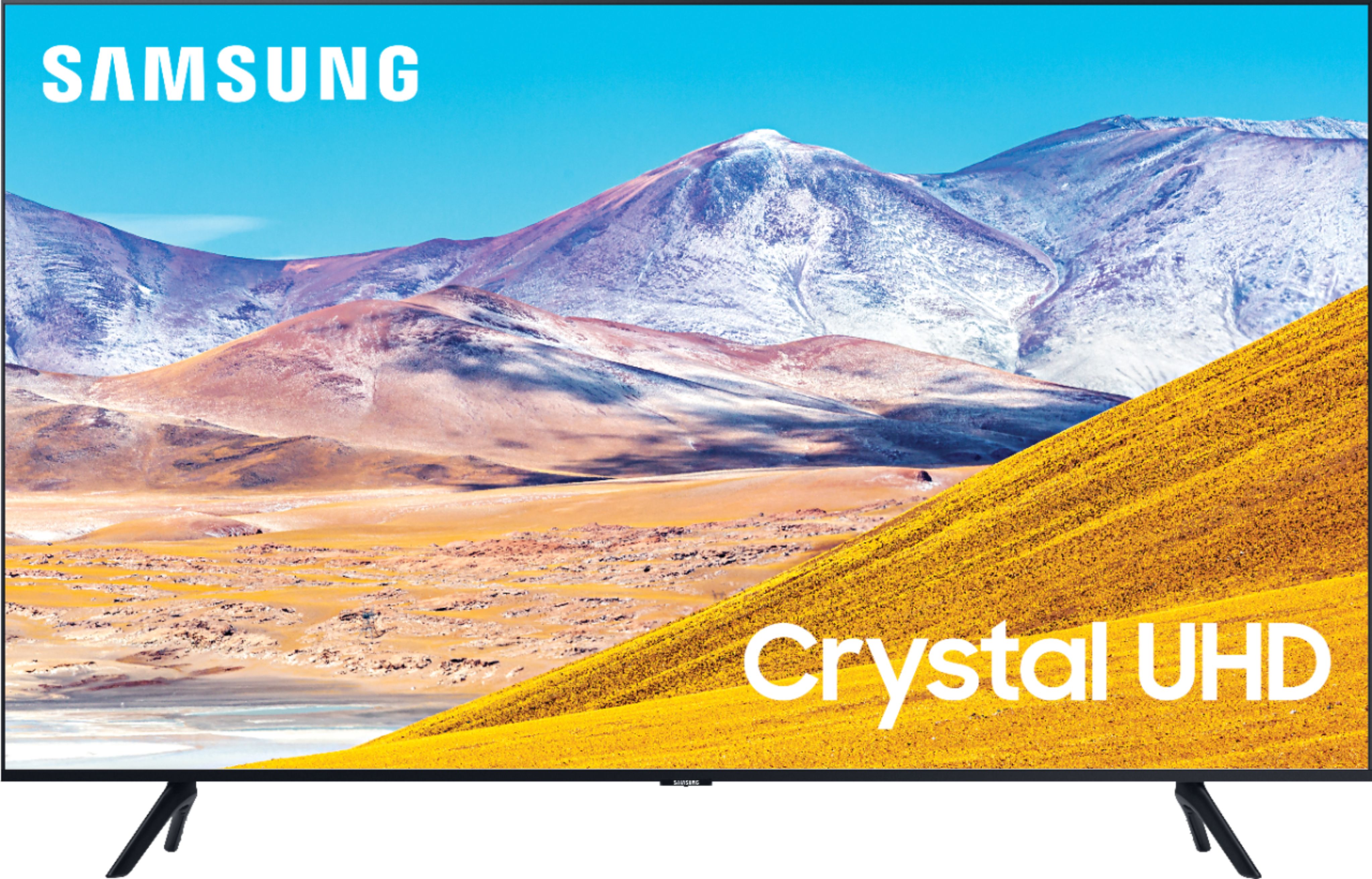
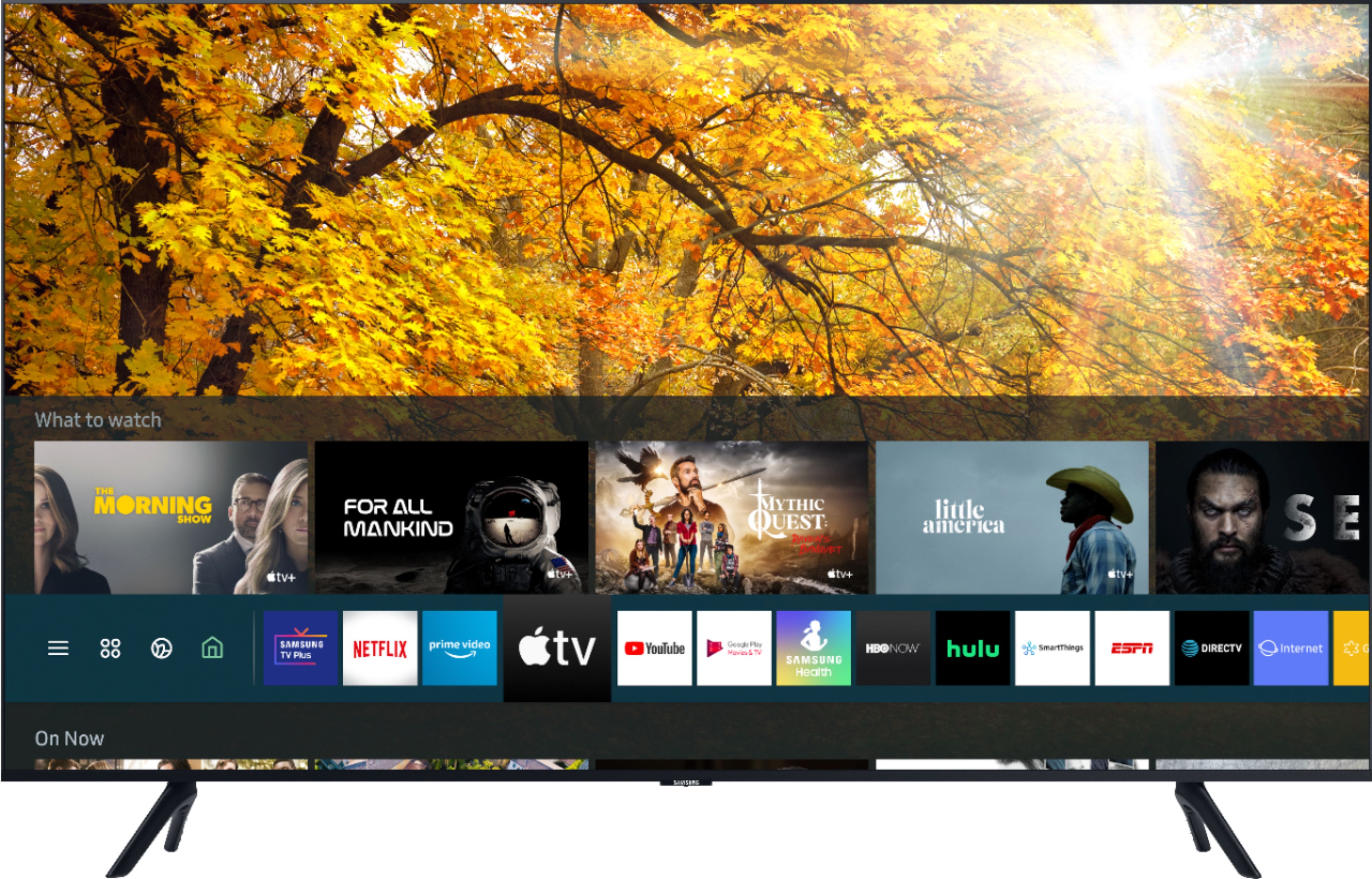
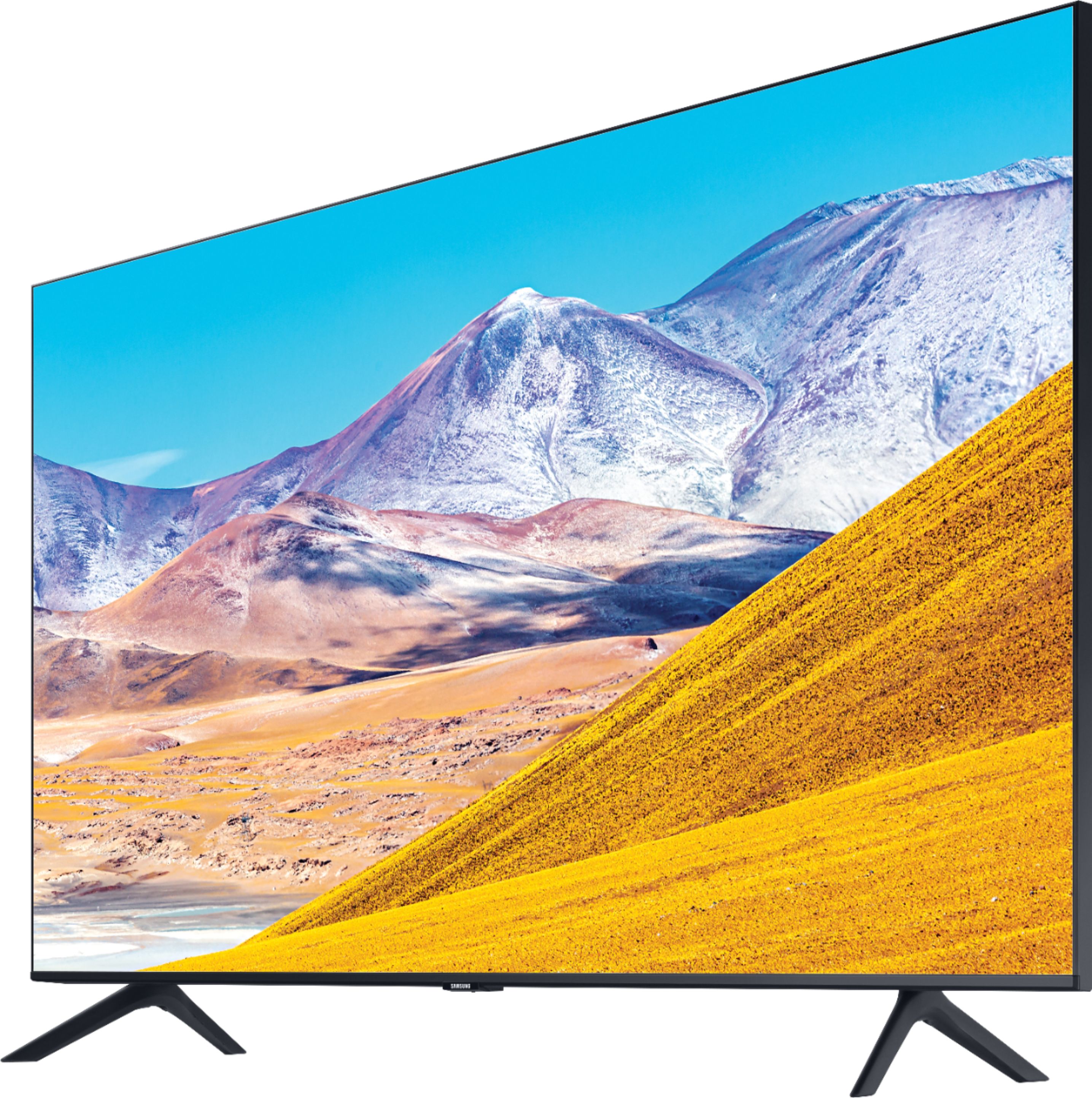
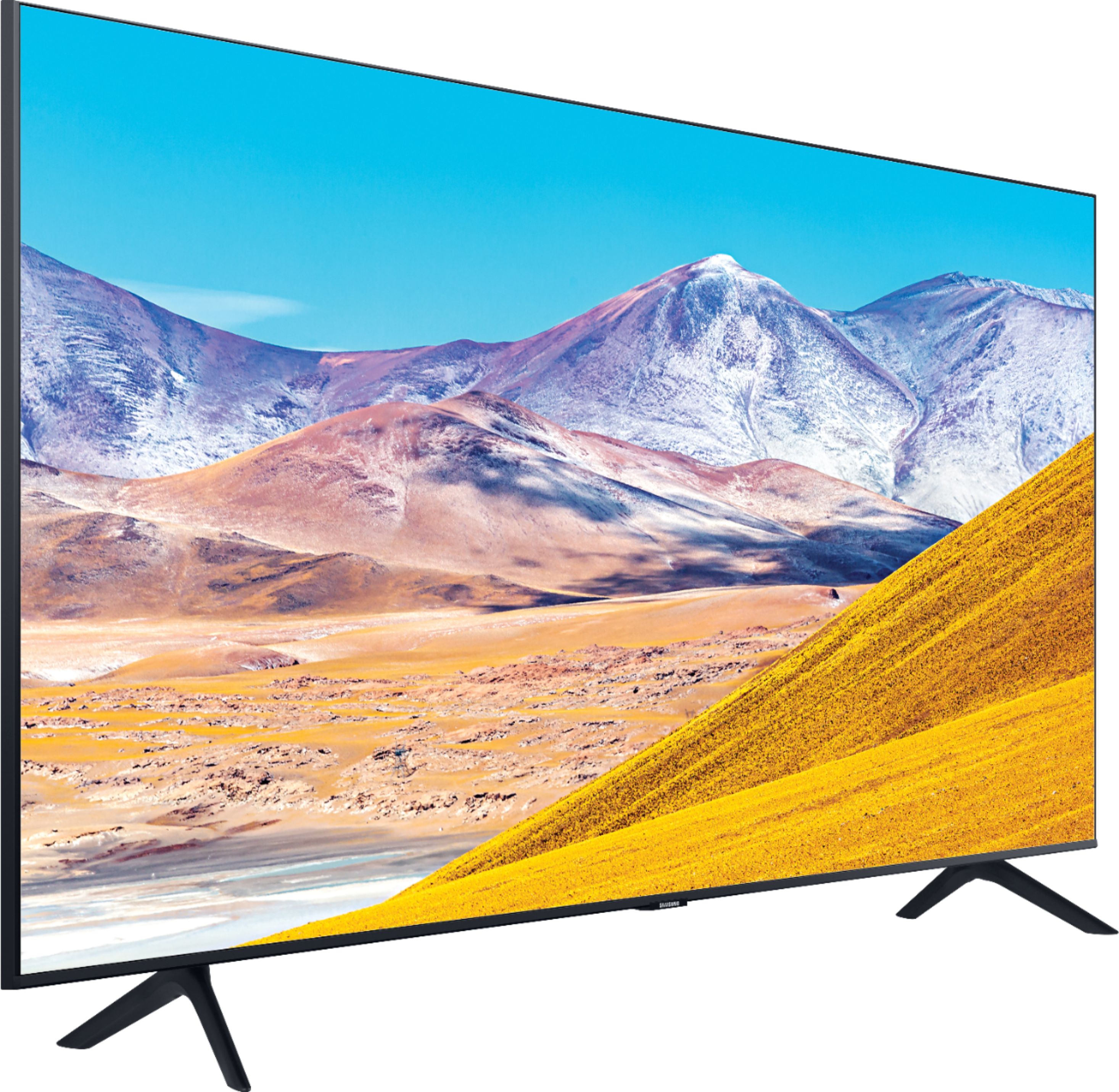
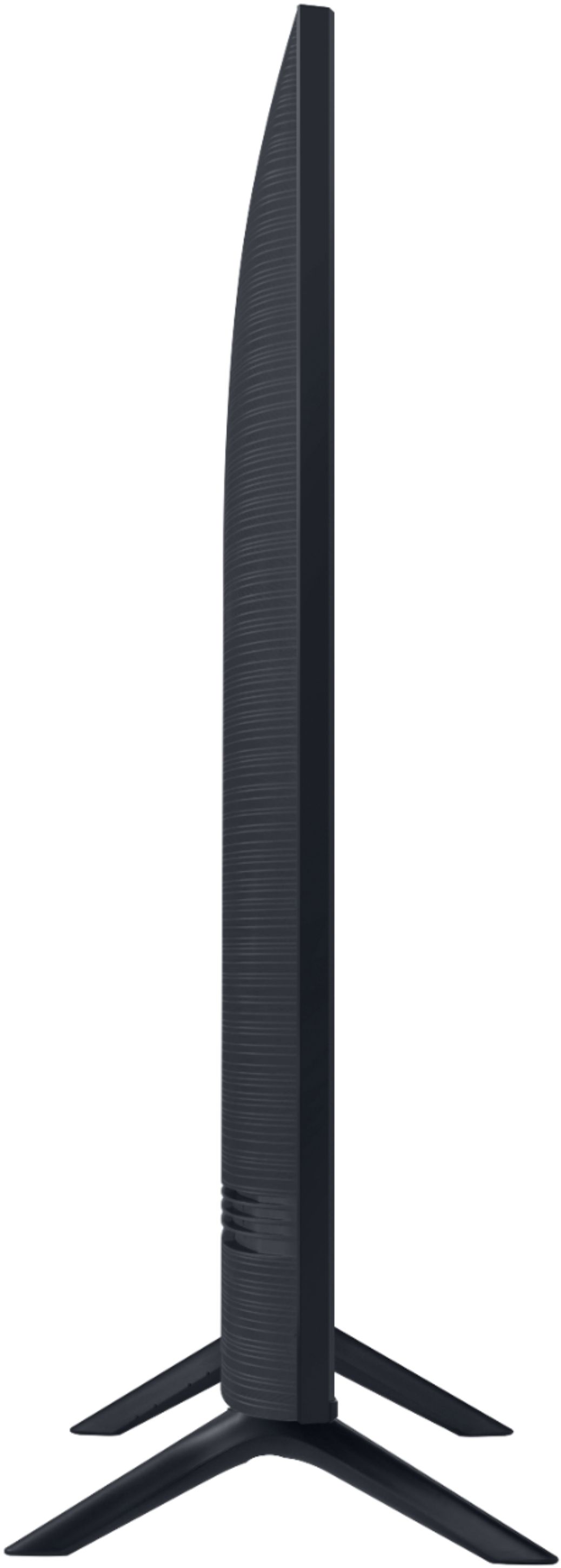

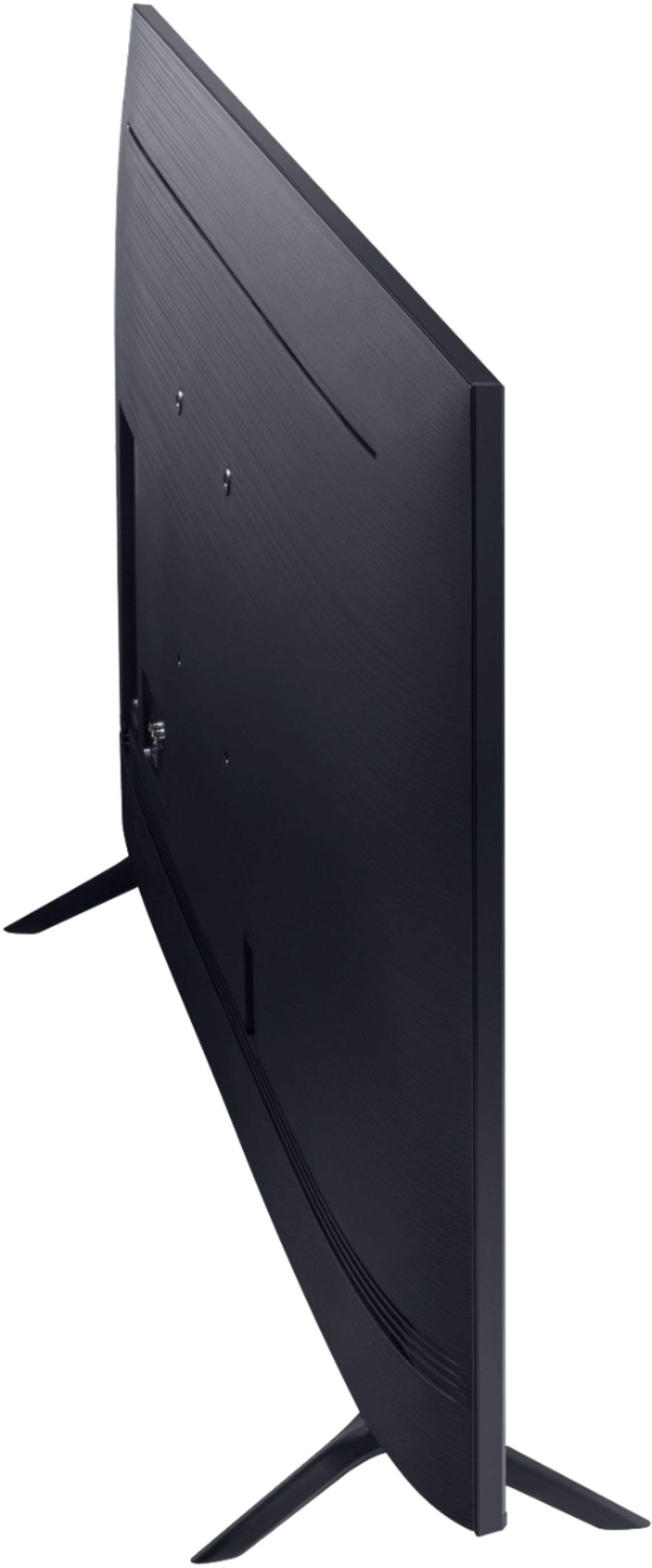
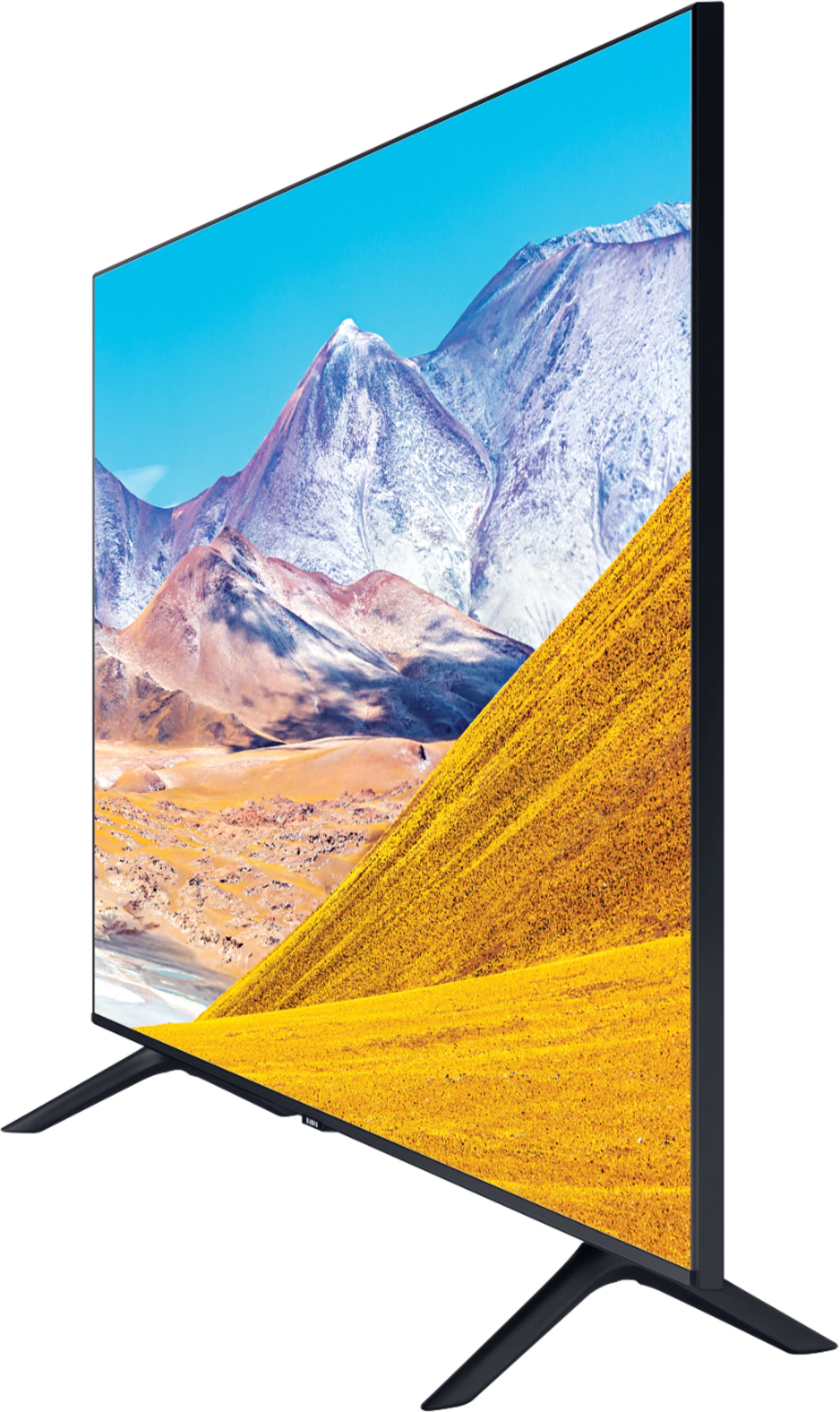
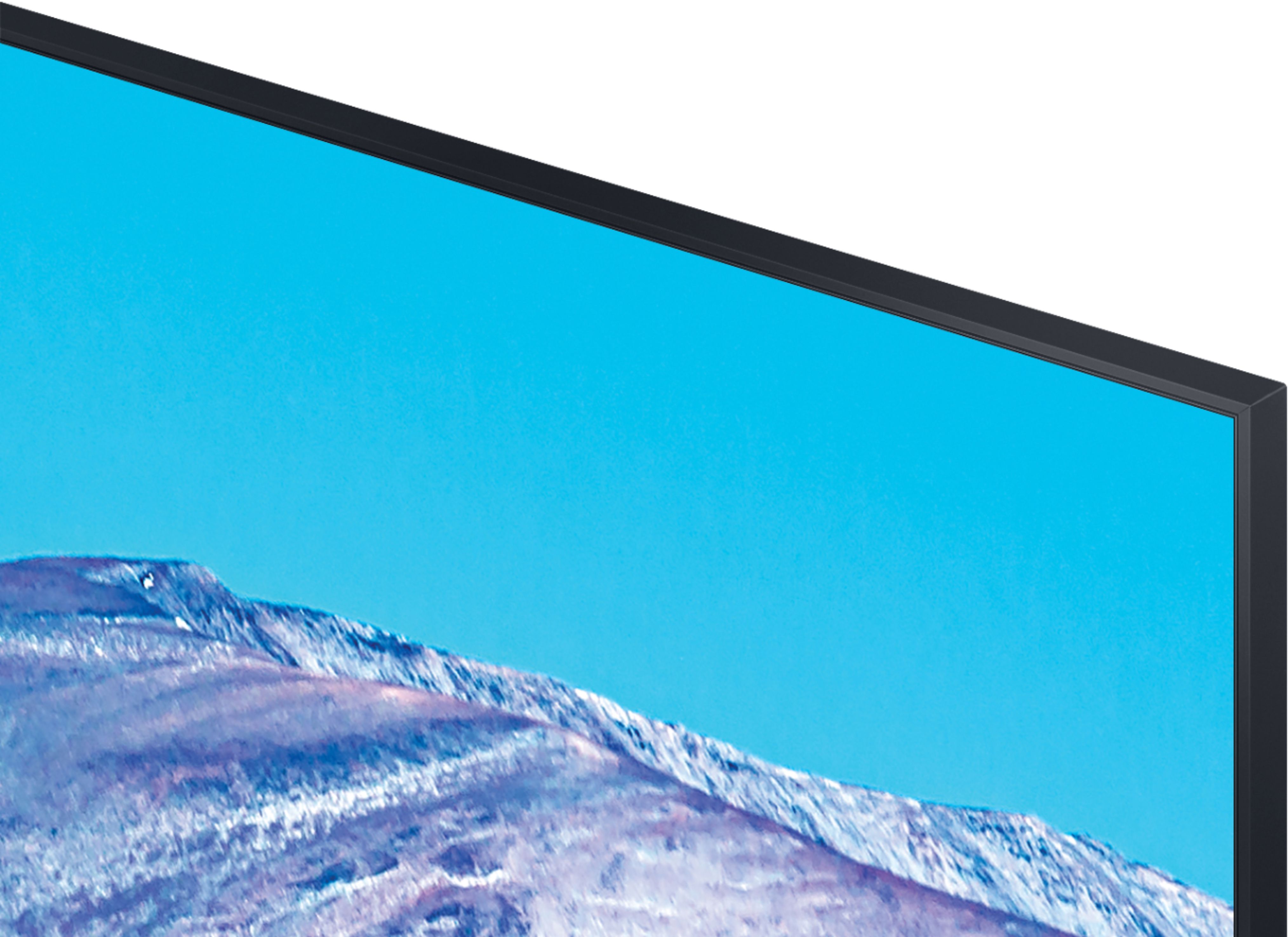








- Model:
- UN65TU8000FXZA
- SKU:
- 6401718
Rating by feature
- Picture Quality
Rating 4.6 out of 5 stars
- Sound Quality
Rating 4.3 out of 5 stars
- Brightness
Rating 4.6 out of 5 stars
Customers are saying
Customers are pleased with the picture quality, easy setup, price, color, and size of the 65" Class 8 Series LED 4K UHD Smart Tizen TV. They appreciate the amazing clarity of the picture, the great sound quality, and the simplicity of setting up the TV. The TV is also seen as a great value for its price. However, some customers have expressed concerns about the remote control, connectivity issues, refresh rate, and limited number of HDMI ports.
This summary was generated by AI based on customer reviews.
Not worth the price
||Posted . Owned for less than 1 week when reviewed.This reviewer received promo considerations or sweepstakes entry for writing a review.This tv is definitely an entry-level product. I purchased this tv and set it up, which was very simple, and immediately noticed an issue. The volume would continually increase itself to 100 every 2-3 minutes without cause. I was able to remove the internal speaker setup and pair it to my soundbar but this didn't fix the volume increasing issue. Fast forward to movie time with the family and the lack of refresh caused our animated family-movie to blur constantly. A few tweaks of the settings but to no avail. I returned the product the next day and went with a competitor's product. Overall, the tv seems like a good deal for the price but the technical issues and blurring made it un-usable.
No, I would not recommend this to a friendBrand response from Samsung
Posted .NewtoLG:
Thank you for sharing your review of the Samsung TU8000. I am very sorry that issues with your TV have caused you to return it. I completely understand your disappointment.
It is possible that your unit was either defective or required adjustments in settings. Nonetheless, I do sincerely apologize for the let-down.
Should you ever decide to give Samsung TVs another try and have questions or need assistance with settings, setup, or features, please know we are always here to help.
1) Phone: 1-800-SAMSUNG (ask for TVs), available 8AM – 12AM EST 7 days a week
2) LiveChat: https://www.samsung.com/us/support/#contact_us_for_support
3) Facebook Messenger: https://www.facebook.com/samsungsupport
4) Twitter: https://twitter.com/SamsungSupport
5) The Samsung Members Community is also a great resource for getting help from Samsung moderators and customers: https://us.community.samsung.com
If you have not already done so, we invite you to register your new Samsung product at: https://www.samsung.com/us/account/signin/?redirect=https%3A%2F%2Fwww.samsung.com%2Fus%2Fsupport%2Fregister%2F
Registering your product gives you access to easy warranty support, convenient opt-in to special promos and offers, faster troubleshooting and service, and quick notification of system updates.
~ Samsung Solutions
Samsung tv
||Posted .This reviewer received promo considerations or sweepstakes entry for writing a review.Light bleed on the top left and right corner of the screen and the interface has built in adds which is ridiculous.
No, I would not recommend this to a friend- Pros mentioned:Picture quality
Constantly has to be reset to connect to internet
||Posted . Owned for 3 weeks when reviewed.This reviewer received promo considerations or sweepstakes entry for writing a review.Great picture. But after only 3 weeks, we have to soft reset multiple times a day.
No, I would not recommend this to a friendBrand response from Samsung
Posted .Jesse,
I am very sorry that you are having some Wi-Fi connection issues with your TU8000 TV.
You may want to try these trouble-shooting steps:
1) Check the distance between the TV and your modem or access point. The distance should not exceed 50 ft. (15.2 m).
2) Minimize interference by not using or turning off wireless devices. Also, verify that there are no obstacles between the TV and the modem or access point. (WiFi strength can be decreased by appliances, cordless phones, stone walls/fireplaces, etc.)
3) Perform a network test to check if there is a network problem.
Press the Home button on your remote. Navigate to Settings >Support> Device Care> Self Diagnosis> Smart Hub Connection Test
Detailed troubleshooting instructions can be found on page 182 of the E-Manual:
https://downloadcenter.samsung.com/content/UM/202006/20200618112841534/NIKATSCT-3.0.7_EM_NIKE_USA_ENG_200527.0.pdf
If the test concludes that the unit needs service, please contact us via any of the following options:
1) Phone: 1-800-SAMSUNG, available 8AM – 12AM EST 7 Days A Week
2) LiveChat: https://www.samsung.com/us/support/#contact_us_for_support
3) Facebook Messenger: https://www.facebook.com/samsungsupport
4) Twitter: https://twitter.com/SamsungSupport
Have you registered your new Samsung TV with us? If not, we invite you to do so at: https://www.samsung.com/us/account/signin/?redirect=https%3A%2F%2Fwww.samsung.com%2Fus%2Fsupport%2Fregister%2F, and gain access to easy warranty support, convenient opt-in to special promos & offers, faster troubleshooting & service, and quick notification of system updates.
-Samsung Ambassador
65
||Posted . Owned for 3 weeks when reviewed.This reviewer received promo considerations or sweepstakes entry for writing a review.Too basic. Slow. It doesn't have hi tech features I should have waited and buy the more advanced one.
No, I would not recommend this to a friendNot compatible
||Posted . Owned for 3 months when reviewed.This reviewer received promo considerations or sweepstakes entry for writing a review.Ok tv but it doesn't work through ARC with my Sony AVR. Not sure if it is a Samsung thing or a Sony thing.
No, I would not recommend this to a friend- Pros mentioned:Picture quality
Poor craftsmanship
||Posted . Owned for 3 weeks when reviewed.This reviewer received promo considerations or sweepstakes entry for writing a review.I have always bought and owned Samsung TVs. This one however let me down. I had purchased this brand new and it quit working within 3 weeks. Would not turn on or nothing. The picture quality was awesome, when it worked and it was a great price.
No, I would not recommend this to a friendBrand response from Samsung
Posted .Beardedwonder,
Thank you for being a loyal Samsung customer.
I apologize for the letdown you have had with your TU8000 TV.
Please try the following troubleshooting steps:
(1) Make sure that the AC power cord is securely plugged in to the TV and the wall outlet.
(2) Make sure that the wall outlet is working and the power indicator at the bottom of the TV is lit and glowing a solid red. If it is off, the TV either does not have power, or it is on and the screen is black. If it is blinking, your TV may need service.
(3) Try pressing the TV Controller button at the bottom of the TV to make sure that the problem is not with the remote control.
(4) If the TV turns on, your issue may be with the remote control
If your issue persists, please contact Samsung Customer Support, and a representative will gladly assist you.
You can reach us via any of the options here:
1) Phone: 1-800-SAMSUNG (ask for TVs), available 8AM – 12AM EST 7 days a week
2) LiveChat: https://www.samsung.com/us/support/#contact_us_for_support
3) Facebook Messenger: https://www.facebook.com/samsungsupport
4) Twitter: https://twitter.com/SamsungSupport
If you have not already done so, we invite you to register your new Samsung product at:
https://www.samsung.com/us/account/signin/?redirect=https%3A%2F%2Fwww.samsung.com%2Fus%2Fsupport%2Fregister%2F&user=dsr-registration
Registering your product gives you access to easy warranty support, convenient opt-in to special promos and offers, faster troubleshooting and service, and quick notification of system updates.
-Samsung Ambassador
Decent visuals, horrific motion
||Posted . Owned for 2 weeks when reviewed.This reviewer received promo considerations or sweepstakes entry for writing a review.I’ll just get this out right away, I am unbelievably unhappy with this purchase so far. For the positives, it has a nice look to the tv and the color, for what I was able to adjust, has been good for cartoons and basic tv shows. For anything with any kind of motion, whether sports (which has been re-airing of old telecasts given the current social situation) or even movies with fast scenes, the motion and picture is nearly unwatchable. The stuttering and picture “jumping around,” and essentially the motion processing is atrocious. I’ve tried adjusting the settings every which way it will allow me (which is more limited from previous series 8s) to no avail. I am disappointed and frustrated considering my positive experiences with previous Samsung TVs, a series 8 from 2016 and an older plasma TV from like 2013 both of which I still use. This tv almost feels like a cheap knock off using the Series 8 even though it’s really their basic tv. Do not buy this tv if you bought previous Series 8 TVs and are expecting a similar experience, this is a lesser series that has been given the 8 name only.
No, I would not recommend this to a friendBrand response from Samsung
Posted .boxcar,
Thank you for sharing your feedback with us.
I am sorry to hear that you are not satisfied with the motion image of your TU8000 crystal UHD TV.
Have you tried Auto Motion Plus? It is a feature designed to eliminate blur and judder on an LED TV, specifically in fast moving images.
You can change Auto Motion Plus settings by following these steps:
1) With the TV powered on, press the Home button on the Samsung remote to open the Home screen
2) Then select Settings > Picture > Expert Settings > Picture Clarity Settings
3) Then you will see the following three options:
a) Off: Picture Clarity Settings will always be off
b) Auto: Picture Clarity Settings will automatically activate and deactivate based on the type of program being watched
c) Custom: Allows custom adjustments and settings to be used
4) By selecting the Custom option, you can access these advanced settings:
a) Judder Reduction: Use the directional keys on the remote to adjust the Judder setting
b) LED Clear Motion: Select to turn On/Off/Auto
c) Noise Reduction: Select to turn Auto/Off
Should you need further assistance with features or other product usage, please reach out to Samsung Support and an agent will gladly assist you.
You can reach us via any of the below options:
1) Phone: 1-800-SAMSUNG (ask for TVs) Available 8AM – 9PM EST (Mon-Fri)
2) LiveChat: https://www.samsung.com/us/support/#contact_us_for_support
3) Facebook Messenger: https://www.facebook.com/samsungsupport
4) Twitter: https://twitter.com/SamsungSupport
Thank you for sharing your feedback with us.
Have you tried Auto Motion Plus? It is a feature designed to eliminate blur and judder on an LED TV, specifically in fast moving images.
You can change Auto Motion Plus settings by following these steps:
1) With the TV powered on, press the Home button on the Samsung remote to open the Home screen
2) Then select Settings > Picture > Expert Settings > Picture Clarity Settings
3) Then you will see the following three options:
a) Off: Picture Clarity Settings will always be off
b) Auto: Picture Clarity Settings will automatically activate and deactivate based on the type of program being watched
c) Custom: Allows custom adjustments and settings to be used
4) By selecting the Custom option, you can access these advanced settings:
a) Judder Reduction: Use the directional keys on the remote to adjust the Judder setting
b) LED Clear Motion: Select to turn On/Off/Auto
c) Noise Reduction: Select to turn Auto/Off
Should you need further assistance with features or other product usage, please reach out to Samsung Support and an agent will gladly assist you.
You can reach us via any of the below options:
1) Phone: 1-800-SAMSUNG (ask for TVs) Available 8AM – 9PM EST (Mon-Fri)
2) LiveChat: https://www.samsung.com/us/support/#contact_us_for_support
3) Facebook Messenger: https://www.facebook.com/samsungsupport
4) Twitter: https://twitter.com/SamsungSupport
If you have not already done so, we invite you to register your new Samsung product at: https://www.samsung.com/us/account/signin/?redirect=https%3A%2F%2Fwww.samsung.com%2Fus%2Fsupport%2Fregister%2F
Registering your product gives you access to easy warranty support, convenient opt-in to special promos and offers, faster troubleshooting and service, and quick notification of system updates.
-Samsung Ambassador
I cant hear u
||Posted . Owned for 1.5 years when reviewed.This reviewer received promo considerations or sweepstakes entry for writing a review.Sound is not good low and sound rakes a while to come in
No, I would not recommend this to a frienddid not work
||Posted . Owned for 1 month when reviewed.This reviewer received promo considerations or sweepstakes entry for writing a review.after the first day, it did not turn on anymore. Not satisfied
No, I would not recommend this to a friendBrand response from Samsung
Posted .Pooya:
Thank you for purchasing the Samsung TU8000 TV. I am very sorry that you are experiencing issues turning your TV on. Please try the following troubleshooting steps:
1) Make sure that the AC power cord is securely plugged in to the TV and the wall outlet.
2) Make sure that the wall outlet is working and the power indicator at the bottom of the TV is lit and glowing a solid red. If it is off, the TV either does not have power, or it is on and the screen is black. If it is blinking, your TV may need service.
3) Try pressing the TV Controller button at the bottom of the TV to make sure that the problem is not with the remote control.
4) If the TV turns on, your issue may be with the remote control
If your issue persists, please contact our TV Support via:
1) Phone: 1-800-SAMSUNG (ask for TVs), available 8AM – 12AM EST 7 days a week
2) LiveChat: https://www.samsung.com/us/support/#contact_us_for_support
3) Facebook Messenger: https://www.facebook.com/samsungsupport
4) Twitter: https://twitter.com/SamsungSupport
5) The Samsung Members Community is also a great resource for getting help from Samsung moderators and customers: https://us.community.samsung.com
If you have not already done so, we invite you to register your new Samsung product at: https://www.samsung.com/us/account/signin/?redirect=https%3A%2F%2Fwww.samsung.com%2Fus%2Fsupport%2Fregister%2F
Registering your product gives you access to easy warranty support, convenient opt-in to special promos and offers, faster troubleshooting and service, and quick notification of system updates.
~ Samsung Solutions
Average TV
||Posted . Owned for 2 weeks when reviewed.This reviewer received promo considerations or sweepstakes entry for writing a review.I expected more color and contrast. I wound up returning it and getting a Samsung QLED. Much happier now.
No, I would not recommend this to a friendBrand response from Samsung
Posted .Jake,
I am sorry to hear that you were not satisfied with the TU8000 TV and had returned it.
Should you have any questions, or need assistance with your QLED TV, feel free to contact our Customer Support via any of these options:
1) Phone: 1-800-SAMSUNG (ask for TVs), available 8AM – 12AM EST 7 days a week
2) LiveChat: https://www.samsung.com/us/support/#contact_us_for_support
3) Facebook Messenger: https://www.facebook.com/samsungsupport
4) Twitter: https://twitter.com/SamsungSupport
5) The Samsung Members Community is also a great resource for getting help from Samsung moderators and customers: https://us.community.samsung.com
If you have not already done so, we invite you to register your new Samsung product at: https://www.samsung.com/us/account/signin/?redirect=https%3A%2F%2Fwww.samsung.com%2Fus%2Fsupport%2Fregister%2F
Registering your product gives you access to easy warranty support, convenient opt-in to special promos and offers, faster troubleshooting and service, and quick notification of system updates.
Thank you for choosing Samsung
-Samsung Ambassador
tv
||Posted .This reviewer received promo considerations or sweepstakes entry for writing a review.for a first time purchase of this brand I can say it is useful but does have glitches from time to time
No, I would not recommend this to a friendNot sure
||Posted .This reviewer received promo considerations or sweepstakes entry for writing a review.Best Buy had a better, more available selection. The Csr that helped us was very informative and friendly
I would recommend this to a friendBrand response from Samsung
Posted .Jrg74bb,
Thank you for purchasing this Samsung TV. I am sorry to hear that you are experiencing issues.
So that we can better troubleshoot this issue and provide steps towards a solution, I invite you to please contact Samsung TV Support at:
1) Phone: 1-800-SAMSUNG (ask for TVs), available 8AM – 12AM EST 7 days a week
2) LiveChat: https://www.samsung.com/us/support/#contact_us_for_support
3) Facebook Messenger: https://www.facebook.com/samsungsupport
4) Twitter: https://twitter.com/SamsungSupport
If you have not already done so, we invite you to register your new Samsung product at:
https://www.samsung.com/us/account/signin/?redirect=https%3A%2F%2Fwww.samsung.com%2Fus%2Fsupport%2Fregister%2F&user=dsr-registration
Registering your product gives you access to easy warranty support, convenient opt-in to special promos and offers, faster troubleshooting and service, and quick notification of system updates.
We look forward to hearing from you soon
-Samsung Ambassador
Not happy
||Posted . Owned for 3 months when reviewed.This reviewer received promo considerations or sweepstakes entry for writing a review.Speaker is not good at all, volume has to be up to 35 to hear it well. Had to buy a soundbar
No, I would not recommend this to a friendBrand response from Samsung
Posted .Deena:
Thank you for purchasing the Samsung TU8000 TV and for your review. I am sorry to hear that you are experiencing issues with low volume. One possible cause for the low volume is the source. Some sources have their own volume control which might be set too low.
Please check the volume control of the external device (cable box or satellite box, DVD, Blu-ray, etc.) connected to your TV. Also, check the cable connection between an external device and the TV and then try cable connection again.
We recommend you try a Sound Test under Support > Self Diagnosis > Start Sound Test.
Another way to check the source volume is to test an internal streaming source like Netflix or YouTube to compare.
You may also want to select from several Sound Modes and advanced settings to meet your personal preferences. Press the Home button on your remote, and then navigate to Settings > Sound > Sound Mode
I hope this helps improve your audio experience. Should you need further assistance or have any questions, please contact Samsung Customer Support.
1) Phone: 1-800-SAMSUNG (ask for TVs), available 8AM – 12AM EST 7 days a week
2) LiveChat: https://www.samsung.com/us/support/#contact_us_for_support
3) Facebook Messenger: https://www.facebook.com/samsungsupport
4) Twitter: https://twitter.com/SamsungSupport
5) The Samsung Members Community is also a great resource for getting help from Samsung moderators and customers: https://us.community.samsung.com
If you have not already done so, we invite you to register your new Samsung product at: https://www.samsung.com/us/account/signin/?redirect=https%3A%2F%2Fwww.samsung.com%2Fus%2Fsupport%2Fregister%2F
Registering your product gives you access to easy warranty support, convenient opt-in to special promos and offers, faster troubleshooting and service, and quick notification of system updates.
~ Samsung Solutions
Samsung TV
||Posted . Owned for 1 month when reviewed.This reviewer received promo considerations or sweepstakes entry for writing a review.Bought TV U did not have, some due in that day, sales said could not pay and have one saved have to order, came back 2 days later canceled order bought one that had come in. Rep. did not credit first order got statement charged 4, 2 TVs . Could not contact store by phone had 2 make hour long trip 2 store 2 straighten out.
I would recommend this to a friend- Pros mentioned:Picture quality
Great for to watch
||Posted . Owned for 3 weeks when reviewed.This reviewer received promo considerations or sweepstakes entry for writing a review.Sound is great. Sound is great. Sound is great. Sound is great
I would recommend this to a friend Tv 65 inch
||Posted . Owned for 3 weeks when reviewed.This reviewer received promo considerations or sweepstakes entry for writing a review.The price was great deal but, it's not very clear, i rather choose to do 9 series
I would recommend this to a friendDecent
||Posted . Owned for 3 weeks when reviewed.This reviewer received promo considerations or sweepstakes entry for writing a review.Corners of TV brighter than the rest which can be a bother. Good quality other than that
No, I would not recommend this to a friendBrand response from Samsung
Posted .David:
Thank you for purchasing the Samsung TU8000 TV and for your review. I am very sorry to hear that the corners of your image are brighter than the rest. Samsung Direct Full Array Backlighting controls the backlight more precisely for deeper blacks and less blooming.
Please give us the opportunity to assist you with image quality adjustments tailored to your preferred viewing experience. You can reach us via any of the following options:
1) Phone: 1-800-SAMSUNG (ask for TVs), available 8AM – 12AM EST 7 days a week
2) LiveChat: https://www.samsung.com/us/support/#contact_us_for_support
3) Facebook Messenger: https://www.facebook.com/samsungsupport
4) Twitter: https://twitter.com/SamsungSupport
5) The Samsung Members Community is also a great resource for getting help from Samsung moderators and customers: https://us.community.samsung.com
If you have not already done so, we invite you to register your new Samsung product at: https://www.samsung.com/us/account/signin/?redirect=https%3A%2F%2Fwww.samsung.com%2Fus%2Fsupport%2Fregister%2F
Registering your product gives you access to easy warranty support, convenient opt-in to special promos and offers, faster troubleshooting and service, and quick notification of system updates.
~ Samsung Solutions
Tv
||Posted . Owned for 4 months when reviewed.This reviewer received promo considerations or sweepstakes entry for writing a review.Not sure what’s going on but it’s TV colors are green have to call the geek squad I guess
No, I would not recommend this to a friendPoor dark contrast
||Posted . Owned for 1 month when reviewed.This reviewer received promo considerations or sweepstakes entry for writing a review.Even with max brightness (which isn’t very bright), dark/black objects do not contrast well.
No, I would not recommend this to a friendBrand response from Samsung
Posted .KingKong8,
Thank you for your purchase and review.
I am sorry that you are not happy with the picture performance of your TU8000 TV.
You can try adjusting the picture setting to your liking by going to Settings-Picture Expert Settings, and then adjust Contrast, Color, Brightness, and Tint.
We also recommend you check if Power Saving Mode has been enabled.
Go to Settings> General> Eco Solution> Power Saving Mode.
I hope this helps to solve your issue.
For further assistance, please contact Samsung TV Support at:
1) Phone: 1-800-SAMSUNG (ask for TVs), available 8AM – 12AM EST 7 days a week
2) LiveChat: https://www.samsung.com/us/support/#contact_us_for_support
3) Facebook Messenger: https://www.facebook.com/samsungsupport
4) Twitter: https://twitter.com/SamsungSupport
If you have not already done so, we invite you to register your new Samsung product at:
https://www.samsung.com/us/account/signin/?redirect=https%3A%2F%2Fwww.samsung.com%2Fus%2Fsupport%2Fregister%2F&user=dsr-registration
Registering your product gives you access to easy warranty support, convenient opt-in to special promos and offers, faster troubleshooting and service, and quick notification of system updates.
Again, thank you for taking the time to share your thoughts. Your feedback helps us continuously deliver best-in-class products and service.
-Samsung Ambassador
Terrible extended warranty experience beware and r
||Posted . Owned for 11 months when reviewed.This reviewer received promo considerations or sweepstakes entry for writing a review.I would this 0 stars of i could, i have to say the sale was great, samsung right?!, even got the extended warranty because BestBuy has been great, right?! Be careful, this is having spots, shades of color darker than others, and oh btw the extended warranth is now a 3rd party contract and i have to say, ot please at all, got an appointment last week for today 7/12, i take the day off, and wasted my entire day, i didnt even get a call, and the company tells me "well best buy confirmed the appointment with you, ut the date and time wasnt given by us", im like what!? I am highly, highly disappointed, and if BestBuy is doing business like this, i eant no part of it, i will not be buying a tv again from BestBuy after this terrible, terrible experience, in my mind this is not good business, i am a "elite" bestbuy member, AM I REALLY?!
No, I would not recommend this to a friend