Customer Ratings & Reviews
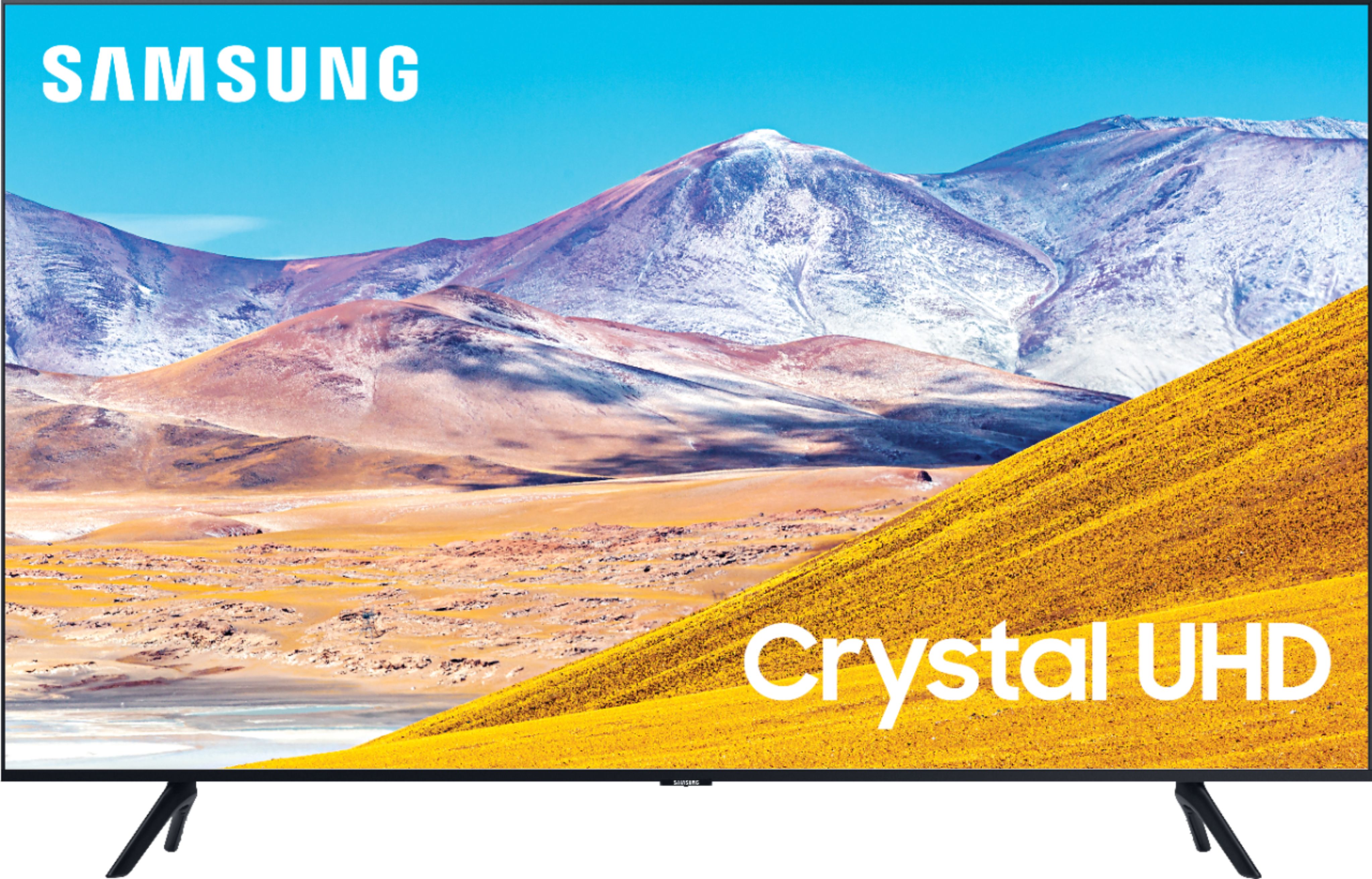
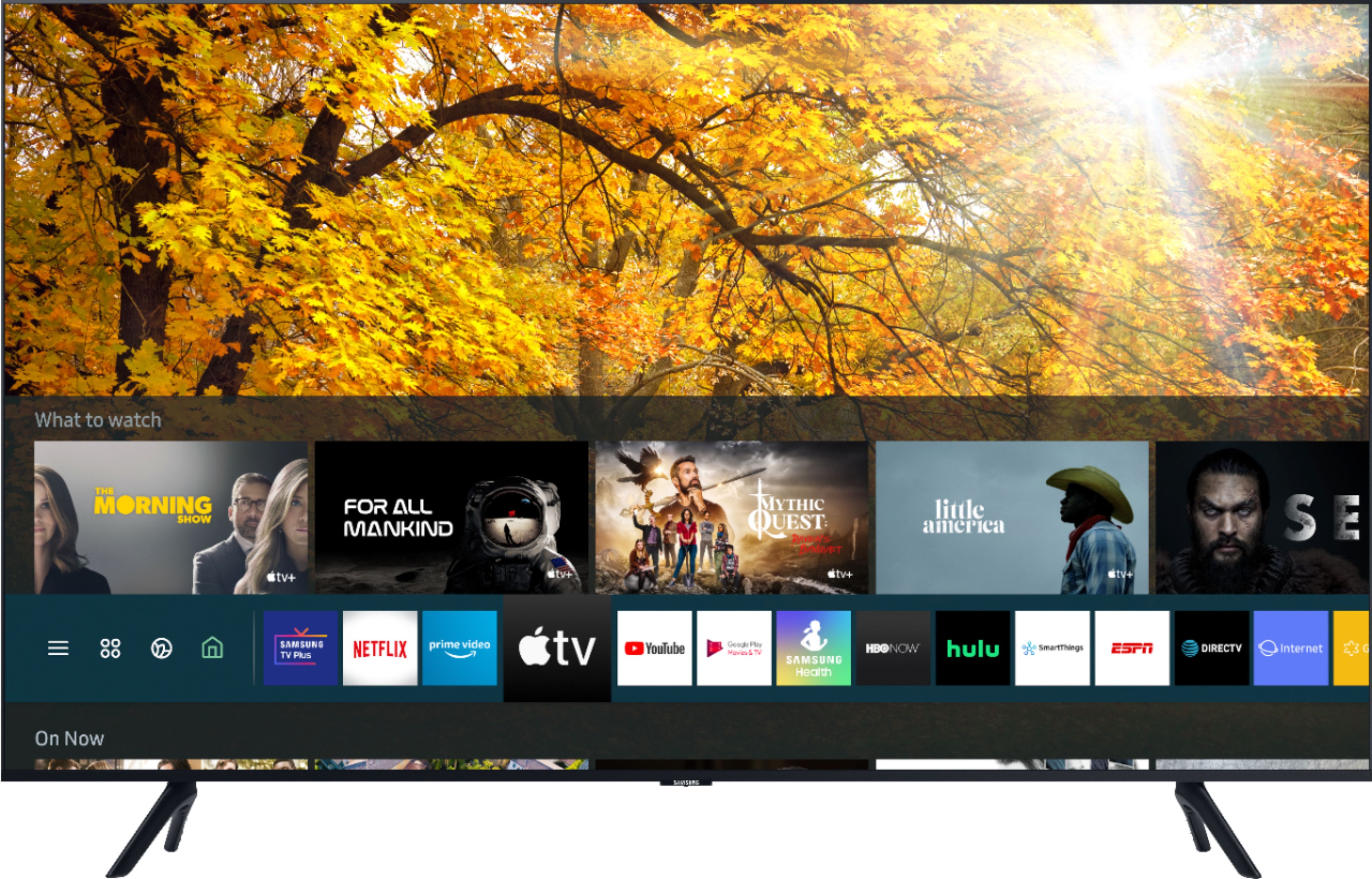
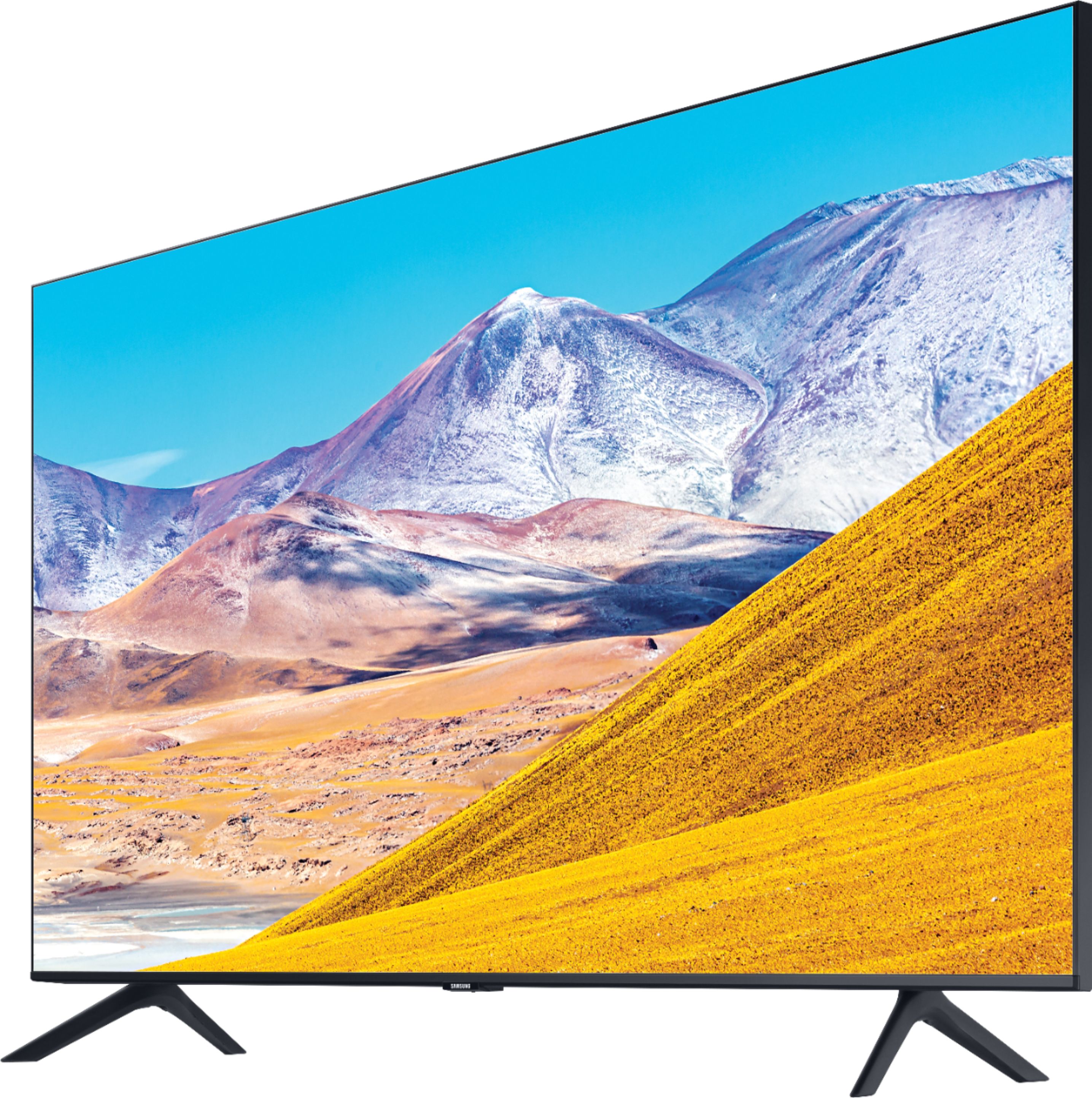
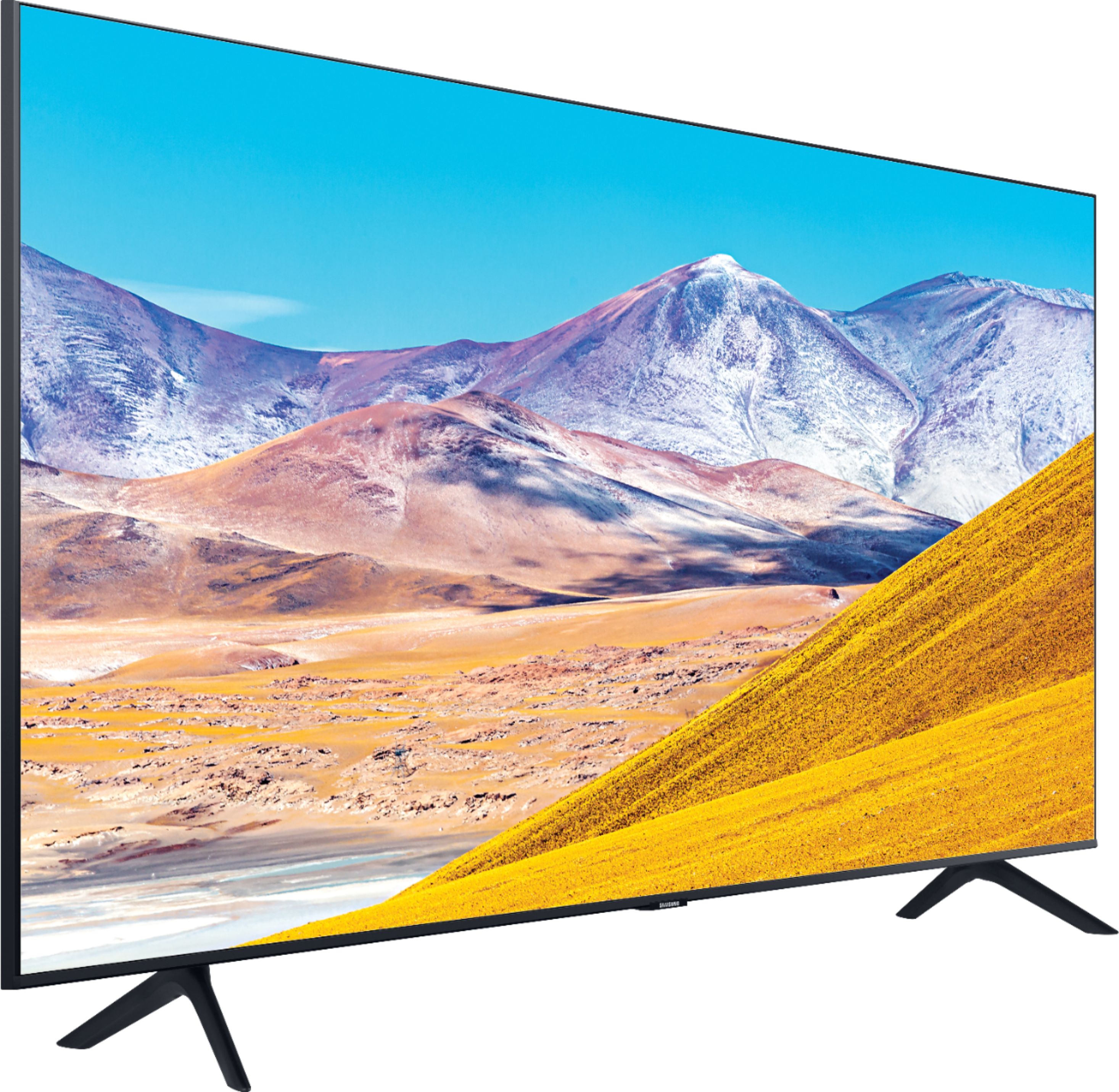
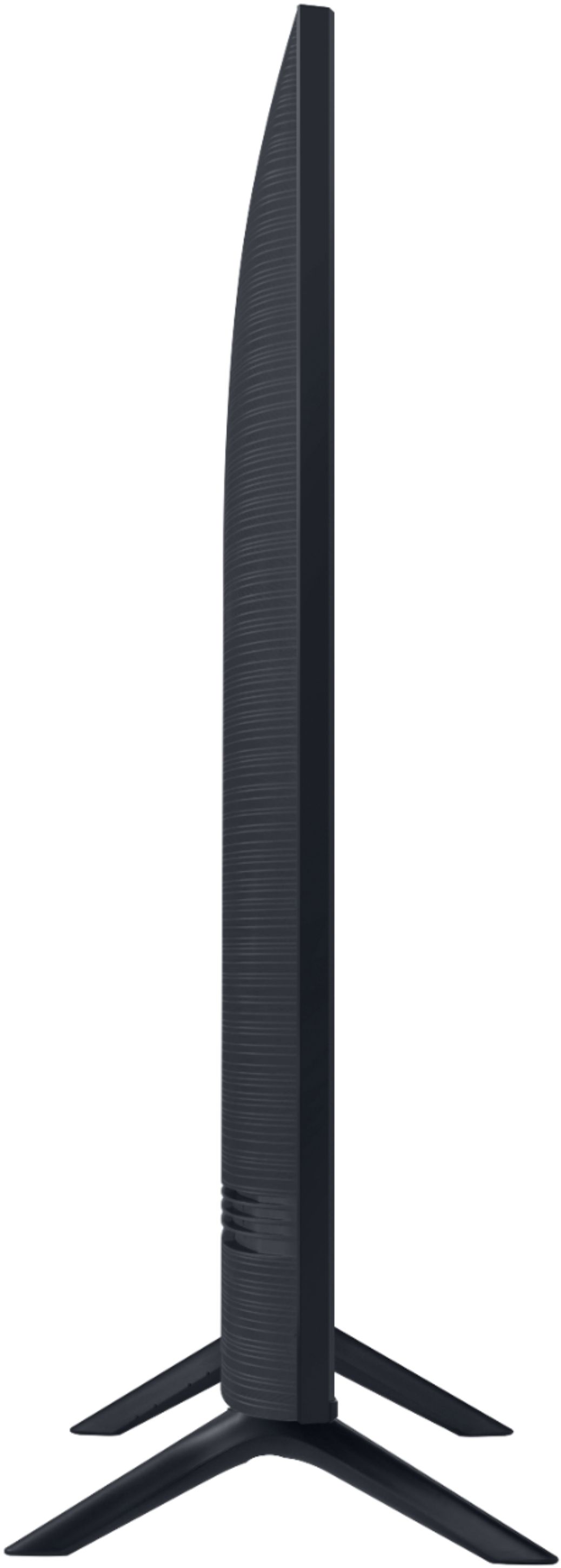

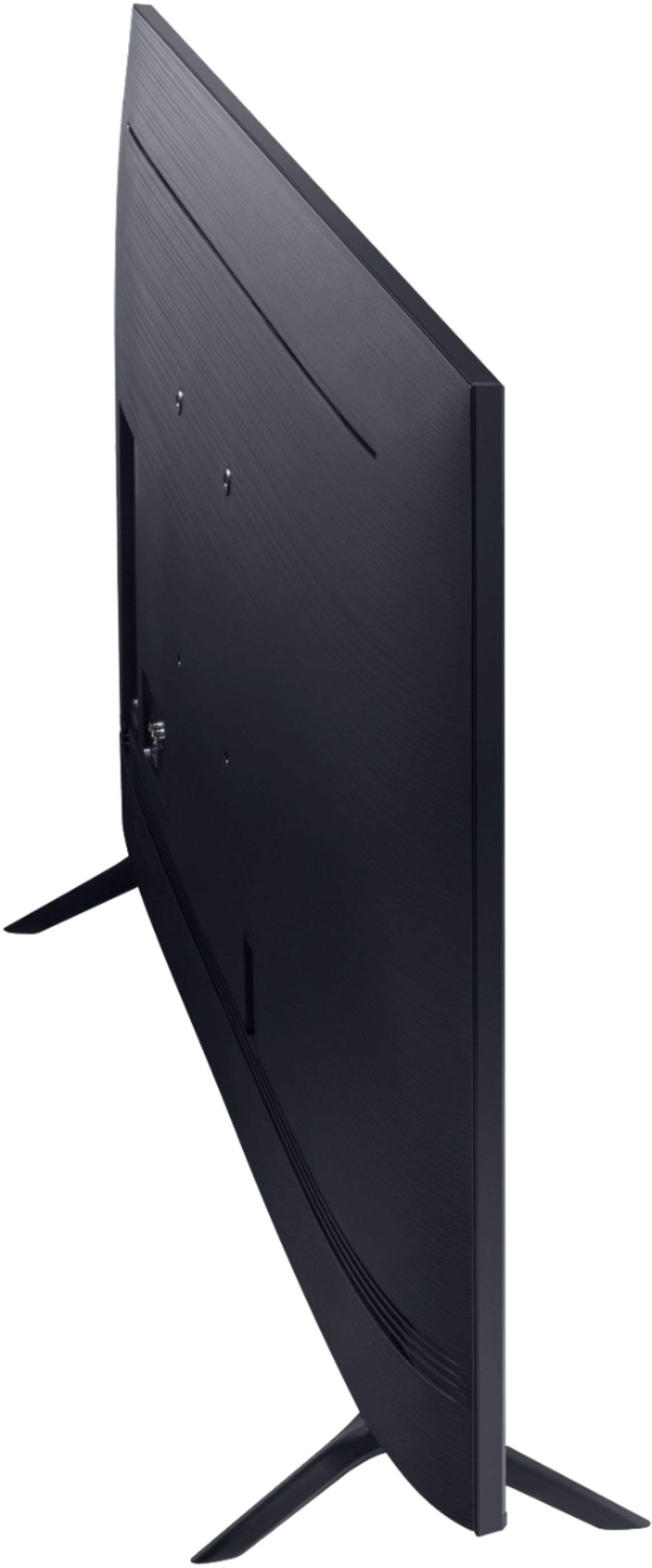
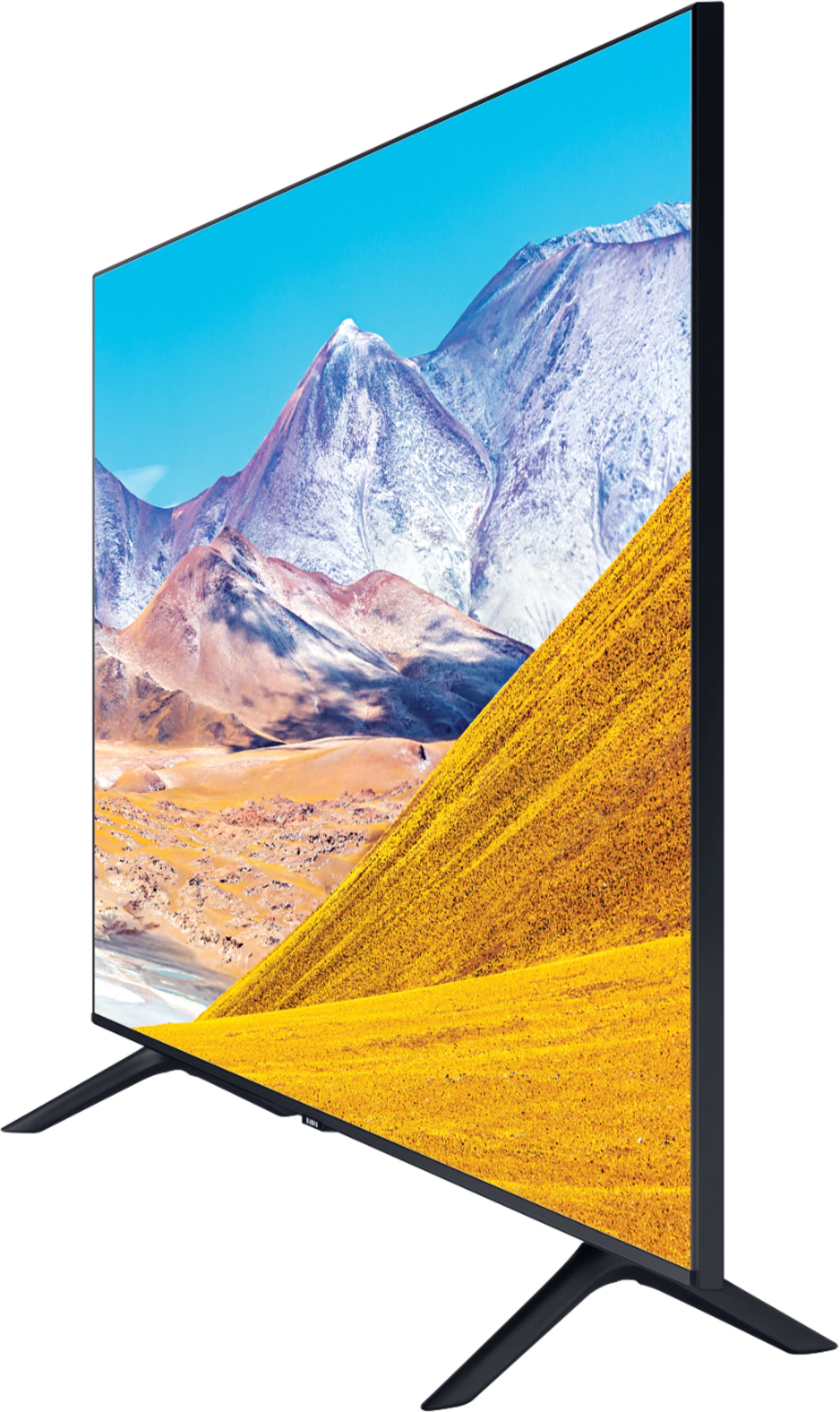
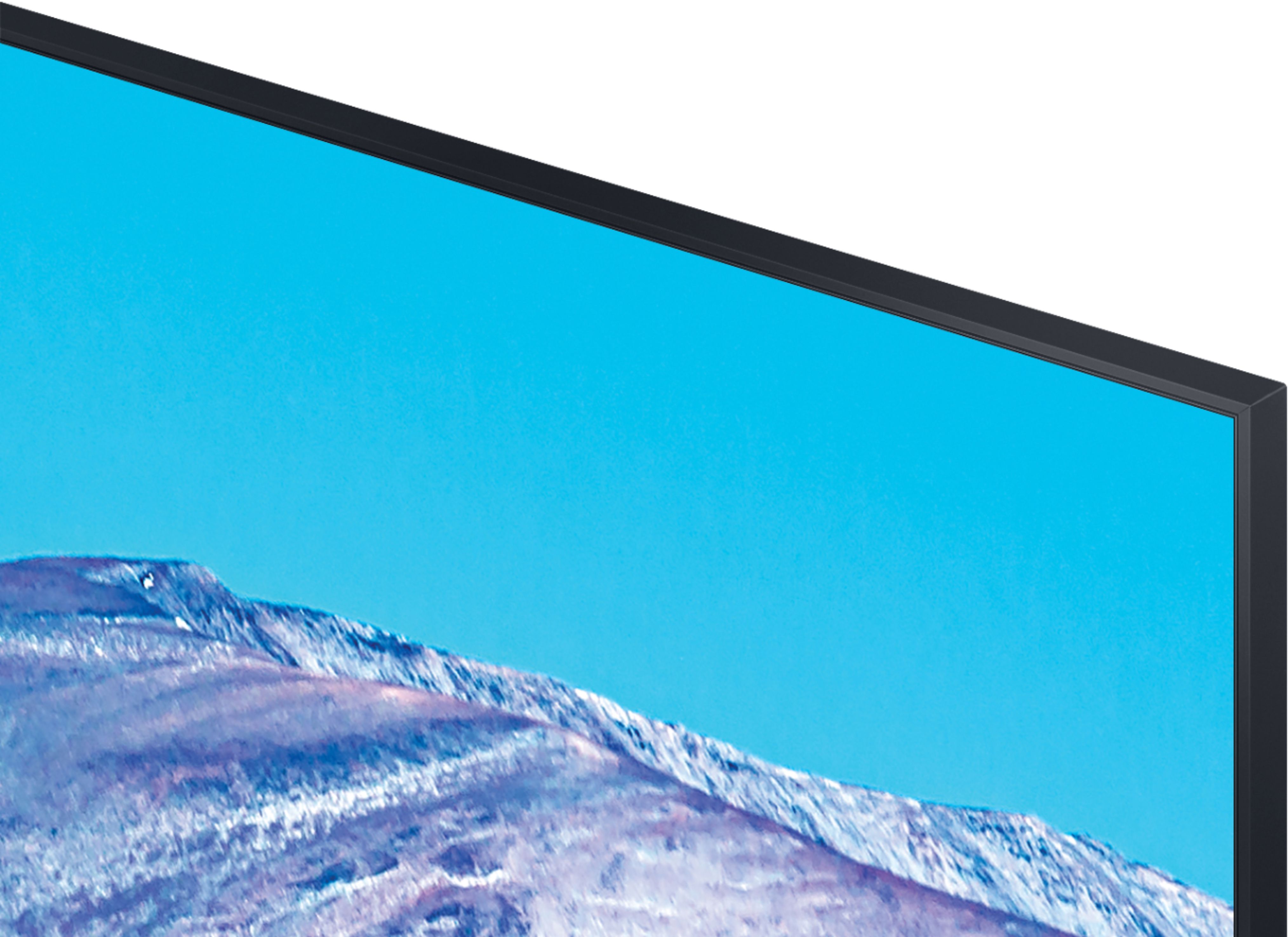
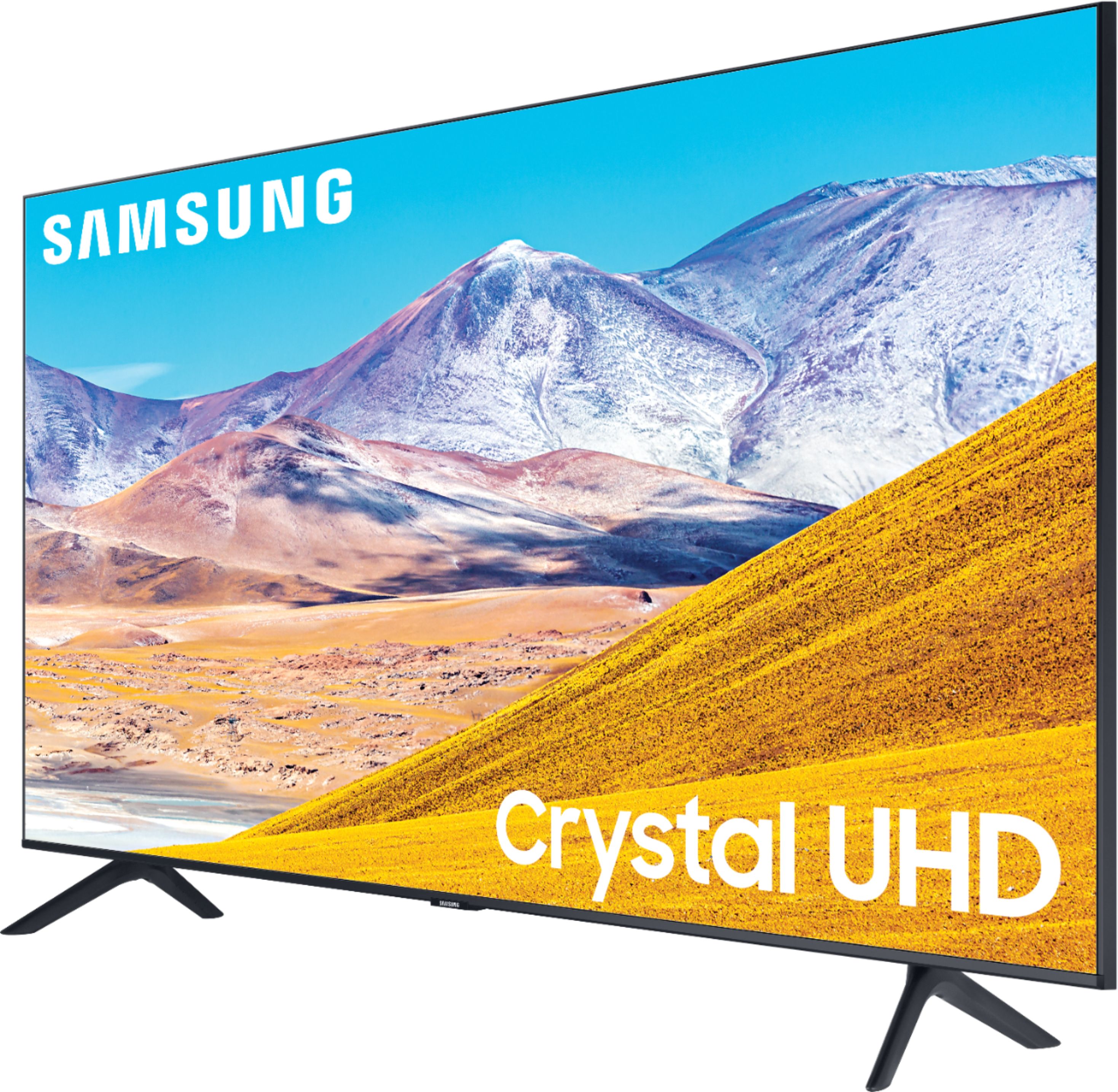
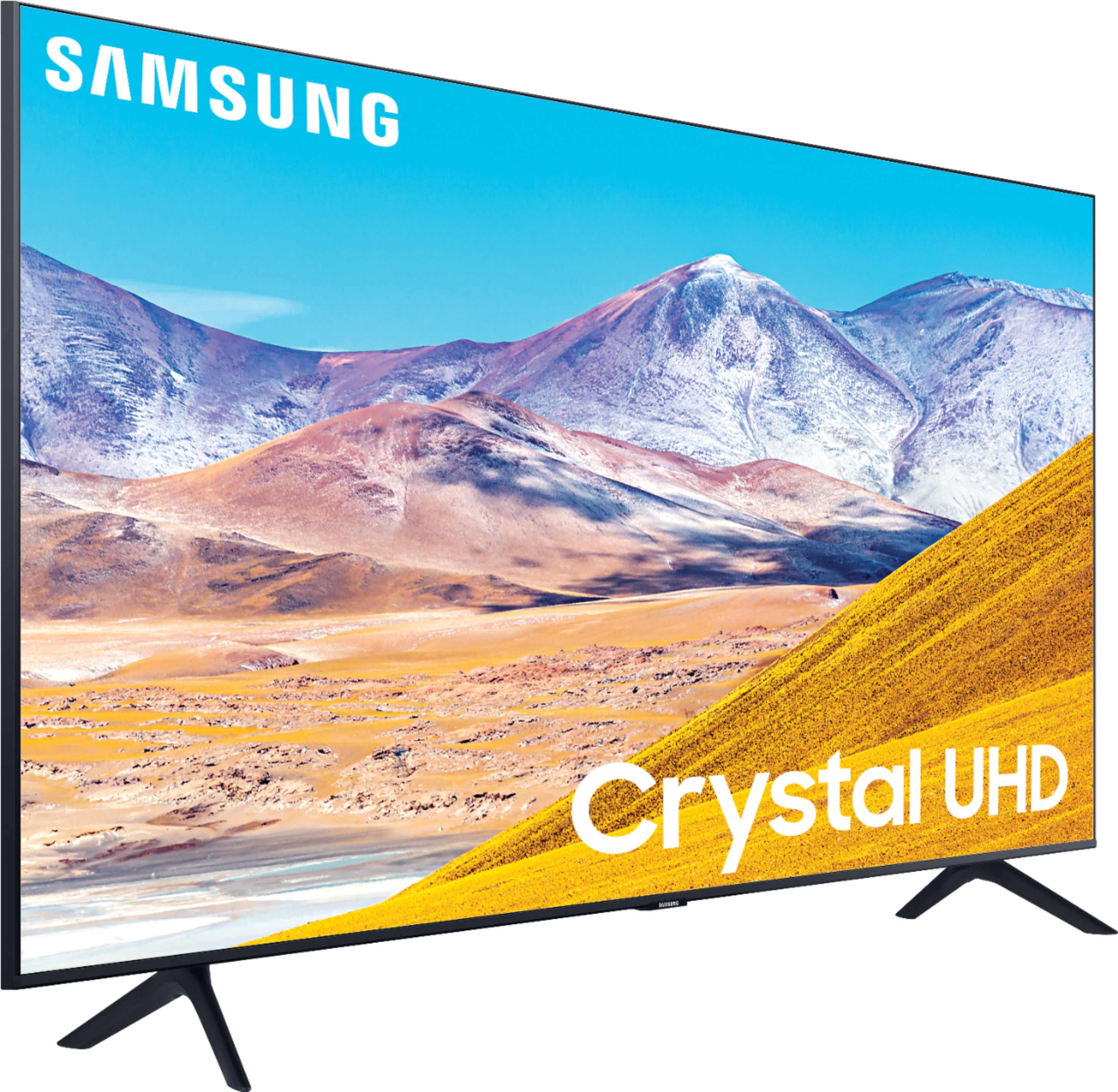
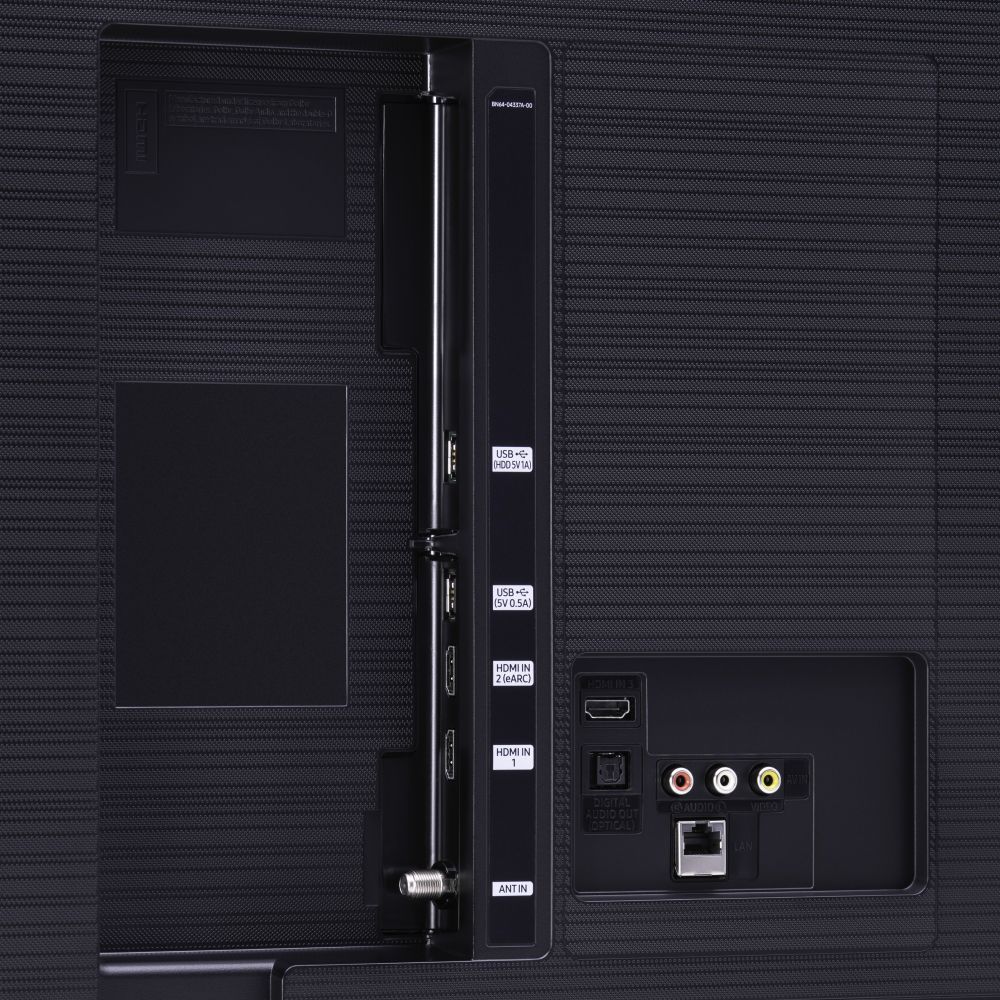








- Model:
- UN65TU8000FXZA
- SKU:
- 6401718
Rating by feature
- Picture Quality
Rating 4.6 out of 5 stars
- Sound Quality
Rating 4.3 out of 5 stars
- Brightness
Rating 4.6 out of 5 stars
Customers are saying
Customers are pleased with the picture quality, easy setup, price, color, and size of the 65" Class 8 Series LED 4K UHD Smart Tizen TV. They appreciate the amazing clarity of the picture, the great sound quality, and the simplicity of setting up the TV. The TV is also seen as a great value for its price. However, some customers have expressed concerns about the remote control, connectivity issues, refresh rate, and limited number of HDMI ports.
This summary was generated by AI based on customer reviews.
Not of good quality
||Posted . Owned for 1 year when reviewed.This reviewer received promo considerations or sweepstakes entry for writing a review.Picture is not that great. Overall it’s an ok television. Screen is ok
No, I would not recommend this to a friendTV
||Posted . Owned for 1 month when reviewed.This reviewer received promo considerations or sweepstakes entry for writing a review.Purchased the television for Christmas so have only used it for a couple of weeks
I would recommend this to a friendBrand response from Samsung
Posted .Rick:
Thank you for purchasing the Samsung TU8000 TV. Your new TV is engineered with a fast and powerful processor, able to accurately upscale content from all connected and streaming sources to stunning 4K resolution.
If you should ever have concerns or questions regarding setup, function, features, or settings, please know that Samsung Customer Support is here to help.
1) Phone: 1-800-SAMSUNG (ask for TVs), available 8AM – 12AM EST 7 days a week
2) LiveChat: https://www.samsung.com/us/support/#contact_us_for_support
3) Facebook Messenger: https://www.facebook.com/samsungsupport
4) Twitter: https://twitter.com/SamsungSupport
5) The Samsung Members Community is also a great resource for getting help from Samsung moderators and customers: https://us.community.samsung.com
If you have not already done so, we invite you to register your new Samsung product at: https://www.samsung.com/us/account/signin/?redirect=https%3A%2F%2Fwww.samsung.com%2Fus%2Fsupport%2Fregister%2F
Registering your product gives you access to easy warranty support, convenient opt-in to special promos and offers, faster troubleshooting and service, and quick notification of system updates.
~ Samsung Solutions
Bad color
||Posted .This reviewer received promo considerations or sweepstakes entry for writing a review.Watching normal TV it has halfway decent colors. But when you watch through the app of Apple TV it is so dark that you can’t see the picture. I was told that is just the way it is. This shouldn’t be.
No, I would not recommend this to a friendUnhappy customer
||Posted . Owned for 3 weeks when reviewed.This reviewer received promo considerations or sweepstakes entry for writing a review.The tv still has glitches and we have to use two remotes. Headphones that were hooked up don't work. We have called so maybe they will come back out. We have bought several tv's and other things at Best Buy and this may be the last. We spent over 2k on this tv and extras and we are not satisfied.
No, I would not recommend this to a friendnot like the tv.
||Posted . Owned for 1 month when reviewed.This reviewer received promo considerations or sweepstakes entry for writing a review.not the quality I was expecting from samsumg tv and this 8 class.
No, I would not recommend this to a friendtablet
||Posted . Owned for 1 year when reviewed.This reviewer received promo considerations or sweepstakes entry for writing a review.camera quit working within 6 months tablet other wise is good
No, I would not recommend this to a friendBad remote response
||Posted . Owned for 1 month when reviewed.This reviewer received promo considerations or sweepstakes entry for writing a review.Response time from remote is bad. It gets very frustrating.
No, I would not recommend this to a friendPoor quality
||Posted . Owned for 3 weeks when reviewed.This reviewer received promo considerations or sweepstakes entry for writing a review.Not good production quality compared to my old samsung 7series 55".
No, I would not recommend this to a friendBrand response from Samsung
Posted .Susky:
Thank you for sharing your user experience with your Samsung TU8000 TV. I am sorry to hear that you are not completely happy with your new TV. Your feedback is important to us and will be shared with our teams.
Samsung Customer Support is available to answer any questions you may have or provide assistance with setup, features, settings, or usage.
1) Phone: 1-800-SAMSUNG (ask for TVs), available 8AM – 12AM EST 7 days a week
2) LiveChat: https://www.samsung.com/us/support/#contact_us_for_support
3) Facebook Messenger: https://www.facebook.com/samsungsupport
4) Twitter: https://twitter.com/SamsungSupport
5) The Samsung Members Community is also a great resource for getting help from Samsung moderators and customers: https://us.community.samsung.com
If you have not already done so, we invite you to register your new Samsung product at: https://www.samsung.com/us/account/signin/?redirect=https%3A%2F%2Fwww.samsung.com%2Fus%2Fsupport%2Fregister%2F
Registering your product gives you access to easy warranty support, convenient opt-in to special promos and offers, faster troubleshooting and service, and quick notification of system updates.
~ Samsung Solutions
My company's application is not available
||Posted .This reviewer received promo considerations or sweepstakes entry for writing a review.Today, I purchased Samsung - 65" Class - 8 Series - 4K UHD TV - Smart - LED - with HDR, Model: UN65TU8000FXZA. But I cannot find my company's application named Digiturk Play on my new Samsung Smart TV. It should be available for all Samsung Smart TVs made after 2015. This is what we tell our customers and lots of our customers are currently using the application. I called Samsung Customer Service and got a weird answer for my problem! Since my TV is 2020 model, most of the applications are not available yet for my TV, they will be available soon... (He doesn't know how soon) That was a stupid answer, the older TVs have the application but newer models don't, that means they are in the market even they are not ready to use. If it is right what the agent said, it should be mentioned before I bought it. Now, I'll return it for sure.
No, I would not recommend this to a friendBrand response from Samsung
Posted .Ozzy,
Thank you for sharing your thoughts with us.
The DIgiturk Play is an international app, and is distributed globally.
Our US operation has no control of the apps that are launched out of other parts of the world.
Our App Partners are responisble to submit their apps and have them pass certification before being available to the public.
We thus suggest you check internally in your company about the availability of this app.
Should you ever need assistance or have questions about using your TU8000 TV, please know we are here to help. You can reach Samsung Support via:
1) Phone: 1-800-SAMSUNG (Ask for TVs)
Available 8AM – 12AM EST 7 Days A Week
2) LiveChat: https://www.samsung.com/us/support/#contact_us_for_support
3) Facebook Messenger: https://www.facebook.com/samsungsupport
4) Twitter: https://twitter.com/SamsungSupport
5) The Samsung Members Community is also a great resource for getting help from Samsung moderators and customers: https://us.community.samsung.com
If you have not already done so, we invite you to register your new Samsung product at: https://www.samsung.com/us/account/signin/?redirect=https%3A%2F%2Fwww.samsung.com%2Fus%2Fsupport%2Fregister%2F
Registering your product gives you access to easy warranty support, convenient opt-in to special promos and offers, faster troubleshooting and service, and quick notification of system updates.
-Samsung Ambassador
Dead in Less Than 24 Hours
||Posted . Owned for 2 weeks when reviewed.This reviewer received promo considerations or sweepstakes entry for writing a review.Disappointed. TV died—pretty much so—in less than 24 hours. Glow on screen an some audio sounds. Returned to store for a refund. Post-mortem research on Google revealed that my problem was not unique; a number of other purchasers had experienced the same problem and received no help from Samsung.
No, I would not recommend this to a friendBrand response from Samsung
Posted .UnhappyNC,
I am very sorry to see that your TU8000 TV had died.
Please accept our apology for your disappointment.
Should you ever decide to give Samsung TVs another try and have questions or need assistance with settings, setup, or features, please know we are always here to help.
You can contact our Customer Support toll-free at 1-800-SAMSUNG (ask for TVs) Available 8AM – 12PM EST, 7 days a week
Simply copy-paste this link into your browser to LiveChat with us: https://www.samsung.com/us/support/#contact_us_for_support
We are likewise reachable by Facebook Messenger at: https://www.facebook.com/samsungsupport
Or find us on Twitter at https://twitter.com/SamsungSupport
Again, my sincerest apologies. We hope to regain you as a customer in the future.
-Samsung Ambassador
Poor picture quality
||Posted . Owned for 1 month when reviewed.This reviewer received promo considerations or sweepstakes entry for writing a review.Disappointed in the picture clarity. Not what I expected.
No, I would not recommend this to a friendnot connected yet
||Posted .This reviewer received promo considerations or sweepstakes entry for writing a review.not connected yet to direct tv which will take a few more days
No, I would not recommend this to a friendNot great
||Posted . Owned for 3 weeks when reviewed.This reviewer received promo considerations or sweepstakes entry for writing a review.Unfortunately we went through 2 defective units. The first one sounded like a dryer alarm when switching apps or loading. The second one had extremely glitchy graphics and the screen looked like it was about to short circuit and die. Wouldn't recommend this TV.
No, I would not recommend this to a friendAvoid or buy the warranty!
||Posted . Owned for 9 months when reviewed.This reviewer received promo considerations or sweepstakes entry for writing a review.I purchased this TV on 1/15/21 and it was nice until the panel is already failing. Started with screen jitters, characters on tv looked like they were lagging/skipping across the screen. Then the dark patches developed all over the panel. This was not screen burn from images left on there, I have a screen saver on my Cable box and in the TV. The screen has dark patches developing all over the screen very visible on lighter TV images. Right now there are five on the screen about 6-7" round. Glad it happened before the Samsung warranty ran out(12 Months) or else I would of been screwed! This is common on Samsung panels too. Avoid or get the Geek squad warranty.
No, I would not recommend this to a friendJust OK
||Posted .This reviewer received promo considerations or sweepstakes entry for writing a review.Picture jumps and is dark even after adjusting the settings.
No, I would not recommend this to a friendBrand response from Samsung
Posted .Tvisok,
I am sorry to hear that you are not happy with the brightness of your TU8000 TV.
You can try Dynamic Picture Mode, or manually adjust the Brightness settings to your liking.
Go to Home> Settings> Picture> Expert Settings> Brightness
We also recommend you check if Power Saving Mode has been enabled.
Go to Settings> General> Eco Solution> Power Saving Mode.
You can change Auto Motion Plus settings to minilize picture jumps.
1) With the TV powered on, press the Home button on the Samsung remote to open the Home screen
2) Then select Settings > Picture > Expert Settings > Picture Clarity Settings
3) Then you will see the following three options:
a) Off: Picture Clarity Settings will always be off
b) Auto: Picture Clarity Settings will automatically activate and deactivate based on the type of program being watched
c) Custom: Allows custom adjustments and settings to be used
4) By selecting the Custom option, you can access these advanced settings:
a) Judder Reduction: Use the directional keys on the remote to adjust the Judder setting
b) LED Clear Motion: Select to turn on/Off/Auto
c) Noise Reduction: Select to turn Auto/Off
I hope the above tips helps to solve your issue.
For further assistance, please contact Samsung TV Support at:
1) Phone: 1-800-SAMSUNG (ask for TVs), available 8AM – 12AM EST 7 days a week
2) LiveChat: https://www.samsung.com/us/support/#contact_us_for_support
3) Facebook Messenger: https://www.facebook.com/samsungsupport
4) Twitter: https://twitter.com/SamsungSupport
5) The Samsung Members Community is also a great resource for getting help from Samsung moderators and customers: https://us.community.samsung.com
If you have not already done so, we invite you to register your new Samsung product at:
https://www.samsung.com/us/account/signin/?redirect=https%3A%2F%2Fwww.samsung.com%2Fus%2Fsupport%2Fregister%2F&user=dsr-registration
Registering your product gives you access to easy warranty support, convenient opt-in to special promos and offers, faster troubleshooting and service, and quick notification of system updates.
Again, thank you for taking the time to share your thoughts. Your feedback helps us continuously deliver best-in-class products and service.
-Samsung Ambassador
Don't like
||Posted . Owned for 1 week when reviewed.This reviewer received promo considerations or sweepstakes entry for writing a review.Screen resolution is not as good as other Samsung TVs.
No, I would not recommend this to a friendBrand response from Samsung
Posted .UTran:
Thank you for purchasing the Samsung TU8000 4K Smart TV and for your review. I am sorry to hear that you are not completely happy with your TV’s picture. There are several image settings you can adjust to your liking such as Picture Mode and Expert Settings.
Choose a Picture Mode by going to Settings > Picture > Picture Mode and choose from Dynamic, Standard, Natural, Movie, or Filmmaker Mode.
You can further adjust your sharpness, brightness, contrast, color, tint, contrast, white balance, and more by going to Settings > Picture > Expert Settings
For optimal motion image performance, you may want to adjust the picture clarity setting by going to: Settings > Picture > Expert Settings > Picture Clarity Settings
Please give us the opportunity to assist you with image quality adjustments tailored to your preferred viewing experience. You can reach us via any of the following options:
1) Phone: 1-800-SAMSUNG (ask for TVs), available 8AM – 12AM EST 7 days a week
2) LiveChat: https://www.samsung.com/us/support/#contact_us_for_support
3) Facebook Messenger: https://www.facebook.com/samsungsupport
4) Twitter: https://twitter.com/SamsungSupport
5) The Samsung Members Community is also a great resource for getting help from Samsung moderators and customers: https://us.community.samsung.com
If you have not already done so, we invite you to register your new Samsung product at: https://www.samsung.com/us/account/signin/?redirect=https%3A%2F%2Fwww.samsung.com%2Fus%2Fsupport%2Fregister%2F
Registering your product gives you access to easy warranty support, convenient opt-in to special promos and offers, faster troubleshooting and service, and quick notification of system updates.
~ Samsung Solutions
Light bleeds
||Posted . Owned for less than 1 week when reviewed.This reviewer received promo considerations or sweepstakes entry for writing a review.I noticed white spots on the screen when screen is black, especially a large spot on the bottom right corner, also when the screen is white, i see dirty spots on around the frame, as it is not even white color on the tv..this might be the cause of the direct light the TV has
No, I would not recommend this to a friendBrand response from Samsung
Posted .Ggcc,
I am very sorry to hear that you are seeing excessive lightbleed. This does not sound normal at all.
Please do reach out to us again so that we can better assist towards a solution. Our customer support team might ask for photos to better understand the bleed issue.
You can contact Samsung TV Support at:
1) Phone: 1-800-SAMSUNG (ask for TVs), available 8AM – 12AM EST 7 days a week
2) LiveChat: https://www.samsung.com/us/support/#contact_us_for_support
3) Facebook Messenger: https://www.facebook.com/samsungsupport
4) Twitter: https://twitter.com/SamsungSupport
5) The Samsung Members Community is also a great resource for getting help from Samsung moderators and customers: https://us.community.samsung.com
If you have not already done so, we invite you to register your new Samsung product at: https://www.samsung.com/us/account/signin/?redirect=https%3A%2F%2Fwww.samsung.com%2Fus%2Fsupport%2Fregister%2F
Registering your product gives you access to easy warranty support, convenient opt-in to special promos and offers, faster troubleshooting and service, and quick notification of system updates.
Again, I apologize for the disappointment. We look forward to hearing from you and making this right.
-Samsung Ambassador
It looks nice
||Posted . Owned for 1 month when reviewed.This reviewer received promo considerations or sweepstakes entry for writing a review.It looks nice but not installed properly by Geek Squad
No, I would not recommend this to a friendBrand response from Samsung
Posted .Home,
I am very sorry to see that you had issues with the installation of your TU8000 TV.
We recommend you to share your concerns and feedback directly with Best Buy.
Should you ever need assistance or have questions about using the TV, please know we are here to help. You can reach Samsung Support via:
1) Phone: 1-800-SAMSUNG (ask for TVs), available 8AM – 12AM EST 7 days a week
2) LiveChat: https://www.samsung.com/us/support/#contact_us_for_support
3) Facebook Messenger: https://www.facebook.com/samsungsupport
4) Twitter: https://twitter.com/SamsungSupport
If you have not already done so, we invite you to register your new Samsung product at:
https://www.samsung.com/us/account/signin/?redirect=https%3A%2F%2Fwww.samsung.com%2Fus%2Fsupport%2Fregister%2F&user=dsr-registration
Registering your product gives you access to easy warranty support, convenient opt-in to special promos and offers, faster troubleshooting and service, and quick notification of system updates.
Thanks for having purchased a Samsung TV. We hope your seller will assist you in a timely manner.
-Samsung Ambassador
Nope
||Posted . Owned for 1 month when reviewed.This reviewer received promo considerations or sweepstakes entry for writing a review.Blurry. Pixel rate is disappointing. But watchable
No, I would not recommend this to a friendBrand response from Samsung
Posted .Leavemealone:
Thank you for purchasing the Samsung TU8000 4K Smart TV and for your review. There are several image settings you can adjust to your liking such as Picture Mode and Expert Settings.
Choose a Picture Mode by going to Settings > Picture > Picture Mode and choose from Dynamic, Standard, Natural, Movie, or Filmmaker Mode.
You can further adjust your sharpness, brightness, contrast, color, and more by going to Settings > Picture > Expert Settings
For further information regarding Image Settings, please see this article:
https://www.samsung.com/us/support/answer/ANS00079295/
Should you need further assistance with settings, features, or functions, please contact Samsung Customer Support.
1) Phone: 1-800-SAMSUNG (ask for TVs), available 8AM – 12AM EST 7 days a week
2) LiveChat: https://www.samsung.com/us/support/#contact_us_for_support
3) Facebook Messenger: https://www.facebook.com/samsungsupport
4) Twitter: https://twitter.com/SamsungSupport
5) The Samsung Members Community is also a great resource for getting help from Samsung moderators and customers: https://us.community.samsung.com
If you have not already done so, we invite you to register your new Samsung product at: https://www.samsung.com/us/account/signin/?redirect=https%3A%2F%2Fwww.samsung.com%2Fus%2Fsupport%2Fregister%2F
Registering your product gives you access to easy warranty support, convenient opt-in to special promos and offers, faster troubleshooting and service, and quick notification of system updates.
~ Samsung Solutions
It's an ok tv
||Posted . Owned for 2 months when reviewed.This reviewer received promo considerations or sweepstakes entry for writing a review.Not the best 4k picture. Colors are just not there.
No, I would not recommend this to a friendBrand response from Samsung
Posted .Alvonse,
Our 2020 TU8000 Series features Crystal UHD processor, 4K AI upscaling, HDR, Game Enhancer and more, all designed to give you the best in dazzling, crystal-clear images and rich digital experience.
There are several settings you can adjust to your liking and bring out the color, such as Picture Mode and Expert Settings. Please see this guide for complete details:
https://www.samsung.com/us/support/answer/ANS00079295/
Please also give us the opportunity to assist you with image quality adjustments tailored to your preferred viewing experience. You can reach us via any of the following options:
1) Phone: 1-800-SAMSUNG (ask for TVs), available 8AM – 12AM EST 7 days a week
2) LiveChat: https://www.samsung.com/us/support/#contact_us_for_support
3) Facebook Messenger: https://www.facebook.com/samsungsupport
4) Twitter: https://twitter.com/SamsungSupport
5) The Samsung Members Community is also a great resource for getting help from Samsung moderators and customers: https://us.community.samsung.com
If you have not already done so, we invite you to register your new Samsung product at:
https://www.samsung.com/us/account/signin/?redirect=https%3A%2F%2Fwww.samsung.com%2Fus%2Fsupport%2Fregister%2F&user=dsr-registration
Registering your product gives you access to easy warranty support, convenient opt-in to special promos and offers, faster troubleshooting and service, and quick notification of system updates.
-Samsung Ambassador